
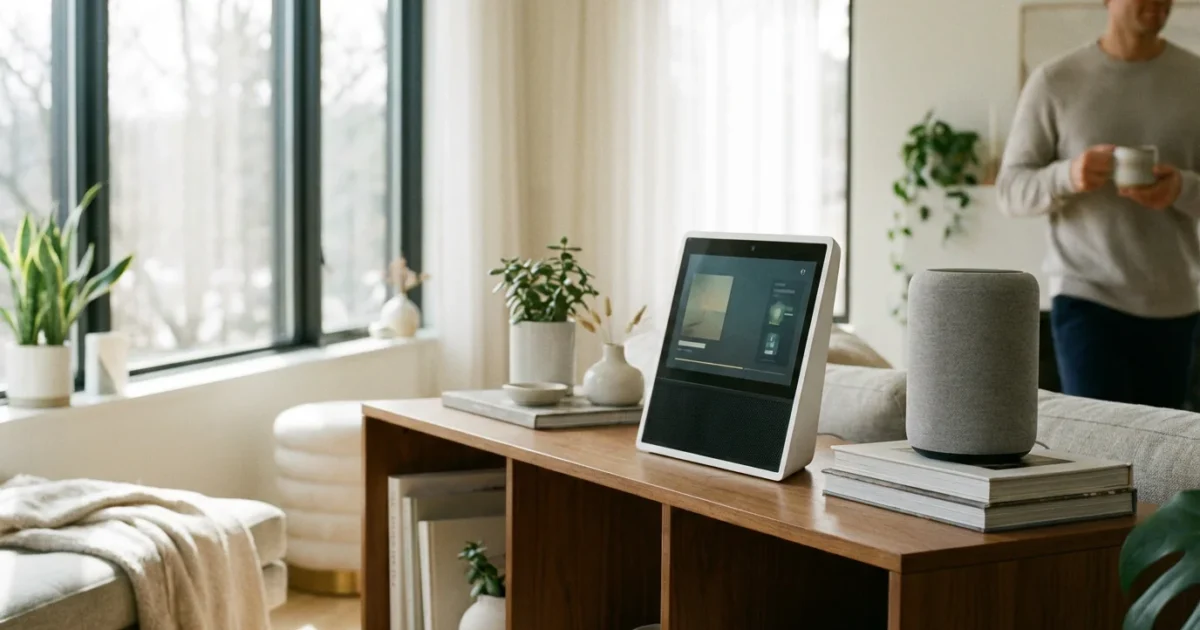
Deciding on the right smart home hub involves understanding your needs. Modern smart homes offer incredible convenience, security, and efficiency, but choosing the foundational voice-controlled device often presents a common dilemma: should you invest in a smart display or a smart speaker? Both options bring the power of voice assistants like Amazon Alexa, Google Assistant, and Apple Siri into your home, letting you control devices, stream media, and get information with simple commands. However, their core functionalities and user experiences differ significantly.
This guide helps you navigate the features and benefits of each, ensuring you make an informed decision for your living space. We will explore what sets smart displays apart from smart speakers, discuss their unique advantages, and provide actionable insights to help you choose the best fit for your smart home aspirations.

Understanding Smart Speakers: Your Audio Hub
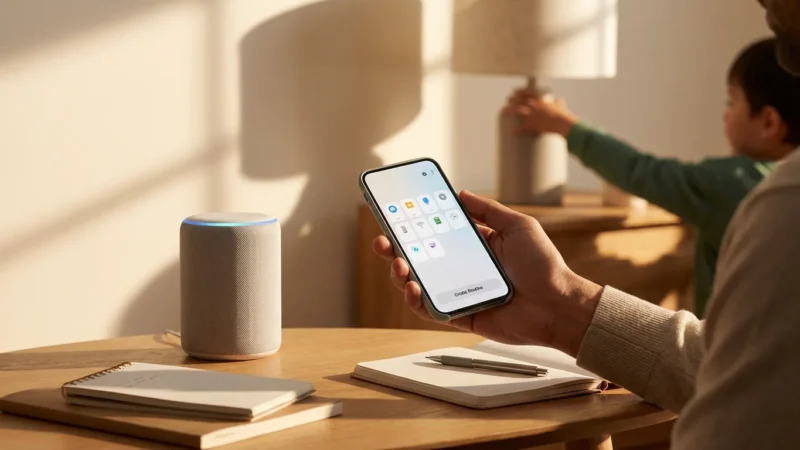
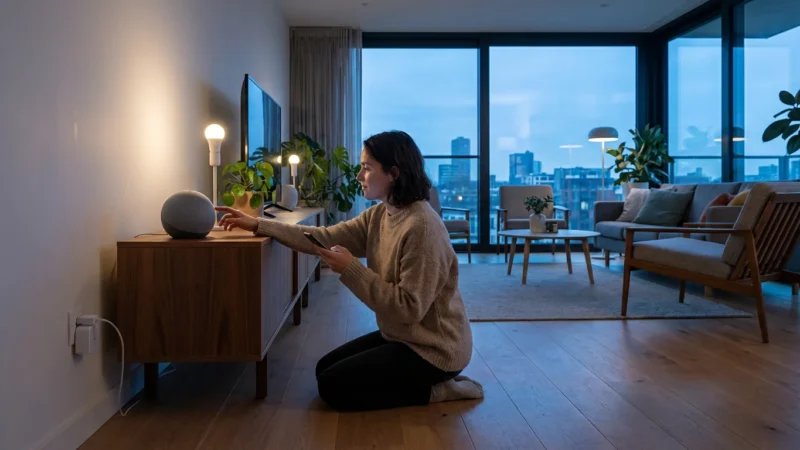
Smart speakers serve as the entry point for many into the smart home ecosystem. These devices primarily rely on audio input and output, functioning much like an intelligent radio or a sophisticated intercom system. They integrate a powerful voice assistant, allowing you to control your smart devices, play music, listen to podcasts, set timers, and ask questions, all without lifting a finger.
To find the perfect model for your needs, check out our guide on the best smart speakers for every room.
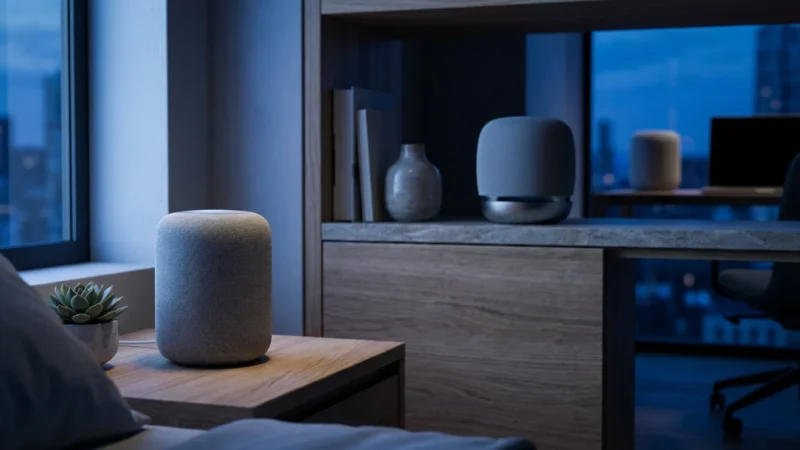
Their design emphasizes discretion and audio quality. Many smart speakers blend seamlessly into your decor, often resembling small cylinders or spheres. They deliver rich, room-filling sound, making them excellent choices for music lovers or those who prefer an unobtrusive device.
Consider a smart speaker if you prioritize clear audio and seamless voice interaction. They excel in environments where you want background music, quick answers, or effortless control over your connected lights and thermostats. You can easily broadcast messages to other speakers in your home, creating a convenient internal communication system.
The best smart home is the one you don’t have to manage; it simply anticipates your needs.
Key Benefits of Smart Speakers
- Discreet Design: They fit almost anywhere without drawing attention.
- Audio Quality: Many models offer impressive sound for music and podcasts.
- Cost-Effective: Generally more affordable than smart displays, making them an excellent starting point.
- Privacy Focus: Lacking cameras, some users feel more comfortable placing them in private spaces.
- Portability: Smaller models are easy to move between rooms or even take with you.

Exploring Smart Displays: The Visual Smart Home Command Center
Smart displays take the core functionality of a smart speaker and add a crucial element: a screen. This visual interface transforms the user experience, offering far more than just audio feedback. You gain a powerful visual hub for managing your smart home, viewing information, making video calls, and enjoying visual entertainment.
Imagine asking for a recipe and seeing the steps displayed on screen, or checking who is at your front door through a live camera feed. Smart displays make these interactions possible. They become central command centers, providing at-a-glance information and intuitive touch controls alongside voice commands. These devices are particularly useful in high-traffic areas like kitchens or living rooms, where visual information enhances daily tasks.
Many smart displays also include cameras, enabling video calls to friends and family or acting as a security monitor. The screen significantly enhances tasks like managing your calendar, viewing weather forecasts, or streaming video content. This visual feedback elevates the smart home experience from purely auditory to a more interactive and comprehensive one.
Key Benefits of Smart Displays
- Visual Feedback: See weather, recipes, news, and more.
- Video Communication: Make and receive video calls.
- Smart Home Dashboard: Visually control lights, thermostats, and view security camera feeds.
- Entertainment Hub: Stream videos, movies, and TV shows.
- Interactive Experience: Use touch controls in addition to voice commands.
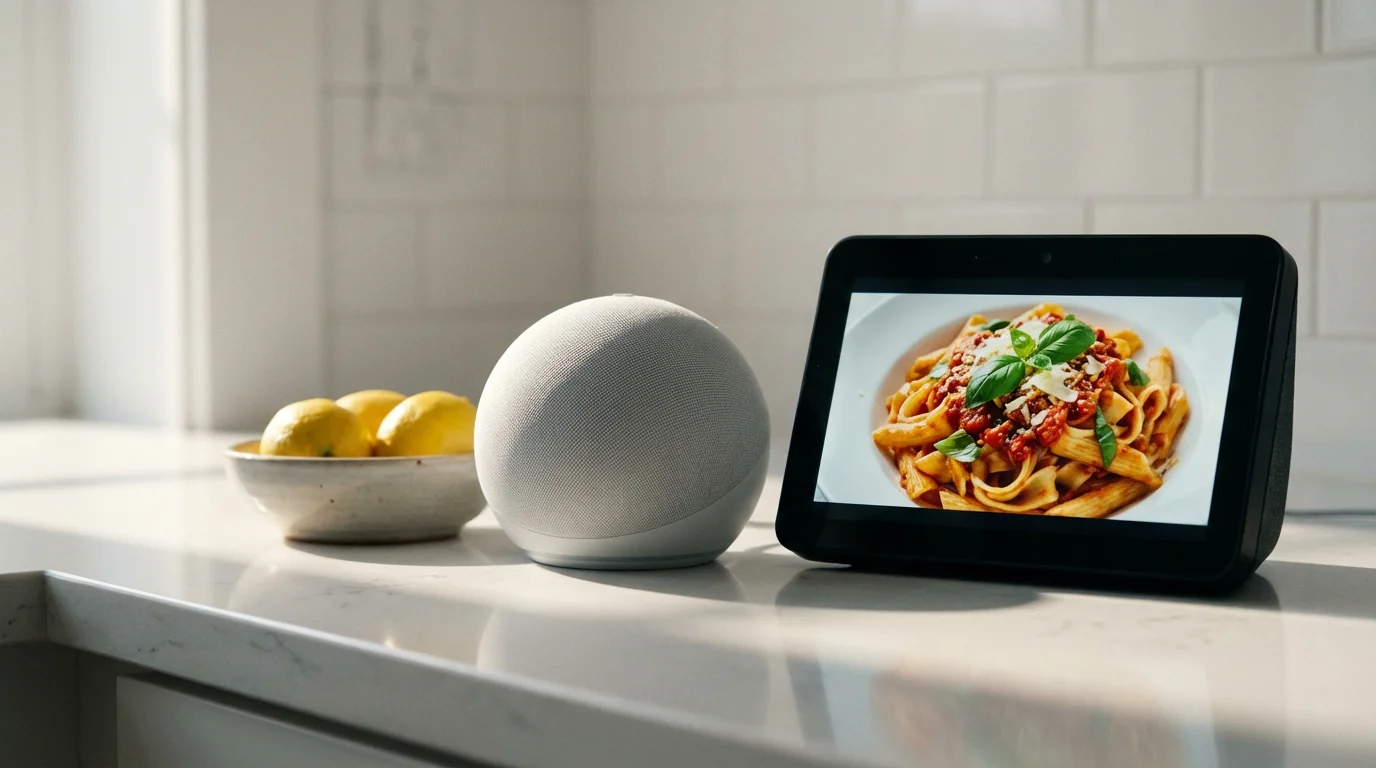
Core Differences: Audio vs. Visual Interactions
The fundamental distinction between smart displays and smart speakers lies in their interaction methods. Smart speakers operate purely through voice and audio. You speak a command, and the device responds verbally or performs an action, such as playing music. This reliance on sound makes them excellent for background functions or when you cannot look at a screen.
Smart displays, conversely, offer both voice and visual interaction. They show you information, stream video, and provide a graphical interface for managing your smart home devices. This visual element unlocks a new realm of possibilities, making complex tasks simpler and information more accessible. For instance, asking “show me my front door camera” on an Echo Show provides an immediate live feed, which a smart speaker cannot do.
Your choice often comes down to how you prefer to interact with technology and the specific tasks you want your device to perform. Do you primarily want background audio and quick voice commands, or do you desire a more interactive, visual hub for your home?
Key Comparison Points
- Information Delivery: Speakers provide audio summaries, displays offer visual details, maps, and images.
- Communication: Speakers facilitate audio calls and intercoms, displays add video calling capabilities.
- Entertainment: Speakers excel at music and podcasts, displays add video streaming (YouTube, Netflix, Hulu).
- Smart Home Control: Both offer voice control. Displays add a visual dashboard for managing multiple devices simultaneously.
- Setup & Configuration: Displays often simplify setup with on-screen prompts; speakers rely entirely on companion apps.
Smart Home Control: A Shared Strength, Different Approaches
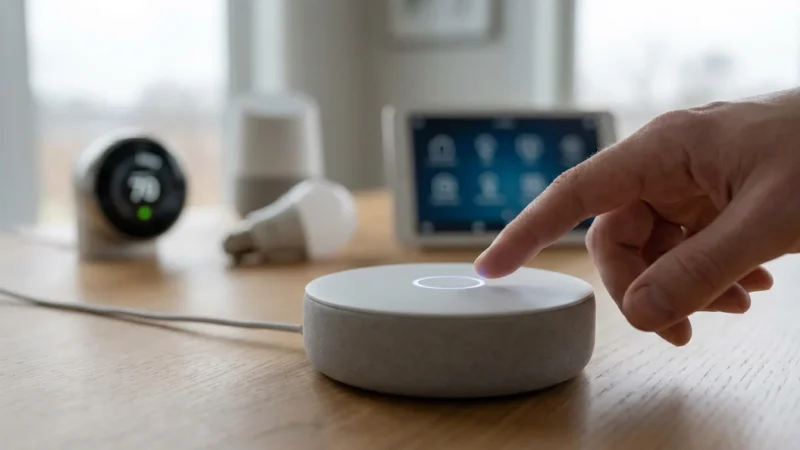
Both smart speakers and smart displays serve as central controllers for your connected home devices. They integrate with a vast array of smart products, including smart lights, thermostats, door locks, and security cameras. You can use your voice to turn lights on or off, adjust the temperature, lock doors, or arm your security system.
For example, you might say, “Alexa, turn on the living room lights,” or “Hey Google, set the thermostat to 72 degrees.” Both device types execute these commands seamlessly. This hands-free control provides immense convenience, especially when your hands are full or you are across the room.
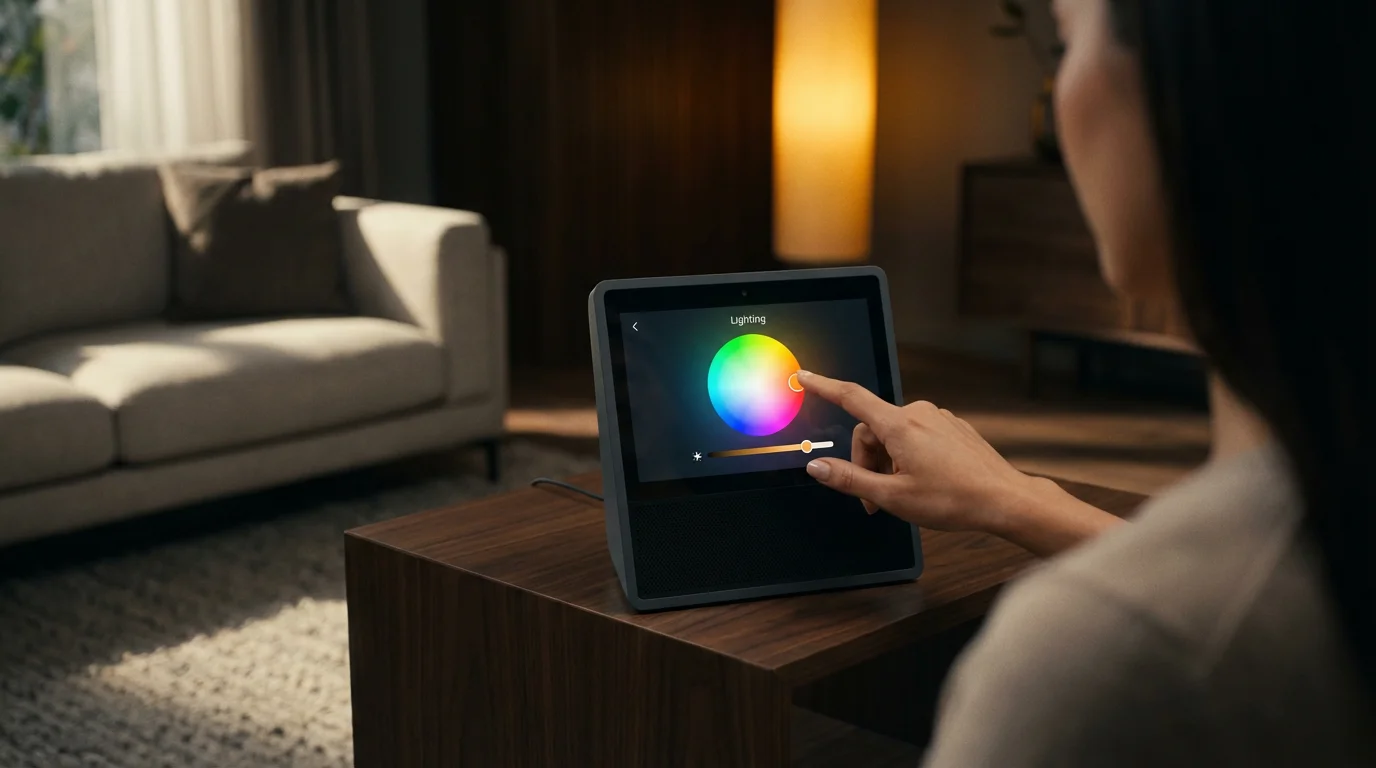
However, smart displays offer an enhanced level of control due to their screen. They present a visual dashboard where you can see the status of all your connected devices at a glance. You can tap to adjust settings, view live feeds from your smart cameras, or manage multi-device routines without voice commands. This visual interface makes managing a complex smart home much more intuitive for some users. According to a CNET Smart Home report, visual dashboards significantly improve user interaction with complex smart home systems.
Automating Your Home with Voice Assistants
You can create powerful routines and automations with either type of device. These allow multiple actions to trigger from a single command or schedule. Here are some examples:
- Good Morning Routine: “Hey Google, good morning” could turn on kitchen lights, start the coffee maker, and play your favorite news briefing.
- Movie Night Scene: “Alexa, movie night” could dim the living room lights, close smart blinds, and turn on the TV.
- Security Arming: “Siri, I’m leaving” could lock your smart doors, arm your security system, and turn off all lights.
- Welcome Home: Your smart display or speaker detects your return (via geofencing or specific sensors), unlocking the door and turning on hallway lights.
Entertainment and Communication: Beyond Basic Commands
Beyond smart home control, these devices elevate your entertainment and communication experiences. Smart speakers excel as dedicated audio devices. They stream music from popular services like Spotify, Apple Music, and Amazon Music, deliver podcasts, and provide audiobooks. Their focus on audio quality makes them excellent for enjoying sound throughout your home.
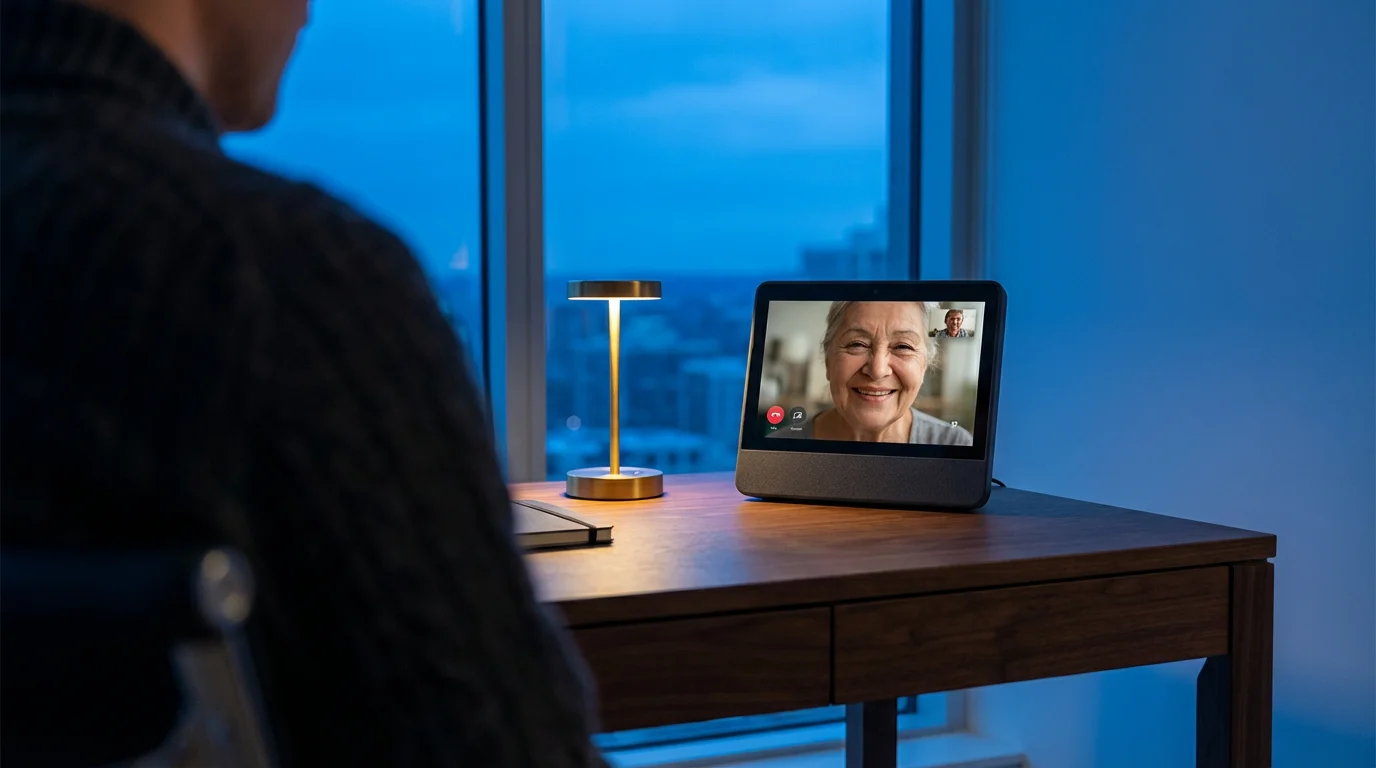
Smart displays expand these capabilities dramatically with their screens. You can stream video content from platforms such as YouTube, Netflix, and Prime Video. This transforms a kitchen counter or bedside table into a mini entertainment center. Additionally, smart displays facilitate video calls, allowing you to connect face-to-face with friends and family using services like Google Meet or Amazon Chime. This feature is particularly valuable for keeping in touch with distant relatives or for quick check-ins.
Both device types offer intercom features, letting you broadcast messages to other smart speakers or displays in your home. This proves incredibly useful for calling family members to dinner or for quick announcements across different rooms. The visual element of a smart display enhances communication further, providing visual cues during calls or displaying message alerts.
Key Communication and Entertainment Features
- Music & Audio: Both devices play music, podcasts, and audiobooks. Smart speakers often have superior audio hardware for this purpose.
- Video Streaming: Smart displays provide access to video services, transforming them into small televisions.
- Video Calls: Displays enable face-to-face communication, a feature unavailable on smart speakers.
- Audio Calls: Both can make voice calls to contacts or other compatible devices.
- Intercom & Announcements: Communicate across rooms easily with either device.
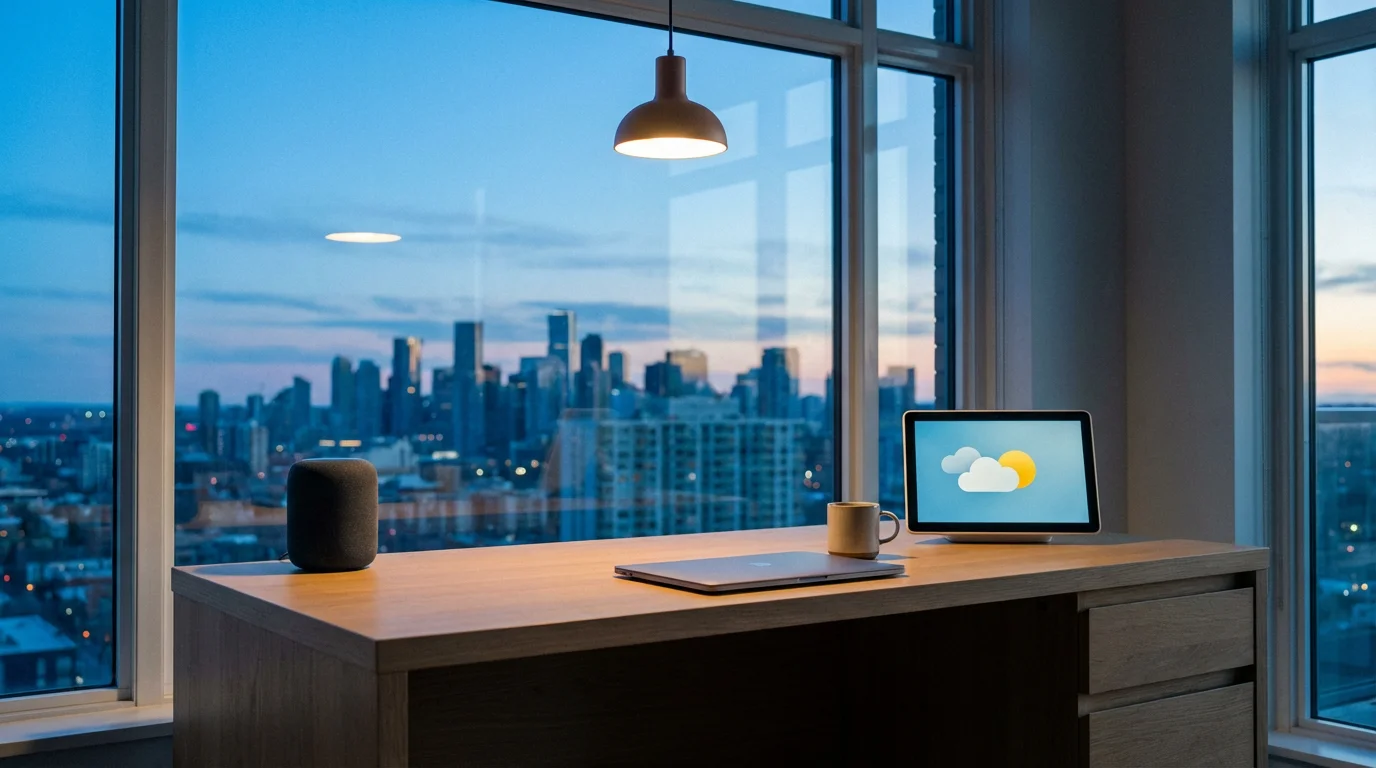
Voice Assistant Ecosystems: Alexa, Google Assistant, and Siri
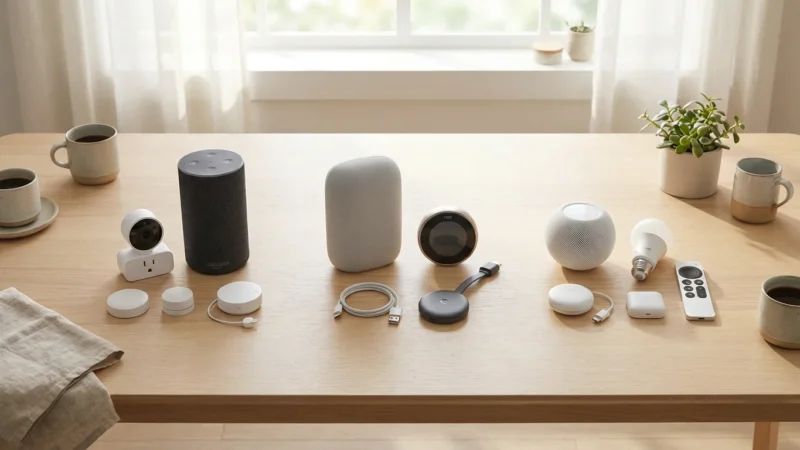
The choice between a smart display and a smart speaker often intertwines with your preferred voice assistant ecosystem. Amazon Alexa, Google Assistant, and Apple Siri each offer distinct experiences, device compatibility, and integration with third-party services. Understanding these differences helps you select the best platform for your smart home.
Amazon Alexa
Alexa powers Amazon’s Echo line of smart speakers and Echo Show smart displays. Alexa boasts the largest number of third-party integrations, offering extensive compatibility with various smart home devices and “Skills” (apps) that add functionality. Its ecosystem provides a wide range of devices, from basic smart speakers like the Echo Dot to sophisticated smart displays like the Echo Show 15.
Google Assistant
Google Assistant drives Google’s Nest speakers (formerly Google Home) and Nest Hub displays. Renowned for its strong conversational AI and deep integration with Google services like Calendar, Maps, and YouTube, Google Assistant provides accurate answers to complex questions. Its devices often feature excellent screen quality on the Nest Hub and robust audio on the Nest Audio.
Apple Siri
Siri powers Apple’s HomePod and HomePod Mini smart speakers. Apple focuses on privacy and seamless integration within the Apple ecosystem. If you primarily use Apple products, Siri offers convenient controls for HomeKit devices and personal requests. While Apple does not offer a smart display, you can use your iPad as a de facto HomeKit hub with visual controls.
Consider which ecosystem aligns best with your existing devices and digital services. If you own an Android phone and use Google services extensively, a Nest Hub might be a natural fit. Conversely, if you prefer Amazon’s services or already have many Alexa-compatible devices, an Echo device makes sense. Your smart home journey often starts with a voice assistant, so choose one that feels intuitive and provides the features you need.
Privacy and Security: Your Data, Your Choice
Integrating smart devices into your home raises important considerations regarding privacy and security. Both smart speakers and smart displays feature always-listening microphones. Smart displays add a camera to the equation. Understanding how these devices collect and use your data is crucial for maintaining peace of mind.
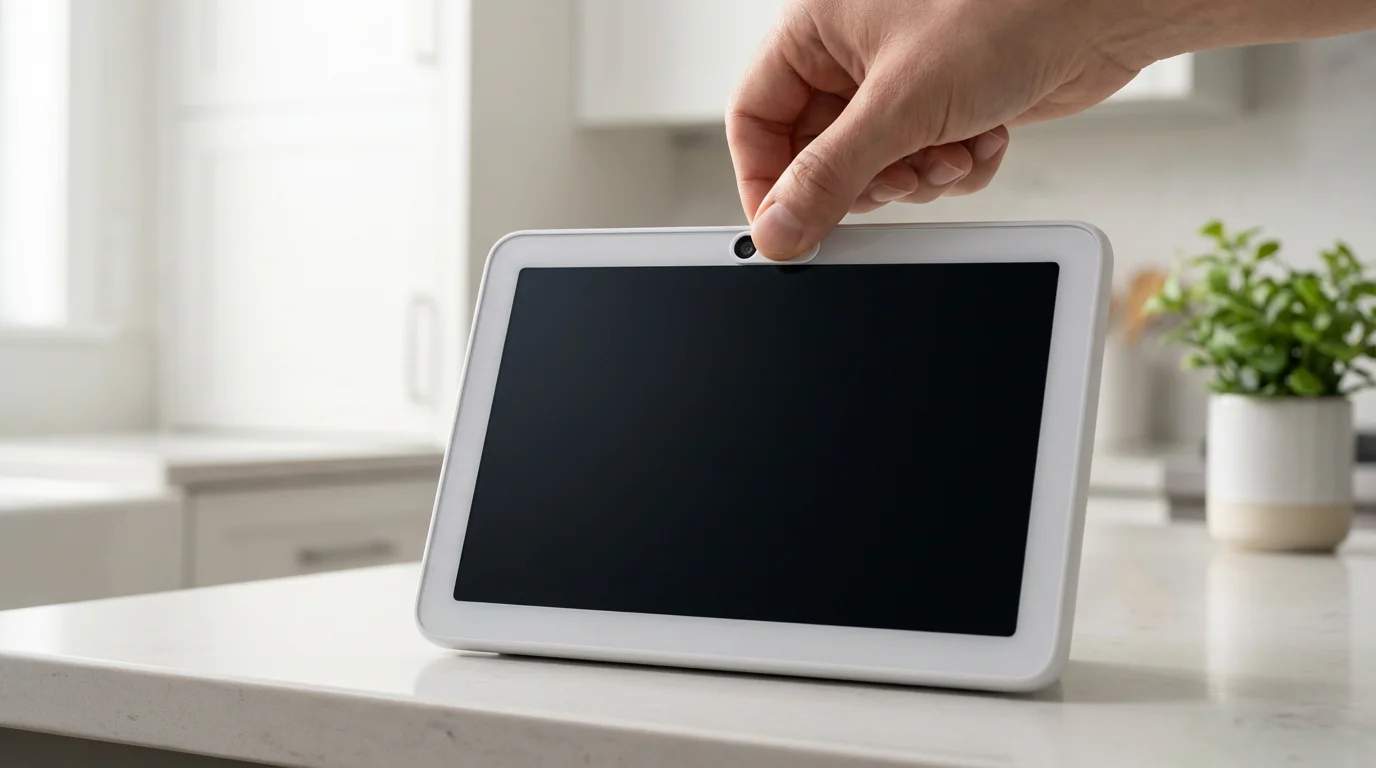
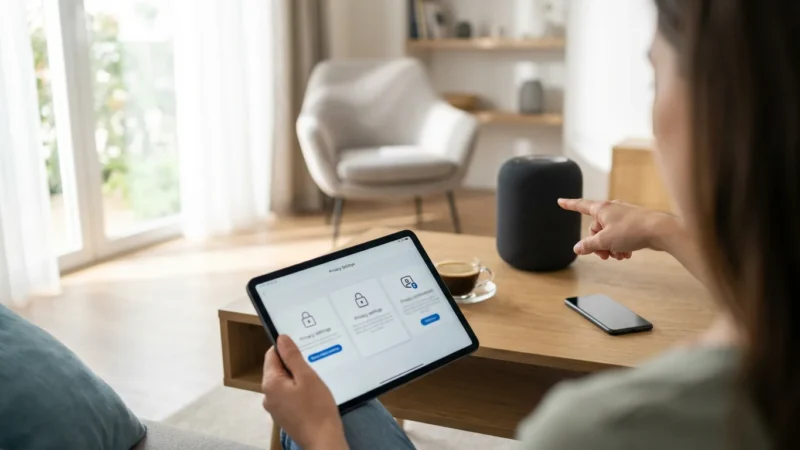
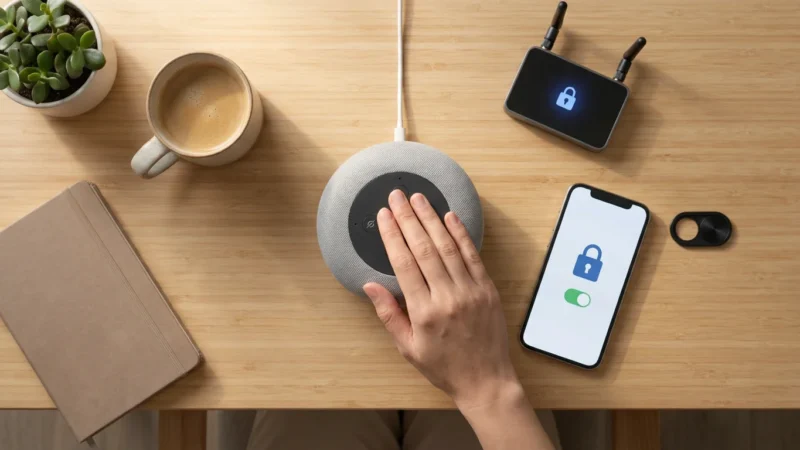
Manufacturers assert that these devices only activate full recording and data processing after detecting a “wake word” (e.g., “Alexa,” “Hey Google”). However, accidental activations can occur. You can review and delete voice recordings through the respective companion apps (Amazon Alexa app, Google Home app). Most devices also offer physical mute buttons for microphones, and smart displays typically include a camera shutter for added privacy.
To enhance your privacy and security, follow these actionable steps:
- Review Privacy Settings: Regularly check your Amazon, Google, or Apple accounts for privacy settings related to voice recordings and data usage. Adjust these to your comfort level.
- Use Mute Buttons: Engage the microphone mute button when you do not actively use the device. For smart displays, use the camera shutter.
- Strong Wi-Fi Security: Ensure your home Wi-Fi network uses a strong password and WPA2/WPA3 encryption to protect all connected devices.
- Regular Updates: Keep your smart devices’ firmware updated. Manufacturers release updates to patch security vulnerabilities.
- Consider Placement: Think carefully about where you place devices, especially those with cameras. Avoid placing smart displays in bedrooms or other highly private areas if you have privacy concerns.
Organizations like Consumer Reports frequently publish guides and evaluations on smart home privacy, providing valuable insights for consumers. Educating yourself on these practices empowers you to make informed decisions about your smart home’s security posture.
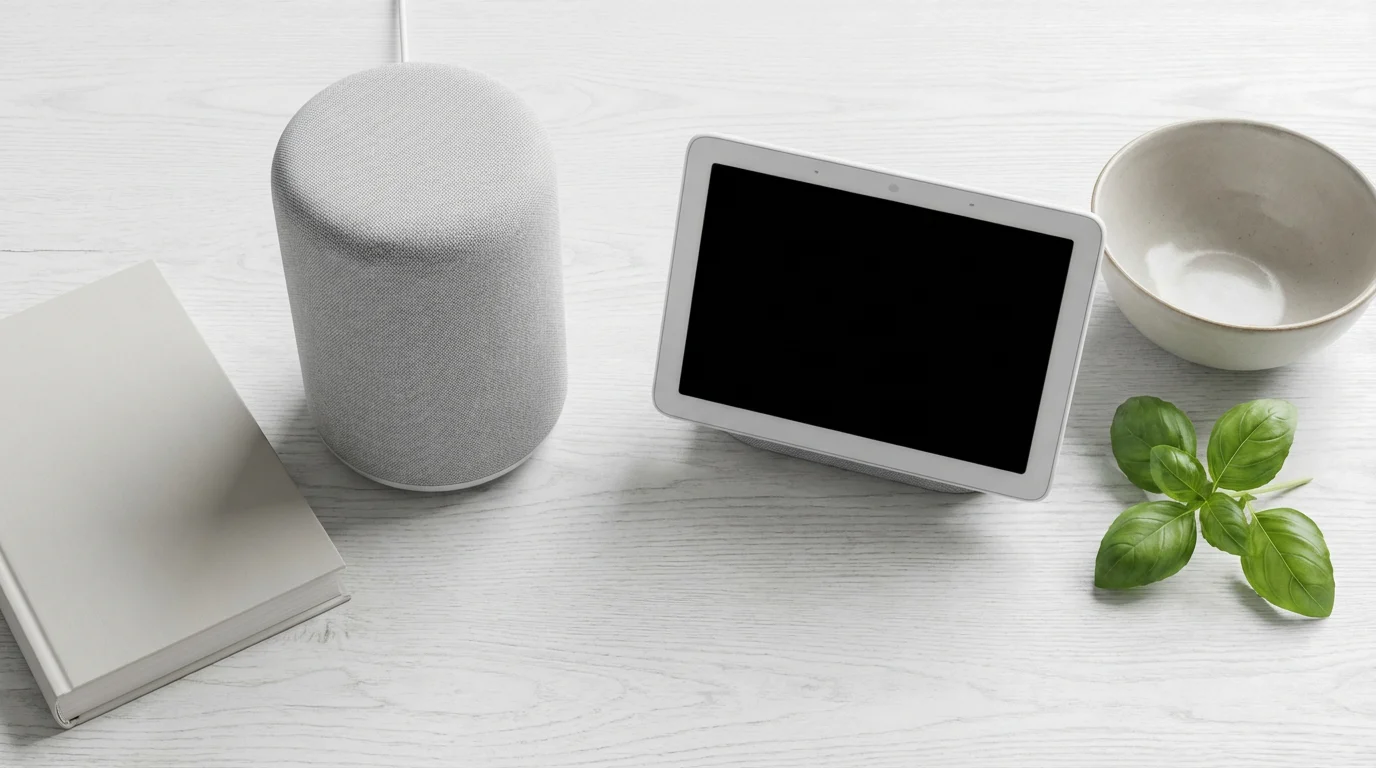
Making Your Decision: When to Choose Each Device
The choice between a smart display and a smart speaker ultimately depends on your specific needs, budget, and how you envision using smart technology in your home. Neither device is universally “better”; each excels in different scenarios.
Choose a Smart Speaker if you:
- Prioritize Audio: You want high-quality music playback and background audio.
- Value Discretion: You prefer a device that blends into your decor without a screen.
- Seek Affordability: You are on a budget or want a cost-effective entry into smart home technology.
- Focus on Voice Control: Your primary interaction method involves verbal commands for music, answers, and smart home control.
- Concerned about Cameras: You want to avoid cameras in certain areas of your home for privacy reasons.
A smart speaker is an excellent choice for bedrooms, bathrooms, or secondary rooms where quick voice commands and ambient music are the main requirements. It serves as an unobtrusive, always-ready assistant.
Choose a Smart Display if you:
- Desire Visual Information: You benefit from seeing recipes, weather forecasts, news headlines, or video instructions.
- Need a Smart Home Command Center: You want a central hub with a visual dashboard for controlling lights, thermostats, and security cameras.
- Enjoy Video Communication: You want to make or receive video calls.
- Watch Video Content: You plan to stream YouTube videos, movies, or TV shows in the kitchen or another common area.
- Want Interactive Guidance: You appreciate on-screen assistance for tasks like cooking or following tutorials.
A smart display shines in kitchens, living rooms, or home offices, where its visual capabilities enhance productivity, entertainment, and comprehensive smart home management. It transforms a counter or desk into a dynamic information hub.
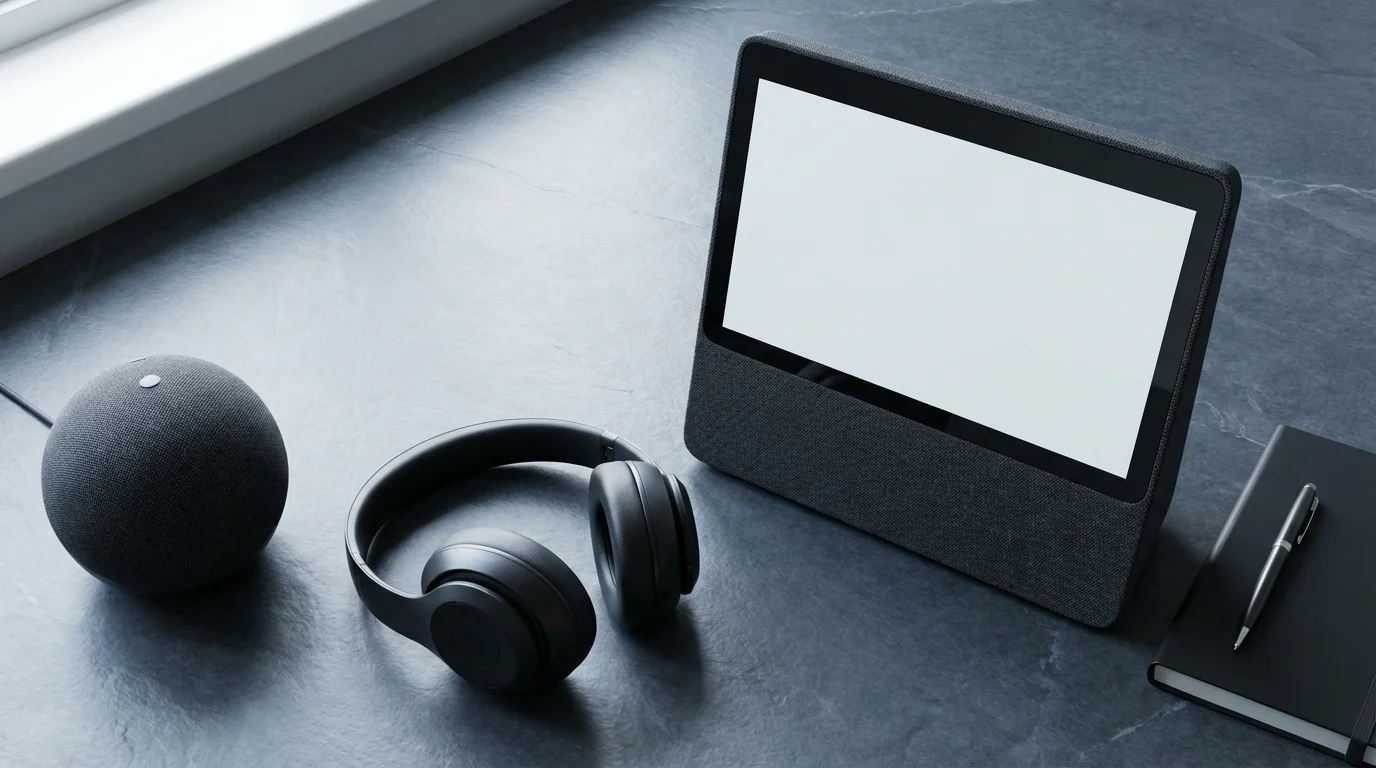
Top Recommendations: Devices That Deliver
When you have determined whether a smart display or a smart speaker best suits your needs, consider these highly-rated devices that consistently impress users with their performance and features.
Recommended Smart Speakers
- Amazon Echo Dot (5th Gen): This compact and affordable speaker offers solid audio for its size, robust Alexa integration, and is an excellent entry point for Amazon’s ecosystem. It is perfect for adding voice control to every room.
- Google Nest Audio: Delivering impressive sound quality and powerful Google Assistant capabilities, the Nest Audio is ideal for music lovers. It provides rich, clear audio for streaming your favorite tunes.
- Apple HomePod Mini: For Apple ecosystem users, the HomePod Mini provides strong Siri integration, excellent audio for its size, and acts as a HomeKit hub. Its privacy features also appeal to many users.
Recommended Smart Displays
- Amazon Echo Show 8 (2nd Gen): This model strikes a great balance between screen size, features, and price. It offers a vibrant display, a capable camera for video calls, and full Alexa functionality, making it a versatile smart home hub.
- Google Nest Hub (2nd Gen): The Nest Hub excels as a bedside companion or kitchen assistant. It offers a sleek design, excellent photo display capabilities, and Google Assistant’s robust information retrieval. It notably lacks a camera, which enhances privacy for some users.
Evaluate these options based on your budget, desired screen size (for displays), and existing smart home ecosystem preferences. Many smart home experts, including those at PCMag Smart Home, frequently review and recommend these specific models for their reliability and performance.
Frequently Asked Questions
Can I use both a smart display and a smart speaker in my home?
Yes, absolutely. Many homeowners strategically place smart speakers in areas where visual feedback is unnecessary, such as bedrooms or bathrooms, and use smart displays in common areas like kitchens or living rooms where visual information and video calls are beneficial. They typically work together seamlessly within the same ecosystem.
Do smart displays and smart speakers require a subscription?
No, the core functionalities of smart displays and smart speakers, including voice commands, smart home control, and basic information queries, do not require a subscription. However, access to certain premium services like ad-free music streaming or specific video content may require separate subscriptions to those third-party services.
Are smart displays and smart speakers compatible with all smart home devices?
Smart displays and smart speakers are compatible with a wide range of smart home devices, but not all. Compatibility often depends on the voice assistant ecosystem (Alexa, Google Assistant, Siri) and whether the smart device supports that assistant. Look for “Works with Alexa,” “Works with Google Home,” or “Works with Apple HomeKit” labels. Newer standards like Matter aim to improve cross-platform compatibility significantly.
Can I turn off the camera on a smart display?
Yes, most smart displays come equipped with a physical camera shutter or a software toggle to disable the camera. This provides an important layer of privacy control, allowing you to use the device without concerns about accidental video recordings or unwanted surveillance.
What is the minimum internet speed required for these devices?
Smart displays and smart speakers generally do not require extremely high internet speeds for basic functions. A stable connection of at least 1-2 Mbps upload and download speed per device is usually sufficient for voice commands and basic audio streaming. However, for video streaming on smart displays, especially in HD, a faster and more stable connection of 10-25 Mbps or more is recommended to prevent buffering.
Disclaimer: This article is for informational purposes only. Smart home devices involve electrical connections and data privacy. Always follow manufacturer instructions for installation. For complex wiring or HVAC work, consult a licensed professional.
New users can get started quickly by learning the essential Alexa commands for daily tasks.


Leave a Reply