

Modernizing your home often means embracing technology that simplifies daily tasks. For elderly family members, voice control systems offer unparalleled convenience, enhancing independence and safety within their living spaces. These systems respond to spoken commands, performing actions like adjusting lights, playing music, or even making calls. Setting up voice control transforms a home into a more accessible and intuitive environment.

Understanding the Benefits of Voice Control for Seniors
Voice control significantly improves daily living for seniors. It provides a hands-free way to manage home functions, which is especially beneficial for individuals with limited mobility or dexterity. This technology fosters a greater sense of independence by making complex tasks simple and immediate.
Accessibility stands as a primary advantage. Seniors can operate lights, thermostats, and entertainment systems without needing to physically interact with switches or remote controls. This ease of use reduces potential strain and prevents falls caused by reaching for controls in awkward positions.
Beyond convenience, voice control enhances safety. Seniors can quickly make emergency calls or activate smart alarms using only their voice. This capability offers peace of mind for both the elderly individual and their family members, knowing help is readily available. Voice assistants also help with medication reminders, ensuring essential doses are not missed.
- Enhanced Independence: Control devices without physical effort.
- Improved Safety: Quick access to emergency contacts and reminders.
- Greater Convenience: Manage lights, temperature, and entertainment hands-free.
- Reduced Strain: Avoid reaching or bending for controls.
- Cognitive Engagement: Some interactions can provide mental stimulation.
Choosing the Right Voice Assistant
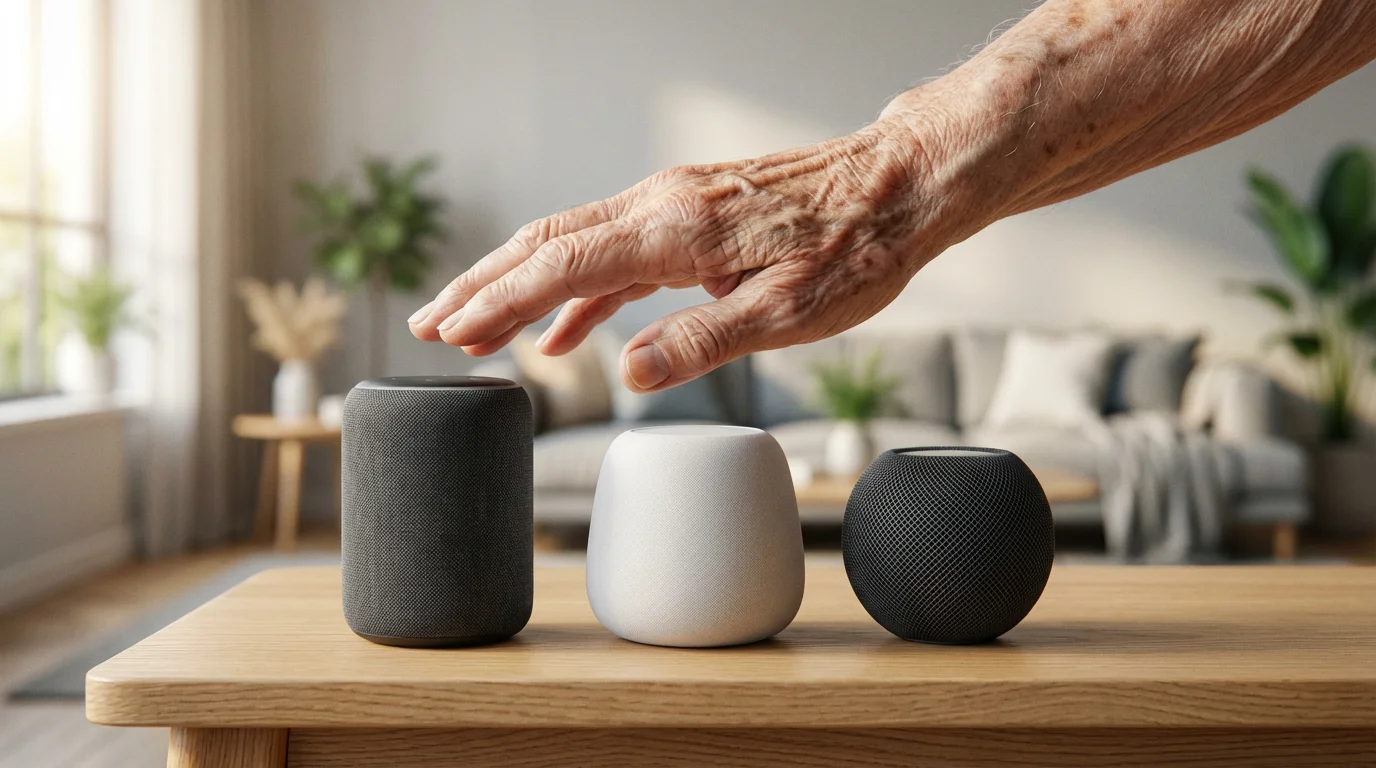
Selecting the best voice assistant for seniors requires considering ease of use, device compatibility, and ecosystem integration. Amazon Alexa, Google Assistant, and Apple Siri represent the primary options. Each offers distinct advantages, making the choice dependent on specific needs and existing technology.
If you decide on Google’s system, you can follow our detailed guide on how to set up Google Home for a more in-depth look.
Amazon Alexa (Echo Devices)
Alexa boasts widespread device compatibility and a vast array of skills. Its conversational interface often feels natural, simplifying interactions for new users. Many seniors find Alexa’s clear voice and simple command structure intuitive. You can set up specific routines easily, like “Alexa, good morning,” to trigger multiple actions.
- Pros: Extensive third-party device support, large “skills” library, easy routine creation, dedicated accessibility features, widely available and affordable devices.
- Cons: Can feel overwhelming with too many features, requires an Amazon account.
Google Assistant (Nest Devices)
Google Assistant excels with its powerful search capabilities and deep integration with Google services like Calendar and Maps. For seniors already familiar with Android phones or Google’s ecosystem, it offers a seamless experience. The assistant often understands more complex or natural language queries.
- Pros: Superior natural language processing, excellent search capabilities, strong integration with Google services, good for answering factual questions.
- Cons: Device ecosystem might be less diverse than Alexa, some commands can be less intuitive for absolute beginners.
Apple Siri (HomePod Devices)
Siri integrates seamlessly with Apple’s ecosystem, making it ideal for seniors who already own iPhones, iPads, or Apple Watches. Its focus on privacy and strong encryption provides a secure user experience. HomePod speakers offer high-quality audio, which benefits those with hearing impairments. The privacy focus of Apple’s ecosystem often appeals to many users, as noted by sources like Wirecutter.
- Pros: Excellent privacy features, strong integration with Apple devices, high-quality audio on HomePod, good for making calls via iPhone.
- Cons: Limited third-party device support, higher device cost, requires an existing Apple ecosystem for best experience.
Evaluate which system best aligns with your family member’s current tech usage. For broad compatibility and an accessible entry point, Amazon Alexa often serves as an excellent choice for senior voice control, offering many devices designed for easy setup.
Essential Devices for Senior Voice Control
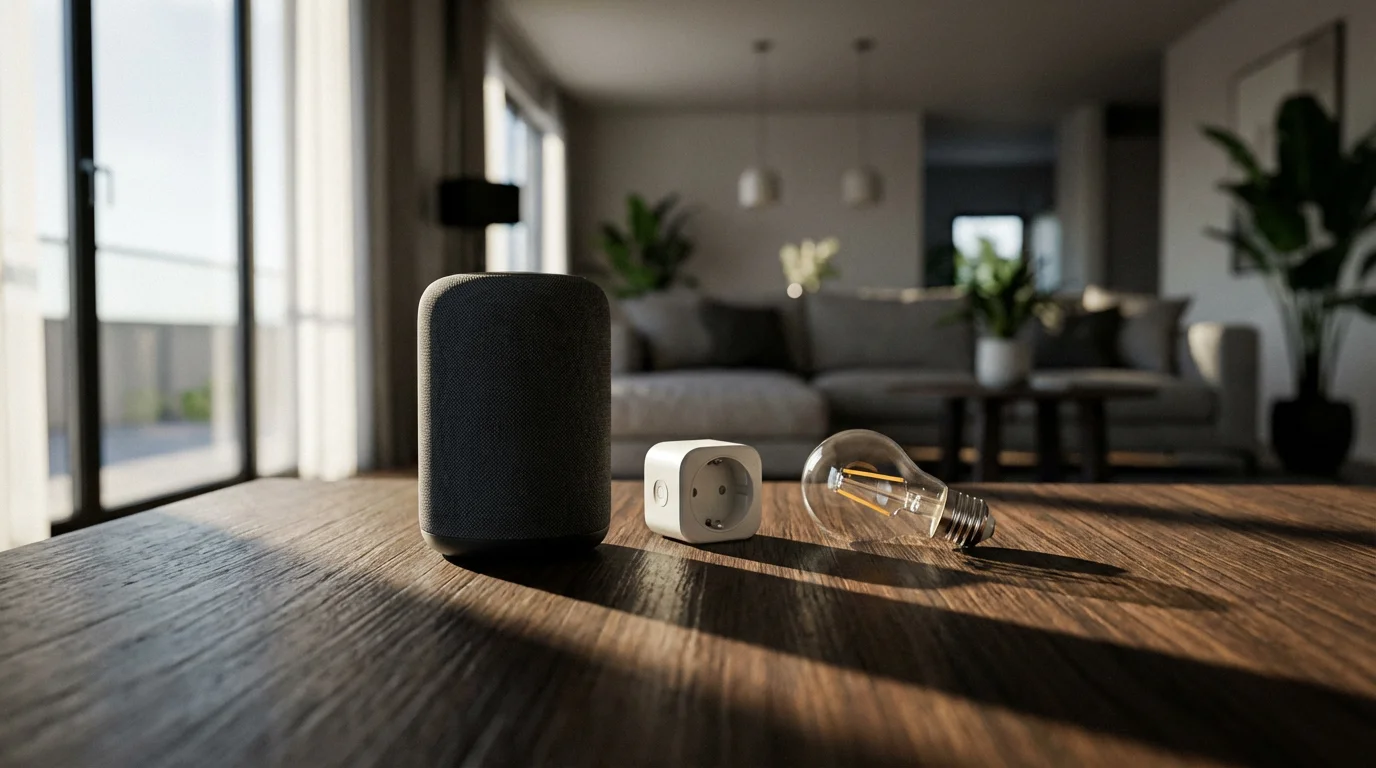
To establish an effective voice-controlled environment, you need a core voice assistant device and a few complementary smart home accessories. These devices work together to create a cohesive and responsive system. Focus on simplicity and reliability when making your selections.
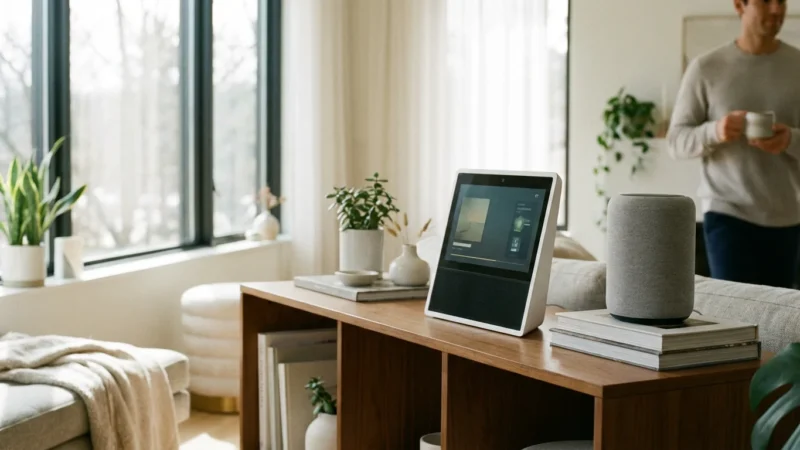
Smart Speakers
A smart speaker acts as the brain of your voice control system. It listens for commands and processes them. Choose models known for clear audio and responsive microphones.
- Amazon Echo Dot (5th Gen): Compact, affordable, and provides excellent sound for its size. Its clock display version offers glanceable time information.
- Google Nest Mini (2nd Gen): Similar to the Echo Dot in size and price, with solid audio and Google Assistant’s powerful search capabilities.
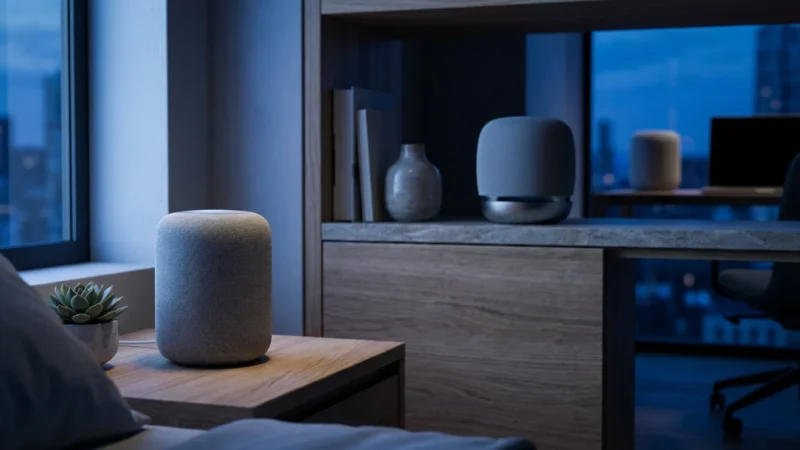
- Apple HomePod Mini: Offers superior sound quality for its small footprint and strong privacy features, but integrates best within the Apple ecosystem.
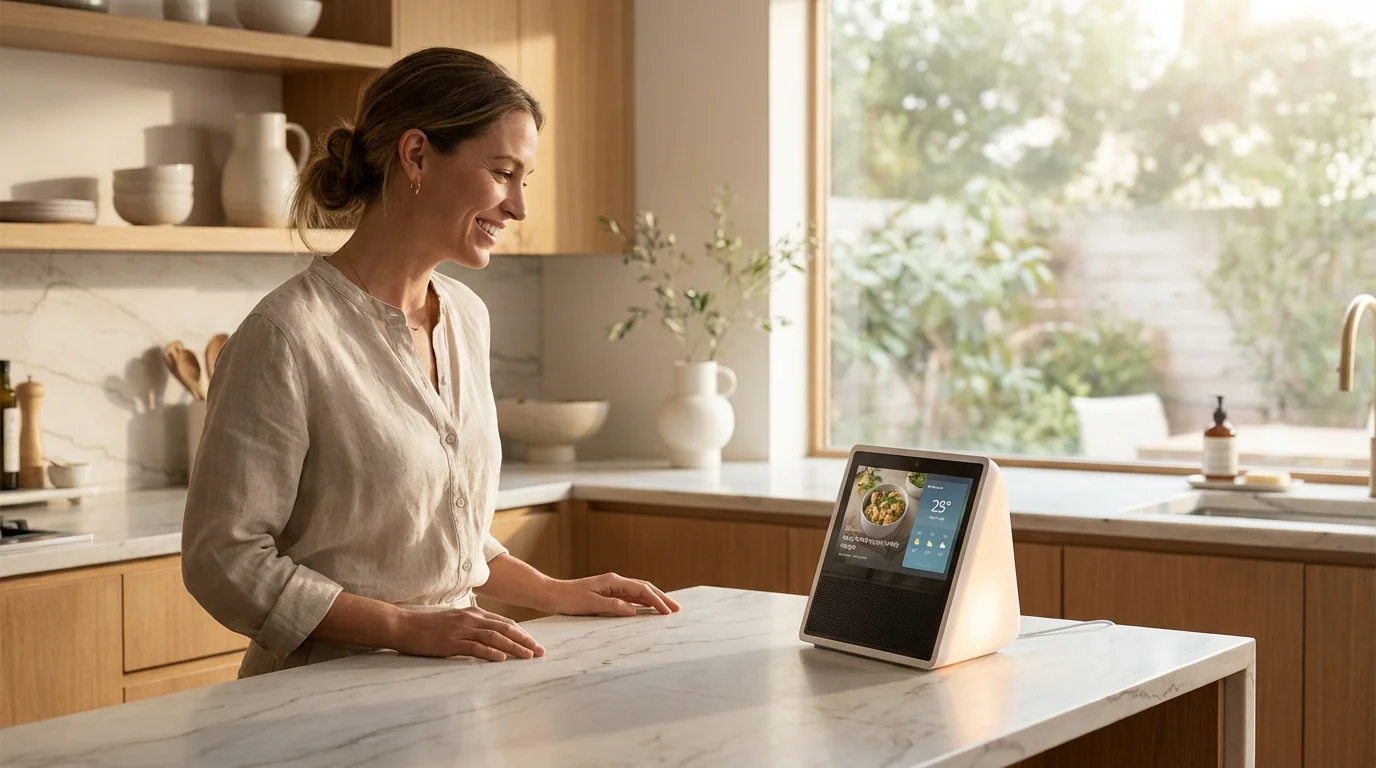
- Amazon Echo Show 8 (3rd Gen): A smart display provides visual feedback, which can benefit seniors. They can see the weather forecast, video call family, or view song lyrics.
Smart Plugs
Smart plugs instantly turn ordinary lamps, fans, or small appliances into voice-controllable devices. You plug the smart plug into an outlet, then plug the appliance into the smart plug. This provides an easy way to automate devices without replacing them.
For example, you can say, “Alexa, turn on the living room lamp,” and a lamp plugged into a smart plug will illuminate. These are simple to install and offer immediate benefits, enhancing `accessibility` quickly.
Smart Lights
Smart light bulbs or switches allow you to control lighting with your voice. You can dim lights, change colors, or turn them on and off without reaching for a switch. This is particularly useful for navigating rooms in the dark or adjusting ambiance from a comfortable chair.
Consider full smart bulbs like Philips Hue or smart light switches like Lutron Caseta. Smart bulbs are easier to install for renters, while smart switches offer more comprehensive control for homeowners.
Smart Thermostats
Voice-controlled smart thermostats, like the Google Nest Thermostat or Ecobee SmartThermostat, let seniors adjust their home’s temperature simply by speaking. This eliminates the need to fiddle with small buttons or complex interfaces. ENERGY STAR certified smart thermostats can also help save energy, benefiting everyone.
Step-by-Step Voice Assistant Setup
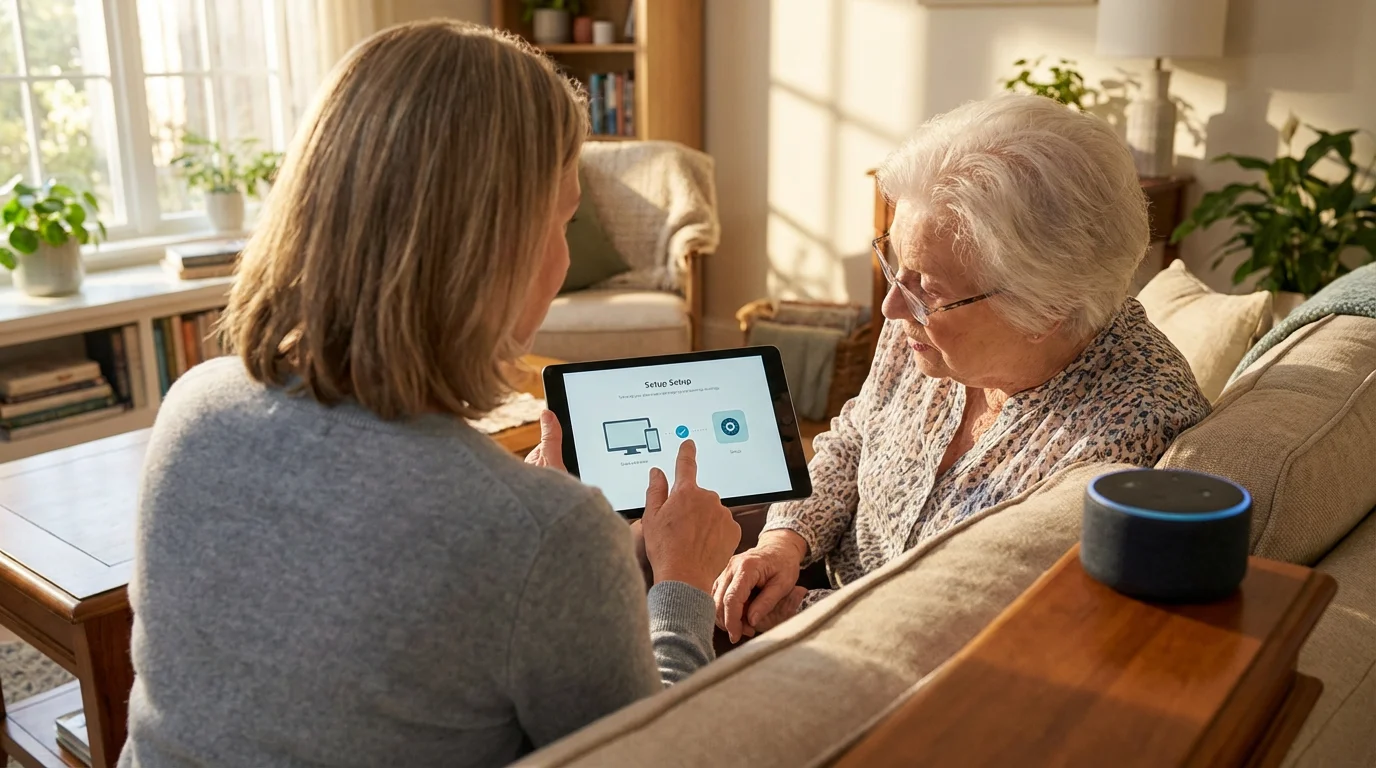
Setting up a voice assistant for an elderly family member involves a few straightforward steps. Follow this guide for an `easy setup`, ensuring everything works smoothly from the start. We will focus on general steps applicable to most voice assistants, highlighting specific considerations for seniors.
You can find even more inspiration for daily interactions in our list of 50 essential Alexa commands that every smart home owner should know.
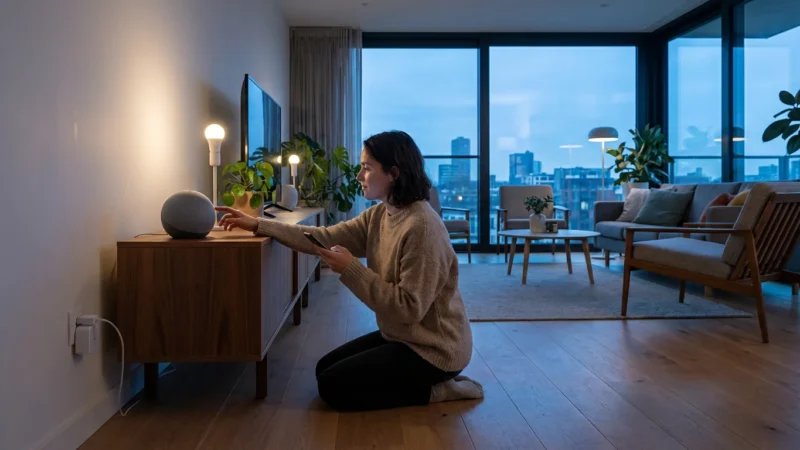
- Unpack and Power On the Device:
- Remove the smart speaker from its packaging.
- Plug the power adapter into a wall outlet and then into the device.
- Place the device in a central location where the senior spends most of their time, like the living room or bedroom. Ensure it is within reach for initial setup, but not easily knocked over.
- Download the Companion App:
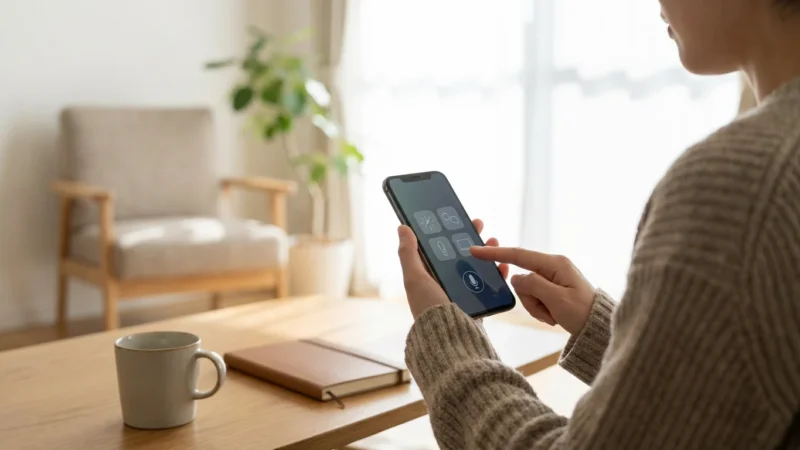
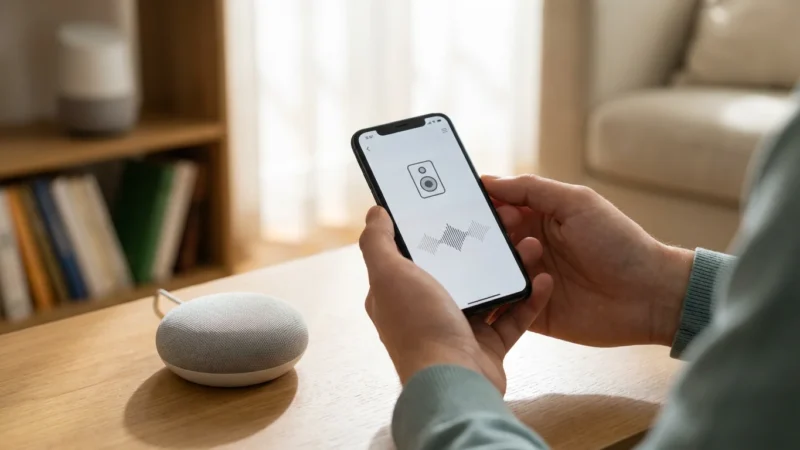
- On your smartphone or tablet, download the appropriate app: Amazon Alexa app, Google Home app, or Apple Home app.
- This app guides you through the setup process and allows you to manage settings.
- Connect to Wi-Fi:
- Open the companion app and follow the on-screen instructions to add a new device.
- The app will guide you to connect the smart speaker to your home’s Wi-Fi network. Ensure the Wi-Fi signal is strong in the device’s location. A reliable internet connection is crucial for consistent performance.
- Create/Log In to an Account:
- You will need an Amazon, Google, or Apple ID. Create one if you do not have an existing account.
- Consider using an account that you can help manage, or one that is easily accessible for support. This is a key step in `how to set up Alexa for elderly parents` or other systems.
- Personalize Settings and Voice Training:
- During setup, some assistants offer voice training to help them better recognize the user’s voice. Take advantage of this feature, especially if the senior has a unique vocal pattern.
- Adjust the wake word if the default is difficult to pronounce or conflicts with other words in conversation. For example, “Computer” might be easier than “Alexa” for some.
- Set up the default music service and news briefing preferences according to the senior’s tastes.
- Link Smart Home Devices:
- If you have smart plugs, lights, or thermostats, open the voice assistant app.
- Navigate to the “Devices” or “Add Device” section.
- Follow the app’s instructions to discover and link your smart home accessories. Give them simple, memorable names like “bedroom light” or “kitchen lamp.”
- Test Commands:
- Once setup is complete, test a variety of commands to ensure everything works correctly.
- Examples: “Turn on the living room light,” “What’s the weather today?”, “Play relaxing music.”
- Walk the senior through these basic commands, allowing them to practice.
Patience and clear instruction during this phase significantly impact the senior’s comfort level with their new system.

Configuring Practical Routines and Commands
Routines automate multiple actions with a single voice command or at a scheduled time. They provide immense value for seniors by simplifying daily activities and ensuring consistency. Setting up these routines makes the voice assistant truly beneficial.
To customize your experience further, consider creating custom Alexa routines that specifically cater to your family’s daily habits.
Morning Routines
A “Good Morning” routine can automate several actions simultaneously.
- Command: “Good morning.”
- Actions:
- Turn on bedroom lights to 50% brightness.
- Announce the weather forecast for the day.
- Play a preferred news briefing or a favorite radio station.
- Adjust the thermostat to a comfortable daytime temperature.
Evening Routines
Prepare the home for the night with simple commands.
- Command: “Good night.”
- Actions:
- Turn off all lights in the house.
- Lock smart door locks (if installed).
- Adjust the thermostat to a nighttime setting.
- Play gentle white noise or soothing music for 30 minutes.
Safety and Emergency Routines
These routines offer critical peace of mind and improve safety.
- Command: “Emergency call.” (Requires setting up an emergency contact in the app.)
- Actions:
- Call a pre-set emergency contact (e.g., a family member, neighbor, or even 911 in some regions/with specific services).
- Turn on all lights in the house to maximum brightness.
- Command: “Medication reminder.”
- Actions:
- Set a recurring alarm at a specific time: “It’s time for your morning medication.”
- Play a specific chime or song to alert them.
Entertainment and Communication Routines
Voice assistants can provide entertainment and facilitate communication easily.
- Command: “Play classical music.”
- Actions:
- Start a playlist of classical music from a preferred streaming service.
- Command: “Call [Family Member’s Name].”
- Actions:
- Initiate a voice call to a contact saved in the voice assistant’s address book. This feature makes staying connected incredibly simple.
“The best smart home is the one you don’t have to manage. Voice control simplifies interactions, making technology work for you, not the other way around.”
Create a short list of these practical commands and place it near the smart speaker. This serves as a quick reference for the senior, building their confidence in using the system.

Privacy and Security Considerations for Smart Speakers
While voice assistants offer significant benefits, addressing privacy and security concerns remains essential. You want to ensure the senior’s data stays protected and their home remains secure. Taking proactive steps can mitigate potential risks.
Understanding Data Collection
Smart speakers record voice commands to process requests and improve their understanding over time. This data is typically anonymized and used for machine learning. However, you can manage how much data is stored and used.
- Review Privacy Settings: Access the voice assistant’s companion app to review and adjust privacy settings. You can often delete voice recordings manually or set them to delete automatically after a short period.
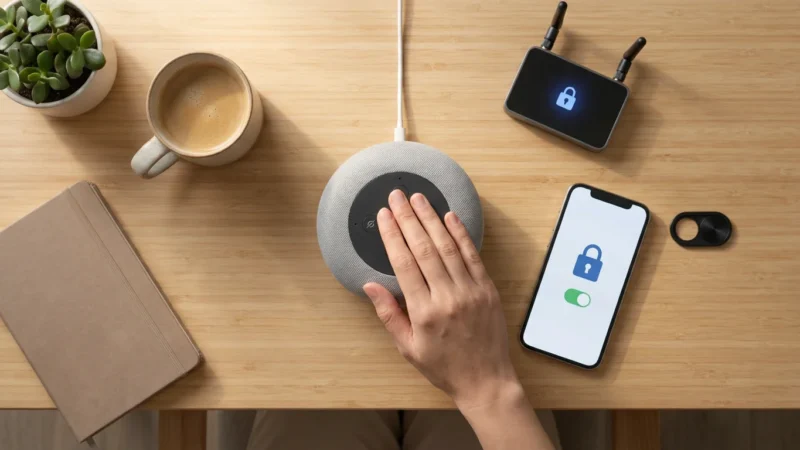
- Microphone Control: All smart speakers include a physical mute button for the microphone. Encourage your family member to use this button when they desire complete privacy.
- Guest Access: Limit who can access and control smart home devices. Set up unique voice profiles if multiple people will interact with the device, but ensure the senior’s commands remain recognized.
Network Security
The security of your home Wi-Fi network directly impacts the security of your smart devices.
- Strong Passwords: Ensure your Wi-Fi network uses a strong, unique password. Avoid default router passwords.
- Regular Updates: Keep the smart speaker’s firmware updated. Manufacturers release updates to patch security vulnerabilities. The companion app usually handles these updates automatically or prompts you to install them.
- Guest Wi-Fi Network: Consider setting up a separate guest Wi-Fi network for smart devices if your router supports it. This isolates smart devices from your main network, offering an extra layer of security.
Educate your family member about the device’s privacy features. Explain when the device listens and how to mute it. This transparency builds trust and empowers them to use the device confidently.

Troubleshooting Common Issues
Even with careful setup, voice assistants can encounter occasional hiccups. Knowing how to quickly troubleshoot common problems helps maintain a smooth user experience for seniors.
- Device Not Responding:
- Check Power: Ensure the smart speaker is plugged in and powered on.
- Check Wi-Fi: Verify the device remains connected to the internet. Look for status lights on the device; they often indicate connectivity issues. Restarting your router can resolve many Wi-Fi problems.
- Microphone Muted: Confirm the microphone is not physically muted. A red light or specific indicator usually signals this.
- Volume Level: Ensure the device’s volume is audible enough to hear responses.
- Commands Not Understood:
- Speak Clearly: Encourage clear and deliberate speech. Loud background noise can interfere with understanding.
- Rephrase Command: If a command is misunderstood, try rephrasing it. For instance, instead of “Turn off the big light,” try “Turn off the living room light.”
- Review Command History: The companion app often shows a history of commands. Review this to see how the assistant interpreted the voice input.
- Smart Devices Not Responding:
- Check Device Power: Ensure the smart light, plug, or thermostat has power.
- Verify Link: Confirm the smart device remains properly linked in the voice assistant’s app. Sometimes, devices can become unlinked due to power outages or network changes.
- Network Connection: Ensure both the smart speaker and the connected smart device are on the same Wi-Fi network.
- Manufacturer App: If a device fails to respond via voice, try controlling it directly through its manufacturer’s app to isolate the problem.
- Unexpected Behavior:
- Restart the Device: A simple restart often resolves minor glitches. Unplug the smart speaker, wait 10-15 seconds, then plug it back in.
- Check for Updates: Ensure both the voice assistant device and its companion app are running the latest software versions.
Teaching seniors these basic troubleshooting steps empowers them to resolve minor issues independently. Provide a simple checklist of these steps near the device.
Expanding the Smart Home for Enhanced Accessibility
Once your family member feels comfortable with basic voice control, you can explore additional smart home devices that further enhance their quality of life. These additions build upon the foundation of `senior voice control` and offer more advanced features.
Smart Doorbells
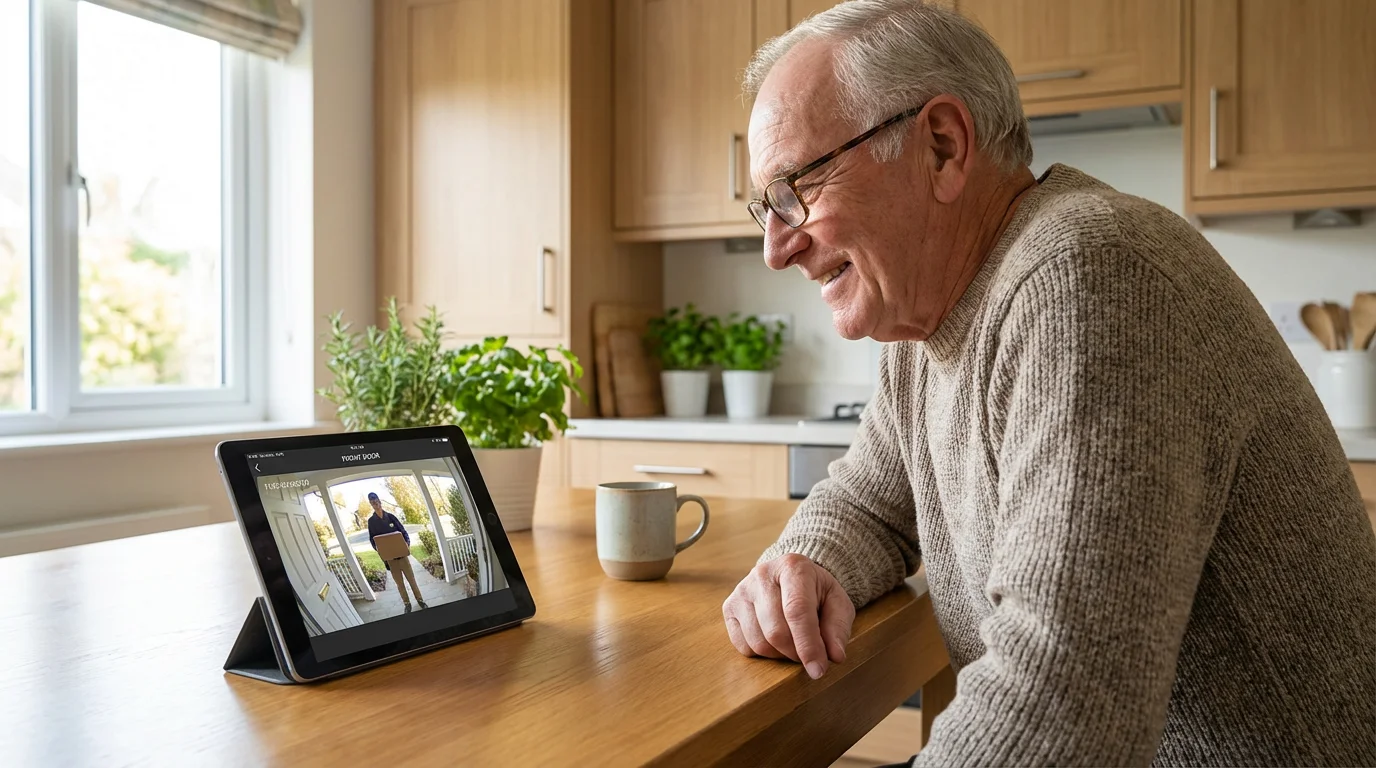
A smart doorbell like Ring or Nest Doorbell allows seniors to see and speak to visitors without opening the door. They can answer the door from anywhere in the house using their voice assistant or a connected smart display. This significantly improves security and convenience.
Smart Locks
Keyless smart locks mean no fumbling with keys, which is a big benefit for those with dexterity issues. Seniors can lock or unlock doors using voice commands or through a smartphone app. You can also grant temporary access to caregivers or family members remotely.
Smart Sensors
Various sensors add layers of safety and automation:
- Motion Sensors: Turn on lights automatically when someone enters a room or hallway. This prevents walking into dark spaces, reducing fall risks.
- Leak Sensors: Alert you and the senior to water leaks under sinks or near appliances, preventing costly damage.
- Contact Sensors: Placed on doors or windows, these can alert if a door is left ajar or if unauthorized entry occurs.
Medical Alert Systems Integration
Some voice assistants integrate with specific medical alert systems, enabling direct calls to emergency services or designated contacts. Research compatibility carefully to ensure seamless operation.
Expanding the smart home should always prioritize practical benefits and ease of use for the senior. Introduce new devices gradually, allowing them to adapt at their own pace. Focus on solutions that directly address their specific needs for comfort, safety, and `accessibility`.
Frequently Asked Questions
What is the easiest voice assistant for seniors to use?
Many find Amazon Alexa, with devices like the Echo Dot, to be the easiest voice assistant for seniors. Its widespread device compatibility, clear voice responses, and intuitive command structure make it an accessible entry point. The extensive library of “skills” also means more options for tailored assistance and entertainment.
Can a voice assistant call for help in an emergency?
Yes, voice assistants can call for help. You can configure them to call pre-selected contacts, like a family member or neighbor, through their communication features. Some services offer direct calls to emergency services like 911, often requiring a subscription or specific setup. Always test emergency call functionality during setup.
Do smart speakers listen to everything I say?
Smart speakers constantly listen for their wake word, such as “Alexa” or “Hey Google.” They only record and send audio to the cloud for processing after detecting this wake word. All major smart speakers include a physical mute button to electronically disconnect the microphone, ensuring privacy when desired.
How important is Wi-Fi for a voice assistant?
Wi-Fi is critically important. Smart speakers require a stable and active internet connection via Wi-Fi to function properly. Without Wi-Fi, they cannot process commands, access cloud services, play music, or control other smart devices. Ensure a strong Wi-Fi signal in the area where the device is placed for reliable performance.
What are some simple voice commands for daily tasks?
Simple voice commands include “Turn on the living room light,” “What’s the weather today?”, “Play relaxing music,” “Set a timer for 10 minutes,” and “Call [Family Member’s Name].” You can also create routines, so a single command like “Good morning” triggers multiple actions, such as turning on lights and playing the news.
Disclaimer: This article is for informational purposes only. Smart home devices involve electrical connections and data privacy. Always follow manufacturer instructions for installation. For complex wiring or HVAC work, consult a licensed professional.


Leave a Reply