
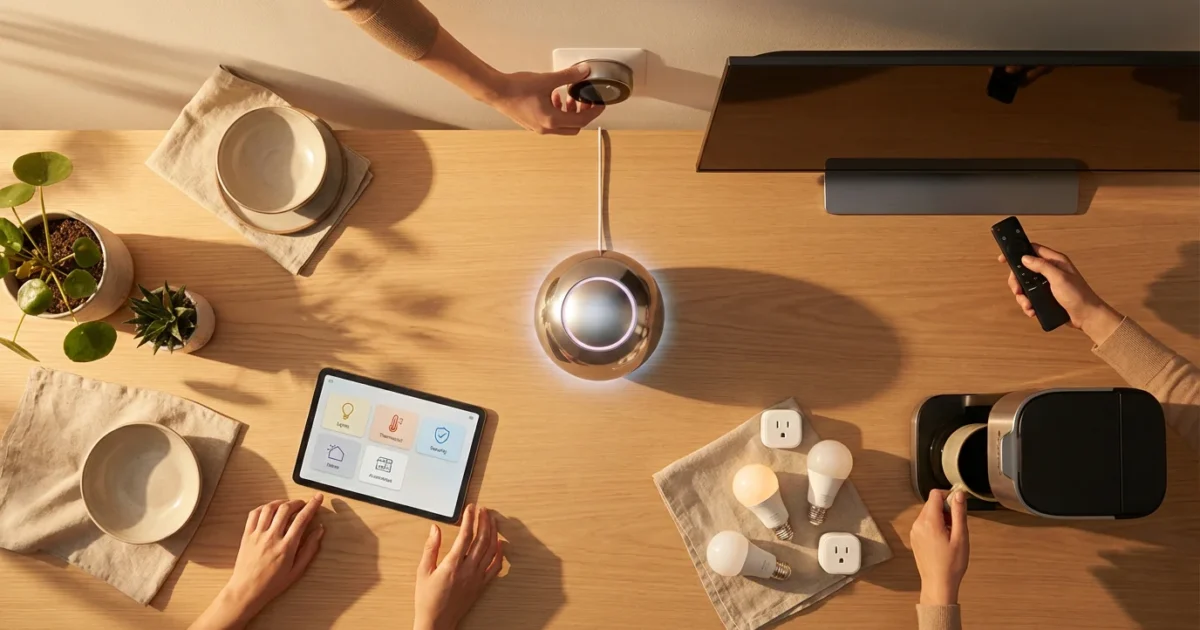
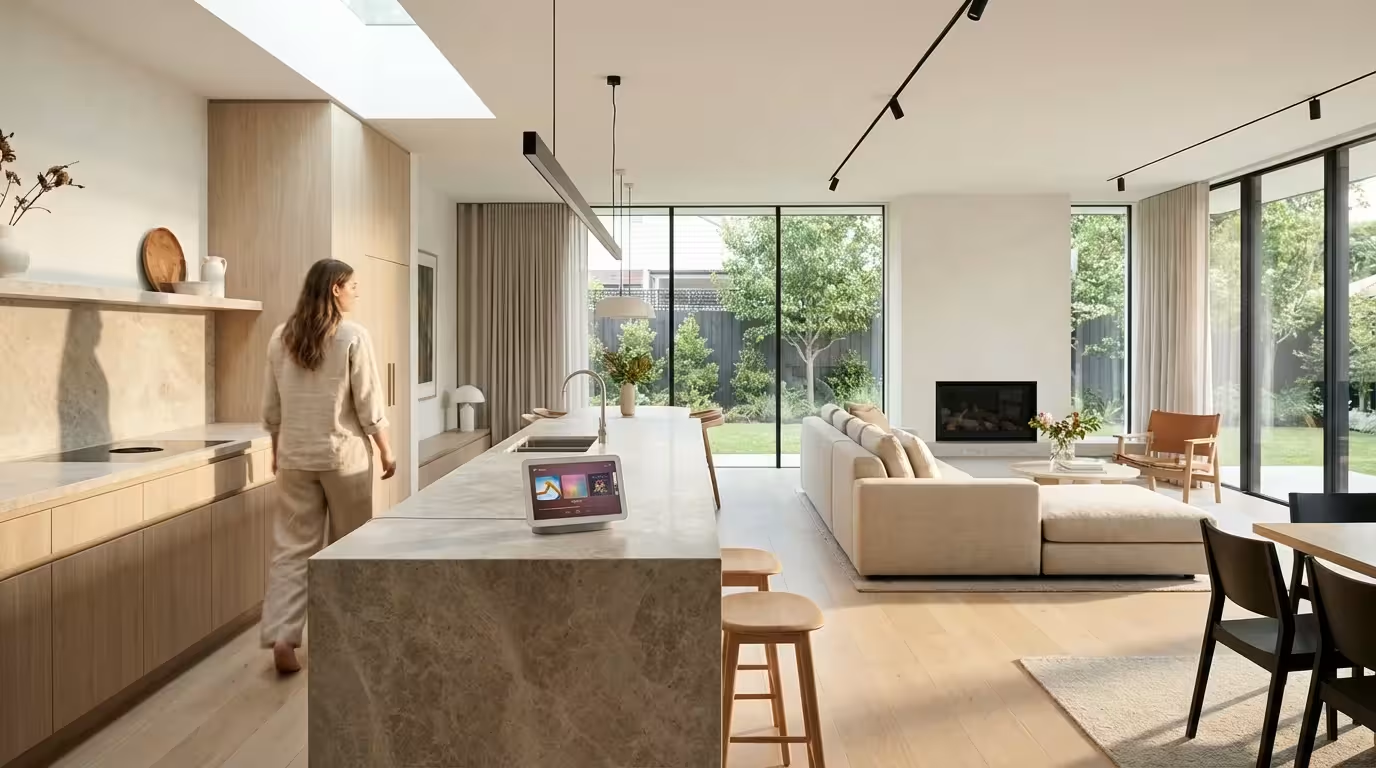
Imagine controlling your home with the sound of your voice. You turn on lights, adjust the thermostat, lock doors, and even start your coffee maker, all without lifting a finger. This convenience is not a futuristic dream, it is the reality of a modern smart home. You gain unparalleled control and efficiency when you master voice commands.
This comprehensive guide shows you how to integrate voice control into your entire living space. We cover everything from choosing the right voice assistant to setting up complex routines and addressing privacy concerns. Prepare to transform your home into an intuitive, responsive environment that anticipates your needs. You will discover how to control all smart devices with voice, enhancing your daily life.
The Power of Hands-Free Smart Home Automation
Voice control transforms how you interact with your home. It moves beyond simple remote control. You speak naturally, and your home responds instantly. This creates a seamless and intuitive living experience, making your environment work for you.
The benefits extend far beyond convenience. You enhance accessibility for family members with mobility challenges. You also save energy by quickly adjusting lighting and climate settings. Voice control empowers you to manage your environment with unprecedented ease and efficiency.
The best smart home is the one you do not have to manage actively. It simply responds to your presence and commands.
You can adjust lighting, control entertainment systems, manage security devices, and even communicate across rooms using smart home voice commands. This hands-free automation integrates seamlessly into your daily life. It provides both efficiency and peace of mind for every homeowner.
Implementing smart home voice control simplifies your routines and offers immediate benefits. You gain time, reduce manual tasks, and enjoy a more responsive living space. This guide shows you how to achieve this level of effortless control.
Choosing Your Smart Home Voice Assistant: Alexa, Google Assistant, or Siri?
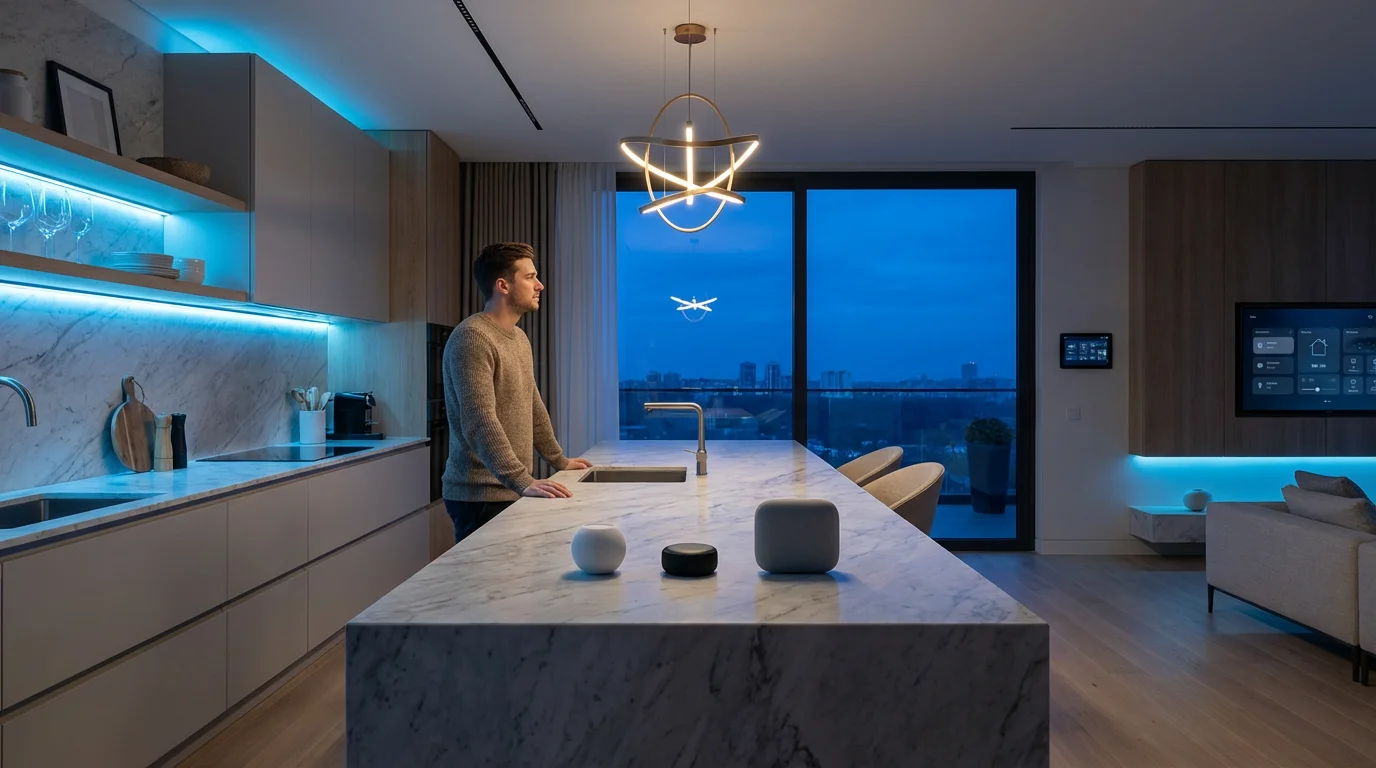
Your choice of voice assistant forms the foundation of your smart home voice control system. The three dominant players are Amazon Alexa, Google Assistant, and Apple Siri. Each offers unique strengths and ecosystem integrations. Your existing devices and preferences help you decide which system best fits your needs.
Understanding the core offerings of each assistant is crucial for setting up whole home voice control effectively. You align your smart home strategy with the assistant that provides the most robust support for your devices and lifestyle.
Amazon Alexa
- Ecosystem: Alexa integrates with a vast array of smart home devices from countless manufacturers. This makes it incredibly versatile and widely compatible with new products entering the market.
- Strengths: It boasts a large skill library, offering diverse functionalities from ordering groceries to playing games. Alexa excels at music streaming and general smart home management. You customize its capabilities extensively.
- Hardware: Amazon Echo devices, including the Echo Dot, Echo Studio, and Echo Show, offer various price points and features. These devices serve as the primary access points for Alexa’s voice control.
- Flexibility: You find Alexa compatibility in many third-party smart products. This broad reach allows for extensive customization and device choice.
Google Assistant
- Ecosystem: Google Assistant integrates deeply with Google services, including calendars, search, and Android devices. It works well with many smart home brands, often emphasizing device-to-device communication.
- Strengths: It provides superior contextual understanding and natural language processing. Google Assistant often answers complex questions more accurately. It also offers robust routine capabilities, often allowing more intricate conditional triggers.
- Hardware: Google Nest devices, such as the Nest Mini, Nest Audio, and Nest Hub, serve as the primary hardware. These speakers and displays offer seamless integration with the Google ecosystem.
- Intelligence: The Assistant’s ability to understand nuanced commands makes it powerful for complex queries and multi-step actions within your smart home.
Apple Siri
- Ecosystem: Siri integrates primarily with Apple’s HomeKit ecosystem. This ensures tight security and privacy, but it limits device compatibility compared to Alexa or Google Assistant. HomeKit devices undergo rigorous vetting for quality and security.
- Strengths: It offers excellent privacy features and seamless integration with Apple devices like iPhones, iPads, and Apple Watches. This creates a cohesive experience for Apple users. HomeKit’s robust security measures provide peace of mind.
- Hardware: The Apple HomePod mini and the larger HomePod are the main smart speakers. iPhones, iPads, and Apple TVs also serve as HomeKit controllers and hubs.
- Privacy Focus: If privacy is your top priority, Siri and the HomeKit ecosystem offer strong assurances for your data.
Consider which ecosystem aligns best with your existing technology and priorities. Do you prioritize broad compatibility, contextual intelligence, or robust privacy within an Apple environment? Your answer guides your choice for how to control all smart devices with voice. Many users find consistency within a single ecosystem streamlines their smart home experience.
Setting Up Your Voice Assistant for Whole Home Control
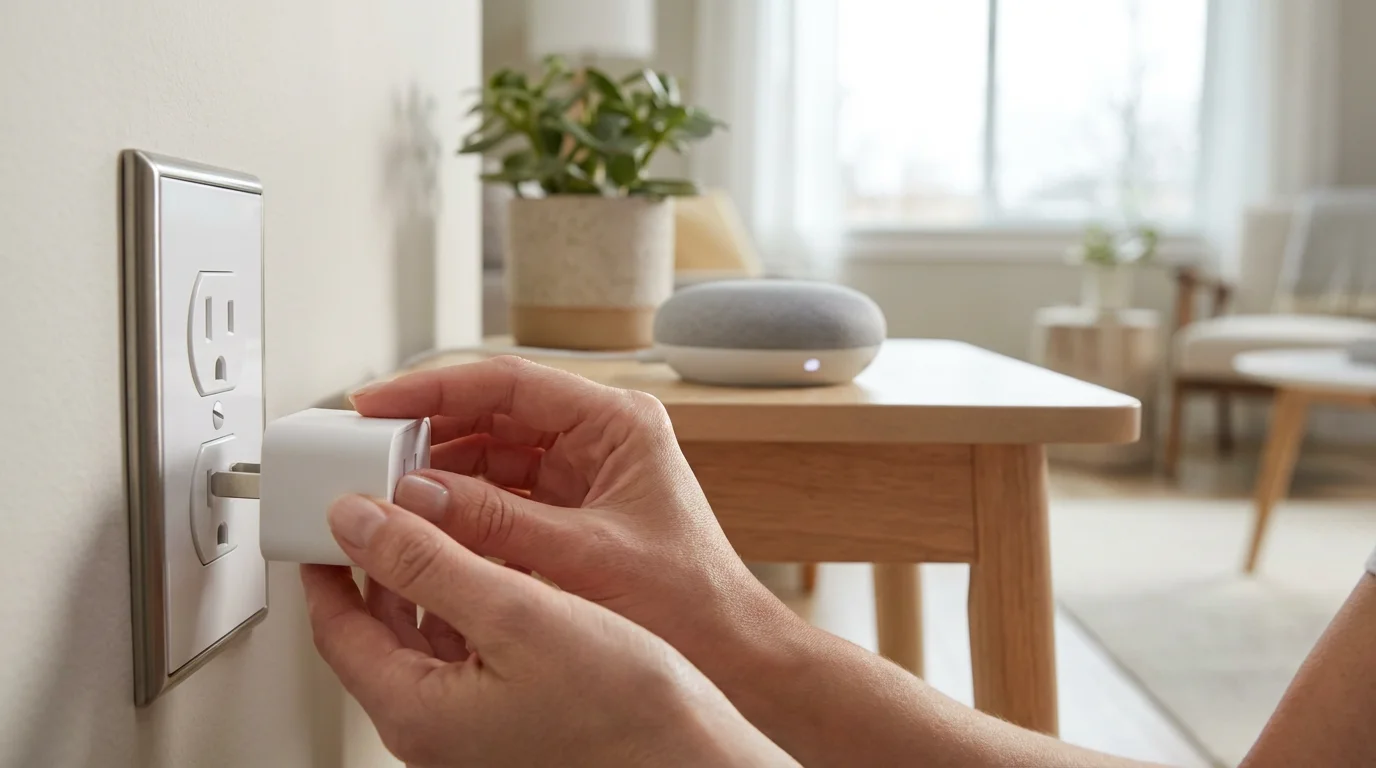
Setting up whole home voice control involves a few straightforward steps. You connect your smart speaker, add your smart devices, and organize them effectively. This initial configuration ensures smooth operation and a responsive smart home. Follow these instructions to get started with hands-free automation.
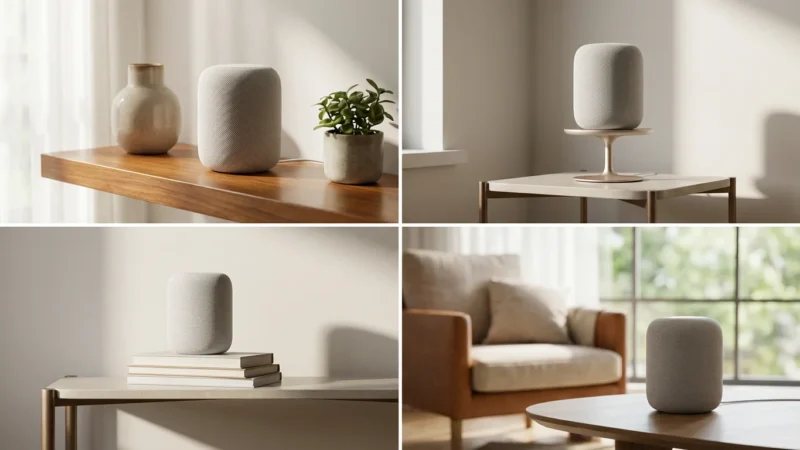
- Unbox and Power On Your Smart Speaker: Place your chosen smart speaker in a central location. Connect it to power. For optimal performance, consider placing it where it can hear commands clearly without obstruction.
- Download the Companion App: Install the Amazon Alexa, Google Home, or Apple Home app on your smartphone or tablet. These apps are essential for managing your devices and settings.
- Connect to Wi-Fi: Follow the in-app instructions to connect your smart speaker to your home Wi-Fi network. This step is crucial for its functionality. A strong, stable Wi-Fi connection is vital for reliable voice control.
- Log In and Personalize: Sign in with your Amazon, Google, or Apple ID. Configure basic settings, including your preferred voice, language, and location. This personalization improves the assistant’s responsiveness to your specific needs.
- Add Smart Devices: Open your voice assistant’s app. Navigate to the device or “add device” section. Your smart devices, such as lights, thermostats, and smart plugs, typically appear automatically if they are powered on and in pairing mode. If not, follow specific device instructions to connect them to your voice assistant’s ecosystem. You might need to link accounts for different brands.
- Organize Your Home: Create rooms within the app, such as “Living Room,” “Kitchen,” or “Bedroom.” Assign your smart devices to their respective rooms. This allows you to say, “Turn off the living room lights,” instead of naming each bulb individually, making your smart home voice commands much more natural.
- Name Your Devices Clearly: Give your devices simple, memorable names. “Overhead Light” works better than “Bulb 123.” Avoid similar-sounding names that might confuse your voice assistant, ensuring accurate responses.
Once you complete these steps, you have a foundational voice-controlled smart home. You are now ready to issue basic commands and explore more advanced automations. This initial setup paves the way for a truly integrated and responsive living space.
Crafting Effective Voice Commands and Smart Routines
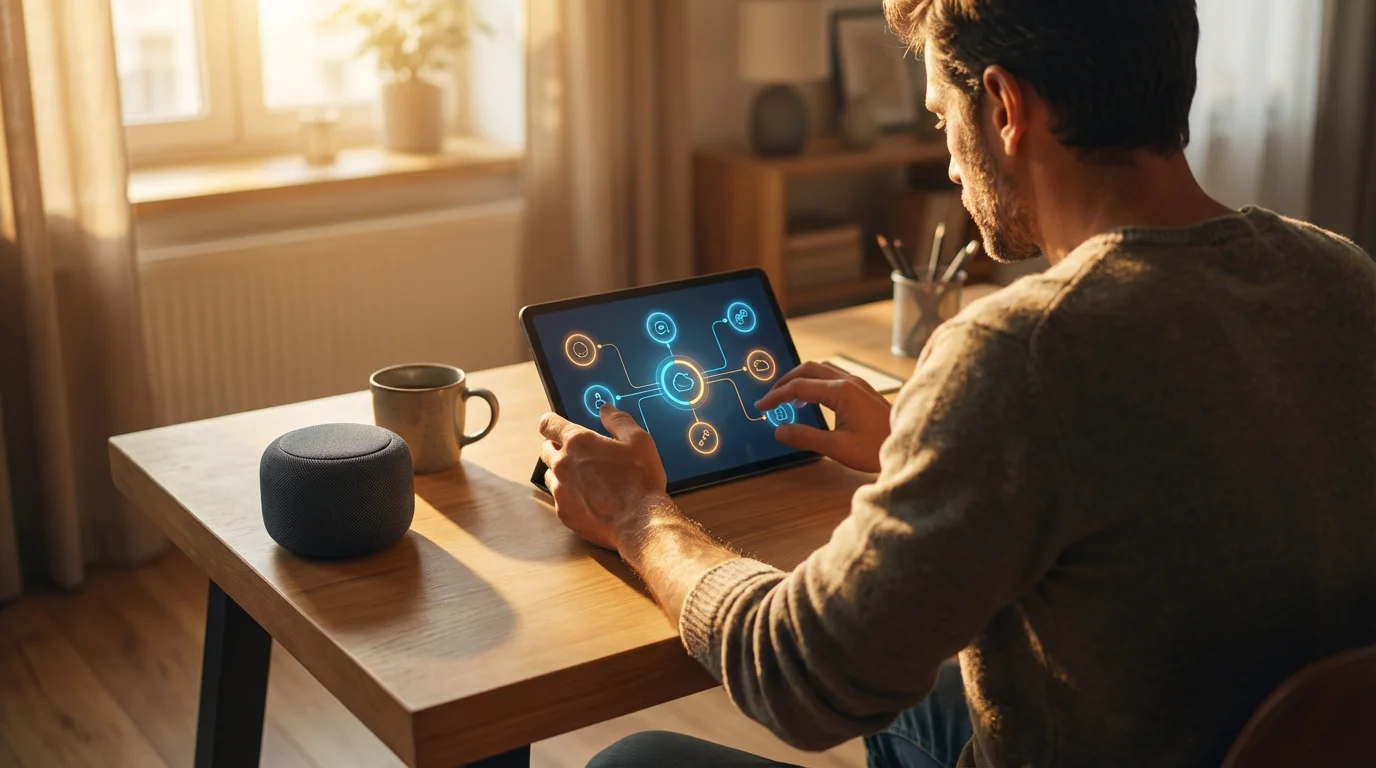
The true power of smart home voice control emerges when you move beyond basic commands to create personalized routines. Routines automate multiple actions with a single phrase or on a schedule. This enhances your hands-free automation significantly, making your home truly smart.
By leveraging routines, you streamline daily activities and make your home anticipate your needs. Most voice assistant apps include a dedicated “Routines” or “Automations” section to help you build these custom experiences.
Basic Voice Commands
Start with simple, direct commands. Your voice assistant understands a wide range of natural language. Experiment to find what works best for you and your specific device names.
- “Turn on the kitchen lights.”
- “Set the thermostat to 72 degrees.”
- “Lock the front door.”
- “Play my morning playlist on Spotify.”
- “Dim the living room lights to 50%.”
- “Show me the front door camera.” (Requires a smart display device)
- “Arm the security system to away.”
- “Tell me the weather.”
Creating Smart Routines for Enhanced Automation
Routines string together multiple actions, triggered by a voice command, time of day, or sensor event. You save time and create a more responsive home. This is where setting up whole home voice control truly shines.
Steps to Build a Routine:
- Choose Your Trigger: Decide what initiates the routine. Common triggers include:
- A specific voice phrase (e.g., “Good Morning”).
- A set time (e.g., 7:00 AM on weekdays).
- A sensor event (e.g., motion detected in the hallway or a door opening).
- Your arrival or departure from home (geofencing).
- Select Actions: Add the smart home actions you want your assistant to perform. You can combine various devices and services seamlessly.
- Turn on lights to a specific color or brightness.
- Adjust thermostat temperature for comfort or energy savings.
- Play music or a news briefing from your preferred source.
- Lock doors or arm your security system.
- Send a notification to your phone or another family member.
- Open or close smart blinds or curtains.
- Customize and Save: Give your routine a clear name and voice command. Save it. You then activate it with your voice or automatically through its trigger.
Practical Routine Examples:
- “Good Morning” Routine: When you say “Good Morning,” your bedroom lights gently brighten, the thermostat adjusts to your preferred wake-up temperature, and your assistant plays the latest news briefing.
- “Movie Night” Routine: Saying “Movie Night” dims the living room lights to a cozy level, turns on the TV and soundbar, and sets the smart blinds to close.
- “Leaving Home” Routine: As you head out the door, a routine locks your doors, turns off all lights, adjusts the thermostat to an energy-saving temperature, and arms your security system.
- “Welcome Home” Routine: Your lights turn on, and a favorite playlist starts when your phone detects you are near home. The garage door might even open automatically.
Experiment with different triggers and actions to discover the full potential of hands-free automation. This allows you to truly control your entire home with voice, creating a personalized and efficient living experience.
Integrating All Your Smart Devices with Voice Control
Effective smart home voice control relies on seamless integration between your voice assistant and all your smart devices. Understanding how devices communicate helps you build a robust system. The goal is how to control all smart devices with voice, regardless of brand or communication protocol.
Achieving this level of integration ensures that every connected device in your home responds to your commands. You avoid fragmented control and maximize convenience.
Direct Integration
Many smart devices offer direct integration with Alexa, Google Assistant, or HomeKit. This means you link the device’s manufacturer account directly to your voice assistant app. Brands like Philips Hue, Ecobee, Ring, and many smart plugs often fall into this category. This is the simplest form of integration, requiring minimal setup.
You find these direct integrations listed prominently on product packaging or in the device’s setup guide. This compatibility ensures a straightforward path to smart home voice control.
Smart Home Hubs
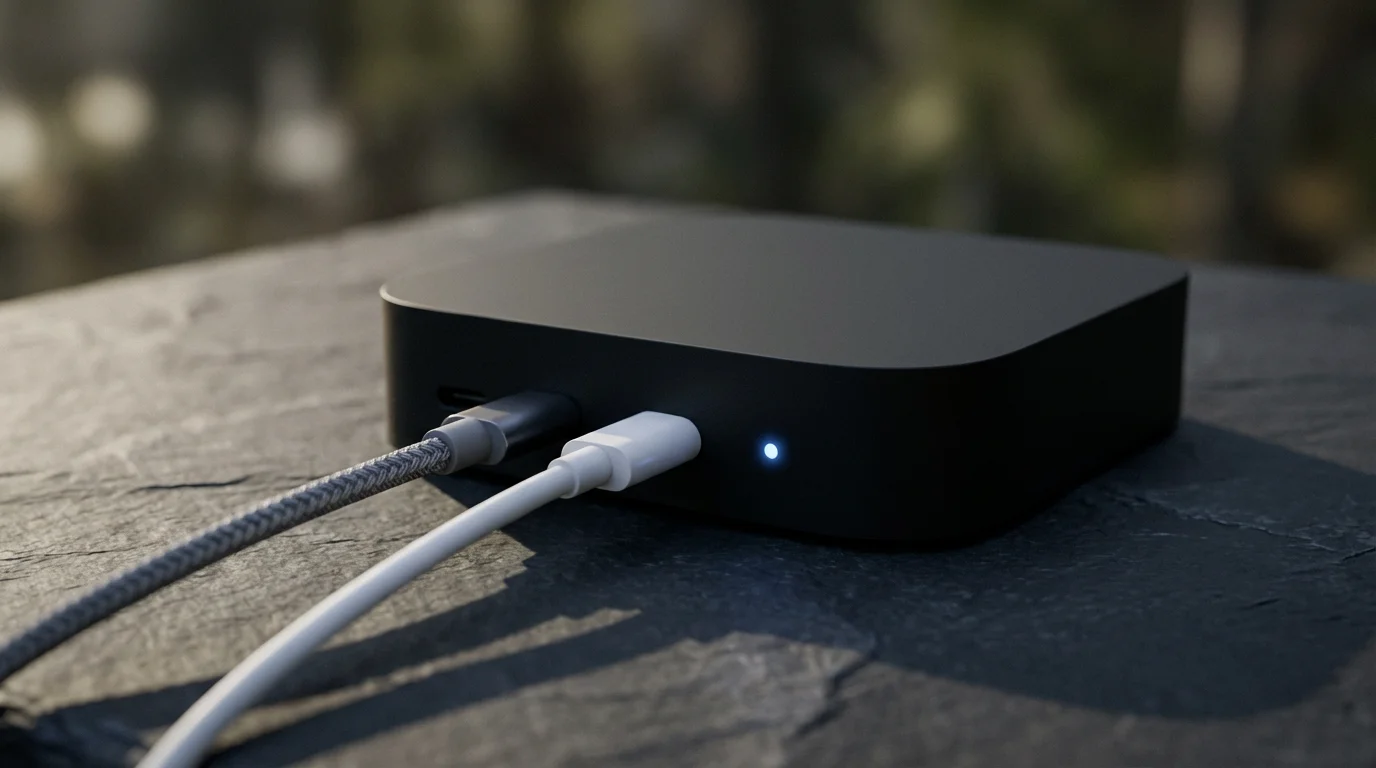
For more complex setups or devices using older protocols like Zigbee or Z-Wave, a dedicated smart home hub might be beneficial. Hubs act as a central translator, allowing devices to communicate with each other and your voice assistant, even if they use different languages. Examples include Samsung SmartThings or Hubitat.
- Benefits of a Hub:
- Wider device compatibility, including older or less common protocols, expanding your options significantly.
- Enhanced local control, allowing automations to run even without an internet connection, improving reliability.
- More advanced automation capabilities across diverse devices, enabling complex scenarios.
- Improved network stability by offloading some communication from your Wi-Fi network.
The Matter Standard
The new Matter smart home standard aims to simplify device integration dramatically. Matter provides a unified language for smart home devices, regardless of manufacturer or voice assistant. This means a Matter-certified light bulb works with Alexa, Google Assistant, and HomeKit out of the box, offering improved compatibility and setup. Look for Matter certification when purchasing new devices to future-proof your smart home for seamless voice control. This universal standard simplifies how you control all smart devices with voice.
Considerations for Integration:
- Compatibility: Always check device packaging or specifications for compatibility with Alexa, Google Assistant, or HomeKit before purchase. This prevents frustrating setup issues.
- Network Strength: A reliable Wi-Fi network is essential. Your voice assistant and all your smart devices depend on a strong, stable connection for consistent performance. Consider a mesh Wi-Fi system for larger homes.
- Updates: Keep your voice assistant app and smart device firmware updated. Manufacturers often release updates that improve compatibility, performance, and add new features.
- Professional Installation: For complex integrations involving electrical wiring or HVAC systems, consult a licensed professional. They ensure safe and proper installation.
Building a truly integrated smart home allows you to use smart home voice commands for nearly every aspect of your living space. This delivers unmatched convenience and efficiency throughout your daily life.
Privacy and Security with Smart Speakers and Voice Control
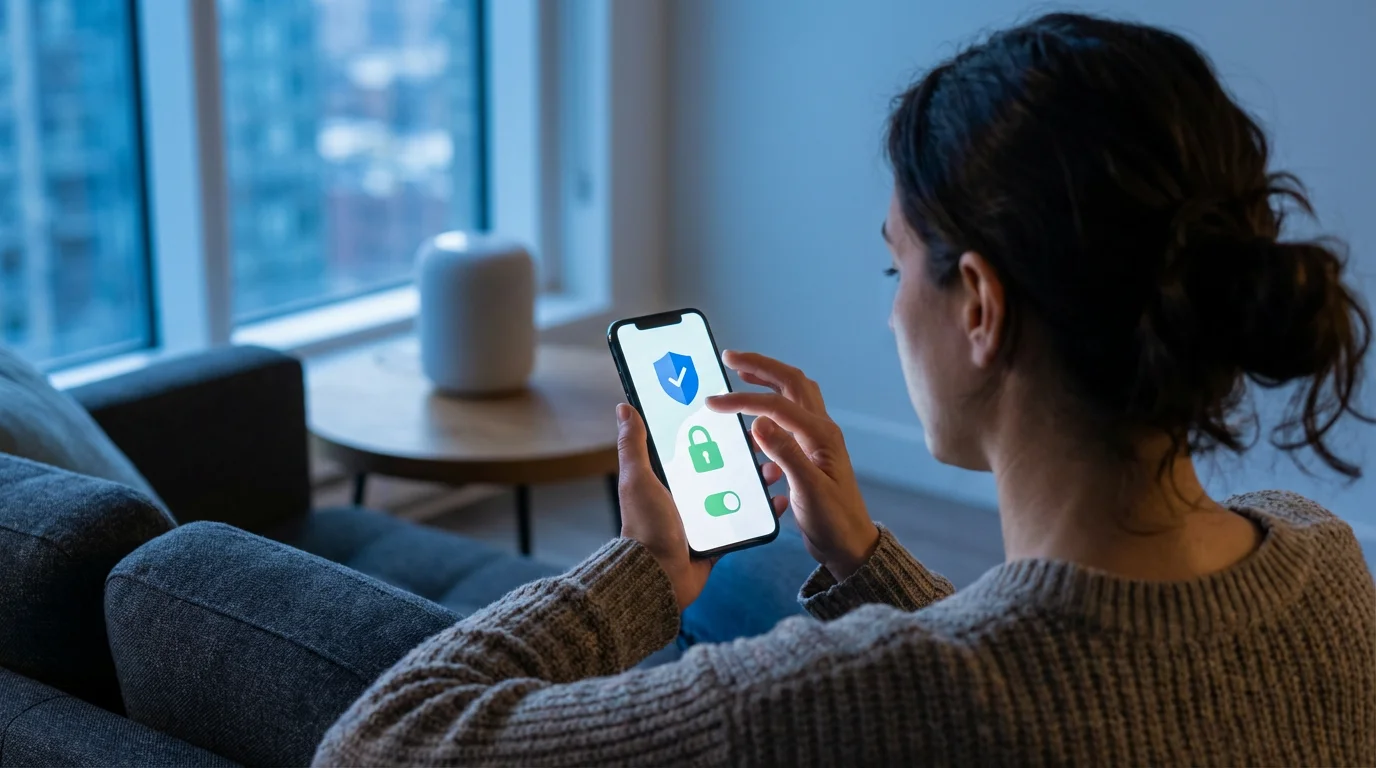
Using smart speakers and voice control offers incredible convenience, but it also raises important questions about privacy and security. You take proactive steps to protect your data and maintain control over your personal information. Understanding these aspects helps you utilize smart home voice technology confidently.
You can enjoy the benefits of hands-free automation without compromising your digital safety. Implementing best practices provides peace of mind.
Voice Assistant Privacy Concerns:
- Always-On Listening: Smart speakers are designed to listen for their wake word. This means they are constantly processing audio in your home. Reputable manufacturers state they only record and send audio to the cloud after detecting the wake word.
- Data Collection: Voice assistants collect data on your commands, preferences, and usage patterns. This data helps improve service functionality and personalization. It influences how your smart home voice commands are processed.
- Accidental Activations: Sometimes, a smart speaker might activate unintentionally due to sounds similar to its wake word. This leads to unwanted recordings of your conversations.
- Third-Party Skills/Apps: Integrating third-party services can introduce additional data sharing practices. Always review the permissions requested by these applications.
Best Practices for Privacy and Security:
- Understand Privacy Settings: Familiarize yourself with the privacy settings in your Alexa, Google Home, or Apple Home app. You often have options to review, delete, or limit data collection and sharing.
- Manage Voice Recordings: Regularly review and delete your voice recordings from your assistant’s activity history. Most platforms allow you to set automatic deletion schedules, offering greater control.
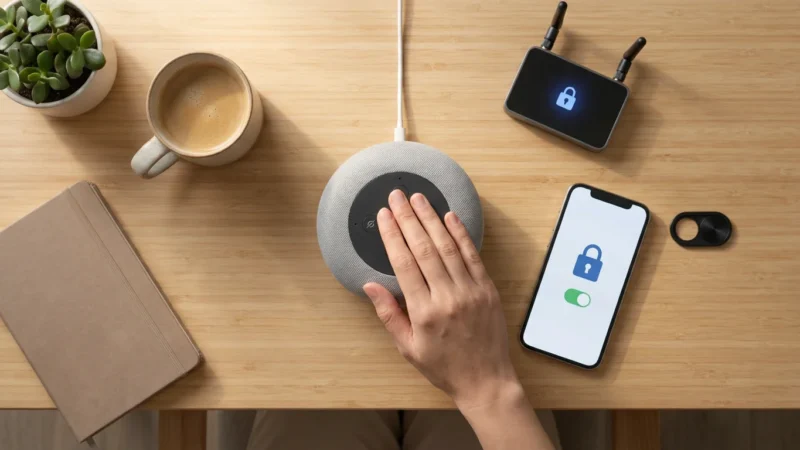
- Use Mute Buttons: All smart speakers include a physical microphone mute button. Use it when you want complete privacy, such as during sensitive conversations or when not actively using the device. A visual indicator, often a red light, confirms the microphone is off.
- Strong Wi-Fi Security: Secure your home Wi-Fi network with a strong, unique password and WPA2/WPA3 encryption. This protects all your connected devices from unauthorized access.
- Device Placement: Consider where you place smart speakers. Avoid putting them in highly private areas like bathrooms or bedrooms, or choose a device without a camera if visual privacy is a top concern.
- Limit Personal Information: Be mindful of the personal information you share with your voice assistant. Do not store sensitive details where they could be easily accessed or inadvertently spoken aloud.
- Regular Software Updates: Keep your smart speaker firmware and companion apps updated. Manufacturers frequently release security patches and privacy enhancements, protecting you from new vulnerabilities.
- Review Third-Party Permissions: When enabling new skills or integrations, carefully review the permissions they request. Grant only those necessary for functionality.
You maintain a secure and private smart home environment when you actively manage these settings and practices. Enjoy the benefits of hands-free automation with peace of mind. Your approach to smart home voice security is a vital component of your overall digital safety.
Top Smart Speaker Recommendations for Voice Control
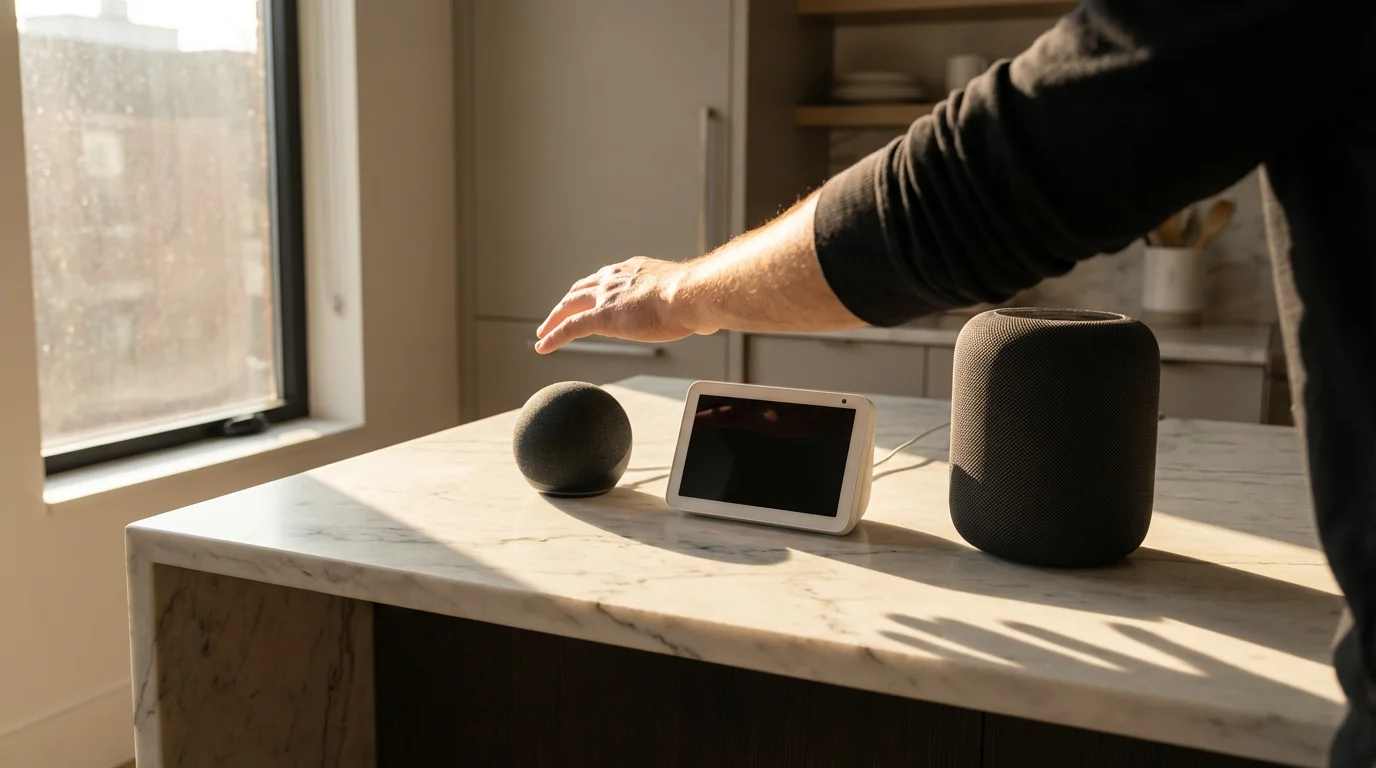
Choosing the right smart speaker is essential for effective smart home voice control. Your selection impacts audio quality, screen functionality, and ecosystem integration. Consider your budget, desired features, and preferred voice assistant when making your decision for setting up whole home voice control.
These recommendations help you find a device that perfectly fits your needs, ensuring a high-quality smart home voice experience.
Amazon Echo Devices (Alexa)
- Echo Dot (4th/5th Gen): This compact and affordable option is perfect for extending Alexa into multiple rooms. It delivers surprisingly good sound for its size and offers various clock or LED display options.
- Echo (4th Gen): The standard Echo offers excellent audio quality for music and serves as a central hub for many Zigbee smart devices. Its spherical design also acts as an attractive piece of decor.
- Echo Show (5, 8, 10, 15): These devices include a screen, adding visual feedback to your voice commands. You view security camera feeds, make video calls, watch recipes, display photos, or even watch streaming content.
- Echo Studio: For audiophiles, the Echo Studio provides premium, immersive audio with Dolby Atmos support, making it an excellent choice for music playback.
Google Nest Devices (Google Assistant)
- Nest Mini (2nd Gen): Similar to the Echo Dot, the Nest Mini provides an entry-level, room-filling option for Google Assistant. It offers enhanced bass and clear vocals for its small footprint.
- Nest Audio: This speaker focuses on rich, clear audio, making it ideal for music lovers. Its fabric design helps it blend well into most home decor.
- Nest Hub (2nd Gen) / Nest Hub Max: Google’s smart displays offer visual responses, video calling, and YouTube integration. The Hub Max also includes a high-quality camera and can act as a Nest Cam, providing added security features.
Apple HomePod Devices (Siri/HomeKit)
- HomePod mini: This compact speaker provides impressive 360-degree sound for its size. It deeply integrates with Apple’s HomeKit ecosystem, prioritizing privacy and security. It also acts as a HomeKit hub, enabling remote control of accessories.
- HomePod (2nd Gen): The larger HomePod offers premium audio quality, spatial audio capabilities, and serves as an excellent central HomeKit hub. It delivers a rich, room-filling sound experience for discerning listeners.
For more detailed reviews and comparisons, consult trusted sources like Wirecutter’s smart home guides. You find a device that perfectly fits your needs and budget when you explore these options. Ensure your chosen device aligns with your preferred voice assistant. This provides the best smart home voice experience for you and your household.
Troubleshooting Common Voice Control Issues
Even with the most robust setup, you might occasionally encounter issues with your smart home voice control. Addressing these common problems quickly restores your hands-free automation. You often resolve problems with simple steps, getting your system back on track efficiently.
Do not let minor glitches deter you from enjoying the full benefits of smart home voice commands. A systematic approach to troubleshooting helps identify and fix most issues.
“My Voice Assistant Isn’t Hearing Me”
- Check Microphone Mute: Ensure the microphone mute button on your smart speaker is not active. A visual indicator, usually a red light, typically shows when the microphone is off.
- Speak Clearly: Articulate your commands clearly and at a normal speaking volume. Avoid mumbling or speaking too quickly.
- Reduce Background Noise: Minimize competing sounds like music, TV, or conversations near the speaker. These can interfere with the microphone’s ability to pick up your voice.
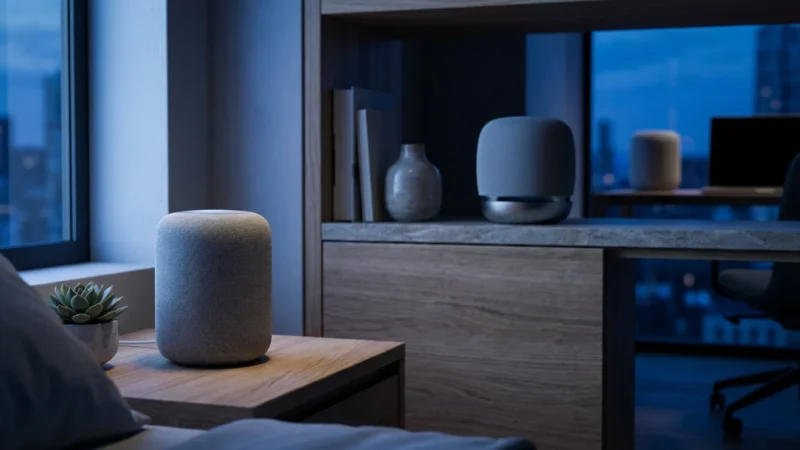
- Speaker Placement: Move your speaker to a more central location, away from walls or corners that might muffle sound or create echoes. Ensure nothing obstructs the microphones.
- Restart Device: Unplug your smart speaker for 30 seconds, then plug it back in. This often resolves minor glitches and refreshes the device’s connection.
“My Device Isn’t Responding to Voice Commands”
- Check Device Status: Verify the smart device itself is powered on and functioning correctly. Try controlling it manually via its dedicated app to confirm its operation.
- Verify Wi-Fi Connection: Ensure both your smart speaker and the unresponsive device are connected to your home Wi-Fi. Check the device’s indicator light or its app for connectivity status.
- Check App Integration: Open your voice assistant app. Confirm the device is still listed and linked correctly. Re-link the device if necessary, as connections can sometimes drop.
- Device Naming: Use the exact name you assigned to the device in the voice assistant app. Say, “Turn on the living room lamp” instead of “Turn on the lamp” to avoid ambiguity.
- Reboot Router: A simple router restart often resolves network-related communication issues between devices and your voice assistant. This refreshes all network connections.
“My Routines Aren’t Working”
- Review Routine Settings: Open your voice assistant app and carefully review the routine’s trigger and actions. Ensure all steps are correctly configured and in the right order.
- Check Device Availability: Confirm all devices included in the routine are online and responsive. An offline device can cause a routine to fail.
- Test Triggers: If your routine uses a time or sensor trigger, manually test the trigger to see if it initiates the routine. For example, open the sensor’s door.
- Simplify: Temporarily remove some actions from a complex routine to isolate the problematic step. This helps you identify which specific action is causing the failure.
- Recreate Routine: If a routine consistently fails, delete it and recreate it from scratch. Sometimes, a corrupted routine configuration causes persistent issues.
Persistent issues may require checking for software updates for your smart speaker and devices. Sometimes, factory resetting a device and re-adding it is necessary for stubborn problems. Remember, consistency in your network and device setup helps maintain reliable voice control for your entire home. You gain consistent hands-free automation through diligent troubleshooting.
Frequently Asked Questions
What smart devices can I control with voice?
You control a vast range of smart devices with your voice. This includes smart lights, thermostats, door locks, security cameras, smart plugs, garage door openers, entertainment systems, robot vacuums, and more. The key is ensuring device compatibility with your chosen voice assistant, whether it is Alexa, Google Assistant, or Siri. You expand your voice control capabilities as more devices become compatible.
Do I need a smart home hub for voice control?
No, you do not always need a smart home hub. Many modern smart devices connect directly to your home Wi-Fi and integrate with voice assistants. However, a hub can be beneficial for integrating devices using protocols like Zigbee or Z-Wave. It also offers more advanced local automations and broader compatibility for how to control all smart devices with voice, especially in larger or more complex setups.
How do I improve my voice assistant’s accuracy?
You improve accuracy by speaking clearly and distinctly. Place your smart speaker in an optimal location, away from noise and walls. Regularly review and delete your voice recordings to help the assistant learn your speech patterns better. Ensure your Wi-Fi connection is stable and strong. Also, use consistent, simple names for your smart devices to avoid confusion.
Can I use multiple voice assistants in one home?
Yes, you can use multiple voice assistants in one home. You might place an Alexa device in one room and a Google Assistant device in another. Some devices even support both assistants. However, managing two separate ecosystems requires more effort and might lead to compatibility challenges for specific devices. Choose a primary assistant for most of your whole home voice control to simplify management and streamline your experience.
Disclaimer: This article is for informational purposes only. Smart home devices involve electrical connections and data privacy. Always follow manufacturer instructions for installation. For complex wiring or HVAC work, consult a licensed professional.
For those using Amazon’s ecosystem, you can learn more about creating custom Alexa routines for your family to further personalize your automation.


Leave a Reply