
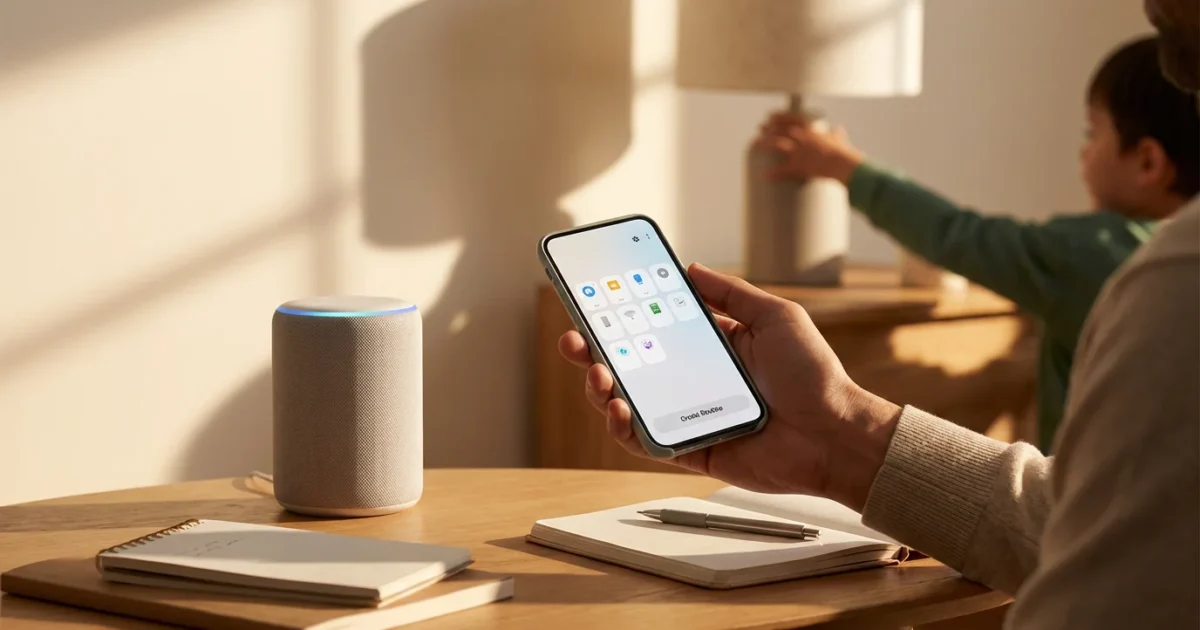
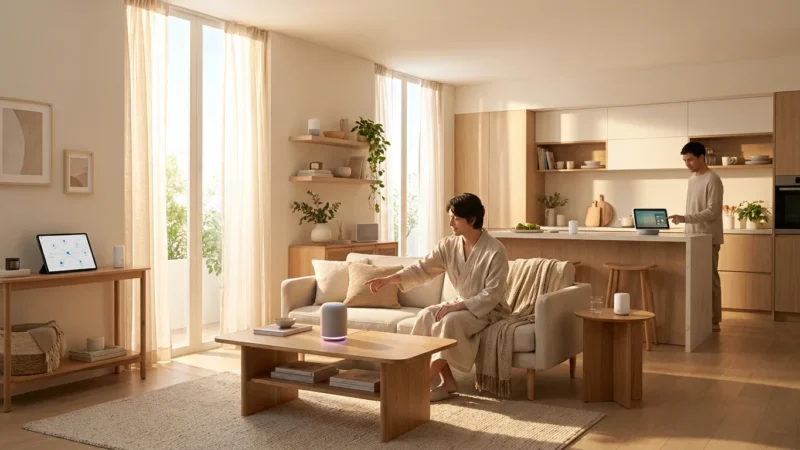
Your smart home transforms from a collection of devices into a truly intelligent living space when these devices work together seamlessly. Alexa routines empower you to automate daily tasks, enhance security, and create a more convenient environment for your entire family. Imagine your lights adjusting, music playing, and doors locking all with a simple phrase or on a set schedule.
Building `custom commands` and `Alexa routines` makes your home responsive to your family’s unique needs. This guide helps you understand, create, and optimize `Alexa routines` to improve daily life, save energy, and boost home security. You will learn how to go beyond basic commands, bringing a new level of intelligence and efficiency to your connected home.

Understanding Alexa Routines: Your Family’s Digital Helper
Alexa routines serve as personalized sequences of actions triggered by a specific event or command. They allow your smart devices to work together automatically, simplifying complex tasks into single commands. Think of them as miniature programs you design to make your home smarter and more responsive.
A routine consists of three core components: a trigger, actions, and the devices involved. The trigger initiates the routine, actions define what happens, and devices are the smart gadgets that execute those actions. This structure provides immense flexibility, allowing you to tailor your smart home experience precisely.
The best smart home is the one you do not have to manage. Automation tools like Alexa routines help achieve this seamless experience, working silently in the background.
Implementing `family automation` with routines offers numerous benefits. You can save time by automating repetitive tasks like turning off lights or adjusting the thermostat. Routines also bring consistency, ensuring everyone follows the same morning or bedtime sequence. For example, a routine can ensure doors lock every night.
They also contribute to energy savings. A “Leaving Home” routine can automatically turn off all lights and set back the thermostat. Furthermore, routines provide peace of mind by enhancing security, such as simulating presence when you are away. This holistic approach to automation makes your home work harder for you.
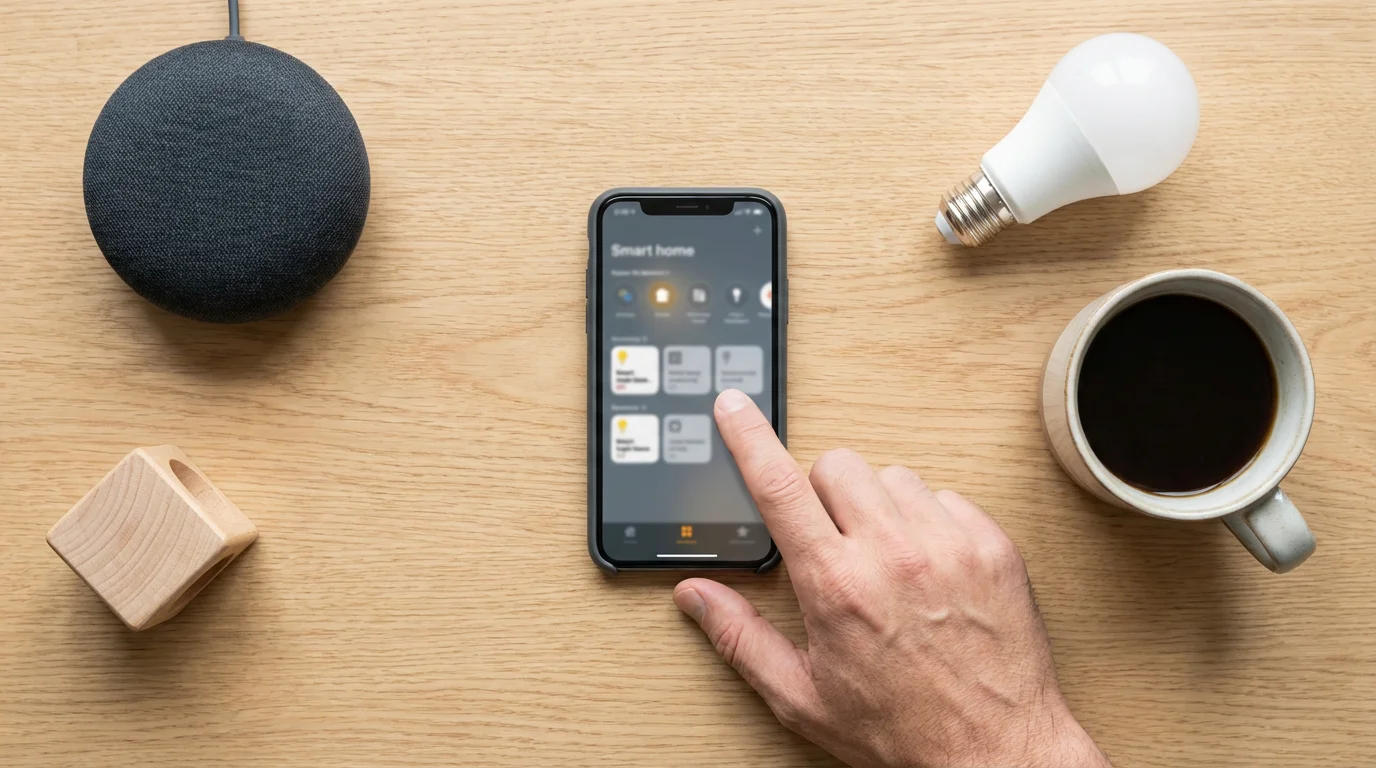
Setting Up Your First Family Routine in the Alexa App
Creating an Alexa routine is a straightforward process within the Alexa app. You navigate a user-friendly interface to define triggers and actions. This step-by-step guide helps you build your first routine, paving the way for more complex `family automation` in your home.
Follow these instructions to create your first Alexa routine:
- Open the Alexa App: Launch the Amazon Alexa app on your smartphone or tablet.
- Navigate to Routines: Tap “More” in the bottom right corner of the app, then select “Routines.”
- Start a New Routine: Tap the “+” icon in the top right corner to begin creating a new routine.
- Name Your Routine: Give your routine a clear, descriptive name, such as “Good Morning Family” or “Lights Out.” This helps you identify it later.
- Choose Your Trigger: Tap “When this happens” to select how your routine starts. Common triggers include:
- Voice: A specific phrase you say, like “Alexa, good morning.”
- Schedule: A set time and day, perfect for daily `how to create Alexa routines for morning` or evening.
- Smart Home Device: A motion sensor detecting movement, a door sensor opening, or a smart button press.
- Location: When you arrive at or leave a specific place (geofencing).
- Add Actions: Tap “Add action” to define what Alexa does when the routine triggers. You can add multiple actions. Popular actions include:
- Smart Home: Control lights, thermostats, locks, and other connected devices.
- Alexa Says: Have Alexa speak a custom phrase, the weather, news, or a specific fact.
- Music: Play specific songs, artists, or playlists from your chosen music service.
- News: Get your flash briefing.
- Skills: Integrate actions from specific Alexa skills.
- Select Devices for Actions: If you add a Smart Home action, choose the specific device or group of devices you want to control. For example, specify which lights turn on.
- Choose Device to Perform Actions: For actions like “Alexa Says” or “Music,” select which Alexa-enabled device performs the action, or choose “The device you speak to” for flexibility.
- Save Your Routine: Tap “Save” in the top right corner. Your new routine is now active.
To get more ideas for your automation triggers, browse our list of 50 essential Alexa commands every smart home owner should know.
You can always go back and edit or disable routines from the “Routines” section of the Alexa app. Experiment with different triggers and actions to discover what works best for your household.

Custom Commands for Smooth Family Mornings
Mornings can often feel chaotic, but `Alexa routines` can transform them into a smooth, organized start to the day. By setting up `custom commands` for your morning sequence, you empower your family to kickstart their day with ease. This reduces stress and ensures everyone gets out the door on time.
One of the `best Alexa routines for families` involves a “Good Morning Family” command. This single phrase can orchestrate a cascade of helpful actions. Consider what elements make your mornings easier. Does your family need gentle wake-up lighting, a news briefing, or a specific playlist to get moving?
Here is a common morning routine setup and what it achieves:
- Trigger: Voice command, “Alexa, good morning family.”
- Actions:
- Lights in the kitchen and living room turn on to 50% brightness (gradual wake-up).
- Smart coffee maker starts brewing.
- Alexa announces, “Good morning, family! Here is your personalized briefing for today.”
- Alexa provides the local weather forecast.
- Alexa plays the daily news flash briefing.
- Alexa starts playing upbeat morning music from a chosen playlist or station on your main smart speaker.
You can further customize this by adding personalized greetings based on voice profiles. For example, when your child says “Alexa, good morning,” Alexa can respond with a personalized message and play their favorite cartoon theme song. This adds a delightful touch to their morning. According to Wirecutter, personalization is a key aspect of making smart home technology truly beneficial.
Another variation involves setting a scheduled trigger for weekdays. For instance, at 6:30 AM Monday through Friday, a routine could automatically turn on bedroom lights gradually, indicating it is time to wake up. This is a practical answer to `how to create Alexa routines for morning and night` to ensure consistency even on busy days.
Streamlining Evening and Bedtime with Alexa
Just as Alexa can help with mornings, it also excels at preparing your home for a restful evening and secure night. `Alexa routines` offer an effortless way to wind down, secure your home, and ensure a peaceful environment for sleep. These `custom commands` simplify the transition from a busy day to a calm evening.
Consider a “Good Night Family” routine, designed to prepare the entire house for sleep. This single command can save you the hassle of walking around, turning off lights, and checking locks. This brings peace of mind, knowing your home is secure and energy-efficient overnight.
Here is a practical `how to create Alexa routines for morning and night` example for your evening:
- Trigger: Voice command, “Alexa, good night family.”
- Actions:
- All smart lights in common areas turn off.
- Bedroom lights dim to 10% brightness.
- Smart doors lock automatically.
- Thermostat adjusts to your preferred nighttime temperature.
- Alexa plays soothing white noise or ambient sounds on bedroom smart speakers.
- Security system arms to “stay” mode.
For family entertainment, you can create a “Movie Night” routine. This routine can instantly set the mood for watching films. It might dim the living room lights, turn on your smart TV or projector, and ensure the blinds are closed. This creates an immersive experience with minimal effort. CNET often highlights how entertainment automation enhances the smart home experience.
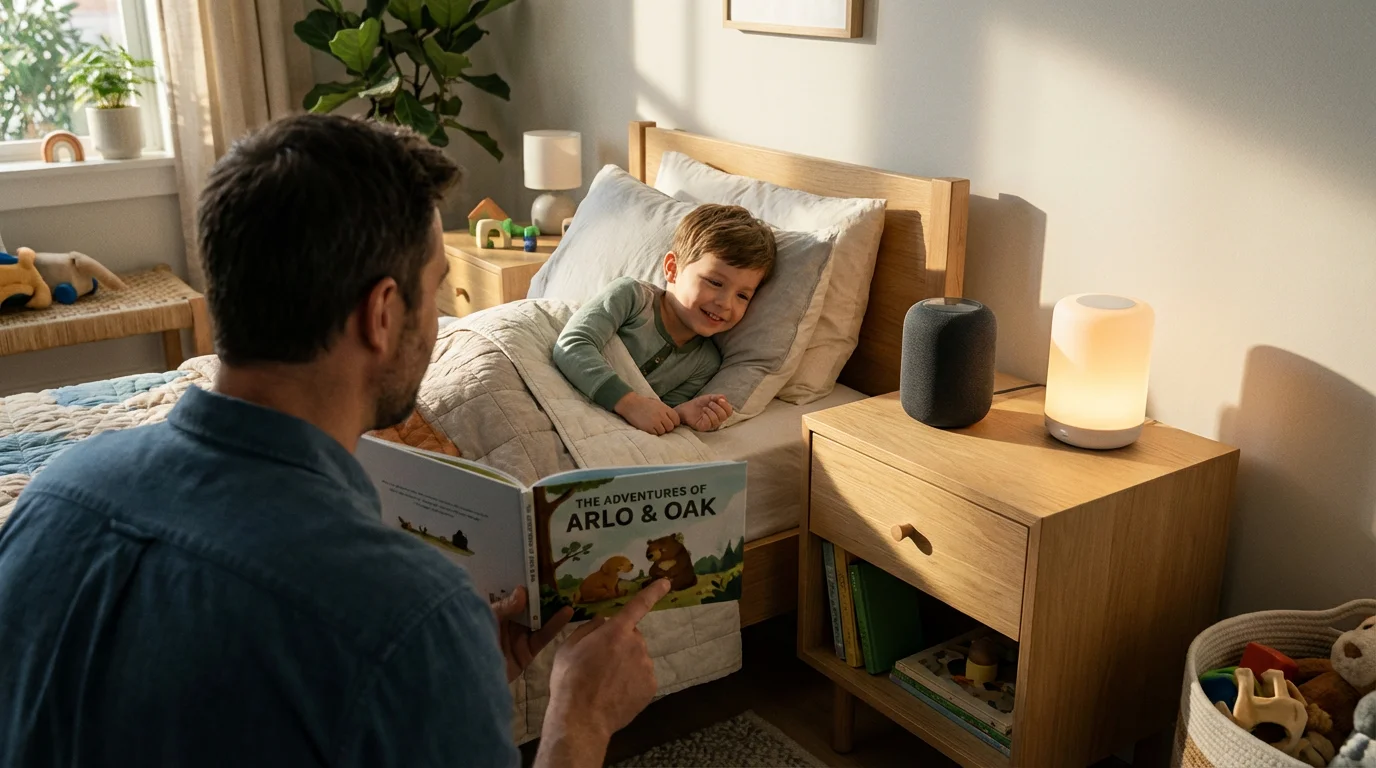
You can also tailor routines for children’s bedtimes. A “Kids Bedtime” routine could dim their bedroom lights, play a bedtime story or lullaby, and set a nightlight to a soft glow. This helps establish a consistent and comforting bedtime ritual, benefiting both children and parents.
Enhancing Security and Peace of Mind with Family Automation
Smart home `Alexa routines` extend beyond convenience, playing a critical role in enhancing your family’s security and providing genuine peace of mind. By linking security devices to `custom commands`, you gain more control over your home’s safety. This proactive approach helps protect your loved ones and your property.
A robust “Leaving Home” routine is an essential `best Alexa routines for families` setup for security. When you depart, you can trigger a series of actions that lock down your home. This prevents forgotten tasks and reinforces your security posture every time you step out the door.
An effective “Leaving Home” routine includes:
- Trigger: Voice command, “Alexa, I’m leaving.”
- Actions:
- All interior smart lights turn off.
- All smart door locks engage.
- The smart garage door closes (if open).
- The smart thermostat adjusts to an energy-saving “away” temperature.
- Your home security system arms to “away” mode.
For unexpected situations, an “Emergency” routine can provide quick assistance. While Alexa devices cannot directly call 911, they can connect to emergency contacts or initiate specific alerts. You can configure Alexa to call a designated contact, send an announcement to all speakers, or trigger all lights to flash.
You can also use smart sensors to enhance your security routines. A motion sensor near your main entrance could trigger lights to turn on if movement is detected after dark, deterring potential intruders. Door and window sensors can alert you if they open when the security system is armed. These small integrations add significant layers of protection.
Furthermore, consider creating “Vacation Mode” routines. These routines simulate presence in your home while you are away. They can turn lights on and off at random intervals throughout the evening, making it appear as though someone is home. This visual deterrent adds another layer of security, making your home less appealing to opportunistic thieves.

Advanced Alexa Routines for Busy Households
Once you master basic `Alexa routines`, you can explore more sophisticated `family automation` scenarios. Advanced routines leverage a broader range of triggers, conditions, and integrations to create a truly intelligent and responsive home. These routines cater to the dynamic needs of busy households.
Conditional routines, though sometimes requiring third-party tools or more complex setup, introduce “if/then” logic. For example, “If the front door opens AND it’s after sunset, THEN turn on the hallway light.” This level of intelligence allows your home to react more appropriately to specific circumstances. This moves beyond simple sequence automation, providing context-aware responses.
Geofencing is another powerful feature for advanced routines. This uses your smartphone’s location to trigger actions when you arrive at or leave a designated area. Imagine this scenario:
- Trigger: You arrive within 1 mile of your home.
- Actions:
- Smart thermostat begins adjusting to your preferred “home” temperature.
- Outdoor smart lights turn on if it is dark.
- Garage door opens automatically upon your arrival at the driveway.
- Your favorite playlist starts playing on your living room speaker.
If Alexa has trouble identifying different family members for personalized routines, learning how to improve voice recognition accuracy can significantly enhance the experience.
This proactive automation ensures your home is comfortable and welcoming the moment you step inside. It saves energy by not heating or cooling an empty house unnecessarily, while still providing instant comfort when needed.
Integrating third-party services further expands routine capabilities. You can link Alexa to your digital calendar. For instance, a routine could announce upcoming appointments or reminders for family members each morning. This keeps everyone informed and organized. Services like IFTTT (If This Then That) can bridge gaps between devices and services that do not natively connect with Alexa, creating even more unique `custom commands`.
Voice profiles allow for personalized experiences. When Alexa recognizes a specific family member’s voice, it can trigger routines tailored to that individual. For example, a parent asking “Alexa, what’s my day like?” could get different information than a child asking the same question. This creates a more intuitive and personalized smart home for everyone.

Troubleshooting Common Alexa Routine Issues
Even with the `best Alexa routines for families`, you might occasionally encounter issues where a routine does not function as expected. Understanding common problems and how to troubleshoot them helps you maintain seamless `family automation`. Most issues stem from connectivity, device status, or incorrect routine settings.
If your `Alexa routines` are not firing, start by checking the trigger.
- Verify the Trigger:
- Voice Command: Is the exact phrase being used? Check for typos in the routine’s voice command setting. Speak clearly and at a normal pace.
- Schedule: Is the time and day correctly set, including AM/PM? Does the time zone in your Alexa app match your physical location?
- Smart Home Device: Is the sensor (motion, door) working correctly and connected to Alexa? Test the sensor independently.
- Check Device Connectivity: Ensure all smart home devices involved in the routine are online and responsive. If a light bulb is offline, Alexa cannot turn it on.
- Wi-Fi: Is your home Wi-Fi stable? Are your devices too far from the router? A weak signal can cause devices to drop offline.
- Device Status: Check the device’s status in its native app or the Alexa app to confirm it is reachable.
- Review Routine Actions: Open the routine in the Alexa app and examine each action.
- Are all actions correctly configured? For example, is the light set to “on” or “off” as intended?
- Are you selecting the correct device or group for each action?
- If an action requires a skill, is that skill enabled and linked to your Alexa account?
- Permissions and Settings: Some routines, especially those involving calling or messaging, require specific permissions. Check your Alexa app settings for necessary allowances. Ensure the correct Alexa device is selected to perform actions like speaking or playing music.
- Delete and Recreate: As a last resort, if a routine is consistently problematic, delete it and recreate it from scratch. Sometimes, a fresh start resolves underlying glitches.
Regularly testing your `custom commands` and routines helps identify issues early. Periodically review your routines in the Alexa app to ensure they still meet your needs and that all linked devices are functional.

Best Practices for Family Automation and Privacy
Maximizing the benefits of `Alexa routines` while maintaining a secure and private smart home environment requires adherence to best practices. As you integrate more `family automation` into your home, consider these guidelines. They ensure your smart home remains helpful, efficient, and protects your family’s data.
First, begin with simplicity. Do not try to automate every single task simultaneously. Start with one or two key `how to create Alexa routines for morning and night` routines. Expand gradually as you gain confidence and understand your family’s needs. This iterative approach prevents overwhelm and ensures successful adoption.
Communicate clearly with all family members about how routines work and what triggers them. Everyone in the household should understand the `custom commands` and their effects. This prevents confusion and ensures smooth operation of your smart home. For example, explain that saying “Alexa, good night” will lock the doors.
Regularly review and update your device firmware and app versions. Manufacturers frequently release updates that improve performance, add features, and patch security vulnerabilities. Keeping your devices current is a fundamental aspect of smart home security. Outdated software poses a significant risk.
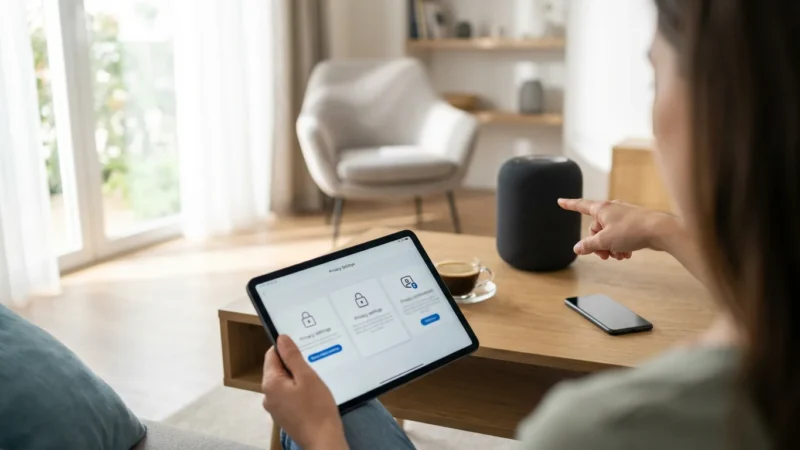
Pay close attention to privacy settings within the Alexa app.
- Voice History: You can review and delete your voice recordings. Consider setting a routine for automatic deletion.
- Skill Permissions: Carefully review the permissions requested by Alexa skills before enabling them. Limit access to only what is necessary.
- Location Services: Understand how and when Alexa uses your location data for routines, such as geofencing. Adjust these settings to your comfort level.
In addition to building routines, you should regularly review the privacy settings every smart speaker owner should enable to keep your home’s data secure.
Understanding data usage is also crucial. Smart home devices collect data to function. Be aware of what data is collected, how it is used, and Amazon’s privacy policies. Major tech companies like Amazon invest heavily in security, but user vigilance remains paramount. Consumers Union, through Consumer Reports, consistently emphasizes the importance of understanding data privacy with smart home devices.
Finally, consider the physical security of your smart devices. Secure your Wi-Fi network with a strong, unique password. Place smart speakers in central locations where they can hear commands but not accidentally pick up sensitive conversations from private areas of the home. These practices ensure your `best Alexa routines for families` operate securely and privately.
Frequently Asked Questions
Can I create Alexa routines for specific family members?
Yes, you can use Alexa voice profiles to create personalized routines. When Alexa recognizes a specific voice, it can trigger actions tailored to that individual, such as a custom greeting or a specific music playlist. This enhances personalization for your `family automation`.
Do Alexa routines require an internet connection?
Most `Alexa routines` require an active internet connection to function. Alexa relies on cloud processing to understand commands and execute actions with smart devices. Without internet, local control of some devices might still be possible, but routines will not work.
Can I use a smart button or switch as a trigger for an Alexa routine?
Absolutely. Many smart buttons, switches, and sensors from compatible brands can serve as triggers for your `custom commands`. For instance, pressing a smart button could activate your “Movie Night” routine, providing a physical way to trigger automations without voice.
Are there any limits to the number of actions in an Alexa routine?
While Amazon does not typically publish a hard limit for actions, practical considerations suggest keeping routines manageable. Too many actions can lead to delays or failures if devices do not respond quickly. Focus on essential, sequential actions for optimal performance in your `Alexa routines`.
How do I share Alexa routines with other family members?
Alexa routines are tied to the Amazon account that created them. If all family members use the same primary Amazon account for Alexa, they automatically have access. If family members use separate accounts under an Amazon Household, they can manage their own routines, but primary routines are often best managed by the household owner.
Disclaimer: This article is for informational purposes only. Smart home devices involve electrical connections and data privacy. Always follow manufacturer instructions for installation. For complex wiring or HVAC work, consult a licensed professional.
Before diving into complex automation, it is helpful to understand how Alexa vs Google Assistant vs Siri compare to ensure you are using the best platform for your needs.





Leave a Reply