
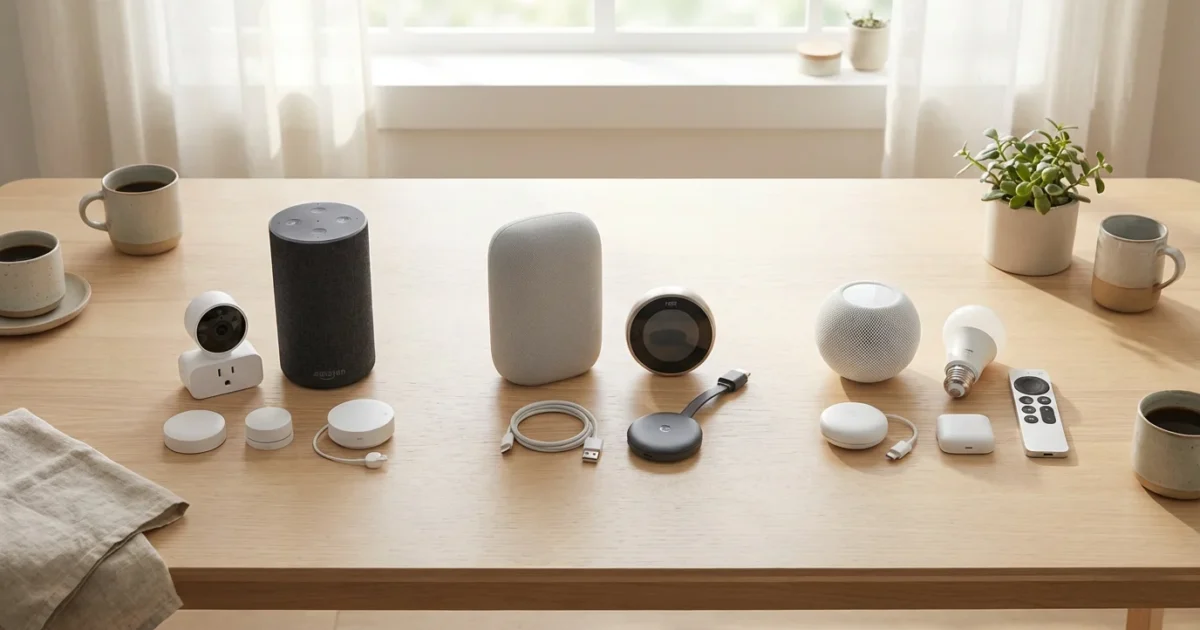
Choosing the right voice assistant is a foundational decision for your smart home. This choice influences device compatibility, automation capabilities, and even how naturally you interact with your living space. Amazon Alexa, Google Assistant, and Apple Siri dominate the market, each offering distinct advantages.
Your ideal voice assistant streamlines daily tasks, enhances security, and saves energy. It transforms your home from a collection of devices into a truly connected, responsive environment. Understanding the nuances of each platform helps you build a smart home that truly serves your needs.

Understanding Smart Home Voice Assistants
Voice assistants act as the central brain of your smart home. They interpret your spoken commands and translate them into actions for your connected devices. Imagine simply saying, “Turn on the living room lights,” and seeing them illuminate, or “Set the thermostat to 72 degrees,” and feeling the change in temperature.
These systems go beyond simple commands. They allow you to create complex routines, linking multiple actions to a single trigger. This provides unparalleled convenience, transforming everyday chores into effortless interactions. The right voice assistant enhances security, conserves energy, and simplifies your daily life.
Amazon Alexa: The Ubiquitous Assistant
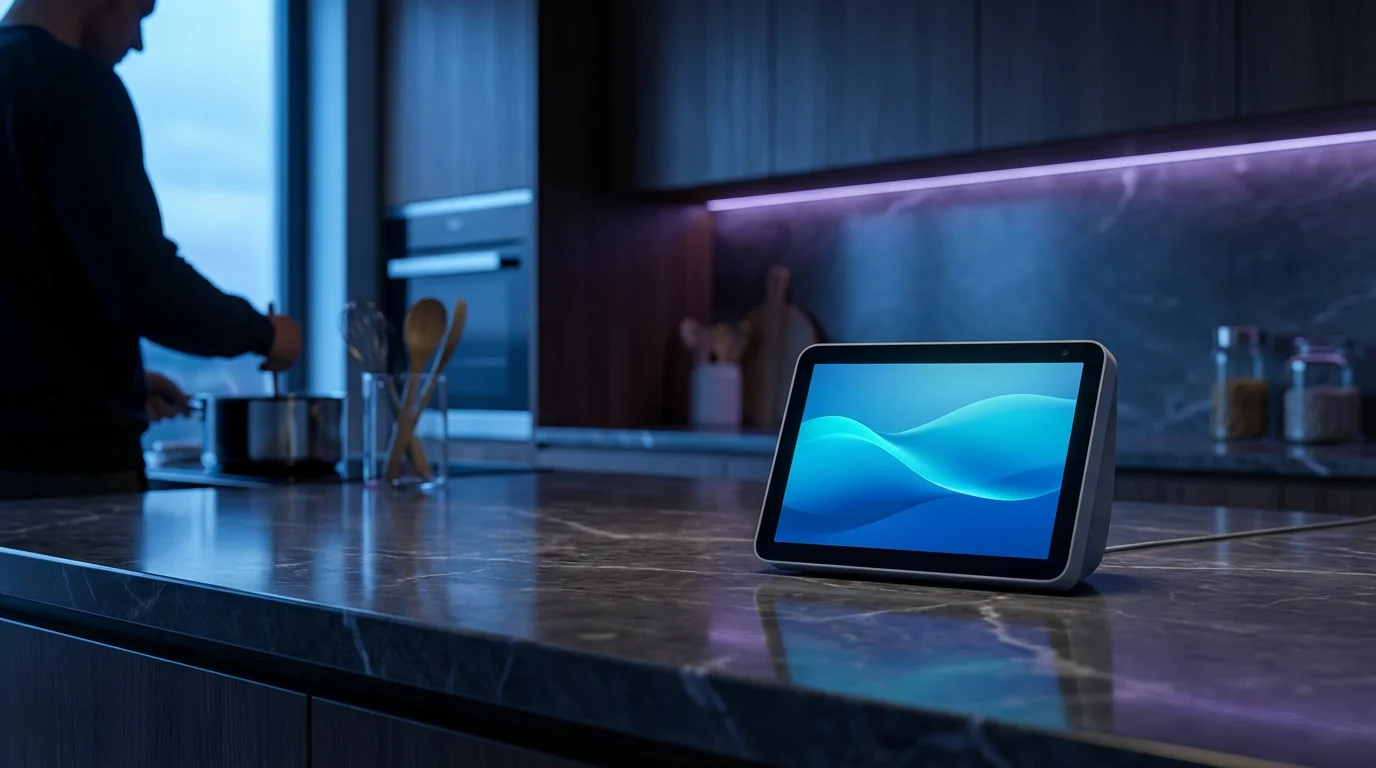
Amazon Alexa stands as a leading force in the smart home market, known for its extensive device compatibility and vast ecosystem of skills. You find Alexa built into a wide array of smart speakers, displays, and third-party devices, making it incredibly accessible for many homeowners. This broad availability helps cement its position in many homes.
Strengths of Amazon Alexa
- Broad Device Compatibility: Alexa integrates with tens of thousands of smart home devices, offering more choices than its competitors. This means your existing smart plugs, bulbs, and thermostats likely work with Alexa.
- Extensive Skills Library: Alexa boasts a massive collection of “skills,” which are like apps for your voice assistant. These skills add functionality ranging from playing games to ordering groceries.
- Affordable Hardware: Amazon’s Echo line offers a range of affordable smart speakers and displays, making it easy to get started without a large upfront investment.
- User-Friendly Routines: Creating custom routines in the Alexa app is straightforward. You can easily set up commands like “Alexa, good morning” to turn on lights, start the coffee maker, and read the news.
Common Alexa Integrations and Commands
You can control various aspects of your smart home with simple voice commands:
- Lighting: “Alexa, dim the bedroom lights to 50%.”
- Thermostat: “Alexa, set the temperature to 70 degrees.”
- Security: “Alexa, arm the alarm system.”
- Entertainment: “Alexa, play my morning playlist on Spotify.”
- Routines: “Alexa, good night” to turn off all lights, lock doors, and adjust the thermostat.
Alexa’s open platform approach allows many manufacturers to build in support. This makes it a strong contender for users who prioritize maximum device flexibility and a wide range of features. Alexa is often a good entry point for beginners due to its simplicity and comprehensive support.
Google Assistant: The Intelligent Integrator
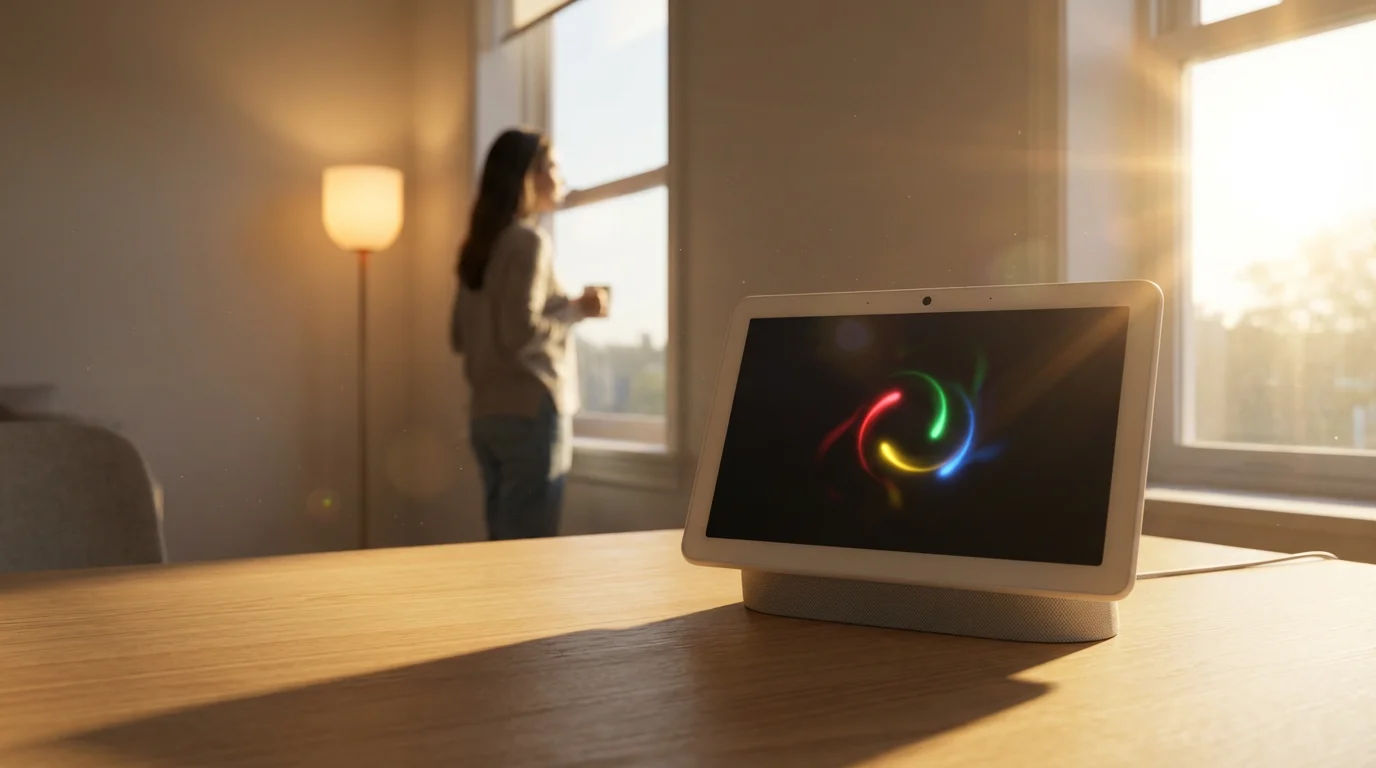
Google Assistant distinguishes itself with its advanced natural language processing and deep integration into Google’s vast ecosystem of services. It provides contextual understanding that often feels more conversational than other assistants. If you extensively use Google services like Calendar, Gmail, or Maps, Assistant offers seamless integration.
Strengths of Google Assistant
- Superior Natural Language Processing: Google Assistant excels at understanding complex and conversational queries. You can often speak more naturally, and it understands context from previous questions.
- Deep Google Services Integration: It ties seamlessly into your Google account, accessing your calendar, reminders, and search history for personalized responses. You can ask “What’s my first appointment today?” and get an accurate answer.
- Robust Smart Home Support: While perhaps not as broad as Alexa, Google Assistant supports a significant number of smart home devices. Its focus often leans towards robust, well-integrated products.
- Routines with Conditions: Google Assistant’s routines, formerly called “Automations,” allow for advanced conditional logic. For instance, “When I arrive home, if it’s after sunset, turn on the porch light.”
Common Google Assistant Integrations and Commands
Google Assistant handles various smart home tasks with intuitive commands:
- Information: “Hey Google, what’s the weather like tomorrow?”
- Media Control: “Hey Google, play jazz music on YouTube Music in the kitchen.”
- Device Control: “Hey Google, turn off the living room fan.”
- Security: “Hey Google, show me the front door camera on the living room TV.”
- Conditional Routines: “Hey Google, I’m home” triggers lights, music, and adjusts the temperature based on time and other factors.
Users who value a more intelligent, conversational interface and a tightly integrated experience with their Google services find Google Assistant very compelling. It offers powerful routines and a growing list of compatible devices, making it a strong alternative to Alexa.

Apple Siri: The Privacy-Focused Option
Apple Siri, while a latecomer to the dedicated smart home speaker market, offers a compelling option for users deeply embedded in the Apple ecosystem. Its strength lies in its commitment to user privacy and seamless integration with Apple devices. If your home primarily uses iPhones, iPads, and Macs, Siri presents a natural extension.
Strengths of Apple Siri (HomeKit)
- Strong Privacy Controls: Apple prioritizes user privacy, processing many requests locally on your device. This reduces the amount of data sent to the cloud.
- Robust HomeKit Security: Devices compatible with Apple HomeKit adhere to stringent security standards, offering peace of mind for sensitive devices like locks and cameras.
- Seamless Apple Ecosystem Integration: Siri works effortlessly across all your Apple devices. You can control your smart home from your iPhone, Apple Watch, iPad, or HomePod.
- Local Control (Matter Protocol): With the adoption of Matter, HomeKit devices can often communicate locally, improving responsiveness and reliability.
Common Siri (HomeKit) Integrations and Commands
Siri controls your HomeKit devices with straightforward commands:
- Scenes: “Hey Siri, activate ‘Good Morning’ scene” to open blinds and turn on bedroom lights.
- Individual Devices: “Hey Siri, turn off the lamp in the office.”
- Climate Control: “Hey Siri, set the downstairs thermostat to 71 degrees.”
- Security: “Hey Siri, is the front door locked?”
- Intercom: “Hey Siri, announce ‘Dinner is ready’ to all HomePods.”
HomeKit, Apple’s smart home framework powered by Siri, requires devices to meet specific certification standards. This ensures compatibility and security, though it can mean a smaller selection of devices compared to Alexa or Google Assistant. For Apple loyalists, the integrated and private experience is highly valued. Wirecutter has often highlighted HomeKit’s ease of use for Apple users. You can explore more on their smart home guides.
Key Comparison Factors for Your Smart Home
When you decide which voice assistant is best for your home, consider several critical factors. These elements directly impact your user experience and the overall effectiveness of your smart home system. Evaluating these points helps you make an informed choice tailored to your preferences.
Device Compatibility and Ecosystem Size
- Amazon Alexa: Boasts the largest ecosystem with tens of thousands of compatible devices from countless brands. It is ideal if you want maximum choice and flexibility.
- Google Assistant: Supports thousands of devices, often focusing on major brands and well-integrated products. Compatibility is strong, but slightly less broad than Alexa.
- Apple Siri (HomeKit): Has a more curated ecosystem, with devices needing HomeKit certification. This results in fewer options but guarantees higher security and reliability within the Apple environment.
Voice Recognition and Natural Language Processing
- Google Assistant: Generally recognized for its superior natural language understanding and contextual awareness. It handles complex, multi-part queries effectively.
- Amazon Alexa: Offers excellent voice recognition for direct commands and a vast array of phrases. Its understanding is robust, though less conversational than Google Assistant.
- Apple Siri: Continues to improve, especially with local processing. It works well for specific commands but can sometimes struggle with ambiguity compared to Google Assistant.
Routine Creation and Automation Depth
- Google Assistant: Provides powerful routines with advanced conditional logic, allowing for highly customized automations. You can set triggers based on time, location, device status, and more.
- Amazon Alexa: Offers user-friendly routine creation with a wide range of triggers and actions. It is easy for beginners to set up basic to moderately complex automations.
- Apple Siri (HomeKit): Uses “Scenes” and “Automations” within the Home app. Automations can be quite powerful, triggered by occupancy sensors, time of day, or device status.
Privacy and Data Handling
Your data privacy is a significant concern when inviting a voice assistant into your home. Each company approaches this differently.
- Apple Siri: Emphasizes privacy, processing many requests on your device and encrypting data sent to the cloud. You have granular control over data sharing.
- Amazon Alexa: Collects voice recordings and data to improve its services. You can review and delete recordings, and Amazon provides privacy settings to manage data.
- Google Assistant: Processes data to personalize your experience. Google offers extensive privacy controls, allowing you to manage your activity history and data retention.
Understanding these privacy policies helps you select a system aligned with your comfort level regarding data collection. Consumer Reports frequently publishes reviews on the privacy aspects of these devices, offering valuable insights.
Pricing and Hardware Selection
- Amazon Alexa: Offers the most affordable entry points with various Echo devices. These range from compact Echo Dot speakers to Echo Show smart displays.
- Google Assistant: Provides competitive pricing with Nest Audio and Nest Hub devices. These options offer excellent sound quality and smart display functionality.
- Apple Siri: Primarily available on the HomePod mini, a premium smart speaker with excellent audio and deep HomeKit integration. iPhones and iPads also serve as Siri entry points.
Setting Up and Configuring Your Chosen Assistant
Getting your voice assistant ready involves a few straightforward steps, regardless of the platform. The process generally begins with downloading the respective app and connecting your smart speaker. You then integrate your various smart home devices.
General Setup Steps
- Download the App: Install the Amazon Alexa app, Google Home app, or Apple Home app on your smartphone or tablet.
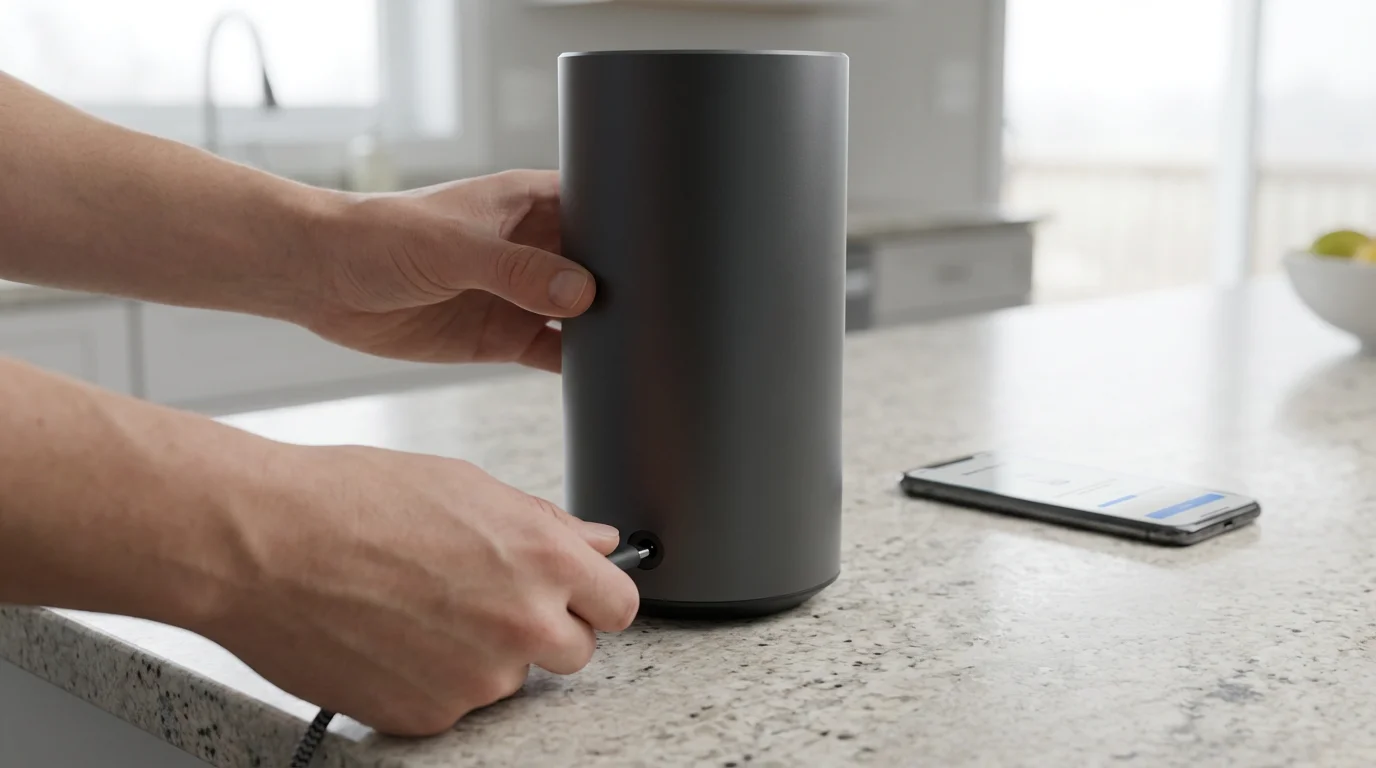
- Connect Your Smart Speaker: Plug in your smart speaker (Echo, Nest Audio, HomePod mini) and follow the in-app instructions to connect it to your Wi-Fi network.
- Link Smart Home Devices: Open the assistant’s app, navigate to the “Devices” or “Works with” section, and add your smart lights, thermostats, locks, and other gadgets. Many devices require you to enable a “skill” or “service.”
- Organize Your Home: Create rooms, assign devices to specific rooms, and name your devices clearly. This helps your assistant understand commands like “Turn off the lights in the living room.”
Remember to follow manufacturer instructions for each specific smart device. For instance, a smart thermostat might require professional installation if you are uncomfortable with electrical wiring. Always prioritize safety during setup.

Maximizing Your Smart Home with Advanced Routines
Basic commands are just the beginning. Advanced routines and automations unlock the true potential of your smart home, allowing devices to work together seamlessly. This creates a truly intelligent and responsive living environment. Think beyond simple on/off commands.
Examples of Powerful Routines
- Morning Wake-Up: At 7 AM, gradually turn on bedroom lights, start playing your favorite news podcast, and raise the thermostat slightly.
- Leaving Home: When you say “Goodbye,” lock all doors, turn off all lights, arm the security system, and lower the thermostat to an energy-saving temperature.
- Movie Night: Saying “Movie time” dims the living room lights, closes smart blinds, and turns on your smart TV to a specific input.
- Arrival Home: When your phone detects you are home (geofencing), unlock the front door, turn on the porch light if it is dark, and adjust the indoor temperature.
You can also use motion sensors to trigger actions, such as turning on a hallway light when you walk by at night. Explore the routine sections within your chosen assistant’s app to discover all the possibilities. These automations offer significant energy savings and convenience.
The best smart home is the one you don’t have to manage; it anticipates your needs and acts autonomously. Focus on creating routines that simplify your daily life.

Choosing the Best Voice Assistant for Your Needs
Your choice ultimately depends on your existing technology, privacy preferences, and desired level of smart home sophistication. There is no single “best” voice assistant for everyone. Consider your priorities carefully.
- For the Broadest Compatibility and Budget-Friendliness: Amazon Alexa often makes the most sense. Its vast ecosystem and affordable hardware offer an accessible entry point for beginners and experienced users alike.
- For Deep Integration with Google Services and Advanced Intelligence: Google Assistant shines. If you live in Google’s ecosystem and value conversational interactions, it provides a powerful experience.
- For Apple Users Prioritizing Privacy and Seamless Integration: Apple Siri via HomeKit is your ideal choice. The robust security and cohesive Apple experience provide a strong, private foundation for your smart home.
Consider which smart home devices you already own or plan to buy. Check their compatibility with each assistant before making a final decision. Many devices now support multiple assistants, but some remain exclusive to one platform.
Smart Speaker Recommendations for Each Ecosystem
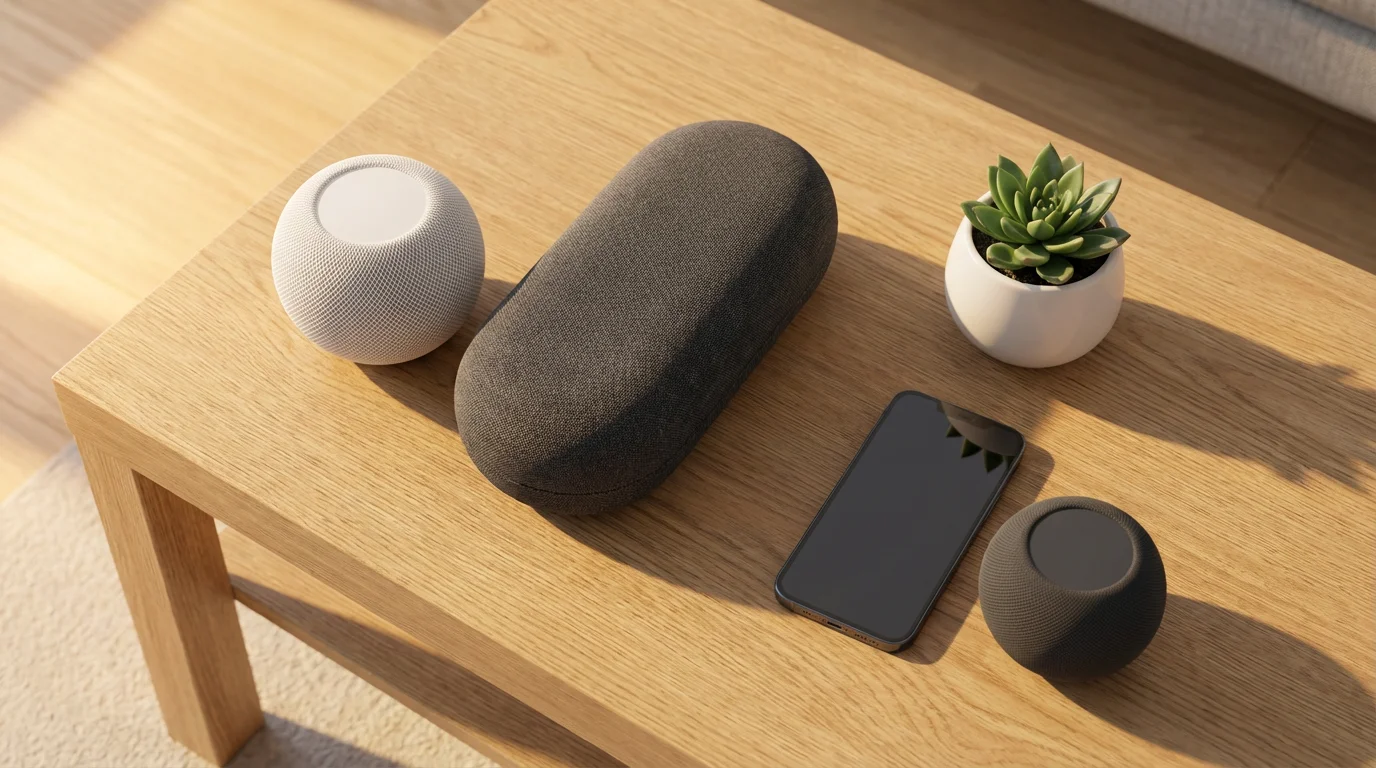
Once you choose your preferred voice assistant, selecting the right smart speaker helps you get the most out of your setup. Each ecosystem offers various options, from compact speakers to those with integrated displays. These devices serve as your primary interface.
For Amazon Alexa
- Echo Dot (5th Gen): Excellent entry-level smart speaker. It offers good sound for its size and acts as a hub for your smart home.
- Echo (4th Gen): A step up in audio quality, providing richer sound for music. It features a built-in Zigbee hub, simplifying connections to some smart devices.
- Echo Show 8 (3rd Gen): A smart display that adds a visual element to your smart home. You can view security camera feeds, video calls, and recipes.
For Google Assistant
- Nest Mini: Google’s compact and affordable smart speaker. It delivers clear voice responses and basic music playback for smaller spaces.
- Nest Audio: A more powerful speaker designed for music lovers. It provides rich, room-filling sound and doubles as an excellent smart assistant.
- Nest Hub (2nd Gen): Google’s smart display. It offers seamless integration with Google Photos, YouTube, and allows visual control of your smart home devices.
For Apple Siri (HomeKit)
- HomePod mini: Apple’s primary smart speaker for HomeKit. It offers impressive 360-degree audio, acts as a Thread border router for Matter devices, and prioritizes privacy.
- iPhone/iPad: Your existing Apple devices are powerful HomeKit controllers. Use them to manage devices, create automations, and issue Siri commands directly.
- Apple TV 4K: This device can also serve as a HomeKit hub, allowing remote access and automation even when you are away from home.
Evaluate your budget, desired audio quality, and the need for a screen when making your speaker choice. Each option provides a reliable way to interact with your smart home using your voice. Consider how these devices fit into your overall home decor and functionality.
Frequently Asked Questions
Does Matter protocol make the voice assistant choice irrelevant?
No, Matter standardizes device connectivity, making it easier for devices to work across ecosystems. However, your chosen voice assistant (Alexa, Google Assistant, Siri) remains the primary interface and intelligence layer for commands, routines, and specific features. You still choose an assistant based on its intelligence and ecosystem features, but Matter broadens device options. Learn more about Matter from the CSA-IoT.
Can I use multiple voice assistants in one home?
Yes, you can use multiple voice assistants in different rooms or even in the same room. For example, you might have an Echo device in the kitchen and a Nest Hub in the living room. Some devices even offer dual compatibility. Be aware that you will need to specify which assistant you are addressing when issuing commands.
Which voice assistant is best for smart home security?
Each assistant offers security integrations. Apple HomeKit often stands out for its strong encryption and privacy-focused design, especially for sensitive devices like locks and cameras. However, Alexa and Google Assistant integrate with many popular security systems and smart cameras. Always ensure your chosen devices and assistant support two-factor authentication for added security.
Do I need a smart speaker for a voice assistant to work?
While smart speakers like the Echo, Nest Audio, or HomePod mini are common, they are not always required. You can access Alexa through the Amazon app, Google Assistant through your smartphone or smart display, and Siri through your iPhone, iPad, or Apple Watch. These devices allow you to control your smart home without a dedicated speaker.
Will my existing smart home devices work with a new voice assistant?
It depends on the device. Many smart home devices are compatible with multiple voice assistants, especially newer ones that support Matter. Always check the product specifications or manufacturer’s website for compatibility details before purchasing new devices or switching ecosystems. Some older or proprietary devices might only work with a single assistant.
Disclaimer: This article is for informational purposes only. Smart home devices involve electrical connections and data privacy. Always follow manufacturer instructions for installation. For complex wiring or HVAC work, consult a licensed professional.
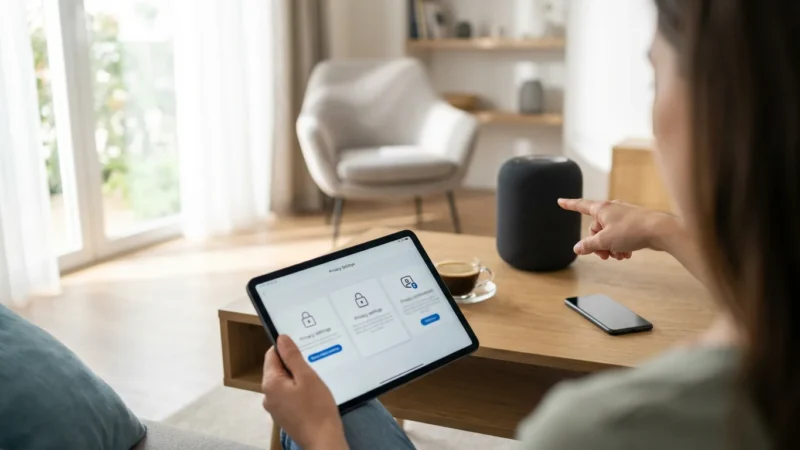
Before connecting all your devices, it is important to review the privacy settings every smart speaker owner should enable to secure your personal space.
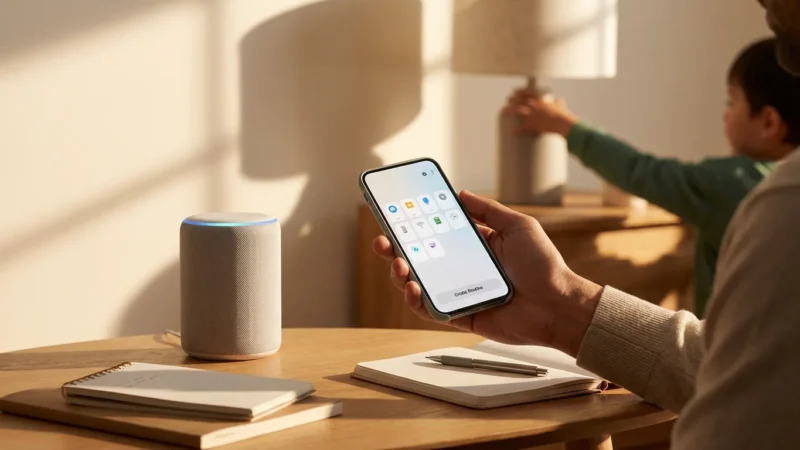
For those with busy households, creating custom Alexa routines for your family can help manage shared schedules and morning chaos efficiently.





Leave a Reply