
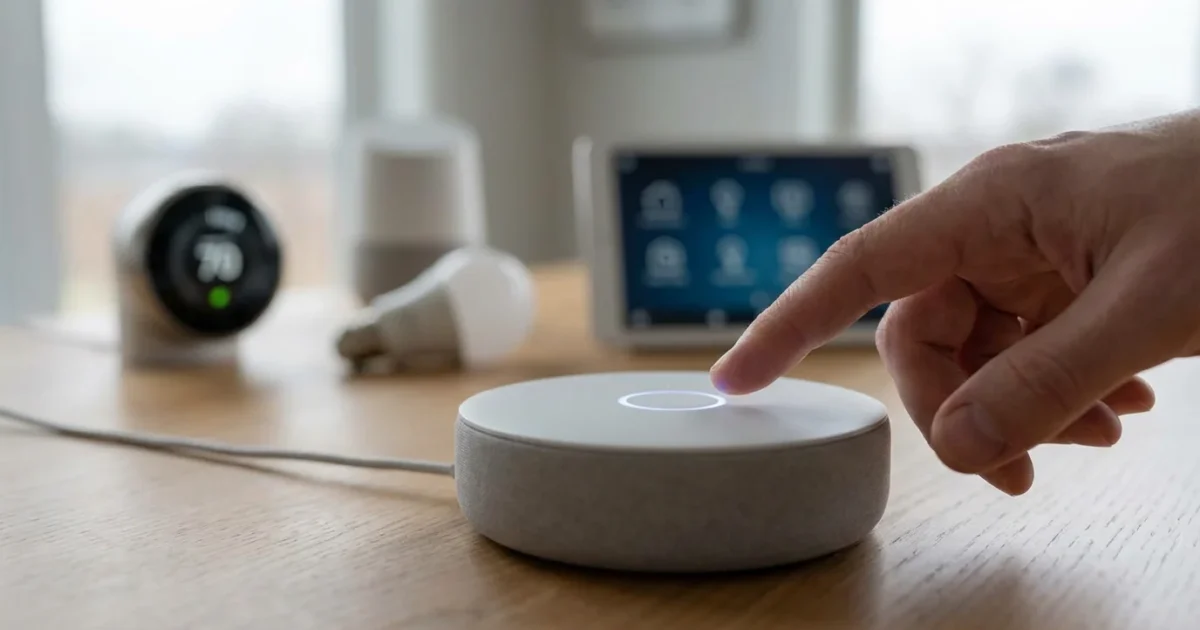
Your smart home becomes truly intelligent when you speak its language. Amazon Alexa stands as a central figure in home automation, ready to control your lights, secure your doors, and manage your entertainment with simple voice commands. Mastering these interactions transforms everyday tasks, bringing unparalleled convenience and efficiency into your living space.
This comprehensive guide delivers 50 essential Alexa commands, equipping you to unlock the full potential of your smart home. We provide practical insights into automating your environment, enhancing security, and simplifying daily routines. Whether you are a beginner setting up your first Echo device or a seasoned enthusiast seeking advanced control, these commands offer direct pathways to a smarter, more responsive home.

Acknowledge Alexa’s Power in Your Home
Alexa transforms your spoken words into actions within your connected ecosystem. It acts as the central voice interface for countless smart devices, from light bulbs to security cameras. This capability streamlines interactions, making your smart home feel intuitive and responsive.
You gain the ability to manage various aspects of your home without lifting a finger. This hands-free control simplifies daily life, allowing you to focus on more important tasks. Integrating Alexa effectively means understanding its capabilities and the specific commands that make your devices work for you.

Mastering the Basics: Essential Everyday Alexa Commands
Every smart home journey begins with fundamental commands. These allow you to manage time, access information, and control basic media playback. They form the bedrock of your daily interactions with Alexa, providing immediate utility.
Start by practicing these common phrases to build your confidence. You will quickly appreciate the convenience of quick access to information and device control. These commands are indispensable for daily life, ensuring you stay organized and informed.
- “Alexa, what’s the weather?” Get instant local weather forecasts. This helps you plan your day effectively, whether you need an umbrella or sunscreen.
- “Alexa, what time is it?” Obtain the current time without looking at a clock or phone. This command is useful when your hands are full.
- “Alexa, set a timer for 10 minutes.” Set custom timers for cooking, workouts, or any activity. Alexa provides a clear audible alert when the timer ends.
- “Alexa, set an alarm for 7 AM.” Schedule alarms for specific times. You can set multiple alarms, ensuring you wake up on schedule.
- “Alexa, play relaxing music.” Start playing music from your preferred streaming service. You can specify genres, artists, or playlists.
- “Alexa, stop.” Immediately halt any ongoing audio playback, alarms, or timers. This provides quick control over your device.
- “Alexa, volume up.” Increase the playback volume of your Echo device. You can also specify a number, like “Alexa, volume 5.”
- “Alexa, volume down.” Decrease the playback volume. This allows for precise audio adjustments in any room.
- “Alexa, play the news.” Catch up on daily headlines from your selected news sources. This provides a quick briefing for your morning routine.
If your device occasionally fails to understand you, learning how to improve voice recognition accuracy can significantly reduce frustration.

Seamless Smart Home Control: Lights, Thermostats, and Plugs
Controlling your connected devices is where Alexa truly shines. These commands streamline your home management, offering hands-free operation for everything from lighting to climate control. You gain precise command over your environment with simple vocal cues.
Implementing these commands enhances convenience and can contribute to energy savings. For instance, turning off lights in unoccupied rooms becomes effortless. This level of control empowers you to create a more efficient and responsive living space.
- “Alexa, turn on the living room lights.” Activate specific lights or groups of lights. Name your lights intuitively for best results.
- “Alexa, turn off the kitchen lights.” Deactivate lights in a particular area. This ensures you do not waste energy on unnecessary illumination.
- “Alexa, dim the bedroom lights to 50 percent.” Adjust light brightness to a desired percentage. This creates the perfect ambiance for any activity.
- “Alexa, brighten the office.” Increase the brightness of lights in a specific room. This is useful for tasks requiring more illumination.
- “Alexa, set the dining room lights to warm white.” Change the color temperature of compatible smart bulbs. This helps create different moods.
- “Alexa, change the patio lights to blue.” Select specific colors for your smart lights. This adds a personalized touch to your outdoor spaces.
- “Alexa, turn on ‘movie night’ scene.” Activate pre-configured lighting scenes. These scenes can adjust multiple lights to specific settings simultaneously.
- “Alexa, turn off all the lights.” Deactivate every connected light in your home. This is perfect for leaving the house or going to bed.
- “Alexa, synchronize the living room lights with music.” (Requires compatible smart lighting and a skill like Philips Hue Sync) This creates an immersive audio-visual experience.
- “Alexa, schedule the porch light to turn on at sunset.” (This typically requires setting up a routine, but Alexa can activate routines by name) Ensure your outdoor lights turn on automatically at dusk.
- “Alexa, what’s the temperature in here?” Get a reading from your smart thermostat. This keeps you informed about your indoor climate.
- “Alexa, set the thermostat to 72 degrees.” Adjust your smart thermostat to a specific temperature. This maintains your preferred comfort level.
- “Alexa, turn up the heat.” Incrementally increase the temperature. This offers quick adjustments when you feel a chill.
- “Alexa, lower the temperature by 2 degrees.” Decrease the temperature by a specific amount. This is useful for fine-tuning your environment.
- “Alexa, turn on the fan.” Activate a smart fan or a fan connected to a smart plug. This provides immediate cooling.
- “Alexa, turn off the fan.” Deactivate a smart fan. This helps conserve energy when not needed.
- “Alexa, enable ‘away mode’ on the thermostat.” Engage a pre-set mode on your smart thermostat. This optimizes energy use when your home is vacant. According to Energy Star, smart thermostats can save you around 8% on heating and cooling costs. You can learn more about these savings at Energy Star Smart Thermostats.
- “Alexa, turn on the coffee maker.” Activate an appliance connected to a smart plug. This prepares your morning brew before you even enter the kitchen.
- “Alexa, turn off the fan heater.” Deactivate a smart plug-connected appliance. This ensures devices are off when not in use.
- “Alexa, plug in the Christmas tree.” If your smart plug is named “Christmas tree,” this command controls it. Name devices logically for easier control.
- “Alexa, toggle the lamp.” Turn a smart lamp on or off. This provides simple, direct control.
- “Alexa, turn on the outdoor string lights.” Control your exterior smart lighting for ambiance or security. This enhances your home’s curb appeal.
- “Alexa, start the robot vacuum.” Initiate a cleaning cycle on your connected robot vacuum. This maintains cleanliness with minimal effort.
You can further expand these capabilities by enabling the best Alexa skills for smart home control designed for your specific devices.
Enhanced Security: Monitoring and Protection with Alexa
Alexa integrates seamlessly with many smart security systems, providing voice control over your home’s protection. These commands offer a convenient way to arm, disarm, and monitor your security devices. You gain peace of mind knowing your home is secure with a simple phrase.
Leveraging Alexa for security tasks streamlines your routines, ensuring your home is protected whenever you leave or retire for the night. Remember to use a strong PIN for disarming commands to maintain security. As CNET’s smart home experts often note, integrating security with voice control adds a critical layer of convenience and responsiveness for homeowners.
- “Alexa, arm the security system.” Activate your connected home security system. Specify “away” or “stay” mode if your system supports it.
- “Alexa, disarm the security system with my PIN, [your PIN].” Deactivate your alarm system. Always include your unique security PIN for this command.
- “Alexa, lock the front door.” Secure your smart door locks. This provides reassurance before bed or when leaving.
- “Alexa, unlock the back door with my PIN, [your PIN].” Open your smart door locks. This requires a PIN for security, preventing unauthorized access.
- “Alexa, show me the front door camera.” (Requires an Echo Show or Fire TV) View live feeds from your smart security cameras. This allows you to monitor visitors or check package deliveries.
- “Alexa, check the garage door status.” Inquire whether your smart garage door is open or closed. This helps prevent security oversights.
- “Alexa, close the garage door.” Remotely close your smart garage door. This is useful if you forget to close it when leaving.
While securing your physical home, don’t forget to review the privacy settings every smart speaker owner should enable to protect your digital data.

Entertainment and Media Management with Alexa
Alexa acts as your personal DJ and TV remote, managing your audio and visual entertainment with ease. These commands simplify playback, navigation, and content selection across various platforms. You control your entertainment experience completely hands-free.
Utilizing Alexa for media means less fumbling for remotes and more enjoyment of your favorite content. Whether you are hosting a party or settling down for a movie, Alexa ensures your entertainment starts promptly. It seamlessly integrates with popular streaming services and smart TVs.
- “Alexa, play ‘Top Hits’ on Spotify.” Start a specific playlist or genre on your preferred music service. Customize your listening experience with ease.
- “Alexa, pause.” Temporarily stop any audio or video playback. This allows you to interrupt content without losing your place.
- “Alexa, next song.” Skip to the next track in a playlist or album. This keeps the music flowing without manual intervention.
- “Alexa, open Netflix.” (Requires an Echo Show or Fire TV) Launch a specific streaming application. This gets you directly to your chosen entertainment platform.
- “Alexa, play ‘The Office’ on Prime Video.” Start a specific show or movie on a supported streaming service. This offers direct access to your content library.
- “Alexa, turn on the TV.” Power on your smart TV or a TV connected via a smart hub. This integrates your television into your voice-controlled ecosystem.
- “Alexa, switch to HDMI 1.” Change the input source on your smart TV. This allows you to easily switch between devices like gaming consoles or cable boxes.
- “Alexa, set volume to 5 on the TV.” Adjust the volume of your smart TV. This provides precise audio control through voice.
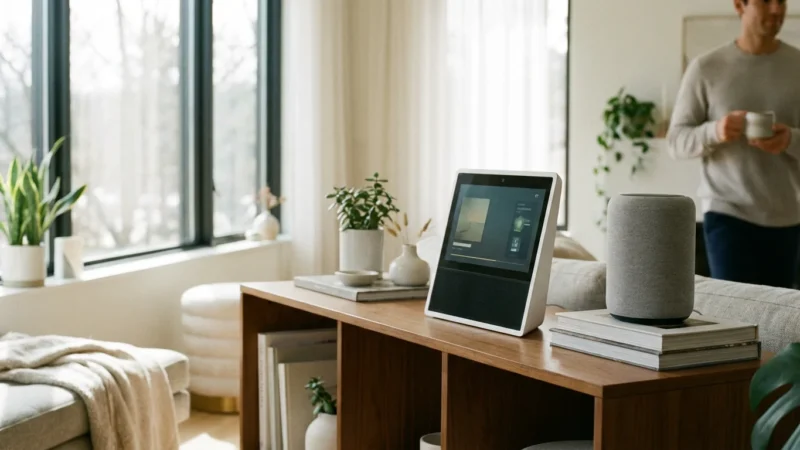
To get the most out of visual commands like viewing cameras or following recipes, consider the differences in Smart Displays vs Smart Speakers for your media setup.

Boost Productivity and Organization with Alexa
Alexa serves as a valuable personal assistant, helping you manage lists, set reminders, and communicate with others. These commands improve your daily productivity and keep you organized. You stay on top of tasks and appointments with simple voice interactions.
Integrating Alexa into your routine frees up mental space, reducing the need to remember every detail. From grocery lists to family announcements, Alexa keeps your household running smoothly. It simplifies communication and ensures you never miss an important event.
- “Alexa, add milk to my shopping list.” Dictate items directly to your shopping list. This eliminates the need for pen and paper, making grocery runs more efficient.
- “Alexa, what’s on my to-do list?” Review your current tasks and responsibilities. This provides a quick overview of your pending items.
- “Alexa, remind me to call Mom at 3 PM.” Set specific reminders for any task or event. Alexa will notify you at the designated time.
- “Alexa, call Dad.” Initiate a voice call to contacts in your Alexa app. This offers hands-free communication with family and friends.
- “Alexa, broadcast ‘Dinner is ready!’“ Send an announcement to all Echo devices in your home. This is perfect for gathering the family or delivering messages.
- “Alexa, read my calendar.” Hear your upcoming appointments and events. This helps you stay informed about your schedule.
- “Alexa, what’s my flash briefing?” Get a personalized summary of news, weather, and other updates. Customize your flash briefing in the Alexa app.

Advanced Automation with Alexa Routines
While direct commands offer immediate control, Alexa Routines unlock true automation potential. Routines allow you to combine multiple actions into a single command or trigger them based on schedules or sensor input. You create personalized sequences that automate complex tasks, simplifying your daily life significantly.
For example, a “Good Morning” routine might turn on lights, start the coffee maker, and play your news briefing simultaneously. You define triggers and actions, tailoring your smart home to your specific needs. This deeper level of integration makes your home proactively intelligent, anticipating your requirements.
- Creating a Routine:
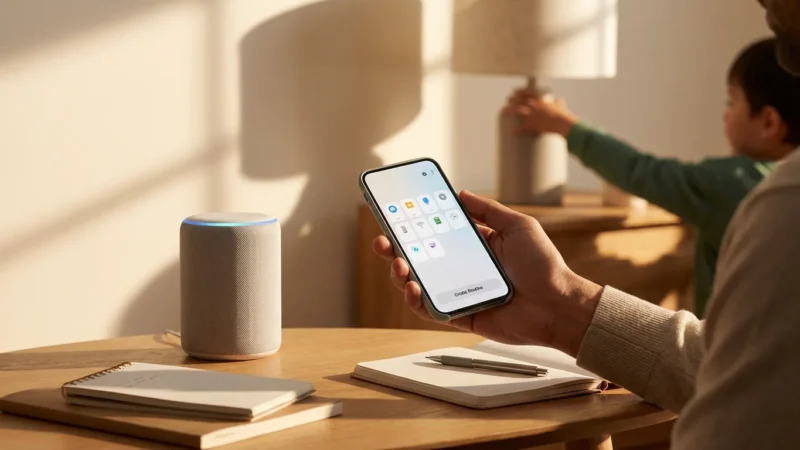
- Open the Alexa app.
- Tap “More,” then “Routines.”
- Tap the plus icon (+) to create a new routine.
- Set a Trigger: Choose a phrase (“Alexa, good morning”), a schedule (e.g., 7:00 AM daily), or a smart home event (e.g., motion detected).
- Add Actions: Select “Add action” and choose from a variety of options, such as “Smart Home” (to control lights or plugs), “Music,” “News,” “Custom” (for a specific command), and more.
- Save your routine.
- Example Routine Command: “Alexa, I’m home.”
- Trigger: “Alexa, I’m home.”
- Actions: Turn on living room lights, set thermostat to 70 degrees, unlock the front door (with PIN confirmation), play your favorite playlist.
- Example Routine Command: “Alexa, good night.”
- Trigger: “Alexa, good night.”
- Actions: Turn off all lights, lock all doors, arm the security system (stay mode), adjust the thermostat, play sleep sounds.

Optimizing Your Alexa Experience: Tips for Success
Maximizing your Alexa experience involves more than just knowing commands; it requires thoughtful setup and awareness. These tips help you ensure your smart home operates smoothly and securely. You get the most out of your devices by addressing common setup and usage considerations.
A well-configured Alexa ecosystem provides seamless control and reliable performance. Pay attention to device placement, privacy settings, and network stability for the best results. A little preparation goes a long way in creating a truly smart and responsive home environment.
- Device Naming: Use clear, simple, and unique names for your smart devices (e.g., “Living Room Lamp,” “Kitchen Overhead Light,” “Bedroom Fan”). This avoids confusion for Alexa and ensures commands work correctly.
- Group Devices: Create groups in the Alexa app (e.g., “Downstairs Lights,” “All Lights”). This allows you to control multiple devices with a single command, like “Alexa, turn off downstairs lights.”
- Placement Matters: Position your Echo devices in central locations, away from obstacles and other noise sources. This ensures Alexa hears your commands clearly, reducing repetition.
- Privacy Settings: Regularly review your privacy settings in the Alexa app. You can manage voice history, delete recordings, and adjust permissions for skills. Protecting your data is a key aspect of smart home ownership.
- Strong Wi-Fi: A robust Wi-Fi network is crucial for smart home reliability. Ensure your router provides adequate coverage to all your devices. Consider a mesh Wi-Fi system for larger homes.
- Explore Skills: Discover new functionalities by exploring Alexa Skills. These mini-applications extend Alexa’s capabilities, from ordering food to playing games.
- Security PINs: Always enable and use a PIN for security-sensitive commands, such as unlocking doors or disarming alarms. This adds an essential layer of protection against unauthorized access.
- Troubleshooting: If Alexa is not responding, try restarting your Echo device by unplugging it for 30 seconds. Check your Wi-Fi connection and ensure devices are online in the Alexa app.
A truly intelligent home anticipates your needs, responding to your commands with minimal effort. Mastering your voice assistant is the key to unlocking this seamless experience.
Frequently Asked Questions
What is the most useful Alexa command for a smart home?
The most useful command often involves controlling lighting. Phrases like “Alexa, turn off all the lights” provide immediate, widespread impact on energy use and convenience. However, personalized routines, such as “Alexa, good night,” which can lock doors, turn off lights, and arm security, offer even greater utility by combining multiple actions.
Can Alexa control all smart home devices?
Alexa can control a vast array of smart home devices that are compatible with its ecosystem. This includes devices using Wi-Fi, Zigbee, Z-Wave (via a hub), and the newer Matter standard. Always check for “Works with Alexa” certification on product packaging or descriptions to ensure compatibility. If a device is not directly compatible, you can often use a smart hub or a service like IFTTT to bridge the connection.
How do I create an Alexa routine?
You create an Alexa routine through the Alexa app on your smartphone or tablet. Navigate to the “More” section, then select “Routines.” Tap the plus icon to start a new routine, where you can define a trigger (like a voice command, time of day, or sensor event) and then add multiple actions that Alexa should perform in response.
Is using Alexa for smart home control secure?
Using Alexa for smart home control incorporates several security measures. Amazon uses encryption for voice data and offers privacy controls for reviewing and deleting recordings. For sensitive actions like unlocking doors or disarming alarms, Alexa requires a voice code or PIN to prevent unauthorized access. However, you maintain responsibility for setting strong PINs and regularly reviewing privacy settings within the Alexa app.
How can I improve Alexa’s accuracy in understanding commands?
Improve Alexa’s accuracy by speaking clearly and at a normal pace. Ensure your Echo device is placed centrally and away from noisy environments or walls that might muffle sound. Regularly review your voice history in the Alexa app; incorrect transcriptions can help you identify if you need to enunciate certain words differently or if Alexa requires retraining on your voice profile.
Your journey to a smarter home is an evolving process, continually adapting to new technologies and your changing needs. These 50 essential Alexa commands provide a robust foundation for controlling your environment with unmatched ease. By embracing voice control, you move beyond mere automation to a truly intuitive and responsive living experience. Continue to explore, experiment, and customize your Alexa interactions to build the efficient, secure, and convenient home you envision.
Disclaimer: This article is for informational purposes only. Smart home devices involve electrical connections and data privacy. Always follow manufacturer instructions for installation. For complex wiring or HVAC work, consult a licensed professional.
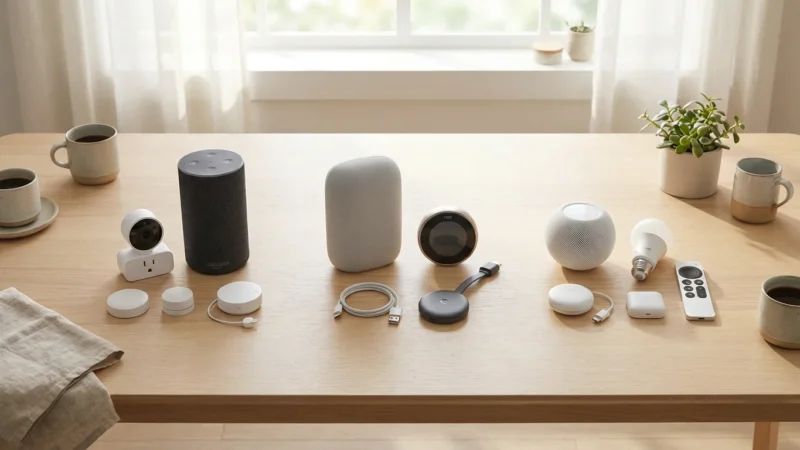
Before committing to one ecosystem, it is helpful to compare Alexa vs Google Assistant vs Siri to ensure you have chosen the best hub for your specific needs.





Leave a Reply