
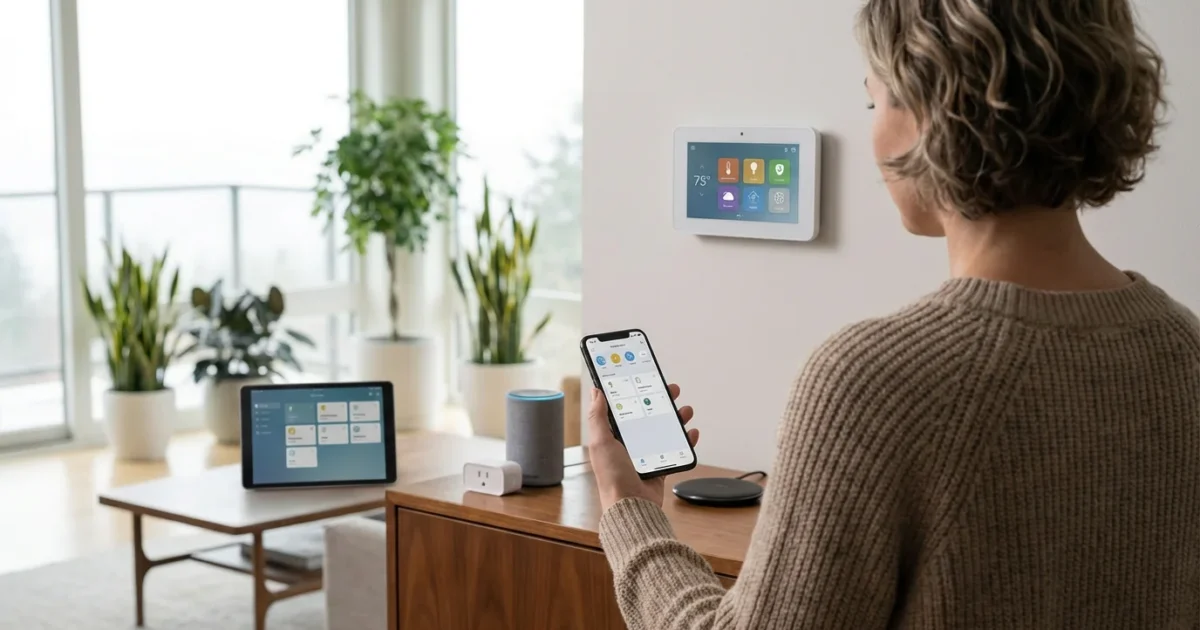
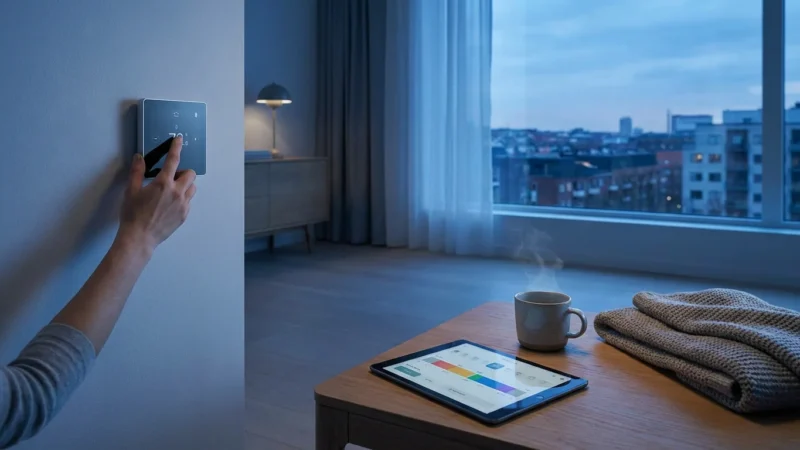
Your smart thermostat offers more than just temperature control; it serves as a powerful central hub for your home’s climate management. When you integrate it with other smart devices, you unlock a vast potential for enhanced convenience, significant energy efficiency, and unparalleled peace of mind. Connecting your smart thermostat to your broader smart home ecosystem transforms your house into a truly connected climate, adapting to your life seamlessly. This comprehensive guide helps you understand how to connect smart thermostat to other smart devices, enabling you to build a smarter, more efficient home.

Understanding Smart Home Ecosystems
A smart home ecosystem describes the network of connected devices in your home that communicate and work together. This interconnected system allows for central control and automation across various functions, from lighting and security to climate control. Your smart thermostat becomes a key player in this larger system.
These ecosystems typically revolve around a central platform or hub, such as Amazon Alexa, Google Home, Apple HomeKit, or Samsung SmartThings. Devices within the same ecosystem often communicate effortlessly, but cross-platform compatibility continues to improve with new standards. Understanding your chosen ecosystem is crucial for effective thermostat integration.
Consider how different devices share data and trigger actions. For example, a motion sensor might tell your smart lights to turn on, or your smart lock can signal that you have arrived home. Integrating your thermostat into this flow allows it to participate in complex, intelligent automations.
Why Integrate Your Smart Thermostat?
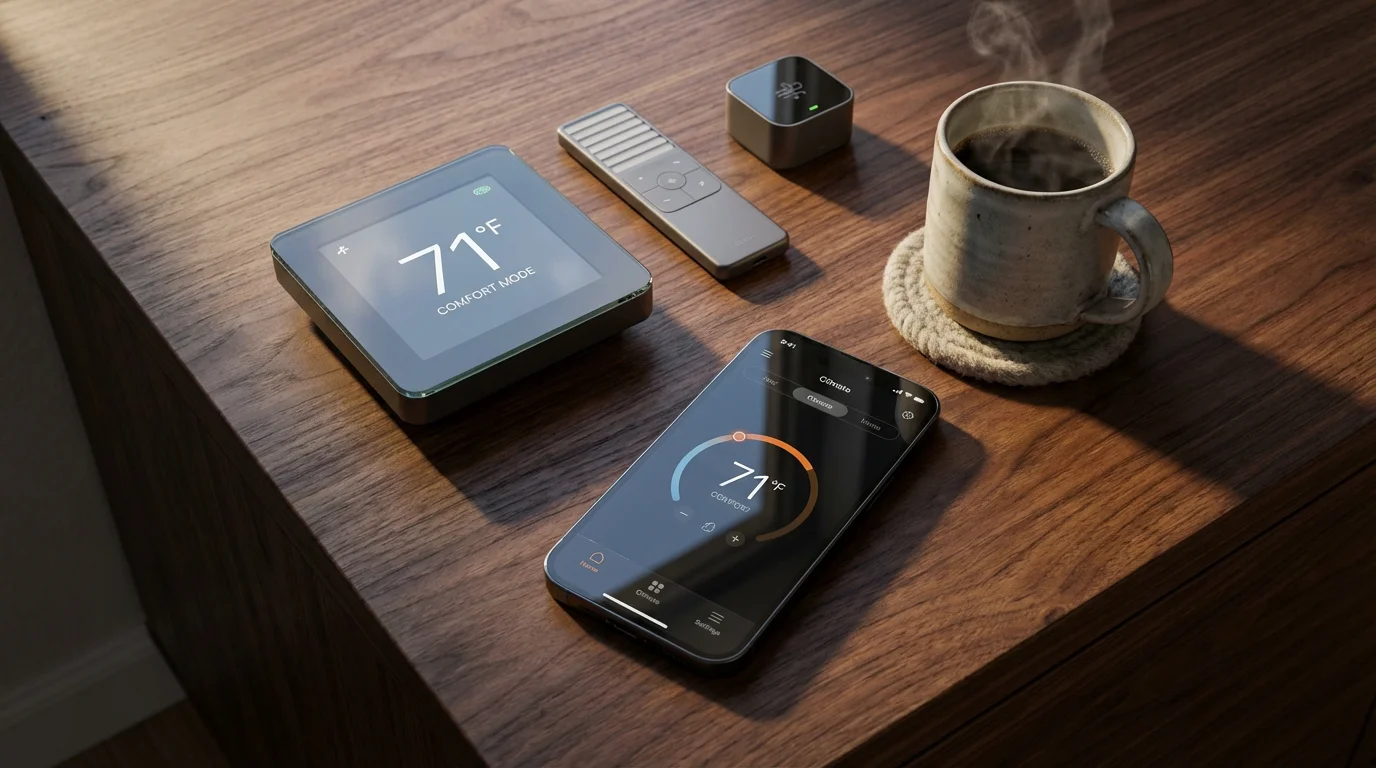
Integrating your smart thermostat with other devices offers a multitude of benefits, enhancing comfort, security, and efficiency throughout your home. You transform a standalone device into an intelligent part of your daily routine. This deeper level of thermostat integration goes beyond simple scheduling, adapting your home’s climate to your real-time needs.
Here are the primary advantages you gain:
- Enhanced Convenience: Automate climate adjustments based on occupancy, time of day, or external conditions. Your home reacts to you, not the other way around.
- Superior Energy Savings: Fine-tune your heating and cooling based on actual usage and external factors. This prevents wasted energy when you are away or when conditions change unexpectedly.
- Increased Comfort: Maintain optimal temperatures throughout your home, ensuring every room feels just right. Zone control and occupancy detection contribute to personalized comfort.
- Improved Security: Integrate your climate control with security systems for safety features, such as shutting off the HVAC during a fire. This prevents smoke or fumes from circulating.
- Seamless Automation: Create complex routines where multiple devices work in concert. A single command or event can trigger a cascade of actions involving your thermostat.
Imagine lights turning off and your thermostat entering an eco-mode when your security system detects you have left the house. Or, picture your ceiling fans activating automatically when your thermostat senses the temperature rising above a comfortable threshold. These are concrete examples of a truly connected climate that responds to your life.
Choosing the Right Thermostat for Integration
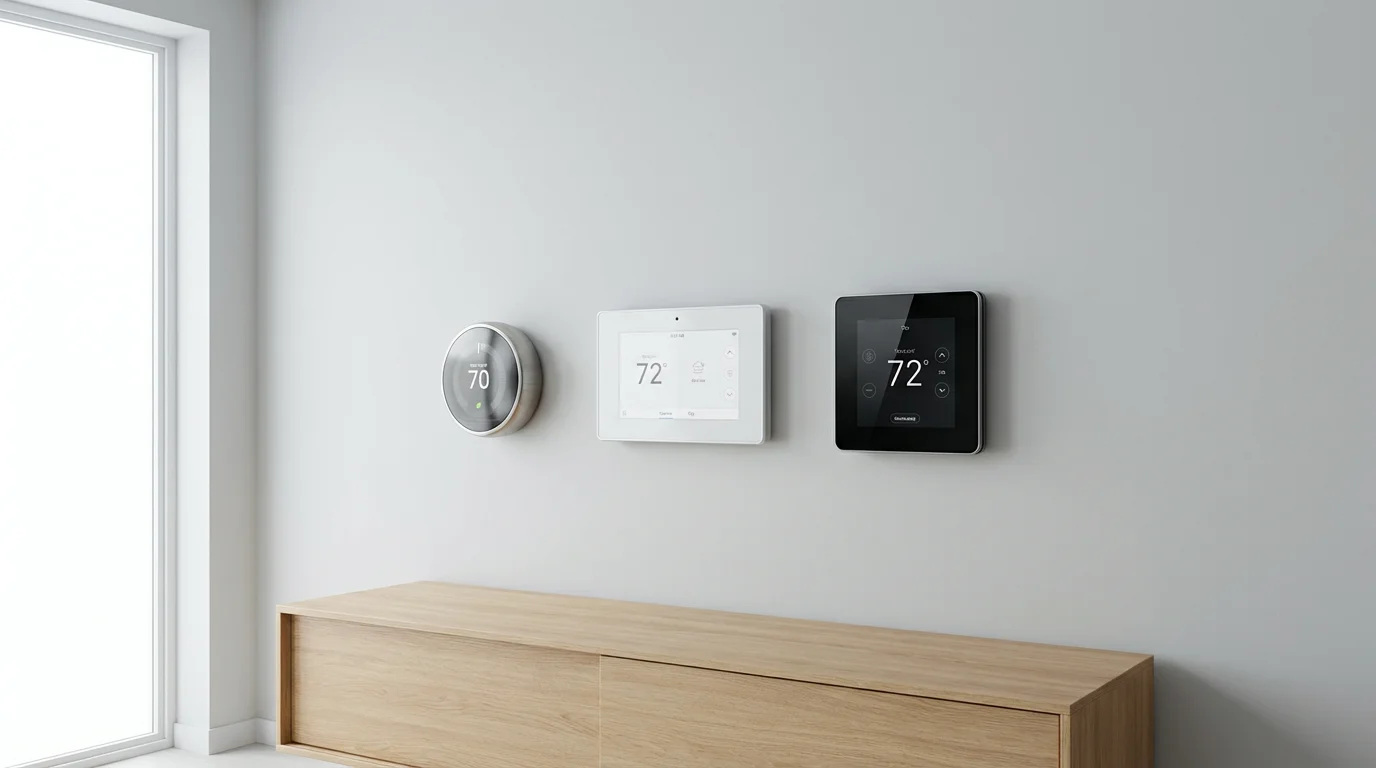
Selecting the correct smart thermostat is the foundational step for successful integration. Different brands offer varying degrees of compatibility and unique ecosystem strengths. Your choice impacts how seamlessly your thermostat works with other smart home devices you own or plan to acquire. Focus on identifying a thermostat that aligns with your preferred smart home platform.
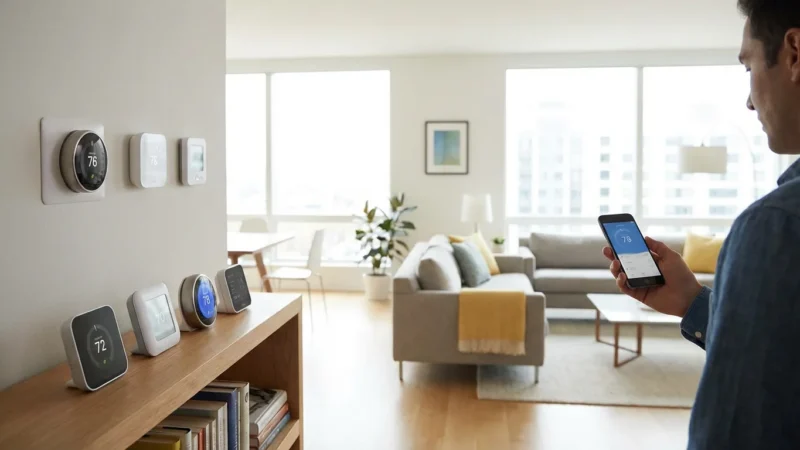
Leading brands dominate the smart thermostat market, each with distinct features and ecosystem partnerships:
- Nest Thermostats (Google Home): Nest devices are renowned for their learning capabilities and sleek design. They excel within the Google Home ecosystem, integrating tightly with Google Assistant, Nest cameras, and Google Home speakers. If your smart home largely runs on Google services, a Nest thermostat is a strong contender.
- Ecobee Thermostats (Alexa, HomeKit, Google Home): Ecobee thermostats often come with remote sensors, allowing them to measure temperature in multiple rooms. This feature significantly enhances whole-home comfort. Ecobee offers broad compatibility, working well with Amazon Alexa, Apple HomeKit, and Google Home, making it a versatile choice for many users.
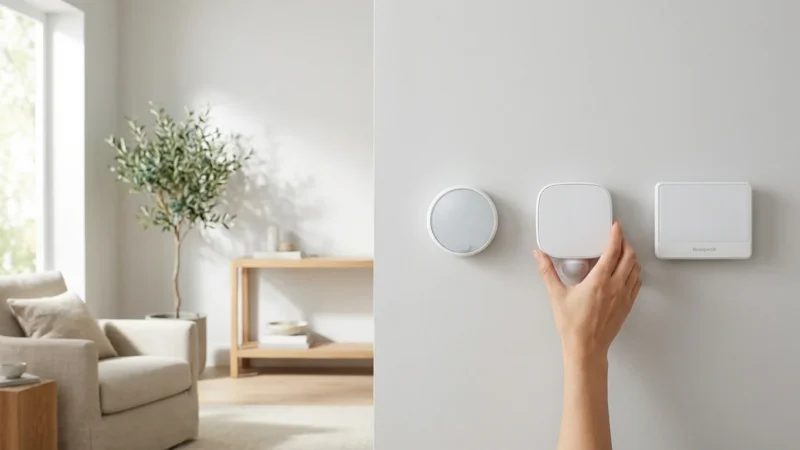
- Honeywell Home (Alexa, Google Home, SmartThings): Honeywell Home thermostats provide reliable performance and robust integration with various platforms, including Amazon Alexa and Google Home. Their extensive experience in HVAC controls translates into solid smart home devices. They often feature geofencing and flexible scheduling options.
If you are looking for a high-quality yet budget-friendly device, consider exploring the best smart thermostats under $150 for your initial setup.
Beyond brand ecosystems, consider these critical factors:
- C-Wire Compatibility: Many smart thermostats require a “common wire” or C-wire for continuous power. Without it, the thermostat might “power steal” from other HVAC wires, leading to erratic behavior or damage. If your current thermostat lacks a C-wire, you may need an adapter kit or professional installation. Always check your HVAC system’s wiring before purchasing.
- HVAC System Type: Ensure the thermostat you choose is compatible with your specific heating and cooling system, whether it is forced air, radiant, heat pump, or multi-stage. Most smart thermostats support common systems, but always verify before purchase.
- Learning Features and Geofencing: Some thermostats learn your preferences over time, automatically adjusting schedules. Geofencing uses your phone’s location to detect when you leave or arrive, automatically switching to away or home modes. These features significantly contribute to energy savings and convenience.
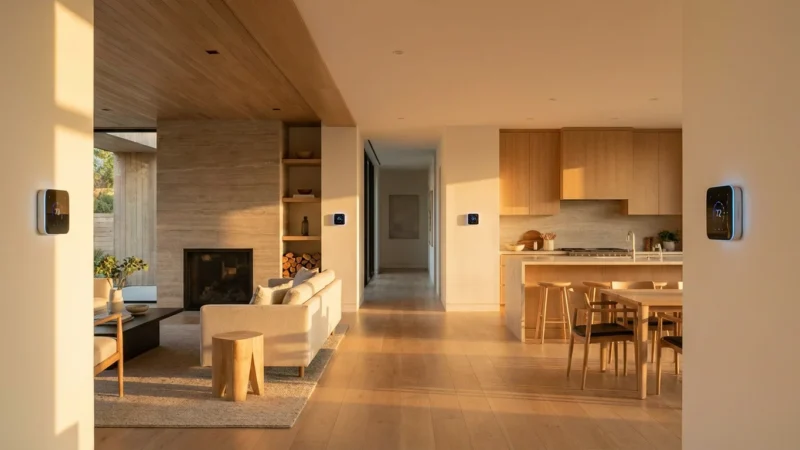
- Room Sensors: Ecobee particularly emphasizes room sensors to eliminate hot and cold spots. These sensors provide more accurate temperature readings across your home, allowing the thermostat to optimize climate control based on where people actually are.
- Utility Rebates: Many energy providers offer rebates for installing ENERGY STAR certified smart thermostats. These rebates can significantly reduce the upfront cost, making the upgrade even more attractive. Check the Energy Star website for eligible models and local utility programs. According to Energy Star, a smart thermostat can save you about 8% on heating and cooling costs, a figure that increases with effective integration. You can find more information on eligible products and potential savings at Energy Star Smart Thermostats.
Careful selection at this stage ensures your smart thermostat serves as a reliable and effective cornerstone for your integrated smart home.
Connecting Your Devices: Protocols and Platforms
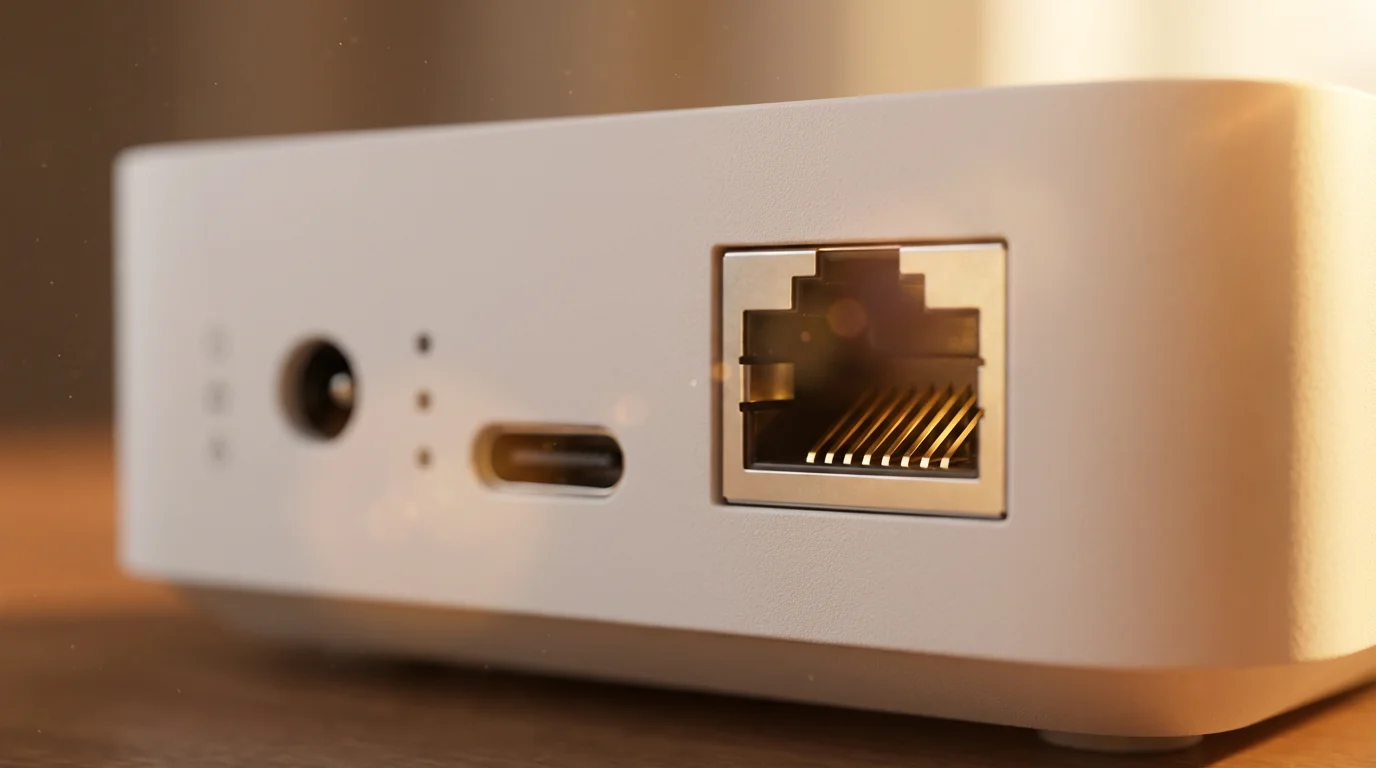
Successful thermostat integration relies on understanding how your devices communicate and which platforms orchestrate their interactions. Think of these as the languages devices speak and the interpreters that enable them to work together. Getting this right is key to a truly connected climate.
Smart home devices utilize various communication protocols:
- Wi-Fi: Many smart thermostats connect directly to your home’s Wi-Fi network. This is convenient for direct internet access and cloud services, but it can consume more power and potentially crowd your network if you have many Wi-Fi devices.
- Zigbee and Z-Wave: These are low-power mesh networks designed specifically for smart home devices. They require a dedicated hub to bridge them to your Wi-Fi network and the internet. They create a robust, self-healing network that extends range and is less prone to interference.
- Bluetooth: Primarily used for local, short-range connections, often for initial setup or direct control from a phone. It is less common for continuous, network-wide smart home communication.
- Matter: This emerging standard aims to unify smart home device communication across different ecosystems. Supported by major players like Apple, Google, Amazon, and Samsung, Matter promises a simpler, more interoperable future for smart homes. Devices certified for Matter will theoretically work together regardless of their brand or your chosen platform. You can learn more about this transformative standard at the Matter Smart Home Standard website.
Your smart home platform acts as the central control system, bringing all your devices together:
- Google Home: Integrates devices controllable via Google Assistant. You manage devices and create routines through the Google Home app.
- Amazon Alexa: Works with devices compatible with Alexa. The Alexa app allows you to discover devices, set up groups, and create routines.
- Apple HomeKit: Apple’s framework for controlling smart home accessories. You manage devices and automations through the Home app on iOS devices.
- Samsung SmartThings: A comprehensive platform supporting a wide array of devices, often using Zigbee or Z-Wave hubs. The SmartThings app provides extensive control and automation capabilities.
- IFTTT (If This Then That): A powerful web service that connects different apps and devices through simple conditional statements, known as applets. IFTTT provides an excellent way to create custom integrations between devices that do not natively speak to each other.
To connect your smart thermostat to a platform, you generally follow these steps:
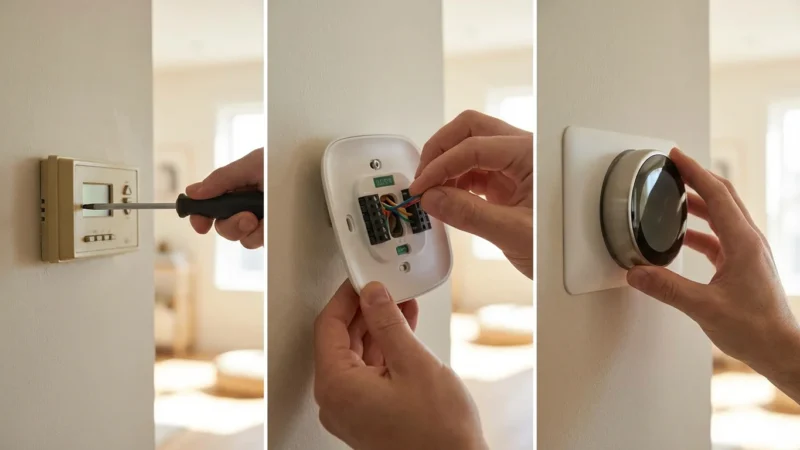
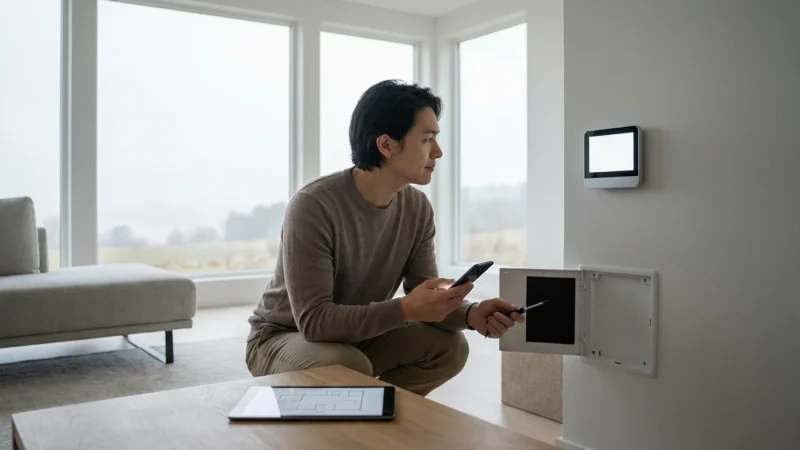
- Install your thermostat: Follow the manufacturer’s instructions to physically install your smart thermostat and connect it to your home’s Wi-Fi.
- Download the thermostat’s app: Install the native app for your thermostat brand (e.g., Nest app, Ecobee app) and complete its initial setup.
- Link to your smart home platform: Open your preferred smart home platform’s app (e.g., Google Home, Alexa, Home app). Navigate to the “Add device” or “Works with” section. Search for your thermostat’s brand and follow the prompts to link your accounts.
- Discover devices: The platform will then discover your thermostat. Once added, you can control it via voice commands or through the platform’s app alongside your other devices.
By leveraging these protocols and platforms, you empower your smart thermostat to participate in a rich ecosystem of automated actions, enhancing your living experience.
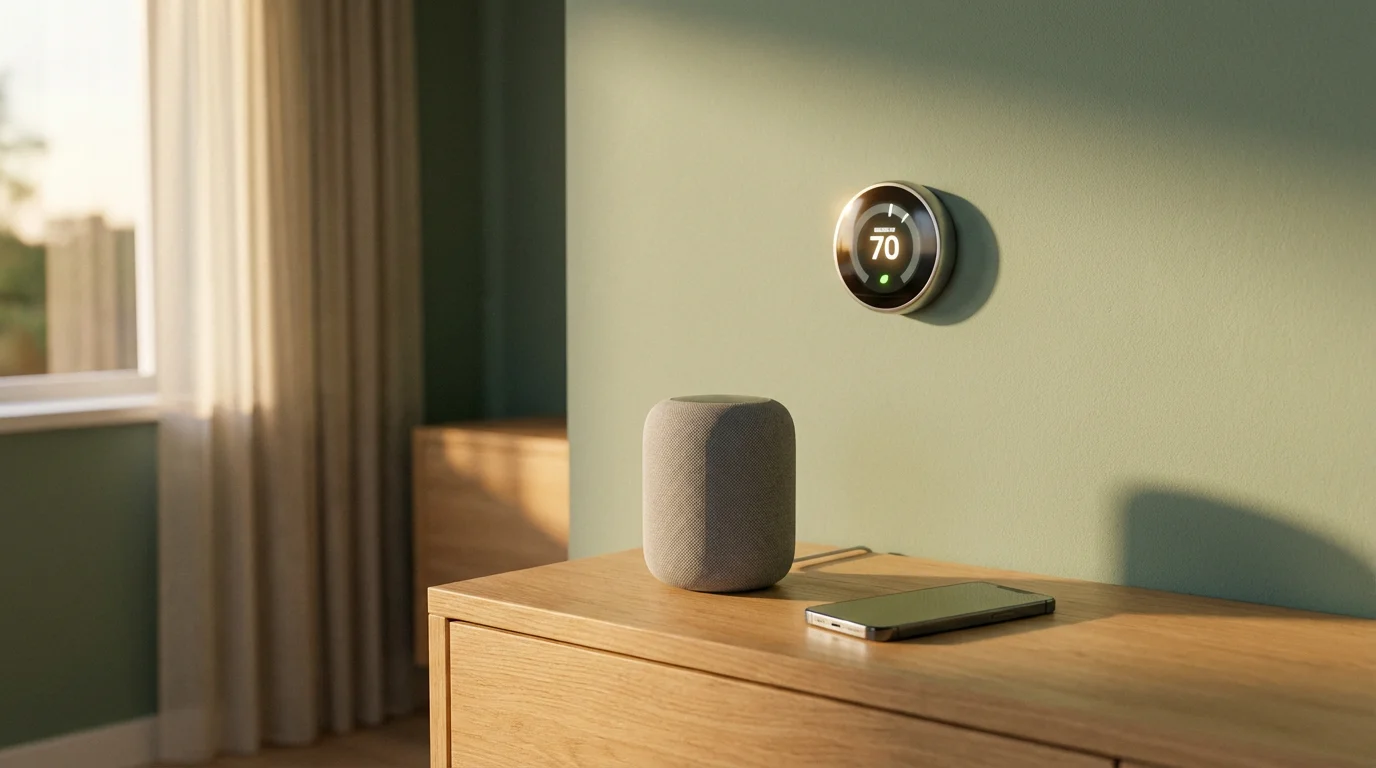
Practical Thermostat Automation Ideas
Once your smart thermostat integrates with your broader smart home ecosystem, a world of possibilities opens for `thermostat automation ideas`. These automations make your home proactively responsive, optimizing comfort and energy efficiency without constant manual input. You create a truly `connected climate` that anticipates your needs.
Here are concrete examples of how you can integrate your thermostat for smarter living:
Climate Control with Presence Detection
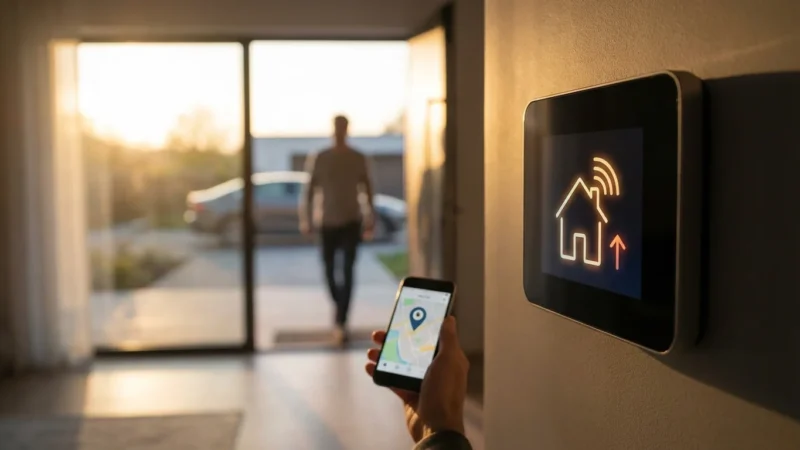
- Geofencing for Away/Home Modes: Use your smartphone’s location to trigger thermostat adjustments. When the last person leaves a defined geofence around your home, your thermostat automatically switches to an energy-saving “Away” mode. As someone approaches home, it shifts to “Home” mode, pre-heating or cooling to your preferred temperature before you even step inside.
- Occupancy Sensor Integration: Pair your thermostat with smart motion or occupancy sensors. If a room remains unoccupied for an extended period, the thermostat can adjust the temperature in that zone to save energy. Conversely, it can ensure comfort in frequently used areas.
- Smart Lock Integration: Connect your smart lock to your thermostat. When you unlock the front door, signaling your arrival, the thermostat can activate your “Welcome Home” scene, setting lights, music, and the perfect temperature. When you lock the door from the outside, it can activate an “Away” scene.
Lighting and Shading Integration
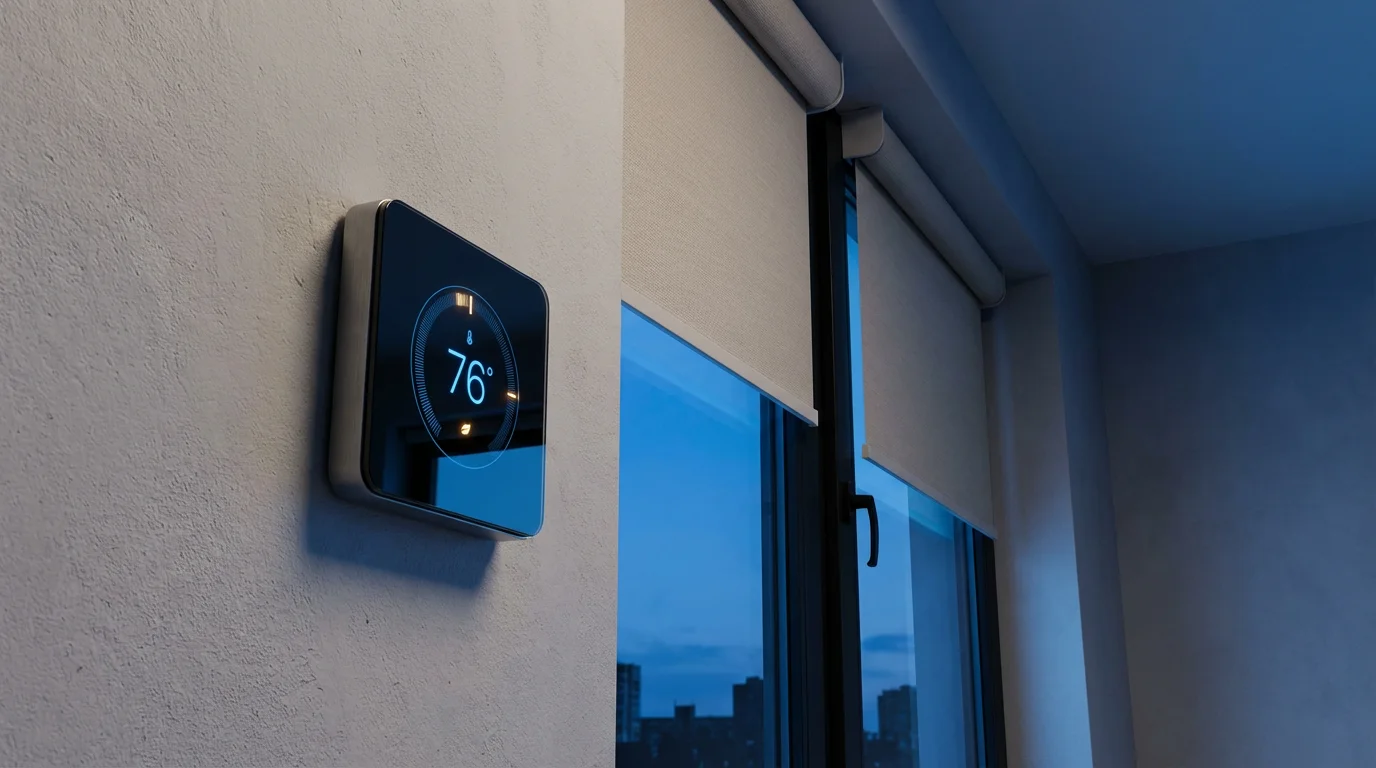
- Smart Blinds and Sunlight: Integrate your thermostat with smart blinds or shades. If your thermostat detects a high temperature and strong sunlight, it can signal the blinds to close, preventing passive solar gain and reducing the load on your air conditioning. Conversely, in winter, blinds can open to let in warming sunlight.
- Lights for “Away” Mode: When your thermostat switches to “Away” mode, you can trigger your smart lights to turn off throughout the house. This ensures no energy is wasted on unnecessary illumination.
Enhanced Security System Integration
- Fire Alarm Safety: This is a critical safety integration. If your smart smoke or carbon monoxide detector activates, your thermostat can automatically shut down your HVAC system. This prevents the circulation of smoke, fumes, or fire, containing the hazard and potentially saving lives.
- Vacation Mode: When you activate a “Vacation” mode on your security system, your thermostat can automatically adjust to a conservative temperature range, ensuring pipes do not freeze in winter or preventing excessive heat buildup in summer, while minimizing energy consumption.
Smart Fan Integration
- Ceiling Fan Coordination: Connect your smart ceiling fans to your thermostat. If the thermostat reaches a certain temperature, it can trigger the ceiling fans to turn on, helping to circulate air and reduce the perceived temperature without needing to lower the thermostat setting significantly. This creates an efficient `connected climate` solution.
- Ventilation Control: Integrate with smart exhaust fans in bathrooms or kitchens. If humidity levels rise significantly (detected by a smart humidity sensor), the thermostat could coordinate with the exhaust fan to reduce moisture, preventing mold growth and improving air quality.
Voice Control for Effortless Adjustments
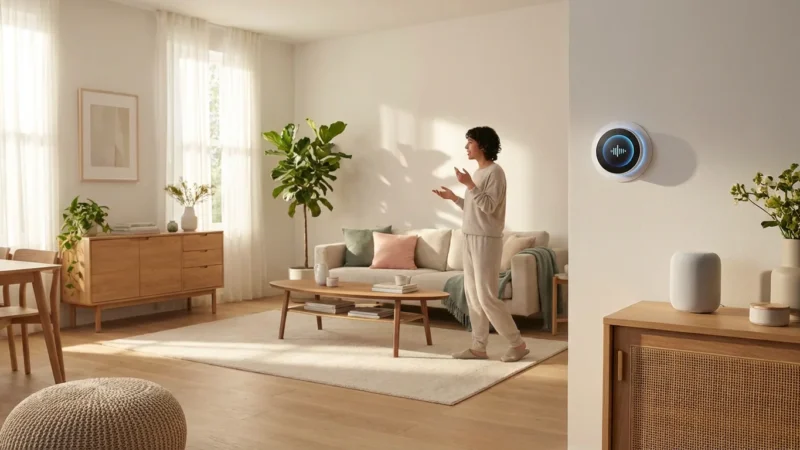
- Hands-Free Temperature Control: Utilize voice assistants like Amazon Alexa or Google Assistant for effortless temperature adjustments. Simply say, “Hey Google, set the thermostat to 70 degrees,” or “Alexa, make it a little warmer.”
- Scene Activation: Create custom scenes or routines that include thermostat settings. For example, “Alexa, activate Movie Night” could dim the lights, close the blinds, and set the temperature to a cozy 72 degrees.
These examples illustrate the power of connecting your smart thermostat to other devices. You move beyond simple remote control to a truly intelligent home environment that responds intuitively to your lifestyle and optimizes resources.

Advanced Integration: HVAC and Smart Vents
Beyond basic smart thermostat functions, advanced integration with your existing HVAC system and specialized smart vents unlocks even greater control and efficiency. This deeper level of `connected climate` allows for personalized comfort in different areas of your home and significantly reduces wasted energy.
Your smart thermostat acts as the brain for your HVAC system, but traditional systems typically treat your entire home as a single zone. This means if one room needs cooling, the whole house cools, even if other rooms are already comfortable. This leads to inefficiencies and inconsistent comfort.
Smart vents provide a solution to this. These are motorized air vents that you install in your existing ductwork, replacing standard vents. They communicate wirelessly with your smart thermostat or a dedicated hub, allowing you to control airflow to individual rooms or zones.
- How Smart Vents Work: When your thermostat calls for heating or cooling, smart vents in specific rooms can open or close based on predefined schedules, occupancy, or temperature readings from individual room sensors. This directs conditioned air precisely where it is needed.
- Benefits of Zoning with Smart Vents:
- Targeted Comfort: You achieve different temperatures in different rooms simultaneously. For instance, keep the bedroom cooler at night while maintaining a warmer living room during the day.
- Significant Energy Savings: By not heating or cooling unoccupied rooms, you reduce the workload on your HVAC system. Data shows that zoned systems can lead to noticeable energy reductions.
- Eliminate Hot and Cold Spots: Smart vents help balance temperatures across your home, addressing common complaints about certain rooms always being too hot or too cold.
- Popular Smart Vent Systems: Brands like Flair Puck and Keen Home offer smart vent solutions. These systems often come with their own dedicated sensors and hubs, or they integrate with broader smart home ecosystems like Ecobee or Nest. Always check compatibility with your specific smart thermostat and HVAC system.
Considerations for advanced integration:
- HVAC System Type: Ensure your HVAC system is compatible with smart vents. Some older or less common systems might present challenges.
- Ductwork Integrity: Leaky or poorly designed ductwork can undermine the effectiveness of smart vents. Consider having your ductwork inspected and sealed if you are pursuing advanced zoning.
- Professional Consultation: For complex HVAC modifications, such as adding dampers or extensive smart vent installations, consult a licensed HVAC professional. They ensure your system operates safely and efficiently. Improper installation can lead to airflow restrictions that damage your HVAC unit.
Integrating smart vents with your smart thermostat represents a significant step towards a truly intelligent and personalized home climate. It allows you to fine-tune your environment with precision, delivering comfort exactly where and when you need it while maximizing energy efficiency.
Troubleshooting Common Integration Issues
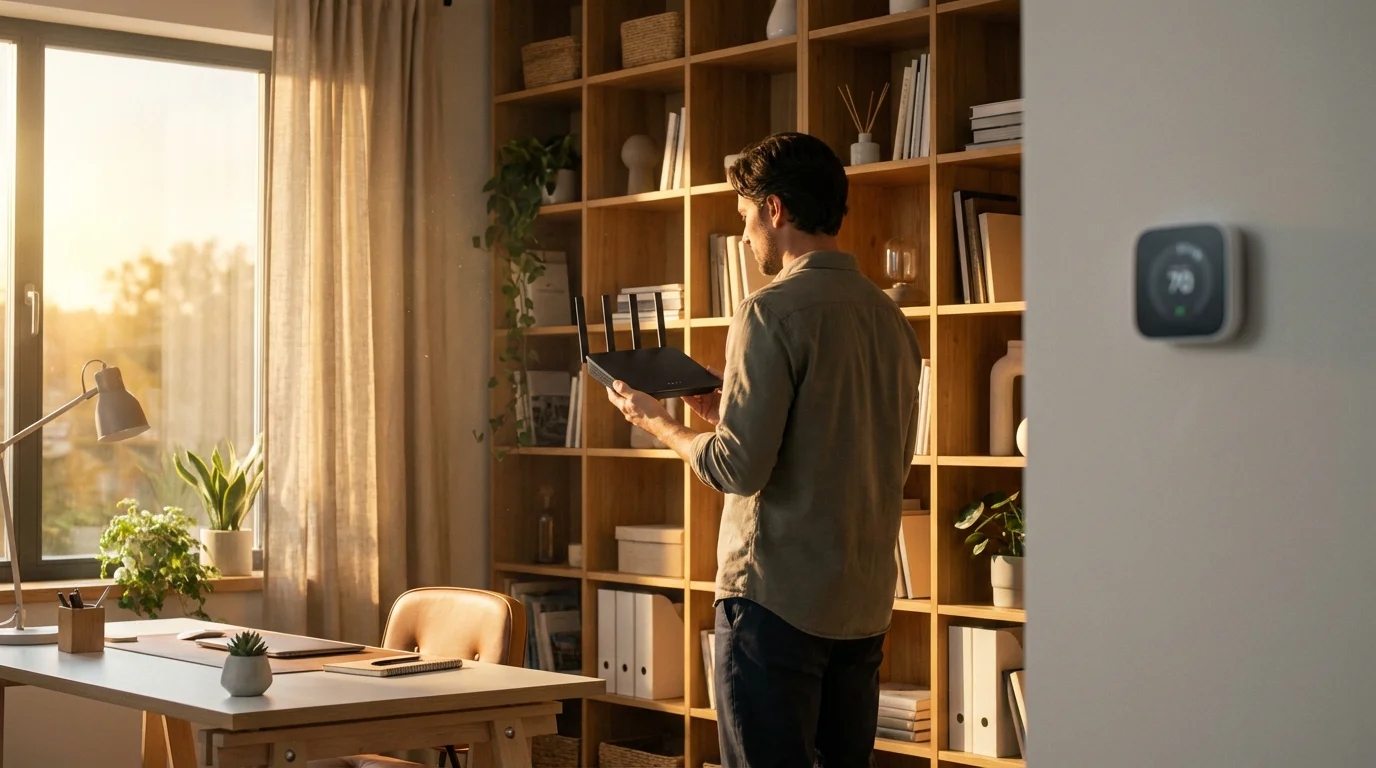
Even with the best planning, you might encounter issues when integrating your smart thermostat with other devices. Most problems stem from connectivity, compatibility, or incorrect settings. Addressing these systematically helps restore your `connected climate`.
Here are common issues and practical troubleshooting steps:
- Connectivity Problems (Wi-Fi, Zigbee, Z-Wave):
- Symptom: Thermostat is offline, devices cannot communicate, automations fail to trigger.
- Solution:
- Check Wi-Fi signal: Ensure your router is online and the thermostat receives a strong Wi-Fi signal. Move your router closer or use a Wi-Fi extender if necessary.
- Restart devices: Power cycle your thermostat, router, and any smart home hubs (Zigbee/Z-Wave). Unplug them for 30 seconds, then plug them back in.
- Network interference: Other devices (microwaves, cordless phones) can interfere with Wi-Fi or Zigbee/Z-Wave signals. Try changing Wi-Fi channels on your router.
- Router settings: Ensure your router is not blocking your thermostat’s connection. Some routers have settings for parental controls or device isolation that might interfere.
- Device Incompatibility:
- Symptom: Devices fail to link, or specific features do not work as expected.
- Solution:
- Verify compatibility: Double-check the product specifications for both your thermostat and the other smart device. Ensure they support the same smart home ecosystem (e.g., both work with Alexa).
- Check Matter certification: If using Matter, ensure all devices are Matter-certified and updated to the latest firmware.
- Look for official integrations: Rely on integrations officially supported by manufacturers rather than unofficial workarounds for reliability.
- Automation Not Triggering:
- Symptom: You set up a routine, but the thermostat does not respond.
- Solution:
- Review automation logic: Carefully check your routine settings within your smart home app (Google Home, Alexa, Home app). Ensure all conditions are met and actions are correctly defined.
- Test individual triggers: Manually trigger the initiating device (e.g., walk past a motion sensor) to confirm it is registering activity.
- Check device status: Confirm all devices involved in the automation are online and functioning correctly.
- Time delays: Some automations might have built-in delays. Account for these in your testing.
- Firmware Updates:
- Symptom: Devices behave unexpectedly, or new features are unavailable.
- Solution:
- Check for updates: Always ensure your smart thermostat and all integrated devices run the latest firmware. Manufacturers frequently release updates to fix bugs and improve compatibility. Access update options through the device’s native app.
- Account Linking Issues:
- Symptom: Cannot link your thermostat’s account to your smart home platform.
- Solution:
- Re-link accounts: Try unlinking and then re-linking your thermostat account within the smart home platform’s app.
- Check credentials: Ensure you use the correct login credentials for your thermostat’s native app when linking.
- Factory Reset (Last Resort):
- Symptom: Persistent, unresolvable issues.
- Solution:
- Consult manual: Refer to your thermostat’s manual for instructions on performing a factory reset. This will erase all settings and return the device to its default state, requiring you to set it up again. Use this only after exhausting all other troubleshooting steps.
- Precise Occupancy-Based Control:
- Without integration: Your thermostat relies on its own sensors or schedules, which might not accurately reflect occupancy.
- With integration: Motion sensors, smart locks, or even presence detection in your smart home hub inform your thermostat exactly when rooms are empty or when everyone has left the house. This allows the thermostat to switch to an efficient “Away” mode instantly, rather than waiting for a scheduled change or relying on geofencing alone. For example, if your smart security system detects no movement for an hour after your scheduled “away” time, it can confirm vacancy and tell the thermostat to increase its setback temperature further.
- Smart Shading and Passive Climate Control:
- Without integration: Your thermostat works harder to compensate for external temperatures.
- With integration: Smart blinds or shades can automatically adjust based on sunlight intensity and your thermostat’s data. On a hot, sunny day, blinds close to block solar gain, reducing the load on your AC by preventing your home from heating up. In winter, they open to leverage passive solar heating, giving your furnace a break. This proactive environmental control reduces the energy demand on your HVAC system before it even kicks in.
- Optimized Fan Usage:
- Without integration: Fans operate independently or only when you manually activate them.
- With integration: Smart ceiling fans can synchronize with your thermostat. When the thermostat reaches a set point, but before it calls for cooling, it can activate the fans. Air circulation can make a room feel several degrees cooler, often delaying or even eliminating the need for the AC to cycle on, resulting in direct energy savings.
- Targeted Zoning with Smart Vents:
- Without integration: Your HVAC system conditions your entire home to one temperature.
- With integration: Smart vents allow your thermostat to direct conditioned air only to occupied rooms or zones. Why cool an empty guest bedroom or a seldom-used basement? By focusing climate control where it is needed, you drastically reduce wasted energy on unoccupied areas. This level of precision is impossible with a standalone thermostat.
Remember to be patient and systematic. Most integration issues are minor and easily resolved with a bit of investigation and adjustment.
Maximizing Energy Savings Through Integration
Your smart thermostat inherently offers energy savings through scheduling and learning capabilities, but integrating it with other devices amplifies these benefits significantly. You move beyond passive savings to an active, responsive system that continuously optimizes your home’s energy consumption. This holistic approach ensures your `connected climate` operates at peak efficiency.
Smart thermostats alone can reduce heating and cooling costs by an estimated 8% to 15% annually, according to studies and manufacturers. When you combine this with data from other smart home devices, those savings can grow even more substantial.
Here is how integration helps you save more:
These integrated solutions provide a feedback loop where devices inform each other, leading to continuous optimization. The upfront investment in smart home devices pays off over time through reduced utility bills and a more comfortable living environment. Remember to check for utility rebates on ENERGY STAR certified smart thermostats, as these can further reduce your initial costs and accelerate your return on investment.
The best smart home is the one you do not have to manage. It intelligently anticipates your needs and automatically adjusts for comfort and efficiency.
Frequently Asked Questions
Do all smart thermostats integrate with other devices?
Most modern smart thermostats integrate with popular smart home ecosystems like Amazon Alexa, Google Home, and Apple HomeKit. However, the depth and breadth of integration vary by brand and model. Always check a thermostat’s compatibility list before purchasing to ensure it works with your existing or planned smart devices.
What is a smart home ecosystem?
A smart home ecosystem is a network of interconnected smart devices that communicate and work together, often managed by a central platform or hub. Common ecosystems include Google Home, Amazon Alexa, Apple HomeKit, and Samsung SmartThings. They enable devices to share information and trigger automated actions based on predefined rules.
Is it difficult to set up thermostat automations?
Setting up basic thermostat automations is generally straightforward. Most smart home apps offer intuitive interfaces for creating routines or scenes. More complex automations involving multiple conditions or devices might require a bit more planning, but user-friendly tools like IFTTT make even advanced setups accessible.
Can integrating my thermostat save me money?
Absolutely. Integrating your smart thermostat significantly enhances energy savings. By linking it with occupancy sensors, smart locks, or smart blinds, you can ensure your HVAC system only heats or cools when and where it is truly needed. This minimizes wasted energy, leading to noticeable reductions in your utility bills.
What is Matter and why is it important for integration?
Matter is a new, open-source connectivity standard designed to create universal compatibility among smart home devices. It allows devices from different brands and ecosystems to communicate seamlessly. Matter simplifies setup, improves reliability, and makes it easier to build a truly integrated smart home without worrying about specific brand-to-brand compatibility.
Disclaimer: This article is for informational purposes only. Smart home devices involve electrical connections and data privacy. Always follow manufacturer instructions for installation. For complex wiring or HVAC work, consult a licensed professional.

Leave a Reply