
Your home’s comfort extends beyond just temperature. Humidity plays a crucial role in how you feel, impacting everything from your skin to your energy bills. Understanding and controlling home humidity automatically offers significant benefits. Smart thermostats equipped with integrated humidity sensors provide an intelligent solution, ensuring your living space remains perfectly balanced. You can achieve optimal comfort settings while improving air quality and saving on energy costs.

Understanding Relative Humidity and Its Impact on Your Home
Relative humidity measures the amount of water vapor in the air compared to the maximum amount it can hold at a specific temperature. This invisible factor significantly influences your comfort and your home’s health. The ideal indoor relative humidity typically falls between 40% and 60%.
Deviating from this range creates problems. High humidity levels make the air feel muggy and warmer than it is, encouraging mold growth, dust mites, and mildew. Low humidity, conversely, leads to dry skin, irritated sinuses, static electricity, and can even damage wooden furniture and floors. Achieving proper humidity control is essential for a truly comfortable environment.
How Smart Thermostats Leverage Humidity Sensors
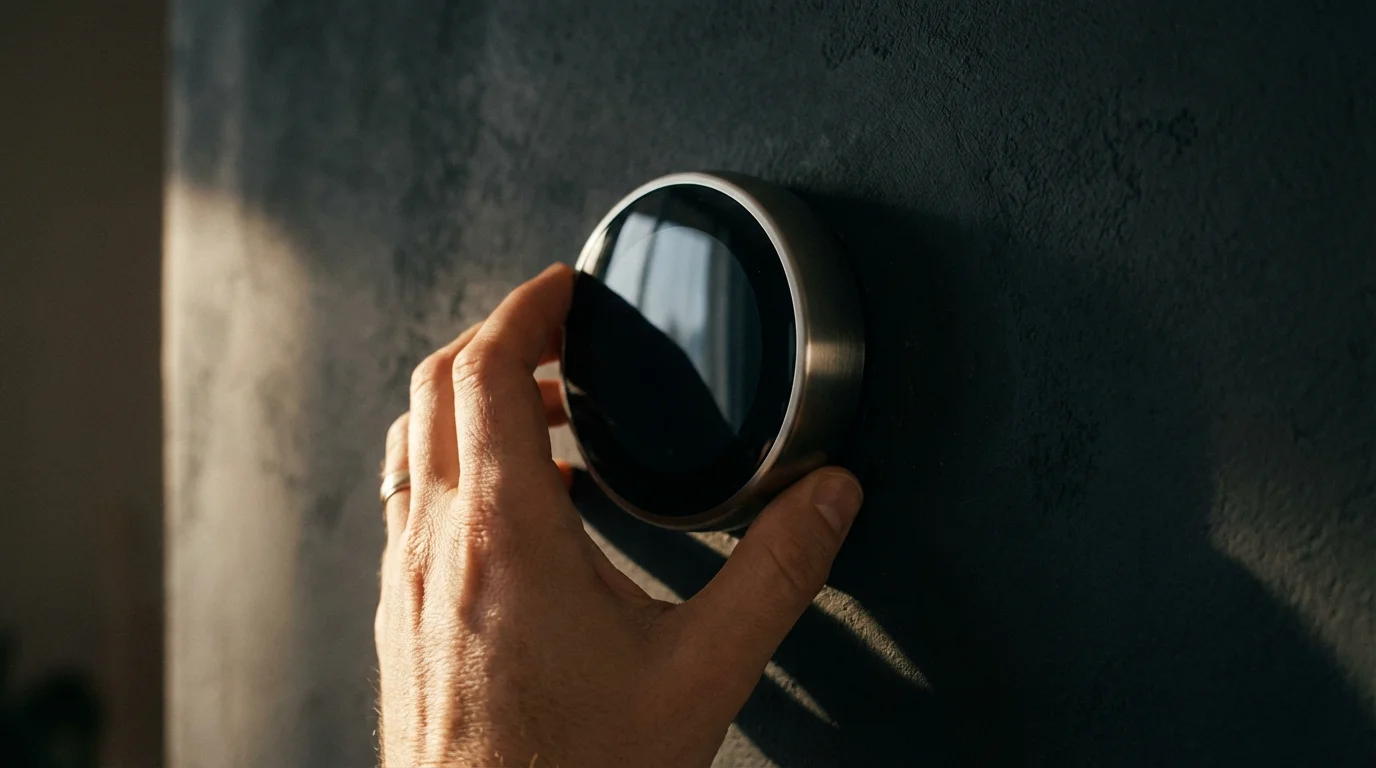
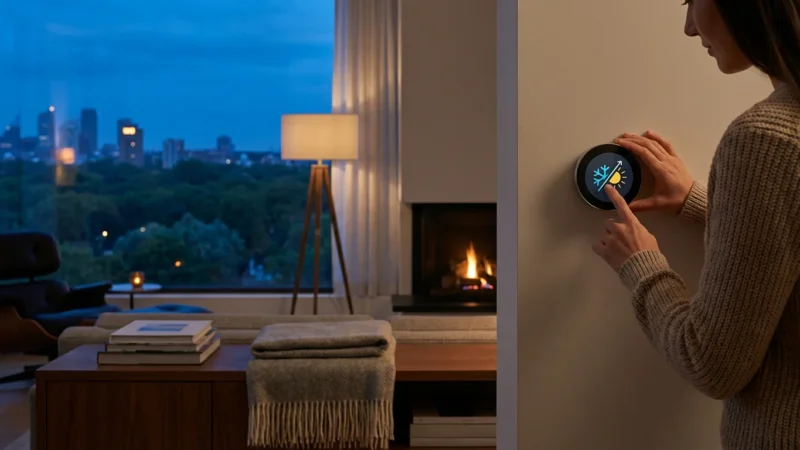
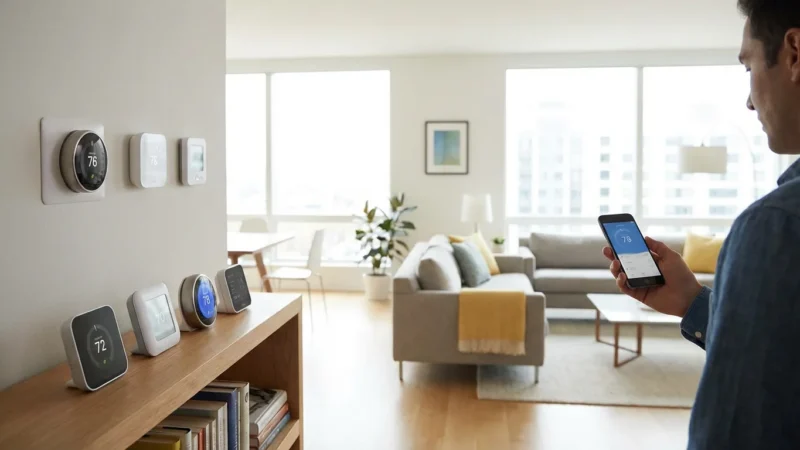
Modern smart thermostats go far beyond simple temperature regulation. Many models, including popular options from Nest, Ecobee, and Honeywell, integrate sophisticated humidity sensors. These sensors constantly monitor the moisture levels in your air, providing real-time data.
The smart thermostat then uses this data to make intelligent decisions. It can activate your HVAC system’s fan, adjust heating or cooling cycles, or even control external dehumidifiers and humidifiers. This capability offers significant smart thermostat humidity sensor benefits, ensuring your home maintains optimal air quality and comfort settings automatically. For example, an Ecobee thermostat might run the fan periodically to circulate air and reduce humidity without necessarily engaging the air conditioning compressor.
Practical Benefits of Automated Humidity Control
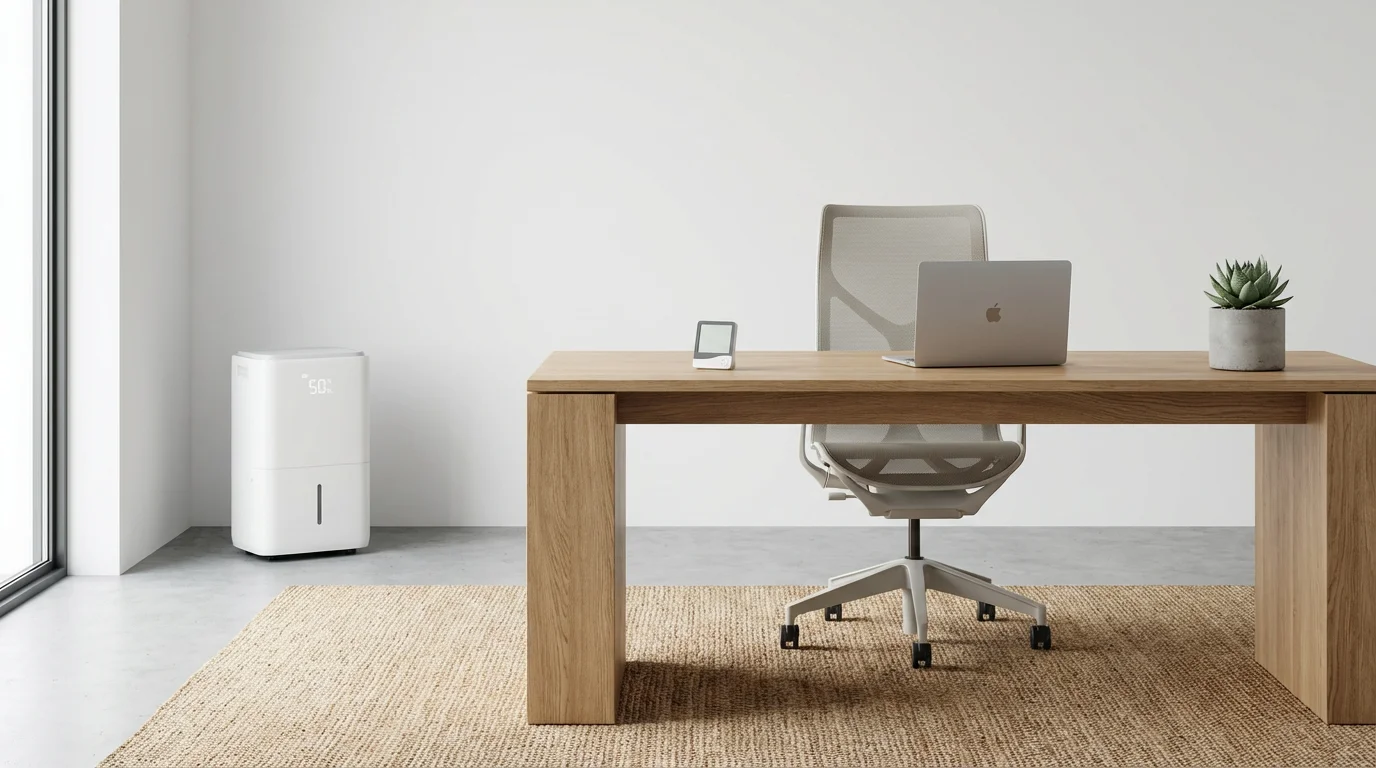
Automating your home’s humidity control provides immediate and long-term advantages. You will notice improvements in several key areas:
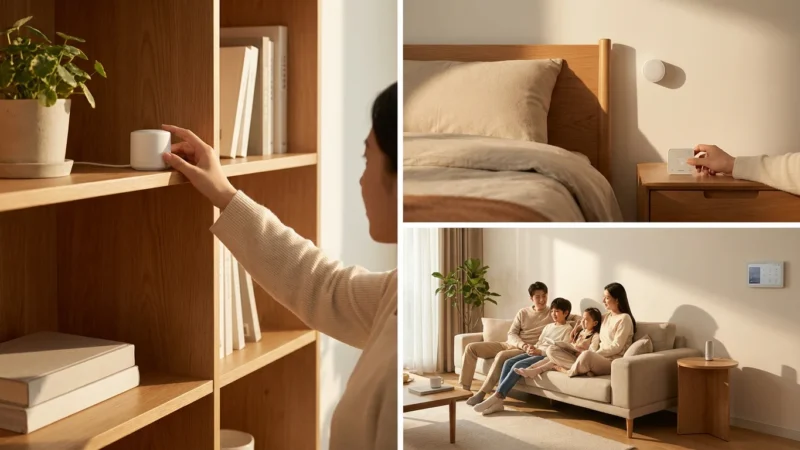
To ensure accurate readings in every part of your house, you can use room sensors for better temperature control and balanced moisture monitoring.
- Enhanced Comfort: You feel more comfortable at higher temperatures when humidity is lower, reducing the need to overcool your home. Similarly, adequate humidity prevents the dry, chapped feeling in winter.
- Significant Energy Savings: High humidity makes your home feel hotter. By effectively managing humidity, your air conditioner does not need to run as long or as cold to achieve the same perceived comfort. This directly translates into lower electricity bills. Energy Star reports that smart thermostats can save homeowners an average of 8% on heating and cooling costs.
- Improved Air Quality: Preventing excessive humidity minimizes the growth of mold, mildew, and dust mites. These common allergens thrive in damp conditions. Lowering humidity levels helps maintain healthier indoor air quality, beneficial for allergy and asthma sufferers.
- Protection for Your Home: Consistent, appropriate humidity levels prevent wood from warping or cracking. This protects your furniture, flooring, and structural elements from damage caused by extreme moisture fluctuations.
- Reduced Pests: Many household pests, including cockroaches and silverfish, prefer humid environments. Controlling humidity can make your home less inviting to them.
These practical benefits demonstrate the value of integrating humidity monitoring into your smart home system. You gain peace of mind knowing your home proactively manages its environment.
Advanced Features for Optimal Humidity Management
Beyond basic monitoring, smart thermostats offer advanced capabilities for fine-tuning your home’s humidity control. These features provide a holistic approach to environmental management.
- Integrated Dehumidifier/Humidifier Control: Many smart thermostats directly integrate with whole-home dehumidifiers or humidifiers. You can set target humidity levels, and the thermostat will automatically activate these systems as needed. This ensures consistent moisture balance.
- Ventilation System Integration: Some advanced setups allow smart thermostats to communicate with ventilation systems. For example, if indoor humidity spikes after a shower or during cooking, the thermostat can trigger bathroom fans or an ERV/HRV (Energy/Heat Recovery Ventilator) to expel moist air.
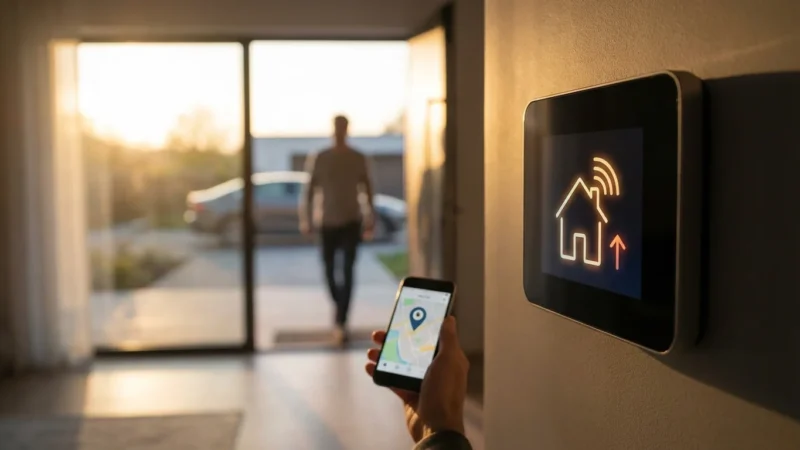
- Geofencing: This location-based feature allows your thermostat to adjust settings when you leave or approach home. When you are away, it can allow humidity levels to drift slightly to save energy. It then optimizes conditions for your return, ensuring comfort when you walk through the door.
- Learning Algorithms: Thermostats like the Nest Learning Thermostat observe your preferences and home’s unique characteristics. They learn how your home reacts to changes in temperature and humidity, then optimize their control strategies over time. This continuous adaptation helps you control home humidity automatically and efficiently.
- Smart Vent Integration: In homes with smart vents, your thermostat can direct conditioned air more precisely. If one zone has high humidity, smart vents in that area can open wider, allowing the HVAC system to target that space more effectively. This creates micro-zones of comfort.
These features collectively create a dynamic and responsive system, ensuring your home’s comfort settings are always optimized for current conditions and your lifestyle.
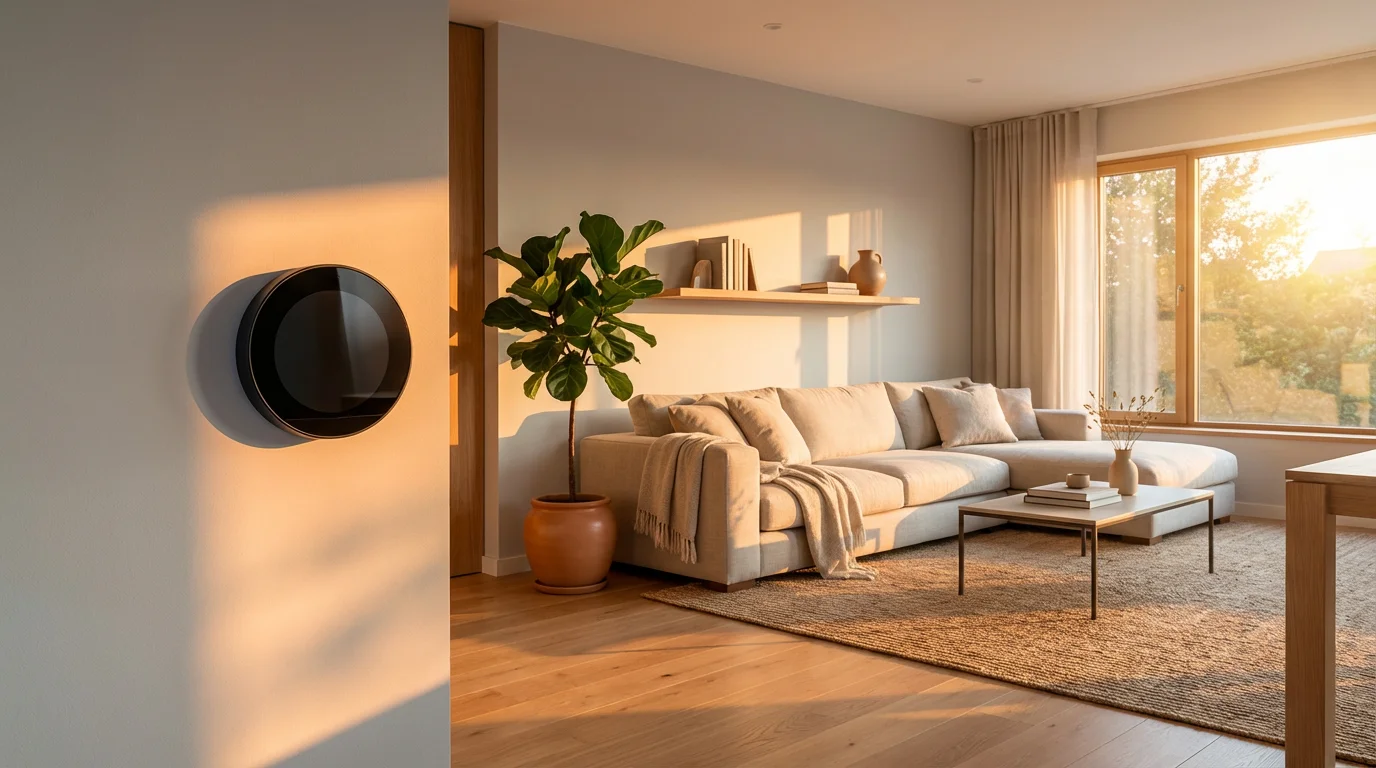
Selecting the Right Smart Thermostat for Humidity Control
Choosing the best smart thermostat involves more than just looking at the price tag. Consider several factors to ensure it meets your specific needs for humidity management and overall home automation.
Key Considerations:
- Integrated Humidity Sensor: Confirm the model includes a built-in sensor. Most high-end smart thermostats do, but always verify.
- HVAC System Compatibility: Check if the thermostat works with your existing heating, ventilation, and air conditioning system. This includes compatibility with multi-stage systems, heat pumps, and external humidifiers/dehumidifiers.
- C-Wire Requirement: A common point of concern during installation is the C-wire (common wire). This wire provides continuous power to the thermostat. Many smart thermostats require a C-wire for reliable operation, especially when controlling multiple accessories or using advanced features. If your home lacks a C-wire, some thermostats offer power extender kits, or you may need professional installation.
- Ecosystem and Integration: Consider your existing smart home ecosystem. If you use Amazon Alexa, Google Assistant, or Apple HomeKit, choose a thermostat that seamlessly integrates. Look for support for standards like Matter, which promises universal compatibility across smart home devices. According to the Connectivity Standards Alliance, Matter simplifies device setup and control, offering a more unified experience.
- Learning and Scheduling Features: Evaluate if you prefer a thermostat that learns your habits, like Nest, or one that offers extensive manual scheduling options, like Ecobee. Both approaches help you set optimal comfort settings.
- User Interface and App: A user-friendly interface on the device and a well-designed mobile app are crucial for easy management and access to humidity data.
Researching models like the Nest Learning Thermostat, Ecobee SmartThermostat with Voice Control, and various Honeywell Home smart thermostats will give you a good starting point. Each offers unique strengths in humidity management and smart home integration.
The best smart home is the one you don’t have to manage. Automation, driven by smart sensors like those for humidity, allows your home to anticipate and meet your needs without constant interaction.
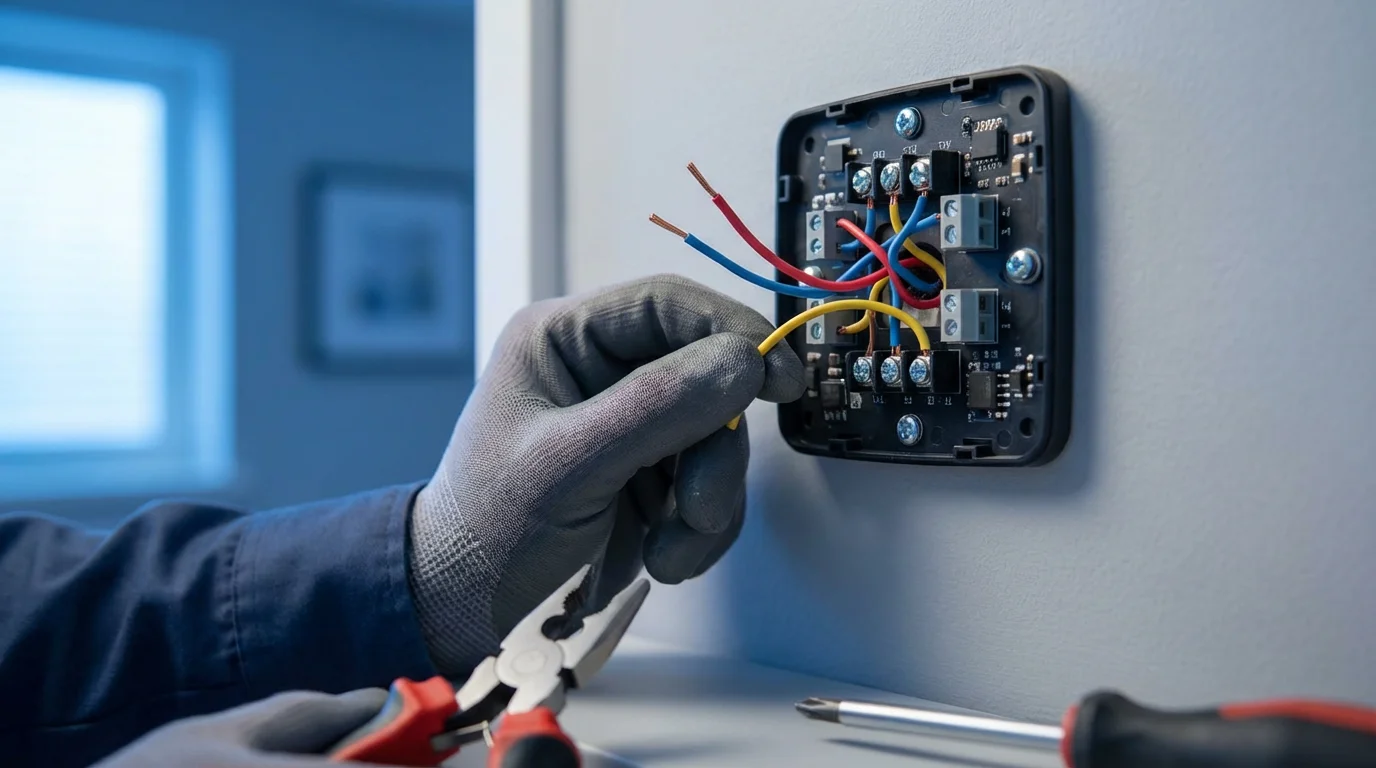
Installation and Safety for Your Smart Thermostat
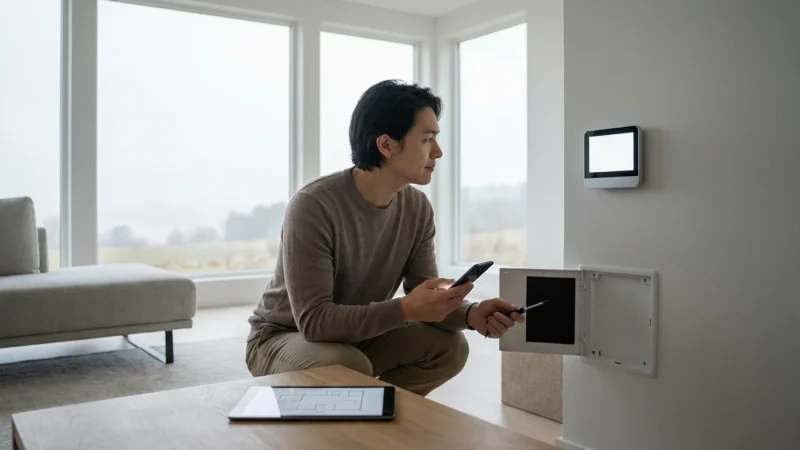
Installing a smart thermostat can be a straightforward DIY project for many homeowners, but always prioritize safety and understand your limits. Follow these guidelines for a successful installation:
- Turn Off Power: Crucially, always turn off the power to your HVAC system at your breaker box before touching any wiring. This prevents electrical shock and damage to your system.
- Read the Manual: Thoroughly review your specific thermostat’s installation guide. Manufacturers provide detailed, step-by-step instructions.
- Label Wires: Before disconnecting your old thermostat, take a picture of the wiring and label each wire clearly according to its terminal. This prevents confusion during re-connection.
- Check for C-Wire: Determine if your existing setup has a C-wire. If not, and your chosen smart thermostat requires one, consider using a power extender kit or hiring a professional electrician or HVAC technician. Attempting to bypass a C-wire requirement can damage your HVAC system or the thermostat.
- Mount and Connect: Mount the new thermostat’s backplate and connect the labeled wires to their corresponding terminals. Ensure all connections are secure.
- Restore Power and Test: Once wiring is complete and the thermostat is securely mounted, restore power at the breaker box. Follow the on-screen prompts for initial setup and test all functions, including fan operation, heating, cooling, and humidity control.
For any complex wiring scenarios, or if you feel uncertain at any point, do not hesitate to consult a licensed HVAC professional. They possess the expertise to ensure a safe and correct installation, preserving your HVAC system’s warranty and performance. Your safety and your home’s systems are paramount.

Maximizing Your Smart Thermostat’s Humidity Features
Once your smart thermostat is installed, leverage its full potential to achieve peak comfort, energy efficiency, and indoor air quality.
Practical Steps to Optimize Your Humidity Control:
- Set Ideal Humidity Targets: Experiment with different target humidity levels (e.g., 45-55%) to find what feels most comfortable in your home. Adjust seasonally. You might prefer slightly lower humidity in summer and slightly higher in winter.
- Create Smart Schedules: Utilize your thermostat’s scheduling features to align humidity control with your daily routine. For instance, you could allow humidity to rise slightly while you are away, then lower it before you return home.
- Implement Automation Rules: Set up custom automation rules within your thermostat’s app or smart home platform. For example, “If outdoor humidity is high and I’m home, run the fan for 15 minutes every hour.” Or, “If indoor humidity drops below 40%, activate the whole-home humidifier.” These rules help you control home humidity automatically based on precise conditions.
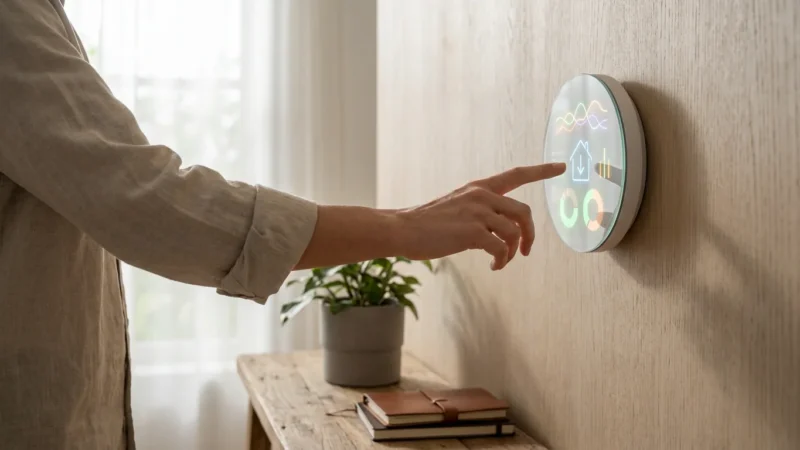
- Monitor and Analyze Data: Many smart thermostat apps provide historical data on temperature and humidity. Review this data to understand how your home’s environment fluctuates and identify areas for further optimization. This insight helps fine-tune your comfort settings.
- Check for Utility Rebates: Many utility companies offer rebates for installing Energy Star certified smart thermostats. These programs can significantly reduce the upfront cost. Check your local utility provider’s website or the Energy Star website for eligible programs in your area.
- Integrate with Other Devices: Connect your smart thermostat to other smart home devices. Link it to smart ceiling fans that can activate when humidity rises, or integrate with smart vents to direct airflow more efficiently to humid areas.
By actively engaging with these features, you transform your smart thermostat into a powerful tool for maintaining a consistently comfortable and healthy home environment. You gain precise control over your indoor climate, leading to tangible savings and improved well-being.
Frequently Asked Questions
What is the ideal indoor humidity level?
Most experts recommend maintaining indoor relative humidity between 40% and 60%. This range provides optimal comfort, reduces the risk of mold growth and pest infestation, and helps preserve your home’s structure and furnishings.
Can a smart thermostat control a separate dehumidifier or humidifier?
Yes, many advanced smart thermostats can integrate with and control whole-home dehumidifiers and humidifiers. You often connect these accessories directly to the thermostat’s control board, allowing the thermostat to activate them based on your set humidity targets. Always check your specific thermostat’s compatibility and wiring diagrams.
How does humidity control save energy?
High humidity makes you feel warmer. When your smart thermostat lowers humidity, you often feel comfortable at a higher temperature setting in the summer. This means your air conditioner runs less frequently or for shorter durations, directly reducing electricity consumption. In winter, proper humidity can make lower temperatures feel more comfortable, reducing heating demand.
Do all smart thermostats have humidity sensors?
No, not all smart thermostats include humidity sensors. While many popular models from brands like Nest, Ecobee, and Honeywell do, it is essential to verify this feature when making a purchase. Look for specifications that explicitly mention humidity sensing capabilities.
Is a C-wire necessary for a smart thermostat with humidity control?
A C-wire (common wire) provides continuous power to your smart thermostat. While some basic smart thermostats can operate without one using battery power or power stealing, models with advanced features like integrated humidity control, Wi-Fi connectivity, and external accessory management often require a C-wire for stable operation. If your home lacks a C-wire, a power extender kit or professional installation might be necessary.
Disclaimer: This article is for informational purposes only. Smart home devices involve electrical connections and data privacy. Always follow manufacturer instructions for installation. For complex wiring or HVAC work, consult a licensed professional.
Leave a Reply