
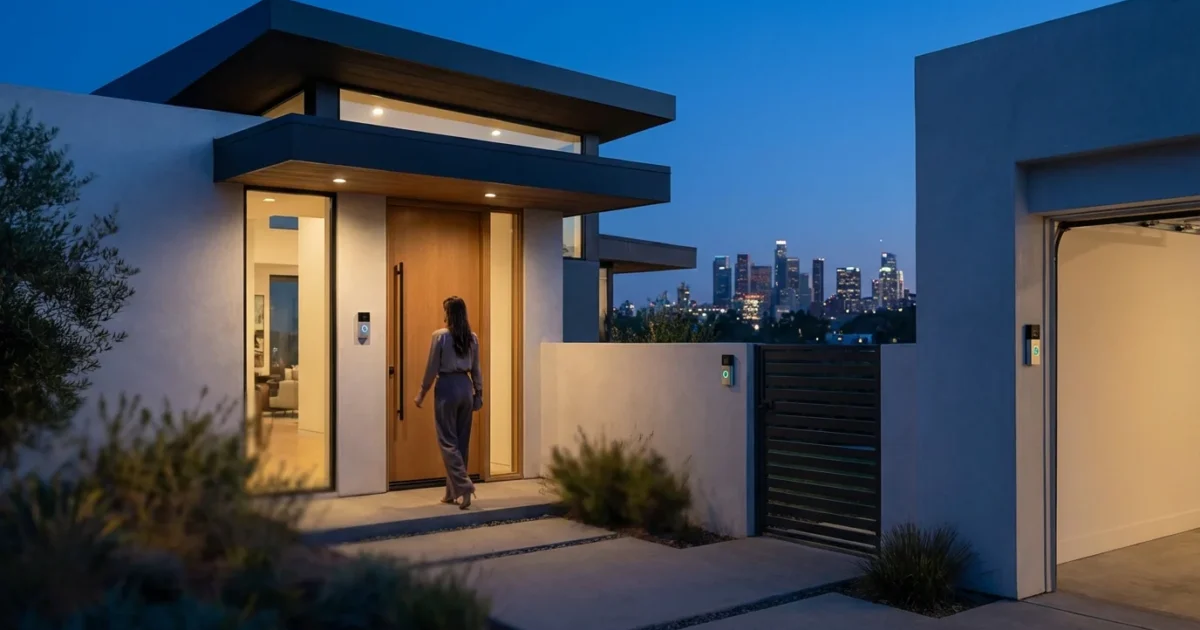
In today’s connected world, a video doorbell is more than just a gadget; it is an essential layer of security and convenience for your home. It provides peace of mind, allowing you to see who is at your door from anywhere, communicate with visitors, and monitor package deliveries. As technology advances, these devices offer increasingly sophisticated features, integrating seamlessly into your smart home ecosystem.
Choosing the right video doorbell involves navigating various features, power options, and ecosystem compatibility. This guide cuts through the noise, detailing the top video doorbells for 2025 and helping you select the perfect device to enhance your home’s security and efficiency.
Why You Need a Video Doorbell in 2025
A smart video doorbell offers far more than just a traditional peephole. It acts as your home’s vigilant guardian, providing real-time awareness and control over your front entrance. Its benefits extend beyond simple security, touching upon convenience and even energy efficiency in some integrated setups.
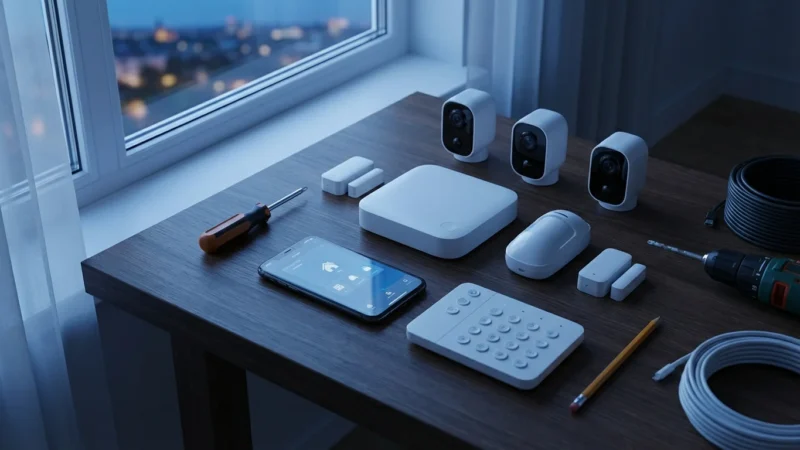
Adding a doorbell is a great first step when learning how to set up a complete smart security system for your property.
Consider these compelling reasons to upgrade your home with a video doorbell this year:
- Enhanced Security: Identify visitors, verify deliveries, and deter potential intruders. You receive instant alerts on your phone whenever motion is detected or someone rings your doorbell.
- Package Theft Prevention: “Porch pirates” are a growing concern. A video doorbell allows you to monitor packages and even speak to delivery drivers, instructing them on where to leave items safely.
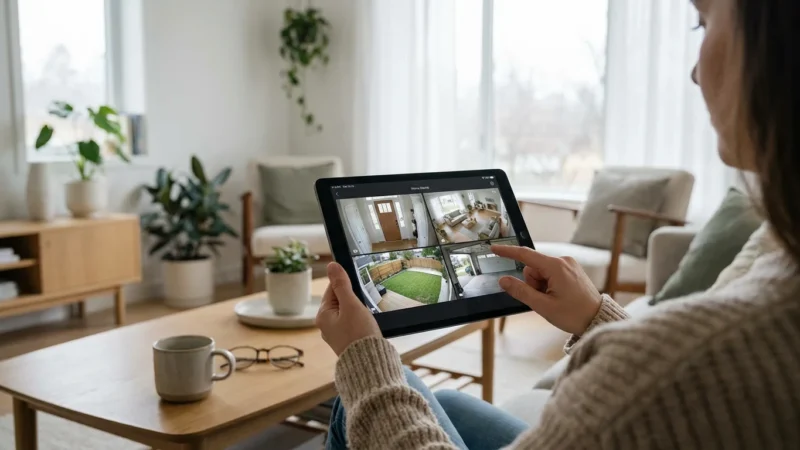
- Remote Monitoring: Whether you are at work, on vacation, or simply in another room, you can see and speak to whoever is at your door using your smartphone or tablet. This provides immense peace of mind.
- Screening Visitors: Avoid unwanted solicitations by seeing who is there before you open the door. You maintain control over your personal space and time.
- Two-Way Communication: Speak directly to visitors through the doorbell’s speaker and microphone. This feature proves invaluable for coordinating with friends, family, or service providers.
- Visitor History: Most video doorbells record events, creating a log of activity at your front door. You can review past footage to see who came and went, offering crucial evidence if an incident occurs.
Key Features to Look for in a Video Doorbell
The market for video doorbells is extensive, offering a wide array of features. Understanding which ones matter most helps you make an informed decision that aligns with your specific needs and budget. Prioritize these core functionalities:
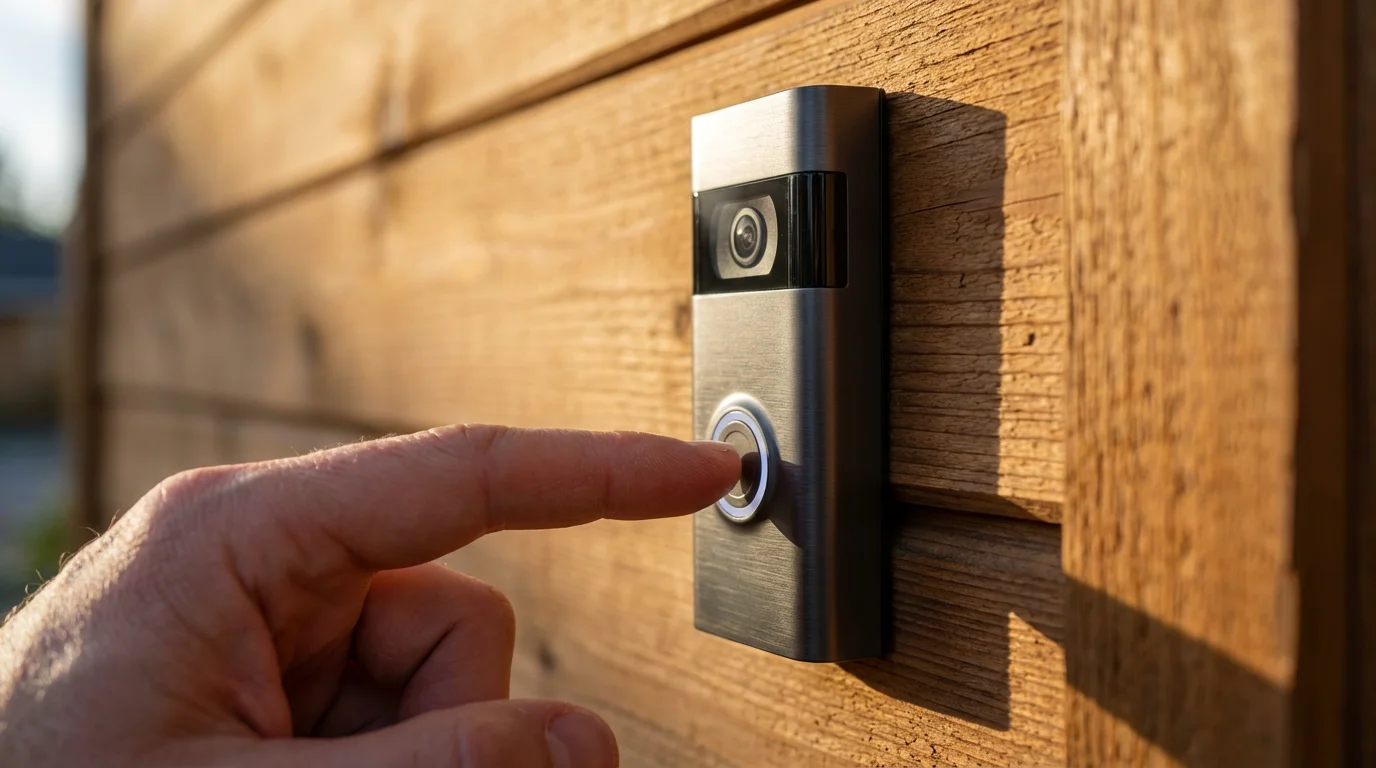
- Video Resolution and Field of View: Look for at least 1080p HD resolution for clear images. A wide field of view, ideally 160 degrees or more, ensures you capture a broad area around your door, including packages placed on the ground.
- Night Vision: Infrared night vision is standard, but some advanced models offer color night vision for better detail in low light. This is crucial for security after dark.
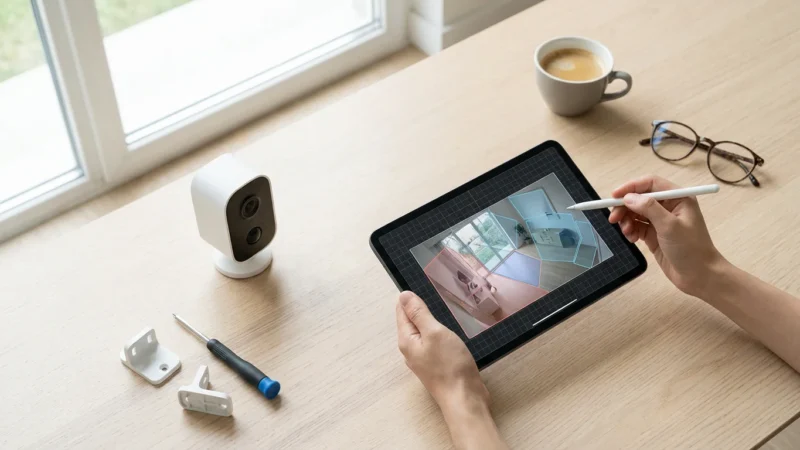
- Motion Detection: Advanced motion detection differentiates between people, animals, and vehicles, reducing false alarms. Customizable motion zones allow you to focus monitoring on specific areas.
- Two-Way Audio: Clear, full-duplex two-way audio enables natural conversations with visitors. This feature is fundamental for communication and screening.
- Storage Options:
- Cloud Storage: Most brands offer subscription plans for cloud storage of recorded video. This provides easy access to footage from anywhere.
- Local Storage: Some doorbells include onboard storage via an SD card or integrate with a local hub. This offers a subscription-free alternative and enhanced privacy control.
- Smart Home Integration: Ensure the doorbell works with your existing smart home ecosystem, whether it is Alexa, Google Home, Apple HomeKit, or a Matter-enabled system. Seamless integration means more convenience and automation possibilities.
- Power Options: Choose between wired models, which offer continuous power and often more advanced features, and battery-powered models, which provide flexible installation but require recharging.
- Professional Monitoring: Some brands, notably Ring and Nest, offer optional professional monitoring services. This provides an additional layer of security, with monitoring centers responding to alerts.
- Privacy Features: Investigate options like privacy zones, which exclude certain areas from recording, and robust data encryption. Your personal security extends to your data.
Top Video Doorbells for 2025: A Detailed Comparison
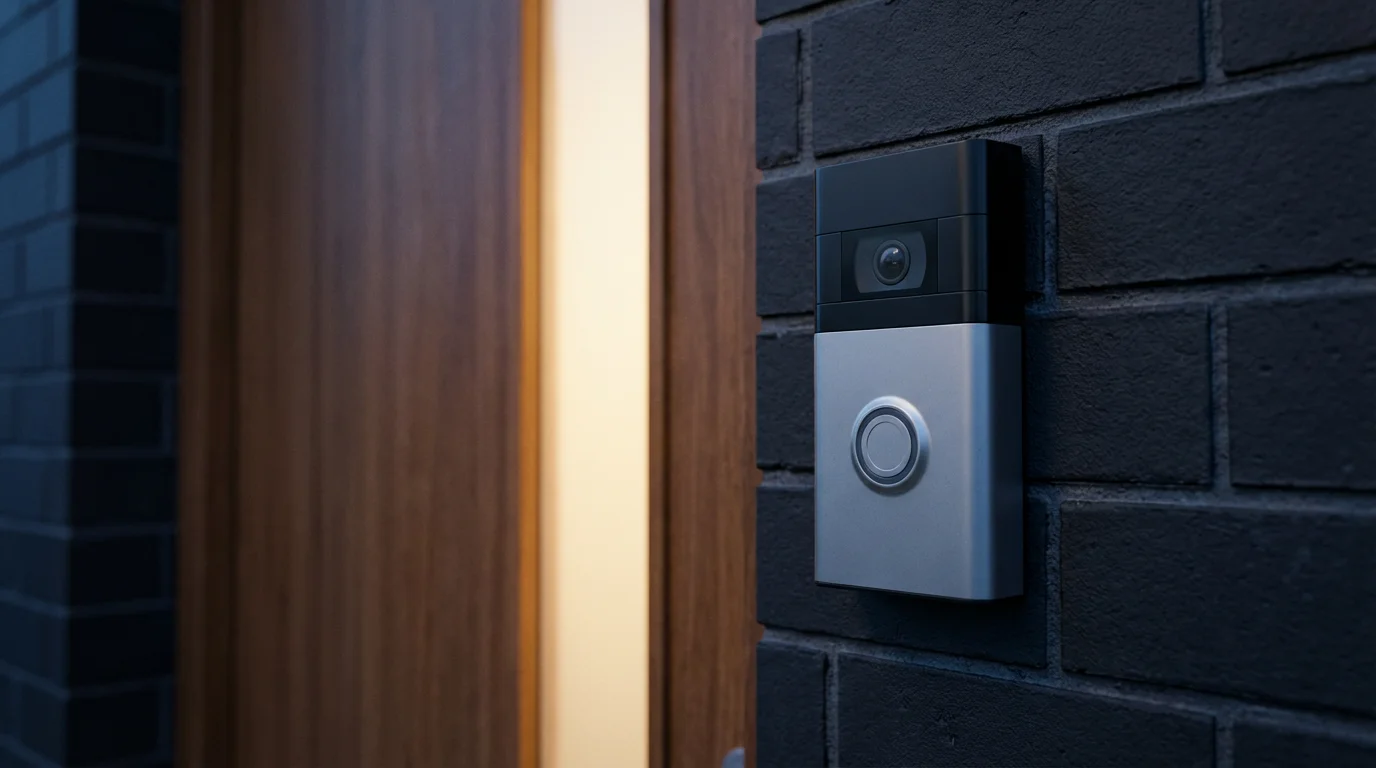
Comparing the leading video doorbells helps you weigh their strengths against your requirements. We examine popular models and their unique offerings, from comprehensive ecosystems to local storage solutions.
Ring Video Doorbells: Security and Ecosystem Power
Ring, an Amazon company, has become a household name in smart home security. Its video doorbells are known for their robust build, extensive feature sets, and seamless integration within the broader Ring ecosystem, which includes security cameras, alarms, and smart lighting. Ring offers various models, catering to different power preferences and feature demands.
Key Strengths:
- Extensive Ecosystem: If you already own Ring cameras or an alarm system, a Ring doorbell integrates effortlessly, creating a unified security network.
- Subscription Benefits: Ring Protect Plans offer affordable cloud storage, advanced person detection, rich notifications with photo previews, and professional monitoring options.
- Variety of Models: From budget-friendly battery options to advanced wired models like the Ring Video Doorbell Pro 2, you find a doorbell fitting your installation needs and desired features.
- User-Friendly App: The Ring app is intuitive, providing easy access to live view, recorded events, two-way talk, and settings.
Considerations:
- Subscription Required for Full Features: While live view is free, accessing recorded videos, person alerts, and other smart features typically requires a Ring Protect subscription.
- Privacy Concerns: As with many cloud-based systems, some users express privacy concerns regarding data storage and law enforcement access. Ring has implemented various measures to address these.
Recommended Models for 2025:
- Ring Video Doorbell Pro 2: A premium wired option offering 1536p HD+ head-to-toe video, 3D Motion Detection, and Bird’s Eye View for precise motion tracking. It connects to existing doorbell wiring.
- Ring Battery Doorbell Plus: Offers 1536p HD+ video and an extended battery life. This model provides the wide, head-to-toe view without the need for wiring, making installation simpler.
Google Nest Doorbells: Smart AI and Seamless Integration
Google Nest doorbells stand out with their sophisticated AI capabilities and deep integration into the Google Home ecosystem. They excel at intelligent alerts, distinguishing between people, packages, and even familiar faces with a Nest Aware subscription.
Key Strengths:
- Intelligent Alerts: Nest doorbells use advanced algorithms to provide highly specific notifications. You know if a package arrived, if a person is at the door, or if it is a familiar face.
- Google Ecosystem Integration: Seamlessly works with Google Assistant, Nest Hubs, and other Google smart home devices. You can view your doorbell feed on a Nest Hub or broadcast messages to visitors using your smart speakers.
- Continuous Recording (Wired Model): The wired Nest Doorbell offers 24/7 continuous recording with a Nest Aware Plus subscription, providing a complete timeline of events.
- High-Quality Video: Excellent video quality with HDR (High Dynamic Range) ensures clear footage in various lighting conditions.
Considerations:
- Subscription for Advanced Features: Many of Nest’s standout AI features, including familiar face detection and extensive video history, require a Nest Aware subscription.
- Hardware Cost: Nest doorbells often carry a higher upfront cost compared to some competitors.
Recommended Models for 2025:
- Nest Doorbell (wired): Connects to existing doorbell wiring, offering 24/7 recording (with Nest Aware Plus), superior video quality, and advanced AI features.
- Nest Doorbell (battery): A flexible, wire-free option providing intelligent alerts and high-quality video. It integrates well with the Google Home app and can also be wired for continuous power.
Arlo Essential Video Doorbell Wire-Free: Flexibility and Clarity
Arlo is renowned for its high-quality wireless cameras, and its video doorbell maintains this reputation. The Arlo Essential Video Doorbell Wire-Free offers excellent video quality and a wide field of view, making it ideal for capturing everything at your doorstep. Its wire-free design offers significant installation flexibility.
Key Strengths:
- Wire-Free Installation: Battery power means you can install it almost anywhere without needing existing doorbell wiring.
- Superior Video Quality: Delivers 1080p HDR video with a 180-degree diagonal field of view, allowing you to see visitors head-to-toe and even packages on the ground.
- Built-in Siren: A remotely activated siren adds an extra layer of deterrence against intruders.
- Arlo Ecosystem: Integrates with other Arlo cameras and security devices.
Considerations:
- Battery Life: While good, battery life requires occasional recharging, which can be inconvenient.
- Arlo Secure Subscription: Full features, including cloud recording, advanced object detection, and rich notifications, require an Arlo Secure subscription.
- No 24/7 Recording: Even when wired, it does not offer continuous 24/7 recording, focusing on event-based clips.
Eufy Video Doorbells: No Subscription Fees, Local Storage Focus
Eufy, an Anker brand, has carved a niche by offering high-quality smart home devices with a strong emphasis on local storage and no mandatory subscription fees. Eufy video doorbells deliver crisp video and smart features, making them a top choice for those seeking to avoid recurring costs.
Key Strengths:
- No Monthly Fees: Eufy doorbells primarily use local storage, often via an included HomeBase or built-in eMMC storage, eliminating recurring cloud subscription costs.
- High Resolution Video: Many Eufy models offer 2K or even 2K HD video, providing exceptionally clear images.
- Advanced AI: Features like human detection and facial recognition operate on-device, enhancing privacy and responsiveness without cloud reliance.
- Easy Installation: Both wired and battery-powered options are available, with battery models offering true wire-free convenience.
Considerations:
- Local Storage Limitations: While subscription-free, local storage capacity is finite. Older footage may be overwritten sooner than with extensive cloud plans.
- Limited Third-Party Integration: While compatible with Alexa and Google Assistant, Eufy’s integration with broader smart home ecosystems may not be as deep as Ring or Nest.
Recommended Models for 2025:
- Eufy Video Doorbell Dual (Wired or Battery): Features two cameras, one looking forward and another downward, to eliminate blind spots and ensure package monitoring. It includes local storage and advanced AI.
- Eufy Video Doorbell 2K (Wired or Battery): Offers 2K resolution, human detection, and a no-subscription local storage solution through a HomeBase (for battery) or built-in storage (for wired).
Honorable Mentions & Emerging Contenders
The video doorbell market continues to innovate. Here are other strong contenders worth considering:
- Aqara Video Doorbell G4: This doorbell stands out for its strong support for Apple HomeKit Secure Video and local facial recognition. It can be wired or battery powered and offers local storage via microSD. Its Matter compatibility is a significant advantage for future-proofing your smart home.
- Wyze Video Doorbell Pro: A budget-friendly option offering a wide 150-degree field of view and dual-band Wi-Fi. It provides excellent value, though some advanced features may require a Wyze Cam Plus subscription.
- TP-Link Tapo/Kasa Doorbells: TP-Link offers reliable, affordable smart home devices, including video doorbells. They typically feature solid video quality, local storage options, and integration within the respective Tapo or Kasa ecosystems.
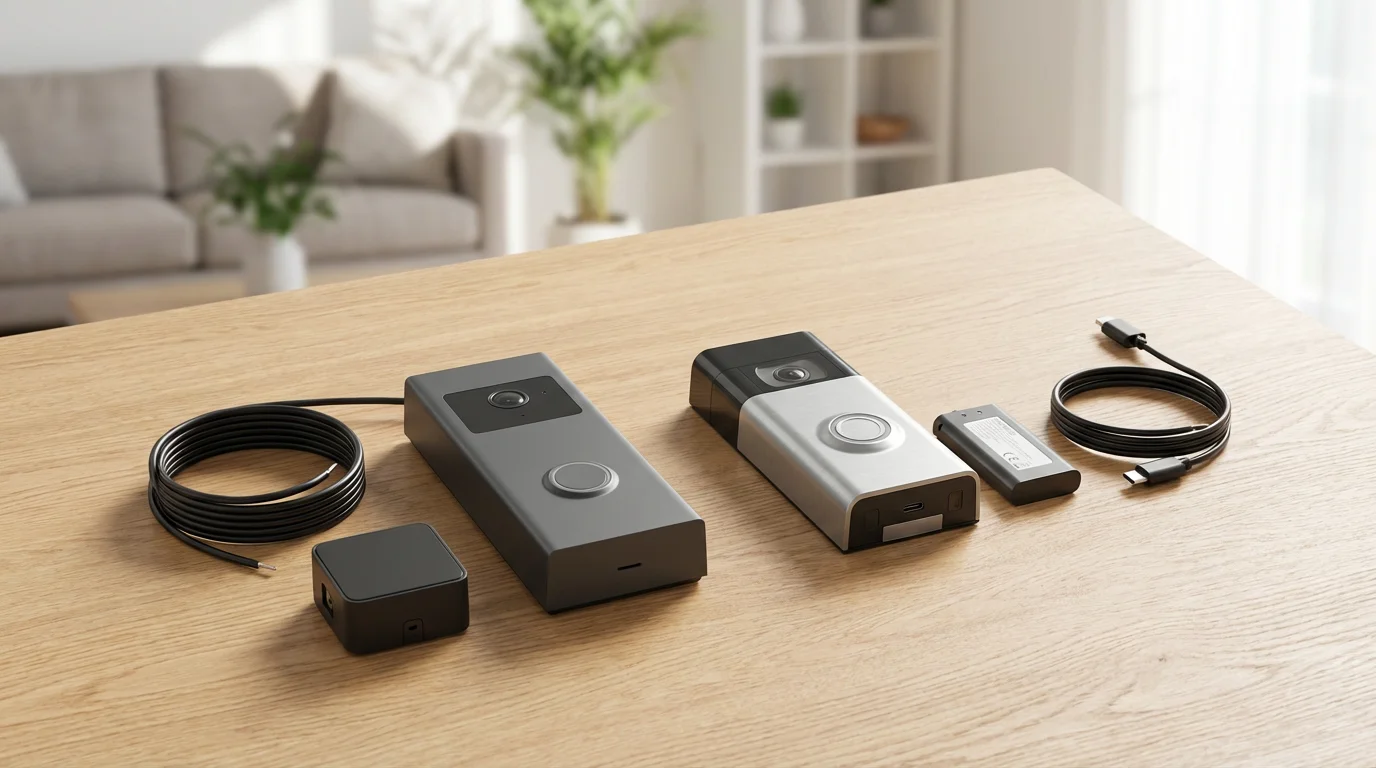
Wired vs. Battery-Powered: Choosing Your Power Source
The power source for your video doorbell significantly impacts installation, features, and long-term maintenance. Each option has distinct advantages and disadvantages.
Wired Video Doorbells:
- Pros:
- Continuous power means no battery recharging.
- Often offer more advanced features, such as 24/7 continuous recording (with subscription), faster response times, and higher frame rates.
- Utilizes existing doorbell wiring, maintaining a traditional chime in many cases.
- Cons:
- Requires existing doorbell wiring and sufficient voltage.
- Installation can be more complex, potentially requiring an electrician if no wiring exists or if the transformer is insufficient.
- Less flexible in placement options.
Battery-Powered Video Doorbells:
- Pros:
- Easy, wire-free installation. You can place it almost anywhere.
- Ideal for renters or homes without existing doorbell wiring.
- Portable if you move.
- Cons:
- Requires periodic battery recharging, which can cause downtime.
- Battery life varies greatly based on usage and settings.
- May have fewer advanced features or slightly slower response times compared to wired counterparts.
- Often requires a separate chime unit if you want an audible alert inside your home.
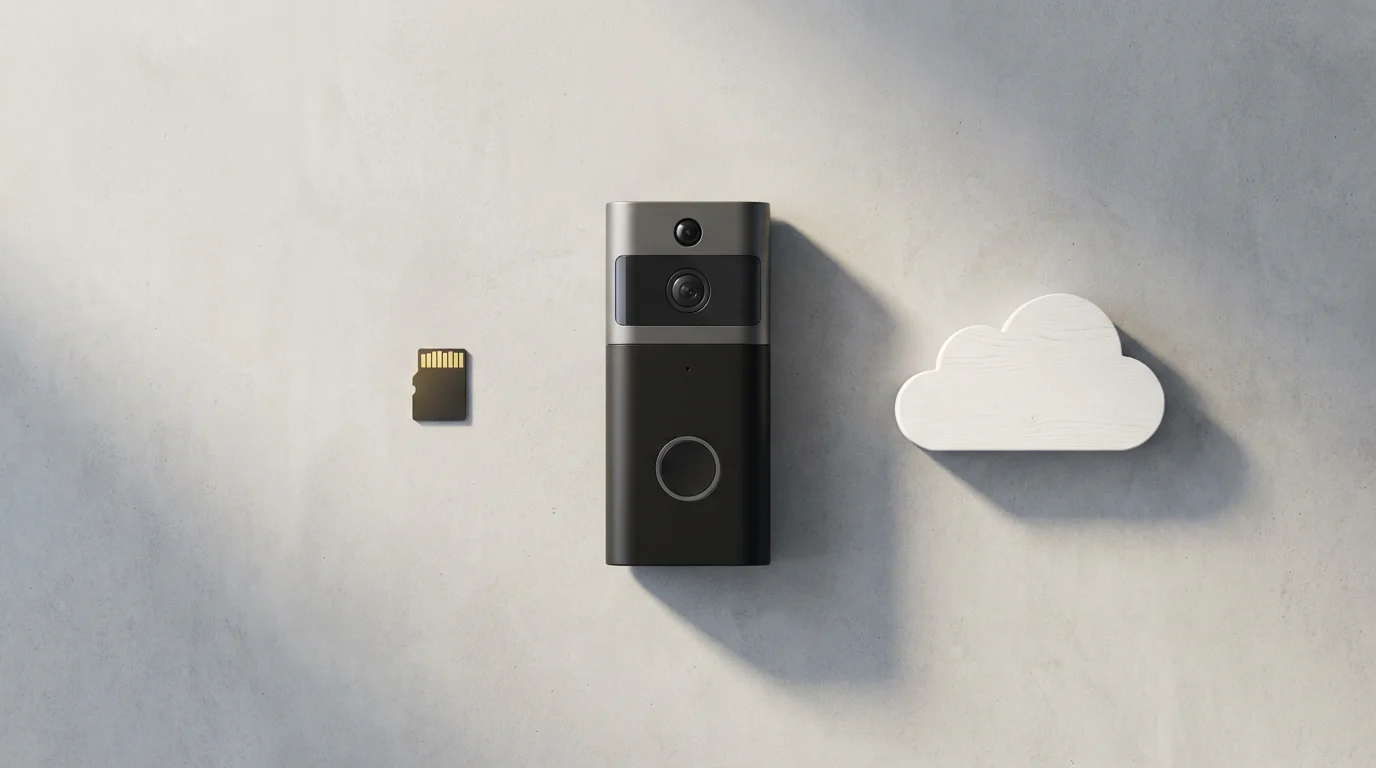
Storage Solutions: Cloud vs. Local Options
How your video doorbell stores its recordings is a critical factor influencing cost, accessibility, and privacy. You primarily choose between cloud storage subscriptions and local storage options.
Cloud Storage:
- How it Works: Video footage uploads to the manufacturer’s secure servers. You access it through an app from anywhere with an internet connection.
- Pros:
- Easy access to footage from any device, anywhere.
- No risk of footage being stolen or destroyed if the doorbell itself is tampered with.
- Often includes advanced features like rich notifications, intelligent alerts, and longer video history.
- Cons:
- Requires a recurring monthly or annual subscription fee.
- Privacy concerns regarding data being stored on third-party servers.
- Relies on a stable internet connection for uploading.
Local Storage:
- How it Works: Footage saves directly onto a microSD card within the doorbell, or to a dedicated hub (like a Eufy HomeBase) within your home network.
- Pros:
- No ongoing subscription fees.
- Enhanced privacy, as video data remains within your home network.
- Does not rely on internet speed for recording, though you need it for remote viewing.
- Cons:
- Footage can be lost if the doorbell is stolen or damaged, unless backed up elsewhere.
- Limited storage capacity means older footage is eventually overwritten.
- Remote access may be slower or require more complex setup, depending on the system.
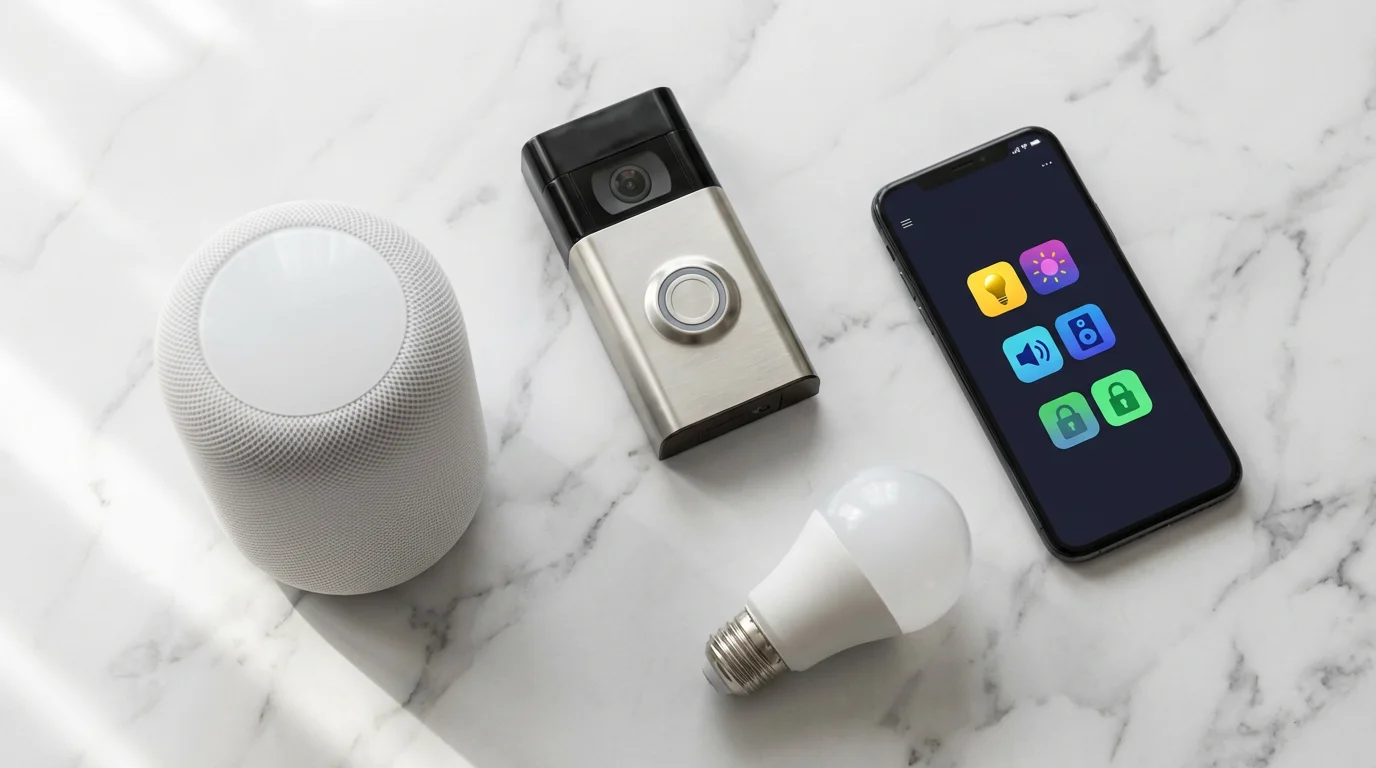
Smart Home Integration: Compatibility is Key
A video doorbell is most powerful when it seamlessly integrates with your wider smart home ecosystem. This allows for automated actions and centralized control, transforming a standalone device into a key component of your connected living space. Before purchasing, confirm compatibility with your existing platforms.
To get the most out of your device, you should understand how to integrate security cameras with your broader smart home ecosystem.
Consider these integration points:
- Alexa and Google Assistant: Most modern video doorbells integrate with these popular voice assistants. You can ask your smart speaker to show you the front door feed on a compatible smart display, or receive visitor announcements.
- Apple HomeKit: For Apple users, HomeKit Secure Video offers end-to-end encrypted video storage and deep integration with the Home app. Look for doorbells explicitly stating HomeKit compatibility, such as the Aqara Video Doorbell G4.
- Matter: The emerging Matter smart home standard aims to create universal compatibility across different brands and ecosystems. While still in its early stages for video doorbells, Matter support, like that found in the Aqara G4, signals future-proofing and broader integration potential. According to the Connectivity Standards Alliance, Matter simplifies device setup and control across platforms.
- IFTTT (If This Then That): Some doorbells support IFTTT, allowing you to create custom automations. For example, “If motion is detected by the doorbell, then turn on the porch lights.”
- Proprietary Ecosystems: Ring and Nest doorbells integrate best within their own ecosystems. If you have other Ring or Google devices, choosing a doorbell from the same brand offers the most unified experience.
The best smart home is the one you do not have to manage. Seamless device integration and reliable automation make your technology work for you, not against you.
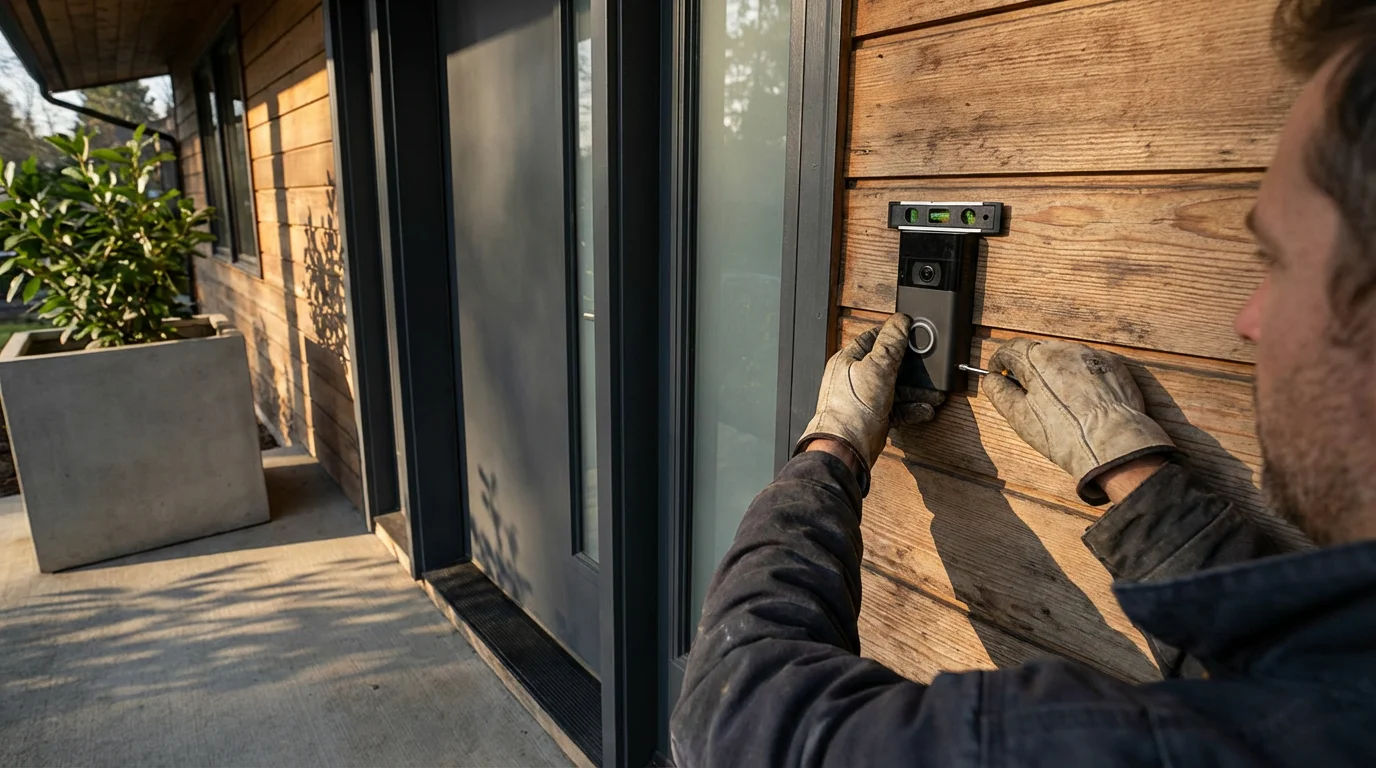
Installation and Safety: DIY or Pro?
Installing a video doorbell can range from a simple DIY project to a task best left for a professional, depending on the model and your home’s existing setup. Always prioritize safety and review manufacturer instructions meticulously.
DIY Installation (Often for Battery Models):
- Read the Manual: Understand all steps before you begin.
- Charge the Battery: If it is a battery-powered unit, fully charge the battery.
- Mount the Bracket: Use the provided template to drill pilot holes and attach the mounting bracket to your door frame or wall.
- Secure the Doorbell: Snap or screw the doorbell onto the bracket.
- Connect to Wi-Fi: Follow the app’s instructions to connect the doorbell to your home network and complete the setup.
Professional Installation (Recommended for Wired Models or Complex Scenarios):
- Existing Wiring: If you install a wired doorbell and are uncomfortable working with electrical wiring, call a licensed electrician. They ensure correct voltage, wire connections, and transformer compatibility. Incorrect wiring can damage the doorbell or create a fire hazard.
- No Existing Wiring: If your home lacks doorbell wiring and you want a wired model, an electrician can install the necessary wiring and transformer safely.
- Smart Home Integration: Some professionals specialize in smart home installations and can ensure your new doorbell integrates smoothly with your existing system.
Safety Tips:
- Always turn off power at the circuit breaker before attempting any wired installation.
- Wear appropriate safety gear, such as gloves and eye protection.
- Do not hesitate to call a licensed professional if you are unsure about any step.
Privacy and Security Best Practices
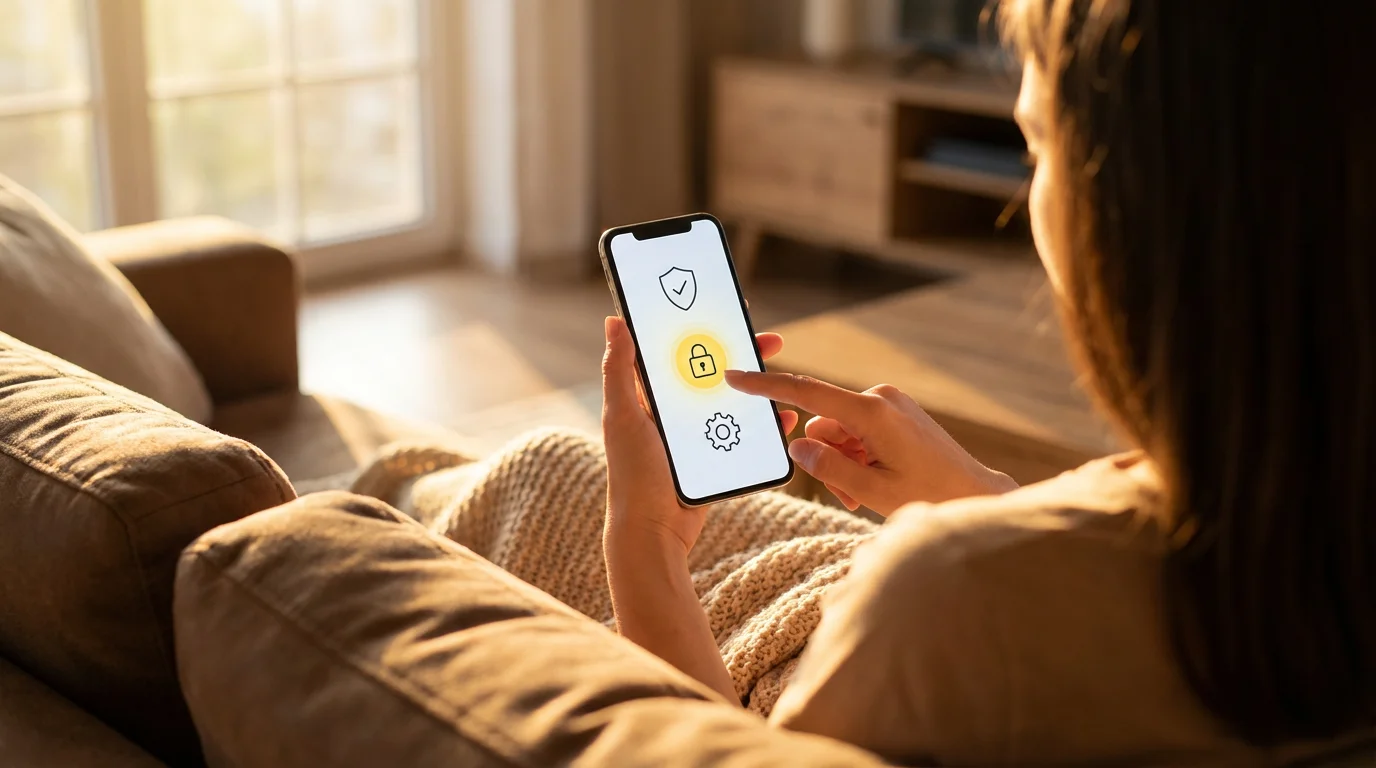
While video doorbells enhance security, you must also consider your own digital privacy and security. Implementing best practices protects your data and ensures your device is not vulnerable.
One of the most effective ways to protect your doorbell account is to set up two-factor authentication on all your connected smart devices.
- Strong, Unique Passwords: Create a complex password for your doorbell account, combining uppercase and lowercase letters, numbers, and symbols. Avoid reusing passwords from other accounts.
- Enable Two-Factor Authentication (2FA): This adds an extra layer of security, requiring a code from your phone in addition to your password to log in. Most major brands offer 2FA.
- Secure Wi-Fi Network: Ensure your home Wi-Fi network uses WPA2 or WPA3 encryption. Avoid open or unsecured networks.
- Regular Firmware Updates: Keep your doorbell’s firmware updated. Manufacturers release updates to fix bugs, improve features, and patch security vulnerabilities.
- Review Privacy Settings: Familiarize yourself with your doorbell’s privacy settings. Configure motion zones to avoid recording public areas unnecessarily, and use privacy zones to block out sensitive areas from footage.
- Understand Data Retention Policies: Know how long your video doorbell provider stores your footage and what options you have for deleting it.
- Consider Local Storage: If privacy is a paramount concern, opt for doorbells with local storage capabilities to keep your video data within your home.
Making Your Final Decision: Which Video Doorbell is Right for You?
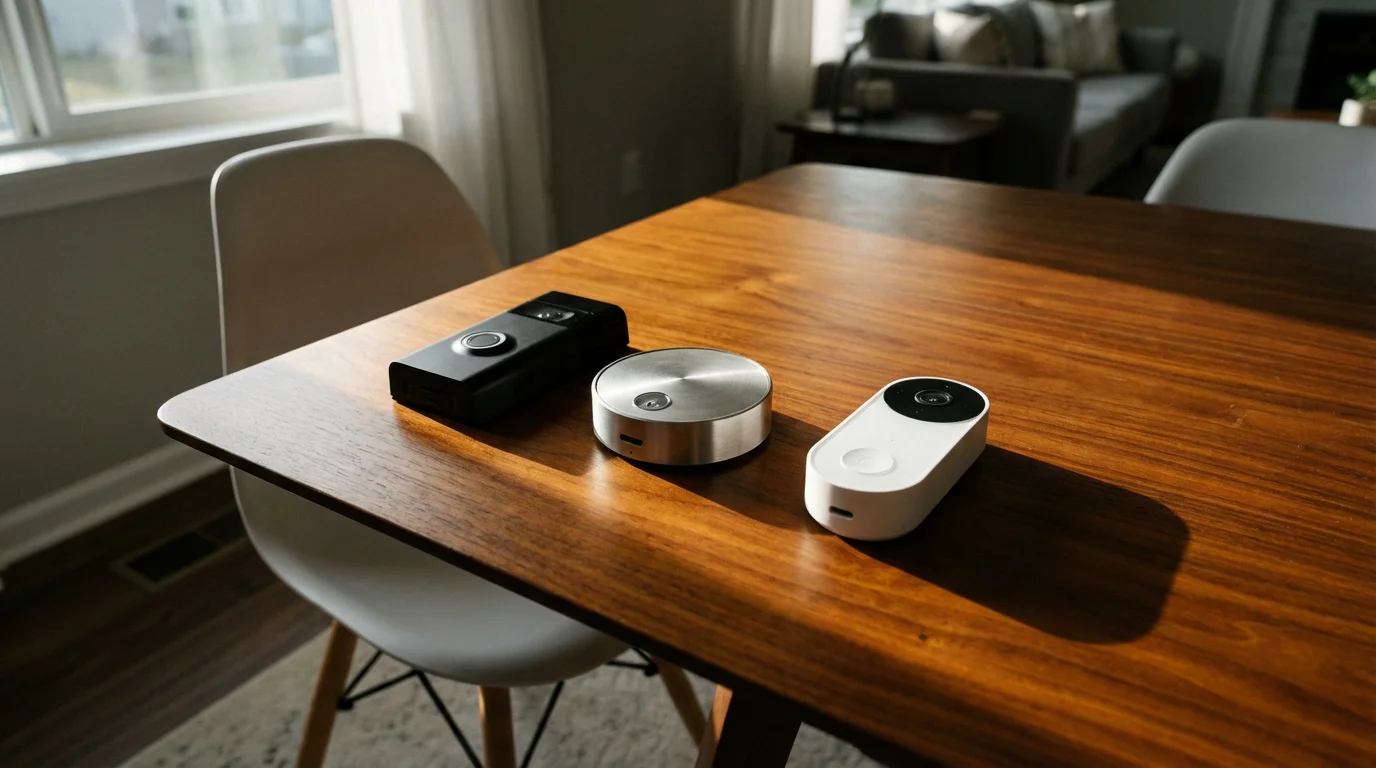
Choosing the best video doorbell for 2025 comes down to balancing your personal needs, budget, and existing smart home setup. There is no single “best” option; the ideal choice depends on what you value most.
Consider these factors to guide your purchase:
- Budget: Entry-level models offer basic functionality, while premium doorbells provide advanced features like 2K+ resolution, package detection, and continuous recording. Do not forget to factor in potential subscription costs for cloud storage.
- Power Source: Do you have existing wiring, or do you prefer the flexibility of a battery-powered model? This is often the first decision point.
- Smart Home Ecosystem: Does your home already use Alexa, Google Home, Apple HomeKit, or a Matter-enabled hub? Choose a doorbell that integrates seamlessly with your preferred platform for the most cohesive experience.
- Desired Features: Prioritize what matters most to you. Is it high-resolution video, advanced AI alerts, local storage, a wide field of view, or professional monitoring?
- Installation Preference: Are you comfortable with a DIY installation, or do you prefer to hire a professional, especially for wired models?
By carefully evaluating these points, you empower yourself to select a video doorbell that not only meets your security needs but also enhances the convenience and peace of mind in your smart home.
Frequently Asked Questions
Do I need a subscription for a video doorbell?
Many video doorbells, such as Ring and Nest, offer core functionalities like live view and two-way talk without a subscription. However, accessing recorded video history, advanced motion detection, and smart alerts often requires a paid subscription plan. Brands like Eufy offer models with local storage, allowing you to avoid recurring fees for video history.
How difficult is it to install a video doorbell?
Installation difficulty varies significantly. Battery-powered models are generally very easy to install, often requiring only a few screws and no electrical work. Wired models connect to your existing doorbell wiring, which can be a DIY task for those comfortable with basic electrical work, or a job for a licensed electrician if you lack wiring or are unsure. Always prioritize safety and turn off power at the breaker before working with wires.
What if my Wi-Fi does not reach my front door?
A strong Wi-Fi signal is crucial for reliable video doorbell performance. If your Wi-Fi signal is weak at your front door, consider using a Wi-Fi extender or a mesh Wi-Fi system to improve coverage. Test your Wi-Fi signal strength at the installation location before purchasing the doorbell.
Can a video doorbell be easily stolen?
While most video doorbells attach securely with screws or proprietary mounting brackets, theft remains a possibility. Many brands offer a theft replacement policy if your doorbell is stolen. Additionally, the doorbell typically records the thief, providing valuable evidence. Consider anti-theft mounts or strategically placed security cameras for added protection.
What are the main privacy concerns with video doorbells?
Primary privacy concerns include the collection and storage of video footage, potential access by third parties (such as law enforcement), and unintended recording of public spaces or neighbors. To mitigate these, use strong passwords, enable two-factor authentication, regularly update firmware, and configure privacy zones to exclude sensitive areas from recording. Choose brands with strong privacy policies and end-to-end encryption.
Disclaimer: This article is for informational purposes only. Smart home devices involve electrical connections and data privacy. Always follow manufacturer instructions for installation. For complex wiring or HVAC work, consult a licensed professional.

Leave a Reply