
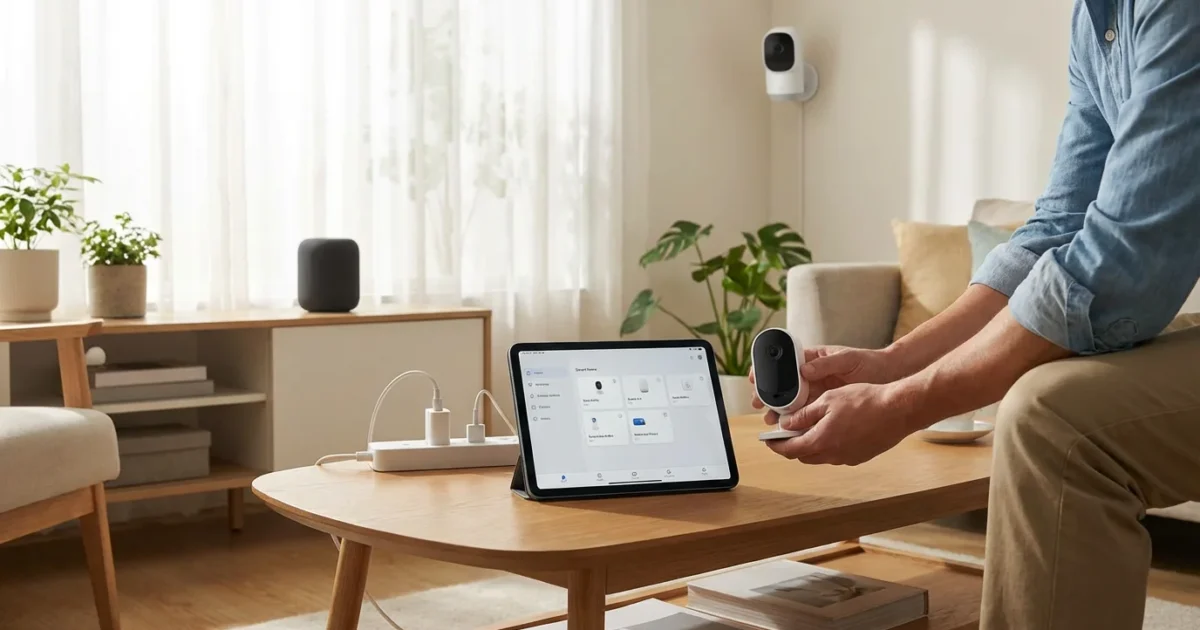
Integrating security cameras with your smart home system transforms simple monitoring into a powerful, automated security solution. This unified approach moves beyond standalone cameras, allowing your devices to communicate and act together. You gain enhanced peace of mind, greater convenience, and smarter protection for your property.
This guide provides practical steps and insights to connect your security cameras to your existing or new smart home setup. You will learn about selecting the right components, configuring them for optimal performance, and leveraging advanced automation features to create a cohesive security ecosystem. Discover how to gain unified control over your home’s defenses.
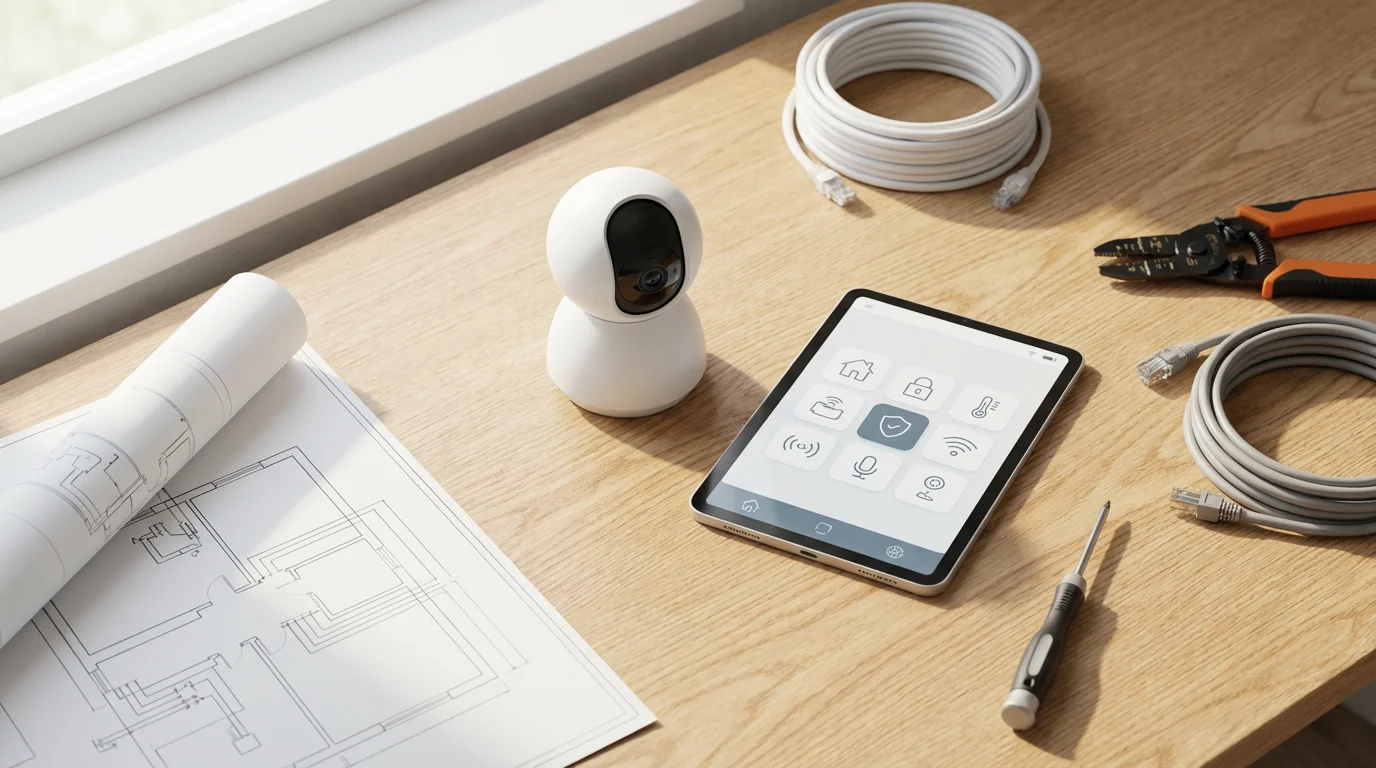
Understanding Smart Home Security Camera Integration
Smart home security camera integration means more than just viewing a live feed on your phone. It involves linking your cameras with a central smart home hub or platform, enabling them to interact with other devices. This creates a responsive and intelligent security ecosystem. Your cameras become active participants in your home’s automation routines, not just passive observers.
A truly integrated system allows your cameras to trigger actions from other smart devices and vice-versa. For example, a motion detection event from your camera might automatically turn on lights or arm your alarm system. This level of `camera integration` provides proactive security measures. It offers a significant upgrade from basic standalone camera functionality.
Consider the difference: a standalone camera sends an alert when it detects motion. An integrated camera sends an alert, turns on your outdoor floodlights, locks your smart doors, and displays the camera feed on your smart display. This demonstrates the power of `unified control`. It elevates your home security.
Key Benefits of Integrated Security Cameras
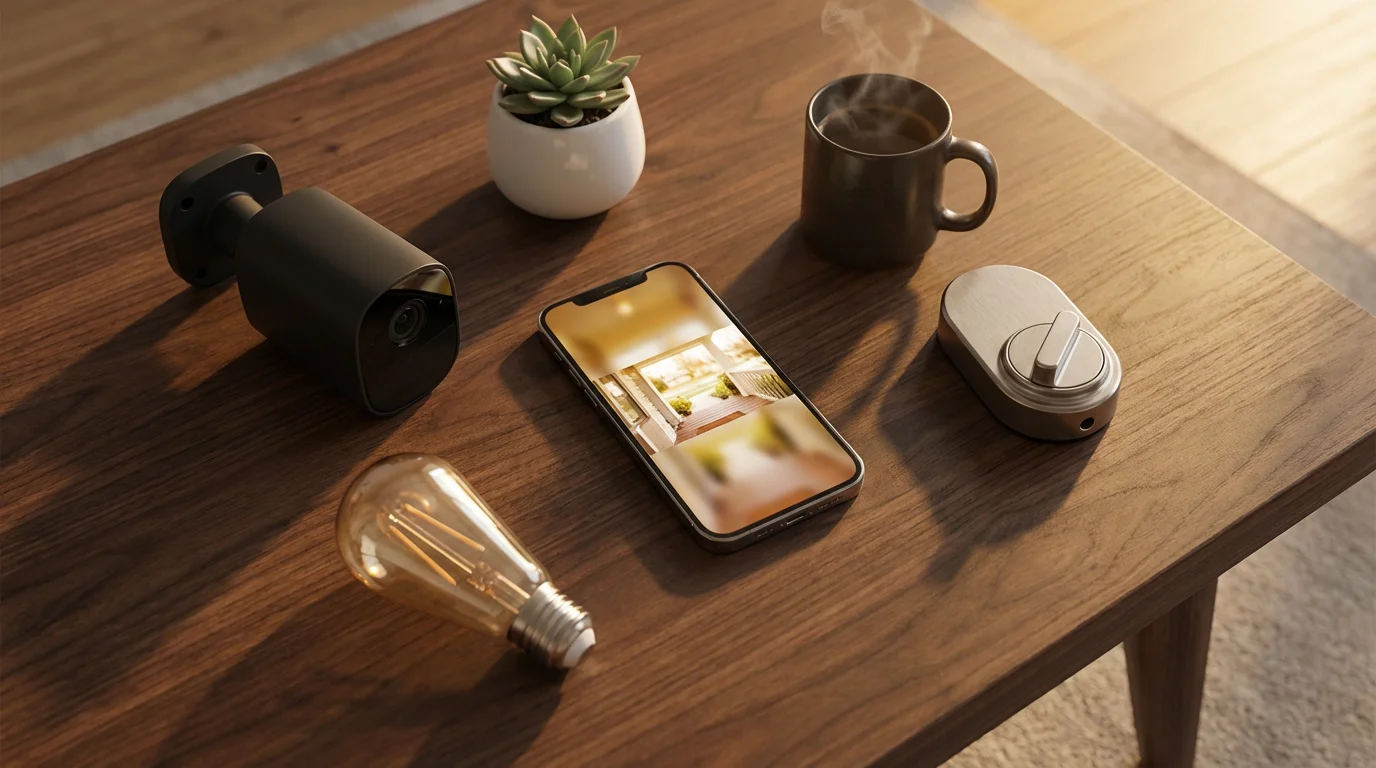
Integrating your security cameras into your smart home offers numerous advantages. These benefits extend beyond basic surveillance, delivering convenience, efficiency, and enhanced protection. You will experience a significant upgrade to your home security posture.
Here are the primary benefits you gain:
- Enhanced Security: Your cameras collaborate with other sensors and alarms. A camera detecting movement can automatically trigger your smart siren, flash smart lights, or even send a notification to a monitoring service. This creates multiple layers of defense.
- Seamless Automation: Set up routines where camera events initiate actions from other devices. For instance, if your outdoor camera detects a delivery, your smart lock could temporarily unlock for a package drop-off then re-lock. This saves you manual effort.
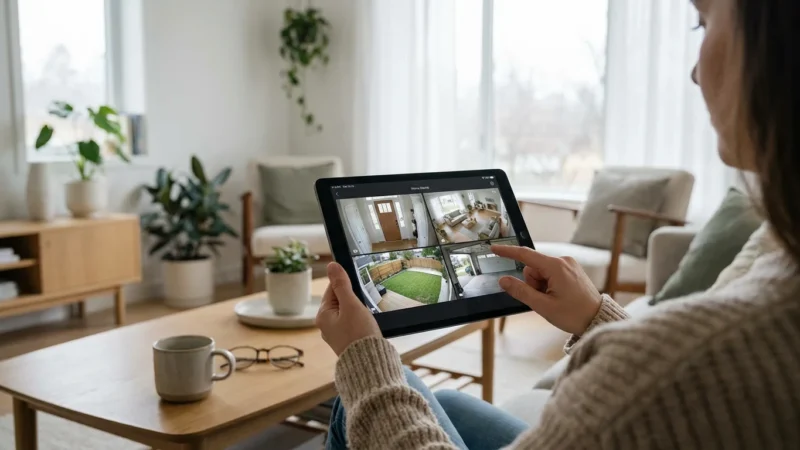
- Convenient Access and Control: Manage all your cameras and smart devices from a single app or voice assistant. You eliminate the need to switch between multiple applications. This centralized `unified control` streamlines your interaction with your home.
- Real-time Awareness: Receive instant alerts with video clips directly to your smartphone when your cameras detect activity. You can immediately see what is happening, regardless of your location. This keeps you informed and allows quick responses.
- Energy Efficiency: Integrate cameras with smart lighting to only activate lights when motion is detected in a specific area. This reduces unnecessary energy consumption. It provides illumination only when needed.
- Cost Savings: By proactively deterring potential threats and providing clear evidence in case of an incident, you potentially reduce losses. Some integrated systems may also offer more affordable self-monitoring options.
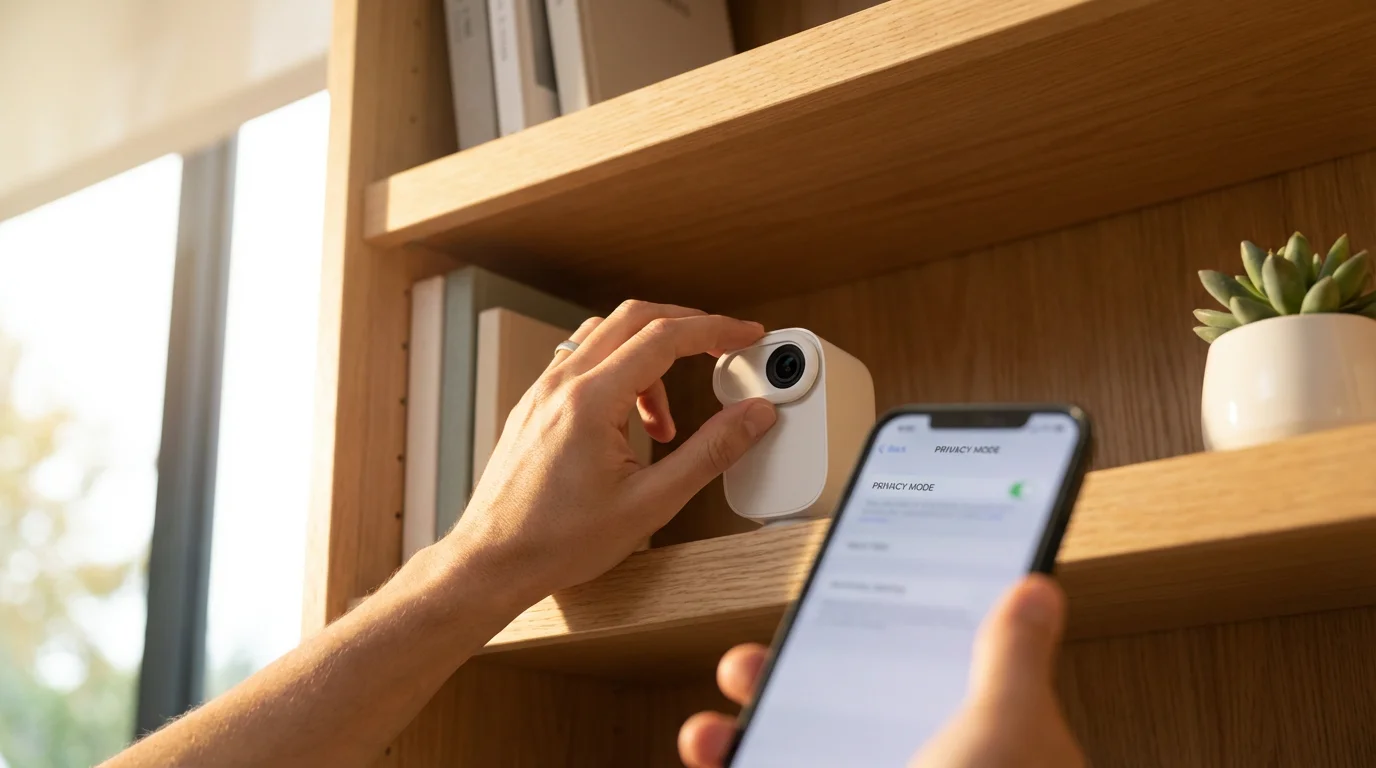
- Customized Routines: Tailor your smart home to your specific needs and habits. For example, your indoor camera could automatically go into “privacy mode” when you arrive home. This gives you flexible control over your privacy.
Integrating cameras is a vital part of learning how to set up a complete smart security system for your home.
Achieving the `best security camera smart home integration` allows you to maximize these benefits. You build a responsive and intelligent home environment.
Choosing the Right Smart Home Platform for Cameras
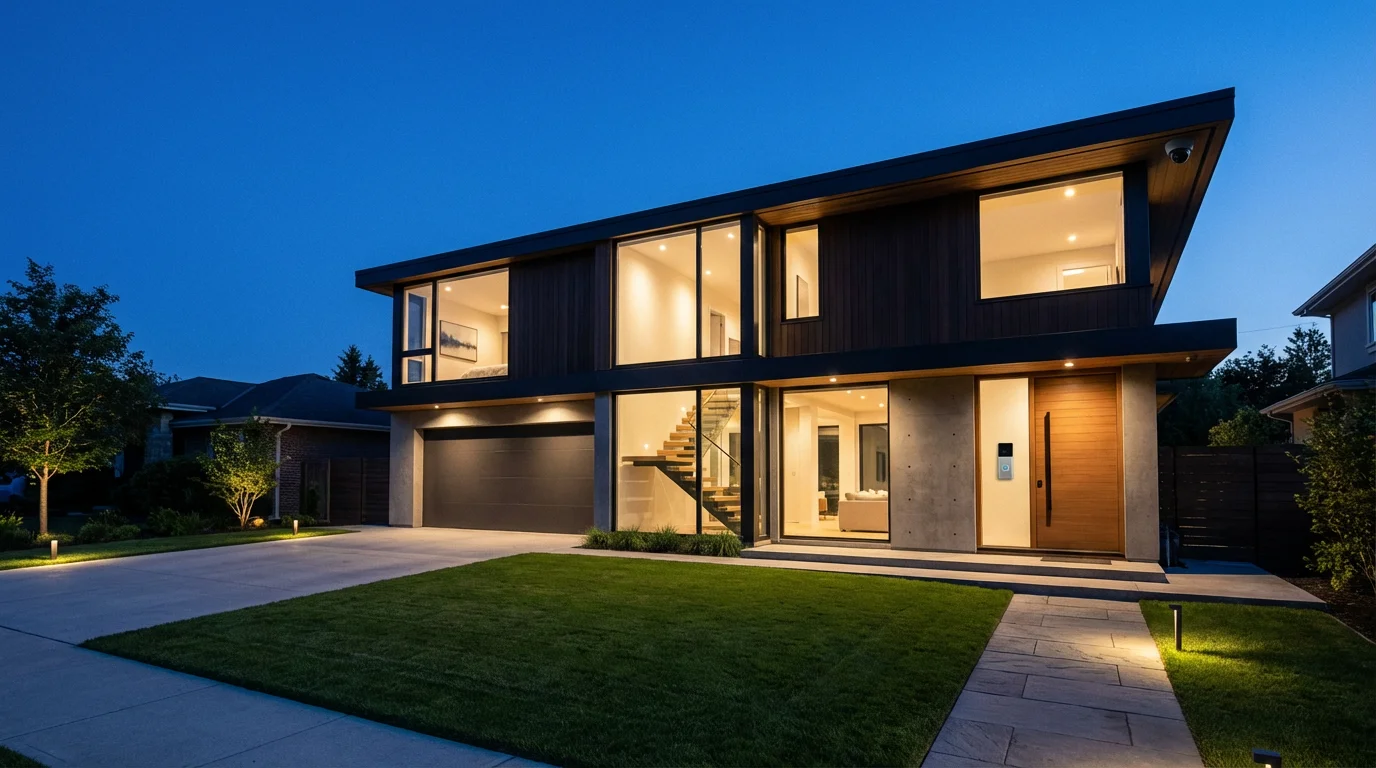
Selecting the correct smart home platform forms the foundation of your `security ecosystem`. The platform determines which cameras and devices you can integrate, the level of automation available, and the ease of use. Your choice impacts the functionality and future expandability of your system.
Consider these popular platforms and their strengths:
- Amazon Alexa (Echo devices): Widely adopted, supports many camera brands, and offers robust voice control. Alexa integrates well with various smart home devices and services. You can view camera feeds on Echo Show devices.
- Google Home (Nest Hub devices): Excellent for users already in the Google ecosystem. Google Home provides seamless integration with Nest cameras and other compatible brands. You get strong voice command capabilities and visual alerts on Nest Hubs.
- Apple HomeKit: Known for its strong privacy and security features. HomeKit requires compatible cameras, often branded as “HomeKit Secure Video.” This platform offers secure cloud recording and deep integration with Apple devices.
- Samsung SmartThings: A versatile hub-based platform supporting a wide array of Zigbee, Z-Wave, and Wi-Fi devices. SmartThings offers advanced automation possibilities and broad `camera integration` options. It serves as a central brain for diverse devices.
- Home Assistant: An open-source platform offering unparalleled customization and control. Home Assistant appeals to advanced users who want to integrate virtually any smart device, regardless of brand. It requires more technical knowledge to set up.
Beyond these major platforms, consider emerging standards like Matter. Matter aims to create a universal language for smart home devices, promising improved compatibility and easier setup across different brands and ecosystems. Adopting Matter-compatible devices could future-proof your `camera integration` efforts. More information on this universal standard is available from the Connectivity Standards Alliance.
Before purchasing any camera, always verify its compatibility with your chosen smart home platform. This ensures a smooth `how to connect security cameras to smart home system` process. Check for specific integrations, such as “Works with Alexa” or “HomeKit compatible.”
Types of Security Cameras for Smart Home Integration
The market offers a diverse range of security cameras, each with specific features and best use cases. Understanding these types helps you select the optimal cameras for your `security ecosystem`. Your choice impacts installation, functionality, and storage options.
Here are common types to consider:
- Wireless Cameras: These cameras connect to your home Wi-Fi network for data transmission. They typically use batteries or a power adapter. Wireless cameras offer flexible placement and easier installation, as they do not require complex wiring. Brands like Arlo, Ring, and Eufy offer popular wireless options.
- Wired Cameras: These cameras rely on power and often data cables (like Ethernet for Power over Ethernet, PoE). Wired cameras provide a more reliable connection and continuous power, eliminating battery concerns. They are ideal for permanent installations and critical areas where network stability is paramount.
- Indoor Cameras: Designed for monitoring interior spaces, these cameras often include features like two-way audio, privacy shutters, and basic motion detection. They can help you monitor pets, children, or general home activity.
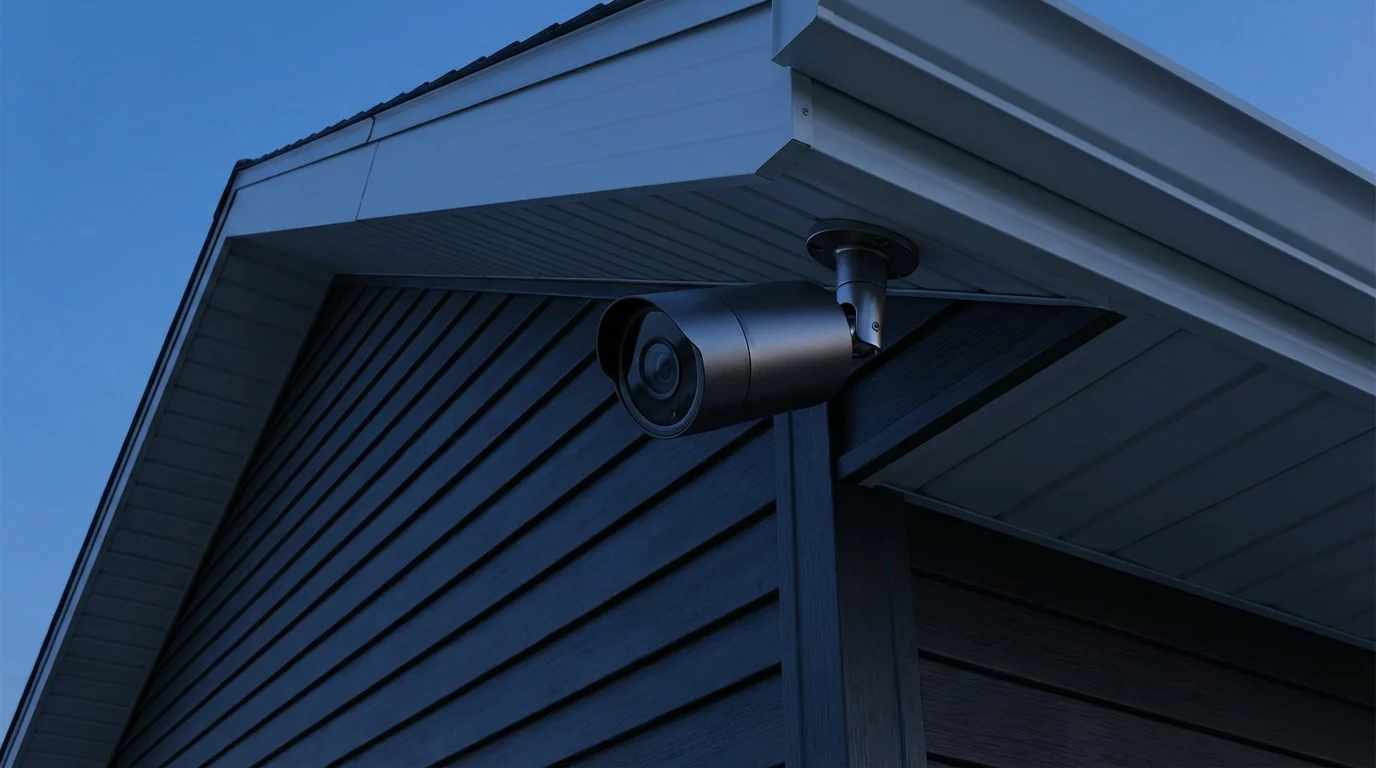
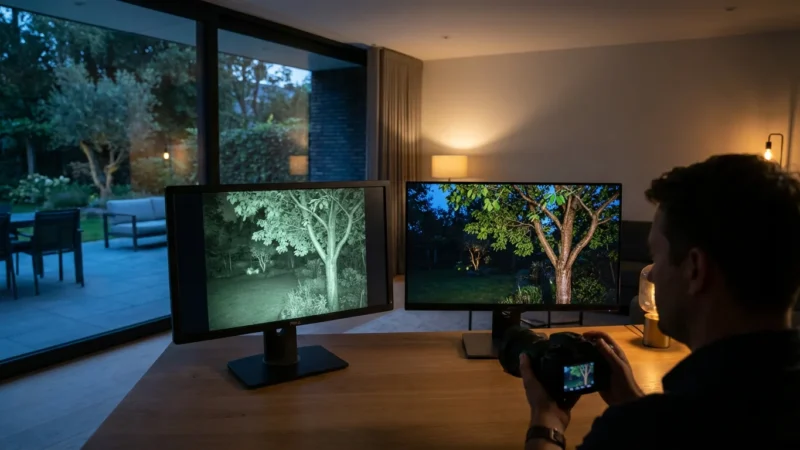
- Outdoor Cameras: Built to withstand elements, outdoor cameras are weather-resistant and often feature wider fields of view, night vision, and advanced motion detection. They are crucial for perimeter security and package delivery monitoring.
- Video Doorbells: A specialized type of outdoor camera, video doorbells integrate a camera, microphone, speaker, and doorbell button. They allow you to see and speak with visitors at your door from anywhere. Popular choices include Ring, Nest Doorbell, and Arlo.
- Pan-Tilt-Zoom (PTZ) Cameras: These cameras offer the ability to remotely pan horizontally, tilt vertically, and zoom in on specific areas. PTZ cameras provide flexible coverage from a single unit but may cost more.
- Local Storage vs. Cloud Storage:
- Local Storage: Cameras with local storage save footage to an onboard SD card or a network attached storage (NAS) device. This avoids recurring subscription fees and keeps your data within your home network. You maintain full control over your footage.
- Cloud Storage: Many cameras offer cloud-based recording, where footage uploads to a secure server. This provides off-site backup, protecting footage even if the camera is damaged or stolen. Cloud storage typically involves a monthly subscription fee.
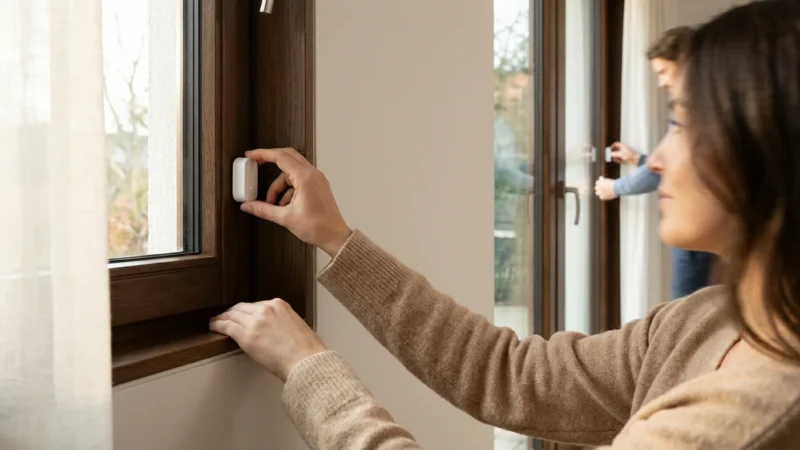
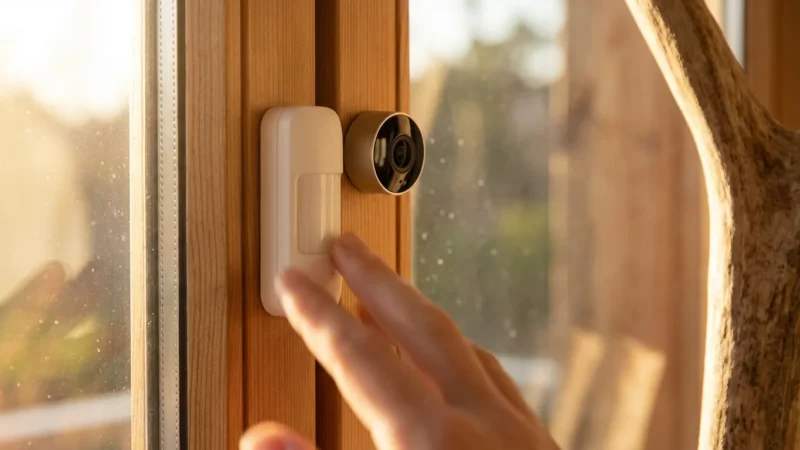
To complement your video coverage, consider installing window and door sensors to detect entry attempts immediately.
Your choice of camera type will directly influence `how to connect security cameras to smart home system` and the overall effectiveness of your security setup. Prioritize compatibility with your chosen smart home platform.
Step-by-Step Guide to Integrating Your Security Cameras
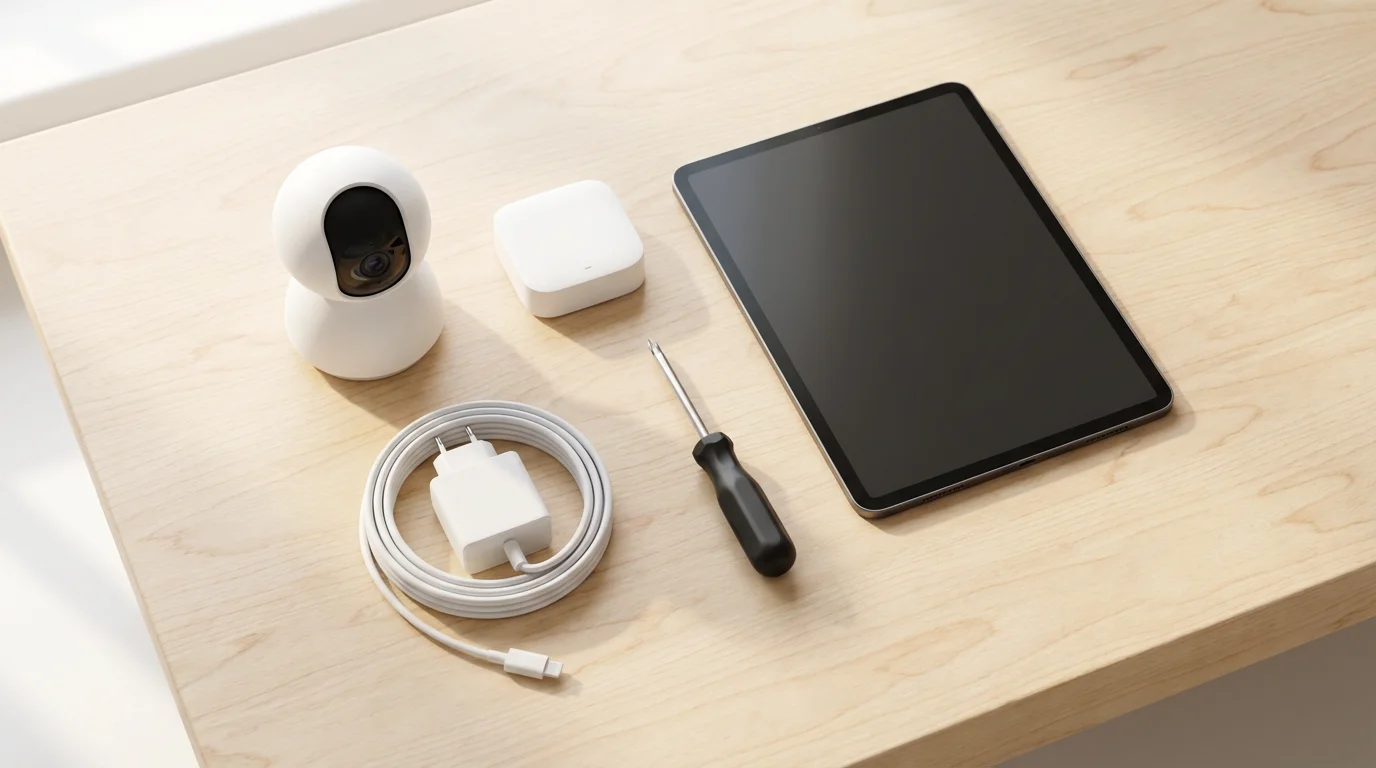
Successfully integrating your security cameras into your smart home system involves a methodical approach. Follow these steps to ensure a smooth setup and optimal performance for your `camera integration`. This process empowers you with `unified control` over your home security.
- Assess Your Current Smart Home Setup and Needs:
- Identify your existing smart home platform (e.g., Alexa, Google Home, HomeKit, SmartThings).
- Determine areas needing camera coverage (front door, backyard, living room).
- Consider your budget, internet speed, and power availability for camera placement.
This initial assessment guides your camera selection and integration strategy.
- Choose Compatible Cameras:
- Select cameras explicitly designed to integrate with your chosen smart home platform. Look for “Works with [Platform]” or “Matter certified” labels.
- Consider features like resolution, field of view, night vision, two-way audio, and storage options (local vs. cloud).
Compatibility is paramount for a successful `how to connect security cameras to smart home system` experience.
- Install Your Cameras Physically:
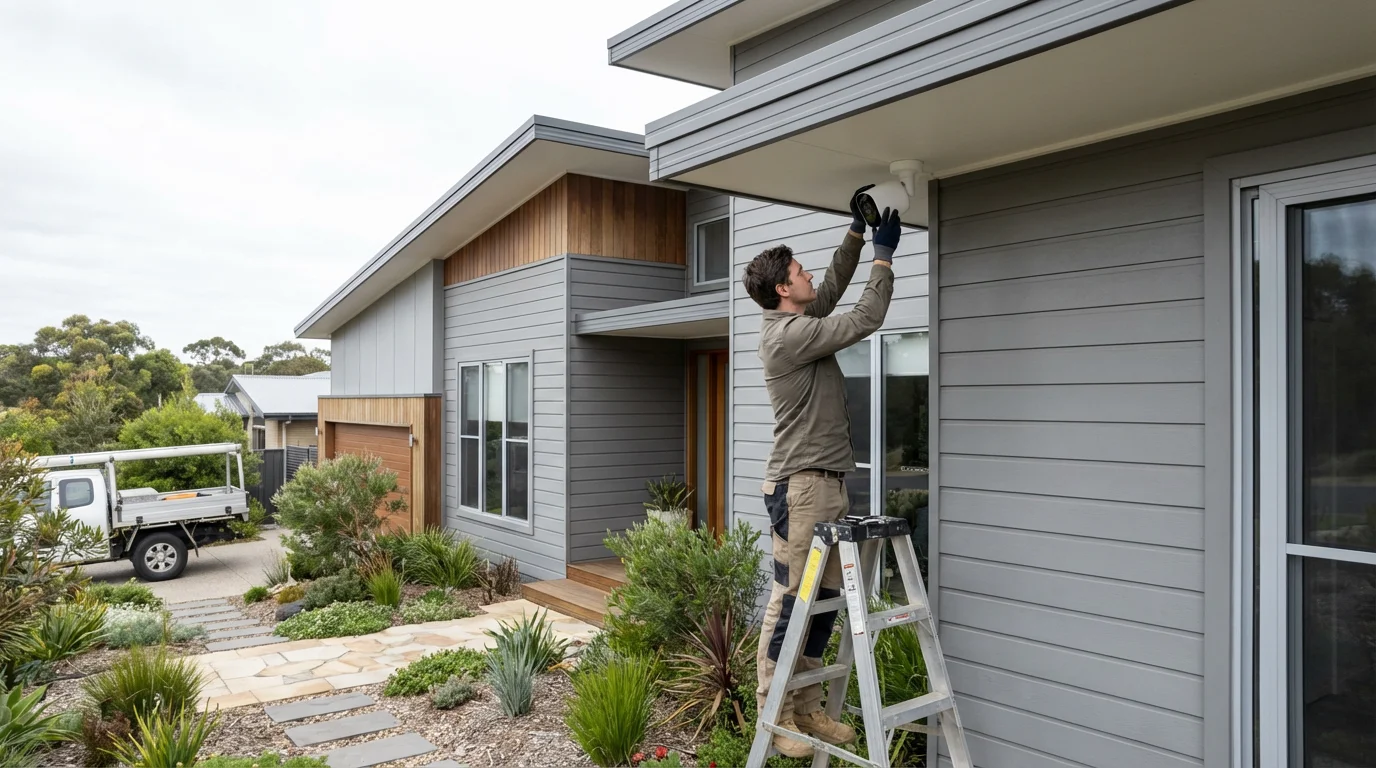
- Wireless Cameras: Mount them in desired locations, ensuring they receive a strong Wi-Fi signal and have access to power (if not battery-powered). Follow manufacturer instructions for drilling and mounting.
- Wired Cameras: Plan cable routes for power and data. For PoE cameras, you need an Ethernet cable run to a PoE switch or injector. If uncertain about electrical work, always consult a licensed electrician.
Ensure cameras have a clear line of sight and are positioned for optimal coverage without privacy concerns for neighbors.
- Connect Cameras to Your Home Network:
- Most wireless cameras use a dedicated app to connect to your Wi-Fi network. Open the camera’s app, create an account, and follow the prompts to connect it.
- Wired cameras often connect directly to your router or network switch via Ethernet. They may still require an app for initial setup and configuration.
A stable network connection is critical for reliable performance and real-time streaming.
- Pair Cameras with Your Smart Home System:
- Via Smart Home App: Open your smart home platform’s app (e.g., Alexa app, Google Home app, Home app, SmartThings app). Look for an “Add Device” or “Add Camera” option.
- Enable Skills/Services: For some platforms, you might need to enable a “skill” (Alexa) or “service” (Google Home) for your camera brand. This links your camera manufacturer’s account to your smart home platform.
- Follow Prompts: The app will guide you through the pairing process, which often involves logging into your camera’s account or scanning a QR code.
This step establishes the `unified control` you seek for your `security ecosystem`.
- Configure Settings and Test Integration:
- Naming: Give each camera a clear, descriptive name (e.g., “Front Door Camera,” “Backyard Camera”).
- Motion Zones: Configure motion detection zones to reduce false alerts, focusing on areas of interest.
- Privacy Settings: Adjust privacy settings, such as “privacy modes” or “geofencing” to automatically disable recording when you are home.
- Test: Trigger motion in front of your cameras to ensure alerts are received and recorded footage is accessible. Test voice commands (e.g., “Alexa, show me the front door camera”).
Thorough testing ensures your `best security camera smart home integration` functions as expected.
This step-by-step process guides you through the technical aspects. It transforms your cameras into an integral part of your intelligent home security.
Advanced Automation with Integrated Cameras
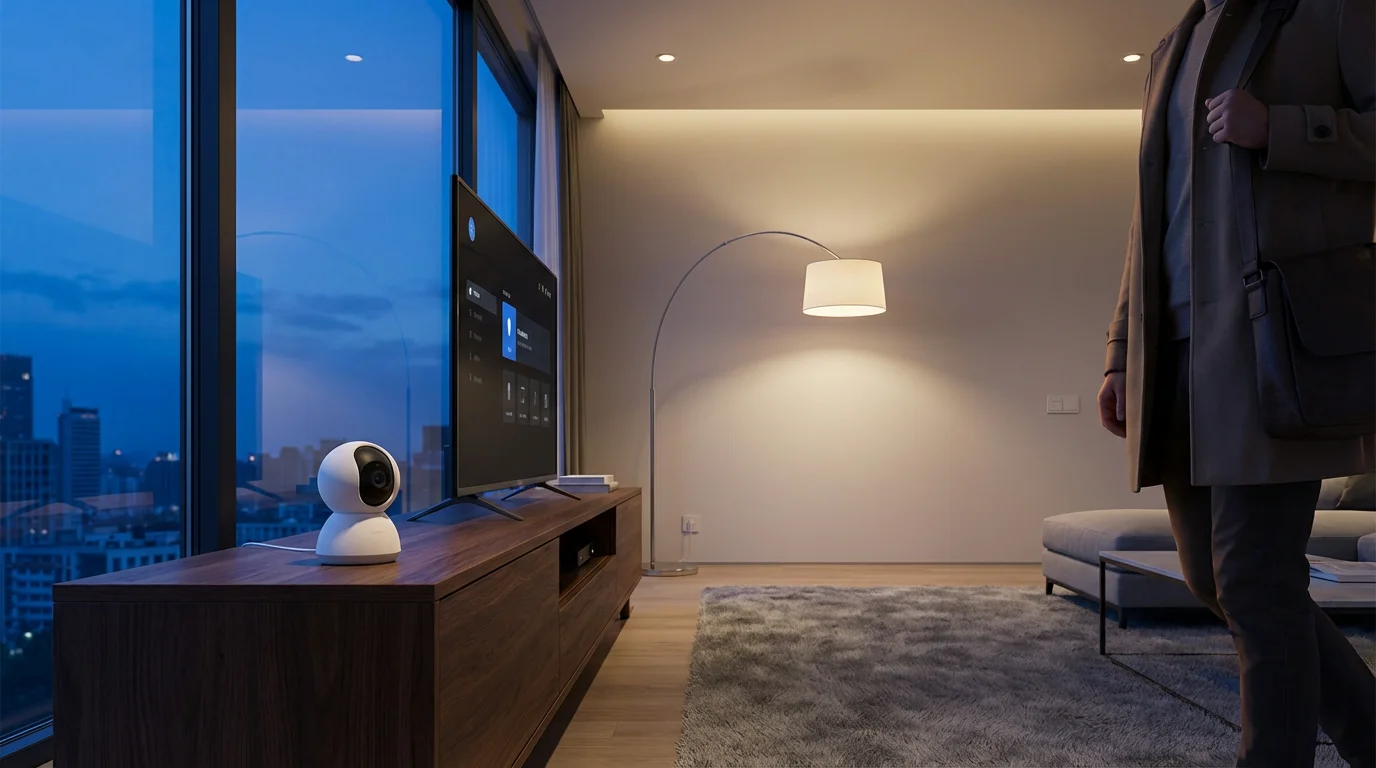
Once your cameras integrate with your smart home, you unlock a realm of advanced automation possibilities. These routines move beyond simple alerts, creating a proactive and intelligent `security ecosystem`. You can tailor your home’s response to specific events, enhancing both security and convenience. This represents the `best security camera smart home integration`.
Here are examples of powerful automations you can create:
- Motion-Activated Lighting:
- Scenario: Your outdoor camera detects motion after sunset.
- Automation: Your smart outdoor floodlights or porch lights automatically turn on for five minutes. This deters potential intruders and illuminates your path.
- Doorbell Ring and Smart Display Integration:
- Scenario: Someone rings your video doorbell.
- Automation: Your smart display (e.g., Echo Show, Nest Hub) automatically shows the live camera feed. This lets you see who is at the door without using your phone.
- Automated Lock and Camera Recording:
- Scenario: Your smart door lock registers an “unauthorized entry attempt.”
- Automation: Your nearby camera starts recording immediately, and you receive an alert with the video clip. This captures critical evidence.
- Arming/Disarming Based on Presence:
- Scenario: You leave your home (detected by geofencing or smart lock status).
- Automation: Your cameras automatically switch to “away” mode, enabling full motion detection and recording. When you return, they switch to “home” or “privacy” mode.
- Siren Activation on Intrusion:
- Scenario: An indoor camera detects motion, and no one is expected home.
- Automation: Your smart siren blares, and all interior smart lights flash brightly. This creates an immediate deterrent and alerts neighbors.
- Voice Control for Camera Feeds:
- Scenario: You want to check a specific area of your home.
- Automation: Say, “Hey Google, show me the backyard camera” or “Alexa, show me the living room.” Your smart display or TV shows the live feed.
These examples highlight how `camera integration` creates a truly dynamic and responsive home. You gain not just visibility, but also active participation from your devices in maintaining your home’s security and comfort. This is the essence of building a cohesive `security ecosystem`.
Enhancing Your Security Ecosystem with Other Smart Devices
While security cameras form a crucial part of your smart home defense, integrating them with other smart security devices amplifies their effectiveness. This holistic approach creates a comprehensive `security ecosystem` that offers multiple layers of protection. You gain redundant systems and richer automation possibilities.
Combine your integrated cameras with these devices for a stronger security posture:
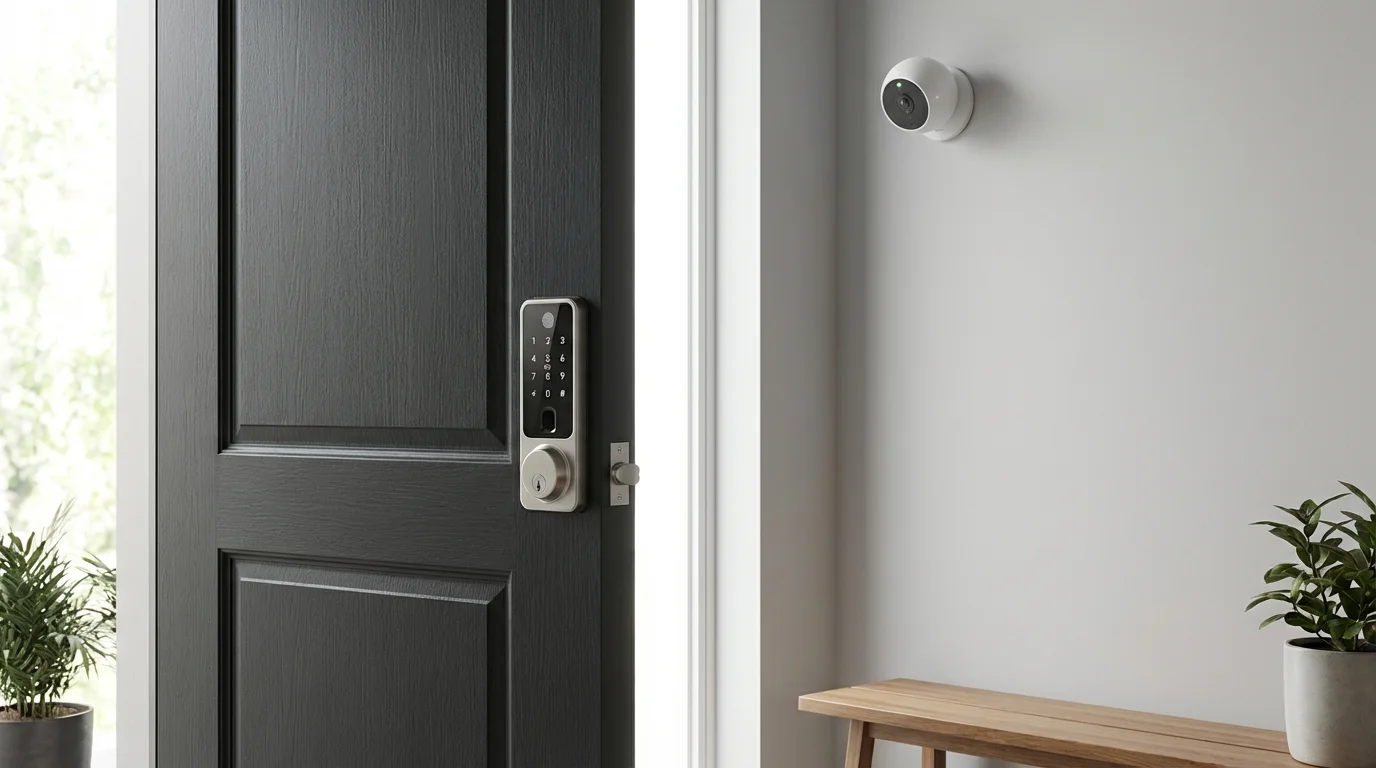
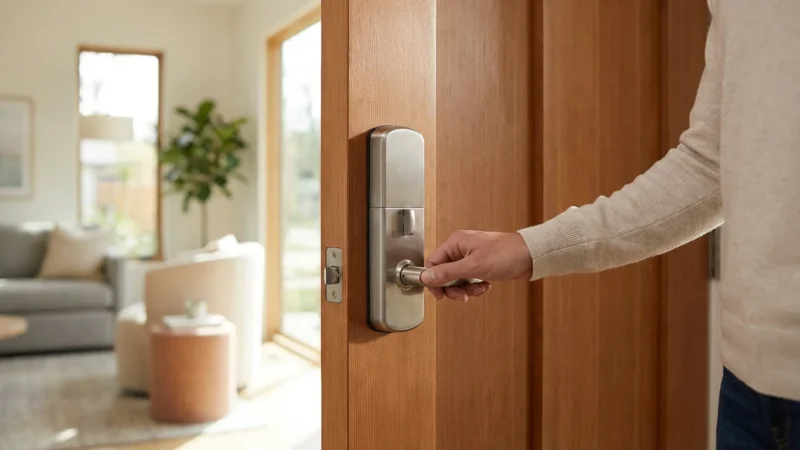
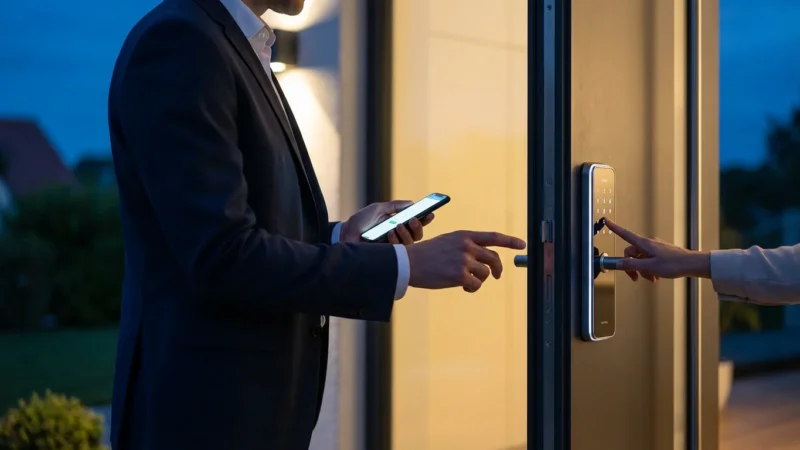
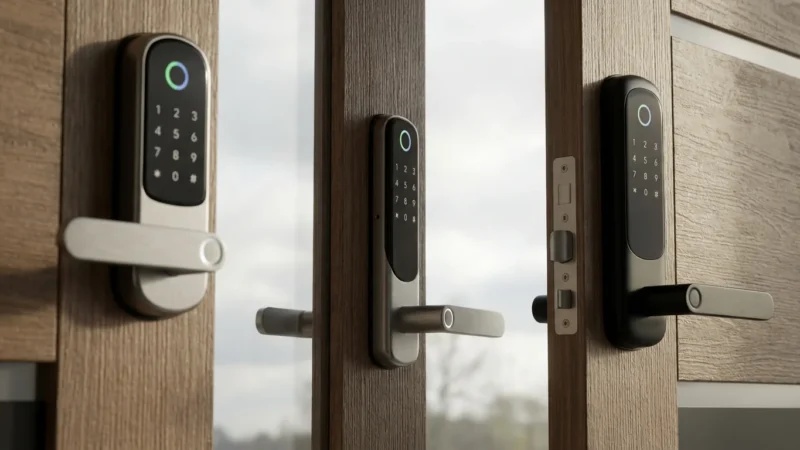
- Smart Locks and Keyless Entry Systems:
- Integration: If a smart lock senses tampering or an unknown user attempts entry, your nearest camera can begin recording and send you an alert.
- Benefit: You get visual confirmation of who is at your door and proof of unauthorized access attempts.
- Video Doorbells:
- Integration: Your doorbell camera can work in tandem with other outdoor cameras. If the doorbell detects motion, a backyard camera could also record for a wider perspective.
- Benefit: You capture multiple angles of approach and activity around your entries.
- Motion Sensors and Window/Door Sensors:
- Integration: A motion sensor triggers your camera to start recording immediately, rather than waiting for the camera’s built-in detection. Similarly, a door/window sensor opening can initiate recording from an indoor camera.
- Benefit: This reduces false alarms from camera-only motion detection and ensures faster recording of actual events.
- Smart Lighting:
- Integration: When a camera detects activity, smart lights both inside and outside your home can turn on or flash.
- Benefit: This deters intruders by making it seem like someone is home, and it provides better illumination for camera footage.
- Smart Security Systems and Professional Monitoring:
- Integration: Many cameras can integrate with broader smart security systems (e.g., ADT, SimpliSafe, Ring Alarm). These systems often offer professional monitoring services.
- Benefit: A monitoring center can review camera footage during an alarm event, potentially dispatching emergency services faster and more accurately.
- Smart Sirens:
- Integration: A camera detecting unusual activity can trigger a loud smart siren connected to your smart home hub.
- Benefit: This provides an immediate, attention-grabbing deterrent and alerts neighbors to potential trouble.
By combining these elements, you construct a resilient and intelligent `security ecosystem`. Your `camera integration` becomes exponentially more powerful, delivering comprehensive coverage and peace of mind.
Privacy and Security Best Practices for Your Cameras
While integrating security cameras enhances your home’s safety, it also introduces crucial considerations regarding privacy and data security. You must implement best practices to protect your footage and personal information. Your `security ecosystem` should prioritize both protection and privacy.
Proactive security involves not only deterring threats but also safeguarding your own digital privacy within your smart home.
Follow these essential guidelines to secure your `camera integration`:
- Secure Your Wi-Fi Network:
- Use a strong, unique password for your Wi-Fi.
- Enable WPA3 or WPA2 encryption on your router.
- Consider creating a separate guest Wi-Fi network for smart devices to isolate them from your primary network.
- Use Strong, Unique Passwords for All Devices and Accounts:
- Create complex passwords that combine letters, numbers, and symbols for each camera and smart home account.
- Never reuse passwords across different services.
- Enable Two-Factor Authentication (2FA):
- Activate 2FA for all your smart home accounts and camera apps. This adds an extra layer of security, requiring a second verification code, usually from your phone.
- Understand Cloud Storage and Data Encryption:
- If using cloud storage, understand the provider’s privacy policy and data retention schedule.
- Ensure your camera manufacturer offers end-to-end encryption for video streams and stored footage.
- Consider Local Storage Options:
- For maximum privacy, opt for cameras that offer local storage (SD card, NVR, or NAS). This keeps your footage entirely within your home network.
- Thoughtful Camera Placement:
- Position outdoor cameras to monitor your property without inadvertently recording your neighbors’ private spaces.
- Be mindful of indoor camera placement, especially in private areas like bedrooms. Consider “privacy modes” or physical lens covers.
- Regularly Update Firmware and Software:
- Install firmware updates for your cameras and smart home hub as soon as they become available. These updates often include critical security patches.
- Review Access Permissions:
- Regularly check who has access to your camera feeds and smart home system. Remove old accounts or revoked permissions promptly.
- Educate Household Members:
- Ensure everyone in your home understands how the cameras work, privacy settings, and security protocols.
By diligently following these practices, you can enjoy the benefits of `best security camera smart home integration` while maintaining a strong privacy and security posture. Your control over your data is as important as the security the cameras provide.
Troubleshooting Common Integration Issues
Even with careful setup, you might encounter issues when integrating security cameras into your smart home. Most problems have straightforward solutions. This section helps you diagnose and resolve common challenges, ensuring your `camera integration` remains robust.
Here are frequent issues and their fixes:
- Camera Not Connecting to Wi-Fi:
- Check Wi-Fi Signal Strength: Use your phone to test the Wi-Fi signal at the camera’s location. If weak, consider a Wi-Fi extender or moving the camera/router.
- Verify Network Credentials: Double-check your Wi-Fi password. It is a common mistake.
- Router Band Compatibility: Many smart cameras only support 2.4GHz Wi-Fi. Ensure your router broadcasts a 2.4GHz signal and your camera connects to it.
- Restart Devices: Power cycle your camera, router, and smart home hub. This often resolves minor network glitches.
- Camera Not Paring with Smart Home Platform:
- Check Compatibility: Reconfirm that your camera model is officially supported by your smart home platform (e.g., Alexa, Google Home, HomeKit).
- Enable Skills/Services: For platforms like Alexa or Google Home, ensure you have enabled the correct skill or service for your camera brand in the platform’s app.
- Login Credentials: Confirm you are using the correct login details for your camera’s manufacturer account during the pairing process.
- Firmware Update: Ensure your camera’s firmware is up to date through its native app.
- False Motion Alerts:
- Adjust Motion Zones: Configure specific zones in your camera’s app to ignore areas with frequent, irrelevant motion (e.g., busy streets, trees swaying in the wind).
- Sensitivity Settings: Lower the motion detection sensitivity. Experiment to find the optimal balance between detecting real threats and ignoring minor disturbances.
- Object Detection: If your camera offers person, vehicle, or animal detection, enable these features to filter out irrelevant motion.
- Video Lag or Poor Quality:
- Internet Speed: Ensure your home internet upload speed is sufficient for streaming camera footage, especially if you have multiple cameras.
- Wi-Fi Congestion: Reduce the number of devices on your Wi-Fi network or consider upgrading to a router with better bandwidth management.
- Camera Settings: Reduce the camera’s video quality setting (e.g., from 4K to 1080p) if your network struggles.
- Automations Not Triggering:
- Review Routine Settings: Carefully check the conditions and actions defined in your smart home routine. Ensure they are logically sound.
- Device Status: Verify that all devices involved in the automation (camera, lights, locks) are online and responsive within your smart home app.
- Platform Sync: Sometimes, changes to routines or device states take a moment to sync across the cloud. Give it a few minutes, then retest.
Most integration issues stem from network problems or incorrect settings. Patience and systematic troubleshooting will usually lead to a resolution, ensuring your `unified control` over your `security ecosystem` remains intact. If problems persist, consult your camera manufacturer’s support resources.
Frequently Asked Questions
Can I integrate different brands of security cameras into one smart home system?
Yes, you often can, depending on your smart home platform. Platforms like Amazon Alexa, Google Home, and SmartThings support a wide range of camera brands. They act as a central hub, allowing you to view and often control various cameras from a single app or with voice commands. However, the depth of integration (e.g., advanced automation) may vary between brands. Choosing a universal standard like Matter-compatible devices will simplify this further.
Do I need a smart home hub to integrate my security cameras?
Not always, but a hub significantly enhances integration. Many modern cameras connect directly to your Wi-Fi and can be controlled via their native app or basic integrations with platforms like Alexa or Google Home. A dedicated smart home hub, such as SmartThings or Home Assistant, provides more advanced automation capabilities, better interoperability between different device types, and a more robust local `security ecosystem` for `unified control`.
What is the difference between local and cloud storage for integrated cameras?
Local storage saves video footage directly to an SD card in the camera or a network video recorder (NVR) on your property. This keeps your data private and avoids subscription fees. Cloud storage uploads footage to the manufacturer’s secure servers, offering off-site backup in case your camera is stolen or damaged, but usually requires a monthly subscription. Your choice depends on your privacy preferences, budget, and bandwidth.
How do I ensure my camera integration is secure and private?
Prioritize strong, unique passwords for your Wi-Fi and all smart home accounts. Enable two-factor authentication (2FA) wherever possible. Ensure your Wi-Fi network uses WPA2 or WPA3 encryption. Always keep your camera firmware and smart home app updated to receive the latest security patches. Be mindful of camera placement to avoid recording private areas, and understand your camera’s data encryption and privacy policies.
Can I use my integrated security cameras for home automation tasks beyond security?
Absolutely. Integrated cameras are highly versatile. For instance, you can use motion detection from an indoor camera to trigger smart lights when you enter a room. An outdoor camera detecting a package delivery could trigger a notification to your smart display. This demonstrates the `best security camera smart home integration`, allowing your cameras to contribute to overall convenience and efficiency, not just security.
Disclaimer: This article is for informational purposes only. Smart home devices involve electrical connections and data privacy. Always follow manufacturer instructions for installation. For complex wiring or HVAC work, consult a licensed professional.
Leave a Reply