
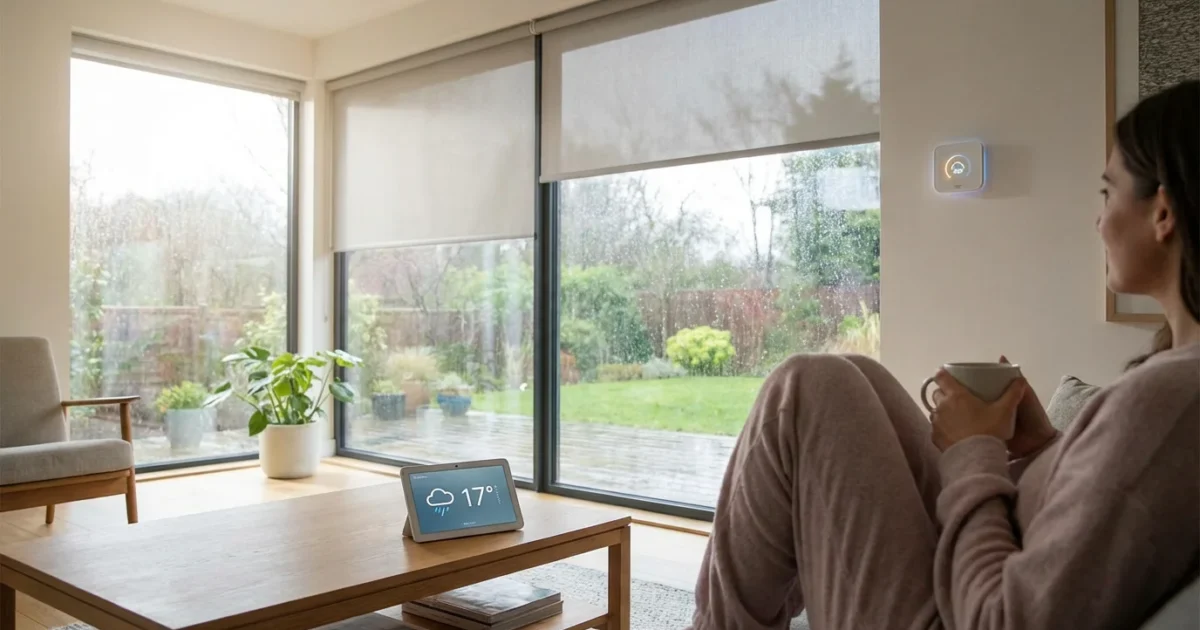
Harnessing the power of local weather conditions transforms your smart home from reactive to predictive. Imagine your home proactively adjusting to a heatwave, a sudden downpour, or dropping temperatures without your direct intervention. Weather-based smart home automations offer unparalleled convenience, enhance energy efficiency, and boost your home’s security and comfort.
This guide helps you understand how to automate your smart home based on weather, providing practical, actionable steps for beginners and advanced ideas for seasoned enthusiasts. You will learn to configure smart devices to react intelligently to temperature changes, rain, wind, and sunlight, creating a truly responsive living space.
Understanding Weather-Based Triggers for Your Smart Home
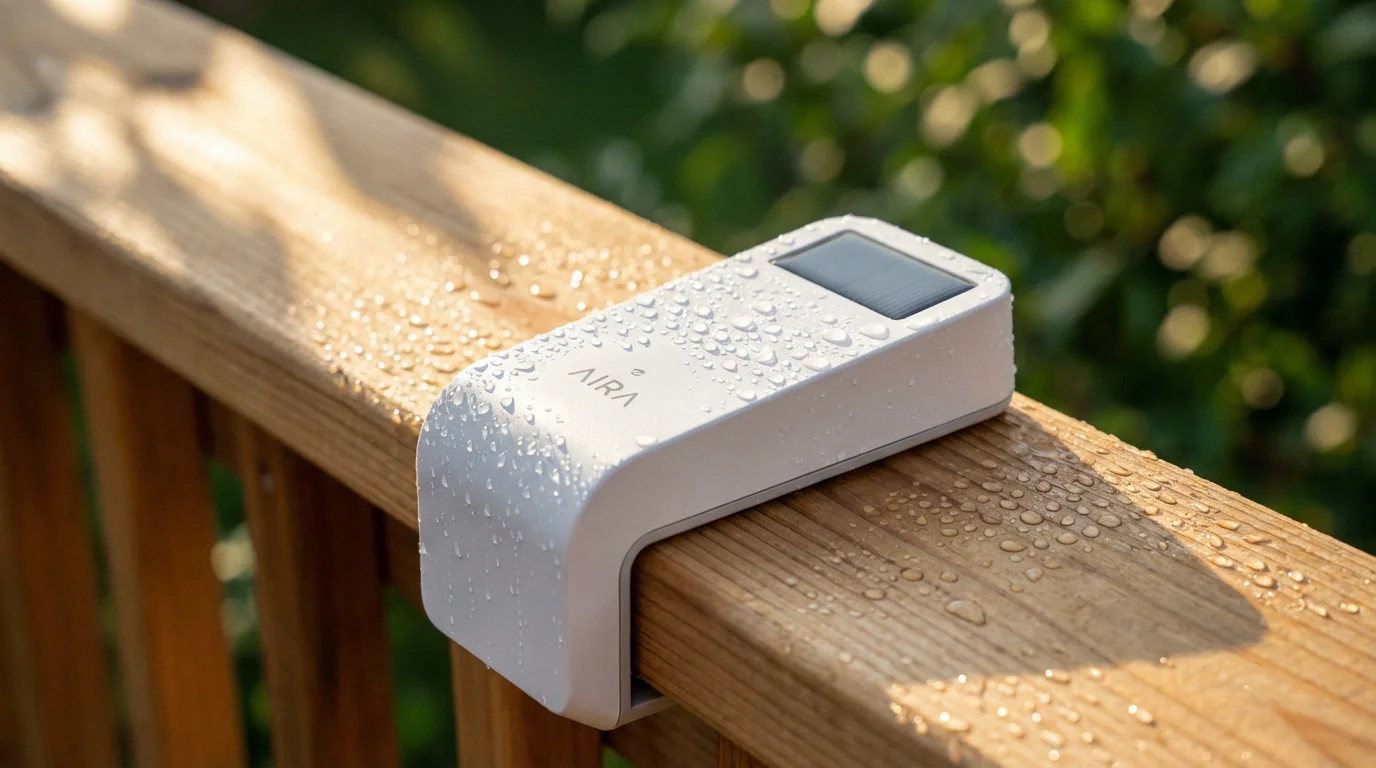
Weather-based triggers allow your smart home system to respond to external environmental conditions. This capability relies on two primary data sources: local sensors and online weather APIs. Local sensors, integrated into devices like smart thermostats or dedicated weather stations, provide real-time, hyper-accurate data from your immediate surroundings. Online weather APIs, conversely, pull forecast data and current conditions from services like AccuWeather or OpenWeatherMap, offering a broader predictive view.
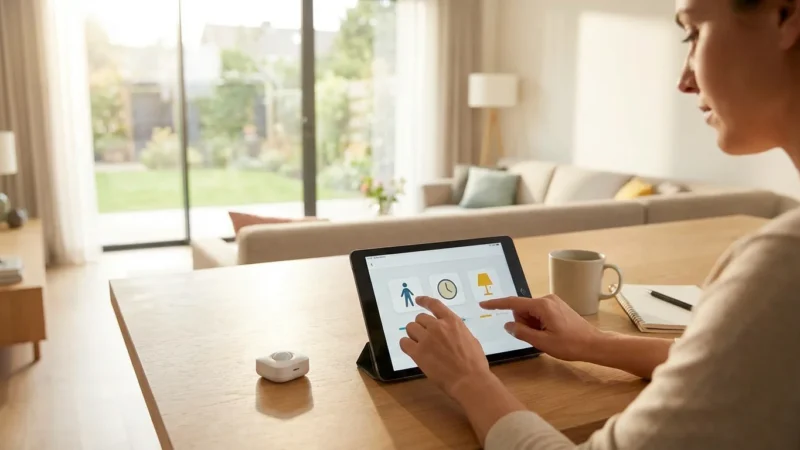
While weather data manages outdoor variables, you can also create routines based on motion sensors to adjust indoor comfort based on which rooms are occupied.
Combining these sources empowers your smart home to make informed decisions. For instance, an automation might use an API to know a storm approaches, then leverage a local rain sensor to confirm the actual downpour before closing windows. This approach creates robust and reliable weather automation routines, ensuring your home reacts appropriately to conditions as they unfold.
The benefits of integrating weather into your automations are substantial:
- Energy Savings: You optimize heating, cooling, and lighting, reducing unnecessary consumption. For example, your thermostat can adjust based on the forecast, pre-cooling your home before a heatwave hits, or smart blinds can close to block intense sun.
- Enhanced Comfort: Your home maintains ideal indoor conditions, adjusting temperature, humidity, and lighting levels automatically for your well-being.
- Increased Security and Protection: You prevent damage from unexpected weather events, like sprinklers turning off before rain or garage doors closing for high winds.
- Convenience: You eliminate manual adjustments, allowing your home to manage itself efficiently while you focus on other tasks.

Essential Smart Home Devices for Weather Automation
Several key smart devices form the backbone of effective weather automation. These devices gather data and execute commands, working together to create a responsive environment.
Consider integrating these devices for comprehensive weather-based control:
- Smart Thermostats: These devices are central to temperature triggers. They read indoor temperatures and humidity, and many integrate with outdoor weather data from APIs. You can set them to adjust heating or cooling based on specific outdoor conditions or forecasts. Leading brands like Ecobee and Nest offer robust weather integration.
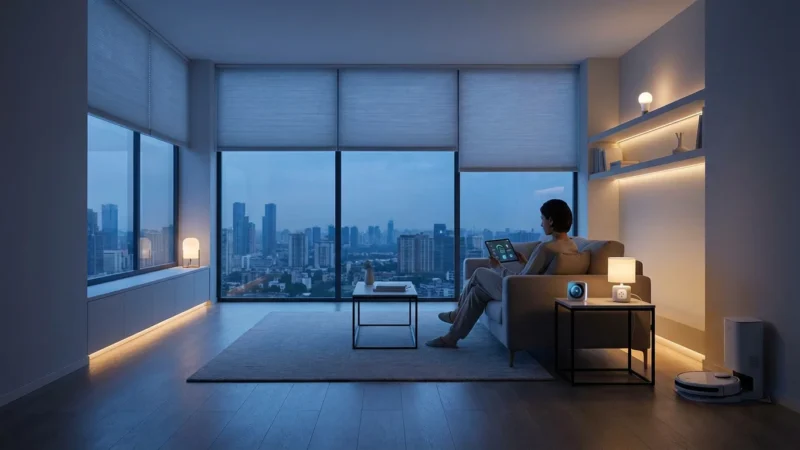
- Smart Blinds or Shades: Motorized blinds respond to sunlight intensity or UV levels. You can automate them to close on sunny days to prevent heat gain or open to maximize natural light when skies are overcast.
- Smart Sprinkler Systems: Devices like Rachio or Rain Bird connect to local weather forecasts, automatically skipping watering cycles when rain is predicted or after a detected rainfall. This conserves water and prevents overwatering.
- Dedicated Weather Stations: For the most precise local data, consider a smart weather station. These units measure temperature, humidity, wind speed, wind direction, rain accumulation, and sometimes UV index directly from your property. Systems like those from Ambient Weather or Netatmo integrate with many smart home platforms.
- Smart Plugs and Outlets: Pair these with non-smart fans, heaters, or even holiday lights. You can turn a space heater on if the outdoor temperature drops below a certain threshold or activate an outdoor fan if it becomes too hot.
- Smart Lights: Dimmers and color-changing bulbs can adjust based on ambient light levels or time of day, influenced by cloud cover. They can brighten if it gets unusually dark due to heavy storm clouds.
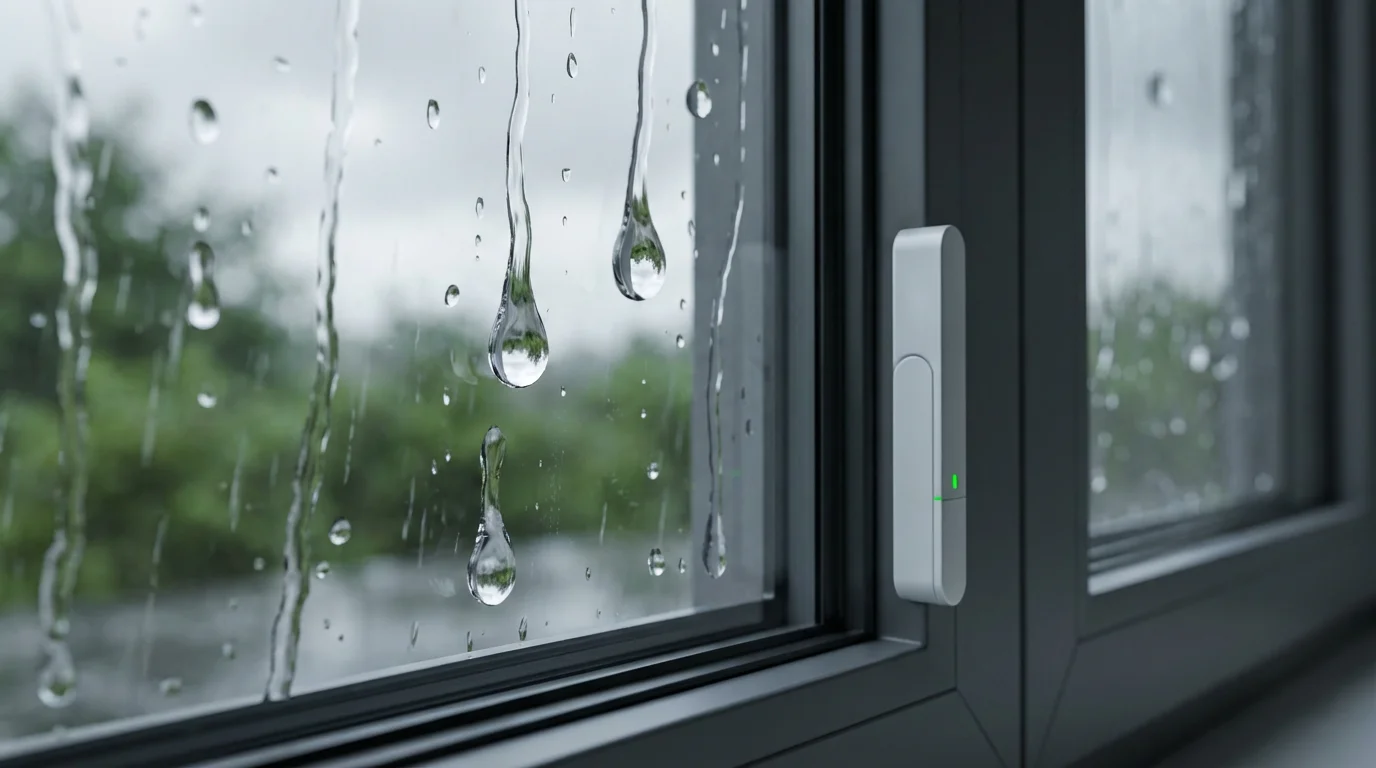
- Smart Window/Door Sensors: These sensors detect if windows or doors are open. You can link them to your thermostat to prevent heating or cooling systems from running inefficiently when openings exist, especially useful during sudden weather changes.
Setting Up Temperature-Triggered Automations
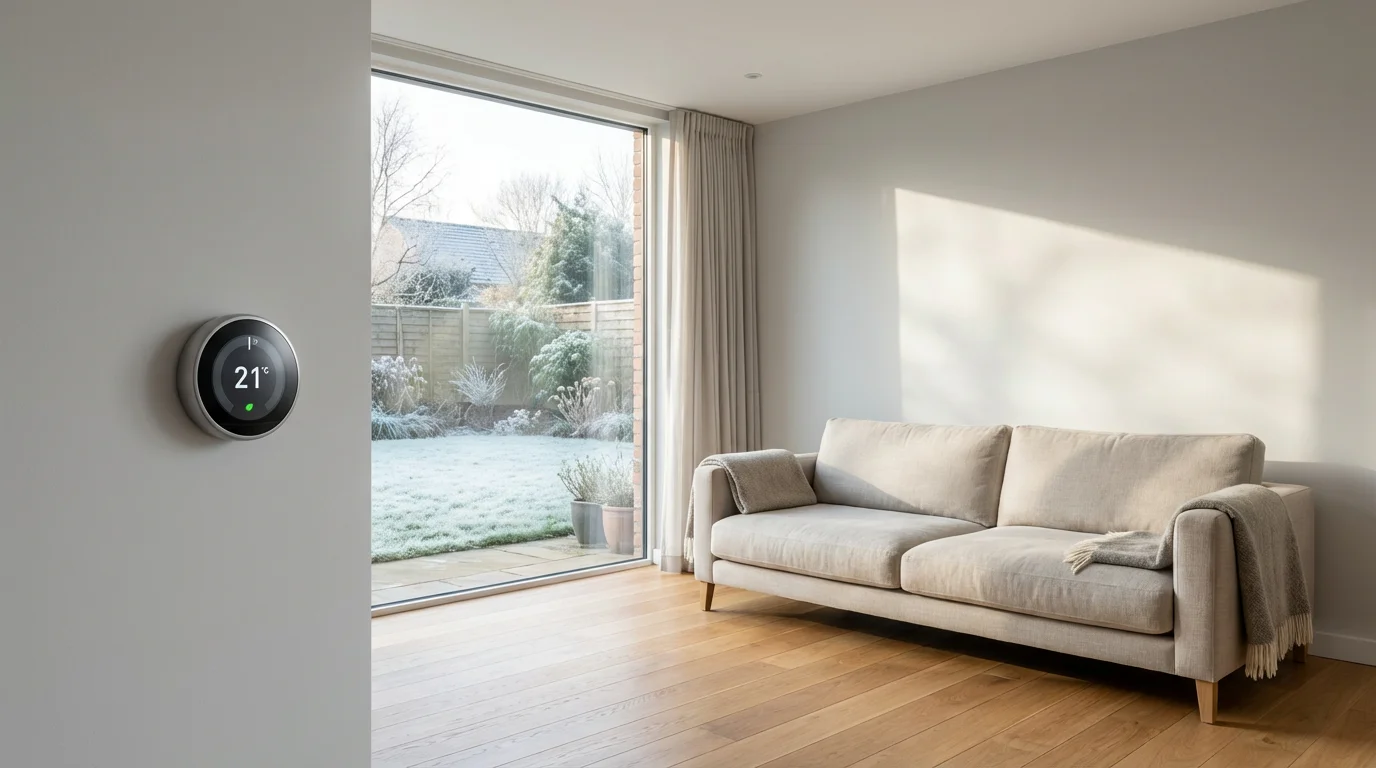
Temperature is perhaps the most common and impactful weather trigger for smart homes. You can optimize comfort and energy usage significantly by automating your heating, ventilation, and air conditioning (HVAC) system.
Integrating these temperature adjustments into the ultimate morning routine automation guide ensures your home is warm and cozy the moment you wake up.
Here are practical temperature-based automations you can implement:
- Automate HVAC for Outdoor Temperatures:
- Scenario: The outdoor temperature rises above 80°F (27°C).
- Automation: Your smart thermostat automatically lowers the indoor temperature by 2 degrees to preemptively cool your home. Conversely, if the temperature drops below 40°F (4°C), the thermostat can raise the indoor temperature slightly to maintain warmth.
- How to set up: Access your smart thermostat app (e.g., Nest, Ecobee) or your main smart home hub (e.g., SmartThings, Home Assistant). Create a routine where the trigger is “Outdoor Temperature” (from integrated weather service) reaching a specific value. The action is “Set Thermostat Mode/Temperature.”
- Manage Blinds and Fans for Heat Gain:
- Scenario: Intense direct sunlight raises indoor temperatures on the west-facing side of your home.
- Automation: Smart blinds on those windows close automatically during peak sun hours or when the indoor temperature in that specific zone exceeds a set point. Simultaneously, a smart fan might turn on.
- How to set up: This requires smart blinds with sun sensors or an automation platform that can integrate light sensors with blind control. Create a routine: “If temperature sensor in living room > 75°F (24°C) AND time is between 2 PM and 6 PM,” then “Close Living Room Blinds” and “Turn On Living Room Fan (via smart plug).”
- Window and Fan Control Based on Indoor/Outdoor Difference:
- Scenario: The outdoor temperature is significantly cooler than indoors, but you have windows open.
- Automation: If your smart window sensors detect an open window and the outdoor temperature is more than 5 degrees cooler than indoors, your smart fan can turn on to draw in cool air. If it suddenly gets warmer outside, your system can notify you to close the windows.
- How to set up: In your smart home app, create a routine: “If Window Sensor is Open AND Outdoor Temperature is less than Indoor Temperature by X degrees,” then “Turn On Smart Fan.” You can also set a notification: “If Window Sensor is Open AND Outdoor Temperature is greater than Indoor Temperature by X degrees,” then “Send Push Notification: ‘Close windows for efficiency!’”
Automating for Rain, Wind, and Storms
Protecting your home and property from adverse weather conditions is a critical aspect of smart home automation. Automations for rain, wind, and storms prevent damage and provide peace of mind.
For comprehensive protection, consider automating your home for vacation security to keep your property safe from both intruders and unexpected weather events.
Implement these effective automations:
- Smart Sprinkler Management:
- Scenario: A significant rainfall is predicted or has just occurred.
- Automation: Your smart sprinkler system automatically skips its next scheduled watering cycle. This saves water and avoids overwatering your lawn. According to Energy Star Smart Thermostats, smart watering systems often integrate with local weather data to optimize usage.
- How to set up: Most smart sprinkler controllers (e.g., Rachio, Hunter Hydrawise) have built-in weather intelligence. You typically enable a “rain skip” or “weather intelligence” feature within their respective apps. They use local weather station data or forecasts to determine when to skip.
- Automatic Window and Door Closure:
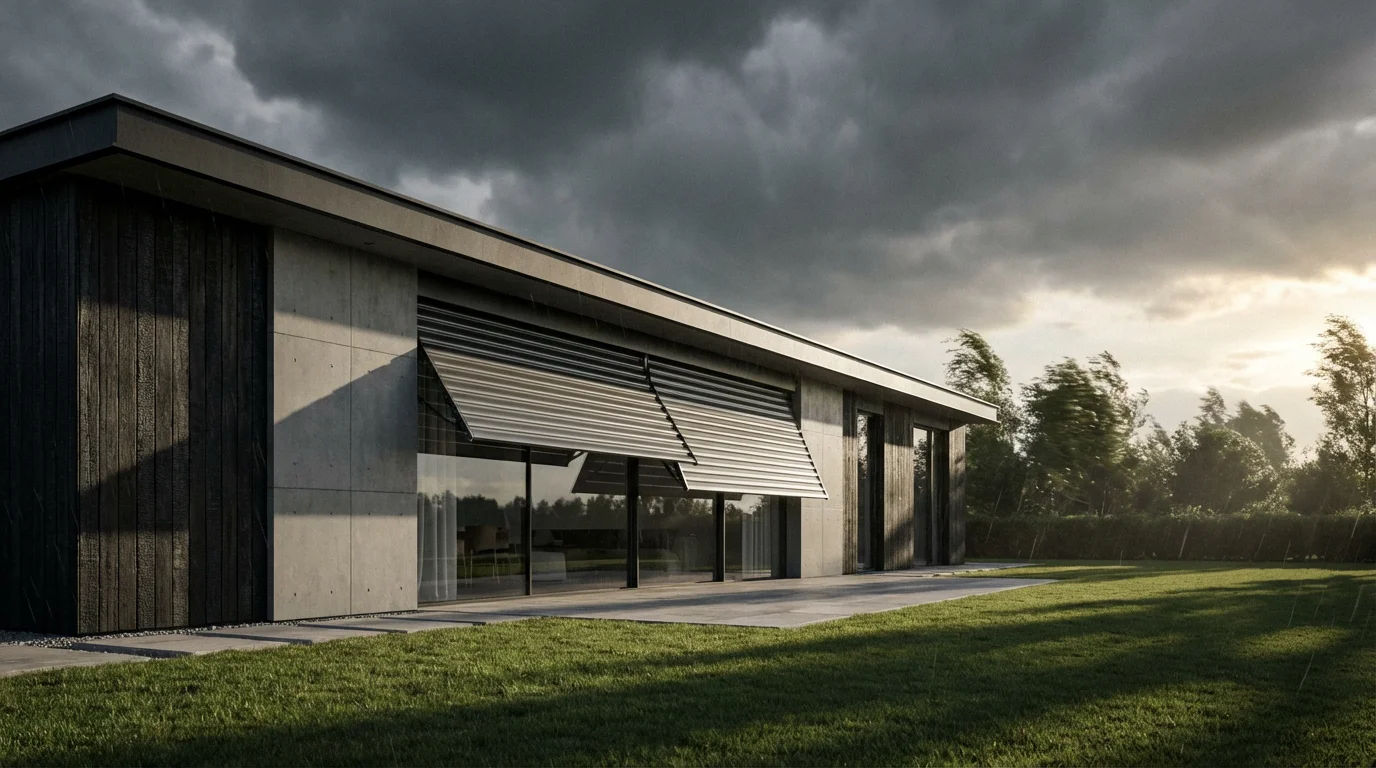
- Scenario: Rain or strong winds begin unexpectedly while windows or patio doors are open.
- Automation: Smart window openers or smart locks on sliding doors can automatically close and secure openings. If you have conventional windows, your system can send you an urgent notification.
- How to set up: This requires motorized window openers or specific smart locks. Create a routine: “If Weather Service reports ‘Rain’ or ‘Strong Wind’ AND Window/Door Sensor is Open,” then “Close Window/Door” or “Send Push Notification: ‘Close windows due to weather!’”
- Garage Door Protection:
- Scenario: High winds or heavy rain are detected, and your garage door is open.
- Automation: Your smart garage door opener closes the garage door automatically, protecting its contents from the elements.
- How to set up: Use a smart garage door opener (e.g., MyQ, Tailwind) integrated with your smart home hub. Create a routine: “If Weather Service reports ‘High Winds’ or ‘Heavy Rain’ AND Garage Door Status is Open,” then “Close Garage Door.”
- Outdoor Lighting for Storms:
- Scenario: A severe thunderstorm approaches, causing significant dimming of natural light or potential power fluctuations.
- Automation: Outdoor smart lights can turn on to increase visibility around your property, assisting with navigation during adverse conditions. If you have smart lighting inside, they can also adjust to counteract the sudden darkness.
- How to set up: Create a routine: “If Weather Service reports ‘Thunderstorm’ or ‘Heavy Clouds’ AND Light Sensor detects low light,” then “Turn On Outdoor Smart Lights.”
- Dynamic Blind and Shade Control:
- Scenario: The sun rises, or sunlight intensity changes throughout the day.
- Automation: Smart blinds or shades automatically adjust their position. You can program them to open partially at sunrise, close on south-facing windows during peak solar radiation to prevent heat gain, or retract completely on cloudy days to maximize natural light.
- How to set up: Use smart blinds (e.g., Lutron, Bali, IKEA smart blinds). Create a routine: “If Sunrise occurs,” then “Open Blinds 50%.” Or “If Light Sensor detects high lux value in living room AND Outdoor Temperature > 70°F (21°C),” then “Close Living Room Blinds.”
- Smart Lighting Adjustments:
- Scenario: Overcast weather reduces natural light indoors, or the sun sets.
- Automation: Smart lights automatically dim up or down to maintain a consistent desired ambient light level, or turn on fully as darkness falls. This creates a comfortable atmosphere without constant manual adjustment.
- How to set up: Integrate smart bulbs or switches with a light sensor (many smart home platforms have virtual light sensors based on sunset/sunrise or integrated with multi-sensors). Routine: “If Ambient Light Sensor < 100 lux,” then “Set Living Room Lights to 50%.”
- UV Protection for Interiors:
- Scenario: High UV levels pose a risk to furniture, artwork, and flooring.
- Automation: If your weather station or smart home system provides UV index data, you can trigger blinds or shades to close partially on windows receiving direct sun when the UV index is high.
- How to set up: This requires a system that reads UV index. Routine: “If UV Index (from weather service/sensor) > 7,” then “Close Blinds on South/West Windows.”
- Hyper-Local Forecast Integration:
- Concept: Instead of general city forecasts, integrate hyper-local weather services that provide predictions specific to your street or neighborhood. This offers greater accuracy for highly localized phenomena like microclimates or isolated showers.
- Application: Your smart lawn mower could receive a precise “no rain for 24 hours” forecast, ensuring it completes a full cycle without interruption. Your smart irrigation might use soil moisture data combined with hyper-local precipitation predictions.
- Tools: Services like Dark Sky (now part of Apple Weather, but similar APIs exist) or weather stations with open APIs can provide this data. Home Assistant users often leverage custom integrations for granular control.
- Pre-emptive Heating/Cooling with Learning Thermostats:
- Concept: Smart thermostats learn your home’s thermal properties and combine this with weather forecasts to start heating or cooling cycles strategically.
- Application: If a heatwave is predicted, your thermostat might pre-cool your home during cheaper off-peak hours, then maintain the comfortable temperature with less energy during peak heat. Conversely, it might start heating your home before you wake up on a cold morning, ensuring it reaches your desired temperature precisely at your routine start time.
- Tools: High-end smart thermostats from brands like Ecobee and Nest excel at this, often certified by programs such as Energy Star Smart Thermostats for their efficiency features.
- Multi-Device Scenes for Weather Events:
- Concept: Create a comprehensive “Storm Prep” or “Sunny Day” scene that triggers multiple devices simultaneously based on weather conditions.
- Application:
- Storm Prep Scene: If a severe weather alert is issued, automatically close all smart windows, retract patio awnings, close the garage door, turn on specific indoor task lighting, and display the weather forecast on a smart display.
- Sunny Day Scene: On a clear, warm day, open blinds on north-facing windows, adjust the thermostat for gentle cooling, and start the smart sprinkler system in drought-tolerant zones.
- Tools: Smart home hubs like Hubitat, Homey, or Home Assistant excel at orchestrating complex multi-device scenes. Many major ecosystems like Google Home, Amazon Alexa, and Apple HomeKit also support scene creation.
- Voice Assistant Integration for Weather Queries and Control:
- Concept: Use your voice assistant to not only get weather updates but also trigger manual overrides or query current weather-based automation statuses.
- Application: You could ask, “Hey Google, what’s the UV index today?” or “Alexa, is the backyard sprinkler running due to rain?” You might even say, “Siri, override rain detection and water the garden now.”
- Tools: Google Assistant, Amazon Alexa, and Apple Siri offer robust weather integration and scene control.
- API Delays or Inaccuracies:
- Problem: Your automations are reacting to outdated weather data, or the forecast is consistently wrong for your location.
- Solution: Check the weather service your smart home platform uses. Many allow you to select a preferred provider. Some platforms, especially open-source ones like Home Assistant, allow integration with multiple weather APIs, letting you choose the most reliable one for your area. If delays persist, review your internet connection stability.
- Sensor Accuracy and Placement:
- Problem: Your local temperature or light sensors provide inconsistent readings.
- Solution: Ensure sensors are placed away from direct sunlight, drafts, or heat sources that could skew readings. Calibrate them if your device allows. Replace batteries if they are low, as this often affects sensor performance. Regularly clean any outdoor sensors, as dirt or debris can impact accuracy.
- Device Connectivity Issues:
- Problem: Smart devices fail to respond to weather triggers.
- Solution: Verify your Wi-Fi network is stable and provides strong coverage to all devices. Reboot your router and smart home hub. Check device status in their respective apps. Sometimes, a simple power cycle of the problematic device resolves connectivity issues.
- Automation Logic Conflicts:
- Problem: Two automations contradict each other (e.g., one tries to open blinds while another tries to close them).
- Solution: Carefully review all your automation rules. Prioritize certain automations over others if your system supports it. Design your routines with clear conditions to prevent overlap. For example, add a condition “if blinds are not already closed” to avoid redundant commands.
- Platform-Specific Glitches:
- Problem: An automation that previously worked suddenly stops.
- Solution: Check for any recent app or firmware updates for your smart home hub or devices. Sometimes, updates introduce bugs or change how automations function. Review the release notes or consult community forums for your specific platform. Temporarily disable and re-enable the problematic automation.
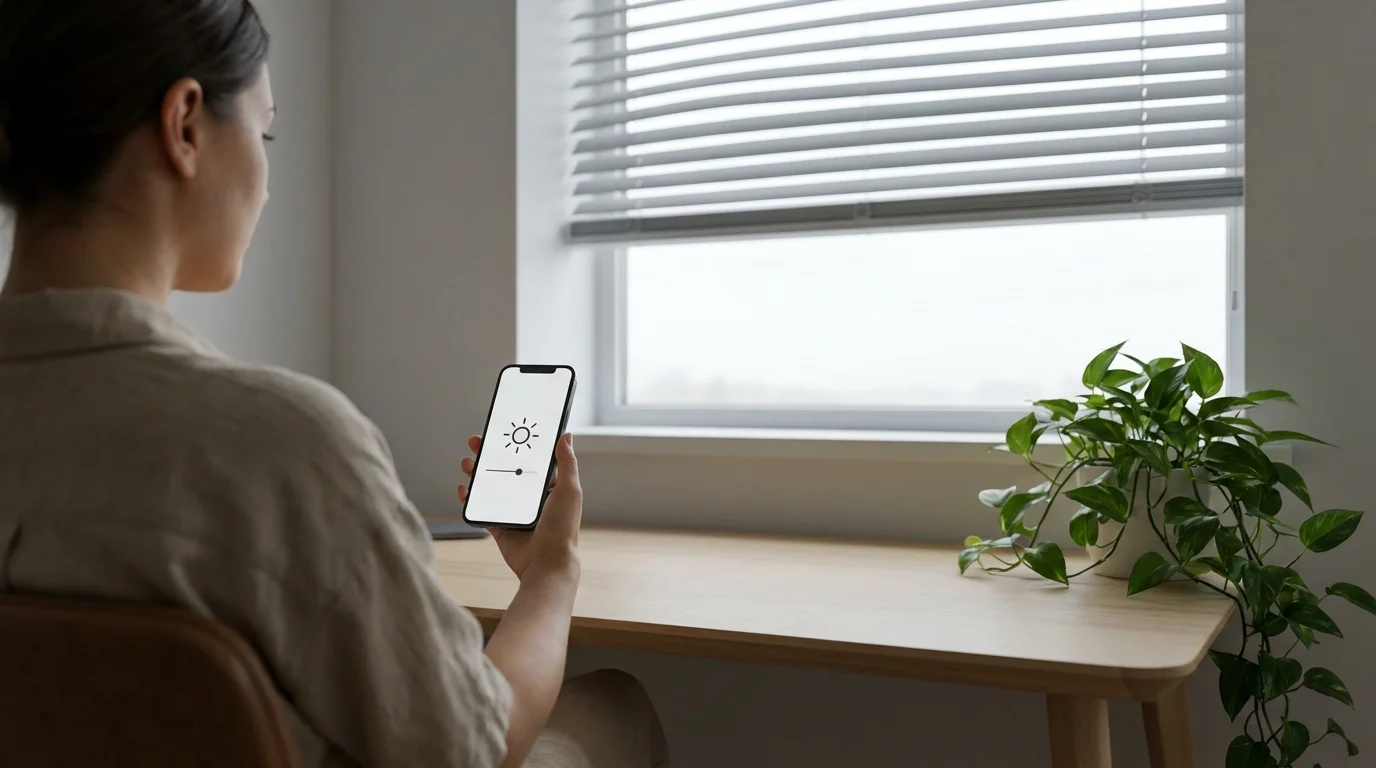
Leveraging Sunlight and UV Levels for Comfort and Efficiency
Sunlight, while desirable, can also lead to excessive heat gain, glare, and UV damage to interiors. Smart home automations can manage sunlight effectively, improving comfort and energy efficiency.
Consider these sunlight and UV-based automations:
Advanced Weather-Based Automation Ideas
For users seeking more sophisticated control, advanced weather automations combine multiple conditions and integrate with complex systems, moving beyond simple IF/THEN routines.
Explore these advanced concepts:
The best smart home is the one you don’t have to manage. By automating routines based on environmental conditions, you move closer to true passive control and a more intuitive living space.

Troubleshooting Common Weather Automation Issues
Even with well-planned automations, you might encounter occasional glitches. Understanding common problems and how to address them helps maintain a smoothly running smart home.
Here are typical troubleshooting steps:
Frequently Asked Questions
What is the best way to get accurate weather data for my smart home?
The best approach combines an online weather API, integrated into your smart home hub, with local physical sensors. Weather APIs provide forecast data and general conditions, while your own smart weather station or smart thermostat sensors offer real-time, hyper-local precision from your property. This dual approach ensures comprehensive and accurate data for your weather automation.
Can weather automations save me money on energy bills?
Yes, weather automations can significantly reduce your energy consumption. By automatically adjusting your smart thermostat, blinds, and lighting based on outdoor temperatures, sunlight, and forecasts, your home avoids unnecessary heating, cooling, and lighting. This proactive management prevents energy waste, leading to noticeable savings on your utility bills.
Are weather-based automations complicated to set up?
Setting up basic weather automations is often straightforward, especially with user-friendly smart home apps like those from Google Home, Alexa, or dedicated smart device manufacturers. More advanced automations, involving multiple conditions or complex device interactions, may require more effort and familiarity with your smart home hub’s advanced routine settings. Many platforms offer step-by-step guides within their apps.
What happens if my internet goes out during a weather automation?
If your internet connection fails, automations relying on cloud-based weather APIs will likely stop functioning. However, devices with local processing capabilities and direct sensor connections, like some smart thermostats or dedicated smart weather stations, may continue to run basic, pre-programmed routines based on their immediate local data. For critical automations, consider devices and hubs that support local control for redundancy.
Can I get alerts on my phone for specific weather events?
Absolutely. Most smart home platforms allow you to create routines that send push notifications to your smartphone when specific weather conditions are met. For example, you can set an alert for “high wind warning” or “temperatures below freezing” to ensure you are always informed, even when away from home.
Disclaimer: This article is for informational purposes only. Smart home devices involve electrical connections and data privacy. Always follow manufacturer instructions for installation. For complex wiring or HVAC work, consult a licensed professional.

Leave a Reply