
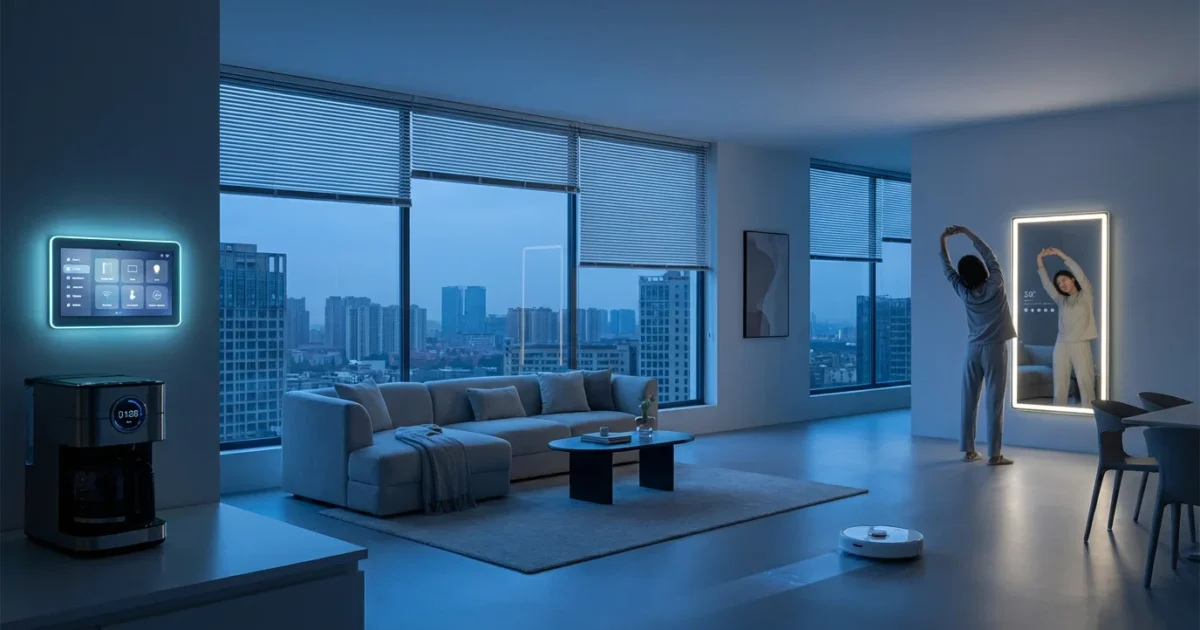
Transforming your daily wake-up experience from chaotic to calm involves more than just setting an alarm. Imagine a morning where your home anticipates your needs, gently easing you into the day. Smart home technology makes this vision a reality, offering seamless wake up automation that improves your mood, saves energy, and adds precious minutes back to your schedule. This guide walks you through how to automate your morning routine with smart home devices, from simple setups to advanced, personalized sunrise routines. You will discover the best morning smart home routine configurations, ensuring your day starts on the right foot, every time.
Why Automate Your Morning?
Automating your morning routine extends beyond mere convenience. It establishes a consistent, stress-free start to your day, influencing productivity and well-being. By letting technology handle the initial tasks, you reclaim mental space and time, fostering a more positive mindset before you even leave your bedroom.
Consider the practical advantages of a streamlined morning:
- Enhanced Mood and Well-being: Gentle light simulation or gradual temperature adjustments create a more pleasant wake-up experience than a jarring alarm. This reduces morning stress and improves overall mood.
- Increased Efficiency and Time Savings: Your home performs tasks while you prepare. Lights turn on, the thermostat adjusts, and the coffee brews without your direct intervention, freeing up valuable minutes.
- Energy Savings: Smart scheduling ensures devices only operate when needed. Your lights might brighten gradually, reaching full intensity just as you are ready to get out of bed, rather than staying on for extended periods. Smart thermostats learn your schedule, avoiding unnecessary heating or cooling when you are asleep or away. For instance, an Energy Star certified smart thermostat can save you considerable energy costs annually.
- Improved Security: Integrate security checks into your routine. A quick glance at a smart display shows your door locks are engaged or your security cameras are active, giving you peace of mind as you start your day.
- Personalization: Tailor every aspect of your morning to your preferences. Whether you need a slow, quiet start or an energetic jolt, your automation adapts to your unique requirements.
Establishing a clear structure is especially beneficial for those working from home, where a strong start defines the rest of the professional day.
An automated morning is not about replacing your actions, but about supporting them. It creates a personalized environment designed to optimize your readiness for the day ahead.
The best smart home is the one you do not have to manage. It works seamlessly in the background, making your life easier.
Essential Smart Devices for Your Morning Routine
Building an automated morning requires a foundation of reliable smart devices. These components integrate to create a cohesive system that responds to your schedule and preferences. Consider your existing devices and how they might fit into a new automated workflow.
Here are the core categories of smart devices crucial for wake up automation:
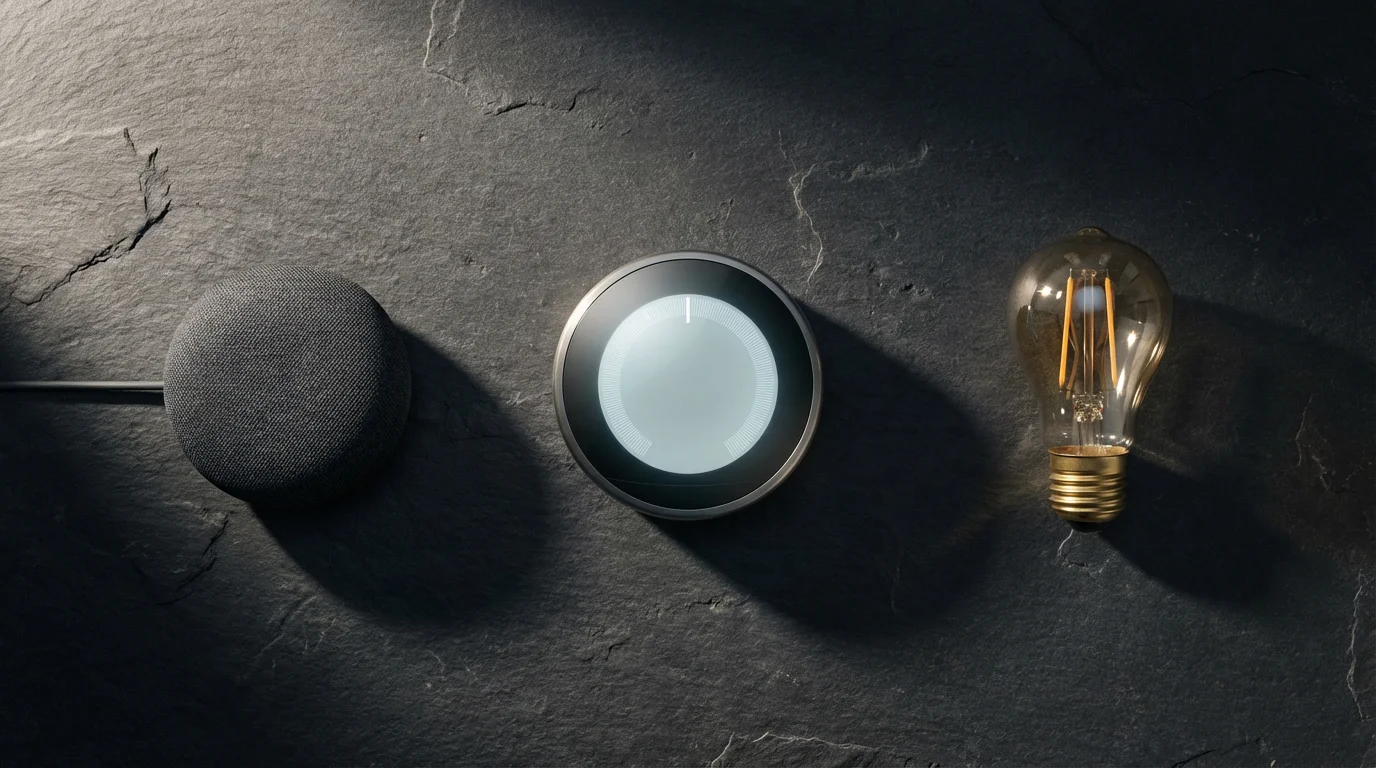
- Smart Lighting: Dimmable smart bulbs or light strips allow for gradual illumination. Choose tunable white bulbs to simulate natural sunrise, shifting from warm amber to cool white light. Brands like Philips Hue, Sengled, and Wyze offer excellent options.
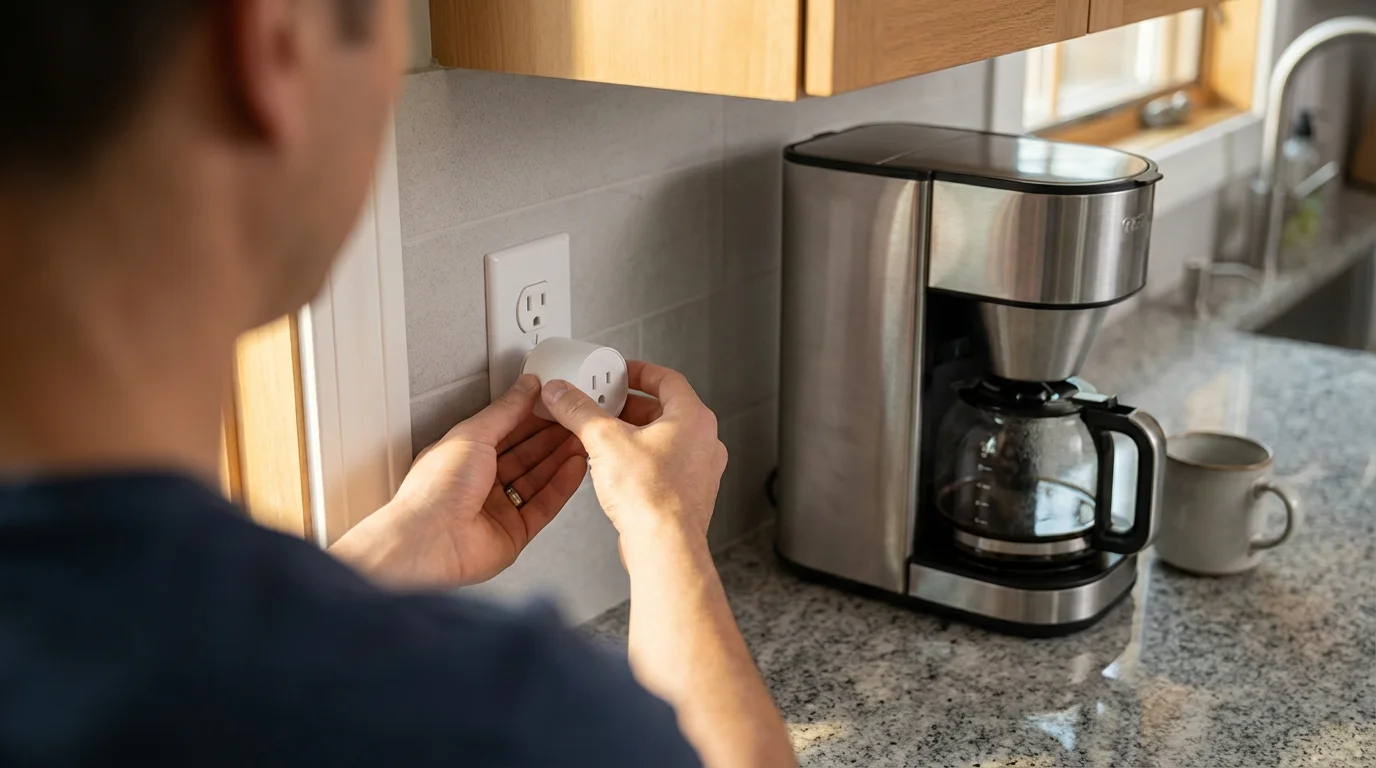
- Smart Plugs: These inexpensive devices turn any “dumb” appliance into a smart one. Use them for coffee makers, traditional lamps, or even electric kettles. Connect them to your smart home hub to schedule their operation.
- Smart Thermostats: Devices like ecobee or Nest learn your routine, pre-heating or pre-cooling your home to a comfortable temperature before you wake up. This ensures a pleasant transition from your warm bed. According to Consumer Reports, smart thermostats consistently rank high for energy efficiency and user satisfaction.
- Smart Speakers or Displays: Amazon Echo, Google Nest Hub, or Apple HomePod mini act as the voice interface and central control for your routines. They play music, deliver news, provide weather updates, and execute commands.
- Smart Blinds/Shades: Automated blinds or shades gradually open with the sunrise, introducing natural light into your room. This eliminates the need to manually adjust them and enhances the sunrise routine effect. Brands like Lutron and IKEA offer smart shade solutions.
- Smart Locks: While primarily a security device, smart locks can integrate into a morning routine. You can check their status or ensure they are locked as part of your “leaving home” automation.
- Smart Hubs or Controllers: For more complex setups involving various brands and communication protocols (like Zigbee, Z-Wave, or Matter), a central hub consolidates control. Devices like SmartThings, Hubitat, or Home Assistant provide advanced customization and local control. Matter, a new smart home connectivity standard, aims to simplify device compatibility.
You do not need every device immediately. Start with one or two key elements, such as smart lights and a smart speaker, then expand your setup as you become more comfortable.
Designing Your Ideal Wake-Up Automation
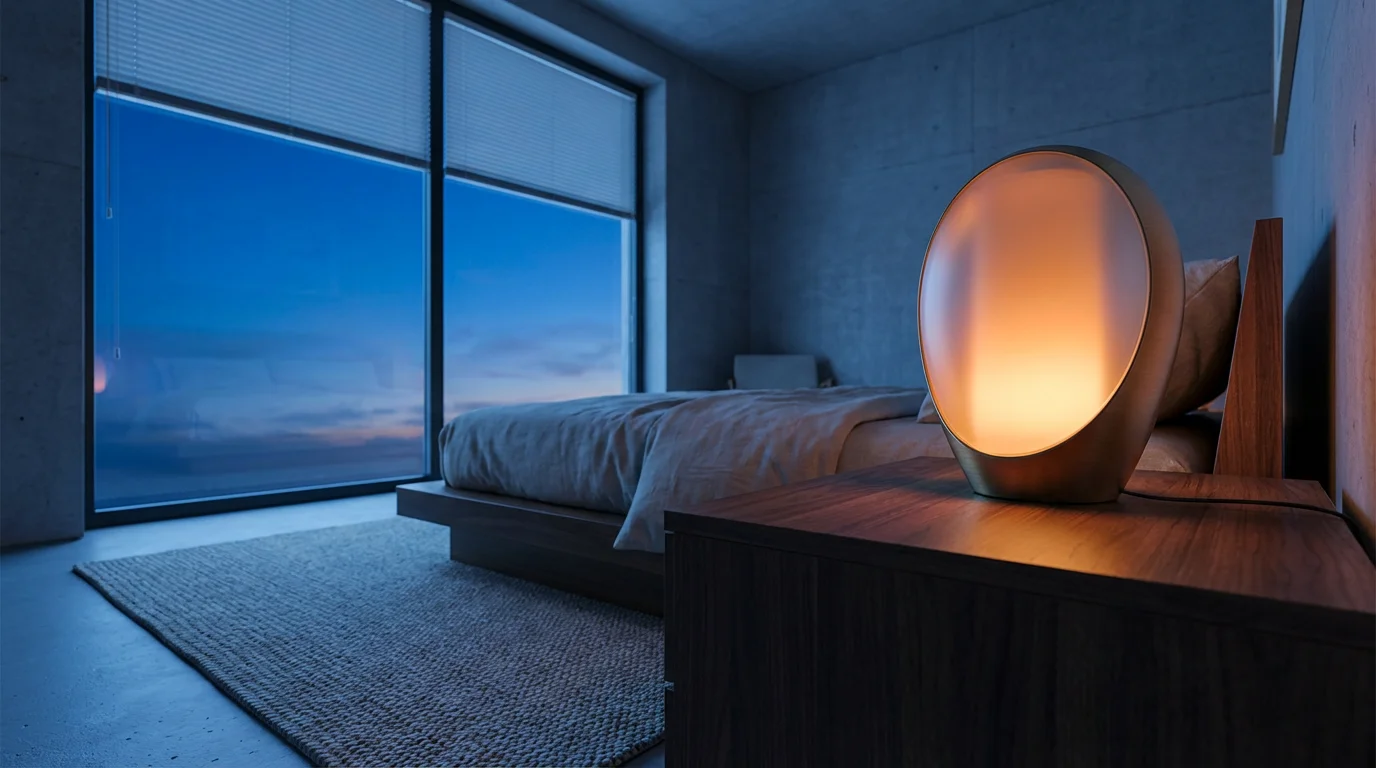
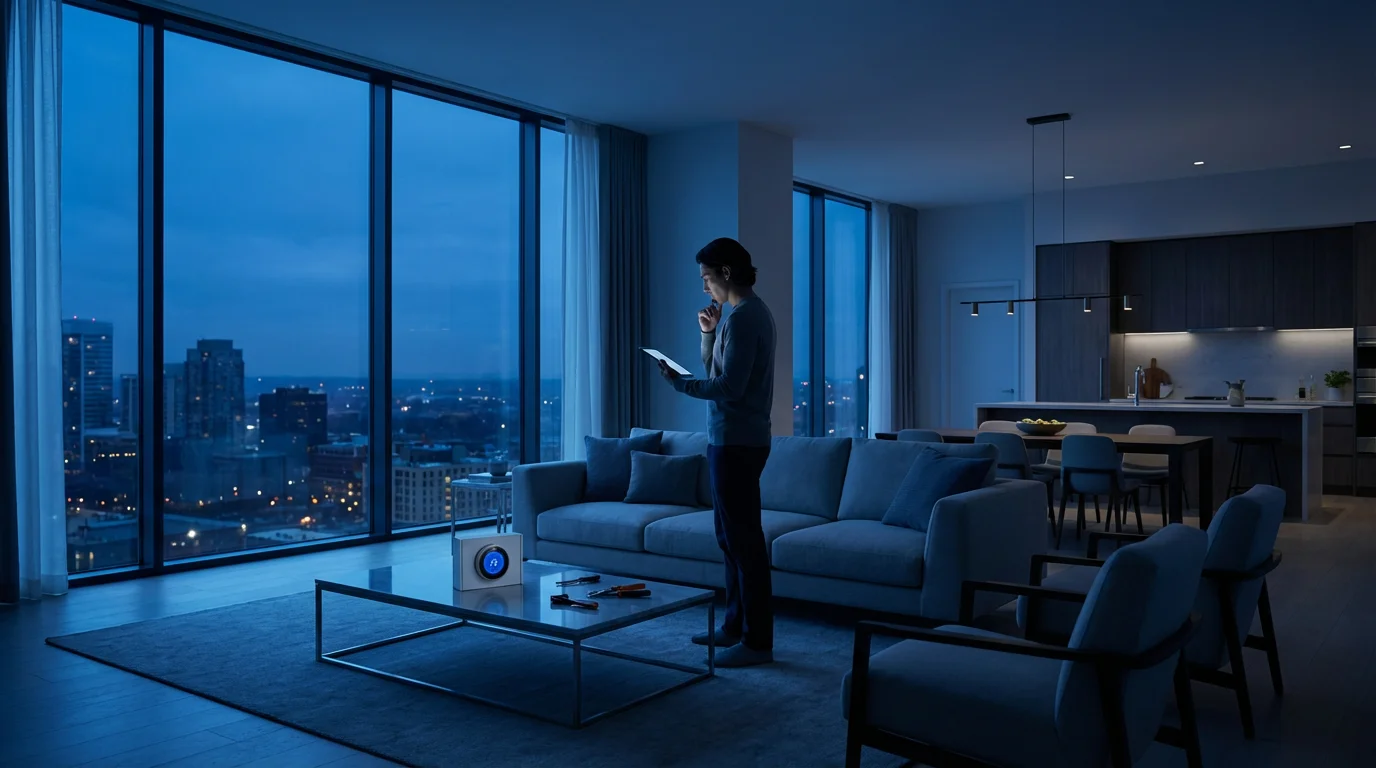
A successful morning automation begins with careful planning. Consider what you want to achieve and how each step contributes to your perfect morning routine. Think about your current habits and identify points where technology can add value.
Follow these steps to design your personalized sunrise routine:
- Define Your “Perfect” Morning:
- When do you want to wake up?
- What atmosphere do you desire in your bedroom?
- What tasks do you typically perform immediately after waking? (e.g., check phone, get coffee, shower).
- What information do you need to start your day? (e.g., weather, news, calendar).
- When do you usually leave your home?
- Identify Your Trigger Condition: Your automation needs a starting point.
- Time-based: The most common trigger. Set a specific time for your routine to begin.
- Sunrise-based: Link your routine to actual sunrise times. This provides a more natural wake-up, especially useful for shifting seasonal light.
- Alarm-based: Some smart speakers or apps can trigger routines directly from your set alarm.
- Map Out Your Actions and Sequence: List the devices and the order in which they should activate.
- 20-30 minutes before wake-up: Smart blinds open partially, bedroom lights begin dimming up (warm white). Thermostat adjusts to ideal temperature.
- 10-15 minutes before wake-up: Bedroom lights reach 50% brightness (cool white). Smart speaker plays soft, ambient music. Coffee maker turns on via smart plug.
- At wake-up time: Bedroom lights reach 100% brightness. Smart speaker announces weather and calendar, plays preferred news briefing, or plays your favorite upbeat music.
- After you leave your bedroom: Hallway lights turn on. Bathroom fan activates.
- As you leave home: Lights turn off, thermostat adjusts to energy-saving mode, smart locks engage.
- Consider Device Compatibility: Ensure your chosen devices work together. Many platforms, like Google Home, Amazon Alexa, or Apple HomeKit, support a wide range of devices. For cross-platform compatibility, consider Matter-certified devices.
- Start Simple, Then Expand: Do not try to automate everything at once. Begin with a core routine, like gradual lighting and a weather brief, and add more elements as you gain confidence.
Just as you plan your start, you should also create a goodnight routine to ensure your home is secure and optimized for sleep.
A well-designed automation provides maximum benefit with minimal fuss. Focus on steps that truly enhance your morning experience.
Step-by-Step: Building Your Morning Automation
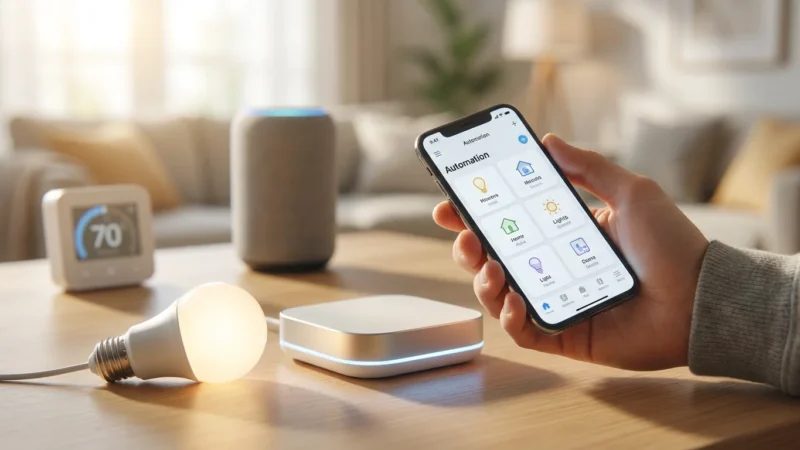
Now that you have designed your ideal routine, it is time to build it. Most smart home platforms follow a similar logic for creating routines, scenes, or automations. We will use a generic approach applicable to popular systems like Google Home, Amazon Alexa, or Samsung SmartThings.
Here is a typical process for how to automate your morning routine with smart home devices:
- Choose Your Primary Smart Home Platform:
- Google Home/Assistant: Use the Google Home app to create “Routines.”
- Amazon Alexa: Use the Alexa app to create “Routines.”
- Apple HomeKit: Use the Home app to create “Automations.”
- Samsung SmartThings: Use the SmartThings app to create “Automations” or “Scenes.”
Ensure all your devices are connected and recognized by your chosen platform.
- Start a New Routine/Automation:
- Open your smart home app.
- Navigate to the “Routines” or “Automations” section.
- Select “Add New Routine” or similar.
- Set the Trigger Condition: This tells your routine when to start.
- For a specific time: Select “When” or “Start” and choose your desired wake-up time (e.g., 6:30 AM on weekdays).
- For sunrise: Some platforms offer “Sunrise” as a trigger. You can often add an offset, like “Sunrise + 30 minutes.”
- For an alarm: If your smart speaker alarm can trigger a routine, select that option.
- Add Actions to Your Routine: This is where you specify what devices do and in what order.
- Lighting:
- Add action: “Turn on [Bedroom Lights]” to 10% brightness, warm white.
- Add action: “Wait 15 minutes.” (This creates a delay for gradual changes).
- Add action: “Change [Bedroom Lights]” to 50% brightness, cool white.
- Temperature Control:
- Add action: “Set [Thermostat] to 72°F.”
- Audio/Information:
- Add action: “Play [Gentle Music] on [Bedroom Speaker].”
- Add action: “Wait 10 minutes.”
- Add action: “Announce ‘Good morning! Here’s your flash briefing’ on [Bedroom Speaker].”
- Appliances:
- Add action: “Turn on [Coffee Maker Smart Plug].”
- Lighting:
- Order and Refine Actions: Drag and drop actions to arrange them in the precise sequence you designed. Add delays between actions to create a smooth, natural flow. For example, you might want your lights to brighten for 20 minutes before your speaker starts playing music.
- Save and Test Your Routine: Give your routine a descriptive name like “Weekday Wake Up.” Save it and then manually trigger it to test the sequence. Observe each step and make adjustments as needed. You might find you prefer lights to come on faster, or music to start softer.
- Iterate and Personalize: Your first routine is just the beginning. Continue to refine it. Add new devices, adjust timings, or create different routines for weekdays versus weekends. You can also integrate conditions like “only run if no one is home” for specific scenarios.
Building your smart morning routine is an iterative process. Do not hesitate to experiment with different timings and device settings until you achieve the perfect start to your day.
Advanced Automation Ideas for Power Users
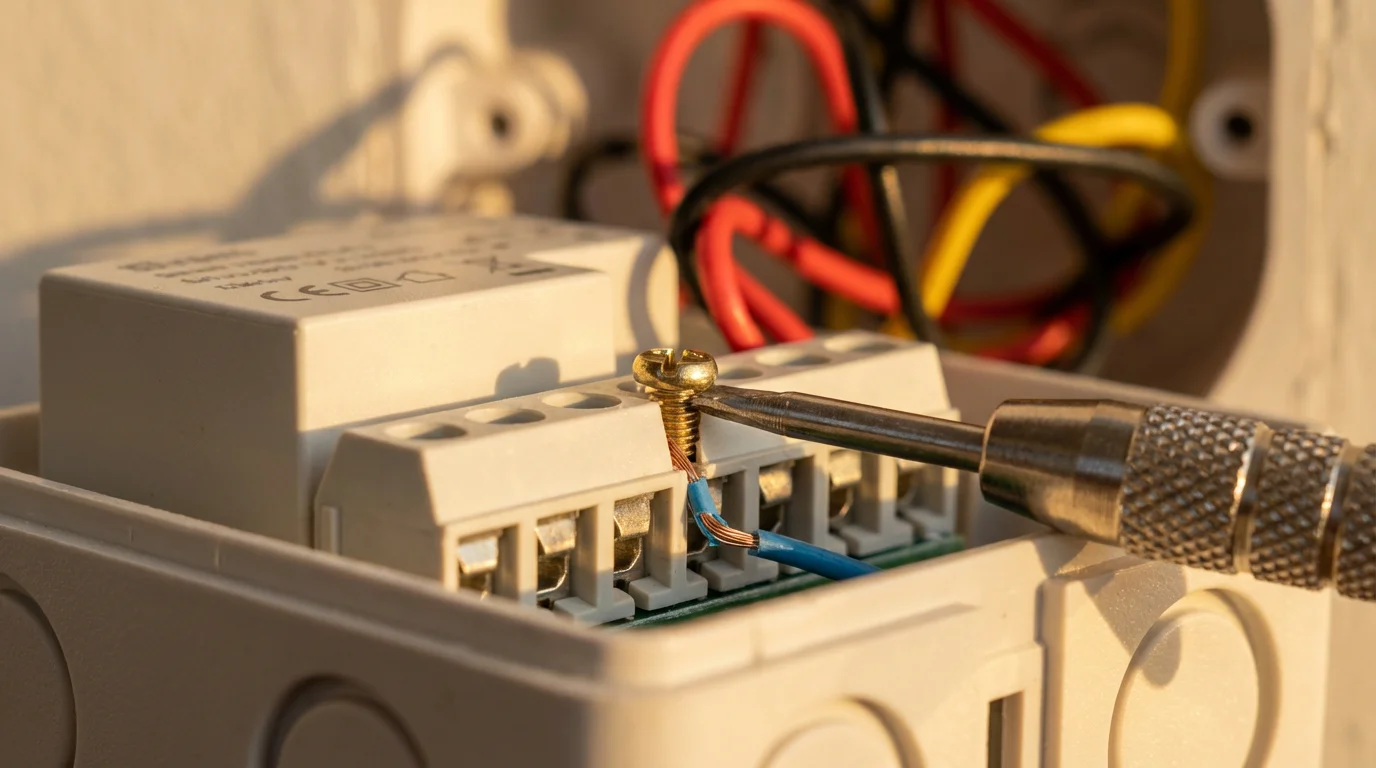
Once you have mastered the basics of wake up automation, you can explore more sophisticated setups. These advanced ideas leverage additional sensors, integrations, and conditional logic to create truly intelligent and responsive morning experiences. They move beyond simple time-based triggers, reacting to your actual presence and needs.
Here are some advanced concepts to elevate your morning routine automation:
- Presence Detection Triggers:
- Motion Sensors: Place a motion sensor outside your bedroom or in the hallway. When it detects your movement after your alarm, it can trigger the next phase of your routine, such as turning on hallway lights or starting a bathroom fan.
- Smart Mat/Bed Sensor: A pressure-sensitive mat under your mattress or beside your bed can detect when you physically get out of bed. This precise trigger ensures your “getting ready” sequence only begins when you are actually up.
- Contextual Information Integration:
- Weather-Dependent Actions: Integrate weather forecasts. If rain is predicted, your smart speaker could remind you to grab an umbrella or your exterior lights could turn on to illuminate a dark, rainy path.
- Traffic Updates: Before you leave, your smart speaker provides real-time traffic updates for your commute, allowing you to adjust your departure time if needed.
- Multi-Device Scenes and Sequences with Delays:
- Create complex scenes that involve multiple steps and timed delays across various devices. For example, a “Getting Ready” scene could gradually brighten bathroom lights over five minutes, then turn on the smart mirror’s defogger, and finally play a specific playlist.
- Use conditional logic: “If garage door is open AND it’s between 7 AM and 8 AM, then turn on exterior path lights.” This level of detail makes your home truly smart.
- “Leaving Home” Automation:
- Geofencing: Set up a geofence around your home. When your phone leaves this geofence, your “GoodBye” routine activates. This automatically turns off all lights, sets the thermostat to an away-mode, locks doors, and arms your security system.
- Door/Window Sensors: Trigger actions based on specific doors. Opening the front door might arm the alarm system after a brief delay.
- Automated Coffee Grinding and Brewing:
- Beyond just turning on a coffee maker, some high-end smart coffee makers can grind beans and brew at a specific time. Alternatively, a smart plug connected to a grinder and another to a coffee maker can be sequenced for freshly ground coffee every morning.
- Integration with Personal Calendars:
- Your smart assistant can check your calendar for the day. If you have an early meeting, it can adjust your wake-up time automatically or provide specific reminders during your morning briefing.
To achieve maximum efficiency, you can learn how to chain multiple automations together so that one device’s action triggers a complex series of events.
These advanced automations require a deeper understanding of your smart home platform’s capabilities and potentially a central hub for seamless integration. They transform your home into an intelligent assistant, predicting and responding to your daily flow.
Troubleshooting Common Automation Issues
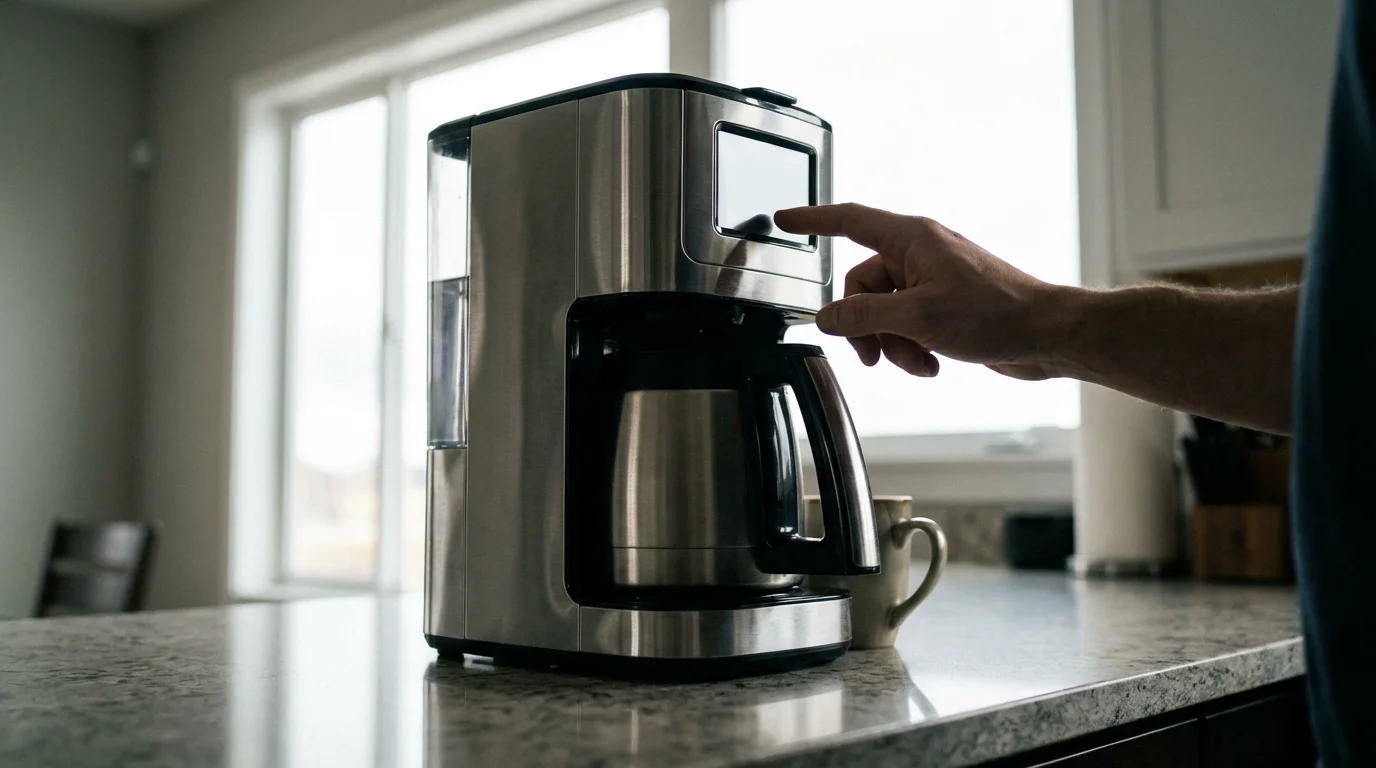
Even the most meticulously planned morning routine can occasionally encounter hiccups. Understanding how to diagnose and resolve common issues helps maintain a smooth, reliable automation experience. Most problems stem from connectivity, device configuration, or platform glitches.
If your wake up automation does not perform as expected, consider these troubleshooting steps:
- Check Device Connectivity:
- Is the device powered on? Ensure smart plugs, lights, and speakers have power.
- Is it connected to Wi-Fi? Verify that all smart devices are connected to your home Wi-Fi network. Weak Wi-Fi signals can cause delays or disconnections.
- Is your hub online? If you use a central hub, confirm it is powered on and connected to the internet.
- Verify App Settings and Routine Logic:
- Review the routine steps: Open your smart home app and carefully re-read the automation steps. Are they in the correct order? Are there any missing actions or incorrect device selections?
- Check trigger conditions: Is the time set correctly, including AM/PM? If using sunrise/sunset, is your location accurate?
- Examine delays: Are your “wait” commands too long or too short? Incorrect delays can disrupt the sequence.
- Look for conflicts: Do you have other routines or schedules that might conflict with your morning automation? For example, a separate light schedule might override your wake-up lights.
- Test Devices Individually:
- Can you manually control each device (e.g., turn on a smart light, adjust the thermostat) through its dedicated app or your smart home platform? If a device does not respond manually, the issue lies with that specific device or its connection.
- Check for Platform Status or Updates:
- Smart home platforms occasionally experience outages or require updates. Check the service status page for your platform (e.g., Google, Amazon, Apple) or the manufacturer’s website for any known issues. Ensure your apps and device firmware are up to date.
- Restart Devices and Hub:
- A simple restart can often resolve temporary glitches. Power cycle your smart devices, your Wi-Fi router, and your smart home hub.
- Re-pair or Reconfigure Stubborn Devices:
- If a specific device consistently fails, you might need to un-pair it from your smart home platform and then re-pair it. Follow the manufacturer’s instructions for reset and setup.
- Consult Support Resources:
- Most smart home device manufacturers and platform providers offer extensive online support documentation, community forums, and customer service. These resources can provide specific solutions for your hardware or software configuration. Tom’s Guide and CNET often publish troubleshooting articles for popular smart home devices.
Patience and systematic investigation are key to resolving automation issues. By methodically checking each component, you can quickly identify and fix the problem, restoring your seamless morning routine.
Frequently Asked Questions
What is the best smart home hub for morning routines?
The “best” hub depends on your existing devices and technical comfort. For beginners with mostly Wi-Fi devices, Google Home or Amazon Alexa are excellent. They offer intuitive routine creation and broad device compatibility. For advanced users seeking more local control, cross-protocol support (Zigbee, Z-Wave), and complex automations, Samsung SmartThings or Hubitat Elevation provide robust options. The new Matter standard aims to simplify compatibility across different ecosystems, making your choice of hub less restrictive in the future.
Can I automate my coffee maker?
Yes, you can absolutely automate most coffee makers. If your coffee maker has a physical “on” switch that stays engaged, you can plug it into a smart plug. Then, simply schedule the smart plug to turn on at your desired time within your morning routine. For more advanced control, some high-end coffee makers offer built-in smart functionality, allowing direct scheduling through their apps or smart home platforms.
How do I troubleshoot if my morning routine fails?
First, check if all individual devices involved are powered on and connected to your Wi-Fi. Then, review your routine’s settings in your smart home app, ensuring the trigger time is correct, and the sequence of actions is logical. Test each device individually to confirm it responds manually. Finally, try restarting your Wi-Fi router, smart home hub, and the affected devices. Often, a quick power cycle resolves connectivity glitches.
Is smart home automation secure?
Yes, smart home automation can be secure when you take proper precautions. Always use strong, unique passwords for your Wi-Fi and smart home accounts. Enable two-factor authentication whenever possible. Keep your device firmware and smart home apps updated to receive the latest security patches. Purchase devices from reputable brands that prioritize security. Consider network segmentation for your IoT devices if you are tech-savvy.
What’s the difference between a scene and an automation?
A “scene” typically refers to a predefined state for multiple devices that you trigger manually or as part of a larger automation. For example, a “Good Morning Scene” might set your bedroom lights to 50% brightness and a warm color. An “automation” or “routine” is a set of actions that execute automatically based on a trigger condition. So, you might create an automation that says, “At 6:30 AM, activate the ‘Good Morning Scene’.” Automations bring the “smart” element by acting without your direct command.
Disclaimer: This article is for informational purposes only. Smart home devices involve electrical connections and data privacy. Always follow manufacturer instructions for installation. For complex wiring or HVAC work, consult a licensed professional.
Combining your schedule with other energy-saving automations is one of the most effective ways to lower your monthly utility bills.

Leave a Reply