
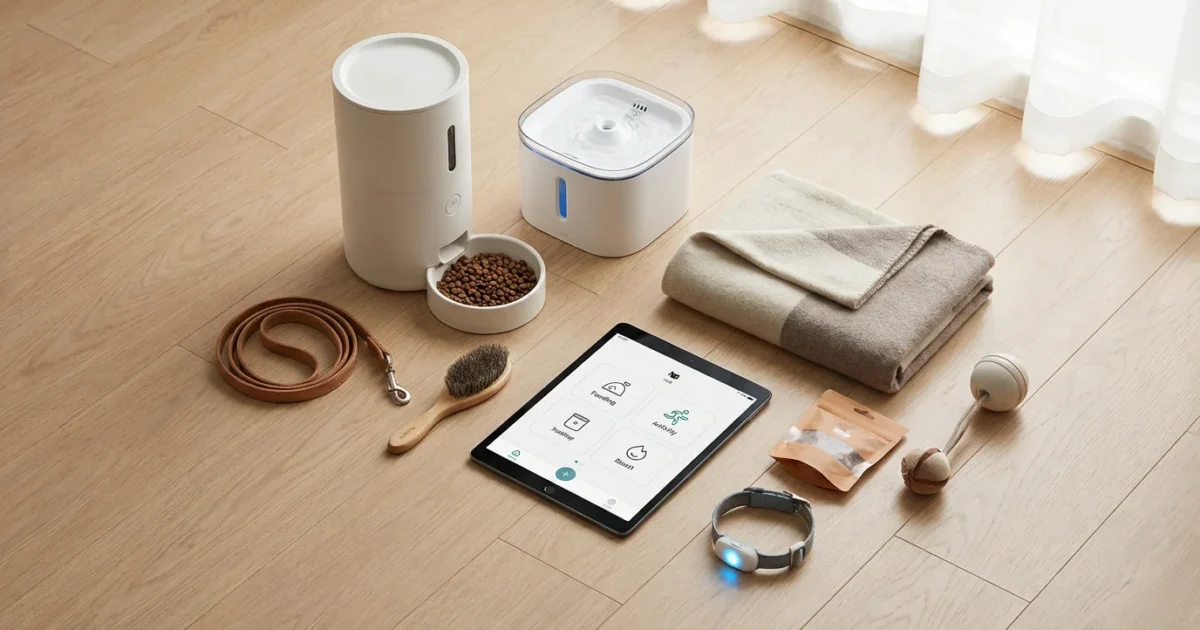
Modern pet ownership means providing the best for your furry, scaled, or feathered family members. Smart home technology offers powerful tools to enhance their well-being, improve your peace of mind, and simplify your daily life. You can automate tasks, monitor your pets remotely, and even keep them entertained. This guide explores how to create effective smart routines, leveraging the best smart devices for pets to build a more harmonious home for everyone.
Why Smart Routines Benefit Pet Owners
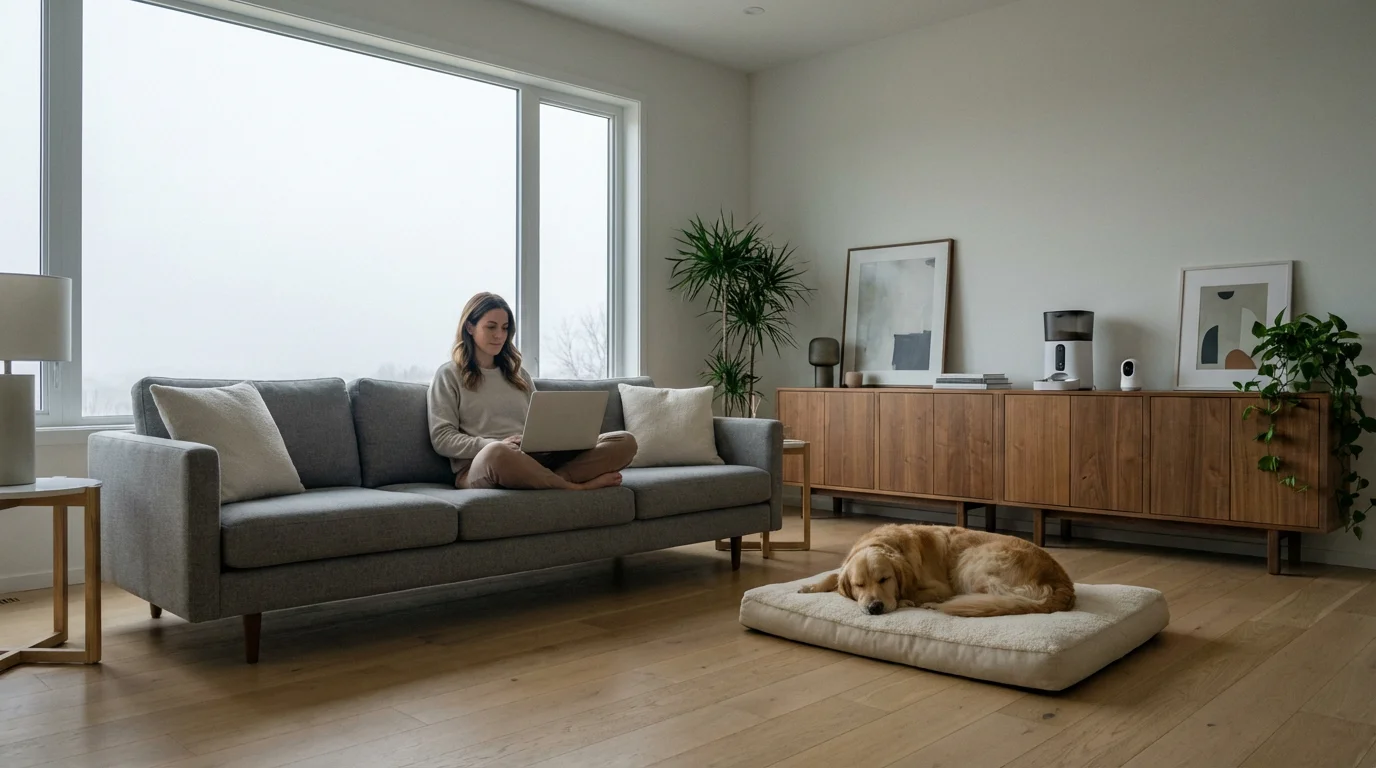
Integrating smart home automations into your pet care routine offers significant advantages. You gain consistency, which is crucial for pet health and behavior. Automated systems reduce the potential for missed feedings, offer continuous monitoring, and ensure a comfortable environment for your pets, even when you are away. This leads to less stress for both you and your animals.
Consider the daily juggle of work, errands, and family commitments. Smart home automations for dog and cat owners remove some of this burden. They allow you to maintain a predictable schedule for your pets, preventing anxiety that can arise from inconsistent care. Consistent feeding schedules, for example, support digestive health and weight management.
The best smart home is the one that works seamlessly in the background, making your life easier without constant intervention. For pet owners, this means fewer worries about your pet’s welfare throughout the day.
Essential Smart Devices for Pet Owners
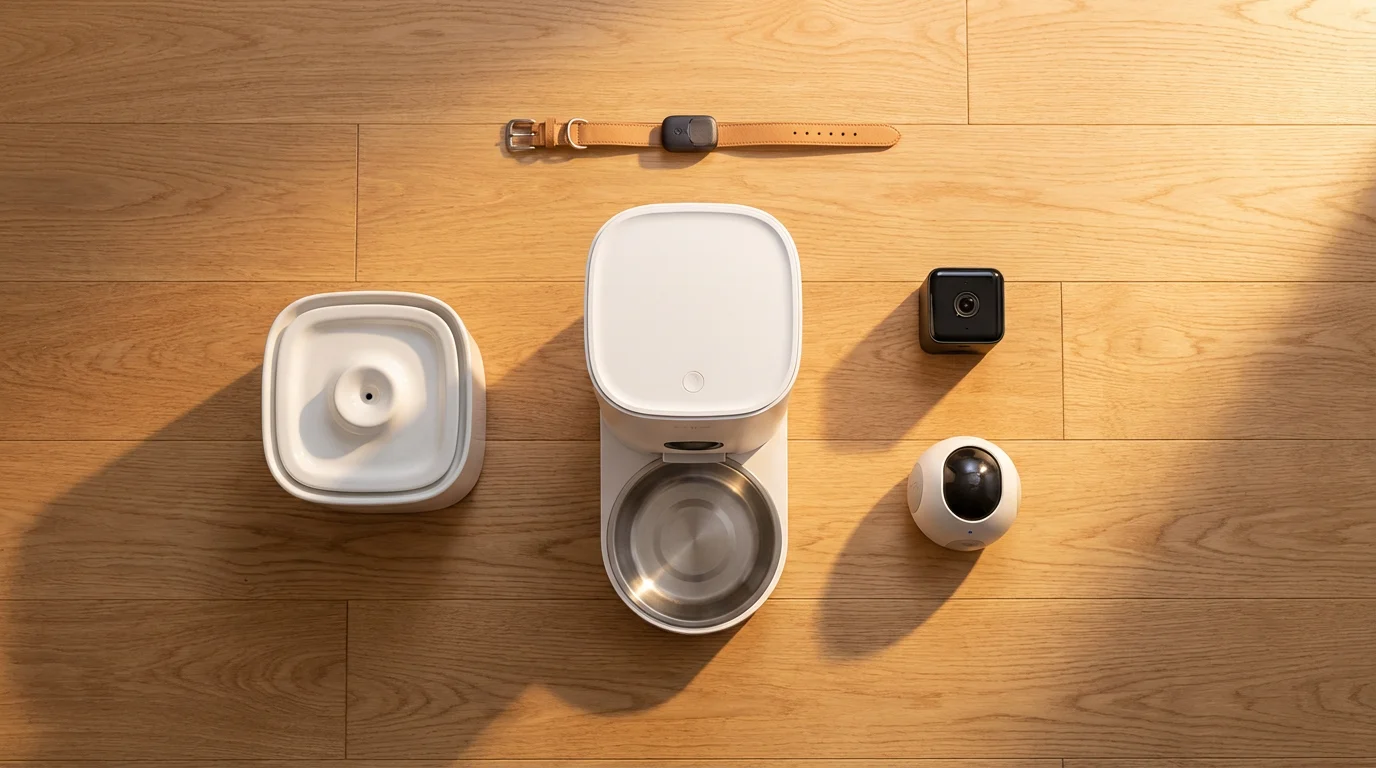
A range of smart devices forms the foundation of effective pet automation. These tools work together to create comprehensive care systems. Understanding each device’s role helps you build a robust smart home for your pets.
- Smart Pet Feeders: These devices dispense food on a set schedule or on demand. Many models allow for portion control and remote feeding via a smartphone app.
- Pet Cameras: A pet camera provides live video monitoring of your pet. Advanced models include two-way audio, motion detection alerts, night vision, and even treat dispensers.
- Smart Lighting: Automated lights can simulate your presence or create a comforting ambiance. They help maintain a natural day-night cycle for indoor pets.
- Smart Thermostats: Maintain optimal indoor temperatures for your pets, preventing overheating or chilling. You can adjust settings remotely.
- Smart Plugs: Convert ordinary appliances, like fans, lamps, or water pumps, into smart devices. This allows for scheduled power on/off or remote control.
- Location Trackers (GPS/Bluetooth): Primarily for dogs and outdoor cats, these help locate a lost pet. While not directly part of home automation, they complement overall pet safety.
- Smart Doorbells: Monitor who approaches your home, which can be useful if your pet has outdoor access or reacts to visitors.
Each device plays a vital role in constructing a seamless smart pet routine. Their integration allows for powerful automation sequences that respond to your pet’s needs and your schedule.
Automating Your Pet’s Feeding Schedule
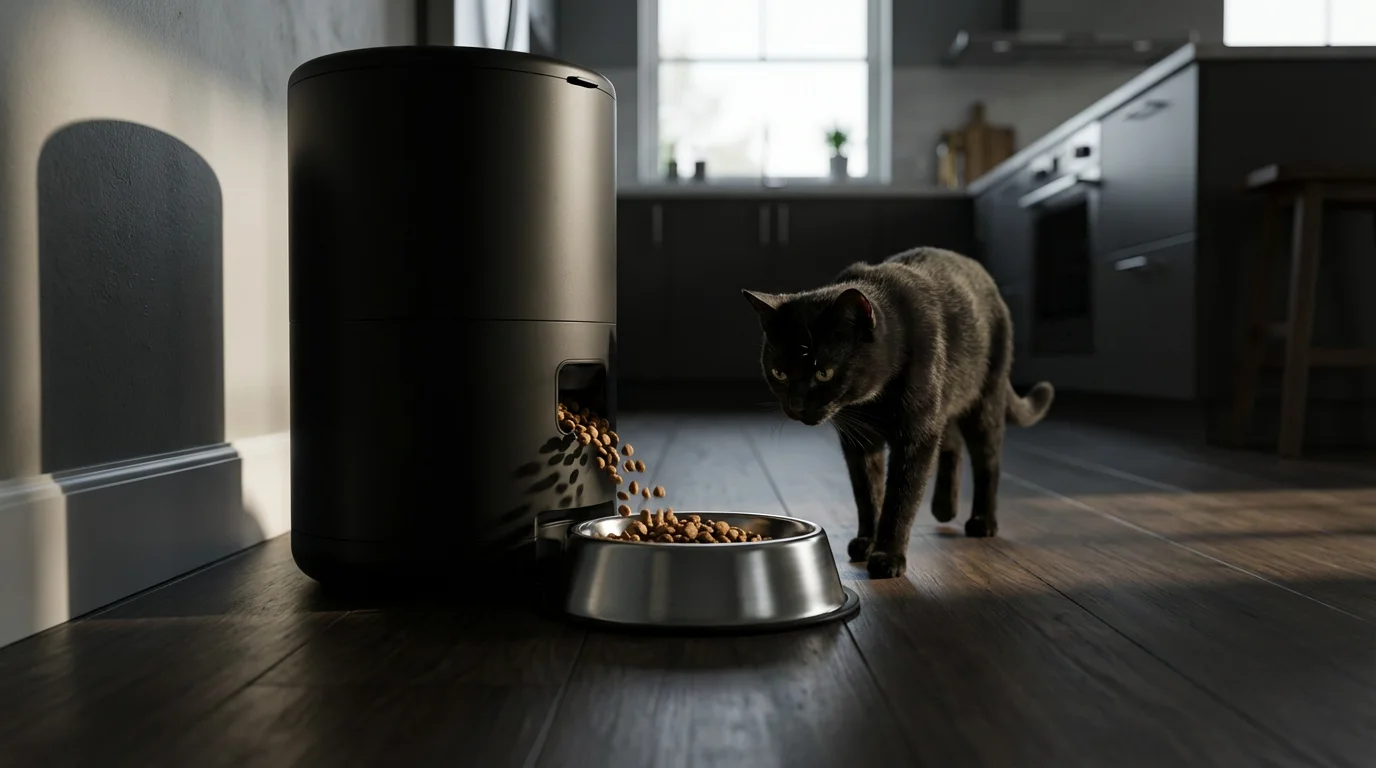
Automating your pet’s feeding schedule is one of the most impactful smart home routines you can implement. A smart pet feeder ensures your pet receives meals consistently, regardless of your busy day. This promotes better digestion and reduces begging behaviors.
Here’s how to set up an effective feeding automation:
- Choose Your Feeder: Select a smart pet feeder appropriate for your pet’s size and food type. Look for features like portion control, multiple meal times, and battery backup.
- Program Basic Schedules: Use the feeder’s app to set up daily feeding times and portion sizes. For instance, schedule a morning meal at 7:00 AM and an evening meal at 6:00 PM.
- Integrate with Voice Assistants: Connect your feeder to Google Assistant or Amazon Alexa. This enables voice commands like, “Alexa, feed my dog an extra snack.”
- Add Conditional Triggers: For advanced users, link the feeder to other smart devices. You could, for example, have a light near the feeder turn on 10 minutes before mealtime as a cue for your pet.
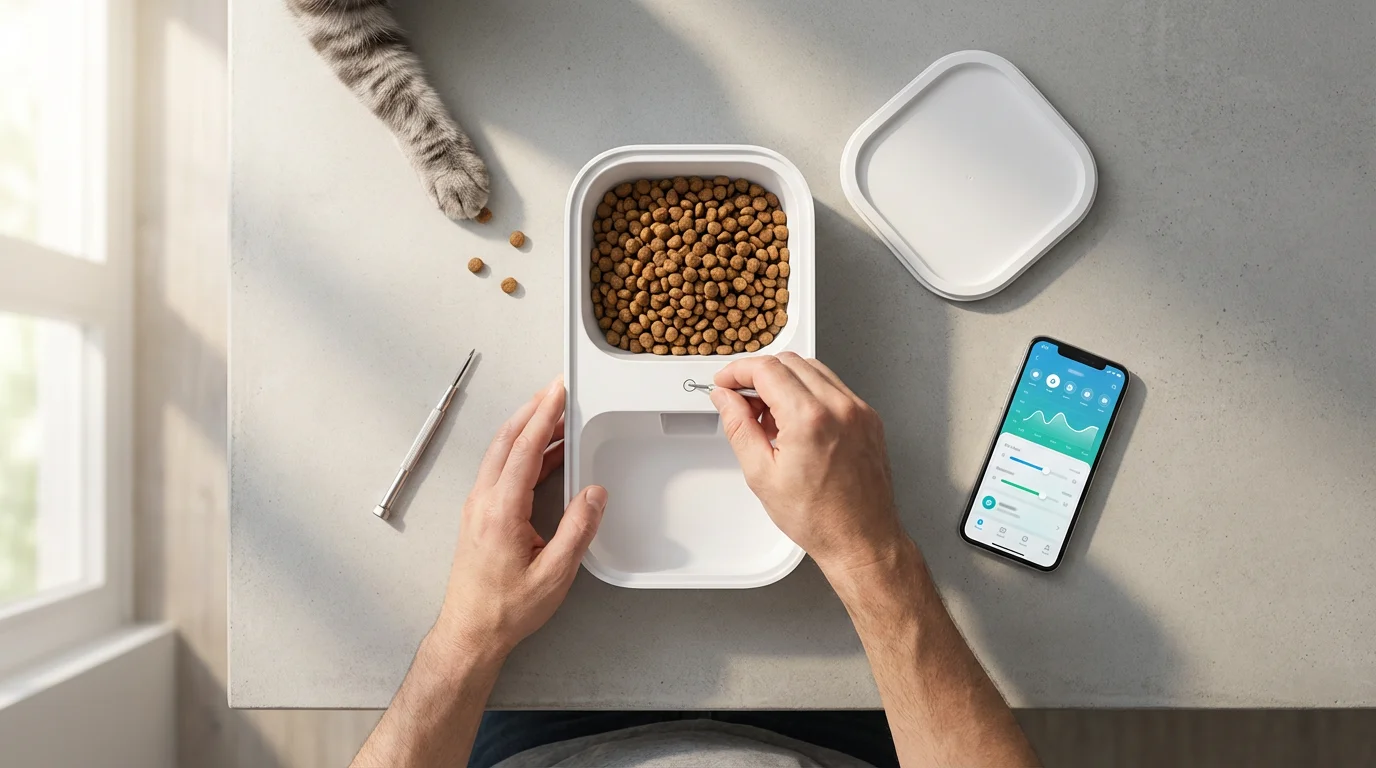
- Monitor Food Levels: Some advanced feeders notify you when food levels are low. This prevents unexpected outages.
Many smart feeders also offer slow-feed options or puzzle feeders, which can prevent pets from eating too quickly. According to CNET’s smart home reviews, reliable smart feeders deliver precise portions, ensuring your pet adheres to their dietary needs.
Enhancing Pet Security and Monitoring with Smart Tech
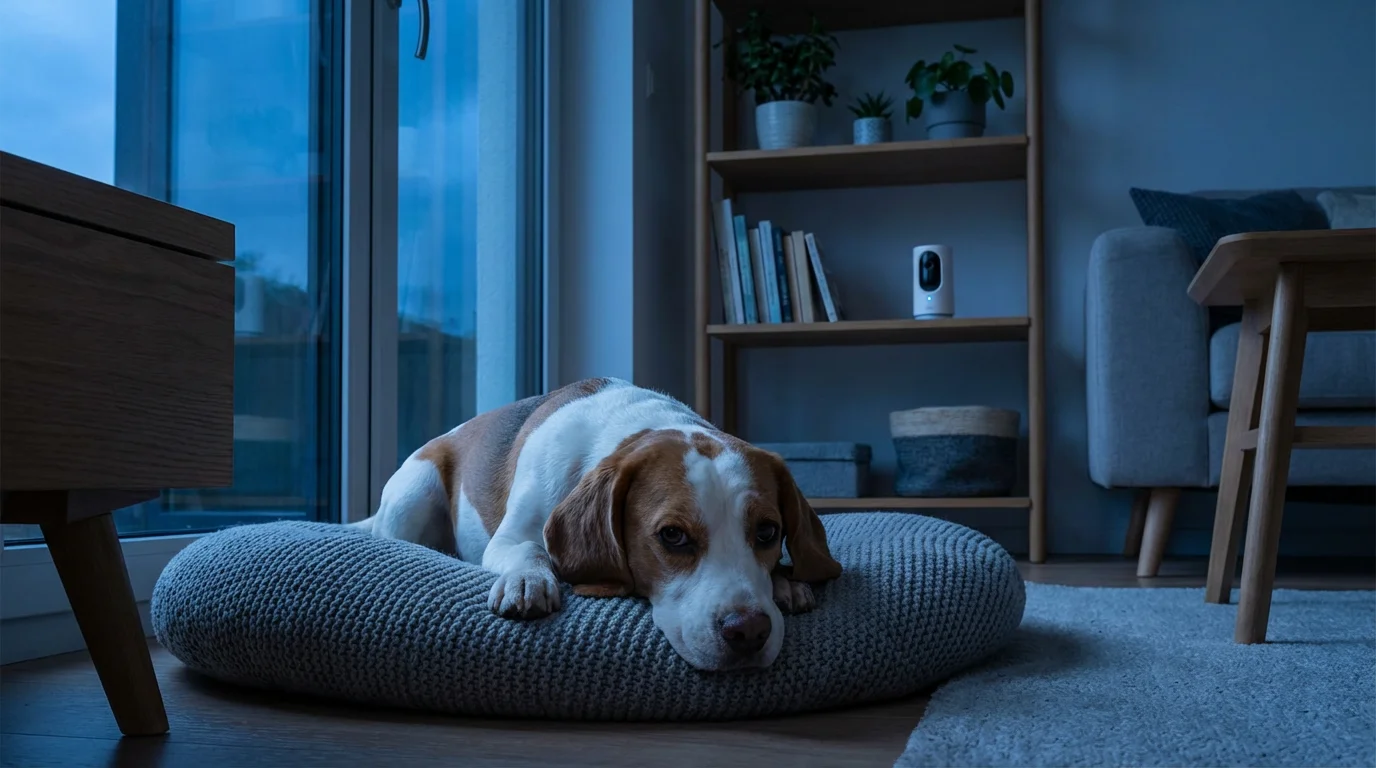
A smart home offers robust solutions for keeping an eye on your pet and ensuring their safety, especially when you are away. Pet camera systems provide invaluable peace of mind. You gain real-time visual access to your pet’s activities.
If you are traveling, these pet-centric security features should be integrated into your broader strategy for automating your home for vacation security.
A good pet camera does more than just stream video. Modern pet cameras include features such as:
- Two-Way Audio: Speak to your pet or hear their barks and meows. This can be comforting for anxious pets or useful for training.
- Motion and Sound Alerts: Receive notifications on your phone if your pet is active or making unusual noises. You can customize sensitivity to avoid constant alerts.
- Treat Dispensing: Reward good behavior or simply provide a distraction with a remotely dispensed treat. This interactive feature makes a pet camera more engaging.
- Night Vision: Monitor your pet clearly even in low light or complete darkness.
- Local or Cloud Storage: Save video clips of your pet’s antics or for security purposes.
You can integrate your pet camera with other security devices. If a smart contact sensor on your back door registers an unexpected opening, your camera can automatically start recording. This comprehensive approach enhances overall home security, benefiting both your family and your pets. Many homeowners find the ability to check in on their pets via a smartphone app an indispensable feature of modern living, making a pet camera one of the best smart devices for pets.
Comfort and Entertainment: Smart Home Fun for Pets
Smart home technology extends beyond basic needs, offering solutions to keep your pets comfortable and entertained. These automations can alleviate boredom and reduce separation anxiety, especially for indoor pets.
Consider these ideas for creating a more engaging environment:
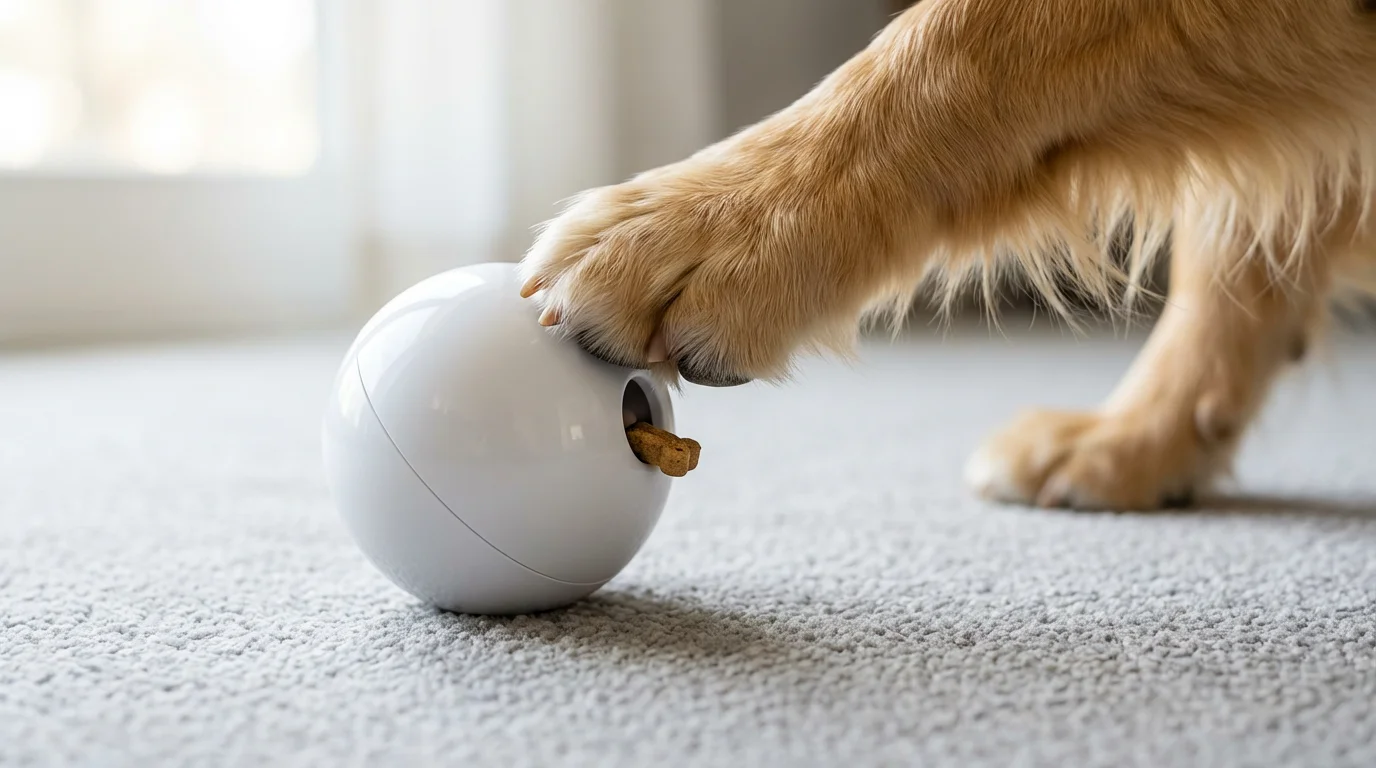
- Automated Playtime: Use smart plugs to turn on interactive pet toys at specific times. For example, schedule a laser pointer toy or an automatic ball launcher to activate for 15 minutes in the mid-afternoon.
- Comfortable Climate Control: A smart thermostat can maintain an ideal temperature. Set it to a slightly cooler temperature during the hottest part of the day if your pet is heat-sensitive, or warmer if they get chilly easily. Geofencing can adjust the thermostat automatically when you leave or return home, ensuring comfort without wasted energy.
- Soothing Sounds and Lights: Play calming music or nature sounds through a smart speaker when you leave. Smart lights can mimic natural daylight cycles or turn on a soft light in your pet’s favorite sleeping area as evening approaches.
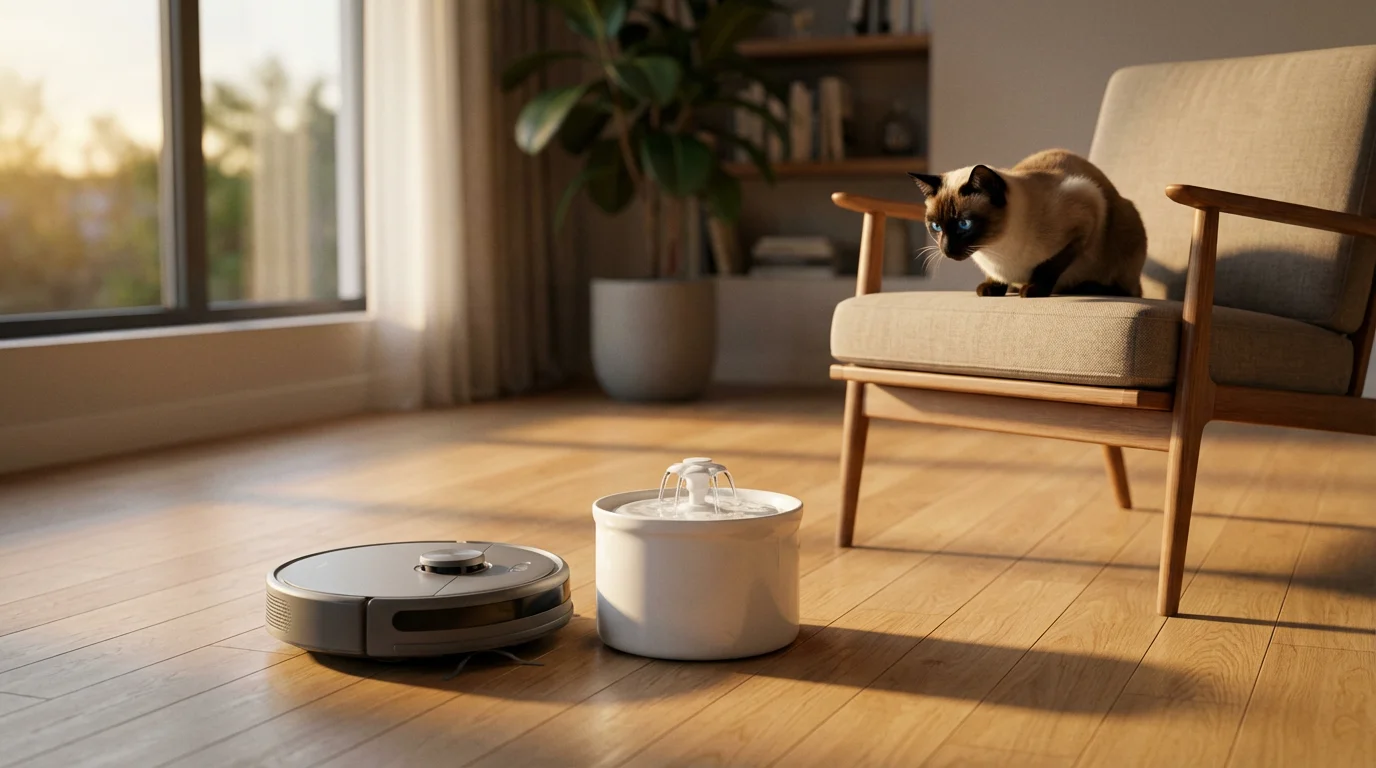
- Smart Water Bowls: Automated water fountains filter and circulate water, encouraging pets to drink more and ensuring a fresh supply throughout the day. Connect it to a smart plug to schedule cleaning reminders or automatic refills if your model supports it.
These comfort and entertainment features contribute significantly to your pet’s overall well-being. They help prevent destructive behaviors that often stem from boredom or anxiety. Smart home automations for dog and cat owners improve their quality of life, even when you are not physically present.

Building Your First Pet Automation Routines
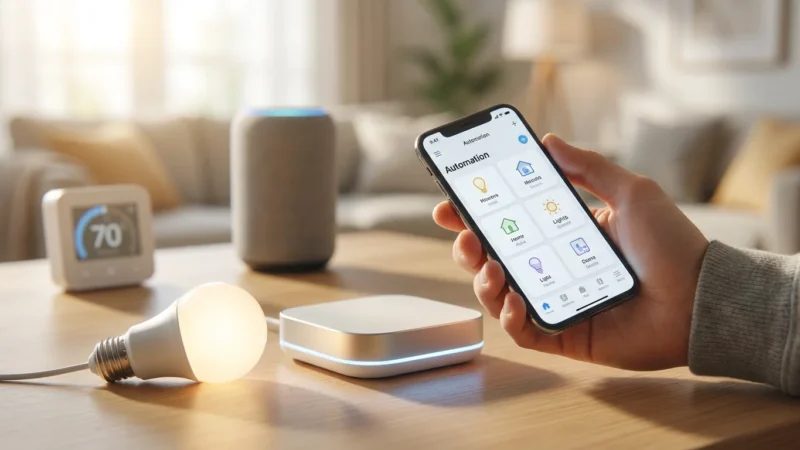
Creating your first smart routines for pets does not require advanced technical skills. Most smart home platforms, like Amazon Alexa, Google Home, Apple HomeKit, or Samsung SmartThings, offer intuitive interfaces for setting up automations. You will define a trigger and an action, or a series of actions.
- Identify a Need: Start with a simple, impactful routine. For example, “My pet needs to be fed promptly every morning.”
- Choose Your Platform: Decide which smart home hub or app you will use to create the automation. Ensure your devices are compatible with this platform.
- Select a Trigger: A trigger initiates the routine. Common triggers include:
- Time: “Every day at 7:00 AM”
- Motion: “When motion is detected in the living room”
- Geofencing: “When I leave the house”
- Define the Action(s): This is what happens when the trigger occurs. Examples include:
- “Dispense 1/2 cup of food from the smart feeder.”
- “Turn on the living room lights to 50% brightness.”
- “Activate the smart plug connected to the pet fountain.”
- Test the Routine: After creating the automation, test it to ensure it functions as expected. Adjust timings or conditions if necessary.
A common beginner routine is the “Morning Pet Care” automation:
- Trigger: Time, daily at 7:00 AM.
- Action 1: Smart pet feeder dispenses breakfast.
- Action 2: Smart lights in the kitchen turn on to 75% brightness.
- Action 3: Smart speaker plays a short, upbeat melody.
By starting with simple, single-purpose routines, you build confidence and learn how your devices interact. You can then progressively add more complexity.
Advanced Pet Automations: Going Beyond the Basics
Once comfortable with basic routines, you can explore more sophisticated pet automation ideas. These advanced setups use multiple triggers, conditions, and device interactions to create truly intelligent pet care systems. The goal is to make the system adapt to dynamic situations.
Mastering how to chain multiple automations together is the key to creating these complex, multi-device behaviors that adapt to your pet’s needs.
Consider these advanced concepts:
- “Away from Home” Pet Monitoring:
- Trigger: Geofencing (your phone leaves the home zone).
- Condition: Pet camera detects motion more than once in 15 minutes.
- Action: Send a notification to your phone, start recording on the pet camera, and turn on a smart plug connected to a treat dispenser for a distraction.
- “Bad Weather Alert” Routine:
- Trigger: Weather app forecasts rain/thunderstorms.
- Condition: Your pet is typically outdoors (if applicable).
- Action 1: Send a voice announcement via smart speakers: “Rain expected, bring pets inside.”
- Action 2: Turn on a calming light in your pet’s indoor safe space.
- Action 3: Play soothing music through a smart speaker.
- “Interactive Play Schedule”:
- Trigger: Time, 3:00 PM on weekdays.
- Condition: Motion sensor near the interactive toy has not been triggered in the last hour.
- Action 1: Smart plug connected to an automatic toy activates for 10 minutes.
- Action 2: Pet camera starts recording the play session.
These multi-device scenes and sequences require a deeper understanding of your smart home platform’s capabilities. Platforms like Home Assistant or Hubitat offer greater customization for complex conditional logic. They empower you to create highly personalized smart home automations for dog and cat owners, addressing specific behaviors or environmental factors.
Troubleshooting Common Pet Automation Challenges
Even well-planned smart routines can encounter issues. Understanding common problems and their solutions ensures your pet care automations remain reliable. Many problems stem from connectivity or configuration. The key to effective troubleshooting is systematic diagnosis.
Here are frequent challenges and how to address them:
- Routine Not Triggering:
- Check Connectivity: Ensure all devices are connected to your Wi-Fi network and online. Restart your router and modem.
- Verify Conditions: Double-check the conditions you set. Is the time correct? Is the sensor detecting what it should?
- Platform Glitch: Sometimes, the smart home platform itself can have temporary issues. Try restarting the app or your smart home hub.
- Devices Not Responding:
- Power Cycle: Unplug and re-plug the device.
- App Check: Can you control the device manually through its individual app? If not, the device may have an internal issue.
- Firmware Update: Ensure all devices have the latest firmware. Outdated software can cause compatibility problems.
- Wi-Fi Interference:
- Signal Strength: Check your device’s signal strength in the app. Consider a Wi-Fi extender or moving your router closer.
- Network Congestion: Too many devices on one Wi-Fi band can slow things down. Consider upgrading to a dual-band router or using a mesh network.
- False Alerts from Pet Cameras:
- Adjust Sensitivity: Most pet cameras allow you to adjust motion or sound detection sensitivity. Reduce it to avoid alerts from minor movements or background noise.
- Set Activity Zones: Define specific areas for motion detection, ignoring high-traffic zones like windows with outdoor views.
When troubleshooting, simplify the routine first. Remove conditions or actions one by one to isolate the problem. Consistent maintenance, including checking device health and updating software, minimizes potential disruptions. Wirecutter’s smart home guide emphasizes the importance of a strong, stable home network for reliable automation performance.
Choosing the Best Smart Devices for Your Pet Needs
Selecting the right smart devices is crucial for building an effective pet automation system. Your choices depend on your pet’s specific needs, your home environment, and your budget. Focus on compatibility, reliability, and security features.
Consider these factors when making your selections:
- Compatibility:
- Platform Agnostic: Devices compatible with multiple ecosystems (Alexa, Google Home, HomeKit) offer more flexibility.
- Matter Standard: Look for devices that support the Matter smart home standard for future-proofing and easier integration.
- Reliability:
- Brand Reputation: Research reputable brands known for quality and customer support.
- Reviews: Read user reviews, particularly focusing on long-term performance and common issues.
- Battery Backup: For critical devices like pet feeders, battery backup is essential during power outages.
- Features Specific to Your Pet:
- Food Type: Does the feeder handle kibble size, wet food, or both?
- Pet Size/Behavior: Is the camera durable enough to withstand an inquisitive paw? Is the feeder designed to prevent tipping?
- Privacy: For pet cameras, ensure strong encryption and clear privacy policies.
- Ease of Use:
- App Interface: Is the accompanying app intuitive and easy to navigate?
- Installation: Can you set up the device yourself, or does it require professional installation?
- Scalability:
- Can you easily add more devices to your system later?
- Does the platform support the number of devices you plan to connect?
Investing in quality smart devices that align with your specific pet care goals creates a stable and beneficial smart home environment. The best smart devices for pets are those that seamlessly integrate into your life and consistently deliver their promised benefits.
Frequently Asked Questions
What are the essential smart home devices for pet owners?
The most essential devices include a smart pet feeder for consistent meals, a pet camera for monitoring and interaction, and smart plugs to automate existing pet items like water fountains or fans. These three categories provide a strong foundation for pet automation.
Can smart home routines really reduce my pet’s anxiety?
Yes, smart home routines can significantly reduce pet anxiety by providing consistency and predictability. Automated feeding schedules, scheduled playtime, and soothing lights or sounds can help maintain a stable environment, which is crucial for anxious pets, especially when you are away.
How do I choose a reliable pet camera?
When choosing a pet camera, prioritize features like clear video resolution, night vision, two-way audio, and reliable motion/sound detection with customizable alerts. Look for secure local or cloud storage options and strong encryption to protect your privacy. Brands with good customer reviews and established smart home integration are generally more reliable.
Are smart pet feeders safe for all pets?
Smart pet feeders are generally safe for most pets, but consider your pet’s specific needs. Ensure the feeder dispenses appropriate portion sizes and food types. Some very clever or destructive pets might try to tamper with feeders, so choose a durable model. Always introduce new devices gradually and monitor your pet’s reaction.
What if my internet goes out? Will my pet’s routines still work?
Many smart devices rely on an internet connection for full functionality, including remote control and cloud-based automations. However, some advanced smart home hubs and devices with local processing capabilities can run basic schedules even without internet. For critical functions like feeding, opt for smart feeders with battery backup and local scheduling capabilities to ensure your pet is fed even during an outage.
Disclaimer: This article is for informational purposes only. Smart home devices involve electrical connections and data privacy. Always follow manufacturer instructions for installation. For complex wiring or HVAC work, consult a licensed professional.


Leave a Reply