
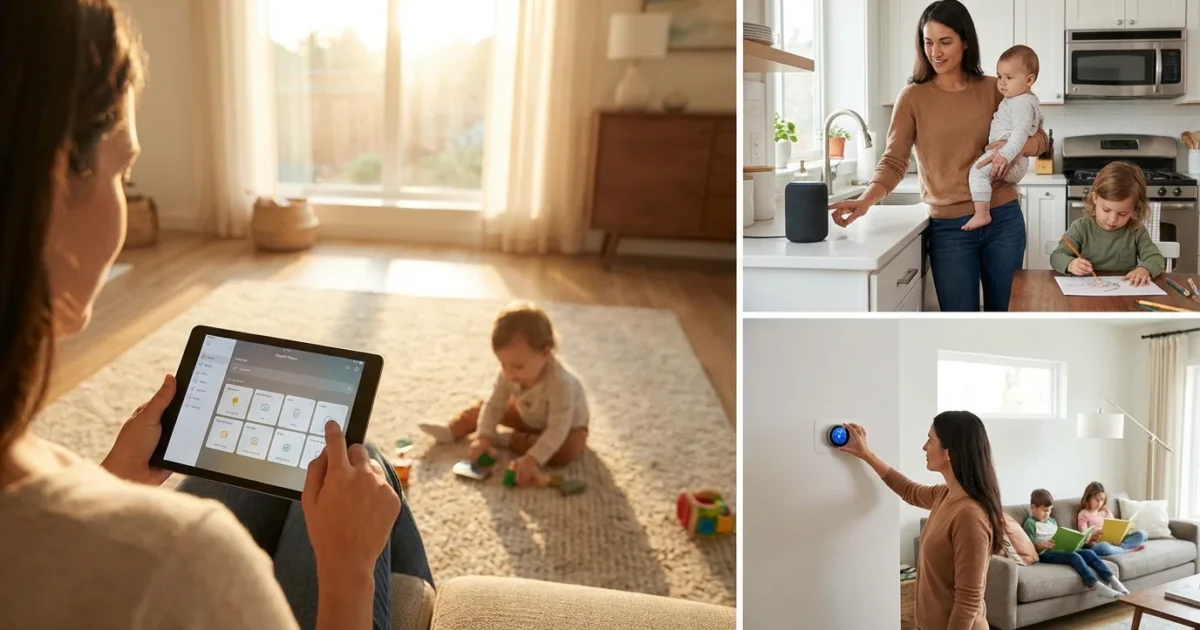
Managing a household with young children demands efficiency, consistency, and a little magic. Smart home technology offers precisely that, transforming chaotic moments into calm, predictable routines. You can leverage automation to streamline daily tasks, enhance safety, and create a more harmonious environment for your family.
Discover how simple smart home routines can give you back precious time, reduce stress, and ensure your little ones thrive in a well-managed home. From peaceful mornings to secure bedtimes, smart technology adapts to your family’s unique rhythm.
Why Smart Routines Transform Family Life
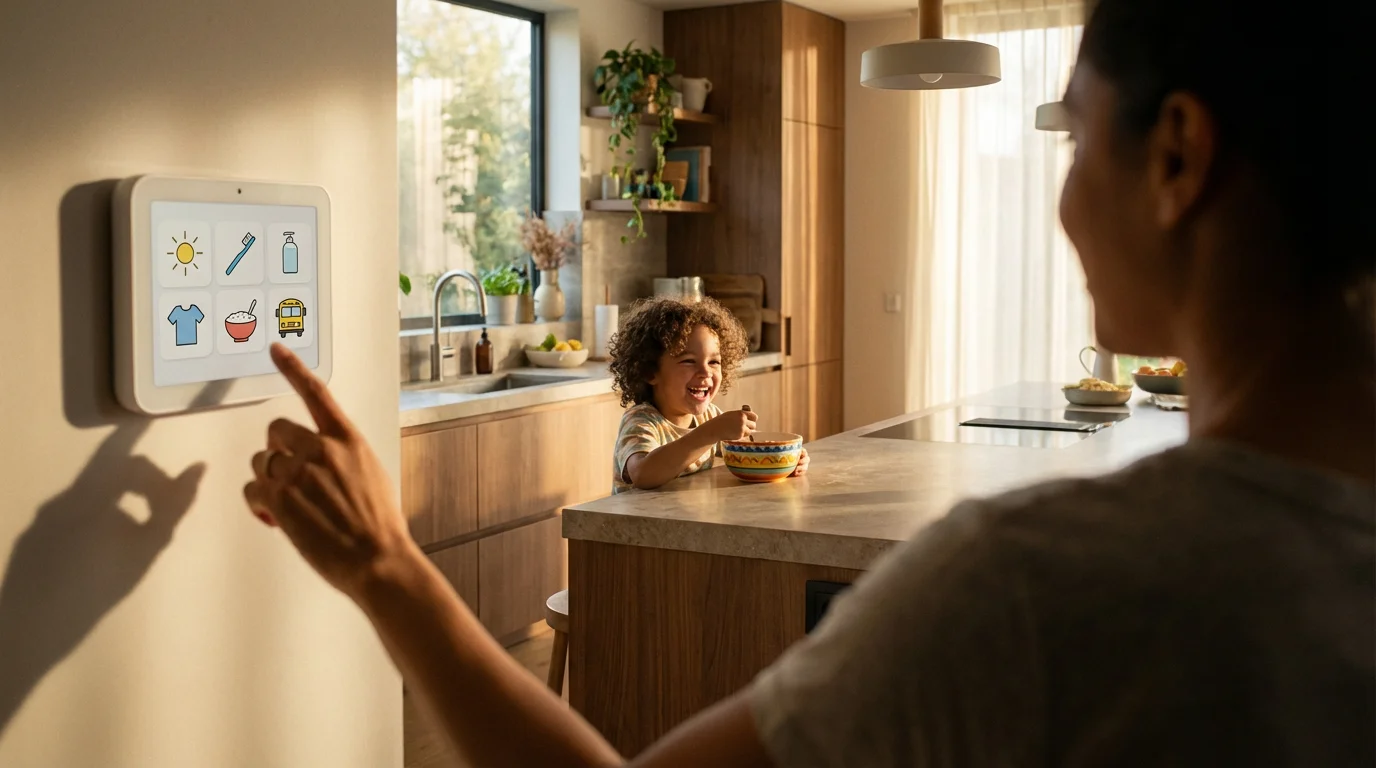
Smart home routines provide structure and predictability, which greatly benefits parents and children. Consistent family routines help children feel secure and understand expectations. For parents, automation frees up mental energy, allowing you to focus on meaningful interactions with your kids.
You gain convenience and peace of mind with smart routines. Imagine never forgetting to turn off a light or lock a door. Your home anticipates your needs, adapting lighting, temperature, and security to your family’s schedule.
- Time Savings: Automate repetitive tasks like turning lights on or off, adjusting thermostats, and playing music.
- Reduced Stress: Fewer forgotten tasks mean less last-minute scrambling. Your home supports your schedule.
- Consistency for Children: Predictable routines aid child development and behavior. Smart lighting or sound can signal transitions like bedtime or quiet time.
- Energy Efficiency: Devices like smart thermostats and lighting dimmers optimize energy use, saving you money. Energy Star certified smart thermostats, for example, save users an average of 8% on heating and cooling costs, according to Energy Star data.
- Enhanced Safety and Security: Monitor doors, windows, and child activity with smart sensors and cameras.
Smart automation simplifies daily life, making your home a more supportive environment for everyone. These enhancements make smart homes particularly appealing to families managing busy schedules and young children.
Building Your Family’s Morning Routine
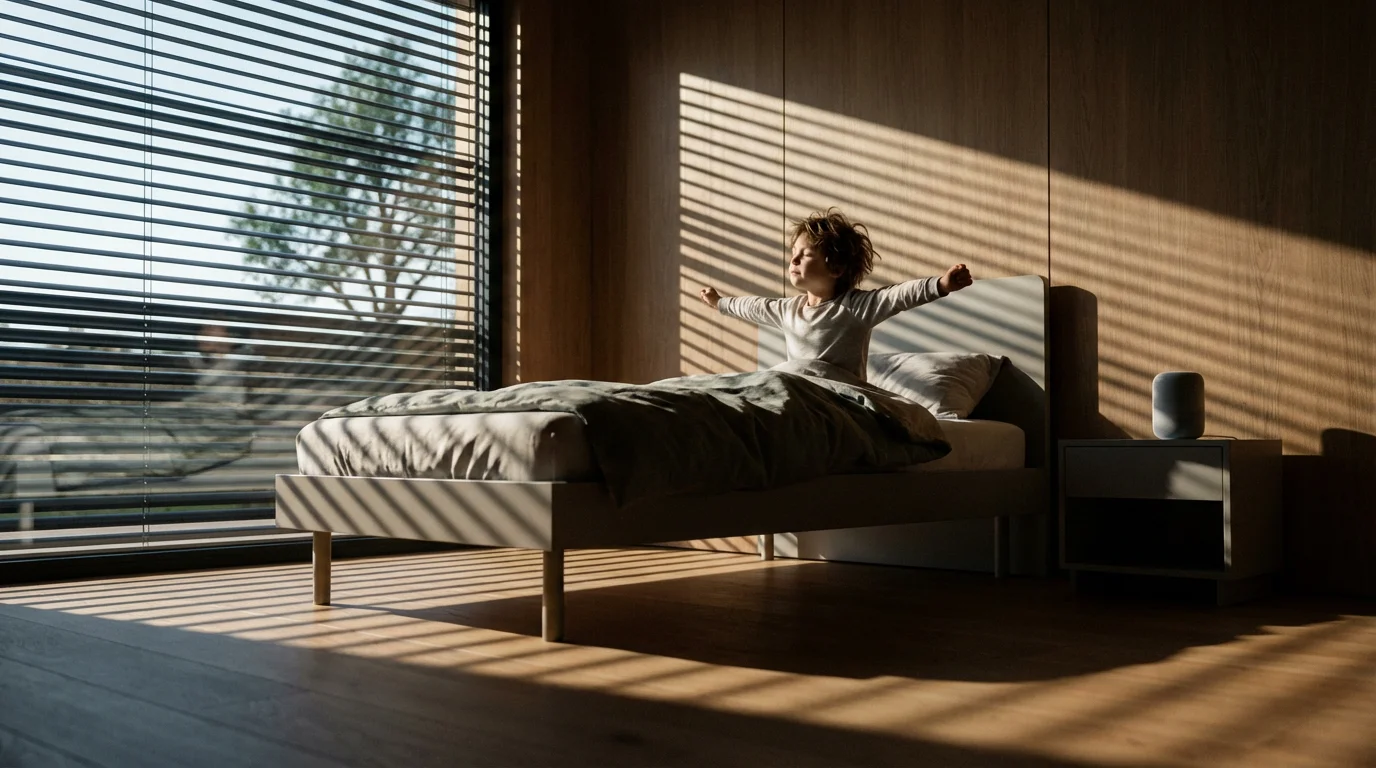
Mornings can often feel like a race against the clock. Smart home automation turns chaotic wake-ups into calm, structured starts. You establish a consistent rhythm for everyone, minimizing stress before the day begins.
Consider these elements for an effective morning routine:
- Gentle Wake-Up: Program smart lights to gradually brighten 15-30 minutes before the alarm. This simulates a natural sunrise, making waking up easier for both adults and children. Philips Hue or LIFX bulbs offer excellent dimming capabilities.
- Automated Coffee/Tea: Connect your coffee maker or electric kettle to a smart plug. Schedule it to start brewing just before you wake up, greeting you with a fresh cup.
- Thermostat Adjustment: Set your smart thermostat to warm the house to a comfortable temperature before you get out of bed. This avoids cold-morning shivers and saves energy by not heating the house all night.
- News and Weather Briefing: Link a smart speaker to play a customized news briefing, weather report, or a calming morning playlist as you and your children prepare for the day. Google Assistant or Amazon Alexa devices easily integrate these features.
- Kitchen Lights and Music: As you enter the kitchen, motion sensors can trigger lights to turn on and play soft, upbeat music. This creates an inviting atmosphere for breakfast.
Implementing these best smart home routines for families with kids ensures a smoother start. You gain more time for family interaction instead of managing devices. Your home actively assists in making mornings less stressful and more enjoyable.
Streamlining Bedtime with Smart Automation
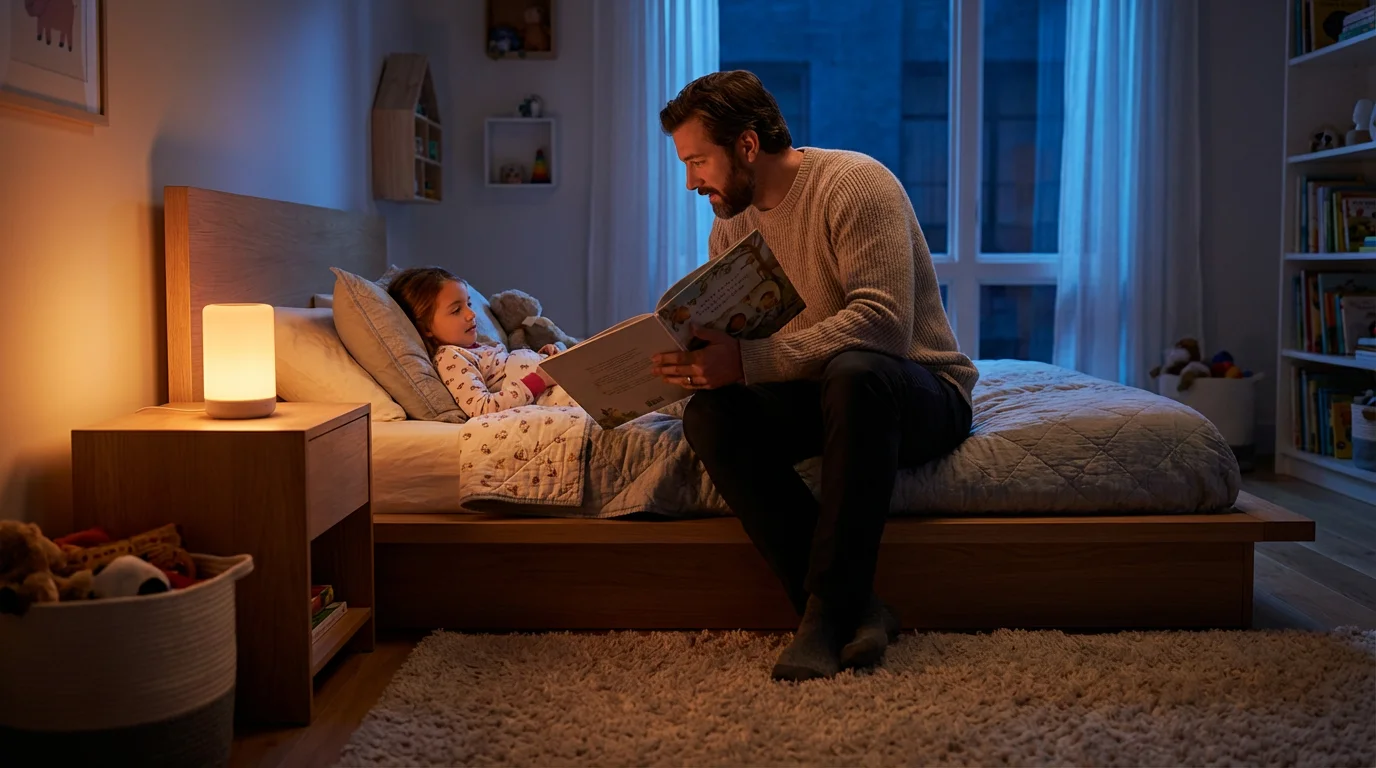
Bedtime routines are crucial for young children, signaling the end of the day and preparing them for sleep. Smart home technology helps create a peaceful, consistent transition to slumber. You reduce arguments and foster better sleep habits.
To ensure your home is fully prepared for sleep, you can learn how to create a goodnight routine that does everything with a single command.
Implement these steps for a tranquil bedtime:
- Gradual Light Dimming: Start dimming lights throughout the house an hour before bedtime. Smart bulbs can slowly shift to warmer tones and lower brightness, signaling the body to produce melatonin.
- Smart Locks and Security Check: Create a routine that locks all exterior doors, closes the garage, and arms your security system at a set time. This gives you peace of mind that your home is secure for the night.
- White Noise or Lullabies: Program a smart speaker in children’s rooms to play white noise or soothing lullabies at bedtime. You can set it to automatically turn off after a set duration.
- Nightlights Activation: Use smart plugs or motion-activated nightlights in hallways and bathrooms. These provide gentle illumination for late-night trips without fully waking anyone.
- Story Time Ambiance: Set a specific lighting scene for story time. Dimmable lights can create a cozy, intimate atmosphere conducive to reading and winding down.
These automations establish clear bedtime cues, making the transition less resistant for children. You ensure a calm environment, promoting better sleep for the entire family. Consistency in bedtime routines helps children fall asleep faster and stay asleep longer.
Making Playtime and Homework Time Smarter
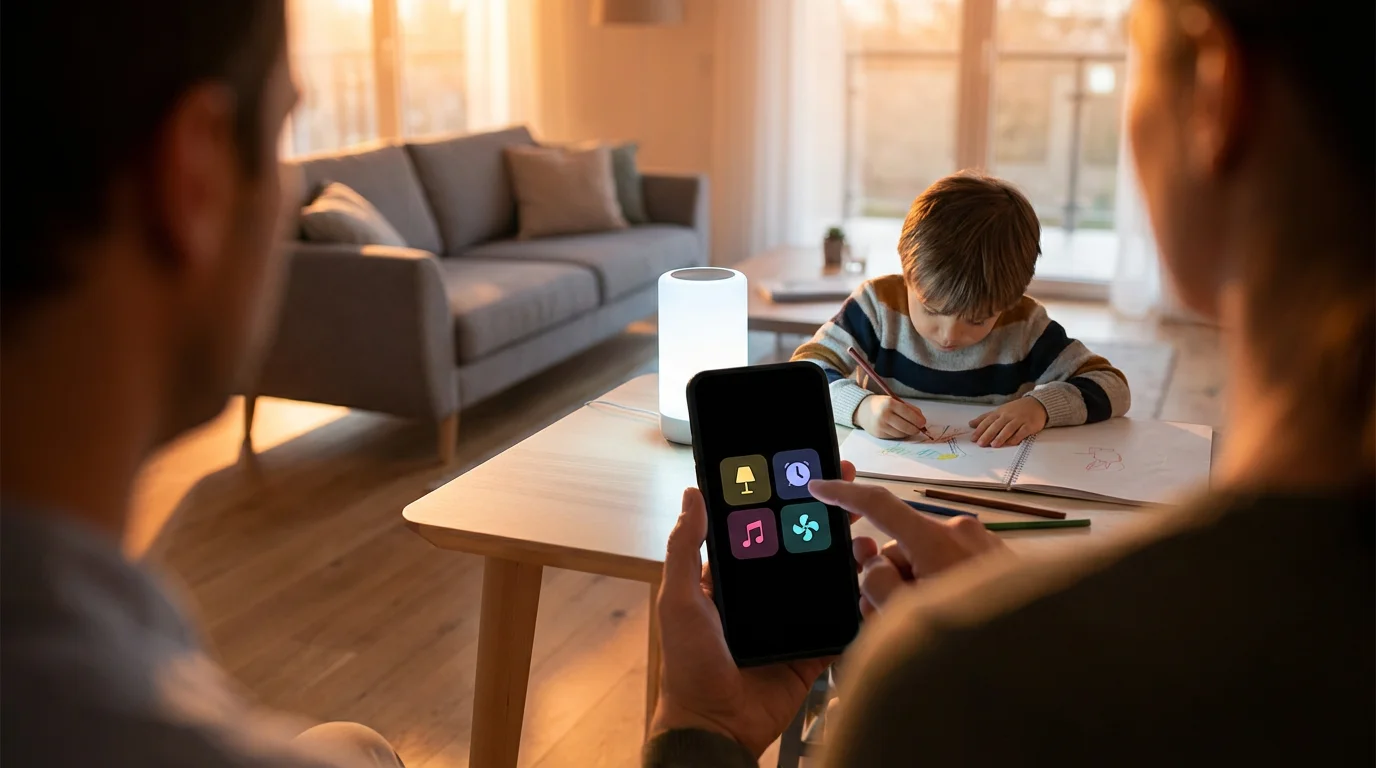
Smart home technology extends beyond just mornings and evenings, enhancing daytime activities as well. You create designated zones and moods for play, learning, and quiet time, supporting your child’s development.
Consider these kid-friendly automation ideas:
- Dynamic Playroom Lighting: Use colorful smart bulbs to transform a playroom into an exciting environment. You can create scenes for “adventure time” with bright, energetic colors or “reading nook” with soft, warm light.
- Background Music for Play: Integrate smart speakers to play age-appropriate music playlists during playtime. Voice commands allow children to request songs within approved genres, fostering independence.
- Focus Lighting for Homework: When it’s homework time, activate a scene that provides bright, cool-toned lighting in study areas. This helps improve concentration and reduces eye strain.
- Quiet Time Automation: Implement a “quiet time” routine that dims lights, plays calming music, and perhaps even activates a “do not disturb” mode on smart speakers. This signals a period for independent play or reading.
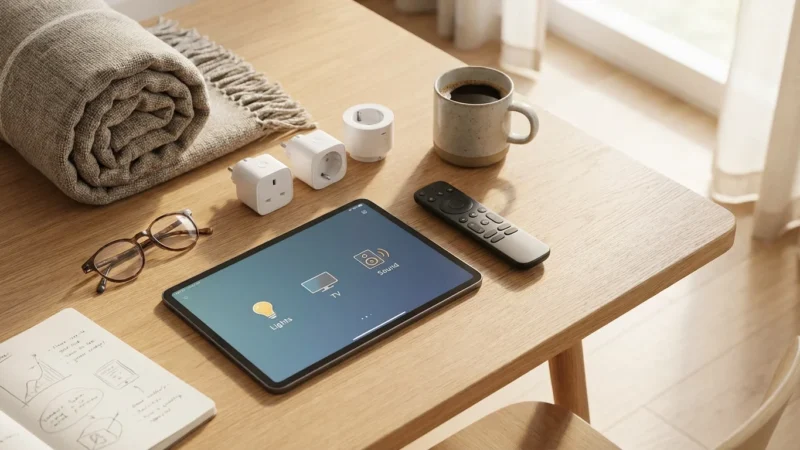
- Smart Plug for Screen Time Management: Connect game consoles or TVs to a smart plug. You can schedule the plug to turn off at specific times, helping manage screen time boundaries without constant parental intervention. This offers a gentle enforcement of limits.
These smart solutions help structure the day, providing cues for different activities. You support learning and play while maintaining boundaries, making for a balanced and productive day for your children.
The best smart home is the one you don’t have to manage. It should seamlessly integrate into your life, anticipating needs and automating tasks without constant intervention.
Enhanced Security and Parental Controls
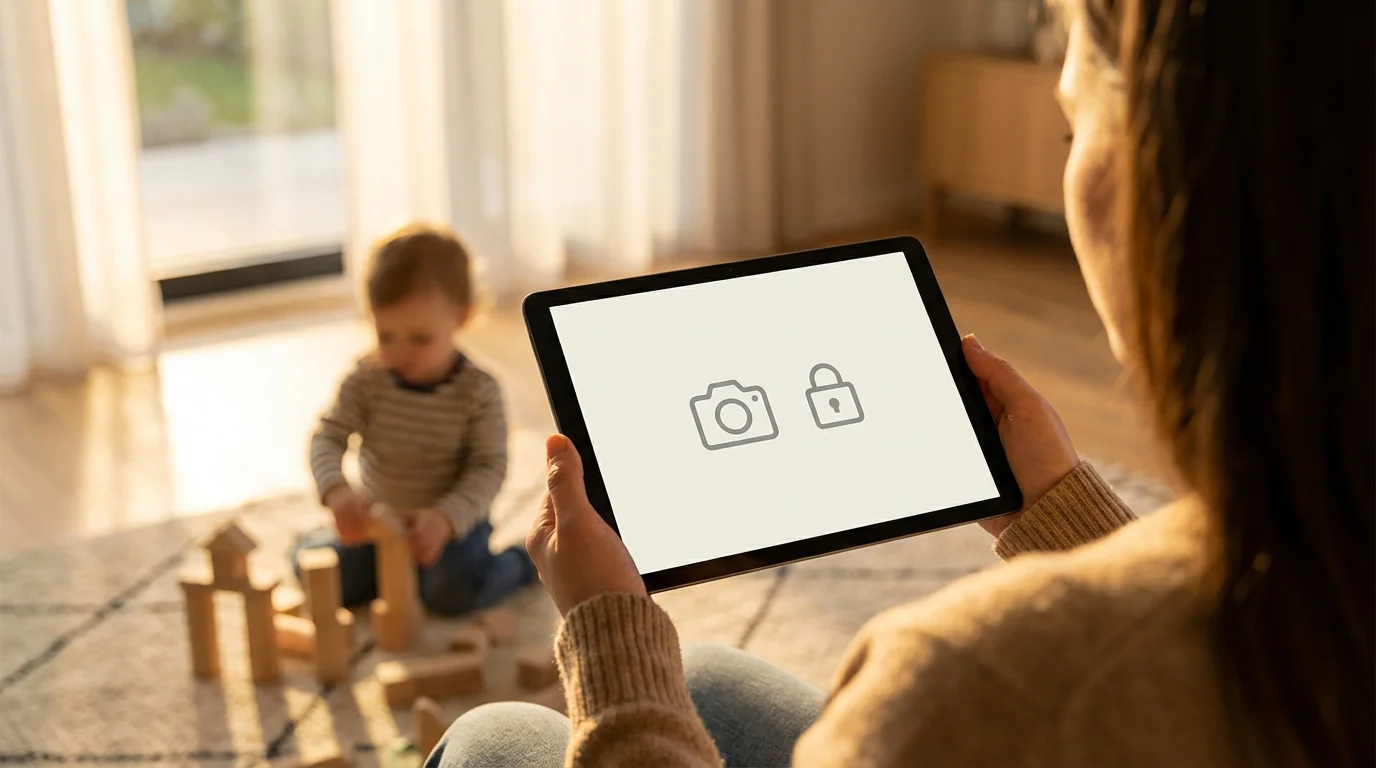
Protecting your family remains a top priority. Smart home technology significantly boosts security and offers robust parental controls, providing you with invaluable peace of mind. You gain real-time awareness and the ability to respond to potential issues quickly.
Explore these security and control features:
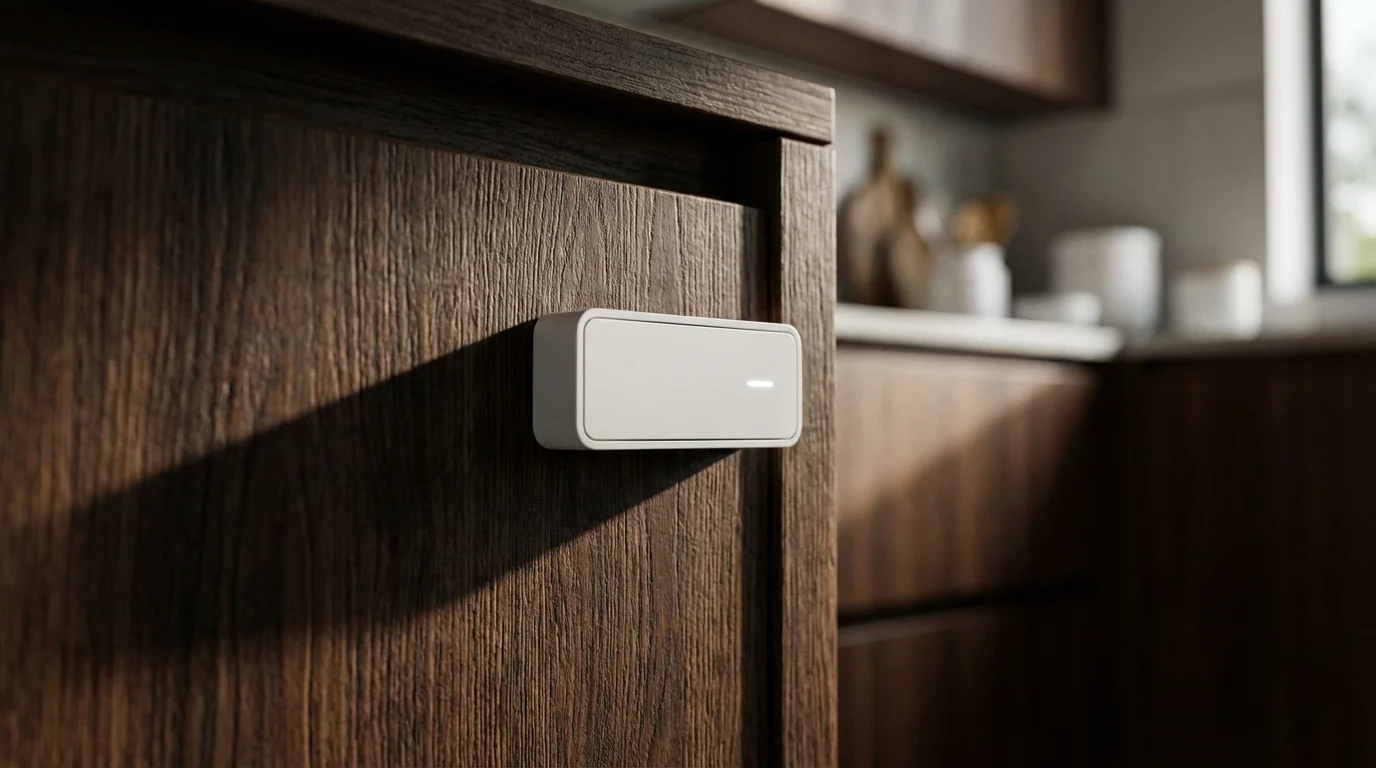
- Door and Window Sensors: Receive instant notifications if a door or window opens unexpectedly. These are invaluable for monitoring young children who might try to wander or for knowing when older children arrive home.
- Smart Security Cameras: Install indoor and outdoor cameras to monitor key areas. Two-way audio allows you to speak to someone at the door or check in on children in another room. Many cameras offer person detection to minimize false alerts.
- Geofencing Alerts: Set up geofencing to notify you when your phone, or a child’s device, leaves or enters a designated area. This is particularly useful for knowing when children are picked up from school or arrive home safely.
- Voice Assistant Restrictions: Configure parental controls on smart speakers. You can filter explicit content, limit purchases, and even restrict calls to approved contacts. Some platforms allow you to create kid-specific profiles with tailored access.
- Smart Lock Access Codes: Grant temporary access codes to babysitters or family members. You receive notifications when specific codes are used, tracking who enters and exits your home.
These tools give you greater control and awareness over your home environment. You can monitor activity, manage access, and ensure your children remain safe, even when you are not physically present.
Creating Child Safe Smart Home Automations
While smart home technology offers incredible benefits, prioritizing safety is paramount, especially with young children. You must consider both physical safety and data privacy when setting up child safe smart home automations. A mindful approach ensures technology enhances, rather than compromises, their well-being.
Follow these guidelines to ensure a child-safe smart home:
- Device Placement: Place smart plugs, speakers, and small sensors out of reach of curious hands. Avoid putting devices with accessible buttons or wires in areas where toddlers play unsupervised.
- Camera Privacy: Position indoor cameras strategically. Ensure they do not capture private areas like bathrooms or bedrooms without explicit family consent. Discuss camera usage with older children, fostering trust and understanding.
- Voice Assistant Content Filtering: Actively enable content filters and parental controls on all smart speakers and displays. Regularly check these settings, as platforms update their features periodically.
- Choking Hazard Awareness: Be mindful of small smart devices or components that could pose a choking hazard. Secure battery compartments and keep spare batteries locked away.
- Simplified Routines: Start with simple, clear automations. Overly complex routines can confuse children and potentially lead to unexpected device behavior. Test all automations thoroughly.
- Data Security: Use strong, unique passwords for all smart home accounts. Enable two-factor authentication whenever available. Understand how smart devices collect and use data, choosing reputable brands with strong privacy policies.
By implementing these safety measures, you create a smart home that truly benefits your entire family. You provide convenience and security without inadvertently introducing risks, supporting a healthy, connected environment for your children.
Troubleshooting Common Automation Challenges
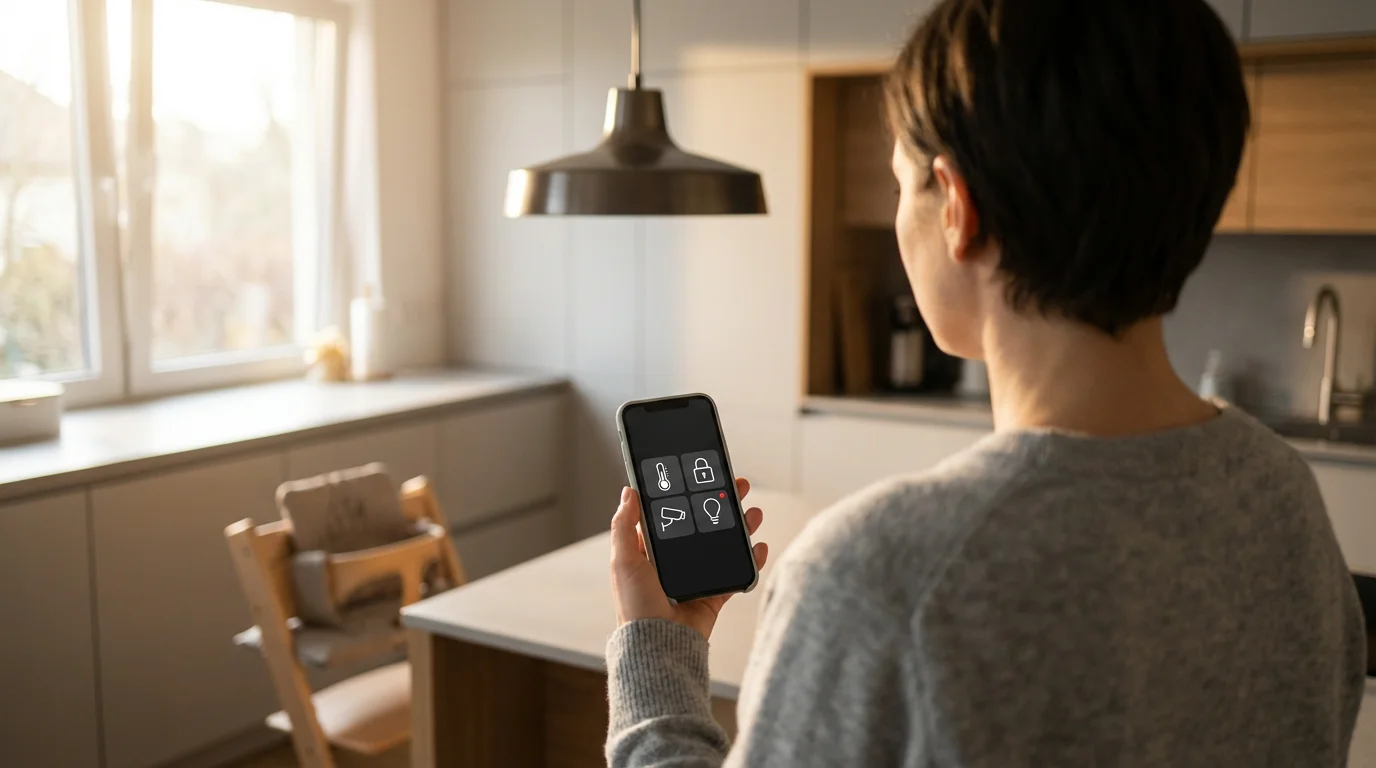
Even the most meticulously planned smart home routines can encounter occasional glitches. Connectivity issues, conflicting schedules, or unexpected device behavior sometimes arise. You can often resolve these common challenges with a few straightforward troubleshooting steps.
Address automation issues effectively:
- Check Network Connectivity: Many smart home problems stem from Wi-Fi issues. Ensure your router is working correctly, and devices have a strong signal. Rebooting your router often resolves intermittent connectivity.
- Review Automation Logic: Double-check the conditions and actions of your routine. A common mistake involves overlapping schedules or contradictory commands (e.g., one routine turning lights on while another turns them off simultaneously).
- Test Individual Devices: Isolate the problem by testing each device involved in the routine individually. Can you manually control the smart light? Does the sensor report activity correctly? This helps pinpoint a faulty device.
- Update Firmware and Apps: Outdated device firmware or smart home app versions can cause compatibility issues. Regularly check for and install updates for all your smart home components.
- Power Cycle Devices: Sometimes, a simple power cycle (unplugging and re-plugging a device) can resolve minor software glitches, restoring functionality.
- Consult Manufacturer Support: If you cannot resolve an issue, refer to the device’s manual or contact manufacturer support. They provide specific troubleshooting steps and warranty information.
Persistent issues might indicate a need to adjust your Wi-Fi setup or reassess device compatibility, especially with new smart home standards like Matter. The Matter standard aims to improve interoperability and reliability across different smart home brands, which could simplify future troubleshooting. Learn more about the Matter standard for enhanced device communication.
Advanced Automation Ideas for Busy Parents
Once you master basic routines, explore more sophisticated automations to unlock your smart home’s full potential. These advanced scenarios offer deeper levels of convenience and customization, significantly easing the demands on busy parents. You create a home that truly thinks for itself.
As you become more comfortable with smart tech, you may want to learn how to chain multiple automations together for even more complex home responses.
Consider these advanced concepts:
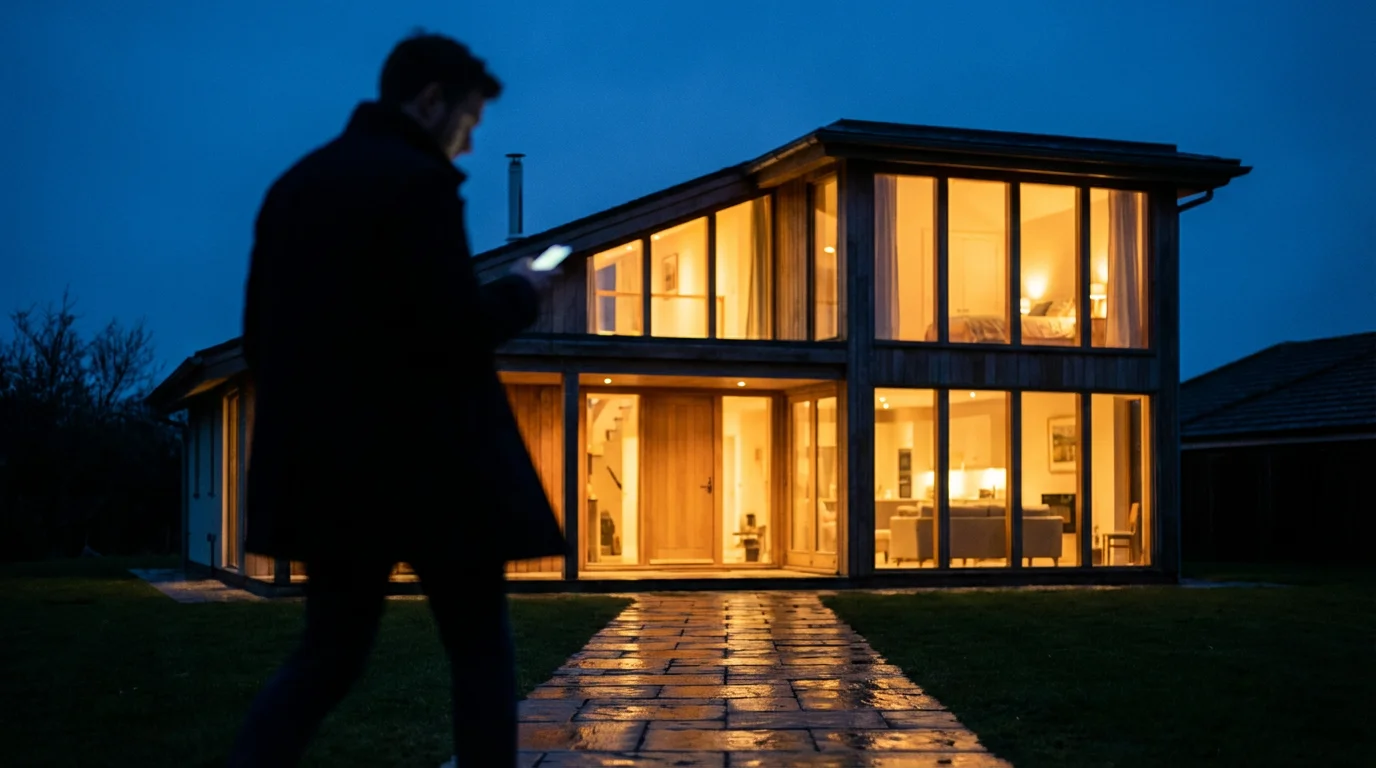
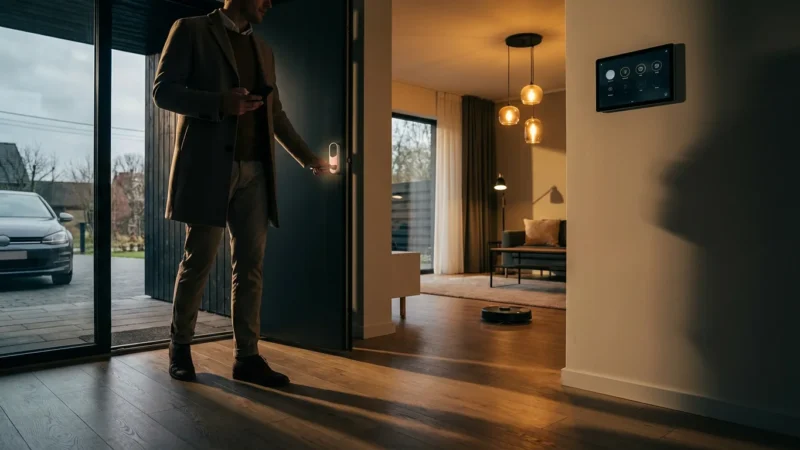
- Location-Based Welcome Home Scene: Use geofencing to trigger a “Welcome Home” routine. As you approach your house, lights turn on, the thermostat adjusts, and a favorite family playlist begins playing.
- Automated Fresh Air: Connect smart window openers or exhaust fans to an indoor air quality monitor. When CO2 levels rise or humidity becomes excessive, the system automatically ventilates your home, ensuring a healthier environment.
- Kids’ Chores Reminders with Voice: Program your smart speaker to issue gentle reminders for chores at specific times. For example, “Alexa, please remind Leo to put his toys away at 5 PM.” You can personalize these messages.
- Smart Sprinkler System Integration: Link your smart sprinkler controller with local weather forecasts. It automatically adjusts watering schedules based on rain predictions, preventing overwatering and conserving water.
- Energy Monitoring and Optimization: Use smart plugs with energy monitoring capabilities to track appliance usage. Create routines to turn off energy-hogging devices during peak hours or when not in use, reducing your electricity bill.
- Sleep Tracking Integration: Pair a sleep tracking mattress or wearable with your smart home system. Based on sleep data, the system can optimize morning routines, adjusting wake-up light timing for optimal alertness.
These advanced automations move beyond simple on/off commands, creating a responsive and intuitive living space. You gain greater control and efficiency, allowing your smart home to manage more aspects of your daily life effortlessly.
Frequently Asked Questions
What is the easiest smart home device to start with for parents?
Smart plugs or smart bulbs are excellent starting points. They offer immediate benefits, like controlling lamps or small appliances, and require minimal setup. You quickly experience the convenience of automation.
Can smart home routines save me money on energy bills?
Yes, absolutely. Smart thermostats learn your family’s schedule and optimize heating and cooling. Smart lighting systems automatically turn off lights in empty rooms or dim them, reducing consumption. You gain control over energy usage.
Are smart home devices safe for children?
Most smart home devices are safe when used correctly and with appropriate parental controls enabled. Prioritize secure placement, especially for small devices. Always supervise children around electronics, just as you would with any other household item.
What if my internet goes down? Will my routines still work?
It depends on the device and platform. Many smart home hubs can run basic routines locally, meaning they function even without an internet connection. Cloud-dependent routines, like voice commands or remote access, will not work. Check your hub’s capabilities.
How do I make sure my smart home automations are private?
Choose reputable brands known for strong security and privacy practices. Always use strong, unique passwords and enable two-factor authentication. Regularly review privacy settings in your smart home apps and be cautious about sharing personal data. You control your information.
Disclaimer: This article is for informational purposes only. Smart home devices involve electrical connections and data privacy. Always follow manufacturer instructions for installation. For complex wiring or HVAC work, consult a licensed professional.

Leave a Reply