
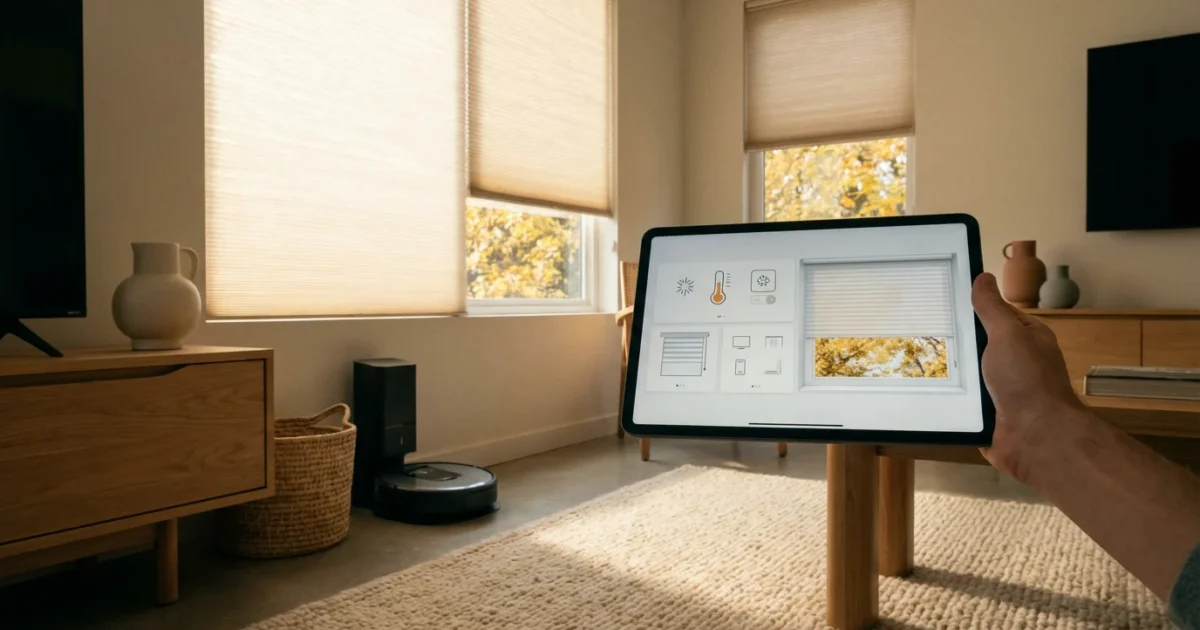
Your home’s needs change throughout the year. The scorching summer sun demands different strategies than a frosty winter morning. Smart home automations offer a powerful way to adapt your living space to these shifts, enhancing comfort, boosting energy efficiency, and improving security with minimal effort from you. By setting up intelligent seasonal routines, your home anticipates your needs, responding to changes in weather, daylight hours, and even holiday celebrations.
Implementing effective smart home automations means your devices work together seamlessly. You move beyond simple device control to an ecosystem that proactively manages your environment. This guide explores the best seasonal smart home automations you should set up, transforming your residence into a responsive, intuitive haven all year long.
Why Seasonal Automations Matter for Your Smart Home
Smart homes excel when they anticipate your needs. Seasonal automations take this a step further, optimizing your home’s performance based on predictable environmental changes. This proactive approach saves you time, money, and offers greater peace of mind.
Consider the benefits you gain:
- Enhanced Comfort: Your home maintains ideal temperatures and lighting, no matter the external conditions. Smart thermostats, for example, learn your preferences and adjust proactively.
- Significant Energy Savings: Automating lights, heating, and cooling based on real-time weather and occupancy drastically reduces wasted energy. Energy Star certified smart thermostats can save homeowners around 8% on heating and cooling costs, as detailed by Energy Star itself.
- Improved Security: Automations can simulate occupancy when you are away for extended periods, or adjust camera sensitivity based on seasonal activity.
- Greater Convenience: You eliminate repetitive tasks, allowing your home to handle things like watering the lawn when it is dry or turning on holiday lighting at dusk.
- Better Device Longevity: Intelligent control prevents overworking devices, such as air conditioners running unnecessarily or lights staying on all night.
Implementing these smart seasonal routines allows your home to truly work for you, adapting effortlessly to the rhythm of the year.
Spring Refresh: Lightening Up and Clearing Out
Spring signals renewal, longer days, and a desire for fresh air. Your smart home can actively support this seasonal shift. Focus on automations that enhance natural light, improve air quality, and prepare your outdoor spaces.
This season is also a perfect time to update your morning routines to align with the earlier sunrise.
Here are practical spring automation ideas:
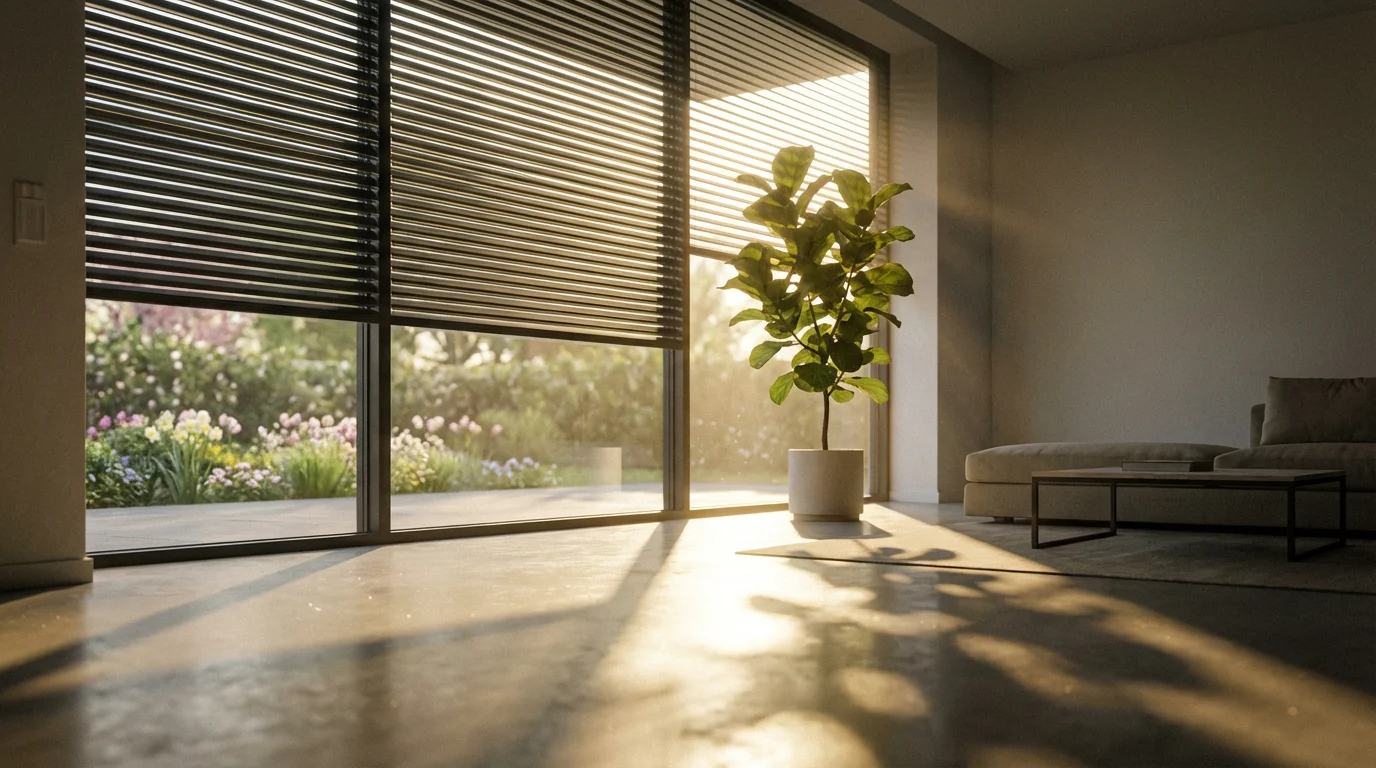
- Automated Blinds and Shades: Schedule smart blinds to open gradually in the morning, maximizing natural light and gently waking you. Set them to close partially during the hottest part of the afternoon to prevent excessive heat gain if the sun gets intense.
- Smart Ventilation: Integrate smart switches with bathroom or kitchen exhaust fans. Program them to run for 15 minutes after high-humidity events, like showers or cooking, to prevent mold growth. Pair them with smart air quality monitors to activate when pollutant levels rise.
- Air Purifier Boost: If you use smart air purifiers, create a routine that increases their fan speed when pollen counts are high, or during periods when windows might be open for ventilation.
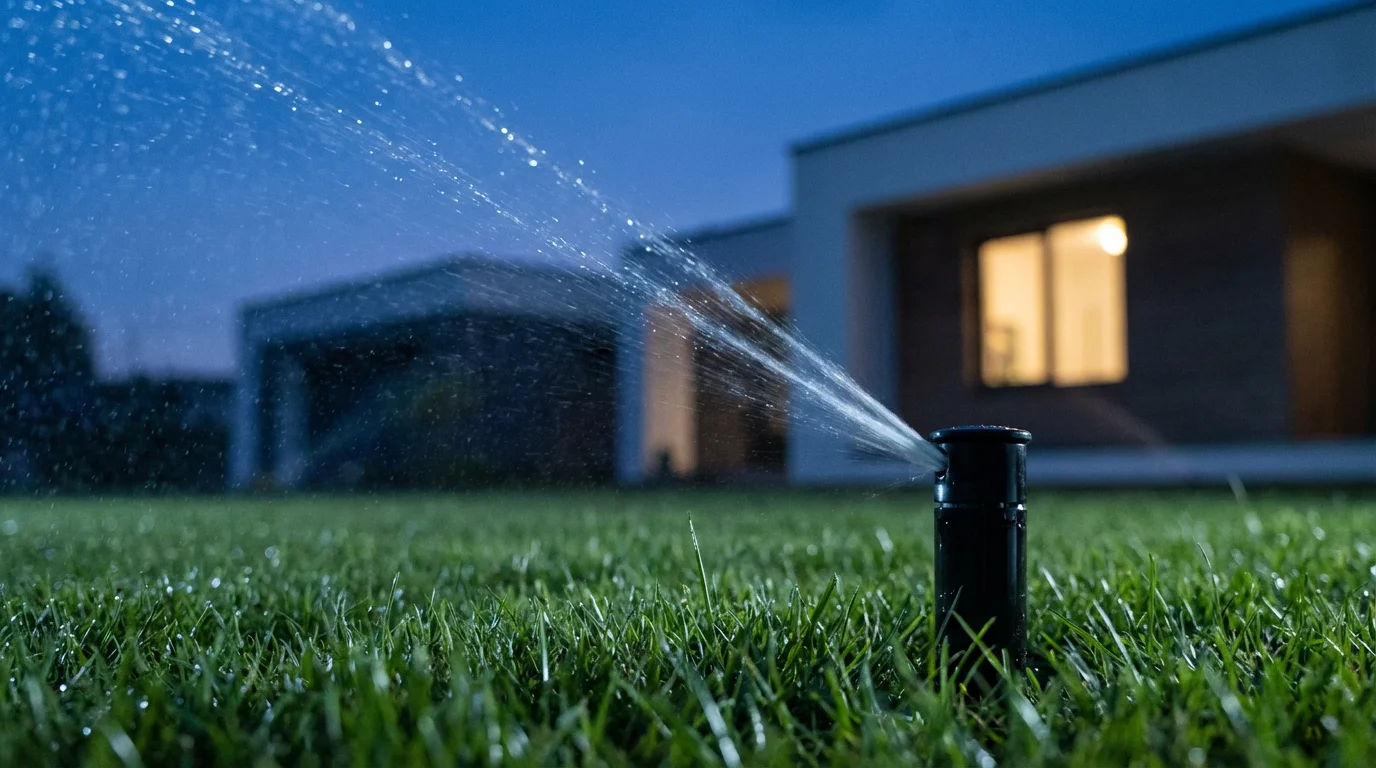
- Outdoor Sprinkler Schedules: Adjust your smart irrigation system’s schedule to align with spring rain patterns. Many smart sprinklers use local weather forecasts to skip watering days, preventing overwatering and conserving water.
- Entryway Lighting: With longer days, adjust outdoor path and porch lights to turn on later in the evening and turn off earlier in the morning, conserving energy.
These adjustments make your home feel lighter and fresher, aligning with the spirit of spring.
Summer Comfort: Beating the Heat and Boosting Efficiency
Summer brings heat, sunshine, and often, higher energy bills. Your smart home excels at maintaining comfort while minimizing energy consumption. Focus on cooling, sun management, and outdoor living.
Consider these essential summer automations:
- Smart Thermostat Cooling Schedule: Program your smart thermostat to pre-cool your home before you arrive from work, then adjust to a higher temperature when no one is home. Integrate it with occupancy sensors or geofencing for optimal efficiency.
- Window and Door Sensor Integration: Set an automation that pauses your air conditioning if a window or door remains open for more than five minutes. This prevents cooling the outdoors.
- Sun-Tracking Blinds: Schedule smart blinds or shades to close on sun-facing windows during peak daylight hours. This blocks solar heat gain, significantly reducing the load on your AC system.
- Outdoor Lighting Control: Automate patio and garden lights to turn on at sunset and off at a predetermined time, like midnight, for evening entertaining. Use motion sensors to activate security lights only when needed.
- Smart Fan Integration: Pair smart ceiling fans with your thermostat. When the AC is running, set fans to circulate air, allowing you to raise the thermostat setting a few degrees without sacrificing comfort.
- Vacation Mode Security: When you travel, activate a comprehensive “Away” scene. This can randomly turn lights on and off, simulate TV noise, and ensure all doors are locked and security cameras are armed.
These summer smart home automations keep you cool and your energy bills in check, providing peace of mind even when you are away.
Fall Cozy: Embracing Warmth and Shorter Days
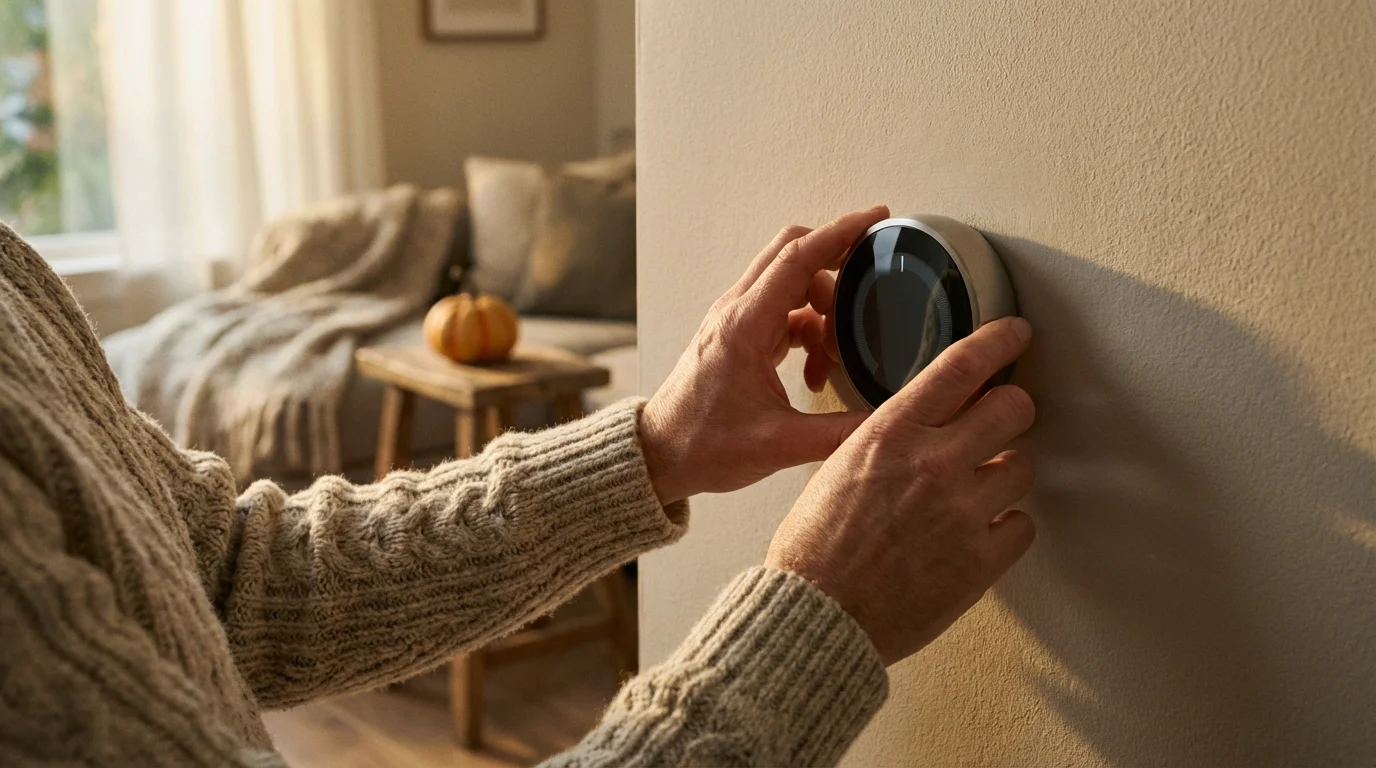
As summer transitions to fall, days shorten, temperatures drop, and you start craving warmth and coziness. Your smart home can help create that inviting atmosphere while preparing for colder months.
Implement these practical fall routines:
- Heating Schedules: Adjust your smart thermostat to warmer temperatures in the mornings and evenings. Use geofencing to pre-heat your home before your arrival, ensuring comfort without constant heating.
- Automated Lighting for Shorter Days: Program indoor lights to turn on earlier in the afternoon as daylight fades. You can also create ambiance scenes that dim lights and activate smart lamps with warmer color temperatures.
- Smart Plug for Space Heaters: If you use smart space heaters, connect them to smart plugs. Automate them to turn on only when you are in the room and the temperature drops below a certain threshold, ensuring safety and efficiency. Always follow safety guidelines for space heaters.
- Outdoor Feature Winterization Reminders: Set smart speaker reminders to winterize your outdoor smart devices, such as disconnecting smart sprinklers or storing outdoor cameras in extremely cold climates.
- Air Quality Monitoring: With windows closed more often, monitor indoor air quality. Automate smart purifiers or ventilation systems to activate if CO2 levels or other pollutants rise.
Fall automations focus on creating a comfortable, energy-efficient home environment that embraces the changing season.
Winter Wonder: Holiday Cheer and Enhanced Security
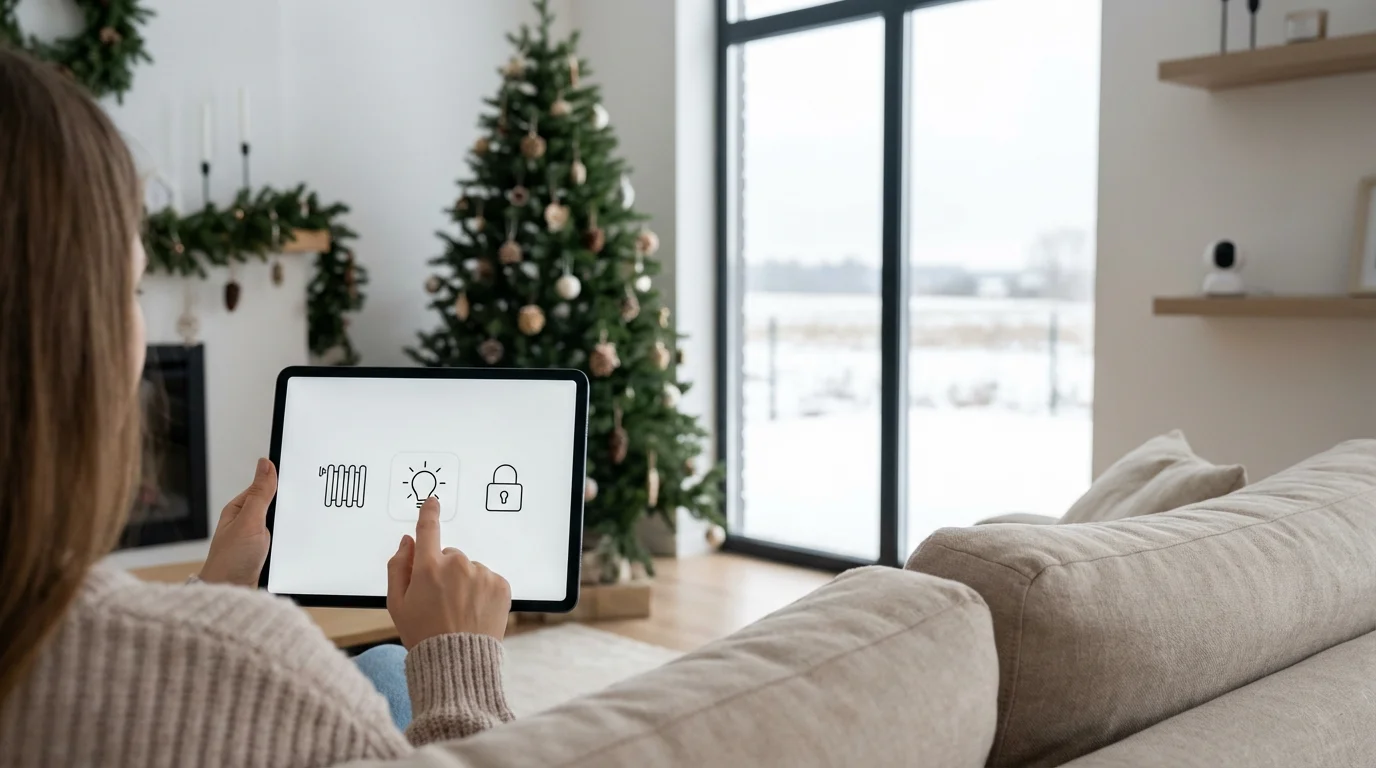
Winter brings cold weather, holiday celebrations, and often, increased travel. Your smart home can manage holiday lighting, optimize heating, and bolster security when you are away.
Discover effective winter smart home automations:
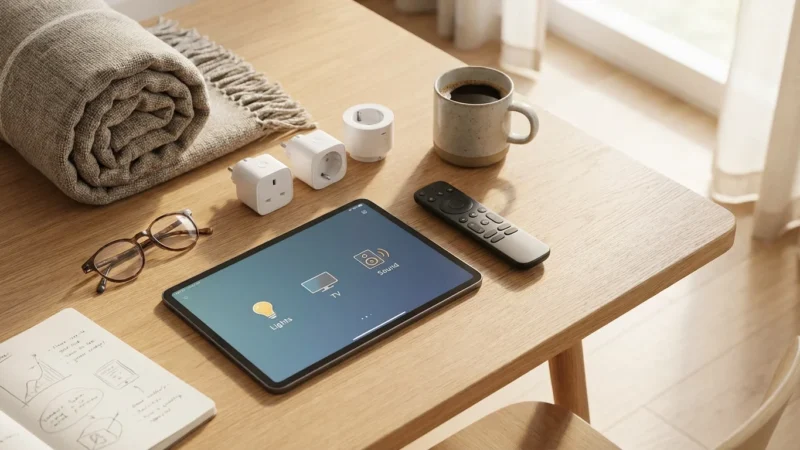
- Holiday Lighting Automation Ideas: Plug your indoor and outdoor holiday lights into smart plugs. Schedule them to turn on automatically at dusk and off at a specific time or sunrise. You can even synchronize multiple strands to turn on and off together. For a truly festive touch, integrate them into a “Holiday Scene” that also plays seasonal music through smart speakers.
- Optimized Heating Zones: Use smart radiator valves or zoning systems to heat only occupied rooms. For instance, program the living room to be warmer in the evening, while bedrooms maintain a cooler temperature for sleeping.
- Pipe Freeze Protection: Integrate smart temperature sensors in vulnerable areas like basements or utility rooms. If the temperature drops below a critical point, receive an alert to take preventative action against freezing pipes.
- Enhanced Security While Away: If you travel for the holidays, strengthen your “Away” routine. In addition to random light patterns, program smart blinds to open and close at different times, simulating a truly occupied home. Ensure smart locks are engaged and security cameras are actively monitoring.
- Smart Humidifier Control: Combat dry winter air by connecting a humidifier to a smart plug or using a smart humidifier. Automate it to maintain a comfortable humidity level, especially in bedrooms.
These best seasonal smart home automations help you celebrate the holidays stress-free and keep your home secure and comfortable through the coldest months.
Creating Dynamic Weather-Based Automations
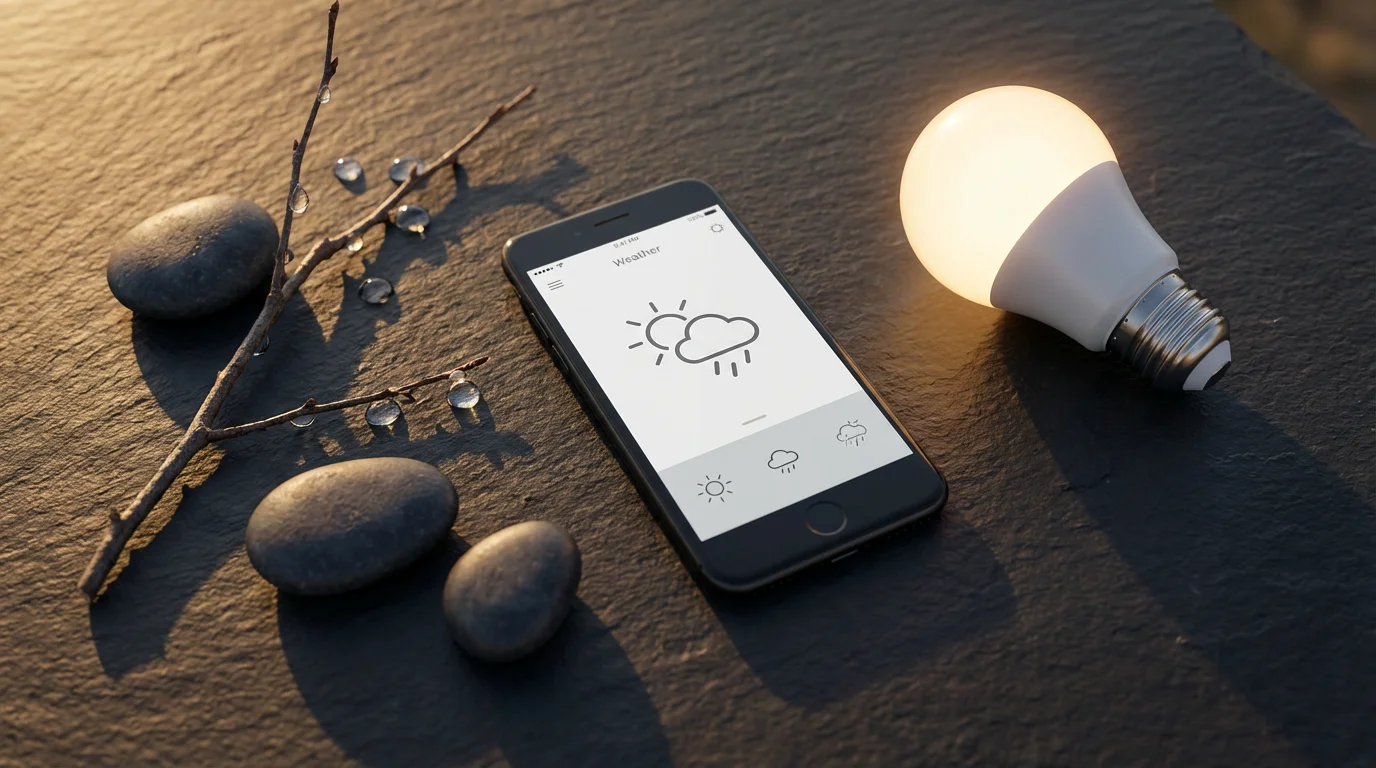
True smart home intelligence emerges when your devices react not just to time, but to real-time environmental data. Weather-based automations are incredibly powerful, allowing your home to adapt organically.
You can leverage various data points for these dynamic automations:
- Outdoor Temperature: Set your thermostat to adjust based on external temperature. For example, if the outdoor temperature drops below 40°F, ensure the heating is on a minimum setting to prevent pipes from freezing. If it rises above 80°F, close blinds on sunny windows.
- Humidity Levels: If indoor humidity climbs above 60%, activate a smart dehumidifier or turn on exhaust fans. Conversely, if it falls below 30% in winter, turn on a smart humidifier.
- Sunrise and Sunset Times: Many smart home platforms automatically adjust routines based on actual sunrise and sunset, which changes daily. Use this to trigger indoor and outdoor lighting.
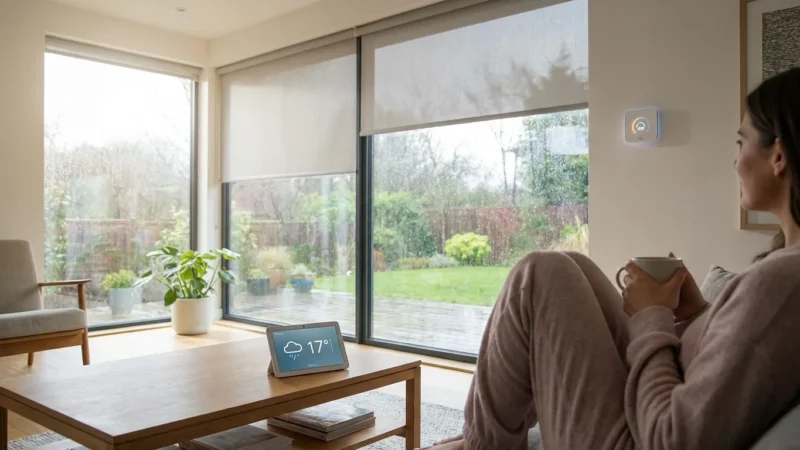
- Rain and Wind: If rain is detected, retract smart awnings or close smart windows. High winds can trigger security alerts or prompt you to close garage doors.
Most smart home platforms, like Amazon Alexa, Google Home, Apple HomeKit, or dedicated hubs, integrate with weather services. You simply choose “Weather” as a trigger condition when creating your routine. For example, you can create a routine: “If local forecast predicts rain, then close smart garage door and send notification.” Integrating with platforms like Matter ensures broader compatibility across your devices, which is a key focus for the Connectivity Standards Alliance.
The most effective smart home is not a collection of gadgets, but a seamlessly integrated system that anticipates and responds to your living patterns and environmental changes.
Advanced Automation Tips for Every Season
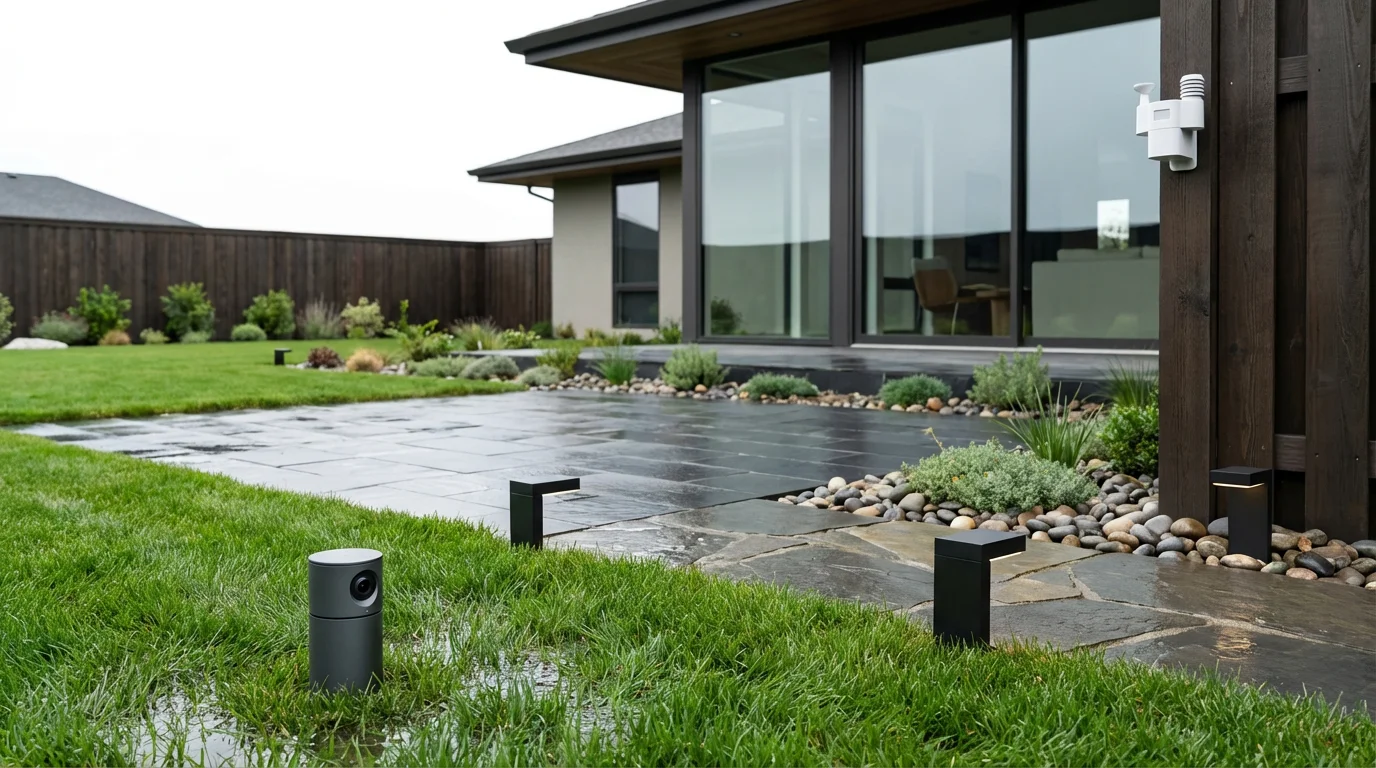
Once you master basic seasonal routines, elevate your smart home with more sophisticated setups. These advanced ideas use multiple triggers and actions, often across different device types.
Explore these power-user automations:
- Geofencing for Energy Efficiency: Combine geofencing (your phone’s location) with weather data. When the last person leaves home, if the outdoor temperature is above a certain threshold, your smart thermostat sets to an away-from-home temperature. If it is below, it adjusts to prevent freezing pipes.
- Multi-Device Scenes for Specific Activities: Create a “Summer Evening Relax” scene that dims outdoor lights, turns on a smart fan on the patio, and starts a nature sound playlist on an outdoor smart speaker. For winter, a “Cozy Movie Night” scene could dim living room lights, close smart blinds, and adjust the thermostat to a warmer temperature.
- Sensor-Driven Occupancy Management: Use motion or occupancy sensors to dictate lighting and temperature. For instance, in a rarely used guest room, lights only turn on if motion is detected, and the thermostat only adjusts when the room is occupied. This is particularly useful for seasonal guests.
- Smart Speaker Notifications: Program your smart speakers to announce seasonal alerts. “It looks like rain today, the windows are still open,” or “Pollen levels are high, consider activating the air purifier.”
- Virtual Switches for Complex Logic: For advanced users, some smart home platforms allow virtual switches. You can trigger complex automations when a virtual switch is toggled, which itself might be triggered by a specific combination of conditions not natively supported by a single routine.
These ideas demonstrate how you can create a truly intelligent home that adapts to every nuance of your life, regardless of the season.

Troubleshooting Seasonal Routines and Conflicts
Even the most meticulously planned seasonal routines can encounter issues. Automations might conflict, devices could become unresponsive, or triggers might fail to fire. Understanding how to troubleshoot keeps your smart home running smoothly.
Follow these steps to diagnose and resolve common problems:
- Check Device Connectivity: Ensure all devices involved in the automation are powered on and connected to your network. Verify Wi-Fi signal strength for devices that rely on it.
- Review Automation Logic: Carefully examine the routine’s setup. Is the trigger condition correct? Are there any conflicting automations? For example, one routine trying to turn lights on at sunset, and another trying to turn them off based on a motion sensor could create a flicker.
- Test Triggers Manually: If your automation uses a sensor (e.g., motion, temperature, door/window), manually trigger the sensor and observe if the device registers the change in its app. This verifies the sensor is working.
- Inspect Device Settings: Sometimes, individual device settings can override automation commands. Check the specific device’s app for any conflicting schedules or ‘away’ modes.
- Update Firmware and Apps: Outdated device firmware or smart home app versions can cause unexpected behavior. Ensure everything is up to date.
- Simplify and Rebuild: If an automation is complex, try creating a simpler version with fewer devices or conditions. If that works, gradually add back elements to identify the point of failure.
- Consult Documentation: Refer to your smart home hub’s or device manufacturer’s troubleshooting guides. Online communities and forums also offer valuable insights into specific issues.
Proactive troubleshooting ensures your seasonal smart home automations provide consistent convenience and efficiency throughout the year.
Frequently Asked Questions
What is a seasonal smart home automation?
A seasonal smart home automation is a programmed routine that adjusts your smart devices based on changing seasons, weather patterns, or holiday events. It considers factors like daylight hours, outdoor temperature, and specific dates to optimize comfort, energy use, and security.
How do I set up weather-based automations?
Most smart home platforms, like Google Home, Alexa, or dedicated hubs, offer weather conditions as triggers for routines. You select “weather” as your trigger, specify conditions (e.g., “temperature above 75°F,” “rainy forecast”), and then choose the devices and actions (e.g., close blinds, turn off sprinklers) to execute.
Can seasonal automations save me money?
Yes, significantly. By optimizing heating and cooling based on actual weather, adjusting lighting schedules to natural light, and turning off devices when not needed, you reduce energy consumption. Smart thermostats, for instance, are known for their energy-saving capabilities.
What if my seasonal routines conflict with each other?
Automation conflicts are common. The best approach is to review your routines within your smart home app. Look for overlapping triggers or actions. Many platforms allow you to set priorities for routines or create conditions like “only run if device is off.” Simplifying complex routines or combining them into single, comprehensive scenes also helps prevent conflicts.
Do I need a smart home hub for seasonal automations?
While many smart devices offer direct app control, a central smart home hub or platform (like Apple HomeKit, Amazon Alexa, or Google Home) greatly simplifies creating complex seasonal automations. It allows devices from different manufacturers to work together in integrated routines, especially for weather-based or multi-device scenes. New standards like Matter further enhance this interoperability, letting devices from various brands communicate seamlessly, as highlighted by the Connectivity Standards Alliance.
Disclaimer: This article is for informational purposes only. Smart home devices involve electrical connections and data privacy. Always follow manufacturer instructions for installation. For complex wiring or HVAC work, consult a licensed professional.

Leave a Reply