
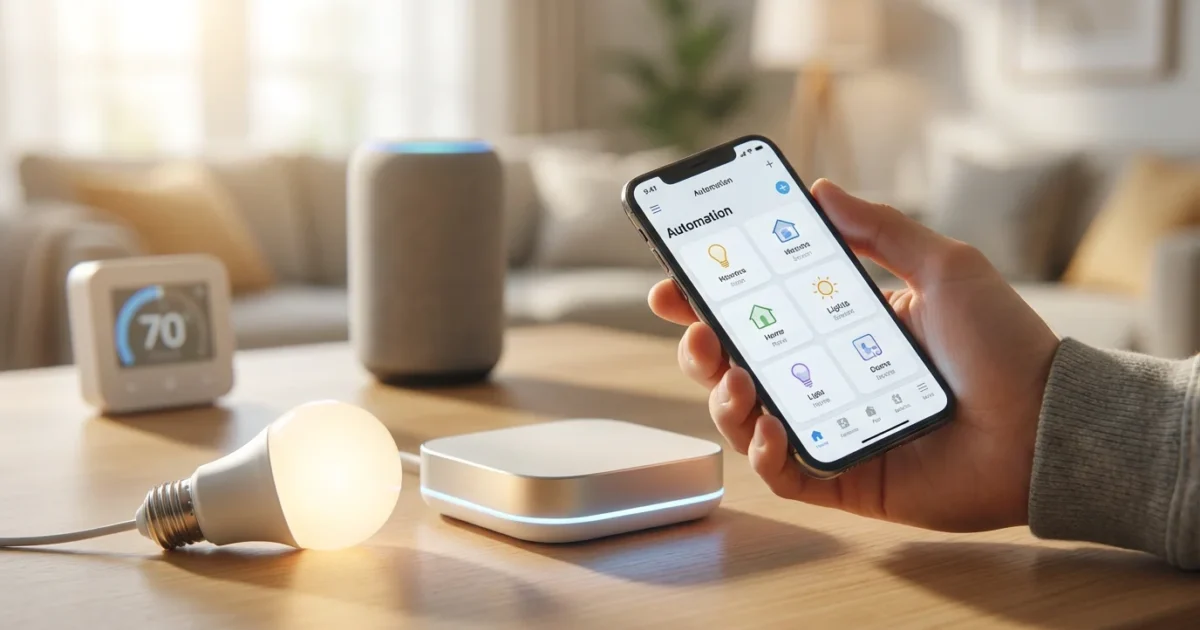
Harnessing the full power of your smart home devices often means making them work together seamlessly. While many smart home ecosystems offer their own automation features, they might not connect every device or service you use. This is where IFTTT, which stands for “If This Then That,” becomes an invaluable tool. It acts as a universal translator, enabling your disparate devices and online services to communicate and perform actions based on simple conditions.
This guide demystifies IFTTT automation, providing you with practical, actionable steps to integrate it into your smart home. You will learn how to set up your account, connect various services, and build powerful applets that enhance convenience, improve security, and save energy. Transform your living space into a truly automated environment, from creating personalized morning routines to implementing advanced security protocols. Let’s explore how to use IFTTT for smart home automation.
Understanding IFTTT: Your Smart Home’s Connection Hub
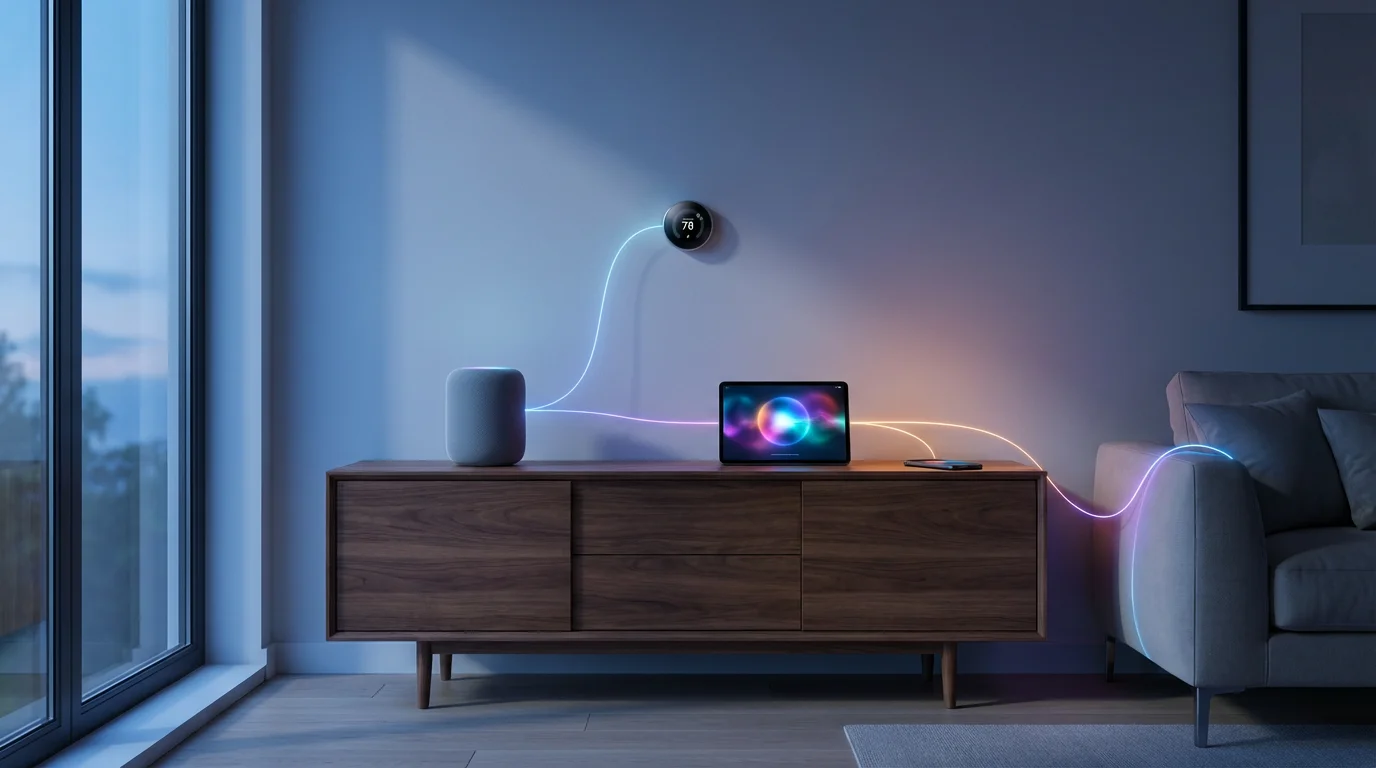
IFTTT operates on a straightforward principle: “If This Then That.” This means when a specified “trigger” event occurs, a corresponding “action” automatically executes. These triggers and actions stem from various connected services, ranging from smart home devices like lights and thermostats to weather apps, social media, and even your smartphone’s location.
You interact with IFTTT through “applets,” which are essentially pre-built or custom automation recipes. Each applet consists of a single trigger and a single action. For example, “If the weather forecast predicts rain tomorrow, then send me a notification.” For smart home use, this translates into powerful cross-device functionality. You effectively create bridges between otherwise incompatible devices.
IFTTT connects thousands of services, making it a flexible platform for orchestrating complex automations. You can link popular brands such as Philips Hue, Ring, ecobee, and Google Assistant. This broad compatibility allows you to create highly personalized smart home experiences without complex coding. The platform extends the capabilities of your existing smart home setup, allowing devices to react to a wider array of real-world conditions.
Think of IFTTT as a universal remote for your entire digital life, not just your smart home. It simplifies device management and adds layers of convenience, saving you time and effort. Many users find it the easiest way to connect disparate devices and build truly responsive environments. Consumer Reports highlights the versatility of platforms like IFTTT in unifying smart home ecosystems, allowing devices from different manufacturers to work together harmoniously. Source: Consumer Reports Smart Home
Getting Started with IFTTT: Account Setup and Service Connections
Beginning your journey with IFTTT automation is a simple process. You start by creating an account and then connecting the various smart home devices and online services you wish to integrate. This initial setup lays the groundwork for all your future automations.
Setting Up Your IFTTT Account
Follow these steps to establish your IFTTT presence:
- Download the App or Visit the Website: Access IFTTT via its mobile app, available on iOS and Android, or through its official website.
- Create Your Account: Sign up using your email address, Google account, or Apple ID. You will need to agree to their terms of service.
- Explore the Interface: Familiarize yourself with the “Explore,” “Create,” and “My Applets” sections. The “Explore” tab showcases popular pre-built applets, offering inspiration for your own automations.
Connecting Your Smart Home Services
After account creation, connect the specific services you want IFTTT to manage. This grants IFTTT the necessary permissions to interact with your devices.
- Navigate to Services: On the IFTTT platform, search for the services you use, such as “Philips Hue,” “Ring,” “ecobee,” “Google Assistant,” or “Alexa.”
- Authorize Connection: Click on the service and then “Connect.” This redirects you to the service provider’s login page. Enter your credentials to authorize IFTTT’s access.
- Repeat for All Relevant Services: Connect all smart home brands and online services that you plan to use in your applets. Common services include:
- Smart Lighting: Philips Hue, LIFX, Govee
- Smart Thermostats: ecobee, Nest
- Security Cameras/Doorbells: Ring, Arlo, Google Nest
- Smart Plugs: TP-Link Kasa, Wemo
- Voice Assistants: Google Assistant, Amazon Alexa
- Location Services: Your smartphone’s built-in location (for geofencing)
- Weather Services: AccuWeather, The Weather Channel
Successfully connecting your services makes them available for selection when you build your custom applets. You empower IFTTT to act on behalf of these devices and services, paving the way for powerful automations. Ensuring all relevant devices are connected is a critical step in building a responsive smart home.
Building Your First Applet: A Step-by-Step Guide
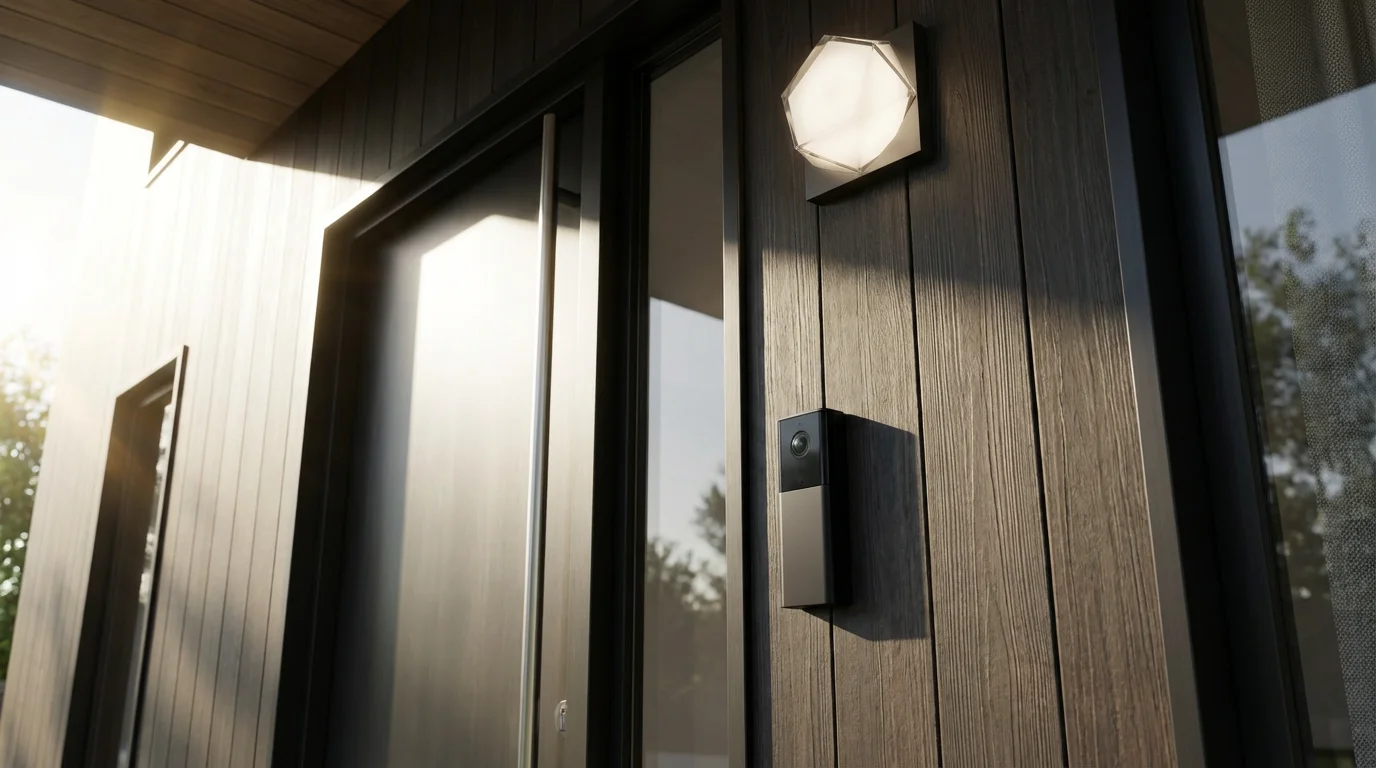
Creating an IFTTT applet involves defining a specific trigger and a corresponding action. This process is intuitive and guides you through each choice. Let’s walk through an example to illustrate the process: turning on your porch light when a Ring doorbell detects motion at night.
Steps to Create a Custom Applet
- Start a New Applet: Navigate to the “Create” tab within the IFTTT app or website. You will see a prompt to begin building a new applet.
- Define the “If This” (Trigger):
- Click “Add” next to “If This.”
- Search for and select your trigger service. In our example, search for “Ring” and select it.
- Choose a specific trigger from the available options. For our example, select “New motion detection.”
- Configure any necessary trigger settings. For Ring, this might involve selecting a specific doorbell if you have multiple.
This establishes the condition that initiates your automation.
- Define the “Then That” (Action):
- Click “Add” next to “Then That.”
- Search for and select your action service. For our example, search for “Philips Hue” (or your preferred smart light system) and select it.
- Choose a specific action from the available options. For our example, select “Turn on lights.”
- Configure any necessary action settings. Select the specific porch light you want to activate, and optionally set its brightness or color.
This defines what happens once the trigger occurs.
- Add Optional Filters or Multiple Triggers/Actions (Advanced): For more complex automations, IFTTT Pro allows you to add conditional logic or multiple actions. However, for a basic applet, this step is optional.
- Review and Finish: IFTTT presents a summary of your applet. Give it a descriptive name like “Ring Motion – Porch Light On.” Review the trigger and action to ensure they meet your intent, then click “Finish” or “Connect.”
Your new applet is now active. When your Ring doorbell detects motion, your specified porch light will automatically illuminate. This simple example showcases the powerful potential of IFTTT to link devices in meaningful ways. Experiment with different triggers and actions to explore the vast possibilities for your home. You can create applets that respond to time of day, weather changes, or even the arrival of a package.
The Wirecutter emphasizes that truly smart homes integrate devices seamlessly, often requiring platforms like IFTTT to bridge the gaps between different brands and systems, creating a unified user experience. This integration allows for automations that genuinely simplify daily life rather than complicating it.
Essential IFTTT Applets for Enhanced Smart Home Security
Security remains a top priority for homeowners, and IFTTT offers powerful tools to bolster your home’s defenses. By linking your security cameras, smart locks, and lighting systems, you can create proactive deterrents and receive timely alerts. These applets provide peace of mind, knowing your home operates intelligently to protect itself.
You can further enhance your system by automating your home for when you leave and arrive, ensuring your security shifts automatically as you come and go.
Proactive Security Automations
- Motion Detection Lights: If a security camera (e.g., Ring, Arlo) detects motion, then turn on specific smart lights (e.g., Philips Hue) inside or outside your home. This gives the impression someone is home or illuminates potential intruders.
- Smart Lock Notifications: If your smart lock (e.g., August, Yale) unlocks, then send a notification to your phone or a family member’s phone. This keeps you informed of who enters your home. You can specify by user code for added detail.
- Garage Door Monitor: If your smart garage door opener (e.g., MyQ) opens for more than 10 minutes, then send you an alert. This prevents accidentally leaving your garage open.
- Window/Door Sensor Alerts: If a smart contact sensor on a window or door opens while your security system is armed, then flash your smart lights red and send an urgent notification. This creates a visual alert and immediate awareness.
Enhanced Alerting and Recording
- Camera Recording Trigger: If a specific event occurs, such as a smoke detector going off or a smart door opening, then trigger your security camera to begin recording. This ensures critical moments are captured even if not directly motion-activated.
- Location-Based Arming: If the last person leaves your home (geofencing via your phone’s location service), then arm your smart security system. Conversely, disarm it upon your return. This ensures your home is always secured when empty and disarmed for convenience.
- Mailbox Alert: If a smart sensor in your mailbox detects that it has been opened, then send you a notification. This provides immediate awareness of mail delivery, helpful for important packages or checking for mail when away.
These IFTTT automations provide additional layers of protection beyond what individual devices offer. You gain increased control and awareness, turning your smart devices into a unified security network. Leveraging these connections empowers you to safeguard your property more effectively.
Automating Daily Routines: Morning and Evening with IFTTT
Transforming repetitive daily tasks into effortless automations significantly enhances your smart home’s convenience. IFTTT excels at creating personalized routines that kickstart your day or prepare your home for the evening. These routines often leverage time-based triggers, geofencing, or specific device states to initiate a sequence of actions.
Crafting Your “Good Morning” Routine
Start your day smoothly with an applet that prepares your home as you wake up. You can combine various triggers and actions to suit your personal preferences.
- Sunrise and Coffee: If the sun rises (using a weather service trigger), then turn on your smart coffee maker and slowly brighten your bedroom lights to 30%. This provides a gentle wake-up.
- Alarm Clock Integration: If your smart alarm clock (e.g., Google Assistant alarm) goes off, then play your favorite morning playlist on your smart speaker and adjust your smart thermostat to your preferred daytime temperature. This syncs your wake-up with your home’s environment.
- Leaving for Work: If you leave your home’s geofenced area during weekdays (using your phone’s location service), then turn off all lights, lock your smart doors, and set your smart thermostat to an energy-saving away mode. This ensures your home conserves energy and is secure.
Designing Your “Good Night” Routine
Prepare your home for a restful night with automations that secure your space and create a calming ambiance.
- Bedtime Security Check: If your voice assistant (e.g., Google Assistant) hears the phrase “Good night,” then lock all smart doors, arm your security system, and turn off all lights downstairs. This provides a single command for comprehensive security.
- Dimming Lights for Relaxation: If it’s 10:00 PM, then dim your bedroom lights to 10% and change them to a warm, amber color. If you have smart blinds, close them as well. This creates an environment conducive to sleep.
- Motion-Activated Nightlights: If a motion sensor detects movement in a hallway between 11:00 PM and 5:00 AM, then turn on a dim night light for 5 minutes. This provides safe passage without harsh illumination.
These routines demonstrate how IFTTT turns your smart home into a responsive, intuitive assistant. By thoughtfully planning your triggers and actions, you can create a living space that anticipates your needs and streamlines your daily life. You gain convenience and control, making your home truly work for you.
Saving Energy and Boosting Efficiency with IFTTT Automation
Smart homes offer significant potential for energy savings, and IFTTT helps you maximize this efficiency. By automating your lighting, heating, and cooling based on real-world conditions, you reduce waste and lower your utility bills. Data shows that smart thermostats alone can save homeowners approximately 10-12% on heating and 15% on cooling costs annually. Source: Energy Star Smart Thermostats
Intelligent Lighting Control
- Daylight Harvesting: If the outdoor light level exceeds a certain lux threshold (using a smart light sensor or weather service), then turn off specific indoor lights. This prevents unnecessary illumination when natural light suffices.
- Occupancy-Based Lighting: If a motion sensor detects no presence in a room for 15 minutes, then turn off the lights in that room. This ensures lights are only on when needed.
- Time-Based Outdoor Lights: If it’s sunset, then turn on your outdoor smart lights to 50% brightness. If it’s 11:00 PM, dim them to 20%. If it’s sunrise, turn them off. This provides security and ambiance efficiently.
Optimizing Heating and Cooling
- Window Open Thermostat Pause: If a smart contact sensor detects an open window or door for more than 5 minutes, then pause your smart thermostat. This prevents heating or cooling the outdoors.
- Weather-Responsive Thermostat: If the temperature is predicted to drop below freezing, then set your thermostat to maintain a minimum temperature to prevent pipes from freezing. This protects your home automatically.
- Geofencing for HVAC: If all residents leave the geofenced home area, then set the smart thermostat to an energy-saving “away” temperature. If the first resident returns, restore it to a comfortable “home” setting. This avoids heating or cooling an empty house.
These IFTTT applets actively work to minimize energy consumption without sacrificing comfort. You gain finer control over your home’s energy use, leading to noticeable savings over time. Implementing these automations contributes to a more sustainable and cost-effective living environment.

Advanced IFTTT Strategies for Power Users
While IFTTT excels at simple “If This Then That” applets, power users can unlock even more sophisticated automations. This involves leveraging advanced features like conditional logic (available with IFTTT Pro), webhooks, and multi-action applets. These strategies allow for more nuanced responses and deeper integrations within your smart home ecosystem.
Conditional Logic and Multi-Action Applets (IFTTT Pro)
IFTTT Pro introduces features that elevate your automation capabilities:
- Conditional Logic: You can define multiple “Then That” actions based on different conditions. For example, “If motion detected at front door, then If it’s dark outside, turn on porch light and send notification, Else just send notification.” This adds intelligence to your applets.
- Multi-Action Applets: A single trigger can initiate several actions across different services. For instance, “If I say ‘Movie Time’ to Google Assistant, then dim the living room lights, close the smart blinds, and turn on the TV.” This streamlines complex scenes into one command.
Utilizing Webhooks for Custom Integrations
Webhooks are a powerful IFTTT tool for developers and advanced users. They allow you to send or receive data from services not directly supported by IFTTT, essentially acting as custom triggers or actions.
- Sending Data to IFTTT (Trigger): You can set up a webhook to be a trigger for an IFTTT applet. For example, if you have a custom script or a DIY sensor that detects something, it can send a web request to IFTTT. IFTTT then initiates an action, such as “If my DIY moisture sensor detects a leak, then send me an SMS.”
- Receiving Data from IFTTT (Action): You can use a webhook as an action to send data from an IFTTT trigger to another external service or custom application. For example, “If my smart doorbell detects a package, then send a webhook to my home server to log the event in a database.”
Using webhooks opens the door to integrating highly specialized devices or creating unique logging and notification systems. You gain unparalleled flexibility, pushing the boundaries of what your smart home can achieve. This capability makes IFTTT a hub for truly personalized and innovative automations.
Advanced Automation Ideas
- Weather-Adjusted Sprinklers: If your local forecast predicts rain today, then disable your smart sprinkler system for 24 hours. This conserves water and prevents over-watering.
- Automated Device Charging: If your smart device (e.g., robotic vacuum) reports a low battery, then turn on the smart plug connected to its charging dock. Turn it off when fully charged to prevent overcharging.
- Air Quality Alerts: If your smart air quality monitor detects poor air quality, then turn on your smart air purifier and send you an alert. This ensures a healthy indoor environment.
- Location-Based Music Playback: If you arrive home, then start playing your favorite playlist on your smart speaker in the living room. If your partner arrives home an hour later, switch to their preferred genre. This creates a personalized audio experience.
These advanced strategies move beyond basic connectivity, allowing you to build a highly intelligent and responsive home. You take full control over your environment, orchestrating devices in complex, yet seamless, ways. IFTTT serves as a robust platform for realizing these intricate automation visions.
Troubleshooting Common IFTTT Automation Issues
While IFTTT offers reliable automation, you might occasionally encounter an applet that does not perform as expected. Understanding common issues and their solutions helps you quickly resolve problems and maintain a smoothly operating smart home. Most troubleshooting involves checking connections, applet logic, and service status.
If your applets stop firing as expected, follow our comprehensive guide on how to troubleshoot routines that aren’t working.
Common Problems and Solutions
- Applet Not Running:
- Check Service Connections: Ensure all services involved in the applet (both trigger and action) remain connected and authorized in your IFTTT account. Reconnecting a service often resolves authorization issues.
- Review Applet Activity Log: IFTTT provides an activity log for each applet. This log shows when an applet attempted to run and if it encountered any errors. Look for specific error messages that indicate the problem.
- Verify Trigger Condition: Confirm the trigger condition was genuinely met. For example, if it’s a motion detection trigger, did the sensor actually register motion? Test the device independently.
- Simple Test: Create a very simple applet using the same trigger and action. If the simple applet works, the issue might lie in a more complex setup.
- Delayed Actions:
- Server Latency: IFTTT relies on cloud services, so occasional delays can occur due to network congestion or server load. This is often temporary.
- Device Responsiveness: The speed of your smart devices and your home network can impact action execution. Ensure your Wi-Fi is strong and devices are receiving commands promptly.
- Conflicting Automations:
- Multiple Applets: You might have multiple applets or native smart home routines (e.g., in Google Home, Alexa) that conflict with each other. For example, one applet turns lights off, while another turns them on simultaneously.
- Review All Automations: Audit all your active applets and native routines. Temporarily disable potentially conflicting ones to isolate the problem. Prioritize or redesign routines to avoid overlaps.
- Service Outages:
- Check Service Status Pages: Occasionally, the services you connect to IFTTT (e.g., Philips Hue, Ring) may experience outages. Check their official status pages or social media channels for current issues.
- IFTTT Status Page: Similarly, check IFTTT’s own status page for platform-wide issues.
Effective troubleshooting involves systematic investigation. By checking these common areas, you can quickly diagnose and resolve most IFTTT automation issues. Maintaining awareness of your applets’ activity and your connected services’ health keeps your smart home running smoothly. You ensure your automations remain reliable, delivering consistent convenience and control.
Frequently Asked Questions
Is IFTTT free to use for smart home automation?
IFTTT offers both a free tier and a paid “Pro” subscription. The free tier allows you to create up to three custom applets and connect an unlimited number of services. This is sufficient for many basic smart home automations. The Pro tier unlocks unlimited applets, multi-action applets, conditional logic, faster applet execution, and customer support, catering to users who desire more complex and robust automations.
What is an applet in IFTTT?
An applet is a small program or “recipe” on the IFTTT platform that connects two or more services. It follows the structure “If This Then That,” meaning if a specific trigger event occurs in one service, then a defined action executes in another service. Applets form the core of IFTTT automation, allowing your devices and apps to interact intelligently.
Can IFTTT connect devices from different smart home brands?
Yes, connecting devices from different smart home brands is one of IFTTT’s primary strengths. It acts as a bridge, allowing a motion sensor from one brand to trigger lights from another, or a smart lock to interact with a security camera from a separate manufacturer. This interoperability helps create a unified smart home experience, overcoming limitations of individual ecosystems. PCMag often highlights IFTTT as a key tool for achieving this cross-platform compatibility. Source: PCMag Smart Home
Are there alternatives to IFTTT for smart home automation?
Yes, several alternatives exist, often with different strengths. Popular choices include Zapier, which focuses more on business and workflow automation, and specific smart home platforms like Apple HomeKit, Google Home, Amazon Alexa, and Samsung SmartThings. These platforms offer native automation features for devices within their respective ecosystems, sometimes with more advanced local control. However, IFTTT remains uniquely powerful for its vast range of external service integrations.
How does IFTTT ensure privacy and security of my data?
IFTTT connects to various services via their APIs, requiring your authorization to access specific data or perform actions. It emphasizes user control over data sharing, only accessing what is necessary for an applet to function. IFTTT states it adheres to industry standard security practices to protect your information. However, you should always review the privacy policies of both IFTTT and the third-party services you connect. Limit IFTTT’s access to only what is essential for your automations.
Harnessing IFTTT transforms your smart home from a collection of gadgets into a cohesive, intelligent system. You gain unprecedented control over your environment, personalizing your space to respond to your lifestyle. From simple convenience to advanced security, IFTTT empowers you to build a truly smart and efficient home. Take these actionable insights and begin crafting your own powerful automations today.
Disclaimer: This article is for informational purposes only. Smart home devices involve electrical connections and data privacy. Always follow manufacturer instructions for installation. For complex wiring or HVAC work, consult a licensed professional.


Leave a Reply