
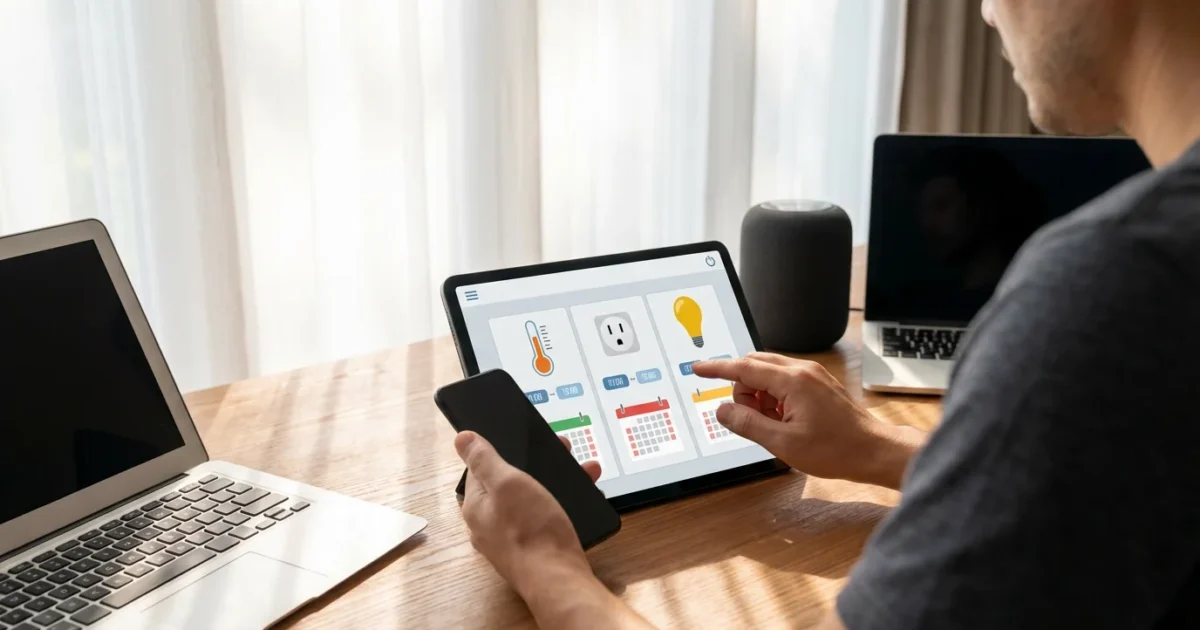
Transform your living space from reactive to proactive with smart device scheduling. You gain control over your home’s environment, enhancing convenience, boosting security, and unlocking significant energy savings. This guide provides practical steps and expert insights, helping you master time-based automation and create smart schedules that truly work for your lifestyle.
Why Schedule Your Smart Devices?
Scheduling smart devices moves your home beyond simple remote control. You empower your home to anticipate your needs, performing tasks automatically without your direct input. This automation frees up your time and reduces mental load.
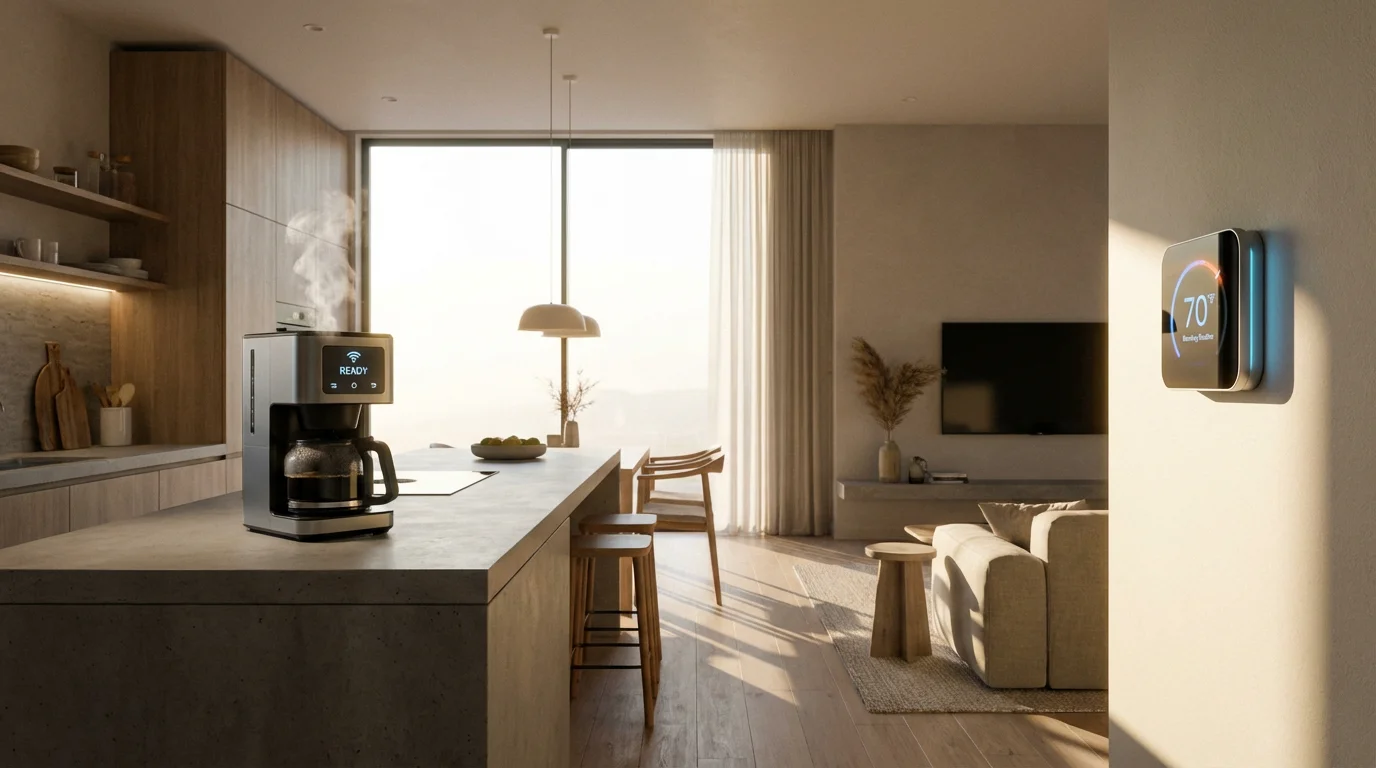
Consider the daily benefits. Your coffee maker starts brewing before you even get out of bed. Your thermostat adjusts to an energy-saving temperature when you leave for work. Lights turn on as dusk approaches, creating a welcoming atmosphere. These small, consistent automations accumulate into a significantly improved living experience.
Here are the key advantages you gain from smart device scheduling:
- Unmatched Convenience: Your home manages routine tasks, so you do not have to. Forget to turn off lights or adjust the thermostat; your schedule handles it.
- Significant Energy Savings: Program devices to operate only when needed, reducing wasted energy. This lowers your utility bills and minimizes your environmental impact. According to Energy Star, smart thermostats alone can save you around 8% annually on heating and cooling costs.
- Enhanced Security: Scheduled lighting can deter potential intruders by making your home appear occupied even when you are away. You can also automate door locks and security cameras.
- Increased Comfort: Maintain ideal temperatures, perfect lighting, and ambient music precisely when you want them. Your home adapts to your preferences.
- Peace of Mind: Knowing your home is operating efficiently and securely, even when you are not there, provides a sense of calm. You are in control, even remotely.
Understanding Smart Device Scheduling Fundamentals
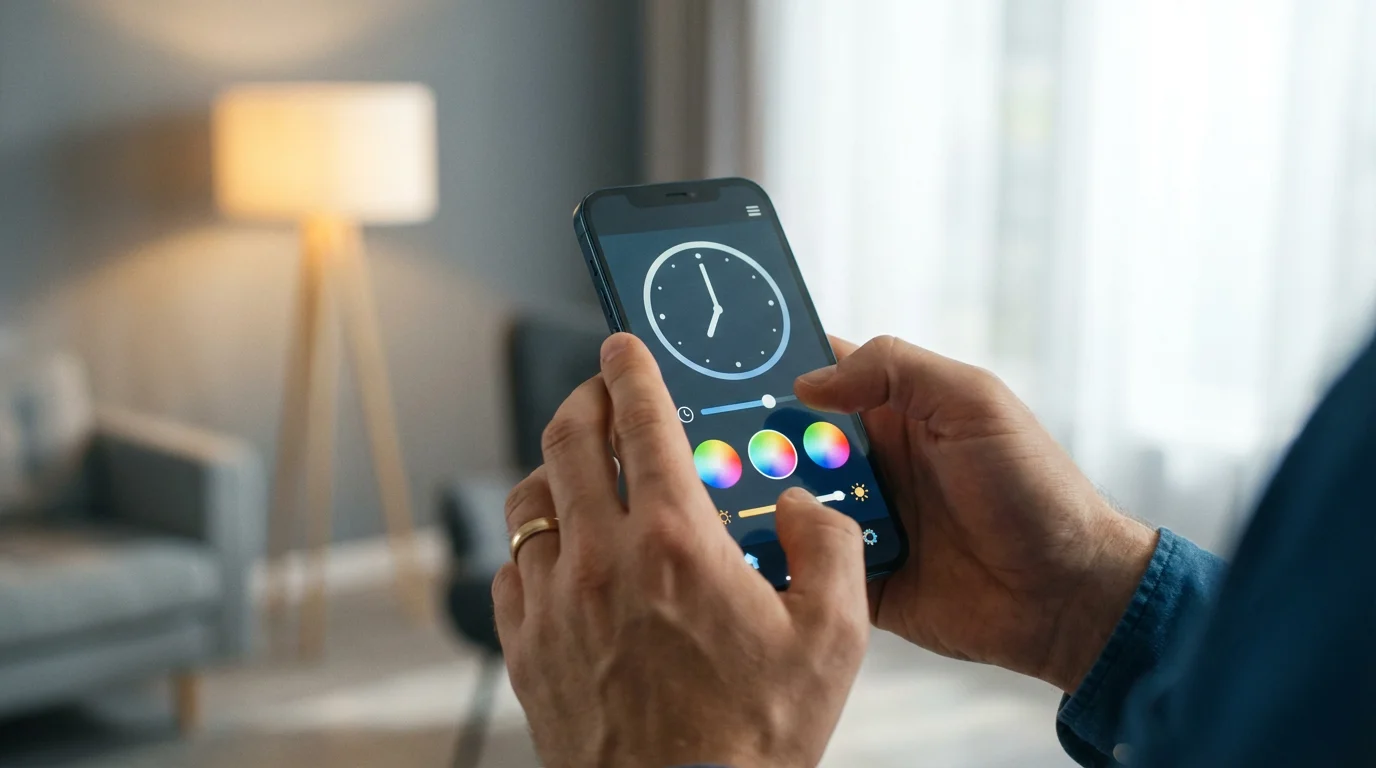
At its core, smart device scheduling involves defining specific actions for your devices to perform at predetermined times or under certain conditions. This is often referred to as “time-based automation” or “smart schedules.” You essentially write a script for your home.
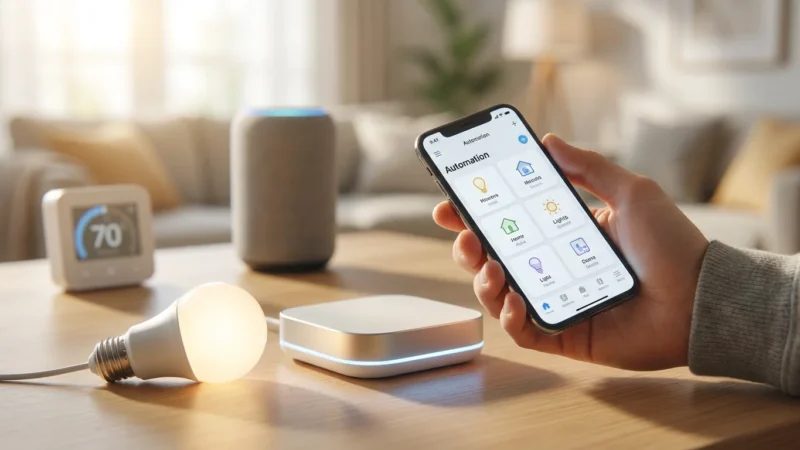
Most smart home platforms, whether it is an app from a specific brand like Philips Hue, or a central hub like Apple HomeKit, Google Home, or Amazon Alexa, offer robust scheduling features. You will typically access these through a section labeled “Routines,” “Schedules,” “Automations,” or “Scenes.”
A basic schedule involves three key elements:
- The Trigger: This is what initiates the action. For scheduling, it is usually a specific time of day, day of the week, or even sunrise/sunset.
- The Condition (Optional): Sometimes you want an action to happen only if other criteria are met. For example, “turn on lights at 6 PM, but only if motion is detected.”
- The Action: This is what your smart device does. Examples include turning lights on or off, locking a door, adjusting a thermostat, or playing music.
Understanding these fundamentals empowers you to move beyond simple on/off commands and craft sophisticated routines that cater to your unique living patterns.
Essential Components for Effective Scheduling
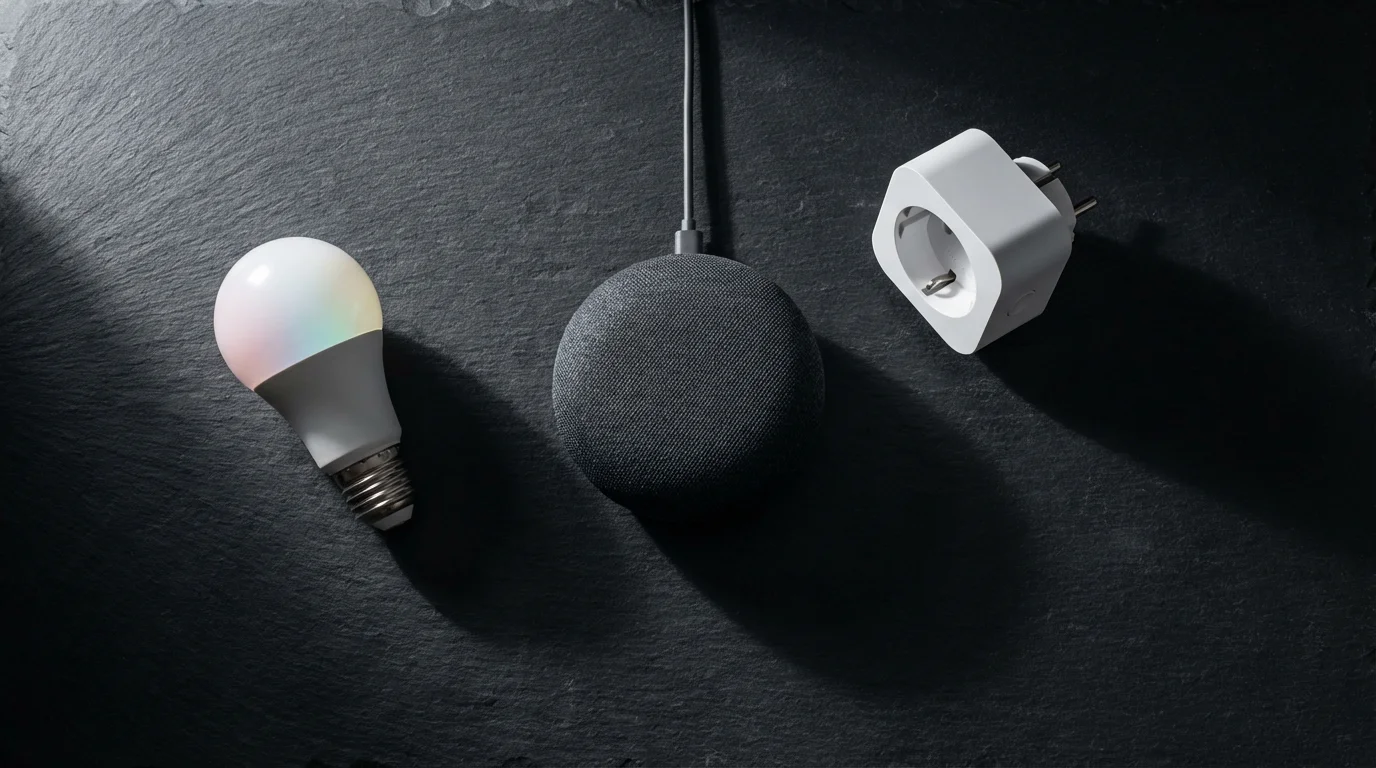
To implement effective device scheduling, you need a few core components in your smart home setup. These tools act as the brain and muscle of your automated routines.
First, you require smart devices. These are the lights, thermostats, locks, and plugs that can receive and execute commands. Ensure your devices are compatible with each other and with your chosen smart home ecosystem.
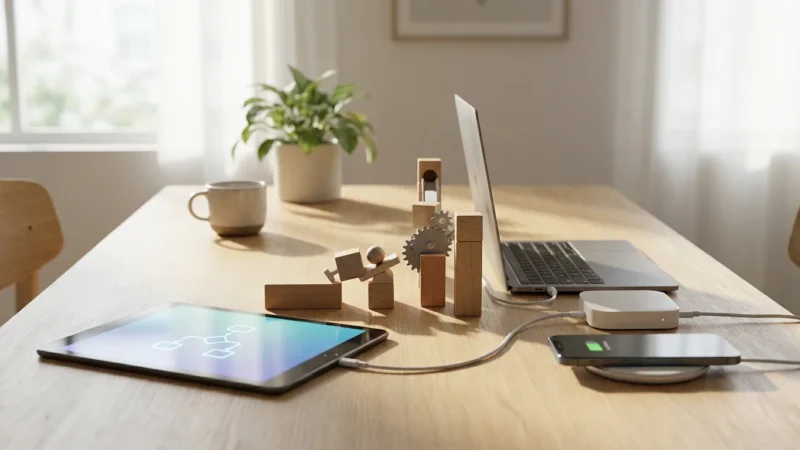
Second, you need a central control point. This is often a smart home hub, a smart speaker, or an application on your smartphone. This central point is where you define and manage your smart schedules.
- Smart Hubs: Devices like Samsung SmartThings, Hubitat, or Homey act as central controllers, allowing devices from different brands and communication protocols (like Zigbee, Z-Wave, Wi-Fi) to communicate and integrate. They provide local control, meaning your schedules often run even without an internet connection.
- Smart Speakers/Displays: Amazon Echo (Alexa), Google Nest (Google Assistant), and Apple HomePod (Siri) devices serve as excellent voice interfaces. Their companion apps also offer robust scheduling capabilities, linking various compatible devices.
- Brand-Specific Apps: Many individual smart device brands, such as Philips Hue or ecobee, have their own apps with scheduling features. While convenient for single-brand setups, they might limit cross-device automation.
- Connectivity Standards: Understanding how your devices communicate is crucial. Wi-Fi devices connect directly to your router. Zigbee and Z-Wave devices often require a hub. Newer standards like Matter aim to unify communication, promising easier integration across brands in the future.
A reliable Wi-Fi network forms the backbone of almost any smart home. Ensure you have strong, consistent coverage throughout your home, especially where your smart devices reside. A stable network minimizes delays and prevents automation failures.
Crafting Core Daily Routines
Building your smart schedules starts with identifying repetitive actions in your day. Think about your morning, evening, and bedtime rituals. These are perfect candidates for your initial time-based automation efforts.
If you have a growing family, implementing specific smart home routines for parents with young children can help manage busy school nights and sleep schedules.
Your Good Morning Routine
Imagine waking up gently, with your home assisting your transition into the day. A “Good Morning” routine can streamline your first few hours.
- Set the Trigger: Choose a specific time, such as 6:30 AM on weekdays.
- Define the Actions:
- Slowly brighten bedroom lights to 30% over 15 minutes.
- Turn on the smart plug connected to your coffee maker.
- Adjust the thermostat to your preferred morning temperature, for example, 70°F.
- Play your favorite news podcast or soft music through your smart speaker.
- Test and Refine: Run the routine a few times. Adjust timings and brightness levels until they feel just right for your waking habits.
Your Good Night Routine
Preparing for bed becomes a seamless process when your home handles the closing tasks. A “Good Night” routine ensures security and sets a peaceful ambiance.
- Set the Trigger: Choose a specific time, like 10:30 PM, or trigger it with a voice command as you head to bed.
- Define the Actions:
- Turn off all interior lights, except for a dim path light to the bedroom.
- Lock all smart doors and arm your security system.
- Lower the thermostat to a comfortable sleeping temperature, for instance, 66°F.
- Ensure garage doors are closed.
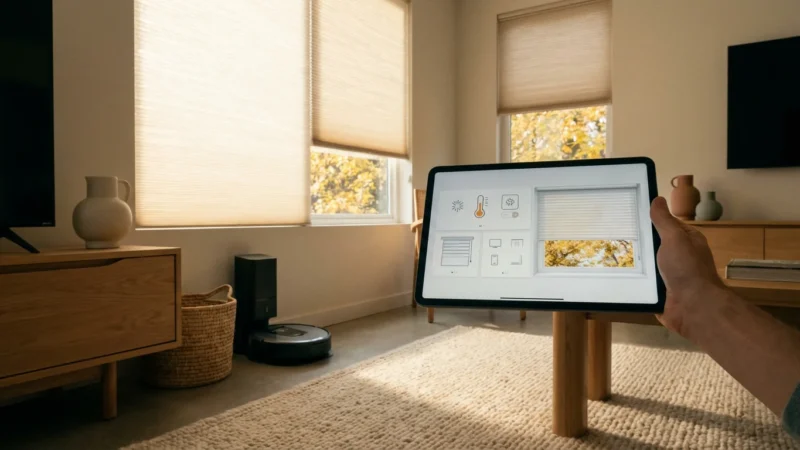
- Activate smart blinds to close.
- Test and Refine: Pay close attention to light levels and ensure all security measures activate correctly. Adjust timers to avoid abrupt changes.
The “Away” or “Vacation” Schedule
When you leave your home, your smart devices can mimic occupancy and conserve energy.
- Set the Trigger: A geofence (when your phone leaves a specific area) or a manual “Away” scene button.
- Define the Actions:
- Adjust thermostat to an energy-saving temperature (e.g., 80°F in summer, 55°F in winter).
- Turn off all interior lights and non-essential smart plugs.
- Activate randomized lighting schedules to simulate occupancy.
- Arm your security system to “Away” mode.
- Test and Refine: Verify your geofencing works reliably. If using randomized lighting, check its effectiveness from outside your home.
Leveraging Advanced Automation Triggers
While time-based scheduling is powerful, combining it with other triggers unlocks a higher level of smart home intelligence. You can create sophisticated multi-device scenes and sequences that respond dynamically to your environment.
Time-Based Triggers
The most common form, these triggers activate actions at specific clock times or on particular days. You use them for daily routines, as discussed above. Many platforms also allow triggers based on sunrise or sunset, which dynamically adjusts throughout the year. This prevents you from needing to constantly update schedules as daylight hours change.
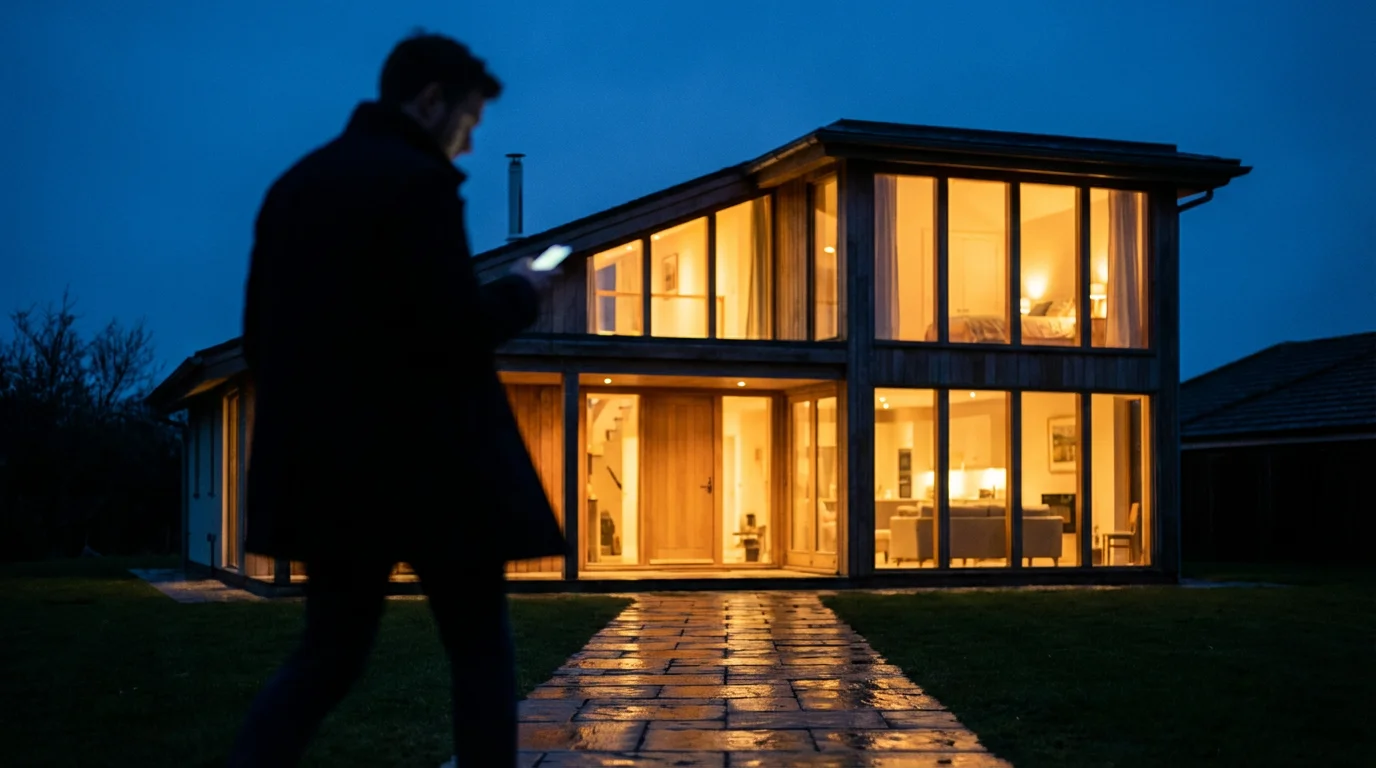
Location-Based Triggers (Geofencing)
Geofencing uses your smartphone’s location to determine when you enter or leave a predefined area. This is invaluable for automating actions that depend on your presence.
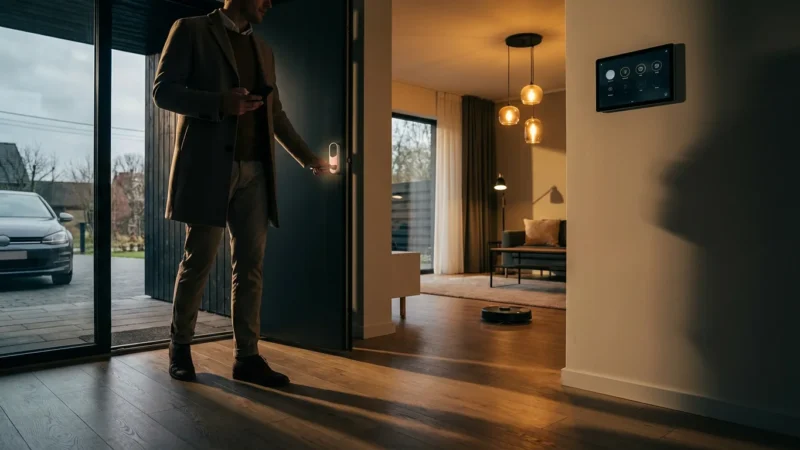
- Coming Home: As you approach your driveway, your garage door opens, lights in the entryway turn on, and the thermostat adjusts to your preferred “home” temperature.
- Leaving Home: When you depart, lights turn off, doors lock, and the security system arms.
For geofencing to work effectively, ensure your phone’s location services are enabled for your smart home app. Review privacy settings for these apps to understand how they use your location data.
Sensor-Based Triggers
Sensors provide real-time data about your home, enabling responsive automations. Integrating these with your schedules makes your home truly smart.
- Motion Sensors: Turn on lights when you enter a room and turn them off after a period of no motion. Use them in hallways, pantries, or closets.
- Door/Window Sensors: Trigger lights to turn on when a door opens, or send an alert if a window opens unexpectedly while you are away. You can also automate lights to turn off if a door is left open for too long.
- Temperature/Humidity Sensors: Fine-tune your climate control. For example, if humidity exceeds a certain level, a smart fan might turn on.
- Light Sensors (Ambient Light): Beyond sunrise/sunset, some smart lights and hubs have ambient light sensors. These can trigger lights to turn on only when it is actually dark enough, even if it is still technically daytime during a storm.
Combining Triggers for Advanced Logic
The true power lies in combining these triggers with conditional logic. Most modern smart home platforms allow you to create “if X, then Y, but only if Z” scenarios.
For example:
- If it is 6 PM, and if motion is detected in the living room, then turn on the living room lights to 50% brightness.
- If the front door opens, and if it is after sunset, then unlock the door and turn on the entryway light.
- If the outdoor temperature drops below 40°F, and if the “Away” routine is active, then send an alert to your phone to check on your pipes.
“The best smart home is the one you don’t have to manage; it anticipates your needs and acts on its own.”
This approach moves beyond simple schedules to create an intelligent, responsive living environment.
Best Practices for Robust Smart Schedules
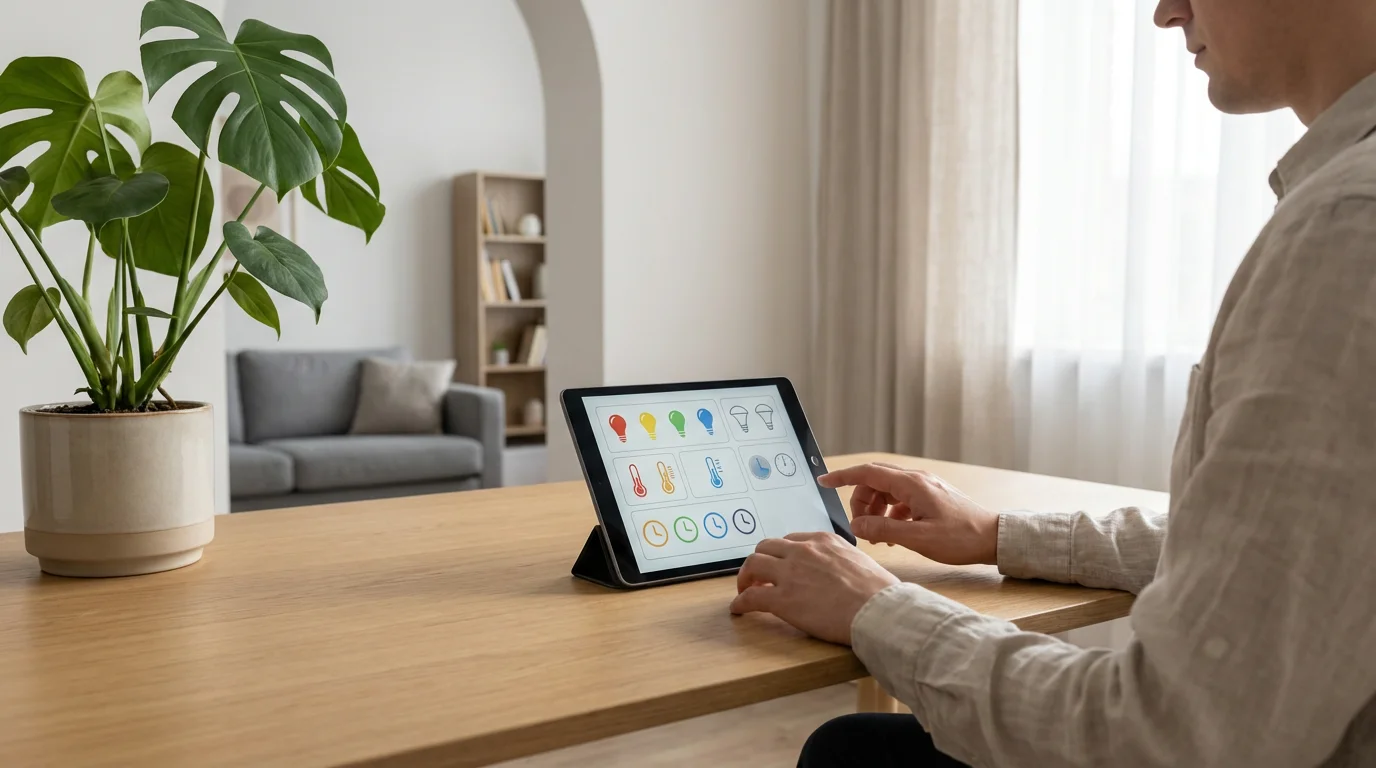
Implementing smart schedules effectively requires a thoughtful approach. Follow these best practices to build automations that are reliable, efficient, and genuinely enhance your home.
Start Simple, Then Expand
Do not try to automate your entire home on day one. Begin with one or two simple routines, like a morning light schedule or an evening thermostat adjustment. Master these, then gradually add more complexity. This approach helps you learn your platform and avoid overwhelming yourself.
Name Your Routines Clearly
Give your schedules descriptive names, such as “Weekday Morning Lights” or “Bedtime Security Check.” Clear naming makes it easier to manage, troubleshoot, and understand your automations at a glance.
Test Thoroughly
Always test new schedules immediately after creation. Manually trigger them or wait for the scheduled time. Observe if all devices respond as expected and if the timing feels right. Test conditions, such as opening a door to see if a sensor-based automation activates correctly.
Review and Refine Periodically
Your lifestyle changes, and so should your smart home. Periodically review your schedules. Are they still serving your needs? Are there routines you can optimize or new ones you can add? Adjust timings for seasonal changes or personal preferences. Eliminate redundant or unused automations.
Consider Dependencies and Conflicts
Be aware of how different automations might interact. For example, if one routine turns all lights off at 10 PM, but another turns a specific light on at 10:15 PM, you might create a conflict. Plan your schedules to avoid overlap or unintended actions. Use “stop” or “disable” actions to ensure routines do not interfere with each other.
Prioritize Security and Privacy
When scheduling devices like locks and cameras, ensure your smart home platform has strong security features, including two-factor authentication. Review what data your devices and apps collect and how they use it. Choose reputable brands committed to data privacy. Secure your Wi-Fi network with a strong password.
Build in Redundancy (Where Critical)
For critical functions like security or heating during cold weather, consider backup plans. If an internet outage occurs, will your schedules still function (local control)? Some smart hubs offer local processing, which can be valuable. Have manual overrides readily available.
Troubleshooting and Refining Your Automations
Even the most meticulously planned smart schedules can encounter issues. Knowing how to diagnose and resolve common problems ensures your home remains reliably smart.
Common Troubleshooting Steps
- Check Connectivity: Ensure all devices are powered on and connected to your network. Verify your Wi-Fi is stable. Many issues stem from poor signal or a disconnected device.
- Verify Device Status: Open the device’s native app or your smart home hub app to confirm the device is online and responsive. If a device appears offline, try restarting it or its associated hub.
- Review Schedule Logic: Carefully re-read your automation rules. Did you set the correct time, day, and conditions? Is there a typo in a command? Sometimes, a subtle error in the logic is the culprit.
- Check for Conflicts: As mentioned, conflicting routines can cause unexpected behavior. Temporarily disable other automations that might involve the same device and re-test.
- Update Firmware/Software: Outdated device firmware or app software can cause bugs. Ensure everything is up to date.
- Restart Hub/App: A simple restart of your smart home hub or closing and reopening the app can often resolve transient issues.
- Consult Documentation/Support: If you are stumped, refer to your device’s manual or the smart home platform’s support pages. Online forums are also valuable resources.
Refining Your Smart Routines
Beyond troubleshooting, constant refinement improves your smart home experience. Your living patterns are not static, so your automations should not be either.
- Listen to Feedback: Pay attention to your family members’ input. Do they find certain automations annoying or unhelpful? Adjust accordingly.
- Observe Your Habits: Notice when you consistently manually override a schedule. This indicates the schedule needs adjustment. Perhaps the lights are too bright, or the temperature change is too sudden.
- Leverage Data: Some smart home apps provide insights into device usage. Use this data to identify patterns and areas for optimization, such as energy-saving opportunities.
- Iterate Gradually: Make small, incremental changes to your schedules. Test each change before moving on to the next. This makes it easier to pinpoint what works and what does not.
Maximizing Energy Savings and Security
Smart scheduling is a powerful tool for optimizing both your energy consumption and home security. By intelligently managing device operation, you achieve tangible benefits.
Energy Management with Smart Schedules
Your heating, ventilation, and air conditioning (HVAC) system is a prime candidate for energy savings through smart scheduling. Smart thermostats, like those certified by Energy Star, learn your preferences and integrate with scheduling. You can program them to:
- Reduce temperature when you are away or asleep.
- Pre-heat or pre-cool your home before you arrive.
- Adjust based on outdoor temperature or humidity readings.
Smart plugs extend energy control to everyday appliances. Schedule them to:
- Turn off “vampire” devices (those that draw power even when off) at night or when you are away.
- Ensure electric water heaters or car chargers only operate during off-peak utility hours, if your provider offers time-of-use rates.
- Automate seasonal decorations or outdoor lighting to turn off after a set time.
Remember to consider device types. Lighting, especially LED, is more energy-efficient when scheduled. Older, power-hungry appliances benefit most from being completely powered off via a smart plug when not in use.
Enhancing Home Security with Smart Schedules
Scheduled automations add robust layers to your home security strategy. They help deter intruders and provide critical alerts.
- Occupancy Simulation: Schedule lights to turn on and off in different rooms at varying times, mimicking human presence. You can even include smart TVs or radios to play audio.
- Automated Locks: Program smart door locks to engage automatically at a specific time each night. If you frequently forget to lock up, this provides an invaluable safety net.
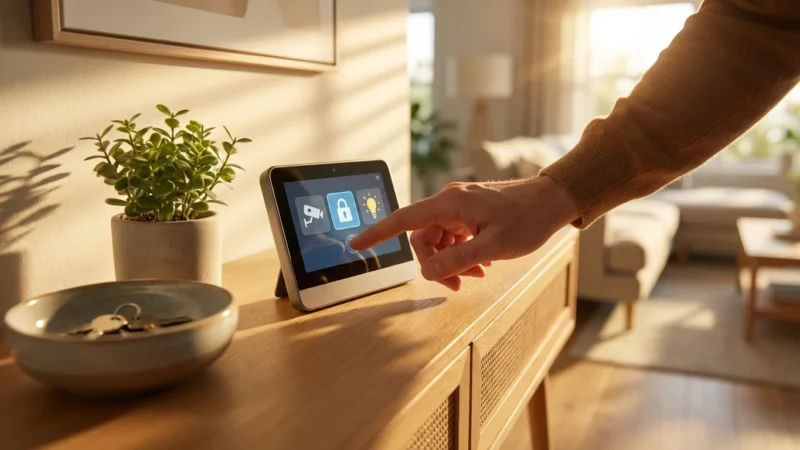
- Security System Arming: Integrate your security system with your “Good Night” or “Away” routines. The system arms automatically when you go to bed or leave.
- Camera Activation: Schedule security cameras to adjust their recording modes or privacy settings based on whether you are home or away. For example, turn off indoor cameras when you are home, but activate them when you leave.
- Alerts for Anomalies: While not strictly scheduling, many systems allow you to create time-based rules for alerts. For instance, if a door sensor triggers between 1 AM and 5 AM, send an immediate notification to your phone and trigger an outdoor siren.
A layered approach, combining scheduled actions with real-time sensor monitoring, provides comprehensive home protection.
The Future of Smart Home Scheduling
The landscape of smart home technology constantly evolves, promising even more intuitive and powerful scheduling capabilities. Future advancements will make your automations more intelligent, adaptive, and interconnected.
Greater Interoperability with Matter
The Matter standard is a significant step towards unifying the smart home. As more devices adopt Matter, you will experience seamless integration across different brands and ecosystems. This means creating complex schedules involving devices from various manufacturers will become simpler and more reliable, reducing the need for multiple apps or hubs.
AI and Machine Learning Integration
Artificial intelligence (AI) and machine learning (ML) are already influencing smart home devices, particularly smart thermostats that learn your habits. In the future, this will extend to more comprehensive scheduling. Your home will learn your daily routines, anticipate your needs, and proactively adjust automations without explicit programming. Imagine your lights adapting not just to sunset, but to your personal preference for brightness based on how often you adjust them manually.
Contextual Awareness
Future schedules will leverage even more contextual data. Beyond time and location, your home might consider weather forecasts, traffic conditions, your calendar appointments, or even biometric data (with appropriate privacy considerations). For example, your home could pre-heat only if your calendar shows you are heading home early, or adjust lighting based on local air quality reports.
Predictive Maintenance
Scheduling could extend to predictive maintenance. Devices might schedule self-diagnostics or alert you to potential issues before they become critical. Your smart HVAC system could notify you it is time for a filter change, or your smart sprinkler system could adjust its schedule based on impending rain.
Enhanced User Interfaces
Creating and managing complex schedules will become more intuitive. Expect natural language processing to improve, allowing you to simply tell your smart assistant, “Set up a routine for when I get home that turns on the lights and plays soft music, but only if it’s dark outside and I’m the first one home.” Visual programming interfaces will also simplify the creation of advanced conditional logic.
The trajectory of smart home scheduling points towards homes that are not just automated, but truly intelligent and adaptive, serving your needs with minimal intervention.
Frequently Asked Questions
What is the difference between a “scene” and a “routine” in a smart home?
A scene typically sets multiple devices to specific states simultaneously, often with a single command or tap. For example, a “Movie Night” scene might dim lights, close blinds, and turn on the TV. A routine, or automation, involves a trigger that initiates a series of actions, potentially over time or with conditions. While a routine can activate a scene, routines are generally more dynamic, involving time-based or sensor-based triggers.
Can I schedule devices from different brands to work together?
Yes, often you can. This usually requires a central smart home hub (like Samsung SmartThings, Hubitat) or a universal smart assistant platform (like Amazon Alexa, Google Home, Apple HomeKit) that supports devices from various manufacturers. These platforms act as translators, allowing devices to communicate and participate in shared routines. Look for devices that support open standards like Matter or have integrations with major ecosystems.
What if my internet goes out? Will my scheduled automations still work?
It depends on your smart home setup. Devices and hubs that offer “local control” can often continue running schedules and automations even without an internet connection, as long as they are on the same local network. Cloud-dependent devices, however, will lose functionality. For critical automations like security or heating, consider systems with local control capabilities for greater reliability.
How do I handle seasonal changes for my outdoor light schedules?
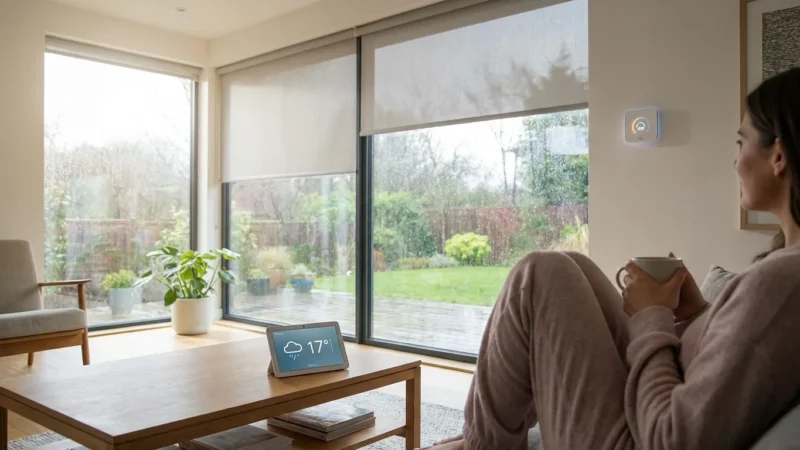
Many smart home platforms offer “sunrise” and “sunset” as trigger options for schedules. Using these dynamically adjusting times is the most effective way to manage seasonal changes for outdoor lights or window coverings. The system automatically calculates the correct time based on your geographical location and adjusts daily, so you do not have to manually update your schedules.
Is it safe to automate my door locks?
Yes, smart door locks are generally safe when used correctly with a reputable smart home platform that includes strong security measures like two-factor authentication and encryption. Always use strong, unique passwords for your accounts. Ensure your Wi-Fi network is secured. Automating locks for convenience, like locking at night or when you leave, adds a layer of security by preventing accidental oversights.
Disclaimer: This article is for informational purposes only. Smart home devices involve electrical connections and data privacy. Always follow manufacturer instructions for installation. For complex wiring or HVAC work, consult a licensed professional.
Leave a Reply