
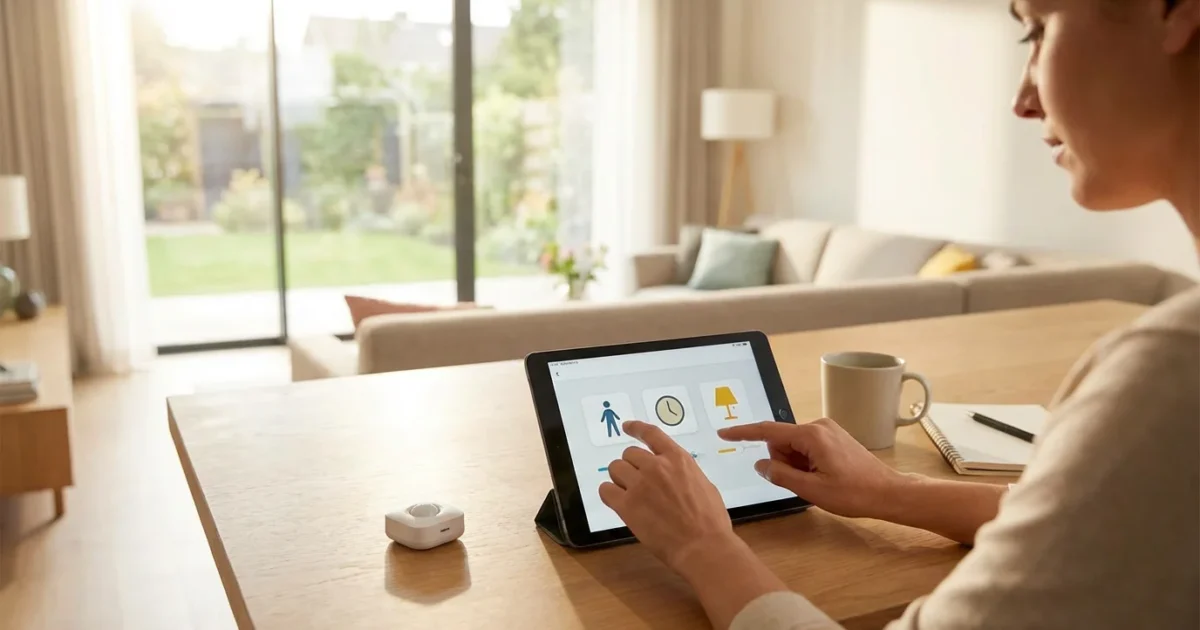
Transform your home into an intuitive living space where devices respond to your presence. Motion sensors offer a powerful tool for smart home automation. You can move beyond simple security alerts and build complex, convenient, and energy-efficient routines. This guide helps you harness the full potential of these versatile devices.
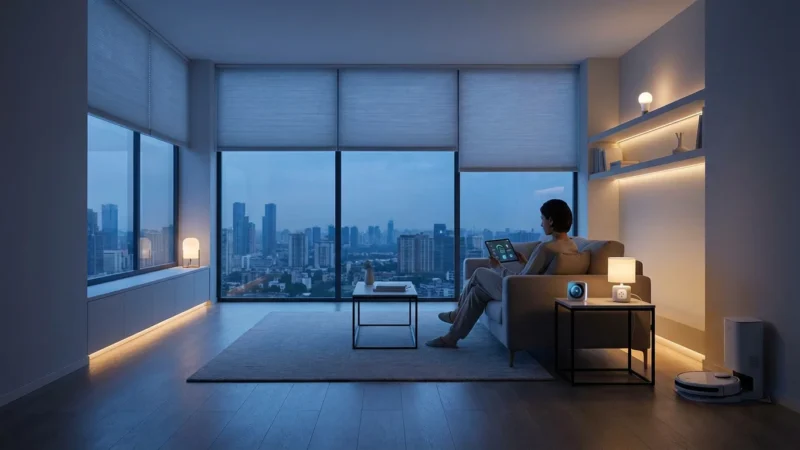
Motion-activated automations personalize your home’s behavior. Imagine lights turning on as you enter a room, or your thermostat adjusting when you leave. Creating these intelligent routines enhances comfort, boosts security, and delivers energy savings. You control how your smart home adapts to your daily life, creating a truly responsive environment.
Understanding Motion Sensors: More Than Just Security
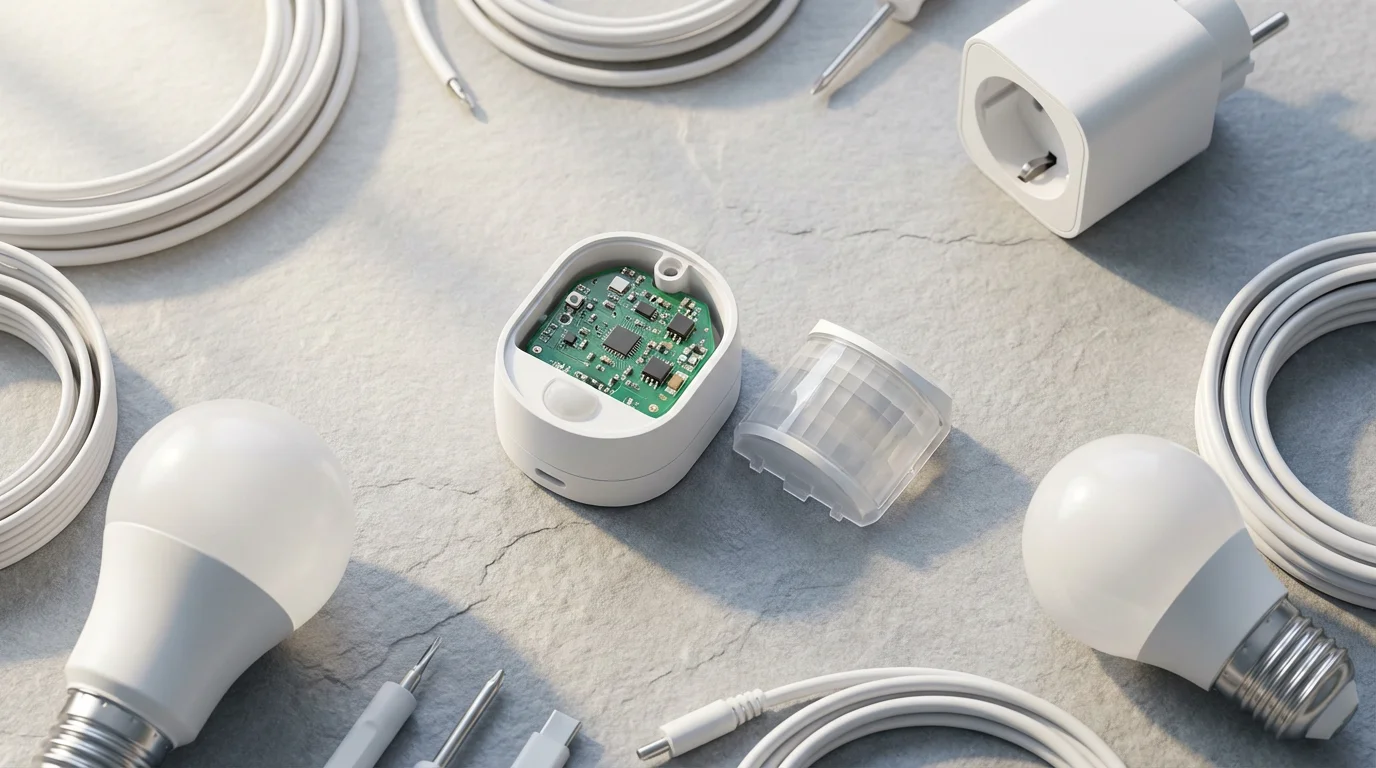
Motion sensors detect movement within a specified range. While traditionally used for security systems, their applications in a smart home extend far beyond simply triggering an alarm. These devices are fundamental for presence detection, allowing your smart home to know when someone enters, leaves, or moves through a specific area.
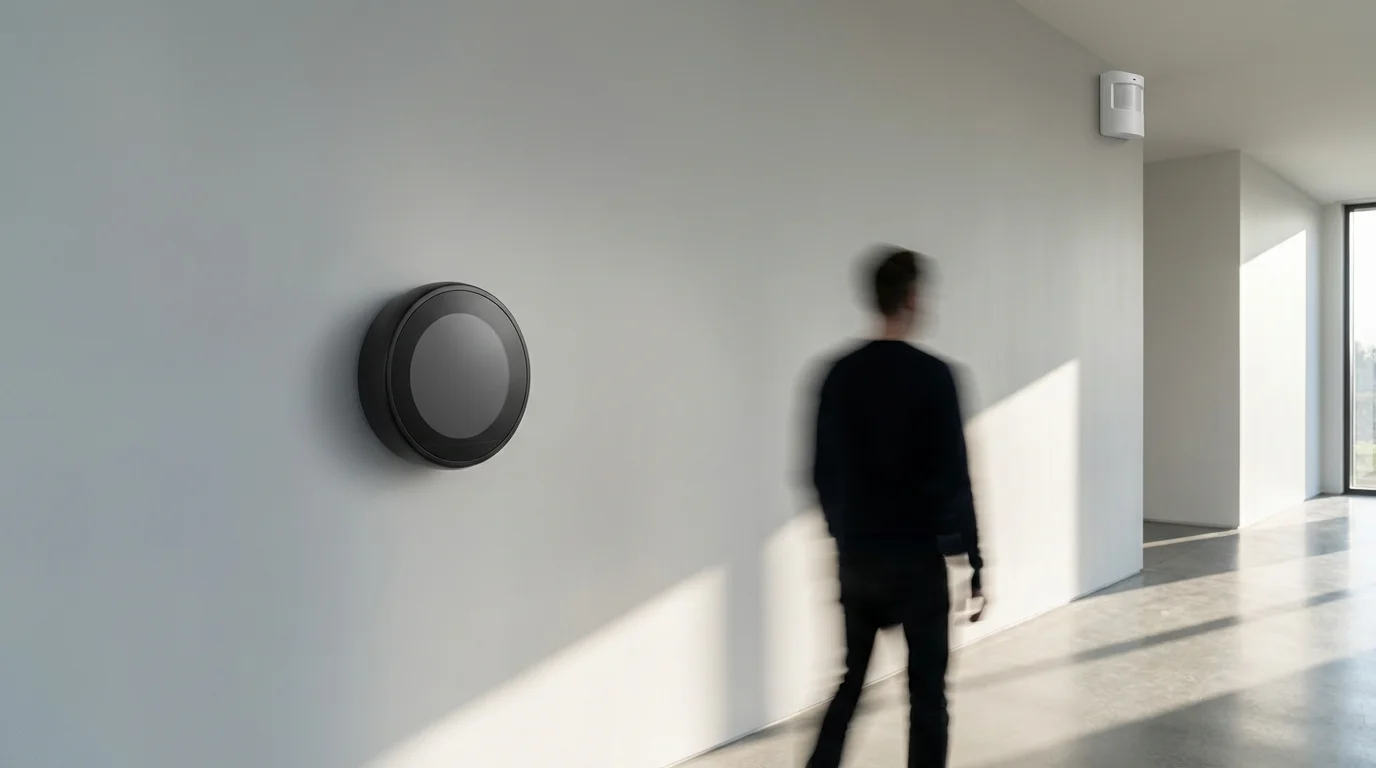
Most smart motion sensors use Passive Infrared, or PIR, technology. PIR sensors detect changes in infrared radiation, which is emitted as heat by living beings. When a warm body moves into the sensor’s field of view, it registers the change and sends a signal to your smart home hub or app.
Understanding sensor types helps you choose the right device. Some advanced sensors also incorporate light level detection, temperature monitoring, or even humidity sensing. These additional features provide richer data, enabling even more sophisticated and context-aware automated triggers.
Choosing the Right Motion Sensor for Your Home
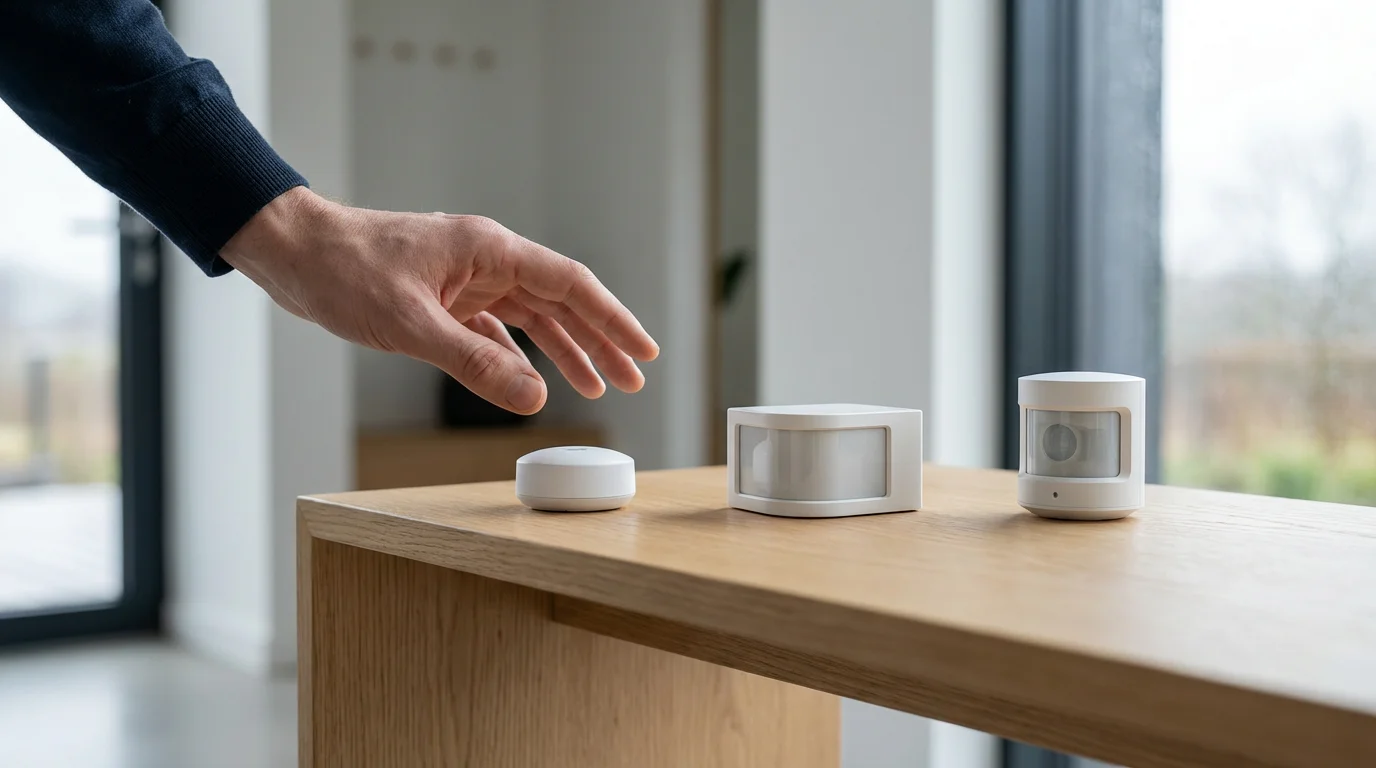
Selecting the appropriate motion sensor depends on your specific needs and existing smart home ecosystem. Several factors influence your choice. You must consider the device’s communication protocol, power source, and environmental features.
Here are key considerations when choosing motion sensors:
- Compatibility and Ecosystem: Ensure the sensor works with your smart home hub or platform, such as Amazon Alexa, Google Home, Apple HomeKit, SmartThings, or Home Assistant. Many devices support universal standards like Matter, enhancing interoperability across brands.
- Communication Protocol: Common protocols include Wi-Fi, Zigbee, Z-Wave, and Bluetooth. Wi-Fi sensors connect directly to your router, but can consume more battery. Zigbee and Z-Wave require a compatible hub and often offer better battery life and mesh networking. Matter is an emerging standard designed to unify smart home ecosystems, as detailed by the Connectivity Standards Alliance.
- Power Source: Most motion sensors are battery-powered, offering flexible placement. Consider battery life and ease of replacement. Some sensors offer USB power options, suitable for fixed installations.
- Detection Range and Angle: Sensors vary in how wide and far they can detect movement. Check the product specifications to ensure it covers the area you intend to monitor. A wider angle is better for open rooms, while a narrower beam suits hallways.
- Environmental Features: Look for features like pet immunity if you have animals, which helps prevent false triggers. Outdoor sensors require weatherproofing and often have different mounting options. Some sensors include ambient light or temperature sensors, expanding their utility.
Evaluate these factors carefully to ensure your chosen sensors integrate seamlessly and perform reliably within your home. This prevents frustration and maximizes the effectiveness of your automated triggers.

Planning Your First Motion Sensor Routine
Effective automation begins with thoughtful planning. Before you start connecting devices, identify a specific problem or inconvenience you want to solve. Clearly defining your goal makes the setup process much smoother and ensures your routines truly add value.
Consider the “if this, then that” logic. This structure forms the basis of nearly all smart home routines. For instance, “IF motion is detected in the pantry, THEN turn on the pantry light.” This simple framework helps you map out your desired automations.
You need to decide where to place your motion sensor for optimal performance. Think about traffic patterns in your home. Placing a sensor near a doorway or in a high-traffic area ensures reliable detection. Test different locations before final installation to confirm the sensor captures movement effectively without excessive false triggers.
Here are crucial questions to ask during your planning phase:
- What specific action do you want to automate? (e.g., turning on lights, adjusting temperature, playing music)
- Which room or area will this routine apply to? (e.g., hallway, bathroom, garage)
- When should this routine be active? (e.g., only at night, during specific hours, when no one is home)
- What devices will participate in this routine? (e.g., smart lights, smart plugs, smart thermostat)
- What conditions should stop the routine or turn off devices? (e.g., no motion for 5 minutes, specific time)
A well-planned routine saves energy and enhances convenience. It ensures your smart home responds precisely to your needs, rather than reacting erratically. This proactive approach minimizes troubleshooting later.
Step-by-Step: Setting Up a Basic Motion-Activated Lighting Routine
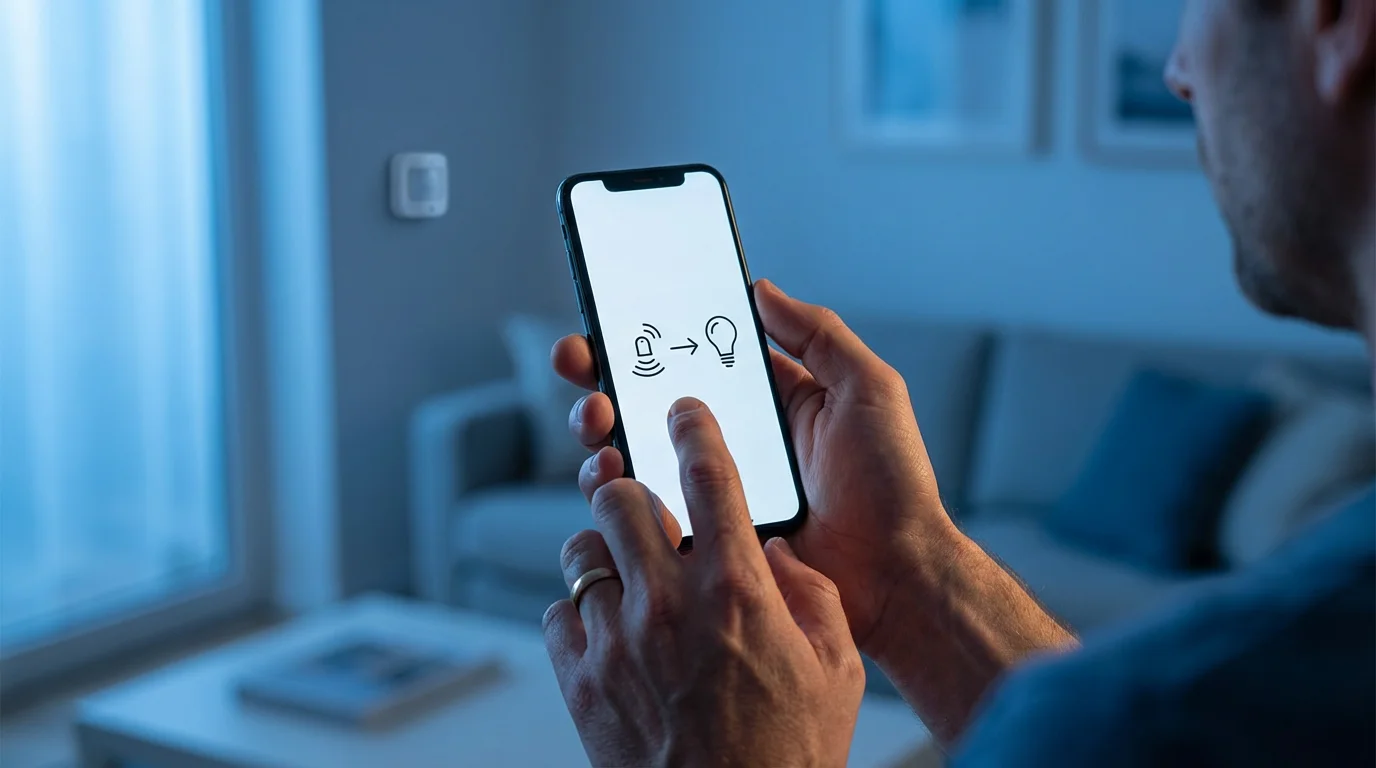
Let’s create a common and highly practical routine: motion-activated lights. This example provides a clear foundation for building more complex automations. Most smart home apps follow a similar logic, regardless of your specific hub or brand.
- Install Your Motion Sensor: Follow the manufacturer’s instructions to physically mount your motion sensor. Ensure it covers the desired area without obstructions. For example, place it in a hallway to detect entry or exit.
- Pair with Your Smart Home System: Open your smart home app (e.g., SmartThings, Philips Hue, Alexa app, Google Home app). Follow the in-app instructions to add your new motion sensor. This usually involves putting the sensor into pairing mode and confirming its detection by the hub.
- Access Automation/Routine Section: Navigate to the “Routines,” “Automations,” or “Scenes” section within your smart home app. This is where you define custom behaviors for your devices.
- Create a New Routine: Select the option to create a new routine. You will typically be prompted to define a “trigger” and an “action.”
- Set the Trigger (IF): Choose your motion sensor as the trigger. Specify that the routine should activate “when motion is detected.” Many apps allow you to set additional conditions, such as “only after sunset” or “only between 6 PM and 10 PM.” This refines your motion sensor routines to be active only when needed.
- Define the Action (THEN): Select the smart lights you want to control. Specify the action, such as “turn on” and optionally set a brightness level or color. For a hallway light, you might set it to 50% brightness.
- Add an “Off” Condition: Crucially, add a second part to your routine to turn the lights off. Create another routine, or add to the existing one if your app supports multi-stage automations. The trigger for this part will be “when no motion is detected for X minutes” (e.g., 5 minutes). The action will be “turn off” the same lights.
- Save and Test: Name your routine something descriptive, like “Hallway Motion Lights.” Save it and immediately test by walking into the sensor’s detection zone. Observe if the lights turn on and then off after the specified delay. Adjust sensor placement or sensitivity as needed.
This process demonstrates how simple motion-activated automations can significantly improve your daily convenience. You no longer need to manually flip light switches when entering or leaving a room.
Advanced Motion Sensor Routines for Enhanced Living
Once you master basic motion-activated automations, you can explore more sophisticated routines that leverage multiple conditions and devices. These advanced setups provide a truly personalized smart home experience, moving beyond simple on/off commands.
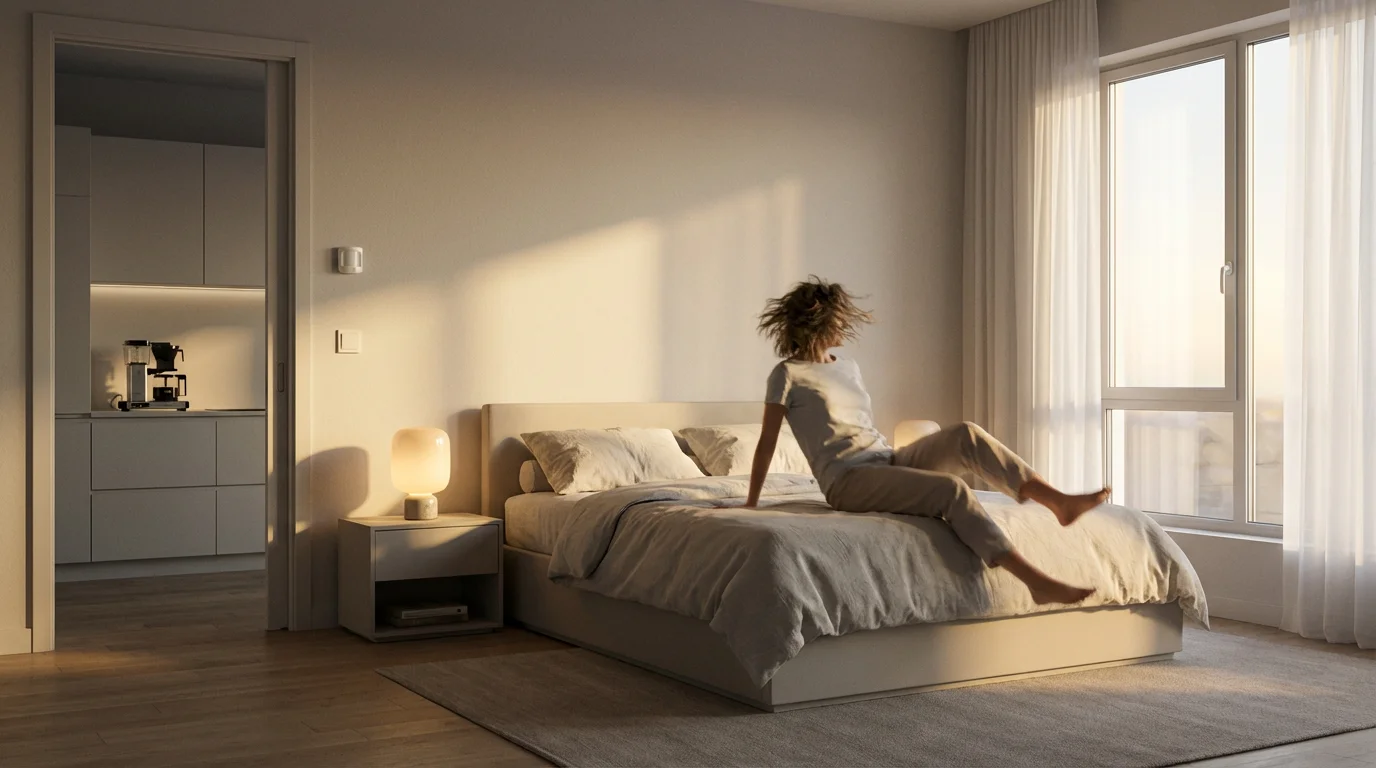
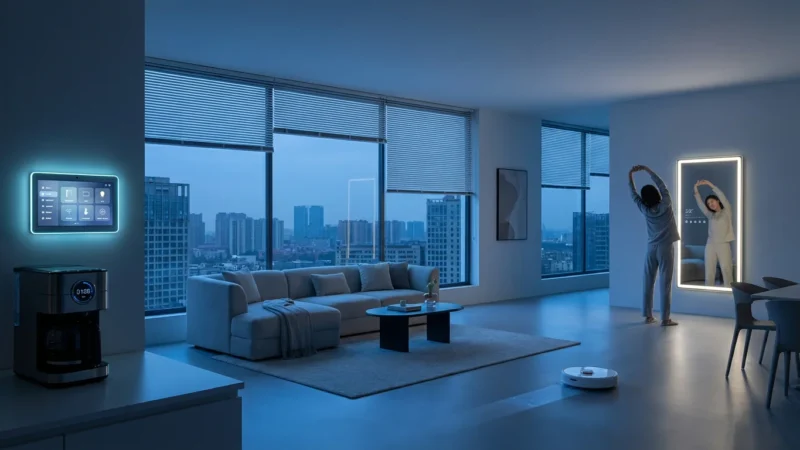
Consider a “Good Morning” routine triggered by motion. When your bedroom sensor detects movement after 6 AM, it could slowly brighten your smart lights, start your coffee maker via a smart plug, and open smart blinds. This creates a gentle, automated wake-up experience that adapts to your actual rising time, rather than a fixed alarm.
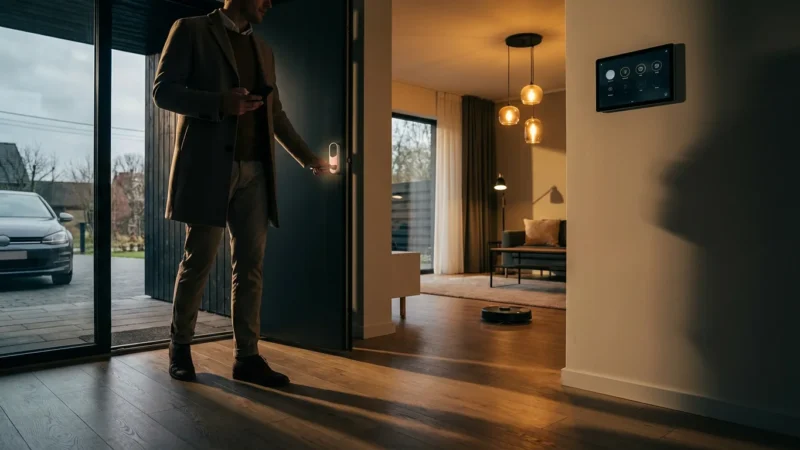
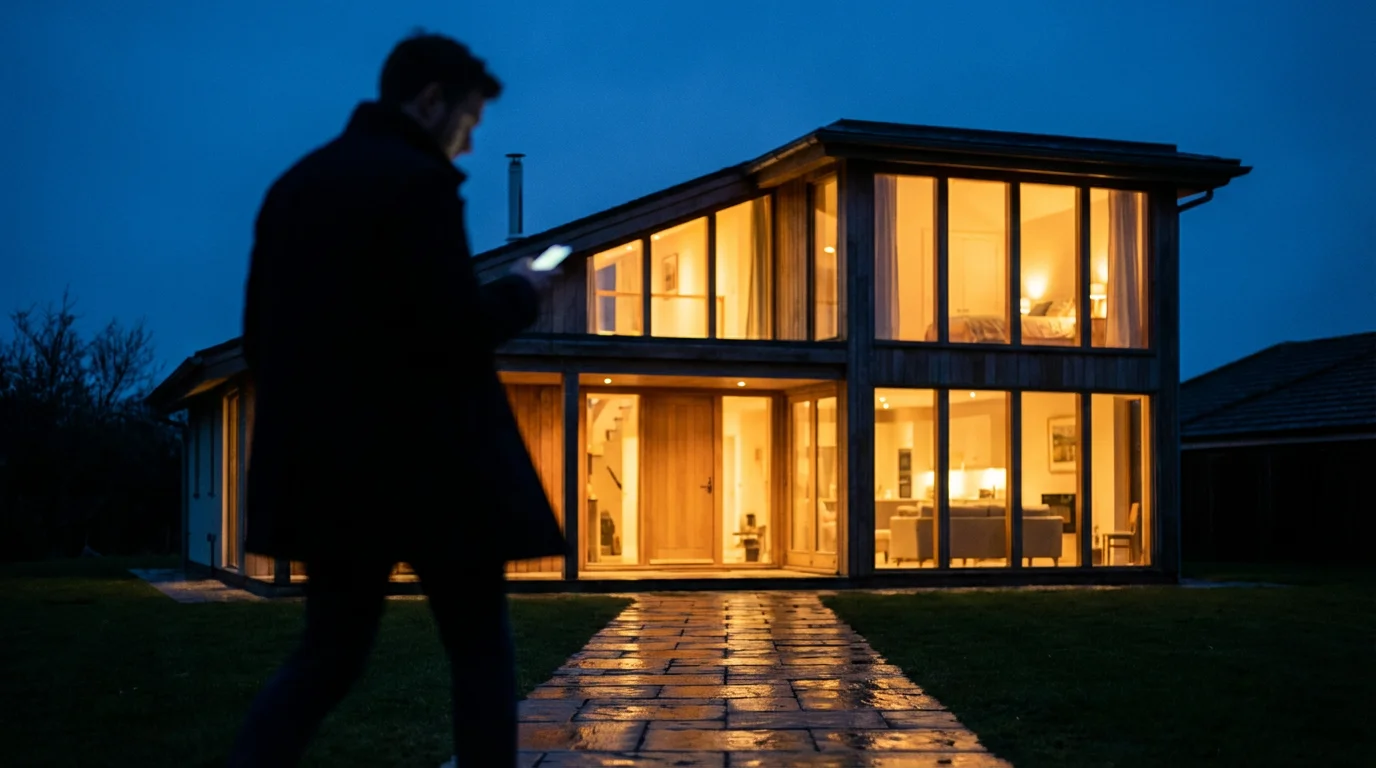
For a “Welcome Home” scene, a motion sensor in your garage or entryway can trigger a sequence of actions. When you arrive, it might turn on specific lights, adjust the thermostat to your preferred temperature, and even start playing a welcome playlist on your smart speaker. This is a powerful example of presence detection creating comfort upon arrival.
The best smart home is the one you don’t have to manage. It anticipates your needs and responds seamlessly to your presence.
Another powerful application involves security and alerts. While basic security systems use motion sensors, you can create custom alerts. If a motion sensor detects movement in a specific area, like a detached shed, during nighttime hours when you are away, it could trigger a loud siren, flash exterior lights, and send a notification to your phone. This enhances your home’s security without a full security system subscription.
Here are ideas for more advanced motion sensor routines:
- Automated Closet Lighting: Motion in your closet turns on bright lights and turns them off after 2 minutes of no motion.
- Bathroom Fan Automation: Motion in the bathroom turns on a smart fan, and it runs for 10 minutes after motion stops, helping manage humidity.
- Kid’s Nightlight: Low-level nightlights turn on when motion is detected in a child’s bedroom or hallway between 9 PM and 6 AM, providing soft illumination for nighttime trips.
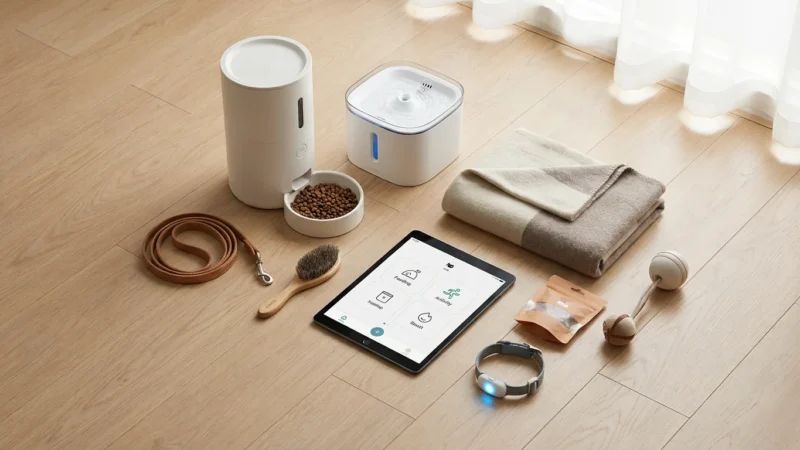
- Pet Activity Monitoring: A motion sensor in a pet area could send an alert if no motion is detected for an extended period, indicating potential inactivity or issues.
- Energy Saving Occupancy: When a room remains empty for 15 minutes, motion activated automations could turn off lights, lower the thermostat, or switch off entertainment systems. This utilizes presence detection for tangible savings.
These examples illustrate how chaining together conditions and actions transforms motion sensors into highly intelligent automated triggers, making your home more responsive and efficient.
Integrating Motion Sensors with Other Smart Devices
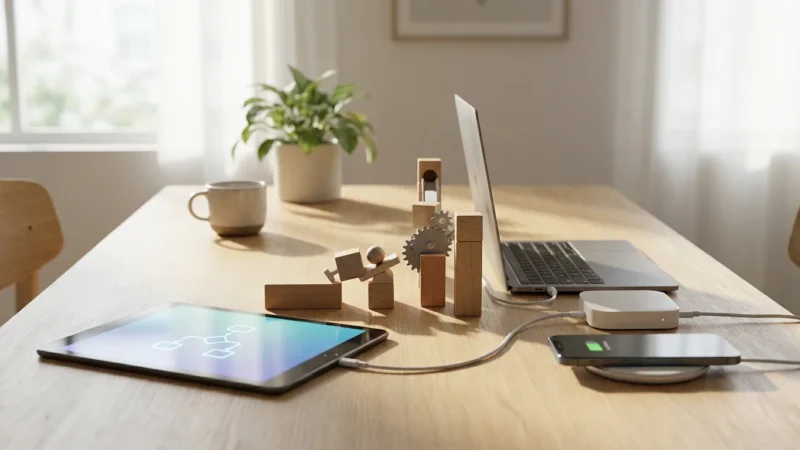
The true power of motion sensors emerges when you integrate them with other smart devices. By combining inputs and outputs, you create sophisticated multi-device scenes and sequences that react intelligently to your environment. This goes beyond simple light control and extends to climate, entertainment, and safety systems.
A common integration involves smart thermostats. An Energy Star certified smart thermostat can work with motion sensors for improved climate control. For instance, if a motion sensor detects no presence in a particular zone for an extended period, the thermostat can adjust the temperature to an energy-saving setting for that zone. When motion resumes, the temperature returns to normal. This optimizes energy consumption by heating or cooling only occupied areas.
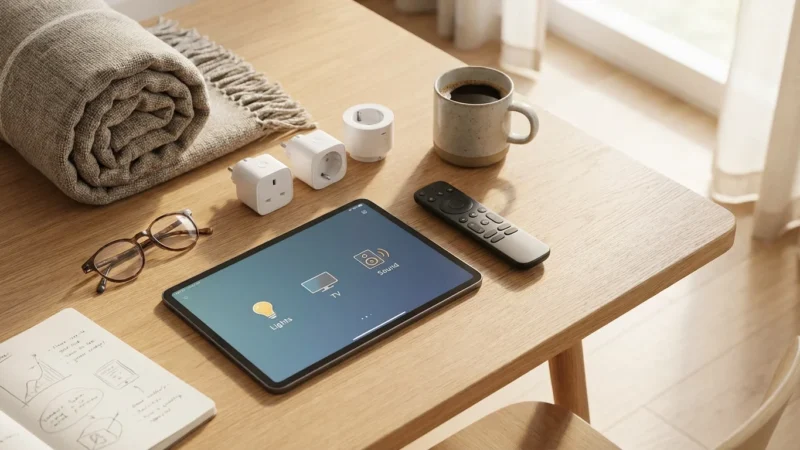
You can also integrate motion sensors with smart plugs. Attach a fan, a white noise machine, or even a small heater to a smart plug. When motion is detected in a specific room, the smart plug activates the connected appliance. For example, a fan turns on when you enter your home office and turns off when you leave.
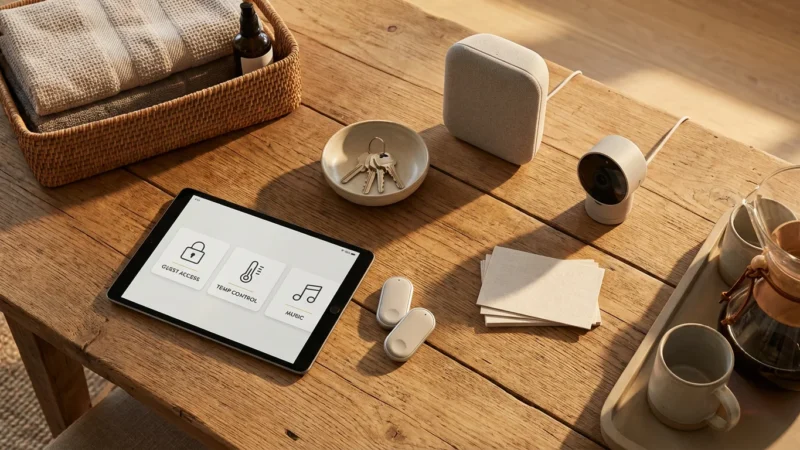
Security systems benefit greatly from motion sensor integration. Beyond triggering alarms, motion detection can activate smart cameras to start recording or send live feeds to your phone. Some systems even integrate with smart locks, allowing for advanced security measures like locking doors if unexpected motion is detected when no one should be home.
Consider integrating with smart speakers for audio cues. A motion sensor in your child’s playroom could trigger your smart speaker to announce, “Playtime has begun!” when they enter, or “Tidy up time!” when motion stops for a while. This adds a fun, interactive layer to your smart home.
The key is to think about how different devices can work together to achieve a larger goal. Motion sensors act as the “eyes” of your home, providing the crucial data needed to trigger intelligent responses from your entire smart device ecosystem. According to Wirecutter, effective smart home setups prioritize seamless interaction between devices to enhance daily living.
Troubleshooting Common Motion Sensor Automation Issues
Even with careful planning, smart home automations can sometimes encounter glitches. Understanding common issues helps you quickly diagnose and resolve problems, ensuring your motion sensor routines remain reliable. Patience and systematic checking are your best tools.
Here are frequent problems and their solutions:
- False Triggers:
- Cause: Pets, heating vents, direct sunlight, or trees swaying outside a window can cause false positives.
- Solution: Reposition the sensor away from heat sources or direct light. Use pet-immune sensors if animals are a factor. Adjust sensitivity settings within your app if available.
- Delayed Response or No Trigger:
- Cause: Poor signal strength, sensor obstruction, dead batteries, or incorrect routine settings.
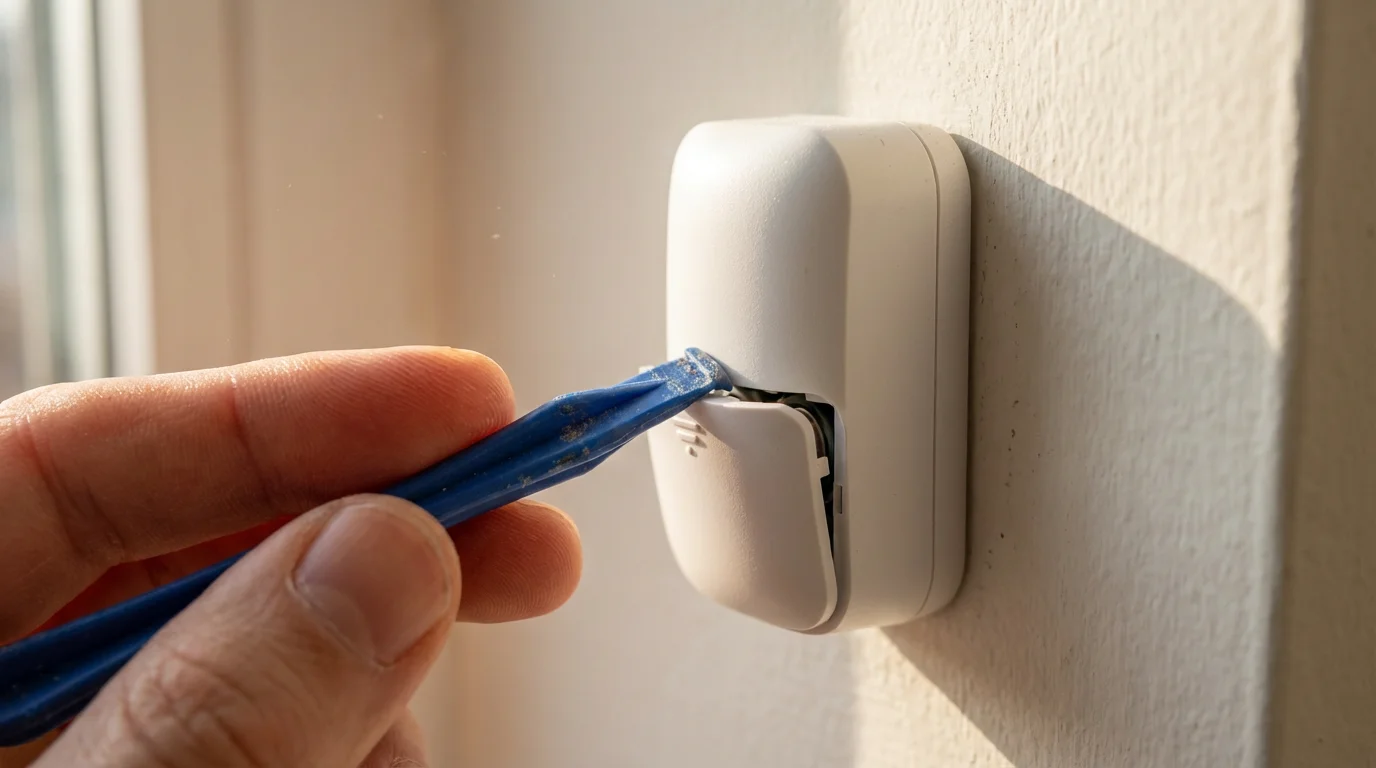
- Solution: Check battery levels. Ensure the sensor has a clear line of sight to the hub (for Zigbee/Z-Wave) or a strong Wi-Fi signal. Verify your routine’s trigger conditions are correctly configured in the app. Consider adding a repeater if range is an issue.
- Lights Not Turning Off:
- Cause: The “no motion detected” condition is not set, or the delay is too short. Another sensor might be re-triggering the routine.
- Solution: Always include an “off” condition for lights with a suitable delay (e.g., 5-10 minutes). Check if multiple sensors in an area conflict. Increase the “no motion” delay if lights turn off too quickly.
- Conflicting Routines:
- Cause: Two different routines attempt to control the same device simultaneously with different instructions.
- Solution: Review all routines that involve the affected device. Prioritize or disable conflicting automations. Some apps allow you to set routine priorities.
- Device Offline:
- Cause: Power outage, Wi-Fi connectivity issues, or device malfunction.
- Solution: Check your home’s internet connection and router. Restart the affected smart device or hub. Re-pair the device if necessary.
Always start by checking the simplest potential issues. Confirm batteries, power, and connectivity before diving into complex routine logic. A systematic approach to troubleshooting saves time and frustration.
Maximizing Efficiency and Privacy with Motion Sensors
Motion sensors offer significant potential for energy savings and convenience. However, maximizing these benefits requires smart placement and conscious privacy considerations. You can enjoy a smarter home while maintaining control over your personal data.
To enhance energy efficiency, use motion sensors to automate climate control and lighting in unoccupied rooms. For example, if no motion is detected in a living room for 30 minutes, your smart thermostat can slightly increase the cooling temperature or decrease the heating. This ensures you only consume energy where and when it is truly needed, leading to noticeable reductions in utility bills.
For lighting, configure routines to adjust brightness based on ambient light levels. A motion sensor with a built-in light sensor can detect if a room is already bright enough and prevent lights from turning on unnecessarily. This avoids wasting electricity on lights during daylight hours, even if motion is detected.
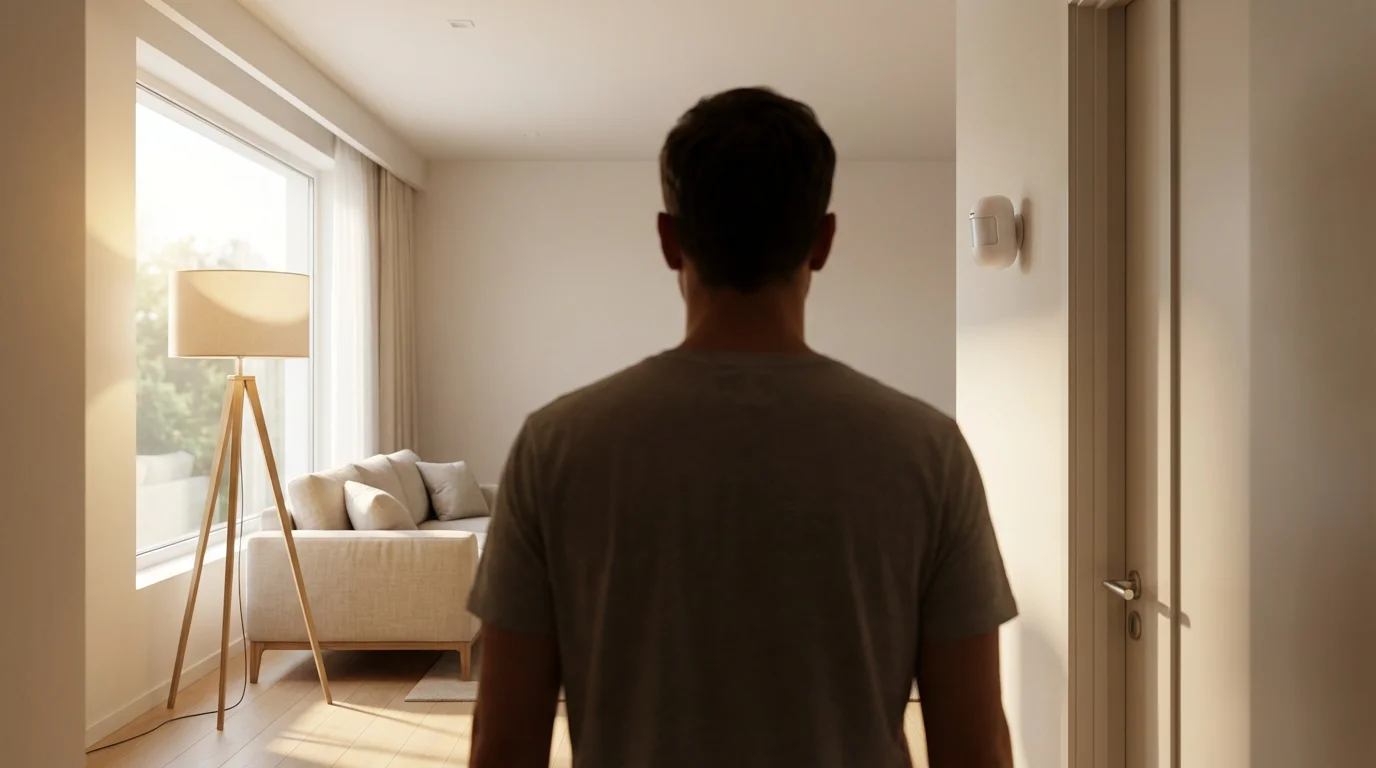
Privacy is a key consideration with any smart home device that collects data. Motion sensors detect presence, which can indicate occupancy patterns. You manage where you place sensors to respect privacy in sensitive areas. Avoid placing sensors in bedrooms or private study areas if you are concerned about detailed occupancy tracking.
Here are practical tips for optimizing efficiency and privacy:
- Strategic Placement: Place sensors in high-traffic common areas like hallways, living rooms, and kitchens. Use them to monitor entry points.
- Time-Based Conditions: Use time conditions to activate routines only during relevant hours. For example, a hallway light routine only needs to be active from sunset to sunrise.
- Temporary Disabling: Most smart home apps allow you to disable routines or sensors temporarily. Use this feature when hosting guests or during holidays to prevent unwanted automations.
- Review Data Collection: Understand what data your smart home platform collects from your motion sensors. Check your app’s privacy settings and opt out of data sharing if possible.
- Pet Immunity: If you have pets, invest in motion sensors with pet immunity to prevent false triggers and avoid unnecessary light or device activation. This also ensures your data about “human” presence remains accurate.
By thoughtfully deploying and managing your motion sensors, you can create an efficient, convenient, and private smart home environment. They provide essential presence detection without compromising your peace of mind.
Frequently Asked Questions
Can motion sensors work outdoors?
Yes, many motion sensors are specifically designed for outdoor use. These models are typically weatherproof and offer wider detection ranges and angles. Ensure you select an outdoor-rated sensor to withstand varying weather conditions and provide reliable performance for motion activated automations outside your home.
Do motion sensors work in the dark?
Yes, most smart home motion sensors use Passive Infrared, or PIR, technology, which detects heat signatures. They do not rely on visible light to detect movement, meaning they work equally effectively in complete darkness. This makes them ideal for nighttime security and lighting routines.
How long do motion sensor batteries last?
Battery life varies significantly depending on the sensor’s brand, model, battery type, and frequency of activity. Typically, smart home motion sensors can last anywhere from six months to two years on a single set of batteries. Sensors in high-traffic areas will consume battery power faster. Many apps provide battery status alerts.
Can I adjust the sensitivity of a motion sensor?
Many smart motion sensors allow you to adjust their sensitivity through your smart home app. This feature is useful for preventing false triggers caused by small pets or subtle environmental changes. Lowering sensitivity can reduce unwanted alerts, while increasing it ensures detection of even slight movements, optimizing your presence detection.
What is the difference between motion and occupancy sensors?
Motion sensors detect movement, acting as automated triggers. An occupancy sensor, by contrast, determines if a space is occupied, often by combining motion detection with other inputs like heat or ambient light. An occupancy sensor aims to confirm continued presence, ensuring lights stay on as long as someone is in the room. A motion sensor primarily registers initial entry or movement.
Disclaimer: This article is for informational purposes only. Smart home devices involve electrical connections and data privacy. Always follow manufacturer instructions for installation. For complex wiring or HVAC work, consult a licensed professional.

Leave a Reply