
You want a home that takes care of itself when the day winds down. Imagine a seamless transition from your evening activities to a peaceful slumber, all managed by your smart home devices. Building a comprehensive goodnight routine transforms your living space into a calm, secure, and energy-efficient haven.
This guide provides practical, actionable steps to design an automated bedtime experience tailored to your life. From basic lighting adjustments to advanced security protocols and energy savings, you will learn how to create an automated bedtime routine that handles everything. Achieve convenience and peace of mind every single night.

Understanding Your Ideal Goodnight Routine
Before diving into device specifics, define what a perfect end to your day looks like. Your ideal goodnight routine is unique to your habits and preferences. Think about the actions you take manually each night and consider how technology can simplify them.
Consider every element that contributes to your evening winding down. This forms the blueprint for your smart home goodnight routine ideas.
Use these questions to outline your needs:
- What time do you typically go to bed?
- What lights do you turn off, and which ones do you dim or keep on a low setting?
- Do you lock doors, arm a security system, or close garage doors?
- Do you adjust your thermostat, and what is your preferred sleeping temperature?
- Do you use fans, white noise machines, or air purifiers?
- What media devices (TVs, speakers) do you turn off?
- Do you close blinds or curtains for privacy and darkness?
- Do you check on children or pets before bed?
Listing these actions helps you visualize the flow. This detailed understanding ensures you create a comprehensive and effective bedtime automation.
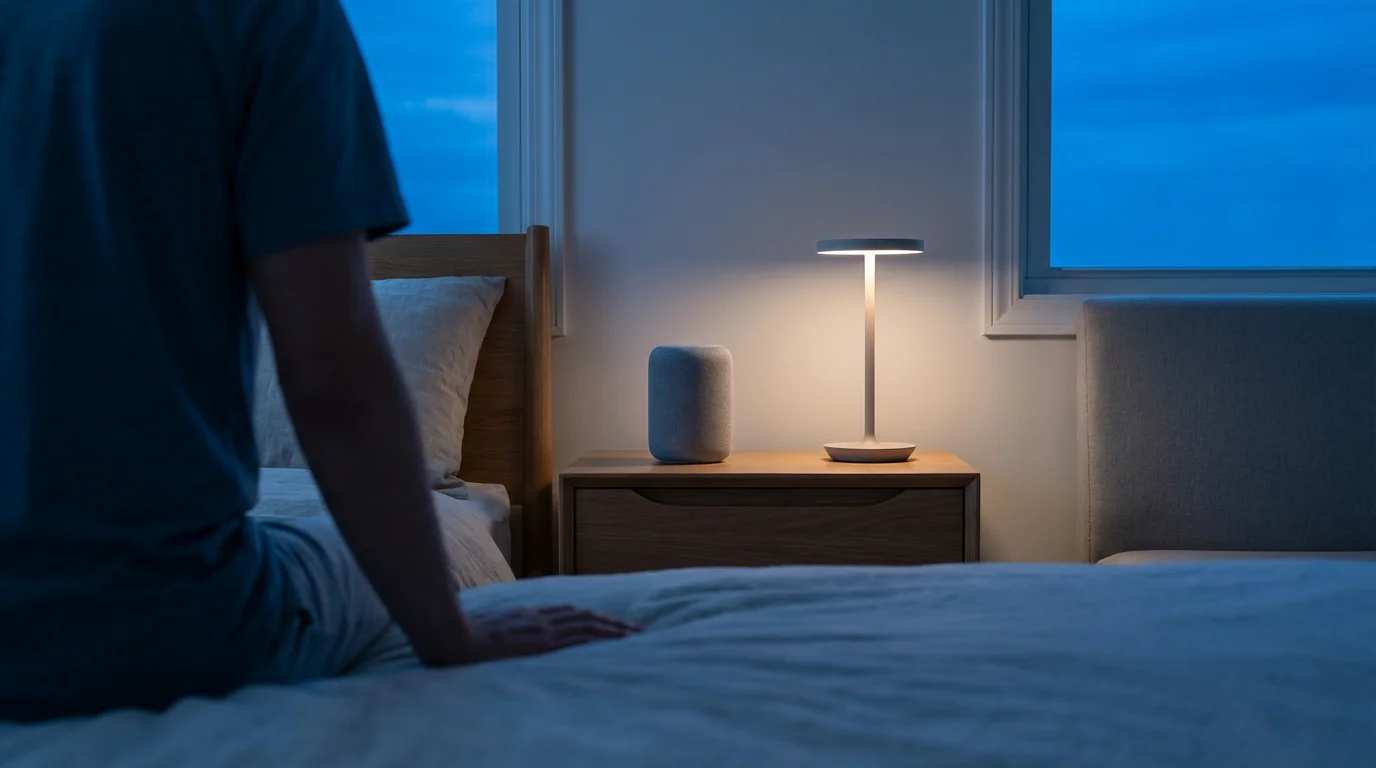
Essential Smart Devices for Bedtime Automation
A robust goodnight routine relies on a selection of smart devices working in harmony. You do not need every device immediately, but knowing the possibilities helps you plan. Start with the basics and expand as your needs evolve.
Here are the core device categories for a powerful goodnight routine:
- Smart Lighting: Dimmable smart bulbs or smart switches control overhead lights and lamps. You can set specific brightness levels and colors to promote relaxation.
- Smart Thermostat: Adjust your home’s temperature automatically for optimal sleep. Energy Star certified smart thermostats learn your preferences and save energy. You can learn more about these devices at Energy Star.
- Smart Locks: Secure your entry doors remotely and automatically. This eliminates the need to physically check each lock.
- Smart Security System: Arm your cameras and motion sensors with a single command. Integrating security offers significant peace of mind.
- Smart Blinds/Shades: Automate window coverings to block light and enhance privacy. These devices contribute significantly to room ambiance.
- Smart Plugs: Transform any “dumb” appliance into a smart one. Use them for bedside lamps, fans, or white noise machines to power them on or off.
- Smart Speakers/Displays: Act as your voice command interface and can play ambient sounds or guide meditations. Devices like Amazon Echo or Google Nest Hub are crucial.
- Garage Door Opener: Ensure your garage door closes automatically every night. This enhances security and prevents energy loss.
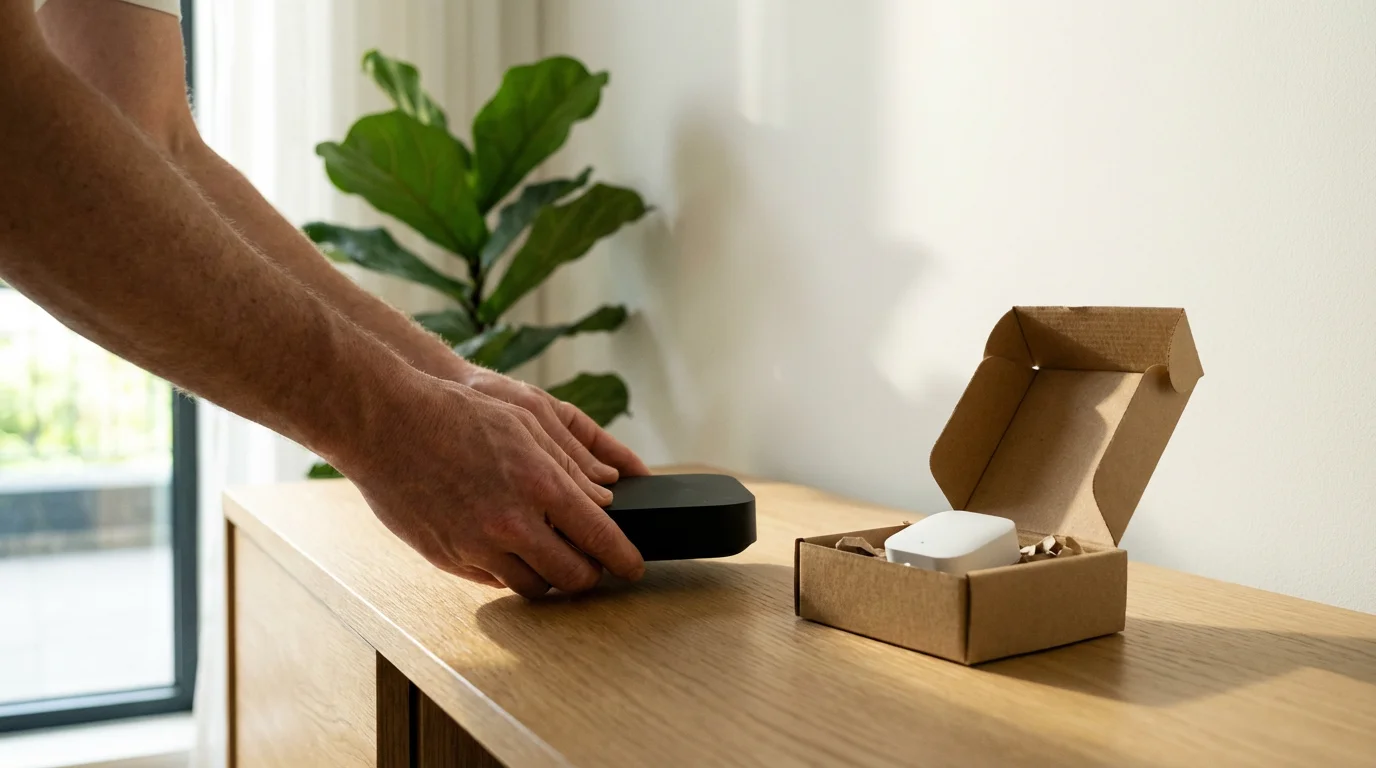
Choosing Your Smart Home Platform
The “brain” of your smart home is its platform or ecosystem. This is where you configure your goodnight routine and link all your devices. Popular platforms include Apple HomeKit, Amazon Alexa, Google Home, and Samsung SmartThings. Many devices also support the Matter standard, which aims to improve interoperability across different brands. The Connectivity Standards Alliance provides more information on the Matter Smart Home Standard.
Consider these factors when selecting or building on your existing platform:
- Device Compatibility: Ensure your chosen platform supports the smart devices you own or plan to purchase. Cross-compatibility is crucial for a unified experience.
- Ease of Use: Some platforms offer a more intuitive user interface for setting up automations. Beginners often find Google Home or Alexa user-friendly.
- Integration Capabilities: A robust platform integrates with many third-party services and devices. This allows for complex goodnight routines.
- Voice Assistant Preference: If you prefer a specific voice assistant, choose the platform it is primarily associated with.
- Advanced Automation Features: Power users might seek platforms that allow for more complex conditional logic and custom scripting.
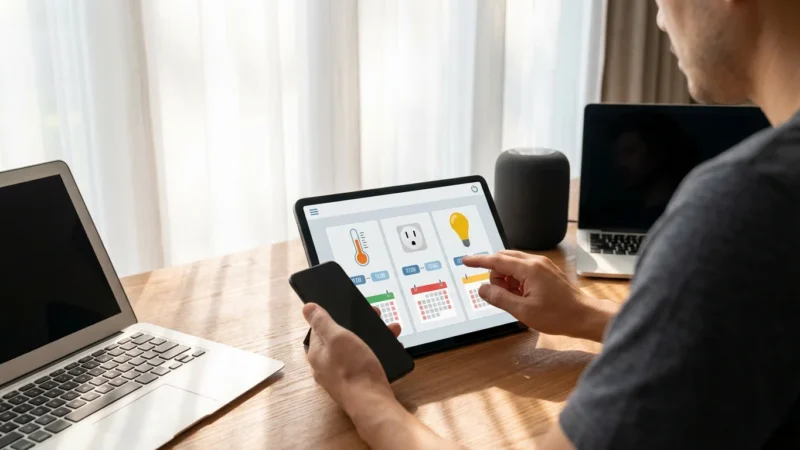
Most modern platforms allow you to create “routines” or “scenes” where multiple actions trigger simultaneously or in sequence. This is the foundation of your automated bedtime routine.
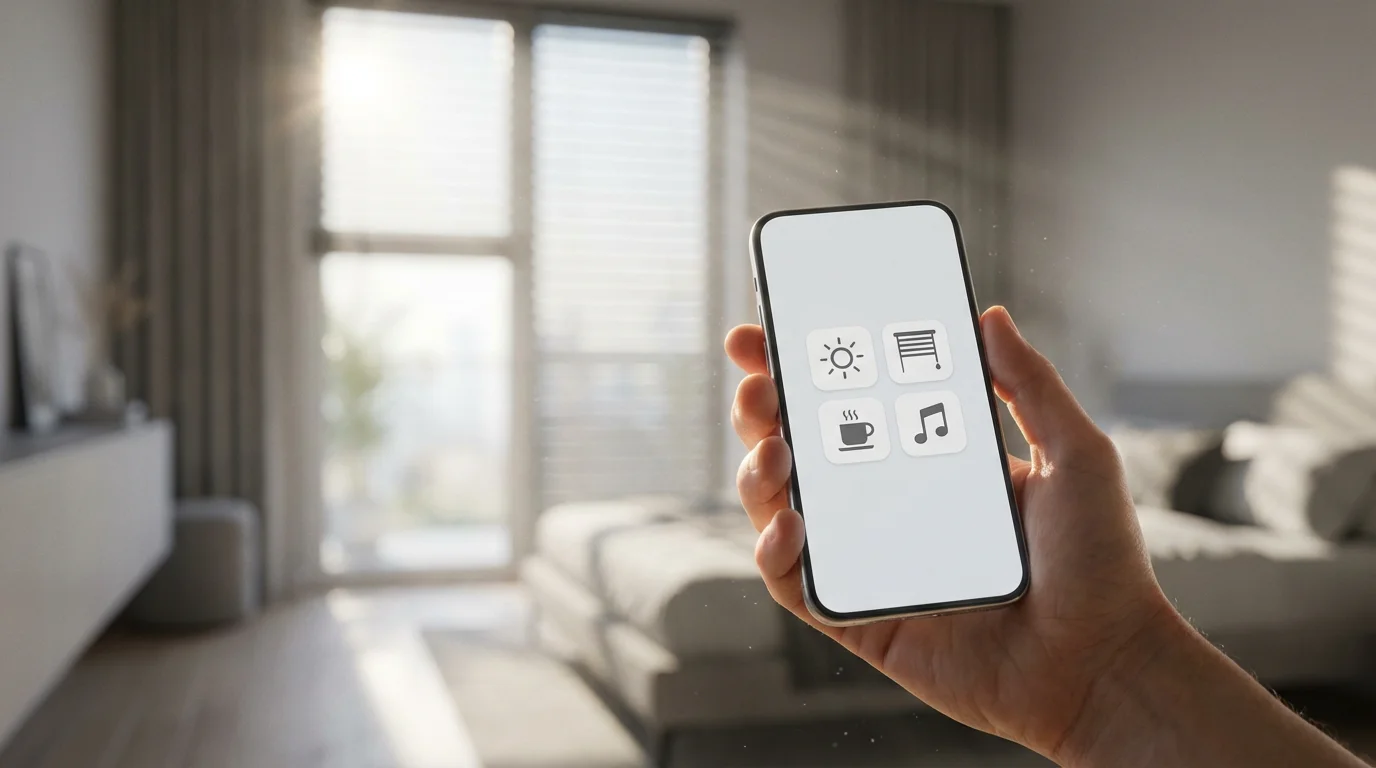
Step-by-Step: Building Your Core Goodnight Routine
Now, let us create a goodnight routine. This section walks you through the initial setup using common smart home platform concepts. The exact steps vary slightly by platform, but the logic remains consistent.
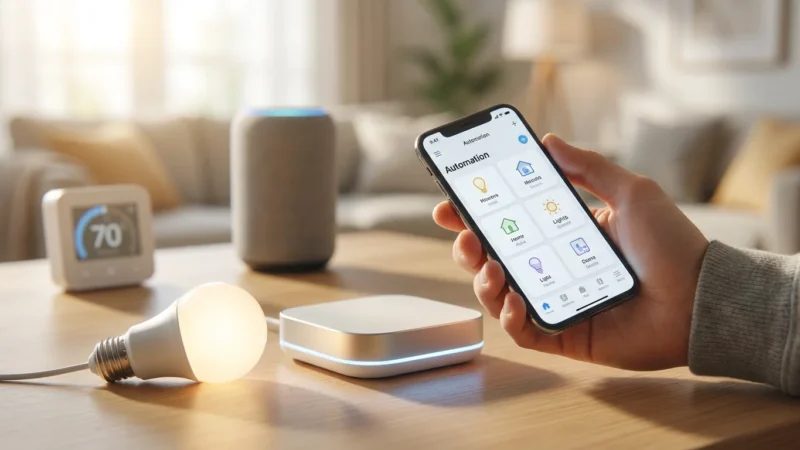
- Initiate a New Routine/Scene: Open your smart home app (e.g., Google Home, Alexa, SmartThings). Look for an option to “Create New Routine,” “Add Scene,” or “Automation.”
- Name Your Routine: Give it a clear, descriptive name. “Goodnight Routine” or “Bedtime Mode” works well.
-
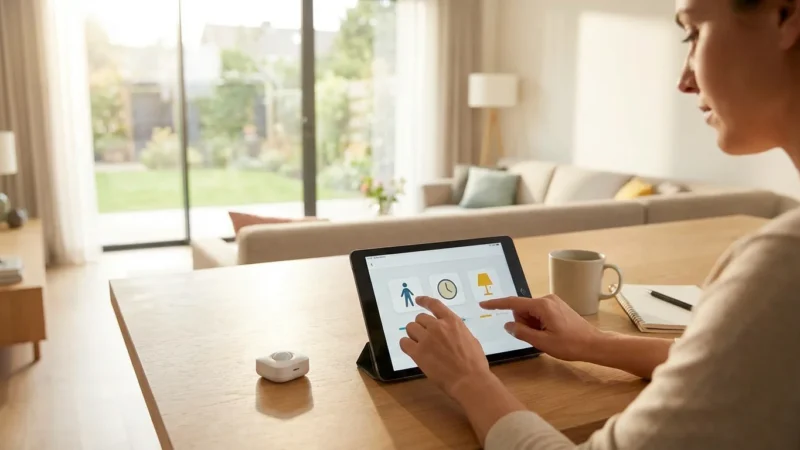
Set the Trigger Condition: This is what starts your routine.
- Voice Command: “Alexa, goodnight” or “Hey Google, goodnight.” This is a popular and convenient trigger.
- Scheduled Time: “Every day at 10:00 PM.” Useful for consistent bedtimes.
- Geofencing: “When the last person leaves the house” (less common for goodnight, but possible if your routine includes arming away).
- Sensor Trigger: “When the bedroom door closes” or “When the last person is detected in the bedroom.” This requires specific sensors.
-
Add Core Actions (Lights): Start by controlling your smart lights.
- Turn off all living room and kitchen lights.
- Dim bedroom lights to 10% brightness and change color to a warm amber.
- Turn off any media room lights.
-
Add Core Actions (Climate): Integrate your smart thermostat.
- Set the bedroom temperature to 68°F (or your preferred sleeping temperature).
- Turn off the living room ceiling fan.
-
Add Core Actions (Security): Secure your home.
- Lock all smart door locks.
- Arm your smart security system to “Stay” or “Night” mode.
- Close the smart garage door.
-
Add Core Actions (Miscellaneous): Include other essential devices.
- Turn off the TV and soundbar (via smart plug or direct integration).
- Activate the white noise machine (via smart plug).
- Save and Test: Save your routine and test it thoroughly. Manually trigger it to ensure every action performs as expected. Adjust timings or actions as needed.
Building your core goodnight routine gives you a solid foundation. You achieve significant automation and convenience with these initial steps.
Advanced Automation: Beyond the Basics
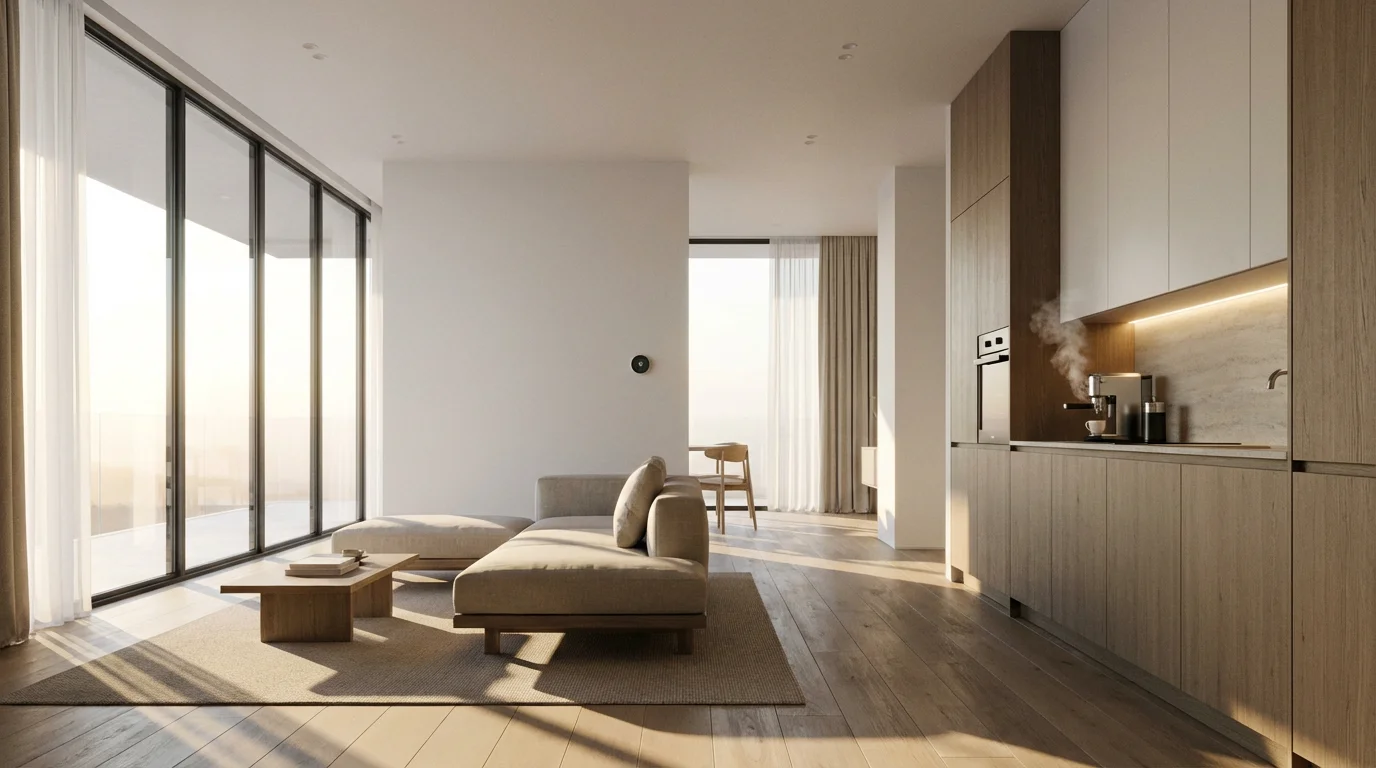
Once your core goodnight routine functions smoothly, consider expanding its capabilities with more sophisticated automations. This moves you towards a truly “does everything” smart home goodnight routine.
“The best smart home is the one you don’t have to manage. It anticipates your needs and acts seamlessly in the background.”
Here are advanced ideas for your bedtime automation:
- Conditional Logic: Implement “if-then” scenarios. For example, “If it is past 11 PM and the front door is still unlocked, then lock it and send a notification.”
- Motion-Triggered Dimming: Set hallway lights to dim to a very low level if motion is detected during the night. This prevents tripping without fully waking you.
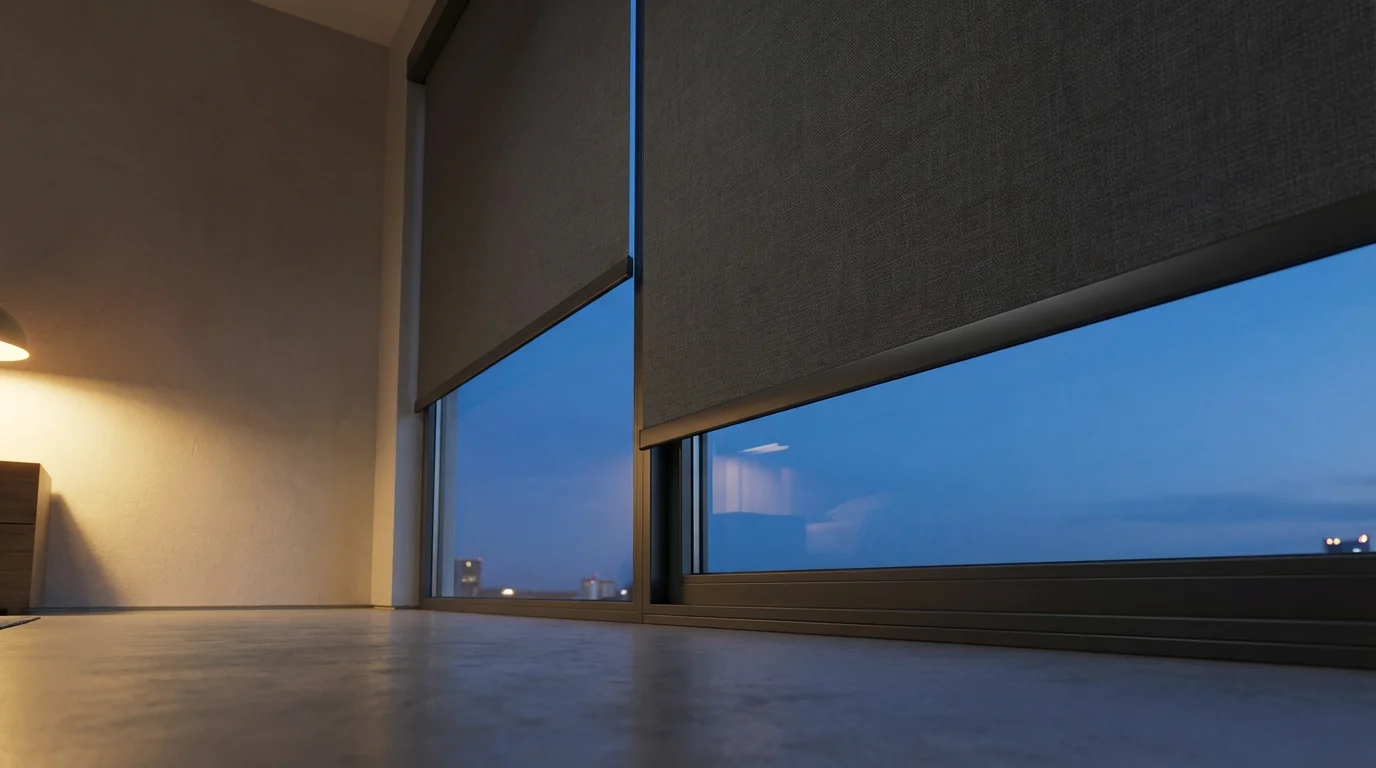
- Automated Blinds/Curtains: Have smart blinds close automatically as part of the goodnight routine. They can also open partially in the morning as a gentle wake-up.
- Soundscapes and Meditation: Integrate smart speakers to play relaxing sounds or guided meditations for a set duration. For example, “Play ocean waves for 30 minutes.”
- Charger Disconnect: Use a smart plug to automatically cut power to phone or tablet chargers after a set time. This prevents overcharging and saves a tiny bit of energy.
- Child’s Room Check: If you have a smart camera in a child’s room, the routine could send a snapshot or a brief video clip to your phone. This provides a visual check without disturbing them.
- Ventilation Control: Integrate smart fans or air purifiers. You can set them to a quiet, low-power mode for air circulation throughout the night.
These advanced features often require more capable platforms or the use of integration services like IFTTT (If This Then That), which links different smart home services.
Optimizing for Energy Savings and Security
A smart home goodnight routine extends beyond convenience. It actively contributes to energy efficiency and enhances your home’s security posture. Incorporate these considerations into your bedtime automation.
Energy Efficiency
Your goodnight routine offers significant opportunities for energy savings. Automating device shutdowns prevents phantom drain and ensures climate control is optimized for an empty or sleeping home.
* Thermostat Scheduling: Your smart thermostat can automatically adjust to a lower temperature when everyone is asleep. You do not waste energy heating or cooling an empty house or a sleeping household. According to Wirecutter, smart thermostats often pay for themselves through energy savings.
* Light Control: Ensure all non-essential lights turn off. Dimming bedroom lights to a low setting uses less power than leaving them at full brightness.
* Phantom Load Reduction: Use smart plugs to completely cut power to entertainment systems, computer monitors, and chargers. These devices consume small amounts of power even when turned off. This reduces your overall electricity consumption.
* Appliance Shutdown: If you use smart plugs for fans, humidifiers, or white noise machines, ensure they power off after you fall asleep.
Enhanced Security
A goodnight routine becomes a powerful security tool. It systematically locks down your home, providing peace of mind.
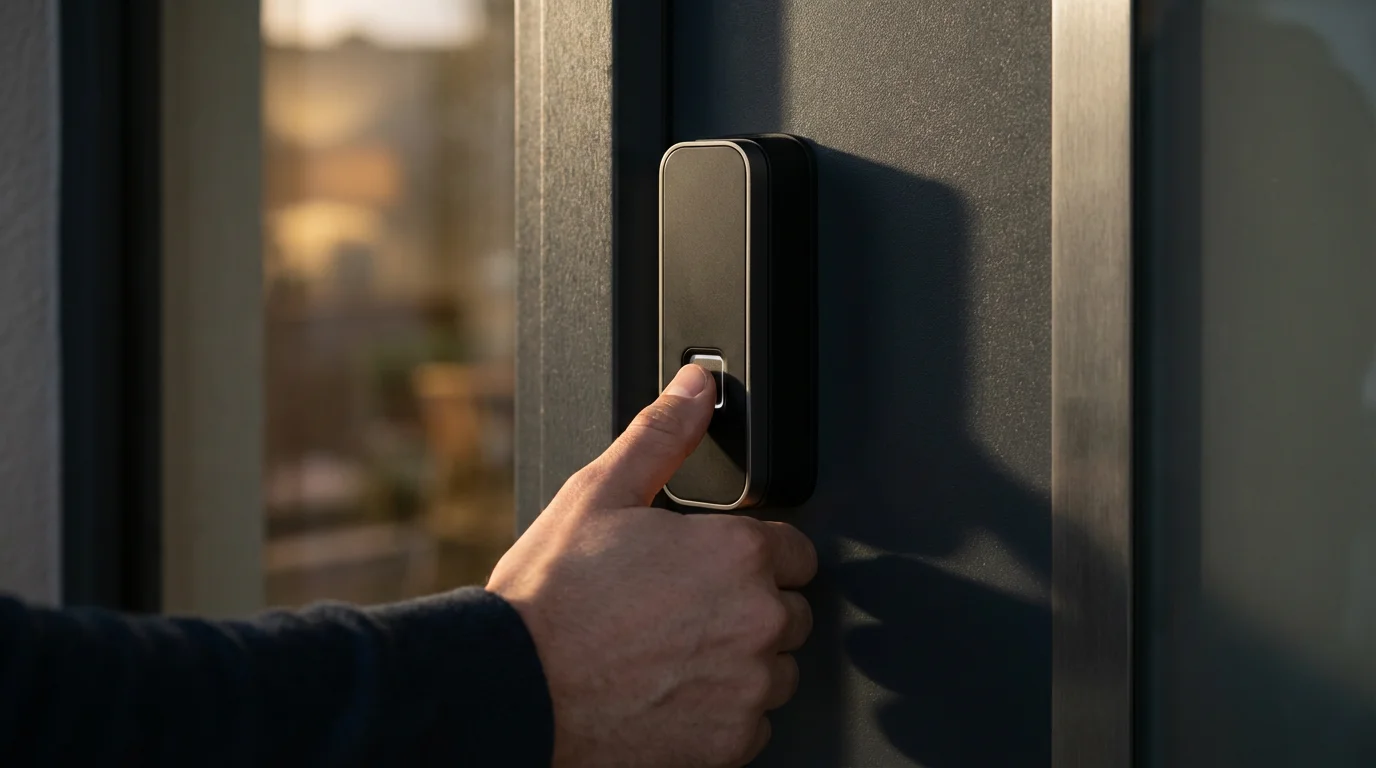
* Automated Locking: Smart locks ensure every entry point is secured. This eliminates the uncertainty of manually checking each door.
* System Arming: Integrate your security system to arm automatically. Set it to “Stay” mode to monitor exterior doors and windows while you are inside.
* Garage Door Closure: An often-overlooked security vulnerability, your smart garage door opener ensures this large entry point is closed and locked.
* Randomized Lighting (Vacation Mode): For times you are away, a “Vacation Goodnight Routine” can simulate occupancy by turning lights on and off at varied times. This deters potential intruders.
* Security Camera Activation: Ensure your outdoor and indoor cameras activate their motion detection and recording features. This provides comprehensive surveillance.
Troubleshooting Common Bedtime Automation Issues
Even the most carefully crafted goodnight routine can encounter hiccups. Addressing these common problems helps you maintain a reliable and seamless experience. Many troubleshooting steps involve checking connections and app settings.
Here are common issues and their solutions:
-
Routine Fails to Trigger:
- Check Trigger Condition: Verify the time, voice command phrasing, or sensor state. Ensure the trigger is active and correctly configured.
- Platform Connectivity: Ensure your smart home hub or app has a stable internet connection.
- Device Status: Confirm all devices involved are online and responsive within their respective apps.
-
Some Devices Do Not Respond:
- Device Power: Ensure the specific device has power and is not unplugged or turned off manually.
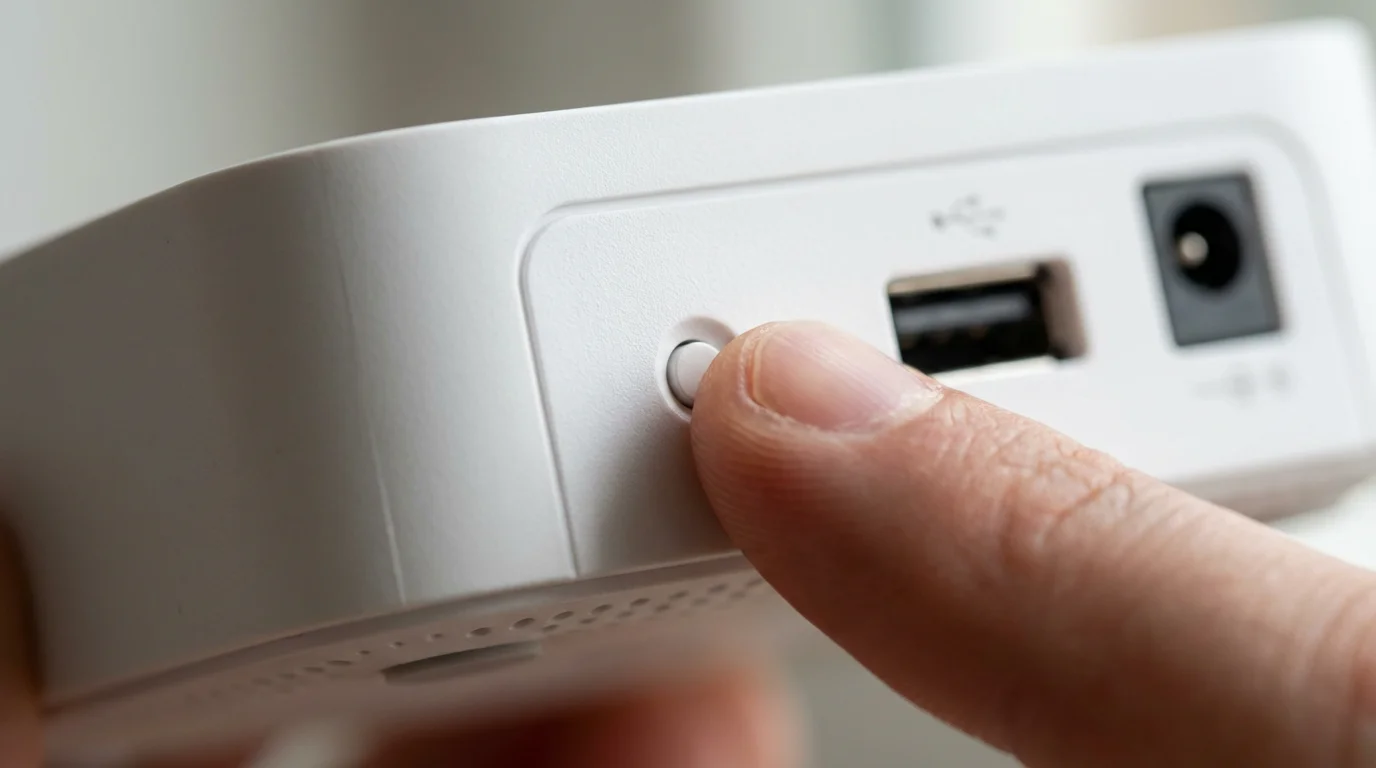
- Network Connection: Check the device’s Wi-Fi or Zigbee/Z-Wave connection. Reboot the device and your router if necessary.
- Platform Link: Re-link the device to your smart home platform if it has become disconnected.
-
Actions Happen Out of Order or Too Slowly:
- Routine Order: Review the sequence of actions in your routine within the smart home app. Adjust the order as needed.
- Platform Performance: Some complex routines on less powerful hubs might experience slight delays. Consider simplifying or breaking into smaller routines if possible.
- Network Latency: A congested Wi-Fi network can slow down commands. Consider optimizing your home network.
-
Voice Commands Not Understood:
- Clear Phrasing: Speak clearly and use the exact phrase configured for your routine.
- Microphone Issues: Check your smart speaker’s microphone for obstructions or ensure it is not muted.
-
Conflicting Automations:
- Review All Routines: Ensure you do not have another routine or scene accidentally set to trigger at the same time or with conflicting actions. For example, a “lights on” routine running against a “lights off” goodnight routine.
- Prioritization Settings: Some platforms allow you to prioritize routines. Adjust these settings to ensure your goodnight routine takes precedence.
To ensure your setup remains reliable, it is helpful to know how to troubleshoot routines when things don’t go as planned.
Regularly testing your goodnight routine helps you catch and resolve issues promptly. A reliable goodnight routine provides consistent comfort and security.
Expanding Your Bedtime Automation
A fully integrated smart home goes beyond a single goodnight routine. You can build upon your successful bedtime automation by creating complementary routines that enhance other parts of your day. This creates a holistic smart home experience.
Consider these ideas for expanding your automation:
- Good Morning Routine: Reverse your goodnight routine. Have lights slowly brighten, the thermostat adjust, blinds open, and a smart speaker play morning news or music. This provides a gentle start to your day.
- Leaving Home Routine: A “Goodbye” routine triggered by voice or geofencing can lock all doors, arm the security system, turn off all lights, and adjust the thermostat for energy savings while you are away.
- Coming Home Routine: A “Welcome Home” routine can unlock the front door, turn on specific lights, adjust the thermostat to a comfortable level, and even play background music when you arrive.
- Activity-Based Routines: Create routines for specific activities, such as “Movie Night” (dim lights, close blinds, turn on TV) or “Dinner Time” (brighten kitchen lights, play ambient music).
- Seasonal Adjustments: Modify your goodnight routine based on seasons. In winter, you might set the thermostat higher and include a smart humidifier. In summer, focus on cooling and fan control.
The true power of smart home technology lies in its ability to adapt and grow with your lifestyle. By thinking of routines as interconnected, you build a home that is truly smart and responsive to your every need. Continuously explore new devices and platform features to refine your automated living space.
Frequently Asked Questions
What is the best smart home platform for a goodnight routine?
The “best” platform depends on your existing devices and preferences. Amazon Alexa and Google Home offer broad compatibility and user-friendly routine creation. Apple HomeKit provides strong privacy features for Apple users. Samsung SmartThings offers robust local control and extensive device support. Evaluate which platform best integrates with your current setup and desired features.
Can I integrate my phone’s “Do Not Disturb” with my smart home goodnight routine?
Yes, many smart home platforms and integration services allow this. For instance, some platforms can detect your phone’s “Do Not Disturb” status and trigger smart home actions. You can also use services like IFTTT to link your phone’s status to your smart home routines. This ensures your devices align with your personal quiet time settings.
How can I ensure my goodnight routine is secure and private?
Prioritize devices from reputable brands with strong security track records. Use strong, unique passwords for all your smart home accounts and enable two-factor authentication. Regularly update device firmware and software. Check privacy settings within your smart home app, limiting data sharing where possible. Consider a separate guest Wi-Fi network for smart devices if your router supports it. PCMag offers excellent resources on smart home security best practices.
What if my goodnight routine doesn’t trigger reliably?
Check your internet connection and Wi-Fi signal strength, especially for devices furthest from your router. Ensure all devices are powered on and correctly linked to your smart home platform. Verify the routine’s trigger condition is precise. If using voice, speak clearly. If using a sensor, ensure it has fresh batteries and is positioned correctly. Sometimes, simply restarting your smart home hub or router resolves connectivity issues.
How much does it cost to set up a comprehensive goodnight routine?
The cost varies widely based on the number and type of devices you integrate. You can start with basic smart plugs and bulbs for under $100. A more comprehensive setup with smart locks, a thermostat, and advanced lighting could range from $500 to over $2,000, depending on brands and installation requirements. Focus on adding devices incrementally, prioritizing those that offer the most value for your specific needs.
Disclaimer: This article is for informational purposes only. Smart home devices involve electrical connections and data privacy. Always follow manufacturer instructions for installation. For complex wiring or HVAC work, consult a licensed professional.
Leave a Reply