

Your smart home offers incredible convenience, automating individual devices with simple commands or schedules. However, the true power of smart home technology emerges when you learn how to chain multiple automations together. This capability transforms your home from a collection of connected gadgets into a cohesive, intelligent environment that anticipates your needs.
Chaining automations means creating multi-step routines that involve a series of actions, often dependent on specific conditions or triggers. This guide empowers you to move beyond basic functions and build truly personalized, advanced routines that enhance security, conserve energy, and provide unparalleled convenience.
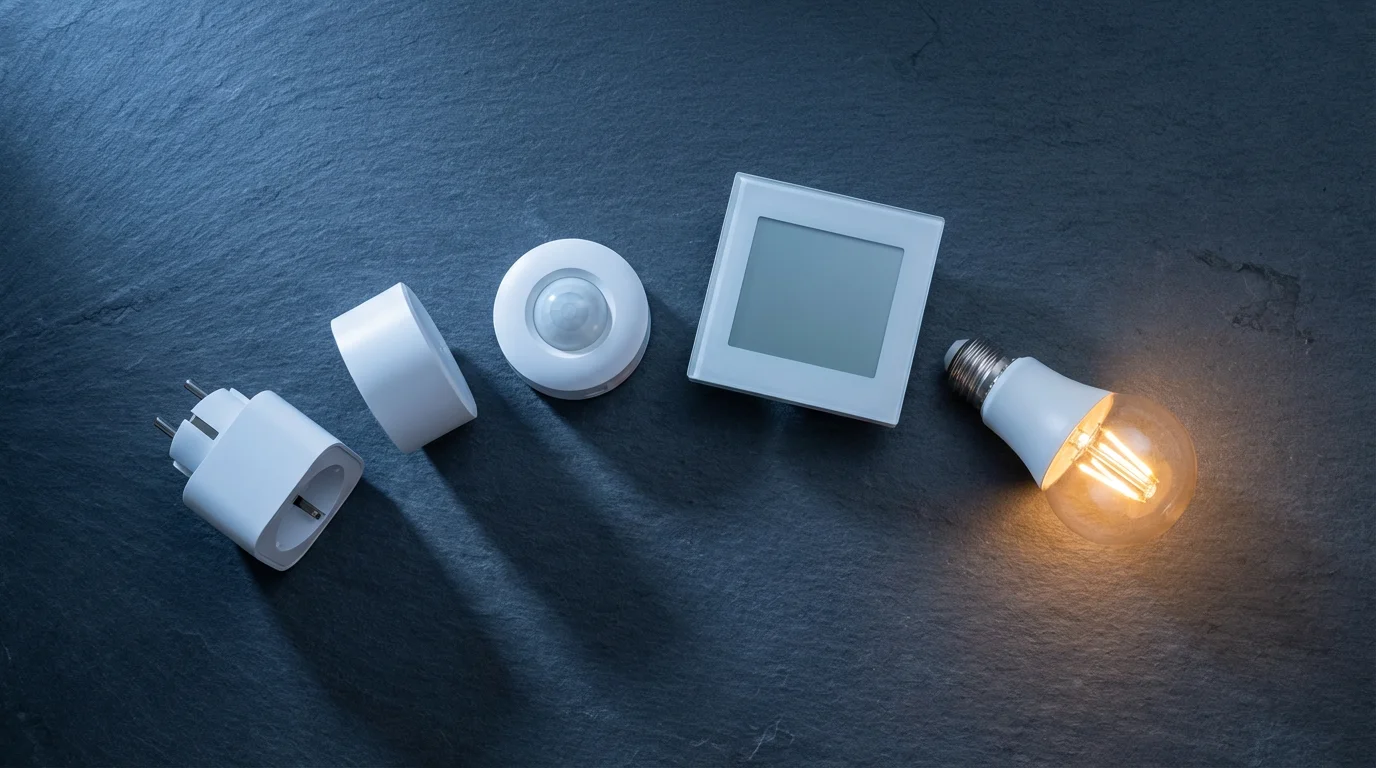
Mastering Multi-Step Routines: Beyond Basic Automation
Many smart home users begin with simple automations: turning lights on at sunset, or having the thermostat adjust when you leave. These basic functions offer a taste of convenience. However, a smart home capable of complex routines orchestrates multiple devices and actions in a coordinated sequence, responding intelligently to your environment and activities.
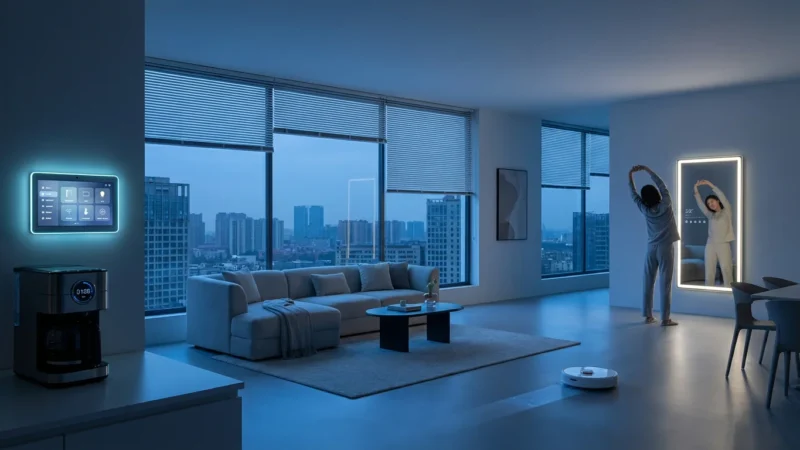
Imagine your home adjusting its environment as you wake up, leave for work, or settle in for the evening. These experiences come from chaining automations, where one event or condition triggers a cascade of subsequent actions. You move from individual device control to holistic home management.
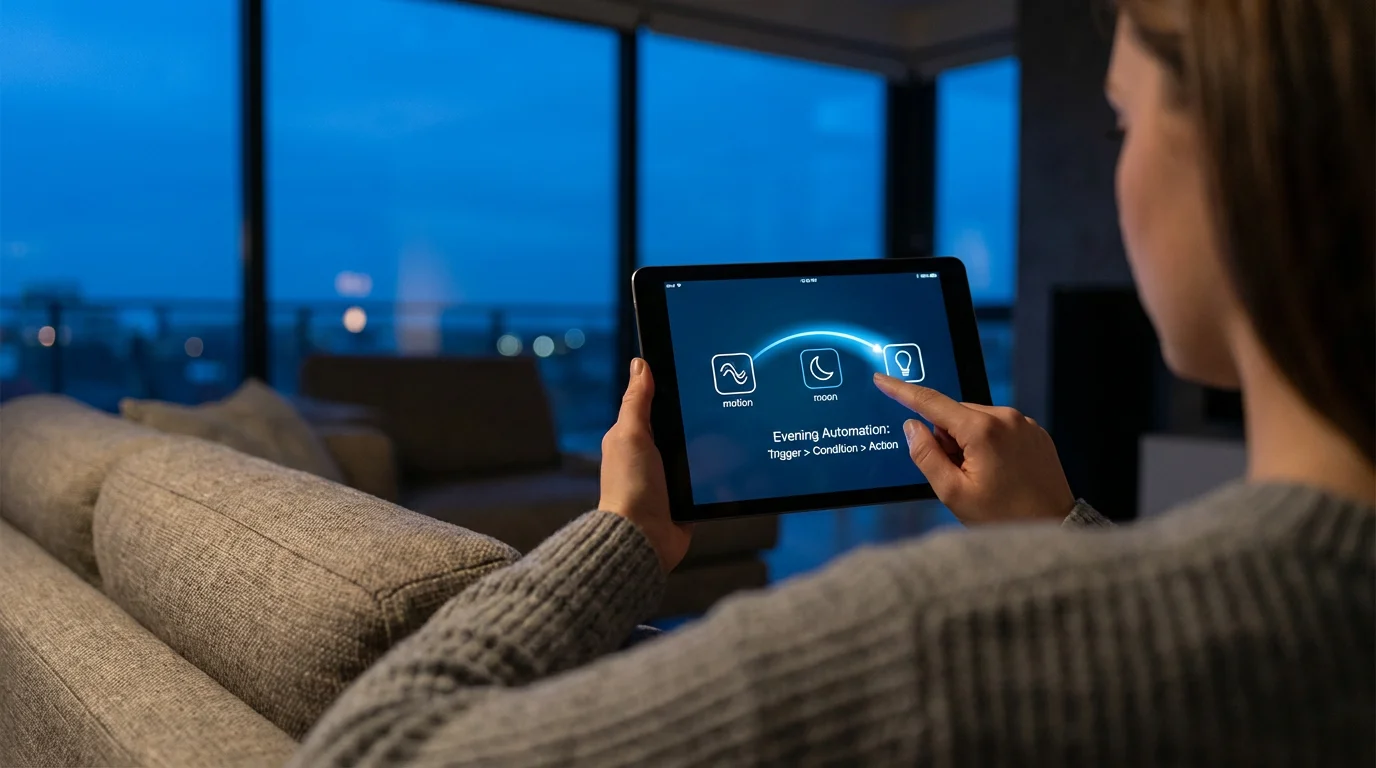
The Anatomy of a Chained Automation: Triggers, Conditions, Actions
Every effective multi-step automation relies on three fundamental components. Understanding these elements forms the foundation for how to create complex multi-step smart home routines.
- Triggers: This is what starts your automation. A trigger is the event or state change that initiates the routine.
- Conditions: These are the “if” statements that dictate whether an automation proceeds after being triggered. Conditions add logic and specificity.
- Actions: These are the actual commands your smart home devices execute. Actions are the results you want your automation to achieve.
Consider a simple example: a motion sensor (trigger) detects movement in the living room. If it is dark outside (condition), then the living room lights turn on (action). A chained automation builds on this by adding more conditions or subsequent actions.

Choosing Your Platform for Advanced Automation
The choice of smart home platform significantly impacts your ability to create advanced routines. Some platforms offer more robust automation engines than others, especially for chaining automations together.
Additionally, learning how to use IFTTT with your smart home devices can help you link devices across different brands that don’t natively support complex chaining.
Dedicated Smart Home Hubs
Hubs like SmartThings, Hubitat, and Home Assistant often provide the most flexibility and power for complex routines. They process automations locally, meaning faster response times and continued operation even without an internet connection. These hubs typically support a wider range of communication protocols, including Zigbee and Z-Wave, allowing integration of diverse devices.
Ecosystem-Specific Platforms
Platforms like Apple HomeKit, Google Home, and Amazon Alexa integrate deeply with their respective ecosystems. They offer user-friendly interfaces for creating automations, often through intuitive apps. While they may require an internet connection for many functions, their ease of use makes them excellent starting points. New standards like Matter aim to improve interoperability across these ecosystems, simplifying advanced routine creation.
Understanding Platform Strengths
You need to consider your existing devices and your comfort level with configuration. Some users prefer the simplicity of Google Home for voice commands, while others demand the intricate logic offered by Home Assistant. Many homeowners combine platforms, using a central hub for core automations and voice assistants for convenient interaction.
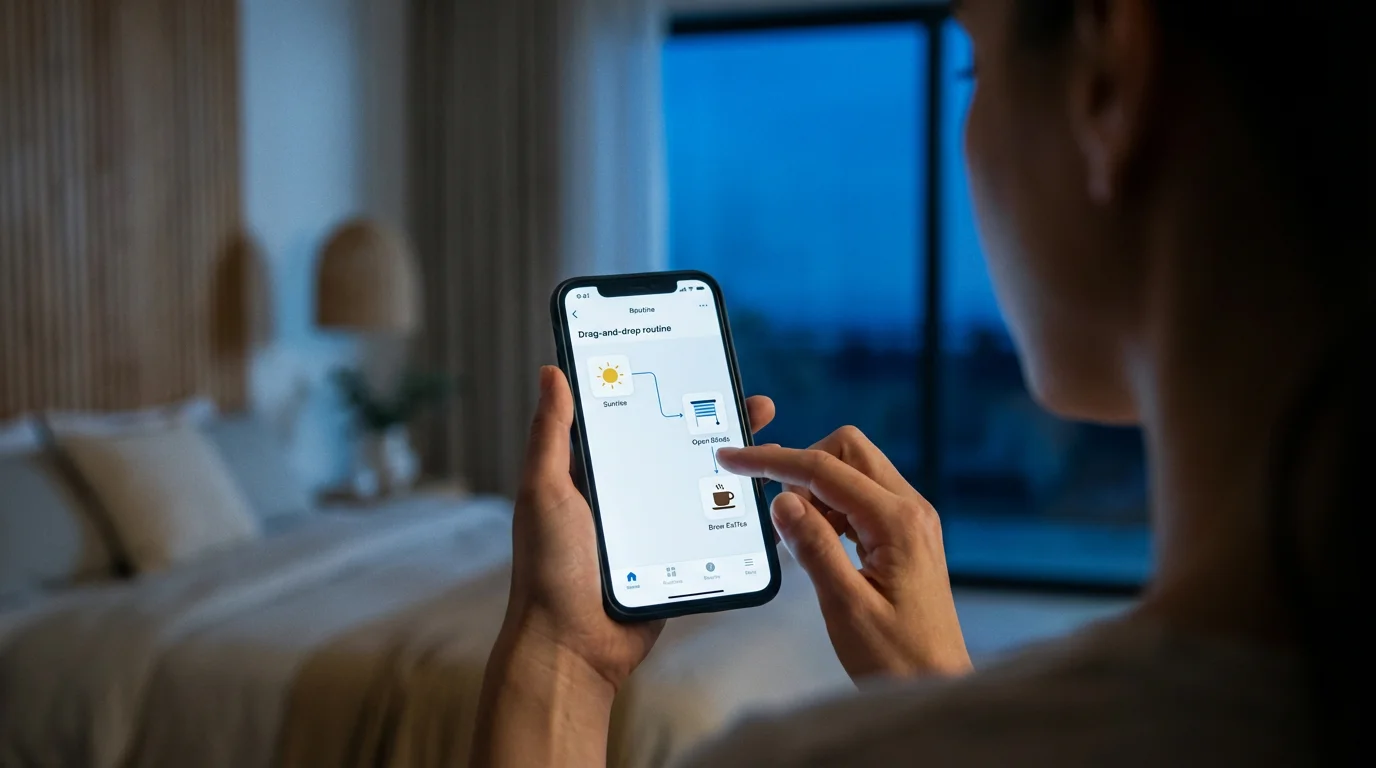
Building Your First Complex Routine: A Step-by-Step Guide
Let’s walk through creating a practical multi-step automation: a “Good Morning” routine that gently brings your home to life.
Step 1: Identify Your Goal and Devices
Decide what you want the routine to accomplish. For “Good Morning,” you might want to:
- Gradually brighten bedroom lights.
- Start the coffee maker.
- Adjust the thermostat.
- Play news or music.
List all the smart devices involved: smart bulbs, smart plug for the coffee maker, smart thermostat, and a smart speaker.
Step 2: Choose Your Automation Platform
For this example, we will use a hypothetical platform similar to SmartThings or HomeKit, which offers robust routine creation tools. Ensure all your devices are connected and recognized by this platform.
Step 3: Define Your Trigger
The easiest trigger for a morning routine is a specific time. You might set it for 6:30 AM on weekdays. Some platforms also allow “sunrise” as a trigger, which offers a more dynamic starting point.
Step 4: Add Conditions (Optional, but Recommended)
You might want the routine to run only if certain conditions are met:
- Only on weekdays.
- Only if you are home (using geofencing).
- Only if your bedroom lights are currently off.
Adding conditions ensures the routine acts intelligently and does not interfere if you sleep in or are away.
Step 5: Sequence Your Actions
This is where the chaining occurs. You will add actions in the order you want them to happen, often with delays in between.
- 6:30 AM: Bedroom lights turn on to 10% brightness and warm white color.
- Delay 5 minutes: Wait for you to start waking up.
- 6:35 AM: Bedroom lights increase to 50% brightness and neutral white color.
- 6:35 AM: Smart plug for coffee maker turns on.
- Delay 10 minutes: Allow coffee to brew.
- 6:45 AM: Smart thermostat adjusts to your preferred morning temperature.
- 6:45 AM: Smart speaker begins playing morning news or a gentle playlist.
- Delay 15 minutes: Give you time to get ready.
- 7:00 AM: Bedroom lights increase to 100% brightness.
This sequence creates a gradual and coordinated wake-up experience, illustrating how to create complex multi-step smart home routines.
Step 6: Test and Refine
Run your automation manually at first to ensure each step works as intended. Adjust timings, brightness levels, or conditions based on your experience. This iterative process is key to perfecting your complex routines.
Unlocking Potential with Advanced Triggers and Conditions
Moving beyond time-based triggers significantly expands the possibilities for multi-step automation. Advanced routines thrive on intelligent triggers and precise conditions.
Sensor States as Triggers
- Motion Sensors: Turn on lights when entering a room, then turn off after a period of no motion. In a chained automation, detecting motion in the hallway at night could trigger low-level path lighting and simultaneously disarm an interior security zone.
- Contact Sensors: When a door or window opens, this can trigger security alerts, turn on entry lights, or adjust HVAC. For example, opening the front door (trigger) at night (condition) could turn on the porch light and foyer light (actions), and also send a notification to your phone.
- Environmental Sensors: Detect changes in temperature, humidity, or air quality. A sudden spike in humidity (trigger) could automatically turn on the bathroom fan (action) and notify you if it persists (another action).
Location-Based Triggers (Geofencing)
Geofencing uses your smartphone’s location to determine if you are home or away. This enables incredibly powerful multi-step automation.
For instance, when your phone leaves a defined “home” zone (trigger), your thermostat could switch to energy-saving mode, all lights could turn off, and doors could lock (actions). When you return home, your smart home could reverse these actions, turning on lights, adjusting the temperature, and unlocking the door as you approach. This creates seamless “Home” and “Away” complex routines.
The best smart home is the one you do not have to manage. Automations should work silently in the background, making your life easier without constant interaction.
Device State Changes
One device’s status can trigger an action from another. If your smart TV turns on (trigger), a routine could automatically dim the living room lights and close the blinds (actions) for a better viewing experience. When the TV turns off, the lights could return to normal and blinds open.

Crafting Smart Scenes and Sequences for Seamless Living
Scenes are snapshots of device states: “Movie Night” might set lights to dim, close blinds, and turn on the TV. Chaining automations take these scenes and weave them into dynamic sequences.
Multi-Device Scenes
Create scenes that group actions for multiple devices. Many platforms allow you to define these scenes as a single callable action within a routine. This simplifies complex routines significantly.
For example, you might create a “Bedtime” scene:
- Bedroom lights dim to 10%.
- Nightstand lamp turns off.
- Smart blinds close.
- White noise machine turns on.
Then, you can trigger this entire scene with a single command or as part of a larger multi-step automation.
Sequencing with Delays and Conditions
The true power of chaining automations lies in sequencing these actions with intelligent delays and conditions. You can build on the “Bedtime” scene:
- 10:00 PM: Trigger a routine.
- Condition: If motion is detected in the bedroom AND you are home.
- Action 1: Activate the “Bedtime” scene.
- Delay 5 minutes:
- Action 2: Ensure all downstairs lights are off.
- Delay 10 minutes:
- Action 3: Arm the downstairs security sensors.
- Delay 30 minutes:
- Action 4: Smart thermostat adjusts to sleep temperature.
This sequence creates a comprehensive “Good Night” routine that prepares your entire home for rest and security, showcasing advanced routines in action.
Real-World Examples: Transforming Your Daily Life
Let’s explore practical scenarios where chaining automations dramatically improves your home’s functionality.
The “Welcome Home” Routine
This multi-step automation activates when your phone enters your geofenced home zone (trigger), assuming it is after sunset (condition).
- Garage door opens automatically.
- Mudroom lights turn on to 75%.
- Front door unlocks.
- Thermostat adjusts to your preferred “home” temperature.
- Living room lights turn on to a cozy 40%.
- Smart speaker plays your favorite chill-out playlist.
This sequence ensures you always return to a comfortable and welcoming home.
Enhanced Security Automation
Security benefits immensely from chaining automations together. A door or window contact sensor detecting an unexpected opening (trigger) when your alarm is armed (condition) could initiate a complex routine:
- Sound the indoor siren.
- Flash all interior and exterior lights.
- Send a critical alert to your phone and emergency contacts.
- Trigger smart cameras to begin recording and save clips to the cloud.
- Lock all interior smart locks to contain potential intruders.
This multi-step automation provides layered defense and immediate alerts, a significant upgrade over a simple alarm system.
Energy Saving Automation
You can create advanced routines to minimize energy waste. For instance, when the last person leaves the house (geofencing trigger), and no motion is detected for 15 minutes (condition):
- All non-essential lights turn off.
- Smart thermostat adjusts to an “away” energy-saving temperature.
- Smart plugs for entertainment systems power down to avoid phantom load.
- Smart blinds close to reduce heat gain or loss, depending on the season.
According to Energy Star, smart thermostats alone can save you significant money annually, and chained automations amplify these savings by managing a broader array of devices.
You can find more information on smart thermostats and their energy-saving potential on the Energy Star website.
Troubleshooting Your Complex Routines
Even the most meticulously planned complex routines can encounter issues. Knowing how to troubleshoot is vital.
Check Individual Devices
Ensure every device involved in your automation is connected, powered, and functioning independently. A smart bulb that is unresponsive will halt any routine involving it.
Verify Triggers and Conditions
Confirm your trigger is actually occurring. For time-based triggers, check the schedule. For sensor-based triggers, manually activate the sensor to see if it registers. Mismatched conditions are a common culprit for a failed routine. Double-check that all “and” and “or” statements are logically correct. A common mistake is requiring “outdoor temperature is less than 70 degrees AND it is daytime” when you really mean “outdoor temperature is less than 70 degrees OR it is daytime” for a specific action.
Examine Network Connectivity
Many smart devices rely on Wi-Fi or a hub connection. Weak Wi-Fi signals, overloaded networks, or a disconnected hub can prevent automations from executing. Restart your router, modem, and smart home hub. Consider adding Wi-Fi extenders for better coverage if needed.
Review Automation Logs
Many smart home platforms offer activity logs or a history of automation executions. This provides valuable insights into what happened, when, and if any part of the routine failed. Look for error messages or indications of missed steps.
Simplify and Test Incrementally
If a complex routine fails, temporarily remove conditions and actions to create a simpler version. Test the simplified routine. If it works, gradually add back conditions and actions, testing at each step, until you identify the problematic element. This systematic approach effectively debugs multi-step automation.
Advanced Strategies for Power Users
For those ready to push the boundaries of their smart home, these strategies unlock even greater potential for chaining automations.
Virtual Switches and Placeholders
Virtual switches are non-physical switches within your smart home platform. You can use them as intermediaries to link automations that might not directly interact. For example, one automation could turn a virtual switch “on” when you open the garage door. A separate routine could then use that virtual switch turning “on” as its trigger to turn on lights in the house, regardless of which physical door triggered the virtual switch. This allows for more flexible and interconnected complex routines.
Nested Routines and Subroutines
Some advanced platforms allow you to call one automation from within another. This creates nested routines, simplifying complex logic. Instead of listing every action for “Good Night” in a single long routine, you might have a “Close Downstairs” routine that is called by the main “Good Night” automation. This makes your configurations cleaner and easier to manage, improving the readability of your advanced routines.
Integration with IFTTT (If This Then That)
IFTTT acts as a bridge between otherwise incompatible services and devices. While many platforms now offer robust native automation, IFTTT remains useful for connecting niche services or devices that do not have direct platform integration. You can create an IFTTT applet (automation) that acts as a trigger or action for your core smart home platform, extending the reach of your multi-step automation.
Conditional Loops and Delays
Beyond simple delays, some platforms allow for more dynamic timing or repeated actions based on conditions. For example, a routine could check the outdoor temperature every 15 minutes and adjust blinds until a desired indoor temperature is reached. This level of dynamic control offers truly responsive and intelligent complex routines.
Consider consulting expert reviews like those found on CNET Smart Home to find platforms and devices that best support these advanced capabilities.
Frequently Asked Questions
What is the difference between a scene and a chained automation?
A scene executes a predefined set of actions simultaneously or in quick succession, like dimming lights and lowering blinds with a single command. A chained automation, or multi-step routine, involves a sequence of events where one action triggers another, often with conditional logic or delays. It builds on scenes by adding more complex timing, conditions, and follow-up actions, creating a dynamic process rather than a static snapshot.
Can I chain automations across different smart home platforms?
Yes, you can often chain automations across different platforms, though it requires specific integrations or a central hub that supports multiple ecosystems. Platforms like Apple HomeKit, Google Home, Amazon Alexa, or a dedicated smart home hub (like SmartThings or Hubitat) can act as a bridge. The emerging Matter standard promises to simplify this significantly, allowing devices from different brands to communicate more seamlessly, enabling more robust cross-platform chaining.
How do I troubleshoot a complex automation that isn’t working?
Troubleshooting complex automations involves a systematic approach. First, check each individual device to ensure it functions correctly. Next, verify the trigger conditions are met precisely. Review all conditions and actions in your routine step by step, ensuring logical flow and correct syntax. Examine network connectivity for all devices. Many platforms offer logs or history features that can provide clues about where the automation failed. Simplify the routine by removing steps and reintroducing them one by one to pinpoint the issue.
Are chained automations secure?
The security of chained automations depends on the devices and platforms you use. Use strong, unique passwords for all accounts and enable two-factor authentication where available. Keep device firmware and app software updated to patch vulnerabilities. Choose reputable brands known for their security practices. While the convenience is significant, always prioritize security, especially for routines involving locks, cameras, or alarm systems.
What are virtual switches, and how do they help with chaining automations?
Virtual switches are software-based switches that exist only within your smart home platform, without a physical counterpart. You can use them as triggers or conditions for automations. For instance, one automation might turn a virtual switch ‘on’ when you leave home. A second automation then triggers when that virtual switch turns ‘on,’ initiating a sequence of actions like locking doors and arming an alarm. This allows you to create more intricate logic and link routines that might not directly interact otherwise, acting as a flexible intermediary in complex routines.
Disclaimer: This article is for informational purposes only. Smart home devices involve electrical connections and data privacy. Always follow manufacturer instructions for installation. For complex wiring or HVAC work, consult a licensed professional.


Leave a Reply