
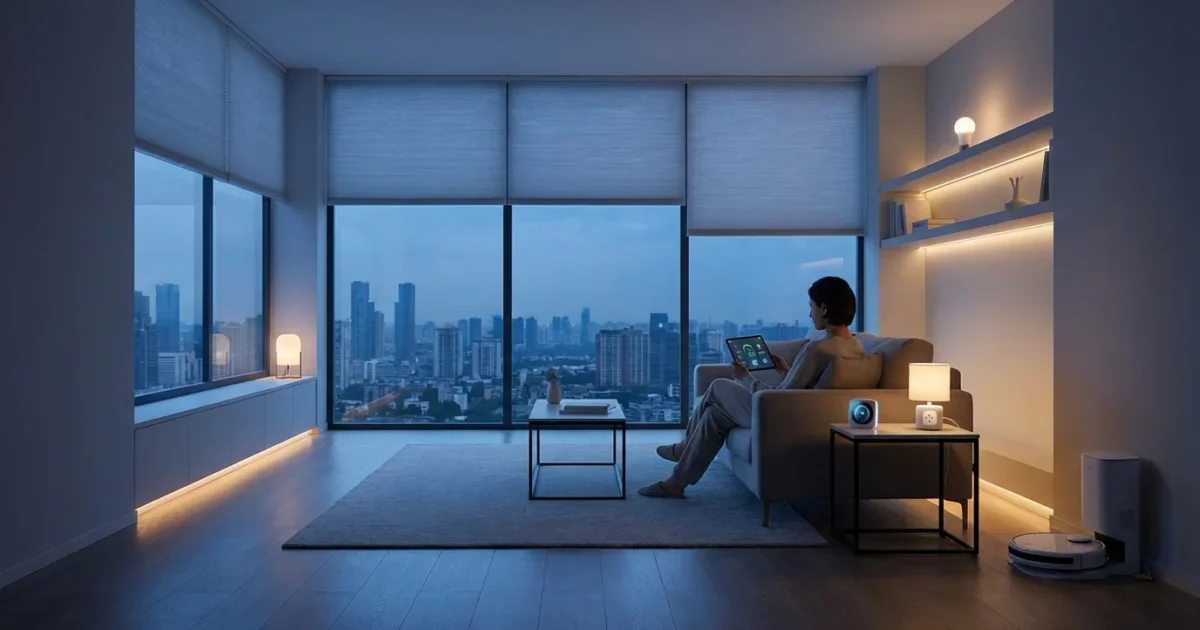
Your home holds immense potential for energy savings, often hidden in everyday habits and inefficient systems. Smart home technology offers a powerful solution, transforming how your devices consume power. By implementing strategic smart home automations, you gain precise control over your energy usage, leading directly to lower utility bills and a more sustainable living space.
This guide empowers you to leverage smart home automations for significant energy saving. We explore practical strategies, from optimizing lighting and climate control to eliminating phantom loads, providing actionable insights to make your home smarter and more efficient. Discover how smart routines can automatically manage your energy consumption, making bill reduction a seamless part of your daily life.
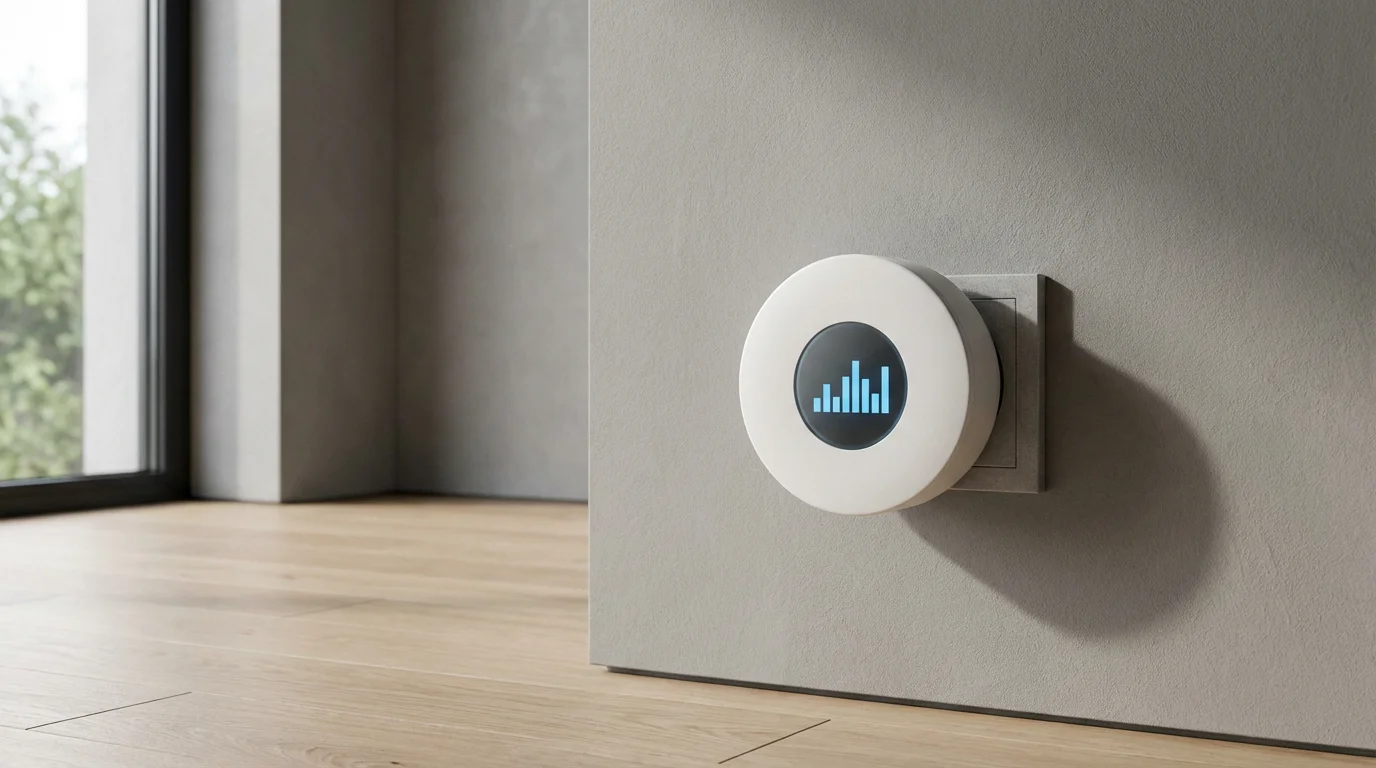
Understanding Smart Home Energy Consumption
Traditional homes often waste energy without homeowners realizing it. Lights remain on in empty rooms, thermostats maintain uncomfortable temperatures while you are away, and devices consume standby power around the clock. These small inefficiencies accumulate, driving up your monthly bills.
To maximize your savings, it’s essential to understand how to schedule your smart devices like a pro across your entire ecosystem.
Smart home technology offers a solution by providing unparalleled visibility and control over your energy use. Smart devices monitor consumption, respond to environmental changes, and execute predefined actions, optimizing power automation. This shift from reactive to proactive energy management is fundamental to bill reduction.
You gain the ability to schedule, automate, and remotely manage nearly every electrical load in your home. This capability transforms energy management from a manual chore into an effortless background process. Experts, such as those at Consumer Reports, consistently highlight the potential for significant savings when homeowners effectively utilize these tools. According to Consumer Reports, smart home devices like thermostats and lighting can deliver substantial energy bill reductions when properly integrated and automated, especially for homes that struggle with maintaining consistent energy habits.
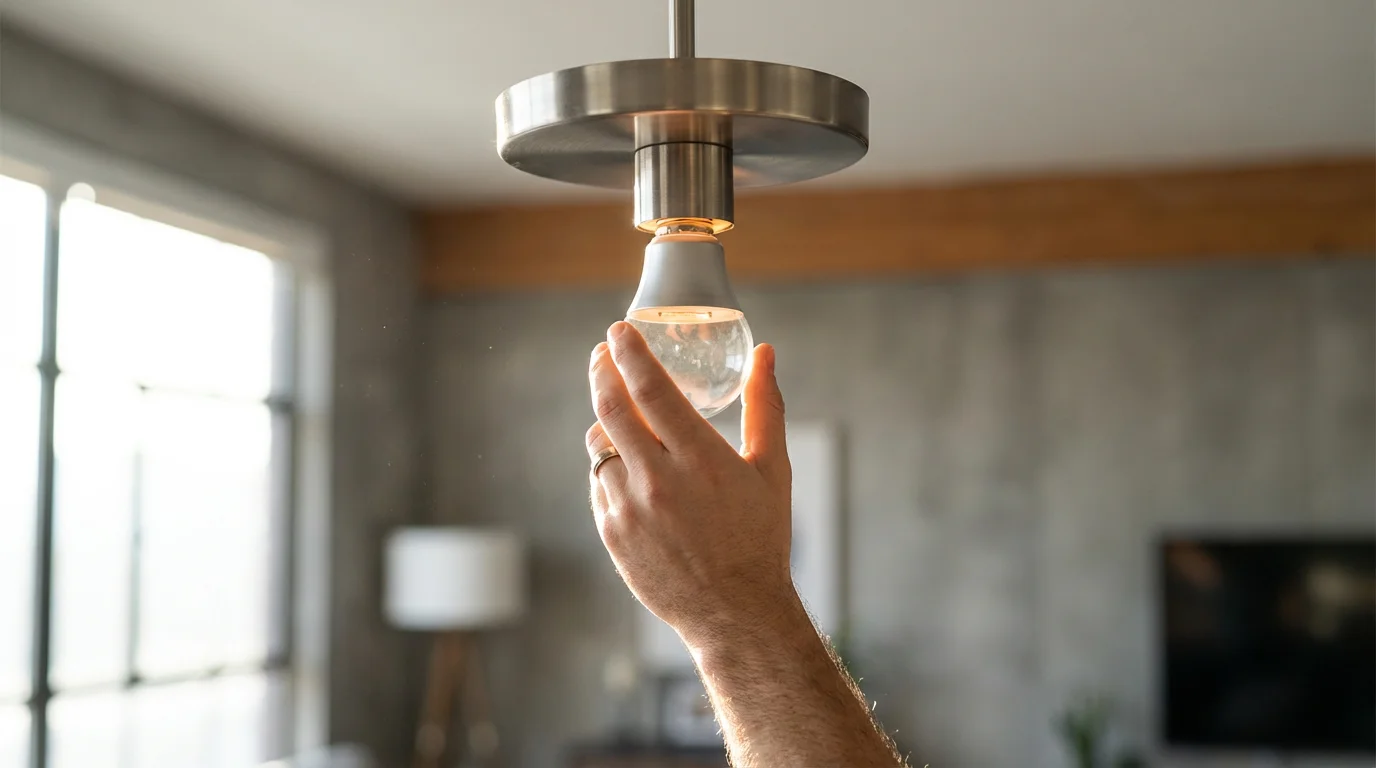
Smart Lighting: Illuminating Efficiency
Lighting accounts for a significant portion of household electricity use. Smart lighting systems offer a simple yet powerful way to reduce this consumption through automation and efficiency.
Start by replacing incandescent bulbs with energy-efficient LED smart bulbs. LEDs use up to 90% less energy and last much longer. Once installed, integrate them into your smart home hub for intelligent control.
Key Energy-Saving Lighting Automations:
- Occupancy-Based Control: Install motion or occupancy sensors in high-traffic areas like hallways, bathrooms, and utility rooms. Configure lights to turn on when someone enters and automatically turn off after a set period of inactivity, ensuring lights never stay on in empty spaces.
- Daylight Harvesting: Utilize daylight sensors or your local weather data to adjust indoor lighting levels. Lights can dim or turn off completely during bright daylight hours, relying on natural light instead.
- Scheduled Operation: Set specific schedules for outdoor lights, common area lights, or bedroom lights. For example, outdoor security lights can turn on at dusk and off at dawn, adjusting automatically with seasonal changes.
- “Good Night” Scene: Create a “Good Night” routine that, with a single command or at a scheduled time, turns off all smart lights in your home, preventing forgotten lights from burning all night.
These automations not only save energy but also enhance convenience. You never fumble for a light switch again, and your home proactively manages its illumination.
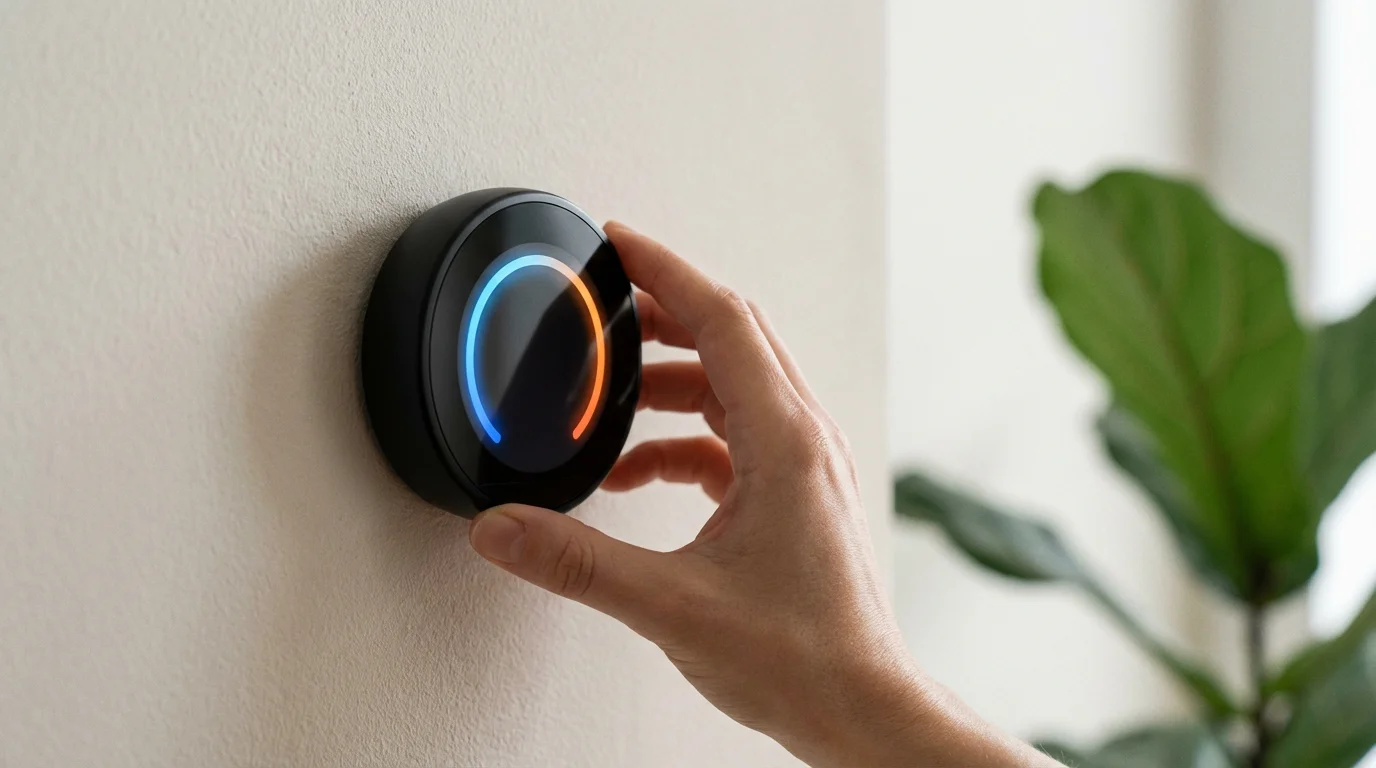
Climate Control with Smart Thermostats
Heating and cooling represent the largest energy expense for most households. Smart thermostats stand out as the best energy saving smart routines component, offering advanced controls that far surpass traditional programmable models.
Smart thermostats learn your preferences, adapt to your schedule, and respond to external factors like weather. This intelligent management prevents wasted energy from heating or cooling an empty home or maintaining unnecessary temperatures.
Core Smart Thermostat Features for Bill Reduction:
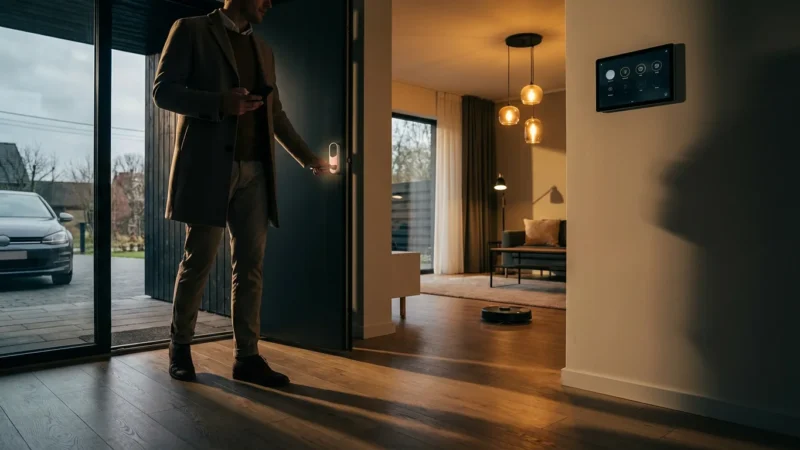
- Geofencing: This feature uses your smartphone’s location to detect when you leave or approach your home. Your thermostat automatically adjusts to an energy-saving “away” temperature when you depart and begins heating or cooling before you arrive, ensuring comfort without waste.
- Learning Algorithms: Many smart thermostats learn your daily patterns and preferred temperatures over time. They then create an optimized schedule automatically, continually fine-tuning for efficiency and comfort.
- Smart Scheduling: Beyond basic programming, you can set detailed schedules for different days, incorporating peak and off-peak energy rates if your utility offers them. Adjust temperatures for sleep, work, and active periods.
- Sensor Integration: Pair your smart thermostat with door/window sensors. If a window or door remains open for an extended period, the thermostat can pause heating or cooling to prevent energy loss.
- Energy Reports: Gain insights into your heating and cooling patterns through detailed energy usage reports. These reports help you identify further opportunities for savings.
Smart thermostats deliver substantial savings by intelligently managing your home’s largest energy consumers, optimizing for comfort while you are home and efficiency when you are away. Consider an Energy Star certified model for verified performance.
The Energy Star program certifies smart thermostats that meet strict energy efficiency guidelines, ensuring you invest in a product proven to save energy. These devices often qualify for utility rebates, further reducing your initial cost.
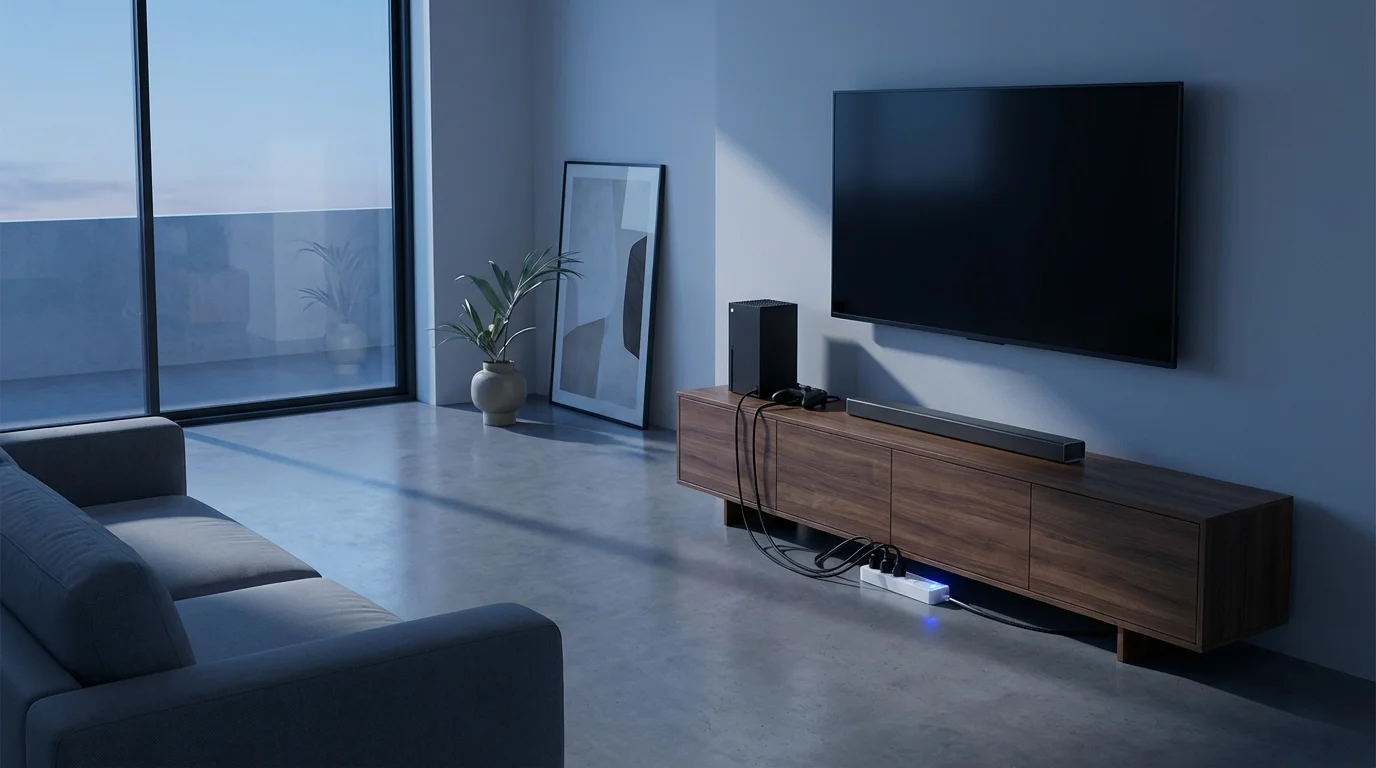
Smart Plugs and Power Strips: Eliminating Phantom Load
Many electronics consume power even when turned off, a phenomenon known as “phantom load” or “vampire drain.” This hidden energy drain can account for 5% to 10% of your total electricity bill. Smart plugs and power strips offer a simple, effective solution.
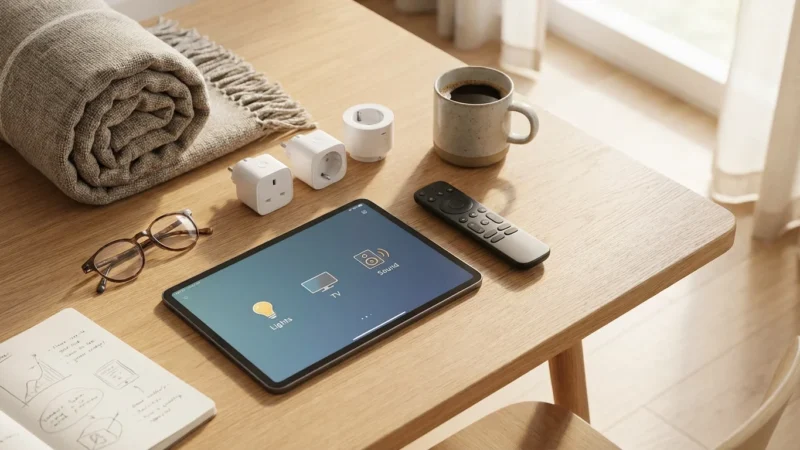
Smart plugs fit into any standard outlet and allow you to remotely control power to connected devices. Smart power strips extend this functionality to multiple devices at once. You can turn devices on or off with an app, voice command, or, most importantly, through automated routines.
Automations to Combat Phantom Load:
- Entertainment Center Shutdown: Connect your TV, sound system, gaming console, and streaming devices to a smart power strip. Create a “Good Night” routine or a schedule that cuts power to the entire entertainment center when not in use, eliminating all standby drain.
- Office Equipment Schedule: For your home office, plug computers, monitors, printers, and chargers into smart plugs or power strips. Schedule them to power off completely after your workday ends and power back on before it begins. This prevents continuous trickle charging and standby power consumption.
- Charger Management: Many device chargers draw power even when not charging a device. Plug phone, tablet, and laptop chargers into smart plugs. Automate them to turn off a few hours after you typically go to bed, or when you leave the house.
- Seasonal Appliance Control: For appliances used seasonally, like air purifiers, humidifiers, or decorative lighting, use smart plugs to ensure they are fully powered off when stored or not needed, preventing any passive draw.
These simple automations deliver smart home automations that save money on electricity by targeting unseen energy waste. You gain control over devices that previously contributed to your bills without providing any benefit.

Automated Blinds and Shades: Harnessing Natural Energy
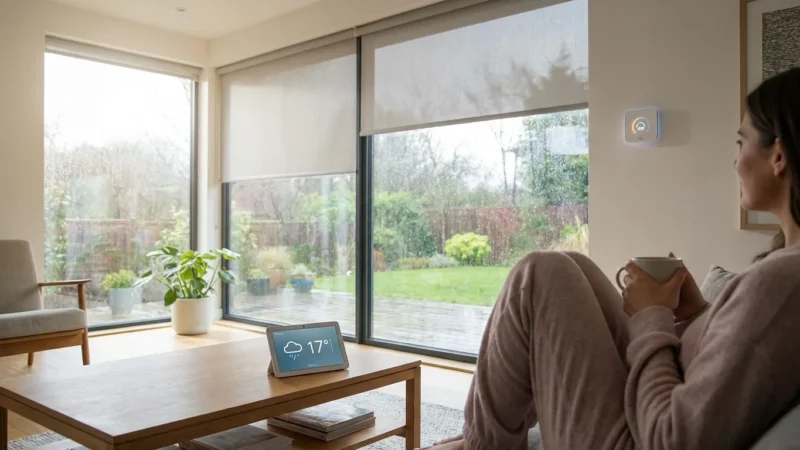
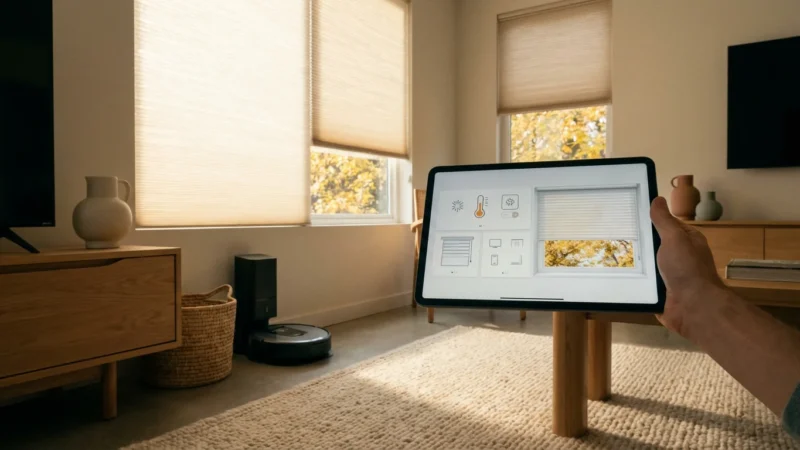
Automated blinds and shades offer a sophisticated way to manage your home’s temperature passively, using natural sunlight and insulation properties to your advantage. This reduces the workload on your HVAC system, directly impacting your energy bills.
These smart coverings integrate with your smart home system, allowing for scheduled adjustments or responses based on sensor data and weather forecasts.
Passive Climate Control Automations:
- Winter Day Warming: In colder months, schedule south-facing blinds to open fully during peak daylight hours. This allows solar heat to passively warm your home, reducing the need for your furnace to run.
- Summer Day Cooling: During hot summer days, program blinds on east, west, and south-facing windows to close during the hottest parts of the day. This blocks direct sunlight, preventing heat gain and keeping your home cooler, lessening your air conditioner’s effort.
- Nighttime Insulation: In both winter and summer, close all blinds and shades at night. This adds an extra layer of insulation, trapping heat inside during winter and keeping it out during summer, especially effective with cellular or thermal shades.
- Weather-Responsive Adjustments: Integrate your smart blinds with local weather data. If a heatwave is forecast, your blinds can automatically close earlier in the day. If a sunny, cold day is expected, they can open to maximize solar gain.
Automated blinds represent a significant step in power automation, using your home’s natural environment to achieve comfort and efficiency. While the initial investment is higher, the long-term energy savings and convenience are substantial.
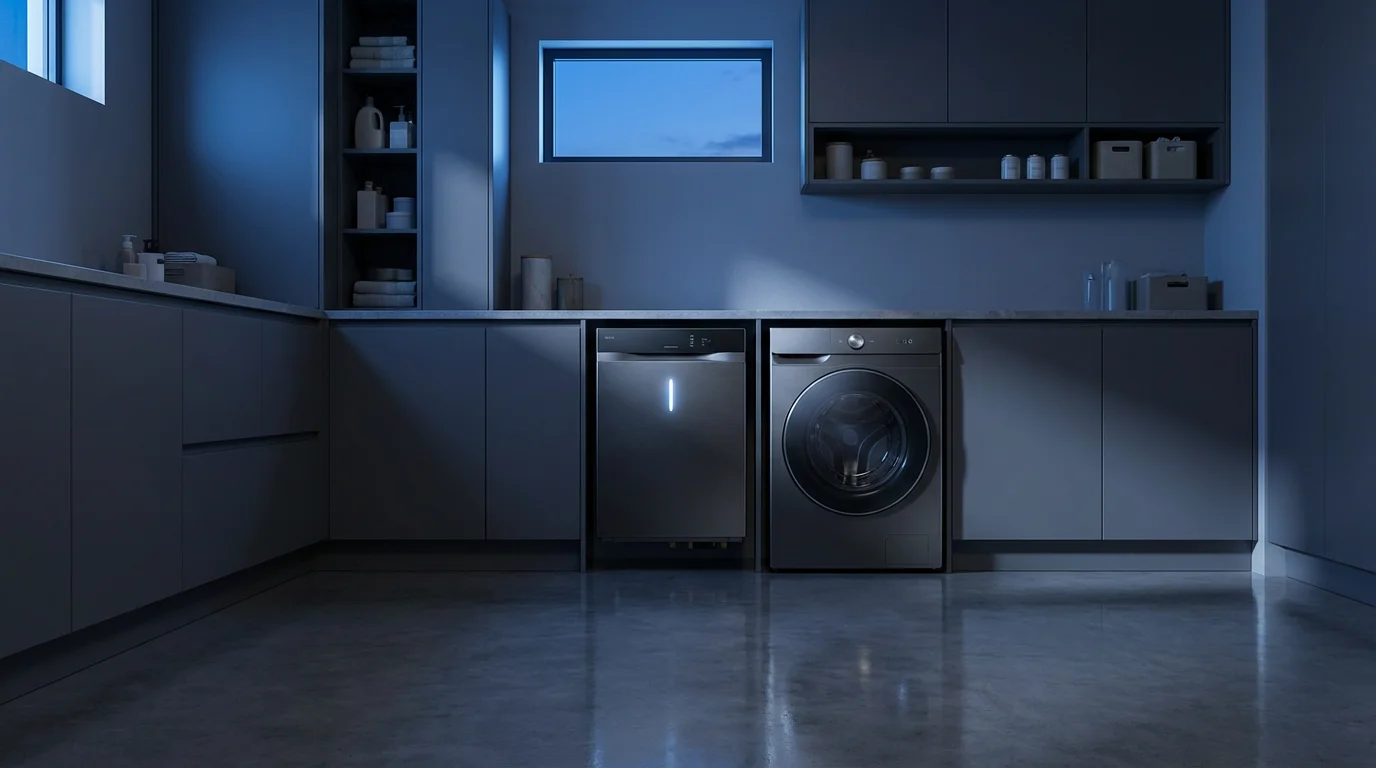
Water Heating and Appliances: Smarter Usage
Water heating is the second largest energy consumer in most homes, and major appliances also contribute significantly to your utility bill. Smart technology extends to these areas, offering critical energy-saving opportunities.
Smart water heater controllers and smart appliances allow you to optimize their operation based on demand, schedule, and even energy costs, leading to further bill reduction.
Optimizing Water Heating and Appliances:
- Smart Water Heater Controllers: These devices connect to your existing electric water heater, giving you remote control, scheduling, and energy monitoring capabilities. Program your water heater to only operate during times of high demand, such as morning showers and evening dishwashing, and reduce temperatures or turn off entirely during long periods of absence or overnight. Some even offer vacation modes.
- Off-Peak Scheduling for Appliances: If your utility company offers time-of-use (TOU) rates, where electricity costs vary by time of day, use smart features in appliances like dishwashers, washing machines, and dryers. Schedule them to run during off-peak hours when electricity is cheaper. Many newer smart appliances have this functionality built-in.
- Energy Monitoring Appliances: Some smart appliances provide real-time energy usage data. This transparency helps you understand which cycles or settings consume the most power, allowing you to make informed choices. For instance, using the “eco” mode on your dishwasher might become a standard practice once you see its energy savings.
- Smart Laundry Systems: Automate your laundry based on your presence. If your smart dryer has a “sense dry” feature, it stops when clothes are dry, preventing over-drying and unnecessary energy use. Combine this with smart water heater scheduling for maximum impact.
Implementing these automations ensures you only heat water or run energy-intensive appliances when necessary or most cost-effective. This represents another layer of best energy saving smart routines for your entire home.
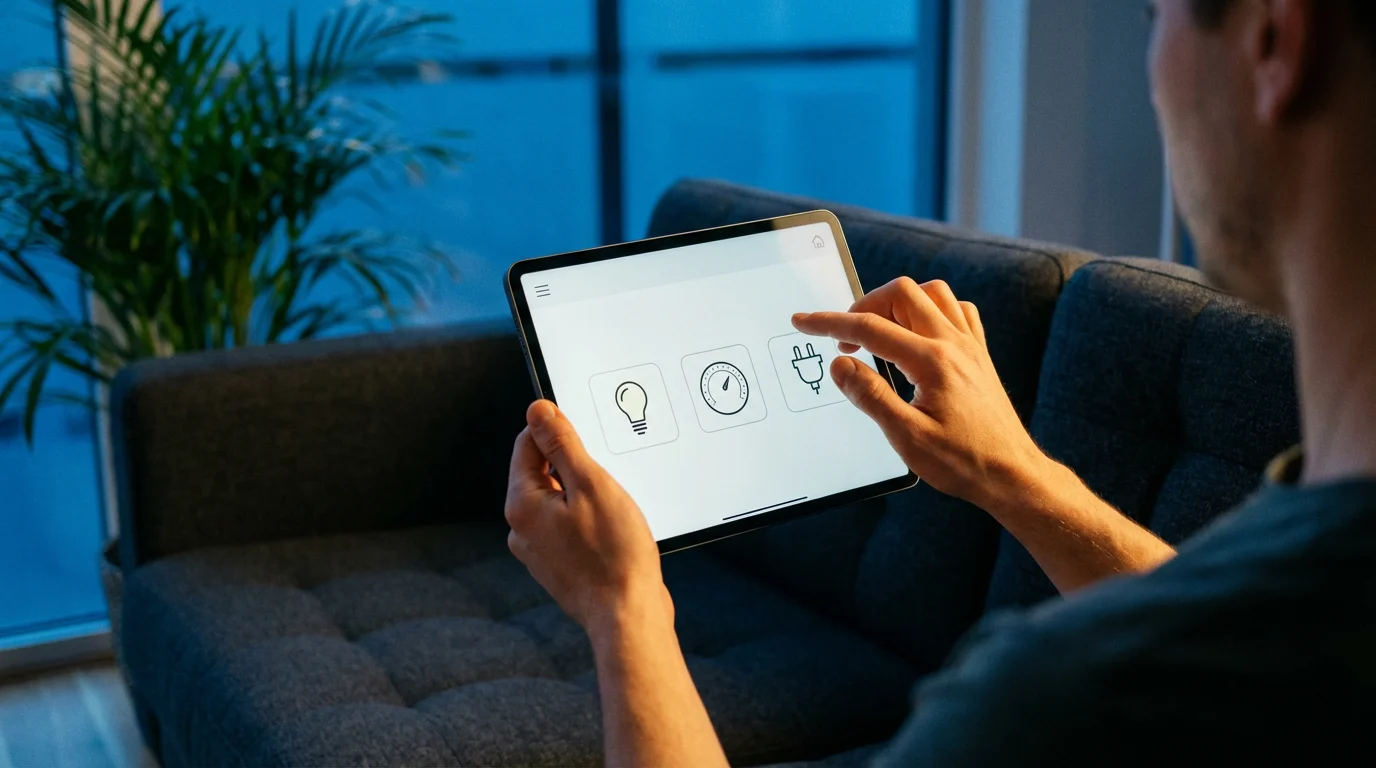
Crafting Your Energy-Saving Smart Routines
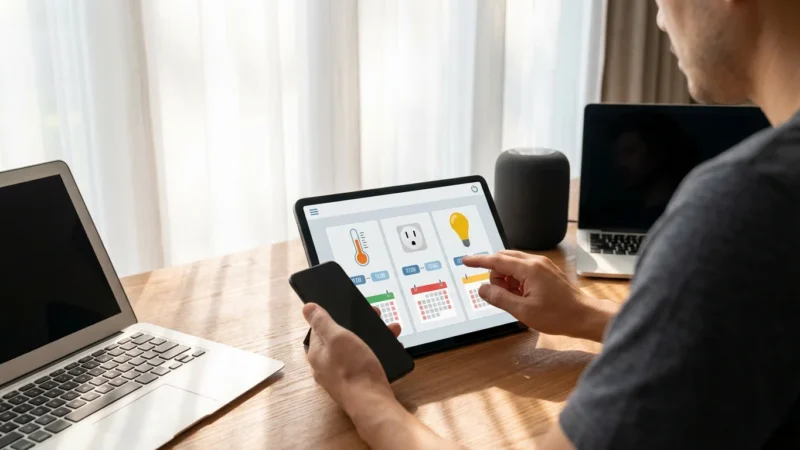
Building effective energy-saving automations involves understanding triggers and actions. Your smart home hub or app provides the interface to define these rules, creating seamless routines that work in the background.
Here are practical steps to create powerful, money-saving automations:
- Identify Your Energy Hogs: Begin by noting which areas or devices in your home consume the most energy. Think about lights left on, the HVAC running unnecessarily, or devices in standby.
- Choose Your Triggers: Automations need a trigger to start. Common triggers include:
- Time of Day: “At 10:00 PM…”
- Sunrise/Sunset: “30 minutes before sunset…”
- Location (Geofencing): “When the last person leaves home…”
- Sensor States: “When motion is detected in the living room…”, “When the indoor temperature exceeds 78°F…”, “When the front door opens…”
- Device State: “When the TV turns off…”
- Define Your Actions: Once triggered, what should happen? Actions can be simple or complex:
- Turn off specific lights or all lights.
- Adjust the thermostat to a set temperature.
- Cut power to smart plugs.
- Close smart blinds.
- Send a notification.
- Create Multi-Device Scenes: Combine multiple actions into a single scene.
- “Leaving Home” Scene: When the last person leaves (geofencing trigger), this scene activates. Actions include: setting thermostat to an away temperature, turning off all lights, turning off specific smart plugs (e.g., entertainment system), and locking smart doors.
- “Good Morning” Scene: At 6:30 AM on weekdays (time trigger), this scene activates. Actions include: adjusting thermostat to your preferred morning temperature, slowly brightening bedroom lights, and turning on the coffee maker (if connected to a smart plug).
- Test and Refine: After creating a routine, test it thoroughly. Does it work as expected? Does it truly save energy? Adjust timings, triggers, and actions until the routine perfectly fits your lifestyle and optimizes your energy use.
Consistent testing and refinement are key to maximizing your best energy saving smart routines. Your home’s energy profile is unique, so tailor automations to your specific needs.
Troubleshooting Common Automation Issues
Even the best energy saving smart routines can encounter glitches. Understanding common issues and their solutions ensures your power automation remains seamless and effective.
Addressing these problems promptly keeps your energy-saving efforts on track.
Troubleshooting Steps:
- Connectivity Problems: Many smart devices rely on Wi-Fi or other wireless protocols (Zigbee, Z-Wave, Matter). If a device isn’t responding, check its network connection.
- Verify your home Wi-Fi network is active and stable.
- Restart your router and smart home hub.
- Check device battery levels or power connections.
- Ensure the device is within range of your Wi-Fi or hub.
Matter, a new universal connectivity standard, aims to simplify device setup and improve interoperability, which should reduce some connectivity headaches in newer devices. You can learn more about it on the CSA-IoT website.
- Conflicting Routines: Sometimes, two or more automations might try to control the same device simultaneously, leading to unexpected behavior. For example, a “lights on at sunset” routine might conflict with a “turn off all lights at 9 PM” routine if not properly sequenced.
- Review all automations controlling the affected device.
- Adjust timings or add conditions to ensure routines don’t overlap or override each other incorrectly. For instance, make one routine cancel the other, or ensure a later routine takes priority.
- Sensor Placement and Calibration: Occupancy sensors, motion sensors, and temperature sensors need proper placement to function accurately.
- Ensure motion sensors have a clear line of sight and are not blocked by furniture.
- Place temperature sensors away from direct sunlight, drafts, or heat sources that could skew readings.
- Calibrate sensors according to manufacturer instructions if they seem inaccurate.
- Firmware and App Updates: Keep all your smart devices’ firmware and your smart home app updated. Manufacturers frequently release updates that improve performance, add features, and fix bugs. Outdated software can cause reliability issues.
- Power Outages: After a power outage, some devices may not automatically reconnect or resume their last state.
- Manually check and restart affected devices if necessary.
- Consider smart plugs with “last state memory” or battery backup for your hub if outages are frequent.
A systematic approach to troubleshooting helps you maintain reliable energy-saving automations. Always consult your device’s manual for specific diagnostic steps.
Advanced Strategies for Power Users
Once you master basic energy-saving smart routines, you can explore more sophisticated strategies to maximize your power automation and achieve even greater bill reduction.
These advanced techniques leverage deeper integration, data analysis, and predictive capabilities.
Next-Level Energy Optimization:
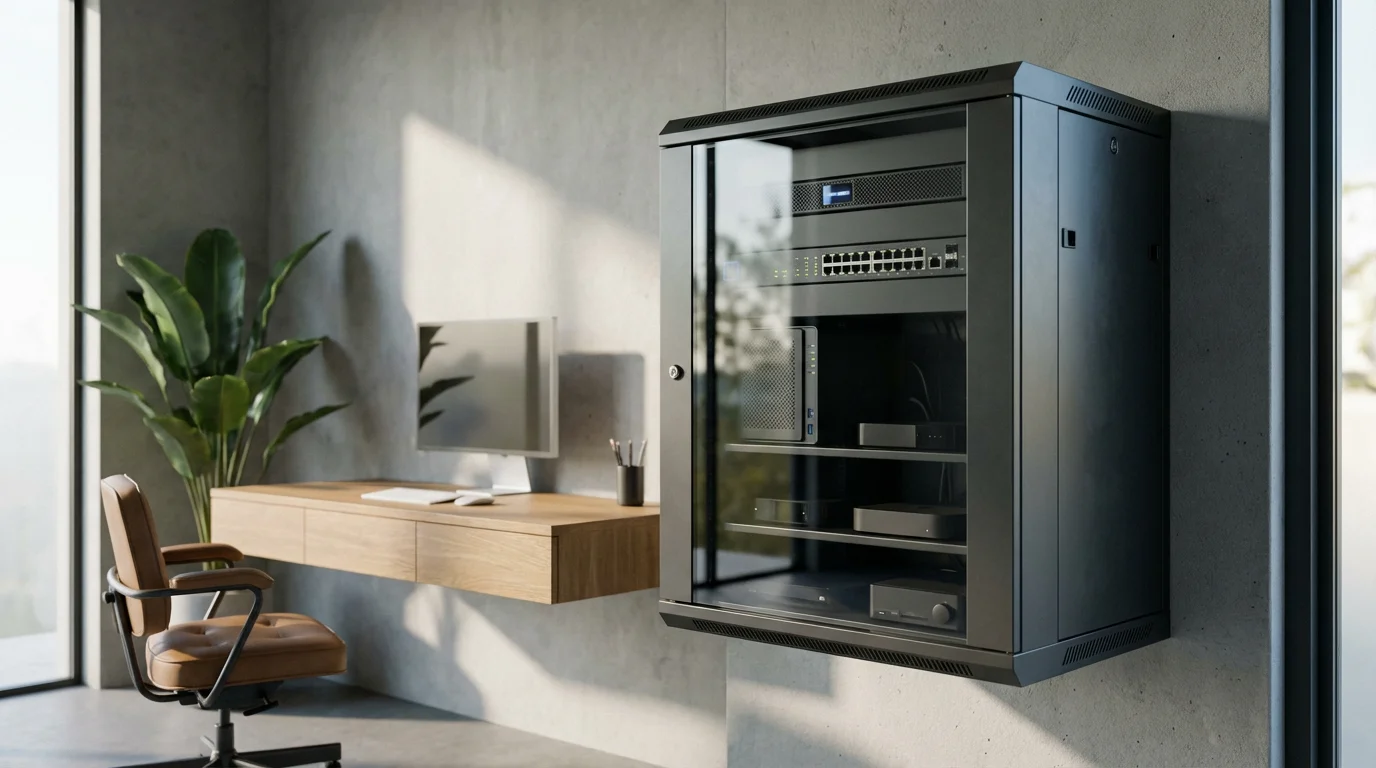
- Whole-Home Energy Monitoring: Install a whole-home energy monitor at your electrical panel. This device provides real-time data on your entire home’s electricity consumption, often broken down by circuits or major appliances. You can pinpoint exactly where energy is being used and identify unseen power hogs. This data is invaluable for refining existing automations and discovering new areas for energy saving.
- Conditional Logic and Complex Routines: Move beyond simple “if X, then Y” automations. Advanced smart home platforms allow for complex conditional logic, such as “if motion detected AND it’s after sunset AND the ambient light is below 50 lux, THEN turn on light to 30% brightness.” This precision further optimizes energy use by ensuring actions only occur when truly necessary.
- Integration with Weather APIs: Connect your smart home system to external weather APIs. This allows for predictive automations. For example, if a severe cold front is predicted, your thermostat could pre-heat your home more efficiently during off-peak hours, or your smart blinds could automatically close the night before.
- Demand Response Programs: Some utility companies offer demand response programs where you receive incentives for allowing them to temporarily adjust your smart thermostat or smart water heater during peak energy demand periods. This helps stabilize the grid and can significantly reduce your bill, especially during hot summer months.
- Device-Level Energy Monitoring: Utilize smart plugs that offer individual device energy monitoring. This lets you track the exact consumption of specific appliances. Identify which devices are truly efficient and which ones are surprisingly costly to run, then adjust your usage or automation accordingly.
These advanced strategies transform your home into a truly intelligent, self-optimizing energy management system, delivering superior energy saving and ongoing bill reduction.
Frequently Asked Questions
Can smart home automations really save me a lot of money on electricity?
Yes, smart home automations can lead to significant savings on your electricity bill. Studies and user experiences often report reductions of 10% to 20% or even more. The exact amount depends on your current energy habits, the types of automations you implement, and your home’s energy profile. Focusing on high-consumption areas like heating, cooling, and lighting yields the most substantial results.
What are the easiest smart home automations for beginners to set up?
Beginners can start with simple yet effective automations. Smart plugs are excellent for controlling lamps, chargers, and small appliances on a schedule. Smart bulbs can turn lights on/off based on a schedule or simple motion detection. A smart thermostat is also relatively straightforward to install and set up, immediately providing noticeable savings through geofencing and smart scheduling.
Do I need a central smart home hub to create automations?
While many simple automations can run through individual device apps (e.g., a smart bulb app), a central smart home hub or platform (like Apple HomeKit, Google Home, Amazon Alexa, or a dedicated hub like SmartThings) significantly enhances your ability to create complex, multi-device routines. A hub allows different brands and types of devices to communicate and work together, unlocking the full potential of power automation.
Are smart home devices secure? What about my privacy?
Reputable smart home device manufacturers prioritize security and privacy. They use encryption, secure authentication, and regularly update firmware to protect against vulnerabilities. You should always use strong, unique passwords, enable two-factor authentication when available, and keep your device firmware and apps updated. Research a brand’s privacy policy before purchasing to understand how they handle your data.
How quickly will I see a return on investment from smart home devices?
The return on investment (ROI) varies based on the device cost, your previous energy consumption, and local electricity rates. Devices like smart thermostats often have a relatively quick ROI, sometimes within one to two heating or cooling seasons, due to the substantial savings they offer. Smart plugs and bulbs, while individually saving less, also contribute to overall bill reduction over time.
Disclaimer: This article is for informational purposes only. Smart home devices involve electrical connections and data privacy. Always follow manufacturer instructions for installation. For complex wiring or HVAC work, consult a licensed professional.

Leave a Reply