
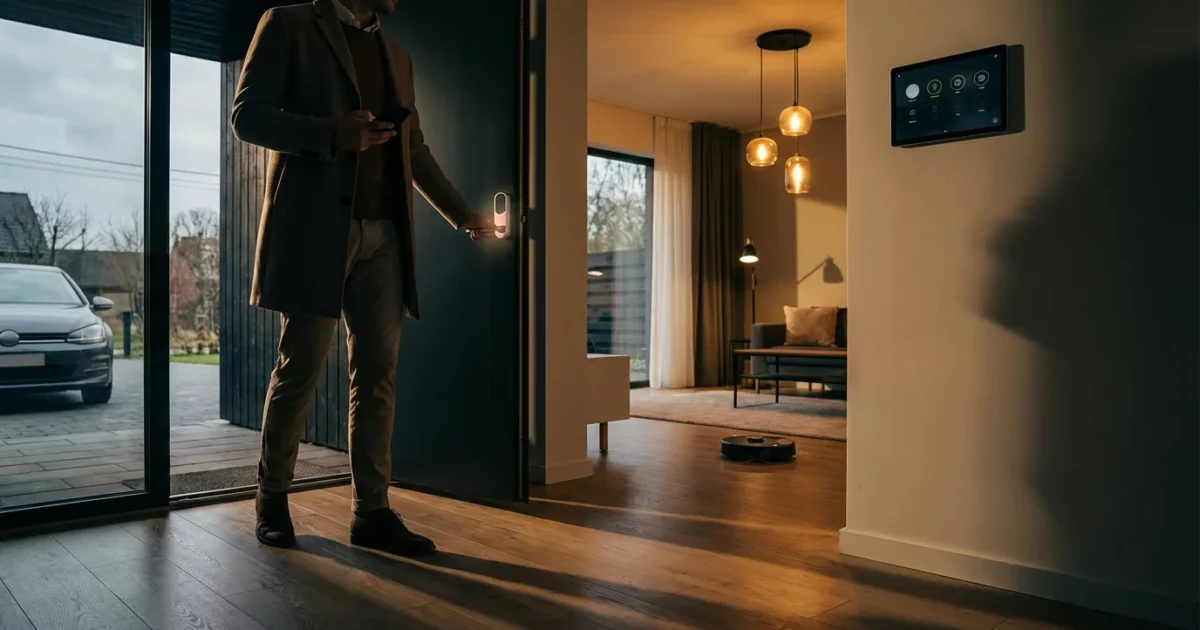
Creating a truly intelligent home involves more than just having smart devices. The magic happens when your home anticipates your needs, responding seamlessly to your presence or absence. Automating your home for when you leave and arrive delivers unparalleled convenience, enhances security, and significantly improves energy efficiency. Imagine your lights turning off as you drive away, or your thermostat adjusting to a comfortable temperature just before you walk through the door.
Complement your exit and arrival triggers with a solid morning routine automation guide to start every day on the right foot.
This comprehensive guide will walk you through the process, from understanding core concepts like geofencing to setting up complex, multi-device routines. You will learn how to automate home when leaving and arriving, ensuring your living space is always optimized for your lifestyle.

Understanding Geofencing: The Core of Location-Based Automation
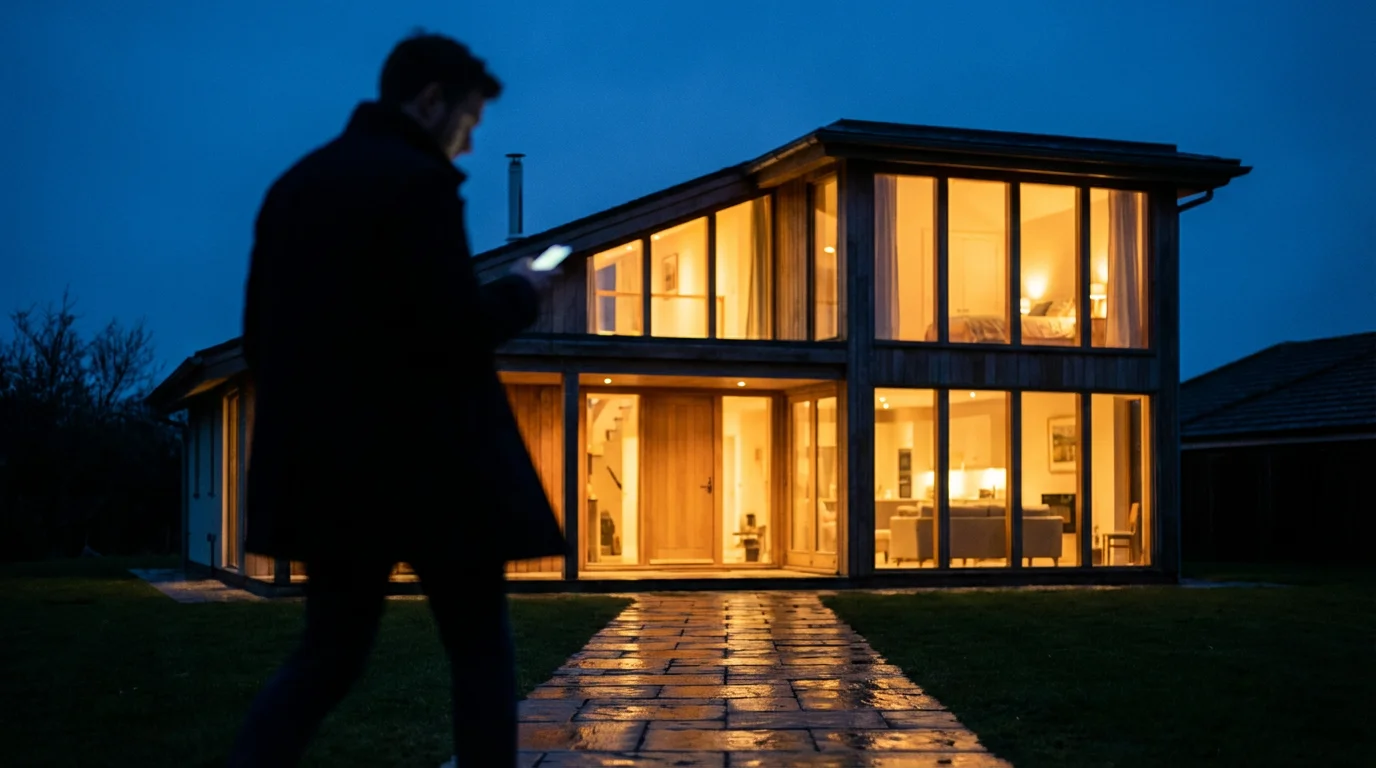
Geofencing is a virtual boundary you define around a physical location. Your smart home system uses your smartphone’s GPS, Wi-Fi, and cellular data to detect when you cross this boundary. This powerful technology acts as the primary trigger for most away mode and arrival automation routines.
When your phone enters or exits this specified zone, your smart home hub or app recognizes the change. This change then triggers pre-programmed actions across your connected devices. It is a fundamental component for how to automate home when leaving and arriving seamlessly.
The accuracy of geofencing varies based on several factors. These include your phone’s location settings, your Wi-Fi signal strength, and even the density of cell towers in your area. Most smart home apps allow you to adjust the size of your geofence, ranging from a few hundred feet to several miles. Experiment to find the sweet spot that works best for your specific property and travel patterns.
Setting Up Your “Away” Automation Routine for Security and Savings
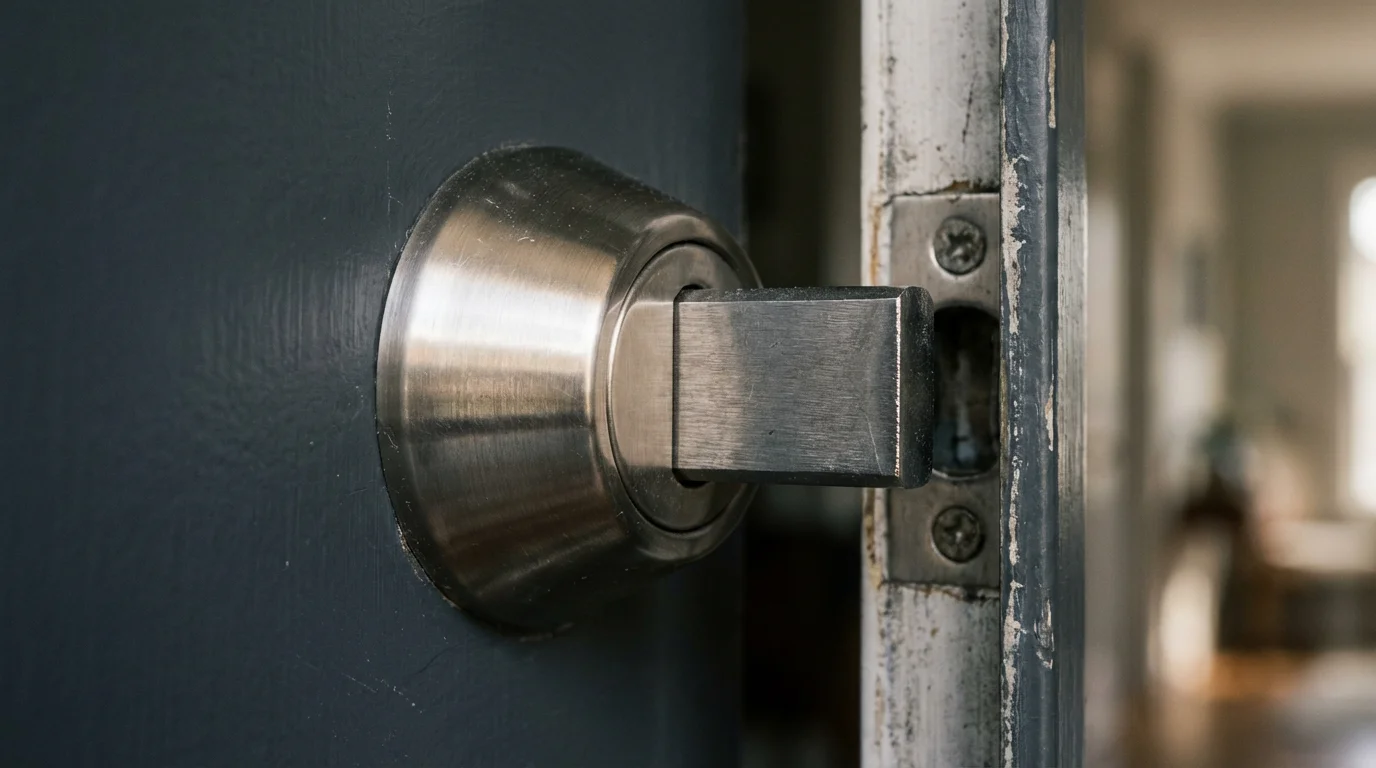
An effective “away mode” automation delivers peace of mind and tangible savings. When you leave your home, your system can automatically secure your property and reduce energy consumption. This section provides actionable steps to implement robust away routines.
For extended absences, you might also want to explore specialized vacation security automations to protect your property while you are traveling.
Here are key elements to consider for your away routine:
- Energy Savings: Turn off lights, adjust thermostats, and power down entertainment systems.
- Security: Arm your security system, lock smart doors, and activate security cameras.
- Safety: Turn off smart plugs connected to potentially hazardous devices.
Step-by-Step Guide to Creating an “Away” Automation:
Most smart home platforms, like Apple HomeKit, Google Home, Amazon Alexa, or SmartThings, follow a similar logic for setting up location-based automations.
- Define Your Geofence: Open your smart home app and navigate to the automation or routine section. Locate the option to create a new automation based on “Leaving a location.” Pin your home address and adjust the radius of the geofence. Start with a medium radius, perhaps a few blocks, and fine-tune it later.
- Select Trigger: Choose “When the last person leaves” or “When I leave” as the trigger. For multi-person households, “last person leaves” is ideal, ensuring someone is always home before activating.
- Add Actions for Energy Savings:
- Smart Thermostat: Set your thermostat to an energy-saving temperature. For example, raise the temperature in summer or lower it in winter by several degrees. Energy Star certified smart thermostats offer significant savings by learning your habits.
- Smart Lights: Turn off all smart lights in your home. You can specify individual rooms or use a “turn off all lights” scene if available.
- Smart Plugs: Power off smart plugs connected to devices like TVs, chargers, or coffee makers that draw phantom power.
- Add Actions for Security:
- Smart Locks: Engage all smart door locks and garage door openers.
- Security System: Arm your smart home security system. Many systems offer different modes, such as “away” or “full arm.”
- Security Cameras: Enable motion detection recording for outdoor or indoor security cameras.
- Simulated Occupancy: Briefly turn a few lights on and off at random intervals to give the appearance of someone being home.
- Review and Save: Give your automation a descriptive name like “Leaving Home” or “Away Mode.” Review all selected actions to ensure they are correct, then save the routine.
This comprehensive approach to best geofencing automations for smart home ensures both maximum security and efficiency while you are out.
Crafting Your “Arrival” Automation Experience for Convenience
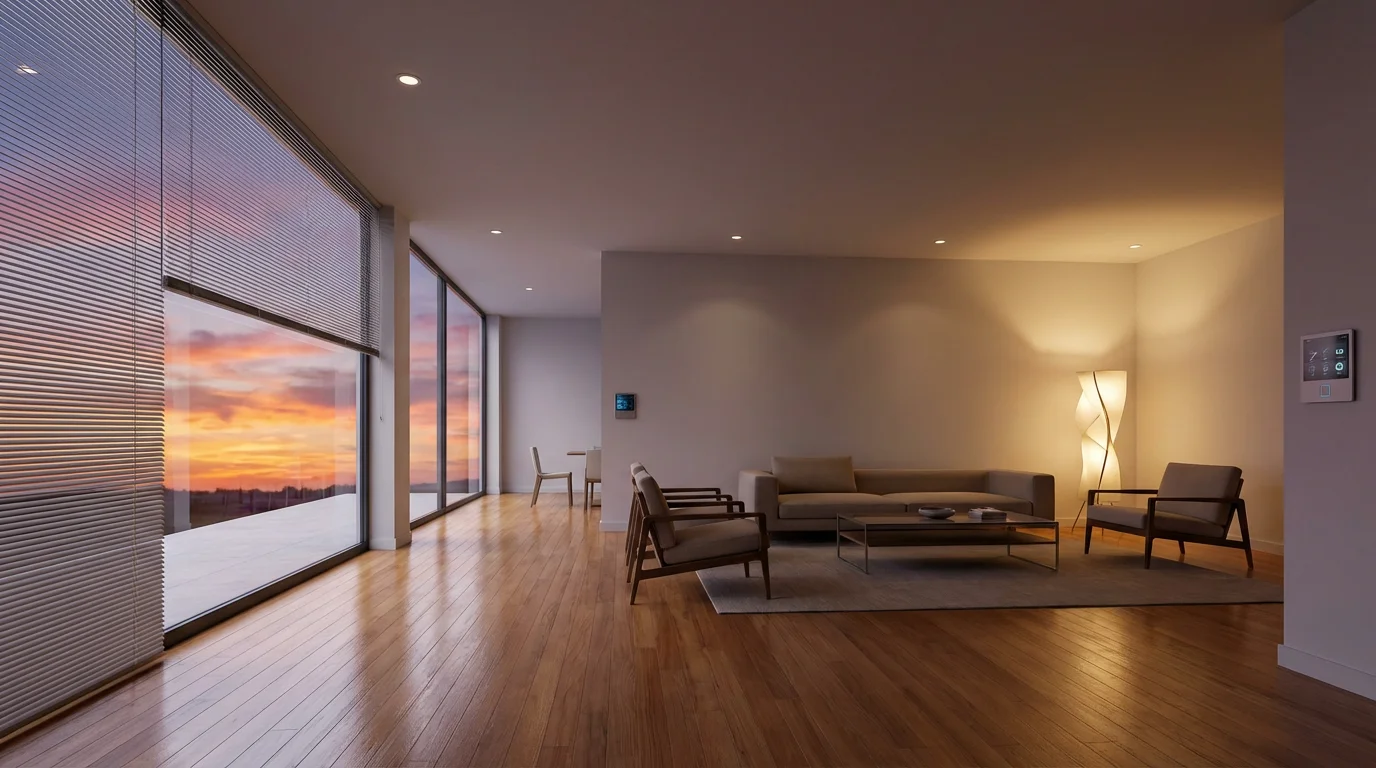
The “arrival automation” makes returning home a truly welcoming experience. Your home can spring to life, preparing itself for your presence before you even step inside. This section details how to create your ideal welcome home routine.
Consider these elements for your arrival routine:
- Convenience: Unlock doors, turn on lights, adjust climate, and start music.
- Comfort: Ensure your home is at a comfortable temperature upon entry.
- Safety: Disarm security systems and illuminate pathways.
Step-by-Step Guide to Creating an “Arrival” Automation:
Similar to the “away” routine, these steps guide you through setting up your personalized “welcome home” sequence.
- Define Your Geofence: In your smart home app, create a new automation based on “Arriving at a location.” Use the same geofence you set for your “away” routine for consistency.
- Select Trigger: Choose “When the first person arrives” or “When I arrive” as the trigger. “First person arrives” is useful for families, ensuring the home is ready for the initial occupant.
- Add Actions for Convenience and Comfort:
- Smart Thermostat: Adjust your thermostat to your preferred comfortable temperature. This pre-conditions your home before you enter.
- Smart Lights: Turn on key lights. This could include entryway lights, living room lamps, or kitchen lights. Consider setting them to a specific brightness or color for a welcoming ambiance.
- Smart Locks: Unlock your front door and garage door as you approach, eliminating fumbling for keys.
- Music/Audio: Start playing a favorite playlist or radio station on your smart speakers at a low volume.
- Curtains/Blinds: Open smart blinds or curtains to let in natural light.
- Add Actions for Security Management:
- Security System: Disarm your smart home security system automatically.
- Security Cameras: Disable motion detection recording for indoor cameras, or switch outdoor cameras to a monitoring-only mode.
- Review and Save: Name your automation something like “Welcome Home” or “Arrival Routine.” Double-check all actions, then save.
Implementing these arrival automation steps transforms your daily return into a seamless, pleasant experience. These are powerful best geofencing automations for smart home setups.
Advanced Geofencing Strategies and Multi-User Considerations
Basic geofencing provides a solid foundation, but you can enhance its intelligence significantly. Advanced strategies involve refining triggers and incorporating multi-user logic for complex households. This section explores ways to make your location-based automations even smarter.
To create truly seamless transitions, learn how to chain multiple automations together for more complex logical sequences.
Refining Geofence Triggers:
- Larger vs. Smaller Zones: A larger geofence means your home starts preparing earlier. A smaller one ensures actions happen closer to your actual arrival. Experiment to find the optimal size for your commute.
- Conditional Triggers: Some platforms allow you to add conditions. For example, “When I arrive, *if it is after sunset*, turn on lights.” This prevents lights from turning on unnecessarily during daylight hours.
- Delay Actions: Introduce a delay for certain actions. For instance, unlock the door when you are a block away, but turn on the living room lights only when you are in the driveway.
Multi-User Geofencing for Households:
Managing multiple residents requires careful planning to avoid accidental triggers. Most smart home ecosystems offer solutions for multi-user geofencing.
- “Last Person Leaves” / “First Person Arrives”: This is the most common and robust solution.
- Your “Away” routine triggers only when the system detects that *all* registered users have left the geofence.
- Your “Arrival” routine triggers when the *first* registered user enters the geofence.
- Individual Triggers: For specific, personalized actions, you can create automations that trigger only when *your* phone leaves or arrives. For example, “When I arrive, turn on my office lamp.”
- Guest Management: Consider how temporary guests might affect your automations. Some systems allow you to temporarily disable geofencing for specific users or devices.
Thoughtful implementation of these advanced techniques creates truly intuitive away mode and arrival automation experiences for everyone in your home.
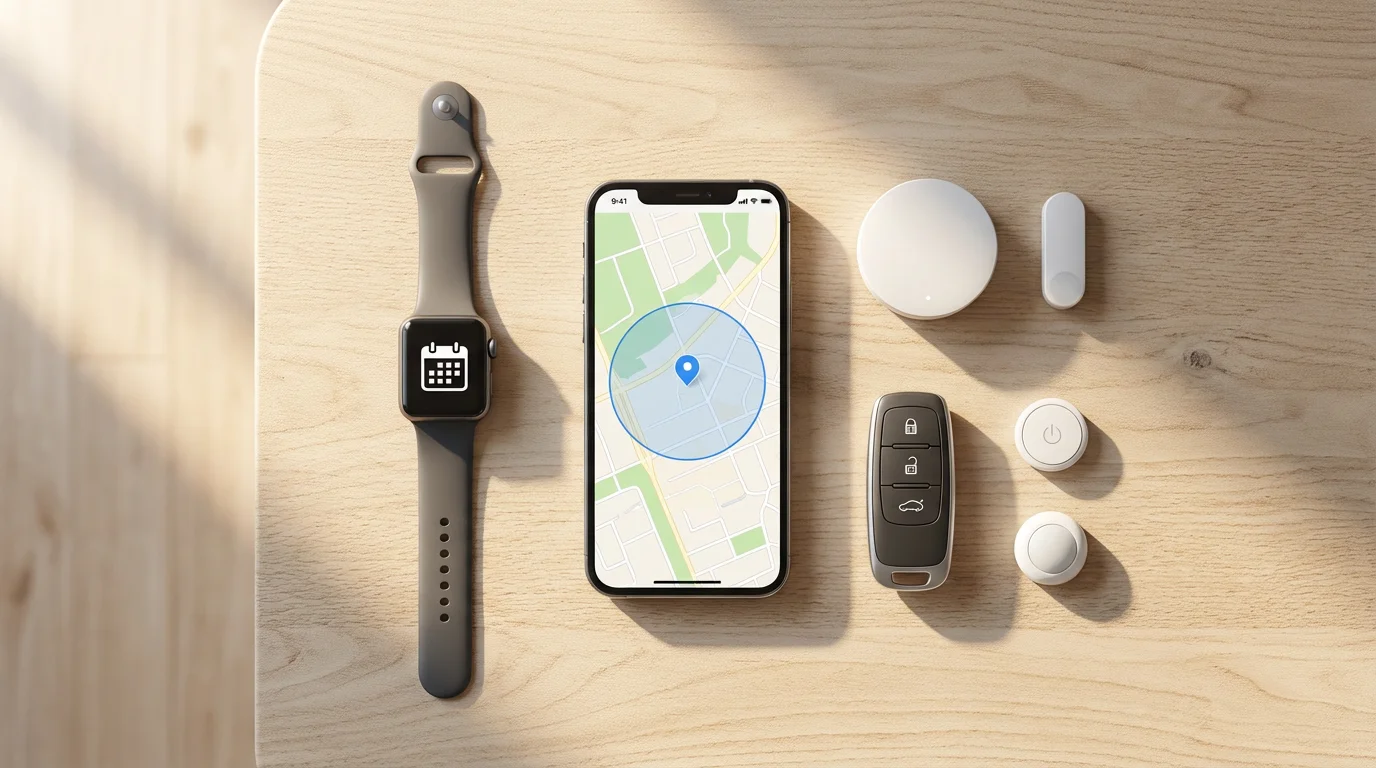
Integrating Other Triggers for Smarter Leave/Arrive Modes
While geofencing is powerful, combining it with other triggers creates highly intelligent and reliable routines. Leveraging additional data points minimizes false triggers and enhances overall automation performance. You can further optimize how to automate home when leaving and arriving by using these methods.
Time-Based Conditions:
Adding a time constraint to your geofencing makes automations more context-aware.
- “Away” Routine Example: Arm the alarm when you leave *only if it’s after 9 PM*. This prevents the alarm from arming if you just step out for a minute during the day.
- “Arrival” Routine Example: Turn on bright entryway lights when you arrive *only if it’s after sunset*. During daylight, only a few essential lights might activate, saving energy.
Physical Sensors as Secondary Triggers:
Sensors can confirm your presence or absence, adding a layer of accuracy to your geofence. They are excellent complements to best geofencing automations for smart home setups.
- Door/Window Sensors:
- Leaving: If geofencing detects you leaving, and a door sensor confirms the front door closed, then trigger the “away” scene. This prevents false triggers if your phone’s GPS glitches.
- Arriving: When geofencing detects your arrival, and the front door opens, then execute the “welcome home” scene. This ensures the scene runs only after you have physically entered.
- Motion Sensors:
- Leaving: After geofencing detects you leaving, if no motion is detected in key areas (living room, hallway) for 5-10 minutes, then trigger “away” mode.
- Arriving: Upon geofence arrival, if motion is detected in the entryway, then activate a more extensive “welcome home” sequence.
- Smart Locks: The state of your smart lock can also serve as a trigger or condition. If your front door is manually locked, it might indicate you are leaving.
By layering these conditions, you build robust automations that account for various scenarios. This reduces the frustration of automations firing at inappropriate times.
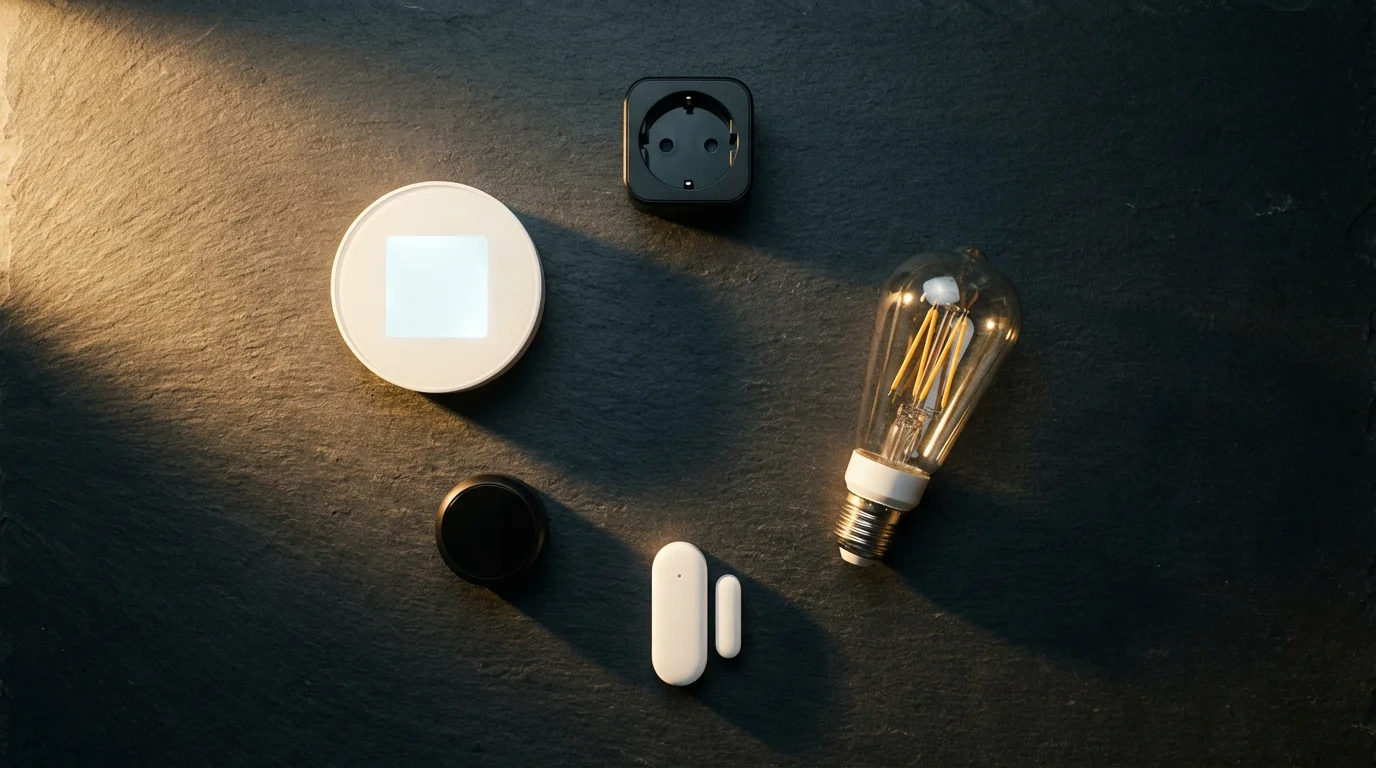
Choosing the Right Smart Home Ecosystem for Geofencing
The effectiveness and ease of implementing geofencing and other automations heavily depend on your chosen smart home ecosystem. Each platform offers unique strengths and integration capabilities. Understanding these differences helps you select the best fit for your home and lifestyle.
Popular Smart Home Ecosystems:
- Apple HomeKit: Known for strong privacy features and robust local processing, HomeKit offers precise geofencing, especially when combined with Apple devices. It excels in integrating with other Apple services and devices.
- Google Home: Google’s ecosystem leverages its powerful location services for accurate geofencing. It integrates well with Android devices and Google Assistant, offering broad device compatibility.
- Amazon Alexa: Alexa provides reliable geofencing through the Alexa app. Its routines are intuitive to set up, and it supports a vast array of smart devices.
- Samsung SmartThings: SmartThings is a versatile hub-based system that supports a wide range of protocols like Zigbee and Z-Wave. Its geofencing capabilities are strong, and its automation engine is highly flexible, making it ideal for advanced users.
The Role of Matter:
The Matter smart home standard aims to unify these ecosystems. Matter-enabled devices can work across multiple platforms, simplifying device selection and improving compatibility. This means a Matter-certified smart lock, for example, could seamlessly integrate with Apple HomeKit, Google Home, and Alexa simultaneously. As Matter adoption grows, setting up geofencing across a diverse set of devices will become even easier and more reliable.
Consumer Reports emphasizes that a truly smart home system should be easy to use and reliable, adapting to your habits without constant manual intervention.
When selecting your ecosystem, consider device compatibility, ease of use, your existing smart devices, and the level of customization you desire. Many platforms offer excellent geofencing, so choose the one that aligns best with your technical comfort and device preferences.
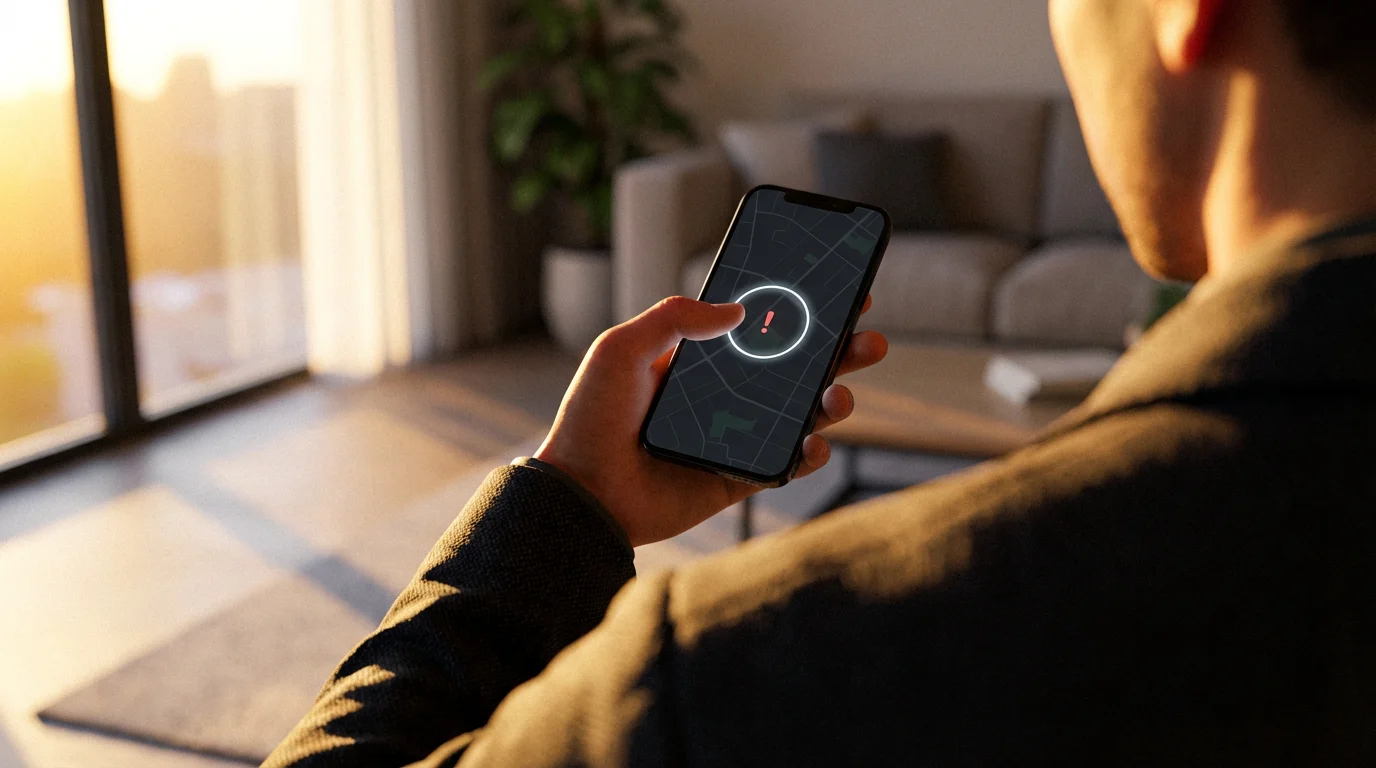
Troubleshooting Common Geofencing and Automation Issues
Even with the best planning, geofencing and smart home automations can sometimes encounter hiccups. Understanding common issues and their solutions will help you maintain a reliable system. Do not let minor glitches deter you from enjoying the benefits of away mode and arrival automation.
Here are some frequent problems and their fixes:
- Inaccurate or Delayed Geofencing:
- Check Phone Location Settings: Ensure your smartphone’s location services are enabled for your smart home app and set to “Always Allow” if available. Background app refresh can also impact accuracy.
- Increase Geofence Radius: A very small geofence can be less reliable. Try increasing the radius to give your phone more time to register your departure or arrival.
- Wi-Fi and Cellular Connection: A stable internet connection on your phone and at home is crucial. Poor signal can delay location updates.
- Power Saving Modes: Some phone power-saving modes can restrict background app activity, affecting geofencing performance. Temporarily disable them for your smart home app.
- Automations Not Firing Consistently:
- Review Automation Logic: Double-check your routine’s conditions and actions. Are there conflicting routines? Is the “last person leaves” or “first person arrives” logic correctly configured for your household?
- Device Connectivity: Ensure all devices involved in the automation are online and working. A smart bulb that is offline cannot respond to a command.
- App Permissions: Verify that your smart home app has all necessary permissions, including access to local network devices.
- Conflicting Routines:
- If you have multiple automations affecting the same device (e.g., a “Good Morning” routine turning on lights and an “Arrival” routine also trying to turn them on), they might conflict.
- Prioritize routines or add conditions to prevent overlap. For example, “Turn on lights when I arrive, *unless* the ‘Good Morning’ scene is active.”
- Multi-User Geofencing Issues:
- Ensure every household member has their phone configured correctly in the smart home app, with location services enabled.
- Verify that the “last person leaves” or “first person arrives” setting is correctly applied to the automation.
- Confirm all users are part of the shared home in the smart home app.
Patience and systematic troubleshooting will usually resolve most issues. Many smart home communities and support forums also offer valuable assistance for specific platforms or devices.
Maximizing Security and Energy Savings with Your Routines
Beyond initial setup, continuous optimization of your leave and arrive routines ensures you reap the maximum benefits. A truly smart home adapts and improves over time, delivering enhanced security and significant energy cost reductions. This section provides strategies to fine-tune your away mode and arrival automation.
Continuous Optimization for Energy Efficiency:
- Review Thermostat Settings: Regularly check your away temperature settings. Can you push them a few more degrees without impacting comfort upon return? For instance, setting your AC to 82°F (28°C) in summer or heat to 60°F (15°C) in winter when away can yield considerable savings.
- Identify Phantom Load Devices: Use a smart plug with energy monitoring to identify devices that consume power even when off. Integrate these into your “away” routine to cut power completely.
- Seasonal Adjustments: Create distinct “away” routines for summer and winter. Lights might turn off during the day in summer, but an occasional light might cycle in winter to deter potential intruders during shorter daylight hours.
- Utilize Smart Meter Data: If your utility provides smart meter data, correlate it with your away routines to see the real-world impact of your automations on energy consumption.
Enhancing Home Security and Peace of Mind:
- Regular Security Audits: Periodically test your “away” security routine. Ensure all locks engage, the alarm arms, and cameras activate as expected.
- Two-Factor Authentication: Enable two-factor authentication (2FA) on your smart home accounts. This adds a critical layer of security against unauthorized access, even if your password is compromised.
- Privacy Settings Review: Understand and manage the privacy settings for your smart home devices and apps, especially those related to location data and camera recordings.
- Simulated Occupancy Refinement: Make your “away” mode look more realistic. Instead of just one light, have different lights turn on and off in various rooms at irregular intervals. Maybe even trigger a smart speaker to play ambient sounds.
- Integrate with Outdoor Lighting: Have outdoor smart lights illuminate if motion is detected while you are away, signaling a potential intruder and recording it on your security camera.
By regularly reviewing and refining your automations, you transform your initial setup into a dynamic, highly effective system. This proactive approach ensures your home remains secure, energy-efficient, and perfectly tailored to your needs for away mode and arrival automation.
Frequently Asked Questions
What is geofencing in smart homes?
Geofencing in smart homes creates a virtual perimeter around a real-world location, like your house. Your smart home system uses your smartphone’s GPS, Wi-Fi, and cellular data to detect when you enter or exit this defined area, triggering automated actions like turning lights off or locking doors.
How can I automate home when leaving and arriving effectively?
To automate effectively, define clear “away” and “arrival” routines in your smart home app. Use geofencing as the primary trigger, combined with conditional logic like time of day or the status of other sensors. Ensure all household members have their devices configured for multi-user geofencing if needed.
What are the best geofencing automations for smart home security?
For security, the best geofencing automations include automatically locking all smart doors, arming your security system, enabling motion detection on cameras, and potentially activating a simulated occupancy scene (lights cycling) when the last person leaves your geofence.
Can geofencing save me money on energy bills?
Yes, geofencing can significantly save on energy bills. By automatically adjusting your smart thermostat to an energy-saving temperature and turning off unnecessary lights and smart plugs when you leave, you avoid wasting energy when no one is home. This proactive management reduces consumption and utility costs.
What if my geofencing is inaccurate or unreliable?
If your geofencing is inaccurate, check your phone’s location services settings for your smart home app, ensuring it has “Always Allow” permission. Try increasing the geofence radius. Also, ensure your phone has a stable internet connection and that power-saving modes are not overly restricting background app activity. Review any conflicting routines that might interfere.
Disclaimer: This article is for informational purposes only. Smart home devices involve electrical connections and data privacy. Always follow manufacturer instructions for installation. For complex wiring or HVAC work, consult a licensed professional.
Leave a Reply