
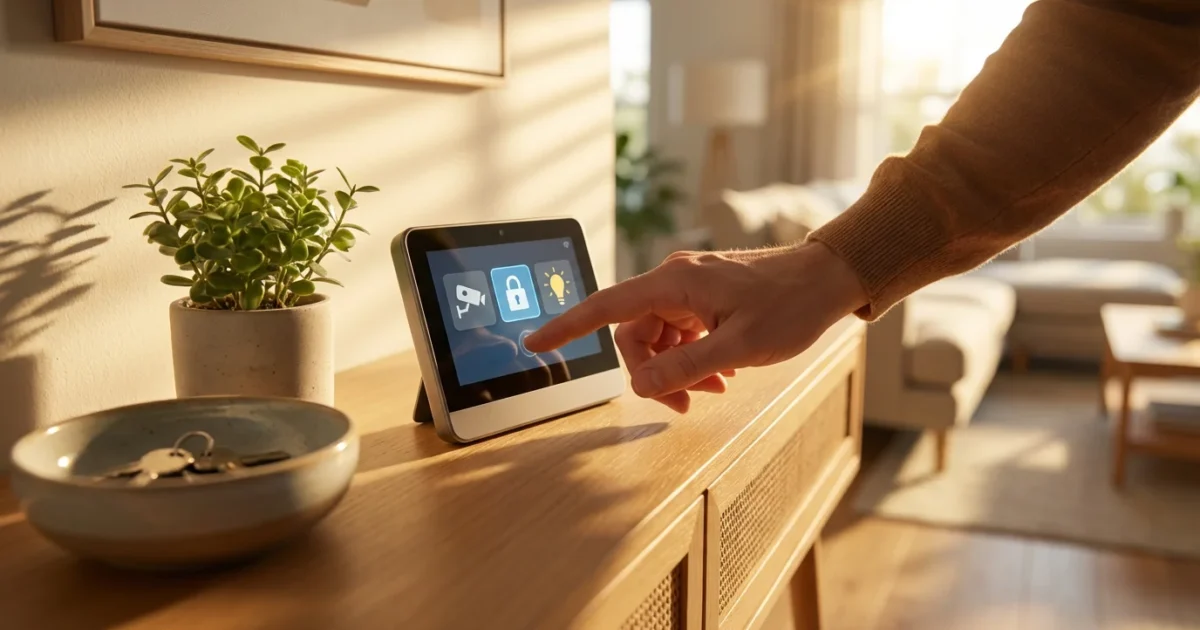
Leaving your home for vacation often brings a sense of unease about its safety. Modern smart home technology offers powerful solutions to protect your property and provide peace of mind while you are away. You can transform your house into a vigilant guardian, actively deterring potential threats and monitoring for issues. This guide will show you how to implement robust security automation, leveraging connected devices and intelligent routines to safeguard your home effectively.
Implementing a comprehensive security automation strategy for your vacation involves more than just locking the doors. It means creating sophisticated “away routines” that make your home appear occupied, alert you to disturbances, and respond intelligently to various scenarios. Let’s explore how to build these crucial protections, ensuring your return to a secure and undisturbed living space. You will gain practical, actionable insights to configure your smart home for optimal vacation security.
Why Automate Your Home for Vacation Security?
Automating your home security for vacations offers significant advantages over traditional methods. Instead of relying on a simple timer for a single lamp, you create dynamic, intelligent systems that adapt to situations. This proactive approach deters potential intruders and provides immediate alerts if something goes wrong, giving you valuable response time.
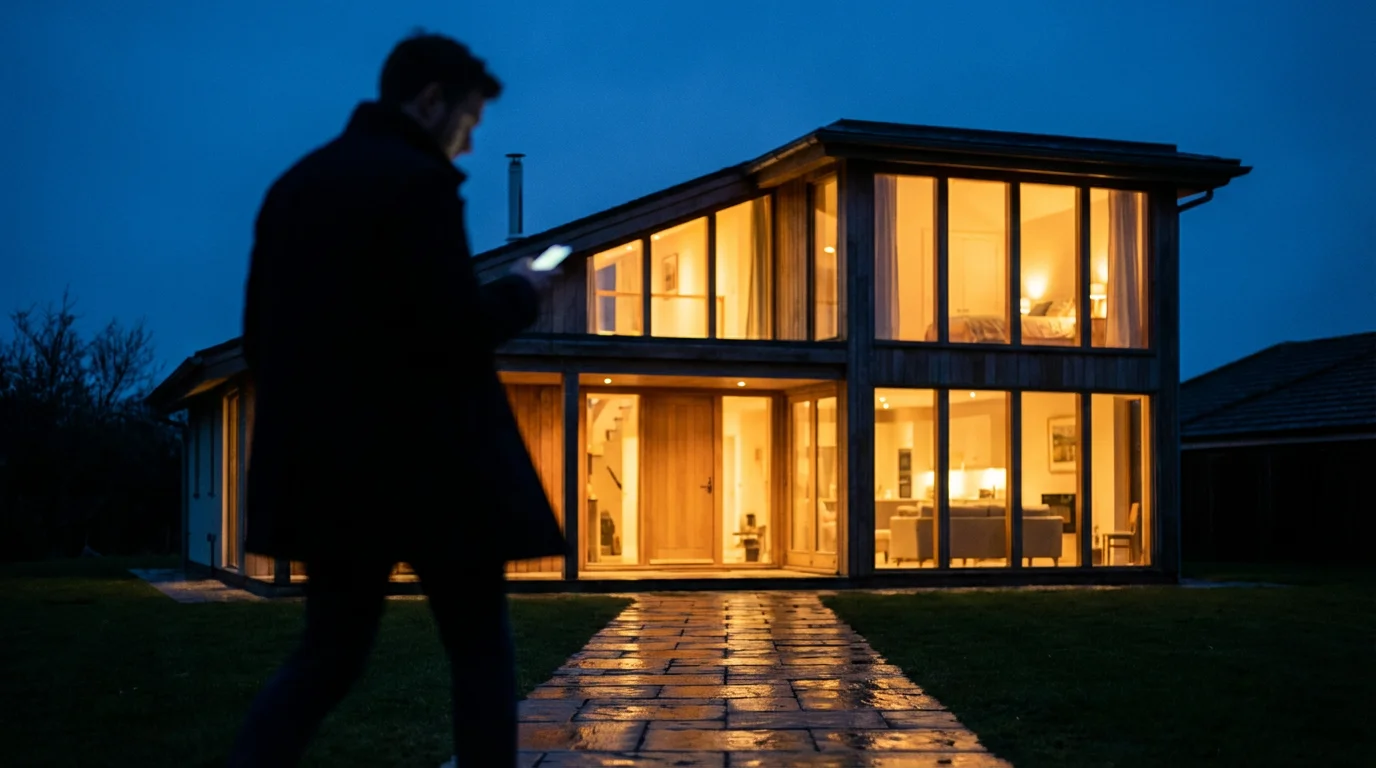
The core benefit lies in creating a convincing illusion of occupancy. Burglars often target vacant homes, looking for telltale signs like darkened windows, overflowing mailboxes, or an absence of activity. Smart home `security automation` makes your home appear lived-in, significantly reducing its attractiveness as a target. You gain peace of mind knowing your property actively protects itself, monitored and managed from anywhere in the world.
Data consistently supports the effectiveness of visible security measures. According to security experts, homes with security systems are significantly less likely to be targeted by burglars. Smart home systems elevate this deterrence by not only being visible but also by actively mimicking presence. This reduces the risk of break-ins, safeguarding your valuables and property from damage or loss.
Furthermore, automation provides an enhanced layer of protection beyond deterrence. In the event of an actual breach or an environmental hazard like a water leak, your system can trigger immediate responses. This includes sounding loud alarms, notifying you and pre-selected emergency contacts, and even shutting off water valves automatically. You transform your static home into a responsive, secure environment, minimizing potential damage and loss.
Essential Smart Devices for Vacation Mode
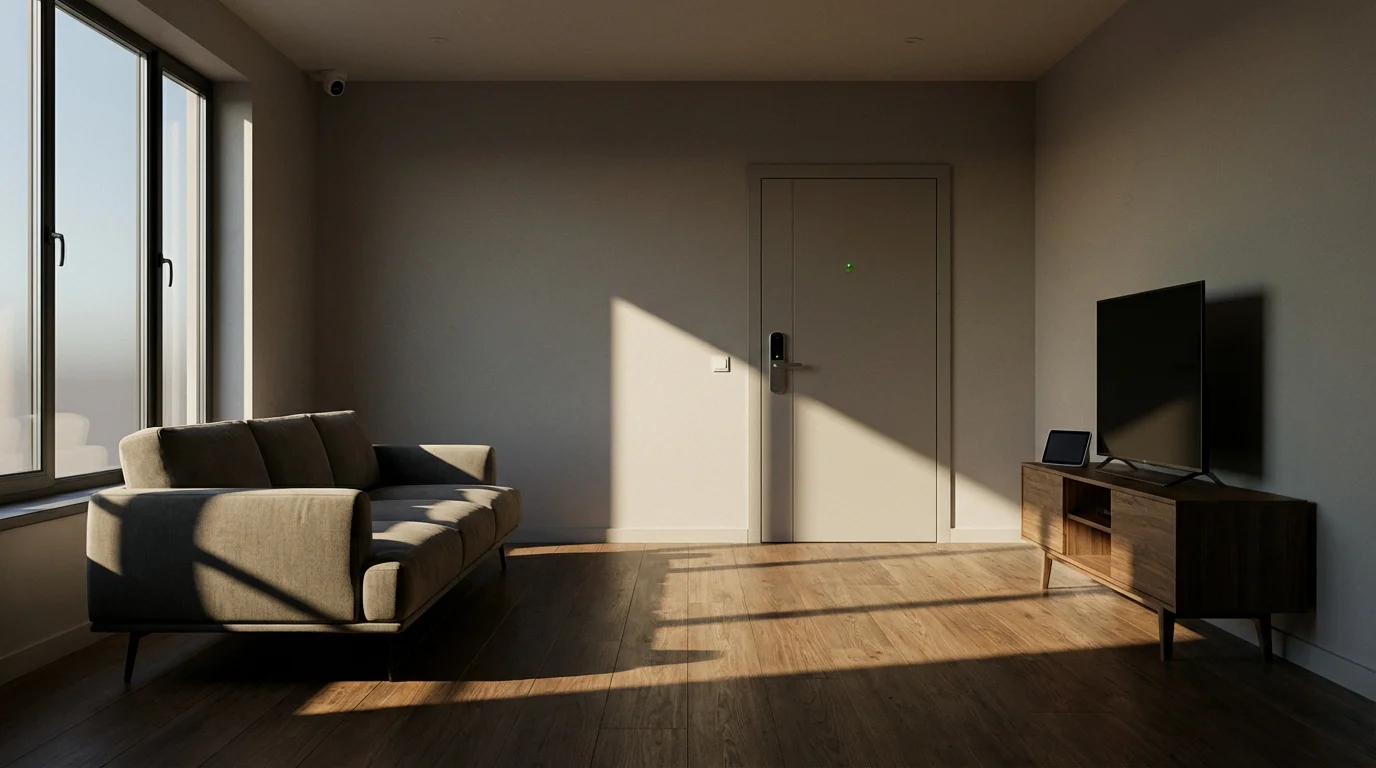
Building a robust vacation security system starts with selecting the right smart devices. These components work together seamlessly to form a cohesive protective network. Consider these foundational devices as you plan your setup, focusing on their specific contributions to your `vacation mode` security.
- Smart Lighting: Dimmers and smart bulbs allow you to control individual lights or entire rooms remotely. You can program them to turn on and off at varying times and brightness levels, convincingly mimicking natural human activity inside your home. This prevents your house from looking dark and empty.
- Smart Door Locks: Keyless entry systems let you grant temporary, time-limited access to trusted individuals, such as pet sitters or housekeepers, without sharing physical keys. You receive instant notifications on your phone whenever the lock engages, disengages, or if someone attempts to tamper with it.
- Security Cameras: Indoor and outdoor cameras provide crucial visual surveillance, acting as your eyes on the property. Many offer motion detection, two-way audio communication, and secure cloud storage for recorded footage. You can check live feeds from your phone anytime, from anywhere, providing immediate visual verification of alerts.
- Motion Sensors: Placed strategically inside your home, these sensors detect unauthorized movement. They can trigger immediate actions, such as turning on specific lights, activating cameras to record, or sounding an alarm, instantly alerting you to potential intruders.
- Door and Window Sensors: These small, discreet sensors detect when a door or window opens or closes. They are crucial for knowing if an entry point is breached or left unsecured. They serve as the first line of defense for monitoring access.
- Smart Thermostats: While primarily for energy savings, a smart thermostat can also contribute to your `away routines`. Some models detect when the house is empty and adjust temperatures to an eco-friendly setting. More importantly, they can alert you to extreme temperature drops that could cause burst pipes or excessive heat that might damage electronics. Energy Star certified smart thermostats offer reliable performance and efficiency.
- Water Leak Detectors: Placed near water heaters, sinks, washing machines, or in basements, these devices alert you to leaks before they become catastrophic floods. This protects your home from internal water damage while you are away, potentially saving thousands in repairs.
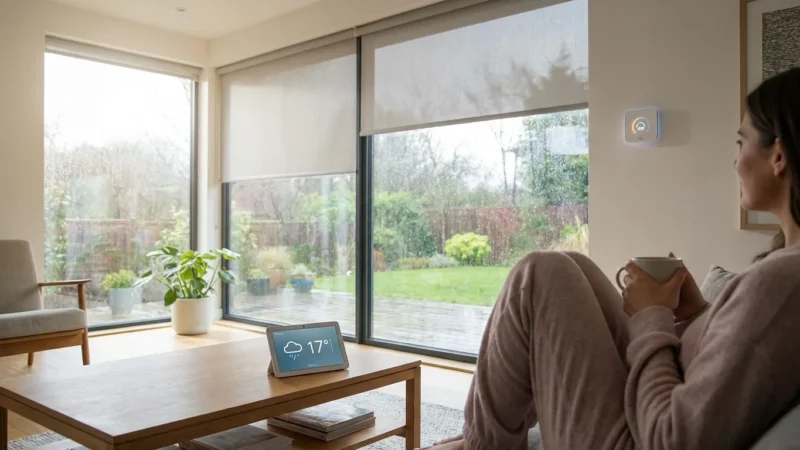
- Smart Blinds or Shades: Automating window coverings adds another sophisticated layer to occupancy simulation. You can control privacy and natural light throughout the day, ensuring your home doesn’t look consistently shut down or abandoned.
When selecting devices, prioritize compatibility. Choosing devices within the same smart home ecosystem, like Apple HomeKit, Google Home, Amazon Alexa, or those adhering to standards like Matter, simplifies setup and management. This unified approach makes creating complex “away routines” and `security automation` much easier and more reliable.
Setting Up Your Core Security Automation
Establishing your fundamental `security automation` involves configuring devices to respond to specific triggers, creating your foundational `vacation mode`. This process forms the backbone of your away protection and ensures your home acts as a deterrent and monitoring station.
1. Designate Your “Away” State
Your smart home system needs a clear signal for when you are truly away. You can achieve this with precision:
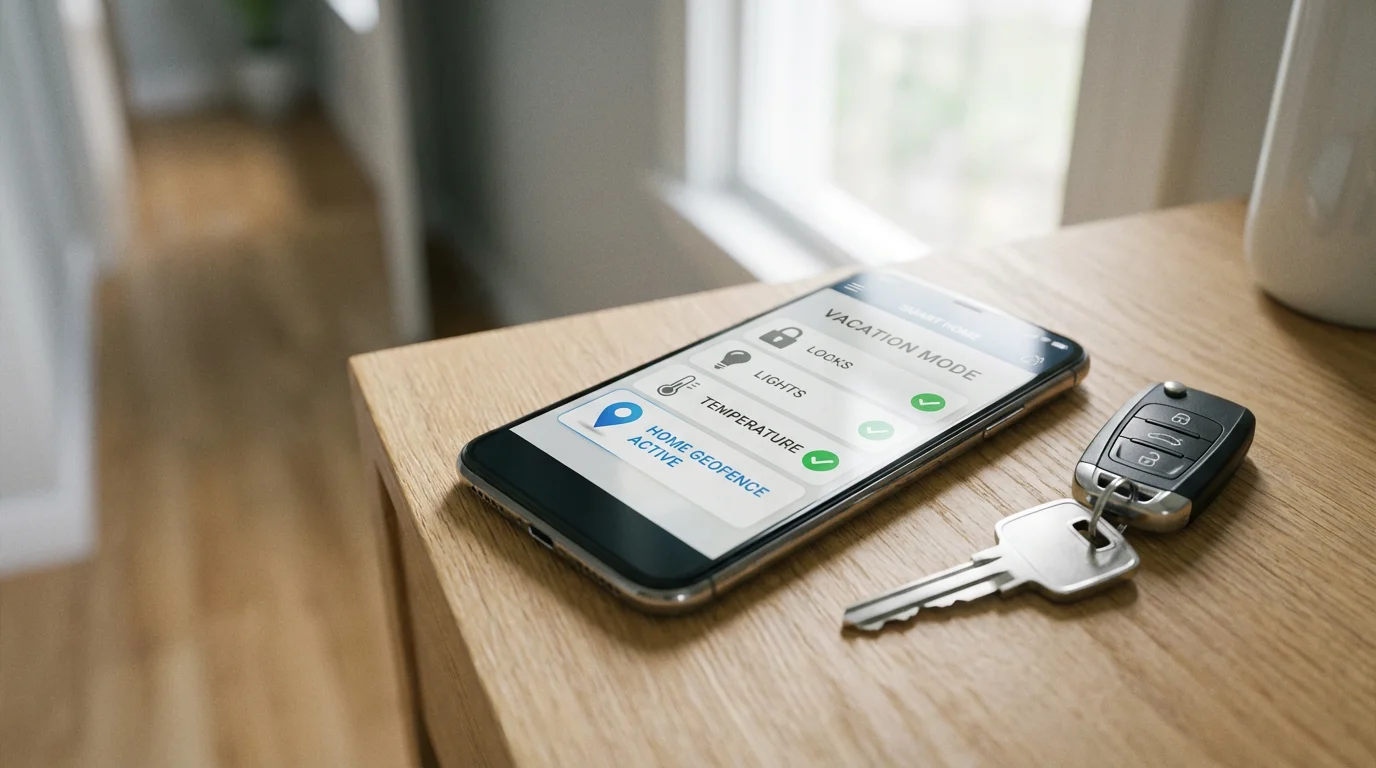
- Manual Activation: You simply tap a “Vacation Mode” button on your smart home app before leaving your property. This offers direct, intentional control and works reliably.
- Geofencing: Your smartphone’s location determines if you are home or away. When your phone leaves a predefined zone around your house, the system automatically activates `away routines`. This provides seamless, hands-free transitions as you come and go.
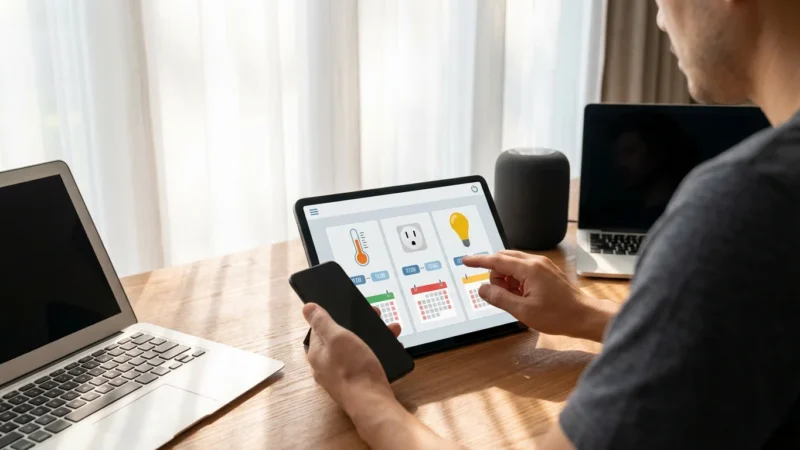
- Schedule-Based Activation: For predictable, long-term absences, you can set a specific schedule for `vacation mode` to activate and deactivate. This is less dynamic but highly effective for consistent travel dates.
2. Configure Entry Point Monitoring
Focus on securing all doors and windows, as these are common entry points. Every effective smart security system should meticulously monitor them.
- Install door and window sensors on all ground-floor windows and accessible doors, including basement windows and side entrances.
- Link these sensors to your central smart home hub or dedicated security system.
- Program an alert: If any sensor detects an “open” state while your system is armed in `vacation mode`, it should immediately send a push notification to your phone, email, and trigger an audible siren or alarm.
3. Integrate Indoor Motion Detection
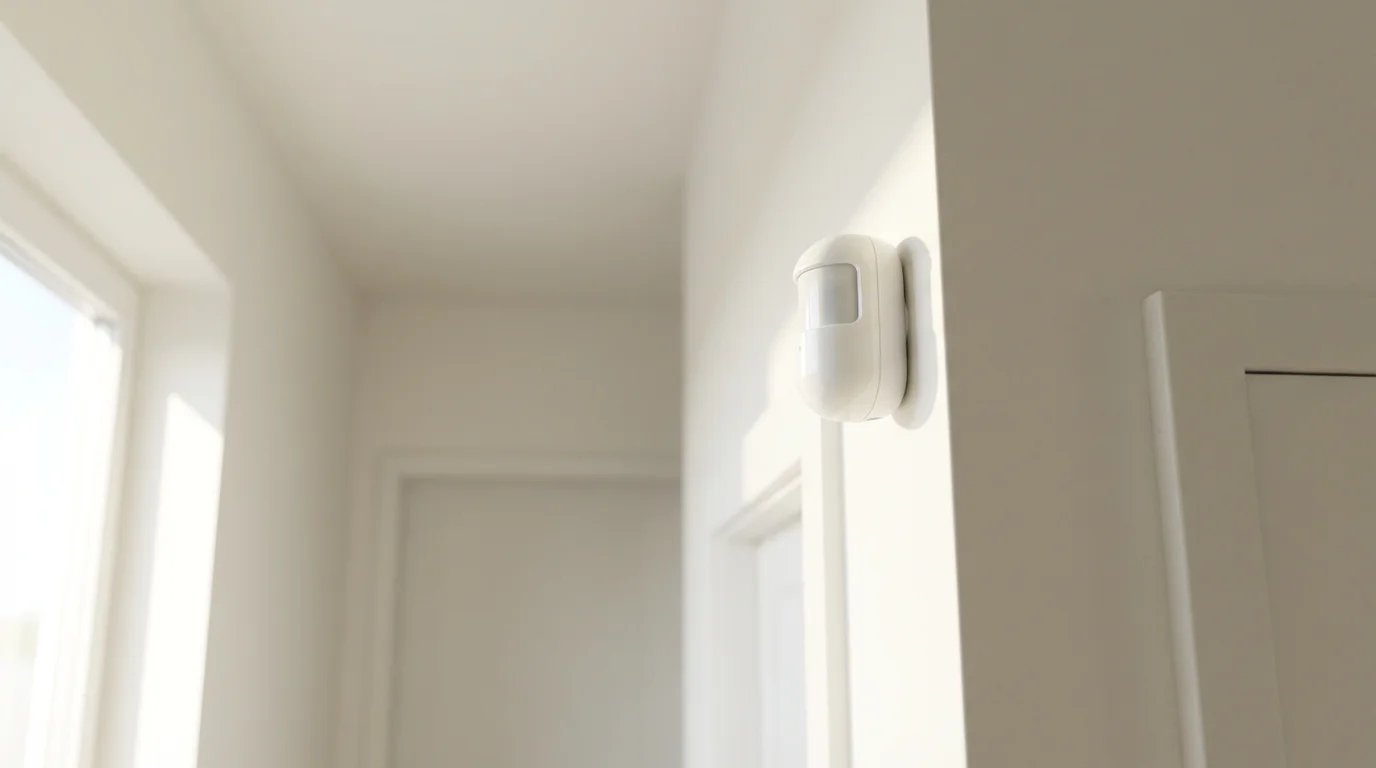
Motion sensors provide an additional, critical layer of interior security. They catch intruders who might bypass exterior sensors or gain entry through less obvious means.
- Place motion sensors in key, high-traffic areas like main hallways, living rooms, and near staircases.
- Set these sensors to trigger an alarm, flash specific lights, and activate connected cameras to record if motion is detected when the house is empty and the `away routine` is active.
- Ensure motion sensors are pet-immune or strategically placed if you have pets staying at home, preventing frustrating false alarms.
4. Set Up Camera Surveillance
Your smart cameras offer crucial visual verification and recording capabilities, acting as your remote eyes. Strategically place and configure them for maximum coverage.
- Position outdoor cameras to cover primary entry points, driveways, and backyards. Ensure they have a clear line of sight and are installed securely out of easy reach.
- Place indoor cameras in common areas, but ensure they do not point directly at windows to avoid glare, privacy concerns, and unintentional triggers from outside movement.
- Configure cameras to begin recording and send alerts upon detecting motion or an alarm trigger. Verify your cloud storage plan accommodates the duration of your vacation and desired video quality.
Simulating Occupancy: Deterring Intruders
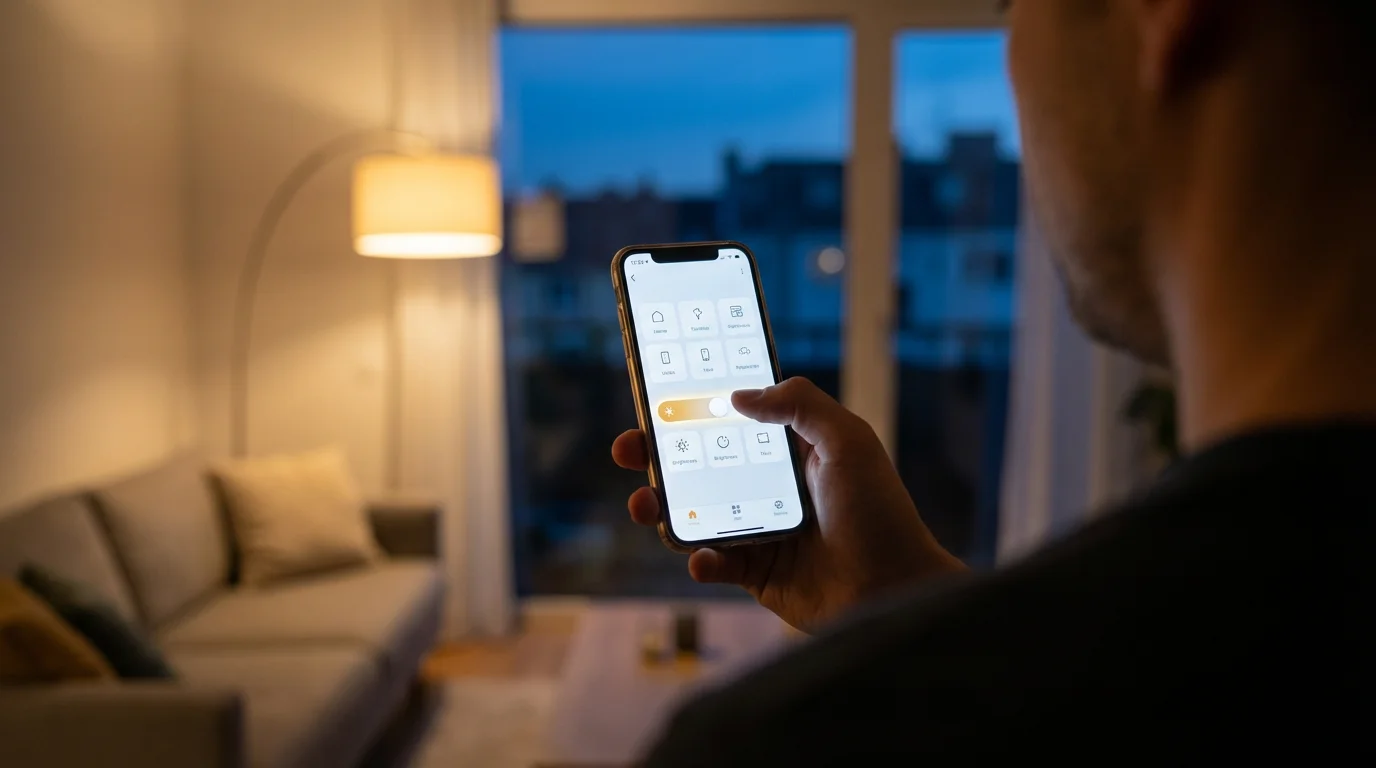
The most effective deterrent is making your home appear actively occupied. Intruders prefer easy targets, and a house that looks active suggests risk. Here’s `how to automate home security while on vacation` by creating convincing, dynamic occupancy patterns.
Randomized Lighting Schedules
Basic timers are predictable, making a home an obvious target. Smart lighting offers dynamic control, making your home appear genuinely lived-in.
- Vary Timing Daily: Instead of setting lights to turn on at 7:00 PM every single night, program them to activate within a randomized window, such as between 6:30 PM and 8:00 PM. This mimics real human behavior.
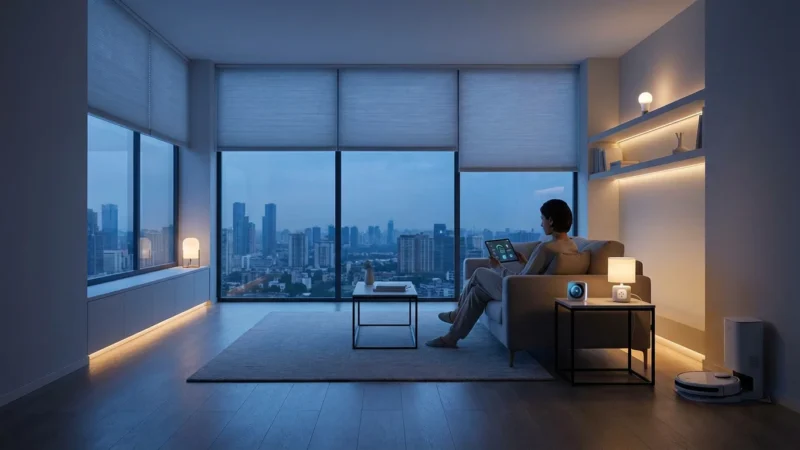
- Control Different Rooms: Program lights in various rooms to turn on and off independently and at different times. For example, living room lights might come on in the early evening, move to the kitchen later, and then shift to a bedroom light before turning off for the night.
- Adjust Brightness and Color: Many smart bulbs allow brightness and even color adjustments. You can dim lights late at night or brighten them during the day, further simulating natural use. Some systems can even mimic the changing hues of daylight.
- Utilize “Away Mode” Features: Many smart lighting systems or hubs offer a specific `vacation mode` or `away routines` that automatically generate and randomize lighting patterns for you, simplifying setup.
Automated Blind and Shade Control
Windows are a prime indicator of occupancy. Automated blinds can significantly enhance the lived-in look and provide privacy.
- Schedule blinds to open in the morning, letting in natural light, and close in the evening for privacy, just as you would normally.
- Vary the timing slightly each day, similar to lights, to avoid any predictable patterns that an observer might notice.
- Consider leaving some blinds partially open during the day and fully closing them at night for added realism and varied appearance.
Sound Simulation
The presence of sound can be a powerful deterrent, creating the impression someone is home. Smart speakers or dedicated sound machines can help achieve this.
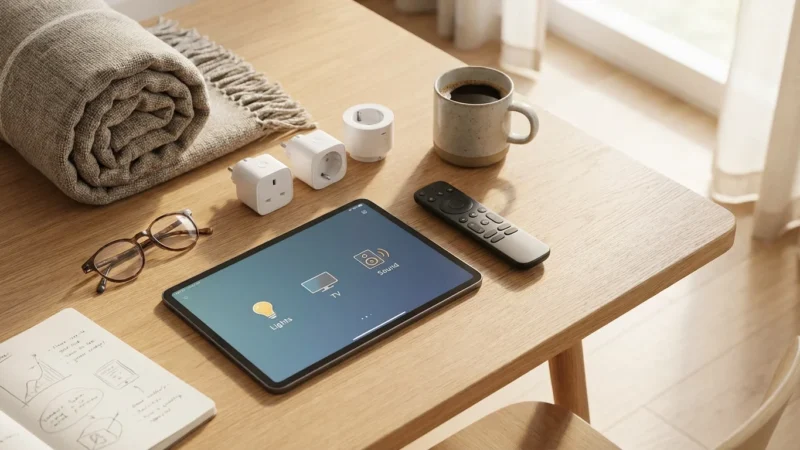
- Program smart speakers to play ambient noise like talk radio, a podcast, or a television show at reasonable volumes during typical daytime or evening hours.
- Ensure the volume is audible from outside but not overly loud or intrusive, mimicking background noise from inside a home.
- Consider using different audio sources or stations on different days to further enhance the realism of your `away routines`.
“A home that appears lived-in is often overlooked by opportunistic burglars. Smart automation allows you to create this crucial illusion effortlessly, providing both deterrence and peace of mind.”
Thermostat Activity
While not directly visible, a smart thermostat adjusting temperature can subtly contribute to `away routines` and overall home protection. You can program it to enter an energy-saving mode, but some advanced systems can also adjust slightly throughout the day, implying internal activity without significant energy waste. This also ensures your home maintains safe temperatures, protecting it from extreme cold or heat that can cause damage.
Advanced Vacation Security Scenarios
Beyond basic occupancy simulation, you can implement more sophisticated `security automation` to handle various situations and provide robust, multi-layered protection. These advanced setups use complex logic to respond intelligently to unfolding events.
Panic Button Integration and Instant Alerts
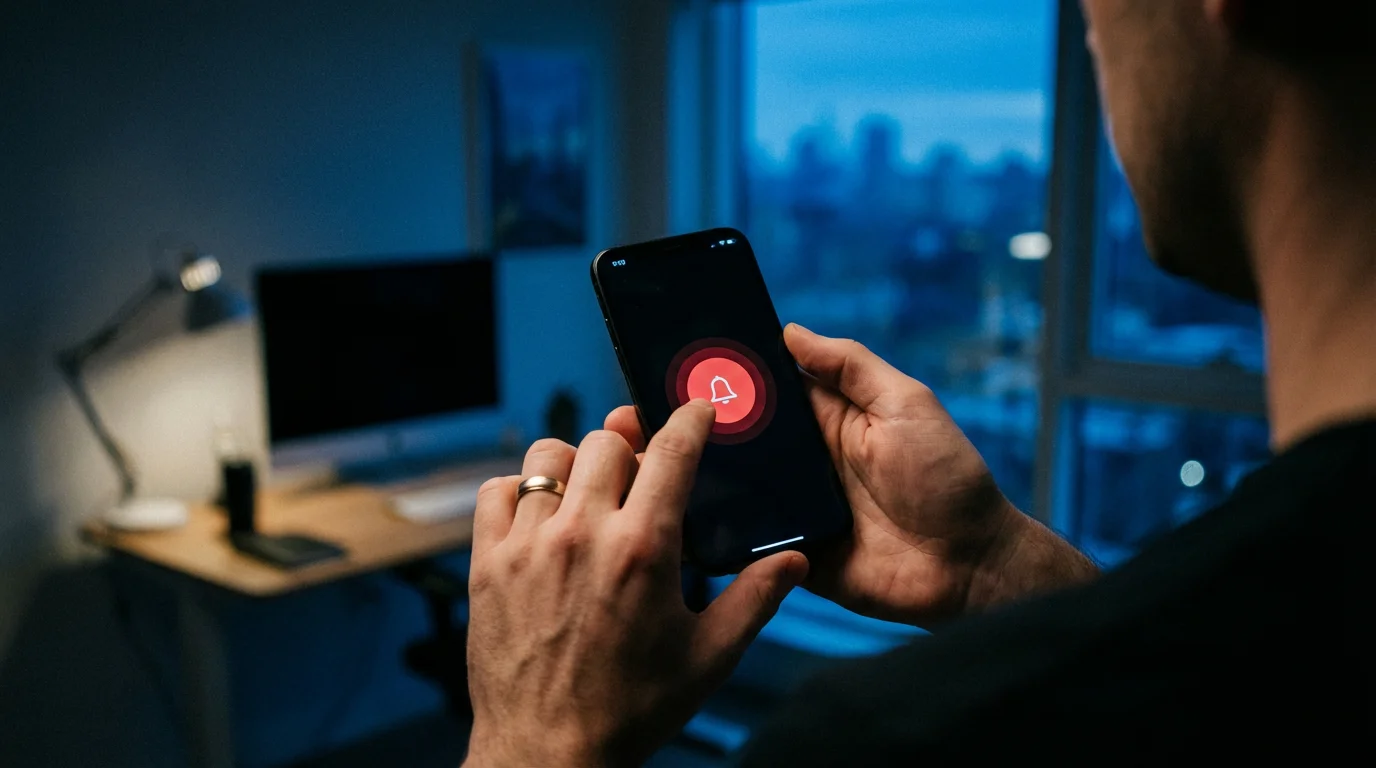
For emergencies, even when you are away, having a digital panic button is incredibly valuable. You can configure a smart button, a specific voice command, or an action within your app to trigger an immediate, high-priority alert.
- Program a “Panic” scene or routine in your smart home hub. This routine might sound all smart alarms at maximum volume, flash all smart lights rapidly, and immediately send urgent notifications via SMS and email to you, trusted family members, and chosen emergency contacts.
- This offers a quick response mechanism if a neighbor calls you about suspicious activity and you need to act fast remotely.
- Consider integrating a professional monitoring service that receives these panic signals directly for immediate dispatch of emergency services.
Comprehensive Environmental Monitoring and Response
Security extends beyond intrusion. Smart sensors can actively protect your home from various environmental hazards, preventing costly damage.
- Water Leak Detection: Install smart leak detectors in basements, under sinks, near water heaters, and washing machines. If water is detected, the system sends an alert, and a smart water valve can automatically shut off the main water supply, preventing extensive damage from a burst pipe or appliance malfunction.
- Smoke and CO Alarms: Smart smoke and carbon monoxide detectors not only alert you to dangers but can also notify emergency services directly in some integrated systems. They also provide instant alerts to your phone, giving you vital time to contact neighbors or emergency responders to investigate.
- Temperature Extremes: Smart thermostats and standalone temperature sensors can alert you if your home’s temperature drops to freezing (preventing burst pipes in winter) or rises excessively (protecting electronics and preventing heat damage in summer). You can then remotely adjust your thermostat to mitigate the issue.
“Neighbor Mode” with Controlled Access
If you have a trusted neighbor or friend checking on your house, you can grant them temporary, controlled access without handing over physical keys. This maintains security while providing convenience.
- Generate unique, temporary access codes for your smart door lock that expire after a set period or after a specific number of uses.
- Receive instant notifications whenever their specific code is used, providing a clear audit trail of who entered and when.
- You can also grant limited access to specific devices or camera feeds through your smart home app, allowing them to verify the home’s status without full system control.
Integration with Professional Monitoring Services
For the highest level of security and peace of mind, consider integrating your smart home system with a professional monitoring service. Many robust smart security systems offer this as an optional add-on. When an alarm triggers, the monitoring center verifies the alert (often through integrated cameras or two-way audio) and dispatches emergency services if necessary, ensuring a rapid response even if you are unreachable or unable to respond to alerts yourself.

Troubleshooting Your Away Routines
Even well-planned `away routines` can encounter issues. Understanding common problems and their solutions ensures your `vacation mode` remains effective and reliable throughout your trip. Addressing these proactively saves you stress and worry.
False Alarms
False alarms are the most common frustration for homeowners using smart security. They often stem from over-sensitive sensors or improper placement, leading to unnecessary anxiety or even police dispatches.
- Pet Immunity Settings: If you have pets staying at home, ensure your motion sensors are specifically designed to be pet-immune or are placed high enough to avoid detecting them. Adjust sensitivity levels if your pets are still triggering alerts.
- Environmental Factors: Drafts from open windows, swaying curtains, or sudden changes in sunlight can trigger motion sensors. Adjust placement, secure curtains, or reposition sensors away from direct sunlight paths.
- Camera Activity Zones: For smart cameras, define specific activity zones within their field of view to ignore common triggers like trees swaying in the wind, distant passing cars, or reflective surfaces.
Connectivity Issues
A smart home is only as smart as its internet connection. Loss of Wi-Fi or power can disrupt `security automation`, leaving your home vulnerable.
- Invest in Robust Wi-Fi: Ensure you have a reliable Wi-Fi router that provides strong coverage across your entire home. For larger properties, consider upgrading to a mesh Wi-Fi system to eliminate dead zones.
- Backup Power Solutions: For critical devices like your smart home hub, Wi-Fi router, and modem, use an Uninterruptible Power Supply (UPS). A UPS can keep these essential devices running for several hours during a short power outage, maintaining connectivity.
- Cellular Backup: Many professional-grade smart security systems offer cellular backup. This allows them to communicate with you and monitoring services even if your internet service is completely down, providing a crucial layer of redundancy.
Routine Conflicts and Execution Failures
Sometimes, routines might not execute as intended or might conflict with each other, leading to unpredictable behavior or security gaps.
- Review Automation Logic: Meticulously double-check the “if this, then that” logic of all your automations. A small oversight, such as two routines trying to control the same light at conflicting times, can break a sequence. Simplify where possible.
- Test Thoroughly Before Departure: Before you leave, activate `vacation mode` while you are still home and monitor its behavior for at least a full day. Walk through your house, intentionally triggering sensors, and observe camera responses to confirm everything functions as expected.
- Check Device Status Regularly: Use your smart home app to confirm all devices are online, have sufficient battery life (if applicable), and are communicating properly with your hub. Many apps provide device health checks and low-battery warnings.
Geofencing Inaccuracies
Geofencing relies on your phone’s location services, which can sometimes be imprecise, leading to your `away routines` activating or deactivating at the wrong times.
- Adjust Geofence Radius: Make your geofence slightly larger than your immediate property perimeter. This prevents premature activation or deactivation when you are just outside your immediate home area or in a nearby shop.
- Grant Proper App Permissions: Ensure your smart home app has always-on access to your location services on your smartphone. Restricting background location access can impair geofencing reliability.
- Consider Manual Override: Always have a manual “Away” button within your app as a reliable backup. This allows you to manually engage or disengage `vacation mode` if geofencing proves inconsistent or if you forget your phone.
Your Smart Home Vacation Checklist
Before you lock the door and head off on your trip, run through this `smart home vacation checklist`. This ensures all your `away routines` are primed and ready to protect your property, giving you confidence and peace of mind throughout your travels.
- Test All Security Routines: Activate your full `vacation mode` a day or two before you leave. Observe if lights cycle correctly, sensors trigger alarms, and cameras record as expected. Verify all notifications are sent to your phone.
- Verify Sensor Functionality: Manually open and close each monitored door and window to confirm that sensors register correctly and send immediate alerts to your app. Ensure motion sensors activate when triggered.
- Check Camera Feeds and Recordings: Access live feeds for all your security cameras to ensure they are online, have a strong signal, and provide clear images. Confirm that cloud recording is active and accessible for the duration of your trip.
- Update Emergency Contacts: Ensure your smart home system’s emergency contact list is current and includes reliable individuals, such as trusted family, neighbors, or a professional monitoring service if applicable.
- Notify Trusted Individuals: If a neighbor, friend, or house sitter is checking on your home, provide them with any necessary temporary access codes for smart locks and clear instructions for disarming/rearming the system.
- Inspect Device Power and Batteries: Confirm all battery-powered sensors have fresh batteries. Ensure critical hubs, routers, and modems are securely plugged in, ideally into a UPS for backup power.
- Clean Camera Lenses: A quick wipe of outdoor camera lenses prevents dust, grime, or cobwebs from obscuring the view, ensuring clear footage.
- Arm the System: Double-check that your `vacation mode` is fully engaged or that geofencing has successfully activated it before you fully depart from your property.
Frequently Asked Questions
How does geofencing enhance vacation security?
Geofencing enhances vacation security by automating the activation of your `away routines` based on your physical location. It uses your smartphone’s GPS to create a virtual perimeter around your home. When your phone leaves this zone, your smart home system automatically engages `vacation mode`, which can include arming security alarms, locking smart doors, and starting randomized lighting schedules. This hands-free automation means you never forget to activate your security, providing consistent protection without manual intervention.
Can smart home systems truly deter burglars?
Yes, smart home systems significantly deter opportunistic burglars by making your home appear occupied and by providing immediate alerts upon intrusion. Visible security cameras, smart lighting that mimics human activity, and audible alarms create a less appealing target. Research indicates that visible security measures significantly reduce the likelihood of a break-in. The dynamic nature of `security automation` further strengthens this deterrent effect compared to static, traditional methods.
What if my internet goes out while I’m away?
Internet outages pose a challenge for many smart home systems. To mitigate this, consider devices or hubs that offer local processing, allowing some `away routines` to continue functioning without an active internet connection. Additionally, invest in a cellular backup option for your smart home security system. This ensures that critical alerts, such as alarm triggers, can still reach you or a professional monitoring service even if your primary internet connection is offline. A UPS for your router and hub also provides crucial power backup.
Are smart door locks secure enough for vacation?
Reputable smart door locks are generally very secure, often meeting or exceeding traditional lock standards for physical robustness. They employ strong encryption for wireless communication, protecting against digital breaches. The added security benefits for vacation include the ability to remotely verify lock status, grant temporary, time-sensitive access codes to trusted individuals (like a pet sitter), and receive activity logs. Always choose locks from well-known brands that prioritize robust physical and digital security.
How much does it cost to set up vacation security automation?
The cost to set up `vacation mode` security automation varies widely based on the complexity and number of devices you choose. A basic setup, incorporating smart lights, door/window sensors, and a few Wi-Fi cameras, might range from a few hundred dollars to around $1,000. A more comprehensive system, including smart locks, environmental sensors, a central hub, and advanced automation capabilities, can cost between $1,000 and $3,000 or more. You can start with essential components and expand your system over time as your needs and budget evolve.
Disclaimer: This article is for informational purposes only. Smart home devices involve electrical connections and data privacy. Always follow manufacturer instructions for installation. For complex wiring or HVAC work, consult a licensed professional.
If you expect visitors while you are traveling, creating a guest mode for your smart home ensures they have the access they need without compromising your security settings.
In addition to leak detection, weather-based smart home automations can help protect your home’s exterior during storms while you are away.

Leave a Reply