
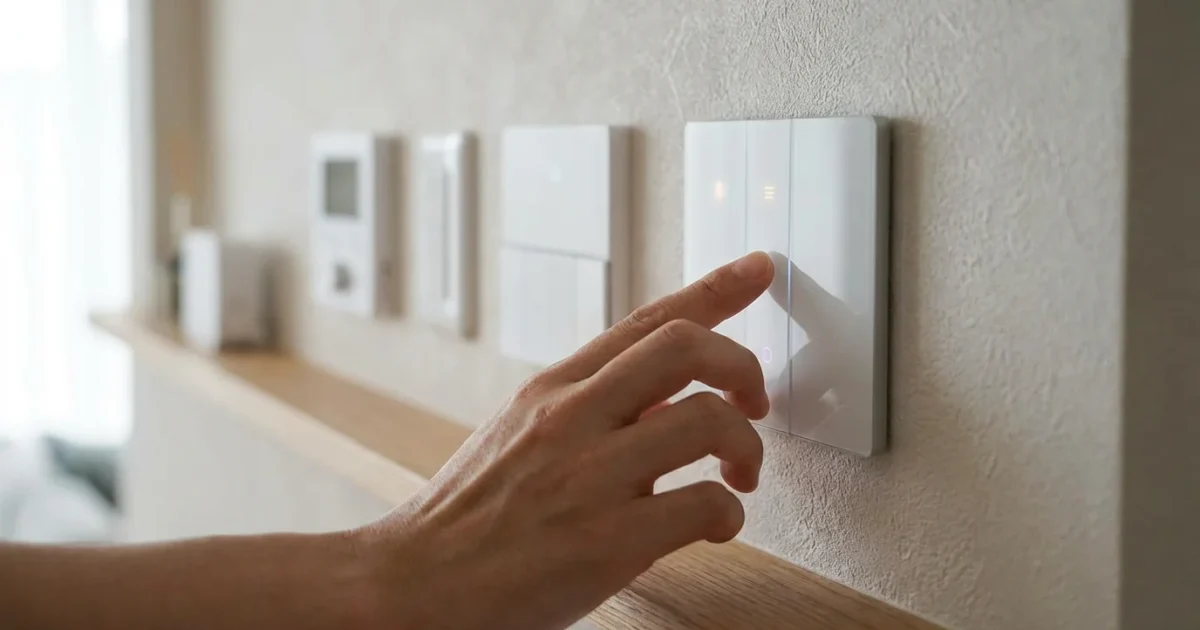
Transforming your home with smart technology often starts with the seemingly simple light switch. Smart light switches offer a powerful, versatile, and often more cost-effective way to automate your home’s lighting compared to replacing every bulb. They bring modern convenience, energy efficiency, and enhanced security to your living spaces.
This guide provides homeowners and renters with comprehensive insights into smart light switches. You will learn about their benefits, different types, installation considerations, and how to integrate them into your existing smart home setup. Empower yourself to build a brighter, smarter home.
What Are Smart Light Switches and Why Do You Need Them?
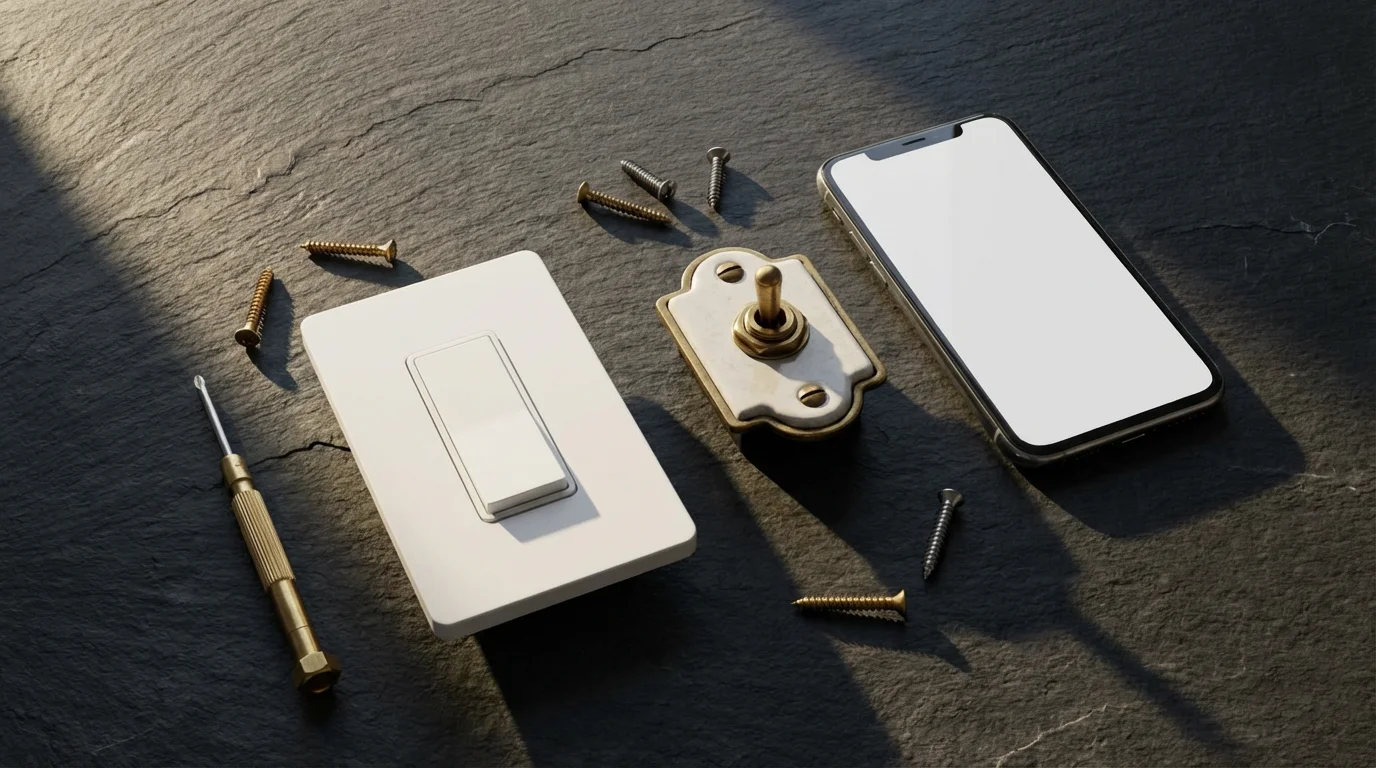
Smart light switches replace your traditional wall switches, providing intelligent control over your existing light fixtures and bulbs. Instead of upgrading every single bulb, you gain control at the source. This approach is particularly effective for fixtures with multiple bulbs, such as chandeliers or recessed lighting.
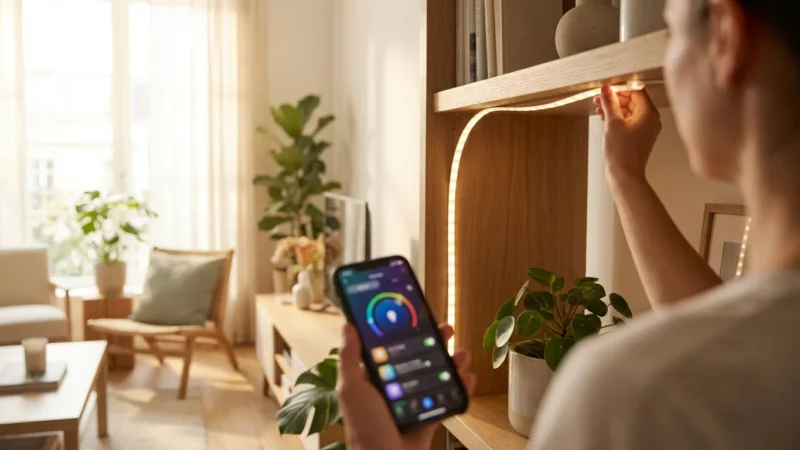
You gain remote control capabilities from your smartphone or tablet, regardless of your location. You can turn lights on or off, adjust brightness, and even set schedules. This capability extends convenience and control beyond what standard switches offer.
Many homeowners prefer smart light switches because they maintain the familiar wall control. Anyone can flip the switch like a traditional one, avoiding the “offline” issue that can occur with smart bulbs if the wall switch is turned off. This makes smart switches a more intuitive solution for many households.
Key Benefits of Integrating Smart Light Switches
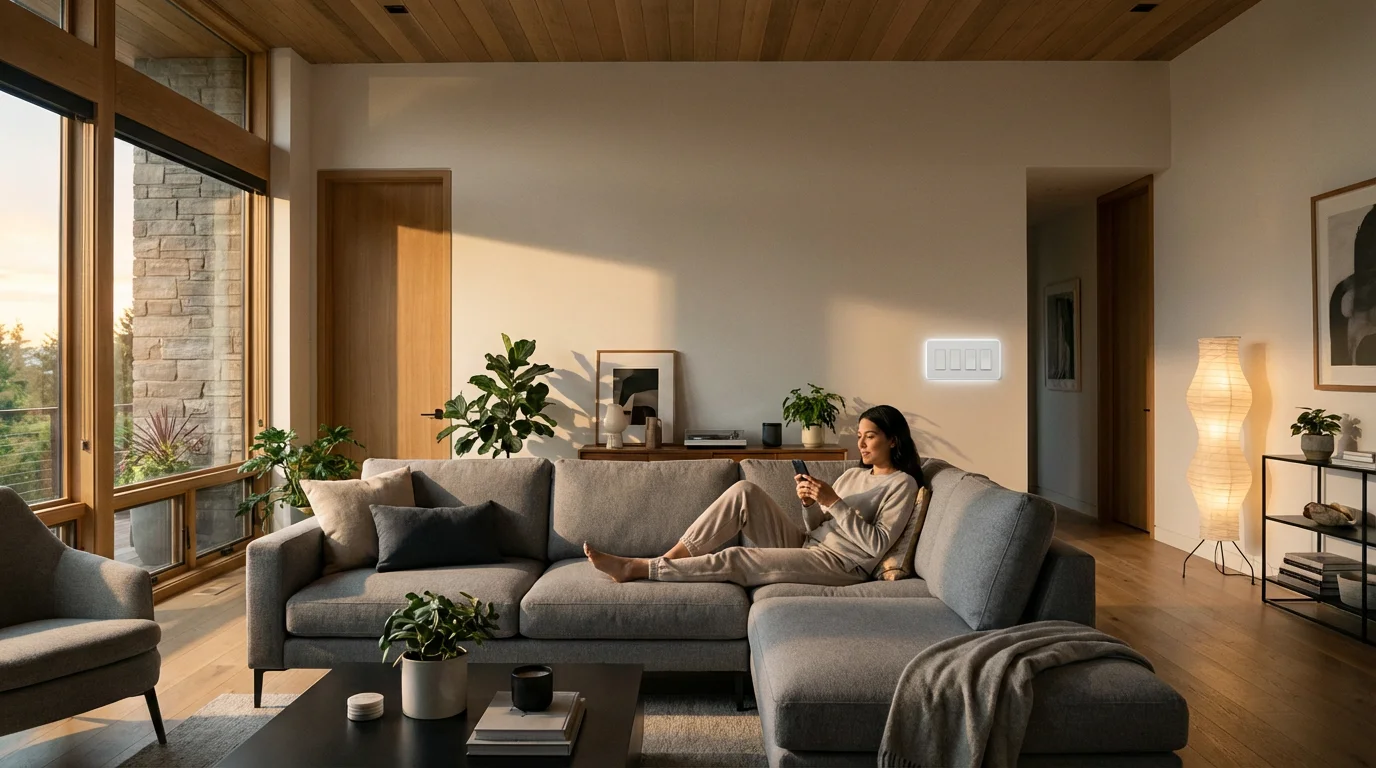
Smart light switches offer a compelling suite of advantages that enhance your home’s comfort, efficiency, and security. Consider these primary benefits when evaluating your lighting upgrade options.
Beyond interior security, you can also learn how to automate your porch lights for safety to ensure a well-lit entrance when you return after dark.
- Unmatched Convenience: Control your lights from your couch, your office, or another country using your smartphone. Integrate them with voice assistants like Alexa or Google Assistant for hands-free operation. Say “turn on the living room lights,” and your command is instantly followed.
- Significant Energy Savings: Program your lights to turn off automatically when rooms are vacant, or dim them during certain times of the day. Utilize schedules to ensure lights operate only when needed, reducing unnecessary energy consumption. This proactive management translates into lower electricity bills.
- Enhanced Home Security: Automate your lights to turn on and off randomly when you are away from home. This “vacation mode” simulates occupancy, deterring potential intruders by making your house appear lived-in. You also have the power to instantly illuminate your home’s exterior with a tap during an unexpected noise or alert.
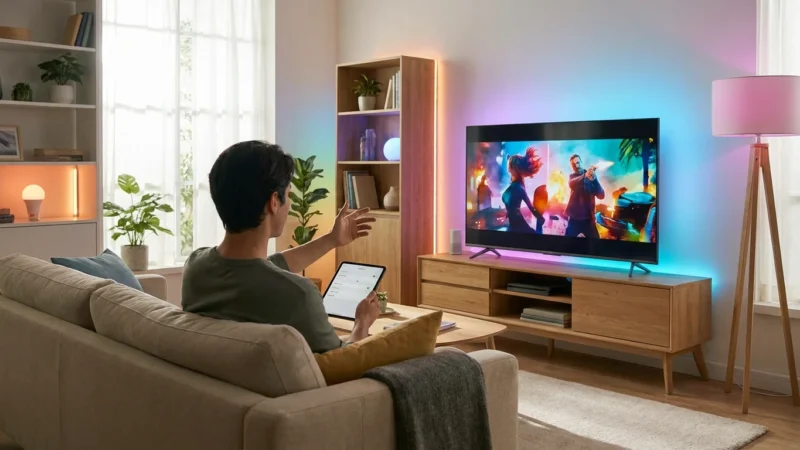
- Personalized Ambiance: Implement smart dimmer switches to fine-tune the brightness of your lights, creating the perfect mood for any occasion. Set up scenes for movie nights, dinner parties, or quiet reading, transforming your space with a single command.
- Streamlined Automation: Connect your smart light switches with other smart home devices. For example, integrate them with a motion sensor so lights automatically activate when you enter a room. Link them to your smart door lock so your entryway lights turn on as you unlock the door after dark.
Understanding the Different Types of Smart Light Switches
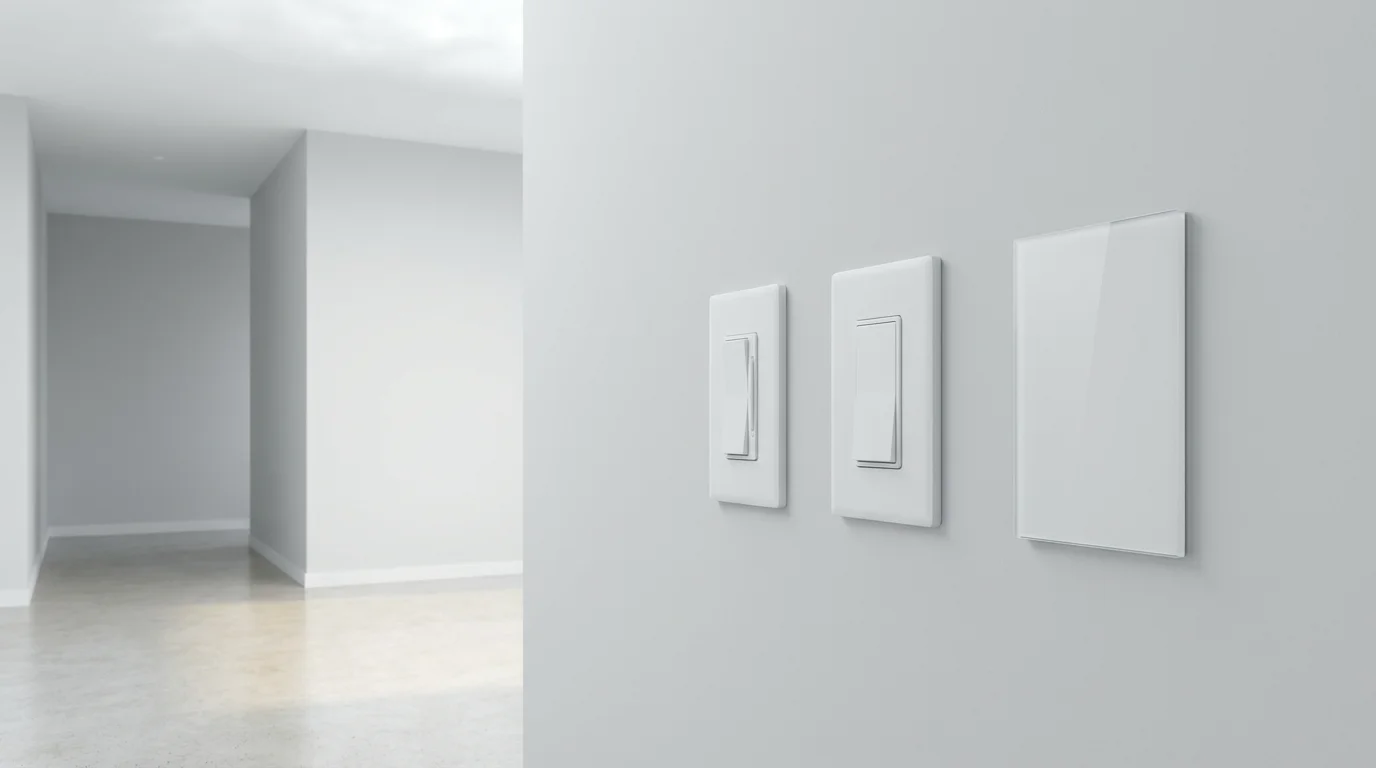
The market offers various types of smart light switches, each designed for specific functions and wiring configurations. Understanding these differences helps you select the right switch for your needs.
- On/Off Smart Switches: These switches provide basic remote control, scheduling, and automation for simple on/off functionality. They are ideal for areas where dimming is not required, such as utility rooms or closets.
- Smart Dimmer Switches: Dimmer switches offer granular control over light intensity, allowing you to brighten or dim your lights remotely or via voice commands. They significantly enhance ambiance and save energy by reducing light output. They are a popular choice for living rooms, bedrooms, and dining areas.
- 3-Way and 4-Way Smart Switches: Standard lighting setups sometimes involve controlling a single light fixture from two or more locations, such as at both ends of a hallway or stairwell. These configurations require 3-way or 4-way switches. Smart versions exist to automate these multi-point control systems.
- No-Neutral Smart Switches: Older homes often lack a neutral wire in the switch box, a common requirement for many smart switches. No-neutral smart switches are designed to operate without this wire, expanding compatibility for homeowners with older electrical systems.
- Smart Fan Speed Switches: Some smart switches specifically control ceiling fans, allowing you to adjust fan speed remotely or on a schedule. This brings convenience to climate control and air circulation.
Selecting the correct type of smart switch, especially regarding dimmer functionality or multi-point control, directly impacts your daily experience and automation capabilities.
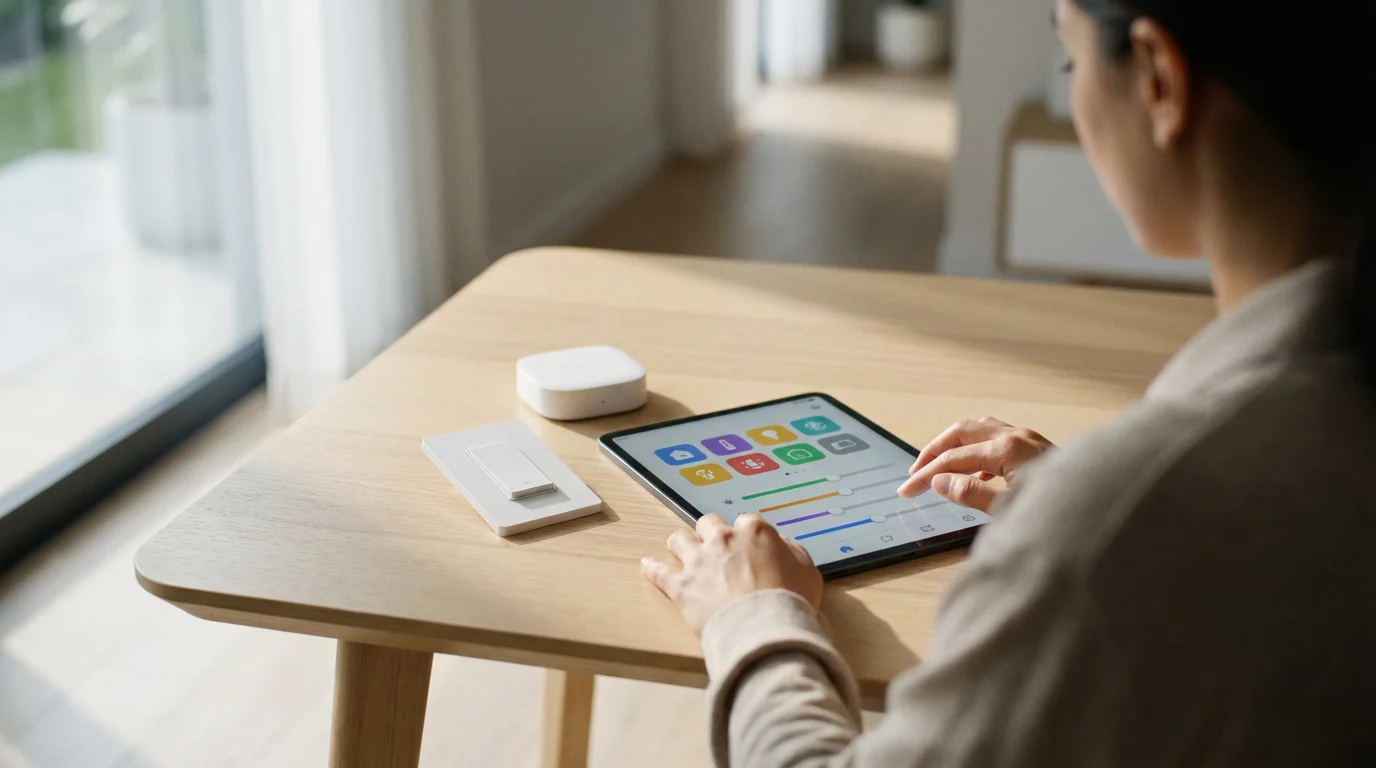
Connectivity Standards: Wi-Fi, Zigbee, Z-Wave, and Matter
Smart light switches communicate using various wireless protocols, each with distinct advantages. Understanding these standards helps you choose devices that integrate seamlessly into your smart home ecosystem.
- Wi-Fi: Many smart light switches connect directly to your home’s Wi-Fi network. They typically do not require a separate hub, offering straightforward installation. However, a large number of Wi-Fi devices can sometimes congest your network, potentially impacting performance.
- Zigbee: Zigbee devices form a mesh network, where each device can relay signals to others. This extends the range and reliability of your smart home network. Zigbee switches often require a compatible hub, such as an Amazon Echo with a built-in hub or a SmartThings hub.
- Z-Wave: Similar to Zigbee, Z-Wave also creates a mesh network, excelling in reliability and low power consumption. Z-Wave devices operate on a different frequency, which can reduce interference from Wi-Fi networks. A dedicated Z-Wave hub is necessary to control these devices.
- Matter: Matter is an emerging, unified smart home standard designed to improve interoperability across different brands and ecosystems. It aims to simplify the smart home experience, making devices easier to set up and control regardless of their manufacturer or underlying technology. Matter-certified smart light switches promise enhanced compatibility and future-proofing. You can learn more about this promising standard on the CSA-IoT Matter website.
When selecting your smart light switches, consider your existing smart home devices and any hubs you currently use. Aim for consistency in protocols for the most stable and responsive system.

Ensuring Compatibility with Your Smart Home Ecosystem
A truly smart home offers seamless integration, where all your devices work together harmoniously. Your smart light switches must be compatible with your chosen smart home platform and voice assistant for the best experience.
Most smart light switches support popular voice assistants like Amazon Alexa, Google Assistant, and Apple HomeKit. Verify this compatibility on the product packaging or manufacturer’s website. This ensures you can use voice commands to control your lighting, adding significant convenience.
Beyond voice, consider how the switches integrate with broader smart home ecosystems such as Samsung SmartThings, Hubitat, or Home Assistant. These platforms allow you to create complex automations involving multiple devices. For example, your entryway lights can automatically turn on when your smart lock disarms and it is after sunset. For comprehensive advice on selecting smart home devices, consult trusted sources like Wirecutter’s smart home guides.
Choosing devices that speak the same “language” or are certified to work together simplifies setup and ensures reliable operation. A unified system prevents frustration and maximizes the value of your smart home investments.
Preparing for Installation: Essential Checks and Safety
Installing smart wall switches can be a straightforward DIY project for those comfortable with basic electrical work. However, safety is paramount, and preparation prevents potential issues. Always prioritize your well-being and the integrity of your home’s electrical system.
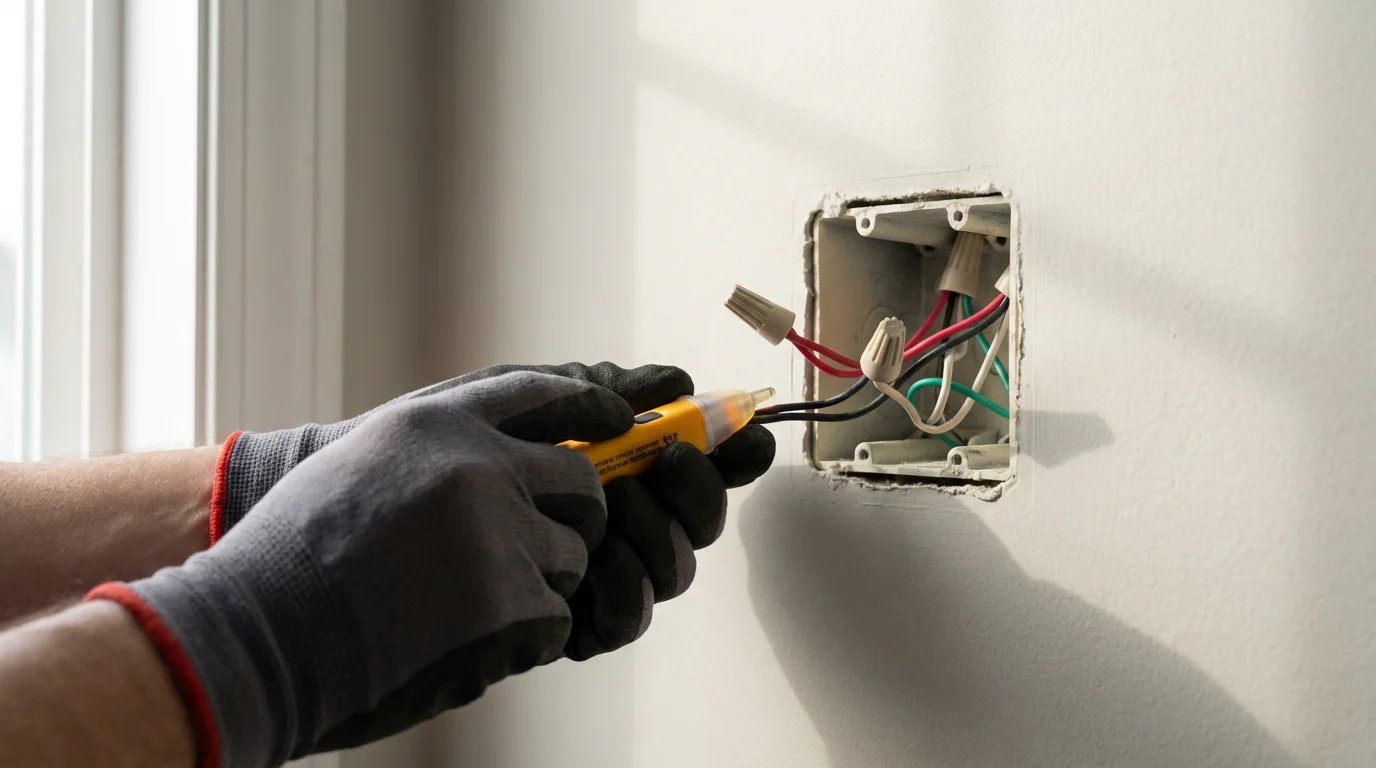
Before you begin any electrical work, turn off the power to the specific switch at your home’s circuit breaker. Use a non-contact voltage tester to confirm the power is off at the switch you intend to replace. This critical step protects you from electrical shock.
Remove your existing switch plate and pull the switch away from the wall to examine the wiring inside the electrical box. Identify whether you have a neutral wire, typically white, within the box. Most smart light switches require a neutral wire for power; a lack of one will necessitate a “no-neutral” compatible switch or professional installation.
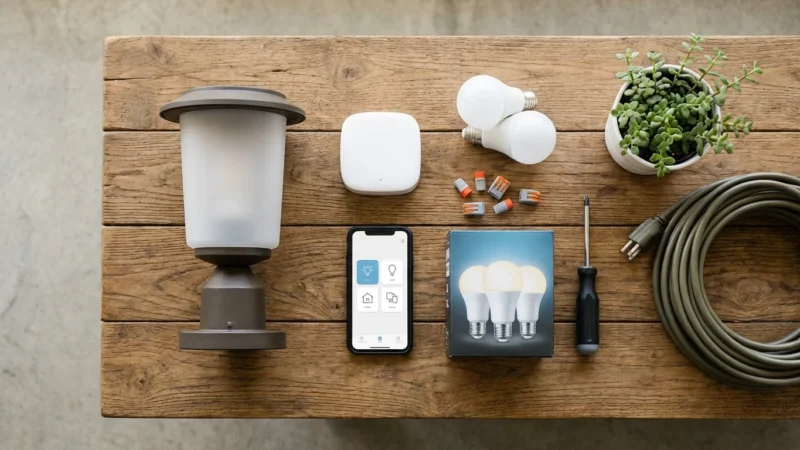
Additionally, assess the depth of your electrical box. Smart light switches are often bulkier than traditional switches, and a shallow box might not accommodate the new device. Ensure you have the necessary tools, including a screwdriver set, wire strippers, and electrical tape. If you feel uncertain about any step or encounter unfamiliar wiring, stop immediately and consult a licensed electrician.
Step-by-Step Guide to Installing Your Smart Wall Switch
Follow these steps to safely install your new smart light switch. Remember to proceed with caution and refer to the manufacturer’s specific instructions for your device. If you are ever unsure, call a professional electrician.
- Turn Off Power: Locate your home’s electrical panel and switch off the circuit breaker controlling the lights you plan to upgrade. Double-check with a non-contact voltage tester at the switch location to ensure no power is present.
- Remove Old Switch: Carefully unscrew the old switch from the wall box and gently pull it out. Take a photograph of the existing wiring configuration before disconnecting any wires. This serves as a valuable reference if you need to revert or troubleshoot.
- Identify Wires: You will typically see a line wire (power in), a load wire (power to the light fixture), a ground wire (bare copper or green), and often a neutral wire (white). Some older homes might not have a neutral wire in the switch box.
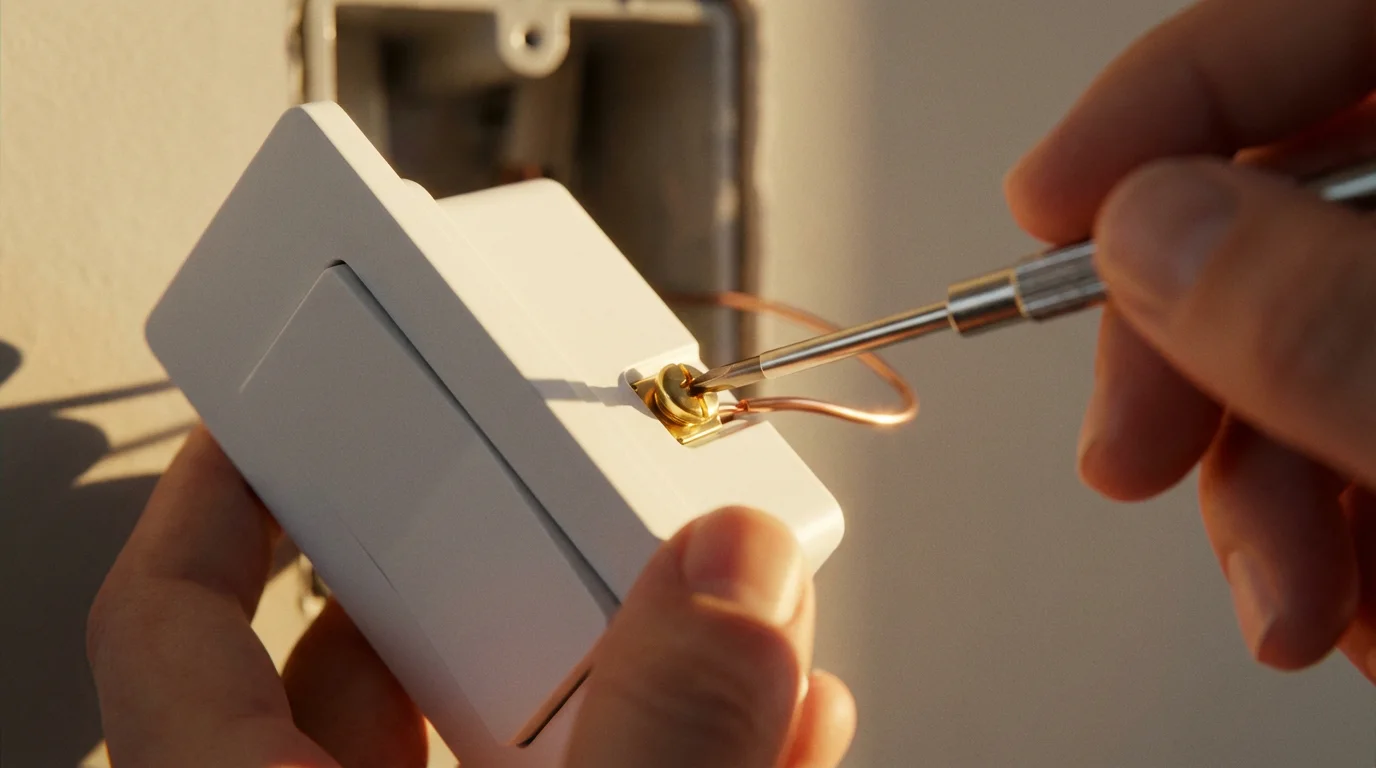
- Wire the Smart Switch: Following the smart switch manufacturer’s instructions, connect the wires. Attach the line wire to the smart switch’s line terminal, the load wire to the load terminal, and the ground wire to the ground terminal. If present and required, connect the neutral wire to the smart switch’s neutral terminal. Use wire nuts to secure all connections tightly.
- Mount the Smart Switch: Gently push the wired smart switch back into the electrical box, being careful not to pinch any wires. Secure the switch to the wall box with the provided screws. Attach the new faceplate.
- Restore Power and Test: Return to your circuit breaker panel and turn the power back on. Test the smart switch by manually pressing it to ensure your lights turn on and off.
- Configure with App: Open the smart switch’s companion app on your smartphone or tablet. Follow the in-app instructions to connect the switch to your home Wi-Fi network or smart home hub. Once connected, you can name the switch and begin using its smart features.
Choosing the Best Smart Switches for Existing Bulbs
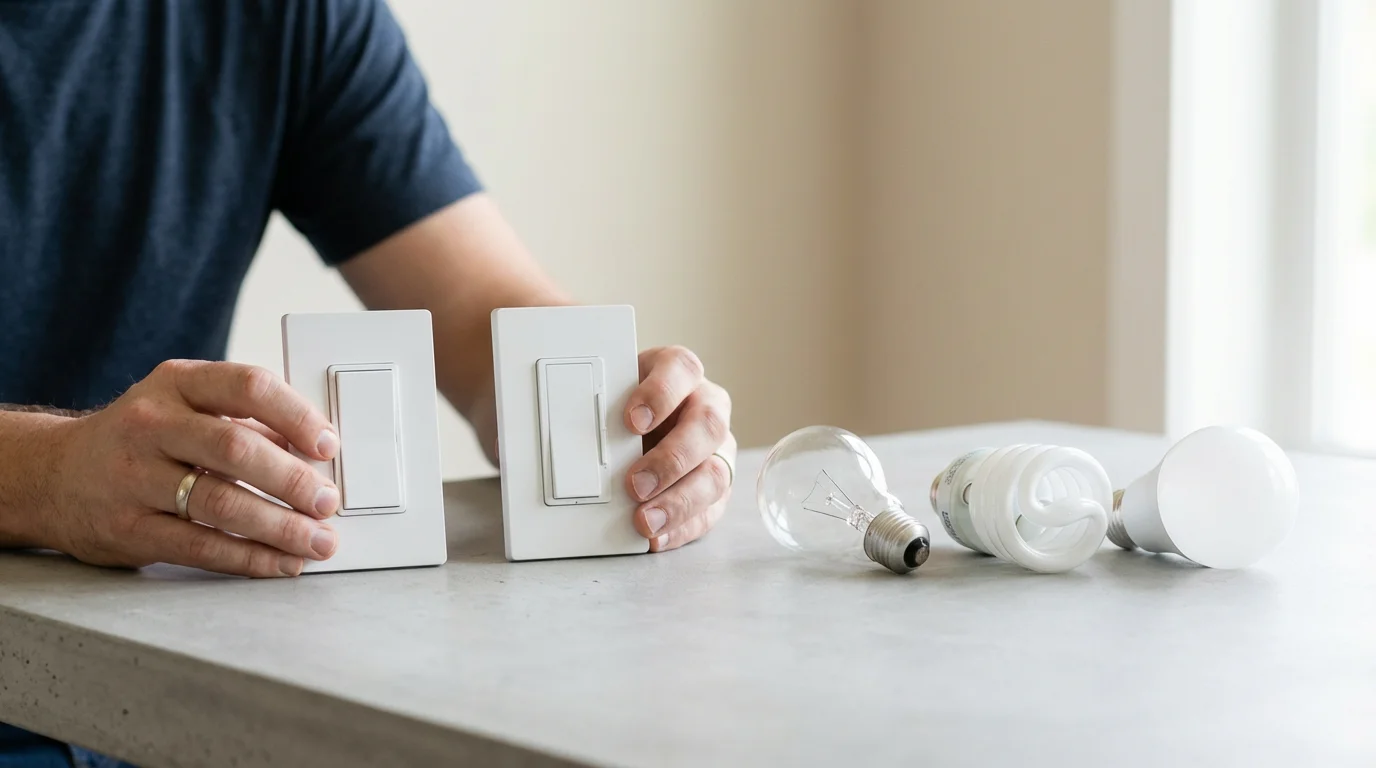
When selecting smart wall switches for use with your existing traditional bulbs, prioritize switches known for reliability and specific features. You want a switch that provides consistent performance and integrates well with your smart home setup.
Opt for smart dimmer switches if you want to control light intensity. Look for models that specifically mention compatibility with various bulb types, including incandescent, CFL, and LED. Some dimmer switches are better designed to prevent flicker with LED bulbs, a common concern for homeowners.
Consider the connectivity standard that best suits your home. Wi-Fi switches offer ease of installation without a hub, while Zigbee or Z-Wave options provide a more robust mesh network for larger homes. Evaluate brands known for their device reliability and responsive customer support.
Check user reviews and expert recommendations to ensure the smart switches you select deliver a smooth user experience. Focusing on quality and compatibility ensures a seamless transition to smarter lighting without requiring new bulbs.
Unlocking Advanced Automations with Smart Light Switches
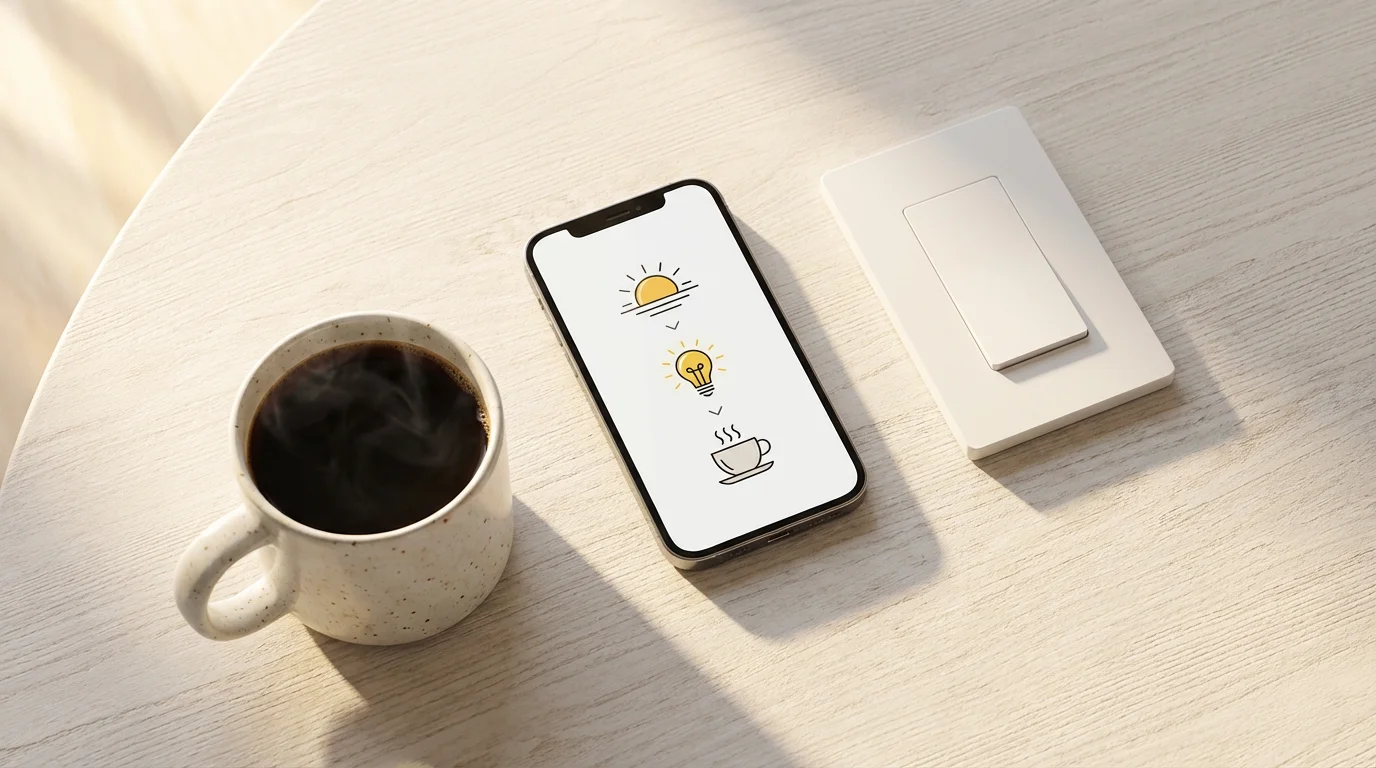
Beyond simple remote control, smart light switches excel at creating sophisticated automations that simplify your daily routines and enhance your home’s intelligence. Leverage these capabilities to truly personalize your living space.
Automating your switches to dim gradually in the evening is also a great way to use smart lighting for better sleep by supporting your natural circadian rhythm.
For those who work from home, implementing smart lighting for home offices can help maintain focus and reduce eye strain throughout the workday.
- Time-Based Scheduling: Program your outdoor lights to turn on automatically at sunset and off at sunrise. Set interior lights to activate at specific times to simulate occupancy or greet you upon arrival. Many systems can adjust schedules based on astronomical events, ensuring accuracy throughout the year.
- Motion and Occupancy Detection: Integrate your smart light switches with motion sensors to create responsive lighting. For instance, have hallway lights turn on when motion is detected and turn off after a set period of inactivity. This is excellent for energy savings and convenience in high-traffic areas.
- Voice Control Integration: Connect your switches to your voice assistant for hands-free control. Create custom commands such as “Good morning” to gradually brighten bedroom lights or “Movie time” to dim living room lights to a preset level.
- Scene Creation: Design custom lighting scenes for various activities or moods. A “Dinner Party” scene might set dining room lights to a warm, dim glow, while a “Focus” scene brightens your home office lights. Activate these scenes with a single tap or voice command.
- Integration with Other Smart Devices: Link your lights with smart door sensors, security cameras, or smart thermostats. For example, your kitchen lights can turn on when the back door opens after dark. If a security camera detects unexpected movement, your outdoor floodlights can instantly activate.
These advanced automations create a living environment that adapts to your needs. They offer convenience, comfort, and peace of mind by making your home proactively responsive.
Frequently Asked Questions
Do smart light switches work with any light bulb?
Yes, most smart light switches work with standard incandescent, CFL, and LED bulbs. They control the power supply to the fixture, not the bulb’s internal smart features. If you use a smart dimmer switch, ensure your existing bulbs are dimmable to avoid flickering or damage.
Do I need a neutral wire to install a smart light switch?
Many smart light switches require a neutral wire for power. If your electrical box lacks a neutral wire, you must purchase a “no-neutral” smart switch designed for such installations. Always verify your wiring configuration before buying.
Can I still use the wall switch if I have smart light switches?
Absolutely. One of the key advantages of smart light switches is that they retain the functionality of a traditional wall switch. Anyone can manually turn the lights on or off without needing a phone or voice command. This ensures convenience for all household members.
What is the difference between a smart light switch and a smart bulb?
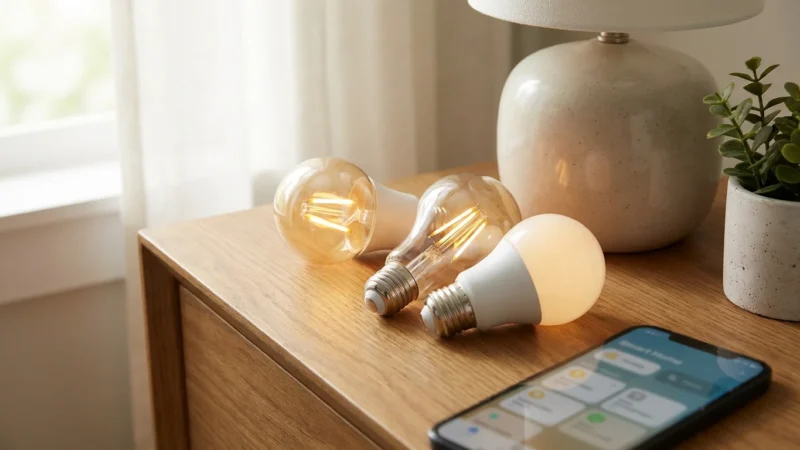
A smart light switch controls the power to an entire fixture, making all connected bulbs smart. A smart bulb contains its own smart technology and connects directly to your network. Switches are ideal for fixtures with multiple bulbs or when you want to maintain traditional wall control. Smart bulbs offer individual color and brightness control for single lights.
Are smart light switches difficult to install?
Installing smart light switches involves working with household electricity. For individuals comfortable with basic wiring, it is a manageable DIY project. Always turn off the power at the circuit breaker, use a voltage tester, and follow manufacturer instructions. If you are unsure, consult a licensed electrician for safe installation.
Disclaimer: This article is for informational purposes only. Smart home devices involve electrical connections and data privacy. Always follow manufacturer instructions for installation. For complex wiring or HVAC work, consult a licensed professional.

Leave a Reply