
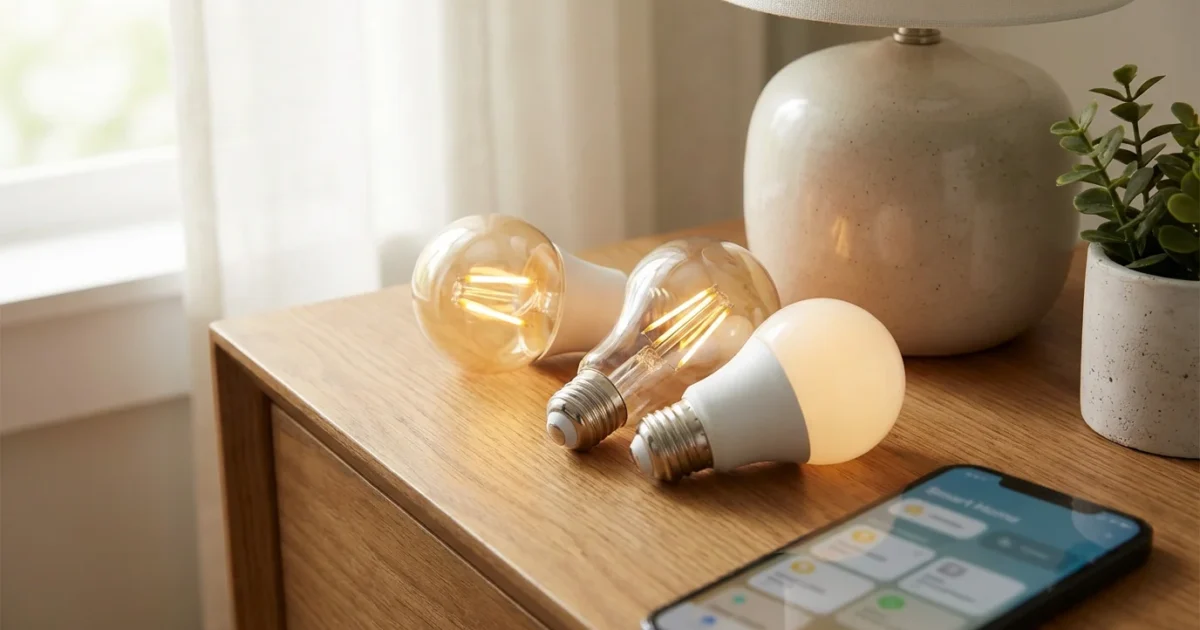
Transforming your home with smart lighting no longer requires a significant investment. You can upgrade your living spaces, enhance security, and save energy without breaking your budget. The market now offers an impressive array of budget smart bulbs that deliver essential smart features at an accessible price point.
This guide helps you navigate the options, highlighting the best cheap smart bulbs that actually work, ensuring you gain convenience and control for under $15 per bulb. We will explore practical applications, setup tips, and integration possibilities for your smart home ecosystem.
Why Choose Budget Smart Bulbs?
Adopting smart lighting brings tangible benefits to your home, and doing so on a budget makes these advantages accessible to everyone. You gain immediate control over your home’s ambiance, security, and energy consumption.
Consider these compelling reasons to integrate budget smart bulbs into your home:
- Cost Savings: Smart LED bulbs inherently use less energy than traditional incandescent bulbs, reducing your electricity bill. Automation features further optimize usage.
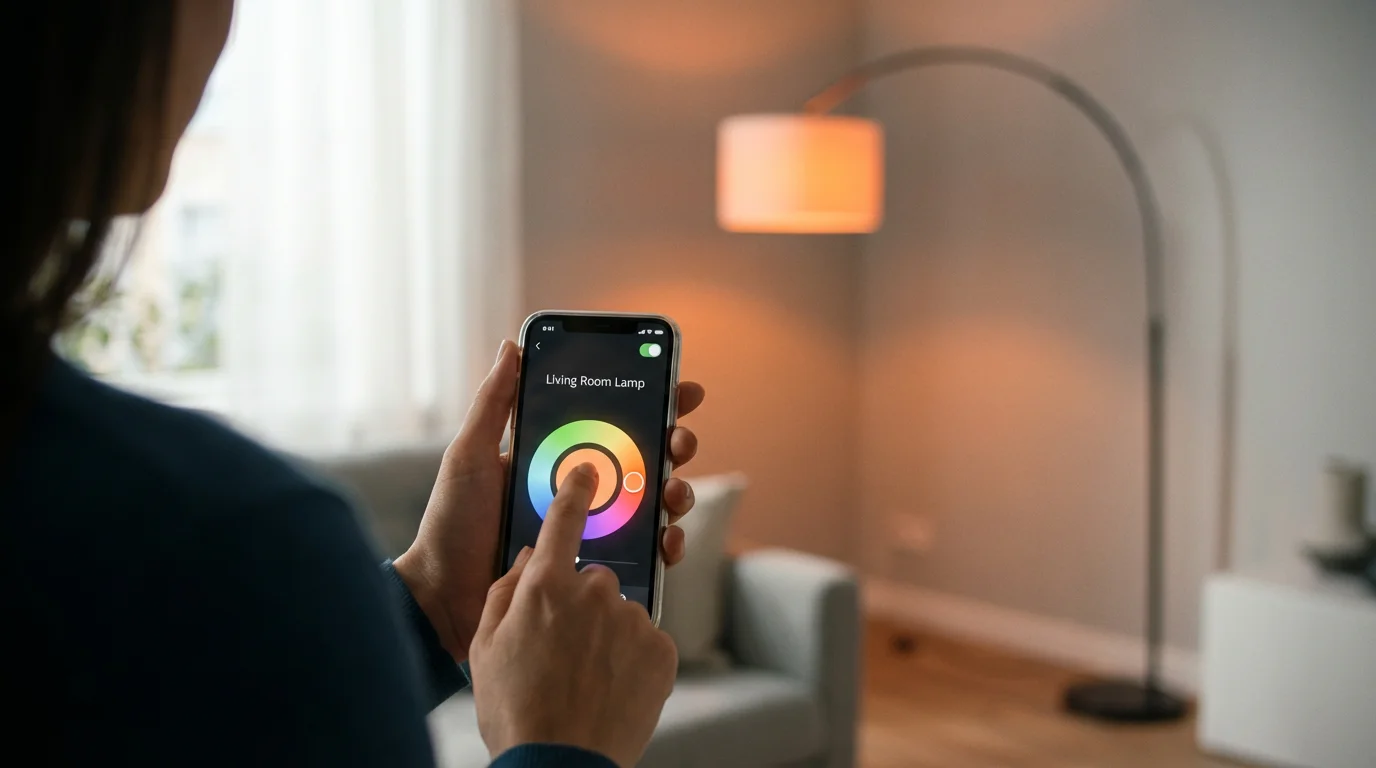
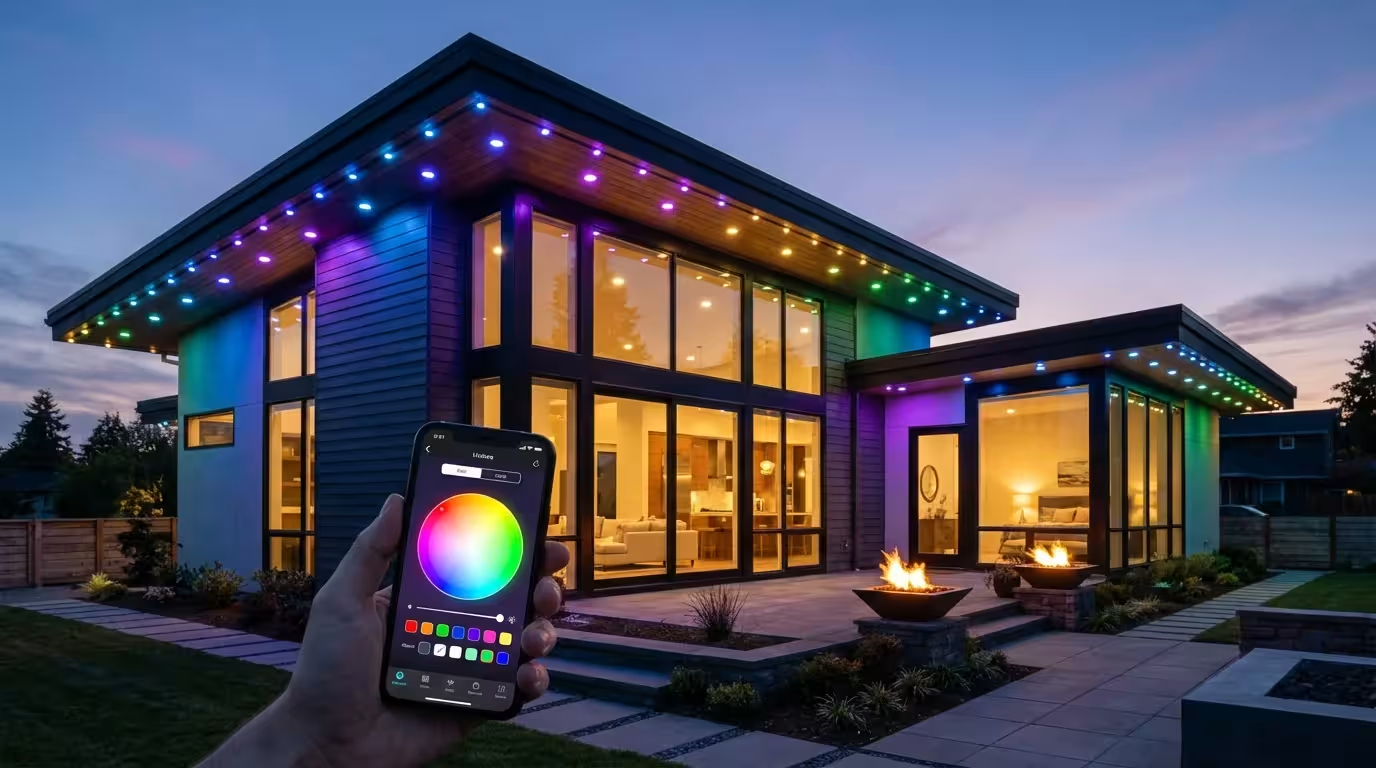
- Enhanced Convenience: Control your lights from anywhere using your smartphone or voice. Adjust brightness, change colors, or turn lights on and off without getting up.
- Improved Security: Schedule lights to turn on and off when you are away, creating the illusion that someone is home. This deters potential intruders.
- Customizable Ambiance: Tailor your lighting to any mood or activity. From bright, cool white for reading to warm, dim light for relaxing, you control the atmosphere.
- Accessibility: For individuals with mobility challenges, smart lighting provides an invaluable tool, allowing effortless control without physical interaction.
Modern budget smart bulbs offer these core functionalities without compromising performance. You access a smarter home experience with minimal financial outlay.
What to Look for in Affordable Lighting
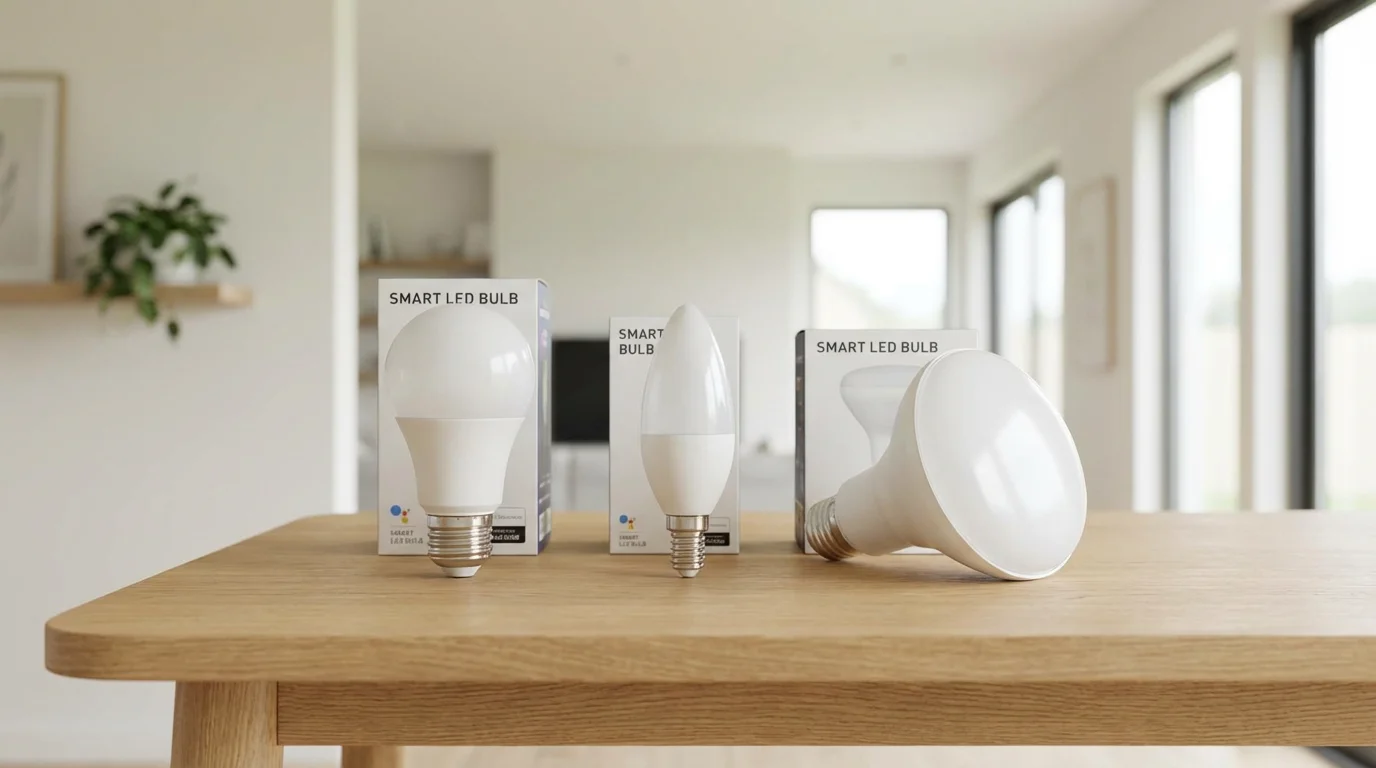
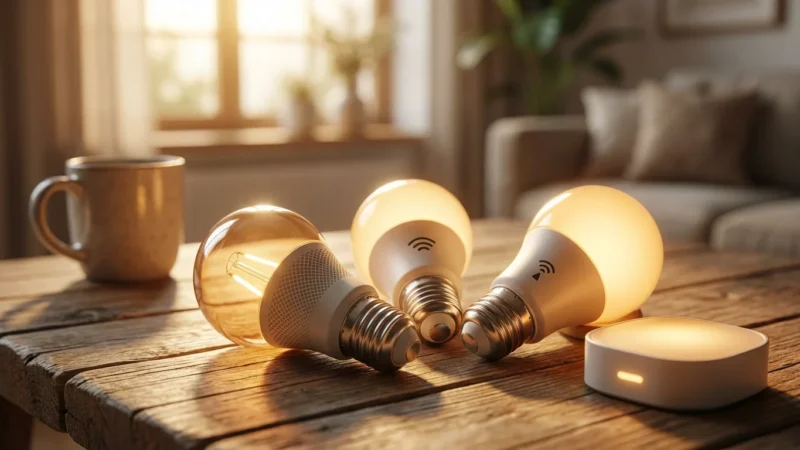
When selecting affordable smart lighting, several key features distinguish a great purchase from a mere bargain. Focusing on these aspects ensures you get the best cheap smart bulbs that actually work for your needs.
- Connectivity Type: Most budget bulbs use Wi-Fi, connecting directly to your home network. Some use Bluetooth for local control, or Zigbee, which requires a hub. Wi-Fi offers the easiest setup for many users.
- Color and Tunable White Options: Decide if you need full RGB color capabilities or if tunable white (adjusting color temperature from warm to cool) suffices. Tunable white bulbs are often more affordable and still provide excellent flexibility.
- Brightness (Lumens): Ensure the bulb provides adequate brightness for its intended space. A 60W equivalent typically offers around 800 lumens, which is suitable for most rooms.
- Voice Assistant Compatibility: Check if the bulbs integrate with your preferred voice assistant, such as Amazon Alexa, Google Assistant, or Apple HomeKit. This is crucial for hands-free control.
- App Experience: A user-friendly app makes setup and daily control straightforward. Look for apps with intuitive interfaces for scheduling and scene creation.
- Longevity and Warranty: Even budget bulbs should offer a decent lifespan, typically 15,000 to 25,000 hours. A short warranty might indicate lower quality.
Understanding these features helps you make an informed decision, selecting budget smart bulbs that align with your lifestyle and smart home goals.
Top Affordable Smart Bulbs Under 15 Dollars
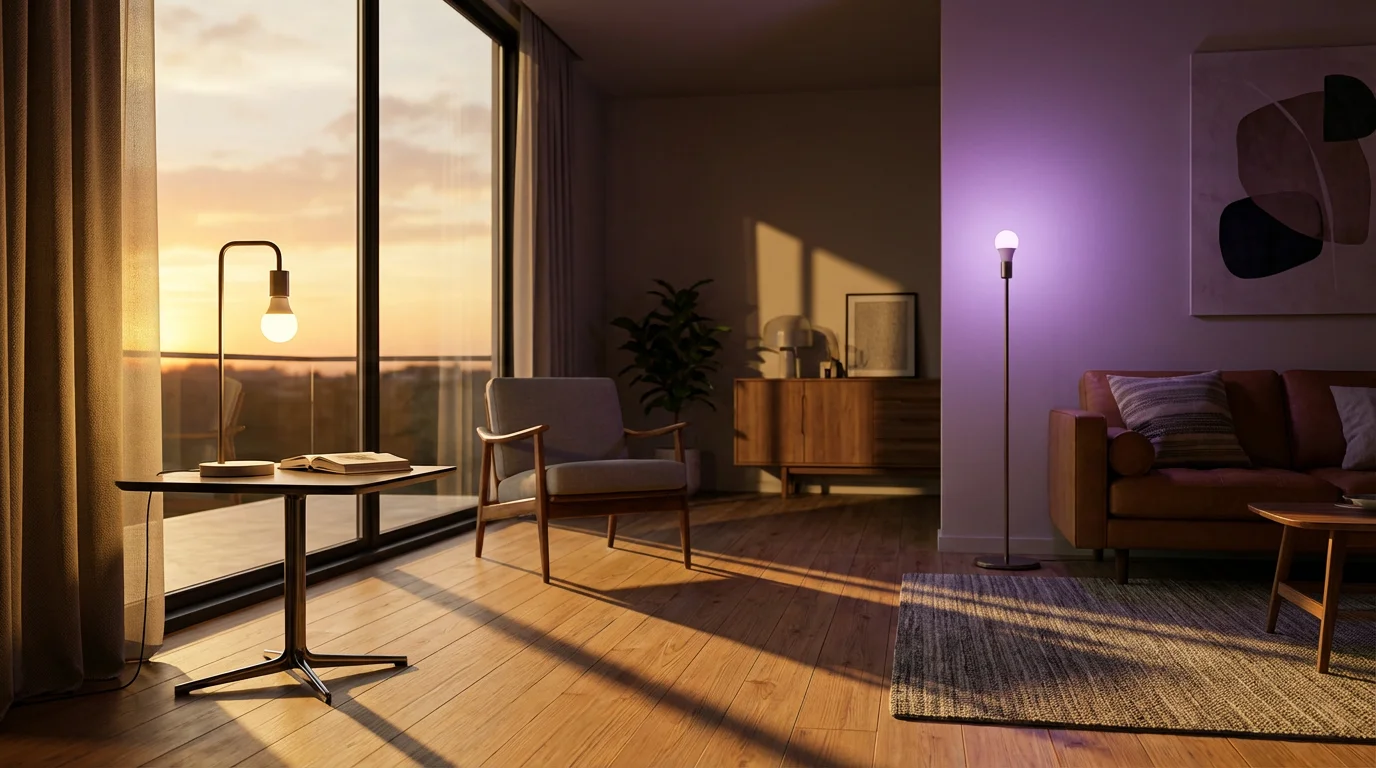
The market for affordable smart lighting continuously expands, bringing more options under the $15 mark. We have curated a list of reliable and feature-rich budget smart bulbs that offer excellent value.
To see how these budget options stack up against premium alternatives, check out our comparison of Philips Hue vs LIFX vs Wyze.
Wyze Bulb Color and Wyze Bulb White
Wyze consistently delivers smart home tech at incredibly competitive prices, and their smart bulbs are no exception. You find both tunable white and full-color options frequently priced well under $15.
- Key Features:
- Wi-Fi connectivity, no hub required.
- Wyze Bulb Color offers 16 million colors and tunable white (1800K-6500K), up to 1100 lumens (75W equivalent).
- Wyze Bulb White offers tunable white (2700K-6500K) and up to 800 lumens (60W equivalent).
- Easy setup via the Wyze app.
- Integration with Amazon Alexa and Google Assistant.
- Why We Recommend Them: Wyze bulbs provide exceptional brightness and color accuracy for their price. The Wyze app offers robust scheduling, grouping, and scene creation capabilities. You also benefit from Wyze’s broader ecosystem if you own other Wyze devices.
Sengled Smart Wi-Fi LED
Sengled offers a range of solid smart bulbs that often fall into the budget category. You find their Wi-Fi models particularly appealing for their ease of use and strong performance.
- Key Features:
- Direct Wi-Fi connection, eliminating the need for a separate hub.
- Available in tunable white (2000K-6500K) and full-color versions.
- Typically 800 lumens (60W equivalent) or 1000 lumens.
- Sengled Home app offers reliable control.
- Compatibility with Alexa and Google Assistant.
- Why We Recommend Them: Sengled bulbs are reliable performers with consistent connectivity. The setup process is straightforward, making them ideal for beginners. You get good color reproduction and responsive control for an affordable price.
Merkury Innovations Smart Wi-Fi LED
Merkury Innovations bulbs stand out as some of the most budget-friendly options available, frequently found in major retailers. They offer a simple entry point into smart lighting.
- Key Features:
- Wi-Fi enabled, hub-free operation.
- Available in color-changing and tunable white options.
- Standard 800 lumens (60W equivalent).
- Control through the Geeni app, which also works with other Merkury devices.
- Works with Amazon Alexa and Google Assistant.
- Why We Recommend Them: These bulbs are excellent for those prioritizing the lowest possible cost for basic smart lighting functionality. You gain remote control, scheduling, and voice command features without a significant investment. Their widespread availability also makes them easy to acquire.
Feit Electric Smart Wi-Fi LED
Feit Electric, a long-standing name in lighting, has embraced smart technology with its line of Wi-Fi-enabled bulbs. These offer a dependable experience for budget-conscious consumers.
- Key Features:
- Connects directly to your Wi-Fi network.
- Offers tunable white and full-color options, often at 800 lumens.
- Control via the Feit Electric app.
- Integrates with Alexa and Google Assistant.
- Why We Recommend Them: Feit Electric bulbs provide a solid, no-frills smart lighting experience. Their reputation for quality in traditional lighting extends to their smart products. You can expect good reliability and responsiveness for their price point.
Expanding Your Budget Smart Lighting Ecosystem
While smart bulbs form the foundation of intelligent lighting, you can enhance your home’s ambiance and functionality with other affordable smart lighting options. Think beyond traditional bulbs to create dynamic and personalized environments.
Light Strips and Accent Lighting Ideas
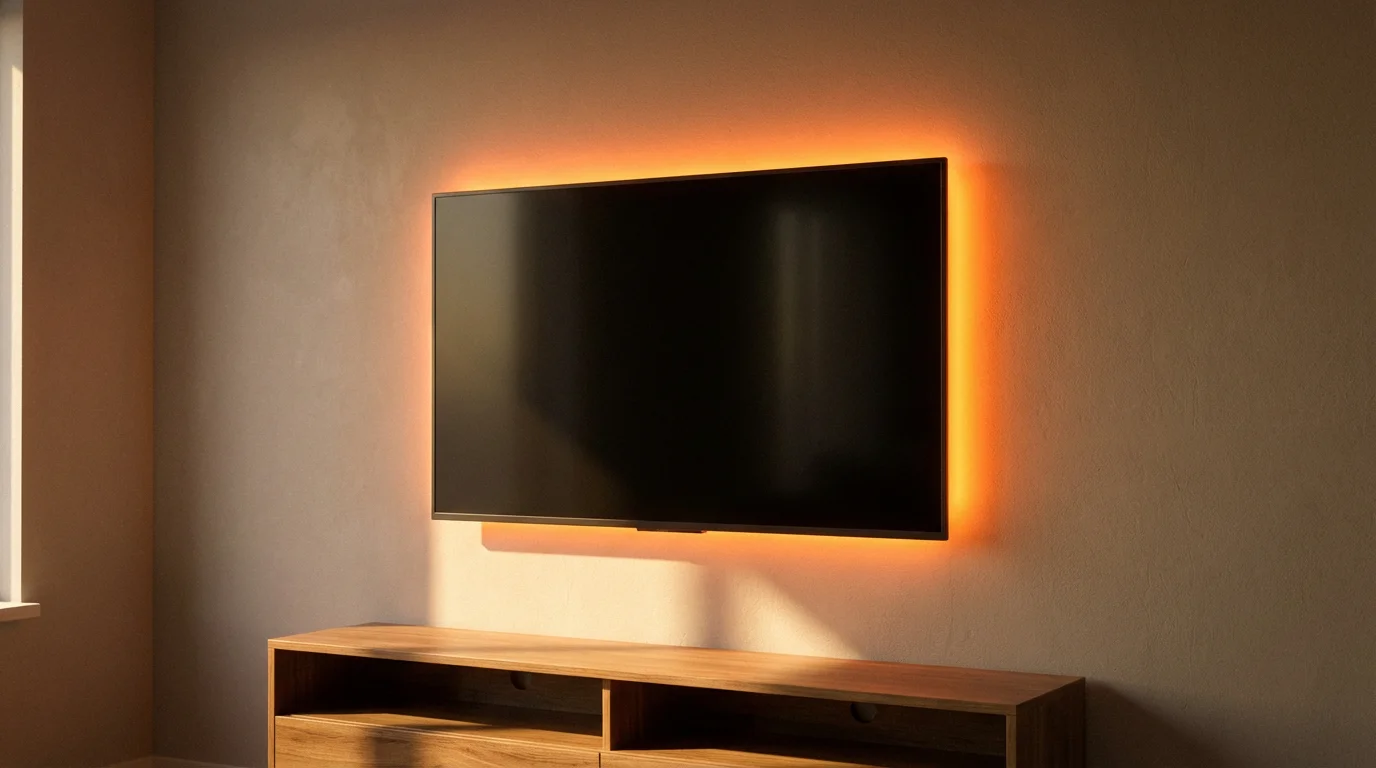
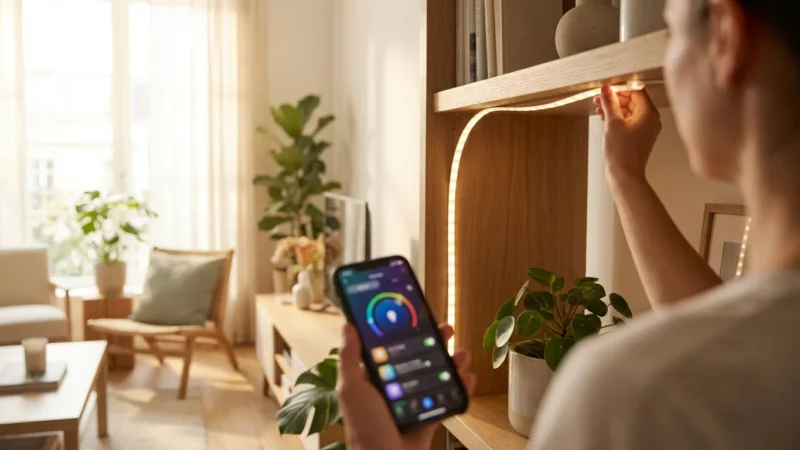
Smart light strips are incredibly versatile for adding mood lighting, highlighting architectural features, or backlighting TVs. Many budget brands offer strips that integrate seamlessly with their bulb ecosystems.
- Under Cabinet Lighting: Install light strips under kitchen cabinets for task lighting or a soft glow. You can schedule them to turn on automatically in the evening.
- TV Backlighting: Apply light strips behind your TV to reduce eye strain and enhance your viewing experience with dynamic colors.
- Shelf and Display Lighting: Illuminate bookshelves, display cases, or art pieces to create focal points in any room.
- Stairway and Hallway Illumination: Use strips for subtle path lighting, especially useful at night. Integrate them with motion sensors for automatic activation.
You often find budget smart light strips for under $25, making them an excellent addition to your affordable smart home setup.
Automating Your Affordable Smart Lights
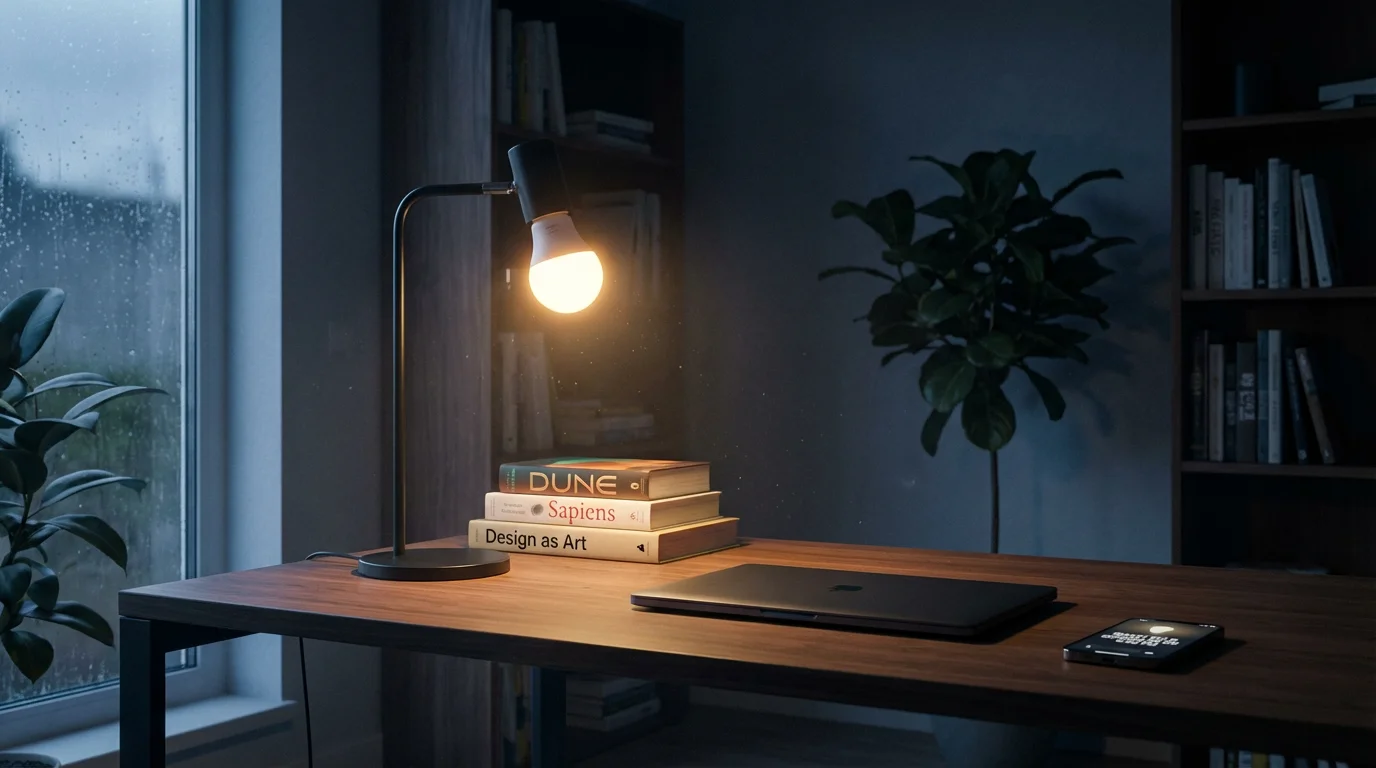
The true power of smart lighting lies in automation. You move beyond simple remote control to a system that anticipates your needs and responds intelligently to your routine. Even with budget smart bulbs, you unlock a world of automated possibilities.
Scheduling and Timers
Basic scheduling is a fundamental feature of nearly all smart bulbs. You set specific times for your lights to turn on, off, or change settings.
- Morning Wake-Up: Program your bedroom lights to gradually brighten 15 minutes before your alarm, simulating a natural sunrise.
- Evening Ambiance: Schedule living room lights to dim and change to a warm color temperature as evening approaches, preparing your home for relaxation.
- “Away” Mode: Create schedules that randomly turn lights on and off in different rooms while you are on vacation, making it appear someone is home. This significantly enhances security.
Sunrise/Sunset Automation
Many smart bulb apps or connected smart home platforms offer “sunrise/sunset” triggers. This means your lights adjust automatically based on local sunrise and sunset times, without you needing to manually update schedules.
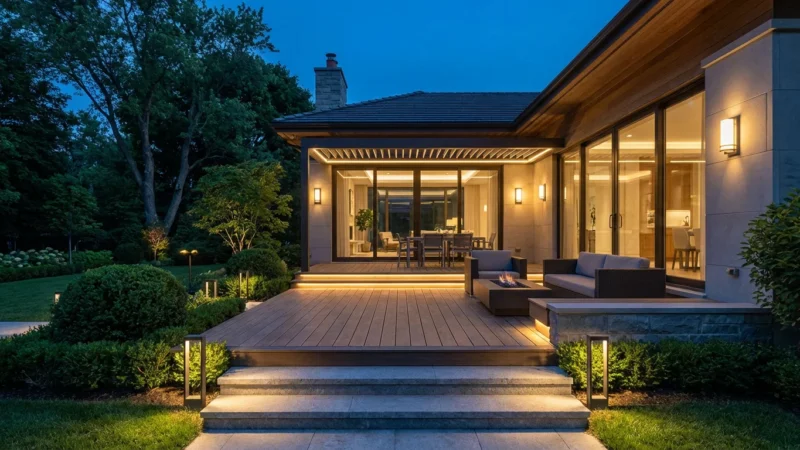
- Outdoor Lighting: Set your porch lights to turn on at sunset and off at sunrise, ensuring your entryway is always illuminated when needed.
- Interior Welcome: Have interior lights activate just before sunset, so you never return to a dark house.
Motion-Based Activation
Combine budget smart bulbs with an affordable motion sensor for intelligent, hands-free lighting. You find basic motion sensors from brands like Wyze that integrate well with their lighting products.
- Hallway Convenience: Lights in a hallway or pantry turn on automatically when you enter, then off after a set period of no motion.
- Bathroom Night Light: A low-level light activates in the bathroom if motion is detected during nighttime hours, providing guidance without harsh brightness.
Understanding Color Temperature and Circadian Rhythm on a Budget
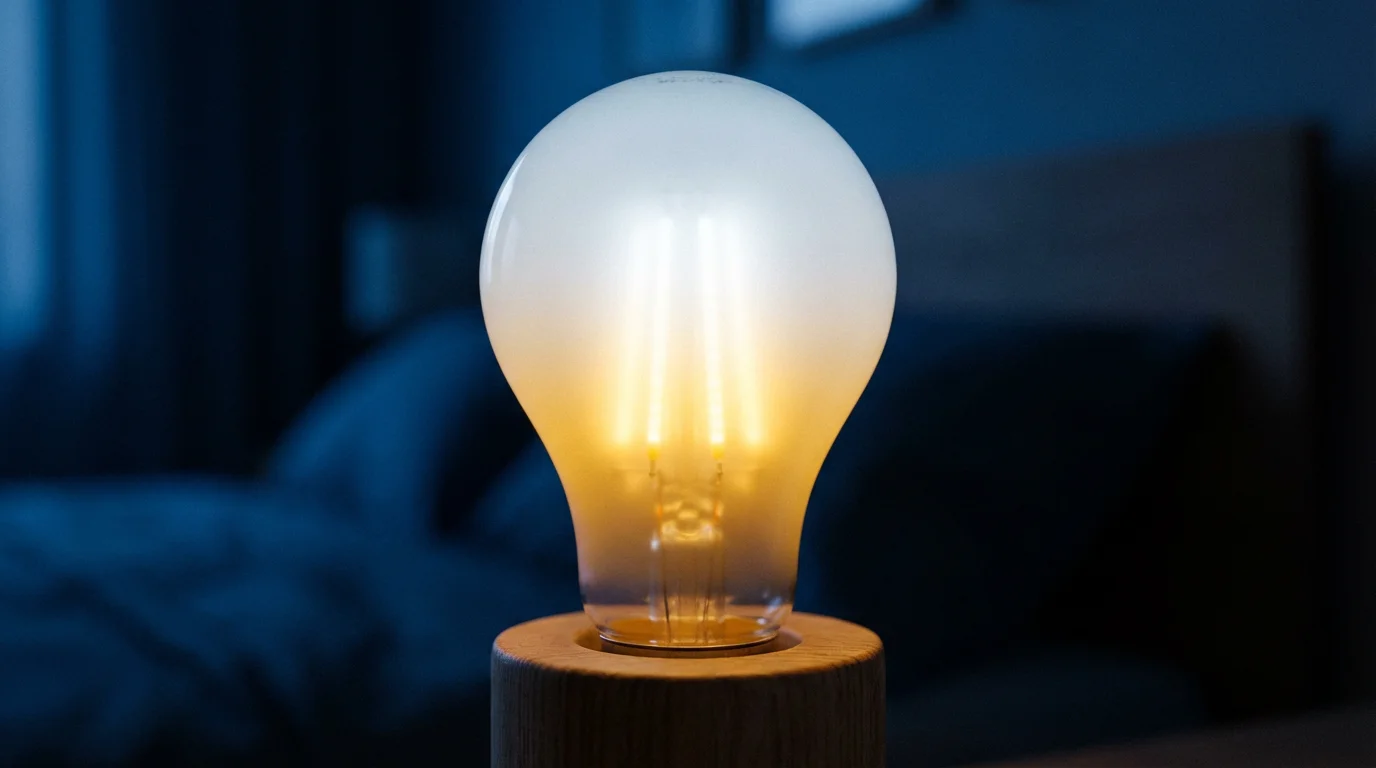
Beyond simply changing colors, tunable white smart bulbs allow you to adjust color temperature, influencing your mood and even your body’s natural sleep-wake cycle, known as your circadian rhythm. You can achieve this even with affordable smart bulbs.
What is Color Temperature?
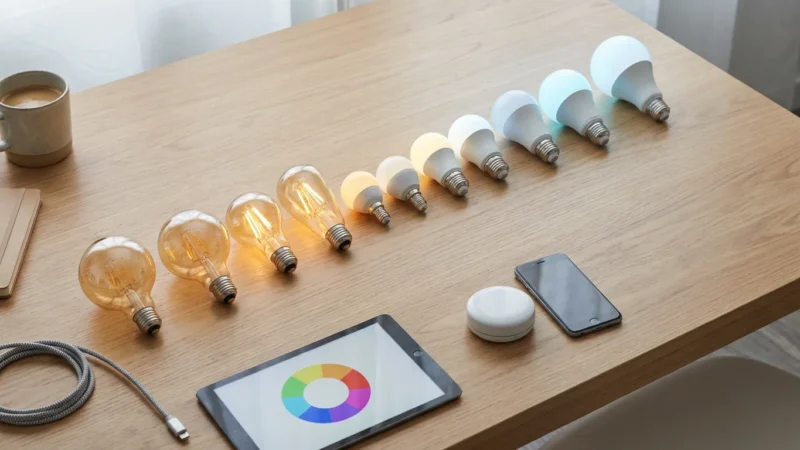
Color temperature measures the warmth or coolness of white light, expressed in Kelvin (K). Lower Kelvin values (e.g., 2700K) produce a warm, yellowish light, similar to incandescent bulbs. Higher values (e.g., 5000K-6500K) create cool, bluish-white light, like daylight or fluorescent lamps.
Harmonizing Your Lighting with Your Day
You can use tunable white budget smart bulbs to support your circadian rhythm throughout the day:
- Morning Boost (5000K-6500K): Bright, cool white light in the morning helps suppress melatonin production, promoting alertness and focus. Use this in workspaces or kitchens.
- Daytime Focus (4000K-5000K): A neutral white light maintains productivity during the day without being overly stimulating.
- Evening Wind-Down (2700K-3000K): Warm, dim light in the evening signals to your body that it is time to relax and prepare for sleep. Avoid blue light exposure before bed.
Many smart bulb apps offer “circadian lighting” or “sleep/wake” schedules that automatically adjust color temperature throughout the day. This provides a dynamic lighting environment that supports your well-being without constant manual adjustments. According to CNET, using the right light color at the right time significantly impacts sleep quality and overall mood.

Integrating Your Smart Bulbs with Voice Assistants and Platforms
Seamless integration with voice assistants and smart home platforms elevates your smart lighting experience from convenient to truly effortless. You control multiple devices, create complex routines, and manage your home with simple voice commands or app automations.
Voice Assistants: Alexa, Google Assistant, and HomeKit
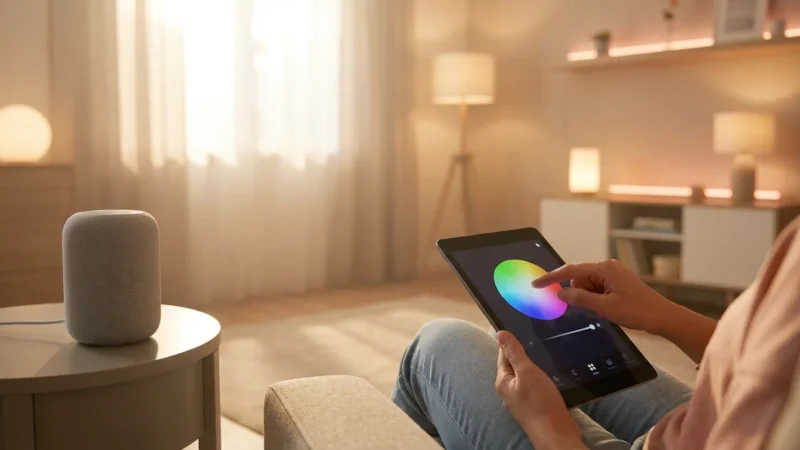
Most budget smart bulbs offer compatibility with Amazon Alexa and Google Assistant. You simply link the bulb’s native app to your voice assistant account, then use commands like:
- “Alexa, turn on the living room lights.”
- “Hey Google, dim the bedroom to 50%.”
- “Alexa, change the kitchen light to blue.”
For Apple HomeKit users, options are more limited in the sub-$15 range, as HomeKit certification often adds to the cost. However, some Wi-Fi bulbs might offer indirect HomeKit support through third-party bridges or HomeBridge setups, though this adds complexity.
Smart Home Platforms: Expanding Your Control
Beyond voice assistants, integrating your budget smart bulbs into a broader smart home platform unlocks advanced automation. These platforms act as a central nervous system for your devices.
- IFTTT (If This Then That): A free web service that allows you to create applets linking different smart devices and services. For example, “If my smart doorbell detects motion, then flash the porch light.”
- SmartThings, Hubitat, Home Assistant: These platforms offer more advanced local control and automation capabilities. While some budget bulbs like Zigbee-based Sengled can directly integrate, Wi-Fi bulbs often require cloud-to-cloud integrations.
- Matter: The emerging Matter standard promises to unify smart home devices, allowing greater interoperability regardless of brand. As more budget smart bulbs become Matter-certified, you will see even more seamless integration options. You can learn more about the Matter standard at CSA-IoT.org.
By leveraging these integrations, you create a responsive and intuitive smart home, where your lighting works in harmony with your other connected devices.
Installation and Safety Tips for Smart Bulbs
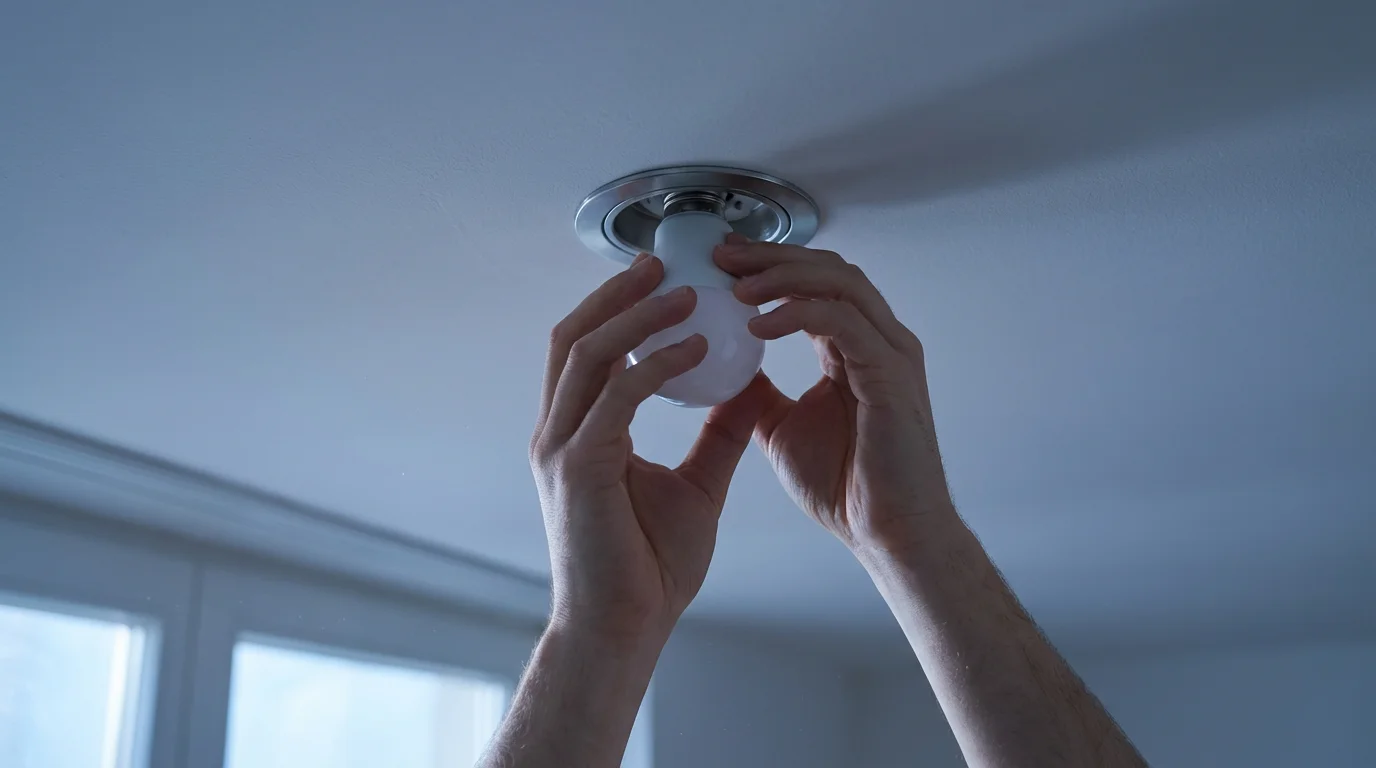
Installing smart bulbs is generally a straightforward process. However, understanding proper procedures and safety guidelines ensures a smooth setup and reliable operation for your affordable lighting.
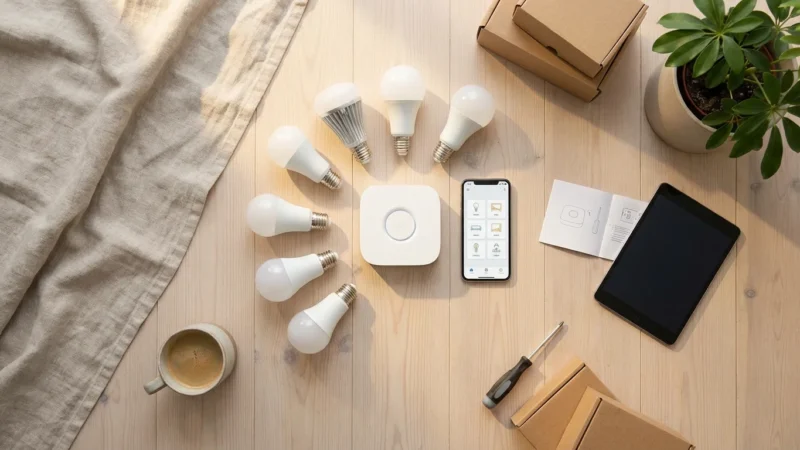
Simple Installation Steps
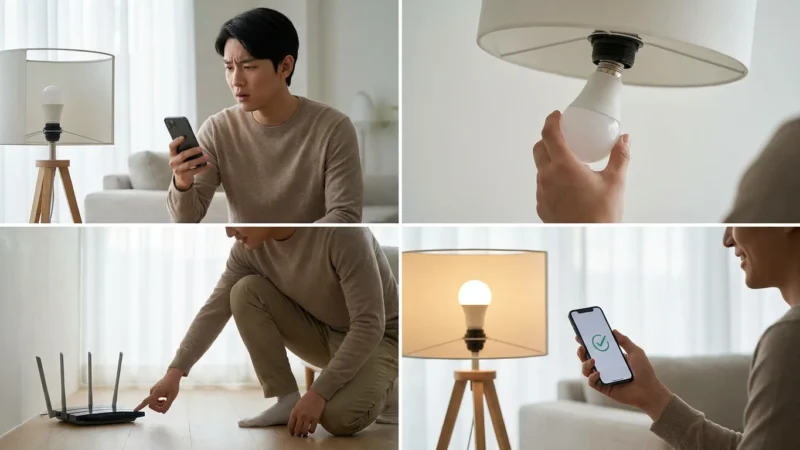
- Power Off: Always turn off the power to the light fixture at the wall switch before removing an old bulb or inserting a new smart bulb.
- Screw In: Carefully screw the smart bulb into the empty socket. Do not overtighten it.
- Power On: Turn the power back on at the wall switch. The bulb should typically flash, indicating it is in pairing mode.
- Download App: Download the manufacturer’s specific app (e.g., Wyze app, Sengled Home app).
- Pairing: Follow the in-app instructions to connect the bulb to your Wi-Fi network. This usually involves selecting your home network and entering the password.
- Test: Once paired, test the bulb’s functionality through the app: dimming, color changes, and on/off control.
Most smart bulbs operate on a 2.4 GHz Wi-Fi network. If you have a dual-band router, ensure your phone connects to the 2.4 GHz band during setup.
Important Safety Considerations
- Correct Fixture: Use smart bulbs only in appropriate fixtures. Check if the bulb is rated for enclosed fixtures if you plan to use it in one, as heat buildup can reduce lifespan.
- Dimmer Switches: Most smart bulbs are designed to be controlled digitally and should not be used with existing dimmer switches. These can interfere with the bulb’s electronics and cause flickering or damage. Use a regular on/off switch instead.
- Overloading Circuits: While LEDs use minimal power, be mindful of the total wattage in a fixture. Do not exceed the fixture’s maximum wattage rating.
- Outdoor Use: If using smart bulbs outdoors, ensure they are rated for outdoor or wet conditions to prevent electrical hazards and damage.
- Professional Help: While smart bulb installation is DIY-friendly, any work involving new wiring or complex electrical modifications should always be handled by a licensed electrician. Prioritize your safety and the integrity of your home’s electrical system.
By following these guidelines, you safely enjoy the convenience and efficiency of your new budget smart bulbs.
The best smart home is the one you do not have to manage. Your smart lights should enhance your daily life, not complicate it. Focus on automations that simplify your routines.
Frequently Asked Questions
What is the difference between a smart bulb and a regular LED bulb?
A regular LED bulb provides efficient lighting but requires manual control at a switch. A smart bulb, however, connects to your home network (usually Wi-Fi) and offers remote control via an app, voice commands, and advanced features like scheduling, dimming, and color changing. You gain unparalleled convenience and automation capabilities with smart bulbs.
Do budget smart bulbs require a hub?
Most budget smart bulbs available today use Wi-Fi connectivity, meaning they connect directly to your home’s existing Wi-Fi network and do not require a separate hub. Brands like Wyze, Sengled Wi-Fi, Merkury, and Feit Electric typically operate hub-free. Some smart bulbs, particularly those using Zigbee, do require a compatible hub for full functionality.
Can I use smart bulbs outdoors?
You can use smart bulbs outdoors if they are specifically rated for outdoor or wet location use. Standard indoor smart bulbs are not designed to withstand moisture, extreme temperatures, or direct exposure to the elements. Always check the bulb’s specifications and IP rating (Ingress Protection) to ensure it is suitable for outdoor environments.
Are affordable smart bulbs compatible with my existing light fixtures?
Yes, most affordable smart bulbs come in standard sizes and bases, such as E26 (standard screw-in base in North America), making them compatible with most existing light fixtures. You simply screw them in like traditional bulbs. Remember that smart bulbs typically should not be used with existing dimmer switches; they require a standard on/off switch for proper operation.
Do smart bulbs save energy?
Yes, smart bulbs are generally LEDs, which inherently consume significantly less energy than incandescent bulbs. Beyond that, their smart features enable further energy savings. You can schedule them to turn off automatically, dim them to reduce power usage, or integrate them with motion sensors so they only activate when needed, minimizing wasted electricity.
Disclaimer: This article is for informational purposes only. Smart home devices involve electrical connections and data privacy. Always follow manufacturer instructions for installation. For complex wiring or HVAC work, consult a licensed professional.

Leave a Reply