
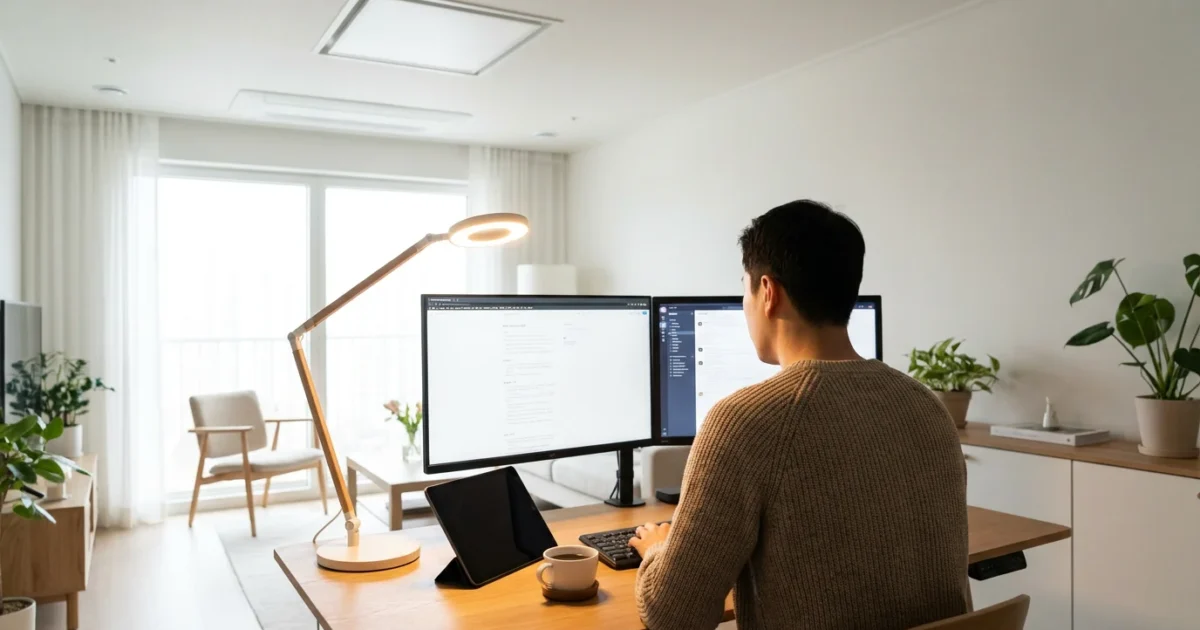
Poor lighting significantly impacts your focus, energy levels, and overall well-being in your home office. You might experience eye strain, headaches, or even a dip in productivity when your workspace lacks proper illumination. Smart lighting offers a powerful solution, transforming your home office from a mere desk space into a dynamic, adaptable environment tailored to your needs. This guide helps you unlock the full potential of smart lighting, enhancing your productivity and creating a more comfortable, inspiring place to work.
Transform Your Home Office with Smart Lighting
Your home office lighting does more than simply illuminate your space. It directly influences your mood, focus, and productivity throughout the workday. Traditional lighting offers limited control, often leaving you with static, uninspiring illumination. Smart lighting breaks these barriers, providing dynamic control over every aspect of your lighting environment.
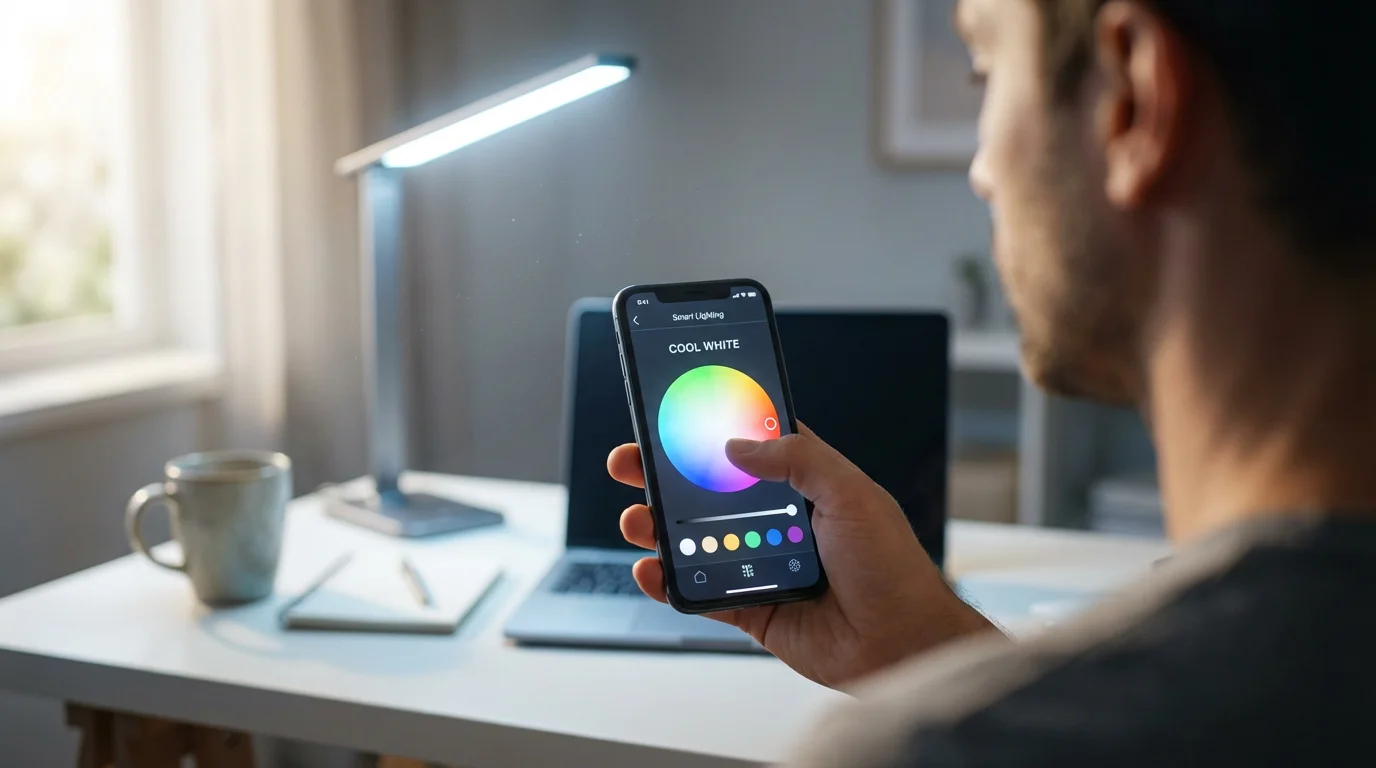
You gain the ability to adjust brightness, color temperature, and even color itself with a tap on your phone or a simple voice command. This flexibility ensures your lighting always matches your activity. For instance, you can enjoy bright, cool white light for intense focus during morning tasks, then transition to warmer, softer light for creative work or late-day planning. This adaptability significantly improves your work from home experience.
Smart lighting systems offer several key advantages for your home office:
- Enhanced Productivity: Tailor light to specific tasks, reducing eye strain and boosting concentration.
- Improved Well-being: Mimic natural light cycles to support your circadian rhythm, leading to better sleep and energy.
- Personalized Ambiance: Create distinct lighting scenes for focused work, video calls, or winding down.
- Energy Efficiency: Automate lights to turn off when not needed, saving on electricity bills.
- Convenience: Control your lighting from anywhere, with voice commands, schedules, or motion sensors.
Implementing a best smart lighting setup for home office involves selecting the right components and understanding how to apply them effectively. You move beyond basic desk lighting, crafting an environment that actively supports your work goals.
The Core Components of Smart Office Lighting
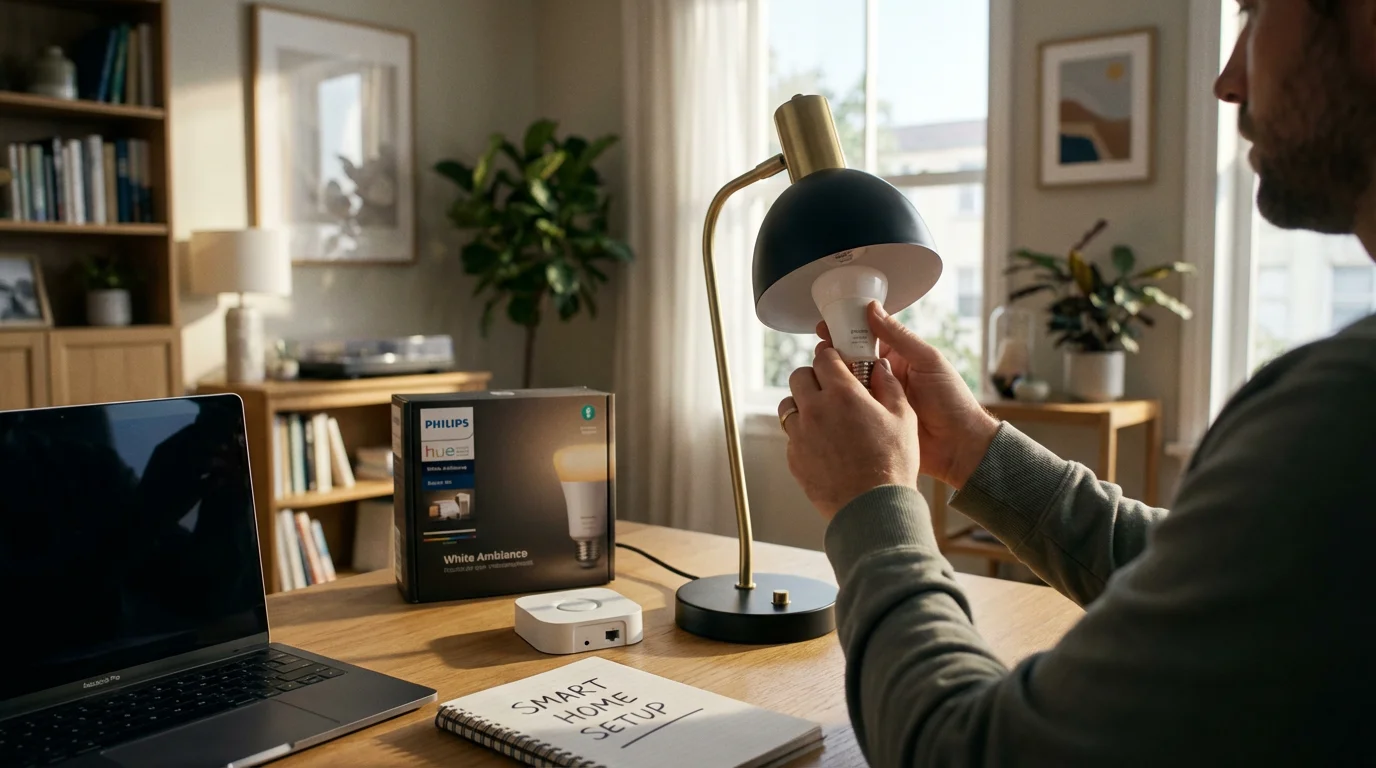
Building a smart home office lighting system requires understanding the fundamental components available. Each plays a crucial role in creating a flexible and automated environment. Knowing these elements helps you choose the right devices for your specific needs.
Here are the essential components for your smart lighting setup:
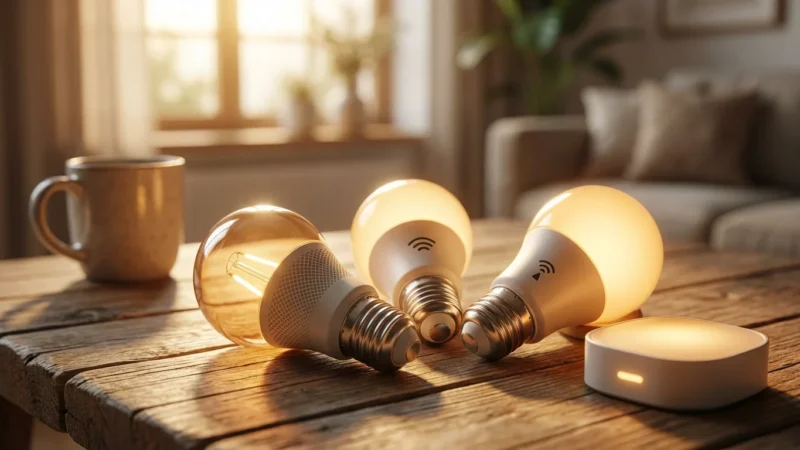
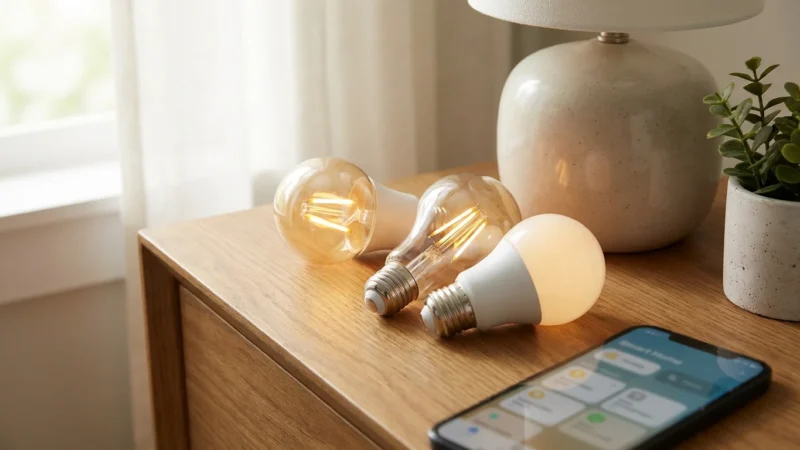
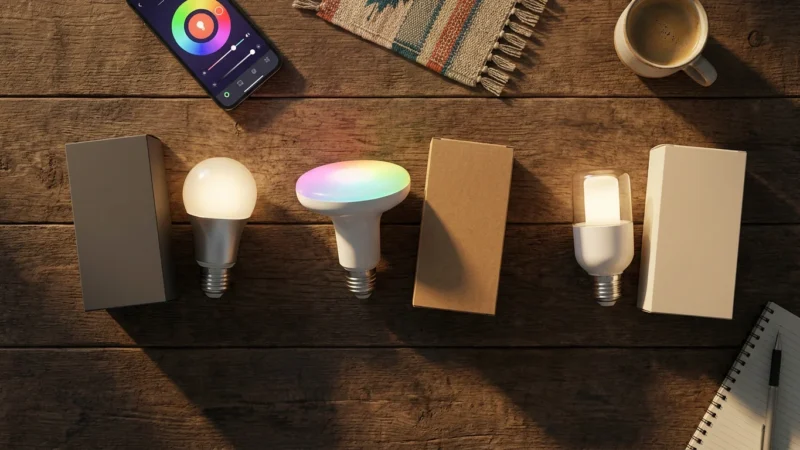
- Smart Bulbs: These replace your existing bulbs, offering control over brightness, color temperature, and sometimes full RGB color. They connect directly to your home network via Wi-Fi or Bluetooth, or through a hub using protocols like Zigbee or Matter.
- Smart Light Strips: Flexible strips of LEDs, often self-adhesive, provide versatile accent or bias lighting. You can place them behind monitors, under shelves, or along desks to add ambient light and reduce eye strain.
- Smart Switches and Dimmers: If you prefer to keep existing fixtures, smart switches or dimmers replace your wall switches. These allow you to control traditional bulbs with smart features. For complex wiring, consult a licensed professional.
- Smart Plugs: Convert any lamp into a smart lamp by plugging it into a smart plug. This offers on/off control and scheduling, though it does not provide dimming or color changes for non-smart bulbs.
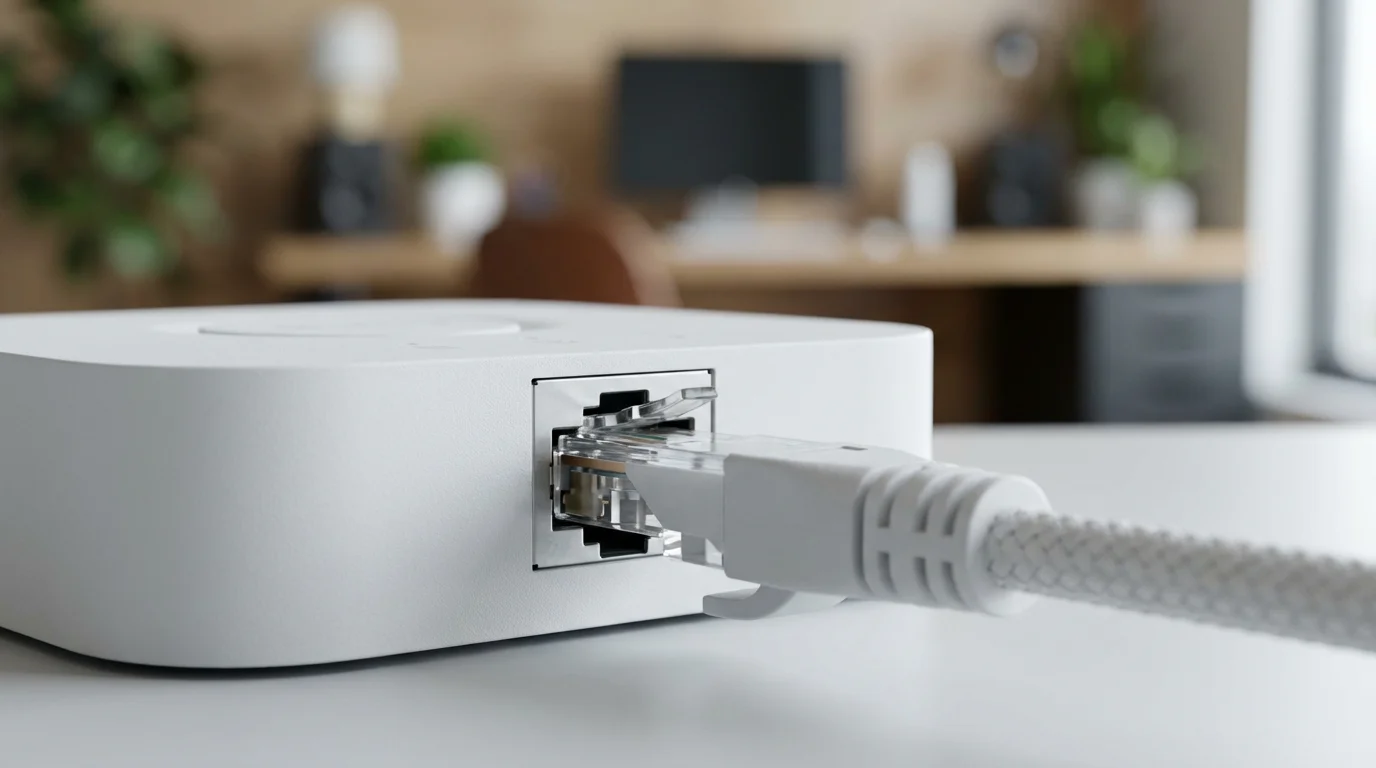
- Smart Hubs: Some smart lighting systems, like Philips Hue, require a central hub to connect devices and facilitate communication. Hubs often offer more robust features, better range, and less strain on your Wi-Fi network. Other systems, like LIFX or Wyze, operate hub-less, connecting directly via Wi-Fi.
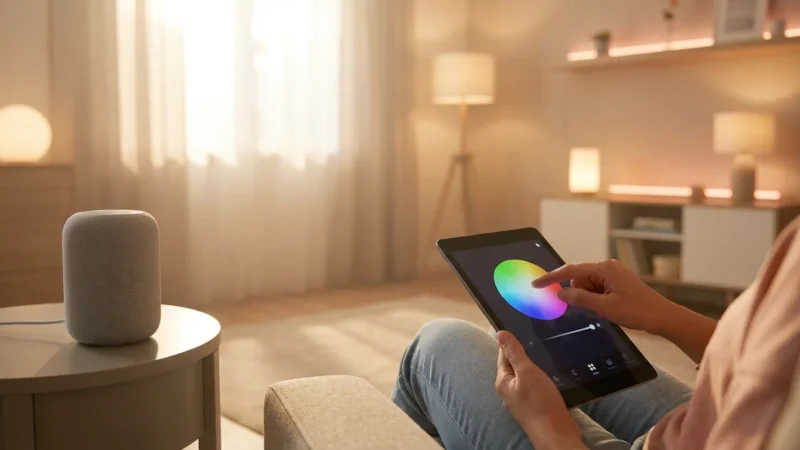
- Voice Assistants: Devices like Amazon Echo, Google Nest, and Apple HomePod allow you to control your lights with voice commands. They integrate seamlessly with most smart lighting brands.
Understanding these core components helps you decide whether to invest in hub-based systems for extensive features or hub-less options for simplicity. The choice depends on your existing smart home ecosystem and your desired level of control.
Selecting the Best Smart Lighting for Your Workspace
Choosing the right smart lighting products for your home office involves considering several factors. You need to balance features, compatibility, and budget to create an effective and satisfying setup. Think about the specific needs of your workspace before making purchasing decisions.
Consider these key aspects when selecting smart lighting:
- Brightness (Lumens): Ensure your chosen bulbs provide adequate light for tasks. A bright desk lamp might need 800-1000 lumens.
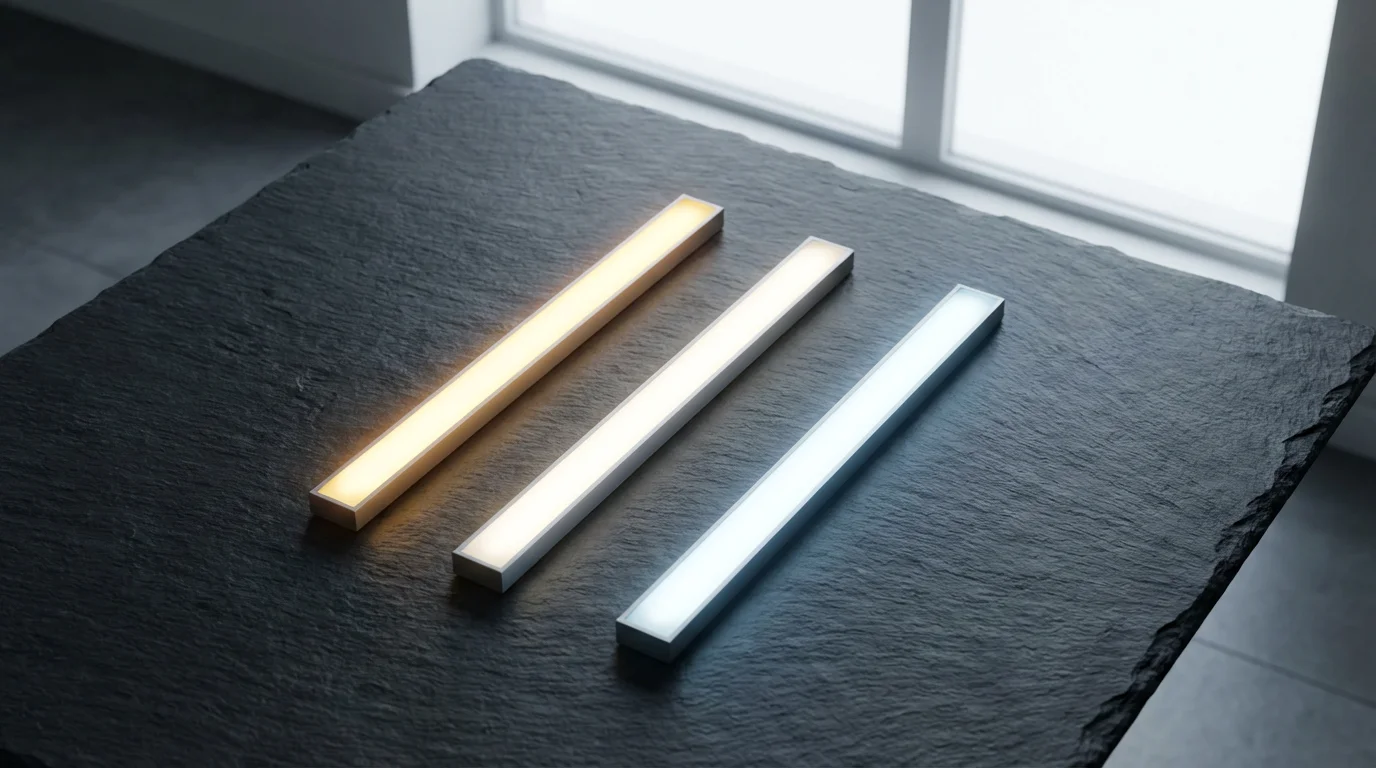
- Color Temperature (Kelvin): Look for bulbs that offer tunable white light (e.g., 2700K to 6500K). This allows you to adjust from warm to cool light.
- Color Capability (RGB): Decide if you need full color options for mood lighting or only white light variations.
- Connectivity: Wi-Fi, Bluetooth, Zigbee, or Matter. Choose based on your existing smart home devices and whether you prefer a hub.
- Ecosystem Compatibility: Ensure bulbs work with your chosen voice assistant (Alexa, Google Assistant, Siri) or smart home platform.
- Cost: Smart bulbs range widely in price. Determine your budget for individual bulbs and any necessary hubs.
Many reputable brands offer excellent smart lighting options. Philips Hue leads with a robust, feature-rich ecosystem, though it requires a hub. LIFX provides very bright, hub-less Wi-Fi bulbs with vibrant colors. Wyze and TP-Link Kasa offer more budget-friendly, hub-less alternatives with solid performance.
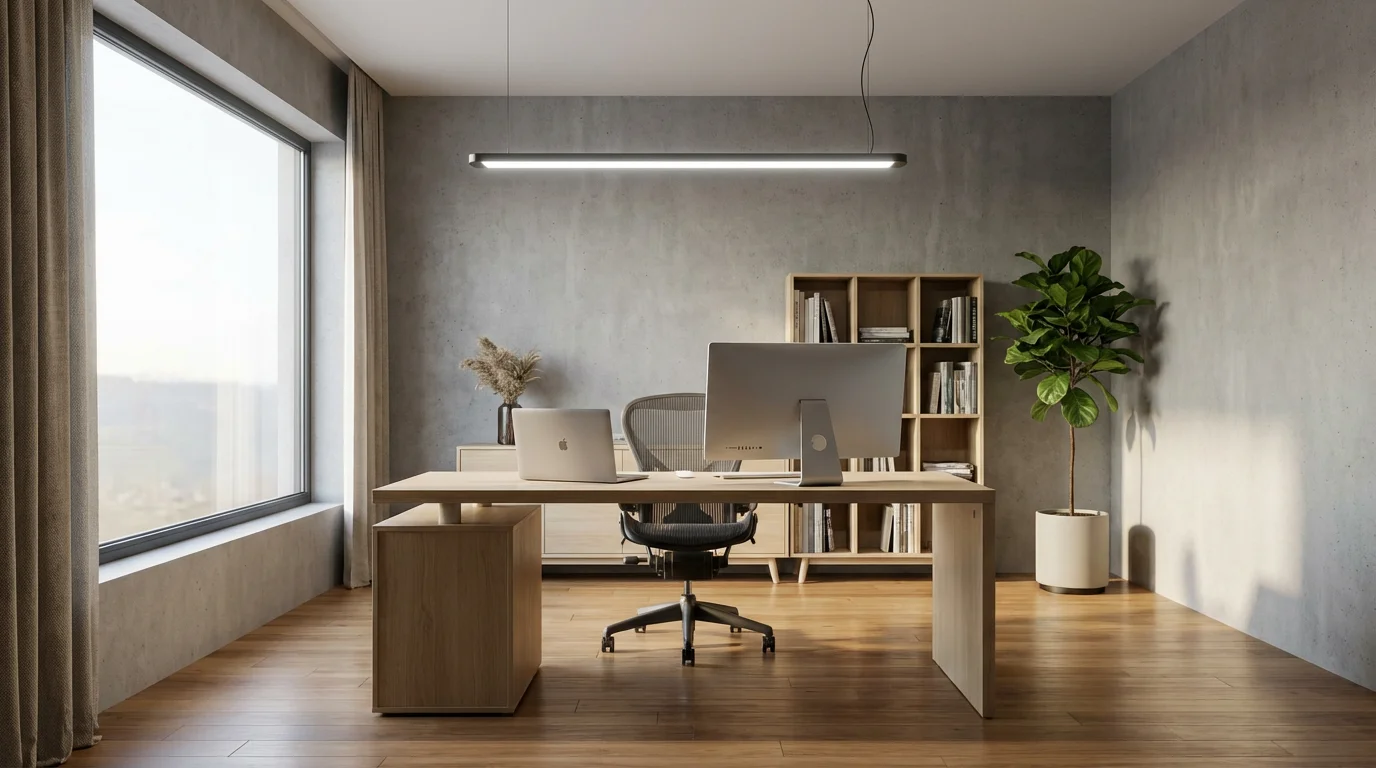
When building your ideal setup, think about your primary light sources. You will likely need an overhead light, a dedicated desk lighting solution, and potentially accent lights. Prioritize task lighting first to ensure you have proper illumination for reading and computer work.
Optimizing Color Temperature and Brightness for Peak Performance
The right color temperature and brightness are crucial for how to improve office lighting for productivity. Your smart lights offer precise control over these elements, allowing you to tailor your environment to different tasks and times of day. This customization minimizes eye strain and maximizes focus.
Color temperature, measured in Kelvin (K), describes the warmth or coolness of light.
- Warm White (2700K-3000K): This yellowish light is relaxing and cozy, ideal for winding down or creative thinking. Use it during breaks or in the late afternoon.
- Cool White (4000K-5000K): This brighter, bluish-white light mimics natural daylight, promoting alertness and concentration. This is your go-to for focused work and morning tasks.
- Daylight White (5000K-6500K): Even cooler and bluer, this light is excellent for tasks requiring high visual accuracy, though it can feel harsh if used excessively.
Adjusting brightness is equally important. Dim lighting causes eye strain, while overly bright light can lead to glare and discomfort. Smart bulbs let you fine-tune lumen output to match ambient conditions and your task. For detailed work, you need brighter light; for casual browsing, less is often better.
Consider implementing circadian rhythm lighting, which mimics the sun’s natural cycle. Your smart lights can automatically shift from cool, bright light in the morning to warmer, dimmer light in the evening. This supports your natural sleep-wake cycle. For example, programming your lights to gradually brighten with cool tones at 8 AM can help you start your workday feeling refreshed.
“Optimizing your workspace lighting for proper color temperature and brightness can significantly impact cognitive function, reduce fatigue, and enhance overall well-being.”
You can create specific “scenes” for various activities:
- Focus Mode: Bright, cool white light (4500K, 80-100% brightness).
- Creative Mode: Neutral white light (3500K, 60-70% brightness), perhaps with subtle accent colors.
- Relax Mode: Warm white light (2700K, 30-40% brightness).
- Video Call Mode: Balanced, even lighting from the front, minimizing harsh shadows.
Experiment with different settings to find what works best for your personal preferences and the specific demands of your home office lighting.
Beyond Task Lighting: Enhancing Ambiance with Smart Strips and Accents
While task lighting is essential for how to improve office lighting for productivity, ambient and accent lighting play a crucial role in creating a comfortable and inspiring home office. Smart light strips and smaller accent lights provide versatility. You can enhance your workspace beyond the functional.
Smart light strips are incredibly flexible and easy to install. They transform ordinary surfaces into dynamic light sources.
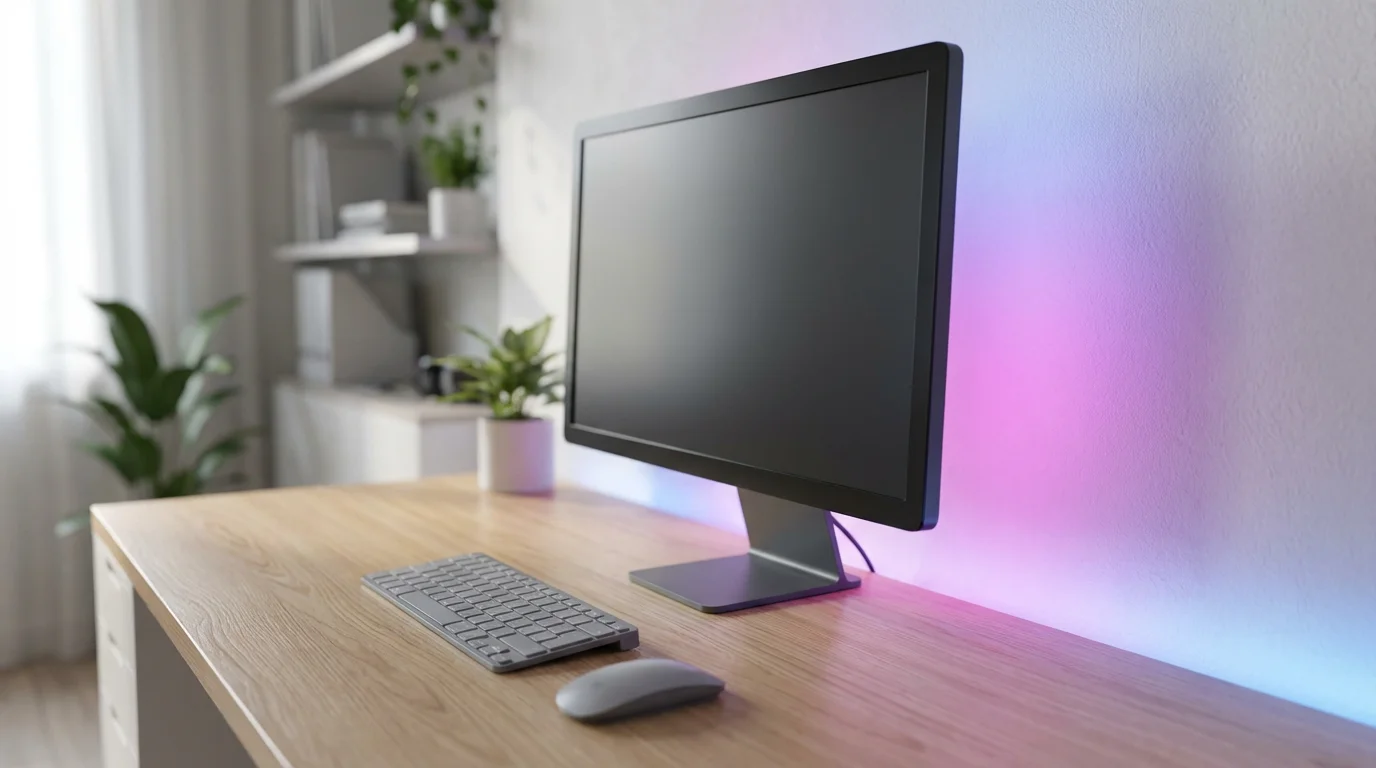
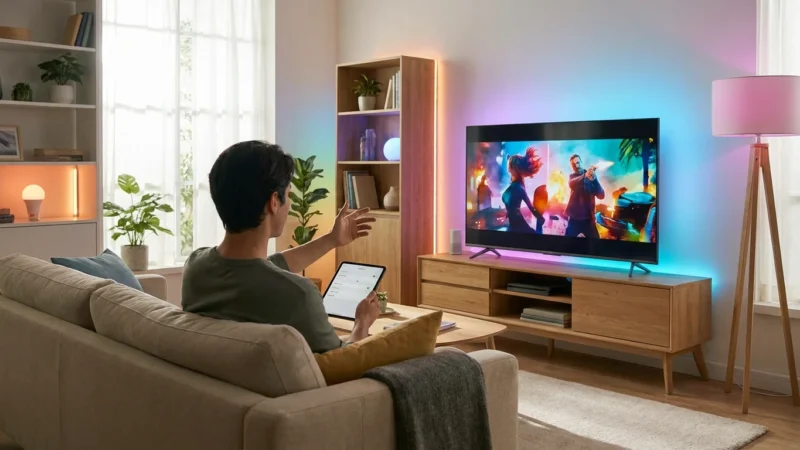
- Monitor Bias Lighting: Apply a light strip to the back of your computer monitor. This technique, called bias lighting, reduces eye strain by minimizing the contrast between your bright screen and a dark wall. It also makes colors on your screen appear more vibrant.
- Under-Desk or Shelf Lighting: Install strips under your desk or along shelves to add a soft glow. This helps illuminate clutter and creates a sense of depth in your room.
- Architectural Accents: Highlight architectural features, artwork, or plants with strategically placed light strips. This adds personality and flair to your home office.
Consider these practical applications for smart light strips:
- Attach a strip to the back of your primary monitor, ensuring the light diffuses evenly against the wall behind it.
- Place a strip along the underside of a floating shelf to illuminate books or decorative items.
- Run a strip along the edge of your desk to provide a subtle, low-level glow for evening work without glare.
Beyond strips, smaller smart accent lights can draw attention to specific areas or objects. A small smart lamp on a bookshelf, for example, can add a pop of color or a warm glow, contributing to the overall mood of the room. These elements work together with your primary desk lighting to create a cohesive and inviting environment.
Powerful Automation Strategies for Effortless Control
The true power of smart lighting lies in its automation capabilities. You can set up routines and schedules that manage your home office lighting without any manual input. This hands-free operation ensures your environment always supports your work, allowing you to focus on tasks instead of light switches. This is key to a best smart lighting setup for home office.
Implement these automation strategies to streamline your workspace:
- Scheduled Workday Lighting: Program your lights to follow your typical workday rhythm. For example, have them gradually brighten to a cool white at 8:30 AM, dim slightly and shift to a neutral white around lunchtime, and then transition to a warm, low light as your workday concludes.
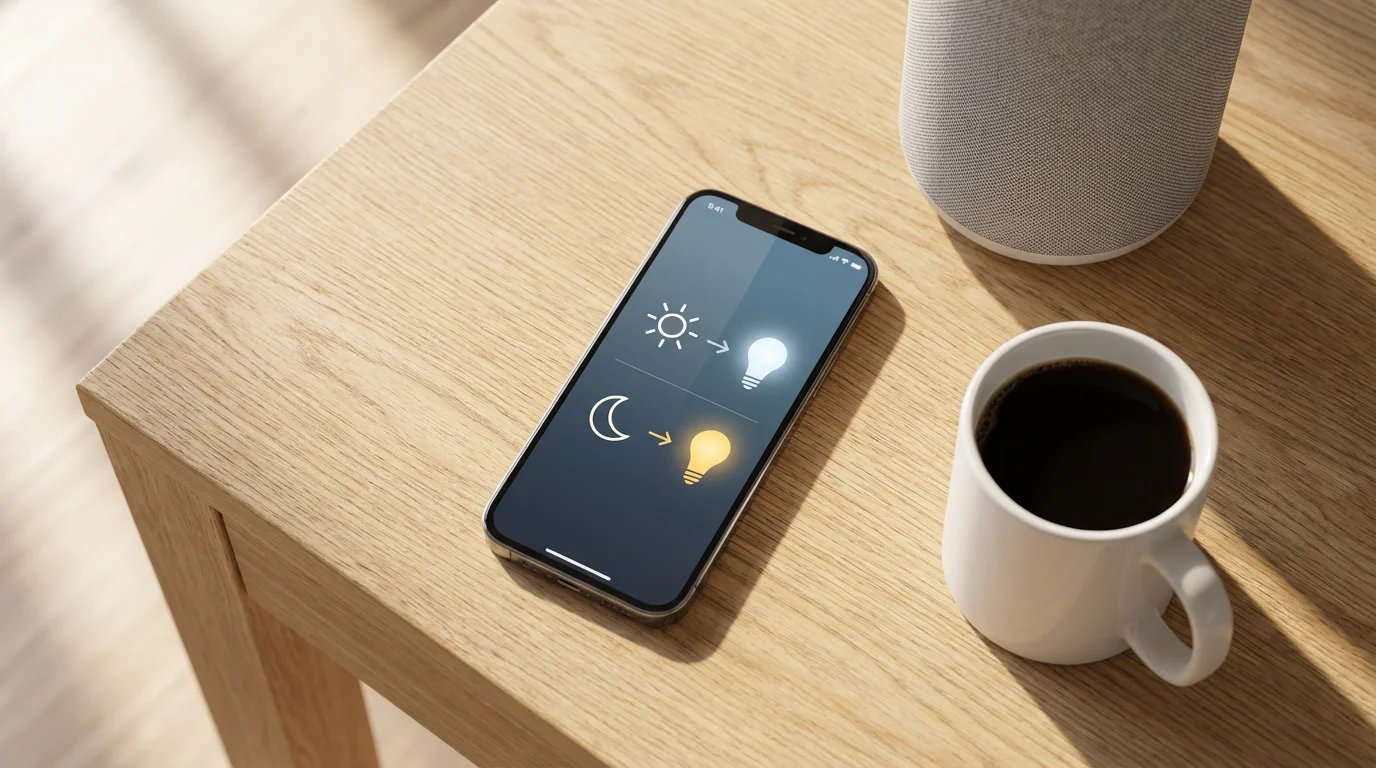
- Sunrise/Sunset Automation: Integrate your lights with local sunrise and sunset times. Your office lights can gently come on before sunrise and dim after sunset, mimicking natural light patterns.
- Motion/Occupancy Sensors: Install a smart motion sensor in your office. The lights turn on automatically when you enter and turn off after a set period of inactivity. This saves energy and ensures you never enter a dark room.
- Voice Control: Integrate your smart lights with Amazon Alexa, Google Assistant, or Apple Siri. Simple voice commands like “Alexa, set office to focus mode” or “Hey Google, dim office lights to 50%” give you instant control.
- Device-Triggered Automation: Connect your lighting to other smart devices. For instance, if you have a smart desk sensor that detects when you sit down, it can trigger your lights to turn on.
Let us walk through setting up a simple workday routine:
- Open your smart lighting app: This could be Philips Hue, LIFX, or your smart home platform app.
- Navigate to “Routines” or “Automations”: This section allows you to create scheduled events.
- Create a “Morning Focus” routine: Set a start time (e.g., 9:00 AM) and select your office lights. Choose a bright, cool white color temperature (e.g., 5000K) and 100% brightness.
- Create a “Afternoon Refresh” routine: Set a time (e.g., 1:00 PM) and select your office lights. Change the color temperature to a neutral white (e.g., 4000K) and 75% brightness.
- Create an “Evening Wind Down” routine: Set a time (e.g., 5:30 PM) and select your office lights. Shift to a warm white (e.g., 2700K) and 50% brightness.
- Save your routines: Ensure they are enabled to run automatically each day.
These automations free you from constantly adjusting lights, allowing you to maintain focus on your work from home tasks.
Integrating Smart Lighting into Your Broader Smart Home Ecosystem
Your smart home office lighting does not need to operate in isolation. Integrating it with your broader smart home ecosystem unlocks even greater convenience and advanced automation possibilities. You achieve a more unified and responsive smart home experience.
Most smart lighting brands are compatible with major smart home platforms:
- Amazon Alexa: Control lights with Echo devices and create routines within the Alexa app.
- Google Assistant: Use Google Nest devices and the Google Home app for voice control and automations.
- Apple HomeKit: Manage HomeKit-compatible lights with Siri and the Home app on Apple devices.
- Samsung SmartThings: This hub-based platform supports a wide array of devices, enabling complex cross-device automations.
The emergence of the Matter standard further simplifies integration. Matter aims to create a universal language for smart home devices, allowing products from different brands to work together seamlessly. As the standard gains traction, you will find it even easier to connect your smart lights with other devices, regardless of brand. The Connectivity Standards Alliance provides more information on the Matter standard and its benefits for smart home users. Learn more about Matter at the CSA-IoT website.
Consider a scenario where your smart lighting works with other smart devices:
- When your smart door lock detects you have arrived home, your office lights turn on to a welcoming scene.
- If your smart thermostat detects you are in your office and the room is too warm, your smart blinds could automatically close and your lights could adjust.
- During a video conference, your smart camera could trigger your office lights to switch to a “Video Call” scene, ensuring optimal illumination.
Choosing an ecosystem often depends on your preferred voice assistant or existing smart devices. Aim for compatibility to ensure a smooth, unified smart home experience. According to Consumer Reports, seamless integration is a top factor for smart home satisfaction. You can find extensive reviews and guidance on various smart home ecosystems on the Consumer Reports Smart Home section.
Troubleshooting Common Smart Lighting Challenges
Even the most advanced smart lighting setups can encounter occasional issues. You might experience connectivity problems, unresponsiveness, or unexpected behavior. Understanding how to troubleshoot these common challenges helps you maintain a reliable and efficient smart home office.
Here are practical steps to resolve typical smart lighting issues:
- Connectivity Problems:
- Check Wi-Fi signal: Ensure your router is strong enough to reach all your smart lights. Consider a Wi-Fi extender if needed.
- Router Reboot: Sometimes, simply restarting your Wi-Fi router resolves many connectivity glitches.
- Device Placement: If using a hub, ensure it is centrally located and not too far from your lights. For Bluetooth-only lights, ensure your control device is within range.
- Unresponsive Lights:
- Power Cycle: Turn the light switch off for 10-15 seconds, then back on. This often resets the smart bulb.
- App Check: Verify the light status in its dedicated app. If it shows offline, try re-pairing the device.
- Firmware Updates: Ensure your smart bulbs and hub (if applicable) have the latest firmware. Outdated firmware can cause issues.
- Compatibility Issues:
- Verify Ecosystem Support: Double-check that new devices are compatible with your existing smart home platform (Alexa, Google Home, HomeKit).
- Reset and Re-pair: Follow manufacturer instructions for a factory reset and attempt to pair the device again.
- Slow Response Times:
- Network Congestion: Too many devices on your Wi-Fi network can slow down responses. Consider upgrading your router or using a hub-based system.
- Distance: If using Wi-Fi lights, distance from the router can impact speed.
- Flickering Lights:
- Incompatible Dimmer: If you use a smart bulb with a traditional dimmer switch, flickering can occur. Smart bulbs require power all the time; remove the traditional dimmer or replace it with a smart switch designed for smart bulbs.
- Loose Connection: Ensure the bulb is screwed in tightly.
When you encounter a problem, approach troubleshooting systematically. Start with the simplest solutions, like a power cycle or router restart, before moving to more complex steps like factory resets or re-pairing devices. Remember to always consult the manufacturer’s manual for specific device instructions.
Frequently Asked Questions
What is the ideal color temperature for home office lighting?
The ideal color temperature for your home office depends on your task. For focused work, aim for cool white light between 4000K and 5000K, which promotes alertness. For more relaxed or creative tasks, a neutral white around 3500K can be comfortable, while warmer tones (2700K-3000K) are best for winding down.
Do I need a hub for smart lighting in my home office?
Not always. Many smart bulbs connect directly to your Wi-Fi network (e.g., LIFX, Wyze, TP-Link Kasa) without needing a separate hub. However, hub-based systems like Philips Hue often offer more features, better range, and more reliable connections for a larger number of devices.
Can smart lighting save me money on electricity bills?
Yes, smart lighting can save you money. Smart bulbs are typically energy-efficient LEDs, which consume less power than traditional incandescent bulbs. Furthermore, automation features like scheduling, motion sensors, and remote control ensure lights are only on when needed, preventing wasted energy.
How do I improve office lighting for productivity if I work from home?
To improve your office lighting for productivity while working from home, focus on three areas: adequate task lighting (e.g., a good desk lamp), tunable white light to adjust color temperature throughout the day, and minimizing glare. Use smart bulbs to easily control brightness and color, and consider bias lighting behind your monitor to reduce eye strain.
Is smart lighting difficult to install?
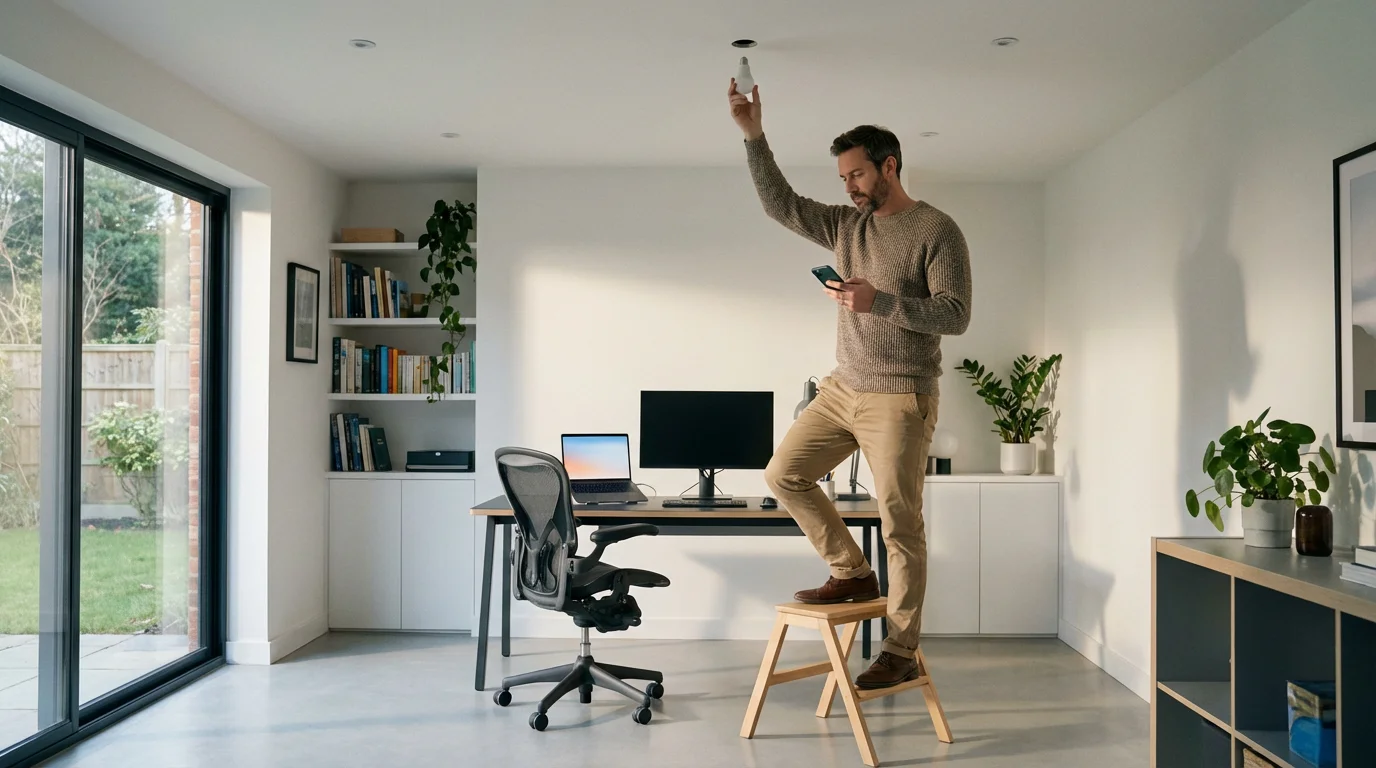
Most smart lighting, especially smart bulbs, is very easy to install. You simply screw in the bulb like any standard one, then follow the app’s instructions to connect it to your Wi-Fi or hub. Smart light strips often have adhesive backing for simple placement. For smart switches that involve wiring, you might need to consult a licensed electrician for safety.
Disclaimer: This article is for informational purposes only. Smart home devices involve electrical connections and data privacy. Always follow manufacturer instructions for installation. For complex wiring or HVAC work, consult a licensed professional.
Leave a Reply