
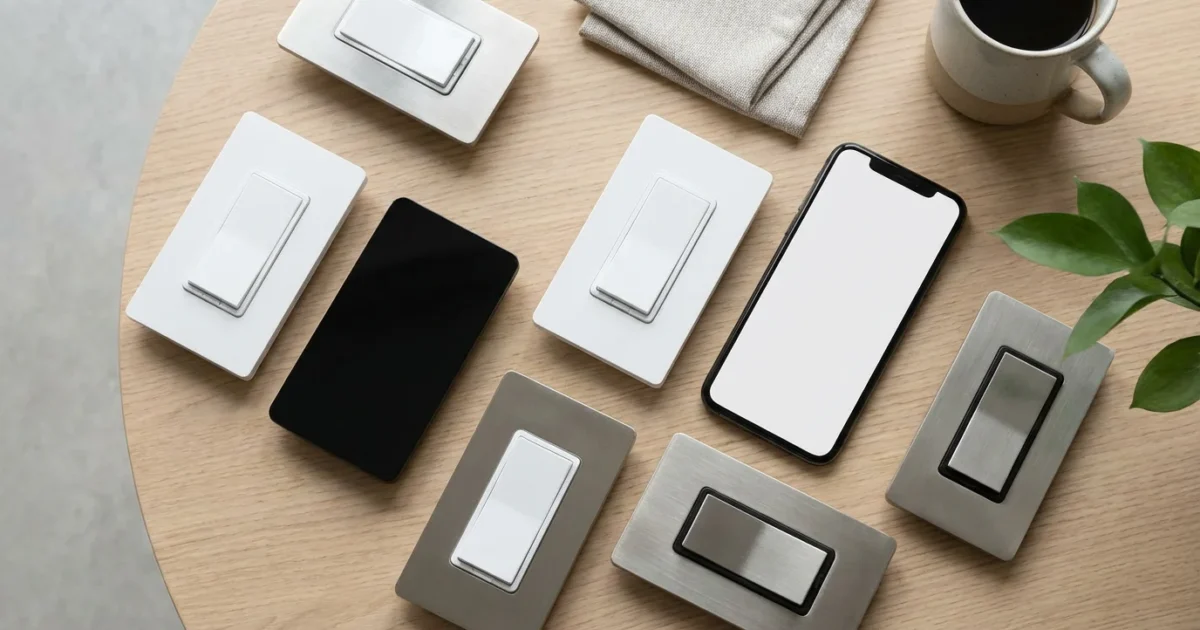
Smart dimmer switches transform your home lighting, moving beyond basic on/off functionality to offer nuanced control, energy savings, and enhanced convenience. They provide a foundational upgrade for any smart home, allowing you to fine-tune ambiance, schedule lighting events, and integrate with your broader smart home ecosystem. You gain precise brightness control for any occasion, from bright task lighting to a warm, subtle glow.
What Are Smart Dimmer Switches?
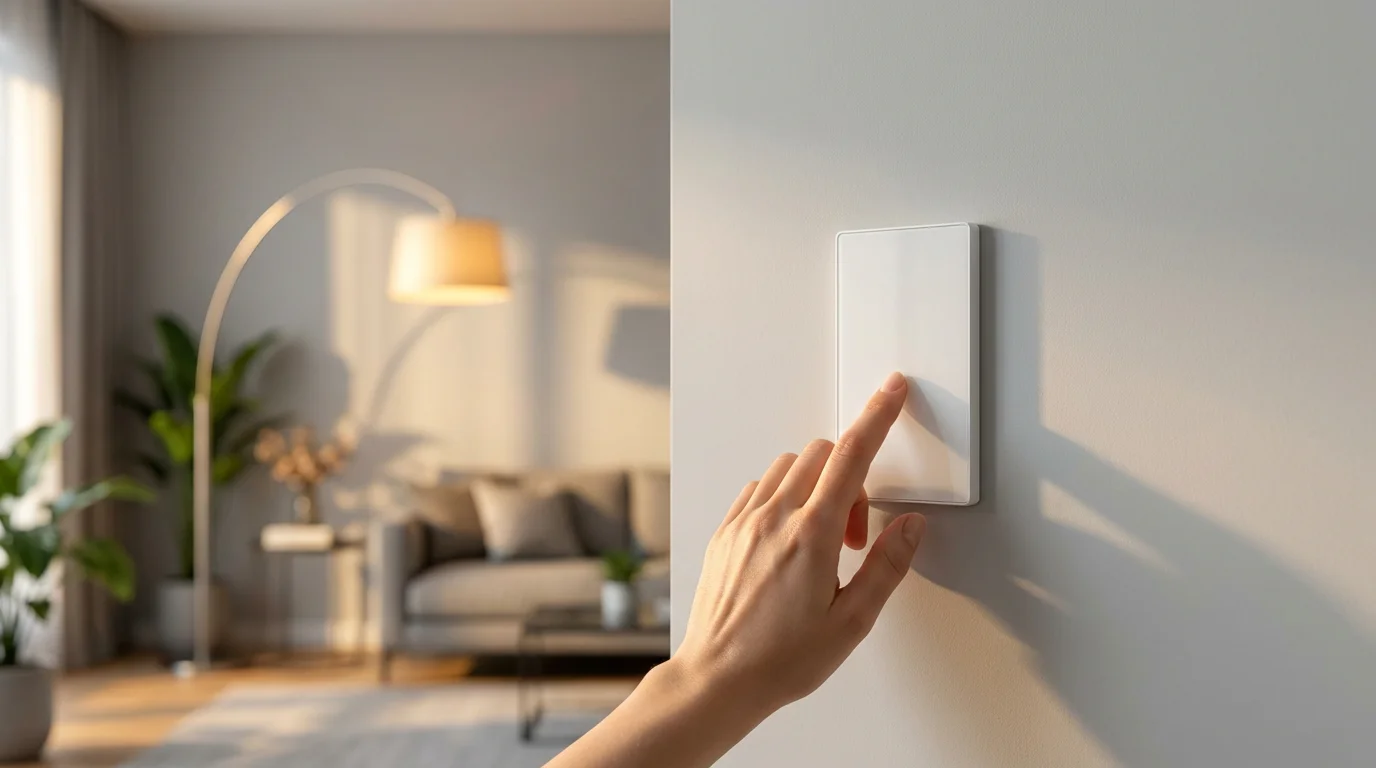
Smart dimmer switches replace your standard wall light switches, offering wireless control and dimming capabilities through an app, voice commands, or automated schedules. Unlike smart bulbs, which change individual bulb characteristics, a smart dimmer controls the entire lighting circuit it’s connected to. This means you can keep your existing conventional dimmable bulbs and still enjoy smart functionality.
While dimmers are ideal for mood lighting, you might also benefit from reading the complete guide to smart light switches for general on/off control options.
These devices connect to your home network, typically via Wi-Fi, Zigbee, Z-Wave, or the new Matter standard. This connectivity allows you to adjust light levels from anywhere, providing flexibility that traditional dimmers cannot match. You transform standard lighting into an intelligent, responsive system.
Smart dimmers offer several key advantages over traditional dimmers. They enable precise brightness control, allow for remote operation, and integrate seamlessly with other smart home devices. You gain unparalleled command over your home’s illumination.
Why Upgrade to Smart Dimmer Switches?
Upgrading to smart dimmer switches brings a host of practical benefits to your home, enhancing comfort, convenience, and efficiency. You will quickly appreciate the transformation in how you interact with your lighting. Consider these compelling reasons for making the switch.
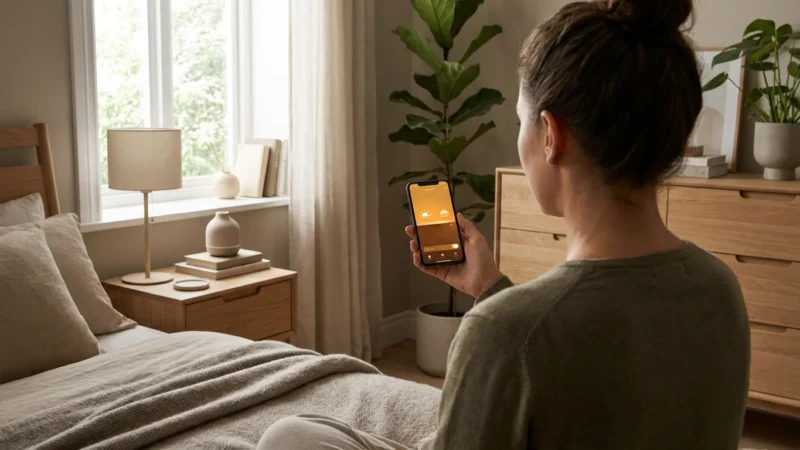
- Convenience and Control: Adjust brightness from your smartphone or tablet, whether you are on the couch or across town. You gain complete command over your lighting, no matter your location.
- Energy Savings: Dimming lights reduces power consumption and extends bulb lifespan, leading to lower energy bills. You actively contribute to a more energy-efficient home.
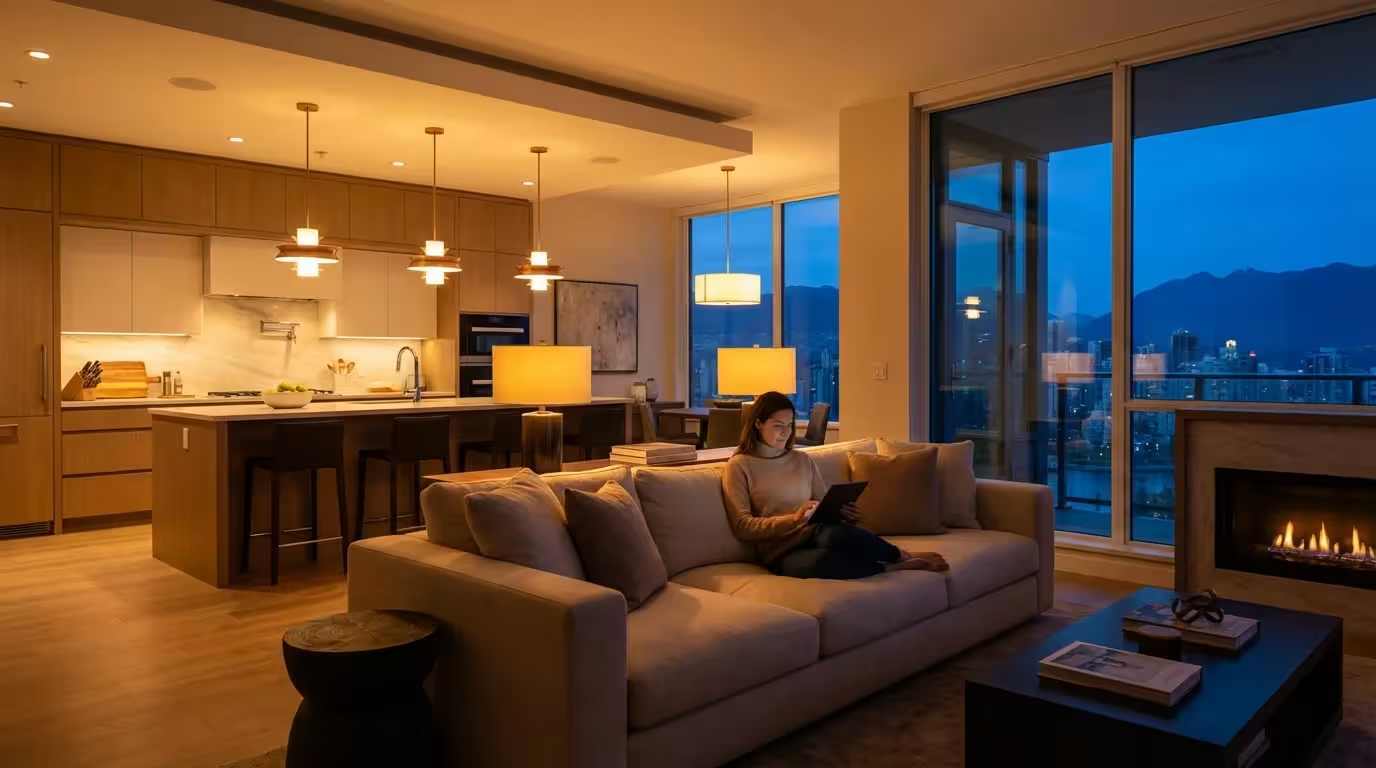
- Enhanced Ambiance: Create the perfect mood for any activity, from bright task lighting in the kitchen to a warm, soft glow for movie night. Precise brightness control elevates your living spaces.
- Automated Lighting: Schedule lights to turn on or off at specific times, or integrate them with motion sensors for hands-free operation. Your lights can respond to your daily routine automatically.
- Voice Control: Pair your smart dimmers with voice assistants like Amazon Alexa, Google Assistant, or Apple HomeKit for effortless voice commands. Simply say “Alexa, dim the living room lights to 50 percent” for instant adjustments.
- Increased Home Security: Program lights to turn on and off randomly when you are away, simulating occupancy and deterring potential intruders. This provides valuable peace of mind.
Understanding Smart Dimmer Compatibility
Before investing in smart dimmer switches, understanding compatibility is crucial to ensure a smooth installation and optimal performance. Several factors determine whether a smart dimmer will work effectively in your home. You must consider both your existing electrical setup and your preferred smart home ecosystem.
Bulb Types and Loading
Not all dimmable bulbs work equally well with every smart dimmer switch. The best smart dimmer switches for LED bulbs often specify “CFL/LED compatible” or “for dimmable LEDs.” Using non-dimmable bulbs with a dimmer can cause flickering, buzzing, or even damage to the bulb or switch. Always confirm your bulbs are explicitly marked as dimmable. For incandescent bulbs, most smart dimmers will work, but LEDs require specific compatibility.
Wiring Requirements: Neutral Wire and Beyond
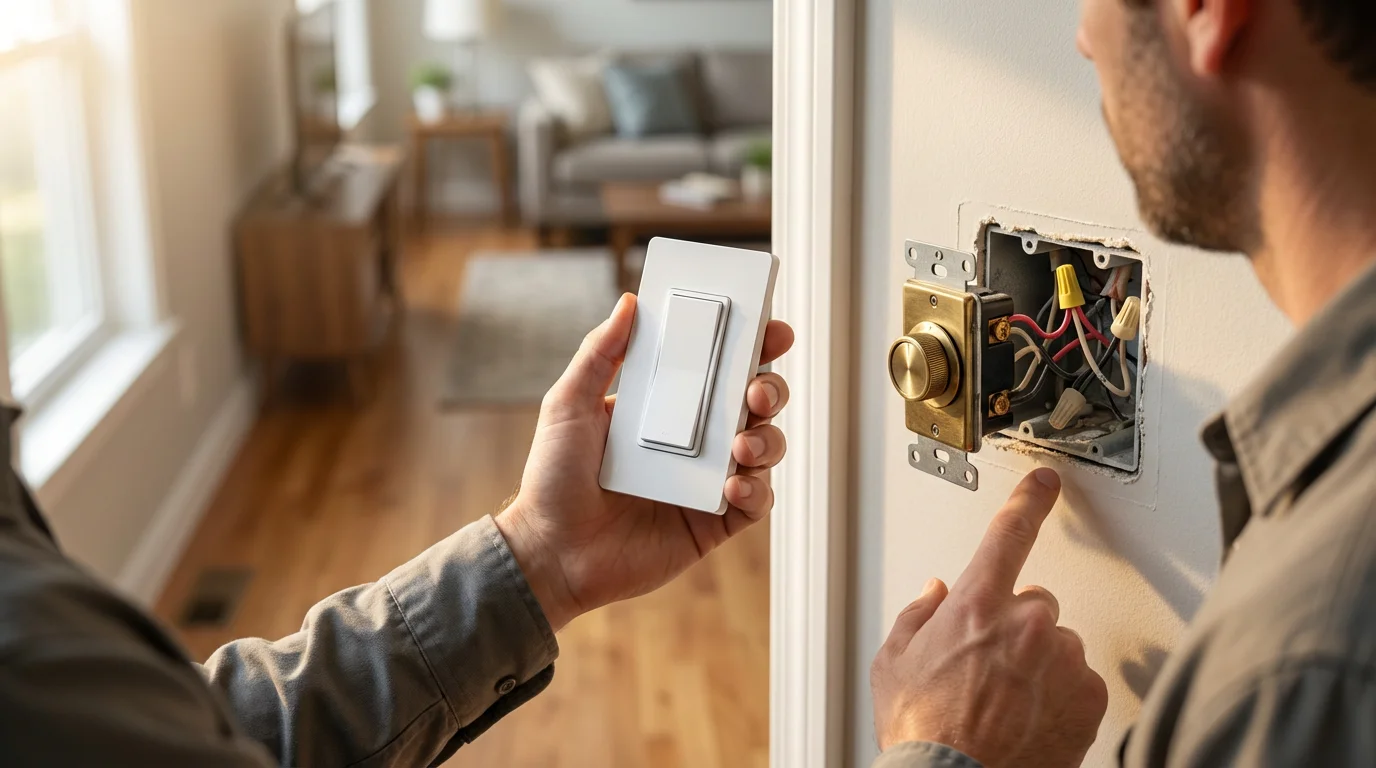
Many smart dimmer switches require a neutral wire in your electrical box for power. This wire provides a continuous power source for the smart switch’s internal electronics. Older homes often lack a neutral wire at the switch box, making installation more complex. If your switch box lacks a neutral wire, you need to find a smart dimmer specifically designed for “no neutral wire” installations or consult an electrician to run a neutral wire. You should also verify if your setup is single-pole, controlling lights from one location, or a 3-way/multi-way setup, where multiple switches control the same lights. Most smart dimmers offer solutions for both, but often require specific companion switches for multi-way setups.
Smart Home Protocols and Ecosystems
Smart dimmers communicate using various wireless protocols. Understanding these helps you choose devices that work together.
- Wi-Fi: Connects directly to your home Wi-Fi network, often without a separate hub. Examples include Kasa Smart by TP-Link and Wyze. You typically control these through the manufacturer’s app.
- Zigbee: Requires a Zigbee hub (like Philips Hue Bridge or SmartThings) to communicate with your network. It creates a mesh network, extending range and improving reliability.
- Z-Wave: Similar to Zigbee, Z-Wave also uses a mesh network and requires a Z-Wave hub. It operates on a different radio frequency, often experiencing less interference.
- Matter: The new industry-wide standard aims to simplify smart home compatibility. Matter-certified devices work together regardless of brand or protocol. It offers improved interoperability for your entire smart home. According to the Connectivity Standards Alliance, Matter devices connect and operate across various platforms.
Ensure the smart dimmer switch you select is compatible with your existing smart home hub or platform, such as Amazon Alexa, Google Home, or Apple HomeKit. This integration is essential for seamless control and automation.
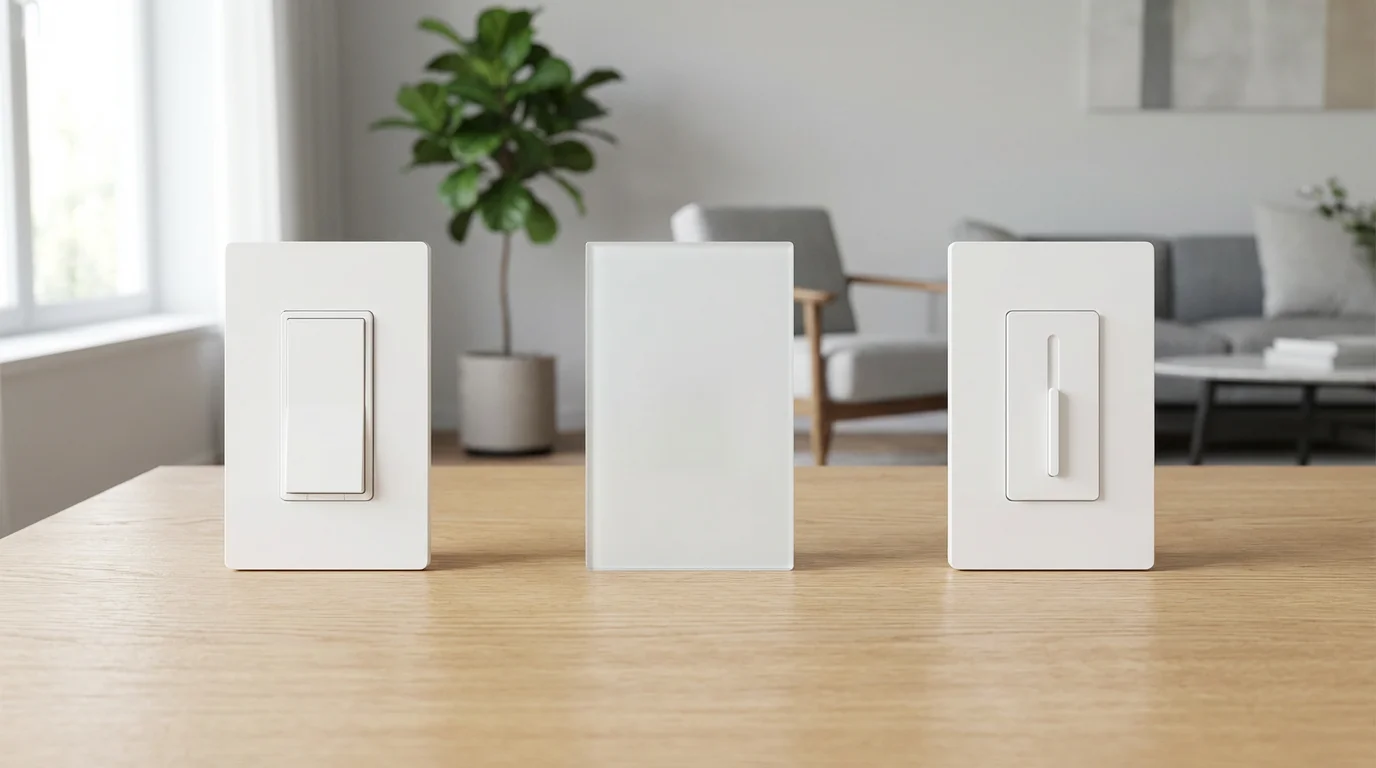
Choosing the Best Smart Dimmer Switches
Selecting the right smart dimmer switches involves balancing features, compatibility, ease of installation, and your budget. With many options available, focusing on your specific needs helps narrow the field. You want a solution that integrates well and performs reliably.
When making your decision, consider these factors:
- Compatibility: Does it work with your existing bulbs, especially your LED bulbs? Does it require a neutral wire, and do you have one? Is it compatible with your preferred smart home ecosystem and voice assistant?
- Features: Look for features like scheduling, scene creation, remote access, and local control (even without internet). Some models offer energy monitoring or adjustable dimming curves.
- Ease of Installation: Some smart dimmers are simpler to install than others. Check for clear instructions and support resources.
- Reliability and Performance: Read reviews to understand real-world performance, including dimming smoothness, responsiveness, and connectivity stability. Reputable brands generally offer more consistent experiences.
- Price: Smart dimmers range in price. Balance desired features with your budget, remembering that a higher initial investment often means better quality and more features.
Top Contenders in Smart Dimmer Switches
While specific models evolve, several brands consistently offer excellent smart dimmers for various needs.
- Lutron Caséta Wireless: Renowned for reliability and smooth dimming, especially with LED bulbs. It requires a Lutron Smart Bridge hub, but offers fantastic performance and HomeKit compatibility. Wirecutter praises its consistent performance, noting its robust connection and wide compatibility with dimmable bulbs, as detailed in their smart home reviews.
- Kasa Smart by TP-Link: A popular Wi-Fi option, known for ease of installation and hub-free operation. Kasa dimmers offer great value and integrate well with Alexa and Google Assistant. They are an excellent choice if you lack a neutral wire in some models.
- Leviton Decora Smart: Offers both Wi-Fi and Z-Wave options, providing broad compatibility and a sleek, traditional decorator look. Their devices are known for robust build quality and extensive dimming range.
- Philips Hue Wall Switch Module: This isn’t a full dimmer switch replacement, but a module that makes your existing dumb switch smart and controllable via the Hue ecosystem. It lets you use existing switches to control Hue bulbs, adding smart functionality without replacing the entire switch.
Remember to check current reviews and specifications, as technology evolves rapidly. According to CNET’s smart home product guides, assessing compatibility with your specific bulb types, particularly dimmable LEDs, is paramount for optimal performance.
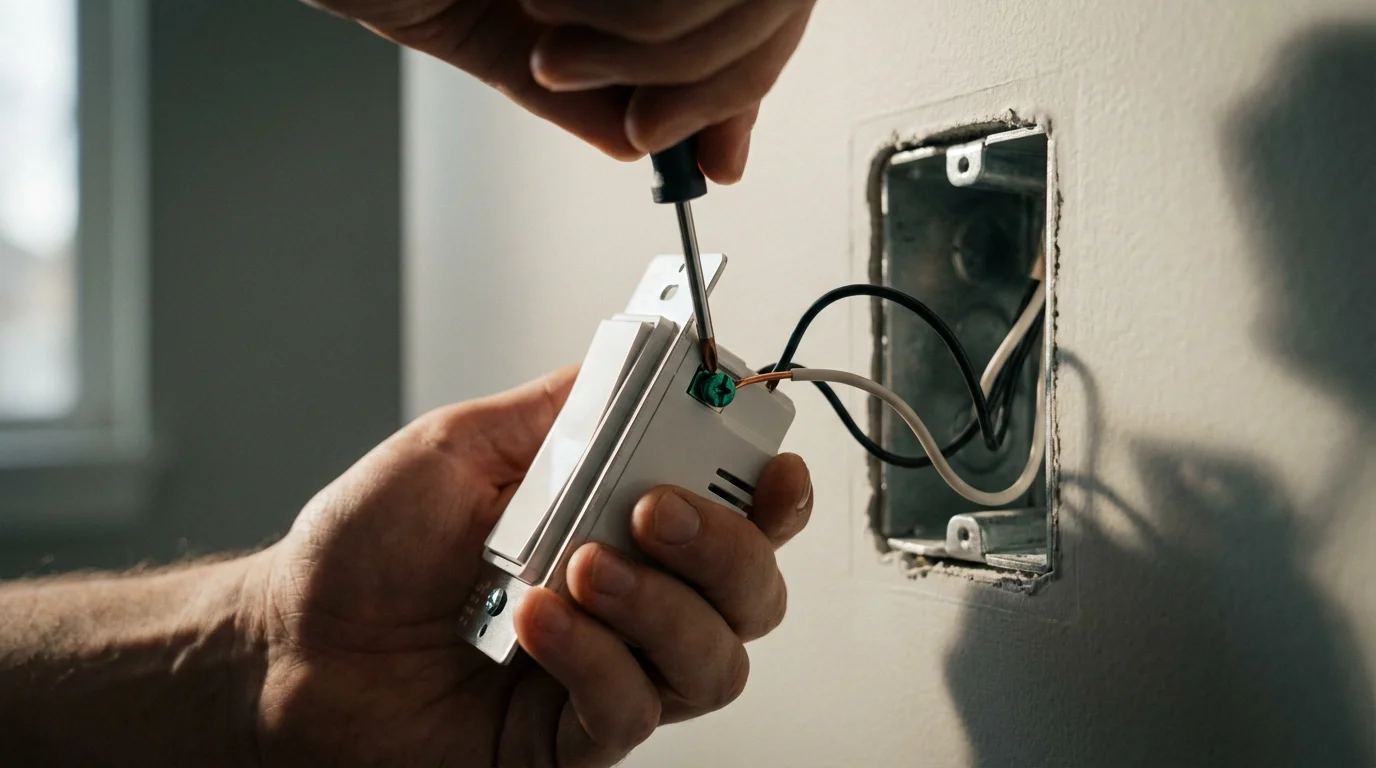
How to Install a Smart Dimmer Switch Step by Step
Installing a smart dimmer switch can be a straightforward DIY project if you have basic electrical knowledge. However, always prioritize safety. If you feel uncomfortable at any point, do not hesitate to call a licensed electrician. Electrical work carries inherent risks, and professional assistance ensures both safety and correct functionality.
Disclaimer: This guide provides general information. Always refer to your specific smart dimmer switch’s instruction manual for detailed, model-specific installation steps. Shut off power at the breaker before starting any electrical work.
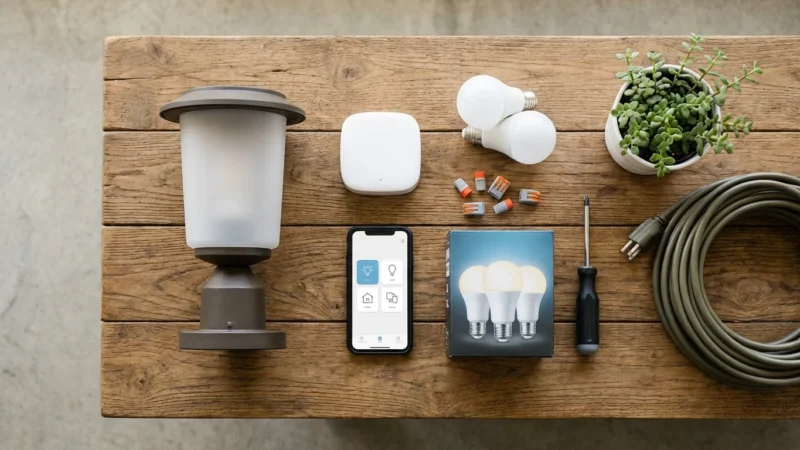
Tools You Will Need:
- Screwdrivers (Phillips and Flathead)
- Voltage tester (non-contact is recommended)
- Wire strippers
- Electrical tape
- New smart dimmer switch
Installation Steps:
- Turn Off Power: Locate your home’s electrical service panel (breaker box) and switch off the circuit breaker controlling the light switch you plan to replace. Test the switch with a light fixture to confirm the power is off. Using a non-contact voltage tester, verify no power exists in the switch box.
- Remove Old Switch: Unscrew the wall plate and then unscrew the existing switch from the electrical box. Carefully pull the old switch out, exposing the wires. Take a photo of the existing wiring configuration for reference.
- Identify Wires: You will typically see several wires.
- Line Wire (Hot): Brings power from the circuit breaker.
- Load Wire: Carries power to the light fixture.
- Neutral Wire: Completes the circuit, often white. (This is frequently missing in older homes.)
- Ground Wire: A bare copper or green wire, connecting to the electrical box or the switch’s ground screw.
- Traveler Wires: (Only in 3-way or 4-way setups) These wires connect multiple switches that control the same light fixture.
- Connect Smart Dimmer: Follow your smart dimmer’s specific wiring instructions. Generally, you will connect the wires from your wall box to the corresponding wires on the new smart dimmer switch. Use wire nuts to secure connections, ensuring no bare wire is exposed. Pay close attention to the neutral wire connection if your dimmer requires one.
- Mount New Switch: Gently fold the wires back into the electrical box. Screw the new smart dimmer switch into place.
- Install Wall Plate and Restore Power: Attach the new wall plate. Return to your breaker box and turn the power back on.
- Configure with App: Follow the manufacturer’s instructions to connect your new smart dimmer to your home Wi-Fi network or smart home hub. This usually involves downloading an app, creating an account, and pairing the device.
“When dealing with electrical wiring, precision and safety are paramount. Always verify the power is off, and if in doubt, consult a licensed electrician.”
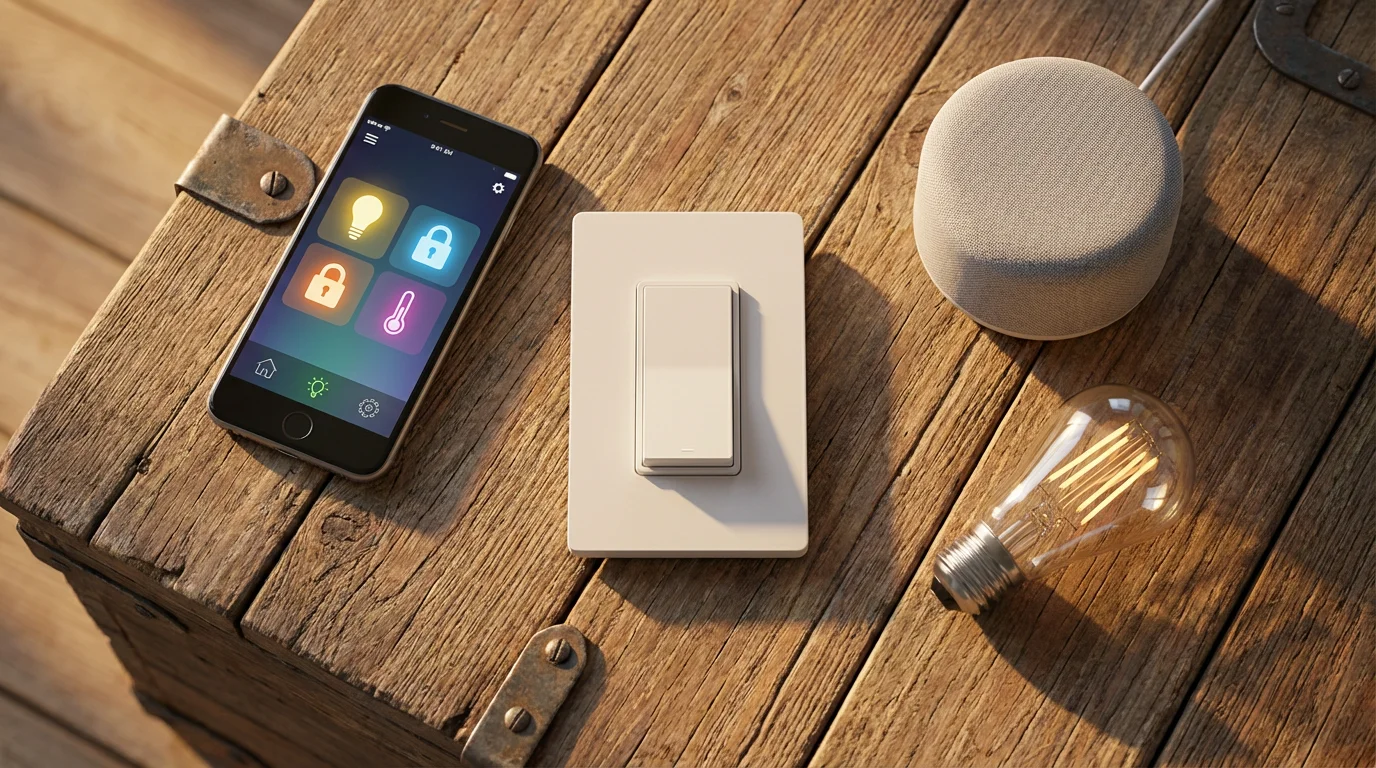
Advanced Smart Dimmer Automation and Integration
Once you install your smart dimmer switches, you unlock a powerful suite of automation possibilities that go far beyond simple on/off control. You can create a truly responsive and intelligent lighting environment tailored to your lifestyle. Leveraging these advanced features enhances convenience, energy efficiency, and security.
Smart Lighting Schedules and Routines
Create schedules that adapt to your daily life.
- Sunrise/Sunset Automation: Program your lights to gradually dim on at sunset and fade off at sunrise, adjusting automatically with seasonal changes. Your home naturally brightens and darkens with the day.
- Timed Routines: Set specific times for lights to adjust. For example, lights in the kitchen could brighten to 80 percent at 7:00 AM for breakfast prep, then dim to 30 percent at 10:00 PM for winding down.
- Away Mode: As mentioned, simulate occupancy by having lights randomly turn on and off while you are away, enhancing home security.
Integration with Motion and Contact Sensors
Link your smart dimmers with other smart home devices for intelligent, responsive lighting.
- Entryway Lighting: When a door contact sensor detects you opening the front door, the entryway lights can automatically turn on to 50 percent brightness.
- Bathroom/Hallway Lighting: Use a motion sensor to trigger lights in frequently used areas. For example, bathroom lights turn on at a low level during the night, then turn off after a few minutes of no motion.
- Garage Lights: Integrate with your garage door opener to have lights turn on when you arrive home.
Voice Assistant Integration
Control your lighting with simple voice commands through Amazon Alexa, Google Assistant, or Apple HomeKit.
- “Hey Google, set the dining room lights to 75 percent.”
- “Alexa, dim the bedroom lights.”
- “Siri, turn off all the lights downstairs.”
This hands-free control offers ultimate convenience, especially when your hands are full.
Scene Creation and Ambiance Control
Create custom lighting scenes for different activities or moods.
- Movie Night: Dims living room lights to 20 percent and turns off overhead lights.
- Dinner Party: Sets dining room lights to a warm 70 percent and accent lights to 40 percent.
- Reading Mode: Brightens a specific lamp to 100 percent while dimming others.
These scenes transform your home’s atmosphere with a single tap or voice command.
Color Temperature and Circadian Rhythm Lighting (with compatible bulbs/fixtures)
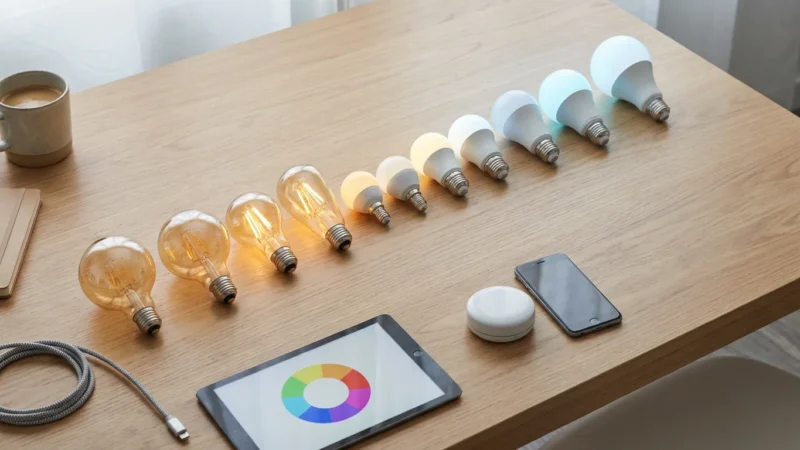
While smart dimmers primarily control brightness, some advanced systems integrate with color-tunable smart bulbs or fixtures. This allows you to adjust not only brightness but also the color temperature of your lights. You can align your lighting with your body’s natural circadian rhythm. Warmer, dimmer lights in the evening promote relaxation, while cooler, brighter lights in the morning boost alertness. This feature requires compatible bulbs connected to a system that the dimmer can control, or smart bulbs in the fixture connected to a non-smart dimmer switch.
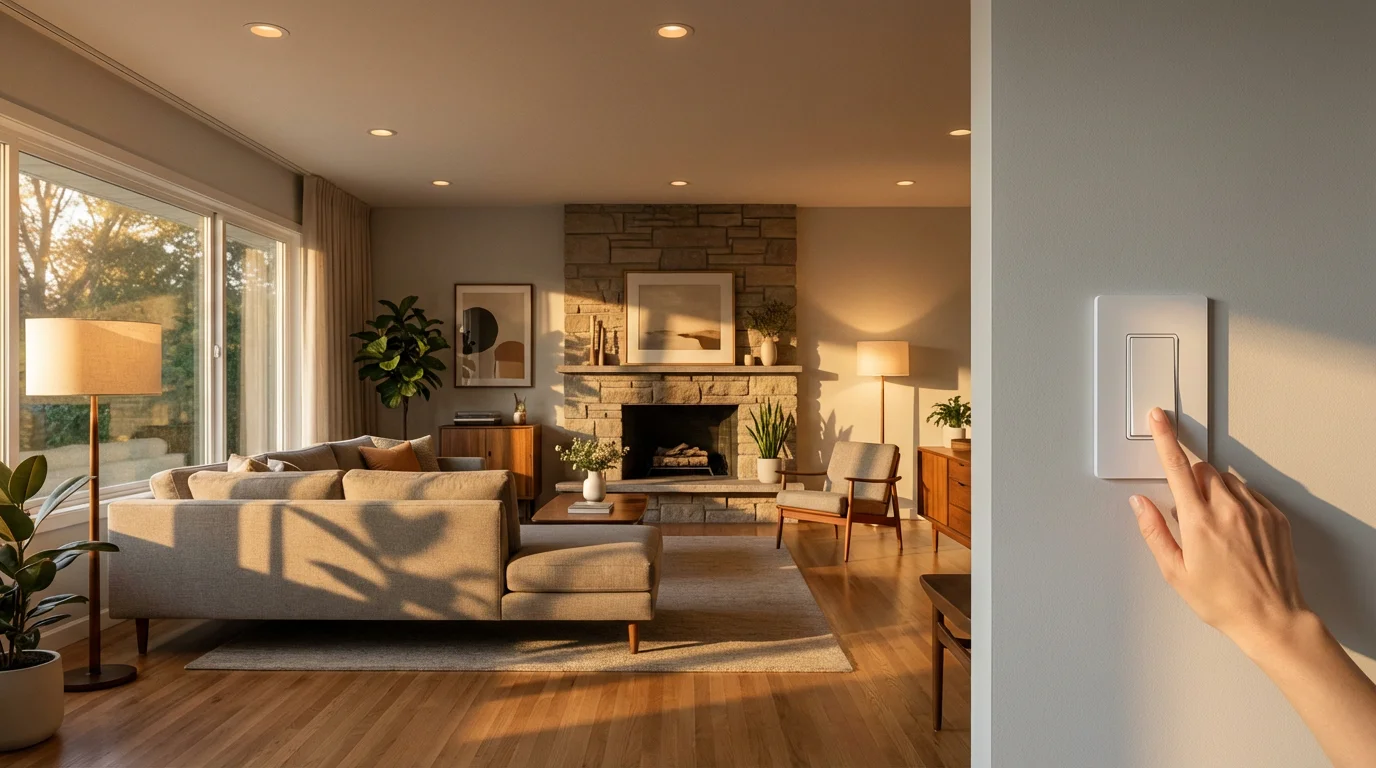
Troubleshooting Common Smart Dimmer Issues
Even with the best smart dimmer switches, you might encounter occasional issues. Addressing these problems often involves simple troubleshooting steps. You can resolve most common glitches with a methodical approach.
- Flickering Lights:
- Check Bulb Compatibility: Ensure your bulbs are dimmable LEDs or incandescents. Non-dimmable bulbs will flicker or fail.
- Minimum Load Requirements: Some dimmers have a minimum wattage requirement. If you have very few low-wattage LED bulbs, the load might be too low, causing flicker. Try adding another dimmable bulb to the circuit.
- Dimmer Compatibility: Your smart dimmer might not be fully compatible with your specific brand or type of LED bulb. Consult the dimmer’s compatibility list.
- Wiring Issues: Loose connections can cause flickering. Ensure all wires are securely fastened in the switch box.
- Connectivity Problems:
- Wi-Fi Signal: Poor Wi-Fi signal strength at the switch location can lead to connectivity drops. Consider a Wi-Fi extender or moving your router.
- Router Overload: Too many devices on your Wi-Fi network can cause issues. Your router might struggle to manage everything.
- Restart Devices: Try restarting your smart dimmer (via the app or by cycling power at the breaker), your router, and your smart home hub. This often resolves temporary glitches.
- Firmware Updates: Ensure your dimmer’s firmware is up to date through its companion app. Updates often fix bugs and improve performance.
- Dimming Range Limitations:
- Some dimmers have adjustable trim settings to fine-tune the minimum and maximum brightness levels for specific bulbs. Consult your dimmer’s manual for these settings.
- Not all bulbs can dim to 1 percent. You might simply be reaching the bulb’s inherent dimming limit.
- App Setup Issues:
- Correct Network: Ensure your phone is connected to the same 2.4 GHz Wi-Fi network (many smart devices do not support 5 GHz) during initial setup.
- Reset Switch: Perform a factory reset on the smart dimmer (check the manual for instructions) and try the setup process again.
- Proximity: During setup, keep your phone close to the smart dimmer.
Maintaining Your Smart Lighting System
Proper maintenance ensures your smart dimmer switches and overall lighting system operate efficiently and reliably for years to come. A little proactive attention goes a long way in preventing future issues. You maintain optimal performance and extend the lifespan of your smart home investments.
- Firmware Updates: Regularly check for and install firmware updates for your smart dimmers and smart home hub. Manufacturers release updates to fix bugs, improve performance, and add new features. You keep your devices secure and functioning optimally.
- Bulb Health: Replace dimmable bulbs as they burn out. Using non-dimmable or incompatible bulbs can stress your smart dimmer. Ensure new bulbs meet the dimmer’s specifications.
- Network Stability: Maintain a strong and stable Wi-Fi network. Weak signals can cause connectivity issues for your smart dimmers. Periodically restart your router and consider a mesh Wi-Fi system if you have a large home. You ensure seamless communication across your devices.
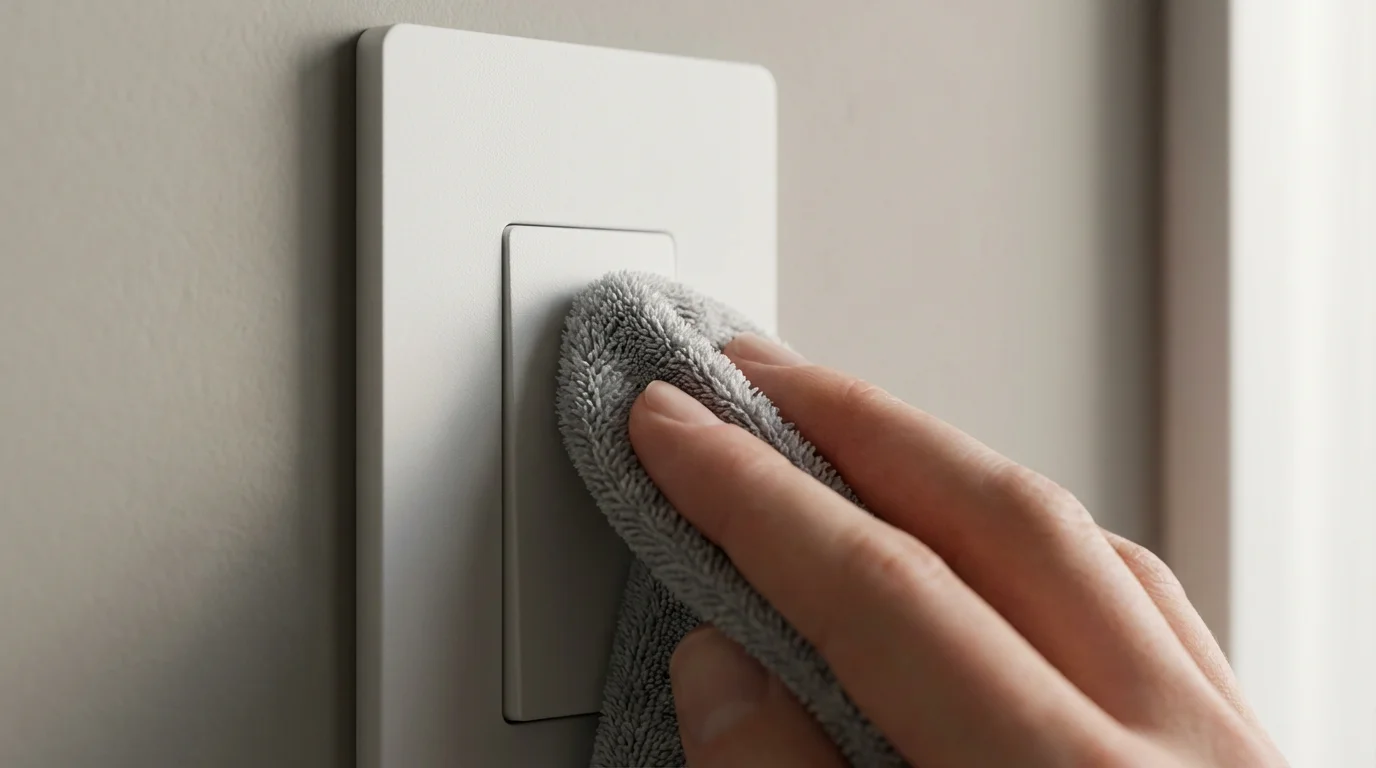
- Cleanliness: Keep the faceplates of your smart dimmers clean. Dust and grime can sometimes interfere with touch-sensitive controls or aesthetics.
- Review Automations: Periodically review your lighting schedules and automations. Your needs might change, or you might find ways to optimize energy usage or convenience further. You ensure your smart home adapts to your evolving lifestyle.
Frequently Asked Questions
Can I use any LED bulb with a smart dimmer switch?
No, you cannot use just any LED bulb. You must use LED bulbs specifically labeled as “dimmable.” Non-dimmable LEDs will often flicker, buzz, or not dim properly when connected to a smart dimmer switch. Always check the bulb packaging for dimmability.
Do smart dimmer switches save energy?
Yes, smart dimmer switches save energy. Dimming lights reduces the power consumed by the bulbs, directly lowering your electricity usage. Additionally, many smart dimmers allow for scheduling and automation, ensuring lights are only on when needed, further contributing to energy savings.
Do I need a hub for smart dimmer switches?
It depends on the specific smart dimmer switch and its communication protocol. Wi-Fi smart dimmers often connect directly to your home Wi-Fi network without a separate hub. Zigbee or Z-Wave smart dimmers typically require a compatible hub (like a SmartThings hub or Philips Hue Bridge) to function and integrate with your smart home ecosystem. Matter-certified devices aim for broader compatibility, often reducing the need for brand-specific hubs.
What if I do not have a neutral wire?
Many older homes lack a neutral wire in the switch box, which is often required by smart dimmer switches for power. If you lack a neutral wire, you have two options: purchase a smart dimmer specifically designed for “no neutral wire” installations, or consult a licensed electrician to run a neutral wire to the switch box. Using a switch without a neutral wire if one is required will prevent it from working.
Are smart dimmer switches compatible with 3-way lighting setups?
Yes, many smart dimmer switches are compatible with 3-way (or multi-way) lighting setups, where two or more switches control the same light fixture. However, you typically cannot simply replace both switches with smart dimmers. Often, you install one smart dimmer switch and a companion switch or remote at the other locations. Always check the manufacturer’s instructions for specific guidance on 3-way wiring.
Disclaimer: This article is for informational purposes only. Smart home devices involve electrical connections and data privacy. Always follow manufacturer instructions for installation. For complex wiring or HVAC work, consult a licensed professional.


Leave a Reply