
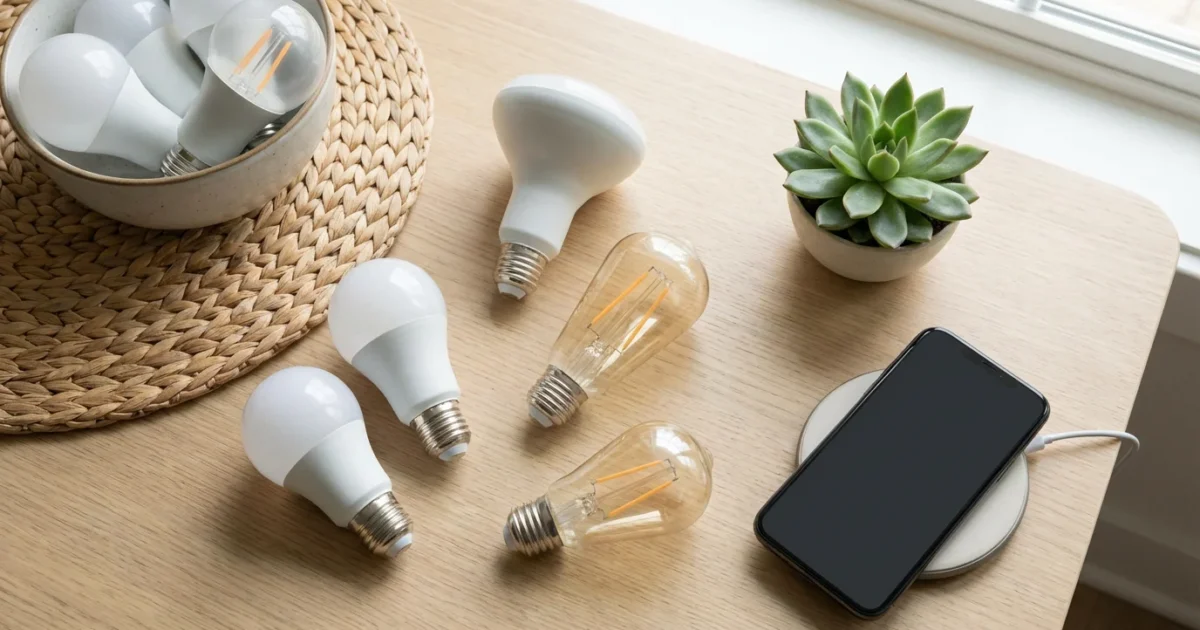
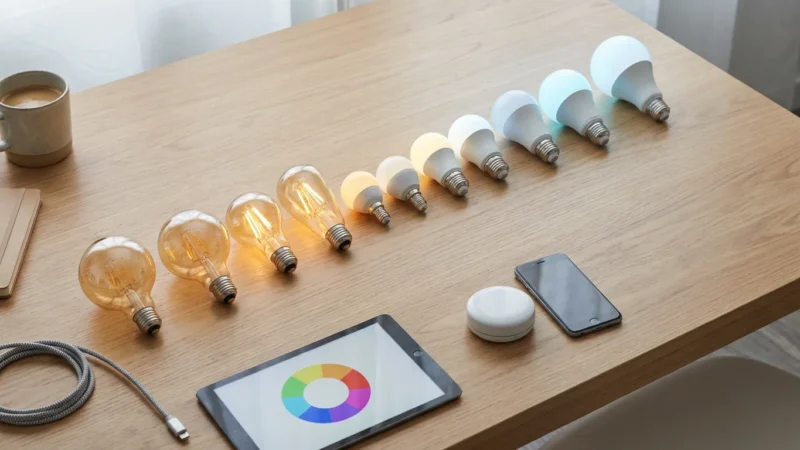
Homeowners increasingly seek ways to modernize their living spaces, save energy, improve security, or simply add convenience through technology. Smart bulbs offer an accessible entry point into smart home automation, transforming how you illuminate your home. While many smart lighting systems rely on a central hub to function, a growing number of options allow you to connect directly to your home’s Wi-Fi network. These standalone lights simplify setup and often reduce initial costs, making smart lighting more attainable for everyone. You can enjoy personalized lighting experiences, scheduled routines, and voice control without extra hardware cluttering your space. This guide explores the best smart bulbs that do not need a hub, explaining how they work and helping you choose the right options for your home.
Why Choose Smart Bulbs Without a Hub?
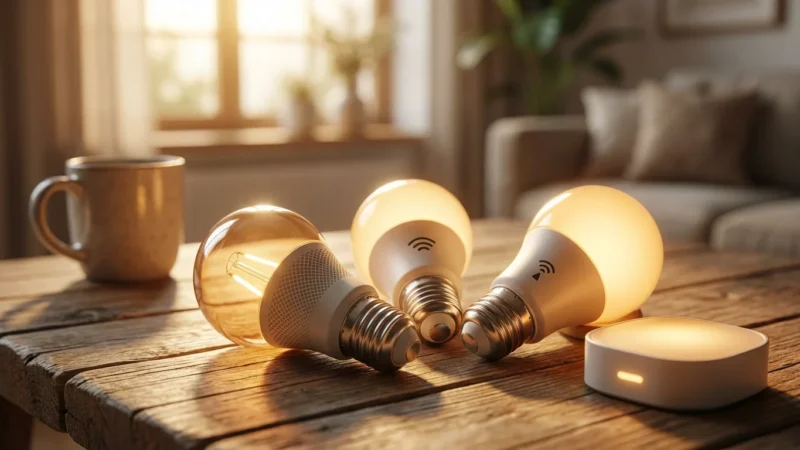
Many smart home devices require a central hub or bridge to connect and communicate with each other. This often adds complexity and cost to your setup. No hub smart bulbs, also known as WiFi bulbs or standalone lights, bypass this requirement entirely. They connect directly to your home’s existing Wi-Fi network.
Choosing smart bulbs that do not need a hub offers several compelling advantages. You save money by eliminating the need for an expensive hub. You also simplify installation significantly, as you only screw in the bulb and connect it via an app. This makes them ideal for renters or those just beginning their smart home journey.
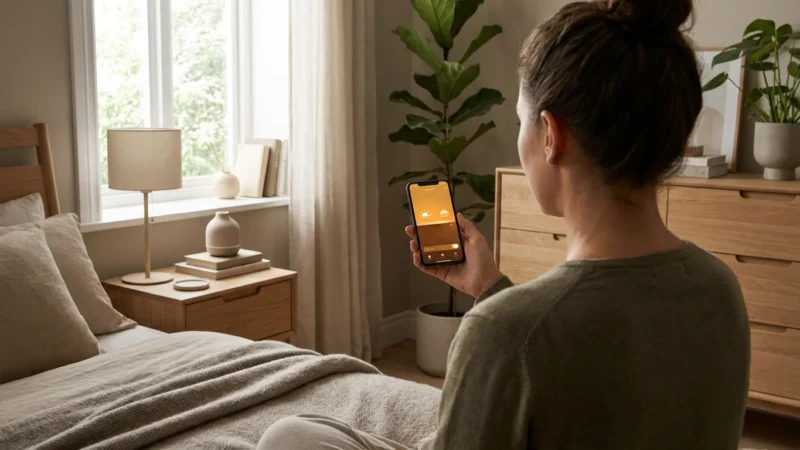
These standalone lights provide immediate convenience and control. You manage them directly from your smartphone, setting schedules, adjusting brightness, or changing colors from anywhere with an internet connection. This accessibility makes modernizing your home lighting both practical and straightforward.
Understanding How WiFi Smart Bulbs Work
WiFi smart bulbs integrate a small Wi-Fi chip directly into the bulb’s hardware. This chip allows the bulb to communicate with your home’s Wi-Fi router. Once connected to your network, you control the bulb using a dedicated smartphone application provided by the manufacturer. The app sends commands through your Wi-Fi network to the bulb.
This direct connection provides several key benefits. It simplifies the setup process, as you do not need to install additional hardware. It also offers direct cloud control, meaning you can manage your lights even when you are away from home. Most WiFi bulbs also integrate with popular voice assistants like Amazon Alexa or Google Assistant, enabling hands-free control.
Consider your home Wi-Fi network’s capacity. Each Wi-Fi bulb consumes an IP address and bandwidth, similar to any other connected device. If you plan to install many smart bulbs, ensure your router can handle the increased load. You typically find these devices operate on the 2.4 GHz band, which offers greater range than 5 GHz, beneficial for devices spread throughout your home.
Top WiFi Smart Bulb Recommendations
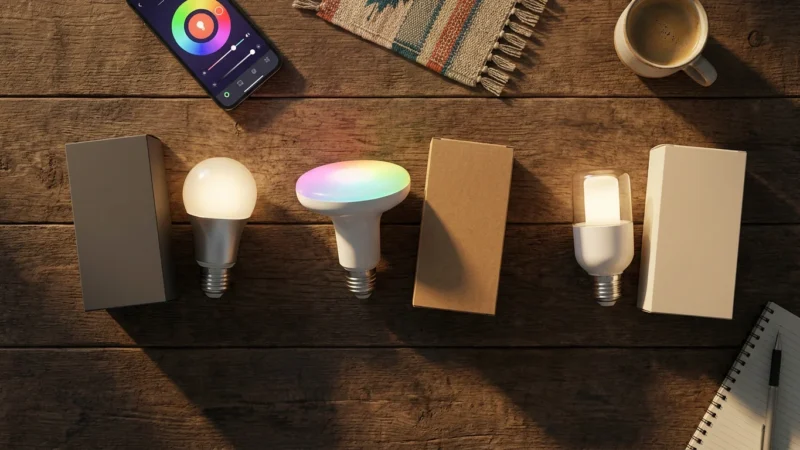
The market offers an array of excellent no hub smart bulbs, each with unique features and ecosystem compatibility. Your choice depends on your budget, desired features, and existing smart home ecosystem. Here are some of the best smart bulbs that do not need a hub.
TP-Link Kasa Smart Bulbs
TP-Link Kasa smart bulbs offer a robust and affordable entry into no-hub smart lighting. They connect directly to your Wi-Fi network, providing reliable control through the Kasa Smart app. You can easily adjust brightness, set color temperatures, and create custom schedules. Kasa bulbs are known for their ease of installation and strong integration with Amazon Alexa and Google Assistant.
Key Features:
- Affordability: Excellent value for money.
- Reliability: Consistent performance and connectivity.
- Ecosystem: Integrates well with other Kasa smart home devices like plugs and cameras.
- Variety: Available in white tunable, color changing, and filament styles.
Kasa bulbs are an excellent choice for users seeking a straightforward, dependable, and cost-effective smart lighting solution without a hub.
Wyze Bulbs
Wyze established itself as a leader in budget-friendly smart home devices, and their smart bulbs are no exception. Wyze bulbs connect directly to your Wi-Fi network and integrate seamlessly into the Wyze ecosystem, which includes cameras, plugs, and more. They offer a simple setup process and are very competitive on price.
Key Features:
- Ultra-Affordable: One of the most budget-friendly options available.
- Wyze Ecosystem: Works flawlessly with other Wyze devices, creating a unified experience.
- Simplicity: Easy to set up and manage through the Wyze app.
- Voice Control: Compatible with Alexa and Google Assistant.
If you are building a smart home on a budget or already use Wyze products, their smart bulbs are a compelling option for standalone lights.
LIFX Bulbs
LIFX bulbs stand out for their vibrant colors, exceptional brightness, and premium build quality. While generally more expensive than Kasa or Wyze, LIFX delivers a superior lighting experience. They connect directly to your Wi-Fi network, offering deep color customization and advanced effects through the LIFX app. Many tech reviewers, including those at CNET, consistently praise LIFX for its vivid color reproduction and brightness.
Key Features:
- Vibrant Colors: Industry-leading color accuracy and saturation.
- High Brightness: Often brighter than competing smart bulbs.
- Advanced Features: Music visualization, scene effects, and custom color palettes.
- Robust Connectivity: Strong Wi-Fi performance for reliable control.
LIFX bulbs are perfect for users who prioritize lighting quality, rich colors, and dynamic effects, and who do not mind investing a bit more for a premium product.
Cree Lighting Connected Max Smart Bulbs
Cree Lighting offers another solid option for WiFi bulbs that do not require a separate hub. Their Connected Max line provides a straightforward smart lighting solution at a reasonable price point. These bulbs are easy to install and connect directly to your Wi-Fi network via the Cree Lighting app. They provide tunable white and full-color options, offering good versatility for everyday use.
Key Features:
- Energy Efficient: Cree Lighting emphasizes energy savings with their LED technology.
- Good Value: A competitive price point for reliable smart functionality.
- Simple Setup: Connects quickly and easily to your Wi-Fi network.
- Voice Assistant Support: Works with Amazon Alexa and Google Assistant.
Cree Lighting Connected Max bulbs are a practical choice for those seeking energy-efficient, reliable, and easy-to-use no hub smart bulbs.
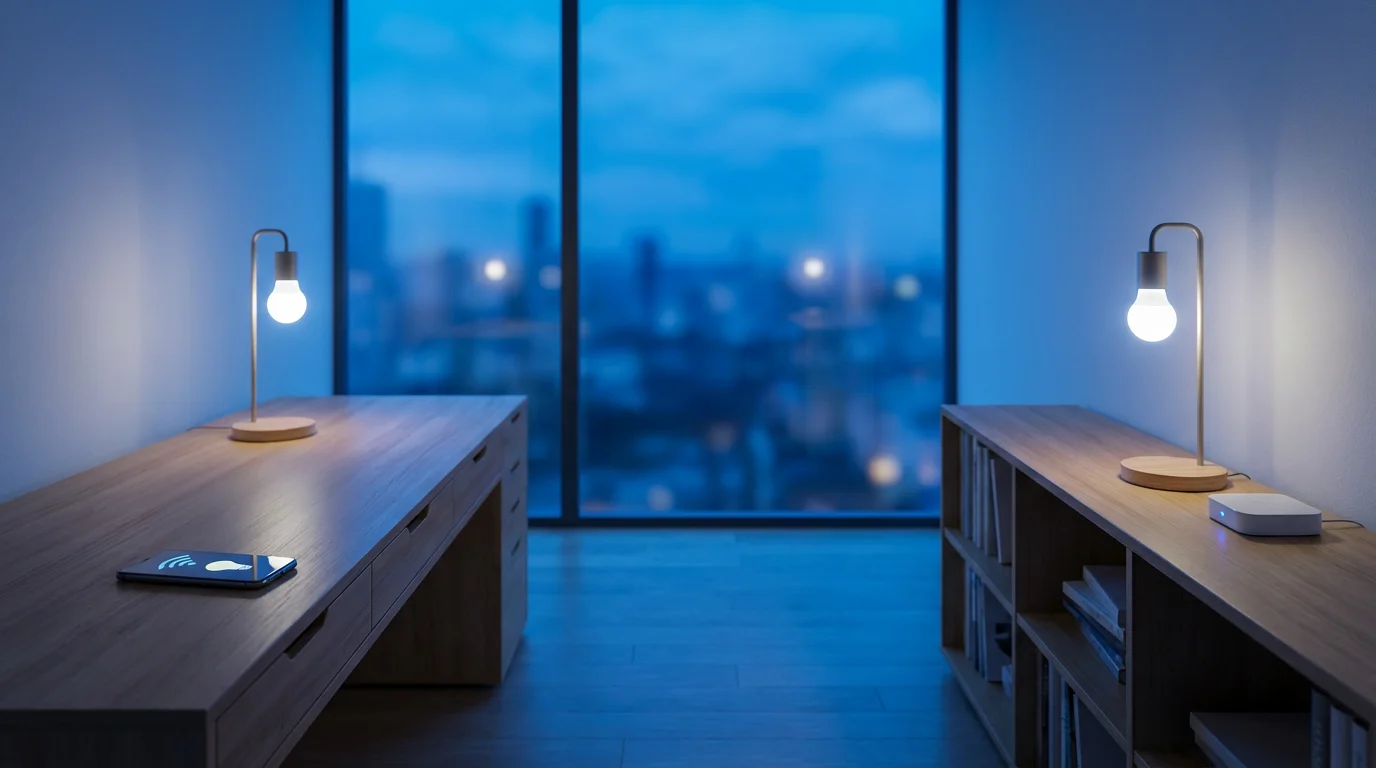
WiFi Smart Bulbs Versus Hub-Based Systems
Understanding the differences between WiFi smart bulbs and hub-based smart lighting systems helps you make an informed decision for your home. Both approaches offer unique advantages and disadvantages. This comparison addresses the seed keyword “WiFi smart bulbs vs hub bulbs” directly.
WiFi Smart Bulbs (No Hub):
- Simplicity: You only need the bulbs and your home Wi-Fi. Setup is often quicker and less complicated.
- Cost-Effective: Eliminates the upfront cost of a dedicated hub.
- Scalability: Easy to add a few bulbs as needed without significant infrastructure changes.
- Direct Control: Manage individual bulbs directly from your phone app.
- Potential Drawbacks:
- Can strain your Wi-Fi network with many devices.
- May have slightly slower response times depending on network congestion.
- Limited interoperability with non-Wi-Fi smart devices outside of voice assistant integrations.
- Security concerns are tied directly to your Wi-Fi network’s security.
Hub-Based Smart Bulbs (e.g., Philips Hue with Zigbee hub):
- Dedicated Network: Hubs create a separate, robust mesh network (often Zigbee or Z-Wave). This offloads traffic from your Wi-Fi.
- Enhanced Reliability: Mesh networks ensure stable communication, even with many devices.
- Greater Range: Each bulb acts as a repeater, extending the network’s reach.
- Wider Interoperability: Hubs often bridge different communication protocols, allowing devices from various brands to work together more easily. The new Matter standard aims to improve this across all devices, as documented by the CSA-IoT.
- Advanced Automation: Hubs typically offer more sophisticated automation and scene creation capabilities.
- Potential Drawbacks:
- Higher initial cost due to the hub purchase.
- Requires an extra piece of hardware connected to your router.
- More complex initial setup.
- Dependency on the hub for all functionality.
Consider your current smart home setup and future expansion plans. For a few smart lights and basic automation, no hub smart bulbs are an excellent, straightforward choice. If you envision a comprehensive smart home with dozens of devices and complex integrations, a hub-based system might offer more long-term stability and functionality.
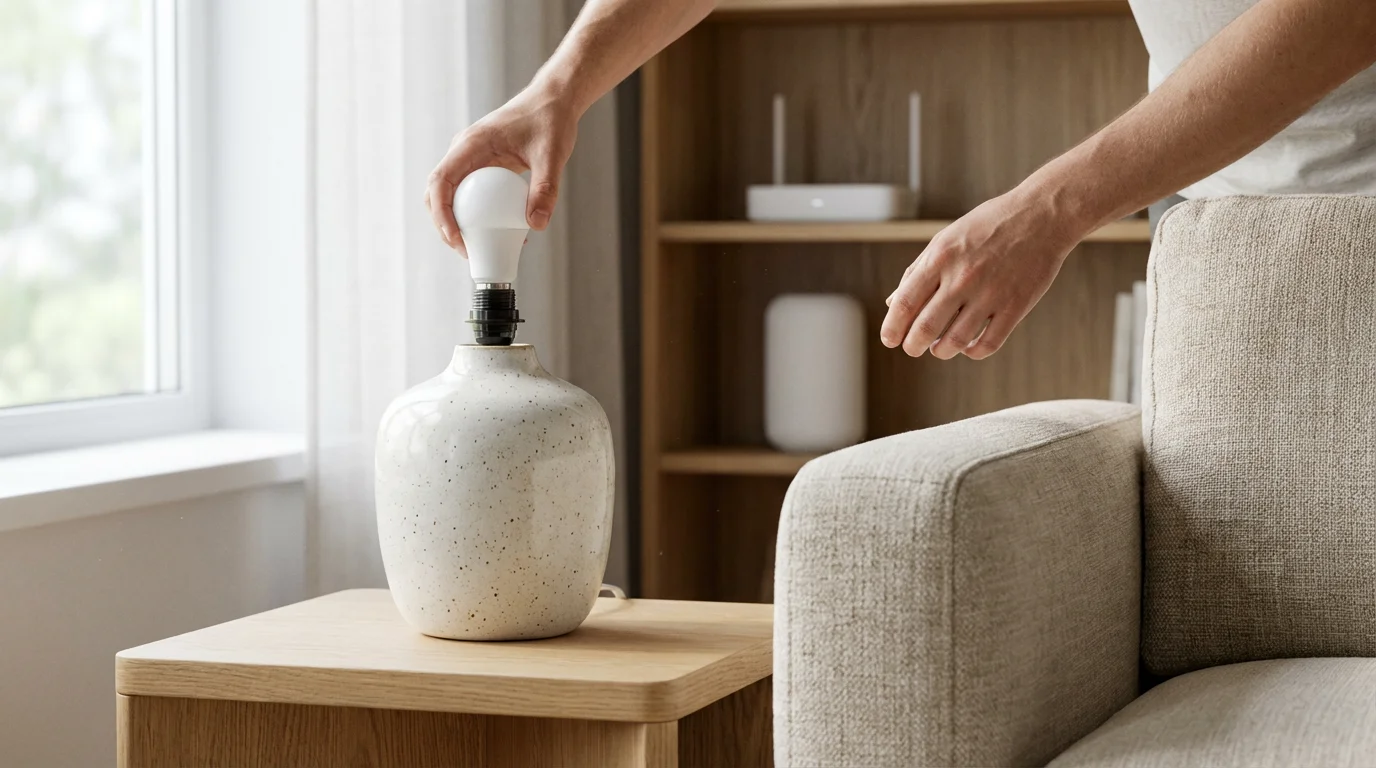
Setting Up Your Standalone Smart Lights
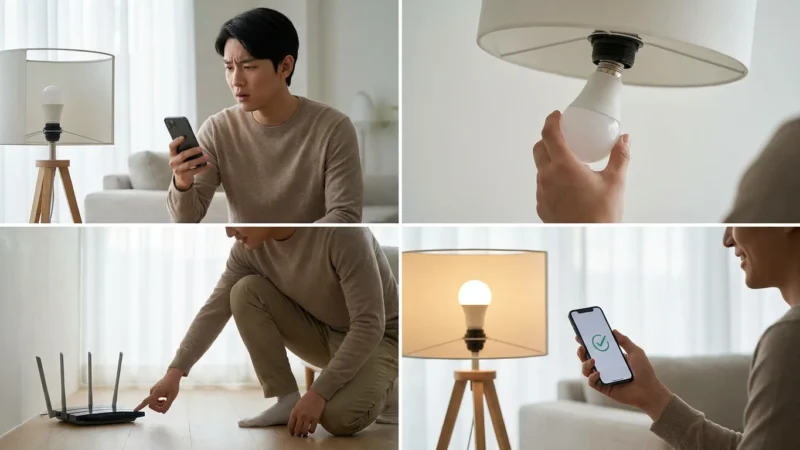
Installing and setting up your no hub smart bulbs is a relatively simple process. You can typically complete the entire setup in just a few minutes. Here are the actionable steps to get your standalone lights up and running:
- Download the Manufacturer’s App: Search for the specific brand’s app (e.g., Kasa Smart, Wyze, LIFX) in your smartphone’s app store. Download and install it.
- Create an Account: Open the app and follow the prompts to create a user account. This typically involves providing an email address and creating a password.
- Screw in the Bulb: Turn off the light fixture’s power switch. Screw the smart bulb into any standard E26 or E27 socket. Ensure it fits securely.
- Turn On the Power: Flip the light switch back on. The smart bulb will usually flash or pulse, indicating it is in pairing mode.
- Start Pairing in the App: Open the app, navigate to “Add Device” or a similar option. Select your specific bulb type from the list.
- Connect to Wi-Fi: The app will guide you to connect the bulb to your home’s 2.4 GHz Wi-Fi network. You will enter your Wi-Fi password. Many apps use Bluetooth during the initial pairing to find the bulb quickly, then switch to Wi-Fi for control.
- Name Your Bulb: Once connected, give your bulb a descriptive name (e.g., “Living Room Lamp,” “Kitchen Overhead”). This helps with organization and voice control.
- Test Control: Use the app to turn the light on and off, adjust brightness, or change colors.
If you encounter issues, ensure your Wi-Fi router is within range and that you are connecting to a 2.4 GHz network. Most smart bulbs do not support 5 GHz Wi-Fi directly. Always consult the specific bulb’s user manual for detailed troubleshooting tips.
Advanced Automation with No-Hub Bulbs
While simple on/off control is convenient, no hub smart bulbs unlock a world of advanced automation possibilities. These automations enhance convenience, save energy, and improve your home’s ambiance. You integrate these with voice assistants or other smart home devices.
Here are practical examples of advanced automation:
- Scheduled Lighting: Set your lights to turn on automatically at sunset and off at sunrise. You can program them to gradually brighten in the morning, simulating a natural sunrise, or dim gradually at night for a relaxing wind-down routine. This creates a more natural circadian rhythm in your home.
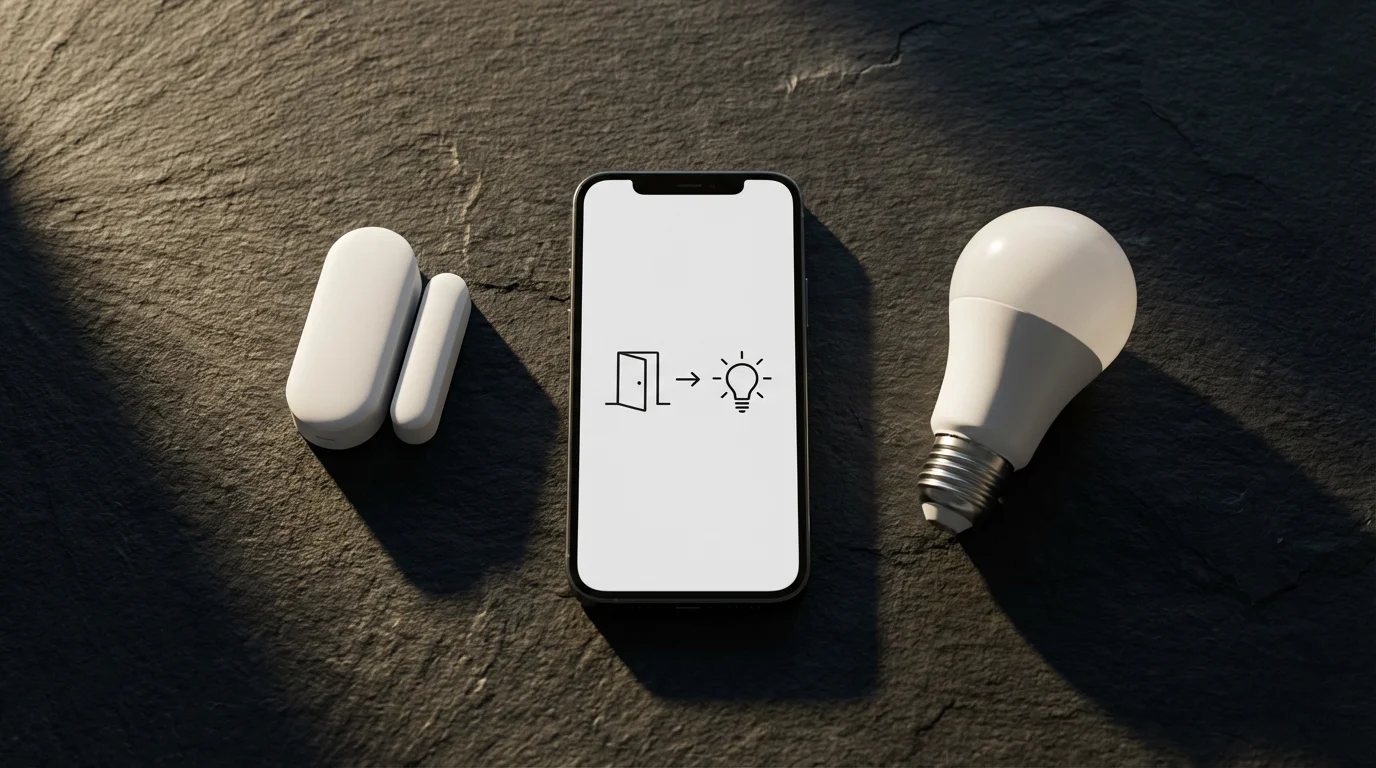
- Motion-Activated Lighting: Pair your no hub smart bulbs with a compatible motion sensor or a smart camera with motion detection. Your entryway light can turn on when you open the door, or a pantry light illuminates only when you step inside. This provides hands-free convenience and acts as a security deterrent.
- Voice Control Integration: Connect your bulbs to Amazon Alexa or Google Assistant. You can then use voice commands such as “Alexa, turn on the kitchen lights” or “Hey Google, set the living room to warm white.” This offers effortless control, especially when your hands are full.
- “Away” Mode: Program your lights to randomly turn on and off throughout the evening when you are away from home. This gives the appearance that someone is home, deterring potential intruders and enhancing security.
- Mood Lighting Scenes: Create custom scenes for different activities. A “Movie Night” scene might dim the lights to 30% and set them to a warm amber. A “Reading” scene could brighten a specific lamp to a cool white. You activate these scenes with a single tap or voice command.
Many smart bulb apps allow you to create “if-then” rules. For example, “if the front door opens after 6 PM, then turn on the entryway light.” Explore your chosen bulb’s app for its full range of automation capabilities.
PCMag’s smart home experts often emphasize that “the best smart home is the one you do not have to manage.” Automation delivers this promise, allowing your devices to work in the background, anticipating your needs.

Maximizing Your Smart Lighting Experience
To truly elevate your smart home, consider these tips for getting the most out of your no hub smart bulbs. These strategies go beyond basic functionality and help you create a smarter, more efficient living space.
Color Temperature and Circadian Rhythm Lighting:
- Warm White for Evenings: Use warmer color temperatures (2700K-3000K) in the evenings to promote relaxation and prepare your body for sleep. Many bulbs offer a “warm dim” feature that mimics incandescent lights.
- Cool White for Productivity: Opt for cooler, brighter whites (4000K-5000K) during the day, particularly in workspaces or kitchens. These simulate natural daylight, boosting alertness and concentration.
- Automate Color Shifts: Set schedules to automatically transition your lights from cool white in the morning to warm white in the evening. This supports your natural circadian rhythm, improving sleep quality and daytime energy levels.
Light Strips and Accent Lighting Ideas:
- Under Cabinet Lighting: Install LED light strips under kitchen cabinets for ambient light or task lighting. You can change colors for mood or use bright white for cooking.
- TV Backlighting: Apply light strips behind your television for bias lighting. This reduces eye strain and enhances the perceived contrast of your screen, creating an immersive entertainment experience.
- Shelf and Furniture Accents: Use light strips to highlight bookshelves, shelving units, or the underside of beds. This adds a modern, decorative touch and creates depth in a room.
- Outdoor Ambiance: Weather-rated light strips can illuminate patios, decks, or pathways, setting the mood for outdoor gatherings or providing subtle security lighting.
Experiment with different colors and brightness levels to find what works best for your activities and mood. Smart lighting offers immense flexibility to personalize your environment.
Troubleshooting Common WiFi Smart Bulb Issues
Even the most reliable no hub smart bulbs can encounter occasional issues. Most problems stem from network connectivity. Addressing these common challenges helps you maintain a seamless smart lighting experience.
Connectivity Problems:
- Check Wi-Fi Band: Ensure your router is broadcasting a 2.4 GHz network, and your bulb is connected to it. Many smart bulbs do not support 5 GHz Wi-Fi.
- Router Proximity: Move the bulb closer to your Wi-Fi router, or consider a Wi-Fi extender if the signal is weak in certain areas.
- Network Congestion: Too many devices on your 2.4 GHz network can cause issues. Temporarily disconnect other devices or try switching them to a 5 GHz network if possible.
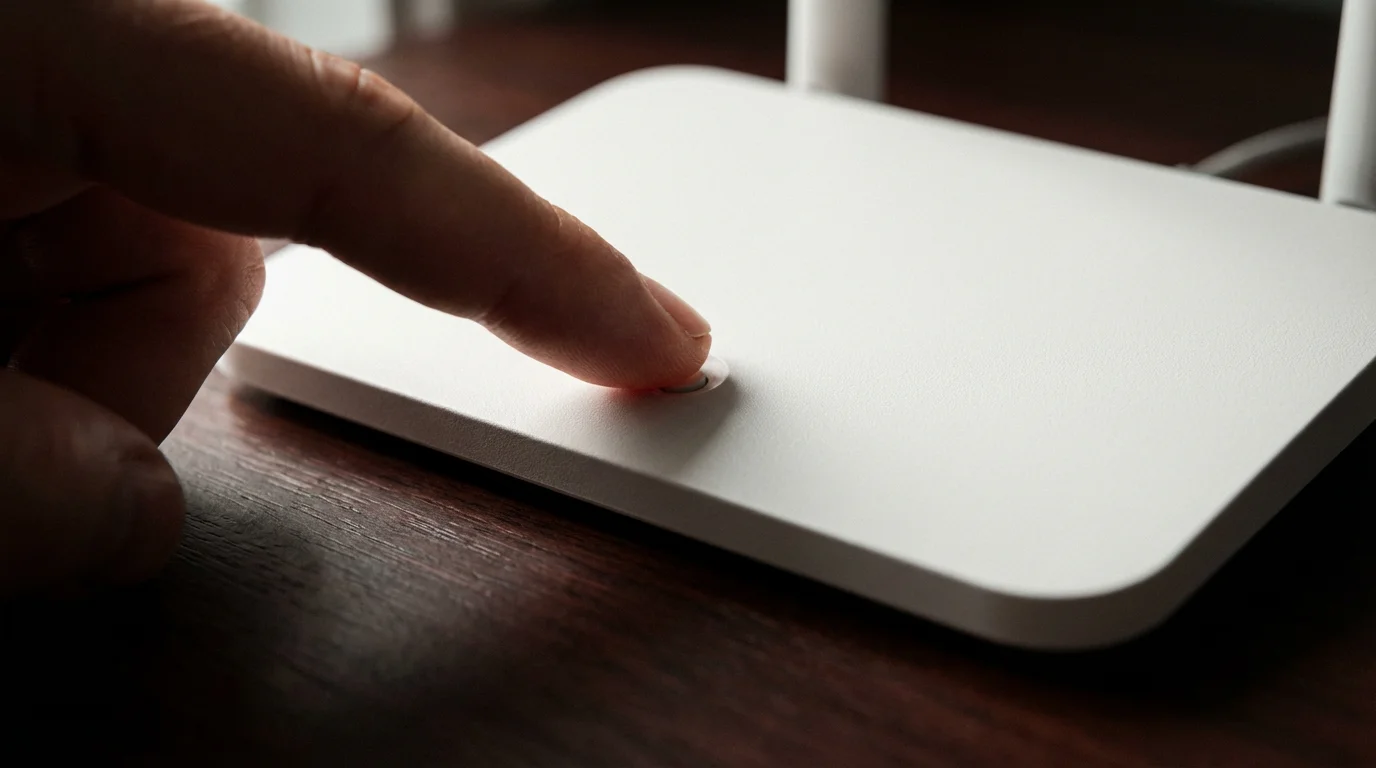
- Router Reboot: Sometimes, simply restarting your Wi-Fi router and modem resolves connectivity glitches.
Bulb Not Pairing:
- Reset the Bulb: Most smart bulbs have a specific reset sequence, usually involving turning the light switch on and off a certain number of times. Refer to your bulb’s manual for the exact steps.
- App Permissions: Ensure your smartphone app has the necessary permissions, such as location services, to discover and connect to new devices.
- Temporary Power Cycle: Turn off the light switch for 30 seconds, then turn it back on. This can clear temporary errors.
Voice Control Not Working:
- Linking Accounts: Verify that your smart bulb manufacturer’s account is correctly linked to your Amazon Alexa or Google Home account within their respective apps.
- Device Discovery: Ask your voice assistant to “discover devices” after making changes or adding new bulbs.
- Naming Conflicts: Ensure your bulb names are unique and easy for the voice assistant to understand. Avoid similar-sounding names for different lights.
If problems persist, consult the manufacturer’s support documentation or contact their customer service. They often provide specific solutions for their products.
Frequently Asked Questions
Do all smart bulbs require a hub?
No, not all smart bulbs require a hub. Many modern smart bulbs, often referred to as WiFi bulbs or standalone lights, connect directly to your home’s existing Wi-Fi network. Brands like TP-Link Kasa, Wyze, and LIFX are popular examples of no hub smart bulbs. You control them directly through a smartphone app or voice assistant.
What is the difference between WiFi smart bulbs and hub-based bulbs?
WiFi smart bulbs connect directly to your home’s Wi-Fi router, requiring no additional hardware. Hub-based bulbs, like most Philips Hue products, connect to a dedicated hub that creates a separate mesh network, typically Zigbee. Hub-based systems often offer greater range and more complex automations, while WiFi bulbs prioritize simplicity and lower initial cost.
Are no hub smart bulbs compatible with voice assistants?
Yes, most no hub smart bulbs are compatible with popular voice assistants such as Amazon Alexa and Google Assistant. You link your smart bulb manufacturer’s account to your voice assistant account, then control your lights using simple voice commands. This provides convenient, hands-free operation.
Can I use no hub smart bulbs outdoors?
You can use no hub smart bulbs outdoors only if they are specifically rated for outdoor use. Look for an IP (Ingress Protection) rating that indicates resistance to water and dust. Most standard indoor smart bulbs are not designed to withstand outdoor elements and using them inappropriately can be unsafe or damage the bulb.
Do no hub smart bulbs use a lot of Wi-Fi bandwidth?
While each no hub smart bulb connects to your Wi-Fi network, they typically consume very little bandwidth during normal operation. They communicate small data packets for commands and status updates. However, having a very large number of smart devices on a single 2.4 GHz network can sometimes lead to network congestion, potentially slowing down other devices or causing intermittent connectivity.
Disclaimer: This article is for informational purposes only. Smart home devices involve electrical connections and data privacy. Always follow manufacturer instructions for installation. For complex wiring or HVAC work, consult a licensed professional.

Leave a Reply