
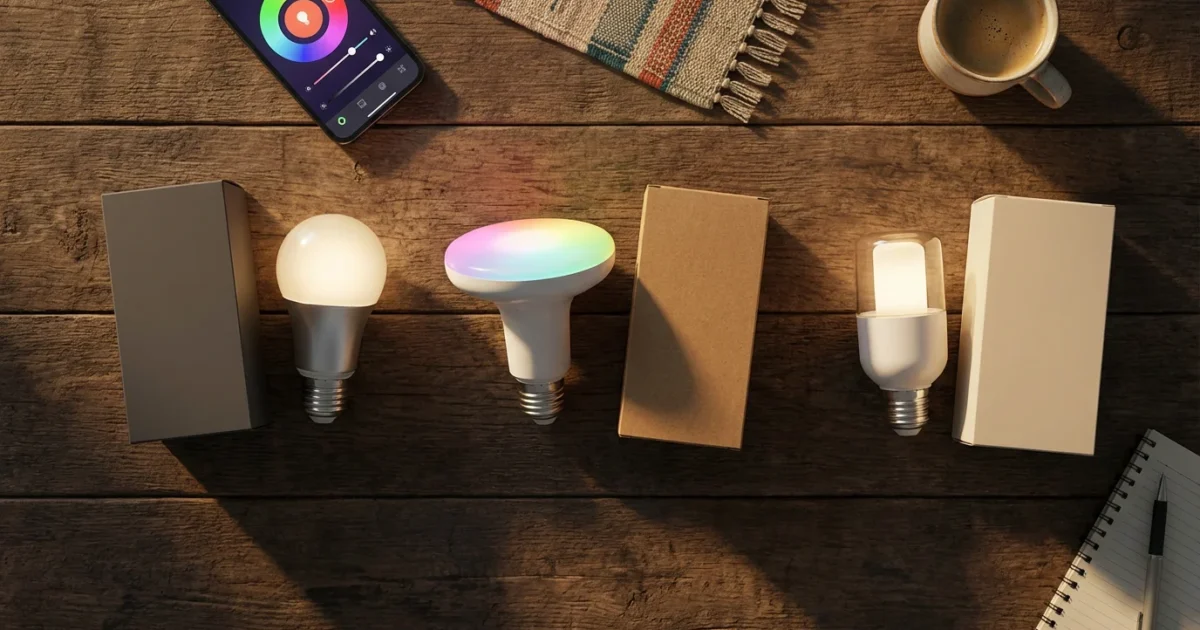
Modernizing your home often starts with smart lighting. These intelligent bulbs offer more than just illumination. They provide convenience, energy savings, enhanced security, and the ability to transform your living spaces with a spectrum of colors and tunable whites. However, with many brands competing for your attention, choosing the right smart bulb system feels daunting.
This guide compares three leading smart bulb brands: Philips Hue, LIFX, and Wyze. You will gain practical insights into their features, ecosystems, and ideal use cases. This comparison helps you decide which brand best fits your home and budget, moving you closer to building a smarter, more efficient living space.

Why Smart Bulbs Transform Your Home
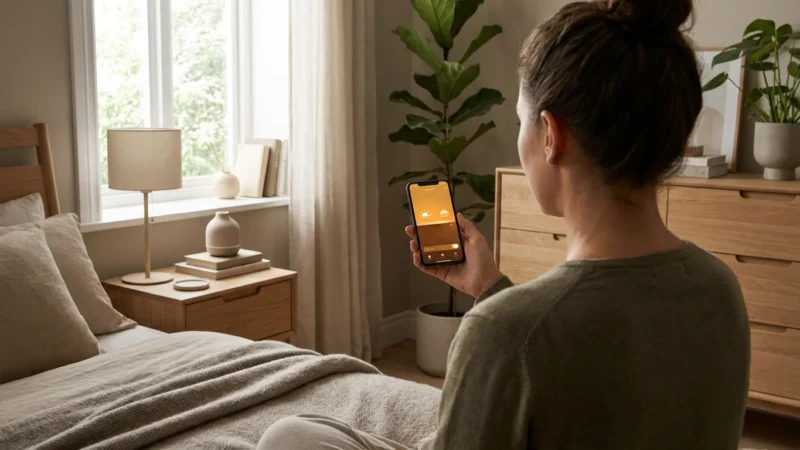
Smart bulbs offer a foundational entry point into home automation. They replace traditional bulbs, providing immediate control over your lighting through an app or voice commands. You unlock features like scheduling, dimming, and color changes that standard bulbs cannot offer.
Beyond convenience, smart lighting contributes to significant energy savings. You can automate lights to turn off when a room is empty or dim them during certain hours. This active management reduces your electricity consumption and lowers utility bills. Smart bulbs also enhance your home’s security, allowing you to simulate occupancy when you are away.
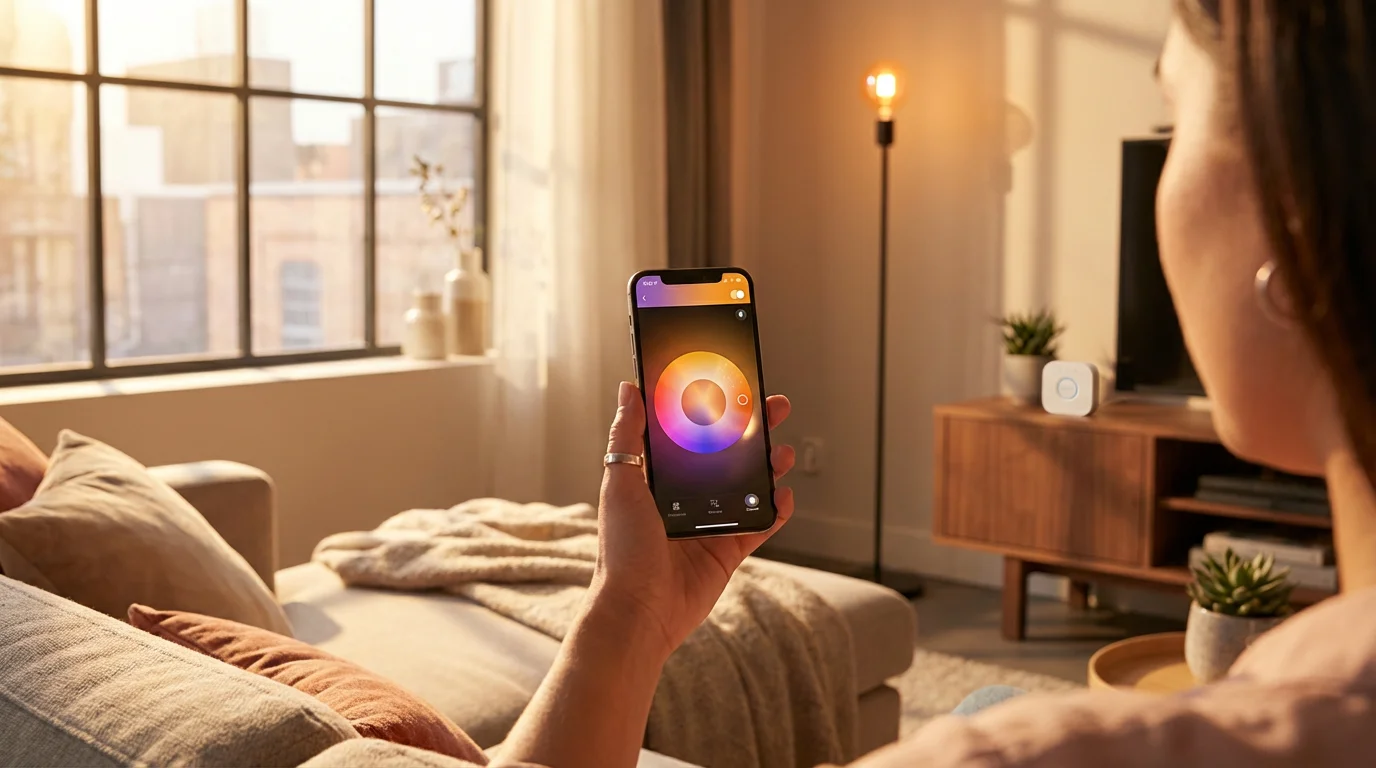
Philips Hue: The Premium Ecosystem Leader
Philips Hue stands as a leader in the smart lighting market. It offers a comprehensive ecosystem of bulbs, light strips, lamps, and accessories. This brand defines reliability and extensive integration, making it a top choice for many homeowners.
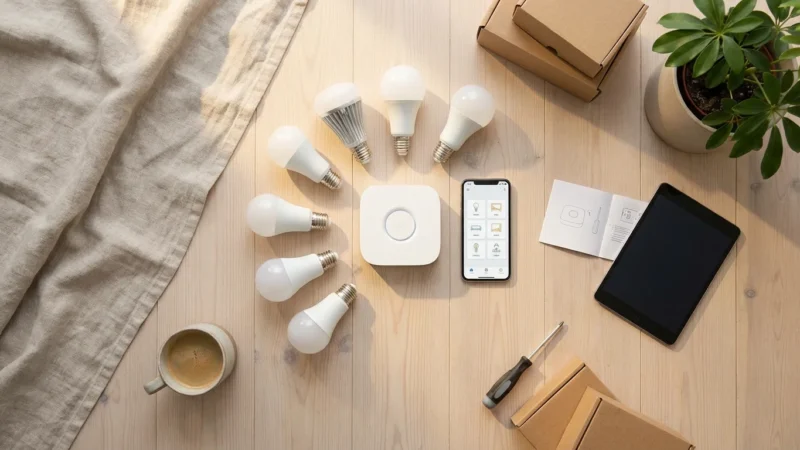
The core of the Philips Hue experience is the Hue Bridge. This small device connects to your router and communicates with your bulbs using Zigbee, a mesh networking protocol. The Bridge ensures robust connectivity and allows for many bulbs across a wide area without straining your Wi-Fi network. While an initial investment, the Bridge unlocks advanced features and integrations.
Pros of Philips Hue
- Robust Ecosystem: Hue offers an unparalleled range of products from standard bulbs to outdoor lighting, light strips, and entertainment systems.
- Reliability: Zigbee connectivity via the Hue Bridge provides a very stable and responsive network for your lights.
- Excellent Third-Party Integration: Hue works seamlessly with nearly every major smart home platform, including Apple HomeKit, Amazon Alexa, Google Home, and Samsung SmartThings. It also supports Matter, ensuring future compatibility.
- High-Quality Light: Hue bulbs are known for their consistent brightness, accurate color reproduction, and wide range of tunable white temperatures.
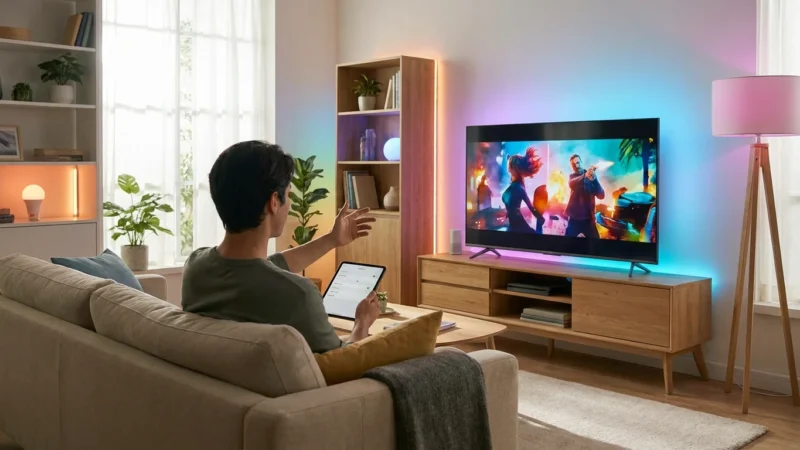
- Entertainment Sync: Features like Hue Sync allow your lights to react to games, movies, and music, creating immersive experiences.
Cons of Philips Hue
- Higher Cost: Philips Hue products typically come with a premium price tag compared to other brands.
- Hub Required: You need the Hue Bridge for full functionality, which adds to the initial setup cost and complexity.
- Learning Curve: While user-friendly, setting up complex automations and zones can take some time to master.
Philips Hue excels for those building a whole-home smart lighting system. Its reliability and vast product range justify the higher investment for users who prioritize performance and extensive automation capabilities.
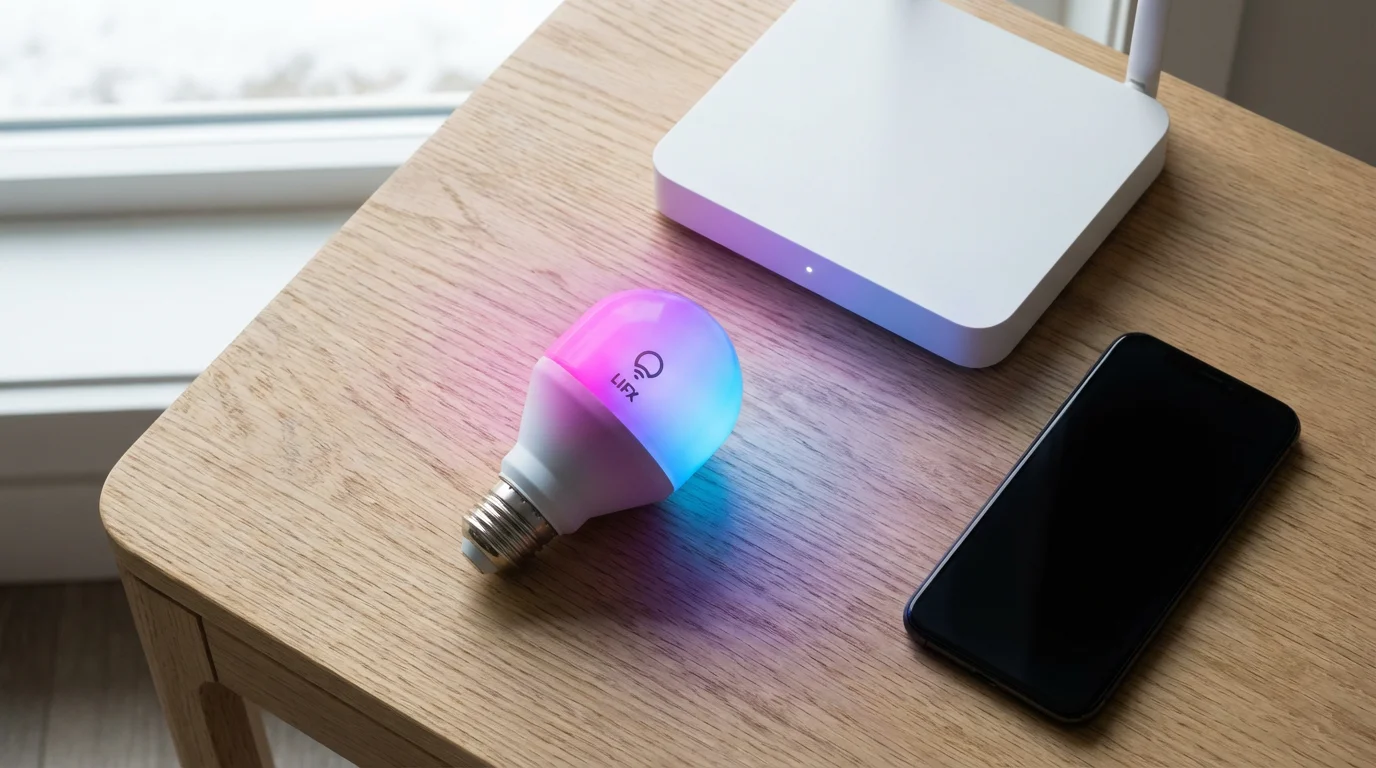
LIFX: Bright Colors, Hub-Free Convenience
LIFX bulbs distinguish themselves with their vibrant colors and impressive brightness. Unlike Philips Hue, LIFX bulbs connect directly to your home Wi-Fi network. This eliminates the need for a separate hub, offering a simpler entry point into smart lighting for some users.
LIFX focuses on delivering a powerful lighting experience from individual bulbs. Their proprietary color mixing technology produces deep, rich hues and bright, clean whites. You will appreciate the intensity of light, especially for accent lighting or creating dramatic room ambiance.
Pros of LIFX
- Extremely Bright and Vibrant Colors: LIFX bulbs are among the brightest smart bulbs available, offering vivid colors and high lumen output.
- No Hub Required: Direct Wi-Fi connection simplifies setup and reduces initial costs.
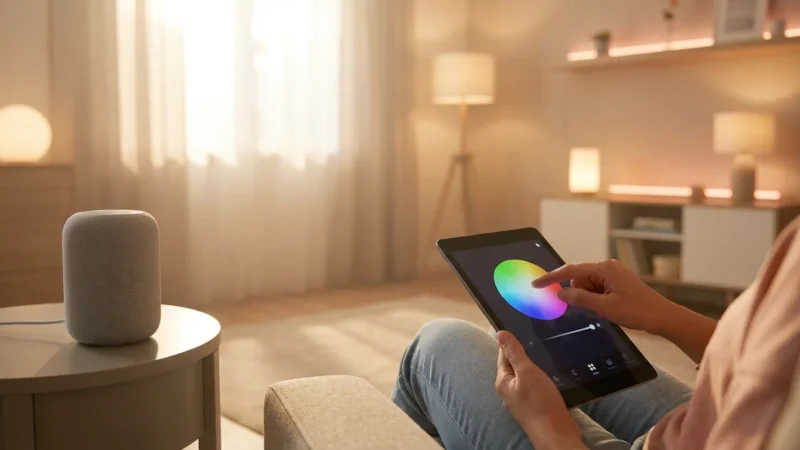
- Rich Feature Set: The LIFX app provides advanced control options, including paint features, effects like candle flicker, and intuitive color temperature adjustments.
- Excellent Color Accuracy: Known for producing true-to-life colors and a broad spectrum of whites.
Cons of LIFX
- Higher Price Point: Individual LIFX bulbs are often more expensive than comparable Wyze or even some Hue bulbs.
- Wi-Fi Network Strain: A large number of Wi-Fi-connected bulbs can potentially congest your home network, leading to slower speeds or connectivity issues.
- Larger Physical Size: Some LIFX bulbs are slightly larger than standard bulbs, which may pose fitting challenges in certain fixtures.
- Fewer Accessories: The LIFX ecosystem is less expansive than Hue’s, focusing primarily on bulbs and light strips.
LIFX appeals to users prioritizing maximum brightness and intense color without the need for a dedicated hub. If you want to make a statement with your lighting in specific rooms or areas, LIFX offers powerful performance.
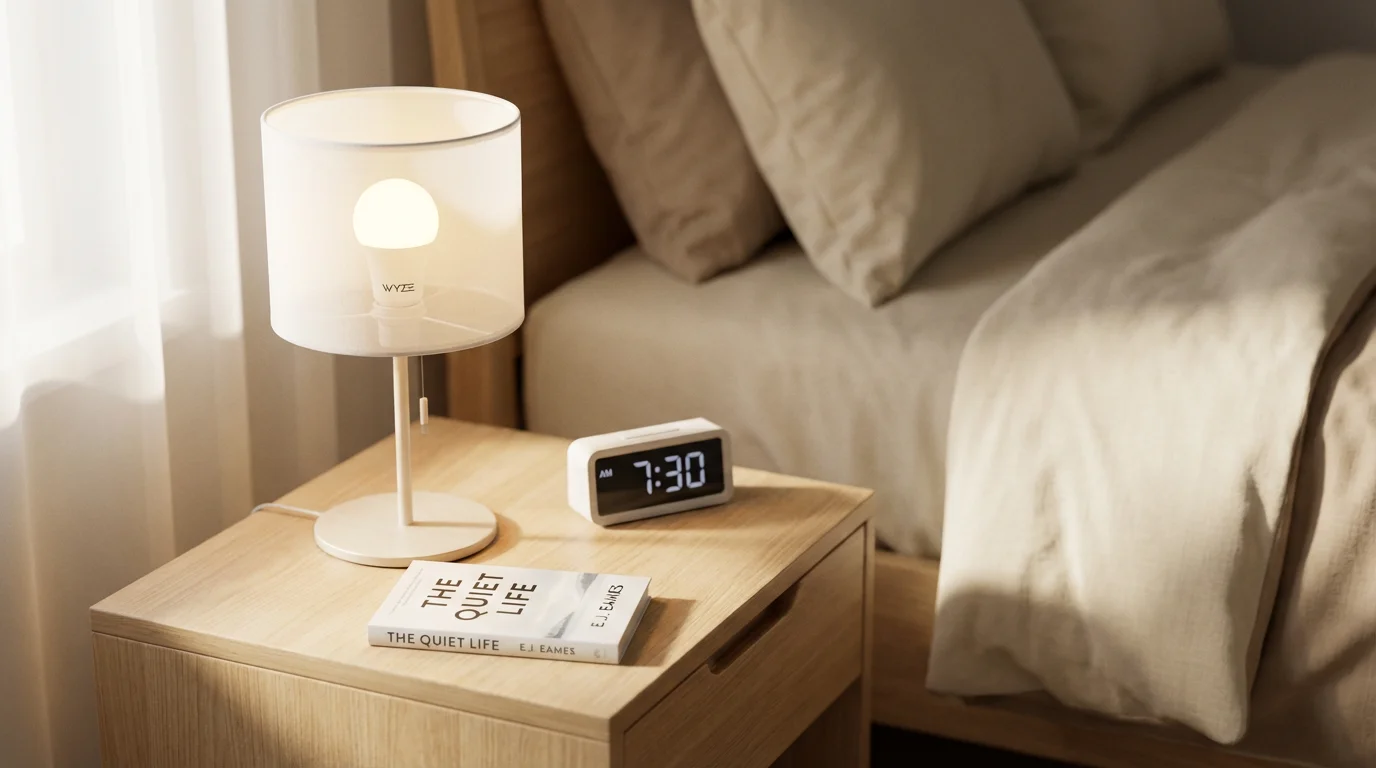
Wyze: The Budget-Friendly Contender
Wyze carved out a niche in the smart home market by offering affordable yet capable devices. Their smart bulbs follow this philosophy, providing an accessible entry point to smart lighting. Wyze bulbs connect directly to your Wi-Fi, similar to LIFX, removing the need for an additional hub.
While not as feature-rich or bright as Philips Hue or LIFX, Wyze bulbs deliver essential smart lighting functionalities reliably. They integrate well within the broader Wyze ecosystem, which includes cameras, sensors, and smart plugs, allowing for unified control through a single app.
Pros of Wyze Bulbs
- Very Affordable: Wyze bulbs are significantly cheaper than competitors, making smart lighting accessible on a budget.
- Simple Setup: Connects directly to Wi-Fi, offering a straightforward installation process.
- Good Basic Smart Features: Provides dimming, scheduling, color changes (for color bulbs), and tunable white options.
- Integrated Ecosystem: Works seamlessly with other Wyze devices for unified home automation.
Cons of Wyze Bulbs
- Limited Brightness and Color Quality: While adequate for general lighting, they may not match the peak brightness or color vibrancy of Hue or LIFX.
- Fewer Advanced Features: Lacks some of the more elaborate effects and third-party integrations found in premium brands.
- Connectivity Quirks: Wi-Fi direct connection can sometimes experience minor delays or dropped connections, especially with many devices.
- Smaller Product Range: The bulb selection is more limited compared to Philips Hue.
Wyze bulbs are an excellent choice for beginners or those on a tight budget. They allow you to test smart lighting concepts in a few rooms without a significant investment. You get reliable basic functions and an entry into the broader Wyze smart home ecosystem.
Head-to-Head Comparison: Hue, LIFX, and Wyze
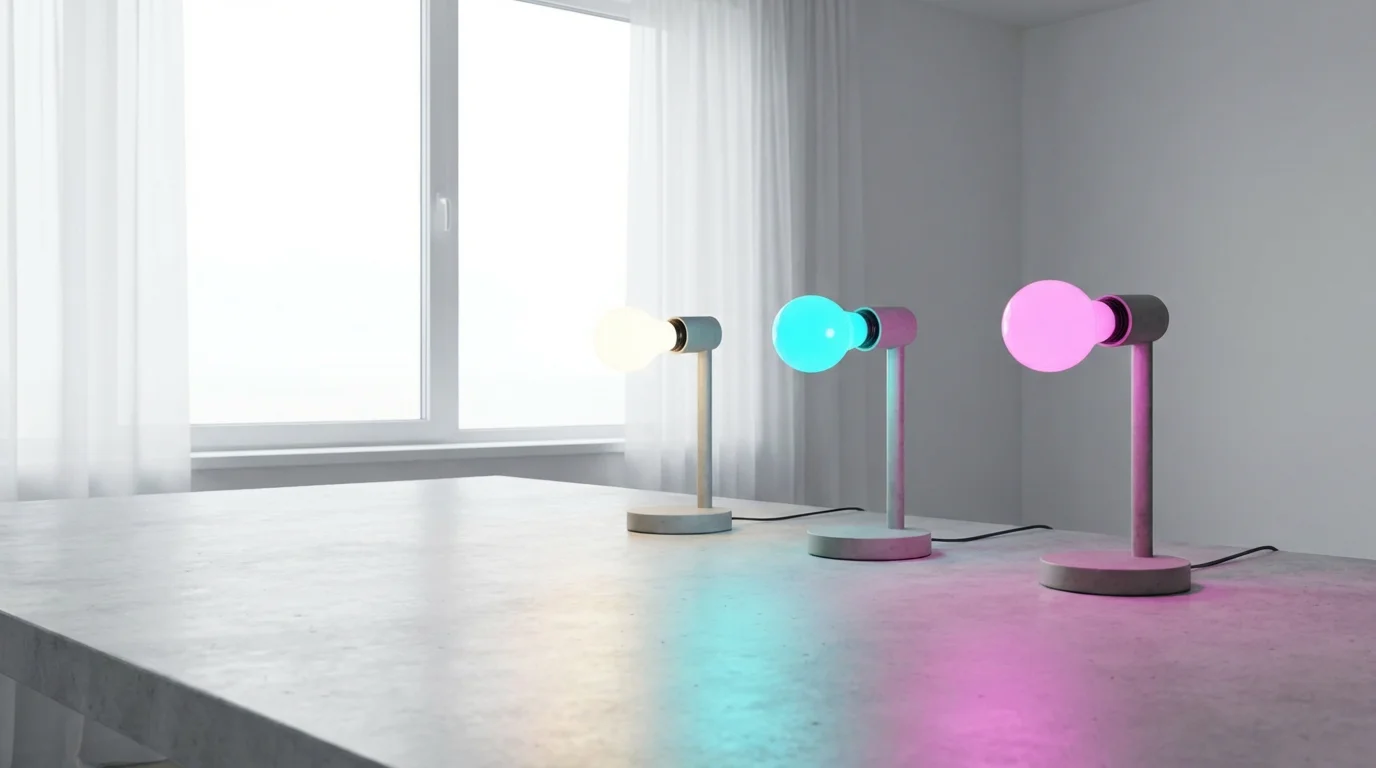
Let us break down the core differences between these three smart bulb brands:
- Price Point:
- Philips Hue: Highest cost per bulb, plus the Hue Bridge.
- LIFX: High cost per bulb, but no hub required.
- Wyze: Lowest cost per bulb, no hub required.
- Connectivity:
- Philips Hue: Requires a Hue Bridge (Zigbee protocol) for optimal performance.
- LIFX: Connects directly to your 2.4 GHz Wi-Fi network.
- Wyze: Connects directly to your 2.4 GHz Wi-Fi network.
- Brightness and Color Quality:
- Philips Hue: Excellent balance of brightness, highly accurate colors, and wide tunable white range. Typically 800-1100 lumens for standard bulbs.
- LIFX: Outstanding brightness and incredibly vibrant, rich colors. Often exceed 1100 lumens, some reaching 1600 lumens.
- Wyze: Good brightness for daily use, adequate colors. Typically around 800 lumens.
- Ecosystem and Integrations:
- Philips Hue: Most expansive ecosystem with many accessories and broad third-party support. Excellent Matter compatibility.
- LIFX: Strong integrations with major platforms but a smaller product lineup. Growing Matter support.
- Wyze: Primarily integrates within the Wyze app and ecosystem. Basic integrations with Alexa and Google Home.
- Reliability and Responsiveness:
- Philips Hue: Generally considered the most reliable and responsive due to its dedicated Zigbee hub.
- LIFX: Very good, but can occasionally experience minor delays if your Wi-Fi is congested.
- Wyze: Good for the price, though sometimes less immediate response times than hub-based systems.

Key Factors When Choosing Your Smart Bulbs
Your ideal smart bulb choice depends on your specific needs, budget, and existing smart home setup. Consider these factors carefully before making a purchase.
Budget
Determine your overall spending limit. Philips Hue requires a larger initial investment due to the Bridge and higher bulb prices. LIFX bulbs are also premium-priced. Wyze offers the most budget-friendly entry point. Remember to factor in potential future expansion costs.
Ecosystem Integration
Evaluate your current smart home platform. Do you use Amazon Alexa, Google Home, Apple HomeKit, or another system? Philips Hue offers the broadest compatibility. LIFX also integrates well with most major platforms. Wyze focuses more on its proprietary ecosystem, though it supports basic voice assistant commands. Future-proofing with Matter support is also important, as noted by Tom’s Guide regarding smart home standards, ensuring wider device compatibility over time.
Connectivity Type
Understand the difference between hub-based (Zigbee) and hub-free (Wi-Fi) systems. Zigbee, used by Philips Hue, creates a robust mesh network that does not burden your Wi-Fi. Wi-Fi bulbs, like LIFX and Wyze, connect directly but can sometimes saturate your network if you have many devices.
Lighting Needs and Ambiance
Consider the purpose of your smart lighting. Do you need maximum brightness and vibrant colors for entertainment or accent lighting? LIFX excels here. Do you prioritize subtle, accurate color temperature adjustments for circadian rhythms or general comfort? Philips Hue performs exceptionally well. For basic daily lighting with smart features, Wyze offers a solid solution.
Scalability
Think about your long-term smart home goals. Do you plan to automate your entire home’s lighting, or just a few key areas? Philips Hue’s ecosystem easily scales to dozens of bulbs and accessories. LIFX and Wyze are excellent for smaller installations but might face Wi-Fi limitations with very large deployments.
The most effective smart home is one you do not constantly manage. Your smart lighting should work seamlessly in the background, enhancing your comfort and convenience without requiring constant manual adjustment.
Installation Safety
Installing smart bulbs is generally as simple as screwing in a regular light bulb. Always ensure the power is off at the switch before replacing bulbs. If your smart lighting project involves rewiring fixtures, installing new switches, or working with complex electrical setups, consult a licensed electrician. Safety always comes first when dealing with your home’s electrical systems.

Integrating Smart Lighting into Your Daily Life
Smart bulbs offer more than just remote control. You can create intelligent automations that truly transform your home experience. Here are some actionable ideas:
Voice Control
Connect your smart bulbs to Amazon Alexa, Google Assistant, or Apple Siri. Simply say, “Alexa, turn on the living room lights” or “Hey Google, dim the bedroom to 50 percent.” This hands-free control provides immediate convenience.
Scheduling and Timers
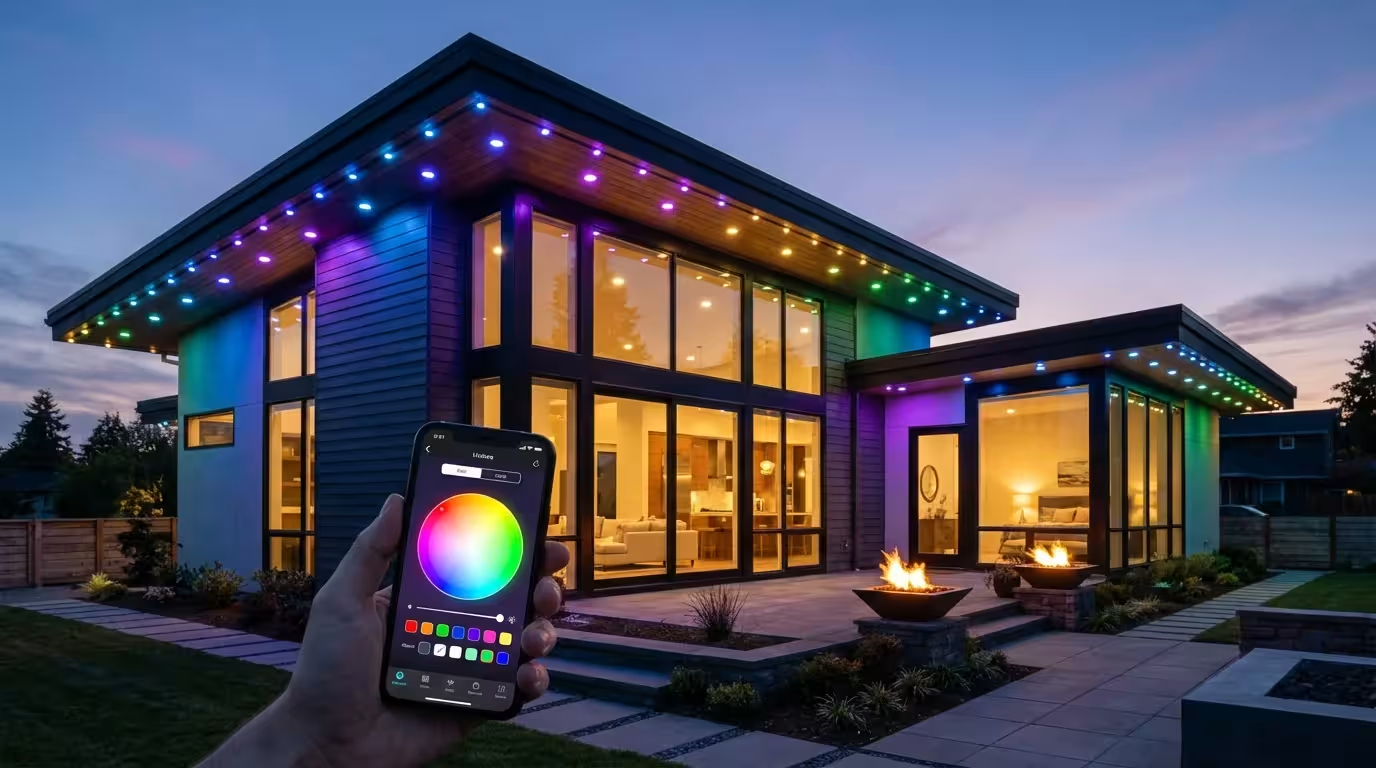
Automate your lights to match your daily routine. Program them to gradually brighten in the morning for a gentle wake-up or to dim in the evening. You can also set lights to turn on at sunset and off at sunrise, providing security and energy efficiency. For example, your outdoor LIFX bulbs can automatically illuminate your entryway as dusk settles.
Circadian Rhythm Lighting
Many smart bulbs, especially Philips Hue, offer tunable white light. You can program them to shift color temperature throughout the day. They display cooler, bluer whites in the morning for alertness and warmer, amber tones in the evening to promote relaxation and prepare for sleep. This aligns your lighting with your body’s natural clock.
Motion Activation
Combine smart bulbs with motion sensors. Your Wyze bulb in the pantry can turn on automatically when you open the door, then turn off after a few minutes of no activity. This provides practical, hands-free lighting in high-traffic or utility areas.
Smart Scenes and Routines
Create custom lighting scenes for various activities. A “Movie Night” scene might dim the lights to 30 percent and shift your Philips Hue bulbs to a warm, inviting color. A “Dinner Party” scene could brighten the dining area and add subtle ambiance. Group multiple bulbs to activate these scenes with a single command or tap.
Energy Savings Automation
Leverage automation to reduce energy waste. Schedule lights in unoccupied rooms to turn off automatically. Set maximum brightness limits for certain times of the day. Utilize occupancy sensors to ensure lights only activate when someone is present, maximizing efficiency.
Frequently Asked Questions
Do I really need a hub for smart bulbs?
It depends on the brand and your preference. Philips Hue uses a hub, the Hue Bridge, which provides a dedicated, reliable Zigbee network. LIFX and Wyze bulbs connect directly to your home Wi-Fi. While hub-free options are simpler to set up initially, a hub can offer greater stability and scalability for larger smart lighting systems, as it does not compete with your other devices for Wi-Fi bandwidth.
Can smart bulbs save me money on electricity?
Yes, smart bulbs can save you money. Most smart bulbs use LED technology, which is inherently more energy-efficient than traditional incandescent bulbs. Beyond that, their smart features allow for automation such as scheduling, dimming, and motion-based control. This reduces unnecessary illumination, leading to lower electricity consumption and subsequently lower energy bills over time.
Are smart bulbs compatible with dimmer switches?
Generally, no. Most smart bulbs contain their own dimming circuitry. Using them with a traditional in-wall dimmer switch can cause flickering, humming, and damage to the bulb. It is best to use smart bulbs with standard on/off switches, controlling dimming through the app, voice assistant, or a smart dimmer specifically designed for smart bulbs. Always remove existing dimmers if you install smart bulbs in that fixture.
What is Matter, and why does it matter for smart bulbs?
Matter is a new universal smart home connectivity standard. It aims to make smart devices from different brands work together seamlessly. For smart bulbs, Matter means enhanced compatibility. A Matter-certified Philips Hue bulb, for instance, can theoretically connect and respond to commands from any Matter-compatible controller, regardless of the original ecosystem. This reduces complexity and vendor lock-in, simplifying your smart home experience.
How do I ensure my smart bulbs are secure?
Ensure your smart bulbs are secure by using strong, unique passwords for your Wi-Fi network and smart home accounts. Enable two-factor authentication whenever available. Regularly update your bulb’s firmware through its respective app to patch any security vulnerabilities. When purchasing, choose reputable brands that prioritize user data and privacy.
Making Your Final Decision
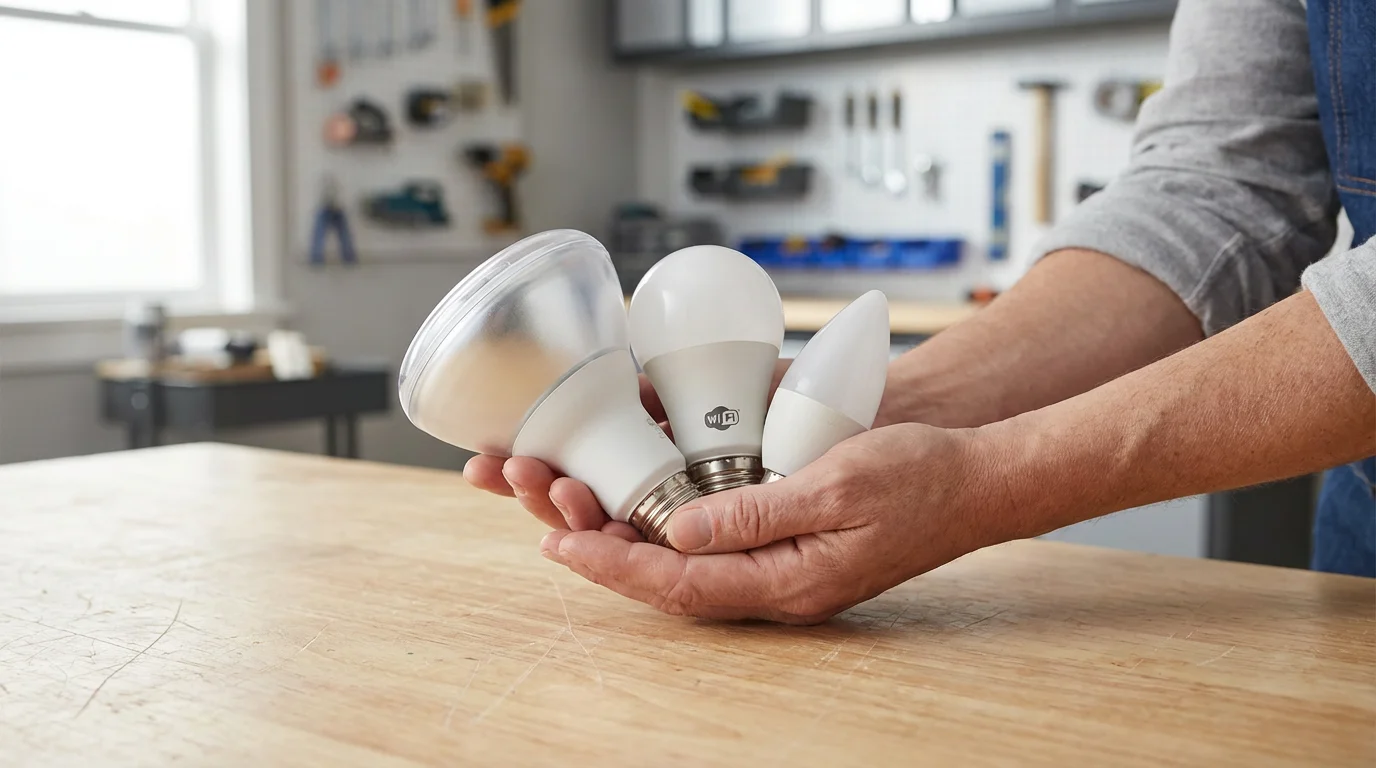
Choosing the best smart bulb brand in 2025 involves weighing your priorities against what each brand offers. If you seek the most comprehensive ecosystem, unparalleled reliability, and top-tier features like entertainment sync, Philips Hue remains the gold standard. Its investment in Matter also ensures it stays relevant and interoperable.
For brilliant, vibrant colors and maximum brightness without the need for a separate hub, LIFX is an excellent choice. Its direct Wi-Fi connection offers simplicity, making it ideal for impactful accent lighting or individual room control.
If budget is your primary concern and you need basic, reliable smart lighting that integrates well with other affordable smart devices, Wyze provides an unbeatable value. It serves as a fantastic entry point into home automation, allowing you to gradually expand your smart home as your needs evolve.
Consider starting small with a few bulbs and expanding your system over time. This approach allows you to experience the benefits firsthand and ensure the chosen brand aligns with your long-term smart home vision. Each of these brands offers unique advantages, ensuring a smart lighting solution exists for every homeowner.
Disclaimer: This article is for informational purposes only. Smart home devices involve electrical connections and data privacy. Always follow manufacturer instructions for installation. For complex wiring or HVAC work, consult a licensed professional.


Leave a Reply