
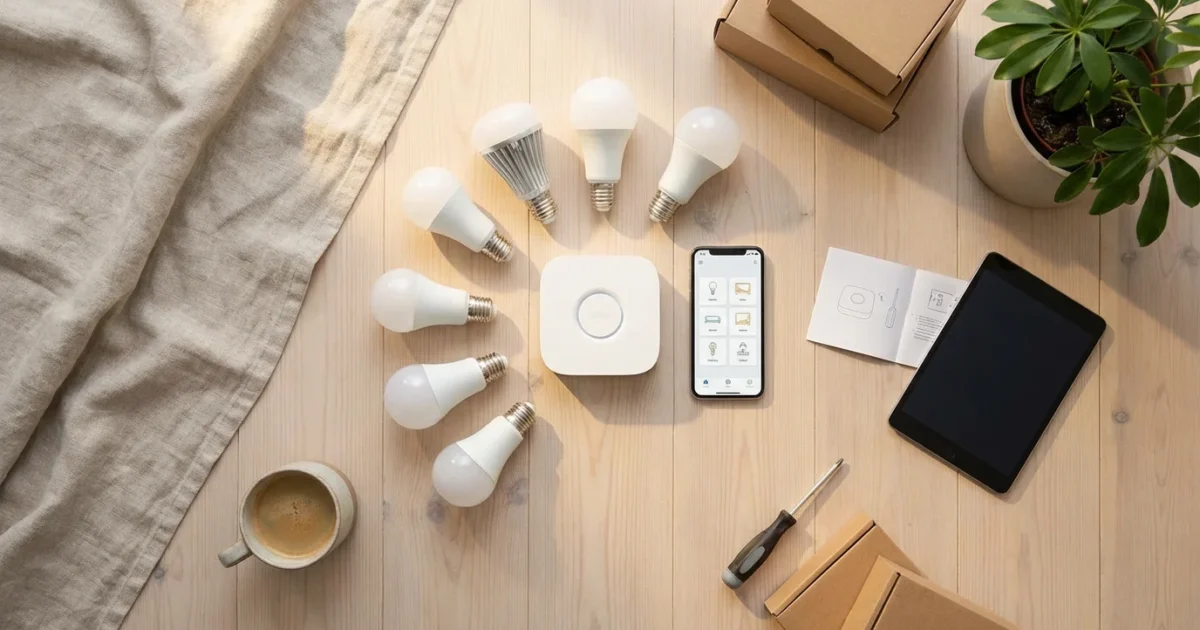
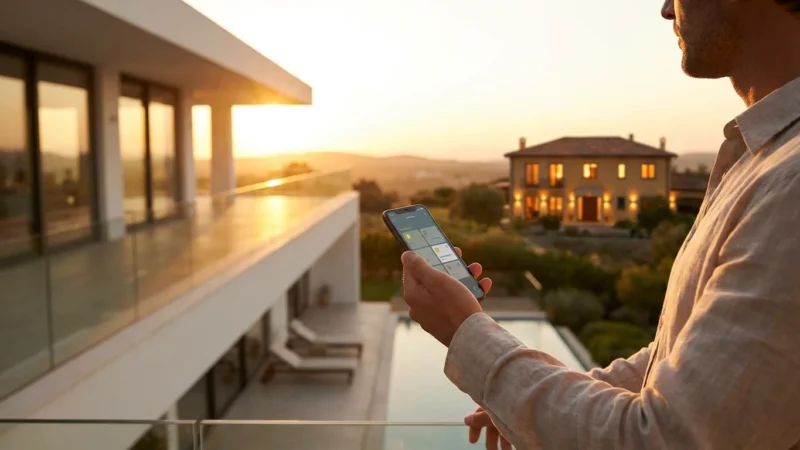
Transform your living space with the convenience and efficiency of smart bulbs. These intelligent lighting solutions offer more than just illumination; they provide customizable ambiance, energy savings, and enhanced home security. You gain control over your home lighting from anywhere, anytime.
This comprehensive guide walks you through every step of setting up smart bulbs in every room of your home. You will learn how to choose the right bulbs, install them effortlessly, integrate them into your existing smart home system, and automate your lighting for maximum benefit.
Understanding Smart Bulbs: What They Are and Why You Need Them
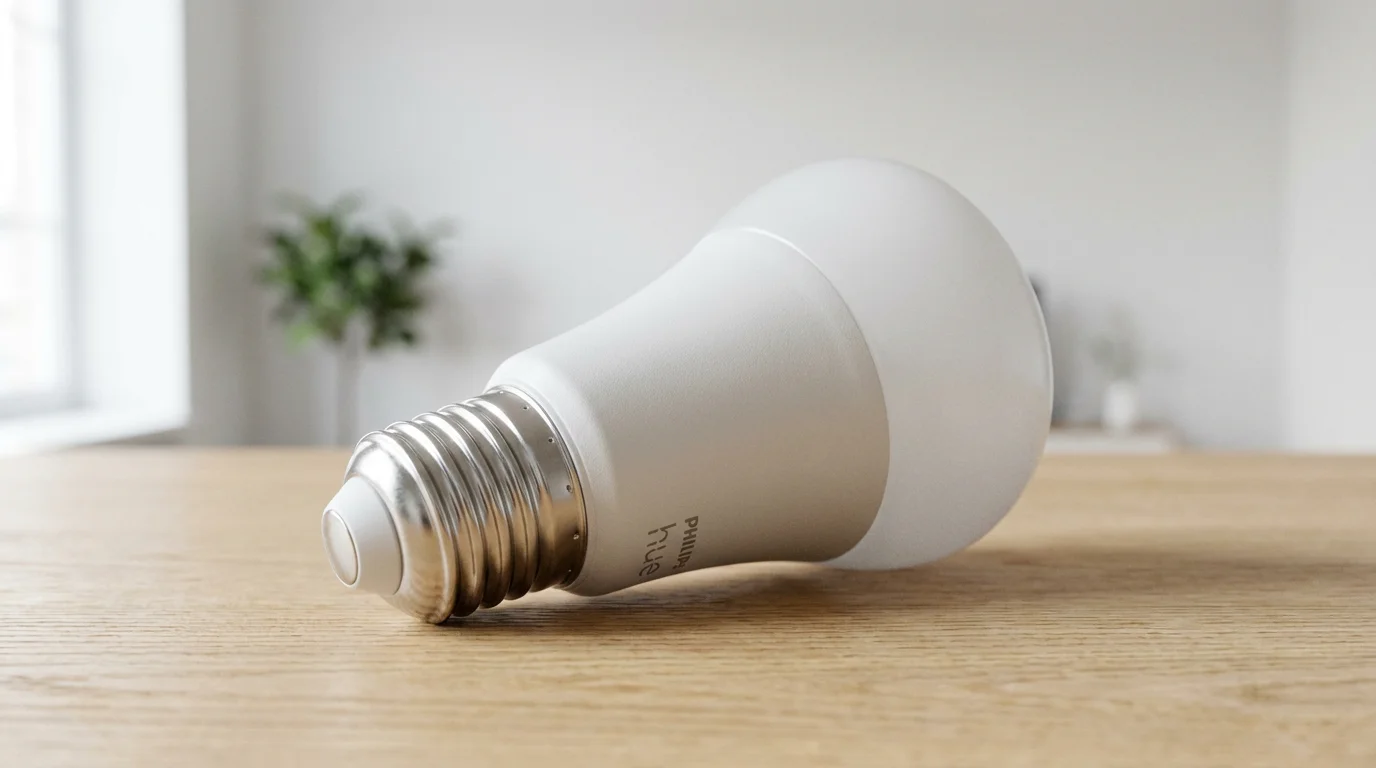
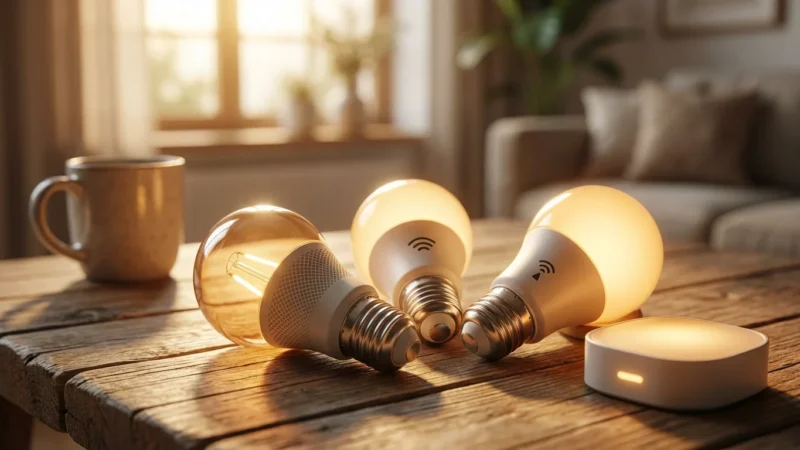
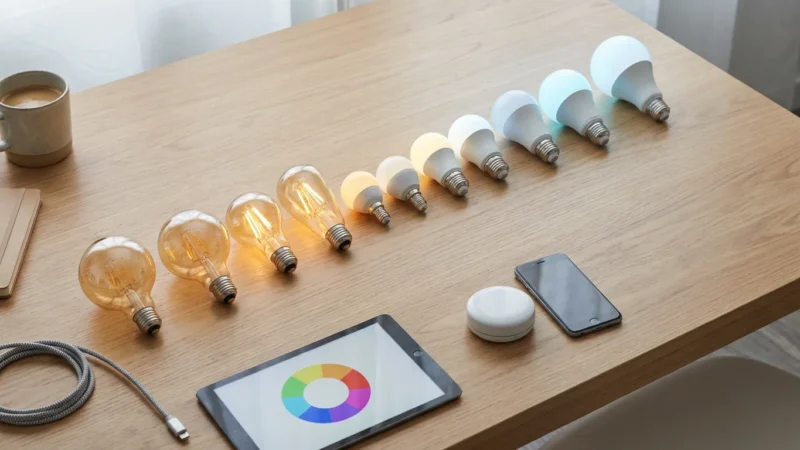
Smart bulbs represent a significant upgrade from traditional light bulbs. They connect to your home network, allowing you to control them remotely via an app, voice commands, or automated schedules. You unlock a new level of control and customization for your home lighting.
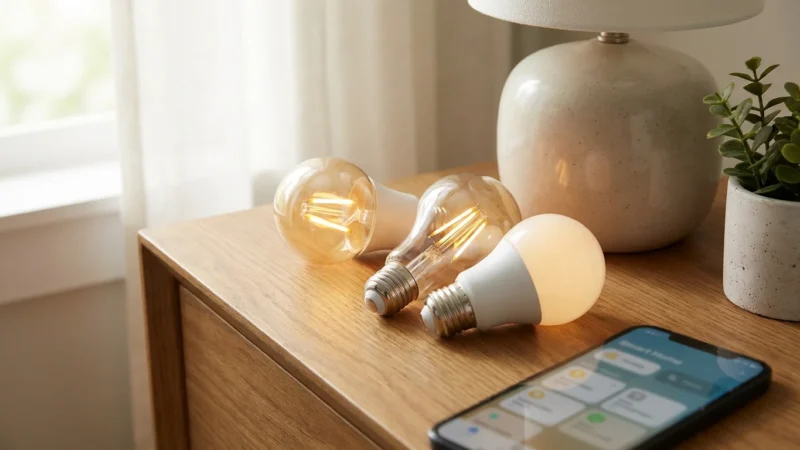
These devices are primarily LED smart lights, ensuring energy efficiency and a long lifespan. You save money on electricity bills and reduce the frequency of bulb replacements. This makes smart bulbs a cost-effective investment for your home.
What Makes a Light Bulb “Smart”?
Smart bulbs incorporate wireless communication technology. This technology enables them to receive commands from a central hub or directly from your smartphone. Several popular wireless protocols power these devices.
- Wi-Fi: Many smart bulbs connect directly to your home Wi-Fi network. This often eliminates the need for a separate hub, simplifying setup for beginners. Brands like LIFX and Wyze often use Wi-Fi.
- Zigbee: This low-power wireless mesh network requires a hub to operate. Philips Hue is a prominent Zigbee system. The hub creates a robust and reliable network for many devices.
- Bluetooth: Some smart bulbs use Bluetooth for direct control from your phone. Bluetooth bulbs typically have a shorter range and work best for single-room setups.
- Matter: The new industry standard, Matter, aims to unify smart home devices. Matter-compatible smart bulbs promise easier setup and broader compatibility across different ecosystems. You gain flexibility in choosing your devices.
Key Benefits of Smart Bulbs
Embracing home lighting with smart bulbs offers numerous advantages for any homeowner. You experience enhanced convenience, security, and personal well-being.
- Convenience: Control your lights from anywhere using your smartphone. You can dim lights, change colors, or turn them on/off without moving. Voice control adds another layer of hands-free operation.
- Energy Savings: LED smart lights consume significantly less energy than incandescent bulbs. You also benefit from features like scheduling and motion detection, ensuring lights only operate when necessary.
- Ambiance and Customization: Adjust brightness and color temperature to suit any mood or activity. Color-changing bulbs let you transform a room’s atmosphere with millions of color options.
- Security: Program lights to turn on and off while you are away, mimicking occupancy. This deters potential intruders. You add an extra layer of protection to your home.
- Well-being: Circadian rhythm lighting can adjust color temperature throughout the day, supporting natural sleep-wake cycles. Warmer tones in the evening prepare your body for rest.
Choosing Your Smart Bulb Ecosystem
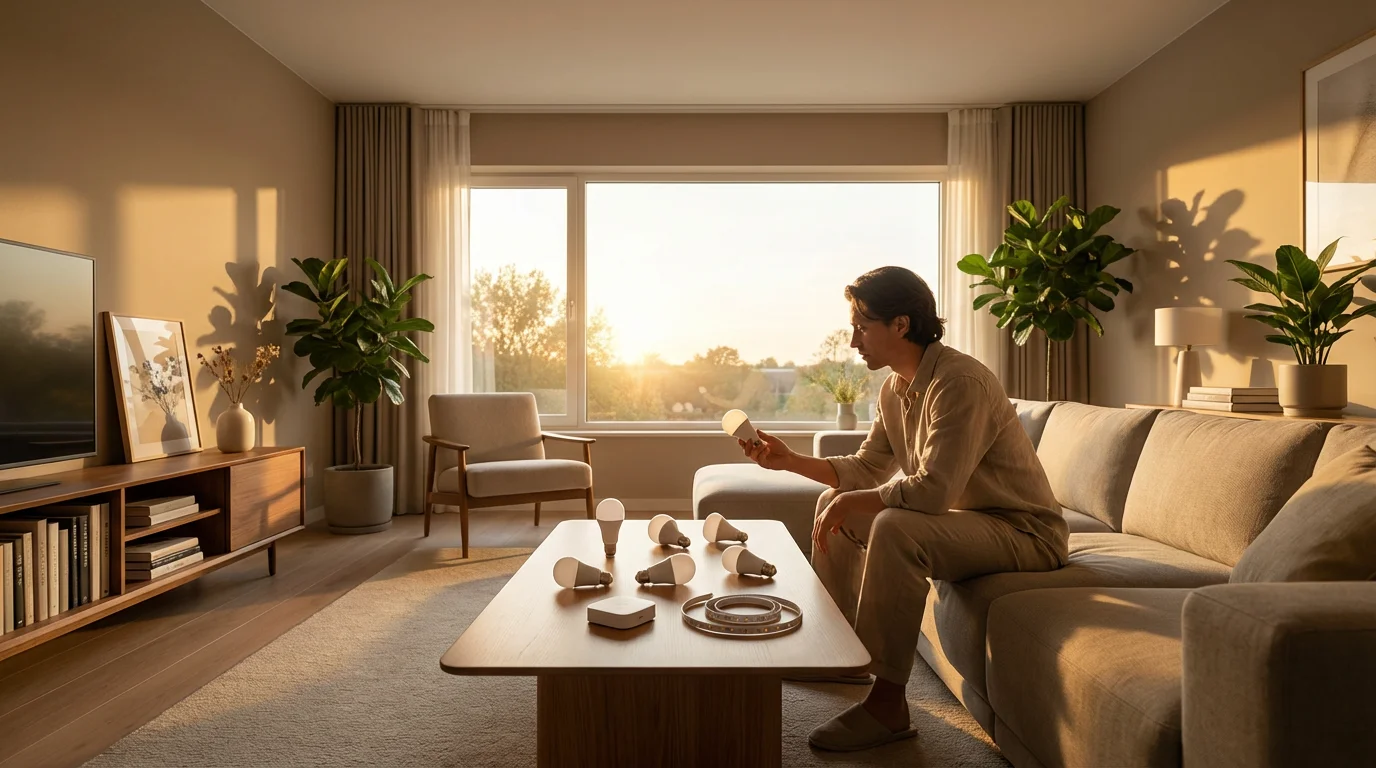
Selecting the right smart bulb system forms the foundation of your smart home lighting. Consider your current smart home devices, your budget, and how much control you desire. You want a system that integrates seamlessly with your lifestyle.
Hub-Based vs. Hub-less Systems
This critical decision affects complexity and expandability. Each approach offers distinct advantages for users.
- Hub-Based Systems (e.g., Philips Hue): These systems use a dedicated bridge or hub that connects to your router. The hub communicates with all your smart bulbs using a protocol like Zigbee.
Pros: A dedicated network provides greater reliability, range, and supports more devices. It often offers advanced features and integrations. You get a robust and scalable lighting setup.
Cons: The upfront cost includes the hub. Setup can be slightly more involved initially.
- Hub-less Systems (e.g., LIFX, Wyze, TP-Link Kasa): These bulbs connect directly to your home’s Wi-Fi network. You typically control them via their proprietary app.
Pros: Lower upfront cost and simpler setup. You avoid an extra piece of hardware. This is often the best smart bulbs for beginners option.
Cons: Can potentially clutter your Wi-Fi network if you have many devices. Performance might depend on your Wi-Fi strength. Limited advanced features compared to hub-based systems.
Top Smart Bulb Recommendations
Explore these popular brands to find the best smart bulbs for beginners or advanced users. Each offers unique features and ecosystem benefits.
- Philips Hue: Renowned for its extensive product line, reliable performance, and vibrant colors. It requires a Hue Bridge. Philips Hue offers impressive scene creation, entertainment sync, and robust integration with voice assistants. According to CNET Smart Home, Philips Hue remains a top contender for its comprehensive ecosystem.
- LIFX: Known for its exceptionally bright bulbs and rich, accurate colors. LIFX bulbs connect directly to Wi-Fi, eliminating the need for a hub. They offer innovative features like “Paint with Light” for creative designs.
- Wyze: Offers highly affordable LED smart lights with good basic functionality. Wyze bulbs are Wi-Fi based and integrate well with the Wyze ecosystem, including cameras and security devices. You get great value for everyday lighting.
- TP-Link Kasa Smart: Another strong contender for hub-less Wi-Fi bulbs. Kasa offers a range of bulbs, plugs, and switches with reliable performance and straightforward app control. You build a smart home without complex installations.
- Ring Smart Lighting: Focuses on security lighting for outdoors but includes indoor options. These integrate seamlessly with Ring security systems, allowing motion-triggered light automations.
The best smart home is the one you don’t have to manage.
This principle applies directly to smart lighting; set it up once and let it enhance your daily life without constant intervention.
Step-by-Step Installation: How to Install Smart Bulbs
Installing smart bulbs is generally a straightforward process. You do not need special tools or electrical expertise for most standard bulb replacements. This section provides a clear, step-by-step guide on how to install smart bulbs step by step effectively.
Pre-Installation Checklist
Before you begin, ensure you have everything ready for a smooth setup. Proper preparation saves time and prevents frustration.
- Compatible Fixtures: Verify your light fixtures accept the bulb’s base type (e.g., E26, GU10) and wattage equivalent. Most smart bulbs fit standard sockets.
- Strong Wi-Fi Signal: Ensure a strong and stable Wi-Fi signal in the areas where you install your bulbs. This is crucial for hub-less systems.
- Smartphone and App: Have your smartphone ready with the manufacturer’s app downloaded (e.g., Philips Hue, LIFX, Wyze app).
- Smart Hub (if required): If you chose a hub-based system like Philips Hue, ensure your hub is powered on and connected to your router.
- 2.4 GHz Wi-Fi Network: Many smart bulbs, especially hub-less ones, only support the 2.4 GHz Wi-Fi band. Confirm your router supports this band and your phone connects to it during setup.
Installation Steps
Follow these instructions carefully to ensure a successful installation of your new LED smart lights.
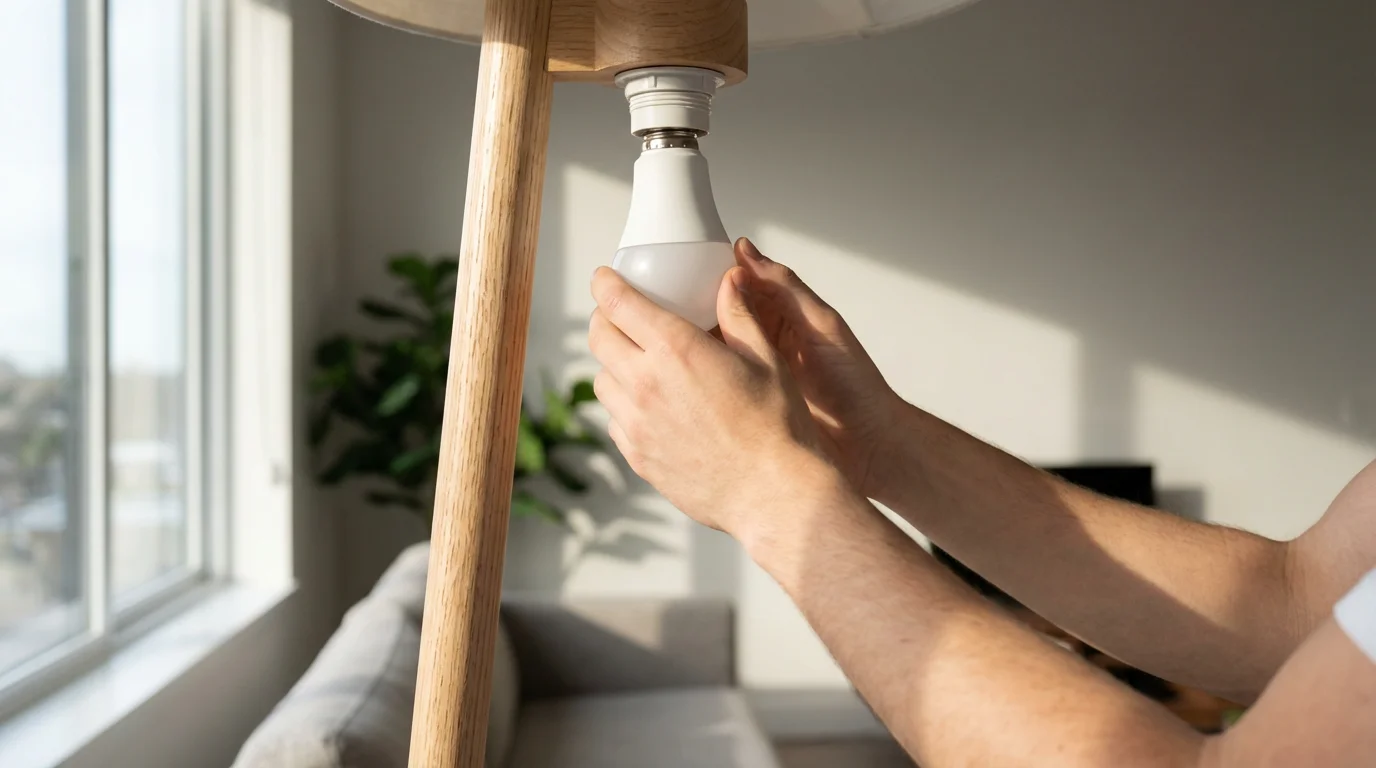
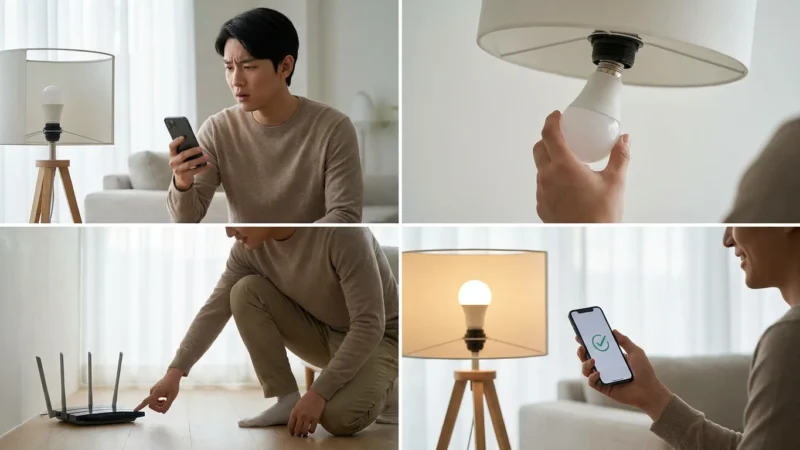
- Unscrew the Old Bulb: Safely remove your existing light bulb from the fixture. Turn off the power switch controlling the fixture first to ensure safety.
- Screw in the Smart Bulb: Gently screw your new smart bulb into the empty socket. Do not overtighten.
- Turn On the Power: Flip the light switch back to the “on” position. Your smart bulb should illuminate, possibly flashing or emitting a specific color to indicate pairing mode.
- Open the Manufacturer’s App: Launch the smart bulb’s dedicated app on your smartphone.
- Add a Device: Navigate to the “Add Device,” “Add Bulb,” or similar option within the app. The app typically guides you through the discovery process.
- Pair the Bulb: The app will search for new smart bulbs. Once it finds your bulb, follow the on-screen prompts to complete the pairing. You may need to confirm a specific light sequence or color change.
- Name Your Bulb: Assign a descriptive name to each bulb (e.g., “Living Room Lamp,” “Kitchen Overhead 1,” “Bedroom Nightstand”). This makes voice control and automation much easier.
- Repeat for All Bulbs: Install and pair each smart bulb following these steps. Grouping bulbs by room or fixture in the app simplifies control.
Integrating Smart Bulbs with Your Smart Home
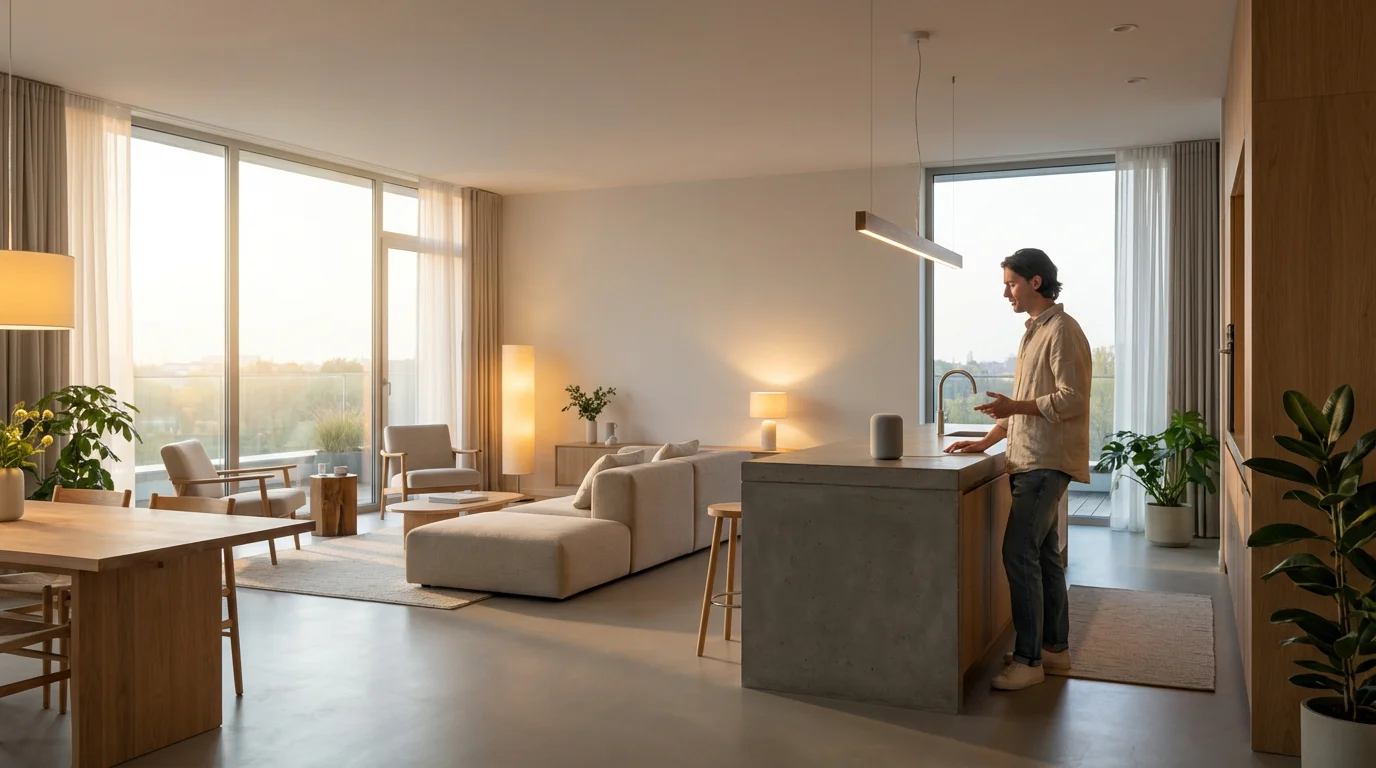
Connecting your smart bulbs to a central smart home platform enhances their functionality and creates a unified experience. You gain the ability to control all your devices from one app or voice command. This moves you beyond basic app control.
Voice Assistants
Voice control provides the most convenient way to manage your home lighting. Integrate your bulbs with popular voice assistants for hands-free operation.
- Amazon Alexa: Open the Alexa app, navigate to “Devices,” then “Lights.” Follow the prompts to discover and link your smart bulb account (e.g., Philips Hue, LIFX, Wyze). You can then say, “Alexa, turn on the living room lights.”
- Google Assistant: Open the Google Home app, tap the plus (+) icon, then “Set up device.” Choose “Works with Google” and search for your smart bulb brand. Link your account and assign rooms. You can say, “Hey Google, dim the kitchen lights to 50%.”
- Apple HomeKit/Siri: For HomeKit-compatible bulbs (look for the “Works with Apple HomeKit” label), open the Home app on your iOS device. Tap the plus (+) icon, then “Add Accessory.” Scan the HomeKit code on the bulb or packaging. You can then say, “Hey Siri, set the bedroom lights to blue.”
Smart Home Platforms
For more advanced automations and unified control, integrate your LED smart lights with a broader smart home platform. These platforms allow devices from different manufacturers to work together.
- Samsung SmartThings: This versatile platform supports a wide range of devices, including many smart bulbs. Add your smart bulb brand’s “service” or “integration” within the SmartThings app to pull in your devices. You then create complex automations involving lights, sensors, and other gadgets.
- Home Assistant: For tech-savvy users, Home Assistant provides local control and unparalleled customization. You can integrate almost any smart bulb and create highly personalized automations and dashboards. This requires more technical expertise but offers ultimate flexibility.
- Matter-Compatible Devices: If you use Matter-compatible smart bulbs, they promise direct integration with any Matter controller (like a modern smart speaker or hub). This simplifies setup across different ecosystems significantly. You avoid manufacturer-specific apps for basic control.
Automating Your Home Lighting for Convenience and Savings
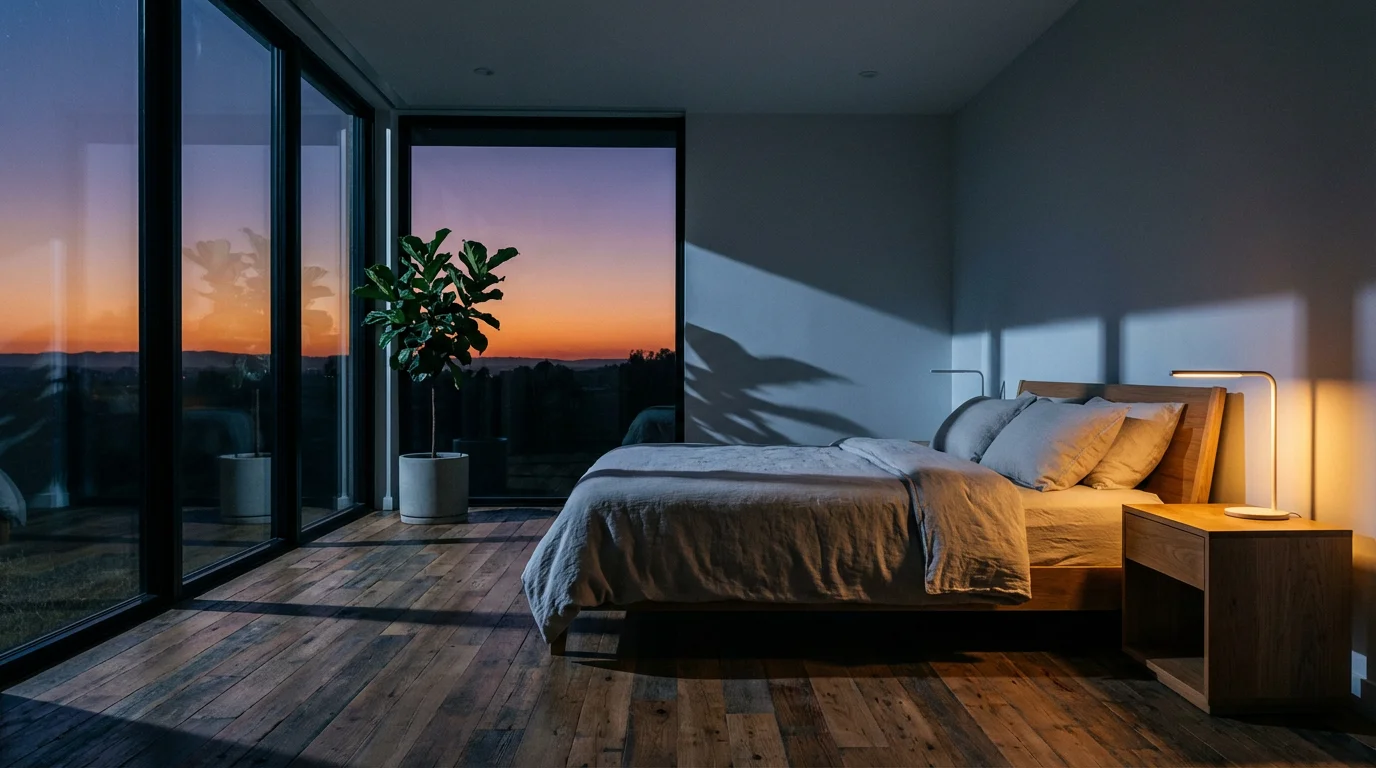
Automating your home lighting maximizes the benefits of smart bulbs. You transform simple on/off control into intelligent systems that respond to your presence, schedule, and even natural light. This proactive approach enhances comfort and efficiency.
Time-Based Schedules
Set your lights to turn on and off automatically based on the time of day. This is a fundamental automation for daily routines.
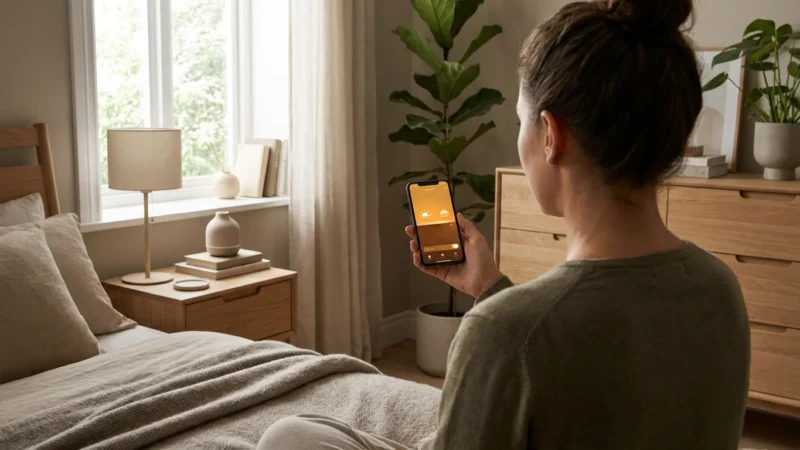
- Morning Wake-Up: Program bedroom smart bulbs to gradually brighten, simulating a sunrise, 15 minutes before your alarm. You wake up more naturally and feel refreshed.
- Evening Ambiance: Schedule living room lights to dim and change to a warmer color temperature as evening approaches. This creates a relaxing atmosphere for unwinding.
- Security During Travel: Set lights in various rooms to turn on and off at staggered times when you are away. This gives the impression of an occupied home.
Sensor-Based Automations
Combine LED smart lights with motion or contact sensors for truly responsive home lighting. Lights react to your movements.
- Motion-Activated Hallway: Install a motion sensor in a hallway or pantry. Configure the smart bulb to turn on when motion is detected and turn off after a set period of inactivity. You save energy by illuminating areas only when needed.
- Doorway Welcome: Place a contact sensor on your front door. When the door opens after sunset, your entryway smart bulb immediately turns on. You receive a warm welcome home.
Circadian Rhythm Lighting
Optimize your light’s color temperature throughout the day to support your natural body clock. This promotes better sleep and overall well-being. Wirecutter Smart Home often highlights the health benefits of tunable white lighting.
- Daytime Focus: Set lights to a bright, cool white (e.g., 5000K-6500K) in home offices or kitchens during the day. This enhances alertness and productivity.
- Evening Relaxation: Transition to a warm, soft white (e.g., 2200K-2700K) in living areas as evening approaches. This cues your body for relaxation and sleep.
Location-Based Automation (Geofencing)
Your smart bulbs can react to your phone’s location. This means your home lights can greet you or power down when you leave.
- “Welcome Home” Scene: When your phone crosses a defined geofence boundary near your home, trigger a scene that turns on specific indoor home lighting. You arrive to a well-lit home.
- “Leaving Home” Power Off: As you leave your home’s geofence, all lights can automatically turn off. This ensures you never leave lights on accidentally, saving energy.
Beyond Basic Lighting: Creative Uses for Smart Bulbs
Smart bulbs offer far more than just on/off and dimming. You can use them to create captivating ambiance, enhance entertainment, and even improve home safety. Explore these ideas to unlock the full potential of your LED smart lights.
Accent Lighting and Ambiance
Use smart bulbs and light strips to highlight architectural features or create specific moods.
- Under-Cabinet Lighting: Install light strips under kitchen cabinets to provide functional task lighting or ambient glow. You can change colors for dinner parties.
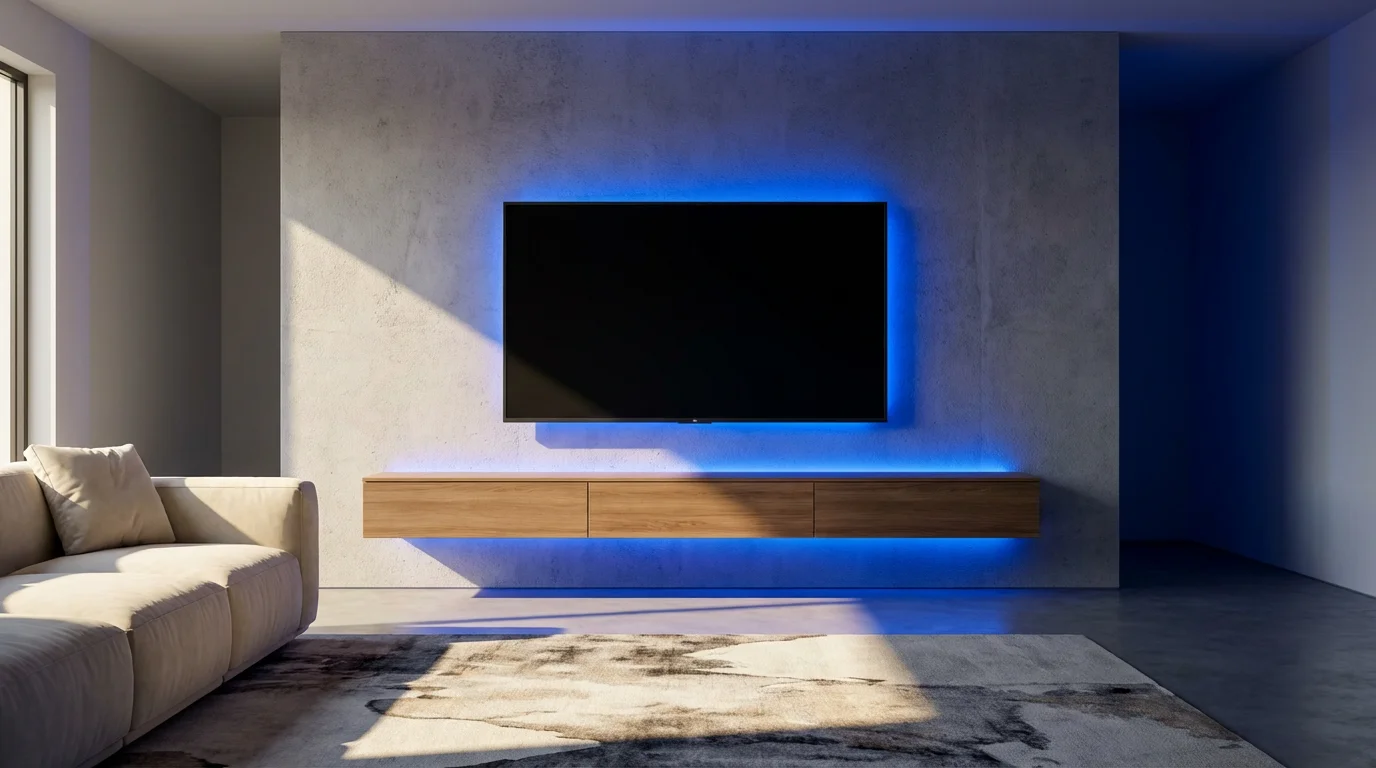
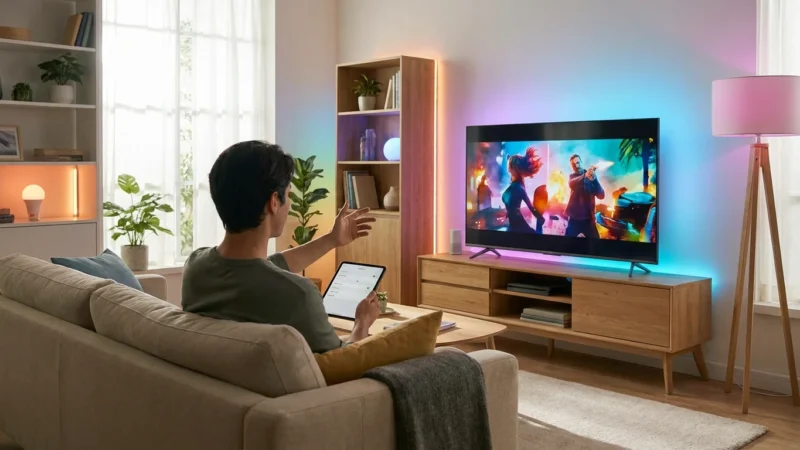
- Behind TVs or Monitors: Attach an LED light strip behind your entertainment setup. This reduces eye strain and creates a vibrant backdrop for movies or gaming. You immerse yourself in the content.
- Shelf and Display Lighting: Place small puck lights or smart bulbs in display cabinets or behind shelves. Highlight collectibles, artwork, or plants with customizable colors.
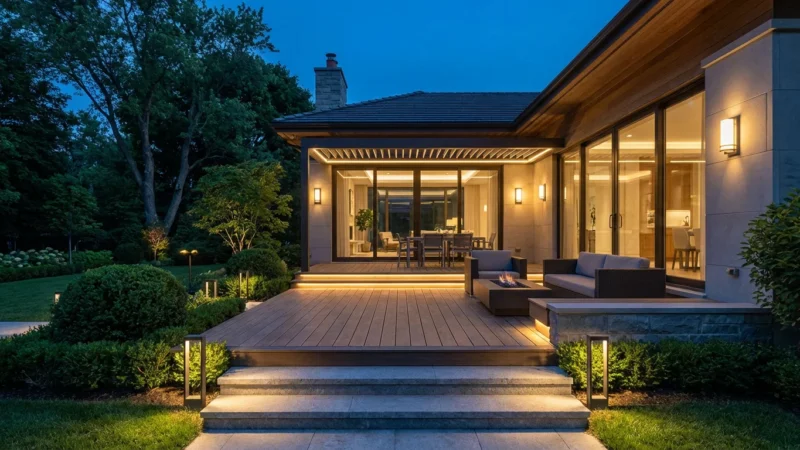
- Outdoor String Lights: Use weather-resistant smart string lights for patios or decks. Sync them with music or set dynamic color cycles for outdoor entertaining.
Entertainment Sync
Some smart bulbs, particularly Philips Hue, can sync with your movies, music, or games. You experience a more immersive entertainment experience.
- Movie Nights: Set your home lighting to subtly change colors to match the on-screen action. Explosions might trigger a flash of orange, while tranquil scenes bring soft blues.
- Gaming Sessions: Sync your smart bulbs to your PC or console games for dynamic, real-time lighting effects. Your room becomes part of the game world.
- Music Visualizer: Pair your lights with a music app to have them pulse and change color to the beat of your favorite songs. You create a party atmosphere instantly.
Enhanced Security and Safety
Smart lighting contributes to your home’s safety beyond basic occupancy simulation. You gain peace of mind with intelligent responses.
- Integration with Security Systems: Link your smart bulbs to your security camera or alarm system. If a sensor detects an intruder, all lights can flash red to draw attention. This deters unauthorized entry.
- Emergency Pathway Lighting: In a power outage, if you have battery backup for your smart home hub, specific low-power LED smart lights could activate to guide you through your home.
Troubleshooting Common Smart Bulb Issues
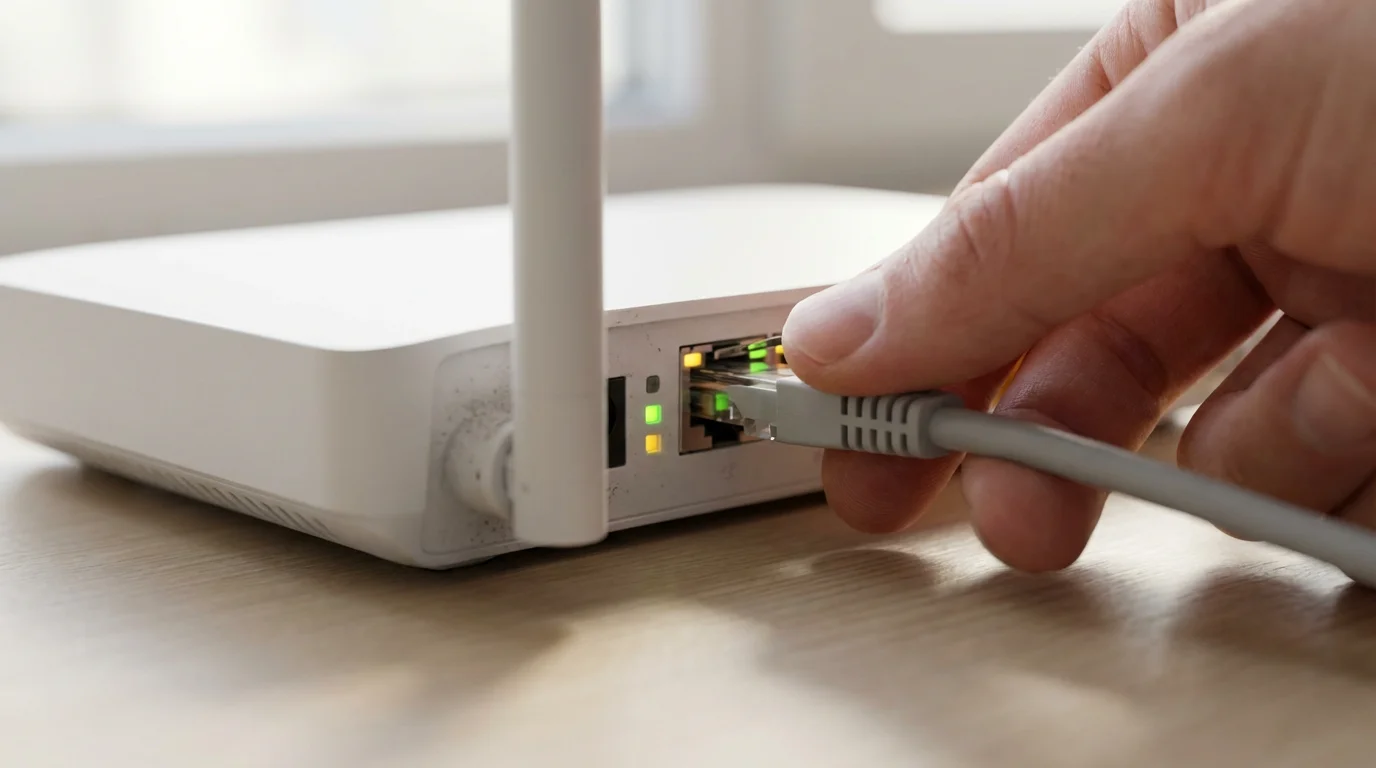
Even the best smart bulbs for beginners can occasionally encounter hiccups. Most problems stem from connectivity issues or simple setup oversights. You can resolve many common problems with a few basic steps.
Bulb Not Connecting or Pairing
This is the most frequent issue. Your smart bulb needs a stable connection to your network or hub.
- Check Power: Ensure the light fixture’s power switch remains in the “on” position. Smart bulbs require constant power.
- Reset the Bulb: Most smart bulbs have a factory reset procedure. This usually involves turning the bulb on/off a specific number of times. Consult your manufacturer’s instructions. For example, some Philips Hue bulbs reset by turning them off/on 5 times quickly.
- Wi-Fi Proximity and Band: Move closer to your Wi-Fi router. Confirm your router’s 2.4 GHz band is active and your phone connects to it during initial setup. Many LED smart lights only work on 2.4 GHz.
- Router Settings: Temporarily disable any guest networks or advanced firewall settings on your router during initial setup. You can re-enable them later.
- Hub Connection: If using a hub (e.g., Philips Hue Bridge), ensure the hub connects to your router and has power.
Voice Commands Not Working
If your voice assistant fails to control your home lighting, check these common areas.
- Account Linking: Verify your smart bulb account is correctly linked to your Alexa, Google Assistant, or HomeKit account. Relinking often resolves the issue.
- Device Naming: Use clear, simple names for your smart bulbs and rooms. “Living Room Lamp” works better than “Bulb 1.” Ensure consistency between the bulb app and voice assistant app.
- Speaker Proximity: Ensure you are within range of your voice assistant device and speak clearly.
- Internet Connection: Voice commands require an active internet connection for both your smart speaker and smart bulbs.
Inconsistent Performance or Delays
Occasional unresponsiveness or slow reactions can be frustrating. You seek immediate responses from your home lighting.
- Network Congestion: If you have many Wi-Fi devices, your network might experience congestion. Consider upgrading your router or using a hub-based system for smart bulbs.
- Firmware Updates: Check the manufacturer’s app for any available firmware updates for your LED smart lights. Updates often improve performance and fix bugs.
- Restart Devices: Try restarting your Wi-Fi router, smart home hub (if applicable), and your smart bulbs by cycling their power. This refreshes connections.
Frequently Asked Questions
You probably have a few lingering questions about embracing smart bulbs for your home lighting. Here are answers to common inquiries.
Is it difficult to install smart bulbs?
No, installing smart bulbs is very easy. For most standard bulbs, you simply screw them into an existing fixture like a regular bulb, then pair them with an app. No complex wiring is involved. Our how to install smart bulbs step by step guide shows you the simplicity.
Do smart bulbs save electricity?
Yes, smart bulbs are primarily LED smart lights, which consume significantly less energy than incandescent bulbs. Features like dimming, scheduling, and motion-based automation further reduce energy consumption. You typically see noticeable savings on your electricity bill.
Do I need a special hub for all smart bulbs?
Not all smart bulbs require a dedicated hub. Many connect directly to your home’s Wi-Fi network (hub-less systems). Hub-based systems, like Philips Hue, offer enhanced reliability and features but involve an additional piece of hardware. Consider hub-less options for the best smart bulbs for beginners.
Will my smart bulbs work if the internet goes down?
It depends on the specific bulb and system. Many smart bulbs lose remote control functionality if your internet goes down. However, some hub-based systems (like Philips Hue) can still maintain local control via their app as long as your home network is operational. Always check the manufacturer’s specifications.
What is the lifespan of an LED smart bulb?
LED smart lights boast an impressive lifespan. Most smart bulbs last 15,000 to 25,000 hours, which translates to over 10 to 20 years with typical usage. This is significantly longer than traditional incandescent bulbs, meaning you replace them far less often.
Disclaimer: This article is for informational purposes only. Smart home devices involve electrical connections and data privacy. Always follow manufacturer instructions for installation. For complex wiring or HVAC work, consult a licensed professional.
Leave a Reply