
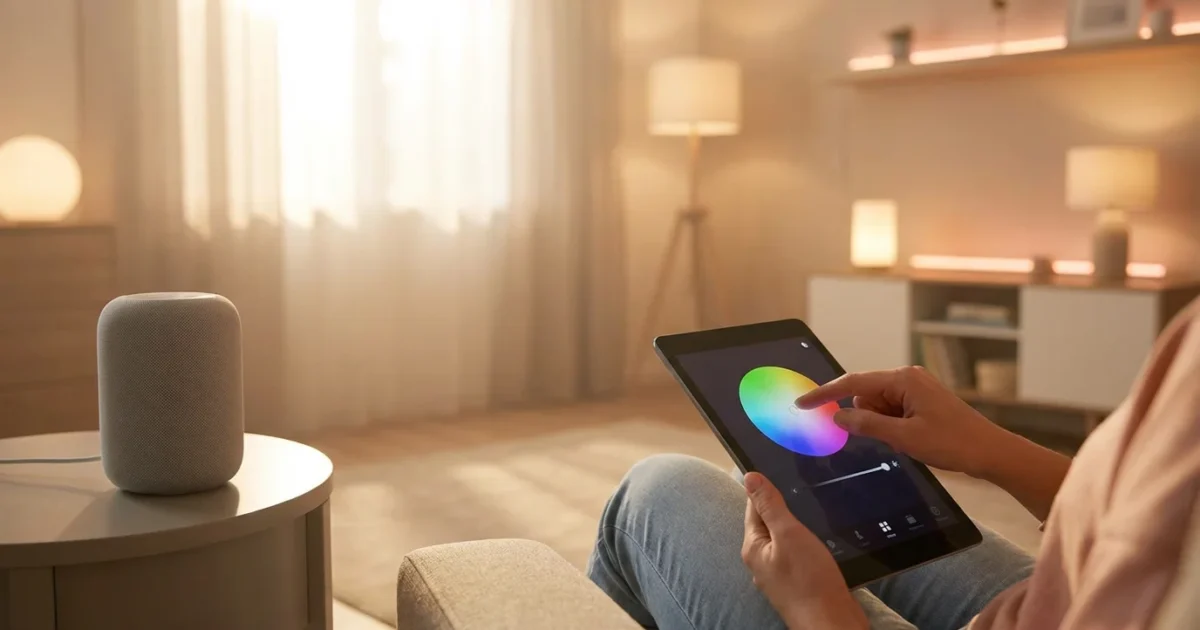
You can transform your living space with smart lighting scenes, moving beyond simple on/off switches to create dynamic, personalized environments. Smart lighting offers more than just illumination. It delivers convenience, enhances ambiance, and even boosts your well-being. This guide helps you design and implement perfect lighting scenes for your home, from basic setup to advanced automation.
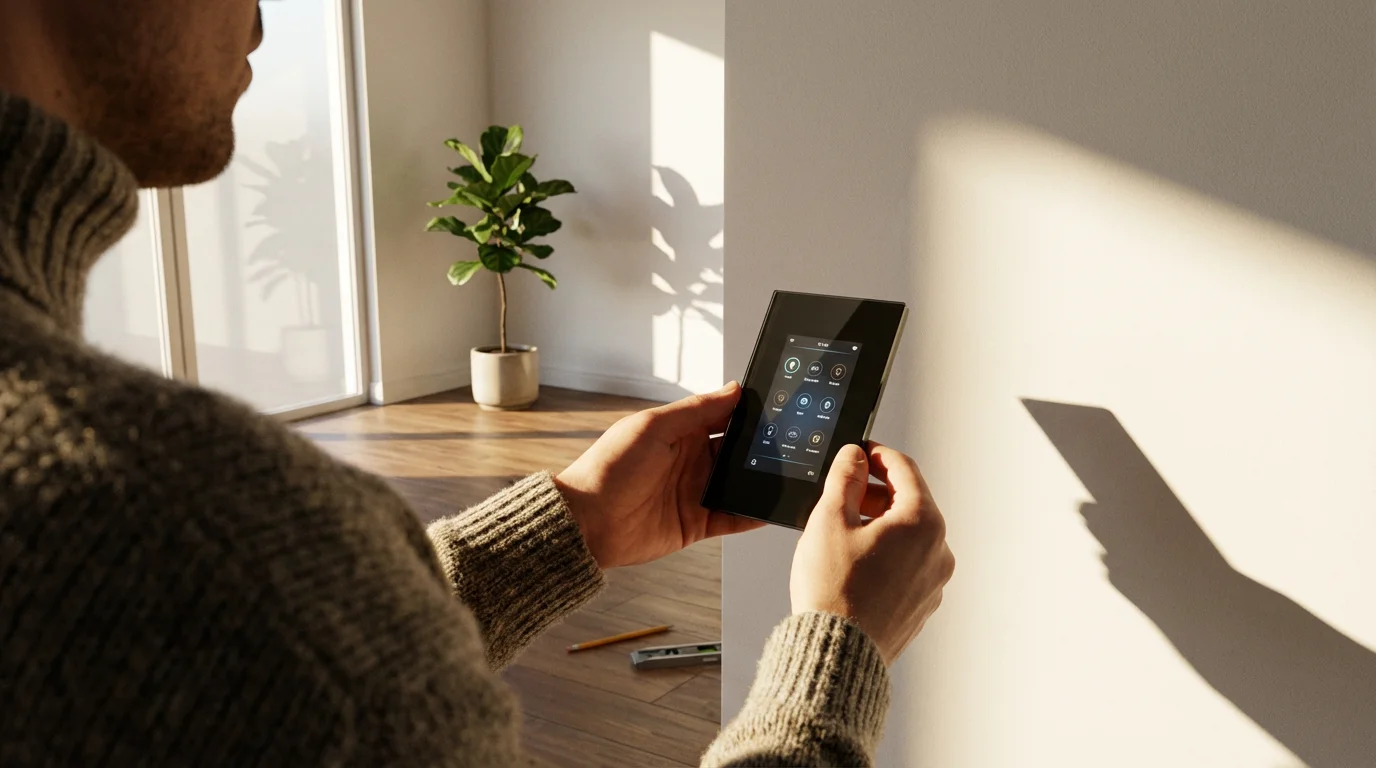
Understanding Smart Lighting Basics
Smart lighting provides unparalleled control over your home’s illumination. You can adjust brightness, color, and even schedule lights to turn on and off automatically. This technology moves traditional lighting into the modern age.
What are Smart Lights?
Smart lights come in various forms, offering flexibility for any homeowner. The most common types include:
- Smart Bulbs: These replace your existing bulbs and screw into standard fixtures. They connect wirelessly to your smart home system, allowing app or voice control.
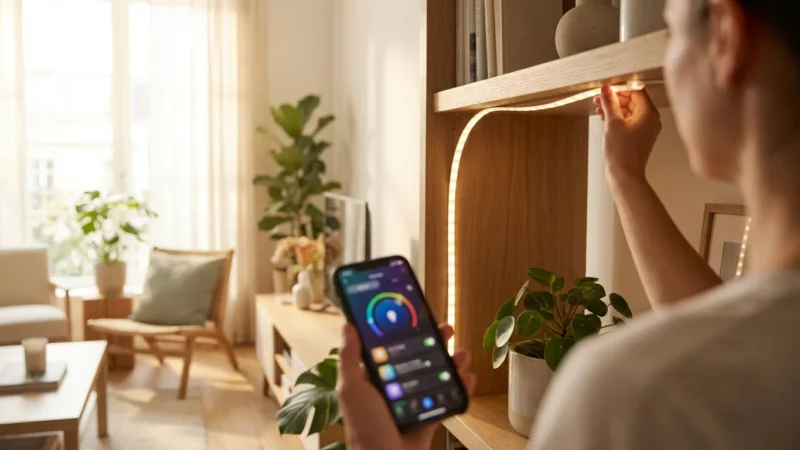
- Smart Light Strips: Flexible strips of LEDs, often with adhesive backing, create accent lighting. You can place them under cabinets, behind TVs, or along coves for a dramatic effect.
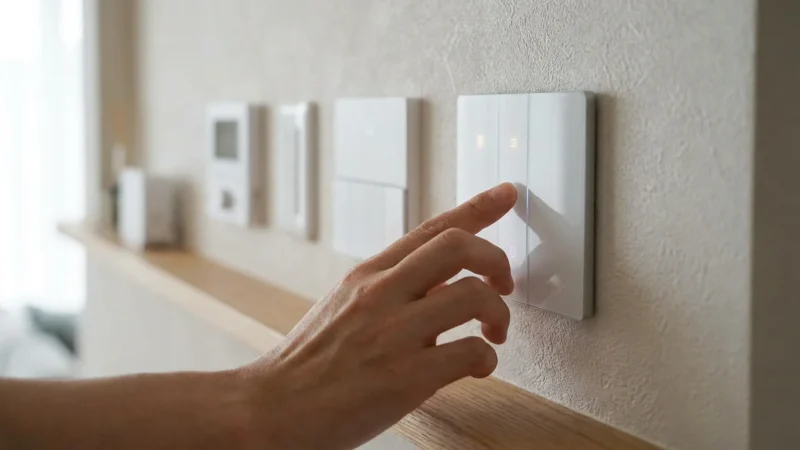
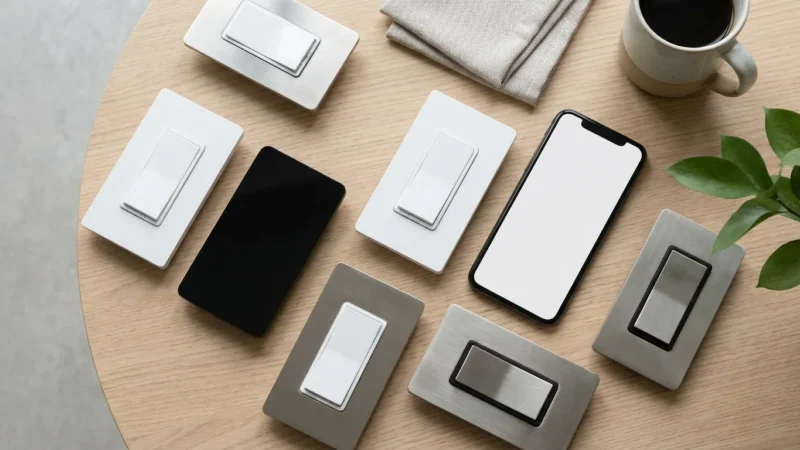
- Smart Switches and Dimmers: These replace your wall switches, turning regular bulbs into smart-controllable ones. They offer a good option for controlling groups of lights or ceiling fixtures that do not use individual smart bulbs.
What are Lighting Scenes?
A lighting scene is a predefined set of lighting conditions saved for specific activities or moods. Instead of individually adjusting multiple lights, you activate a single scene. This instantly transforms a room’s atmosphere.
For example, a “Movie Night” scene might dim the main lights, turn on accent lights in a warm red, and illuminate your TV backlighting. A “Morning Boost” scene could slowly brighten bedroom lights to a cool white, simulating a sunrise.
Key Components of Smart Lighting
To get started with smart lighting, you need a few core components:
- Smart Lights: The bulbs, strips, or switches themselves.
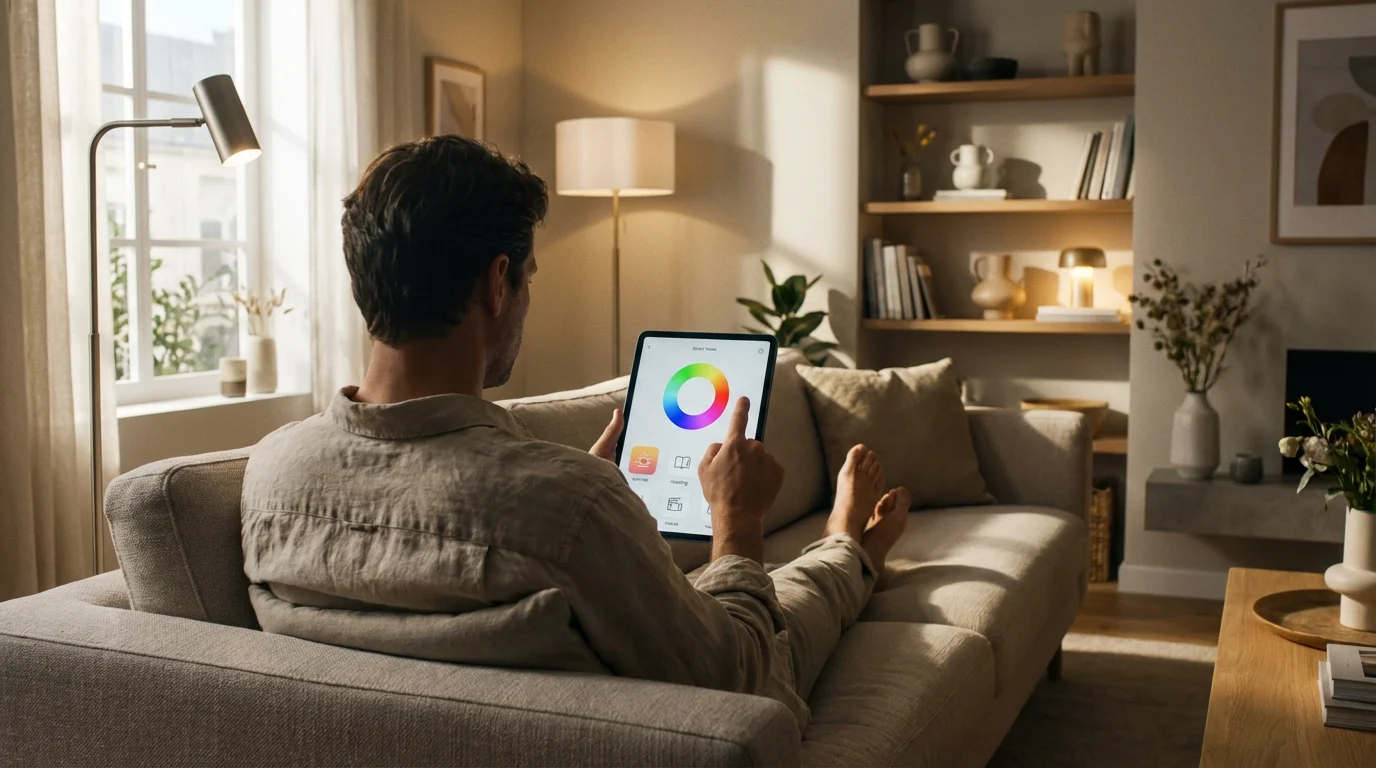
- A Control Device: Typically your smartphone or tablet, running the smart light manufacturer’s app.
- Connectivity: Smart lights usually connect via Wi-Fi, Bluetooth, or protocols like Zigbee or Z-Wave. Systems using Zigbee or Z-Wave often require a hub.
- Optional Smart Home Hub: Many systems, like Philips Hue, use a central hub to manage lights and enable automations. Other brands, such as LIFX and Wyze, connect directly to your home Wi-Fi network, eliminating the need for a separate hub.
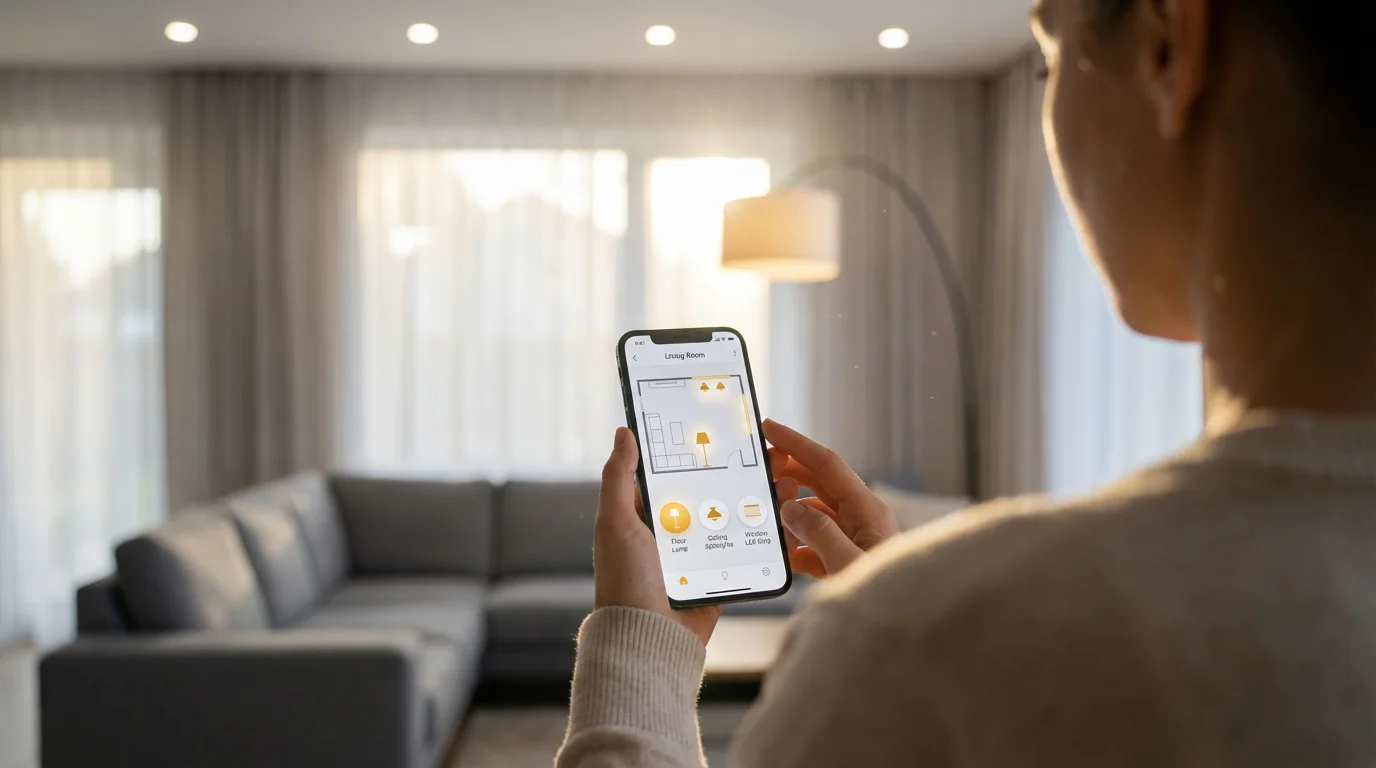
Choosing Your Smart Lighting Ecosystem
Selecting the right smart lighting ecosystem lays the groundwork for your entire setup. Consider your budget, desired features, and compatibility with other smart devices you own or plan to purchase. A well-chosen system expands with your needs.
Before you commit to a specific manufacturer, it’s helpful to compare Philips Hue vs LIFX vs Wyze to see which platform fits your goals.
Factors to Consider
Before investing, evaluate these aspects:
- Budget: Smart lighting ranges from budget-friendly options to premium systems. Decide how much you want to spend initially and for future expansion.
- Expandability: Think about how many lights you might add over time. Some systems offer a wider range of products, including outdoor lights and smart switches.
- Platform Compatibility: Ensure your chosen system integrates with your preferred smart home platform. This includes Apple HomeKit, Google Home, or Amazon Alexa. For example, if you frequently use Alexa, confirm that your chosen lights work seamlessly with it.
- Connectivity Type: Wi-Fi lights often offer easier setup without a hub, but they can sometimes strain your home network. Zigbee or Z-Wave lights require a hub but create a more robust mesh network for better reliability.
Popular Smart Lighting Brands
Several leading brands dominate the smart lighting market, each with unique strengths:
- Philips Hue:
- Pros: A vast ecosystem with reliable performance, excellent color reproduction, and integration with virtually all major smart home platforms. You find a wide range of bulbs, light strips, lamps, and outdoor lights.
- Cons: Requires a Philips Hue Bridge for full functionality, making the initial investment higher.
- Best For: Users seeking a premium, comprehensive, and highly reliable smart lighting experience.
- LIFX:
- Pros: Known for exceptionally bright and vibrant colors. LIFX bulbs connect directly to Wi-Fi, eliminating the need for a separate hub.
- Cons: Generally more expensive per bulb than some competitors. Direct Wi-Fi connection can sometimes be less reliable than a dedicated hub system depending on your network.
- Best For: Users who prioritize brightness and rich colors without wanting a hub.
- Wyze:
- Pros: Offers highly affordable smart bulbs and light strips. Wyze products connect via Wi-Fi and are easy to set up.
- Cons: Color accuracy and brightness may not match premium brands. The ecosystem is still growing compared to Hue.
- Best For: Beginners or budget-conscious users looking to experiment with smart lighting.
- Govee and Nanoleaf:
- Pros: These brands excel in creating unique accent lighting, such as LED light strips, light bars, and modular wall panels. They are excellent for creating immersive gaming setups or vibrant entertainment spaces.
- Cons: Primarily focused on accent lighting, their selection of standard bulbs may be limited.
- Best For: Enhancing entertainment areas and adding artistic flair.
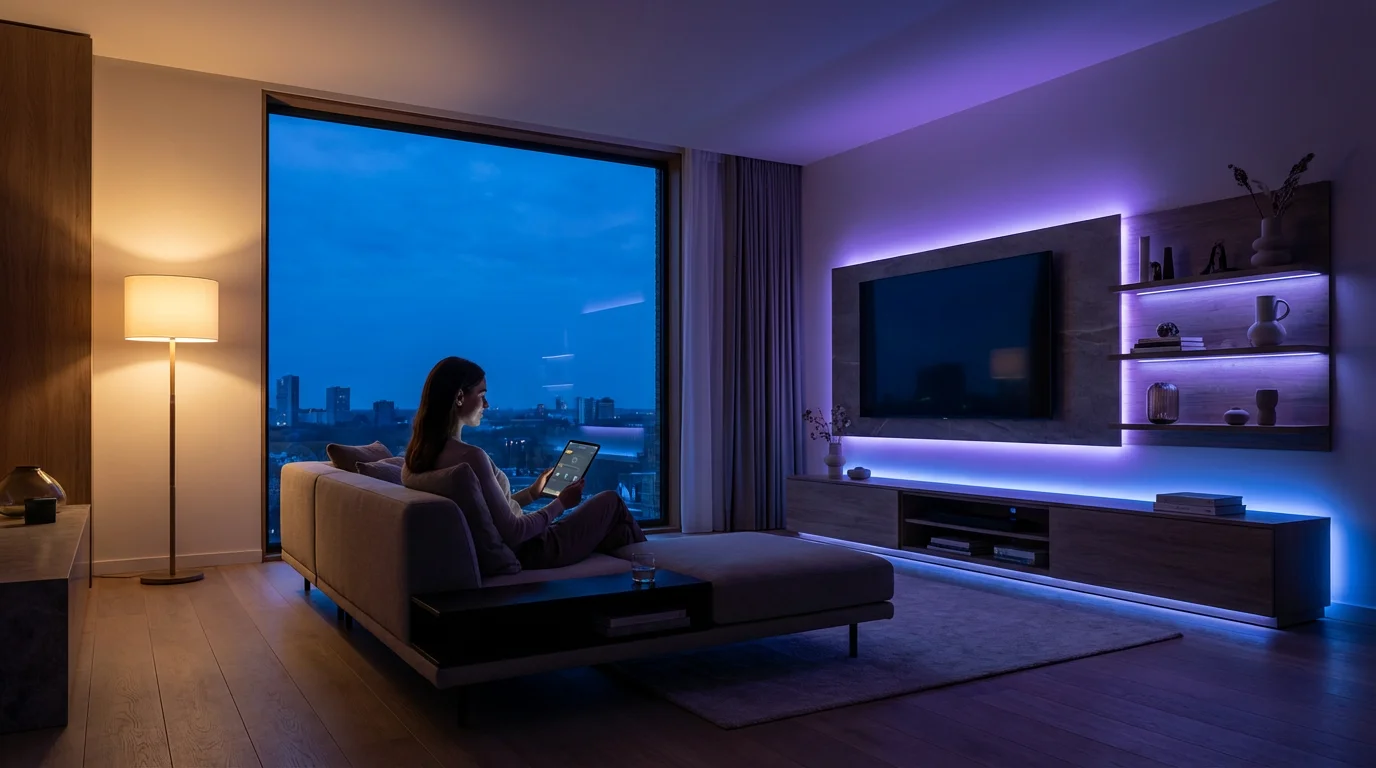
Step-by-Step: Creating Your First Lighting Scene
Creating your first lighting scene is a straightforward process. You define the mood you want, select your lights, and then customize their settings. This tutorial uses general steps applicable to most smart lighting apps.
1. Plan Your Scene’s Purpose
Before you open the app, consider what activity or mood the scene will support.
Ask yourself:
- Which room or area will this scene light?
- What activity will take place in this scene? (e.g., reading, dining, movie watching, waking up)
- What kind of mood do you want to evoke? (e.g., energetic, relaxed, focused)
For instance, you might plan a “Dinner Party” scene for your dining room. This scene requires a warm, inviting glow that is bright enough for eating but still soft.
2. Open Your Smart Lighting App
Launch the app for your chosen lighting system. This could be the Philips Hue app, LIFX app, Wyze app, or your main smart home platform app like Google Home or Amazon Alexa. Navigate to the section for creating or managing scenes. This section is often labeled “Scenes,” “Routines,” “Automations,” or “Moments.”
3. Select the Lights for Your Scene
Your app will prompt you to choose which lights to include in the scene. Select all the smart bulbs and light strips in the designated area. For a dining room “Dinner Party” scene, you might select your dining room chandelier bulbs and any accent lights in the adjacent living area.
4. Customize Each Light’s Settings
Now for the creative part. Adjust the individual settings for each selected light:
- Brightness: Set the desired intensity. For a “Dinner Party” scene, choose a moderate brightness.
- Color Temperature: Select a warm white (around 2700K-3000K) for a cozy atmosphere or a cool white (4000K-5000K) for task lighting. The “Dinner Party” scene benefits from a warm, inviting glow.
- Color (if applicable): If your lights are color-capable, choose a specific hue. A subtle amber or peach might complement a “Dinner Party” mood.
Experiment with combinations until you achieve the desired effect.
5. Save and Name Your Scene
Once you are satisfied with the settings, save the scene. Give it a descriptive name that you will remember and can easily use with voice commands. “Dinner Party,” “Movie Night,” “Relax Mode,” or “Reading Time” are good examples. Many apps also allow you to assign an icon to your scene for quick visual identification.
6. Test Your Scene
Activate your new scene to confirm it meets your expectations. Try turning it on and off, and see how it feels in the room. Make any necessary adjustments to individual light settings before saving the updated scene. This ensures a seamless experience every time you activate it.
Crafting Mood and Ambiance with Color Temperature and Brightness
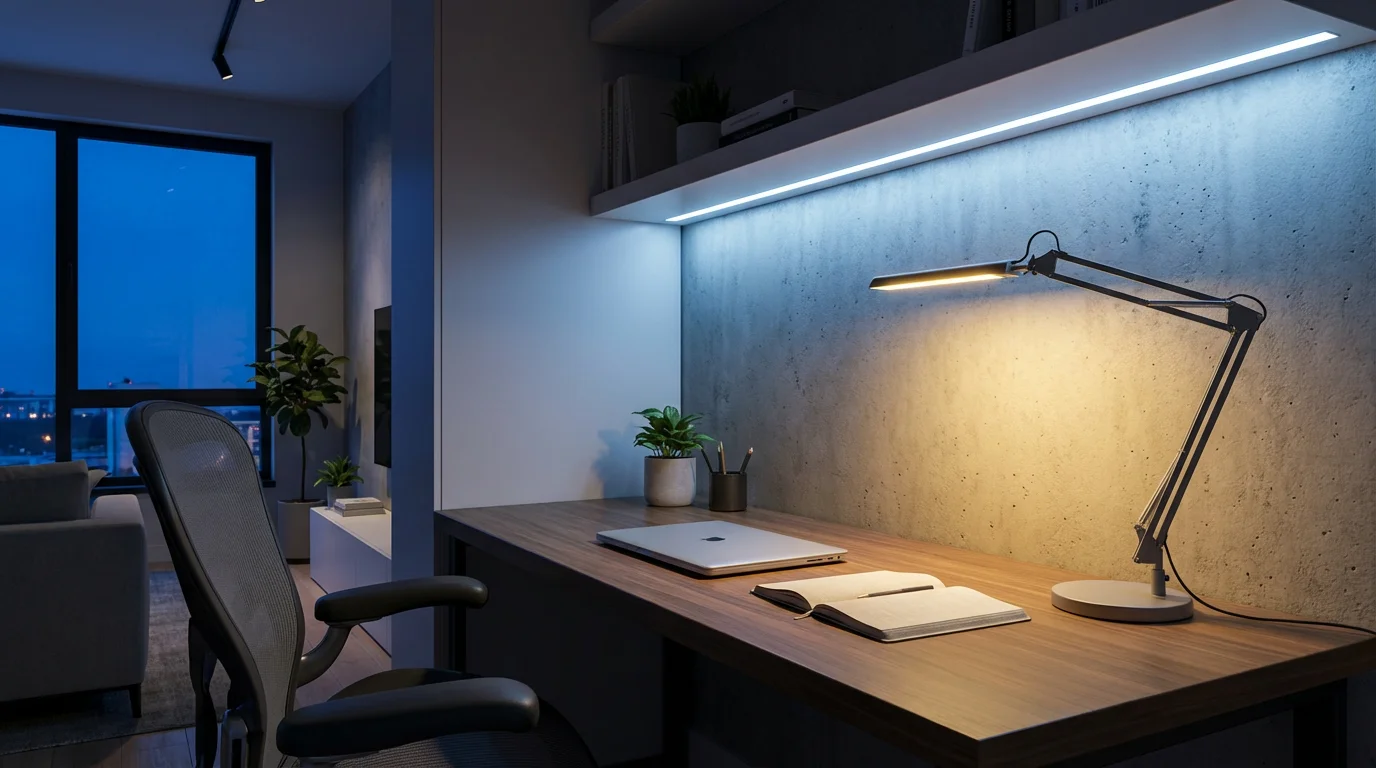
The true power of smart lighting lies in your ability to manipulate color temperature and brightness. These elements profoundly influence the atmosphere of a room and can even impact your energy levels and sleep patterns. Mastering them helps you create truly perfect lighting scenes.
Understanding Color Temperature
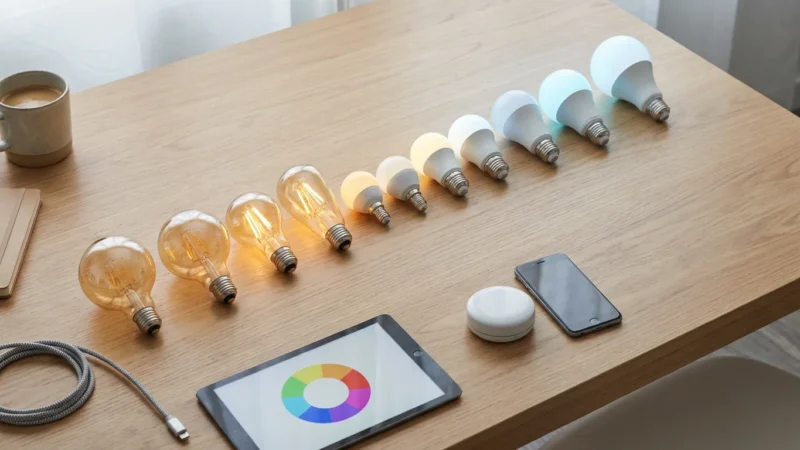
Color temperature refers to the warmth or coolness of white light, measured in Kelvin (K).
- Warm White (2000K-3000K): This light appears more yellow or orange, similar to incandescent bulbs or candlelight. It creates a cozy, relaxing, and inviting atmosphere. Use warm white for living rooms, bedrooms, and dining areas.
- Neutral White (3500K-4500K): Similar to natural daylight on an overcast day, this light is balanced and crisp. It works well for kitchens, bathrooms, and offices where you need clear visibility without harshness.
- Cool White/Daylight (5000K-6500K): This light has a bluish tint, mimicking bright, clear daylight. It promotes alertness and focus. Use cool white for task lighting, home offices, or areas where you need high visibility, such as a workbench.
The Importance of Brightness
Brightness, or lumen output, determines how much light a room receives. You can adjust this from 1% to 100%.
- Low Brightness (1%-25%): Ideal for creating a subtle glow, a night light, or for winding down in the evening. This level supports relaxation.
- Medium Brightness (25%-75%): Suitable for general ambient lighting, entertaining, or casual activities. This range offers comfort and visibility.
- High Brightness (75%-100%): Best for task-oriented activities, cleaning, or when you need maximum illumination. This level promotes alertness and clarity.
Circadian Rhythm Lighting
You can program smart lights to mimic the sun’s natural cycle. This practice, known as circadian rhythm lighting, helps regulate your body’s natural sleep-wake cycle.
For example, your lights can:
- Morning: Slowly brighten with a cool white light to help you wake up naturally.
- Daytime: Maintain a neutral or cool white to boost productivity and focus.
- Evening: Gradually shift to warm, dim light to prepare your body for sleep.
Some advanced smart lighting systems, like Philips Hue, offer built-in “Wake Up” and “Go to Sleep” routines that handle these transitions automatically.
Integrating Accent Lighting
Accent lighting plays a crucial role in creating depth and visual interest in your scenes. Light strips, for instance, dramatically enhance entertainment areas.
Consider these ideas for home ambiance:
- Behind the TV: Backlighting reduces eye strain and immerses you in content.
- Under Cabinets: Provides task lighting in kitchens and highlights textures.
- Along Ceilings or Coves: Creates an indirect, soft glow that makes a room feel larger and more inviting.
- Behind Furniture: Adds a subtle halo effect, perfect for creating mood lighting.
“The best smart home is the one you don’t have to manage. Thoughtful lighting scenes make technology disappear into the background, enhancing your life without constant interaction.”
Advanced Automation: Beyond Simple Scenes
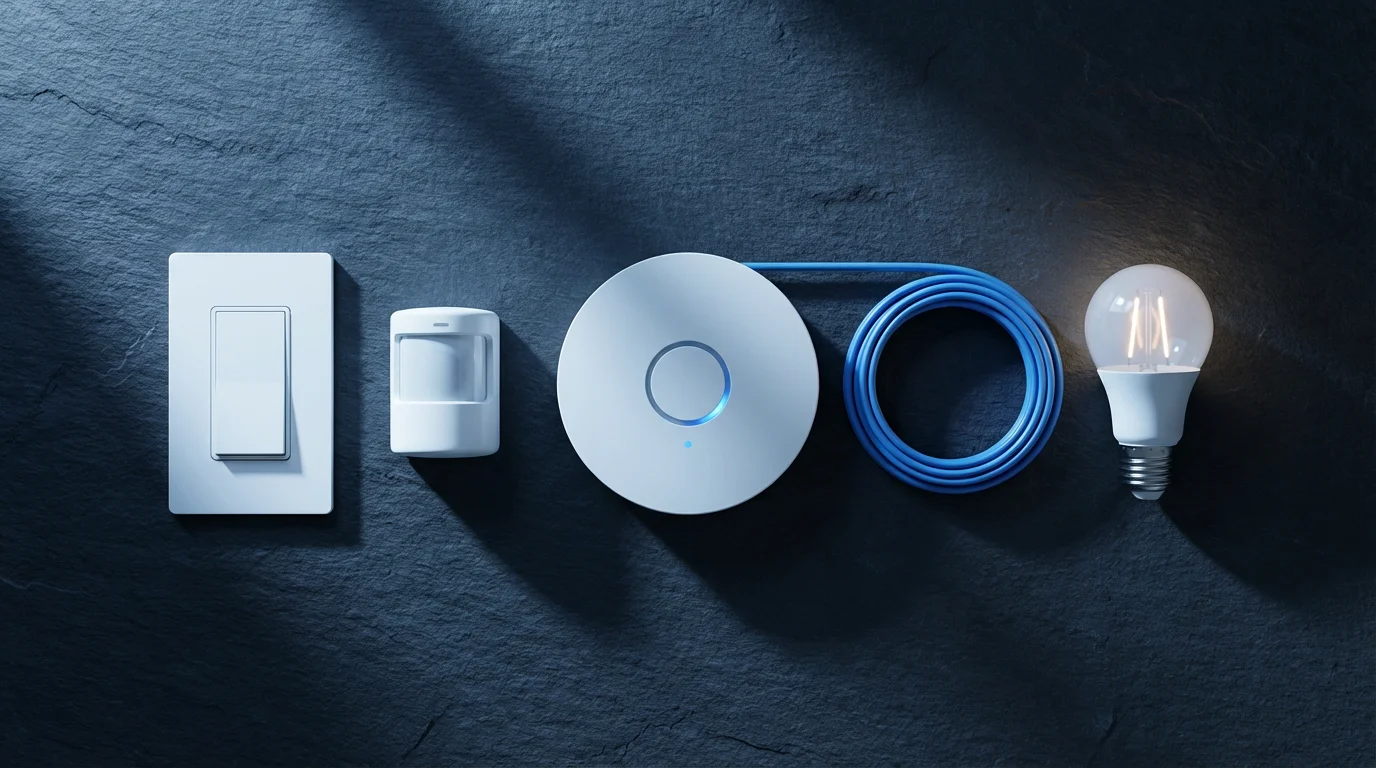
While scenes offer instant mood changes, advanced automation takes your smart lighting to the next level. You can trigger these scenes or individual lights based on schedules, motion, or even the status of other smart devices. This hands-free operation truly defines a smart home.
Automating your outdoor smart lighting is another effective way to improve home security while providing a welcoming atmosphere for guests.
Scheduling Your Lighting
Automate your lights based on time or natural light cycles.
- Time-Based Schedules: Set lights to turn on at sunset and off at sunrise. You can also program lights to turn on at a specific time each morning to help you wake up.
- Sunrise/Sunset Automation: Most smart lighting apps allow you to schedule lights relative to sunrise and sunset in your location. This ensures your lights adapt to seasonal changes. For example, your exterior lights can automatically illuminate 15 minutes before sunset and turn off at dawn.
Motion and Presence Detection
Integrate motion sensors or smart cameras with your lighting for practical, responsive control.
- Entryway Lighting: Lights in your foyer or hallway can turn on automatically when a motion sensor detects your presence, then turn off after a set period of inactivity. This is especially useful when your hands are full.
- Security Enhancement: Outdoor lights can flash or turn on brightly when a motion sensor or security camera detects unexpected movement, deterring potential intruders.
Integration with Voice Assistants
Control your lighting scenes effortlessly using voice commands. Major platforms include:
- Amazon Alexa: “Alexa, turn on Movie Night.”
- Google Assistant: “Hey Google, activate Relax Mode.”
- Apple HomeKit (Siri): “Hey Siri, set my living room to focus.”
Ensure your smart lighting system links to your preferred voice assistant through its respective app. This setup typically involves enabling a “skill” or linking accounts. According to CNET Smart Home, voice control remains a primary method for interacting with smart home devices, including lighting.
Geofencing for Home Arrival and Departure
Geofencing uses your smartphone’s location to trigger actions when you enter or leave a predefined area.
- Welcome Home: Your outdoor and entryway lights can illuminate automatically as you pull into your driveway.
- Away Mode: When you leave home, all your lights can switch off, saving energy. Some systems even simulate occupancy by randomly turning lights on and off when you are away.
Scene Integration with Other Smart Devices
Connect your smart lights with other smart home devices to create sophisticated automations.
- Smart Locks: When you unlock your front door, your hallway lights can turn on.
- Smart Thermostats: If your thermostat detects you are home, it could trigger a “Welcome Home” lighting scene.
- Smart Plugs: Connect a fan or coffee maker to a smart plug and have it turn on when your “Morning” lighting scene activates.
The Matter smart home standard, supported by the Connectivity Standards Alliance, aims to simplify these integrations, allowing devices from different brands to work together more seamlessly.
Best Lighting Scenes for Every Room
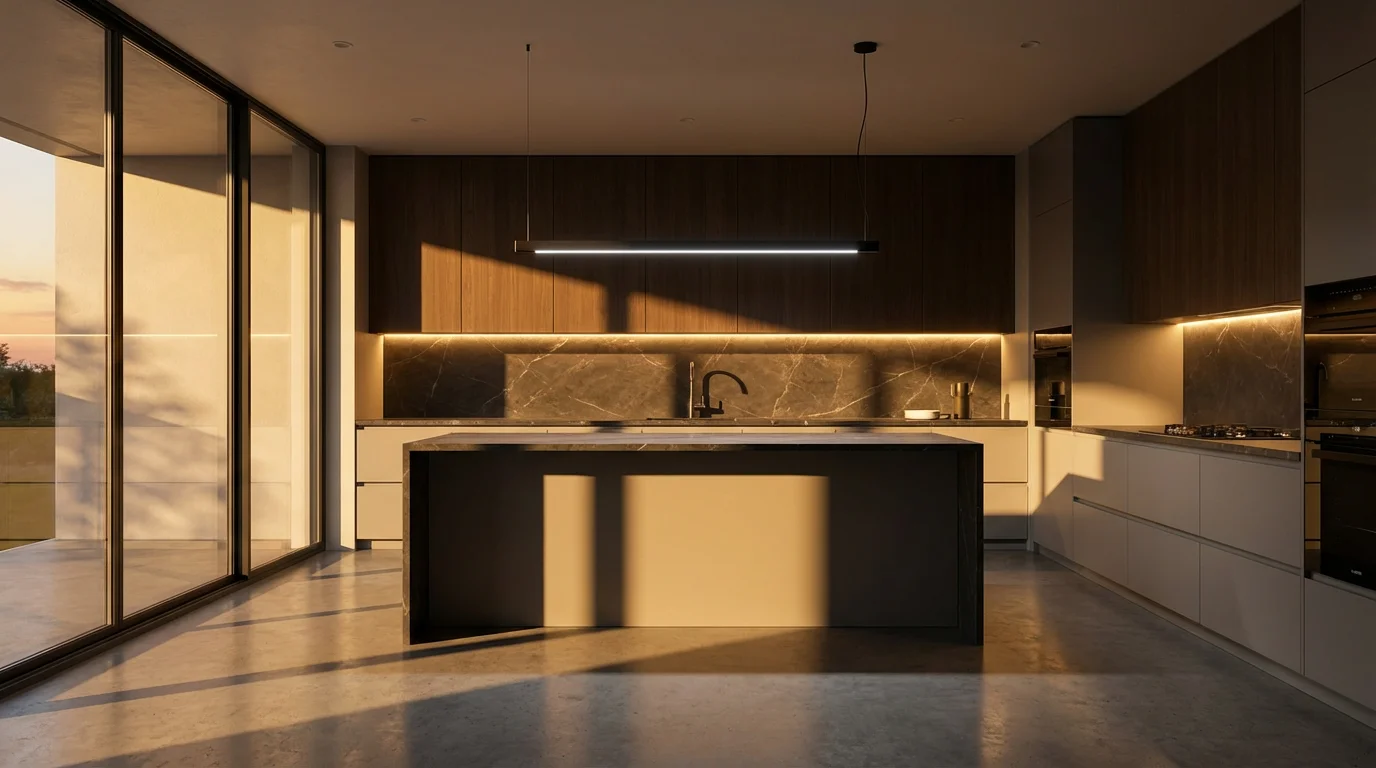
The optimal lighting scene varies significantly by room and its primary function. Tailoring your scenes to each space maximizes convenience, comfort, and utility.
Living Room
The living room serves multiple purposes, demanding flexible lighting.
- Movie Night: Dim main lights to 10-20%, set accent lights (behind the TV or along walls) to a warm, deep blue or red. This creates an immersive cinematic experience.
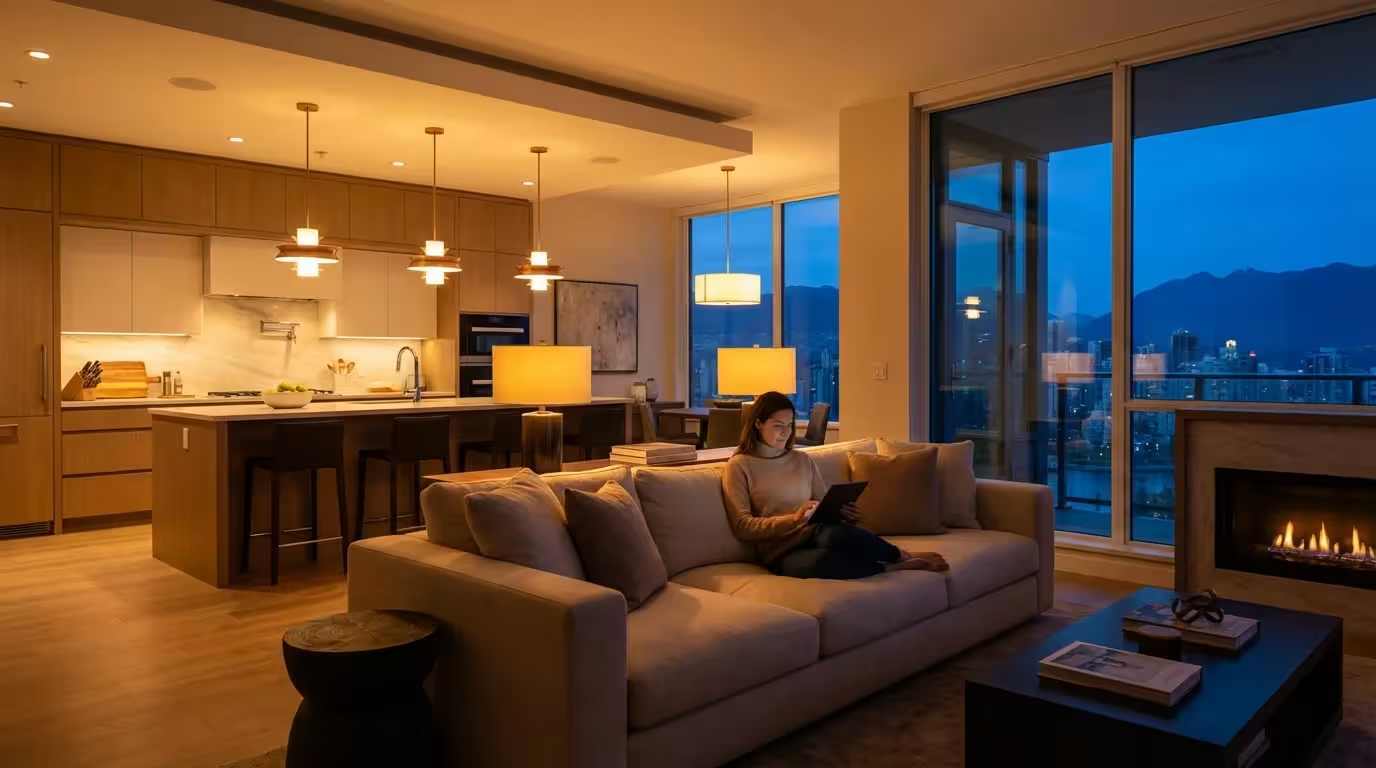
- Entertaining: Set main lights to 50% brightness with a warm white (2700K-3000K). Add subtle colorful accent lighting to reflect the mood of the gathering.
- Reading: Brighten a specific lamp to 70-80% with a neutral white light (4000K) for focused illumination, while keeping other lights ambient and dim.
- Everyday Ambient: Maintain main lights at 40-50% with a warm to neutral white, providing comfortable general illumination.
Bedroom
Your bedroom needs lighting that supports relaxation and sleep.
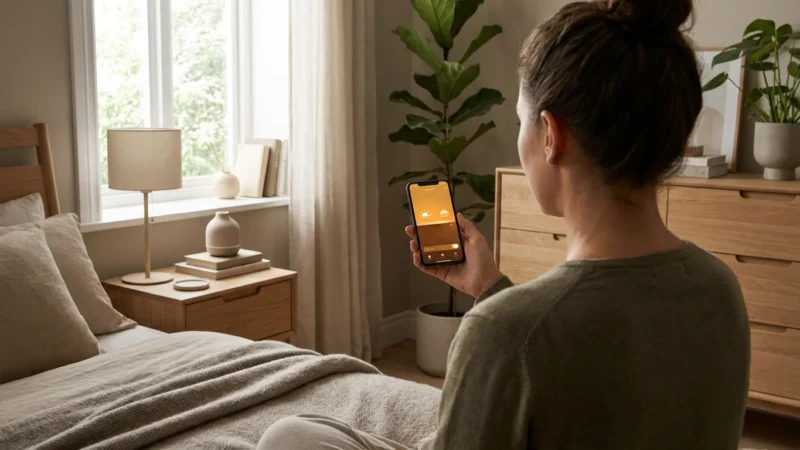
- Wake-Up: Program lights to slowly brighten from 0% to 60% over 30 minutes, starting with warm white and shifting to a cool white (4500K) for an energetic start.
- Relaxation/Bedtime: Dim all lights to 10-20% with a very warm white (2000K-2200K) or a soft amber color. This signals your body to wind down.
- Night Light: Set a single, very dim light (5%) with a warm color to activate if you get out of bed, providing just enough light without disturbing sleep.
Kitchen
Kitchen lighting needs to be functional and inviting.
- Task Lighting: Bright, cool white light (5000K-6000K) at 80-100% brightness is essential for cooking and meal prep. Consider under-cabinet lighting for targeted illumination.
- Dining Ambiance: If your kitchen includes a dining area, switch to a warmer (3000K), dimmer light (40-60%) for meals.
- Morning Coffee: A moderate, neutral white (3500K-4000K) at 50% brightness provides a comfortable glow for starting your day.
Bathroom
Bathroom lighting supports both practical tasks and relaxation.
- Grooming/Makeup: Bright, neutral white light (4000K-5000K) at 80-100% brightness around mirrors is crucial for clear visibility.
- Relaxing Bath: Dim the main lights to 10-20% and use warm white (2700K) or a calming blue or green color from accent strips.
- Nighttime Visit: A very dim, warm white light (5%) activates with motion, preventing you from fumbling in the dark.
Outdoor Spaces
Smart lighting also extends to your home’s exterior, enhancing security and curb appeal.
- Security: Link bright, cool white lights (5000K-6000K) to motion sensors, activating at 100% brightness. These can also be scheduled to turn on at dusk and off at dawn.
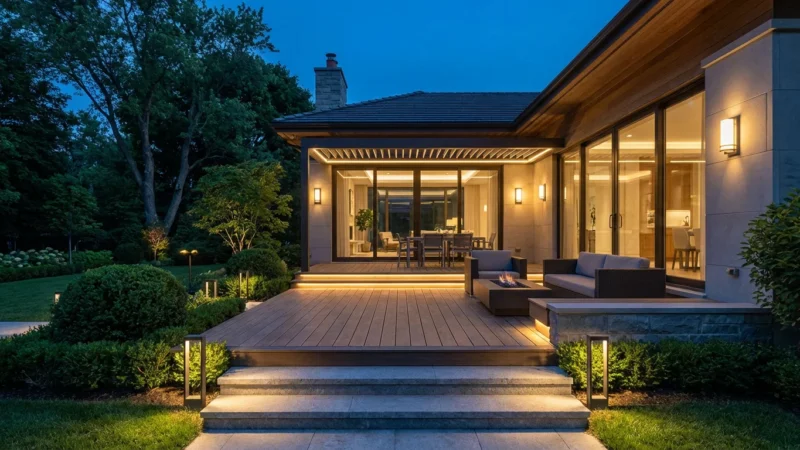
- Pathway Lighting: Dim, warm white pathway lights (2700K) set to activate at sunset provide safe navigation and a welcoming glow.
- Patio/Deck Ambiance: String lights or accent lights set to various colors and dimness create the perfect mood for outdoor entertaining.
Troubleshooting Common Smart Lighting Issues
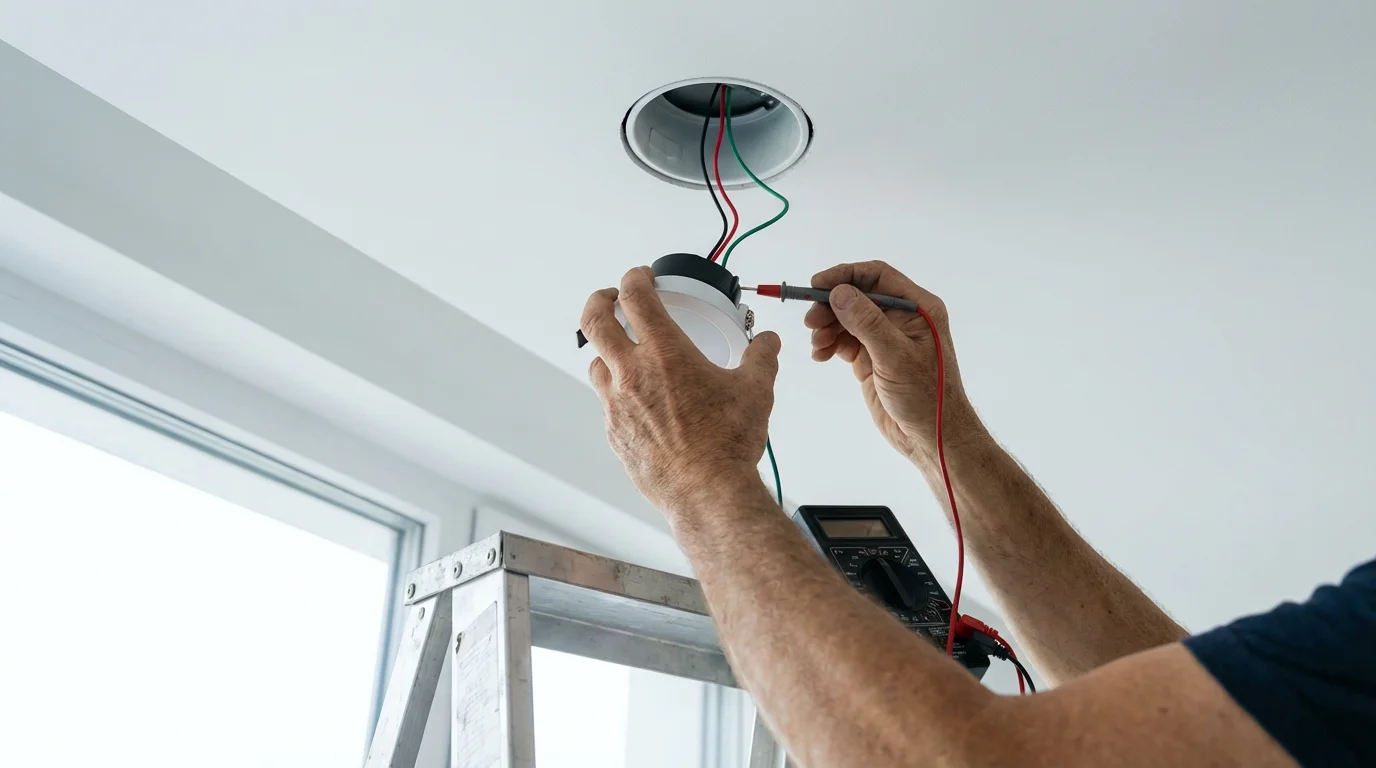
Even with the best planning, you might encounter occasional issues with your smart lighting. Addressing these problems effectively ensures your scenes operate smoothly.
Connectivity Problems
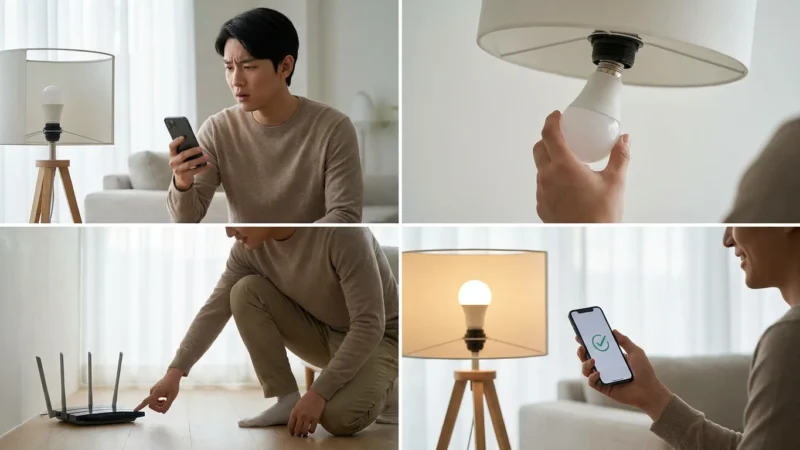
Smart lights rely on a stable wireless connection.
- Wi-Fi Interference: If your lights use Wi-Fi, too many devices on the same band can cause issues. Consider if your router supports both 2.4 GHz and 5 GHz bands. Ensure your smart lights are on the 2.4 GHz band, which offers better range but lower speed, suitable for smart devices.
- Zigbee/Z-Wave Signal Weakness: For hub-based systems, the hub might be too far from some lights. These systems form a mesh network, where each powered device can extend the signal. Adding more smart bulbs or plugs can improve network strength.
- Router Placement: Ensure your Wi-Fi router or smart home hub is centrally located for optimal signal distribution throughout your home.
Scene Not Activating or Incorrect Behavior
If your scene fails to execute as expected, review these points:
- App Settings: Double-check the scene’s configuration in your smart lighting app. Verify all lights are included and their settings are correct.
- Automation Triggers: For automated scenes, confirm that the schedule, motion sensor, or voice command trigger is properly set up and enabled. Sometimes a small typo in a voice command prevents activation.
- Device Power: Ensure all lights included in the scene have power. A physical light switch turned off overrides smart control.
Flickering Lights
Flickering can indicate several problems:
- Incompatibility with Dimmer Switches: Smart bulbs usually require a constant power supply and can flicker if installed in a fixture controlled by a traditional dimmer switch. Replace the traditional dimmer with a smart switch designed for smart bulbs, or bypass the dimmer entirely.
- Loose Connections: Ensure bulbs are screwed in tightly and light strips have secure connections.
- Faulty Bulb: Occasionally, a smart bulb may be defective. Try swapping it with a known working bulb to diagnose.
Firmware Updates
Like all smart devices, smart lights receive firmware updates.
- Keep Devices Updated: Regularly check your smart lighting app for available firmware updates and install them. Updates often include bug fixes, performance improvements, and new features.
When to Reset
As a last resort, resetting a smart bulb or hub can resolve persistent issues. Refer to your device’s manual for specific reset instructions, as this process varies by manufacturer. Be aware that resetting a device usually removes it from your smart home system, requiring you to set it up again.
Frequently Asked Questions
What is the difference between a smart bulb and a smart switch?
A smart bulb contains the smart technology within the bulb itself, allowing individual control of color, brightness, and scheduling. A smart switch replaces your wall switch and controls any traditional bulb connected to that fixture, making the entire circuit smart. Smart switches are ideal for fixtures with multiple bulbs or ceiling lights.
Can I use smart lights without a hub?
Yes, many smart lights, such as those from LIFX and Wyze, connect directly to your home Wi-Fi network. These “hub-less” systems simplify setup, but they can sometimes put more strain on your Wi-Fi network. Systems like Philips Hue require a dedicated hub for full functionality and often offer more robust performance.
Do smart lighting scenes save energy?
Yes, smart lighting scenes contribute to energy savings. By enabling precise control over brightness, color temperature, and scheduling, you only use light when and where you need it. Automation features, like turning lights off when you leave or dimming them automatically, prevent wasted energy.
How many smart lights can I have in one scene?
The number of smart lights you can include in a single scene depends on your specific smart lighting system and hub capacity. Most popular systems handle dozens of lights per scene without issues. Your smart lighting app typically provides guidance on system limits.
Can smart lights work with voice commands if my Wi-Fi is down?
No, most smart lights rely on an active Wi-Fi connection to communicate with your app, hub, and voice assistant. If your Wi-Fi network is down, you generally lose control over your smart lights via app or voice. You can still typically operate them with their physical switch if they are in an “on” state when the Wi-Fi fails.
Elevate Your Home with Smart Lighting Scenes
Creating perfect smart lighting scenes transforms your home into a dynamic, responsive environment. You gain incredible control over your lighting, moving beyond basic on/off functions. This power allows you to enhance moods, save energy, and improve security effortlessly.
Start by choosing an ecosystem that fits your needs, then explore the endless possibilities of color temperature, brightness, and automation. Experiment with different scenes for every room and activity. As you become more familiar, integrate advanced automations with motion sensors, voice assistants, and other smart devices. Your home lighting will respond intuitively to your lifestyle, delivering unparalleled convenience and comfort.
Disclaimer: This article is for informational purposes only. Smart home devices involve electrical connections and data privacy. Always follow manufacturer instructions for installation. For complex wiring or HVAC work, consult a licensed professional.
Leave a Reply