
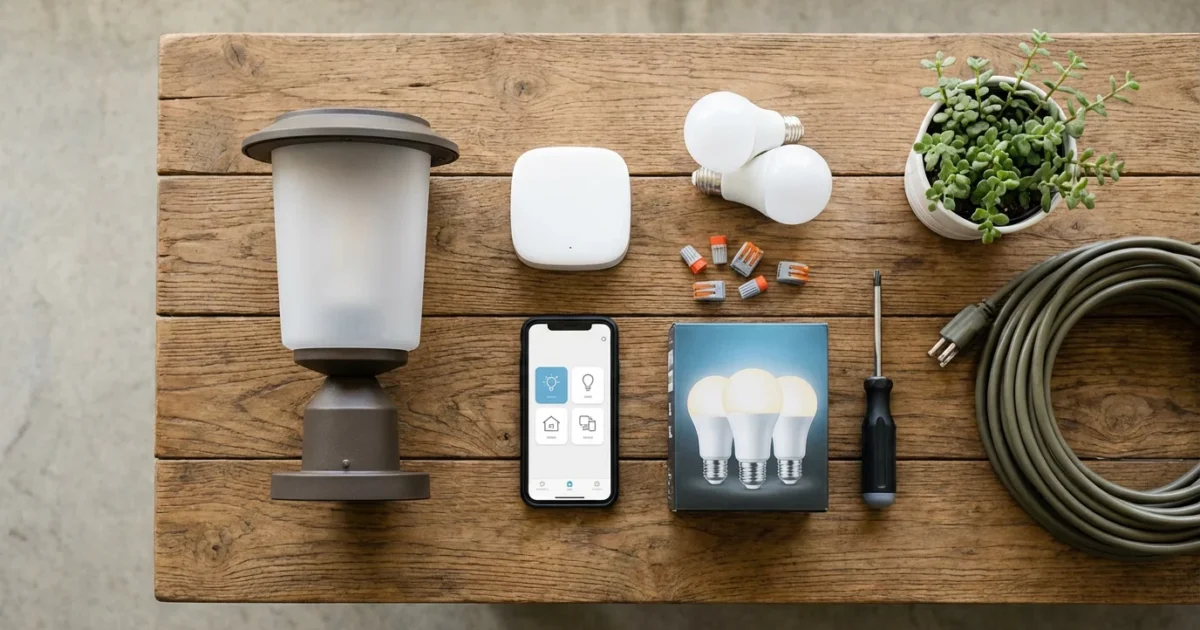
Securing your home often starts at the front door. Automated porch lights provide a powerful, yet simple, layer of protection, convenience, and energy efficiency. Imagine arriving home to a perfectly lit entryway, or deterring potential intruders with lights that instantly react to movement. This guide shows you how to transform your standard front door lights into a smart, proactive security feature.
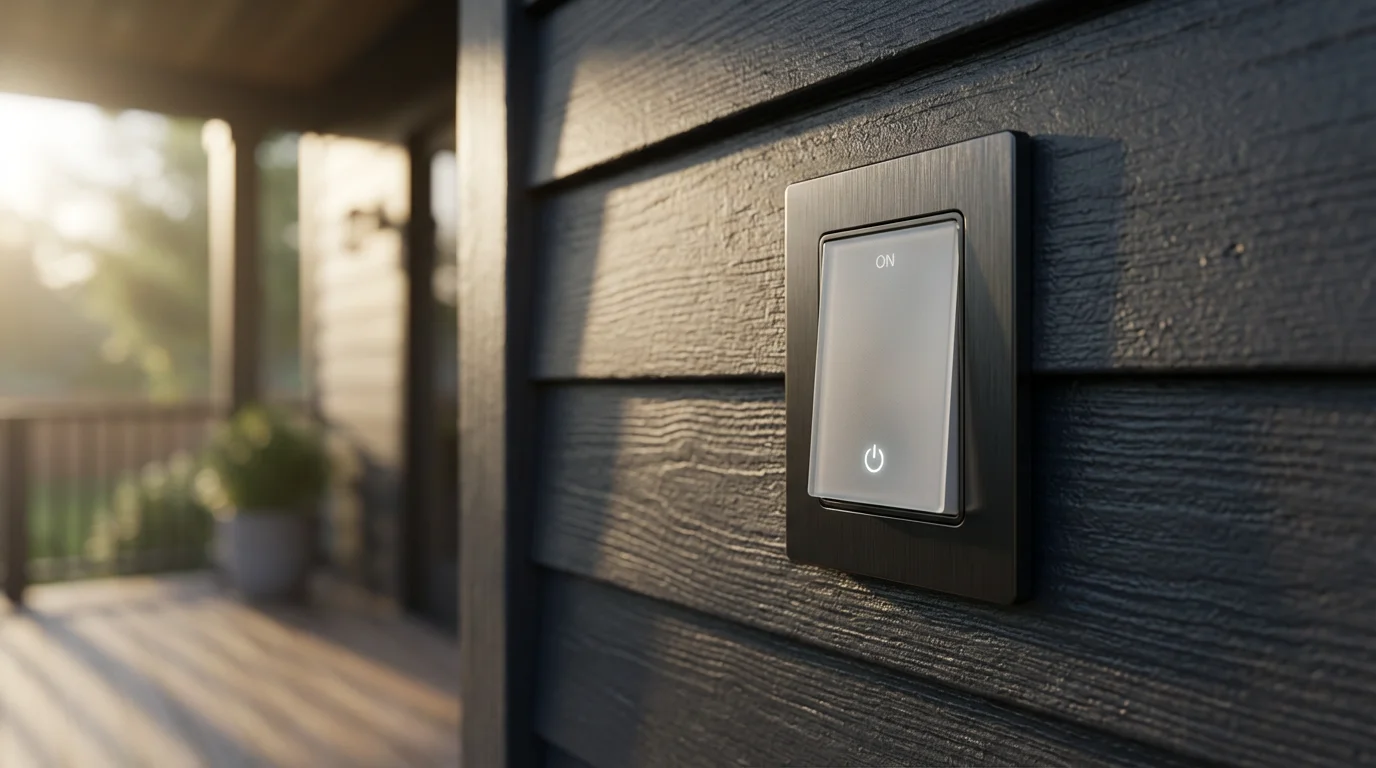
Why Automate Your Porch Lights? The Safety and Convenience Advantage
Automating your porch lights moves them beyond simple illumination. You gain control, efficiency, and peace of mind. This upgrade delivers tangible benefits for your home and family.
For ultimate peace of mind, you can also learn how to control smart lights when away from home using your smartphone from anywhere in the world.
- Enhanced Security: A well-lit porch deters potential intruders. Lights that activate on motion surprise unwanted visitors, often prompting them to leave. This creates a powerful visual deterrent, making your home a less appealing target.
- Increased Safety: Navigating steps and pathways in the dark poses a tripping hazard. Automated lights ensure your entryway is always bright when you need it, whether you are fumbling for keys or greeting guests.
- Unmatched Convenience: Your lights can turn on automatically when you pull into the driveway, when the sun sets, or when a door sensor indicates activity. You never need to remember to flip a switch. This eliminates coming home to a dark house.
- Energy Savings: Smart porch light automation ensures your lights are only on when necessary. By scheduling them to turn off during daylight hours or activating them solely based on motion, you reduce wasted electricity. This directly translates into lower energy bills.
- Curb Appeal: Automated lighting schedules can highlight architectural features or landscaping, enhancing your home’s aesthetic appeal in the evening. You create an inviting atmosphere for yourself and your visitors.
Implementing porch light automation means upgrading your home’s intelligence. You move from reactive lighting to proactive, intelligent illumination.
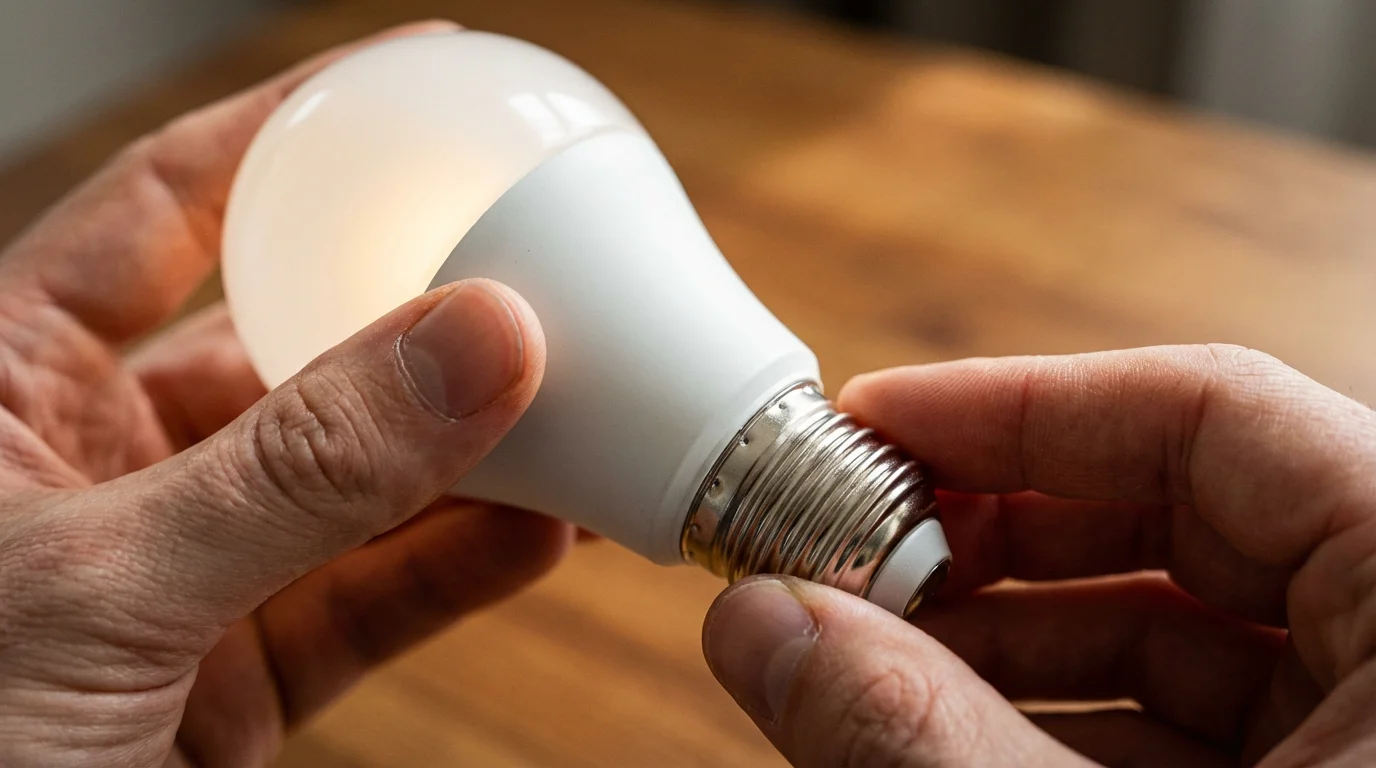
Understanding Your Porch Light Automation Options
Several technologies enable porch light automation. Your existing setup, technical comfort, and budget influence the best choice for you. Consider both standalone solutions and integrated smart home ecosystems.
To determine which ecosystem is right for your home, read our detailed comparison of Philips Hue vs LIFX vs Wyze to find the best brand for your needs.
Smart Bulbs
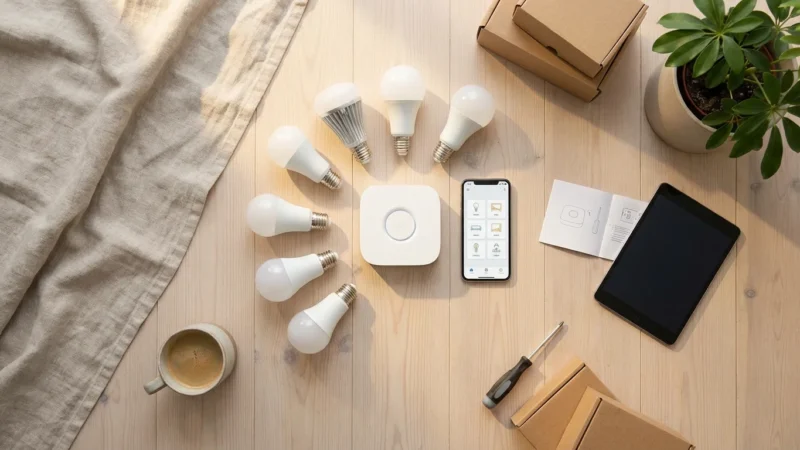
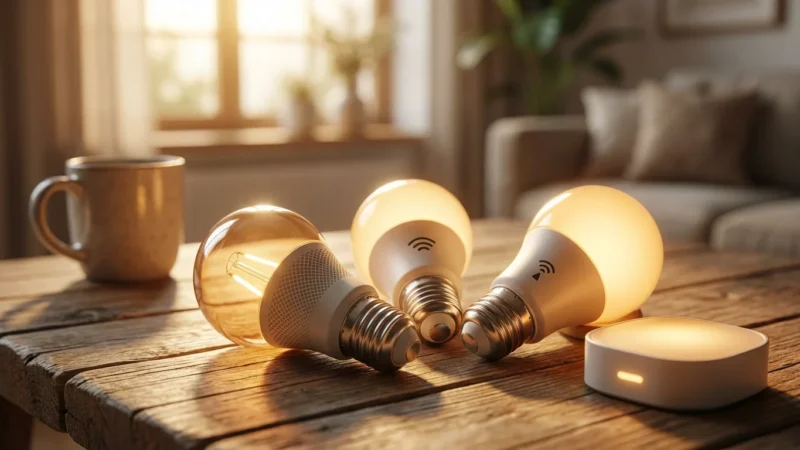
Smart bulbs are the simplest entry point into porch light automation. They replace your existing bulbs, allowing control via an app or smart home hub. You gain scheduling, dimming, and sometimes color-changing capabilities.
- Pros: Easy installation, no wiring changes, versatile scheduling.
- Cons: May require a hub for advanced features or multiple bulbs, typically more expensive than standard LED bulbs.
- Recommendations:
- Philips Hue: Excellent ecosystem, reliable Zigbee connection with a Bridge, wide range of outdoor bulbs.
- LIFX: Wi-Fi bulbs, often brighter, no hub required for basic functions, good color accuracy.
- Wyze Bulbs: Affordable Wi-Fi bulbs, simple app control, good for beginners.
Smart Switches
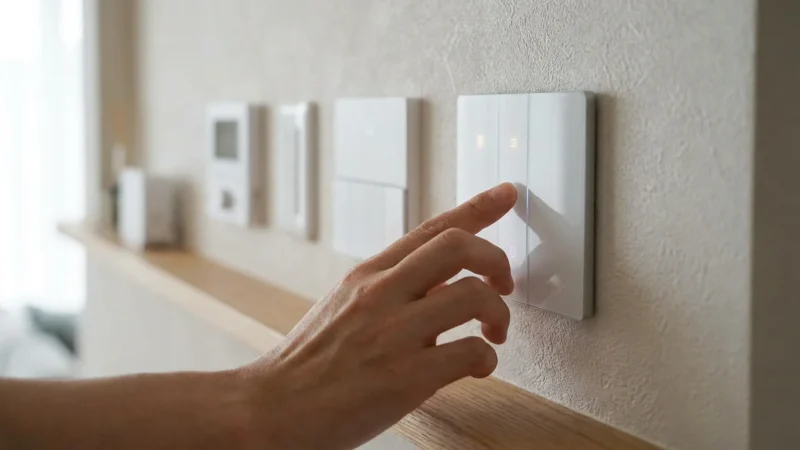
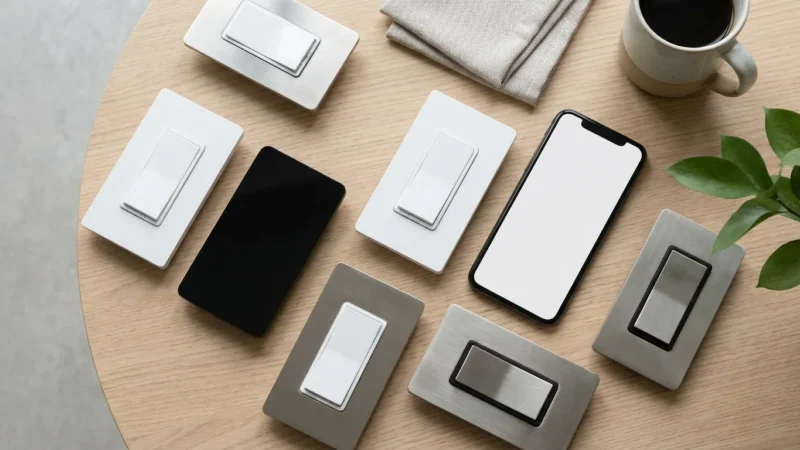
Smart switches replace your existing wall switch, turning any “dumb” light fixture into a smart one. This option works well for fixtures that use multiple bulbs or custom outdoor lighting. It also helps if you prefer the look of a traditional fixture.
- Pros: Controls the entire fixture, works with any bulb type, maintains wall switch functionality.
- Cons: Requires electrical wiring knowledge for installation, more involved than smart bulbs.
- Considerations: Ensure compatibility with your home’s wiring, especially if you lack a neutral wire. Some older homes may not have this.
Motion Sensors
Standalone motion sensors detect movement and can trigger smart lights or other devices. You integrate them into your smart home platform to create automation rules. Many outdoor motion sensors are battery-powered for flexible placement.
- Pros: Highly effective for security, customizable sensitivity, flexible placement.
- Cons: Requires integration with a smart hub or platform, battery life considerations.
- Integration: Many motion sensors use Zigbee, Z-Wave, or Wi-Fi to communicate with a smart hub like SmartThings, Hubitat, or an Amazon Echo device with a built-in hub.
Light Sensors (Photocells)
Some smart light systems or outdoor fixtures include built-in photocells. These sensors detect ambient light levels. They automatically turn lights on at dusk and off at dawn. This is a basic form of automation for sunset activation.
- Pros: Simple set-and-forget functionality, ideal for basic dusk-to-dawn operation.
- Cons: Less flexible than smart scheduling, does not react to motion.
Smart Home Hubs and Platforms
A smart home hub acts as the central brain for your devices. It allows different brands and technologies to communicate. Platforms like Apple HomeKit, Google Home, Amazon Alexa, SmartThings, and Hubitat bring everything together.
- Connectivity Standards:
- Wi-Fi: Common, direct connection, but can strain network with too many devices.
- Zigbee: Mesh network, low power, reliable for lighting, often requires a hub.
- Z-Wave: Mesh network, low power, good for security devices, often requires a hub.
- Matter: A new, unifying standard designed to improve interoperability across devices and brands, making setup simpler and more reliable. Learn more about Matter Smart Home Standard.
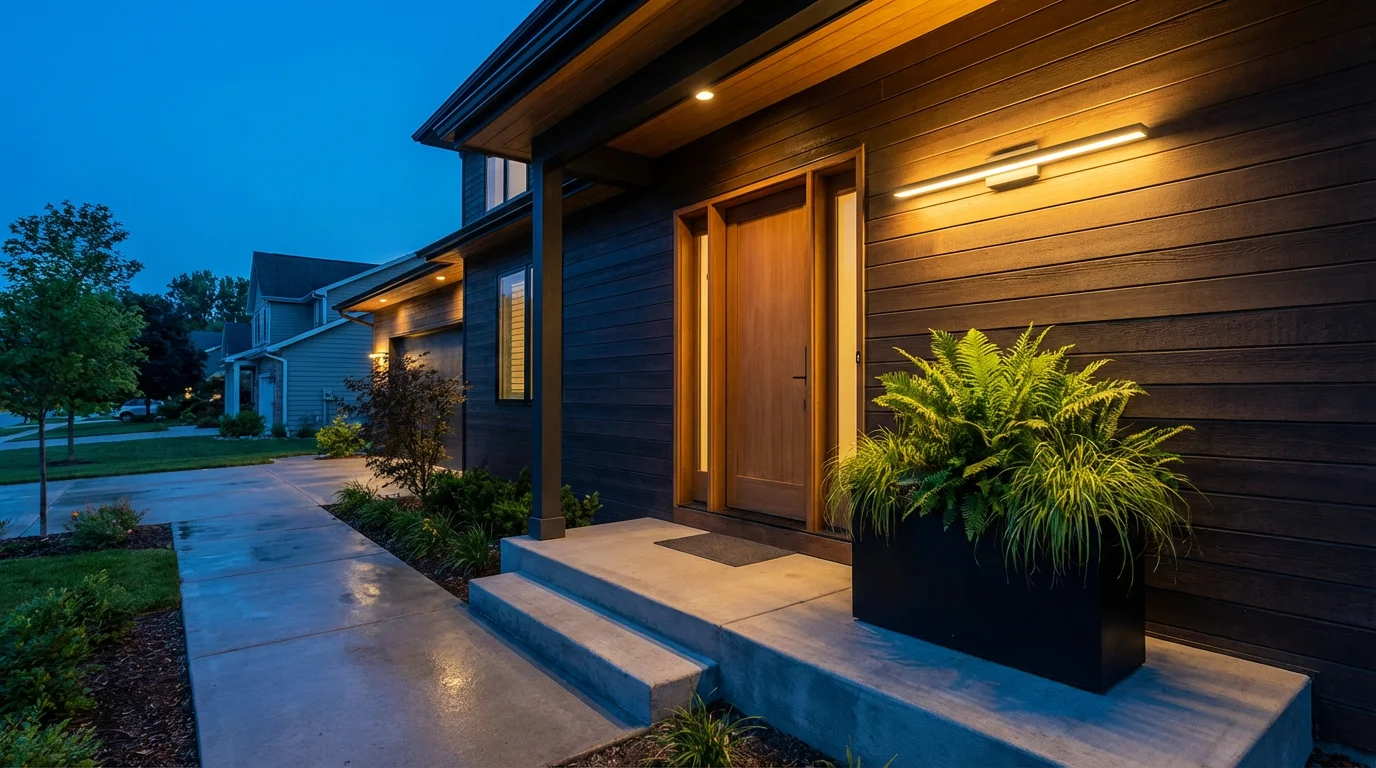
Choosing the Right Automation Method for Your Home
Selecting the best smart porch light setup depends on your specific needs. Evaluate your current lights, your DIY comfort level, and your desired features. This decision guides your investment and effort.
Scenario 1: Simple, No-Wiring Upgrade (Smart Bulbs)
If you rent your home, or if you prefer a quick and easy solution without touching electrical wiring, smart bulbs are your best bet. You simply screw them in like regular bulbs.
- Replace your existing outdoor bulbs with smart LED bulbs.
- Download the manufacturer’s app.
- Pair the bulbs with the app or a compatible hub.
- Set schedules for `how to automate porch lights to turn on at sunset` or specific times.
- Add a smart motion sensor to the ecosystem if you want motion-activated lighting.
Scenario 2: Full Control Over Fixtures (Smart Switches)
For homeowners wanting full control over any existing porch light fixture, a smart switch offers robust functionality. This solution is ideal if your porch has multiple lights on one switch, or if you prefer a specific aesthetic for your outdoor fixtures.
- Purchase a smart light switch compatible with your wiring (e.g., needing a neutral wire).
- Install the switch, potentially hiring an electrician if you are uncomfortable with electrical work.
- Connect the switch to your smart home platform.
- Create routines for time-based, sunset/sunrise, or motion-activated control.
Scenario 3: Integrating Motion Detection with Existing Lights (Standalone Motion Sensor)
If you have existing outdoor lights that you like, and you want to add motion detection without changing the bulbs or switches, a standalone smart motion sensor is effective. You need a smart plug or smart switch already controlling the light to integrate the sensor.
- Acquire an outdoor-rated smart motion sensor and a smart plug or smart switch.
- Place the smart plug between the light and the outlet, or install the smart switch.
- Mount the motion sensor in an optimal location, ensuring a clear field of view for your front door lights.
- Connect both devices to your smart home hub or platform.
- Create an automation rule: “When motion is detected by the outdoor sensor, turn on the porch light (controlled by the smart plug/switch).”
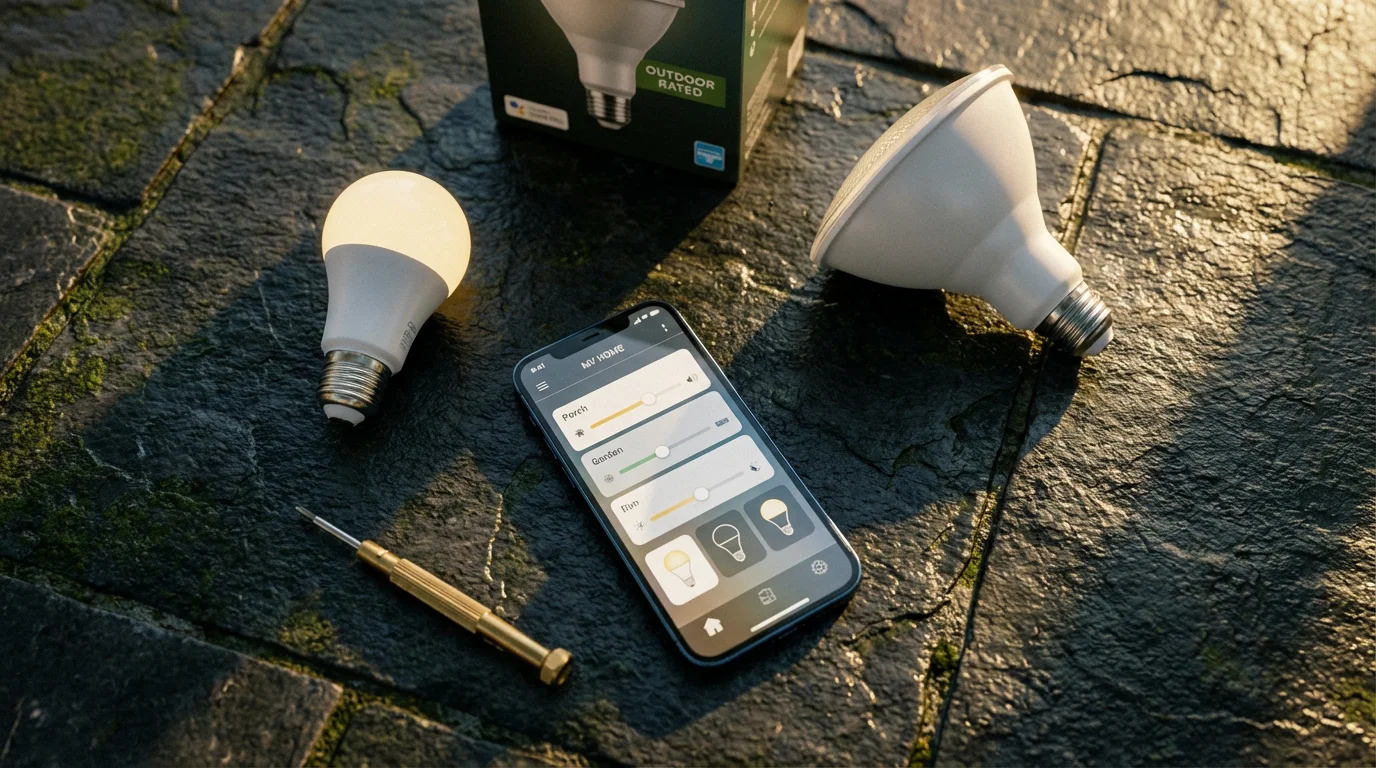
Step-by-Step Guide: Smart Bulb Automation
Automating your `front door lights` with smart bulbs is straightforward. This method requires no electrical work and offers immediate benefits. Here is how you can set it up.
If you are looking for a cost-effective upgrade, many of the best smart bulbs under $15 provide reliable performance for outdoor porch fixtures.
1. Choose Your Smart Bulbs
Select outdoor-rated smart bulbs that fit your existing fixtures. Brands like Philips Hue, Wyze, or Sengled offer good options. Verify the bulb’s shape and base type match your fixture.
2. Install the Smart Bulbs
Ensure the power to your porch light fixture is off at the switch. Unscrew your old bulbs and screw in the new smart bulbs. Restore power.
3. Connect to Your Smart Home App or Hub
- Download the specific app for your chosen smart bulbs (e.g., Philips Hue app, Wyze app).
- Follow the in-app instructions to discover and pair your new bulbs. This often involves turning the light off and on a few times.
- If you use a hub, like a Philips Hue Bridge, ensure it is connected to your router. Then, pair the bulbs with the Bridge via its app.
4. Set Up Schedules for Sunset Activation
This is a common and highly desired `porch light automation` for safety.
- Open your smart bulb’s app or smart home platform app (e.g., Google Home, Alexa).
- Navigate to the “Routines,” “Schedules,” or “Automations” section.
- Create a new automation.
- Trigger: Select “Sunset” or “Dusk.” Most apps use your location to determine precise sunset times.
- Action: Choose your porch lights to turn on. You can also specify brightness or color temperature.
- Optional: Add a second automation for “Sunrise” or a specific time (e.g., 11:00 PM) to turn the lights off.
5. Integrate a Motion Sensor (Optional but Recommended)
For enhanced security, add a smart motion sensor. This creates truly intelligent `motion sensor lights` for your porch.
- Purchase an outdoor-rated smart motion sensor compatible with your bulbs or hub.
- Mount the sensor in a strategic location that covers your porch and entryway, ensuring no obstructions.
- Pair the motion sensor with your smart bulb app or smart home hub.
- Create a new automation:
- Trigger: “Motion Detected” by your outdoor sensor.
- Condition (Optional): “Only when it’s dark outside” or “Only between [time A] and [time B]”. This prevents lights from turning on during the day.
- Action: Turn on your porch lights.
- Secondary Action: Add a command to turn off the lights after a set duration (e.g., 5 minutes of no motion).
Consumer Reports emphasizes, “Smart lighting offers more than just convenience, it adds a layer of security by making your home appear occupied and deterring unwanted visitors.”
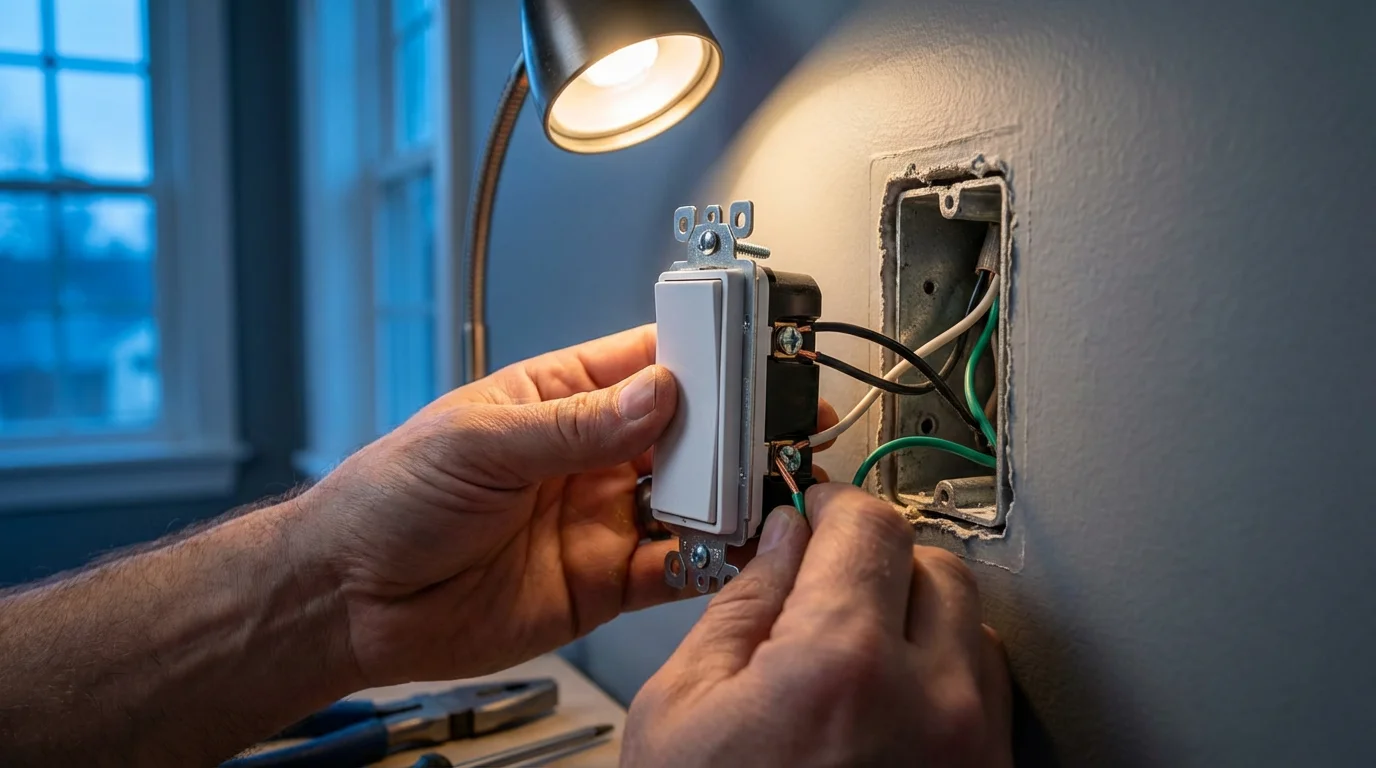
Step-by-Step Guide: Smart Switch Automation
Automating your porch lights with a smart switch provides robust control over any fixture. This method is excellent for homeowners comfortable with basic electrical work or willing to hire a professional. This forms a reliable `best smart porch light setup` for permanent installation.
1. Prepare for Installation
- Turn off Power: Go to your electrical panel and flip the breaker that controls your porch lights. Verify the power is off using a non-contact voltage tester at the switch. Safety is paramount.
- Remove Old Switch: Carefully unscrew and remove your existing porch light switch from the wall box. Note the wiring connections. Take a photo before disconnecting any wires.
2. Install the Smart Switch
Each smart switch has specific wiring instructions. Generally, you will connect the following wires:
- Line Wire (Hot): Carries power from the breaker.
- Load Wire: Connects to the light fixture.
- Neutral Wire: Essential for most smart switches to operate (provides continuous power to the switch itself). If your wall box lacks a neutral wire, seek out specific smart switches designed for no-neutral setups, or consult a licensed electrician.
- Ground Wire: For safety, typically bare copper or green.
Connect the wires from the wall box to the corresponding terminals on your smart switch. Secure the switch into the wall box and attach the faceplate.
3. Connect to Your Smart Home Platform
- Restore power at the breaker.
- Your smart switch should now have an indicator light. Follow the manufacturer’s instructions to put it into pairing mode.
- Open your smart home app (e.g., SmartThings, Google Home, Alexa app).
- Add a new device and follow the prompts to discover and connect your smart switch.
4. Create Automation Rules
Now you can customize how your `front door lights` operate.
- Sunset/Sunrise Schedule:
- Trigger: Set to “Sunset” or “Dusk.”
- Action: Turn on the porch light switch.
- Turn Off: Set a corresponding “Sunrise” or time-based automation to turn it off.
- Motion Activation:
- Requires a separate smart motion sensor integrated into the same smart home platform.
- Trigger: Motion detected by the outdoor sensor.
- Condition: Only when it is dark (optional, but prevents daytime activation).
- Action: Turn on the porch light switch.
- Turn Off: Add a command to turn off the switch after a set period of no motion (e.g., 10 minutes).
Safety Note: If you are uncomfortable working with electrical wiring, always consult a licensed electrician for smart switch installation. Incorrect wiring can be dangerous and cause damage.
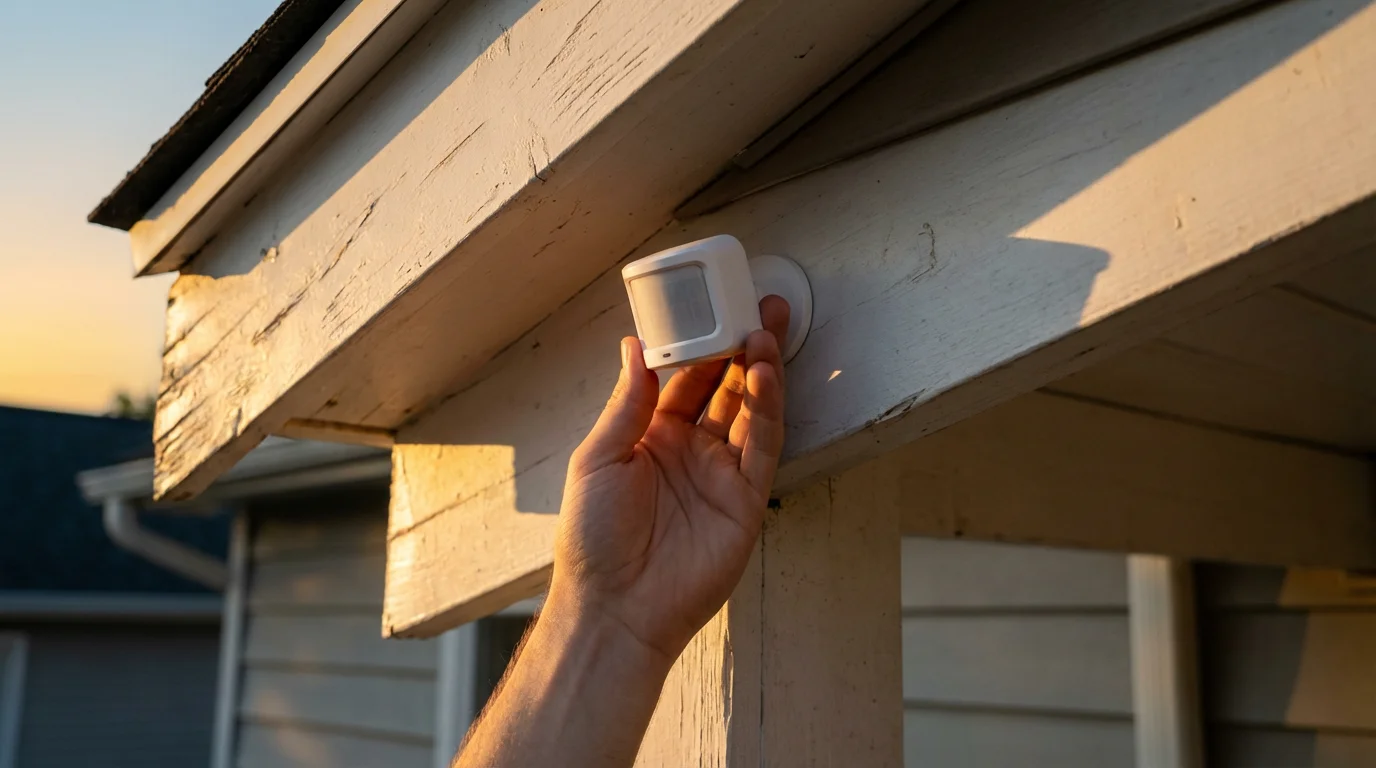
Step-by-Step Guide: Standalone Motion Sensor Integration
This method allows you to add motion-activated functionality to existing `porch light automation` setups without changing bulbs or switches directly. It integrates a smart motion sensor with a smart plug or smart switch already controlling your light.
1. Gather Your Devices
- An outdoor-rated smart motion sensor (e.g., from brands like Aeotec, Samsung SmartThings, Ring).
- A smart plug for a plug-in light, or a smart switch for a hardwired fixture (already installed).
- A smart home hub or platform that supports both devices (e.g., SmartThings, Hubitat, Alexa with a built-in hub).
2. Place and Install the Motion Sensor
Strategic placement is key for effective `motion sensor lights`.
- Choose Location: Select a spot that provides a clear line of sight to your entryway and any areas you want to monitor, such as a walkway or driveway. Avoid aiming it directly at busy streets or trees that could cause false alarms. Consider mounting it under an overhang for protection.
- Mount the Sensor: Use the provided mounting hardware to secure the sensor. Many sensors are battery-powered, offering flexibility.
3. Pair the Motion Sensor with Your Smart Home Platform
- Ensure your smart home hub or platform is online.
- Put the motion sensor into pairing mode, following its specific instructions.
- Open your smart home app and “Add Device.”
- Follow the prompts to discover and connect the motion sensor to your platform.
4. Create the Automation Rule
This links the motion sensor to your porch light, creating your `best smart porch light setup` for motion detection.
- Open your smart home app and navigate to “Routines,” “Automations,” or “Scenes.”
- Create a new automation.
- Trigger: Select “Motion Detected” from your newly added outdoor motion sensor.
- Condition (Important): Add a condition that the automation only runs “When it is dark outside” or “Between Sunset and Sunrise.” This prevents your lights from turning on unnecessarily during the day.
- Action: Choose your porch light (controlled by the smart plug or smart switch) to “Turn On.”
- Create a second automation to turn the lights off:
- Trigger: “No Motion Detected” by your outdoor sensor for a specific duration (e.g., 5-10 minutes).
- Action: Turn off your porch light.
Test the automation by walking into the sensor’s range after dark. Adjust sensor angle or sensitivity as needed.
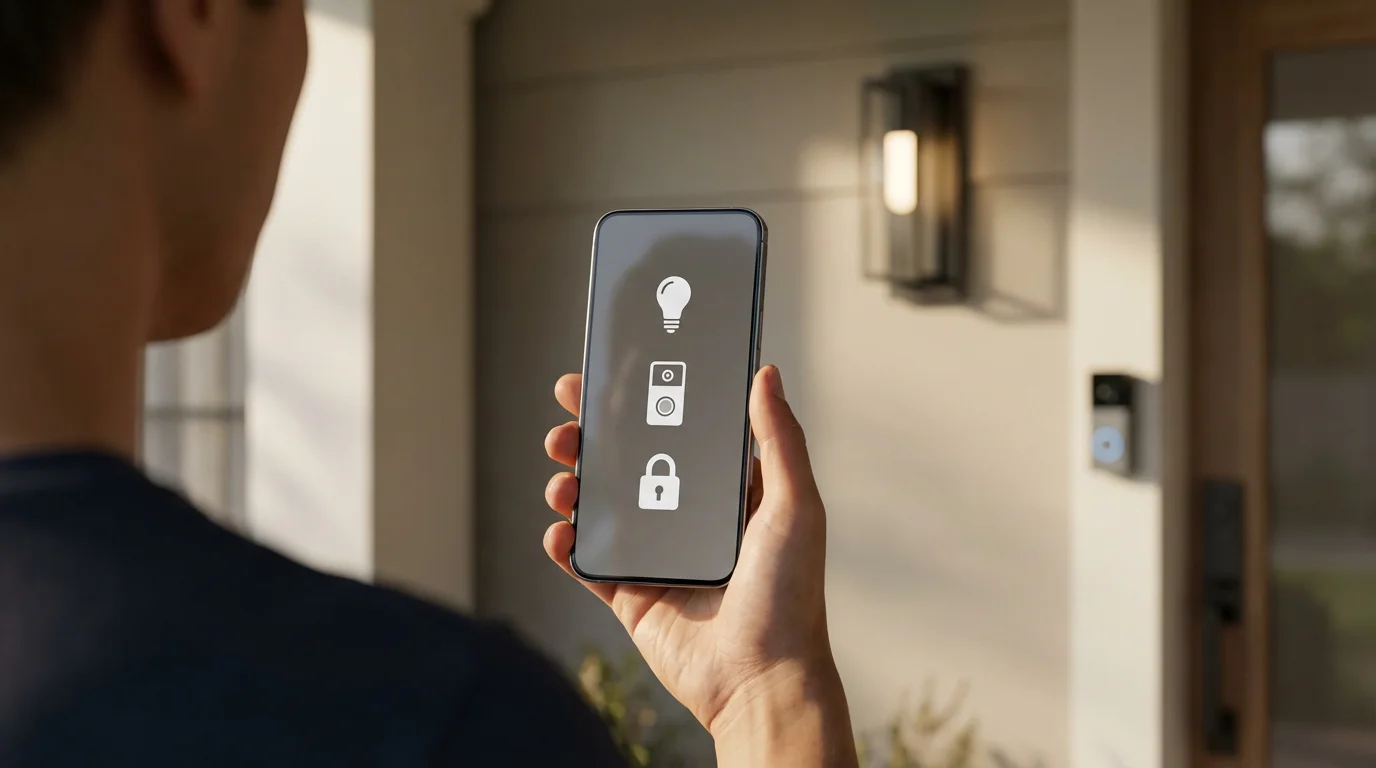
Advanced Porch Light Automation Strategies
Once you master basic `porch light automation`, you can expand its capabilities. Integrating your porch lights with other smart devices unlocks new levels of safety and convenience.
Integrating with Other Smart Devices
Your `front door lights` can become part of a larger, more intelligent system.
- Smart Door Locks or Sensors: When your smart door unlocks or a door/window sensor detects opening, your porch lights can turn on. This welcomes you home to a well-lit entrance.
- Smart Security Cameras: Some smart cameras have built-in motion detection and can trigger lights. Alternatively, an external motion sensor can activate both your lights and start camera recording.
- Smart Garage Door Openers: Program your porch lights to illuminate when your garage door opens, guiding you safely into your home.
“Occupancy Simulation” for Enhanced Security
When you are away, use your `porch light automation` to make it appear as though your home is occupied. This deters opportunistic intruders.
- Randomized Schedules: Instead of fixed on/off times, create schedules that vary slightly each day. Many smart home platforms offer this “randomize” option for vacation mode.
- Integration with Indoor Lighting: Combine porch light activity with interior lights turning on and off at staggered times. This creates a more convincing “lived-in” appearance.
Voice Control Integration
Control your `best smart porch light setup` with simple voice commands.
- Pair your smart lights or switches with Amazon Alexa, Google Assistant, or Apple HomeKit.
- Use commands like “Alexa, turn on the porch light” or “Hey Google, dim the front door lights to 50%.”
- Create custom routines, such as “Goodnight,” which turns off all lights, including your porch lights.
Circadian Rhythm Lighting
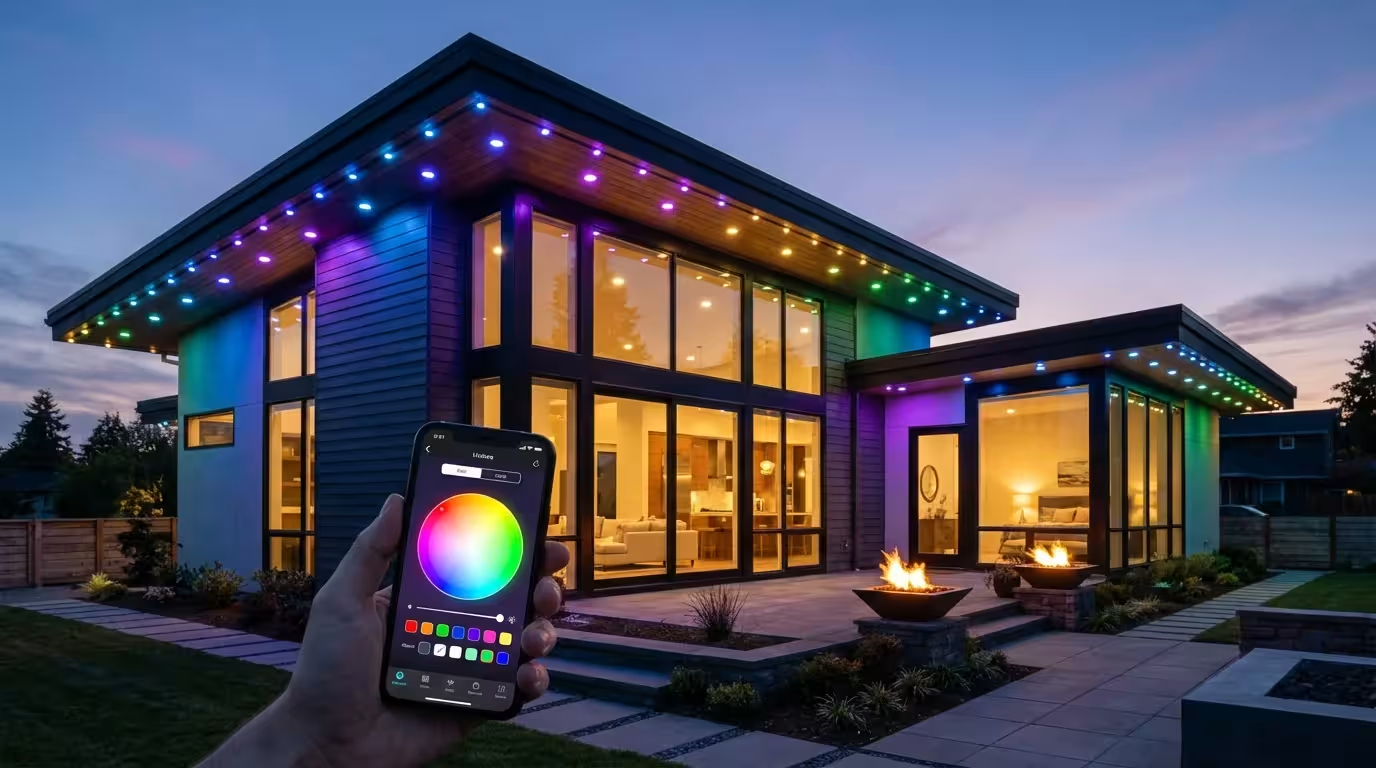
While more common indoors, some smart bulbs offer adjustable color temperature. You can set your porch lights to a warmer, softer glow in the evenings, creating a more welcoming ambiance, then shift to brighter, cooler light during the day if desired for visibility.
Troubleshooting Common Porch Light Automation Issues
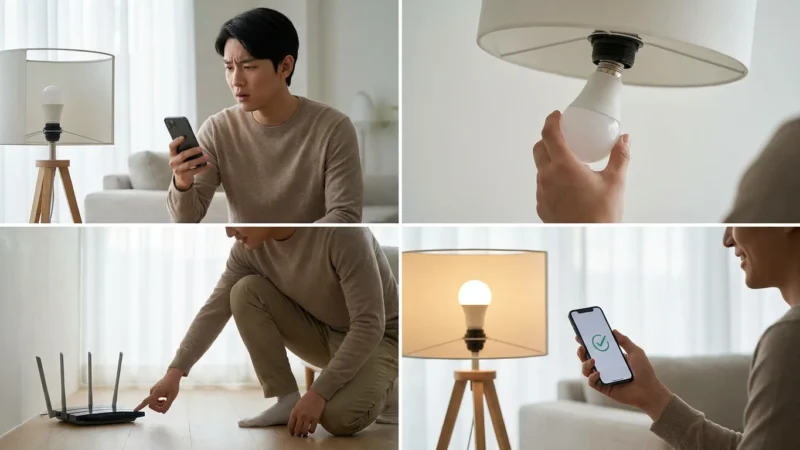
Even the most robust `porch light automation` setup can encounter glitches. Understanding common problems helps you quickly resolve them and maintain your system’s reliability.
Connectivity Problems
- Wi-Fi Issues: Ensure your Wi-Fi router is working correctly. Check the signal strength at your porch light’s location. If necessary, consider a Wi-Fi extender.
- Hub Connectivity: If using a hub, verify it is powered on and connected to your network. Restarting the hub can often resolve communication issues.
- Device Pairing: If a device disconnects, try re-pairing it according to the manufacturer’s instructions. Sometimes, simply restarting the device (by turning power off and on) helps.
Incorrect Scheduling or Automation
- Time Zones/Location: Confirm your smart home app uses the correct time zone and location for accurate sunset/sunrise calculations.
- Conflicting Rules: Review your automation rules. Multiple rules trying to control the same light can cause unexpected behavior. Simplify or consolidate rules where possible.
- Firmware Updates: Ensure your smart devices and hub have the latest firmware. Manufacturers often release updates that improve stability and fix bugs.
False Triggers for Motion Sensors
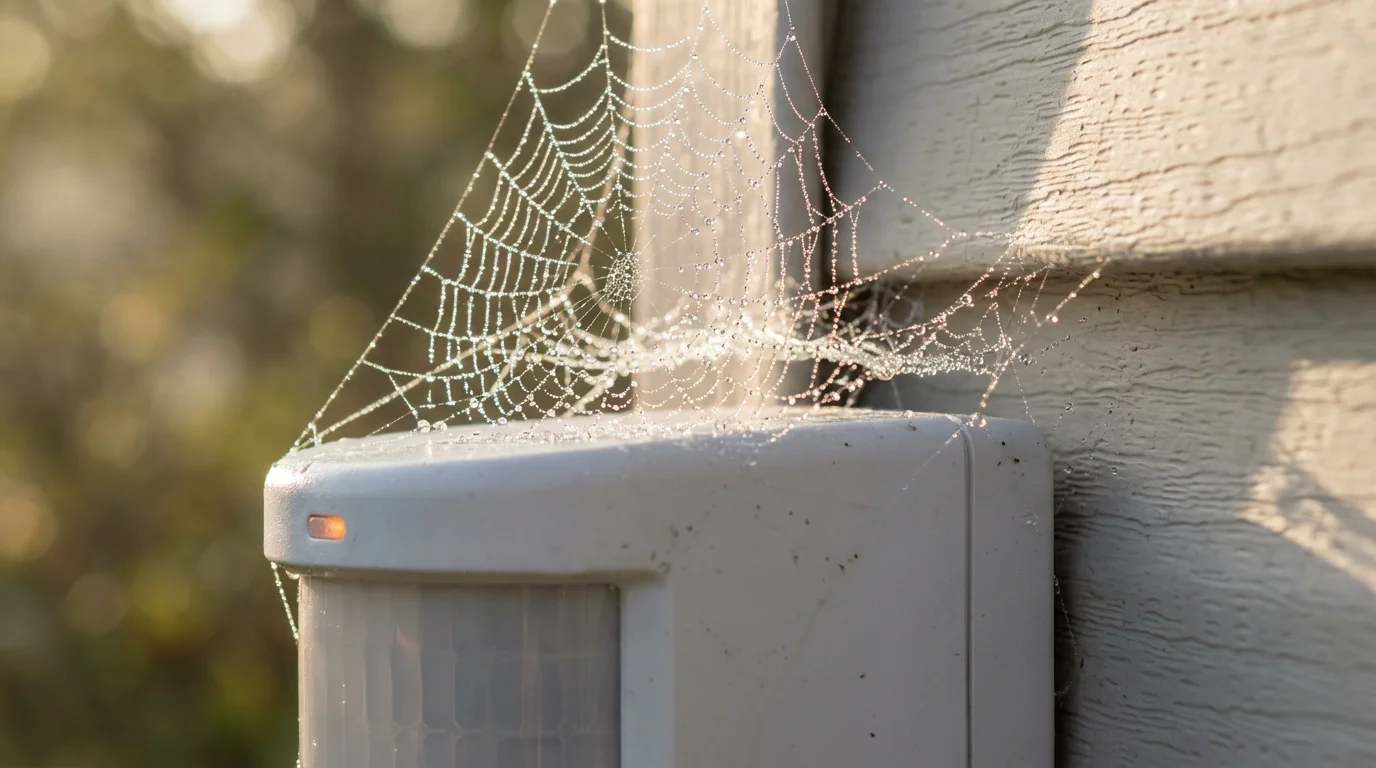
Motion sensors can sometimes activate due to non-human movement. This wastes energy and can be annoying.
- Environmental Factors:
- Trees/Shrubs: Wind-blown branches can trigger sensors. Trim foliage near the sensor.
- Small Animals: Adjust the sensor’s sensitivity setting if available. Some sensors have pet immunity features.
- Passing Cars: Reposition the sensor or narrow its field of view to exclude roads.
- Reflective Surfaces: Sunlight reflecting off cars or shiny objects can sometimes cause false positives. Adjust the sensor’s angle.
- Temperature Changes: Extreme temperature shifts can occasionally affect older or less robust passive infrared (PIR) sensors.
Lights Not Responding
- Power Check: Ensure the light fixture has power. Check the light switch and circuit breaker.
- Bulb Life: If using smart bulbs, confirm the bulb itself is still working. Try a standard bulb in the fixture to test the power.
- Overload: Ensure the smart switch or smart plug is not overloaded beyond its wattage rating.
Persistent issues may require a factory reset of the device or contacting customer support for your smart home products. Documenting your setup and rules helps in troubleshooting.
Frequently Asked Questions
What is the simplest way to automate my porch lights?
The simplest method involves smart bulbs. You replace your existing porch light bulbs with smart ones, then use their associated app to set schedules or integrate them with a simple motion sensor. This requires no electrical wiring and minimal setup.
Do I need a smart home hub to automate my porch lights?
Many Wi-Fi enabled smart bulbs and switches connect directly to your home network without a dedicated hub. However, a hub (like a Philips Hue Bridge or a SmartThings hub) can offer more robust local control, better reliability, and broader device compatibility, especially for Zigbee or Z-Wave devices. Matter, a new smart home standard, aims to simplify cross-platform integration, reducing the need for multiple brand-specific hubs.
How reliable are motion sensor lights in different weather conditions?
Modern outdoor motion sensors are designed to withstand various weather conditions, including rain, snow, and extreme temperatures. Look for sensors with an IP (Ingress Protection) rating of IP44 or higher to ensure durability. Some advanced sensors also feature sensitivity adjustments to minimize false triggers from wind, small animals, or passing cars.
Can automated porch lights save me money on electricity bills?
Yes, automating your porch lights can significantly reduce energy consumption. By ensuring lights only turn on when needed, such as at sunset or when motion is detected, and turn off automatically when not required, you avoid leaving lights on unnecessarily. Switching to energy-efficient LED smart bulbs further enhances these savings.
Disclaimer: This article is for informational purposes only. Smart home devices involve electrical connections and data privacy. Always follow manufacturer instructions for installation. For complex wiring or HVAC work, consult a licensed professional.
Leave a Reply