
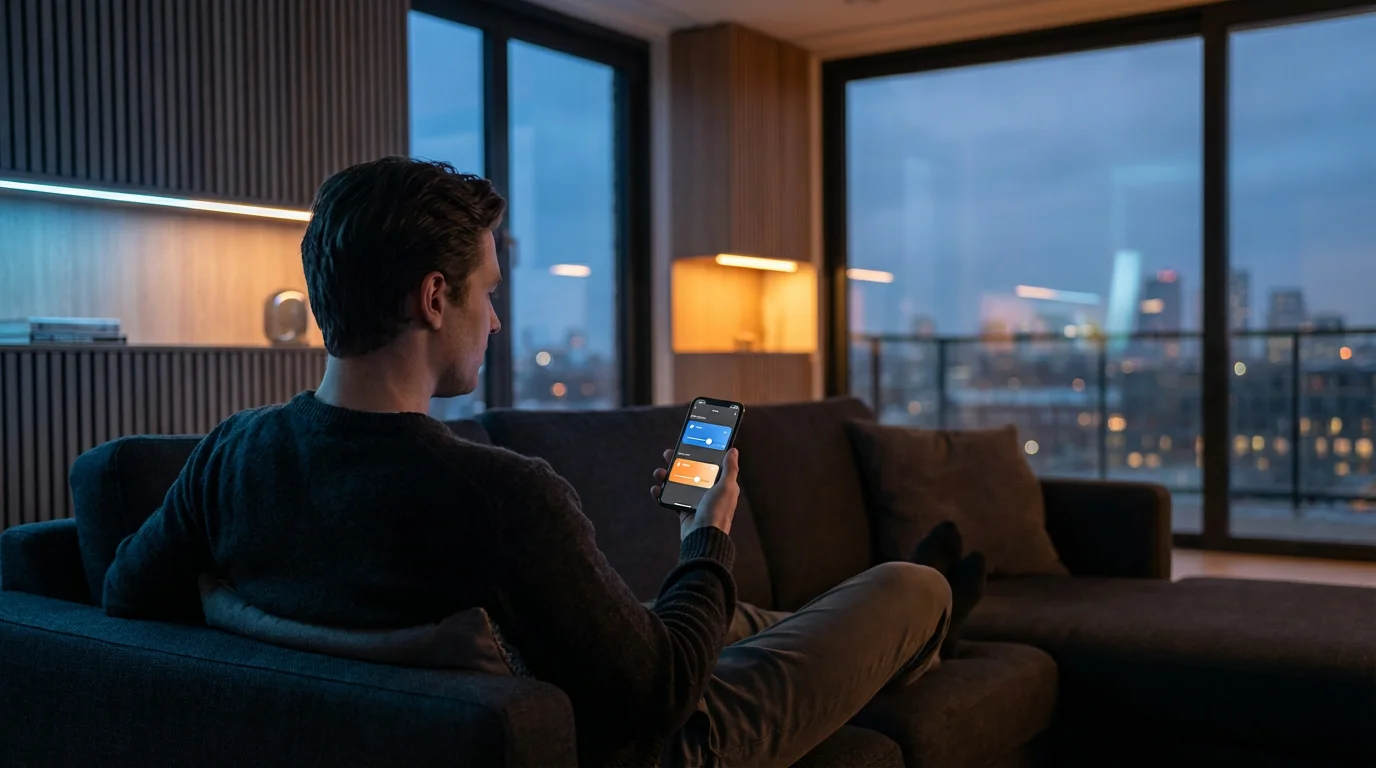
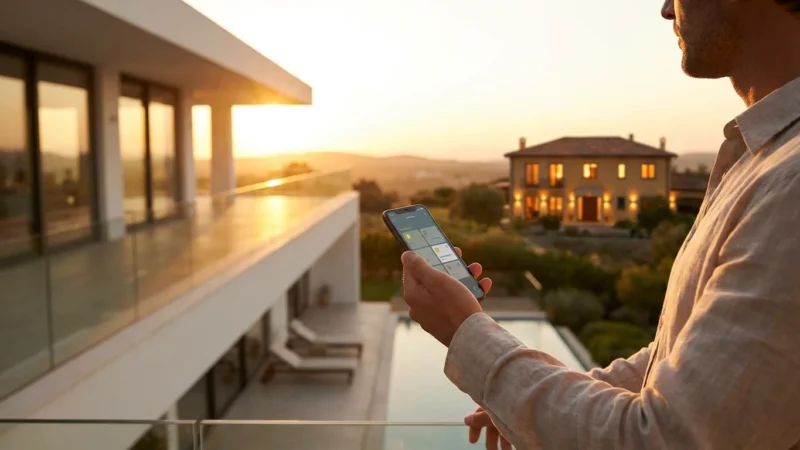
Lighting is the unsung hero of interior design. It dictates the mood of a room the moment you walk in. A kitchen bathed in cool, bright light signals energy and focus, while a living room glowing with warm, dim tones invites relaxation. For years, changing these moods meant rewiring dimmer switches or swapping out physical bulbs. Today, smart lighting puts that control in the palm of your hand—or the sound of your voice.
Building a smart lighting system is about more than just turning lights on and off with an app. It is about crafting an atmosphere that adapts to your life. You can program your bedroom lights to mimic the sunrise for a gentle wake-up, or sync your entertainment center to pulse with the beat of a movie soundtrack. However, the sheer volume of options—lumens, color temperatures, connectivity protocols, and form factors—can be overwhelming.
This guide cuts through the technical noise. You will learn how to select the right hardware, layer your lighting for visual depth, and automate your environment to enhance your daily routines.
Understanding Light Metrics: Lumens and Kelvin
Before you buy a single smart bulb, you must understand the two most critical specifications on the box: brightness (lumens) and color temperature (Kelvin). These metrics determine whether a room feels like a cozy den or a sterile hospital waiting room.
Lumens: Measuring Brightness
Forget watts. Watts measure energy consumption, not light output. In the LED era, lumens are the standard unit of brightness. A higher number equals a brighter light.
- 450–800 Lumens: Ideal for accent lighting, bedside lamps, or multi-bulb fixtures like chandeliers.
- 800–1100 Lumens: The standard replacement for an old 60-watt incandescent bulb. This is the baseline for most floor lamps and ceiling fixtures.
- 1600+ Lumens: Necessary for large spaces, high ceilings, or outdoor floodlights where visibility is paramount.
Kelvin: Measuring Color Temperature
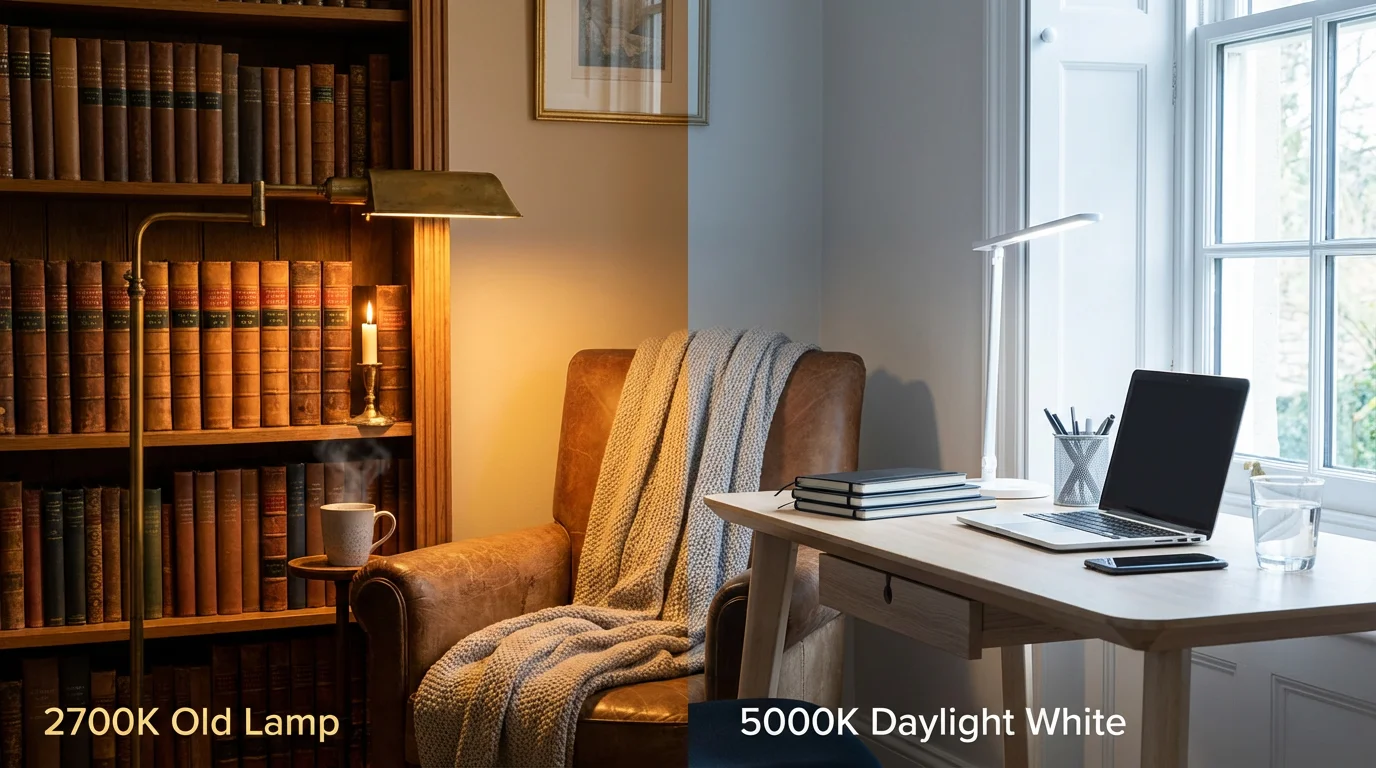
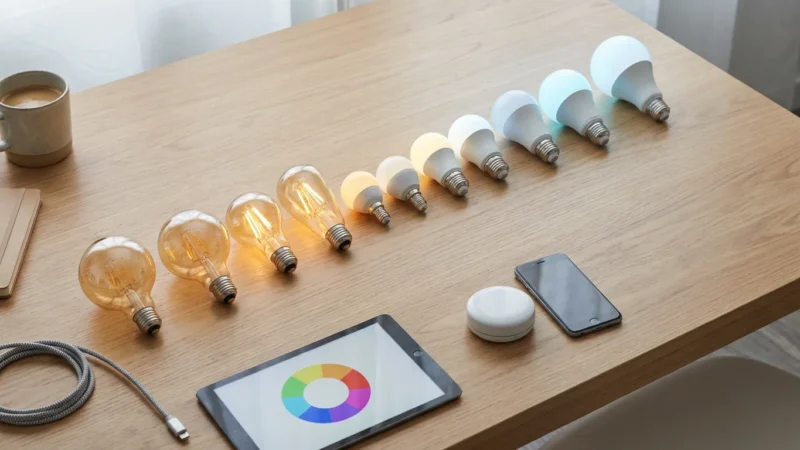
The Kelvin (K) scale measures the “warmth” or “coolness” of white light. This is arguably the most important factor for home ambiance.
- 2000K–3000K (Warm White): This range emits a yellowish, cozy glow similar to candlelight or sunset. It is perfect for living rooms and bedrooms where you want to unwind.
- 3100K–4500K (Cool White): A neutral, bright white that provides high contrast. This works best in kitchens, bathrooms, and garages where you need to see details clearly.
- 4600K–6500K (Daylight): A bluish-white light that mimics the midday sun. It is excellent for concentration and reading but can feel harsh in a relaxation space.
Most standard smart bulbs offer “Tunable White,” allowing you to slide between these temperatures. This feature alone justifies the upgrade from dumb bulbs, as it lets a single room serve multiple purposes throughout the day.
Choosing Your Connection: Wi-Fi, Zigbee, and Matter
How your lights talk to your phone—and each other—affects reliability and speed. There are three main technologies you will encounter.
Wi-Fi
Wi-Fi bulbs connect directly to your router without a separate hub. They are affordable and easy to install, making them great for beginners. Brands like LIFX and Kasa rely heavily on this. However, if you install 50 Wi-Fi bulbs, you might congest your home network, leading to slower internet speeds for your laptop and streaming devices.
Zigbee and Z-Wave
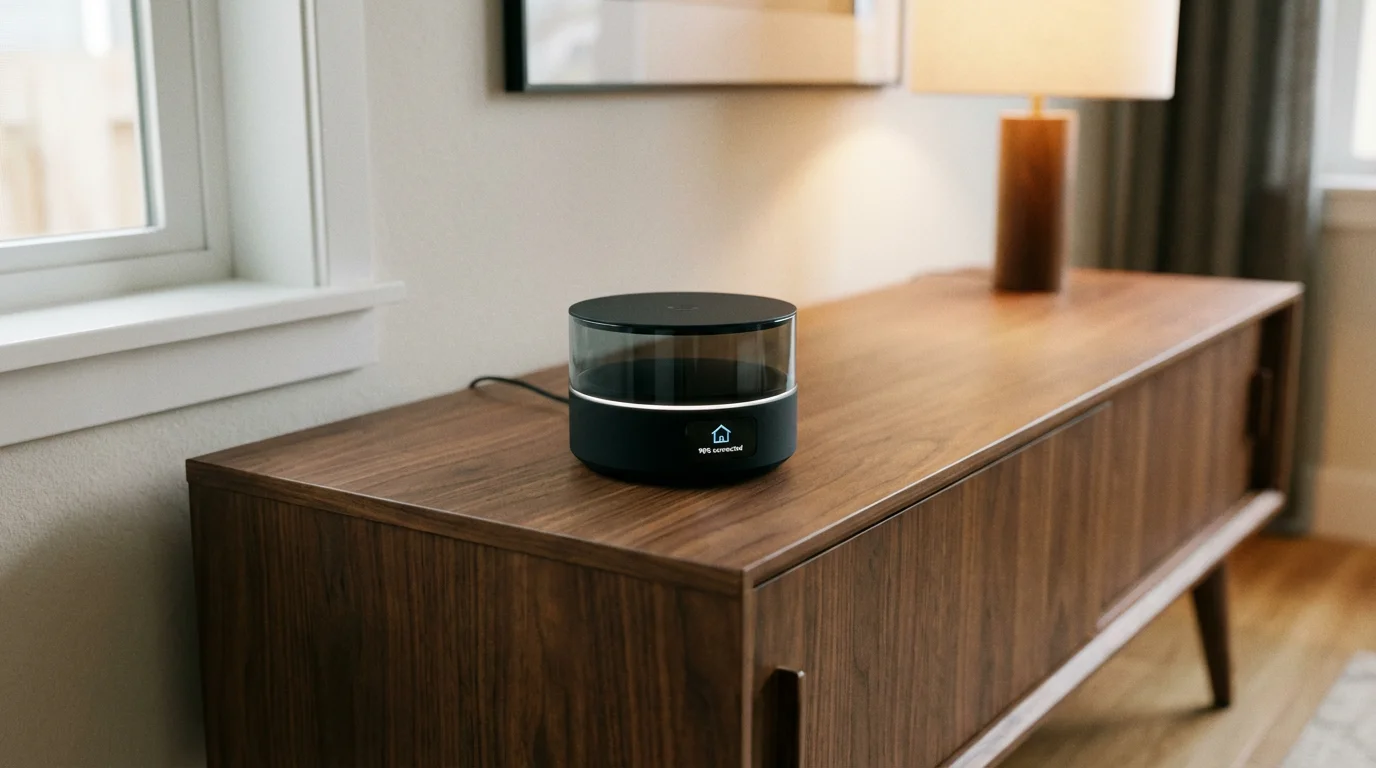
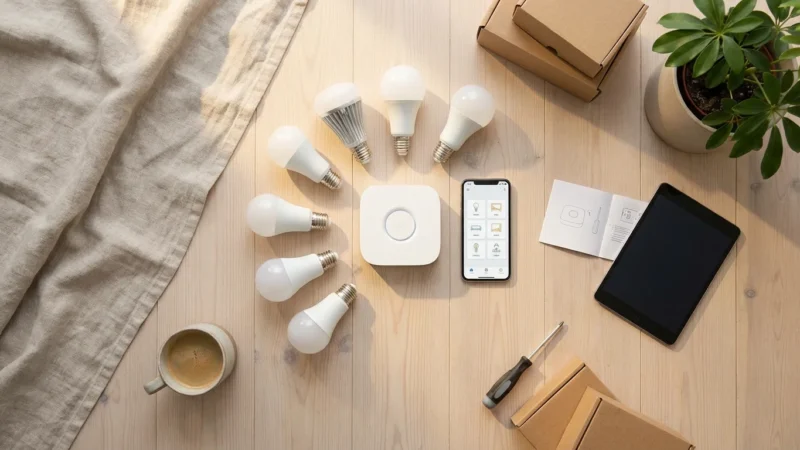
These protocols create a mesh network. Each bulb acts as a signal repeater, strengthening the network as you add more devices. They require a central hub (or “bridge”) that plugs into your router. Philips Hue is the most famous example of a Zigbee-based system. While the hub adds an upfront cost, the system is incredibly reliable, responds instantly, and keeps your Wi-Fi network free for other devices.
Matter and Thread
The future of smart home connectivity lies in Matter. According to the Connectivity Standards Alliance, Matter ensures that devices from different manufacturers work together seamlessly. Ideally, you want to look for devices that support “Thread,” a low-power mesh networking protocol designed for Matter. Thread bulbs are fast, reliable, and heal their own network if a device goes offline.
Selecting the Right Form Factor for the Job
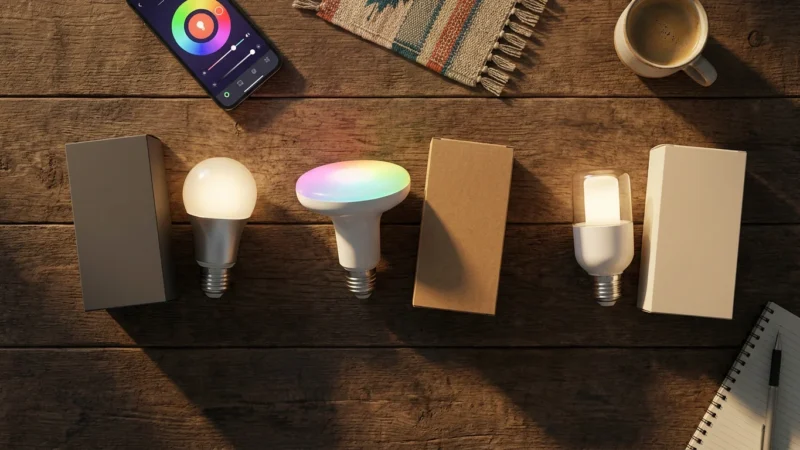
Smart lighting isn’t limited to the standard A19 bulb shape. To truly elevate your home’s ambiance, you need to mix and match different form factors.
Standard Bulbs (A19/E26)
These fit standard table lamps and ceiling fixtures. They are the workhorses of the smart home. Use them for general illumination in lamps where the bulb is hidden by a shade.
Spotlights (BR30/GU10)
If you have recessed can lighting in your ceiling, you need BR30 bulbs. They are shaped to push light downward in a wide flood pattern. GU10s are smaller spotlights often used in track lighting or range hoods.
Light Strips
Flexible LED strips are the secret weapon of modern interior design. They provide indirect light that softens shadows and adds a premium feel.
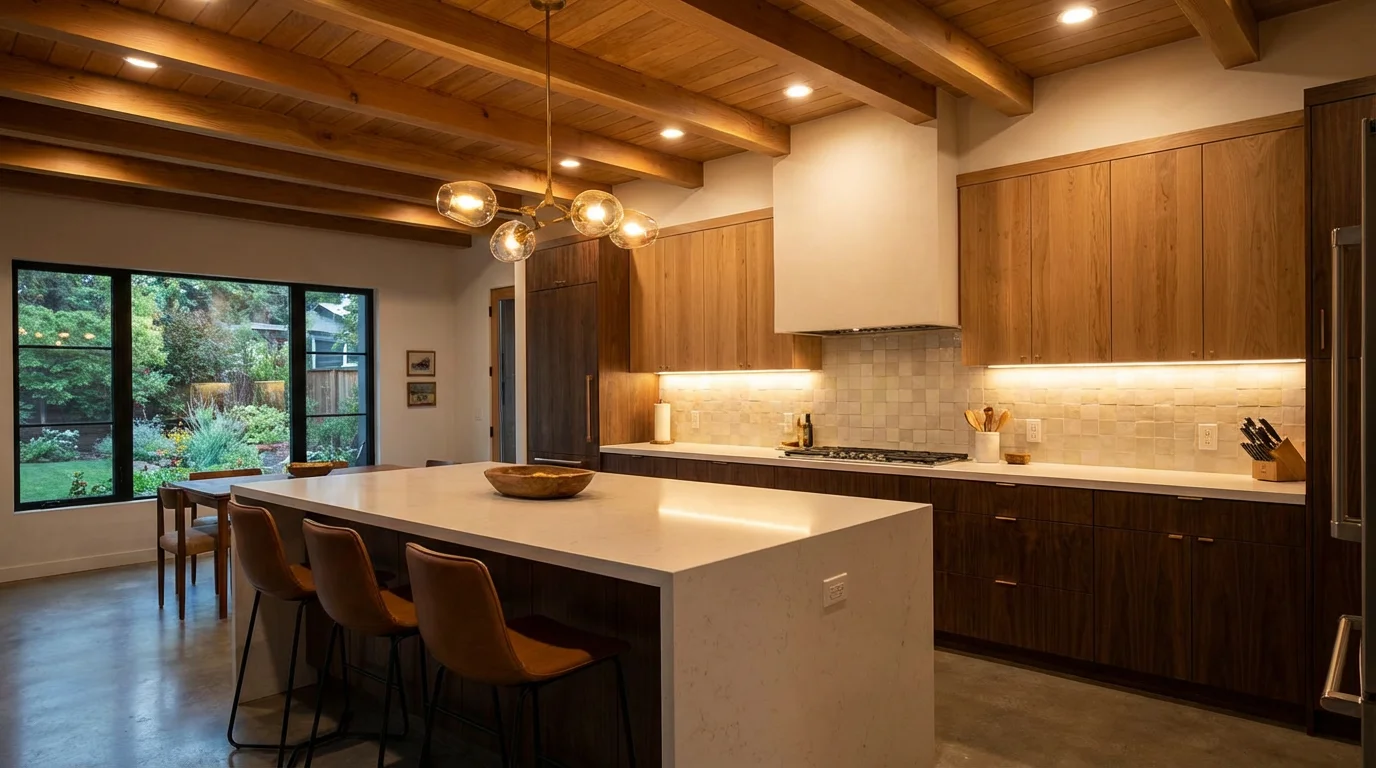
- Under-Cabinet: Install strips under kitchen cabinets for useful task lighting that doubles as a nightlight.
- Bias Lighting: Place strips behind your TV or computer monitor. This reduces eye strain and improves perceived contrast on the screen.
- Architectural Highlights: Run strips along toe kicks in the kitchen, under floating bathroom vanities, or inside cove molding on the ceiling.
Integrated Fixtures and Panels
Some manufacturers offer lamps and wall panels with built-in LEDs. Nanoleaf panels, for example, are modular shapes you mount on the wall to create illuminated art. These are less about lighting a room and more about creating a visual statement.
Layering Light for Depth and Function
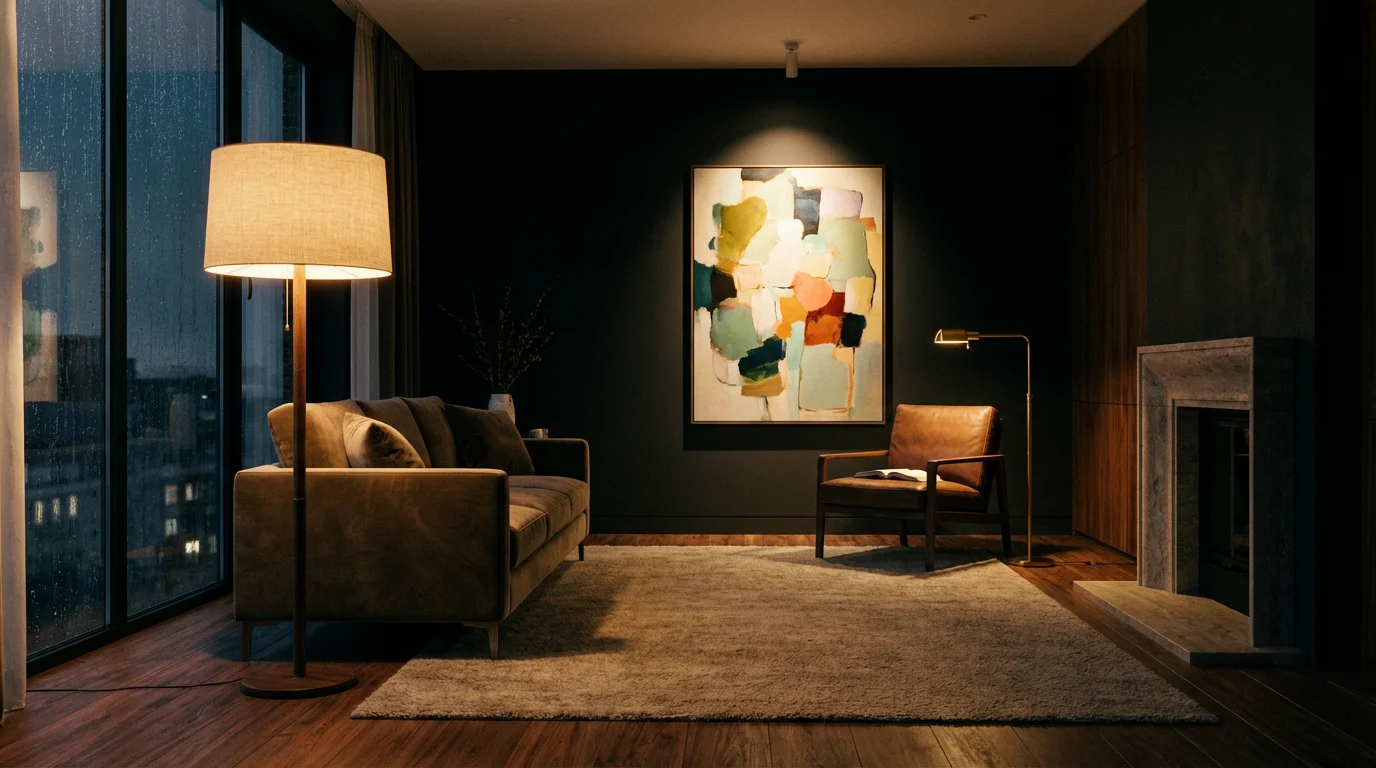
A common mistake is relying on a single overhead light source, which flattens the room and creates harsh shadows. Professional designers use three layers of light: ambient, task, and accent.
1. Ambient Lighting (General)
This is your base layer. It provides overall illumination so you can move safely. In a smart home, your ceiling fixtures (recessed lights or flush mounts) handle this. Set these to a neutral brightness and color temperature for daily use.
2. Task Lighting (Specific)
This light targets a specific area for an activity, such as reading, cooking, or applying makeup. Smart under-cabinet strips in the kitchen or a smart bulb in a desk lamp fall into this category. You want high lumens and cooler white temperatures here to aid focus.
3. Accent Lighting (Decorative)
This layer adds drama and personality. It highlights architectural features, plants, or artwork. This is where smart lighting shines—literally. Use a color-capable bulb in a floor lamp to wash a corner in a deep blue, or use a light strip behind a bookshelf to create a warm glow. Accent lighting is rarely about visibility; it is about feeling.
To create a truly immersive environment, never set all your lights to 100% brightness. A mix of 80% ambient, 100% task, and 30% accent creates visual hierarchy and comfort.
The Power of Color and Circadian Rhythms
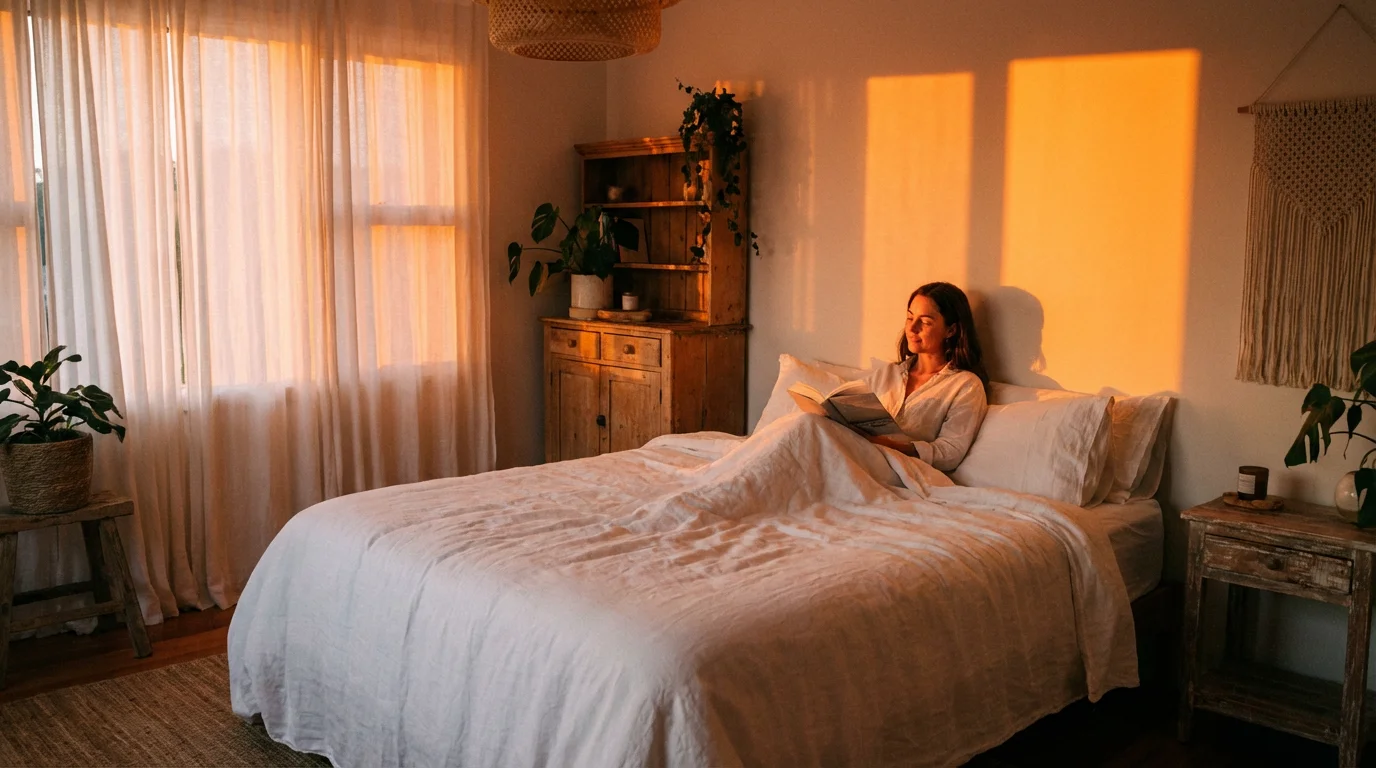
Your body has an internal clock, or circadian rhythm, that is heavily influenced by light. Exposure to bright, blue-rich light suppresses melatonin (the sleep hormone), keeping you alert. Conversely, warm, amber light signals to your body that it is time to wind down.
Static lighting fights your biology. If you sit in a living room with 5000K daylight bulbs at 9:00 PM, you may find it harder to fall asleep. Smart lighting solves this with “Adaptive Lighting” (Apple HomeKit) or “Natural Light” scenes (Philips Hue).
How to Implement Circadian Lighting
- Morning (6:00 AM – 9:00 AM): Program lights to fade in slowly, starting with a warm glow and transitioning to a bright, cool white to help you wake up.
- Midday (9:00 AM – 5:00 PM): Keep lights at a cool white temperature (4000K–5000K) with high brightness to maintain energy and focus.
- Evening (5:00 PM – 8:00 PM): Shift to a warm white (2700K) and reduce brightness to 70%. This mimics the setting sun.
- Night (8:00 PM – Bedtime): Drop the temperature to a very warm amber (2000K) and lower brightness to 30% or less.
The Great Debate: Smart Bulbs vs. Smart Switches
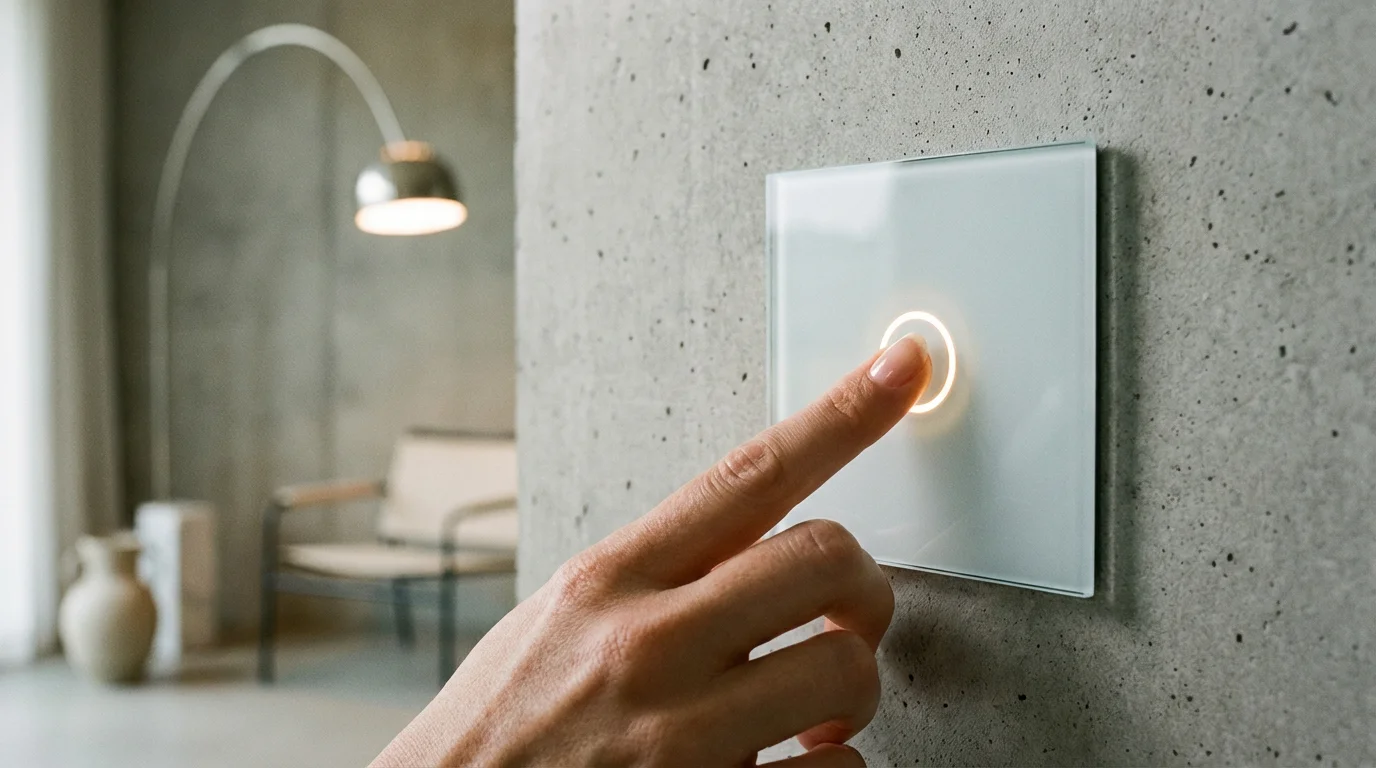
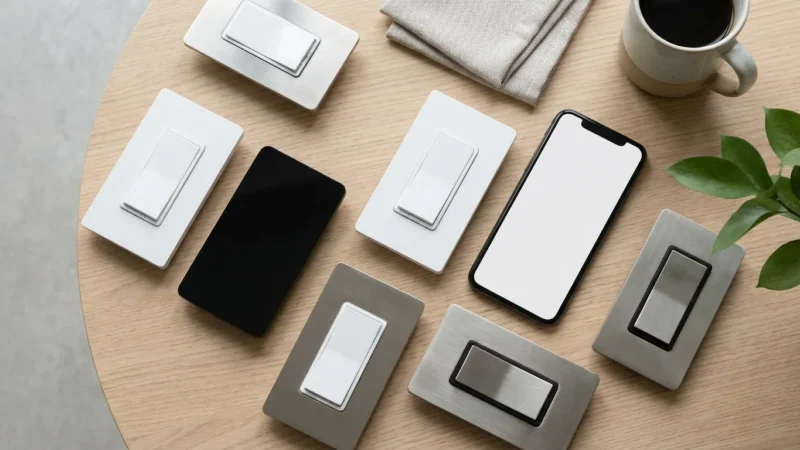
One of the biggest friction points in smart lighting is the physical light switch. If you install smart bulbs but someone flips the wall switch off, the bulb loses power and becomes “dumb.” It cannot respond to voice commands or schedules until the switch is flipped back on.
When to Choose Smart Bulbs
Choose bulbs when you want color control, tunable white temperatures, or individual control over multiple lamps in a single room. Bulbs are also the best choice for renters who cannot mess with electrical wiring.
When to Choose Smart Switches
Smart switches (like those from Lutron Caséta or Leviton) replace your existing wall switch. They control the flow of power to the fixture. This is the best solution for:
- High-Hat Recessed Lighting: Replacing 12 individual floodlights with smart bulbs is expensive. Replacing one dimmer switch on the wall is cost-effective.
- Chandeliers: Many decorative bulbs don’t have smart equivalents. A smart switch makes the whole fixture smart.
- Family Acceptance: Guests and family members will instinctively reach for the wall switch. A smart switch works manually and via the app, ensuring no one ever “breaks” the system.
The Hybrid Solution: If you want the color capabilities of bulbs but the convenience of switches, look for “smart buttons” or remotes (like the Hue Dimmer Switch). You mount these next to your standard switch or over the top of it, giving you tactile control without cutting power to the bulbs.
Automating the Mood: Scenes and Schedules
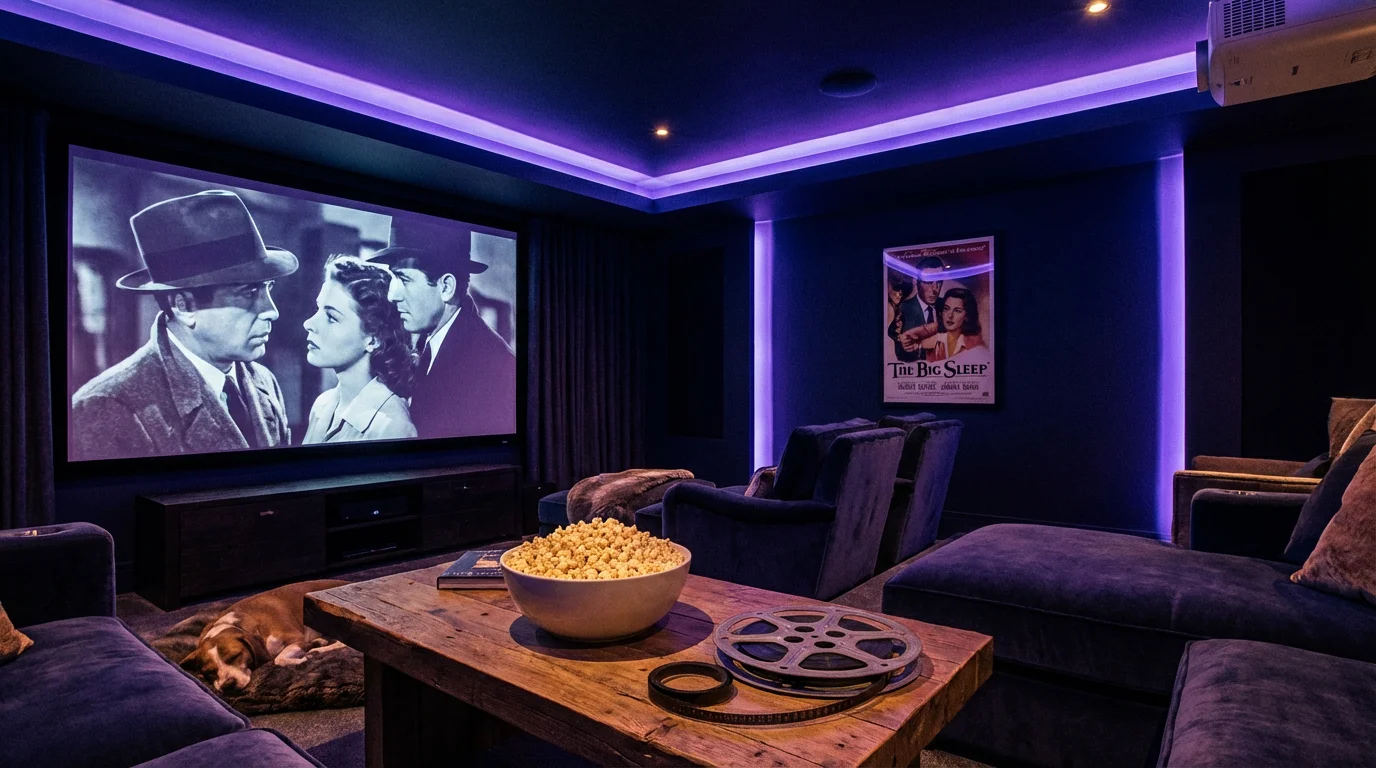
The true magic happens when you stop controlling individual lights and start controlling rooms or zones via “Scenes.” A scene is a preset configuration where multiple lights adjust to specific settings simultaneously.
Essential Scenes to Build
“Movie Night”
This scene should turn off the main overhead lights completely. Dim the accent lights to 10% and turn them a deep blue or purple to reduce screen glare while maintaining orientation. If you have bias lighting behind the TV, set it to 30% brightness.
“Dinner Party”
Overhead lights can be harsh for dining. Set your dining pendant light to 40% warm white (2200K). Bring up nearby architectural strips or buffet lamps to 50% to create a perimeter glow. This draws attention to the table and the food while making the room feel intimate.
“Nightlight”
Motion sensors are vital here. Program a rule: “If motion is detected in the hallway between 11:00 PM and 5:00 AM, turn hallway lights to 1% brightness and red color.” Red light does not disrupt night vision or melatonin production, allowing you to navigate the house without fully waking up.
“Away Mode”
Security is part of peace of mind. Use a “Vacation” mode that randomly cycles lights in different rooms during the evening to simulate occupancy. This is far more convincing to potential intruders than a mechanical timer that turns on at the exact same time every night.

Integrating with Voice Assistants and Platforms
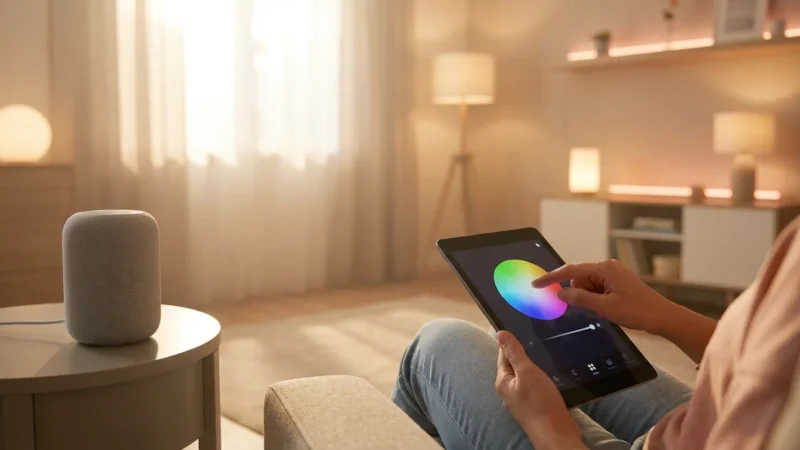
Your smart lighting needs a commander. Whether you use Amazon Alexa, Google Home, or Apple HomeKit, the goal is voice control and cross-device automation.
Voice Assistants
Voice control is the ultimate convenience for lighting. It is much faster to say “Alexa, turn on the kitchen lights” when your hands are full of groceries than it is to fumble for a switch or phone.
- Naming Matters: Give your lights logical, simple names. “Table Lamp” is better than “Living Room Philips Hue Bulb 3.”
- Grouping: Group lights by room within your assistant’s app. This allows you to say “Turn off the lights” and the assistant will know which room you are in (if you are speaking to a smart speaker in that room).
Advanced Integrations
According to The Verge, the most robust smart homes link lighting to other sensors. For example, you can link your smart lock to your lighting. When you unlock the front door after sunset, your entry hall lights should automatically turn on to welcome you home. Similarly, linking your smoke detector to your lighting can save lives; if smoke is detected, all lights can turn to 100% brightness to aid evacuation.
Frequently Asked Questions
Do smart bulbs use electricity when they are turned off?
Yes, smart bulbs suffer from “vampire draw.” Because they must stay connected to Wi-Fi or Zigbee to receive a “turn on” signal, they consume a tiny amount of power even when the light is off. However, this is negligible—usually between 0.2 and 0.5 watts—and costs only pennies per year.
Can I use smart bulbs in enclosed fixtures?
You need to be careful. LED electronics are sensitive to heat. If you place a smart bulb in a fully enclosed glass fixture, heat can build up and shorten the bulb’s lifespan. Always check the packaging; if a bulb is “rated for enclosed fixtures,” it has better thermal management.
Do I need a hub for smart lighting?
It depends on the brand. Brands like Philips Hue and Sengled work best with a hub for reliability and responsiveness. Brands like LIFX, Wiz, and TP-Link Kasa connect directly to Wi-Fi and do not require a hub. For larger homes (50+ devices), a hub-based system is highly recommended to maintain network stability.
Will smart lights work if the internet goes down?
Most smart lights will still work as standard dumb bulbs if you flip the physical switch. If you are using a hub-based system like Philips Hue or Lutron Caséta, your local automations and physical remotes will usually still work even without an internet connection. Wi-Fi-based bulbs may lose app control until the internet is restored.
Disclaimer: This article is for informational purposes only. Smart home devices involve electrical connections and data privacy. Always follow manufacturer instructions for installation. For complex wiring or HVAC work, consult a licensed professional.
Leave a Reply