
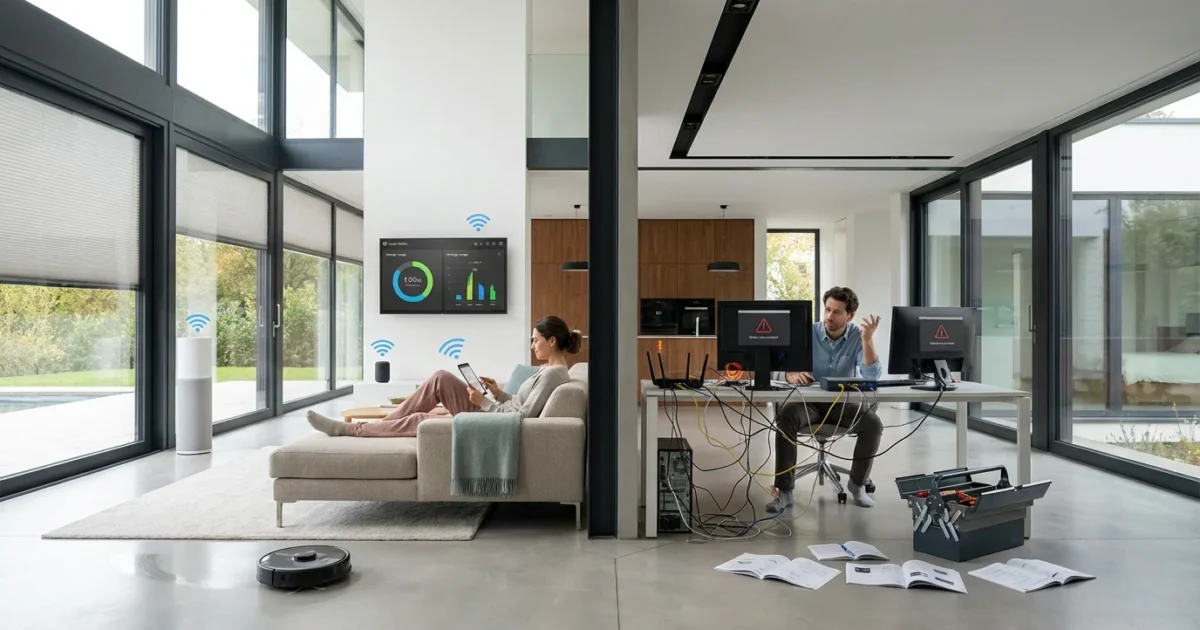
Considering a smart home upgrade for your living space? Many homeowners seek increased convenience, security, and efficiency. However, the decision to invest in smart home technology involves weighing its many benefits against potential challenges. This comprehensive guide provides an honest review of the pros and cons of smart home technology, helping you decide if building a smart home is worth it for your specific needs and lifestyle.
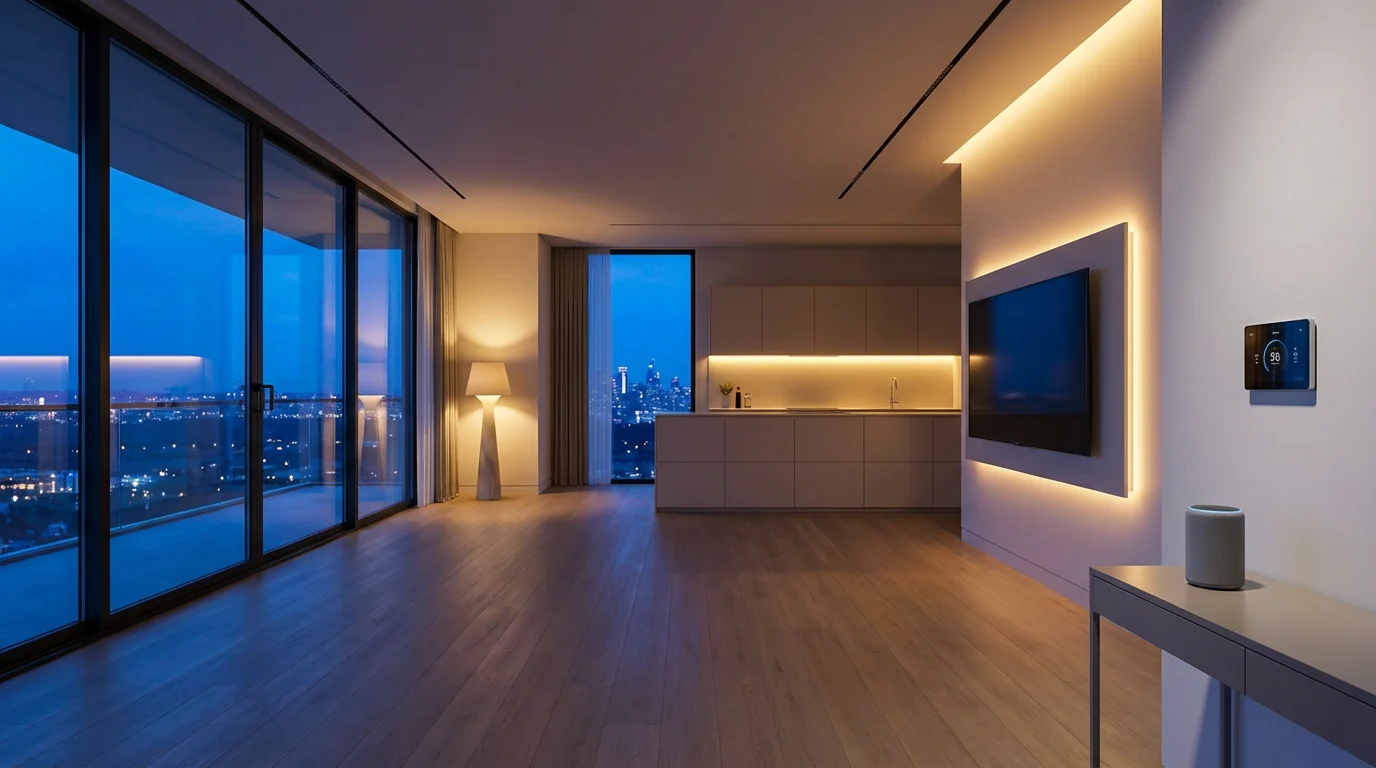
What Defines a Smart Home?
A smart home integrates connected devices that you control remotely or automate based on predefined rules. These devices communicate with each other, often through a central hub or a cloud-based service, allowing for sophisticated control and interaction.
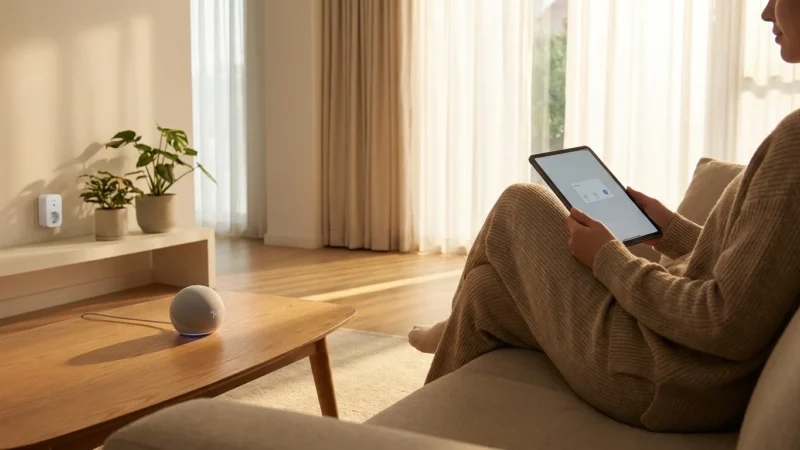
You manage smart home devices using voice commands, smartphone apps, or even physical buttons. The goal is to make your home more responsive, efficient, and comfortable without constant manual input. Imagine your lights turning on as you arrive home, or your thermostat adjusting itself based on the weather forecast.
Core components of a smart home system include:
- Smart Devices: Individual products like light bulbs, plugs, cameras, and thermostats.
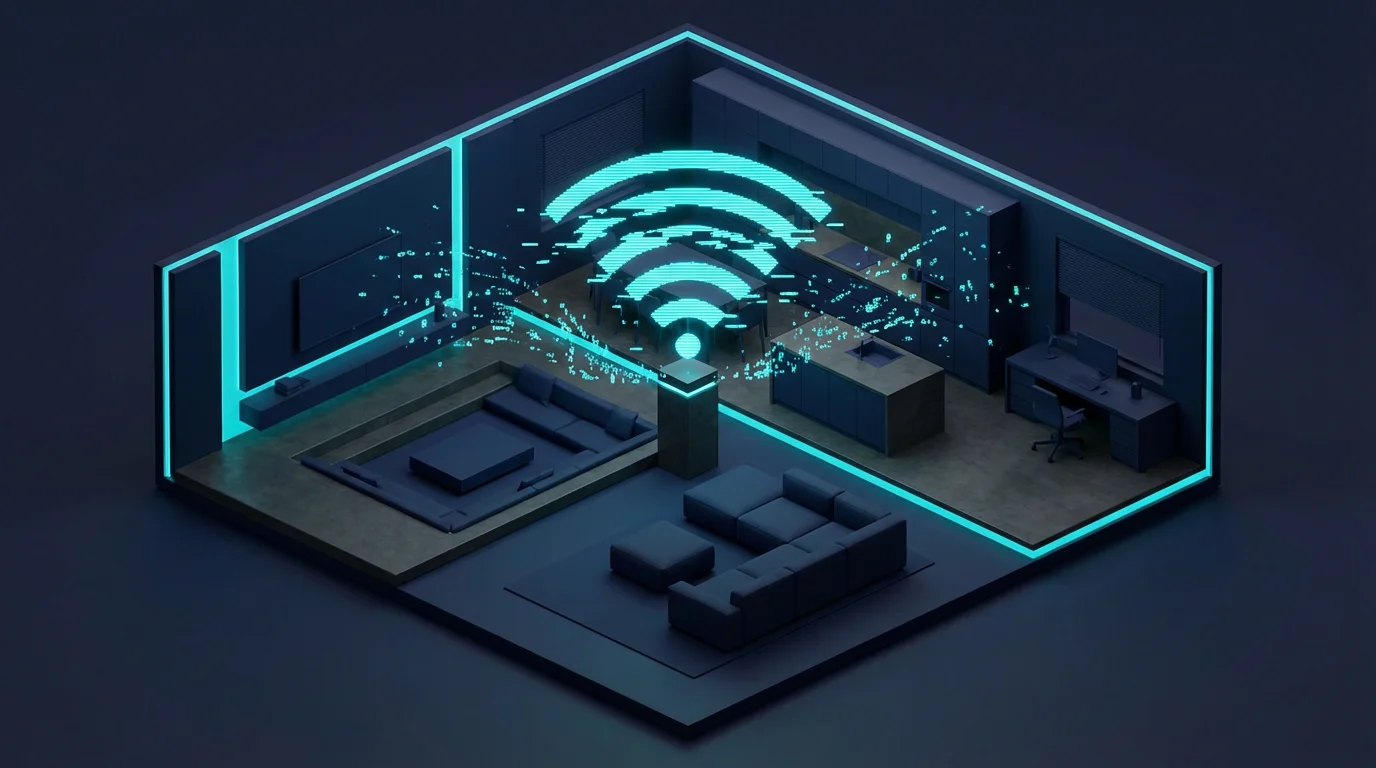
- Connectivity Protocols: Technologies such as Wi-Fi, Bluetooth, Zigbee, Z-Wave, and Matter that enable devices to communicate.
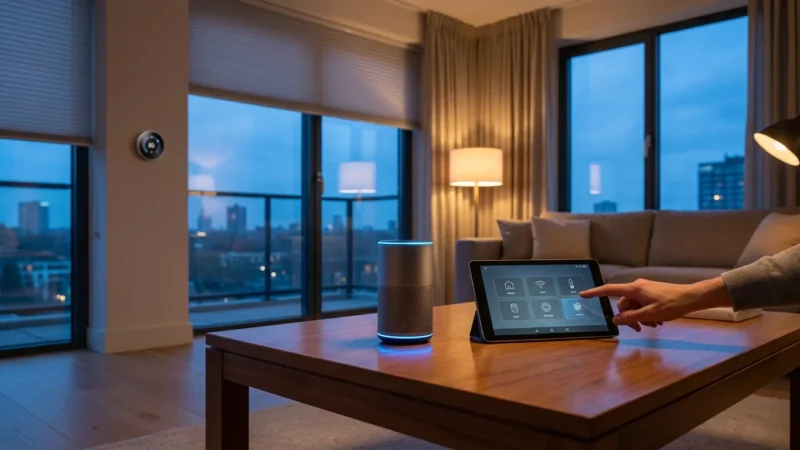
- Smart Hubs or Controllers: Devices like Amazon Echo, Google Home, or Apple HomePod that serve as central points for managing your smart devices.
- Automation Routines: Custom rules that trigger actions, for example, “turn off all lights when I leave.”

The Compelling Advantages: Why Go Smart?
Exploring the smart home benefits reveals numerous ways technology enhances your daily living. From simplifying routines to boosting your home’s security, smart devices offer tangible improvements.
Unparalleled Convenience and Comfort
Automating everyday tasks saves you time and effort. You gain the ability to control devices from anywhere, making your home more responsive to your needs.
- Voice Control: Use voice commands to adjust lights, play music, or check the weather without lifting a finger. Say “Alexa, dim the living room lights” for instant ambiance.
- Automated Lighting: Program lights to turn on at sunset, or have them activate when you enter a room using motion sensors. This eliminates fumbling for light switches.
- Climate Control: Smart thermostats learn your preferences and adjust temperatures automatically, or you can change settings from your phone before you arrive home. This ensures your home is always comfortable.
- Effortless Entertainment: Integrate smart speakers and TVs for a seamless audio and visual experience across your home. Play a podcast in the kitchen and seamlessly continue it in the living room.
Enhanced Security and Peace of Mind
Smart security systems offer robust protection, providing real-time alerts and remote monitoring capabilities. You maintain constant vigilance over your property.
- Smart Cameras: Monitor your home’s interior and exterior from anywhere with live video feeds and recorded clips. Many cameras feature motion detection and two-way audio.
- Smart Locks: Lock and unlock your doors remotely, grant temporary access to guests, and receive notifications when doors open or close. This eliminates the need for physical keys.
- Doorbell Cameras: See and speak to visitors from your smartphone, even when you are not home. This deters potential intruders and helps you manage deliveries.
- Sensors: Install motion sensors, door/window sensors, and glass break detectors to alert you to unusual activity. These provide an extra layer of protection.
Significant Energy Efficiency and Cost Savings
Smart home technology helps you reduce energy consumption, leading to lower utility bills. You gain precise control over energy use in your home.
- Smart Thermostats: These devices learn your schedule, optimize heating and cooling, and can save you money. According to Energy Star, a certified smart thermostat can save an average of 8% on heating and cooling costs, potentially saving you around $50 per year. Energy Star Smart Thermostats provide detailed information on these savings.
- Smart Plugs: Turn off power to “vampire devices” that draw standby power, or schedule appliances to run during off-peak hours. This simple device helps you control power usage effectively.
- Automated Lighting: Ensure lights turn off when rooms are vacant, preventing unnecessary energy waste. Motion sensors are particularly effective for this.
- Energy Monitoring: Some smart devices provide insights into your energy consumption, helping you identify areas for improvement. This data empowers you to make informed decisions.
Improved Accessibility and Safety
Smart homes can significantly improve accessibility for individuals with mobility challenges and enhance overall home safety.
- Voice Control for Mobility: Individuals can control lights, thermostats, and entertainment systems without needing to reach for switches or remotes. This provides greater independence.
- Leak Detectors: Receive instant alerts on your phone if a water leak occurs, potentially preventing costly damage.
- Smart Smoke and CO Detectors: Get mobile alerts and communicate with other smart devices, like turning on all lights during an emergency.
- Automated Emergency Lighting: Program lights to illuminate exit routes if a smoke alarm sounds.
Increased Home Value and Modern Appeal
Integrating smart technology can boost your home’s market appeal. Buyers increasingly seek modern, connected homes that offer convenience and efficiency.
A smart home signals a forward-thinking property, potentially commanding a higher resale value. Consider how central features like integrated lighting, security, and climate control impress potential buyers.
Understanding the Drawbacks: Challenges to Consider
While smart homes offer impressive benefits, you must also understand the potential pitfalls. Addressing these drawbacks proactively helps ensure a smoother, more satisfying experience.
Learning about common smart home mistakes beginners should avoid can help you sidestep these initial hurdles.
Initial Cost and Investment
Building a comprehensive smart home setup requires a significant upfront financial commitment. Devices, hubs, and professional installation can quickly add up.
- Device Costs: Individual smart devices, particularly premium brands or specialized equipment, carry a higher price tag than their traditional counterparts.
- Hub or Ecosystem Investment: Choosing a robust smart home hub often requires an additional investment. While some devices work standalone, a hub enhances functionality and integration.
- Professional Installation: Certain installations, like smart thermostats for complex HVAC systems or wired security cameras, may require professional help, adding to the overall cost.
Complexity and Setup Challenges
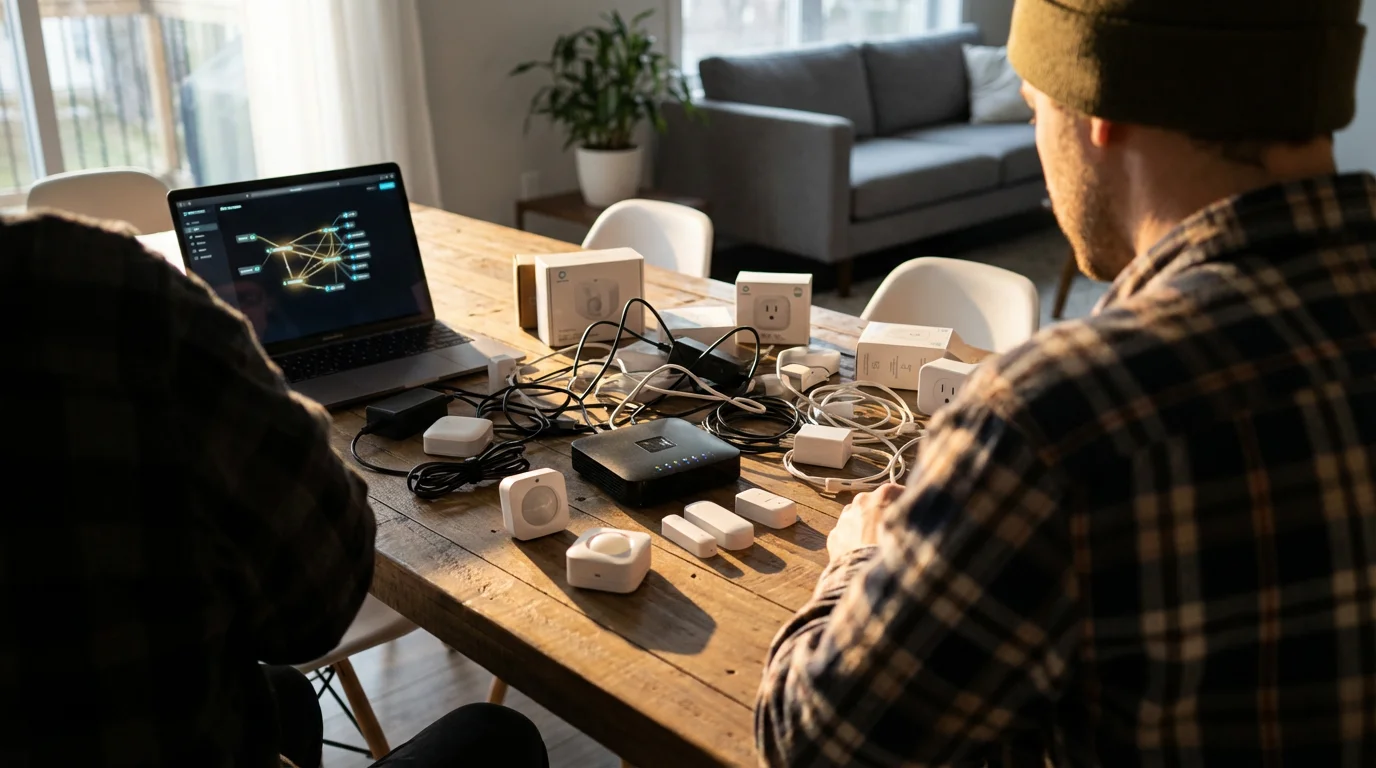
Smart home technology can involve a learning curve, particularly for beginners. Understanding connectivity standards and device compatibility presents a challenge.
- Jargon Overload: Terms like Zigbee, Z-Wave, Matter, and Thread can confuse newcomers. Each protocol offers different benefits, and ensuring compatibility becomes crucial.
- Installation Headaches: Connecting multiple devices, configuring routines, and troubleshooting can be time-consuming and frustrating. Wi-Fi signal strength and network configuration also play a role.
- Ecosystem Selection: Choosing between Google Home, Amazon Alexa, or Apple HomeKit requires research into their respective strengths and limitations. Not all devices work seamlessly across all platforms.
Privacy and Security Risks
Connecting devices to your home network introduces potential privacy and security vulnerabilities. You must actively manage these risks.
- Data Collection: Smart devices often collect data about your habits and preferences. This data can be stored by manufacturers, raising concerns about privacy and how companies use your information.
- Hacking Potential: Any internet-connected device represents a potential entry point for cybercriminals. Weak passwords or unpatched firmware can expose your home network to risks.
- Lack of Standardization: Varied security protocols among manufacturers mean some devices may offer weaker protection than others. Regularly updating firmware patches known vulnerabilities.
“The best smart home is the one you don’t have to constantly manage. Focus on seamless automations that simplify life, rather than adding complexity.”
Interoperability Issues and Ecosystem Lock-in
Not all smart devices work together seamlessly. This can lead to frustration and limit your choices if you commit to a specific ecosystem.
- Compatibility Challenges: A device designed for Apple HomeKit might not work with Google Home, for example. This forces you to select devices carefully or use multiple apps.
- Proprietary Systems: Some manufacturers create closed ecosystems, restricting your ability to mix and match devices from different brands.
- The Matter Standard: The new Matter standard aims to improve interoperability significantly, allowing devices from different brands and ecosystems to work together. You can learn more about this initiative at the Matter Smart Home Standard website. However, widespread adoption and full compatibility will take time.
Reliability and Connectivity Dependency
Smart home systems rely heavily on internet connectivity and power. Interruptions to these services can render your smart devices useless.
- Internet Dependency: Most smart devices require an active internet connection to function fully. A network outage means losing control over many automated features.
- Power Outages: Smart devices will not work during a power outage unless they have battery backup. This can impact critical functions like security or lighting.
- Lag and Responsiveness: Network congestion or poor Wi-Fi coverage can cause delays in device response times. This detracts from the immediate satisfaction smart homes promise.
Maintenance, Updates, and Obsolescence
Smart home devices require ongoing maintenance, including firmware updates and occasional troubleshooting. Technology also evolves rapidly, potentially leading to obsolescence.
- Firmware Updates: Manufacturers regularly release updates to improve performance, add features, and patch security vulnerabilities. You must apply these updates to maintain optimal functionality.
- Troubleshooting: Devices can occasionally disconnect, malfunction, or fail to respond. Diagnosing and fixing these issues requires patience and basic technical understanding.
- Device Lifespan: Like all electronics, smart home devices have a finite lifespan. You may need to replace older devices as new technologies emerge or support ends.

Getting Started Smart: A Beginner’s Approach
Starting your smart home journey does not need to feel overwhelming. You can build a smarter, more efficient home incrementally, focusing on your most pressing needs first.
Assess Your Needs and Priorities
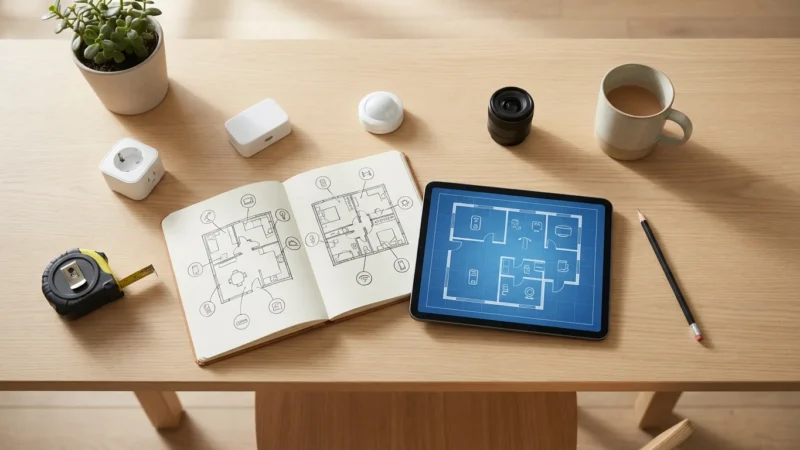
Before buying any devices, identify what problems you want to solve or what conveniences you desire most. This guides your initial purchases and prevents unnecessary spending.
- What bothers you most about your current home? Is it high energy bills, security concerns, or constantly forgetting to turn off lights?
- Which areas of your home would benefit most? Focus on one room or one specific function to start, such as lighting in the living room or security for the front door.
- What is your budget? Set realistic expectations for your initial investment.
Choose Your Smart Home Ecosystem
Selecting an ecosystem early on helps ensure device compatibility and a unified experience. The major players offer different strengths.
- Amazon Alexa: Known for extensive device compatibility, a wide range of smart speakers, and strong voice control.
- Google Home/Assistant: Integrates well with Google services, offers robust voice control, and excels at understanding context.
- Apple HomeKit: Provides strong privacy features, tight integration with Apple devices, and an intuitive user interface for Apple users.
Most beginners start with a smart speaker from their chosen ecosystem to act as a central voice controller.
Start Small, Scale Up
You do not need to automate your entire home at once. Begin with a few key devices that deliver immediate value and allow you to learn the ropes.
- Smart Plug: Turn any “dumb” appliance into a smart one. Control lamps, fans, or coffee makers remotely or with schedules.
- Smart Light Bulb: Experience dimming, color changes, and scheduling directly from your phone or voice assistant.
- Entry-Level Smart Speaker: A basic Amazon Echo Dot or Google Nest Mini provides voice control and acts as a central hub for many smart devices.
- Smart Thermostat: Reduce energy costs and enjoy intelligent climate control. For complex HVAC systems, consult a professional for installation.
Understanding Connectivity: Wi-Fi, Bluetooth, Zigbee, Z-Wave, Matter
Different devices use different communication methods. Knowing the basics helps you understand compatibility and performance.
- Wi-Fi: Common, connects directly to your home router, but can sometimes bog down your network with too many devices.
- Bluetooth: Good for short-range, direct device-to-device communication, often used for initial setup or individual device control.
- Zigbee & Z-Wave: Low-power mesh networks ideal for smart home devices, creating a more robust and reliable system. They usually require a dedicated hub.
- Matter: A new, open-source standard designed to unify smart home devices across different brands and ecosystems, promising better interoperability and simpler setup.
Budgeting for Your Smart Home
You can build a smart home on nearly any budget. Strategic purchases and incremental growth help manage costs.
- Entry-Level: Start with smart plugs and bulbs, typically costing $10-30 each. A basic smart speaker adds $30-50.
- Mid-Range: Add a smart thermostat ($100-250), a few security cameras ($30-150 each), and perhaps a basic smart lock ($100-200).
- High-End: Invest in full home security systems, integrated entertainment, advanced lighting, and professional installation services.
Look for bundles and sales events, particularly during major holidays, to maximize your budget.

Making Your Decision: Is a Smart Home Worth It For You?
The “is smart home worth it” question ultimately depends on your individual priorities, budget, and comfort level with technology. There is no single answer for everyone.
If you value convenience, actively seek ways to save energy, and prioritize home security, then the smart home benefits likely outweigh the drawbacks. The ability to control your home from anywhere, automate mundane tasks, and receive real-time alerts offers tangible improvements to your daily life.
However, if you are highly budget-conscious, prefer simplicity over advanced features, or have strong privacy concerns, you might find the initial investment and potential complexities off-putting. The challenges of setup, interoperability, and ongoing maintenance require some commitment.
Consider your personal needs and start small. Experiment with a few devices that address your most pressing concerns. You can always expand your system as you gain confidence and see the real-world value.

Expert Insights on Smart Home Evolution
The smart home landscape continues to evolve rapidly, driven by technological advancements and consumer demand. Key trends focus on greater interoperability, enhanced security, and more intuitive user experiences.
The introduction of the Matter standard marks a significant step towards a more unified smart home. This standard promises to simplify device compatibility and reduce the frustration of integrating products from different brands. As more manufacturers adopt Matter, you can expect a much smoother setup process and more reliable automations.
Beyond interoperability, the focus shifts to artificial intelligence and machine learning, enabling smart homes to become truly proactive. Imagine a home that anticipates your needs based on learned patterns, adjusting the environment without explicit commands. This represents the next frontier in smart living, moving beyond reactive control to predictive automation.
Smart home security also sees continuous improvement, with manufacturers implementing stronger encryption and more robust privacy controls. Regularly updating your devices remains crucial to leverage these advancements and protect your home.
Frequently Asked Questions
How much does a smart home cost?
The cost varies significantly. You can start with a few smart plugs and bulbs for under $100. A more comprehensive setup with a smart thermostat, security cameras, and smart locks can range from $500 to $2,000. Full-home automation systems with professional installation can exceed $5,000.
Can I build a smart home on a budget?
Yes, absolutely. Start with inexpensive, impactful devices like smart plugs or smart light bulbs. Choose an affordable smart speaker to act as your central controller. Gradually add more devices as your budget allows and as you identify specific needs.
Is smart home technology secure?
Smart home security depends on various factors, including the quality of the devices, your network security, and your password practices. Choose reputable brands, use strong unique passwords, enable two-factor authentication, and regularly update device firmware to enhance security. Consider using a separate Wi-Fi network for smart devices if your router supports it.
What is the easiest smart home system to use for beginners?
Most beginners find starting with a voice assistant ecosystem like Amazon Alexa or Google Home to be the easiest. Both offer intuitive apps, clear setup instructions, and wide compatibility with various smart devices. Apple HomeKit also provides a user-friendly experience, especially if you already use Apple products.
Do I need a smart home hub?
Many modern smart devices connect directly to your home Wi-Fi and do not require a separate hub. However, a dedicated smart home hub (or a smart speaker that doubles as one) often improves reliability, enables local control (less internet dependency), and facilitates more complex automations, especially for Zigbee or Z-Wave devices. For basic setups, you can often go hub-free.
Disclaimer: This article is for informational purposes only. Smart home devices involve electrical connections and data privacy. Always follow manufacturer instructions for installation. For complex wiring or HVAC work, consult a licensed professional.


Leave a Reply