
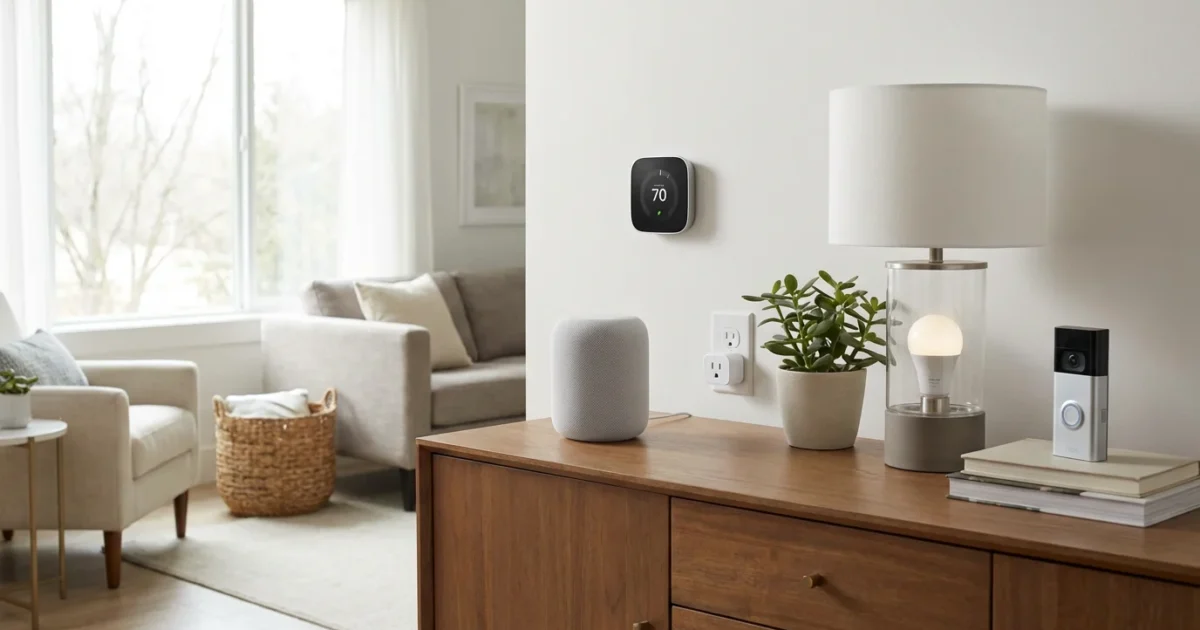
You want to modernize your home, improve security, save energy, or simply add convenience. Starting your smart home journey feels exciting, but the sheer number of devices and technologies can quickly become overwhelming. Many homeowners find themselves asking, “Where do I even begin?” The key lies in selecting foundational devices that deliver immediate benefits, offer easy installation, and provide a clear path for future expansion.
This guide simplifies your entry into the world of connected living. We focus on the most practical and impactful `first smart devices` that offer tangible improvements without requiring complex setups or significant upfront investment. Consider these recommendations your essential `smart home starter kit recommendations`, designed to build confidence and demonstrate the real-world advantages of a smart home.
Why Start Small? The Benefits of Essential Smart Devices
Beginning with a few core components makes your smart home journey manageable and rewarding. You learn how devices connect, interact, and solve real-world problems. This incremental approach prevents frustration and ensures you only invest in technology that truly enhances your daily life. It builds a solid foundation for more complex automations later.
Focusing on `essential devices` provides several key advantages:
- Lower Cost: You avoid a large initial investment, allowing you to budget more effectively.
- Easier Installation: Most `first smart devices` offer plug-and-play or simple app-guided setup.
- Immediate Impact: Experience tangible benefits like energy savings, improved convenience, or enhanced security right away.
- Learning Opportunity: Understand how smart technology works and identify your personal preferences before expanding.
- Reduced Overwhelm: A gradual introduction to smart technology prevents decision fatigue and complex troubleshooting.
Knowing which smart home mistakes beginners should avoid can help you save time and money as you build your system.
Understanding Your Smart Home Ecosystem Choices
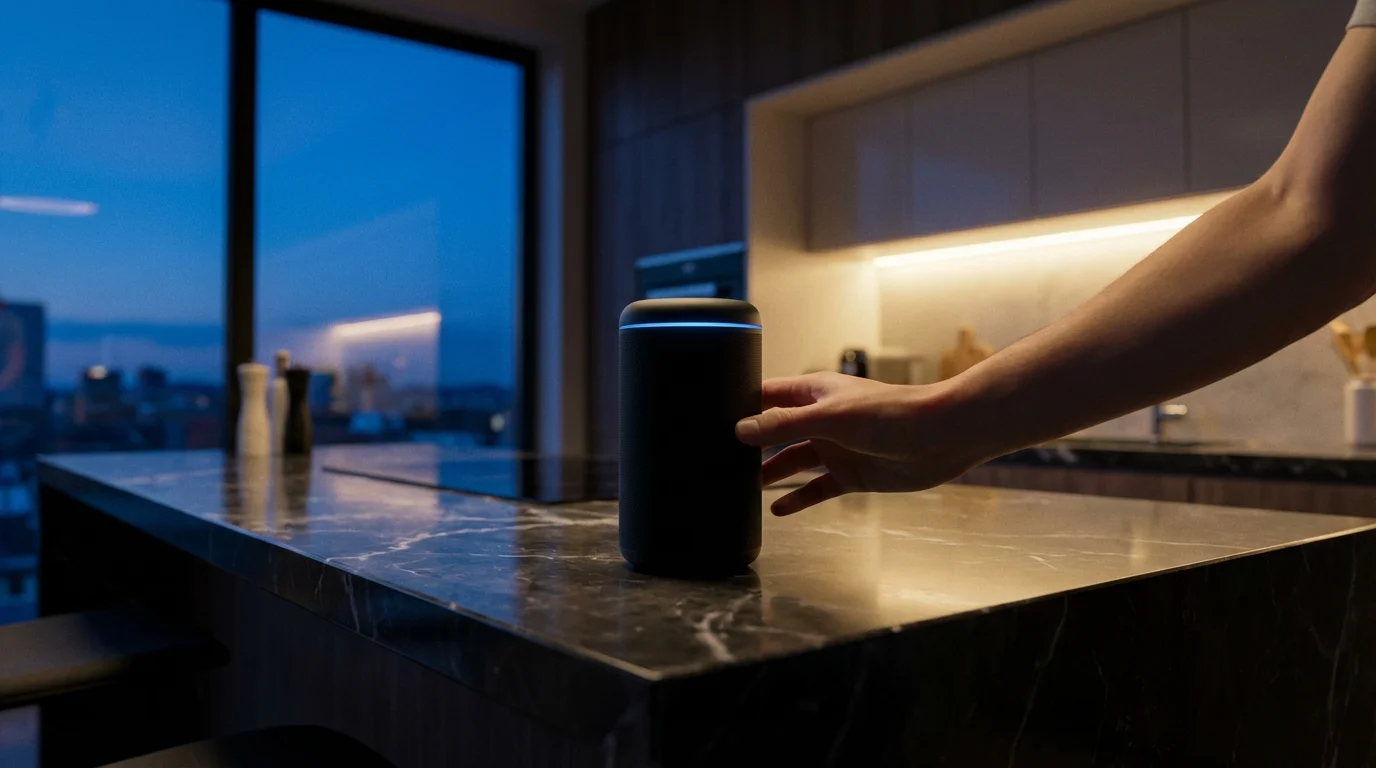
Before diving into specific devices, consider your preferred smart home ecosystem. This choice influences device compatibility and how you control everything. The three dominant platforms are Amazon Alexa, Google Home, and Apple HomeKit. Your ecosystem choice dictates which voice assistant you use and often the mobile app that centralizes control.
Many devices now support multiple ecosystems or the emerging Matter standard, simplifying compatibility. However, choosing a primary platform early helps streamline your experience. For instance, if you own an iPhone and prefer Siri, HomeKit might suit you. If you already use an Android phone and Google Assistant, Google Home offers a natural fit. Amazon Echo devices provide robust Alexa integration.

Smart Device 1: Smart Plugs – Instant Automation Power
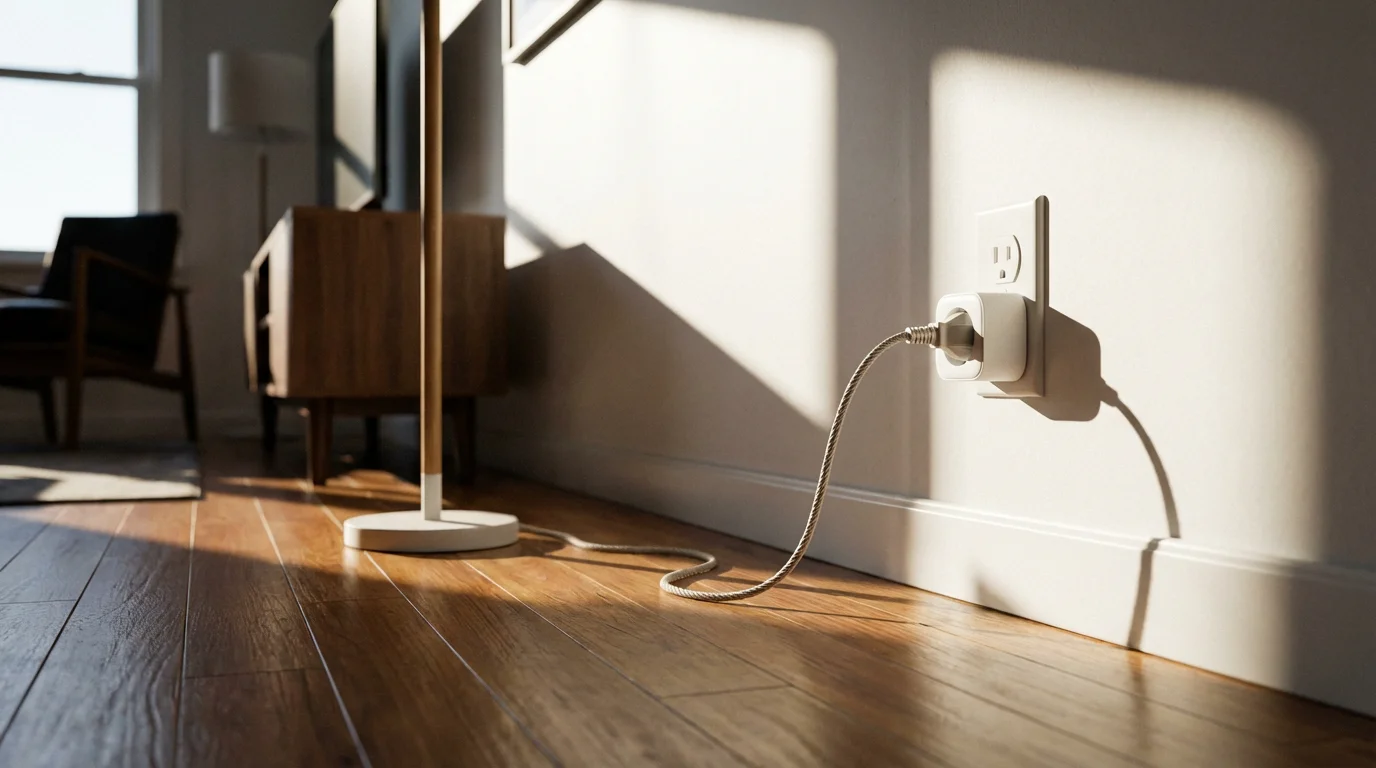
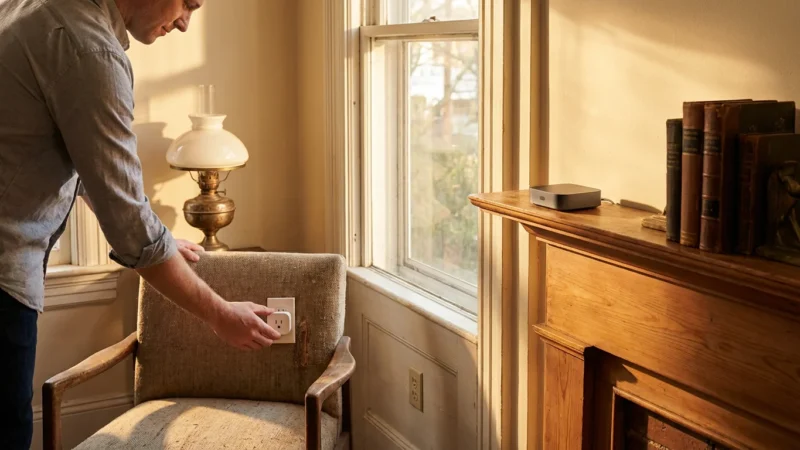
Smart plugs are arguably the simplest and most impactful `first smart devices` you can buy. They transform any ordinary appliance into a smart device by simply plugging it into the wall. You control the power to the connected appliance via an app or voice command. This immediate control opens up a world of automation possibilities.
Imagine turning off forgotten curling irons from work or scheduling your coffee maker to brew before you wake up. Smart plugs often cost under $20, making them an incredibly affordable entry point. Installation takes mere minutes, requiring you to plug them in and connect them to your Wi-Fi via a companion app.
**Benefits of Smart Plugs:**
- Remote Control: Power devices on or off from anywhere using your smartphone.
- Scheduling: Set specific times for lights, fans, or humidifiers to activate and deactivate.
- Voice Control: Integrate with Alexa, Google Assistant, or HomeKit for hands-free operation.
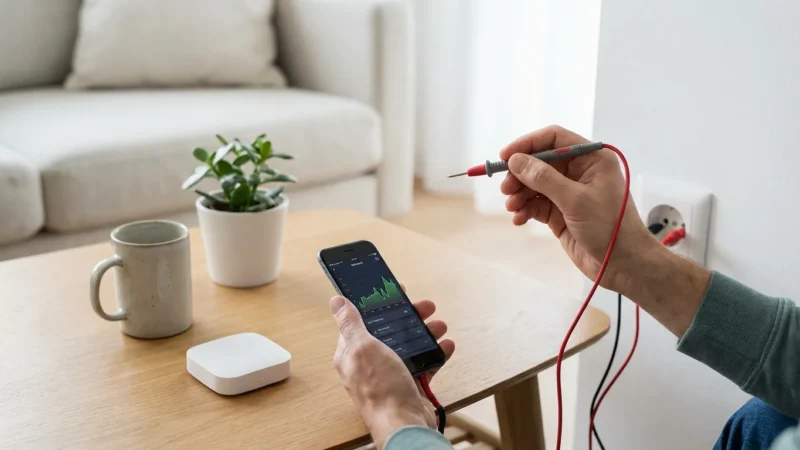
- Energy Monitoring: Some models track energy usage, helping you identify energy-hungry devices and save money.
- Ease of Use: No wiring required, just plug and play.
**Practical Applications:**
* Schedule a lamp to turn on at sunset and off at bedtime, creating a lived-in look while you are away.
* Connect a fan or space heater and control it from your bed or couch.
* Automate holiday lights without needing to remember to plug them in.
* Turn off electronics that draw “phantom load” power when not in use, reducing your energy bill.

Smart Device 2: Smart Bulbs – Lighting Up Your World Intelligently
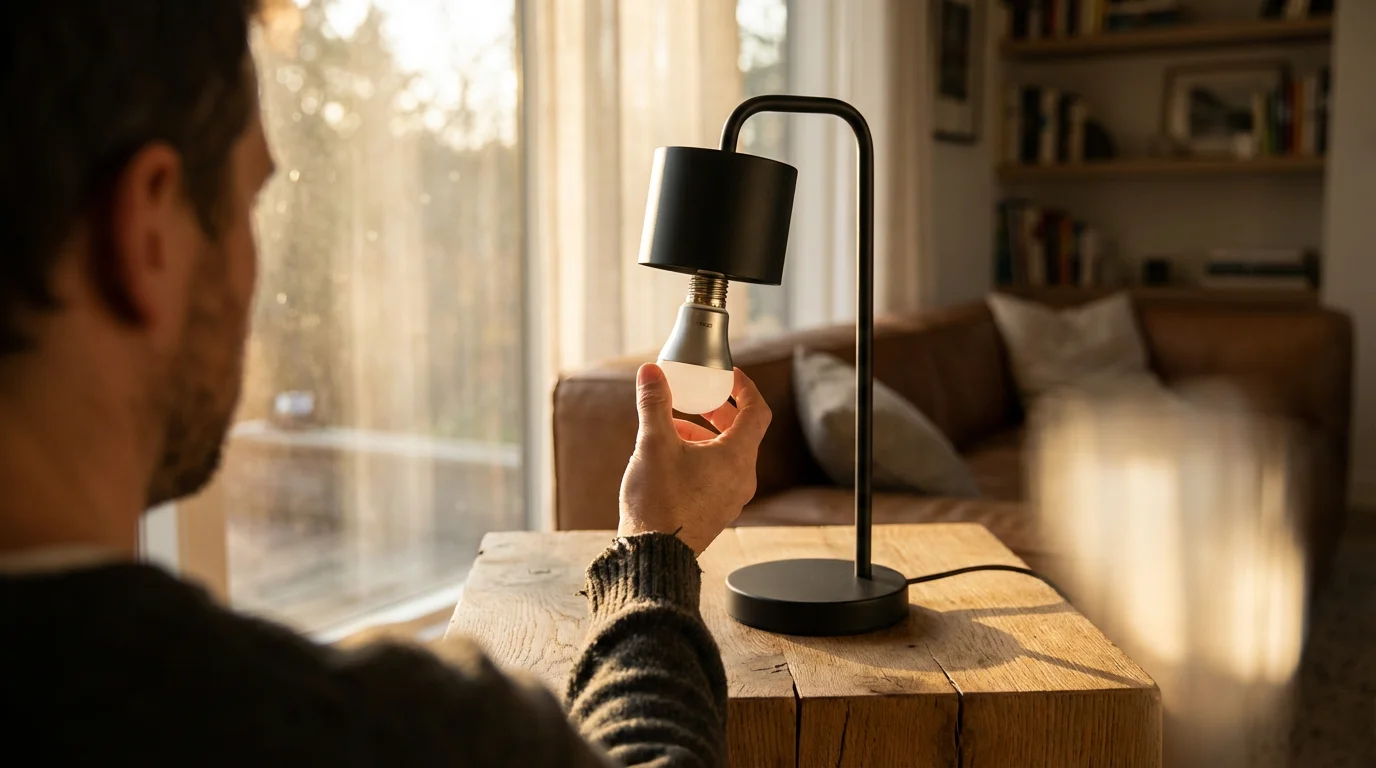
Smart bulbs offer more than just on/off control. They bring dynamic lighting to your home, enhancing ambiance and convenience. You can change colors, adjust brightness, and set schedules, all from your phone or with your voice. Many smart bulbs connect directly to your Wi-Fi, eliminating the need for a separate hub, while others use Zigbee or Z-Wave, requiring a compatible hub for full functionality.
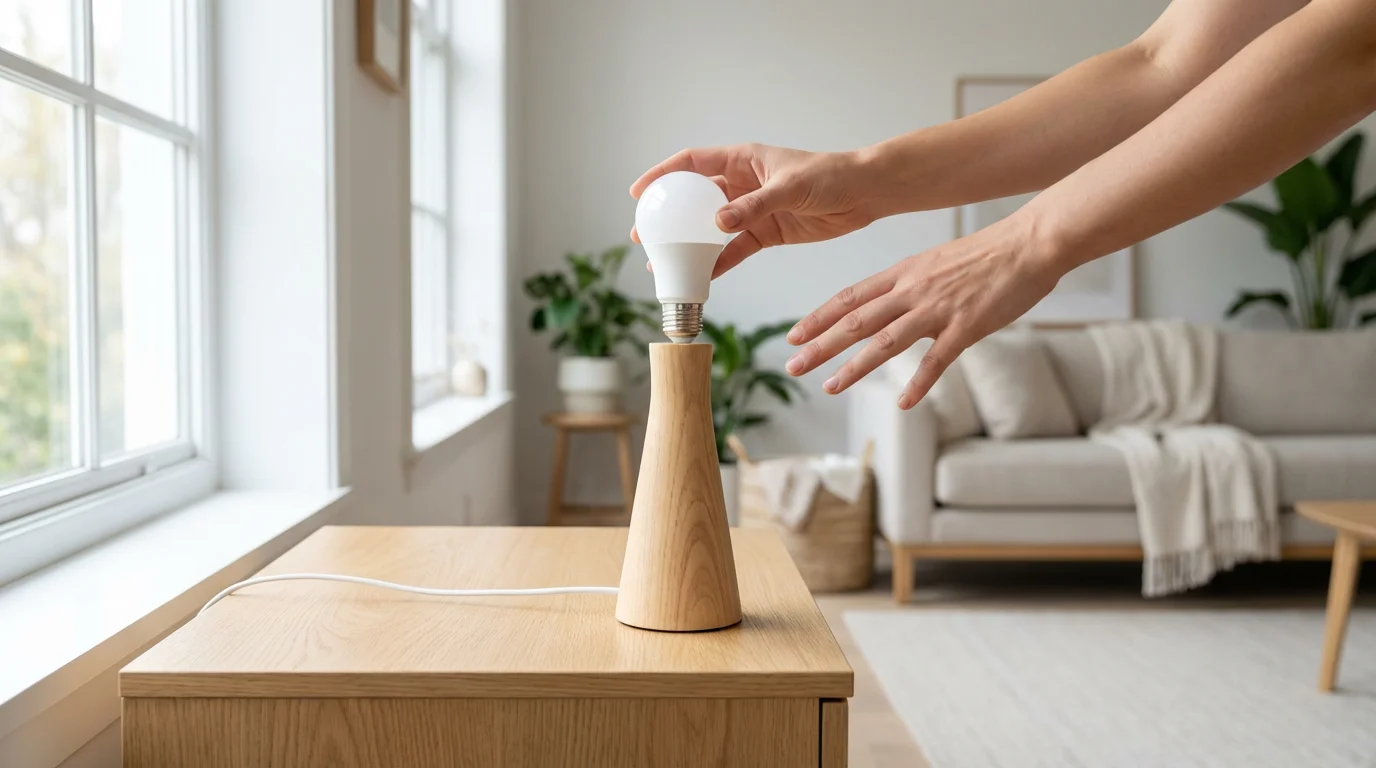
Choosing Wi-Fi enabled bulbs simplifies your initial setup. You simply screw the bulb into a fixture, download the app, and follow the pairing instructions. These devices provide an excellent way to introduce smart home convenience into a specific room.
**Why Smart Bulbs are Great for Beginners:**
- Instant Ambiance: Adjust light color and intensity to match your mood or activity.
- Energy Efficiency: LED smart bulbs consume significantly less energy than traditional incandescent bulbs.
- Convenience: Control lights from anywhere, ensuring you never come home to a dark house.
- Presence Simulation: Schedule lights to turn on and off randomly when you are on vacation, deterring potential intruders.
- Simple Installation: Screw them in like regular bulbs and pair them with an app.
**Automation Examples:**
* Have bedroom lights gradually brighten in the morning for a gentle wake-up.
* Program living room lights to dim automatically when you start movie night.
* Use geo-fencing to turn outdoor lights on when your phone detects you are arriving home.
Smart Device 3: Smart Thermostats – Saving Energy and Boosting Comfort
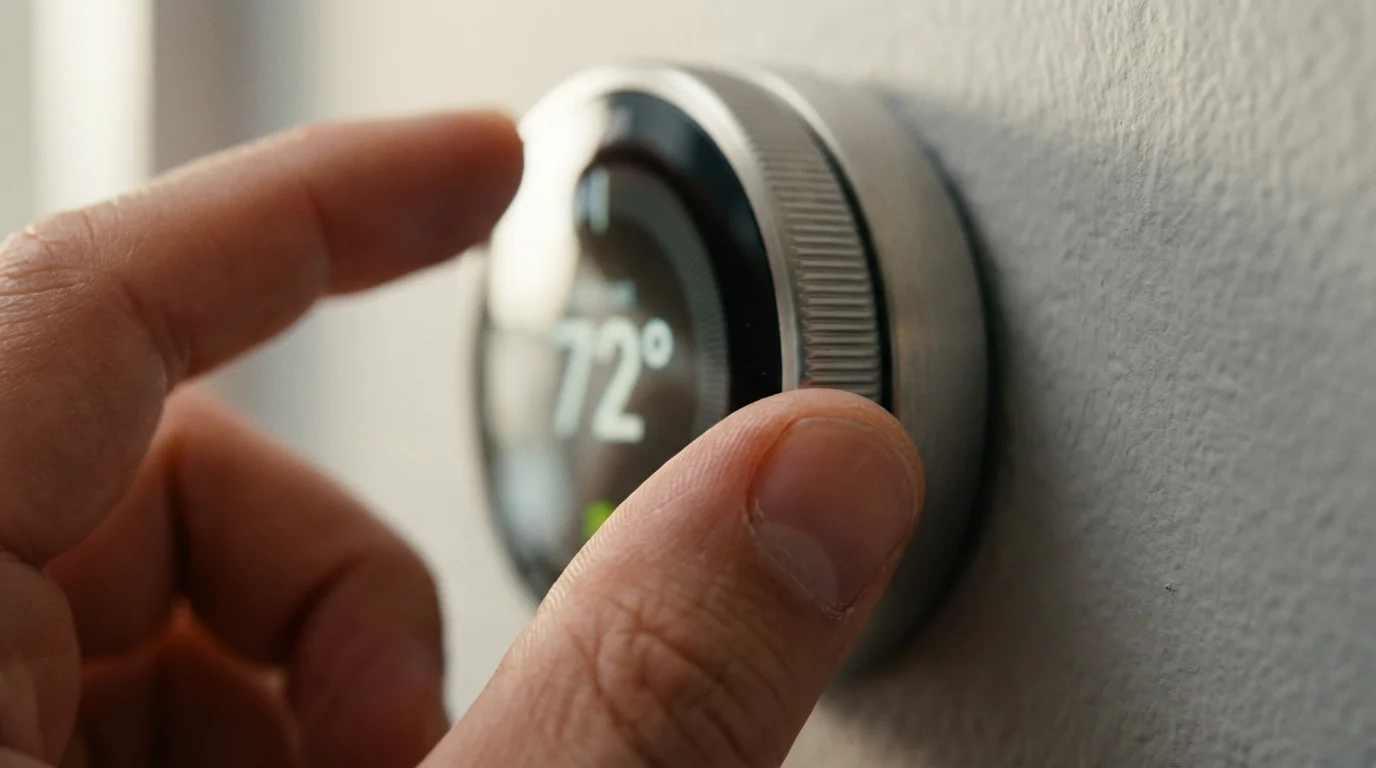
A smart thermostat is an investment that quickly pays for itself through energy savings. Unlike traditional programmable thermostats, smart models learn your preferences, adjust based on occupancy, and allow remote control. The U.S. Environmental Protection Agency (EPA) awards the ENERGY STAR label to smart thermostats that meet strict energy efficiency guidelines. According to ENERGY STAR, smart thermostats can save you around 8% annually on heating and cooling costs. You can find more information on smart thermostats at Energy Star Smart Thermostats.
Installation involves replacing your existing thermostat, a task many homeowners can handle with basic tools and careful adherence to instructions. However, if your current thermostat system uses complex wiring (like C-wire installation), or if you feel uncomfortable, always consult a licensed HVAC professional. Safety remains paramount when dealing with electrical connections.
**Key Advantages of Smart Thermostats:**
- Energy Savings: Optimize heating and cooling schedules based on your habits and external weather.
- Remote Control: Adjust your home’s temperature from your smartphone, even when you are away.
- Geofencing: Automatically adjust temperature based on whether you are home or away, saving energy when the house is empty.
- Voice Control: Change the temperature with simple voice commands through your smart speaker.
- Usage Reports: Monitor your energy consumption patterns and identify opportunities for further savings.
For those living in older properties, it is essential to understand how to add smart devices to an older home where wiring might be outdated.
**How a Smart Thermostat Works for You:**
* The thermostat learns your preferred temperatures and automatically creates an efficient schedule.
* It detects when no one is home and adjusts the temperature to an energy-saving setting.
* You receive alerts for unusual temperature changes or filter replacement reminders.
The best smart home devices often provide convenience and energy savings you notice every day, without requiring constant management. Smart thermostats exemplify this principle.
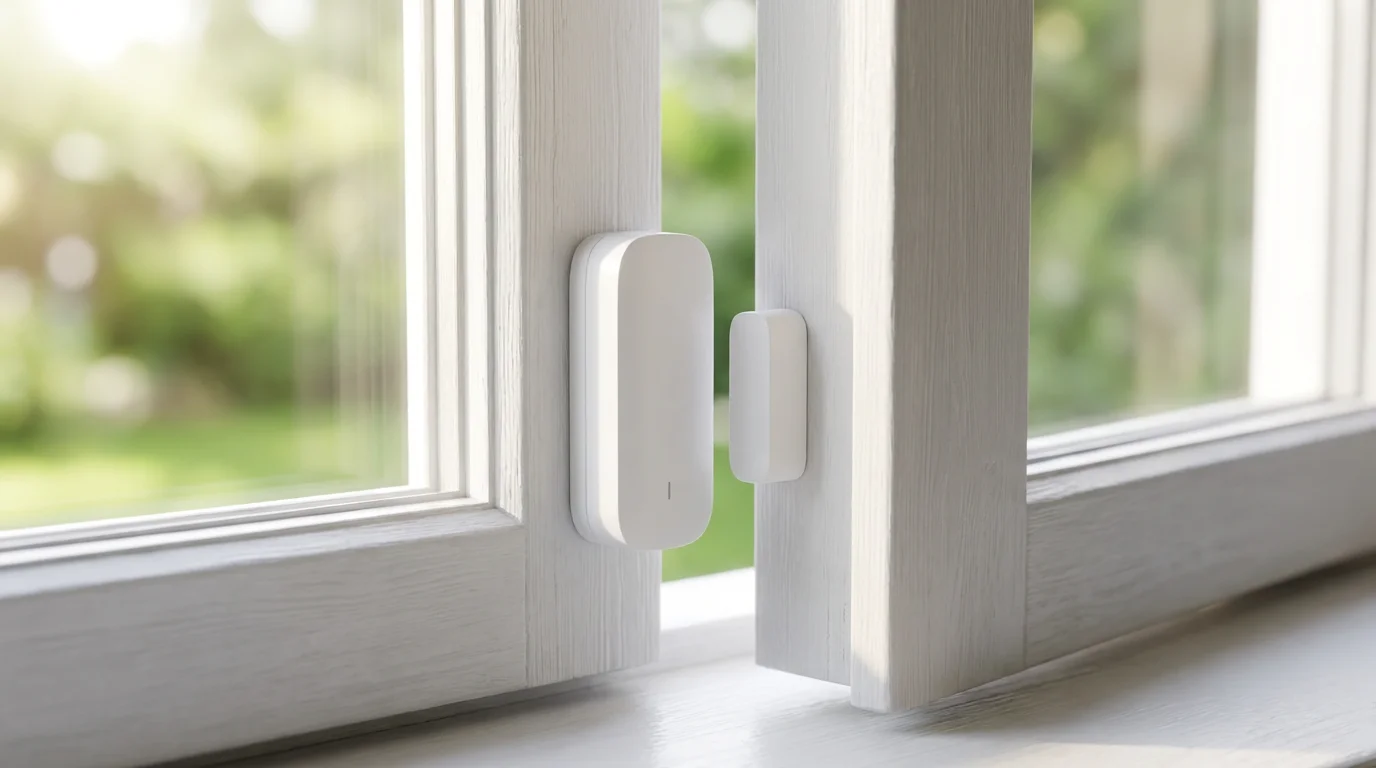
Smart Device 4: Smart Door/Window Sensors – Simple Security and Automation Triggers
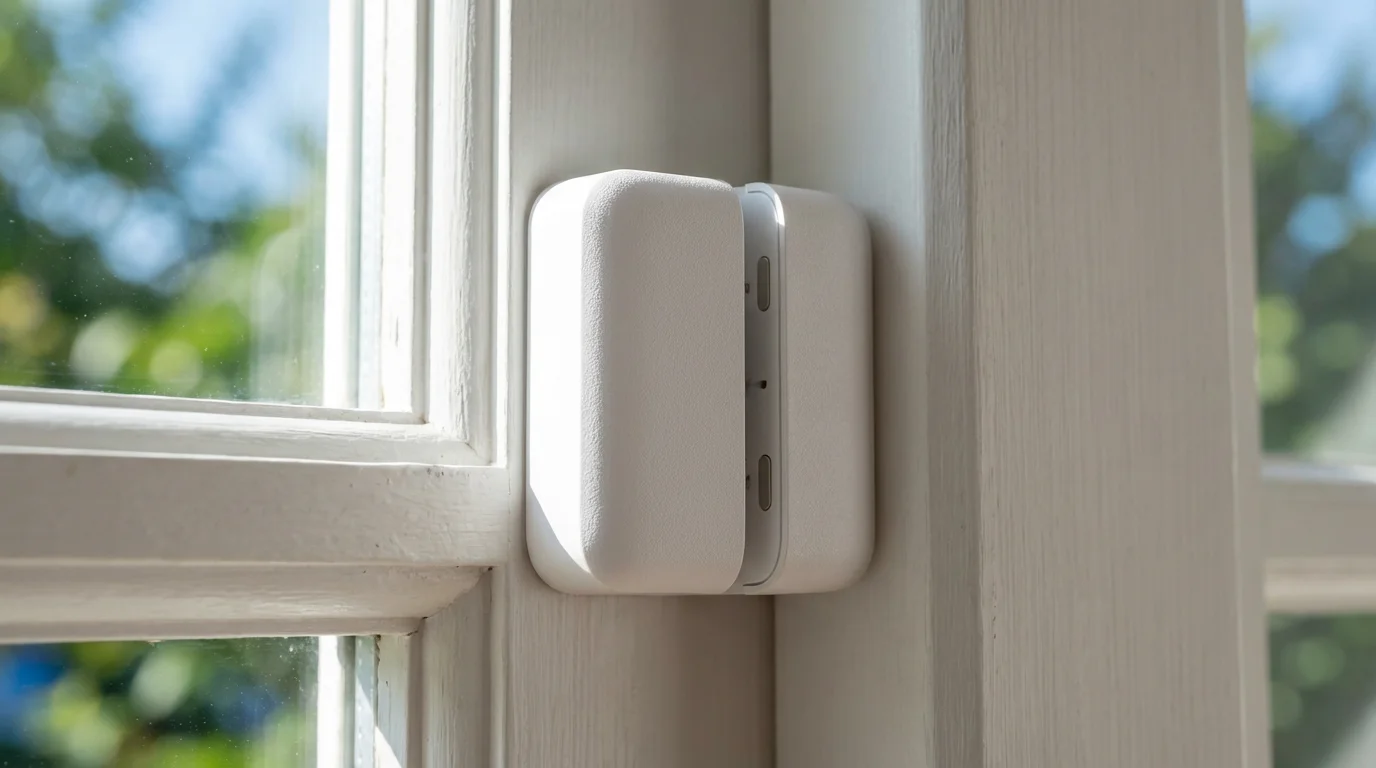
Smart door and window sensors provide essential security and clever automation possibilities for a low cost. These small, two-piece devices detect when a door or window opens or closes. You typically install them with adhesive, making setup quick and tool-free. They often use Zigbee or Z-Wave technology, meaning they usually require a compatible smart home hub, though some Wi-Fi models exist.
These sensors serve as excellent `essential devices` for expanding your home’s awareness. They integrate easily with other smart devices, enabling simple yet powerful automations that enhance both security and daily convenience.
**Benefits of Smart Door/Window Sensors:**
- Enhanced Security: Receive instant alerts on your phone if a monitored door or window opens unexpectedly.
- Automation Triggers: Use opening or closing as a trigger for other smart devices.
- Peace of Mind: Verify that doors and windows are closed and secured, even when you are away.
- Affordable: Generally inexpensive, allowing you to monitor multiple entry points without a large investment.
- Easy Installation: Mount with adhesive strips, no drilling required for most models.
**Automation Ideas:**
* Have lights turn on automatically when you open the front door in the evening.
* Receive a notification if a child’s bedroom window opens after bedtime.
* Trigger your smart speaker to play a chime when the back door opens.
* Automatically turn off the air conditioning if a window is left open for too long.
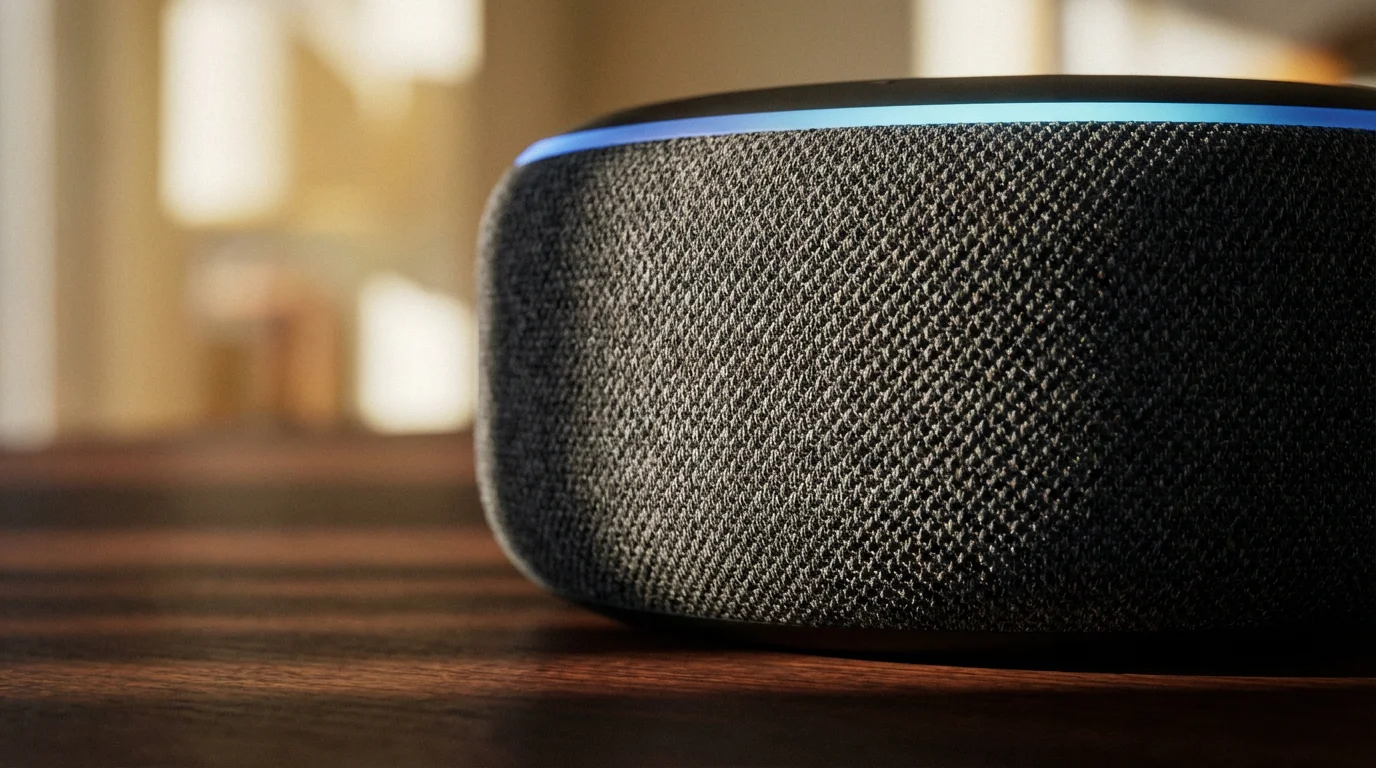
Smart Device 5: A Basic Smart Speaker – Your Voice Command Center
While not a standalone “device” in the same way as a plug or bulb, a basic smart speaker forms the central nervous system for your voice-controlled smart home. Devices like the Amazon Echo Dot or Google Nest Mini are affordable entry points. They allow you to control all your connected `first smart devices` using simple voice commands. This hands-free control is a game-changer for convenience.
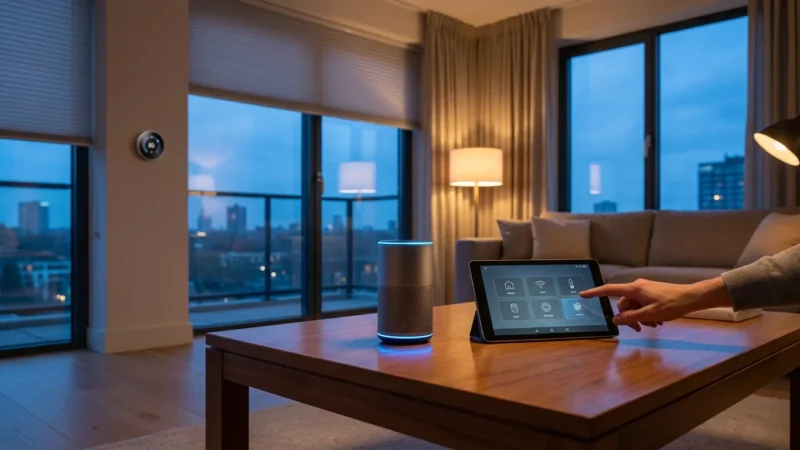
A smart speaker acts as your primary interface with your smart home ecosystem. It lets you turn on lights, adjust the thermostat, check sensor status, and much more, all without touching your phone. Choose a speaker that aligns with your chosen ecosystem (Alexa or Google Assistant) to ensure seamless integration.
**Why a Smart Speaker is Essential:**
- Centralized Voice Control: Control all compatible smart devices with your voice.
- Information Hub: Ask questions, get weather updates, play music, and set timers.
- Intercom Functionality: Communicate between rooms if you have multiple speakers.
- Affordable Entry: Basic models are budget-friendly.
- Foundation for Automation: Enable voice-activated routines that trigger multiple actions.
**Voice Commands in Action:**
* “Alexa, turn on the living room lamp.”
* “Hey Google, set the thermostat to 72 degrees.”
* “Siri, is the front door locked?”
* “Alexa, good night.” (This command could turn off all lights, lock doors, and adjust the thermostat).
How to Choose Your First Smart Home Devices: A Quick Guide
Selecting the `best first smart home devices to buy` involves considering several factors beyond just their individual benefits. Think about how they fit into your life and your existing technology. This approach ensures a smoother and more satisfying smart home experience.
Use these criteria to guide your choices:
- Identify Your Pain Points: What problems do you want to solve? Do you forget to turn off lights, worry about security, or want to save on energy bills?
- Consider Your Ecosystem: Are you an Apple, Google, or Amazon user? Choose devices compatible with your preferred platform to ensure seamless control.
- Start Small and Expand: Do not try to automate your entire house at once. Begin with one or two rooms or specific problems.
- Check Compatibility: Ensure new devices work with any existing smart home components you own or plan to buy. Look for “Works with Alexa,” “Works with Google Home,” or Matter compatibility.
- Budget Appropriately: Smart home technology ranges in price. Decide how much you want to spend and look for reliable, well-reviewed options within that budget.
- Ease of Installation: Prioritize devices that offer simple, DIY installation to avoid extra costs or complexity.
To ensure your long-term success, take the time to plan your smart home before buying anything to avoid incompatible hardware.
Setting Up Your First Smart Home: Step-by-Step Guidance
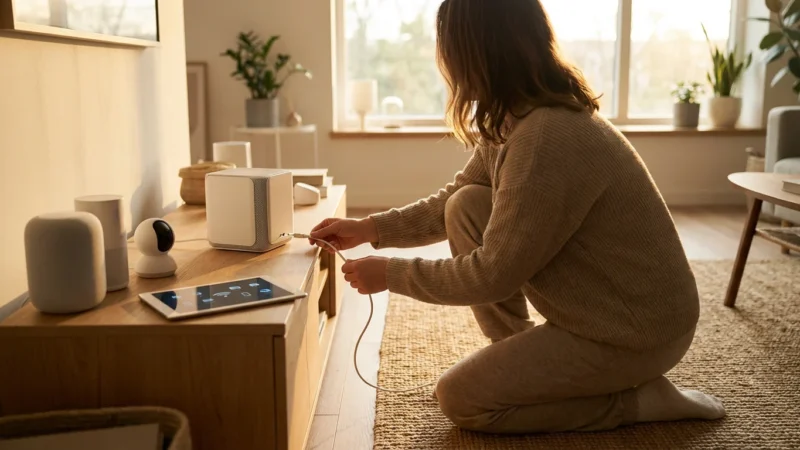
Setting up your `smart home starter kit recommendations` involves a few universal steps, regardless of the device type. Following these steps ensures a smooth installation process and optimal device performance.
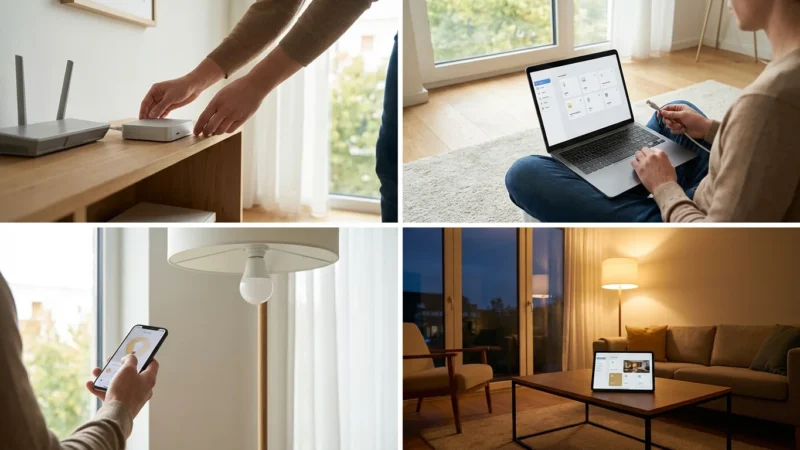
**General Setup Process:**
- Unbox and Install Hardware: Physically install your device. For smart plugs and bulbs, this means plugging them in or screwing them into a socket. For thermostats, carefully follow the wiring instructions or consult a professional.
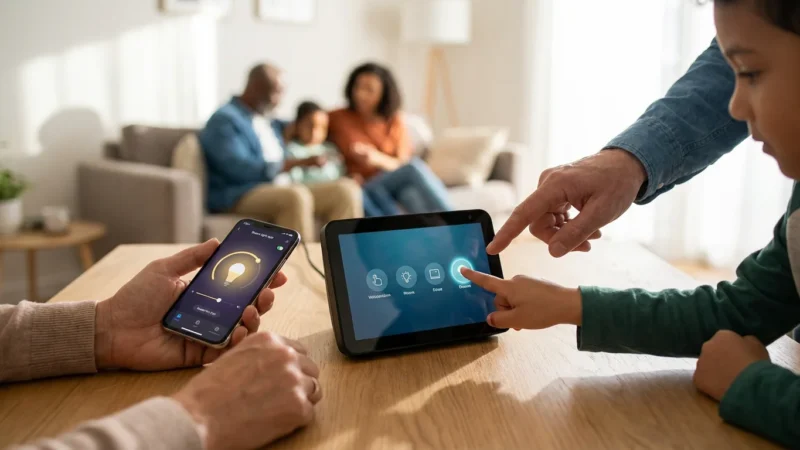
- Download the Companion App: Most smart devices require a manufacturer-specific app for initial setup. Find it on your phone’s app store.
- Create an Account: You will usually need to create an account within the app.
- Connect to Wi-Fi: The app will guide you through connecting your device to your home Wi-Fi network. Ensure you have your Wi-Fi password ready.
- Pair with Ecosystem (Optional, but Recommended): If you use Alexa, Google Home, or Apple HomeKit, link the device’s manufacturer account to your smart home ecosystem app. This allows for voice control and unified management.
- Test Functionality: Verify that the device responds to commands from both its native app and your smart home ecosystem app.
- Explore Automations: Start creating simple schedules or routines. For instance, set your smart plug to turn on a lamp at sunset.
Always prioritize safety during installation. For any device requiring electrical wiring, turn off power at the breaker first. If you feel uncertain or uncomfortable with wiring, hire a qualified electrician or HVAC technician.
Building Beyond the Basics: What’s Next for Your Smart Home?
Once you master your `first smart devices` and feel comfortable with the basics, you can confidently expand your smart home. The beauty of these starter devices is their ability to integrate with more advanced technology. Your smart plugs can work with motion sensors, and your smart bulbs can respond to door opens.
Consider these areas for future expansion:
- Security Cameras: Add indoor or outdoor cameras for live monitoring and recording.
- Smart Locks: Control door access remotely and grant temporary access to guests.
- Water Leak Sensors: Receive alerts for potential leaks in basements, bathrooms, or utility rooms.
- Video Doorbells: See and speak to visitors from anywhere.
- Advanced Routines: Create complex automations that involve multiple devices and conditions, like a “Leaving Home” routine that locks doors, turns off lights, and sets the thermostat.
The smart home market continues to evolve, with new devices and improved standards like Matter making integration easier than ever. Start simple, learn as you go, and enjoy the increasing convenience and efficiency of your connected living space.
Frequently Asked Questions
Do I need a smart home hub for these first smart devices?
Many `first smart devices` like Wi-Fi smart plugs and bulbs connect directly to your home’s Wi-Fi network, eliminating the immediate need for a separate hub. Devices using Zigbee or Z-Wave, such as some door/window sensors, typically require a compatible hub for full functionality. A basic smart speaker often acts as a hub for its ecosystem, providing voice control and some basic automation capabilities.
Are smart home devices secure?
Smart home security depends on several factors, including the manufacturer’s security practices, your home network security, and your password strength. Always choose reputable brands, use strong, unique passwords, and enable two-factor authentication when available. Keep your device firmware and apps updated, as manufacturers frequently release security patches. For more on smart home security, sources like CNET Smart Home offer valuable insights.
How much do smart home starter kits cost?
The cost of a `smart home starter kit` varies widely depending on the devices included and their brands. You can start with a single smart plug for under $20. A basic setup including a few smart plugs, smart bulbs, and a smart speaker might cost between $100 and $250. More advanced kits with smart thermostats or security sensors typically range from $200 to $500. Focus on devices that address your most pressing needs first.
Can I mix and match smart devices from different brands?
Yes, you can often mix and match devices from different brands, especially if they are compatible with the same smart home ecosystem (like Alexa, Google Home, or Apple HomeKit). This flexibility allows you to choose the best device for each function. The emerging Matter standard further simplifies compatibility, allowing devices from different brands to communicate more seamlessly.
What is the benefit of starting with a smart home starter kit recommendation?
A `smart home starter kit recommendation` streamlines your entry into smart home technology by providing a curated list of reliable, easy-to-use devices. It helps you avoid analysis paralysis, ensures basic compatibility, and focuses on products that offer immediate, tangible benefits. This approach builds confidence and provides a clear path for expanding your smart home capabilities.
Disclaimer: This article is for informational purposes only. Smart home devices involve electrical connections and data privacy. Always follow manufacturer instructions for installation. For complex wiring or HVAC work, consult a licensed professional.



Leave a Reply