
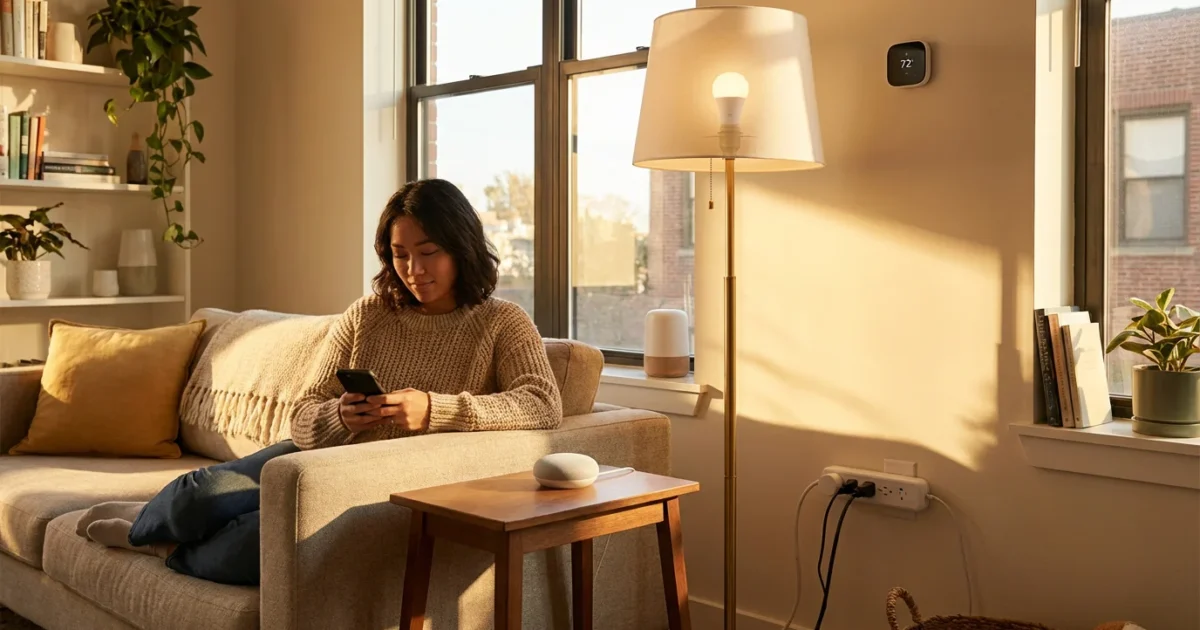
You dream of a home that responds to your voice, saves energy automatically, and keeps your family safe. Many homeowners believe smart home technology requires a significant investment. However, you can absolutely build a functional, convenient, and secure smart home without spending a fortune. This guide shows you how to kickstart your smart home journey for under $100.
Smart home integration brings substantial benefits. You gain convenience through voice commands, save money on energy bills, and enhance peace of mind with basic security features. Starting small and strategically allows you to experience these advantages immediately and expand your setup later.
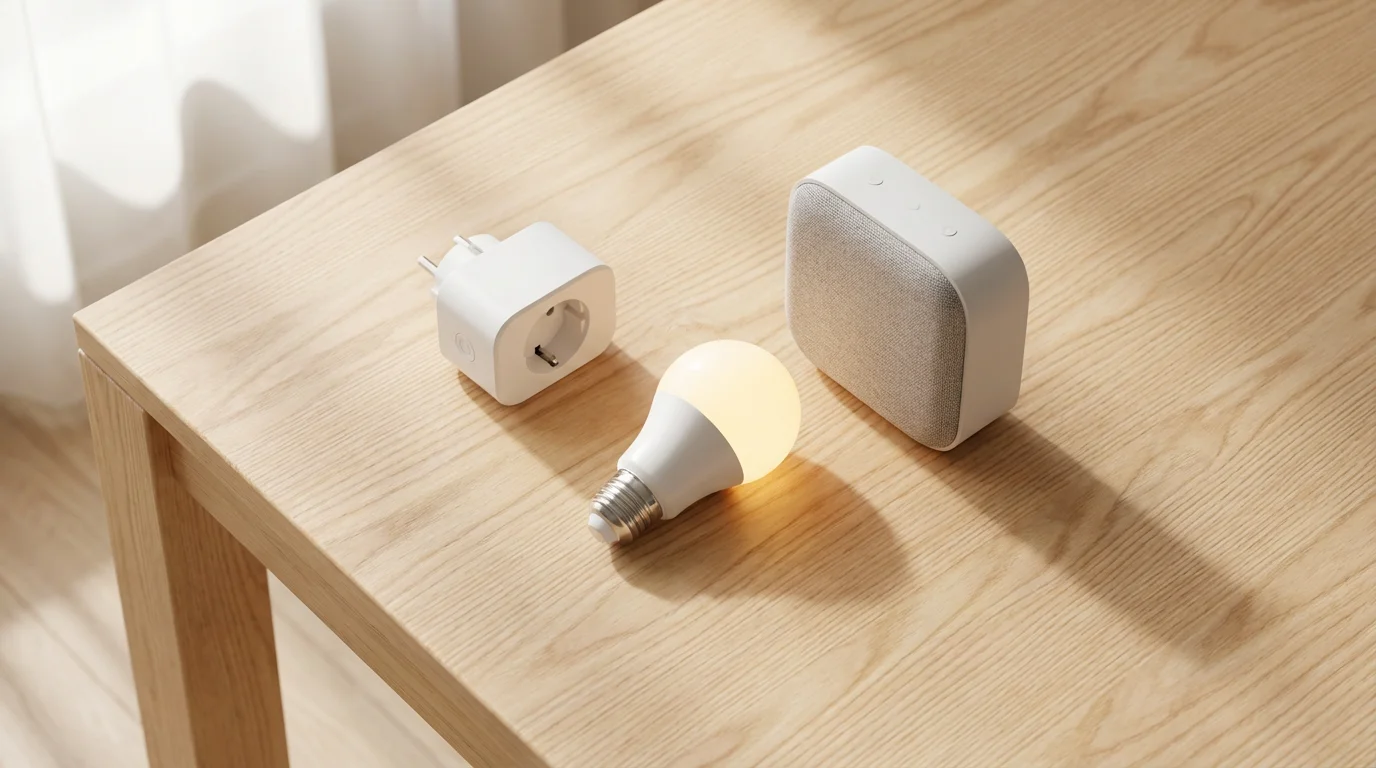
Introduction to Affordable Smart Homes
A smart home offers more than just futuristic gadgets. It provides practical solutions for everyday challenges. Imagine lights turning on when you enter a room, or your coffee machine starting before you wake up. These conveniences are within reach, even with a limited budget.
Many people associate smart homes with expensive installations or complex systems. This misconception deters potential users from exploring the advantages. Modern technology, however, makes an affordable start more accessible than ever before.
You do not need to replace every appliance or rewire your entire house to begin. Focus on small, impactful changes that provide immediate value. We will explore how to achieve a substantial smart home on a budget, proving that smart living is not exclusive to high spenders.
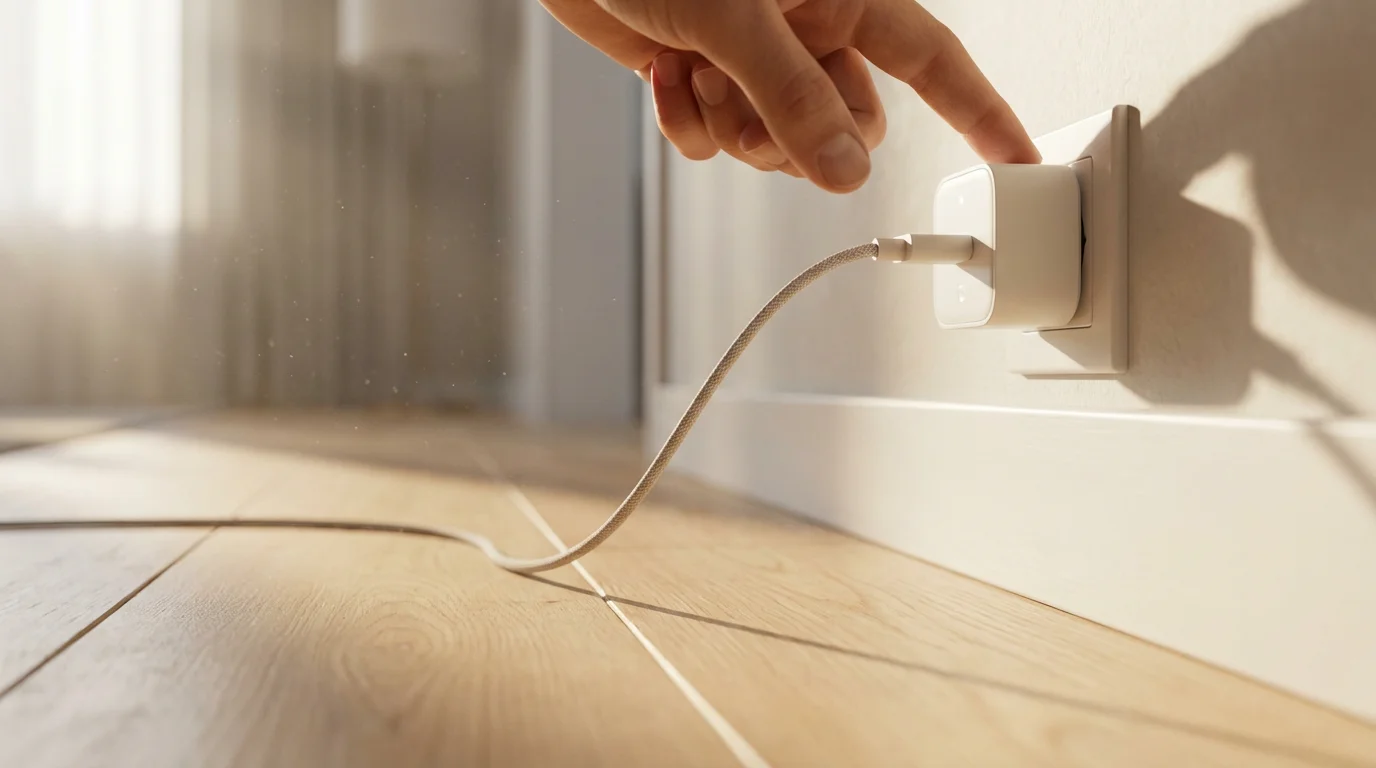
Your First Steps: Planning a Budget-Friendly Smart Home
Before buying any cheap devices, define your primary goals. What problems do you want smart technology to solve? Do you prioritize convenience, energy savings, security, or a combination?
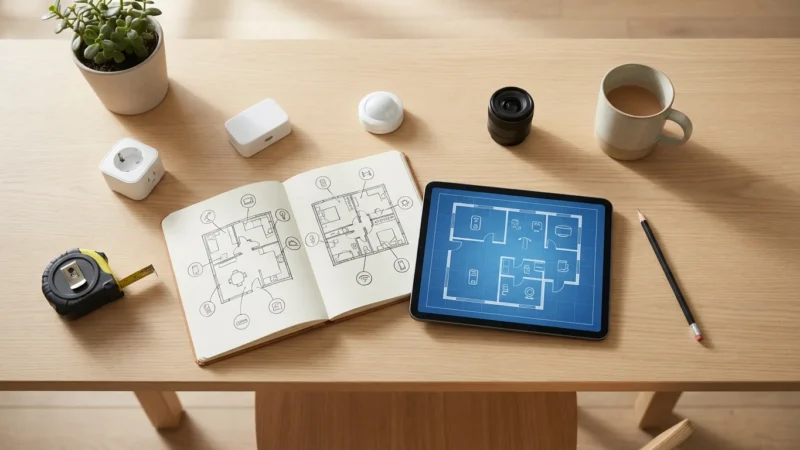
Taking the time to plan your smart home before making any purchases ensures you prioritize the right upgrades for your specific space.
A clear vision guides your purchases, preventing wasted money on unnecessary gadgets. Think about the areas in your home that would benefit most from automation. Common starting points include lighting, power control, and basic voice assistance.
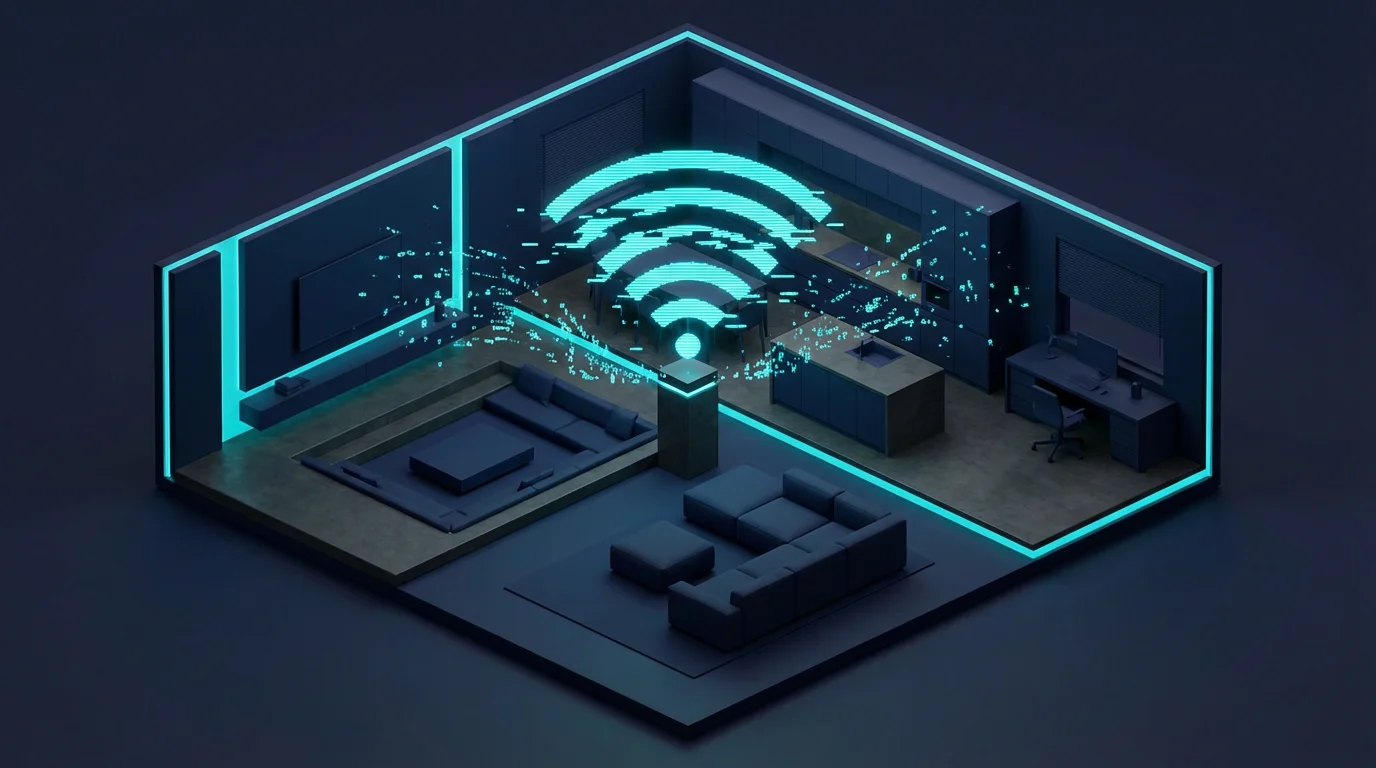
Consider your internet connection. A stable Wi-Fi network forms the backbone of most budget smart home setups. Ensure your router can handle multiple connected devices without performance issues. You generally avoid additional hubs when focusing on Wi-Fi devices, which saves money.
Prioritize Your Needs
Deciding where to start helps you allocate your under $100 budget effectively. Here are common priorities for beginners:
- Convenience: Automate daily routines like turning lights on or off.
- Energy Savings: Control lights and appliances to reduce power consumption.
- Basic Security: Use smart plugs to give an occupied appearance when you are away.
- Accessibility: Control devices via voice for ease of use.
Choose one or two areas to focus on first. This approach allows you to learn the ropes without feeling overwhelmed. You can always expand your setup as you gain experience and save more funds.

Understanding Smart Home Connectivity Without Breaking the Bank
Smart devices communicate using various protocols. Understanding these helps you choose compatible, affordable options. The most common types include Wi-Fi, Bluetooth, Zigbee, Z-Wave, and Matter.
For a budget smart home, Wi-Fi devices often offer the simplest and most cost-effective starting point. They connect directly to your existing home Wi-Fi network, eliminating the need for a separate hub.
Bluetooth devices are great for direct, short-range connections but usually lack remote control capabilities. Zigbee and Z-Wave devices require a dedicated hub, which adds to the initial cost. However, they create a robust mesh network ideal for larger homes later on.
The Connectivity Standards Alliance, which oversees the Matter standard, aims to simplify smart home compatibility. Matter-certified devices promise easier setup and broader interoperability across different ecosystems. While newer, some affordable Matter-compatible options are emerging.
Connectivity Options for Budget Setups
You have a few primary choices when starting your smart home on a budget:
- Wi-Fi: Most common for budget devices like smart plugs and bulbs. Connects directly to your home router. No hub required.
- Bluetooth: Useful for local control of individual devices. Less common for whole-home automation.
- Zigbee/Z-Wave (with Hub): More advanced, requires a hub. Offers better reliability and range than Wi-Fi for many devices but adds initial cost. Consider these for future expansion, not your first $100.
- Matter: A newer standard designed for universal compatibility. Some devices are Matter-certified and work over Wi-Fi, potentially offering an excellent future-proof choice without an immediate hub requirement for certain device types.
Focus on Wi-Fi-enabled devices to keep your initial investment low. They integrate easily with popular voice assistants without extra hardware.
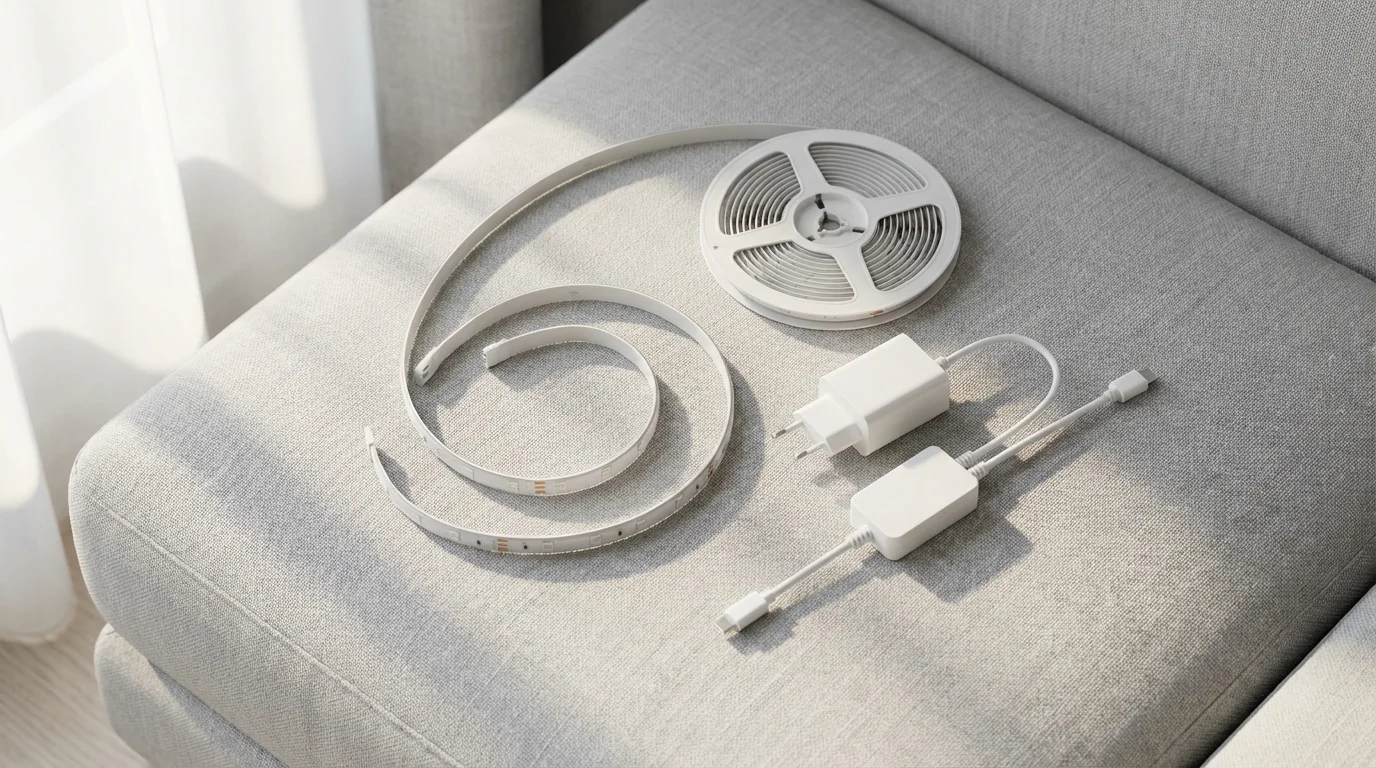
The Best Smart Devices Under $50 to Start Your Home Automation
Your $100 budget stretches further than you might think. Several essential smart home devices regularly retail for under $50, sometimes even under $20. These items provide immediate practical benefits and form a solid foundation.
Smart Plugs
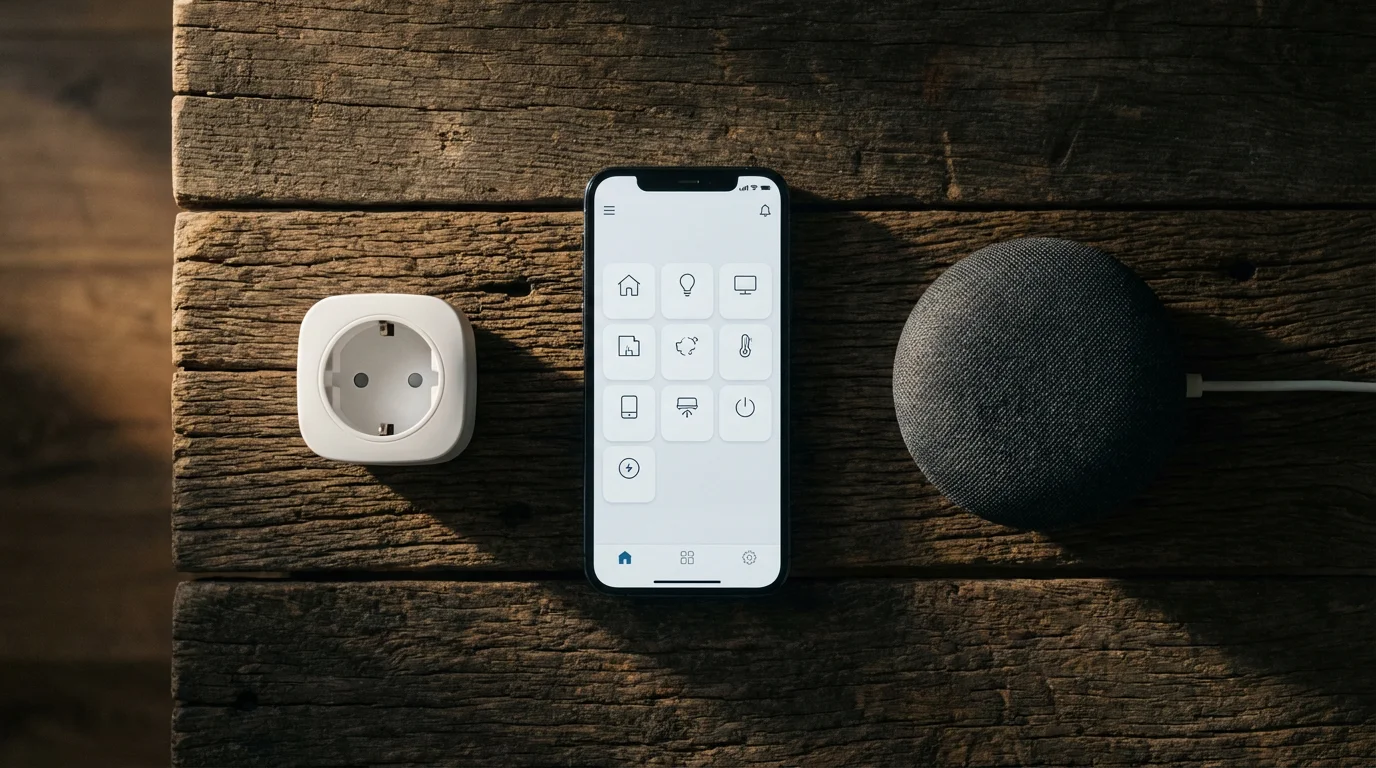
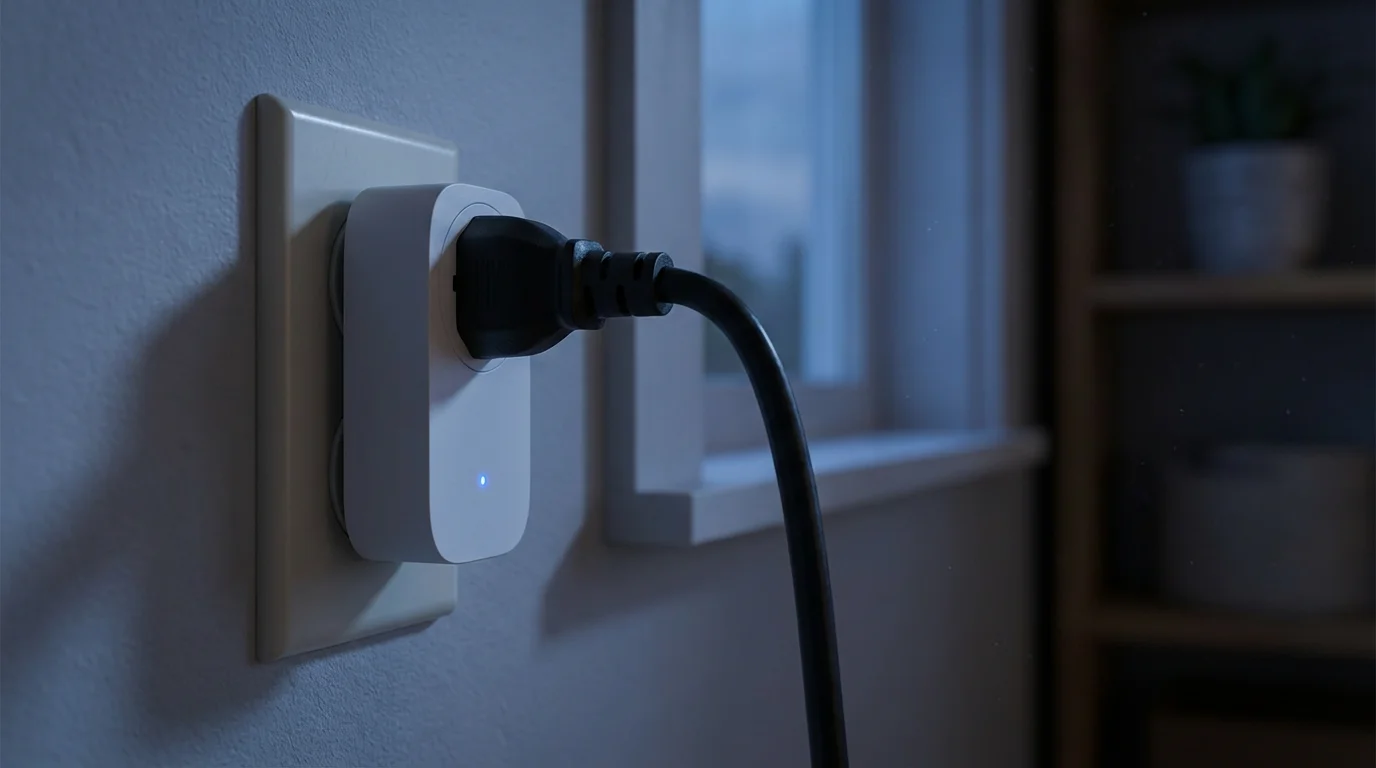
Smart plugs are perhaps the simplest and most versatile smart home device. You plug them into a standard outlet, then plug any non-smart appliance or lamp into the smart plug. This instantly gives you remote control via an app or voice commands.
A single smart plug often costs $10-$20. You can turn traditional lamps into smart lights, schedule your coffee maker, or power off energy vampires. Look for Wi-Fi enabled plugs compatible with Alexa or Google Assistant for seamless integration.
For example, you can schedule your bedside lamp to turn on gradually in the morning. This offers a gentle wake-up routine without needing expensive smart bulbs. You can also turn off chargers and devices not in use to reduce standby power consumption.
Smart Bulbs
Replacing traditional light bulbs with smart bulbs offers direct control over your home’s ambiance. Many brands offer single color-changing or white-only smart bulbs for under $20. These bulbs typically connect via Wi-Fi.
You can dim lights, change their color temperature, or set schedules using an app or voice commands. Install one in your living room or bedroom for an instant upgrade. This provides convenience and can save energy when used strategically.
Consider a simple white smart bulb for your entry light. You can schedule it to turn on at dusk and off at dawn, ensuring your home always appears occupied. This adds a layer of security without costly security systems.
Mini Smart Speakers (Voice Assistants)
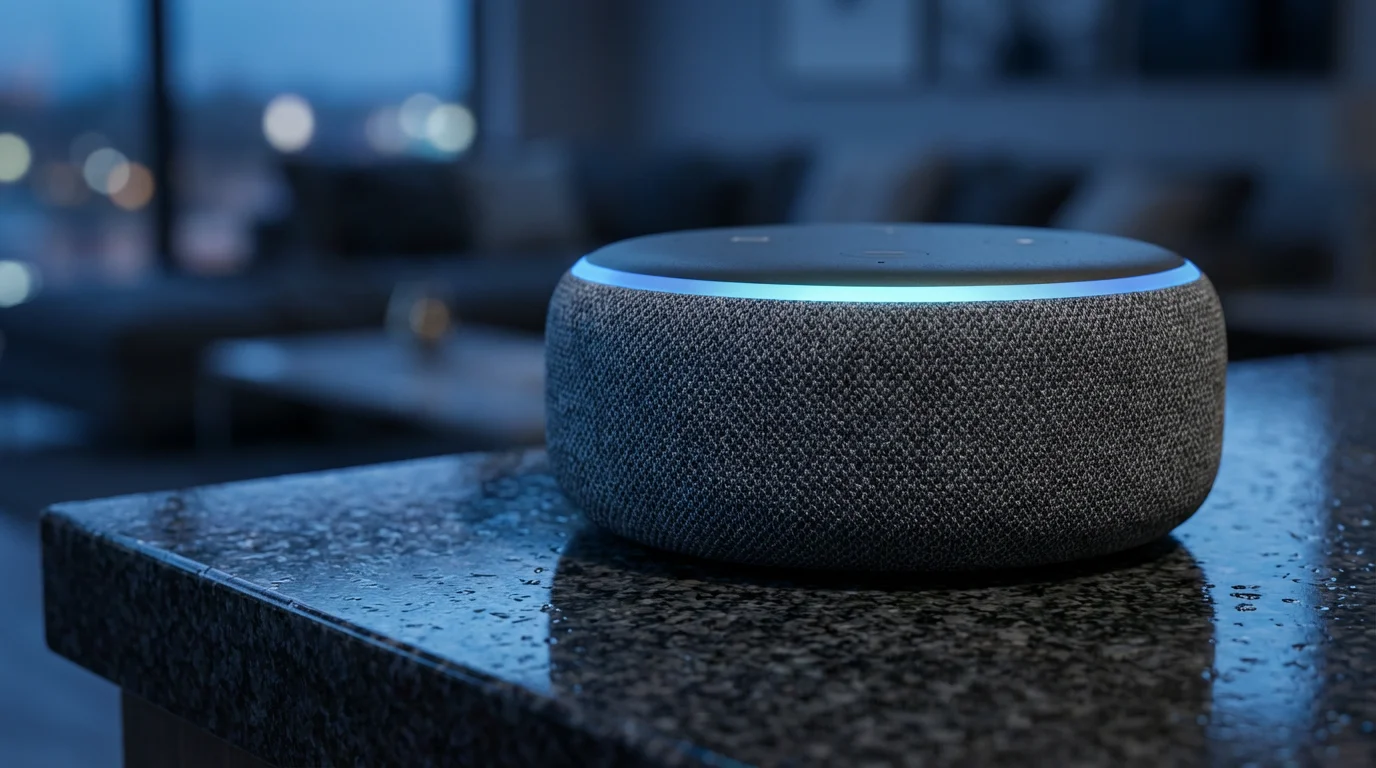
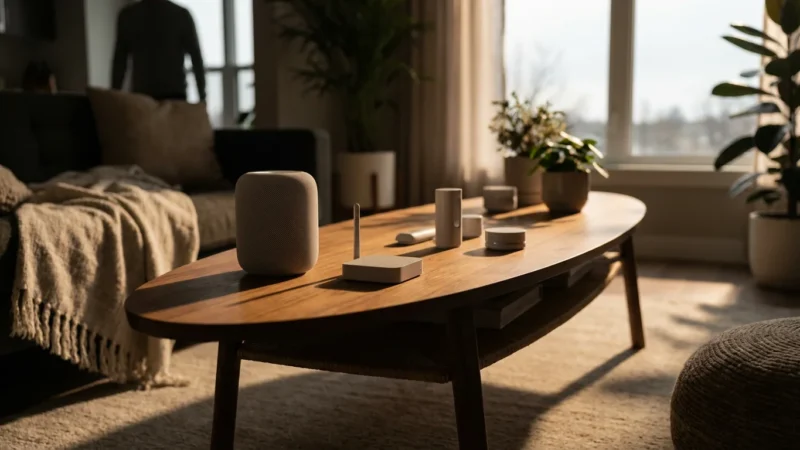
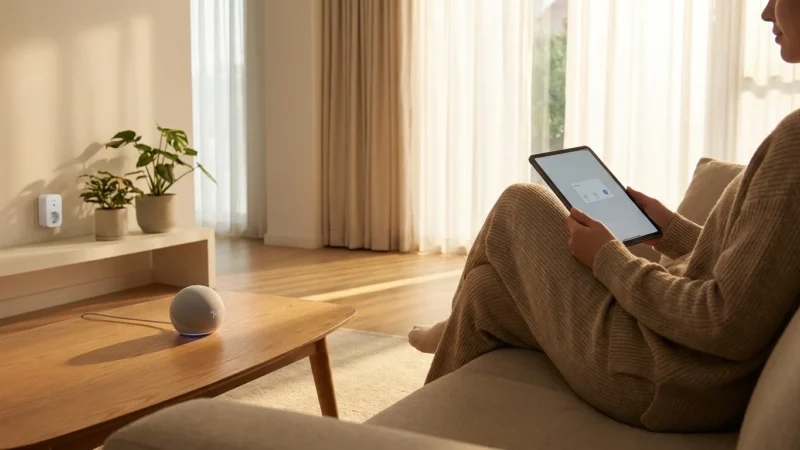
Mini smart speakers, like the Amazon Echo Dot or Google Nest Mini, often go on sale for $25-$49. These devices act as your central command center for voice control. They allow you to control your smart plugs and bulbs using simple voice commands.
Having a voice assistant streamlines your interactions with smart devices. You can say, “Alexa, turn on the living room light,” instead of opening an app. They also offer music streaming, weather updates, and answering questions.
A smart speaker greatly enhances the user experience for your affordable start. It bridges the gap between individual devices and a cohesive smart home system. According to Wirecutter, many affordable smart speakers offer excellent performance for their price.
Additional Budget Devices (If Your Budget Allows)
If you find smart plugs and bulbs on deeper discounts, you might have room for other items:
- Smart Button: A physical button you can program to trigger automations. Great for guests or children. Often under $25.
- Basic Smart Strip: A power strip with individually controlled outlets. Similar to multiple smart plugs, often for $25-$35.
- Door/Window Sensor: A simple contact sensor that notifies you when a door or window opens. Many are under $25, but often require a hub (check Wi-Fi versions).
Remember, prioritizing Wi-Fi devices initially avoids the extra cost of a hub, keeping your setup under $100. You can usually find a smart plug and a smart bulb for under $50, leaving room for a mini smart speaker on sale.
Building Simple, Effective Automations on a Budget
The real power of smart home technology lies in automation. You make your devices work together to simplify your life. Even with just a few smart plugs and bulbs, you can create surprisingly effective routines.
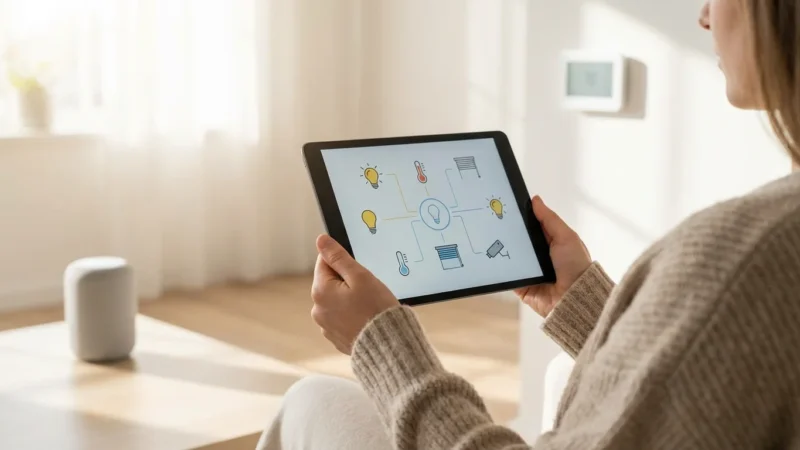
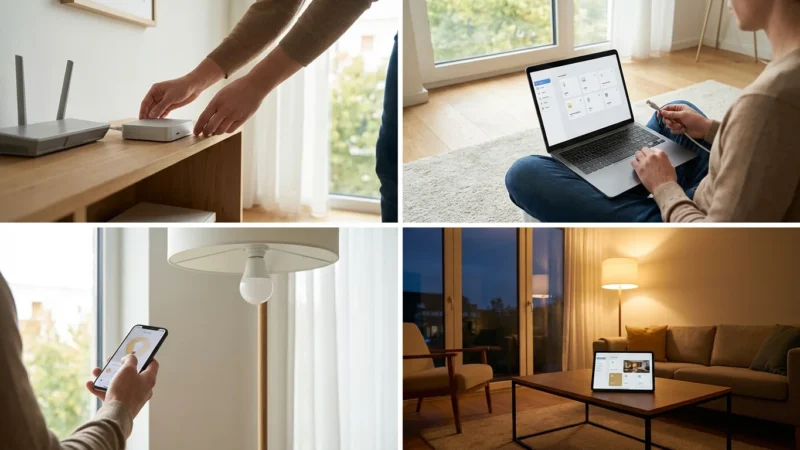
Most smart devices come with companion apps that allow you to set up schedules and simple rules. If you have a smart speaker, its associated app (e.g., Alexa app, Google Home app) provides even more robust automation features.
Practical Automation Examples
Here are some budget-friendly automations you can implement immediately:
- “Good Morning” Routine: Program your smart bulb to turn on to 50% brightness at 7:00 AM. Schedule your smart plug to turn on your coffee maker at 7:15 AM.
- “Away” Lighting: Use a smart plug with a lamp to simulate occupancy. Schedule it to turn on randomly between 6:00 PM and 10:00 PM, then off at 11:00 PM when you are out of town.
- “Movie Night” Scene: Create a scene where your smart bulb dims to 20% and changes to a warm color with a single voice command, “Alexa, movie night.”
- Energy Saving Schedule: Set a smart plug connected to a fan or space heater to turn off automatically when you leave for work, or during specific hours to avoid overuse.
- Kids’ Bedtime Reminder: Flash a smart light in a child’s room at a specific time as a visual cue for bedtime.
These examples illustrate how basic devices deliver significant convenience and peace of mind. You start enjoying the benefits of a smarter home without complex programming or expensive equipment.
Choosing Your Budget Smart Home Ecosystem
Your choice of ecosystem largely depends on your preferred voice assistant. The two dominant, budget-friendly ecosystems are Amazon Alexa and Google Assistant. Apple HomeKit offers a robust alternative, but its entry cost often exceeds $100 for core devices.
Consider which voice assistant you already use, if any, on your phone. Consistency streamlines your experience. Both Alexa and Google Assistant integrate with a vast array of affordable smart devices.
Amazon Alexa
Alexa works well if you already own Amazon devices or prefer the Alexa voice assistant. Amazon Echo Dot speakers are frequently available for under $50. Many budget smart plugs and bulbs explicitly state “Works with Alexa” compatibility.
The Alexa app provides a comprehensive platform for managing devices, setting up routines, and discovering new skills. Its broad third-party support makes it an excellent choice for expanding your smart home later.
Google Assistant
Google Assistant is a strong contender, especially if you use Android phones or other Google services. Google Nest Mini speakers are similarly priced to the Echo Dot and offer seamless integration with your Google account.
The Google Home app acts as your central control for devices and automations. It often provides intelligent suggestions for routines based on your habits. Many affordable devices also carry “Works with Google Assistant” certification.
Considerations for Your Ecosystem Choice
- Voice Assistant Preference: Which one feels more natural for you to interact with?
- Existing Devices: Do you already own a smartphone or tablet that integrates better with one system?
- Device Compatibility: Ensure the smart plugs and bulbs you choose explicitly state compatibility with your chosen ecosystem.
- Future Expansion: Both ecosystems offer vast compatibility, allowing for growth beyond your initial budget.
Sticking to one ecosystem simplifies management and ensures all your devices communicate smoothly. You avoid compatibility headaches and enjoy a more integrated smart home experience.
Maximizing Value: Energy Savings, Convenience, and Security
A smart home on a budget delivers significant value in three key areas: energy efficiency, daily convenience, and enhanced security. You achieve these benefits by thoughtfully applying your affordable smart devices.
While building your system, it is helpful to be aware of common smart home mistakes that can lead to compatibility issues or wasted funds.
Energy Savings
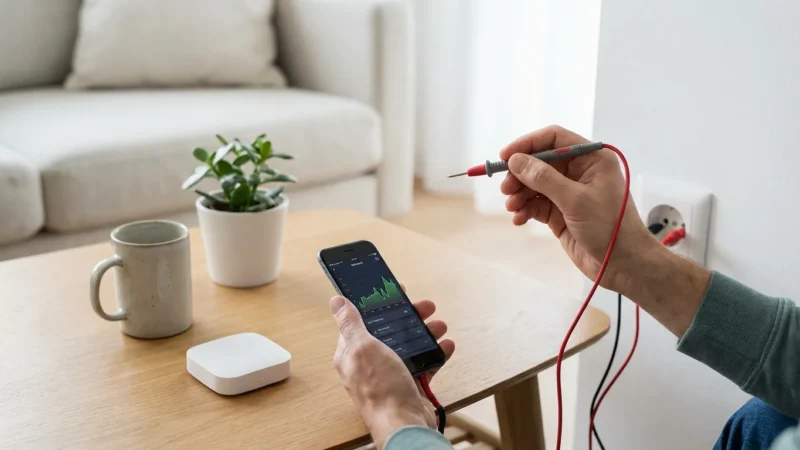
Smart plugs help eliminate “vampire drain” from electronics that consume power even when off. By scheduling them to power down devices overnight or when you leave home, you reduce unnecessary electricity use. A typical home has many devices that draw standby power, adding to your utility bill over time. Smart control stops this.
Smart bulbs, especially LED versions, are inherently energy-efficient. Their ability to dim or turn off automatically ensures lights are not left on unnecessarily. According to Energy Star, smart lighting can significantly contribute to household energy savings.
Convenience at Your Fingertips
Imagine waking up to lights gradually brightening and your coffee brewing. Voice control from a mini smart speaker means you never fumble for a light switch in the dark again. You simplify routines and reduce mental load.
Controlling devices remotely through an app also adds immense convenience. Forgot to turn off a lamp before leaving? Open your app and switch it off from anywhere. This level of control empowers you to manage your home effortlessly.
Enhanced Security
While a basic smart home does not replace a dedicated security system, it significantly enhances your home’s appearance of occupancy. Automated lighting schedules make it seem like someone is always home, deterring potential intruders.
You can also use a smart plug to remotely control a radio or television, creating ambient noise. This provides an additional layer of deterrent. Even simple measures offer substantial peace of mind when you are away.
Frequently Asked Questions
Are budget smart home devices reliable?
Yes, many budget-friendly smart home devices from reputable brands offer excellent reliability. Brands like TP-Link Kasa, Meross, and Wyze consistently produce reliable smart plugs and bulbs that integrate well with major ecosystems. Reading user reviews helps confirm product stability.
Do I need a hub for a budget smart home setup?
Generally, no. For a budget smart home under $100, focus on Wi-Fi-enabled devices. These connect directly to your home’s existing Wi-Fi network and are controlled via their respective apps or a smart speaker. This avoids the additional cost of a dedicated hub.
Can I expand my smart home beyond the initial $100 budget?
Absolutely. Starting with Wi-Fi devices and a chosen ecosystem (Alexa or Google Assistant) creates a scalable foundation. You can gradually add more smart plugs, bulbs, or even more advanced devices like smart thermostats or security cameras as your budget allows. Your initial purchases remain functional and integrated.
What is the best way to ensure compatibility between devices?
Stick to devices that explicitly state compatibility with your chosen ecosystem, such as “Works with Alexa” or “Works with Google Assistant.” For future-proofing, consider devices that support the Matter standard, as it aims to improve interoperability across brands and ecosystems.
Can smart home devices save me money?
Yes, they can. Smart plugs help you identify and eliminate “vampire draw” from electronics. Smart bulbs, especially LED, use less energy and can be scheduled to turn off. Over time, these small savings accumulate, helping offset your initial investment and reduce your utility bills.
Disclaimer: This article is for informational purposes only. Smart home devices involve electrical connections and data privacy. Always follow manufacturer instructions for installation. For complex wiring or HVAC work, consult a licensed professional.


Leave a Reply