

Embarking on your smart home journey promises convenience, efficiency, and enhanced security. However, beginners often encounter unexpected hurdles that turn excitement into frustration. Many common errors prove easy to prevent with a bit of foresight and understanding. This guide helps you navigate the initial setup process, equipping you with the knowledge to build a robust, reliable smart home system.
Mistake 1: Skipping the Planning Phase
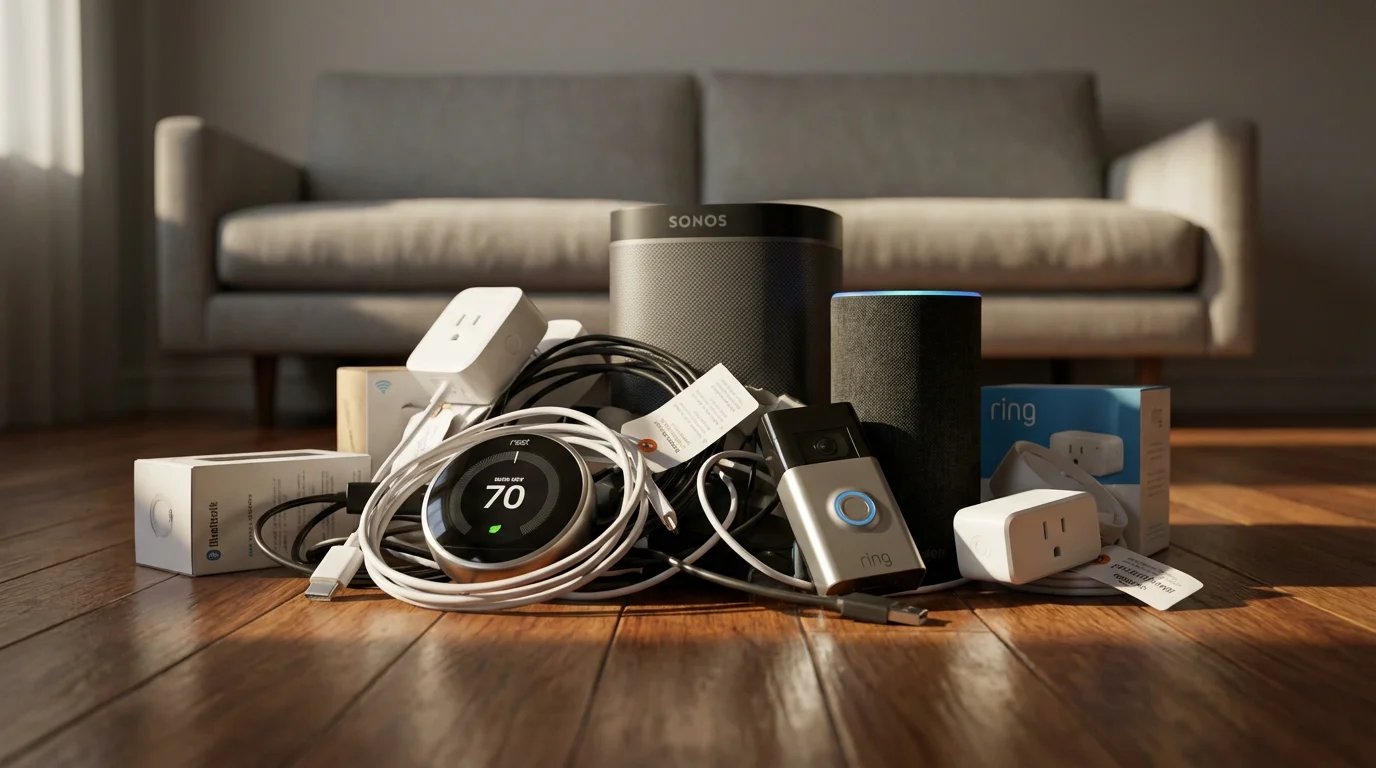
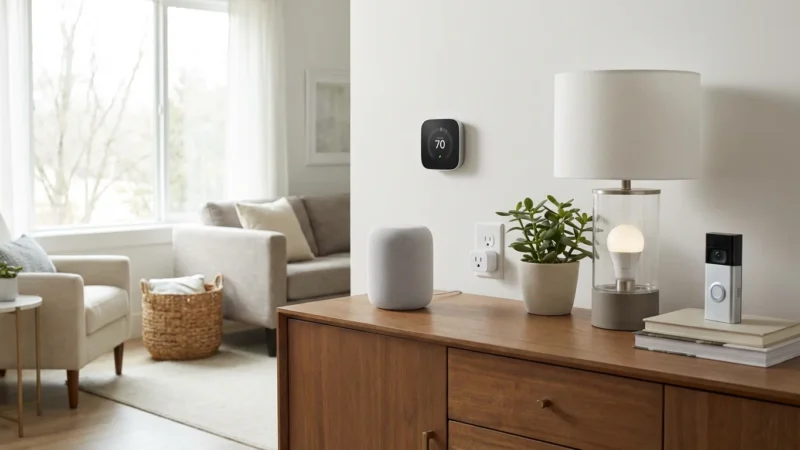
Many beginners jump into purchasing smart devices without a clear vision or a defined purpose. This often leads to a collection of incompatible gadgets, redundant features, and unmet expectations. You acquire devices you do not genuinely need, or they do not integrate effectively.
How to avoid this common error:
- Define your goals: Determine what you want to achieve. Do you primarily seek energy savings, enhanced security, or convenience? Identifying your core needs guides your initial purchases.
- Start small: Begin with one or two devices addressing your most pressing needs. For example, a smart thermostat for energy saving or a smart lock for security.
- Create a wish list: Envision your ideal smart home. Map out potential devices and their intended functions, then prioritize them based on impact and budget.
Mistake 2: Ignoring Device Compatibility and Ecosystems
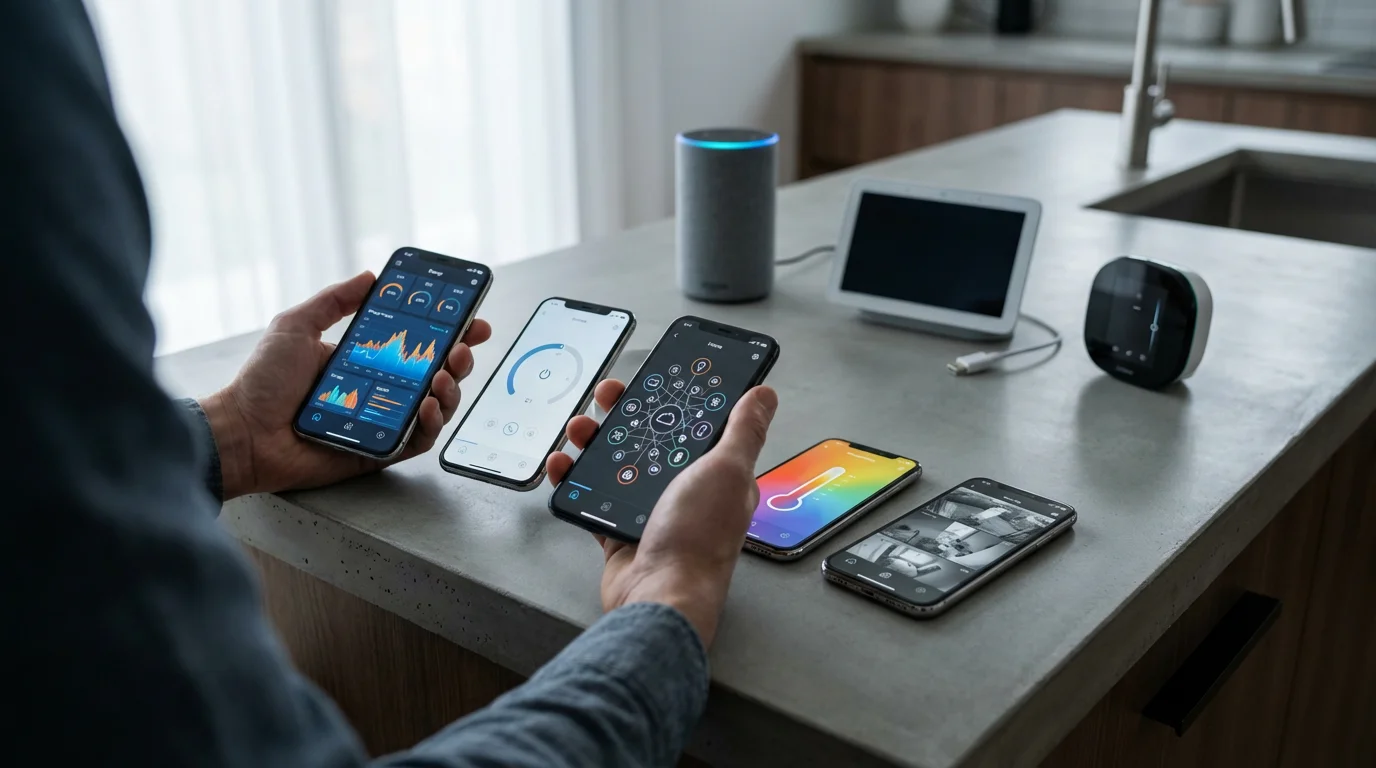
A fragmented smart home system is a frequent source of frustration. Different brands and platforms often operate in isolation, forcing you to use multiple apps and interfaces. This significantly reduces the “smart” aspect of your home, turning convenience into a chore. Ignoring compatibility is one of the biggest smart home mistakes to avoid as beginner.
How to avoid this common error:
- Choose an ecosystem: Decide on a primary smart home ecosystem early. Common choices include Amazon Alexa, Google Home, and Apple HomeKit. Your choice impacts device availability and integration.
- Check for “Works With” labels: Always look for labels like “Works with Alexa,” “Works with Google Home,” or “Works with HomeKit” before purchasing. This ensures devices integrate with your chosen platform.
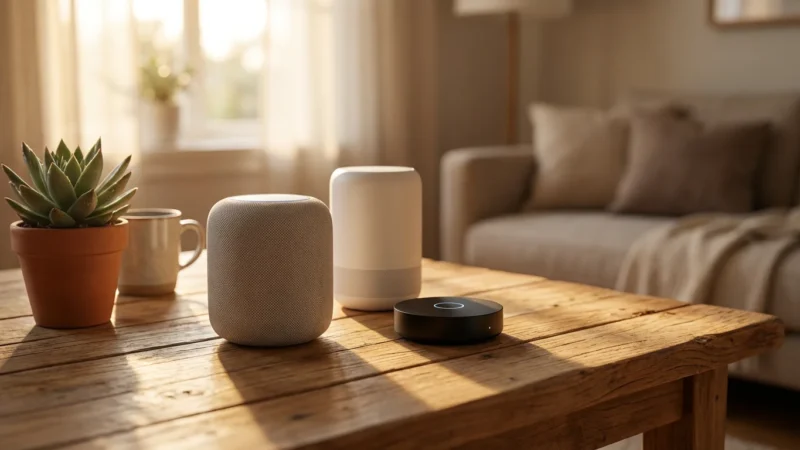
- Consider a hub: For more complex setups, a central smart home hub can bridge different communication protocols and ecosystems. A hub unifies control, even for devices from various manufacturers.
The best smart home is the one you do not have to manage. Seamless integration across devices and platforms makes this a reality.

Mistake 3: Overlooking Connectivity Standards
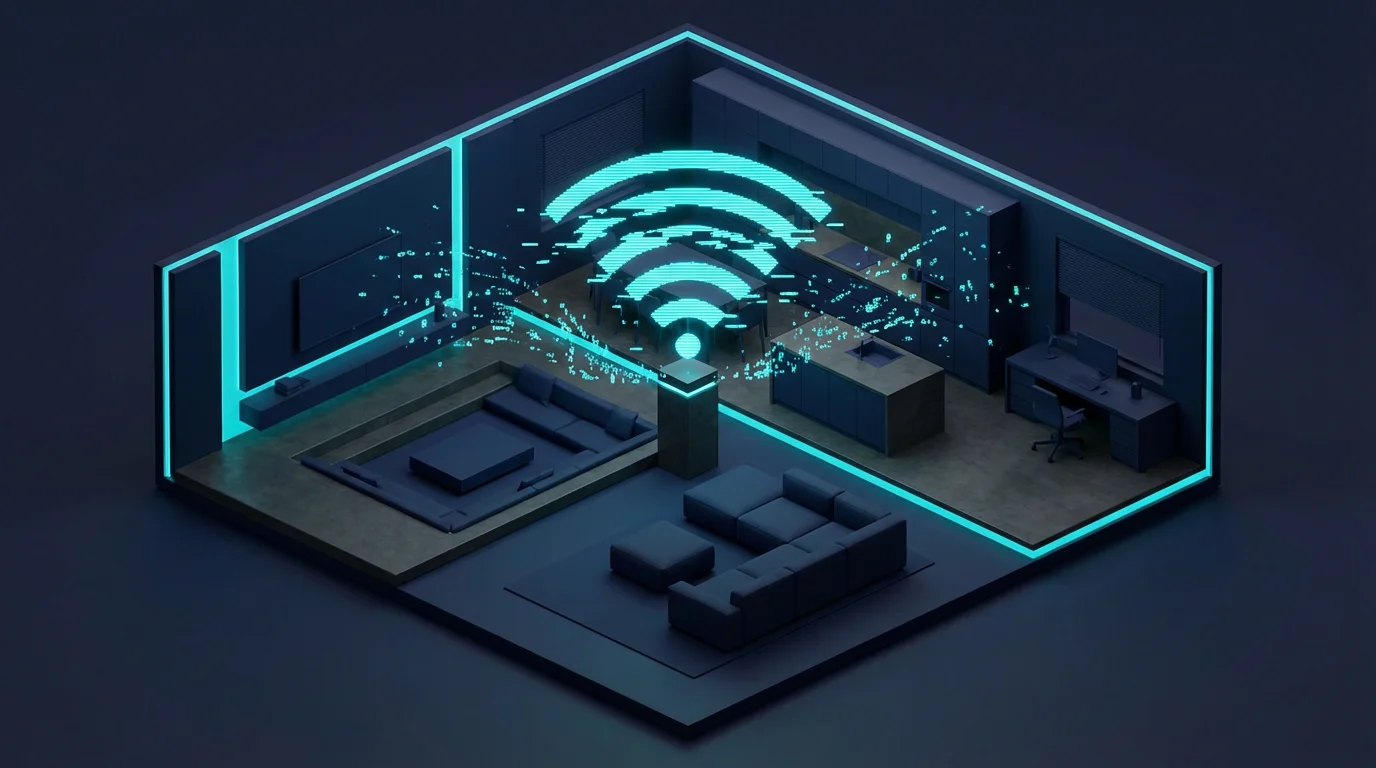
Smart devices communicate using various wireless technologies: Wi-Fi, Bluetooth, Zigbee, Z-Wave, and the newer Matter standard. Each has distinct advantages and disadvantages regarding range, power consumption, and network congestion. Ignoring these differences can lead to unreliable connections and slow response times, common smart home setup errors.
How to avoid this common error:
- Understand the differences:
- Wi-Fi: Excellent for devices needing internet access and higher bandwidth, like cameras or smart TVs. It can, however, quickly congest your home network with too many devices.
- Bluetooth: Ideal for short-range, direct device-to-device connections, often found in personal gadgets. It lacks the range for whole-home automation.
- Zigbee & Z-Wave: Low-power mesh networks specifically designed for smart home devices like sensors, lights, and locks. They create robust, self-healing networks that extend range and reduce Wi-Fi congestion.
- Matter: A new, open-source connectivity standard designed to unify smart home devices across brands and ecosystems. Matter aims to simplify compatibility and setup, ensuring devices work together effortlessly. The Connectivity Standards Alliance provides detailed information on its benefits, explaining how Matter creates a more interconnected smart home.
- Balance your network: Do not rely solely on Wi-Fi for every smart device. Incorporate Zigbee or Z-Wave devices for sensors and lighting to build a more stable, less congested network.
- Use a hub for mesh networks: Devices using Zigbee or Z-Wave often require a compatible hub to function and integrate into your broader smart home system.
Mistake 4: Neglecting Fundamental Security Practices
Connecting devices to your home network introduces potential vulnerabilities. Many beginners overlook basic security measures, leaving their smart home, and potentially their personal data, exposed. This is a crucial area where you must avoid pitfalls.
How to avoid this common error:
- Use strong, unique passwords: Create complex, distinct passwords for every smart device and your Wi-Fi network. Avoid default passwords.
- Enable two-factor authentication (2FA): Where available, activate 2FA for all your smart home accounts. This adds an extra layer of security.
- Update firmware regularly: Manufacturers frequently release firmware updates that patch security vulnerabilities. Enable automatic updates or check manually.
- Isolate IoT devices (if possible): Consider setting up a separate Wi-Fi network (a “guest” or “IoT” network) for your smart devices. This segregates them from your main computers and sensitive data.
Mistake 5: Forgetting Scalability and Future Needs
Your smart home needs will evolve over time. Starting with a system that has limited expandability or uses proprietary technology can restrict your future options. You might find yourself locked into a single brand or unable to add new, desired functionalities without significant overhaul.
How to avoid this common error:
- Choose open standards: Prioritize devices that support open standards like Matter, Zigbee, or Z-Wave. These typically offer broader compatibility and more future-proofing.
- Invest in quality core components: A reliable hub or a robust Wi-Fi mesh system provides a strong foundation for future expansion.
- Research product roadmaps: A quick search can reveal if a brand plans to support future standards or integrate with new platforms. This helps you select forward-thinking products.
Mistake 6: Ignoring Budget Realities
The allure of a fully automated home can lead to overspending, especially when purchasing individual devices. Without a clear budget, you can quickly accumulate expensive gadgets that do not always deliver proportional value. Many common errors stem from impulse buying.
How to avoid this common error:
- Set a clear budget: Decide how much you are willing to spend overall and for individual device categories. Adhere to this budget.
- Prioritize purchases: Focus on devices that offer the most immediate benefit and value for your lifestyle. A smart thermostat, for instance, can offer significant energy savings over time. Energy Star lists many smart thermostats that can help you save money, highlighting their efficiency benefits.
- Look for bundles and sales: Many manufacturers and retailers offer starter kits or discounts during seasonal sales. This can provide a cost-effective entry point.
- Consider DIY vs. Professional installation costs: Factor in any potential installation costs if you are not comfortable with DIY setup, especially for wired devices.
Mistake 7: Overcomplicating Initial Automations
The power of a smart home lies in its ability to automate tasks. However, beginners often create overly complex routines that become unreliable or difficult to troubleshoot. Starting with intricate scenarios can lead to frustration and make you abandon automation altogether.
How to avoid this common error:
- Start simple: Begin with basic, high-impact automations.
- “Turn on lights at sunset.”
- “Lock the front door when I leave home.”
- “Adjust thermostat when nobody is home.”
- Use “if this, then that” logic: Most smart home platforms allow simple conditional automations. Understand this fundamental concept before building complex routines.
- Test each step: Build automations incrementally. Test each trigger and action to ensure it works reliably before adding more complexity.
- Refine over time: Once simple automations work consistently, you can gradually add more conditions or actions. For example, “If motion detected in living room AND it’s after sunset, turn on living room lights to 50% brightness.”
Mistake 8: Underestimating Your Home Network Requirements
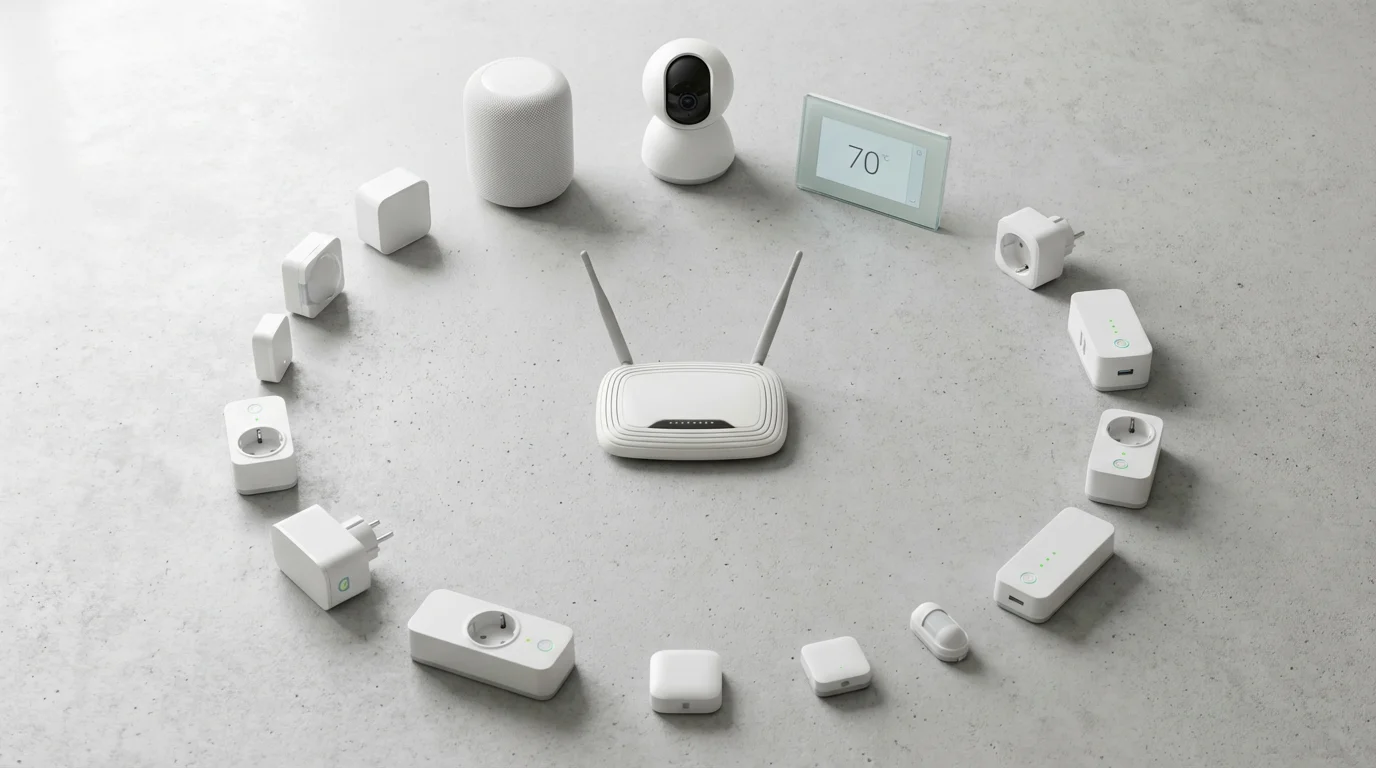
A stable and robust home Wi-Fi network is the backbone of almost any smart home. Overlooking its importance can lead to constant connectivity issues, lagging devices, and an overall unreliable experience. Many smart home devices require consistent network access to function correctly.
How to avoid this common error:
- Assess your router: Ensure your Wi-Fi router is modern and capable of handling multiple connected devices. Older routers may struggle with the increased load.
- Consider a mesh Wi-Fi system: For larger homes or areas with poor Wi-Fi coverage, a mesh system extends reliable Wi-Fi throughout your entire property, eliminating dead spots.
- Check internet speed: While many smart devices use minimal bandwidth, a slow internet connection can impact cloud-dependent devices like smart cameras or voice assistants.
- Position devices optimally: Place your router centrally and avoid obstructions that can degrade signal quality. Consider Wi-Fi extenders or mesh nodes for distant devices.
Your smart home is only as smart as its network. A strong, stable Wi-Fi connection is non-negotiable for reliable performance.
Mistake 9: Skipping Professional Help When Needed
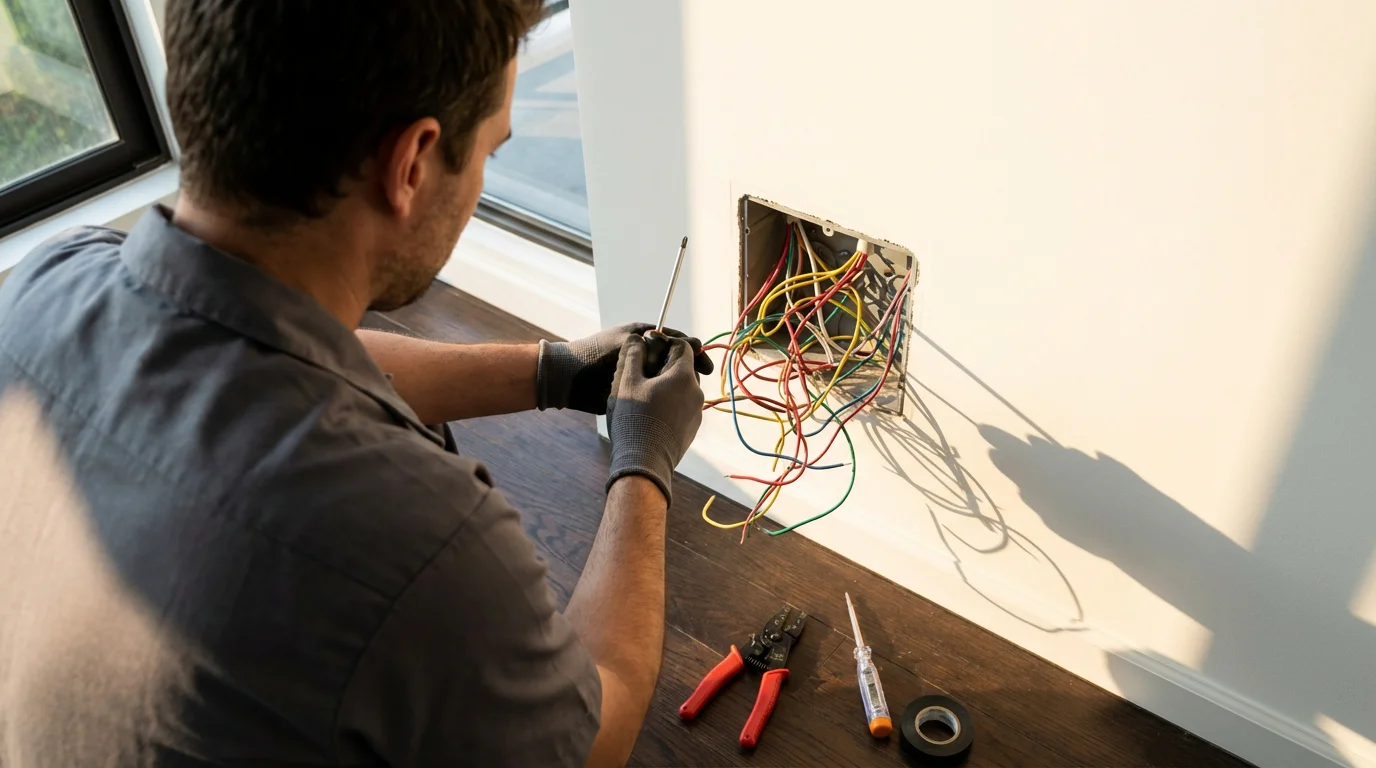
While many smart home devices offer straightforward DIY installation, some require electrical wiring, HVAC expertise, or complex network configurations. Attempting these tasks without proper knowledge can be dangerous, lead to equipment damage, or result in non-functional systems.
How to avoid this common error:
- Read manuals thoroughly: Always read the installation instructions completely before beginning. Pay close attention to warnings and prerequisites.
- Understand your limitations: Recognize when a task extends beyond your comfort level or skill set. Wiring a smart light switch or thermostat involves working with household electricity.
- Consult licensed professionals: For any task involving electrical wiring, plumbing, or significant HVAC modifications, always hire a licensed electrician, plumber, or HVAC technician. Prioritize safety above all else.
- Factor in professional costs: If you anticipate needing professional installation for certain devices, include these costs in your overall budget.

Mistake 10: Failing to Test and Iterate Your Setup
Installing devices and setting up automations does not mean the job is complete. A common beginner mistake is to “set it and forget it” without verifying everything works as intended. This can lead to unexpected failures, missed actions, or devices not performing optimally.
How to avoid this common error:
- Perform thorough testing: After installing a device or setting up an automation, test it repeatedly under different conditions.
- Trigger motion sensors multiple times.
- Command lights to turn on and off.
- Test door locks from inside and outside.
- Monitor performance: Pay attention to response times and reliability. Is a light turning on instantly, or is there a noticeable delay? Are devices staying connected to your network?
- Gather feedback: If other household members use the smart home, ask for their feedback on usability and functionality. Their experience offers valuable insights.
- Be prepared to iterate: Smart homes are dynamic. You will likely need to adjust automations, reposition devices, or even replace components as your needs change or as new technologies emerge. View your smart home as an ongoing project, not a one-time installation.
Frequently Asked Questions
What is the best smart home ecosystem for beginners?
If you are facing resistance from those you live with, see our advice on how to convince your family to embrace smart home tech.
The “best” ecosystem depends on your existing devices and preferences. Amazon Alexa and Google Home offer broad device compatibility and robust voice control. Apple HomeKit provides strong privacy features and deep integration with Apple devices. Choose one that aligns with your current tech and prioritize devices that support it to avoid compatibility issues.
Do I need a smart home hub?
Not always. Many Wi-Fi smart devices operate without a hub, connecting directly to your router. However, a hub becomes beneficial for devices using Zigbee or Z-Wave, or for unifying multiple brands and complex automations. A hub can also reduce Wi-Fi network congestion by offloading smart device traffic.
Can smart home devices save me money?
Yes, particularly smart thermostats, smart lighting, and smart plugs. Smart thermostats optimize heating and cooling, learning your habits and adjusting temperatures to reduce energy waste. Smart lights can automatically turn off when rooms are empty, and smart plugs can cut power to “vampire” devices. These savings accumulate over time, offsetting initial costs.
How do I ensure my smart home is secure?
Prioritize strong, unique passwords for all devices and accounts. Enable two-factor authentication whenever possible. Regularly update device firmware to patch vulnerabilities. Consider isolating smart devices on a separate Wi-Fi network. Remember, your smart home’s security is only as strong as its weakest link, so remain vigilant about protecting your digital perimeter.
Is Matter the solution to all smart home compatibility problems?
Matter is a significant step towards universal smart home compatibility, aiming to allow devices from different brands and ecosystems to work together seamlessly. It simplifies setup and improves reliability. While it offers a promising future, adoption is ongoing, and older devices may not always be upgradeable. It is a powerful standard that will undoubtedly reduce many common errors for smart home beginners over time.
Disclaimer: This article is for informational purposes only. Smart home devices involve electrical connections and data privacy. Always follow manufacturer instructions for installation. For complex wiring or HVAC work, consult a licensed professional.

Leave a Reply