
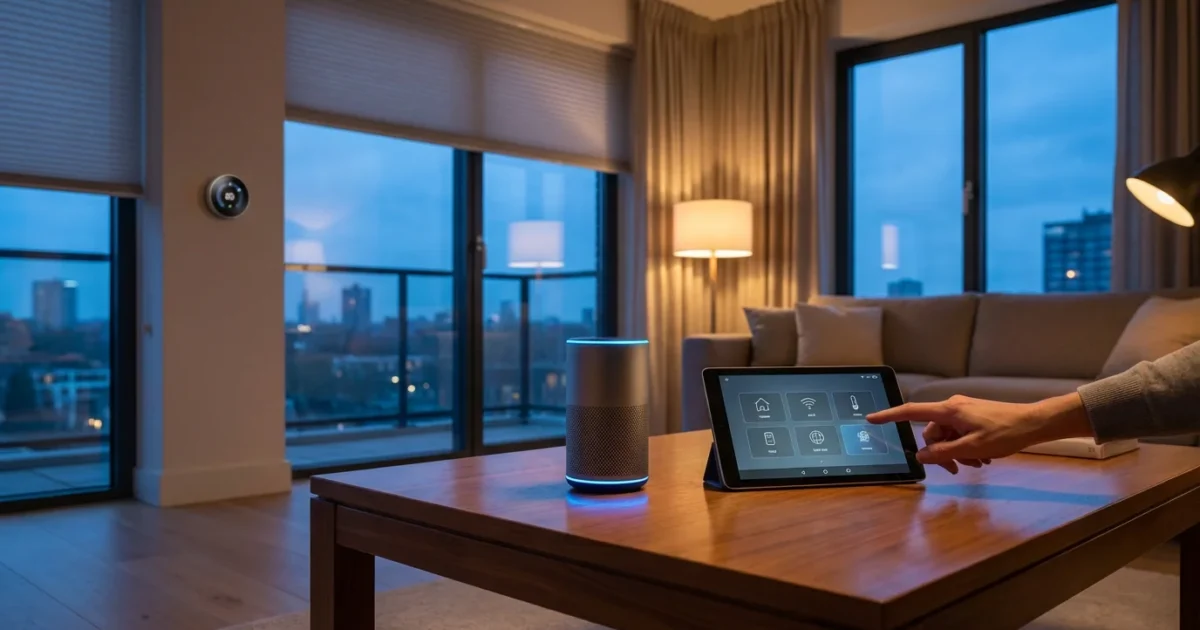
Embarking on your smart home journey brings exciting possibilities for convenience, security, and energy savings. However, a new world of terminology often greets you, making the initial steps feel overwhelming. Understanding the jargon empowers you to make informed decisions and build a smart home that truly enhances your life.
Learning these definitions early can help you avoid common smart home mistakes that many new users encounter.
This comprehensive glossary breaks down essential smart home terms. You will gain clarity on device functions, connectivity options, and automation concepts, transforming confusion into confidence as you create your connected living space.

Understanding the Core: What is a Smart Home?
Your journey into smart home technology begins with a foundational understanding of the key concepts that define connected living. These terms establish the groundwork for how devices interact and deliver benefits.
If you are looking for a practical roadmap beyond these definitions, our guide on where to start provides a step-by-step approach.
Smart Home
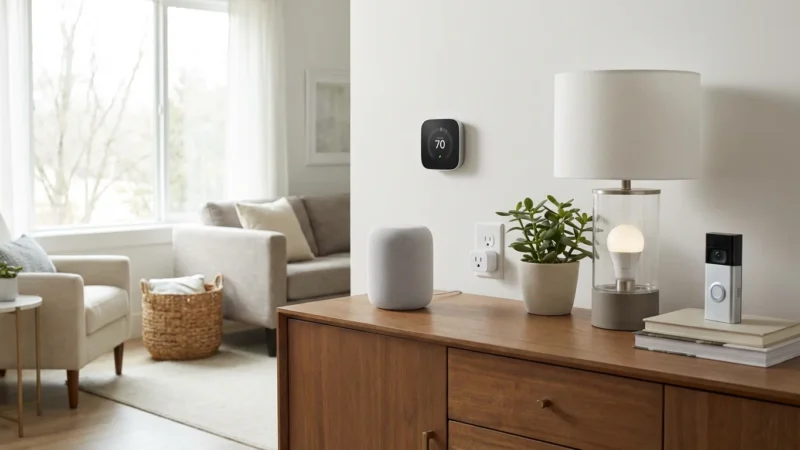
A smart home integrates various internet-connected devices, allowing you to control and automate functions within your residence. These devices communicate with each other and often with a central system, providing convenience, energy efficiency, and enhanced security. You manage them remotely through a smartphone app, voice commands, or automated schedules.
Internet of Things (IoT)
IoT refers to the vast network of physical objects embedded with sensors, software, and other technologies that connect and exchange data over the internet. Smart home devices represent a significant segment of the IoT. This concept drives the ability of your smart thermostat to communicate with your smartphone or your smart lights to respond to your presence.
Home Automation
Home automation describes the process of programming your smart devices to perform tasks automatically, without direct manual intervention. This moves beyond simple remote control. For example, you can set your lights to turn on at sunset or your thermostat to adjust when you leave for work.
- Convenience: Automate mundane tasks like turning off all lights when you leave.
- Efficiency: Optimize energy use by scheduling thermostat adjustments based on occupancy.
- Security: Create routines that simulate occupancy when you are away, deterring potential intruders.
Ecosystem
An ecosystem defines a collection of smart home devices, platforms, and services that work together seamlessly. Major ecosystems include Apple HomeKit, Amazon Alexa, and Google Home. Choosing an ecosystem early helps ensure compatibility and simplifies management as you expand your smart home. Consider which ecosystem best suits your existing devices and preferences.
The Brains of Your Smart Home: Hubs, Bridges, and Controllers
Many smart home setups rely on central devices to facilitate communication and control. These “brains” ensure your devices work in harmony, even across different communication protocols.
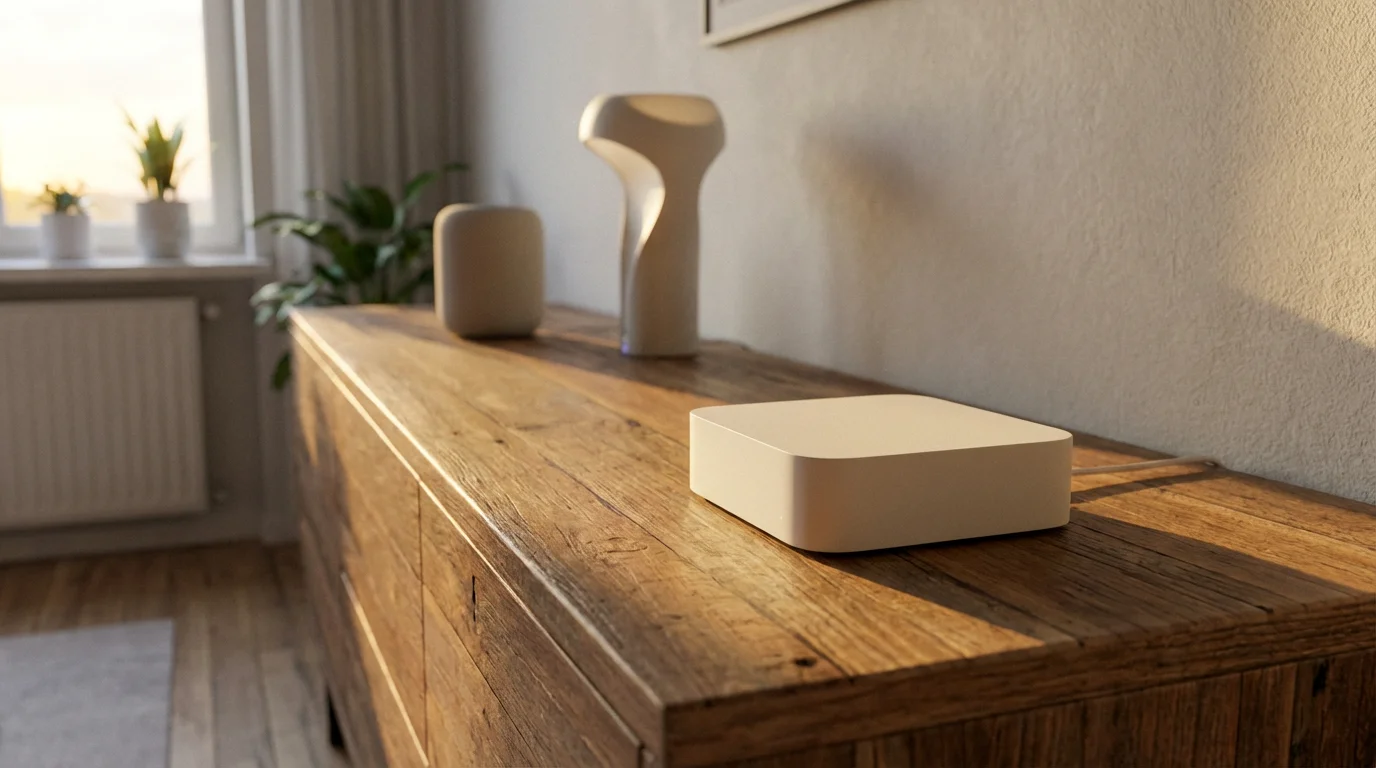
Smart Home Hub
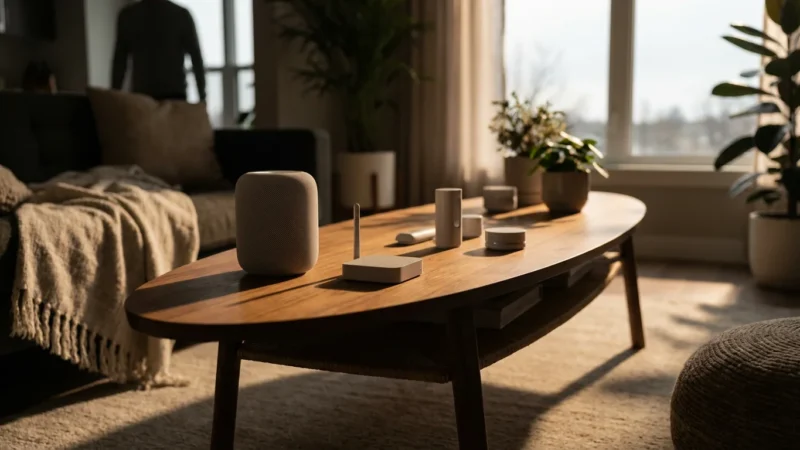
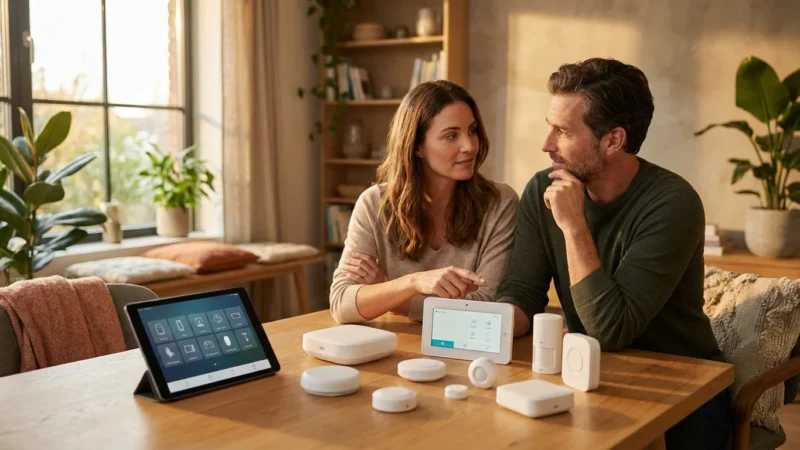
A smart home hub acts as a central coordinator for your smart devices. It connects devices that use different communication protocols, such as Zigbee, Z-Wave, and Wi-Fi, and brings them under a single control interface. Hubs often feature robust automation capabilities and local processing, meaning some automations can run even without an internet connection.
- Centralized Control: Manage all your connected devices from one app.
- Protocol Translation: Bridges communication gaps between different device types.
- Enhanced Automation: Enables complex routines and scenes across various devices.
Bridge
A bridge typically connects a specific set of smart devices to your home network, often for a single brand or protocol. For example, a Philips Hue Bridge allows Hue lights to communicate with your Wi-Fi router and receive commands from your smartphone or voice assistant. Think of it as a mini-hub for a particular product line.
Controller
A controller refers to any device or application that sends commands to your smart home devices. This can be your smartphone app, a voice assistant, a smart wall switch, or even a smart button. Controllers provide the interface through which you interact with and manage your smart home.
Speaking the Same Language: Connectivity Protocols
Smart devices communicate using various wireless technologies. Understanding these protocols helps you choose compatible devices and optimize your network performance.
Wi-Fi
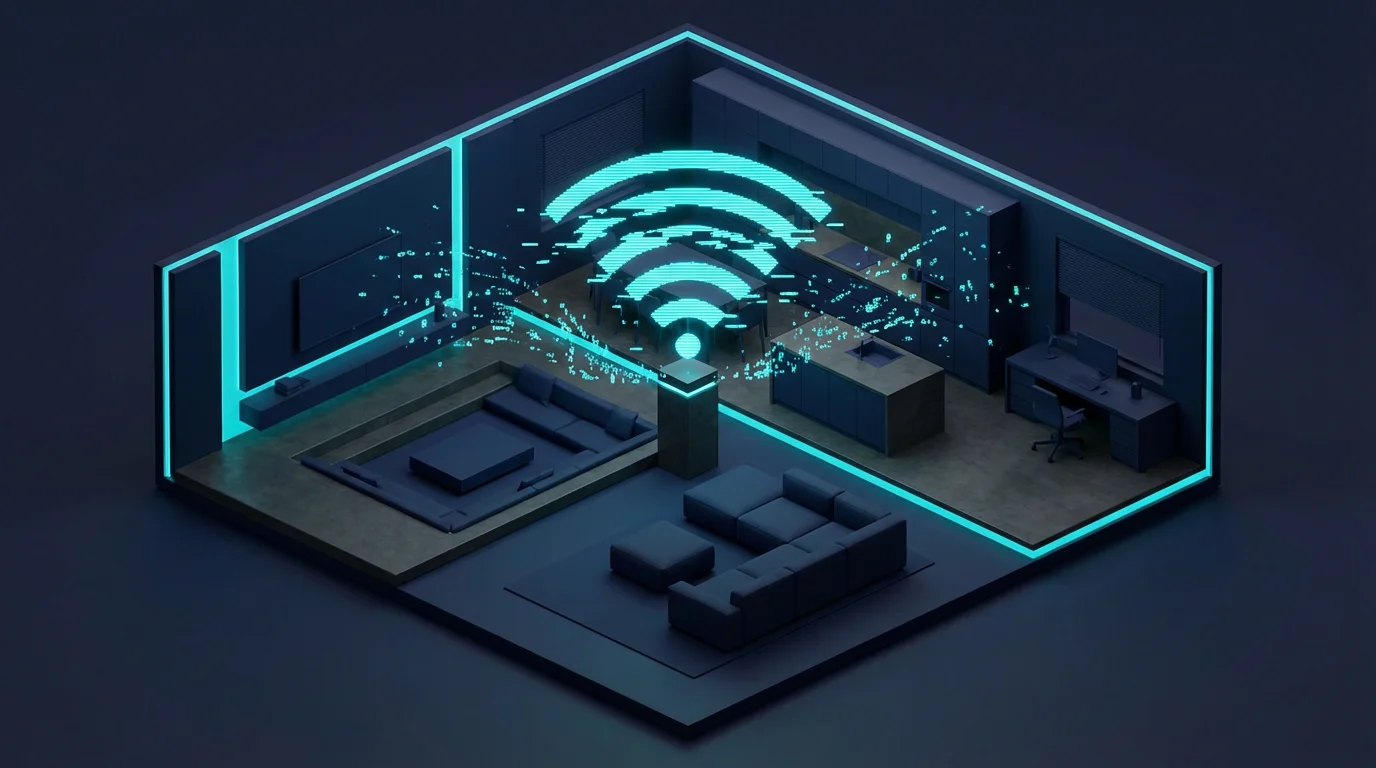
Wi-Fi is a ubiquitous wireless technology that connects devices to your local area network, LAN, and the internet. Many smart devices, especially those requiring high bandwidth like security cameras, use Wi-Fi. While convenient, too many Wi-Fi devices can sometimes congest your network.
Bluetooth
Bluetooth provides short-range wireless communication between devices. Smart home devices often use Bluetooth for initial setup, direct control when nearby, or for connecting accessories like smart locks to a gateway. It generally consumes less power than Wi-Fi.
Zigbee
Zigbee is a low-power, mesh networking protocol specifically designed for smart home devices. Devices form a mesh network, where each device can relay signals to extend the network’s range. This makes Zigbee reliable for devices like smart lighting, sensors, and switches. You often need a Zigbee-compatible hub to use these devices effectively.
Z-Wave
Z-Wave is another low-power, mesh networking protocol popular in smart home applications. Like Zigbee, Z-Wave devices create a mesh network, expanding their range and reliability. It operates on a different radio frequency than Wi-Fi, reducing interference. Z-Wave excels in devices like smart locks, thermostats, and garage door openers, often requiring a Z-Wave hub. PCMag offers extensive reviews on Z-Wave compatible devices, helping you choose reliable options.
Matter
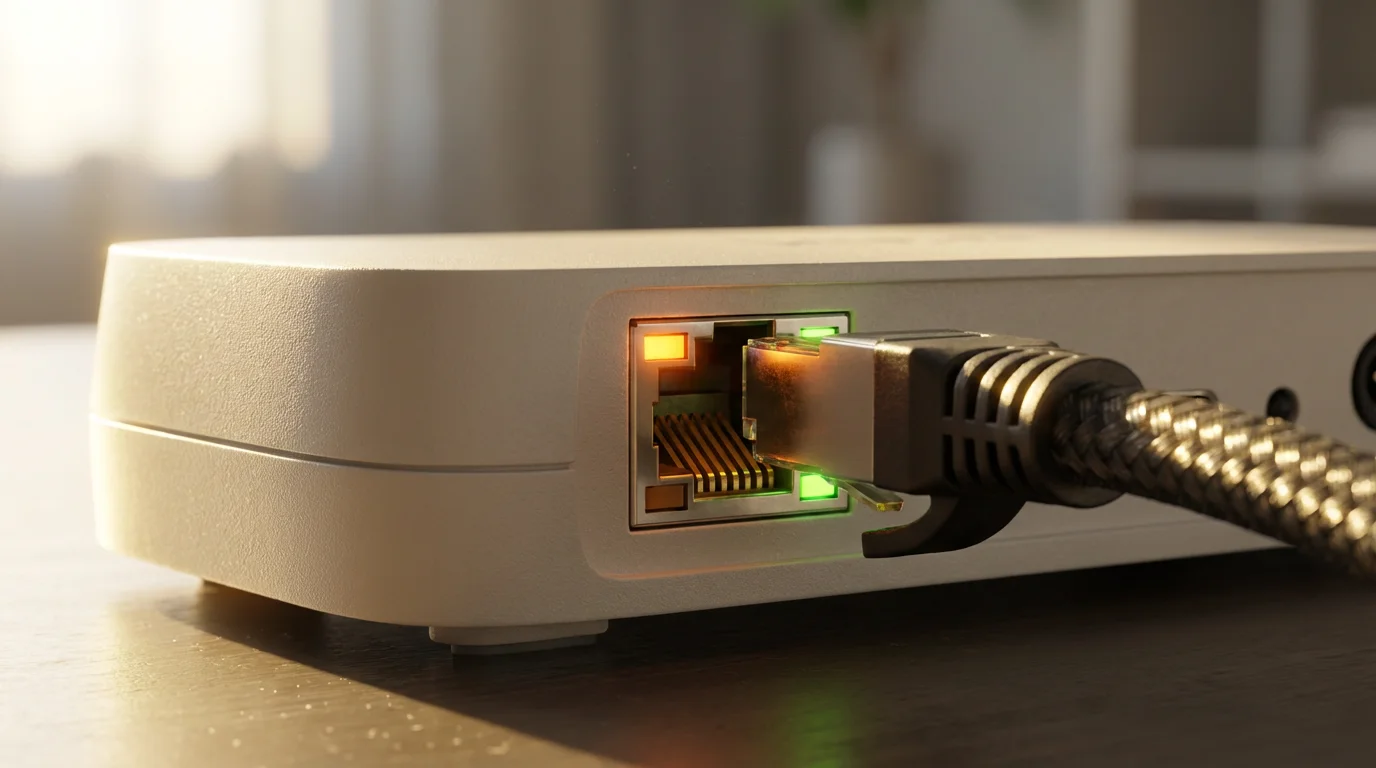
Matter is a new, open-source connectivity standard designed to create universal compatibility among smart home devices regardless of brand or ecosystem. It runs over Wi-Fi, Thread, and Ethernet, aiming to simplify setup and improve interoperability. Matter promises a more unified and user-friendly smart home experience, reducing the need for multiple apps and hubs. You can learn more about this initiative from the official Matter Smart Home Standard website.
Thread
Thread is an IP-based, low-power wireless mesh networking protocol. It forms a resilient and self-healing network, where devices can directly connect to each other and the internet without a central hub. Thread works as an underlying network technology for devices that support Matter, offering robust and responsive local control.
Your Digital Assistants: Voice Control and Ecosystems
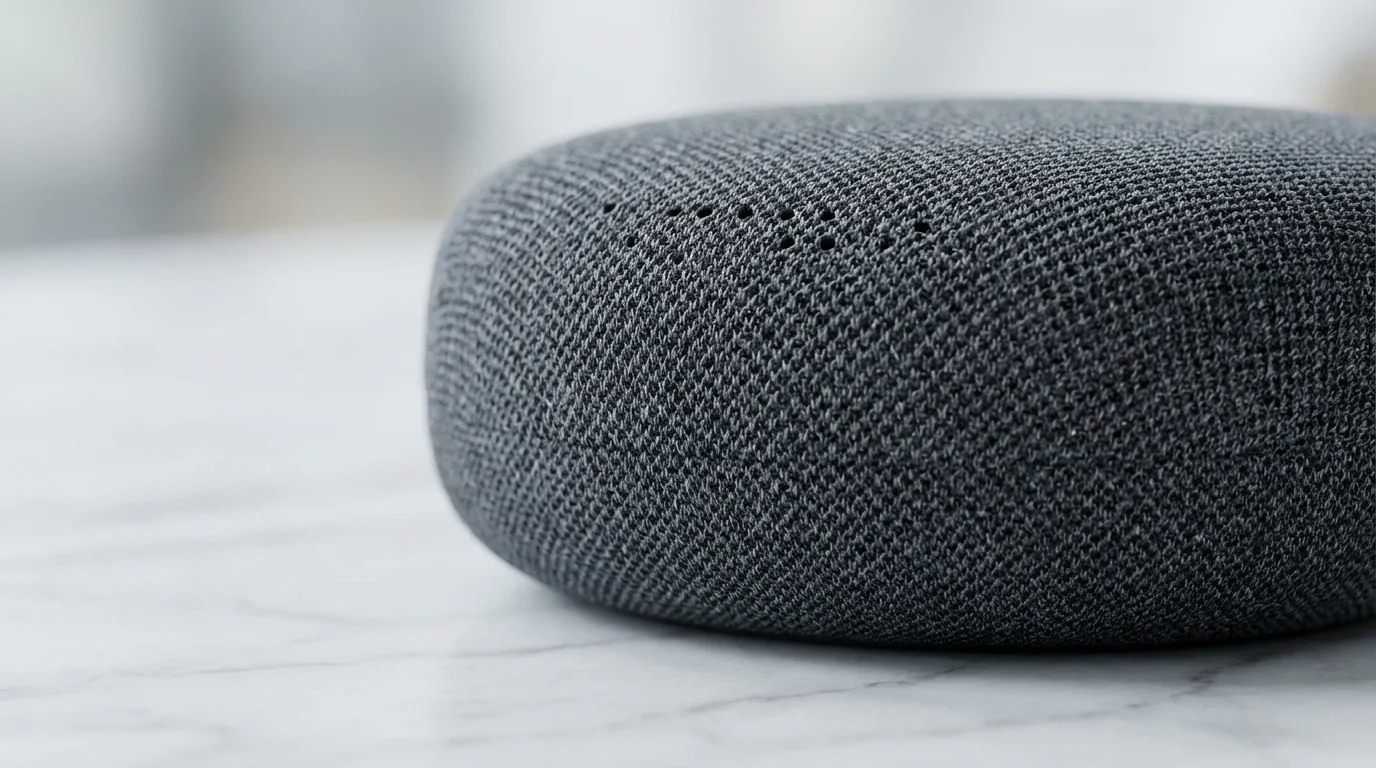
Voice assistants and their respective ecosystems serve as the primary command centers for many smart homes, simplifying interaction and control.
Voice Assistant
A voice assistant is a software program that understands and responds to voice commands, performing tasks like playing music, setting alarms, or controlling smart home devices. Popular voice assistants include Amazon Alexa, Google Assistant, and Apple Siri.
Amazon Alexa / Echo
Alexa is Amazon’s cloud-based voice AI. Echo devices are Amazon’s line of smart speakers and displays that house Alexa, allowing you to control smart home devices with voice commands. The Alexa ecosystem integrates with thousands of products.
Google Assistant / Nest
Google Assistant is Google’s voice assistant, integrated into various devices including Google Home and Nest smart speakers and displays. It provides voice control, information, and smart home management. The Nest brand also encompasses smart thermostats, cameras, and doorbells, all working within the Google ecosystem.
Apple HomeKit / Siri
HomeKit is Apple’s framework for communicating with and controlling smart home accessories using iOS devices and Siri. It emphasizes security and privacy, providing a streamlined experience for Apple users. HomeKit-compatible devices can be controlled through the Home app or via Siri voice commands.

Sensors and Actuators: How Devices Interact
These components form the fundamental input and output mechanisms of your smart home, enabling it to detect changes and perform actions.
Sensor
A sensor is a device that detects and responds to events or changes in its environment. Common smart home sensors include motion sensors, contact sensors for doors/windows, temperature sensors, and light sensors. They provide data that triggers automations.
Actuator
An actuator is a device that controls a mechanism or system. In a smart home, actuators receive commands from controllers or hubs and perform a physical action. Examples include a smart light bulb, turning on/off or changing brightness, a smart lock, locking/unlocking, or a smart thermostat, adjusting temperature.
“A truly smart home anticipates your needs, responding seamlessly to environmental changes and your daily routines. Sensors gather the data, and actuators bring the automation to life.”

Automations and Routines: Making Your Home Proactive
Automations are the core of a truly smart home, allowing devices to work together intelligently based on predefined conditions.
Automation
An automation refers to a predefined set of actions that smart devices perform automatically when specific conditions are met. For example, an automation might dictate that when a motion sensor detects movement in the hallway after dark, the hallway lights turn on at 50% brightness.
Routine
A routine is a sequence of actions triggered by a specific event or command. Many voice assistants use the term “routine” to describe custom sequences. You might create a “Good Morning” routine that turns on lights, starts the coffee maker, and reads the news when you say, “Alexa, good morning.”
- Define a Trigger: This is the event that starts the routine, for example, time of day, voice command, or sensor activation.
- Select Actions: Choose the devices and their specific functions to perform, for example, turn on lights, unlock door, or set thermostat.
- Set Conditions (Optional): Add parameters like “only if no one is home” or “only on weekdays.”
- Activate: Save and enable your routine.
Scene
A scene is a collection of predefined settings for multiple smart devices that you can activate with a single command. For instance, a “Movie Night” scene could dim the lights, close the smart blinds, and turn on the TV and sound system simultaneously. Scenes offer instant ambiance or functionality for specific occasions.
IFTTT (If This, Then That)
IFTTT is a popular web-based service that allows you to create powerful connections between different apps, services, and smart devices that might not natively integrate. You set up “Applets” based on the simple “if this, then that” logic. For example, “If my smart doorbell rings, then send a notification to my smart lights to flash green.”
Smart Security and Safety: Protecting Your Space
Smart home technology significantly enhances your home’s security and provides peace of mind through vigilant monitoring and proactive measures.
Smart Lock
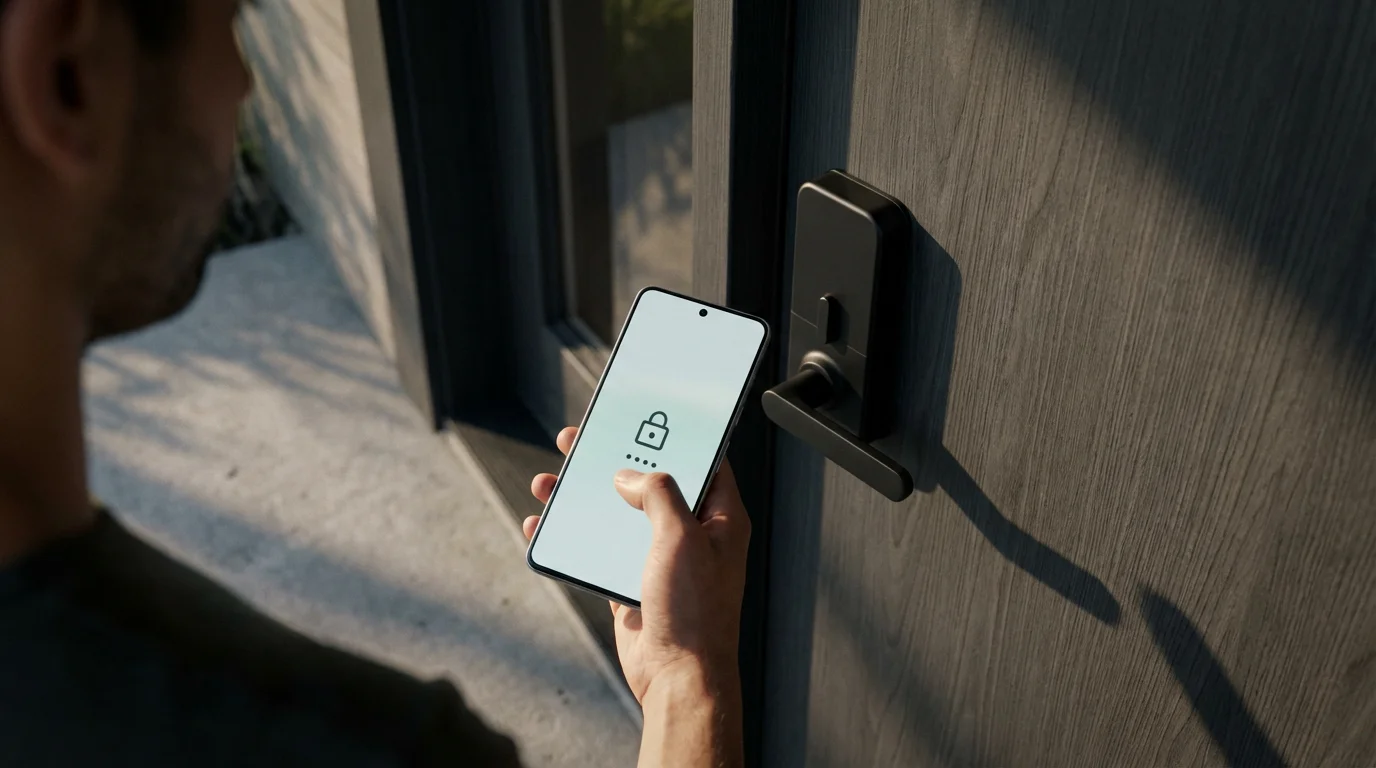
A smart lock allows you to control access to your home using a smartphone, keypad, or even your voice. You can lock and unlock doors remotely, grant temporary access to visitors, and receive notifications when someone enters or leaves your home. This gives you unparalleled control over your entry points.
Video Doorbell
A video doorbell integrates a camera, microphone, and speaker into a traditional doorbell. It allows you to see, hear, and speak to visitors from anywhere using your smartphone, even when you are not home. Many models offer motion detection and cloud recording, providing a valuable security layer at your front door.
Security Camera
Smart security cameras provide remote monitoring of your home’s interior or exterior. They offer features like live streaming, motion detection alerts, night vision, and cloud storage for recorded footage. You can choose from wired or wireless options, indoor or outdoor models, to suit your specific security needs.
- Motion Detection: Receive alerts when movement is detected in designated areas.
- Two-Way Audio: Communicate with people on camera, useful for package deliveries or deterring intruders.
- Cloud Storage: Securely save video footage for later review, often requiring a subscription.
- Integration: Connects with other smart home devices for enhanced security routines.
Motion Sensor
A motion sensor detects movement within a specified area. In smart homes, these sensors trigger actions like turning on lights, activating security cameras, or sending alerts. They are crucial for creating responsive lighting automations or bolstering your security system.
Contact Sensor
A contact sensor, often called a door/window sensor, detects whether a door or window is open or closed. They consist of two parts, typically a magnet and a sensor, and trigger an alert or automation when the connection breaks. Use them for security alerts or to prevent energy waste from open windows.
Energy Efficiency and Convenience: Everyday Smart Devices
Beyond security, smart devices excel at making your daily life more comfortable, efficient, and convenient.
If you are ready to start shopping, we have curated a list of the best first smart home devices for beginners.
Smart Thermostat
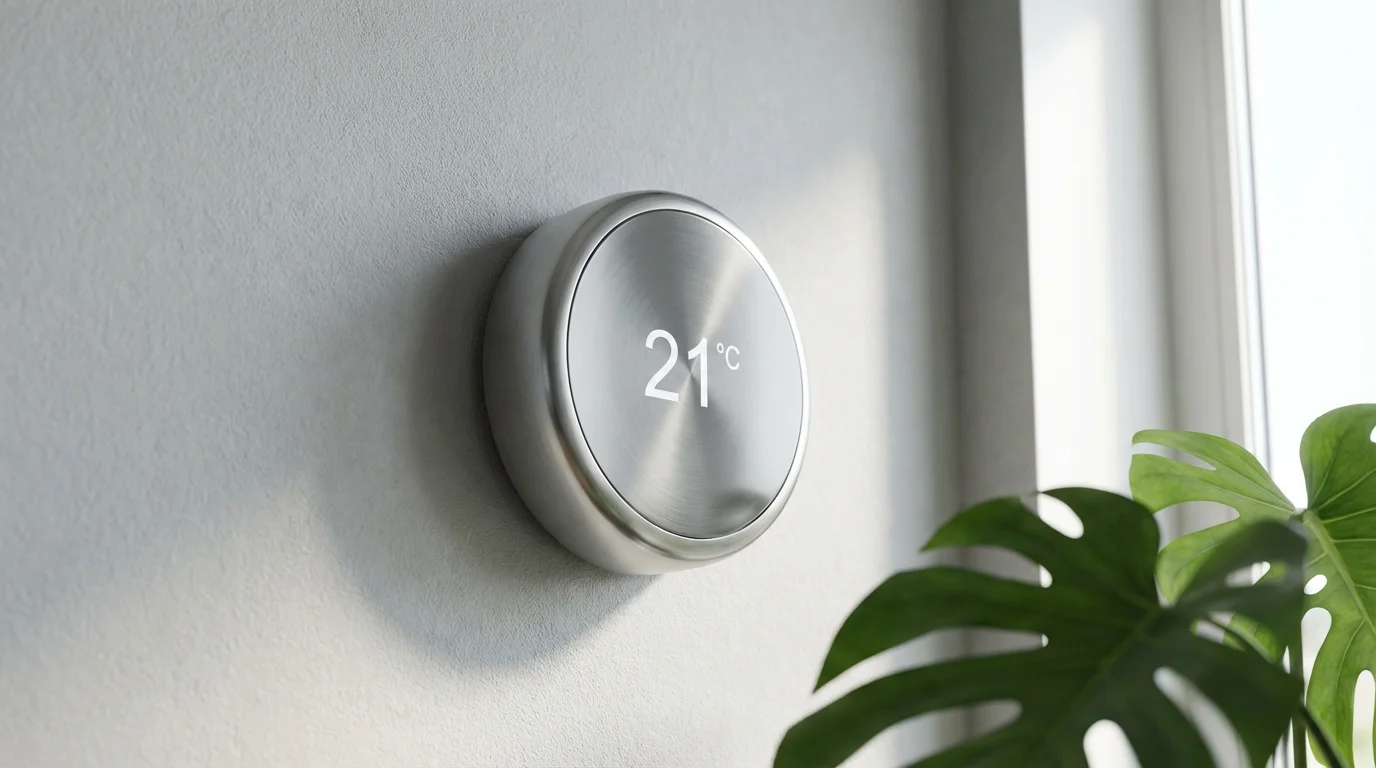
A smart thermostat connects to your home’s heating, ventilation, and air conditioning, HVAC, system, allowing you to control temperatures remotely. These devices often learn your preferences, create schedules, and integrate with weather forecasts to optimize energy usage. Energy Star certified smart thermostats can save you significant money on utility bills. The Energy Star program offers valuable information on choosing efficient models.
Smart Plug
A smart plug transforms any ordinary appliance into a smart device by allowing you to control its power supply remotely. You simply plug the smart plug into a wall outlet, then plug your lamp, fan, or coffee maker into the smart plug. You can then turn the connected device on or off, or schedule its operation, from your smartphone.
Smart Lighting
Smart lighting includes light bulbs, switches, or fixtures that you control wirelessly. You can adjust brightness, change colors, set schedules, and create lighting scenes from an app or with voice commands. Smart lighting enhances ambiance, saves energy, and improves security by simulating occupancy.
Smart Appliance
A smart appliance integrates connectivity and often AI features directly into the appliance itself. This includes smart refrigerators, ovens, washing machines, and vacuums. These devices offer advanced control, monitoring, and often automation capabilities, such as preheating an oven from your phone or receiving laundry cycle notifications.

Budget-Friendly Smart Home Starts
You do not need a large budget to begin building a smart home. Many effective smart devices offer significant value without a high initial investment.
Starting small allows you to experience the benefits of smart home technology and gradually expand your system as your needs and budget evolve. Focus on devices that solve immediate problems or offer the most convenience for your lifestyle.
Consider these affordable entry points:
- Smart Plugs: Transform regular lamps or coffee makers into smart devices for under $20-$30. These offer immediate remote control and scheduling.
- Smart Light Bulbs: Replace a few key bulbs with smart versions for around $10-$25 each. Experience instant ambiance control and energy savings.
- Entry-Level Voice Assistants: Devices like the Amazon Echo Dot or Google Nest Mini cost around $30-$50. These provide a central control point for voice commands.
- Contact Sensors: Secure doors and windows and trigger automations for around $15-$30 per sensor. They provide valuable security insights.
- Basic Smart Thermostats: While advanced models can be pricey, some simpler smart thermostats offer remote control and scheduling at a lower cost, often qualifying for utility rebates.
When selecting your first devices, prioritize compatibility. Choose devices that work with your chosen ecosystem, such as Alexa, Google Home, or HomeKit, to ensure a smooth and integrated experience from the start. This prevents compatibility headaches as you add more devices.
Frequently Asked Questions
What is the easiest smart home system to start with?
Many beginners find starting with a voice assistant ecosystem, such as Amazon Alexa or Google Home, easiest. You simply purchase a smart speaker like an Echo Dot or Nest Mini, then add compatible smart plugs or light bulbs. These systems offer intuitive voice control and straightforward setup through their respective apps. You often do not need a dedicated hub initially.
Do I need a hub for my smart home devices?
Not always. Many smart devices, especially Wi-Fi enabled ones like smart plugs, smart bulbs, and voice assistants, connect directly to your home’s Wi-Fi network and do not require a separate hub. However, devices using protocols like Zigbee or Z-Wave typically need a compatible hub to function and integrate with your broader smart home system. Hubs offer benefits such as local control, improved reliability, and wider device compatibility.
Can smart home devices save me money?
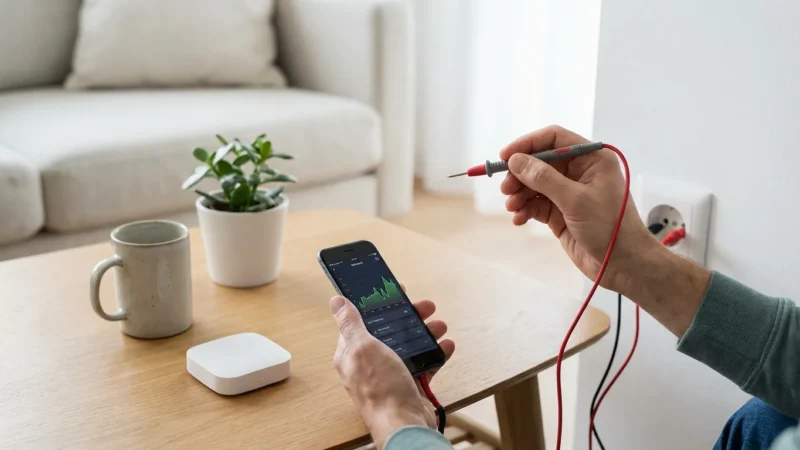
Yes, smart home devices can absolutely save you money, primarily through increased energy efficiency. Smart thermostats optimize your heating and cooling schedules, smart lighting reduces unnecessary power consumption, and smart plugs prevent “phantom load” from devices drawing power even when off. While some devices require an initial investment, the long-term savings on utility bills often justify the cost, particularly with products like Energy Star certified smart thermostats.
Is smart home technology secure?
Smart home security is a critical concern, and manufacturers continuously work to improve it. Reputable brands implement robust encryption and security protocols. You play a vital role in maintaining security by using strong, unique passwords, enabling two-factor authentication, keeping device firmware updated, and being mindful of the data you share. Always buy from trusted brands that prioritize user privacy and security.
What’s the difference between Zigbee and Z-Wave?
Both Zigbee and Z-Wave are low-power mesh networking protocols designed for smart home devices, often requiring a hub. The main differences lie in their radio frequencies and network size capabilities. Z-Wave operates on a lower frequency, 908.42 MHz in the US, which typically means better penetration through walls. Zigbee operates on the 2.4 GHz frequency, similar to Wi-Fi, potentially offering faster data rates but also more interference. Zigbee also supports a larger number of devices in a single mesh network. Both provide reliable communication for a wide range of smart devices.
Disclaimer: This article is for informational purposes only. Smart home devices involve electrical connections and data privacy. Always follow manufacturer instructions for installation. For complex wiring or HVAC work, consult a licensed professional.
To avoid network congestion, it is vital to ensure you are setting up your home WiFi specifically to handle the demands of connected devices.



Leave a Reply