
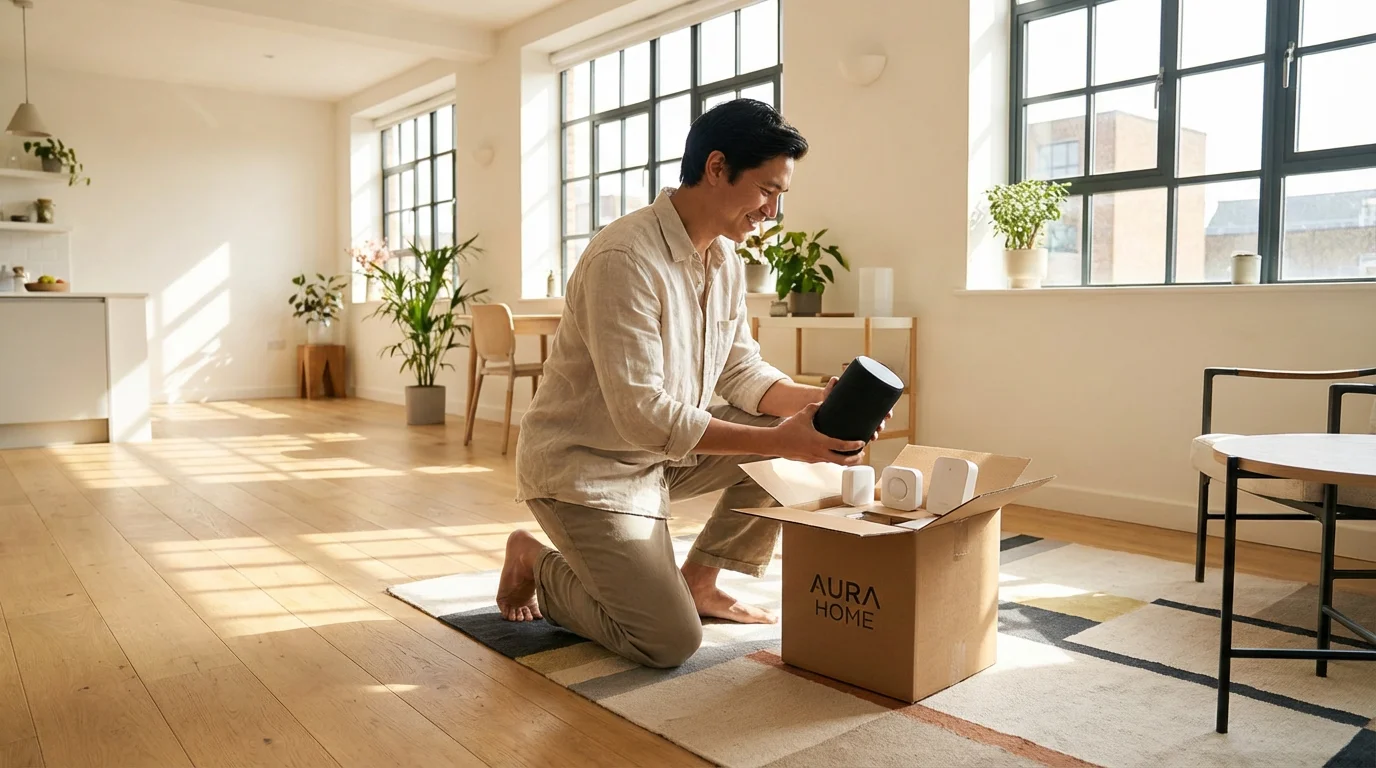
You might think that building a smart home requires owning the property, drilling holes in walls, and rewiring electrical panels. This is a common misconception. In reality, the best smart home technology available today is surprisingly portable, wireless, and non-destructive. For renters, this is excellent news. It means you can modernize your living space, improve your security, and save on energy bills without risking your security deposit or asking your landlord for permission.
When you rent, you need devices that offer flexibility. You want technology that you can pack up in a box and take with you to your next apartment or house. This approach transforms your investment from a “home improvement” into a personal asset. Whether you live in a studio apartment or a rented single-family home, you can enjoy voice-controlled lighting, automated climate control, and robust security.
The Renter-Friendly Smart Home Philosophy
Before you start buying devices, you need to adopt a specific mindset for renter-friendly automation. The goal is to maximize functionality while minimizing physical impact on the property. Your devices should solve problems specific to rental living, such as limited access to electrical wiring, inability to change fixtures, and the need for adaptable security.
Focus on three core criteria when selecting devices:
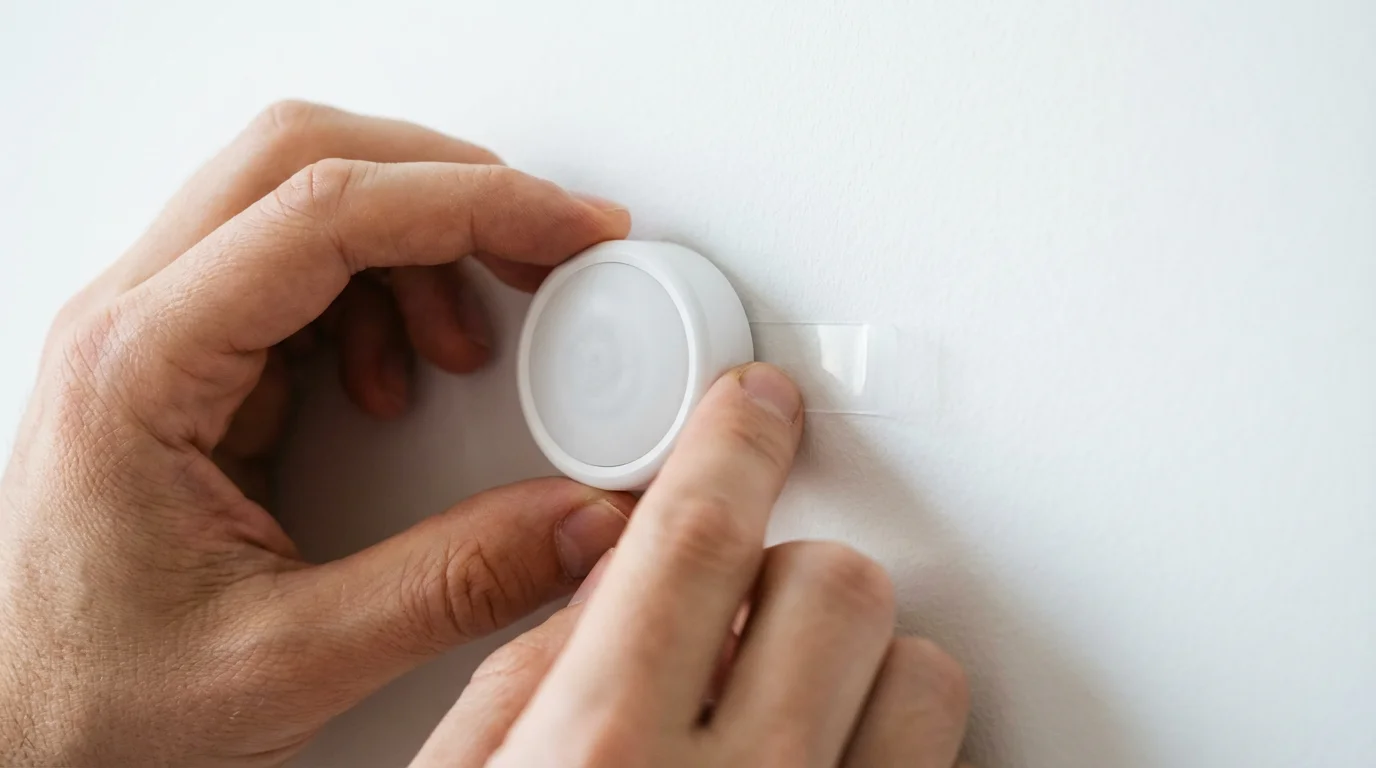
- Installation Method: Look for devices that use adhesive strips (like 3M Command strips), plug into existing outlets, or clamp onto existing fixtures. Avoid anything that requires hardwiring or large screws unless you are comfortable patching drywall perfectly.
- Reversibility: Can you return the room to its original state in under 15 minutes? If the answer is yes, the device is renter-friendly.
- Ecosystem Independence: Since you might move from a home with Google Fiber to one with inconsistent DSL, or from a large house to a small flat, prioritize devices that work with major platforms (Alexa, Google Home, Apple HomeKit) rather than proprietary systems tied to a specific building.
By following these principles, you ensure that every dollar you spend on technology travels with you. You aren’t upgrading the landlord’s property; you are upgrading your lifestyle.
Lighting: The Easiest Non-Permanent Upgrade
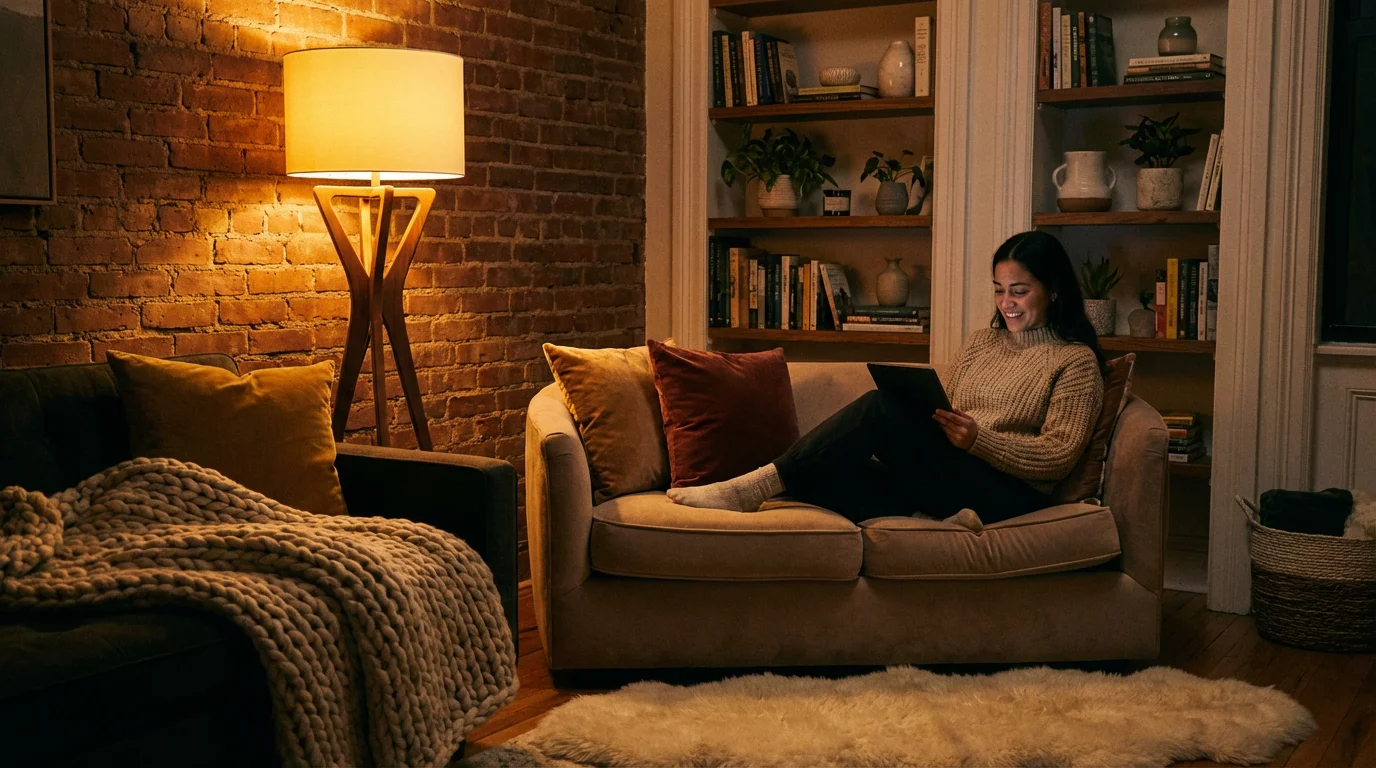
Lighting is the most accessible entry point for a smart home. It offers immediate gratification and changes the entire mood of a rental unit without requiring a screwdriver. In many rental properties, overhead lighting is harsh, poorly placed, or nonexistent in certain rooms. Smart lighting solves this instantly.
Smart Bulbs vs. Smart Plugs
You generally have two paths for lighting: changing the bulb or changing the power source.
Smart Bulbs represent the ultimate portable device. You simply unscrew the existing dumb bulb and screw in a smart one. Brands offer bulbs that connect via Wi-Fi, Bluetooth, or Zigbee.
- Pros: You gain dimming capabilities and color control (millions of colors) without installing a dimmer switch. You can schedule lights to mimic your presence when you are on vacation.
- Cons: The physical light switch must remain “on” at all times. If a guest flips the switch, the smart bulb goes offline.
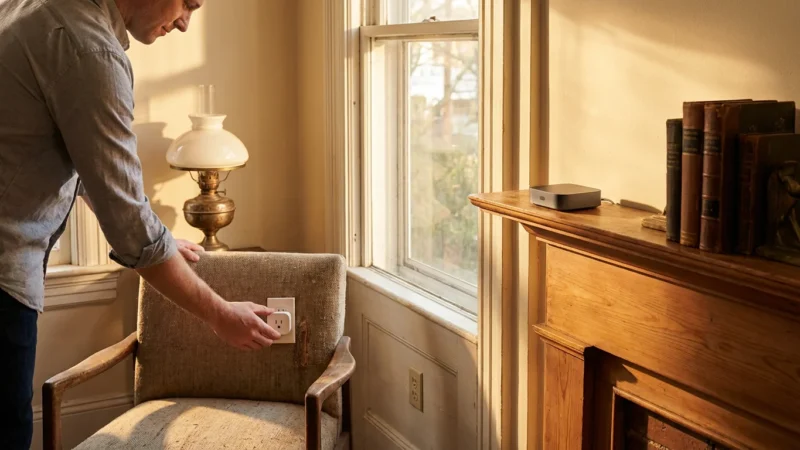
Smart Plugs are adapters that fit between your wall outlet and a lamp. This is ideal for floor lamps, table lamps, or decorative string lights.
- Pros: Extremely affordable and reliable. You can use any standard light bulb, including vintage Edison bulbs or specific decorative tubes.
- Cons: You cannot change colors or dim the lights unless the plug specifically supports dimming (which is rare).
The “Switch” Problem
Since you likely cannot replace the wall switches in a rental, you need a workaround for control. Several manufacturers produce smart buttons or wireless remotes that mount to the wall using adhesive tape. You can place these right next to the existing “dumb” switch. This gives you tactile control over your smart bulbs without touching the electrical wiring.
Portable Security: Monitoring Without Drilling
Security is often a primary concern for renters, especially in large apartment complexes with high foot traffic. Traditional security systems usually require professional installation and long-term contracts. Modern smart security offers a DIY alternative that is just as effective and completely portable.
Video Doorbells for Apartments
You might assume video doorbells are off-limits because they usually replace a wired doorbell. However, battery-powered options from major brands are now the standard. For renters, “peephole cameras” or “door mounts” are game-changers. These devices slide over your door edge or replace the optical peephole, holding the camera in place without screws. When you move, you simply slide it off.
Indoor Cameras and Privacy
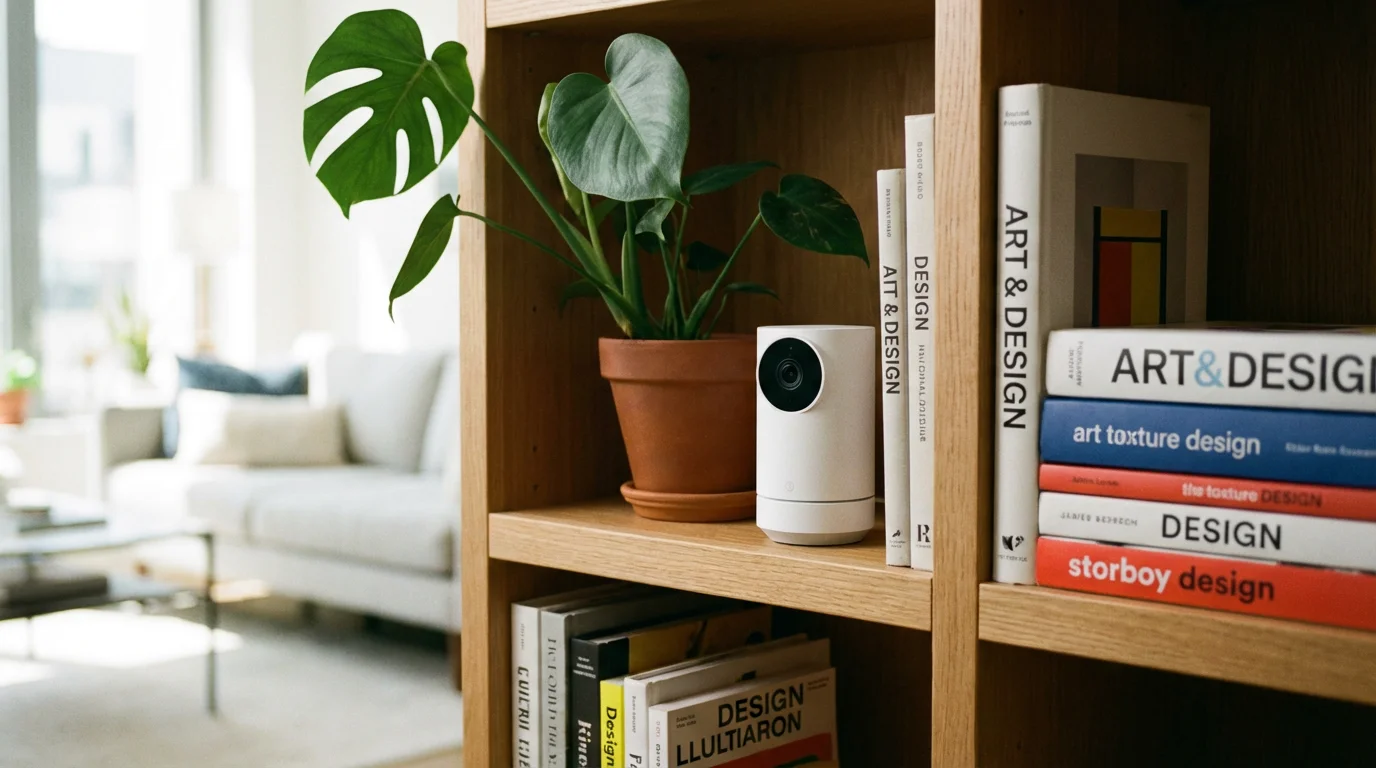
Indoor cameras act as excellent monitors for maintenance visits or pet surveillance. Look for cameras with a physical privacy shutter. This is a mechanical cover that slides over the lens when you are home, ensuring that no video is recorded. Since these cameras sit on shelves or mount with magnetic bases, they require zero installation.
Contact and Motion Sensors
One of the most underrated security tools is the contact sensor. These small, two-part devices attach to doors and windows using adhesive tape. If the contact is broken (the window opens), the sensor triggers an alert on your phone.
- Peace of Mind: If you often worry about whether you locked the balcony door, a quick glance at your app confirms it.
- Landlord Alerts: You can set an automation to notify you instantly if your front door opens while you are at work, keeping you informed of unexpected landlord or maintenance entry.
Smart Locks: Access Control You Can Reverse
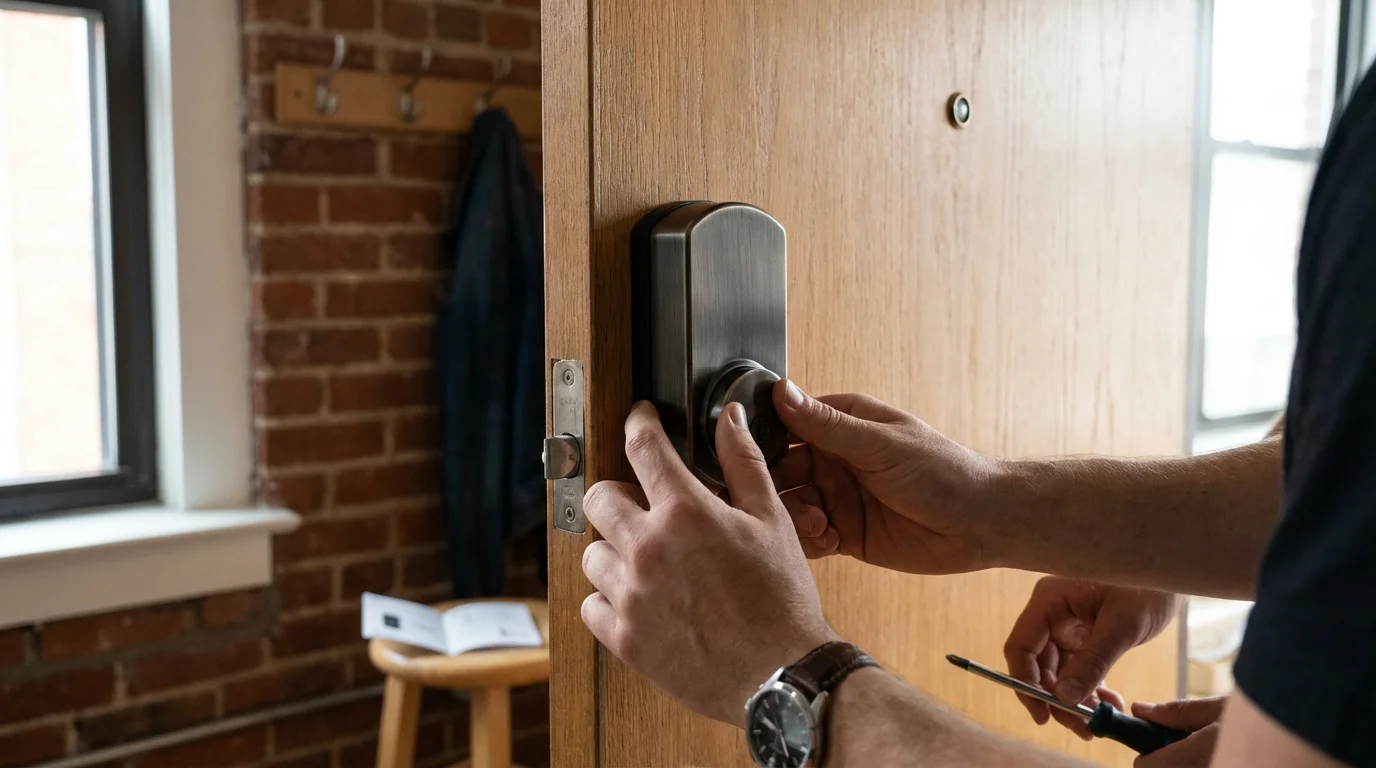
Replacing a deadbolt usually violates a lease agreement because the landlord needs a master key to access the unit in emergencies. However, “retrofit” smart locks solve this problem elegantly.
Retrofit locks, such as those made by August or SwitchBot, install on the inside of the door. They replace only the thumb-turn mechanism while leaving the exterior keyhole and deadbolt hardware completely untouched. From the outside, your door looks exactly the same, and your physical key still works. From the inside, you have a robust motor that turns the lock for you.
Benefits for Renters:
- Auto-Lock: You can configure the door to lock itself automatically after a set period, ensuring you never leave the apartment unsecured.
- Guest Access: Instead of hiding a key under the mat for a pet sitter or guest, you can issue a temporary virtual key or code (if you add a keypad) that expires after a set time.
- Log History: You can see exactly when the door was opened and closed, providing a digital trail of activity at your entrance.
Always verify the type of lock your rental uses before purchasing. Retrofit smart locks typically work with single-cylinder deadbolts. If your door has a mortise lock (common in older cities) or an integrated handle-lock combo, your options may be more limited.
The Brains: Choosing a Portable Ecosystem
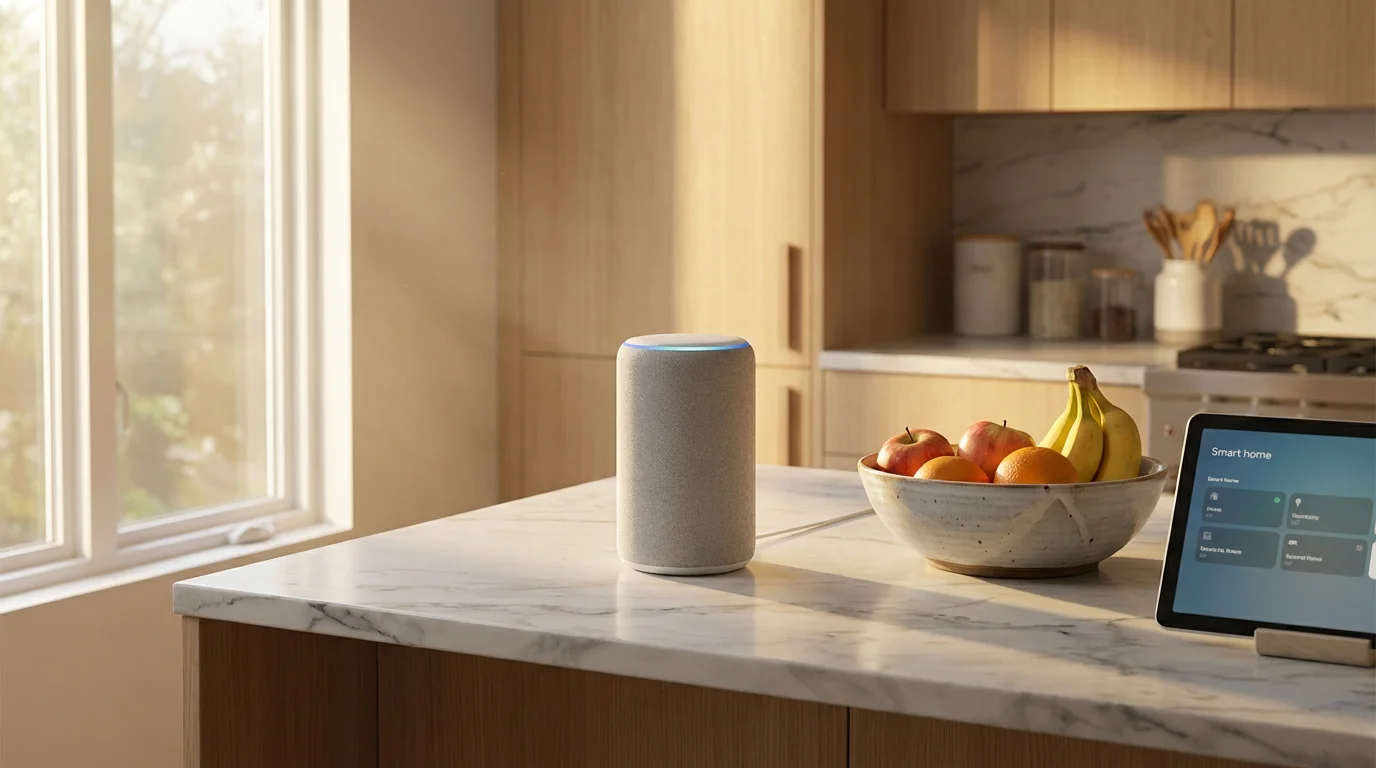
A collection of smart devices is not a smart home until they talk to each other. You need a central interface. For renters, voice assistants usually double as this central hub.
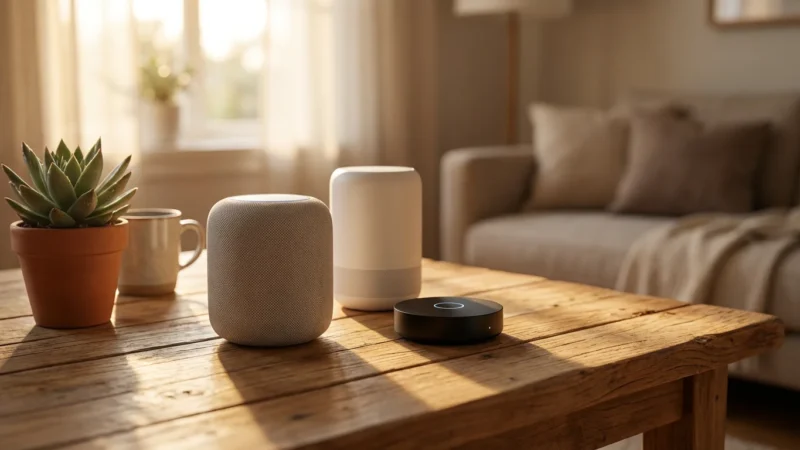
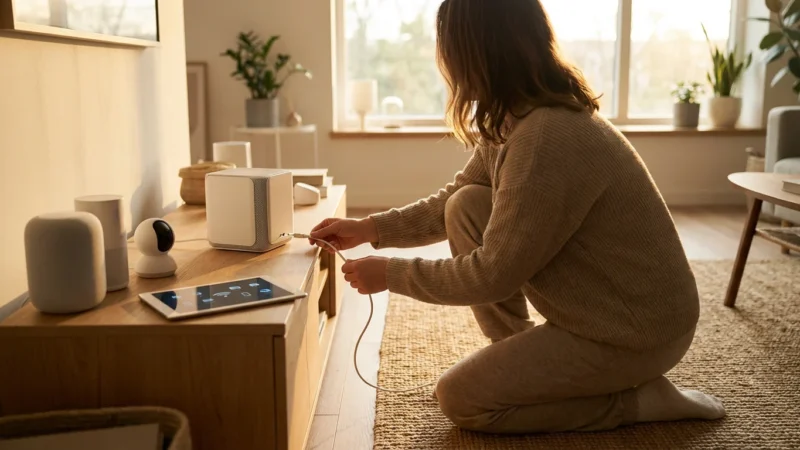
Choosing between Amazon Alexa, Google Home, and Apple HomeKit largely depends on the smartphone you use, but all three are highly portable. You simply plug the speaker into the wall, connect it to the new Wi-Fi, and your entire home intelligence is online.
The Hub vs. Wi-Fi Debate
When you buy smart devices, you will see terms like “Wi-Fi,” “Zigbee,” and “Matter.” As Wirecutter’s smart home guides often note, understanding this distinction is crucial for stability.
- Wi-Fi Devices: These connect directly to your router. They are easy to set up but can crowd your network. If you live in a dense apartment building where fifty other Wi-Fi networks are competing for airspace, adding 30 Wi-Fi light bulbs might slow down your internet connection.
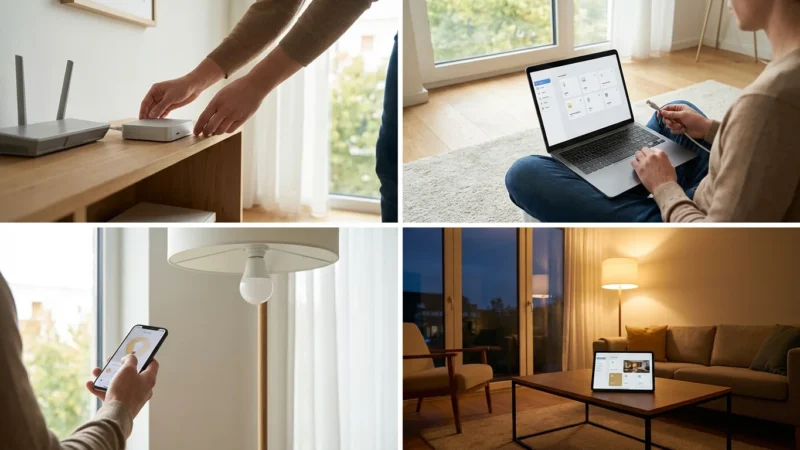
- Zigbee/Thread Devices: These require a hub (like a specialized Echo device, SmartThings, or Apple HomePod). The hub creates a separate, local network for your devices. This reduces strain on your Wi-Fi and often provides faster response times. For renters in crowded buildings, hub-based devices are often more reliable.
Energy Management and Climate Control
Renters often pay for utilities but lack the ability to upgrade insulation or windows. Smart home tech helps you regain control over that wasted energy.
Smart Plugs for Climate
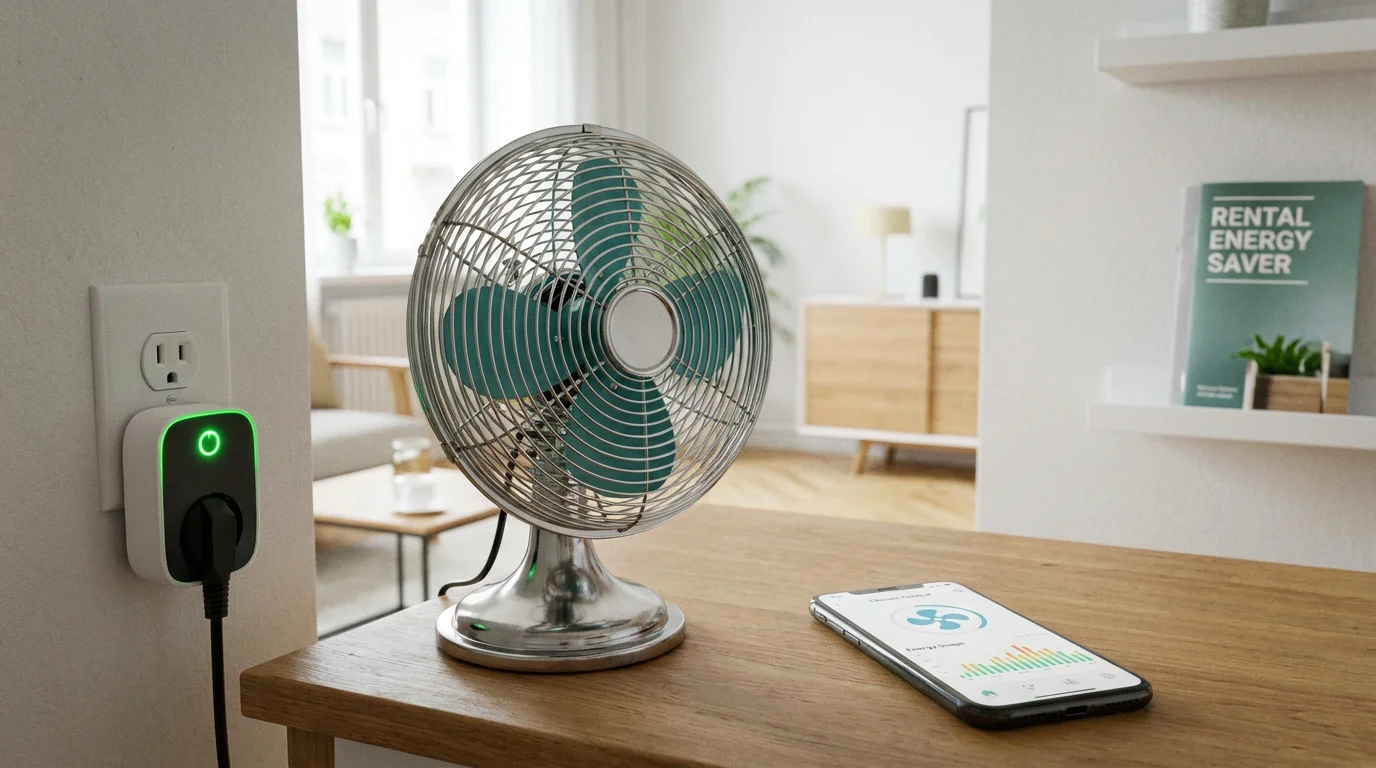
If you use window AC units, portable heaters, or box fans, a heavy-duty smart plug is your best friend. Look for plugs specifically rated for higher amperage (15A) to handle these appliances safely. You can automate a window AC to turn on 30 minutes before you arrive home, cooling the room without running the unit all day. This creates significant savings on your electric bill.
Smart Thermostats (Proceed with Caution)
Smart thermostats like the Nest or Ecobee are popular, but installation requires removing the old unit and touching low-voltage wiring. While this is reversible, it is technically a modification.
If you decide to install one:
- Take a clear photo of the existing wiring before you disconnect anything.
- Label every wire.
- Keep the old thermostat in a safe box.
- Reinstall the old thermostat before you move out.
If you are uncomfortable with wiring, stick to smart plugs and fans. Alternatively, products like SwitchBot offer robotic button pushers that can physically press the buttons on a “dumb” AC unit or thermostat, bridging the gap without wiring.
Connectivity: Navigating Apartment Wi-Fi Congestion
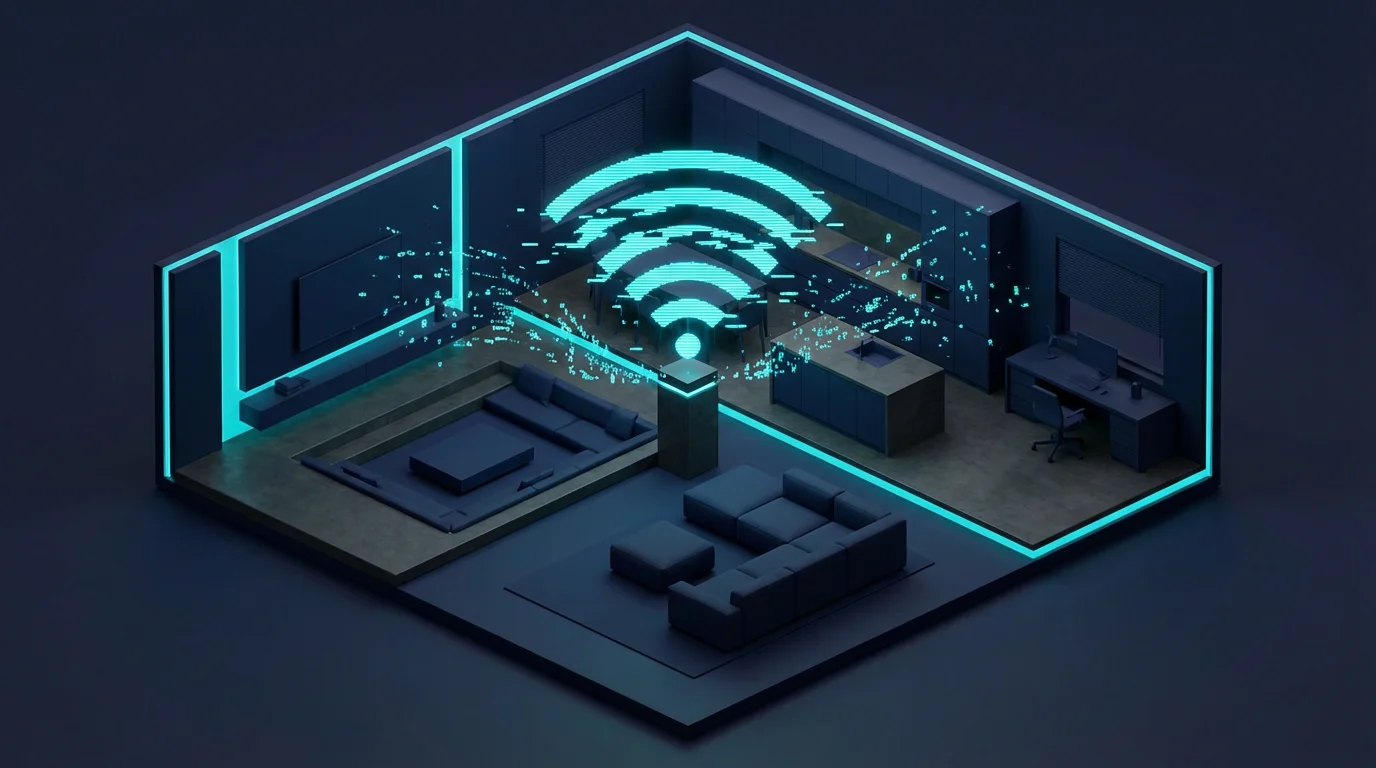
Connectivity is the backbone of your smart home. In a detached house, Wi-Fi interference is manageable. In an apartment complex, you are surrounded by interference from neighbors, microwaves, and baby monitors. This makes your choice of connection protocol vital.
We are currently in a transition period with the introduction of Matter. Matter is a new industry standard that allows devices from different brands to work together securely and reliably. Matter aims to eliminate the “will this work with my speaker?” headache.
For a renter-friendly setup today, consider this strategy:
- Cameras and Doorbells: These transfer high amounts of data and generally need Wi-Fi.
- Lights and Sensors: Use Zigbee or Thread. These protocols create a “mesh” network. Each bulb plugged in acts as a repeater, strengthening the signal for the next device. This helps your signal reach the back bedroom even if there are three concrete walls in the way.
Building a Budget-Friendly Starter Kit
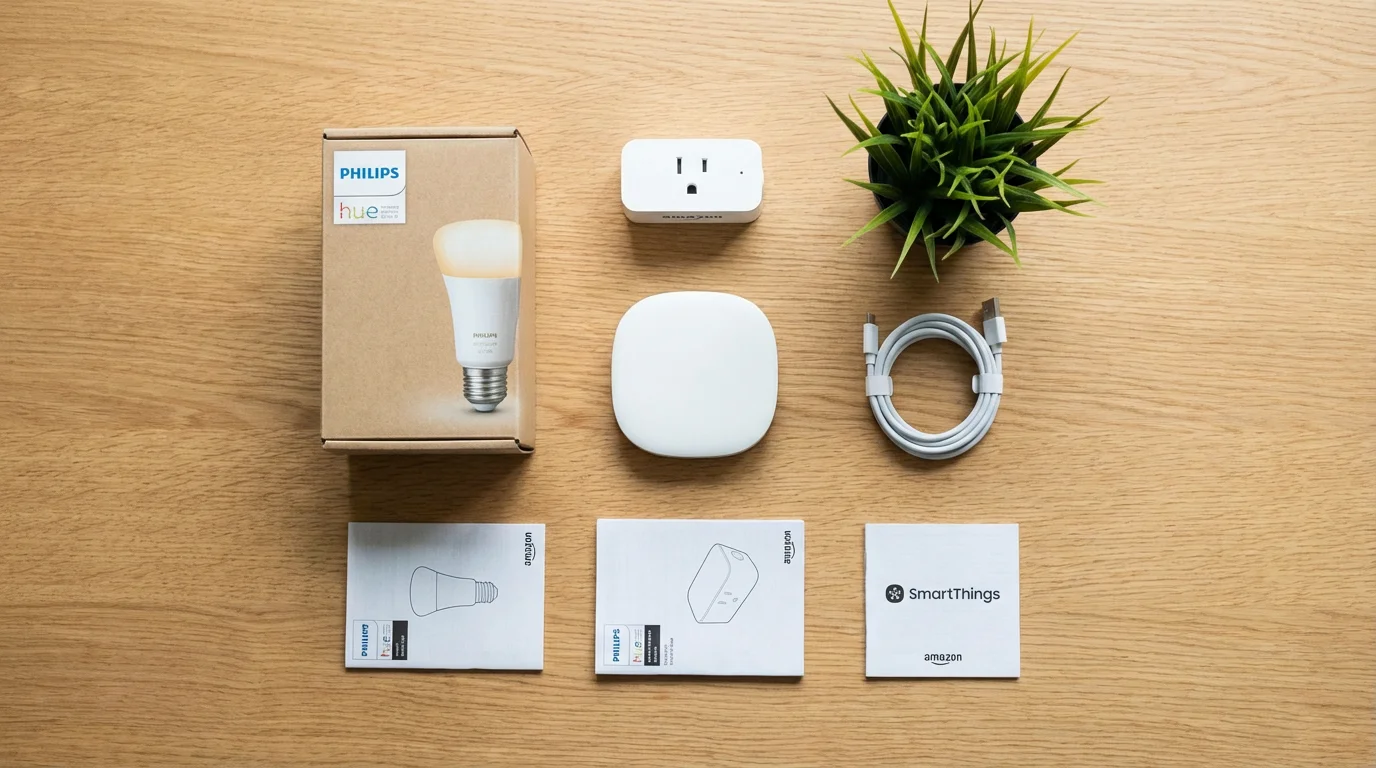
You do not need to spend thousands of dollars to feel the benefits of a smart home. You can start small and expand over time. Here are two practical paths for renters.
The “Convenience” Kit (~$100)
This kit focuses on lighting and voice control.
- 1 Smart Speaker: (Amazon Echo Dot or Google Nest Mini) – Serves as your command center.
- 2 Smart Plugs: For the living room floor lamp and the coffee maker or bedroom fan.
- 2 Smart Bulbs: For bedside lamps to enable “sunrise” waking routines.
The “Peace of Mind” Kit (~$250)
This kit focuses on security and monitoring.
- 1 Smart Speaker: Command center.
- 1 Video Doorbell (Battery): See who is at the door and track deliveries.
- 2 Contact Sensors: For the front door and a main window.
- 1 Indoor Camera: To monitor pets or main living areas while away.
Starting with one of these kits allows you to test the waters. If you find the automation helpful, you can slowly add more devices. The best part is that every single item listed above can be unplugged and moved to a new home in minutes.
Frequently Asked Questions
Can I install a smart thermostat in a rental apartment?
Yes, but you must be careful. Most leases forbid alterations, but swapping a thermostat is usually reversible. You must save the original thermostat and reinstall it before you move out. If you are unsure about the wiring or if your HVAC system is compatible, do not attempt it, as you could damage the system and be liable for repairs.
Do smart home devices work if the landlord controls the Wi-Fi?
If you use a shared building Wi-Fi, setting up smart devices can be difficult because devices can’t communicate with each other easily on public networks. The best solution is to buy a travel router to create your own private network bridge, or use a smart home hub (like Samsung SmartThings or an Echo Hub) that handles device communication locally via Zigbee or Thread.
What are the best smart devices that don’t damage walls?
Smart plugs, smart bulbs, and voice assistants require zero installation. For security, look for battery-powered video doorbells that clip onto the door and sensors that use command strips. Retrofit smart locks attach to existing hardware, leaving the door intact.
Will smart home devices save me money on rent or utilities?
They won’t lower your rent, but they can lower utility bills. Smart plugs can ensure high-energy appliances (like space heaters or window AC units) aren’t running when you aren’t home. Smart lighting ensures lights are never left on accidentally. These small savings compound over the course of a lease.
Disclaimer: This article is for informational purposes only. Smart home devices involve electrical connections and data privacy. Always follow manufacturer instructions for installation. For complex wiring or HVAC work, consult a licensed professional.
Leave a Reply