
Embarking on your smart home journey transforms your living space, offering convenience, enhanced security, and significant energy savings. Many people feel overwhelmed by the vast array of devices and technologies available. You do not need to be a tech expert to create a smart home. This guide provides clear, actionable steps to help you start your smart home setup successfully, no matter your experience level or budget.
Defining Your Smart Home Goals
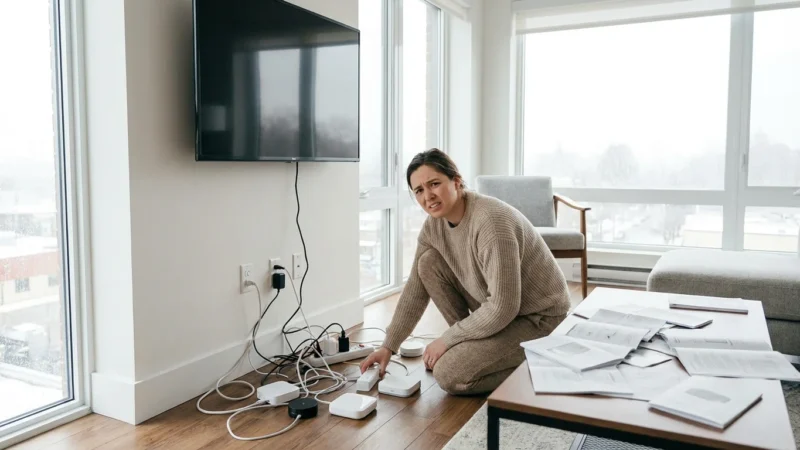
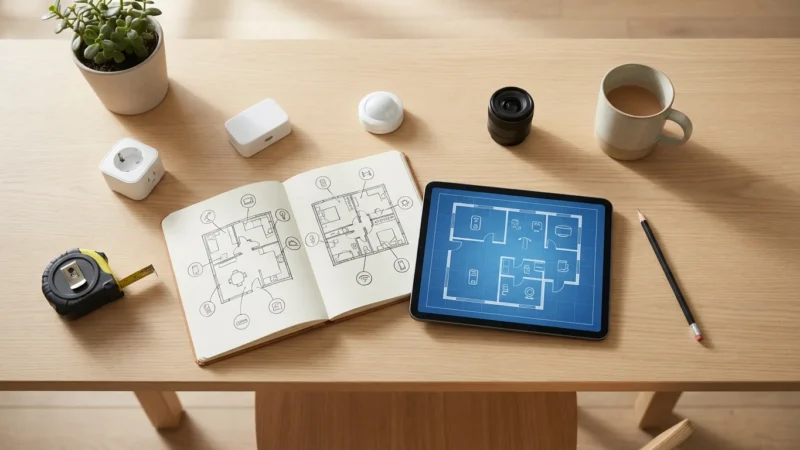
Before you buy your first device, consider what you want your smart home to achieve. Defining your priorities helps you choose the right products and avoid unnecessary purchases. Think about the specific problems you want to solve or the conveniences you seek.
For a deeper dive into the preparation phase, check out our guide on how to plan your smart home before buying anything.
Ask yourself these key questions:
- What do you want to automate? Do you envision lights turning on when you enter a room, or your coffee machine starting before you wake up?
- Which areas of your home need improvement? Are you focused on increasing security, reducing energy bills, or simply making daily tasks easier?
- What is your budget? Smart home devices range widely in price. Establishing a budget early guides your purchasing decisions.
- How comfortable are you with technology? Some systems require more technical savvy than others. Choose a system that matches your comfort level.
For example, if saving energy is your top goal, a smart thermostat becomes a priority. If security is paramount, then smart locks and cameras should lead your list. Your goals dictate your optimal starting point for a smart home beginner.
Understanding Smart Home Ecosystems
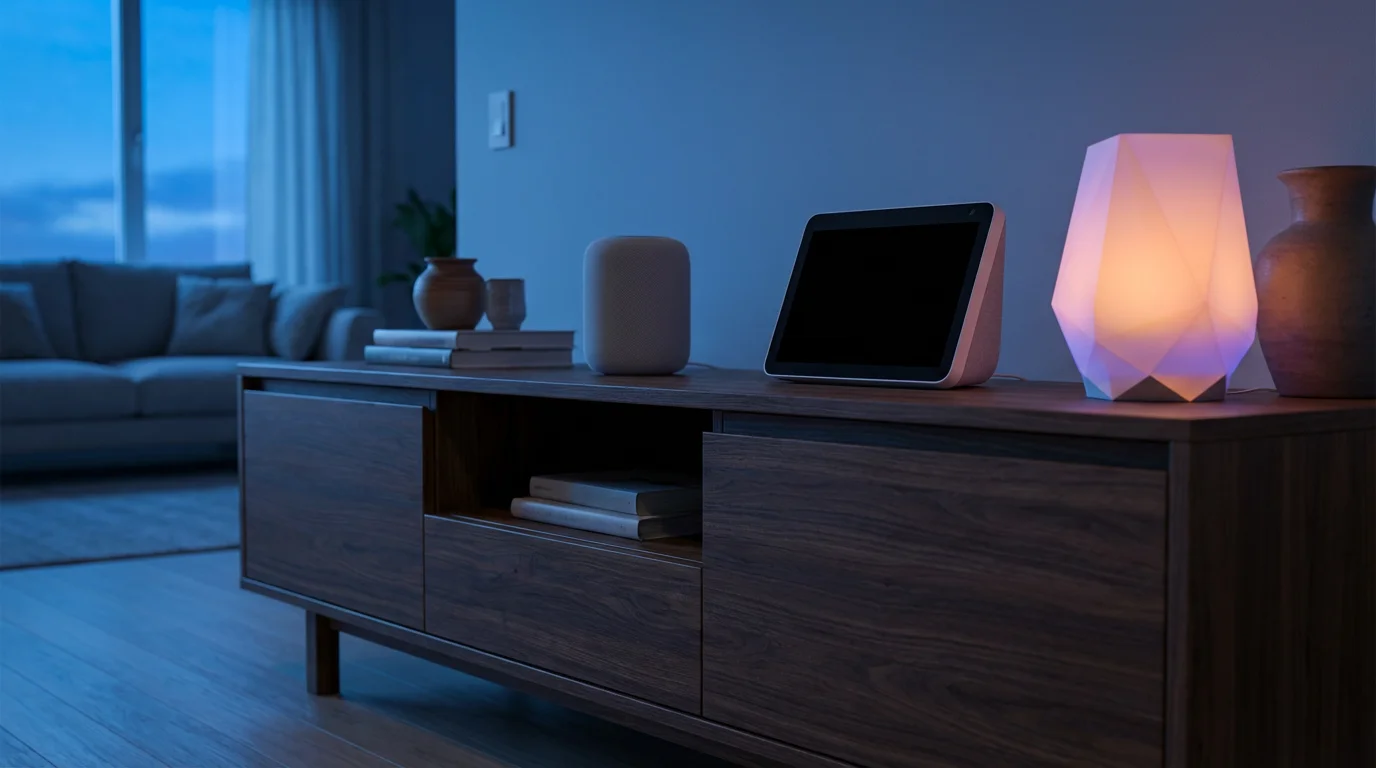
Your smart home functions best when its devices communicate seamlessly. This communication happens within an “ecosystem” or platform. Major players include Amazon Alexa, Google Assistant, and Apple HomeKit. Choosing one often simplifies your experience, although many devices now offer cross-platform compatibility.
Consider these popular ecosystems:
- Amazon Alexa: Amazon’s Echo devices, powered by Alexa, integrate with thousands of smart home devices. Alexa offers extensive voice control capabilities and a wide range of compatible products. It also provides a robust app for managing devices and routines.
- Google Assistant: Google Nest devices use Google Assistant. This ecosystem excels at understanding natural language and integrates tightly with Google services like calendars and search. It often offers helpful proactive suggestions based on your daily routines.
- Apple HomeKit: For Apple users, HomeKit offers a secure and private smart home experience. You control devices through the Home app on your iPhone, iPad, or Mac, or with Siri voice commands. HomeKit emphasizes privacy and local processing.
Many users find success by starting with devices compatible with their existing smartphone or preferred voice assistant. While you can mix and match, sticking primarily to one ecosystem often streamlines setup and daily operation, a crucial tip for anyone getting started with smart home for beginners.
The introduction of **Matter** represents a significant step towards device compatibility. Matter is a new smart home standard designed to allow devices from different manufacturers and ecosystems to work together more easily. It promises to simplify the experience for consumers by reducing compatibility concerns, making your choice of the first devices much simpler. According to the Connectivity Standards Alliance, Matter aims to connect more devices and offer greater flexibility in your smart home setup.
Essential Smart Home Connectivity: Wi-Fi, Zigbee, Z-Wave, and Matter
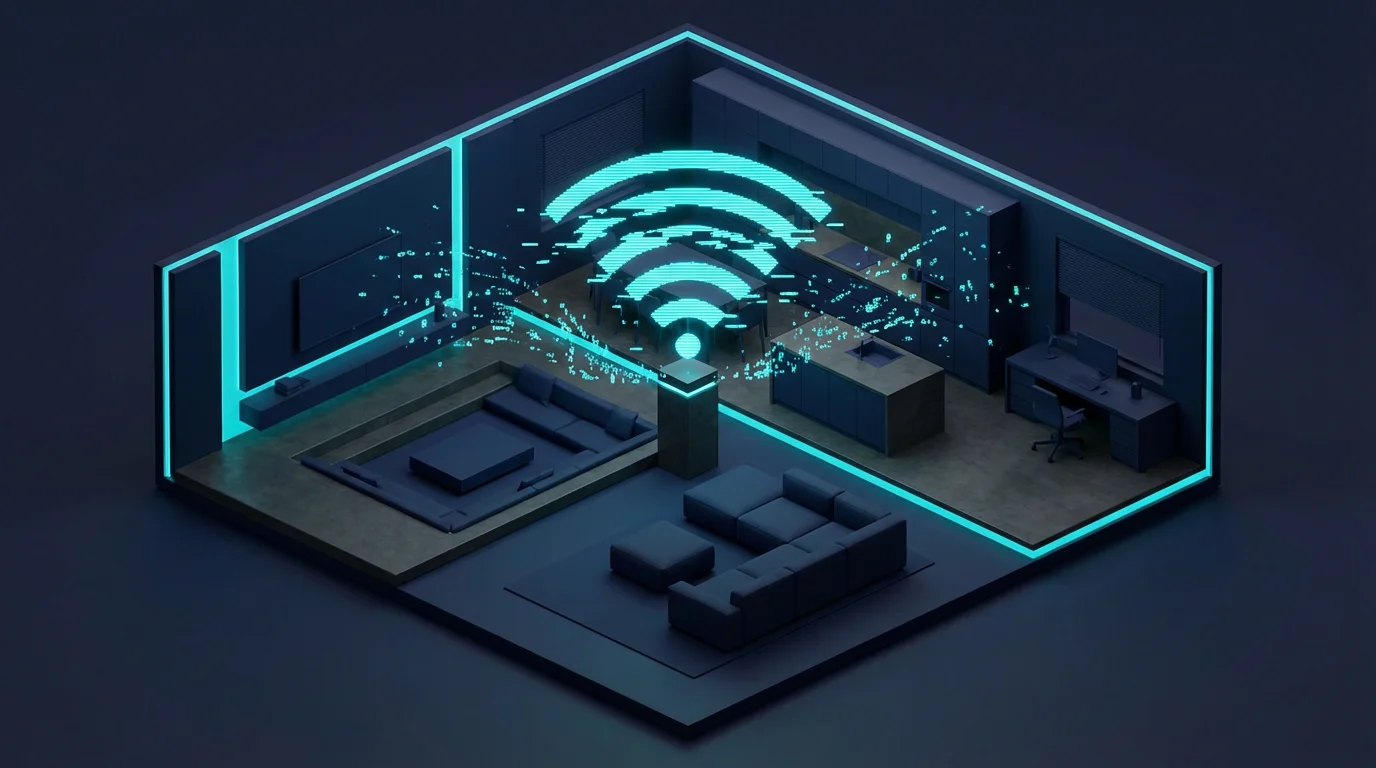
Smart home devices use various wireless technologies to communicate with each other and with your network. Understanding these helps you select compatible devices and build a reliable system.
Here are the primary connectivity options:
- Wi-Fi: Many smart devices, especially those requiring significant bandwidth like cameras, connect directly to your home Wi-Fi network. This is convenient because you likely already have Wi-Fi, but too many Wi-Fi devices can sometimes slow down your network.
- Bluetooth: Used primarily for direct, short-range connections, Bluetooth often facilitates initial setup for devices or provides local control without needing an internet connection. Bluetooth Mesh extends its range by allowing devices to relay signals.
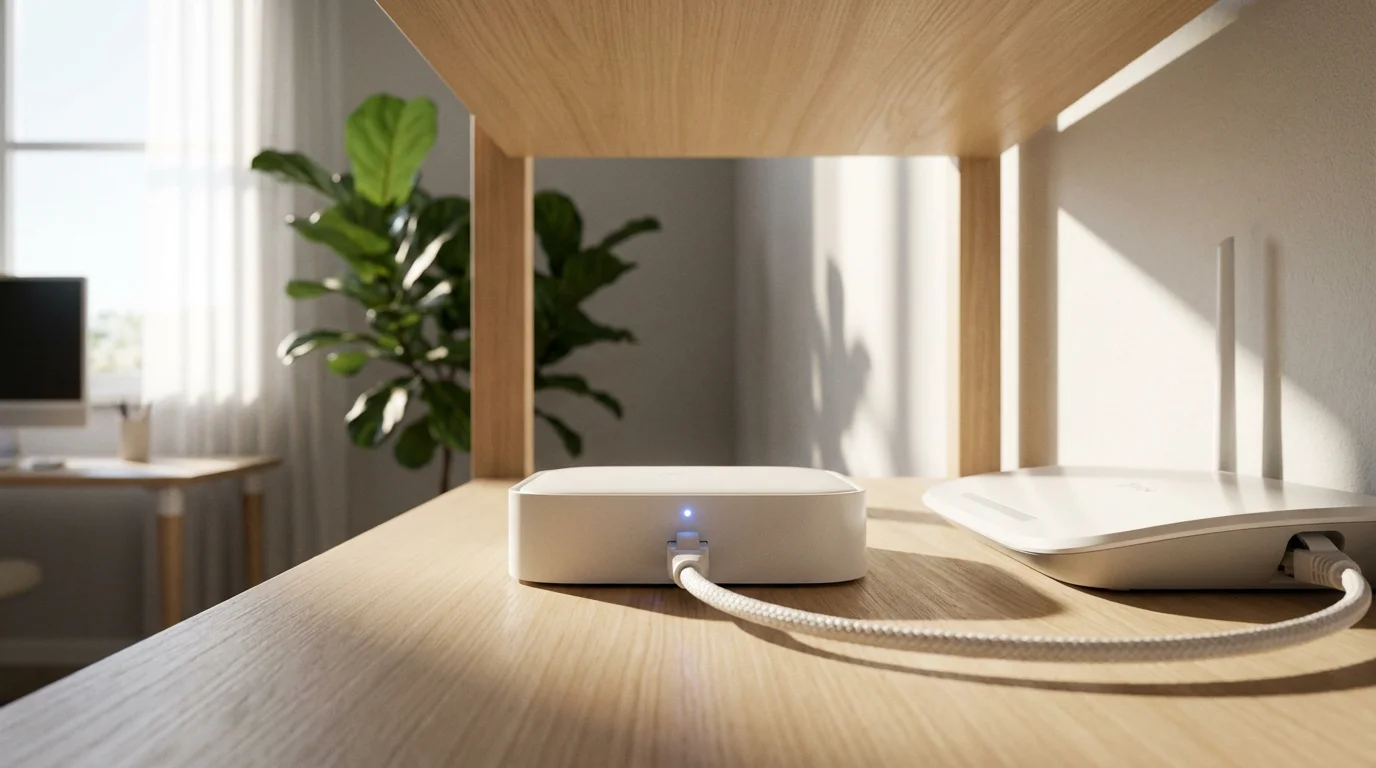
- Zigbee and Z-Wave: These low-power mesh network protocols are specifically designed for smart home devices like sensors, lights, and door locks. They create a robust network where each device can relay signals, extending the range and reliability. Devices using Zigbee or Z-Wave often require a dedicated hub to connect to your home Wi-Fi and the internet.
- Matter: As mentioned, Matter is a new, unified connectivity standard built on existing IP technologies like Wi-Fi and Thread (a mesh networking protocol). It allows devices from different brands to communicate locally and directly, reducing reliance on proprietary hubs. This makes choosing what smart home device should I buy first much easier.
For many beginners, devices that connect directly via Wi-Fi offer the simplest starting point because they do not require an additional hub. However, as you expand your system, considering devices that use Zigbee, Z-Wave, or Matter might offer a more robust and energy-efficient network.
Your First Smart Home Devices: Where to Begin
Deciding what smart home device should I buy first depends on your goals and budget. Many beginners find success by starting with one or two devices that address immediate needs or provide immediate gratification. This approach allows you to learn the ropes without feeling overwhelmed.
Here are excellent starting points for a smart home beginner:
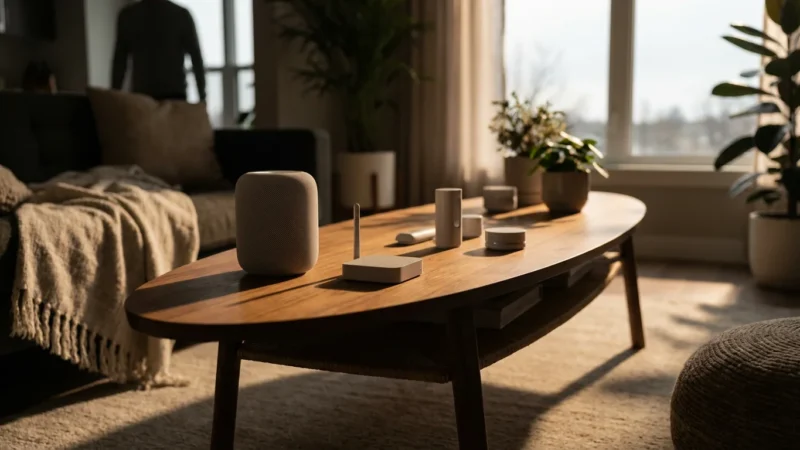
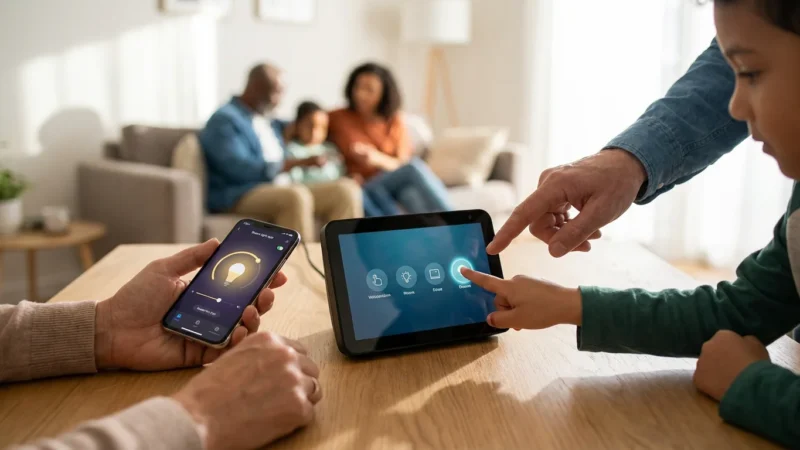
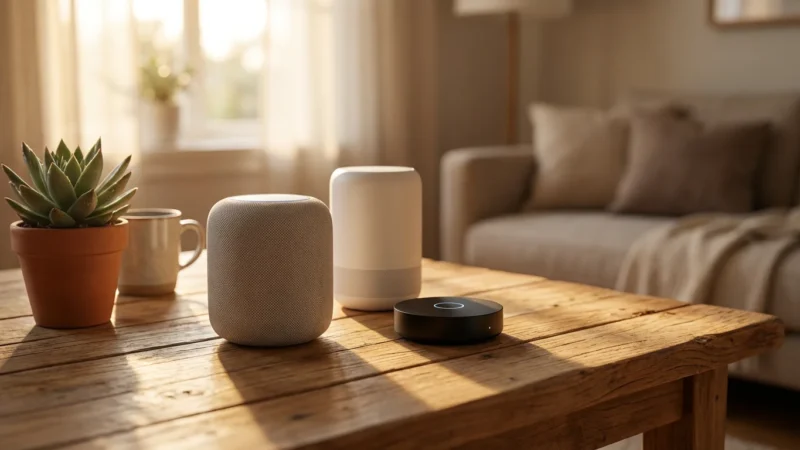
- Smart Speaker or Display: This often serves as the central hub for voice control and ecosystem integration. An Amazon Echo Dot, Google Nest Mini, or Apple HomePod Mini allows you to play music, get weather updates, and control other smart devices with your voice.
- Smart Lighting: Easily one of the most popular first devices. Smart bulbs or light switches allow you to control lights from your phone, set schedules, and even change colors. For example, a Philips Hue starter kit lets you dim lights from your couch or schedule them to turn on before you arrive home.
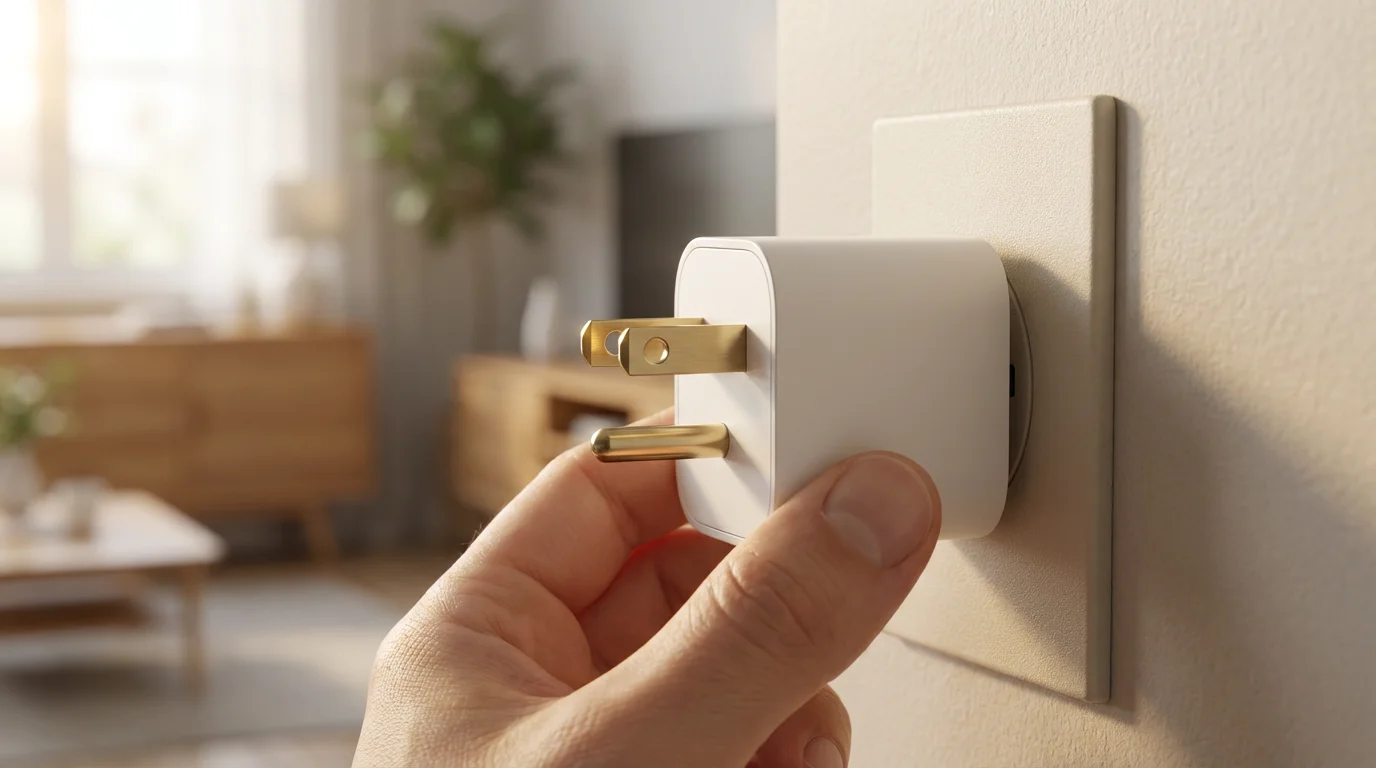
- Smart Plugs: These inexpensive devices turn any “dumb” appliance into a smart one. Plug in a lamp, a fan, or a coffee maker, and control it remotely from your smartphone or with voice commands. You can schedule your bedside lamp to turn on automatically at sunset.
- Smart Thermostat: Devices like the Google Nest Thermostat or ecobee Smart Thermostat learn your schedule and preferences, automatically adjusting temperatures to save energy. Energy Star estimates smart thermostats can save homeowners an average of 8% on heating and cooling costs. You can control your home’s temperature from anywhere, ensuring comfort and efficiency.
- Smart Security Camera: For peace of mind, a single smart security camera like a Wyze Cam or Arlo Essential Spotlight Camera offers live viewing, motion detection alerts, and recorded footage. Place it at your front door or in a living area to monitor your home remotely.
- Smart Door Lock: A smart lock provides keyless entry and lets you manage access remotely. You can give temporary access codes to guests or delivery services and receive notifications when the door locks or unlocks. This significantly enhances home security and convenience.
Choose the device that excites you most and aligns with your initial goals. Start simple and build from there.
“The best smart home is the one you don’t have to manage. Focus on devices that automate tasks seamlessly and enhance your daily life without constant interaction.”
Budget-Friendly Starting Points for a Smarter Home
You do not need to invest a fortune to begin building a smart home. Many affordable options exist that still deliver significant benefits. The key is to prioritize and expand gradually.
If you are working with a tight budget, explore our specific strategies for getting started under $100.
Here are strategies for a budget-conscious smart home beginner:
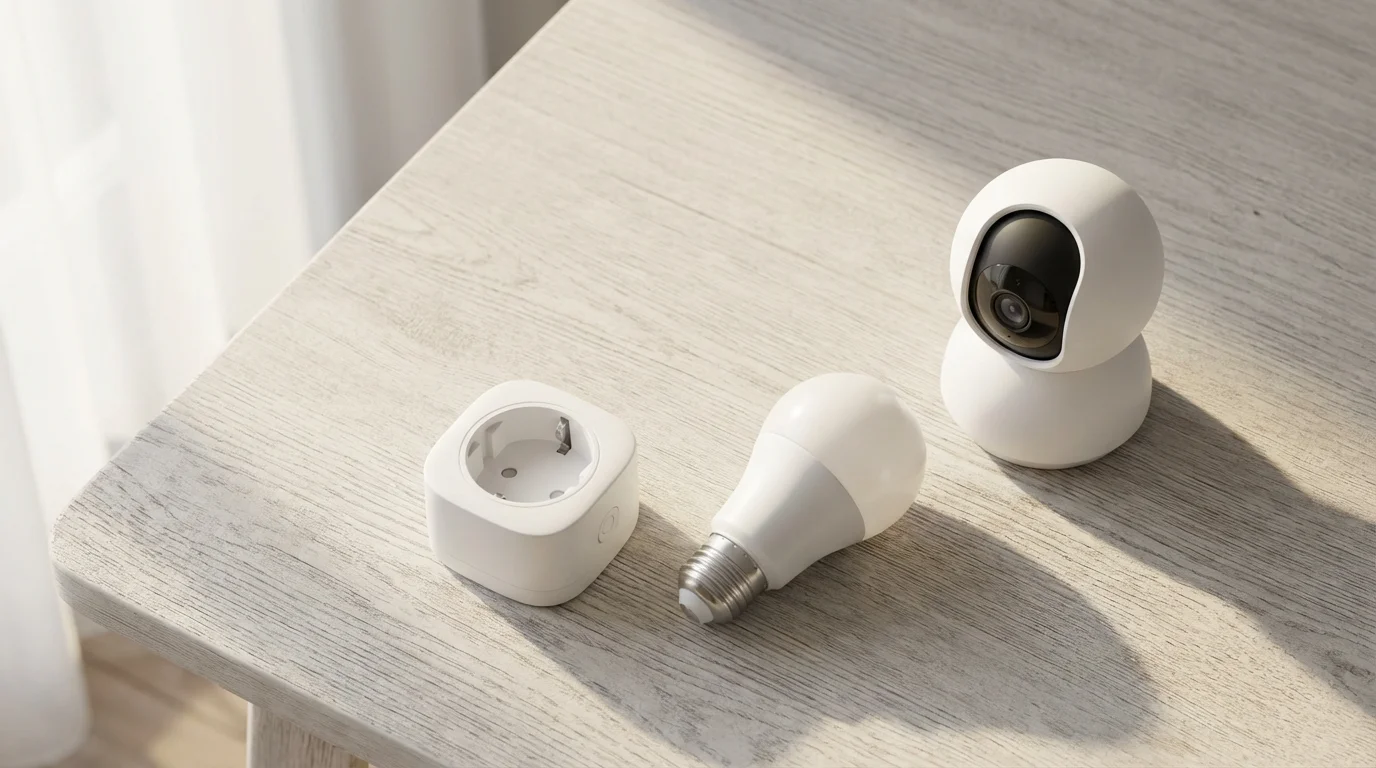
- Start with Smart Plugs: These are often the cheapest way to introduce smart functionality. At under $20 per plug, you can automate lamps, fans, or small appliances without replacing existing items.
- Choose Single Smart Bulbs: Instead of a multi-bulb starter kit, buy one smart bulb for a key area, like your living room or bedroom lamp. Brands like Sengled or TP-Link Kasa offer individual bulbs that connect directly to Wi-Fi, removing the need for a hub.
- Opt for Mini Smart Speakers: Devices like the Echo Dot or Google Nest Mini cost less than their larger counterparts but offer the same core voice assistant functionality. They serve as excellent entry points for voice control.
- Look for Deals and Bundles: Retailers frequently offer discounts on smart home devices, especially during holidays. Watch for starter kits that bundle a smart speaker with a few smart bulbs or plugs, often at a reduced price.
- Focus on Wi-Fi Devices First: Devices that connect directly to your Wi-Fi network avoid the additional cost of a dedicated hub. This simplifies your initial setup and keeps costs down.
By adopting a phased approach and focusing on high-impact, low-cost devices, you can build a smarter, more efficient home without a large upfront investment. Prioritize devices that address your most pressing needs or offer the greatest convenience.
Setting Up Your First Smart Devices: A Step-by-Step Guide
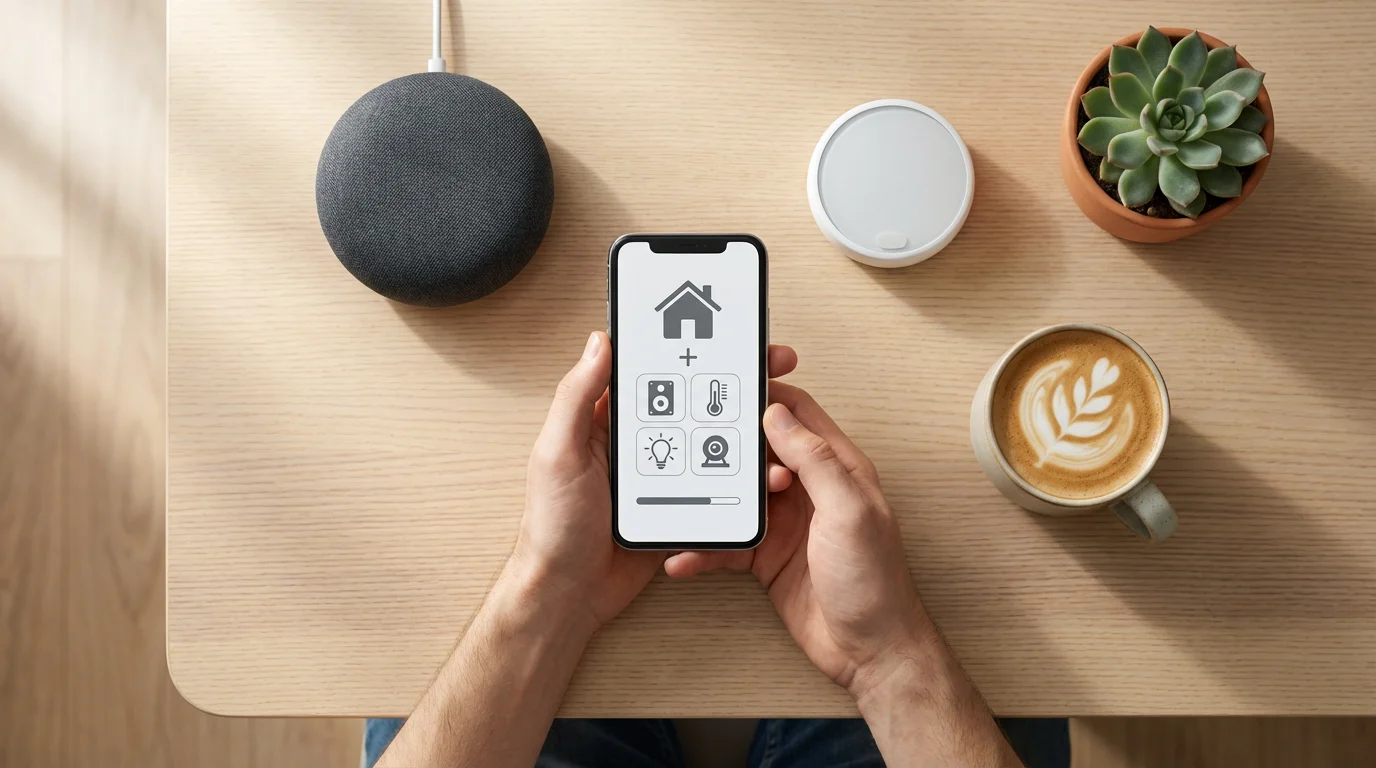
Setting up your first smart devices is often simpler than you imagine. Most modern devices guide you through the process using a smartphone app.
Follow these general steps for a smooth installation:
- Download the Device’s App: Before unboxing, download the manufacturer’s dedicated app from your smartphone’s app store. This app acts as your primary control center for the device.
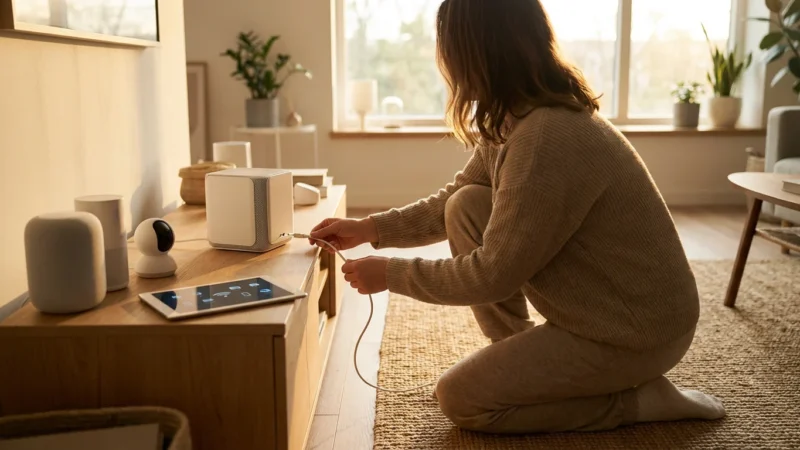
- Power On the Device: Plug in your smart plug, screw in your smart bulb, or connect your smart speaker. The device usually enters a pairing mode, indicated by a blinking light or sound.
- Open the App and Follow Instructions: The app typically walks you through connecting the device to your home Wi-Fi network. You might need to select your Wi-Fi network and enter its password.
- Name Your Device: Give your device a descriptive name, like “Living Room Lamp” or “Kitchen Camera.” This helps with voice commands and organization, especially as your smart home grows.
- Integrate with Your Ecosystem (Optional but Recommended): If you have a smart speaker or display, link your new device to your chosen ecosystem (Alexa, Google Assistant, or HomeKit). This allows for voice control and integration into broader routines. Most device apps offer an “add to Alexa” or “add to Google Home” option.
- Test the Device: Try turning the device on and off using the app and then with voice commands if integrated. Ensure it responds as expected.
For devices involving electrical wiring, such as smart light switches or smart thermostats, **always turn off power at the circuit breaker first.** If you feel uncomfortable or unsure about any electrical work, consult a licensed electrician or an HVAC professional for thermostat installations. Safety is paramount when handling electrical components in your home.
Building on Your Foundation: Advanced Automation Ideas
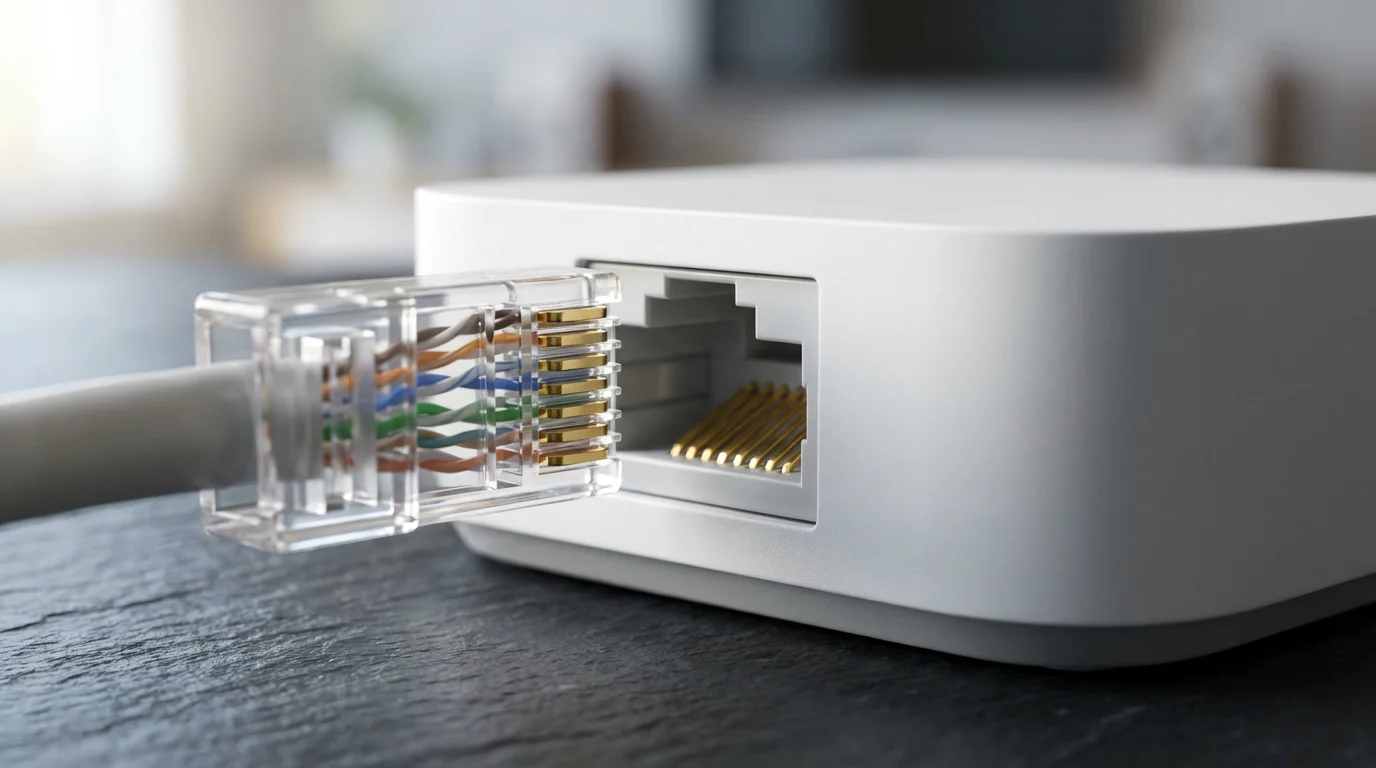
Once you have several smart devices, you can begin to connect them to create powerful automations. This moves beyond simple on/off control to making your home react intelligently to your presence and schedule.
Consider these ways to enhance your smart home:
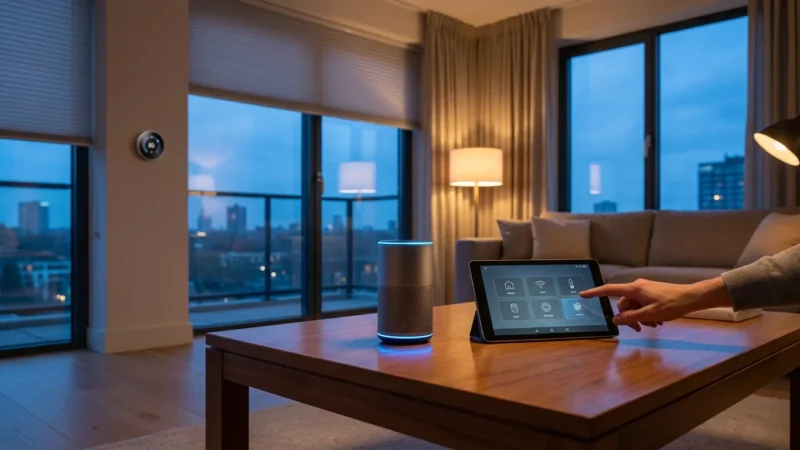
- Create Routines and Scenes: Most smart home apps allow you to set up routines. A “Good Morning” routine might turn on bedroom lights to 50% brightness, start your smart coffee maker, and play the news. A “Movie Night” scene could dim lights, close smart blinds, and turn on the TV.
- Use Sensors for Triggered Actions: Integrate motion sensors, door/window sensors, or contact sensors. A motion sensor in the hallway can turn on lights when you walk through at night and turn them off after a few minutes of no activity. A door sensor can trigger an alert if a door opens unexpectedly.
- Leverage Geofencing: Many apps use your phone’s location (geofencing) to trigger events. Your “Welcome Home” routine can automatically unlock your smart door lock, turn on outdoor lights, and adjust the thermostat when you arrive within a certain distance of your house. Conversely, your “Leaving Home” routine can lock doors and turn off lights.
- Combine Devices from Different Brands: With platforms like Matter, or through ecosystem integrations, you can create automations that involve devices from various manufacturers. For instance, an Arlo camera detecting motion could trigger your Philips Hue outdoor lights to flash.
These automations move your smart home experience from controlling individual devices to managing your entire home’s environment proactively. They enhance convenience and can contribute to greater energy efficiency by ensuring devices only operate when needed.
Troubleshooting Common Smart Home Issues
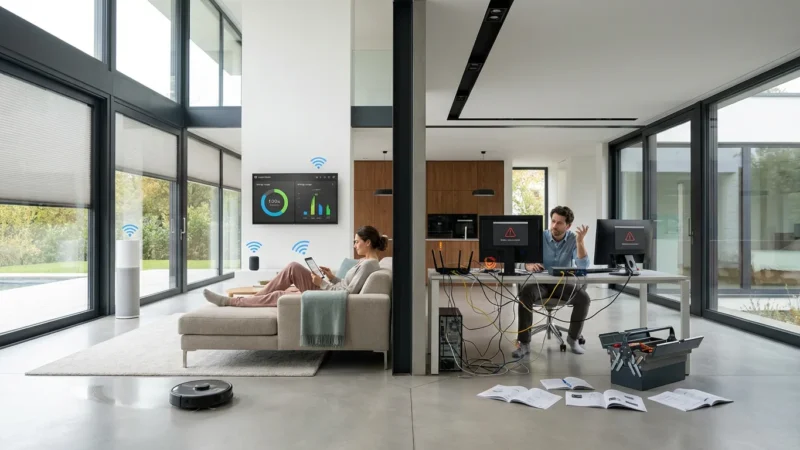
Even with careful setup, you might encounter issues. Most common problems have simple solutions. Do not let minor technical glitches deter your progress.
To prevent these issues from happening in the first place, it is helpful to review smart home mistakes beginners should avoid.
Here are some frequent issues and their fixes:
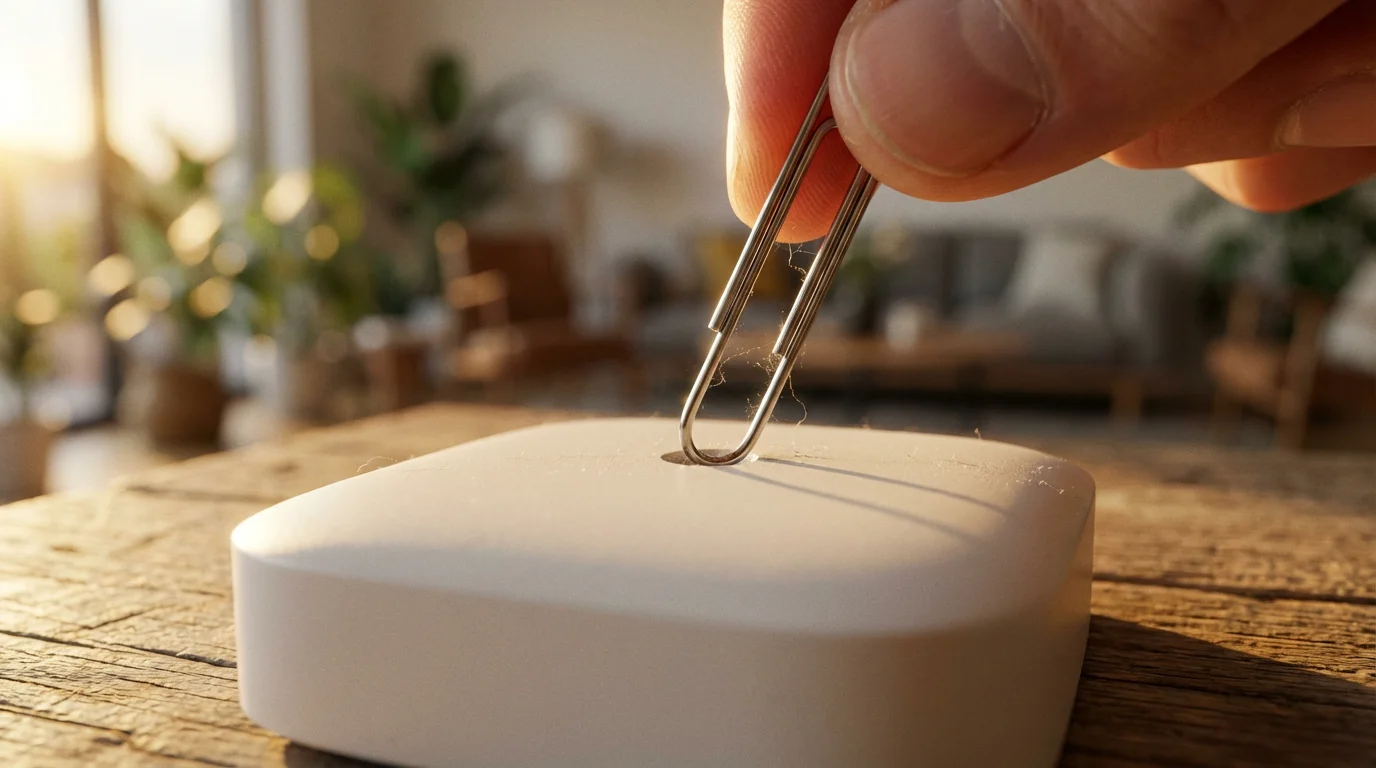
- Device Not Connecting to Wi-Fi: Ensure your device is within range of your Wi-Fi router. Check if your router supports both 2.4 GHz and 5 GHz bands; many smart devices, especially older ones, only connect to 2.4 GHz. Try restarting both the smart device and your Wi-Fi router.
- Voice Commands Not Working: Verify that your smart speaker is powered on and connected to the internet. Confirm you have correctly linked the smart device to your voice assistant’s app. Check the device name you are using in your command matches the name in the app.
- Device Offline in App: This often indicates a connectivity problem. Check the device’s power source. If it uses a hub (Zigbee/Z-Wave), ensure the hub is powered on and connected to your network. Try restarting the device and, if applicable, its hub.
- Automations or Routines Not Running: Double-check the conditions and actions of your routine in the app. Ensure all devices involved in the routine are online and working individually. Verify time-based routines have the correct schedule.
- Slow Response Times: Your Wi-Fi network might be congested, or the smart device could be too far from its hub or router. Consider moving the device closer or investing in a Wi-Fi extender. Using Zigbee or Z-Wave devices with a dedicated hub can also create a more robust network for low-bandwidth devices.
When troubleshooting, a simple restart of the device, the app, or even your home router often resolves many issues. Patience and systematic checking of connections and settings will help you resolve most common smart home problems.
Frequently Asked Questions
Is a smart home hub necessary?
No, many modern smart devices connect directly to your Wi-Fi network and do not require a separate hub. Examples include many smart plugs, Wi-Fi bulbs, and security cameras. However, a hub can provide benefits such as local control, improved reliability for Zigbee/Z-Wave devices, and broader device compatibility, especially as your system grows.
Can I mix different brands of smart home devices?
Yes, you can absolutely mix different brands. Most smart home ecosystems like Amazon Alexa, Google Assistant, and Apple HomeKit support devices from a wide range of manufacturers. The emerging Matter standard further simplifies this, allowing devices from different brands to communicate seamlessly.
How much does it cost to start a smart home?
You can start a smart home for less than $50 by purchasing a smart plug or a single smart bulb. A more comprehensive starter kit, including a smart speaker and a few lights, might cost between $100 and $200. The cost scales with the number and complexity of devices you choose to add.
Are smart home devices secure?
The security of smart home devices varies by manufacturer. Choose reputable brands with a history of strong security practices. Always use strong, unique passwords, enable two-factor authentication when available, and keep your device firmware and apps updated. Regularly review your privacy settings for each device.
What is the easiest smart home system for beginners?
For most beginners, starting with a smart speaker system like Amazon Echo or Google Nest provides the easiest entry. These devices serve as a central control point, offer intuitive voice commands, and boast wide compatibility with many popular smart home devices. Wi-Fi-connected devices are also generally simpler to set up initially.
Disclaimer: This article is for informational purposes only. Smart home devices involve electrical connections and data privacy. Always follow manufacturer instructions for installation. For complex wiring or HVAC work, consult a licensed professional.
Leave a Reply