
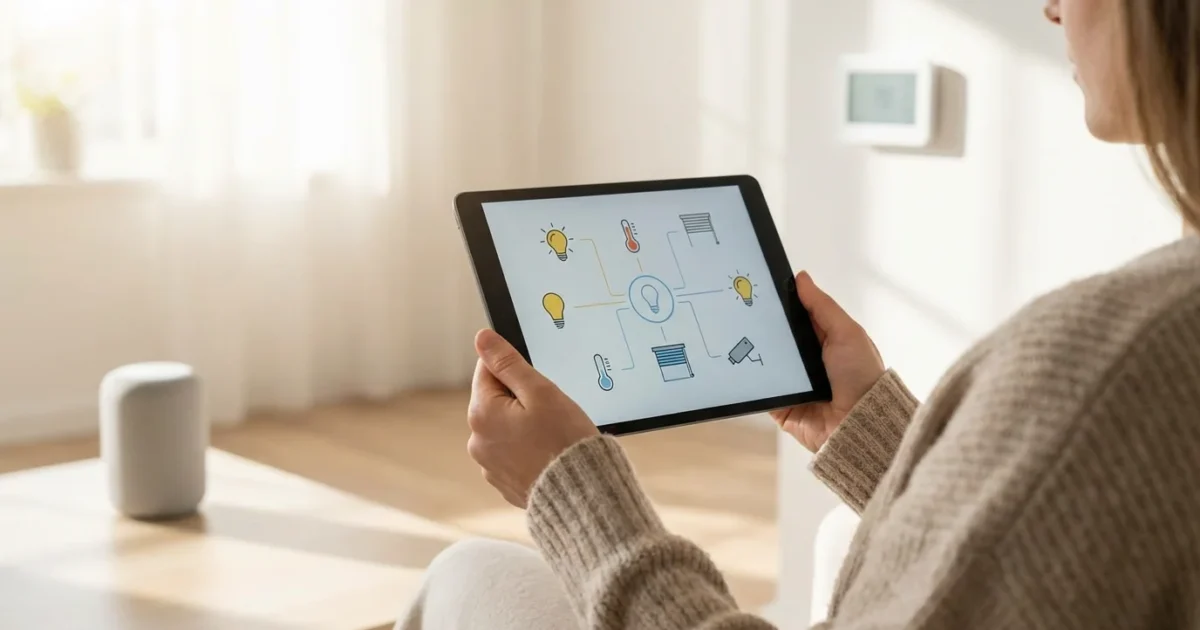
Your smart home experience truly transforms when you consolidate control. Imagine managing your lights, thermostat, security cameras, and door locks all from one intuitive interface on your phone. A powerful smart home app provides this central control, simplifying your daily interactions and unlocking advanced automation possibilities. This guide walks you through selecting and setting up a unified app, ensuring your connected devices work together seamlessly.
If you are new to the world of connected technology, reviewing a guide on smart home for beginners can help you build a solid foundation before you dive into app configuration.

The Need for a Unified App
Many homeowners start their smart home journey by purchasing individual devices, perhaps a smart light bulb here, a video doorbell there. Soon, your phone screen fills with a dozen different apps, each controlling a single device or brand. This fragmented experience defeats the purpose of a “smart” home. You want simplicity, not complexity.
A unified smart home app solves this problem by providing a central control point. This app allows you to manage all your connected devices, regardless of brand, from a single interface. It streamlines daily use and enables powerful automations that leverage multiple devices working in concert. For example, your smart home app can detect when you arrive home, then trigger your lights to turn on and your thermostat to adjust, all automatically.
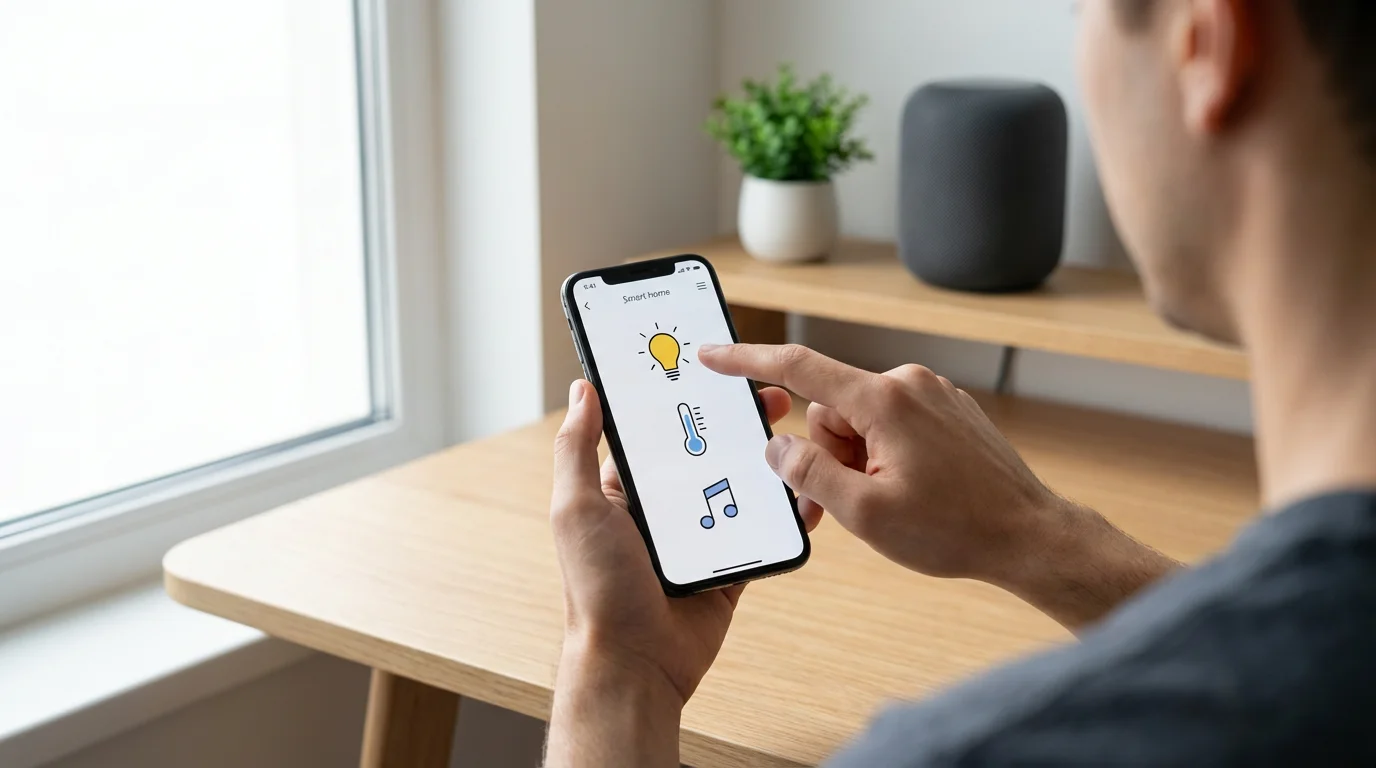
Understanding Smart Home Ecosystems
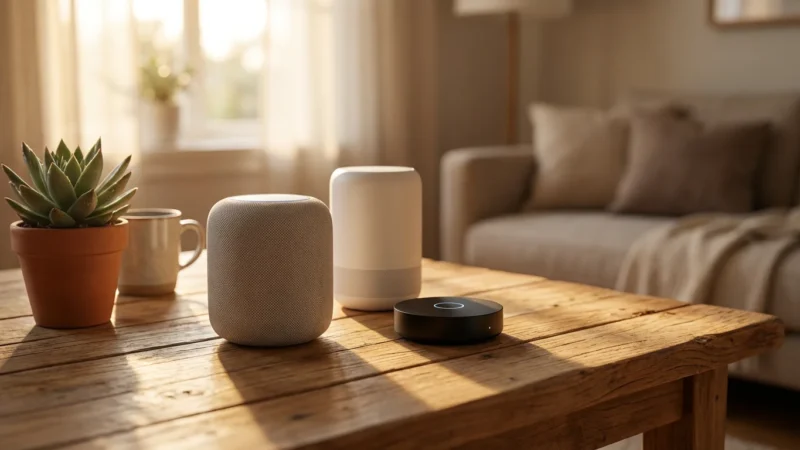
Before you select your primary smart home app, understand the major ecosystems that drive device compatibility. These platforms dictate which devices communicate well with each other and what features you can access. Three dominant ecosystems exist: Amazon Alexa, Google Home, and Apple HomeKit. Each offers a unique user experience and device compatibility landscape.
Amazon Alexa:
Alexa boasts widespread device support and a large community. Many manufacturers design their devices to be “Works with Alexa,” ensuring broad integration. You control devices through the Alexa app or via voice commands to Echo speakers. This system excels in device choice and accessibility.
- Pros: Extensive device compatibility, strong voice control, broad feature set.
- Cons: Can feel less integrated than HomeKit for Apple users, privacy concerns for some.
Google Home:
Google Home integrates deeply with other Google services, including Google Assistant and Android devices. Its app provides a clean interface for managing devices and routines. Google’s strength lies in its AI capabilities and seamless integration with your digital life. You use the Google Home app or Google Nest speakers for control.
- Pros: Excellent voice control, strong integration with Google services, intuitive app.
- Cons: Device compatibility, while growing, may not match Alexa’s breadth.
Apple HomeKit:
Apple HomeKit prioritizes security, privacy, and seamless integration within the Apple ecosystem. Devices must meet strict Apple standards to gain HomeKit certification. You control these devices through the Home app on your iPhone, iPad, Mac, or Apple Watch, or with Siri voice commands. A HomePod or Apple TV acts as a home hub for remote access and advanced automations.
- Pros: High security and privacy standards, tight integration with Apple devices, reliable performance.
- Cons: More limited device selection, typically higher device cost.
Your choice of ecosystem often depends on the devices you already own or your preferred voice assistant. Many devices support multiple ecosystems, offering flexibility. However, committing to one primary system generally provides the most cohesive experience.
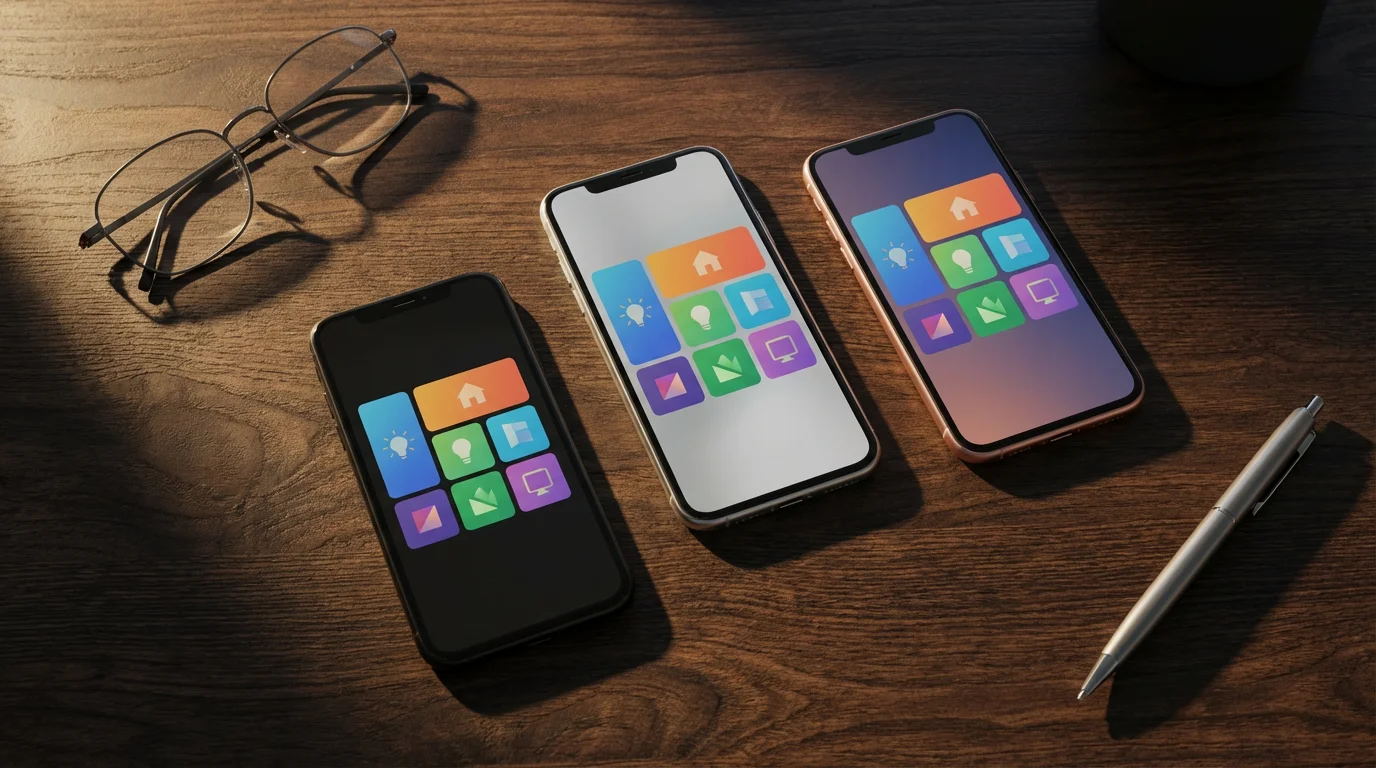
Choosing Your Central Smart Home App
Selecting the right smart home app for central control involves evaluating your existing devices, your preferred ecosystem, and your desired level of control. Your primary options fall into two categories: platform-specific apps and third-party aggregators.
Platform-Specific Apps:
These are the official apps for the major ecosystems. They typically offer the most robust and integrated experience within their respective environments.
- Amazon Alexa App: A comprehensive `smart home app` for managing Alexa-compatible devices, creating routines, and interacting with the voice assistant. It supports a vast range of products.
- Google Home App: Designed for devices compatible with Google Assistant. It provides a clean interface for organizing your home, setting up routines, and managing your Nest products.
- Apple Home App: The core of the HomeKit ecosystem, offering secure and private control over HomeKit-certified devices. It excels in intuitive automation creation and privacy.
For most users, especially beginners, selecting one of these as your `unified app` delivers the most straightforward experience. They act as your `central control` point effectively.
Third-Party Aggregator Apps:
These apps attempt to bridge different ecosystems and device types, offering a truly universal control point. Some require a dedicated hub, while others are software-based. Examples include SmartThings, Hubitat, and Home Assistant. These are often for more advanced users. They provide the ultimate `best app to control all smart home devices` flexibility, but often involve a steeper learning curve.
- SmartThings: Requires a SmartThings Hub but offers extensive compatibility with Zigbee, Z-Wave, and some Wi-Fi devices. Its app is powerful for creating complex automations.
- Hubitat Elevation: Similar to SmartThings, this hub-based system prioritizes local control, meaning automations run even if your internet is down. It offers deep customization.
- Home Assistant: An open-source platform for tech-savvy users. It integrates with almost any smart device and offers unparalleled customization, requiring more technical expertise for setup.
Consider your comfort level with technology. If you prioritize simplicity and already use a voice assistant, stick with its native app. If you have many devices from different ecosystems and enjoy tinkering, a third-party aggregator might be your `unified app` solution.
“The most effective smart home experience comes from a single, cohesive control point. Fragmented control leads to frustration, not convenience.”
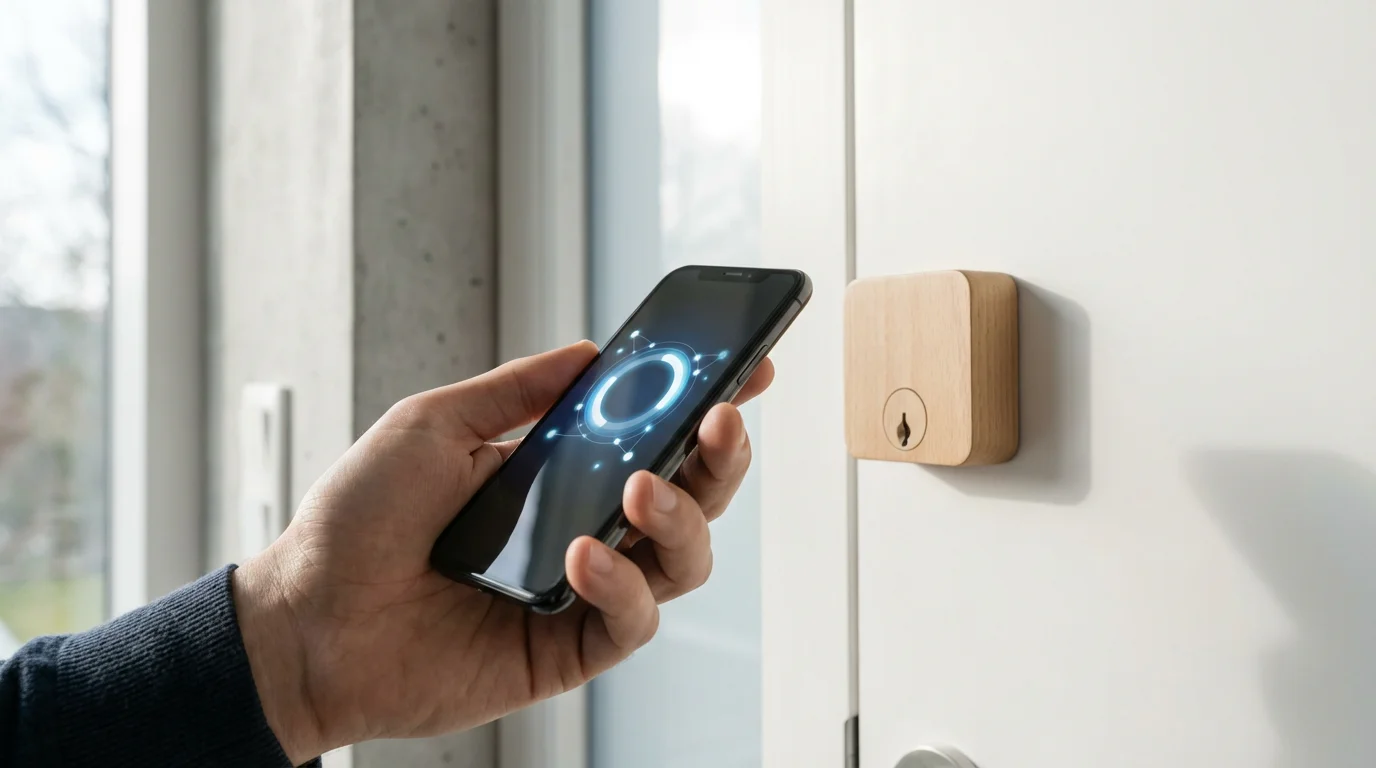
Step-by-Step: Setting Up Your Unified App
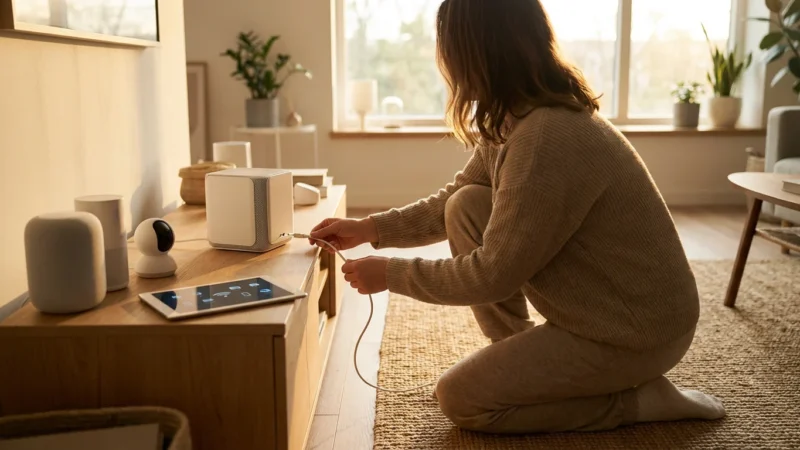
Once you have chosen your primary `smart home app`, the setup process involves a series of logical steps to integrate your devices and establish your `central control`. This section guides you on `how to set up smart home control app` effectively.
As you begin your configuration, keep in mind these common smart home mistakes to ensure a smooth and frustration-free experience.
- Install Your Chosen Smart Home App:
- Download the Amazon Alexa, Google Home, or Apple Home app from your device’s app store (App Store for iOS, Google Play Store for Android).
- For third-party aggregators like SmartThings, ensure you also have the necessary hub physically installed and connected to your network.
- Create an Account and Log In:
- Follow the on-screen prompts to create a new account or log in with your existing credentials. This often involves connecting to your Amazon, Google, or Apple ID.
- Ensure you use strong, unique passwords for security.
- Add Your First Devices:
- Begin adding your smart home devices one by one. The process typically involves selecting an “Add Device” or “+” icon within the app.
- The app will then guide you through specific steps for each device. This often means putting the device into pairing mode, connecting it to your Wi-Fi network, or scanning a QR code.
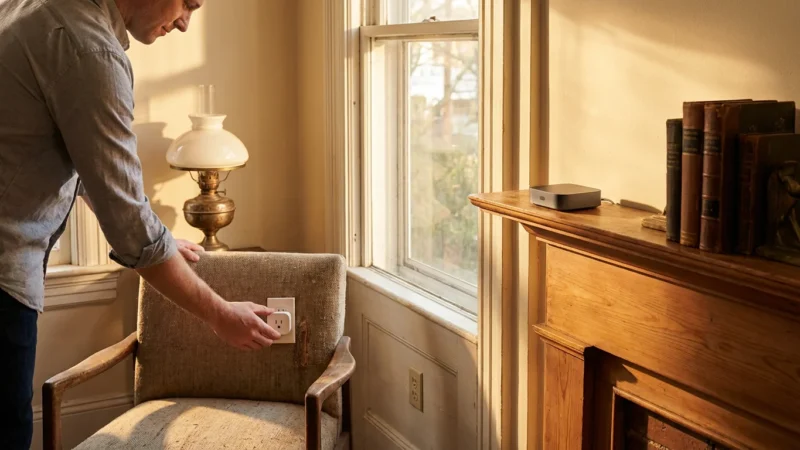
- Start with a few simple devices, such as smart lights or a smart plug, to familiarize yourself with the process.
- Organize Your Home with Rooms and Groups:
- Most `smart home app` solutions allow you to categorize devices into rooms (e.g., “Living Room,” “Kitchen,” “Bedroom”). This organization simplifies control; you can say “Turn on Living Room lights” instead of individual device names.
- Create groups for devices that often work together, even if they are in the same room. For example, group “Ceiling Light” and “Floor Lamp” into a “Living Room Lights” group.
- Configure Device Settings and Preferences:
- Dive into each device’s settings within the app. Here, you can customize names, adjust brightness ranges for lights, set temperature schedules for thermostats, or configure motion detection zones for cameras.
- Personalizing these settings improves the usability and effectiveness of your smart home.
- Set Up Your First Routines or Automations:
- This is where the power of a `unified app` truly shines. Create simple routines like “Good Morning” that turn on lights and start the coffee maker.
- Explore more advanced automations, such as dimming lights when you start a movie or turning off everything when you leave.
- We will explore automations in more detail in a later section.
This step-by-step approach ensures you build a well-organized and functional smart home system using your chosen `smart home app`.
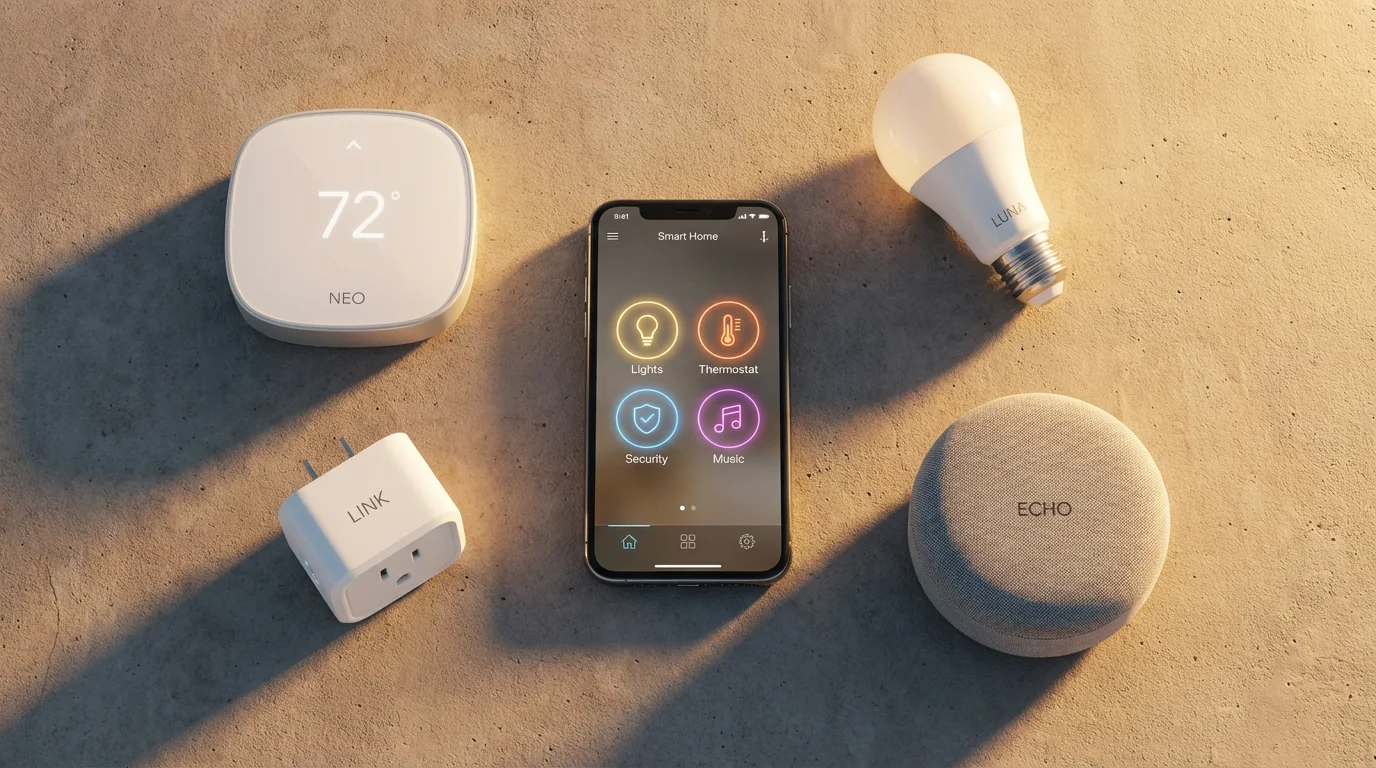
Integrating Diverse Devices and Brands
A common challenge in smart home setup is integrating devices from different manufacturers or even different ecosystems. Achieving `central control` over everything sometimes requires a bit more effort.
To better understand the technology behind these connections, you can read more about smart home protocols like Zigbee and Matter.
Bridging Ecosystems with Matter:
Matter is a new, open-source connectivity standard designed to solve interoperability issues. It allows Matter-certified devices to communicate locally and seamlessly with any Matter-compatible `smart home app`, regardless of brand or ecosystem. This means a single Matter-enabled device could work with Apple HomeKit, Google Home, and Amazon Alexa simultaneously. Matter simplifies the search for the `best app to control all smart home devices` by making devices universally compatible.
Many new devices now feature Matter support, and existing devices may receive software updates. When purchasing new devices, look for the Matter logo to ensure future-proof compatibility. You can learn more about this standard from the Connectivity Standards Alliance.
For additional details on how Matter works and its benefits, consider visiting the official Matter website at csa-iot.org/all-solutions/matter/. This resource offers comprehensive information on the standard.
Using IFTTT (If This Then That):
IFTTT is a web-based service that connects different apps and devices through simple conditional statements called “Applets.” For example, you can create an Applet that says, “If my Ring doorbell detects motion, then flash my Philips Hue lights.” IFTTT acts as a bridge, allowing devices that don’t directly integrate into your chosen `unified app` to still participate in automations.
- Pros: Connects disparate services, wide range of integrations.
- Cons: Cloud-dependent, potential for slight delays, some features require a paid subscription.
Dedicated Hubs (Zigbee/Z-Wave):
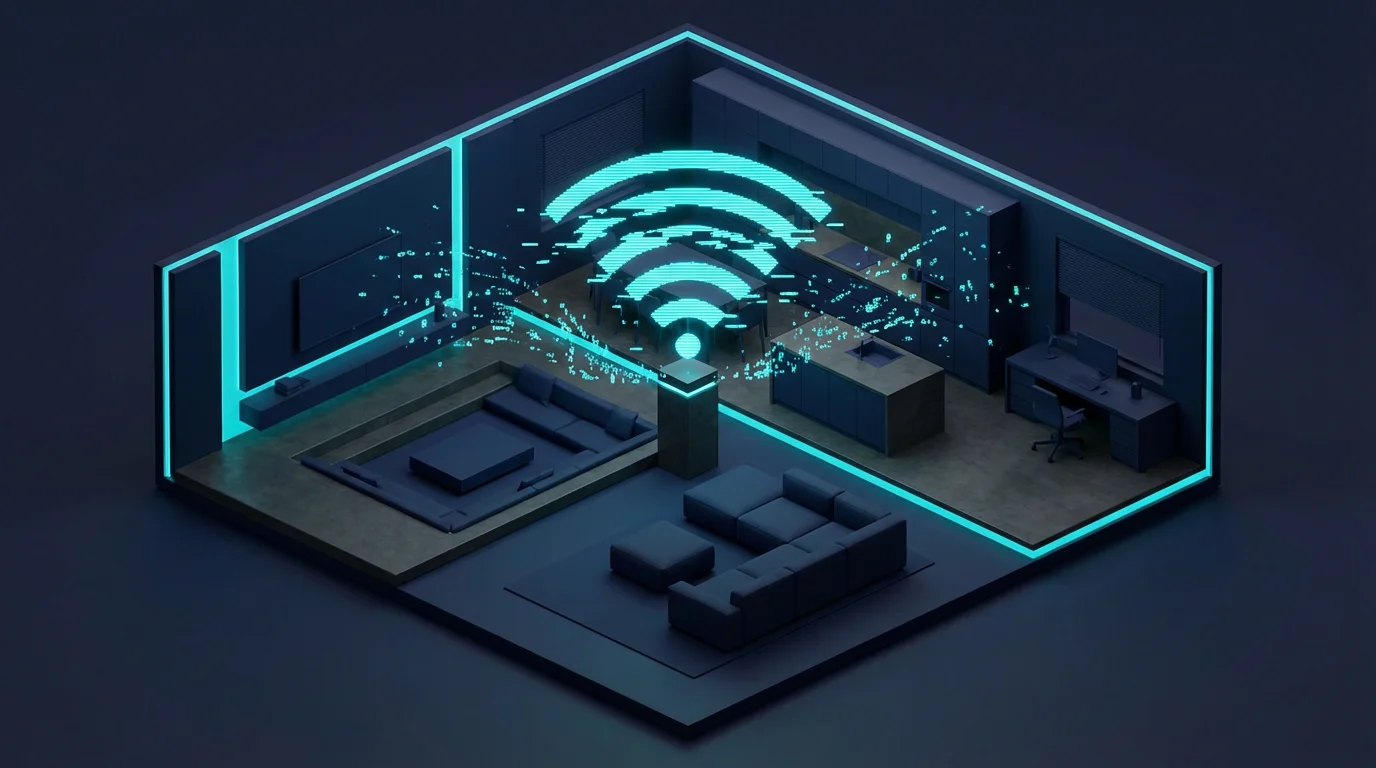
Some devices use different wireless protocols like Zigbee or Z-Wave, which require a dedicated hub. Examples include SmartThings Hub, Hubitat, or many alarm system hubs. These hubs translate the device’s unique language into something your Wi-Fi network and `smart home app` can understand. If you have several Zigbee or Z-Wave devices, investing in a compatible hub becomes essential for `central control`.
- Benefits of Hubs:
- Increased reliability through local control.
- Extended range for Zigbee and Z-Wave networks.
- Broader device compatibility beyond Wi-Fi.
Effectively integrating diverse devices allows you to truly centralize your smart home control, regardless of their original brand or protocol.

Unlocking Automation and Routines
The true power of a `smart home app` extends beyond simple on/off control. Automations and routines transform your home into a truly intelligent space that responds to your lifestyle. These features allow you to create sequences of actions triggered by specific conditions or voice commands.
Defining Automations and Routines:
An automation (often called a routine or scene) is a set of actions that your smart devices perform automatically when a predefined trigger occurs. Common triggers include:
- Time-based: Lights turn on at sunset, thermostat adjusts at 7 AM.
- Location-based (Geofencing): Lights turn off when you leave home, garage door opens when you arrive.
- Sensor-based: Motion sensor detects movement, turning on a light. Door sensor detects opening, sounding an alert.
- Device status: Smart lock unlocks, triggering hallway lights. Smart plug activates, turning on a fan.
- Voice commands: “Good Morning” routine, “Movie Night” scene.
Practical Automation Examples:
Your `unified app` makes these complex interactions simple to set up.
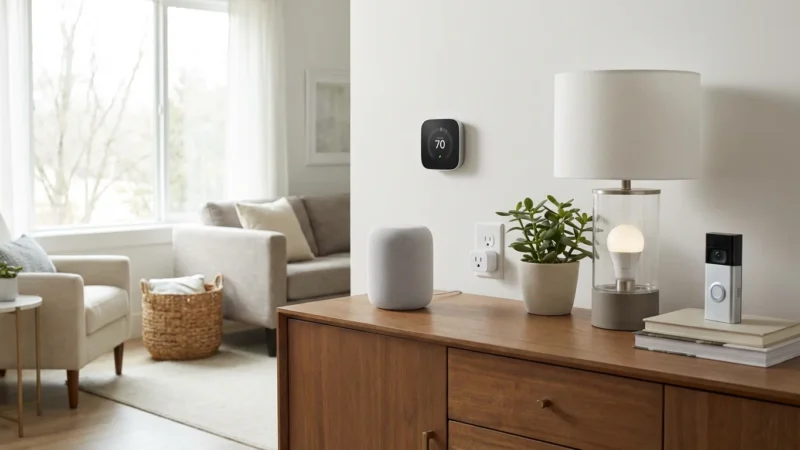
- Morning Routine: At 7:00 AM, your smart thermostat raises the temperature to 70 degrees, your bedroom lights slowly brighten, and your smart speaker plays the news.
- Welcome Home: When your phone enters a geofence around your house, your `smart home app` automatically unlocks the front door, turns on entry lights, and adjusts the living room temperature.
- Security Away: When you activate “Away” mode, all lights turn off, doors lock, security cameras activate, and a “lighting presence” routine simulates occupancy by turning lights on and off periodically.
- Movie Night: Saying “Alexa, Movie Night” dims the living room lights to 20%, closes smart blinds, and turns on your entertainment system.
Tips for Creating Effective Automations:
- Start Simple: Begin with one or two straightforward routines to get comfortable.
- Identify Pain Points: What daily tasks do you wish were easier? Focus automations on those.
- Test Thoroughly: Always test new routines to ensure they function as expected.
- Consider Edge Cases: What happens if someone else arrives home first? Build in exceptions if necessary.
By leveraging automations, your `smart home app` moves beyond remote control, actively managing your environment for greater convenience, security, and energy efficiency.

Troubleshooting Common App Issues
Even with the `best app to control all smart home devices`, you might encounter occasional issues. Most problems stem from connectivity or device pairing. Knowing how to diagnose and fix them helps maintain your `central control`.
Often, app connectivity issues are related to your network setup, so ensure you have properly optimized your home WiFi for connected devices.
Device Not Responding:
This is a frequent issue. Your `smart home app` shows a device as “offline” or “unresponsive.”
- Check Power: Ensure the device has power and is plugged in correctly.
- Restart Device: Power cycle the smart device itself (unplug and replug it).
- Check Wi-Fi: Verify your home Wi-Fi network is active and stable. Restart your router and modem.
- Proximity: Ensure the device is within range of your Wi-Fi router or smart home hub.
- App Restart: Close and reopen your `unified app`. Sometimes the app itself needs a refresh.
Pairing Problems:
You cannot add a new device to your `smart home app`.
- Compatibility: Confirm the device is compatible with your chosen ecosystem (Alexa, Google Home, HomeKit) and `smart home app`.
- Network Band: Many smart devices only support 2.4 GHz Wi-Fi. Ensure your phone is connected to the 2.4 GHz band during setup, or temporarily disable the 5 GHz band on your router if necessary.
- Reset Device: Perform a factory reset on the smart device. Consult its manual for specific instructions. This clears any previous pairing data.
- Router Settings: Check your router for MAC filtering or security settings that might block new devices. Temporarily disable these if you suspect an issue.
Slow Response Times:
Commands from your `smart home app` take a long time to execute.
- Internet Speed: A slow or unstable internet connection can affect cloud-dependent devices. Test your internet speed.
- Wi-Fi Congestion: Too many devices on your Wi-Fi network can cause slowdowns. Consider a mesh Wi-Fi system for larger homes.
- Device Firmware: Ensure both your `smart home app` and your smart devices have the latest firmware updates. Updates often include performance improvements.
- Hub Performance: If using a dedicated hub, check its status. Restarting the hub can often resolve performance issues.
Addressing these common problems systematically allows you to maintain a reliable and responsive smart home experience.
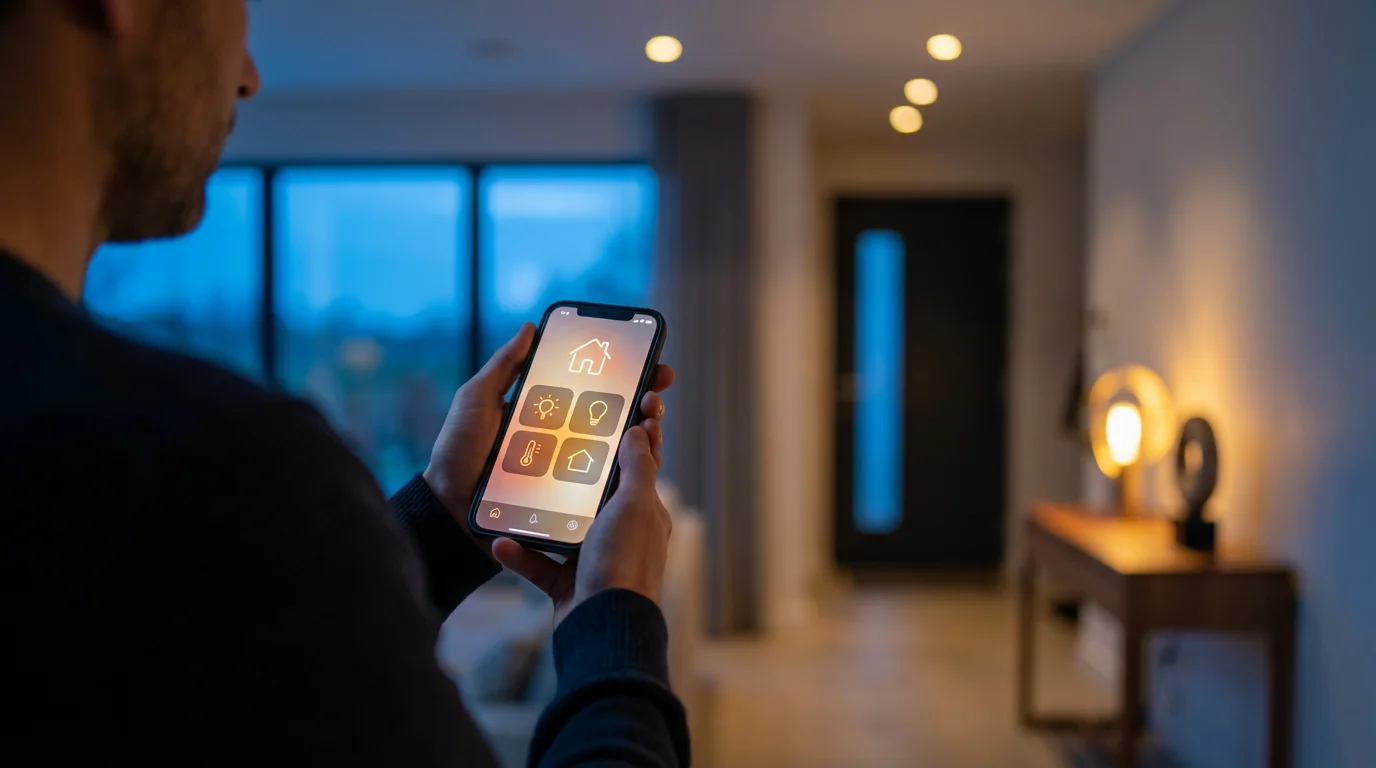
The Future of Smart Home Control
The landscape of smart home technology constantly evolves, promising even more seamless and intuitive `central control`. We see trends towards greater interoperability, enhanced AI, and local processing.
The Rise of Matter:
As discussed, Matter stands as a pivotal development. Its broad adoption ensures that more devices will “just work” with your chosen `smart home app`, simplifying the integration process immensely. This reduces the need for complex workarounds and strengthens the concept of a truly `unified app` for all devices. Expect to see Matter becoming a standard feature across most new smart home products.
Enhanced AI and Contextual Awareness:
Future `smart home app` platforms will leverage artificial intelligence to understand your habits and preferences with greater accuracy. Your home will anticipate your needs, adjusting lighting, temperature, and even music based on context like the time of day, weather, and who is home. Imagine your home automatically knowing to dim the lights gently when it senses you are winding down for bed, without a specific command.
Greater Local Processing:
A move towards more local processing for automations means your smart home remains functional even without an internet connection. This improves reliability, speed, and potentially privacy. Hubs like Hubitat already emphasize this, and future devices and `smart home app` ecosystems may increasingly adopt this model. This reduces reliance on cloud services and minimizes latency for time-critical automations.
Voice and Gesture Control Advancements:
While voice control is common, expect more natural language processing and multimodal interfaces. You might combine voice commands with gestures or subtle movements to control devices. Your `central control` will become less about tapping an app and more about natural interaction with your environment.
These advancements promise a future where your `smart home app` becomes an invisible, intelligent assistant, managing your home effortlessly in the background. Staying informed about these trends helps you make smart purchasing decisions and adapt your home for the future.
Frequently Asked Questions
Can one app truly control all smart home devices?
Achieving truly `central control` over every single smart device with just one app can be challenging due to varying brand compatibilities and communication protocols. However, major ecosystem apps like Amazon Alexa, Google Home, and Apple HomeKit, especially with the adoption of Matter, offer extensive control over a wide range of devices. Third-party aggregators and hubs also provide comprehensive solutions for a `unified app` experience.
Do I need a smart home hub if I use a `smart home app`?
Not always. Many Wi-Fi-enabled smart devices connect directly to your home network and are managed by their respective `smart home app` or a compatible ecosystem app without a separate hub. However, if you use devices that communicate via Zigbee or Z-Wave, or if you want local processing for increased reliability, a dedicated hub becomes essential. Matter’s rise also means some devices might act as “border routers,” reducing the need for traditional hubs.
What is the `best app to control all smart home devices` for beginners?
For beginners, the `best app to control all smart home devices` is usually the one associated with the voice assistant ecosystem you already use or prefer. This typically means the Amazon Alexa app, Google Home app, or Apple Home app. These apps offer user-friendly interfaces, broad device support within their ecosystems, and straightforward setup processes, providing effective `central control` for most common devices.
How do I improve my smart home app’s security?
Improve your `smart home app` security by enabling two-factor authentication (2FA) wherever available. Use strong, unique passwords for your smart home accounts and your Wi-Fi network. Keep your app and device firmware updated to receive the latest security patches. Review your device permissions regularly and be cautious about sharing access to your smart home with others. This protects your `central control` from unauthorized access.
What is Matter and how does it affect my smart home app setup?
Matter is a new, open-source smart home connectivity standard designed to enable devices from different brands to communicate seamlessly with each other and with any Matter-compatible `smart home app`. It simplifies setup and improves interoperability, meaning a Matter-certified device can work across multiple ecosystems (Alexa, Google Home, Apple HomeKit) without requiring separate apps or complex bridges. This significantly streamlines `how to set up smart home control app` for future devices.
Disclaimer: This article is for informational purposes only. Smart home devices involve electrical connections and data privacy. Always follow manufacturer instructions for installation. For complex wiring or HVAC work, consult a licensed professional.


Leave a Reply