
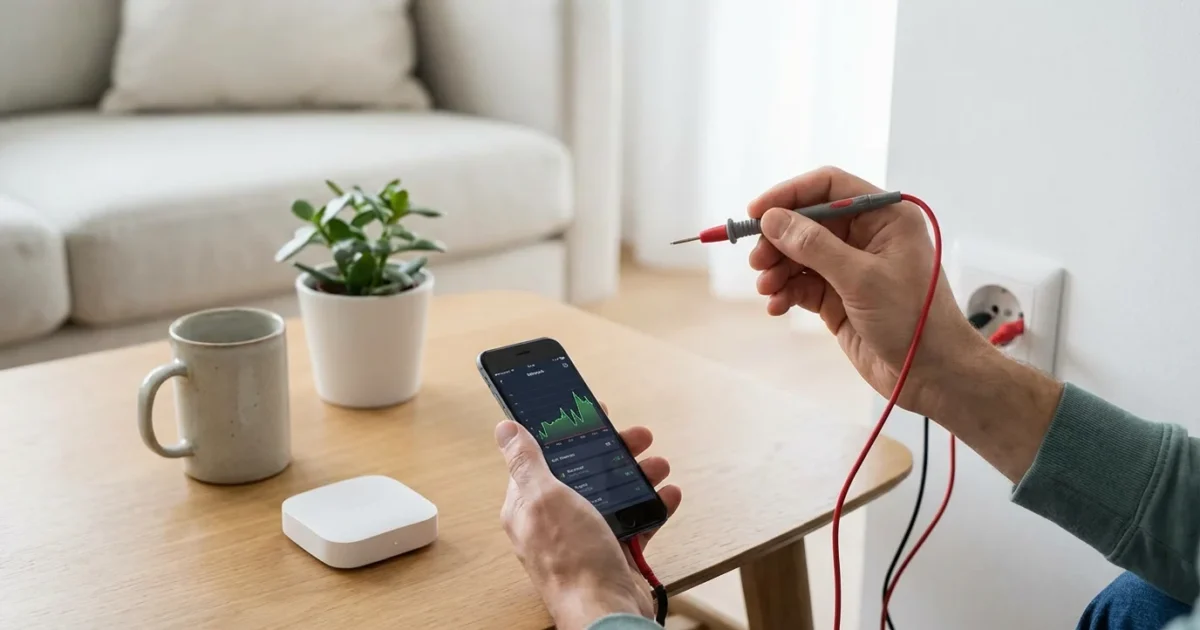
Modernizing your home with smart devices offers unparalleled convenience, enhanced security, and significant energy savings. You can automate daily routines, monitor your property remotely, and create a living space that truly adapts to your needs. However, before you invest in smart bulbs, thermostats, or security cameras, it is crucial to assess your home’s readiness. A proper **compatibility check** ensures your new devices integrate seamlessly, saving you time and frustration later. This comprehensive guide helps you evaluate your home’s **infrastructure** and connectivity, preparing you for a successful smart home transformation. We will explore key areas to examine, providing a practical **smart home compatibility checklist** to guide your journey.
Understanding Your Smart Home Goals
Before diving into technical specifications, define what you want your smart home to accomplish. Your specific objectives heavily influence the types of devices you choose and the infrastructure demands on your home. Do you prioritize security, energy efficiency, convenience, or a combination of these? Understanding your primary motivation sets a clear path for your smart home setup.
Prioritizing Your Smart Home Needs
If you are feeling overwhelmed by the possibilities, our guide on where to start with a smart home can help simplify the process.
Consider these common motivations for smart home adoption:
- Enhanced Security: You want smart locks, video doorbells, and security cameras to monitor your property. This requires robust Wi-Fi, reliable power sources, and good camera placement.
- Energy Efficiency: You aim to reduce utility bills with smart thermostats, smart lighting, and energy monitoring plugs. You need compatible HVAC systems and appropriate light fixtures. For instance, an Energy Star certified smart thermostat can cut heating and cooling costs by 8 percent annually, according to Energy Star data. Energy Star provides more details on smart thermostat benefits.
- Ultimate Convenience: You desire automated lighting, voice control, and seamless routines. This involves widespread Wi-Fi coverage and careful consideration of device interoperability. Imagine your lights turning on and your coffee maker starting as your alarm rings each morning.
- Accessibility: You need devices that assist with daily tasks, such as voice-controlled blinds or automated door openers. Focus on reliable connectivity and user-friendly interfaces.
Clearly defining your goals streamlines your purchasing decisions and helps you perform a more targeted **home readiness** assessment. It guides you toward the devices and systems that genuinely enhance your living experience.
Assessing Your Wi-Fi Network for Smart Devices
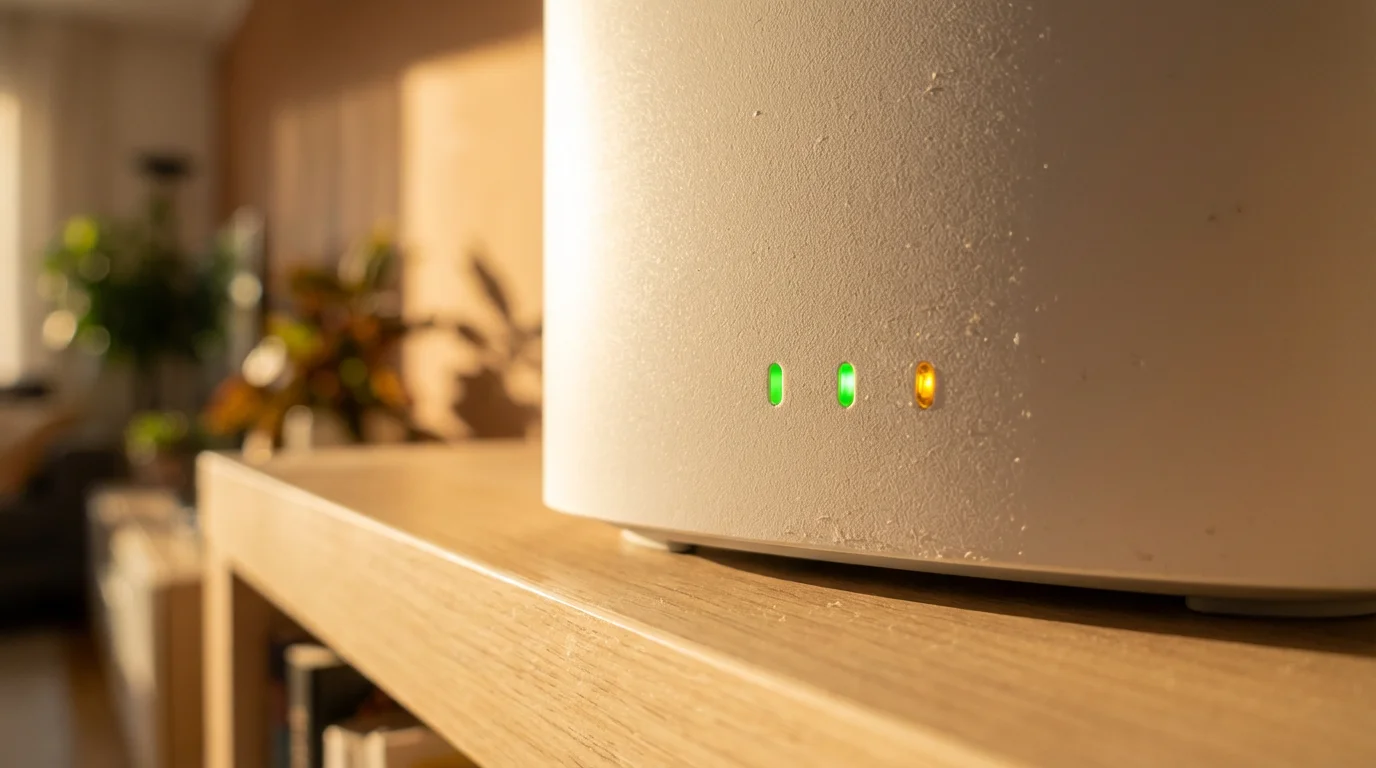
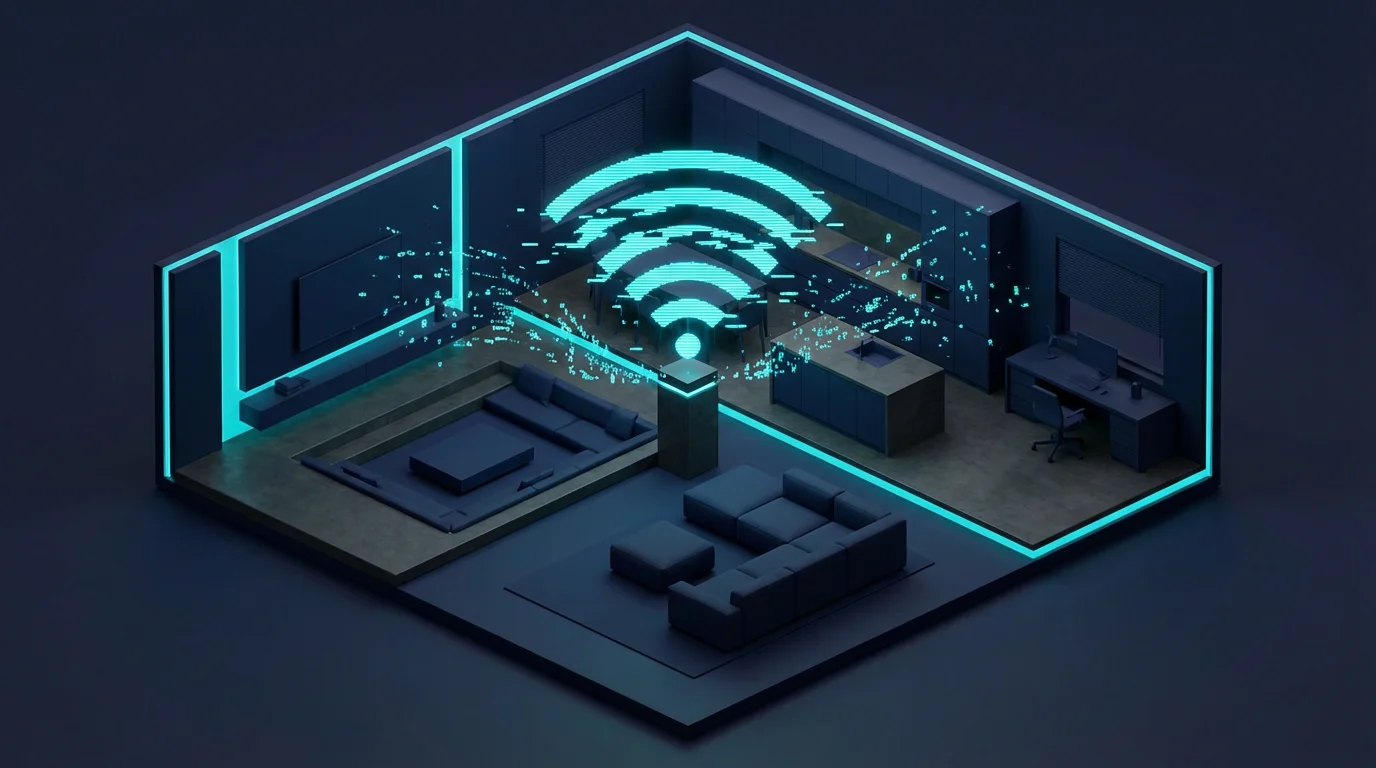
Your Wi-Fi network serves as the central nervous system for most smart devices. A strong, stable Wi-Fi signal across your entire home is paramount for reliable smart home operation. Many common issues, such as unresponsive devices or dropped connections, stem directly from an inadequate Wi-Fi setup. This is a critical step in your **compatibility check**.
Evaluating Your Router and Coverage
Start by assessing your current Wi-Fi router. An older router may struggle to handle the increased traffic from multiple smart devices, which can number in the dozens for a fully connected home. Modern routers support newer Wi-Fi standards (like Wi-Fi 6 or 6E) and offer better performance.
- Check Router Age and Specifications: If your router is more than three to five years old, consider upgrading it. Look for dual-band or tri-band capabilities for better device management.
- Test Wi-Fi Signal Strength: Use a Wi-Fi analyzer app on your smartphone or simply observe the signal bars in various rooms. Pay close attention to areas where you plan to install smart devices like outdoor cameras or smart garage door openers.
- Identify Dead Zones: These are areas with little to no Wi-Fi signal. Smart devices in these zones will consistently struggle or fail to connect.
Improving Your Wi-Fi Infrastructure
If your network shows weaknesses, several solutions can bolster your **infrastructure**:
- Upgrade Your Router: A new, powerful router can significantly improve coverage and capacity.
- Consider a Mesh Wi-Fi System: For larger homes or those with many dead zones, a mesh system replaces your single router with multiple interconnected nodes. These nodes work together to create a unified, strong Wi-Fi signal throughout your entire property.
- Utilize Wi-Fi Extenders or Powerline Adapters: These can bridge smaller gaps in coverage. However, mesh systems generally offer a more seamless experience.
- Optimize Router Placement: Place your router in a central location, away from obstructions like thick walls or large appliances that can interfere with the signal.
A robust Wi-Fi network ensures your smart devices remain connected and responsive, delivering the convenience you expect.
Evaluating Your Home’s Electrical Infrastructure
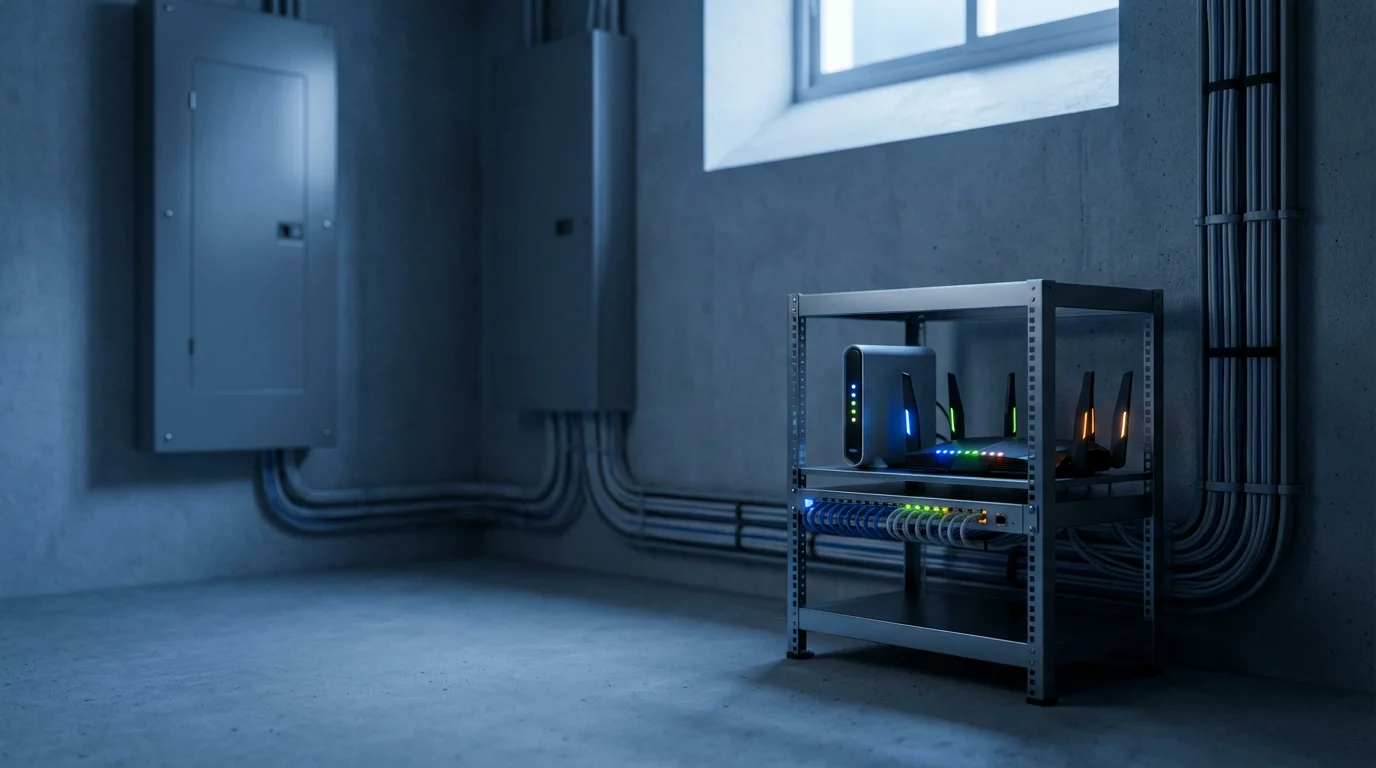
Smart devices require power, and your home’s electrical system plays a vital role in their functionality. Neglecting this aspect can lead to compatibility issues, safety concerns, and unreliable performance. This section helps you understand your home’s electrical **infrastructure** readiness.
Outlet Availability and Type
Many smart devices plug directly into standard outlets, but some require specific types or simply more outlets than you currently have.
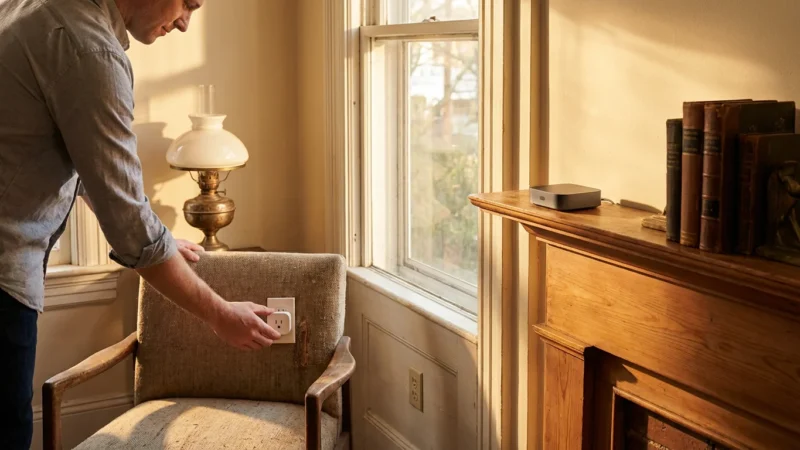
- Standard Outlets: Do you have enough available outlets where you plan to place smart lamps, hubs, or charging stations? Consider surge protectors and power strips for areas with many devices.
- Grounded Outlets: Modern smart devices are designed with safety in mind and often require grounded (three-prong) outlets. Older homes might have two-prong outlets, which necessitate an adapter or, ideally, an electrical upgrade.
- GFCI Outlets: For bathrooms, kitchens, and outdoor spaces, ensure you have Ground Fault Circuit Interrupter (GFCI) outlets. These are essential for safety with any electrical device in moisture-prone areas.
Lighting and Smart Switches
If you plan for smart lighting, assess your current light fixtures and wiring.
- Bulb Compatibility: Most smart bulbs fit standard E26 sockets. However, check if your fixtures use GU10, candelabra, or other specialty bulbs. Not all smart bulb brands offer every base type.
- Smart Switch Wiring: Installing smart light switches often requires a neutral wire in the electrical box. Many older homes lack neutral wires, making installation more complex or requiring specific smart switches designed for no-neutral setups. Always confirm this before purchasing.
HVAC System Compatibility for Smart Thermostats
Smart thermostats offer significant energy savings but require compatibility with your existing Heating, Ventilation, and Air Conditioning (HVAC) system.
- C-Wire Requirement: Most smart thermostats need a common wire (C-wire) to provide continuous power. Without it, the thermostat may rely on battery power or “power stealing” which can lead to intermittent issues. Check your thermostat wiring for a C-wire. If missing, an HVAC professional can often install one or advise on compatible no-C-wire thermostats.
- System Type: Ensure your smart thermostat supports your specific HVAC setup, whether it is conventional, heat pump, or multi-stage.
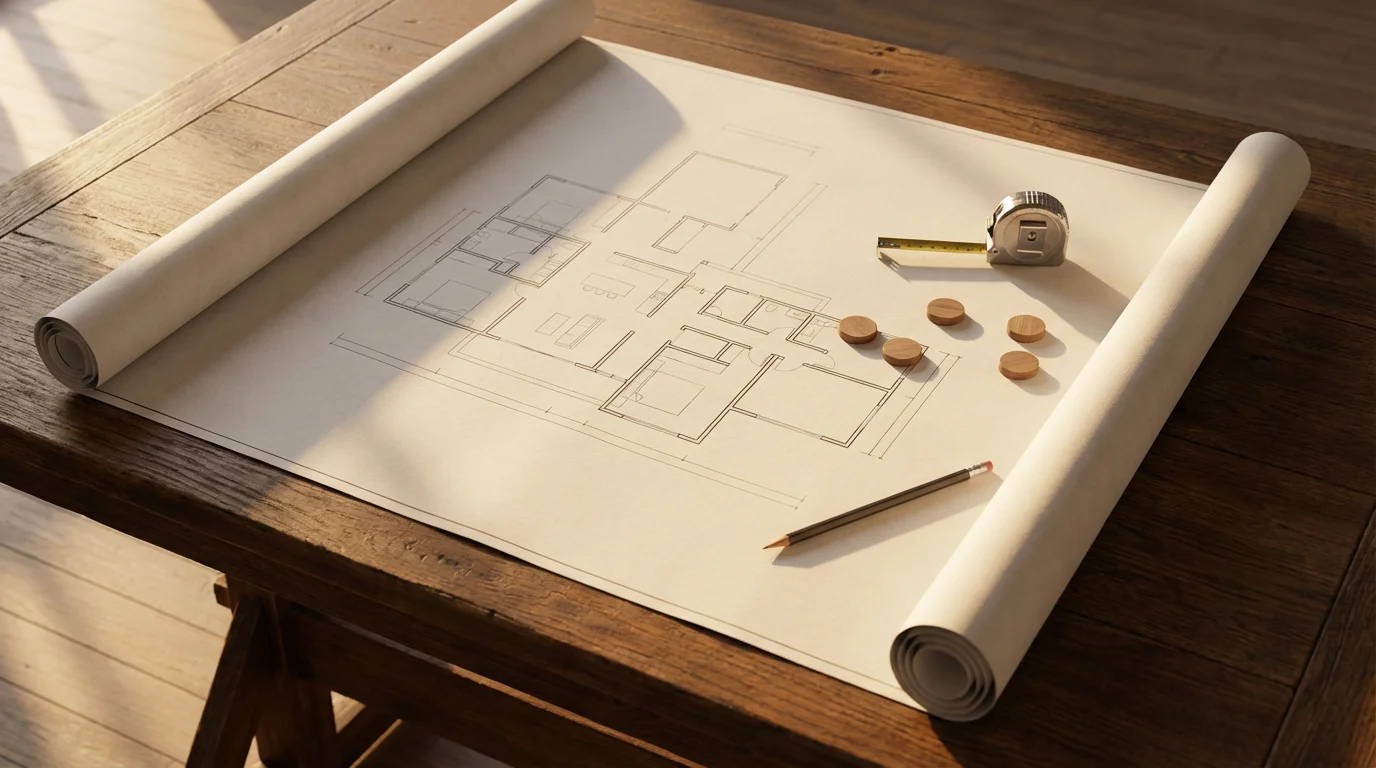
Checking Physical Space and Device Placement Needs
The physical layout of your home significantly impacts the functionality and aesthetics of your smart devices. Thinking about placement early helps avoid awkward installations or blocked sensors. This forms a crucial part of your **home readiness** assessment.
Door and Window Considerations
Smart locks, contact sensors, and window coverings all interact directly with your home’s physical openings.
- Smart Locks: Your existing deadbolt mechanism, door thickness, and bore hole size must be compatible with the smart lock you choose. Some locks require specific backset measurements.
- Contact Sensors: These tiny sensors detect when a door or window opens. Ensure flat surfaces are available on both the frame and the door/window for secure mounting. Irregular moldings might pose a challenge.
- Smart Blinds/Curtains: Measure your windows precisely. Consider power source options (battery, solar, or wired) and ensure clearance for the motor mechanisms.
Sensor and Camera Placement
For security and automation, strategic placement of motion sensors and cameras is key.
- Motion Sensors: Place these in high-traffic areas, ensuring they have an unobstructed line of sight. Avoid placing them near heat sources (like vents) that could trigger false alarms.
- Cameras: Consider the field of view, potential blind spots, and power access for both indoor and outdoor cameras. For outdoor cameras, think about weatherproofing and mounting stability.
- Smart Doorbells: Confirm you have existing doorbell wiring and sufficient space around your doorframe for the smart doorbell unit. Some models are larger than traditional doorbells.
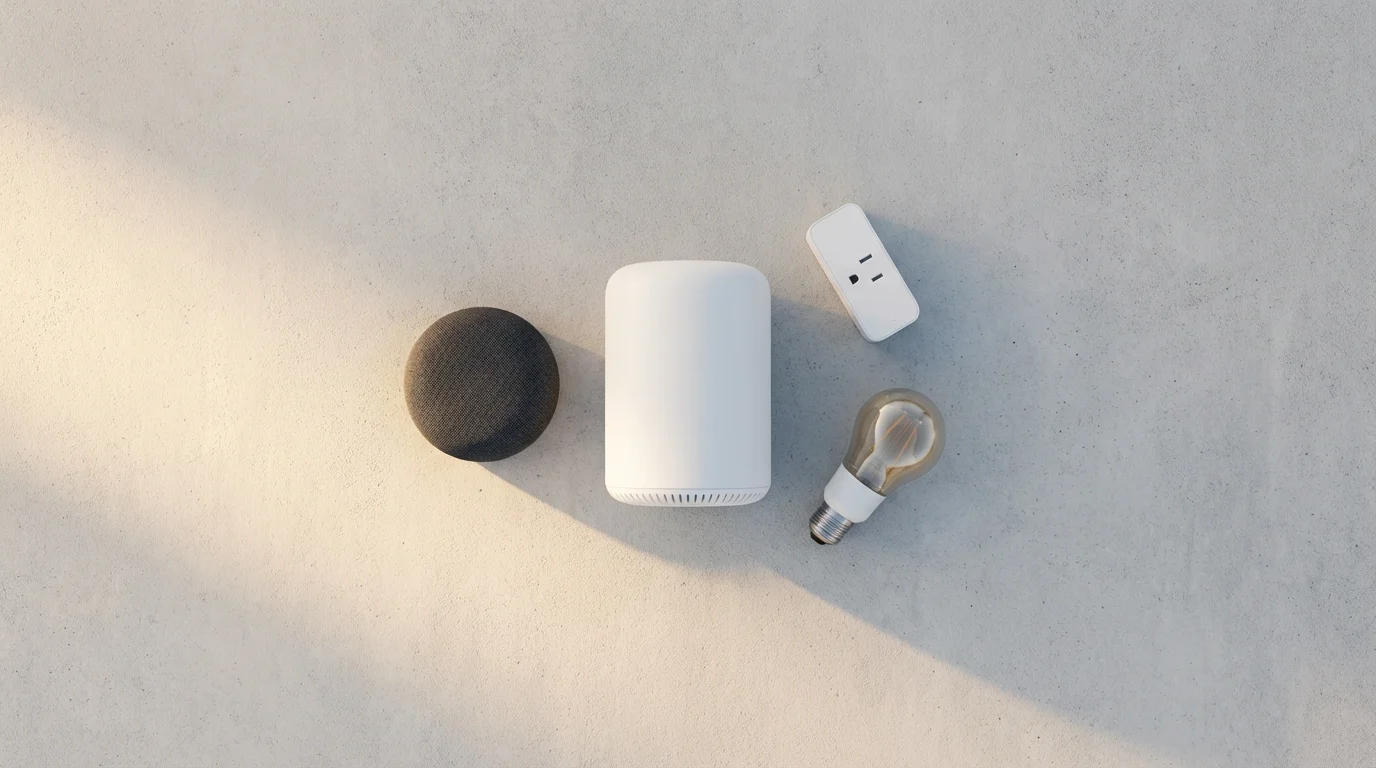
Considering Your Current Devices and Preferred Ecosystem
Many homeowners already possess a few smart devices or use a voice assistant. Leveraging these existing components forms a smart starting point for expanding your smart home. This step focuses on optimizing your **compatibility check** by aligning new purchases with your existing tech.
Identify Your Current Smart Home Footprint
Take stock of any smart devices you currently own. This might include:
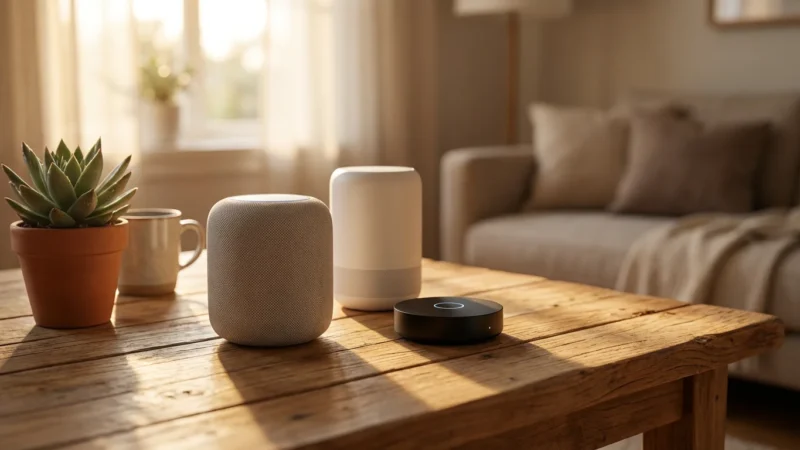
- Smart speakers (Amazon Echo, Google Nest Hub, Apple HomePod)
- Smart TVs
- Streaming devices (Roku, Apple TV, Chromecast)
- Smartphones and tablets
These devices often define your initial smart home ecosystem, whether it is Alexa, Google Home, or Apple HomeKit.
Choosing Your Ecosystem
Your chosen ecosystem dictates which devices will work together seamlessly. While many devices offer cross-platform compatibility, sticking primarily to one ecosystem often provides the smoothest experience.
- Alexa (Amazon): Known for broad device compatibility and voice control.
- Google Home/Assistant: Integrates well with Android devices and Google services.
- Apple HomeKit: Offers strong security and privacy, primarily for Apple users.
If you already use an Amazon Echo for music, you might prefer Alexa-compatible smart lights and plugs to leverage existing voice commands. This simplifies setup and daily management. Building a cohesive system from the outset prevents isolated smart devices that do not communicate with each other.

Deciphering Smart Home Communication Protocols
Smart devices communicate using various wireless protocols. Understanding these different languages is crucial for ensuring device interoperability and building a robust **infrastructure**. Many devices rely on Wi-Fi, but others use specialized protocols that offer specific advantages. Knowing these helps you make informed purchasing decisions for your **home readiness**.
Common Smart Home Protocols Explained
- Wi-Fi: The most common protocol. Devices connect directly to your router.
- Pros: Ubiquitous, no separate hub often needed.
- Cons: Can hog bandwidth, higher power consumption for battery devices, limited scalability with many devices.
- Bluetooth: Used for short-range, direct device-to-device communication.
- Pros: Low power, good for device pairing or nearby control.
- Cons: Very limited range, not ideal for whole-home automation.
- Zigbee: A low-power mesh network protocol, often used for sensors and lighting. Requires a compatible hub.
- Pros: Creates a mesh network (devices relay signals), low power consumption, scalable.
- Cons: Requires a hub, less common than Wi-Fi.
- Z-Wave: Another low-power mesh network protocol, similar to Zigbee but operates on a different radio frequency. Requires a compatible hub.
- Pros: Excellent range (operates on less congested frequency), strong security, mesh networking.
- Cons: Requires a hub, typically more expensive devices.
- Matter: A new industry standard designed to unify smart home devices across different ecosystems and protocols. It aims for seamless interoperability.
- Pros: Promises universal compatibility, local control, enhanced security.
- Cons: Still relatively new, requires Matter-compatible devices and controllers. Learn more about the Matter standard from the Connectivity Standards Alliance.
Choosing the Right Protocol Mix
You will likely use a mix of protocols. Wi-Fi devices are great for high-bandwidth needs like cameras. Zigbee or Z-Wave devices excel for low-power sensors and lights, extending your network reach through their mesh capabilities. Matter aims to simplify this complexity by allowing devices from different brands and protocols to work together through a single platform. Plan your device purchases by considering their communication methods and if you need a dedicated hub to support them.
Your Comprehensive Smart Home Compatibility Checklist
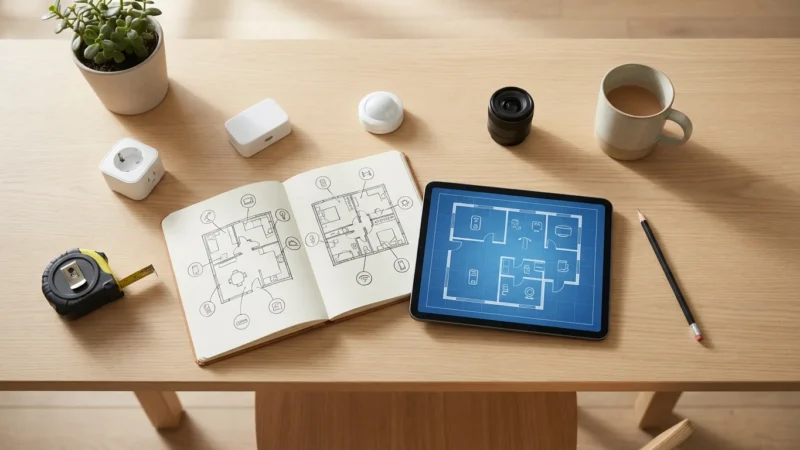
Use this **smart home compatibility checklist** to systematically evaluate your home’s readiness. Go room by room, or focus on specific areas where you plan to install smart devices first. This proactive approach helps you identify and address potential issues before you buy.
Connectivity and Network Checklist
Using a detailed list helps you avoid common smart home mistakes by identifying potential technical roadblocks before they become expensive problems.
- Is your Wi-Fi router less than five years old and capable of handling multiple devices?
- Does your Wi-Fi signal reach all areas where you plan to install smart devices?
- Have you identified and addressed any Wi-Fi dead zones with extenders or a mesh system?
- Do you know the Wi-Fi password for your 2.4 GHz network (many smart devices use this band)?
Electrical System Checklist
- Are there enough available outlets in key areas for smart plugs, hubs, and charging devices?
- Do your outlets have three prongs (grounded)? If not, are you prepared to use adapters or upgrade?
- For smart switches, have you confirmed the presence of a neutral wire in your switch boxes?
- For smart thermostats, have you checked for a C-wire in your thermostat wiring?
- Do you have GFCI outlets in bathrooms, kitchens, and outdoor spaces where smart devices might be used?
Physical Space and Device Specifics Checklist
- For smart locks, have you measured your door’s thickness and backset to ensure compatibility?
- Are there flat, clean surfaces available for mounting contact sensors on doors and windows?
- Have you measured windows for smart blinds and considered their power requirements?
- Are there clear, unobstructed lines of sight for motion sensors and cameras?
- Do you have existing doorbell wiring if you plan to install a smart doorbell?
Ecosystem and Protocol Checklist
- Have you identified your preferred smart home ecosystem (Alexa, Google Home, HomeKit) based on your existing devices?
- Are the new smart devices you plan to purchase compatible with your chosen ecosystem?
- Do you understand the communication protocols (Wi-Fi, Zigbee, Z-Wave, Matter) used by your desired devices?
- Do you have a compatible hub if your chosen devices use Zigbee or Z-Wave?
Completing this checklist provides a clear picture of your **home readiness** and highlights any areas needing attention.
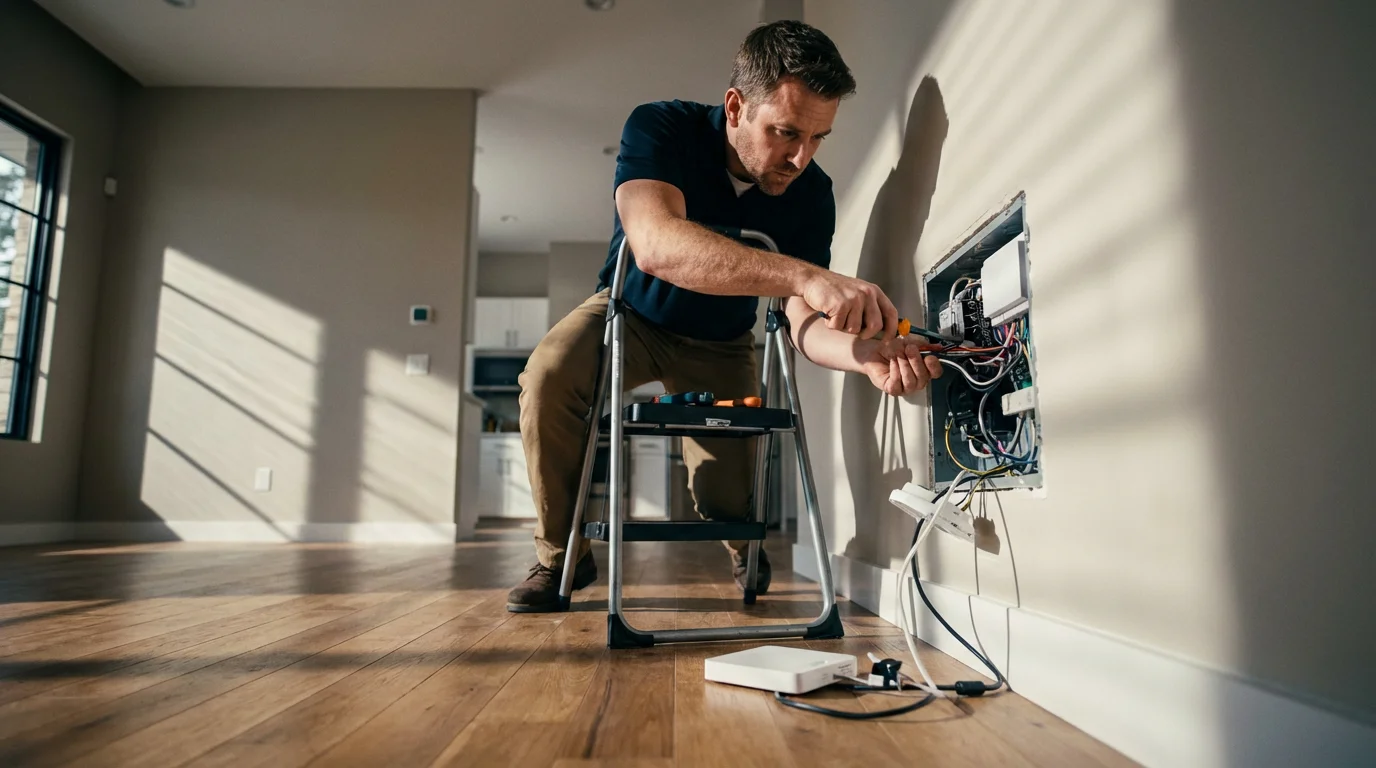
When to Call a Professional for Smart Home Upgrades
While many smart devices offer straightforward DIY installation, certain aspects of **infrastructure** improvement or device setup require expert knowledge. Knowing when to consult a professional protects your safety, ensures proper functionality, and saves you from potential costly mistakes. Prioritize safety above all else.
Electrical Work
Any modification to your home’s permanent electrical wiring should be handled by a licensed electrician. This includes:
- Installing New Outlets: If you lack sufficient outlets and need new ones installed.
- Running New Wires: For example, adding a C-wire for a smart thermostat where one doesn’t exist, or running low-voltage wiring for outdoor cameras.
- Upgrading Electrical Panels: If your current panel cannot support the increased load of smart devices, or if you need to add dedicated circuits.
- Replacing Two-Prong Outlets: Converting old two-prong outlets to grounded three-prong ones.
Improper electrical work can pose fire hazards and electrical shock risks.
HVAC System Modifications
While installing a smart thermostat is often a DIY task, if it involves complex wiring or troubleshooting issues beyond simple connections, call an HVAC technician.
- C-Wire Installation: If you are uncomfortable adding a C-wire or modifying your furnace’s control board.
- System Diagnostics: If your HVAC system behaves erratically after smart thermostat installation.
Network Infrastructure Enhancements
For significant network overhauls, especially in larger homes or complex setups, a network specialist can provide invaluable assistance.
- Complex Mesh System Setup: Optimizing placement and configuration for maximum coverage and speed.
- Network Security: Ensuring your Wi-Fi network is robustly secured against external threats.
- Integrating Wired and Wireless: Setting up Power over Ethernet (PoE) for cameras or access points.
Investing in professional help for these foundational elements ensures your smart home operates efficiently and safely for years to come.
The best smart home is the one you don’t have to constantly manage. A solid foundation prevents frustration and maximizes convenience.
Frequently Asked Questions
Can I still have a smart home if my Wi-Fi is not perfect?
You can, but prepare for limitations. Devices needing consistent, high-bandwidth connections, like video cameras, might struggle. Consider upgrading your router, adding Wi-Fi extenders, or investing in a mesh Wi-Fi system to improve coverage before committing to many Wi-Fi-dependent smart devices. Devices using Zigbee or Z-Wave with a hub can also reduce direct strain on your Wi-Fi.
Do I need a smart home hub to get started?
Not always. Many smart devices, such as smart plugs and Wi-Fi bulbs, connect directly to your home’s Wi-Fi network without a dedicated hub. However, a hub becomes beneficial for devices using protocols like Zigbee or Z-Wave, for creating complex automations across different brands, or for local control without relying on the internet. It can also improve responsiveness and network efficiency for a larger smart home setup.
What is the most budget-friendly way to check my home’s readiness?
Start with simple, low-cost steps. Download a free Wi-Fi analyzer app to check signal strength around your home. Visually inspect outlets for grounding (three prongs) and check your thermostat wiring for a C-wire. Make a list of your existing devices and note their compatibility. These initial checks provide valuable insights without significant investment.
Is an older home less ready for smart devices?
Older homes can certainly become smart homes, but they may require more initial preparation. Common considerations include outdated electrical wiring (e.g., lack of neutral wires for smart switches, two-prong outlets), potentially thicker walls that block Wi-Fi signals, and older HVAC systems that may not be directly compatible with modern smart thermostats. These challenges are often solvable with the right devices or professional upgrades.
How many smart devices can my Wi-Fi network handle?
The exact number varies greatly depending on your router’s capabilities and your internet plan. Most modern routers can handle dozens of smart devices, which typically consume minimal bandwidth when idle. However, if you have many high-bandwidth devices like 4K streaming cameras, or if your router is old, you might experience slowdowns. A good rule of thumb is that if your router is struggling with your current number of regular devices (laptops, phones), adding many smart devices will exacerbate the issue.
Disclaimer: This article is for informational purposes only. Smart home devices involve electrical connections and data privacy. Always follow manufacturer instructions for installation. For complex wiring or HVAC work, consult a licensed professional.


Leave a Reply