
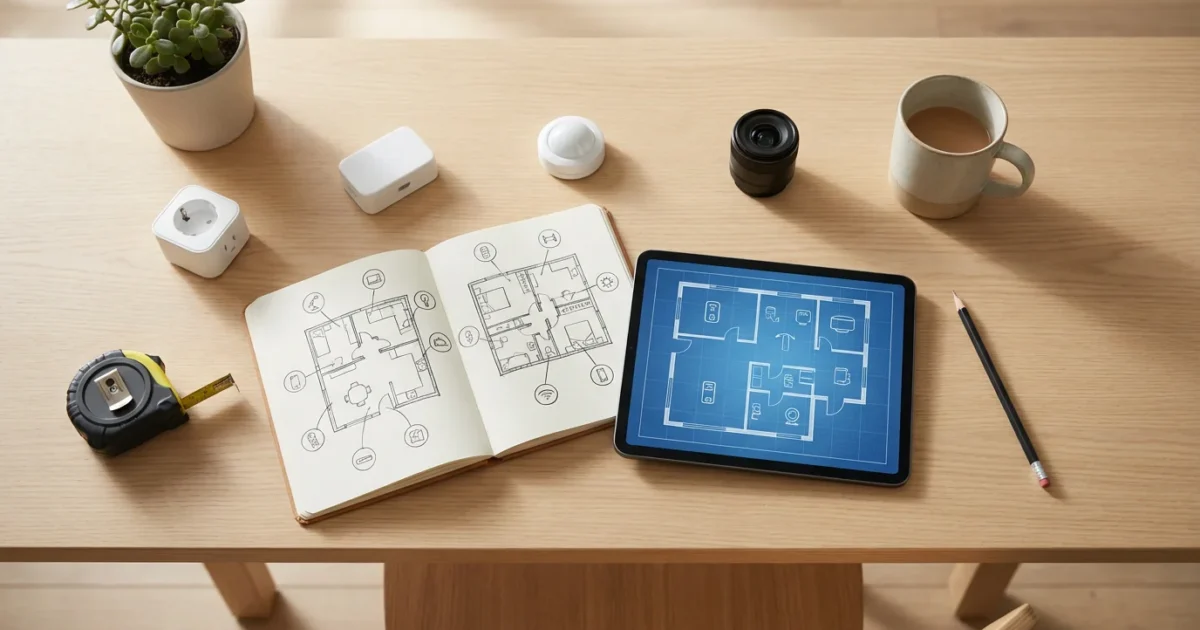
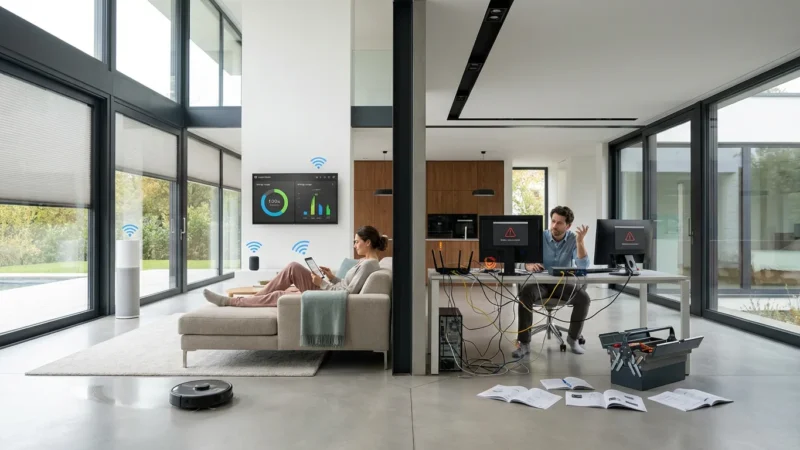
Embarking on your smart home journey brings convenience, energy savings, and enhanced security. Many homeowners jump into buying devices without a clear strategy, leading to incompatible gadgets, frustrating setups, and wasted money. A successful smart home begins with thoughtful smart home planning, long before you make any purchases.
This guide provides a comprehensive framework to help you design a smart home that truly meets your needs. You will learn how to assess your current living space, define your automation goals, choose the right ecosystem, and understand essential connectivity standards. By following these steps, you build a robust and efficient smart home setup from day one.

Why Smart Home Planning Matters
You avoid common pitfalls when you plan your smart home setup before buying. Without a strategy, you might acquire devices that do not communicate with each other, leading to isolated smart gadgets rather than an integrated system. Effective smart home planning ensures every device works together harmoniously.
Consider the practical benefits. Planning helps you identify your actual needs, preventing impulse buys that gather dust. You achieve a cohesive system that simplifies daily routines, saves energy, and offers peace of mind. A well-planned smart home grows with your needs and technology.

Define Your Smart Home Goals
Start by identifying what you want your smart home to accomplish. What problems do you want to solve? What conveniences do you seek? Your goals guide your device strategy and ecosystem choice.
Consider these common motivations for smart home integration:
- Convenience: Automate daily tasks like lighting, thermostat adjustments, or entertainment. For example, your lights can automatically turn on when you arrive home.
- Security: Monitor your home with cameras, smart locks, and sensors. Receive alerts on your phone if a door opens unexpectedly.
- Energy Savings: Optimize heating, cooling, and lighting usage. Smart thermostats learn your schedule and adjust temperatures to save energy, and smart plugs reduce phantom power drain. According to Energy Star, smart thermostats save homeowners an average of 8% on heating and cooling costs.
- Accessibility/Safety: Assist elderly family members or those with mobility challenges. Voice control for lights or accessible smart door locks improve daily living.
- Entertainment: Integrate smart speakers and streaming devices for a seamless audio-visual experience. Control your music throughout your home with simple voice commands.
Clearly define your primary goals. Do you prioritize security above all else, or is convenience your main driver? Your focus dictates which areas of your home receive smart upgrades first.
Conduct a Home Assessment and Inventory
Before you consider any specific device, assess your current home. This home assessment helps you understand your infrastructure, identify potential challenges, and discover opportunities for automation.
Walk through each room and answer these questions:
- Connectivity: Where do you have strong Wi-Fi signals? Do you have dead zones that require mesh Wi-Fi or extenders? Reliable internet forms the backbone of your smart home.
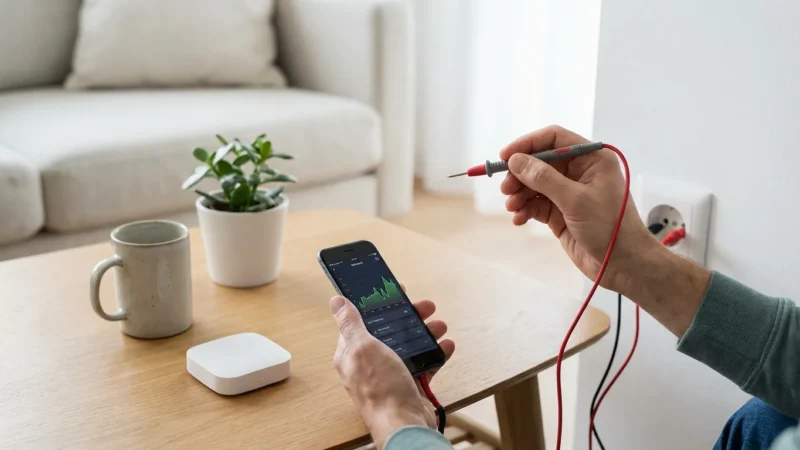
- Electrical: How many outlets are in each room? Are they easily accessible? Do you have existing smart-ready wiring or smart switches, or will you need to replace standard switches?
- Lighting: What types of light fixtures do you have (recessed, lamps, ceiling fixtures)? What kind of bulbs do they use (E26, GU10, candelabra)?
- HVAC: What kind of heating and cooling system do you have (central, mini-split, window AC)? Is your current thermostat a standard 24V system, or does it require specialized wiring?
- Doors and Windows: How many entry points do you want to secure? What types of locks do they use? Do you have windows that you might want to automate or monitor?
- Appliances: Which appliances do you use most frequently? Are any already “smart” or offer connectivity options?
Document your findings. This inventory forms the practical basis for your device strategy. You gain a clear picture of where smart devices fit best and what infrastructure upgrades you might need.
The best smart home is the one you do not have to manage. It works seamlessly in the background, anticipating your needs. Your planning efforts ensure this seamless experience.
Choose Your Smart Home Ecosystem
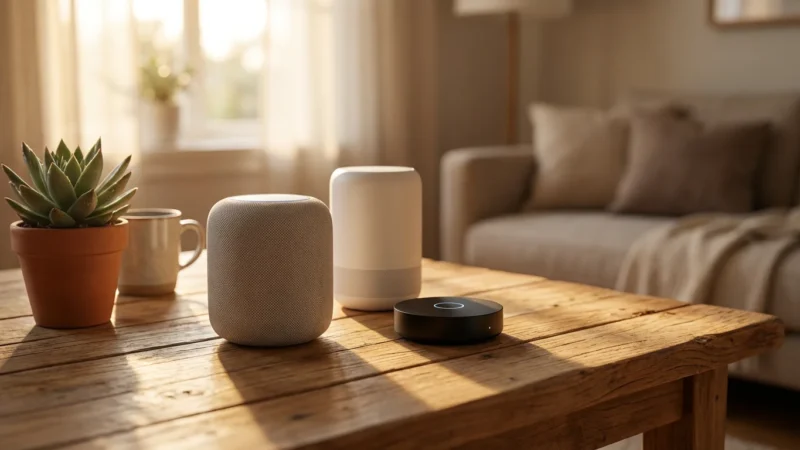
Selecting a primary smart home ecosystem is arguably the most crucial decision in your smart home planning. Your ecosystem acts as the central brain, allowing different devices to communicate and work together. The major players are Amazon Alexa, Google Home/Assistant, and Apple HomeKit.
Consider these factors when making your choice:
- Existing Devices: Do you already own smart speakers (Echo, Google Nest Hub) or an iPhone/iPad? Your current tech often points you towards a compatible ecosystem.
- Voice Assistant Preference: Which voice assistant do you prefer using? Each has a distinct personality and command structure. Test them out if you can.
- Device Compatibility: Ensure the devices you plan to buy (lights, locks, thermostats) are compatible with your chosen ecosystem. Look for “Works with Alexa,” “Works with Google Home,” or “Works with Apple HomeKit” labels.
- Privacy Concerns: Research each ecosystem’s approach to data privacy. Some users prioritize ecosystems with stronger privacy controls.
- Ease of Use: Consider which app interface you find most intuitive. Apple HomeKit often appeals to users seeking simplicity, while Alexa and Google offer broader device support.
While some devices offer cross-ecosystem compatibility, sticking primarily to one ecosystem simplifies setup, management, and automation. A unified system offers the smoothest user experience.
Understand Connectivity Standards
Smart devices communicate using various wireless protocols. Understanding these standards helps you select compatible devices and build a reliable network. You need to know how these technologies differ.
The main smart home connectivity standards include:
- Wi-Fi: Most common for smart home devices, especially those requiring higher bandwidth like cameras. Wi-Fi devices connect directly to your home router. Too many Wi-Fi devices can overcrowd your network, potentially slowing it down.
- Bluetooth: Ideal for short-range, direct connections between a device and your phone. Many smart locks or small sensors use Bluetooth. It generally has lower power consumption but limited range.
- Zigbee & Z-Wave: These are mesh network protocols designed specifically for smart home devices. They create a robust network where each powered device extends the signal. They use less power than Wi-Fi and handle many devices efficiently. A dedicated hub often coordinates these devices.
- Matter: A new, open-source connectivity standard backed by major tech companies like Apple, Google, and Amazon. Matter aims to unify smart home devices, allowing them to work across different ecosystems and protocols. This creates greater interoperability and simplifies your smart home setup. Look for Matter-certified devices for future compatibility, as outlined by the Connectivity Standards Alliance.
Your chosen ecosystem and device type influence the standard you use. A combination of standards is common, but a central hub often bridges these different technologies into a cohesive system. Researching these standards ensures your devices can communicate effectively.

Prioritize Devices and Set a Budget
With your goals defined, home assessed, and ecosystem chosen, you can develop your device strategy and allocate your budget. Start small and expand gradually.
For those looking to save, it is entirely possible to start building a functional smart home on a budget with just a few key purchases.
Create a prioritized list of devices based on your primary goals:
- Start with Core Needs: If energy savings are key, a smart thermostat is a great first step. For security, consider smart door locks or a video doorbell.
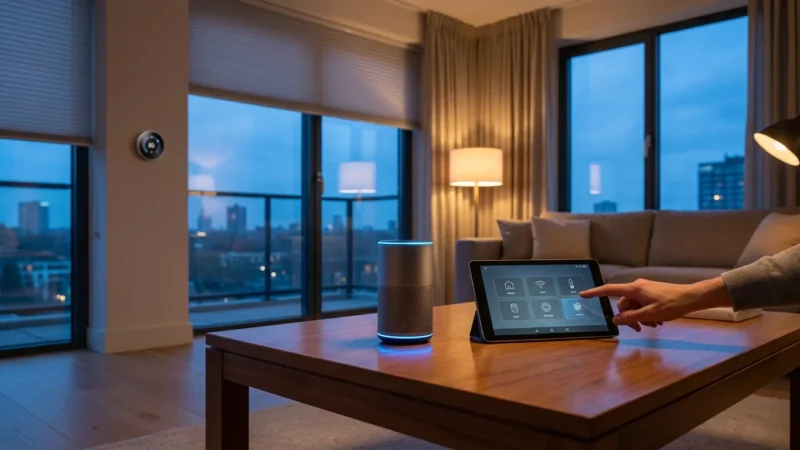
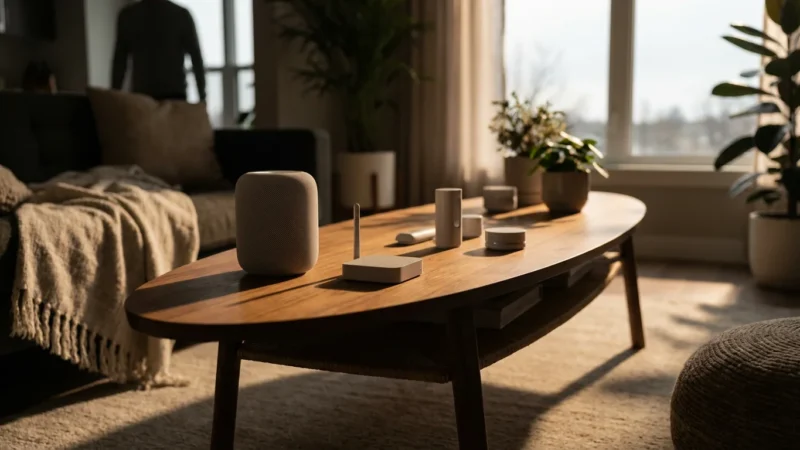
- Consider Gateway Devices: Smart speakers (Echo, Google Nest Mini) or smart displays (Echo Show, Google Nest Hub) often serve as initial control points for your ecosystem.
- Expand Gradually: Once your core devices are stable, add smart lighting, smart plugs, or additional sensors.
- Evaluate Return on Investment: Some devices, like smart thermostats or smart irrigation systems, offer long-term savings that offset their initial cost.
Establish a realistic budget for your initial smart home setup and any future expansions. Smart home devices range widely in price. Factor in the cost of any necessary hubs or professional installation. You can start with budget-friendly smart plugs or bulbs and upgrade over time. For example, a single smart plug can automate a lamp or coffee maker for around $15-25.
Consider Installation and Future-Proofing
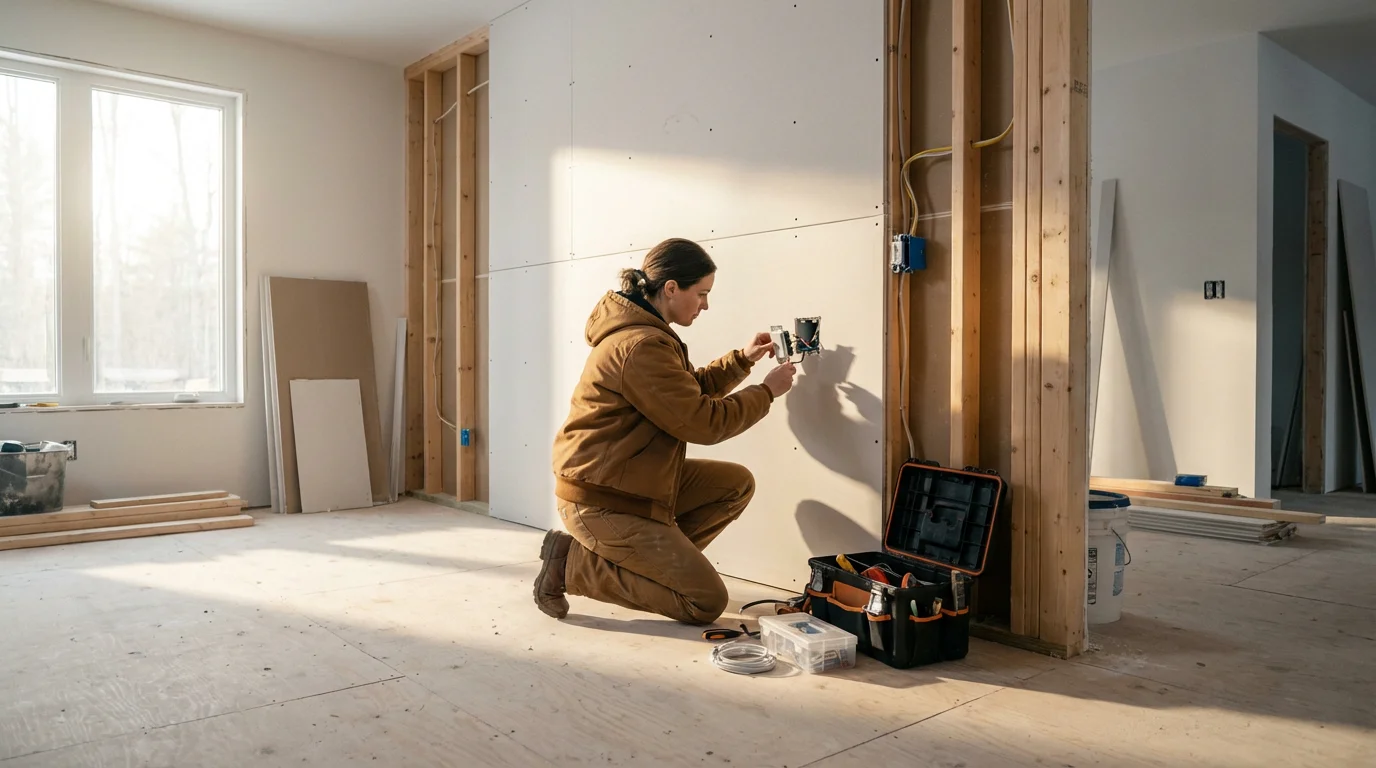
Smart home installation varies in complexity. Many devices offer simple DIY installation, while others require professional help. Always prioritize safety and expertise.
Think about these installation aspects:
- DIY vs. Professional: Smart bulbs and plugs are typically plug-and-play. Smart switches, thermostats, and security systems might involve electrical wiring or HVAC knowledge. If you are uncomfortable with electrical work, consult a licensed electrician or HVAC technician.
- Network Infrastructure: Ensure your home network can handle the increased number of connected devices. You may need to upgrade your Wi-Fi router or install a mesh Wi-Fi system to ensure reliable coverage throughout your home.
- App Management: You will manage most smart devices through a mobile app. Ensure you understand how to use the app for setup, controls, and automation creation.
Future-proofing your smart home involves selecting devices and standards that offer longevity and adaptability. Choosing Matter-compatible devices, where available, helps ensure broader interoperability in the coming years. Invest in reputable brands known for ongoing software support and security updates. This strategic approach protects your investment and provides a system that evolves with technology.
Build Your Smart Home Planning Checklist
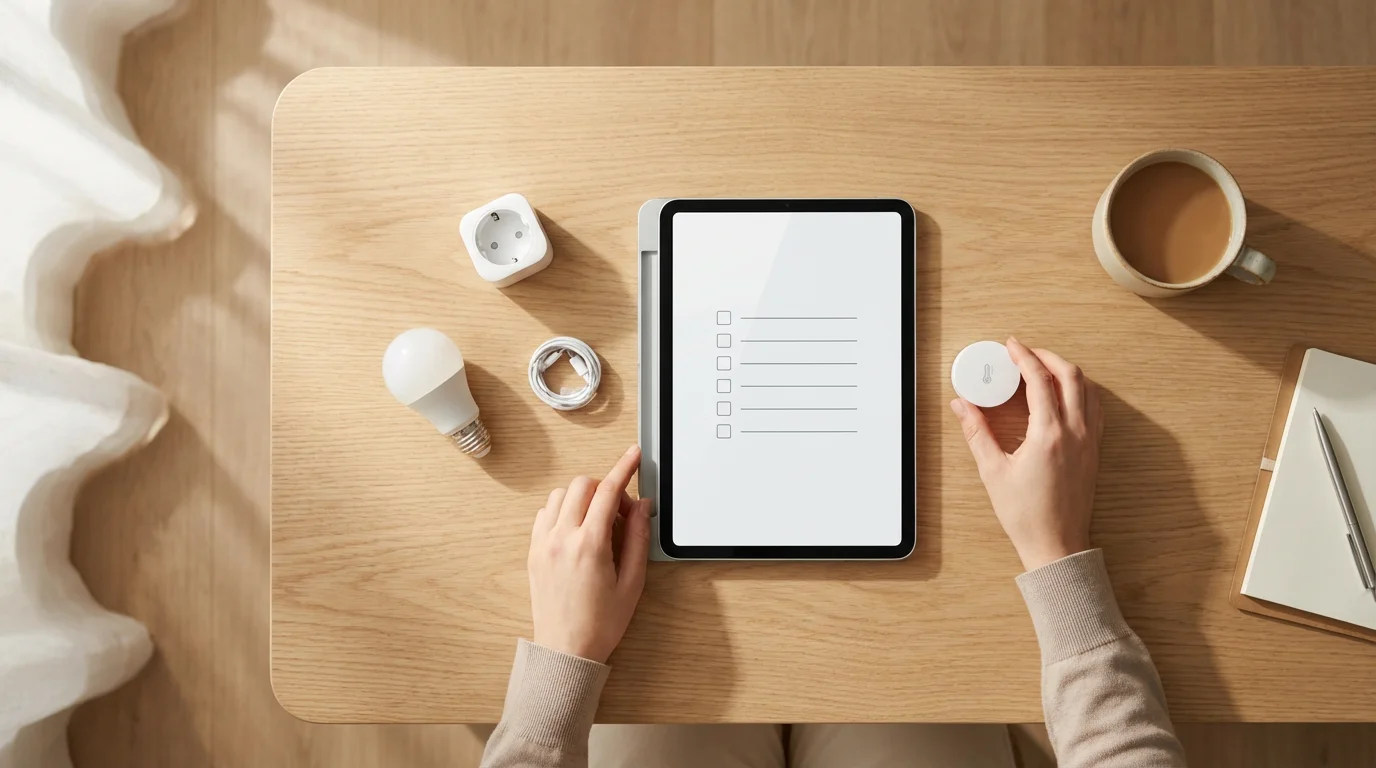
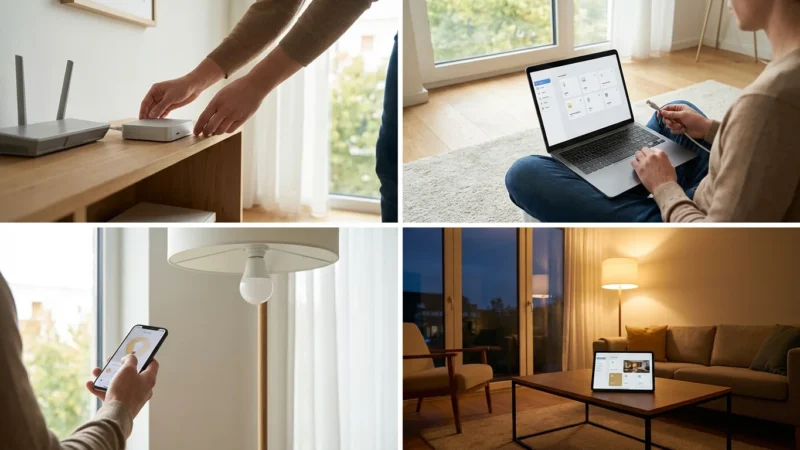
Use this smart home planning checklist to organize your journey. Following these steps ensures a systematic and successful smart home implementation.
- Define Your Goals: Clearly state what you want to achieve with your smart home (e.g., security, convenience, energy savings).
- Assess Your Home: Document your current infrastructure, including Wi-Fi coverage, electrical outlets, and existing appliances.
- Choose Your Ecosystem: Select your preferred platform (Alexa, Google Home, Apple HomeKit) based on your existing devices and preferences.
- Understand Connectivity: Familiarize yourself with Wi-Fi, Bluetooth, Zigbee, Z-Wave, and Matter to ensure device compatibility.
- Prioritize Devices: List devices by importance based on your goals and budget. Start with essential “gateway” devices.
- Set a Budget: Allocate funds for initial purchases and consider potential future expansions.
- Plan for Installation: Determine if you will DIY or hire professionals for specific installations, especially for electrical or HVAC components.
- Research Compatibility: Verify that every device you consider works with your chosen ecosystem and connectivity standards.
- Consider Future-Proofing: Look for Matter-compatible devices and brands with a strong track record of support.
- Create Automation Scenarios: Envision specific routines (e.g., “Good Morning” automation for lights, thermostat, and coffee).
This comprehensive approach minimizes frustration and maximizes the benefits of your smart home. You build a system that works for you, rather than one you constantly troubleshoot.
Frequently Asked Questions
Is it better to start with one smart home ecosystem or mix and match?
Starting with one primary smart home ecosystem (like Alexa, Google Home, or Apple HomeKit) is generally better for beginners. A single ecosystem simplifies setup, device management, and automation. You reduce compatibility issues and maintain a more cohesive, easier-to-use system.
What are the first smart devices I should buy?
The first smart devices you buy depend on your primary goals. If you prioritize convenience, start with a smart speaker and smart lighting. For energy savings, a smart thermostat is an excellent initial purchase. To enhance security, a smart video doorbell or smart lock makes a strong start. Focus on devices that address your most pressing needs.
Do I need a smart home hub?
Many Wi-Fi-only smart devices do not require a separate hub, connecting directly to your home router. However, devices using Zigbee or Z-Wave protocols typically need a dedicated hub to translate their signals and integrate them into your network. A hub also centralizes control, potentially improving reliability and local processing for automations.
How much does it cost to set up a basic smart home?
The cost of a basic smart home setup varies significantly based on your chosen devices and scale. You can start with a few smart plugs and bulbs for under $100. A more comprehensive setup including a smart speaker, thermostat, and a few smart lights might range from $300 to $800. Plan your budget based on your prioritized device list.
Disclaimer: This article is for informational purposes only. Smart home devices involve electrical connections and data privacy. Always follow manufacturer instructions for installation. For complex wiring or HVAC work, consult a licensed professional.


Leave a Reply