
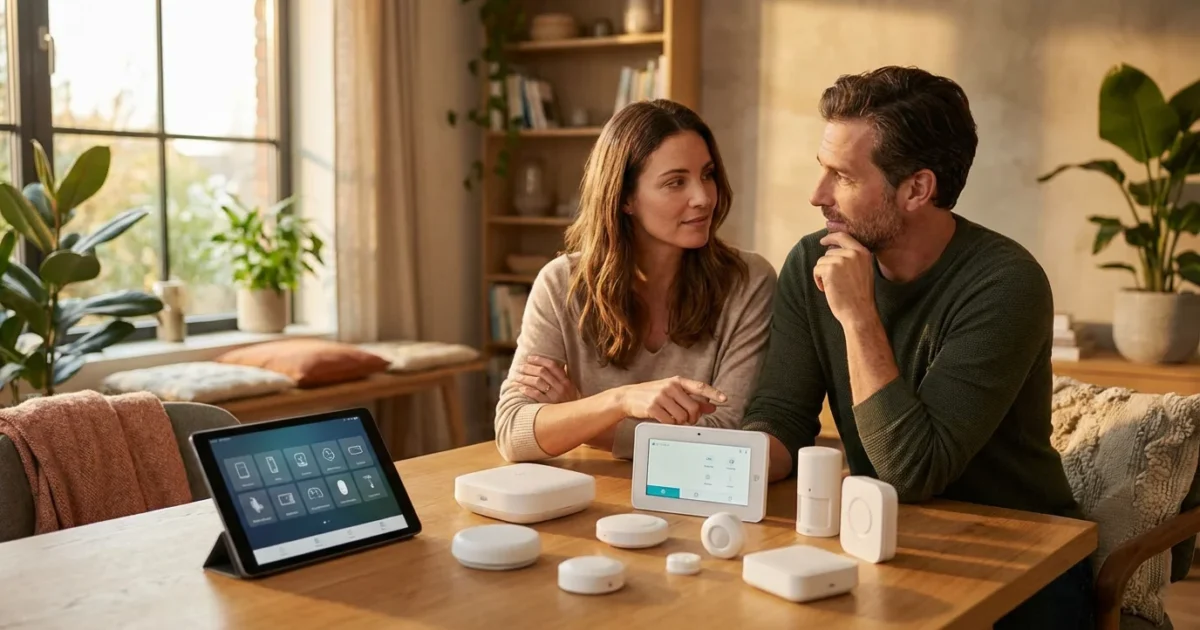
Embarking on your smart home journey brings convenience, security, and energy savings to your living space. The first critical step involves selecting the right smart home ecosystem. This choice dictates which devices work together seamlessly, how you control your home, and the overall experience you will have.
If you are brand new to this technology, reading a guide on smart home for beginners can provide helpful context before you dive into specific platforms.
Understanding the options available empowers you to build a cohesive, efficient smart home. This guide breaks down the major platforms, important considerations, and actionable steps for making an informed decision. You will learn to choose a smart home ecosystem that truly fits your needs and lifestyle.
What is a Smart Home Ecosystem?
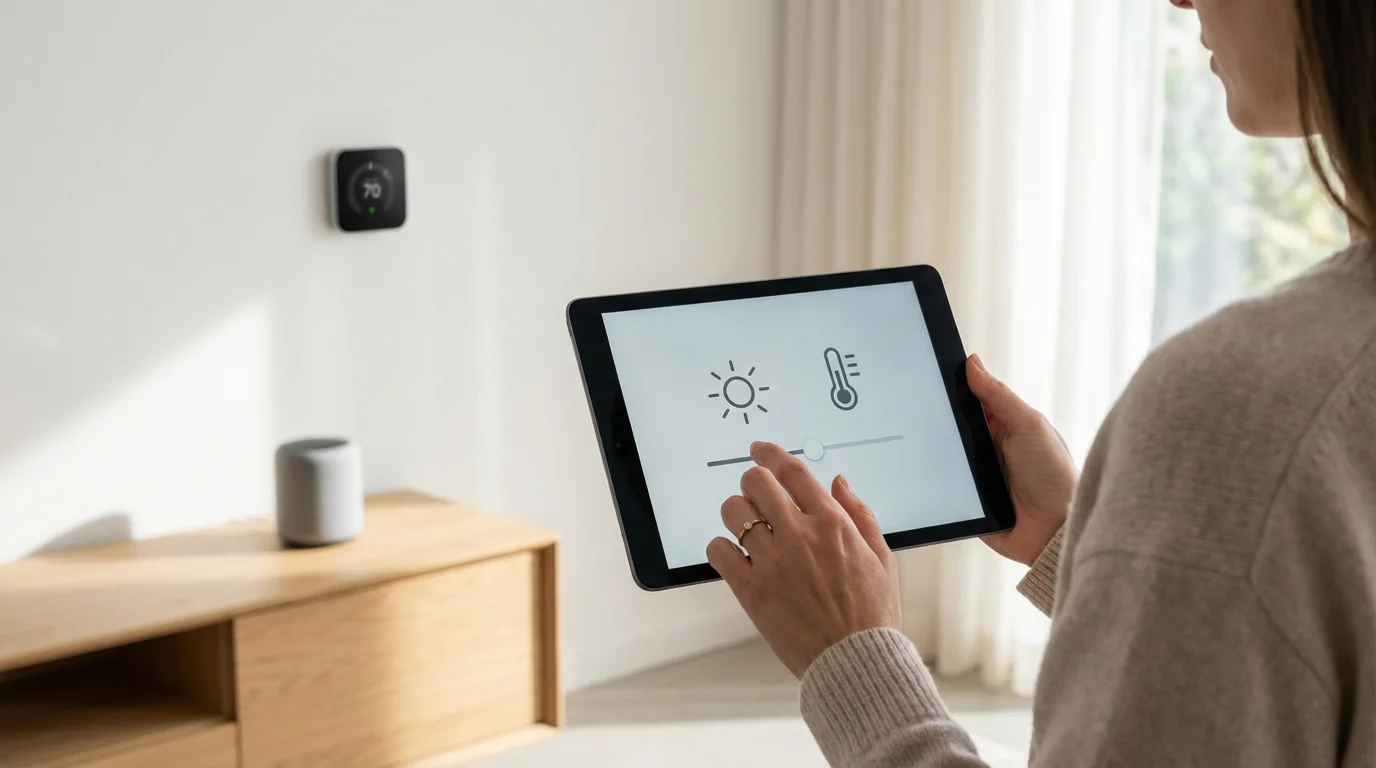
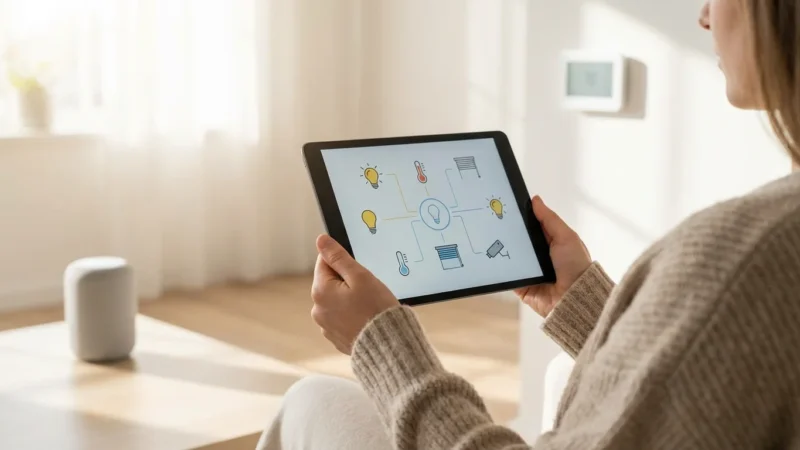
A smart home ecosystem is a framework of hardware, software, and communication protocols that allows various smart devices to interact. Think of it as the central nervous system for your connected home. It enables devices like smart lights, thermostats, locks, and cameras to communicate and work together.
This integrated system lets you control multiple devices from a single app or voice command. For example, a “Good Morning” routine might turn on your bedroom lights, raise the thermostat, and start your coffee maker simultaneously. This coordination simplifies daily tasks and enhances your home’s functionality.
Your smart home ecosystem also typically includes a voice assistant or a central hub. This hub acts as a translator, allowing devices from different manufacturers to understand each other. Choosing the right smart home ecosystem ensures your devices truly integrate, providing a seamless experience.

Why Your Platform Choice Matters
Your choice of smart home ecosystem forms the foundation of your entire setup. This decision influences every future smart device purchase and your daily interactions with your home. It impacts device compatibility, ease of use, and even your data privacy.
Selecting the wrong foundation is one of the most common smart home mistakes beginners should avoid when first building their network.
Selecting a platform affects the range of compatible devices available to you. Some devices work across multiple ecosystems, while others lock into a specific platform. An incompatible device might require a separate app or a different hub, adding complexity rather than simplifying your life.
The platform also dictates the user experience, from app design to voice command responsiveness. A well-chosen platform offers intuitive control and reliable performance, maximizing the benefits of your smart home investment. Your platform choice significantly determines your smart home’s future scalability and overall effectiveness.
Key Smart Home Ecosystems Compared
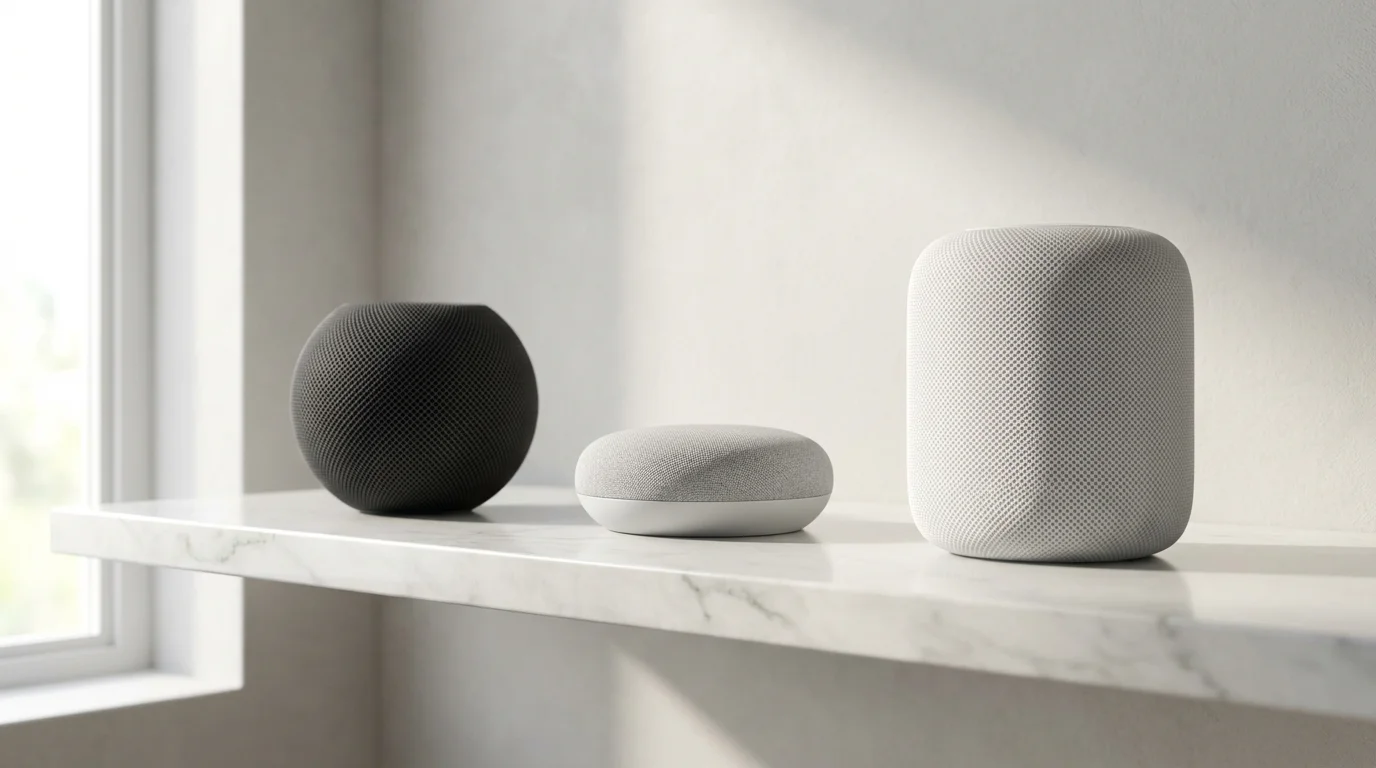
The smart home market largely revolves around three dominant ecosystems: Amazon Alexa, Google Home/Assistant, and Apple HomeKit. Each offers distinct advantages and caters to different user preferences. Examining their strengths helps you determine which smart home platform is best for your unique situation.
Consider your existing devices and digital habits as you evaluate these options. Your current smartphone, smart speakers, and streaming devices often lean towards one of these platforms. This existing technology can provide a natural starting point for your smart home journey.
Amazon Alexa
Amazon Alexa stands out for its vast device compatibility and extensive skill library. Alexa supports a wide array of smart home devices from countless manufacturers, giving you immense flexibility in device selection. Its voice assistant is robust, understanding many commands and performing complex routines.
Alexa integrates seamlessly with Amazon’s own devices, such as Echo smart speakers, Fire TV, and Ring security products. You can easily create custom routines that automate actions like turning on lights when you open a door or adjusting the thermostat at specific times. Alexa’s ubiquity makes it a popular platform choice for many homeowners.
- Strengths:
- Broadest device compatibility across brands.
- Extensive “Skills” library for diverse functionality.
- Strong voice control via Echo devices.
- Aggressive pricing on Amazon devices makes entry affordable.
- Integrated with Amazon shopping and entertainment services.
- Weaknesses:
- Can feel less integrated with non-Amazon services without extra effort.
- Privacy concerns often arise with voice data collection.
- Interface can sometimes feel fragmented due to many third-party integrations.
- Ideal User: Someone seeking maximum device choice, comfortable with Amazon’s services, and prioritizing voice control.
Google Home/Assistant
Google Home, powered by Google Assistant, excels in artificial intelligence and natural language processing. It integrates deeply with Google services like Calendar, Maps, and YouTube, making it a powerful tool for information retrieval and personal organization. Google Assistant often provides more contextual responses to voice queries.
This ecosystem works well for users already invested in the Google ecosystem, such as Android phone users or those utilizing Google Workspace. Devices like Google Nest speakers, displays, and cameras form a cohesive network. You can ask your Google Assistant to show your Nest Doorbell feed on a Nest Hub or change your smart lights.
- Strengths:
- Superior AI and natural language understanding.
- Deep integration with Google services, Calendar, Gmail, Maps, YouTube.
- Excellent for answering general knowledge questions and managing schedules.
- Good compatibility with a wide range of smart home devices.
- Seamless experience for Android users.
- Weaknesses:
- Device compatibility, while good, may not be as broad as Alexa for niche products.
- Privacy concerns similar to other voice assistants.
- Hardware selection might be less diverse than Amazon’s.
- Ideal User: Someone deeply integrated into the Google ecosystem, valuing advanced AI, and desiring strong personal assistant capabilities.
Apple HomeKit
Apple HomeKit offers a highly secure and private smart home experience, primarily catering to Apple device users. It prioritizes user privacy through on-device processing and strong encryption. HomeKit devices undergo a rigorous certification process, ensuring high standards of security and reliability.
Controlling HomeKit devices happens through the Home app on your iPhone, iPad, or Mac, or via Siri voice commands. An Apple HomePod, HomePod mini, or Apple TV can serve as your home hub, enabling remote access and advanced automations. For instance, your lights can automatically adjust based on your arrival home.
- Strengths:
- Exceptional security and privacy features.
- Seamless integration with other Apple devices and services.
- Simple, intuitive user interface within the Home app.
- Rigorous certification ensures device quality and reliability.
- Strong local control capabilities enhance responsiveness and privacy.
- Weaknesses:
- Fewer compatible devices compared to Alexa or Google.
- Devices often carry a higher price point due to certification requirements.
- Exclusively for Apple users, requiring an iPhone or iPad for setup and management.
- Limited hardware options for smart speakers.
- Ideal User: Dedicated Apple users prioritizing privacy, security, and a streamlined, integrated experience within the Apple ecosystem.
A well-chosen smart home ecosystem acts as your personal digital concierge, anticipating your needs and simplifying your daily routines without constant intervention. The best smart home is the one you do not have to constantly manage.

Understanding Connectivity Protocols
Smart home devices communicate using various wireless protocols. Understanding these technologies helps you grasp device compatibility and overall system performance. Wi-Fi, Bluetooth, Zigbee, Z-Wave, and the emerging Matter standard are the most common.
Your chosen smart home ecosystem often supports several of these protocols. Some devices connect directly to your home Wi-Fi network, while others require a dedicated hub. This hub translates between different protocols, allowing them to work within your chosen ecosystem.
- Wi-Fi: Most common, connects directly to your router. High bandwidth, but can congest networks with many devices. Best for devices needing internet access and high data rates, such as cameras and streaming devices.
- Bluetooth: Short-range, low power. Often used for direct device-to-phone connections or simple accessories. Good for quick pairing and battery-powered sensors. Bluetooth Mesh extends its range by allowing devices to relay signals.
- Zigbee: A mesh network protocol designed for smart home devices. Low power, reliable, and creates a self-healing network. Requires a Zigbee hub to connect to your home network. Excellent for lights, sensors, and switches.
- Z-Wave: Another mesh network, similar to Zigbee but operates on a different radio frequency. Lower interference, good range, and strong security. Requires a Z-Wave hub. Ideal for locks, thermostats, and security devices.
- Matter: The newest universal smart home standard. Matter aims to simplify compatibility by allowing devices to work across all major ecosystems, including Alexa, Google Home, and Apple HomeKit. It runs over Wi-Fi, Thread, a mesh network protocol, and Ethernet, requiring a Matter controller or hub. Matter promises a more unified and future-proof smart home. You can learn more about this standard from the Connectivity Standards Alliance.
Many smart home hubs, like Amazon Echo or Google Nest Hubs, now incorporate Zigbee or Z-Wave radios. This eliminates the need for a separate hub for those protocols, streamlining your setup. Verify the specific protocols your devices and hub support for optimal compatibility.

Factors to Consider When Choosing Your Ecosystem
Making the right platform choice involves weighing several personal and practical factors. Carefully assess these points to ensure your smart home truly enhances your lifestyle.
- Your Existing Devices and Preferences: Do you already own an iPhone, Android phone, or a collection of Amazon Echo speakers? Leaning into your existing technology can simplify setup and create a more integrated experience. Your current smartphone often determines your default preference for voice assistants and apps.
- Budget: Smart home costs range from affordable starter kits to extensive whole-home systems. Some ecosystems have higher entry costs due to proprietary hardware or certification requirements. Plan your budget for both initial devices and potential future expansions.
- Security and Privacy Concerns: Evaluate each ecosystem’s approach to data collection, encryption, and user privacy. If privacy is paramount, platforms like Apple HomeKit often provide stronger assurances. Understand how your data is used and stored by different providers.
- Ease of Use and Setup: Consider your technical comfort level. Some platforms offer incredibly intuitive setup processes and user interfaces. Others might appeal more to tech-savvy users who enjoy deeper customization. Look for systems that offer simple, clear instructions for adding new devices.
- Device Availability and Variety: Research the types of smart devices compatible with each ecosystem. Ensure the platform supports the specific lights, locks, cameras, or thermostats you plan to integrate. Some platforms excel in certain device categories.
- Scalability and Future-Proofing: Think about your long-term smart home goals. Will your chosen ecosystem support future device additions and evolving technologies like Matter? A flexible platform allows you to grow your smart home over time without needing a complete overhaul.
- Voice Assistant Preference: Do you prefer Alexa’s broad compatibility, Google Assistant’s intelligent responses, or Siri’s privacy-focused integration? Your comfort with a specific voice assistant significantly impacts daily interaction with your smart home.
Choosing a platform that aligns with these factors ensures a satisfying and functional smart home experience for years to come. Do not rush this decision, as it forms the backbone of your connected living space.
Building Your Ecosystem: A Step-by-Step Approach
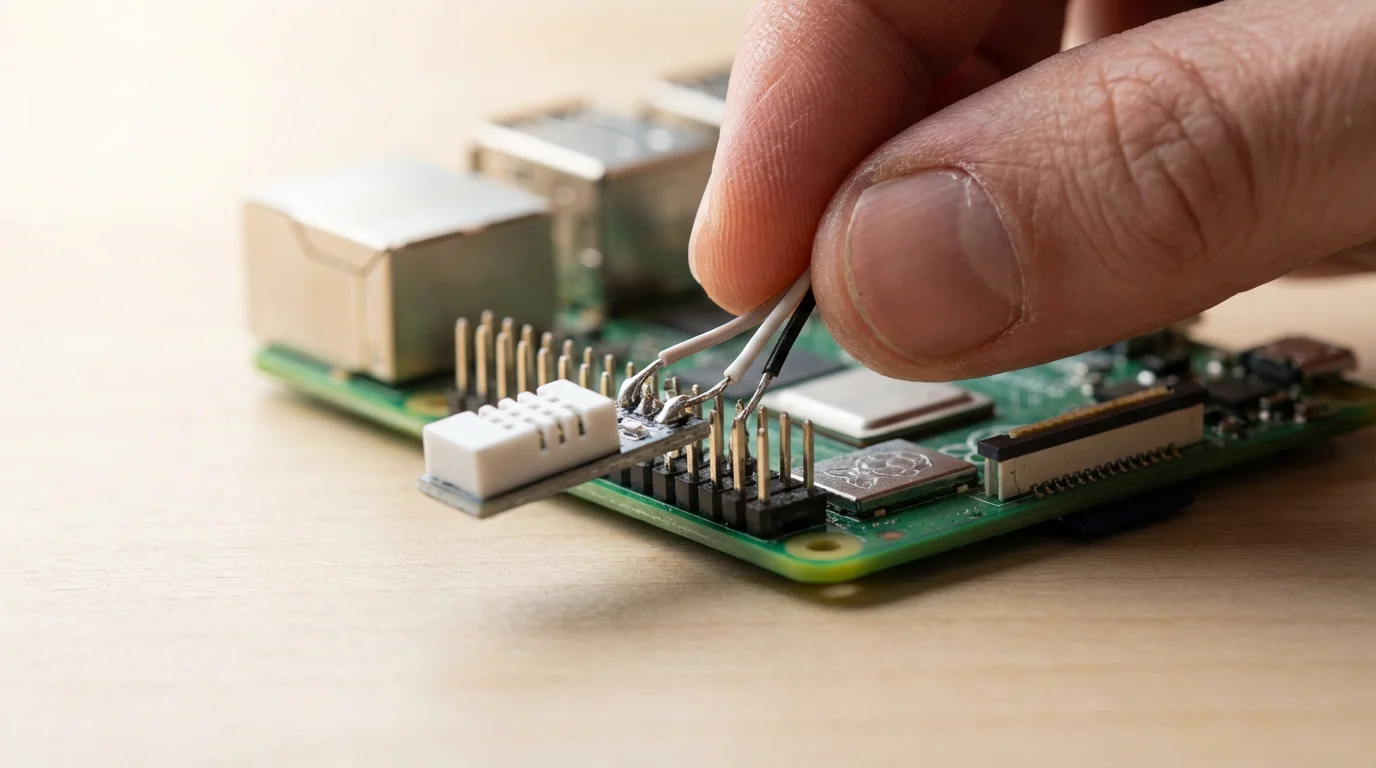
Once you understand the available options and your personal priorities, you can begin to build your smart home. Follow these actionable steps to create an efficient and enjoyable system.
- Assess Your Needs: Start by identifying your pain points or areas you want to improve. Do you want to save energy with smart thermostats, enhance security with smart locks and cameras, or add convenience with automated lighting? Prioritize a few key areas for your initial setup.
- Pick Your Core Platform: Based on the comparisons and factors discussed, commit to one primary smart home ecosystem. This decision streamlines device selection and ensures cohesive operation. Remember, you can often use devices that bridge between platforms, but a core system simplifies management.
- Start Small, Expand Gradually: Do not try to automate your entire home at once. Begin with a few essential devices in one or two rooms. For example, install smart light bulbs in your living room and a smart thermostat. This approach allows you to learn the system and understand its capabilities before investing further.
- Check Compatibility Religiously: Before purchasing any new device, always verify its compatibility with your chosen smart home ecosystem. Look for labels like “Works with Alexa,” “Works with Google Home,” or “Works with Apple HomeKit.” This step prevents frustrating setup issues and ensures seamless integration.
- Prioritize Essential Devices: Focus on devices that offer the most immediate benefits and align with your initial needs assessment.
- Smart Lighting: Start with smart bulbs or switches for convenience and ambiance.
- Smart Thermostat: Save energy and improve comfort. Energy Star certified smart thermostats can help you reduce utility bills.
- Smart Locks: Enhance security and provide keyless entry.
- Smart Plugs: Convert ordinary appliances into smart devices for simple automation.
As you gain experience, you can add more complex devices and intricate automations. For example, you might set your smart lights to turn on when your smart lock detects you unlocking the front door. This gradual expansion builds confidence and expertise.
For some installations, such as wiring smart switches or integrating with HVAC systems, consider consulting a licensed electrician or HVAC professional. Safety always comes first when dealing with your home’s infrastructure.

Beyond the Big Three: Other Options and Future Trends
While Alexa, Google Home, and HomeKit dominate, other platforms offer compelling alternatives or specialized features. Samsung SmartThings, Hubitat, and Home Assistant cater to users seeking deeper customization and local control. These platforms often appeal to more advanced users who want fine-tuned automation and reduced reliance on cloud services.
Samsung SmartThings provides a versatile hub that supports Zigbee, Z-Wave, and Wi-Fi devices. It offers robust automation capabilities and a wide range of compatible sensors and devices. Hubitat Elevation focuses on local processing, meaning your automations run faster and remain functional even without an internet connection.
Home Assistant is an open-source platform for the most tech-savvy users, offering unparalleled customization and integration with virtually any smart device. It requires more technical knowledge to set up and maintain but rewards users with ultimate control. These alternative systems highlight the diverse needs within the smart home community.
The future of smart homes increasingly points towards greater interoperability, largely driven by the Matter standard. Matter aims to make the “which smart home platform is best” question less restrictive. As Matter-certified devices become more prevalent, you will experience greater flexibility in mixing and matching brands and ecosystems. This development promises a simpler and more accessible smart home for everyone.
Frequently Asked Questions
Can I mix devices from different ecosystems?
Yes, you can mix devices from different ecosystems, but it adds complexity. Devices from one ecosystem, for example an Alexa-compatible smart bulb, usually will not directly integrate with Apple HomeKit without a bridge or a third-party app. Look for devices that support multiple ecosystems, or use a universal hub like SmartThings, or consider the emerging Matter standard which aims to simplify cross-platform compatibility.
Do I need a hub for my smart home?
It depends on your devices and chosen ecosystem. Many Wi-Fi-enabled devices connect directly to your home router, eliminating the need for a separate hub. However, devices using Zigbee or Z-Wave protocols typically require a dedicated hub to communicate with your network and ecosystem. Many smart speakers, like Amazon Echo or Google Nest Hubs, now include built-in Zigbee or Thread hubs, reducing the need for additional hardware.
What is the most important factor when choosing a platform?
The most important factor is often your existing digital ecosystem and personal preferences. If you use an iPhone exclusively, HomeKit offers the most seamless experience. Android users or those invested in Google services might prefer Google Home. If you value maximum device compatibility and voice control, Alexa could be your top choice. Your primary smartphone and smart speakers typically guide this foundational decision.
Is smart home technology secure?
Smart home technology offers good security, but it requires user vigilance. Companies implement encryption and security protocols to protect your data. You must use strong, unique passwords for all devices and accounts, enable two-factor authentication, and keep device firmware updated. Choose reputable brands known for their security practices. While no system is completely impenetrable, following best practices significantly enhances your smart home’s security.
Making Your Smart Home Choice with Confidence
Choosing the right smart home ecosystem lays the groundwork for a connected, convenient, and efficient living space. You now understand the major players, the underlying technology, and the critical factors to consider. Prioritize your existing technology, budget, security concerns, and desired user experience.
Begin by assessing your specific needs and starting with a few key devices within your chosen platform. Remember to always verify device compatibility before making a purchase. As the smart home landscape evolves, especially with new standards like Matter, your initial decision sets the stage for a scalable and enjoyable smart home journey.
Take control of your home’s intelligence. Build a smarter living space that truly works for you.
Disclaimer: This article is for informational purposes only. Smart home devices involve electrical connections and data privacy. Always follow manufacturer instructions for installation. For complex wiring or HVAC work, consult a licensed professional.





Leave a Reply