
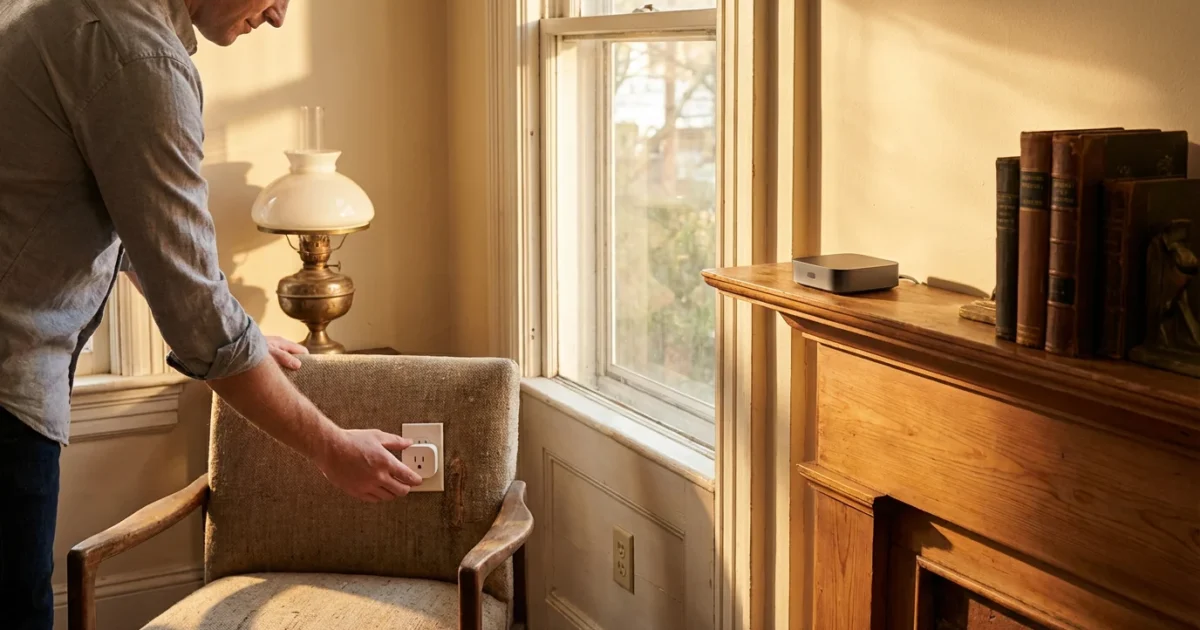
You love your older home. It offers unique character, solid construction, and a sense of history. However, you also recognize that modern living demands convenience, efficiency, and enhanced security. Many homeowners believe adding smart devices to an older home presents insurmountable challenges due to outdated wiring, thick walls, or a desire to preserve its original charm. This is a misconception.
You can absolutely transform your older house into a smart home without extensive renovations. This comprehensive guide delivers practical, actionable insights, showing you how to integrate smart technology seamlessly, enhance your living space, and enjoy the benefits of automation. We address common concerns and provide solutions to help you make your older home smart, efficient, and secure.
Understanding Your Older Home’s Unique Challenges
Older homes possess distinct characteristics that require consideration when planning smart home upgrades. Addressing these upfront ensures a smoother installation process and better device performance. You must identify specific areas needing attention to avoid frustration.
Wiring Considerations: Two-Wire vs. Three-Wire Systems
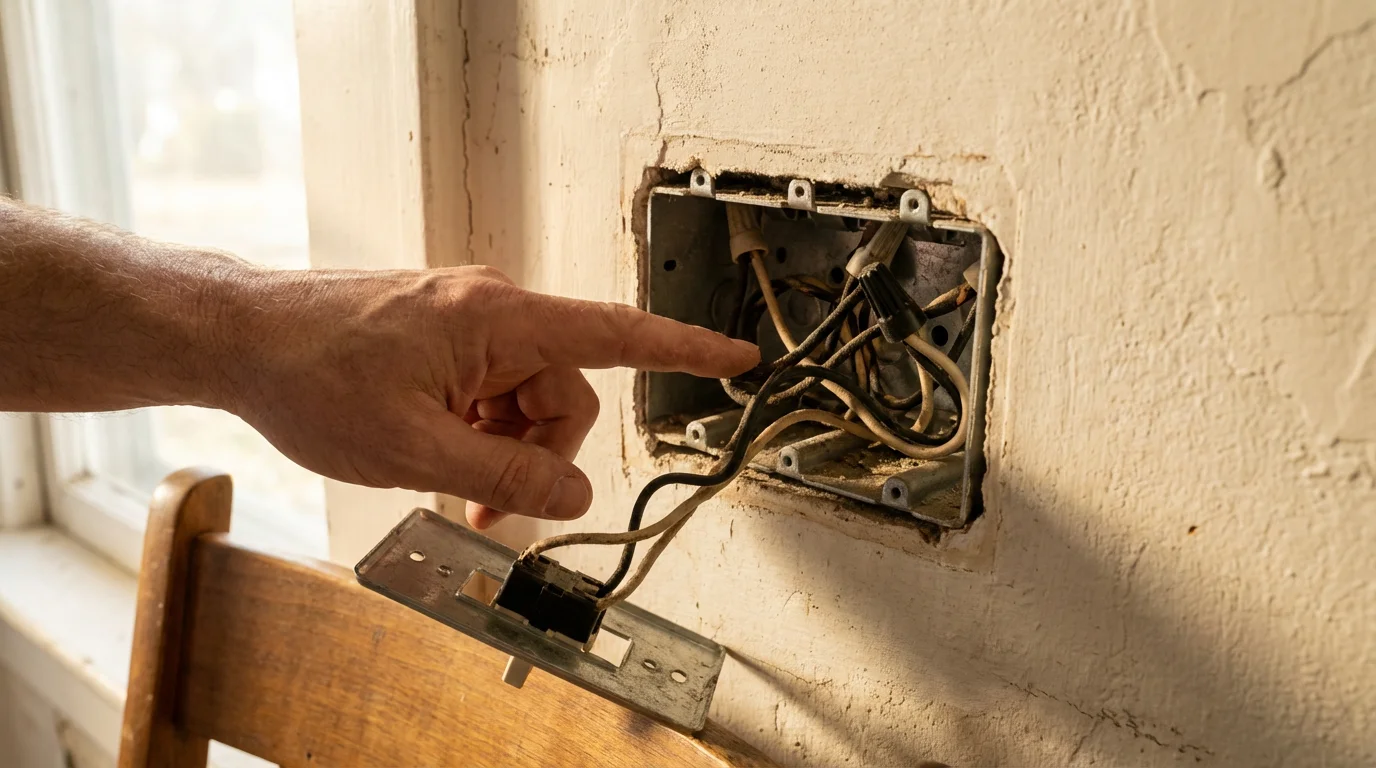
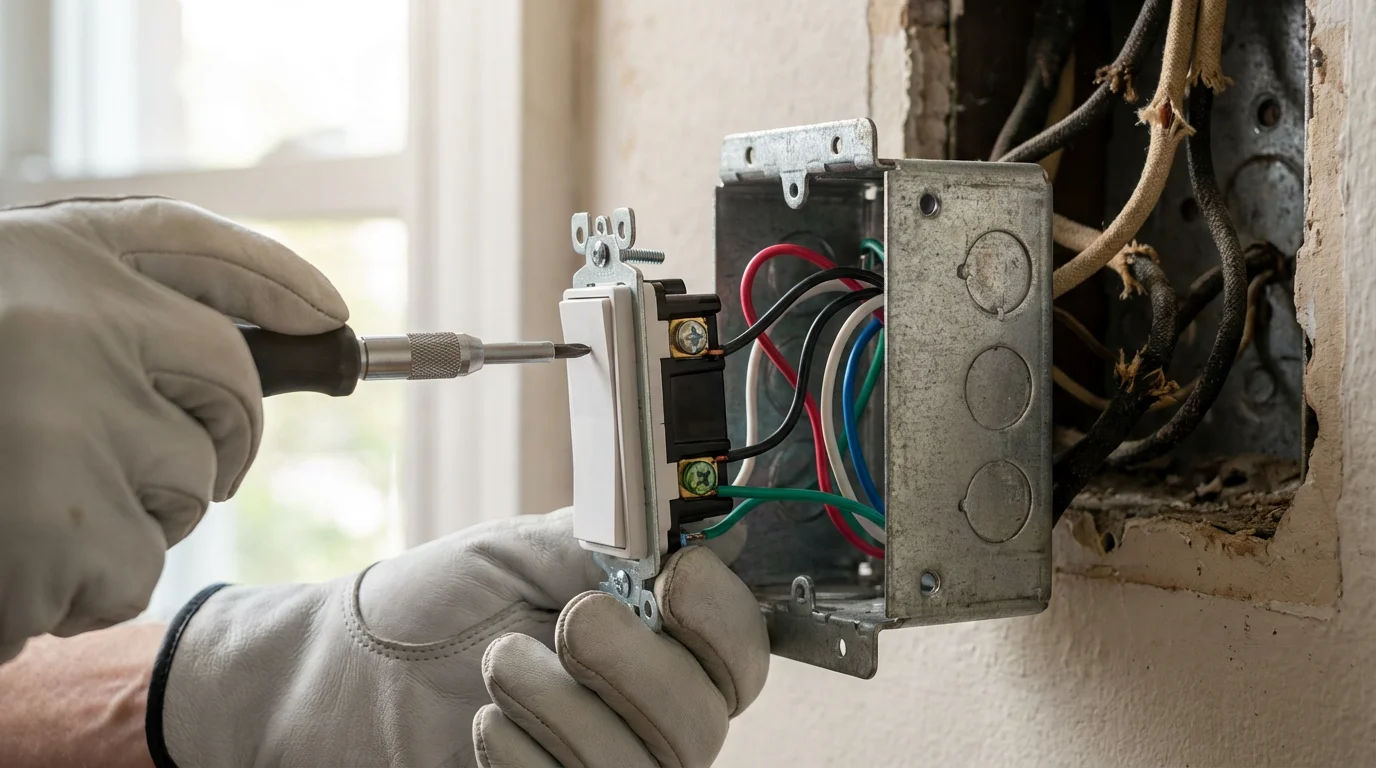
Many older homes, particularly those built before the 1950s, feature two-wire electrical systems. These lack a neutral wire at the switch box. Most modern smart light switches and dimmers require a neutral wire for continuous power. Installing a smart switch without a neutral wire can cause flickering, buzzing, or complete device malfunction. If your home has two-wire systems, you have several options:
- No-Neutral Smart Switches: Some manufacturers offer smart switches specifically designed to operate without a neutral wire. These often use a small amount of current to power themselves, which can sometimes cause minor issues with low-wattage LED bulbs.
- Smart Bulbs: Replace traditional bulbs with smart bulbs. These devices receive power directly from the light socket and do not require a smart switch. You control them via an app or voice commands, bypassing the need for complex switch wiring.
- Professional Rewiring: For a permanent solution and if you plan extensive electrical smart upgrades, consider hiring a licensed electrician to run neutral wires to your switch boxes. This provides the most flexibility for future smart device installations.
Infrastructure and Connectivity Hurdles
Older homes frequently feature thick plaster walls, brick, or stone construction. While excellent for insulation and sound dampening, these materials can impede Wi-Fi signals, creating dead zones. This directly impacts the performance of your smart devices, leading to slow response times or disconnections.
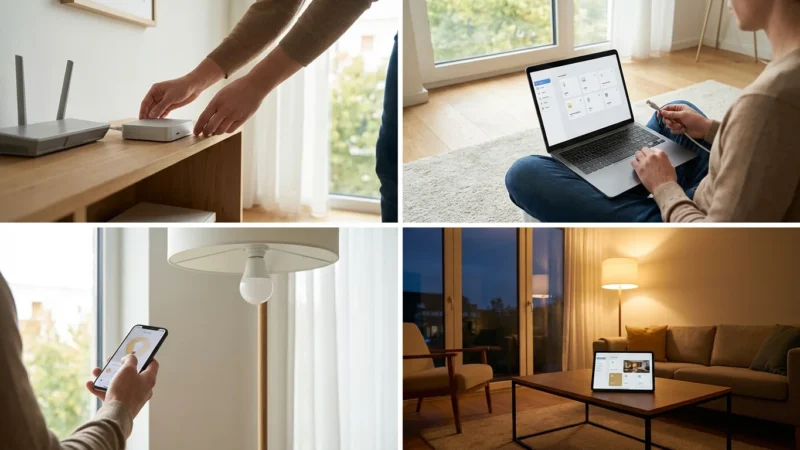
- Mesh Wi-Fi Systems: A mesh Wi-Fi system uses multiple access points strategically placed throughout your home. These points work together to create a single, strong Wi-Fi network that blankets your entire property. This eliminates dead zones and provides a robust connection for all your smart devices, even in larger, older homes.
- Ethernet Backhaul: If possible, connect your mesh Wi-Fi nodes via Ethernet cables. This “backhaul” provides a dedicated, high-speed connection between nodes, maximizing your Wi-Fi performance and reliability.
Preserving Aesthetics and Historical Charm
You cherish the original architectural details of your older home. Drilling large holes, running visible wires, or replacing antique fixtures with modern plastic can detract from its unique appeal. Many smart devices now offer discreet designs or integrate seamlessly without altering the home’s look.
- Concealed Devices: Opt for smart plugs that plug into existing outlets or smart bulbs that fit into your decorative fixtures.
- Retrofit Solutions: Consider devices that retrofit existing hardware, like smart modules that install behind traditional light switches or smart locks that replace only the internal components of your current deadbolt.
- Wire Management: Plan your installations to hide wires within walls or use discreet wire channels that blend with your decor.
Legacy Systems and Integration
Older homes often feature outdated thermostats, intercom systems, or security panels. These can seem incompatible with modern smart technology. You can often integrate or replace these systems with smart alternatives, bringing them into your smart home ecosystem.
- Smart Thermostats: Devices like Nest or Ecobee are compatible with many older HVAC systems, offering significant energy savings. Energy Star notes that smart thermostats save an average of 8% on heating and cooling costs.
- Smart Doorbell Cameras: Replace old intercoms or simple doorbells with video doorbells, enhancing both communication and security.
Building a Strong Foundation: Connectivity Essentials
Understanding how your smart devices communicate is crucial for building a reliable and efficient smart home, especially in an older house. Different protocols offer unique advantages and disadvantages. Your choice impacts device compatibility and network performance.
Wi-Fi: The Ubiquitous Connection
Many smart devices connect directly to your home’s Wi-Fi network. This is convenient because you likely already have Wi-Fi. However, too many Wi-Fi devices can clog your network, leading to slower speeds for other internet activities. Ensure your Wi-Fi router can handle numerous connections, especially if you plan an extensive smart home setup.
Zigbee and Z-Wave: Low-Power, Mesh Networks
Zigbee and Z-Wave are wireless protocols designed specifically for smart home devices. They create a mesh network, where each device acts as a repeater, extending the network’s range and reliability. This is incredibly beneficial in older homes with thick walls that often block Wi-Fi signals. Both require a dedicated hub to translate their signals to your Wi-Fi network.
- Zigbee: Operates on a 2.4 GHz frequency, similar to Wi-Fi. It offers faster speeds and can support more devices. It is popular for lighting and environmental sensors.
- Z-Wave: Operates on a lower frequency (908.42 MHz in the US). This frequency travels further and penetrates obstacles better than 2.4 GHz signals. Z-Wave typically offers a very reliable connection, ideal for security and door locks.
Bluetooth: Short-Range Convenience
Bluetooth is excellent for direct, short-range connections between your phone and a single device, such as a smart lock you unlock when you approach your door. It is less suitable for a whole-home smart system due to its limited range and lack of a mesh network capability. Some devices use Bluetooth for initial setup before switching to Wi-Fi.
Matter: The Future of Smart Home Interoperability
Matter is a new, unified connectivity standard developed by a consortium of major tech companies. It aims to simplify the smart home experience by allowing devices from different brands to communicate seamlessly. Matter-certified devices work over Wi-Fi, Thread (a mesh network protocol similar to Zigbee), and Ethernet, eliminating many compatibility headaches. As Matter adoption grows, you will find it easier to add new devices to your older home, regardless of brand.
Hubs vs. Hub-Free Solutions
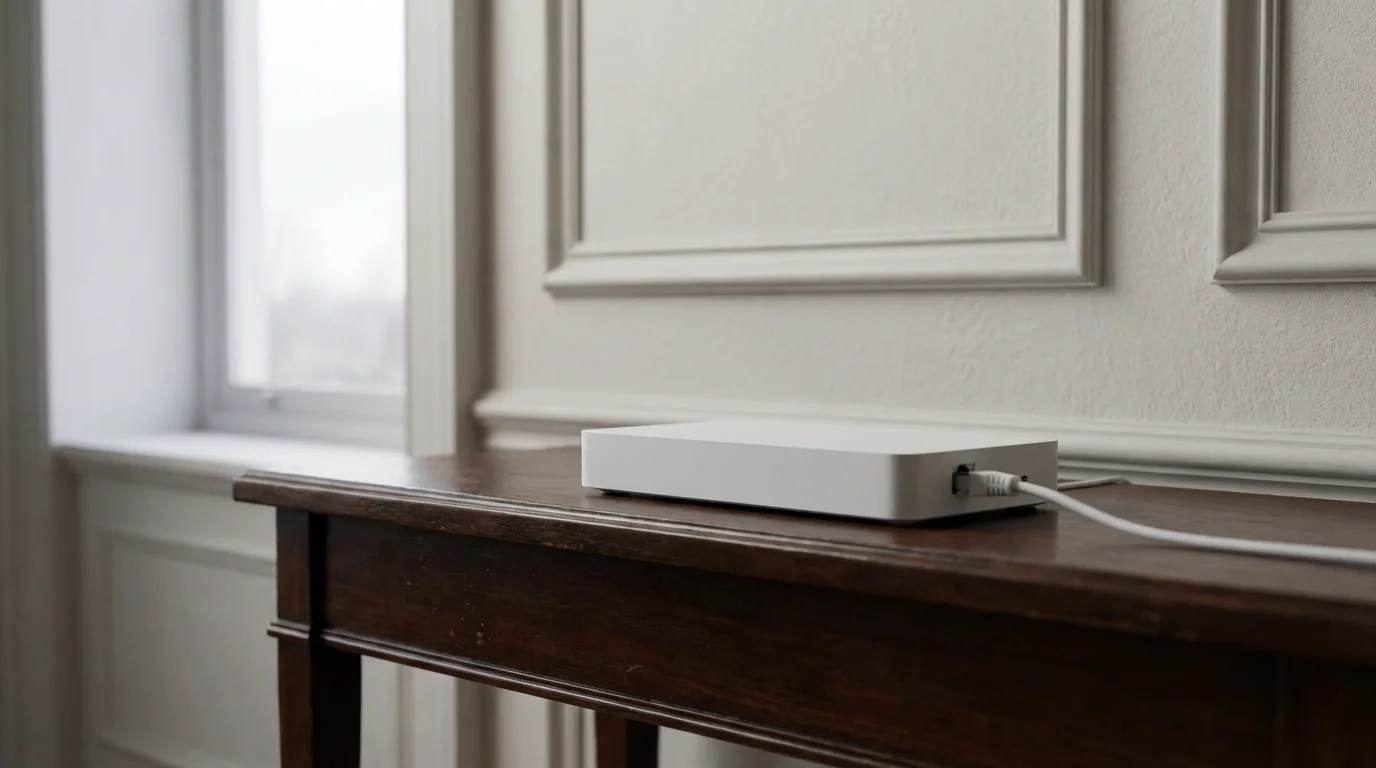
A smart home hub acts as a central brain for your devices, translating commands and enabling complex automations. You typically need a hub for Zigbee or Z-Wave devices. Some Wi-Fi devices are “hub-free” and connect directly to your router. For older homes, a hub can be beneficial:
- Centralized Control: A hub consolidates control over various device types.
- Enhanced Reliability: Dedicated mesh networks (Zigbee/Z-Wave) often prove more robust than an overloaded Wi-Fi network.
- Local Processing: Some hubs can process automations locally, meaning your smart home continues to function even if your internet connection goes down.
Starting Simple: Entry-Level Smart Devices for Any Home
You do not need to automate your entire home at once. Begin with simple, impactful devices that offer immediate benefits. These entry-level options integrate easily into older homes and provide a taste of smart living.
If you want to start small, consider picking from the 5 best first smart home devices to buy for immediate impact.
Smart Plugs: Instant Automation for Existing Appliances
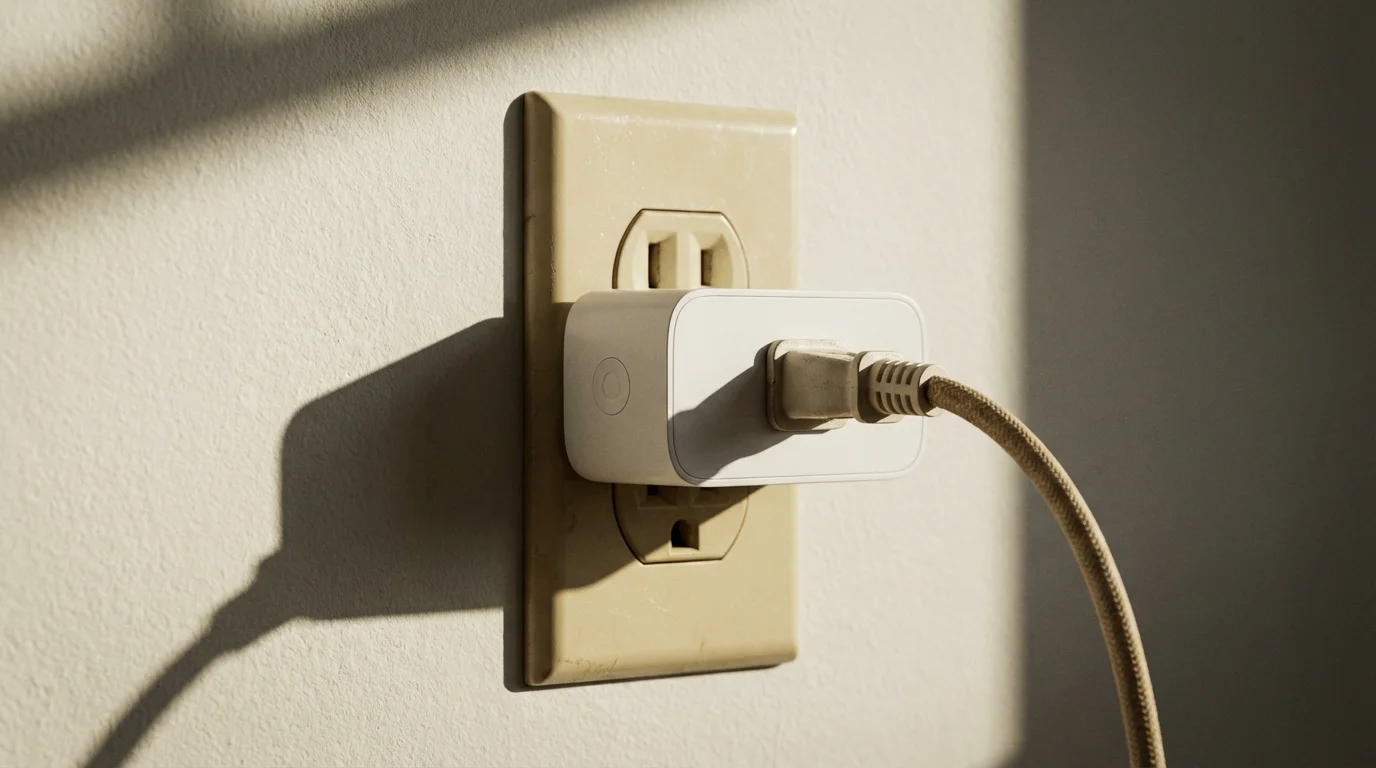
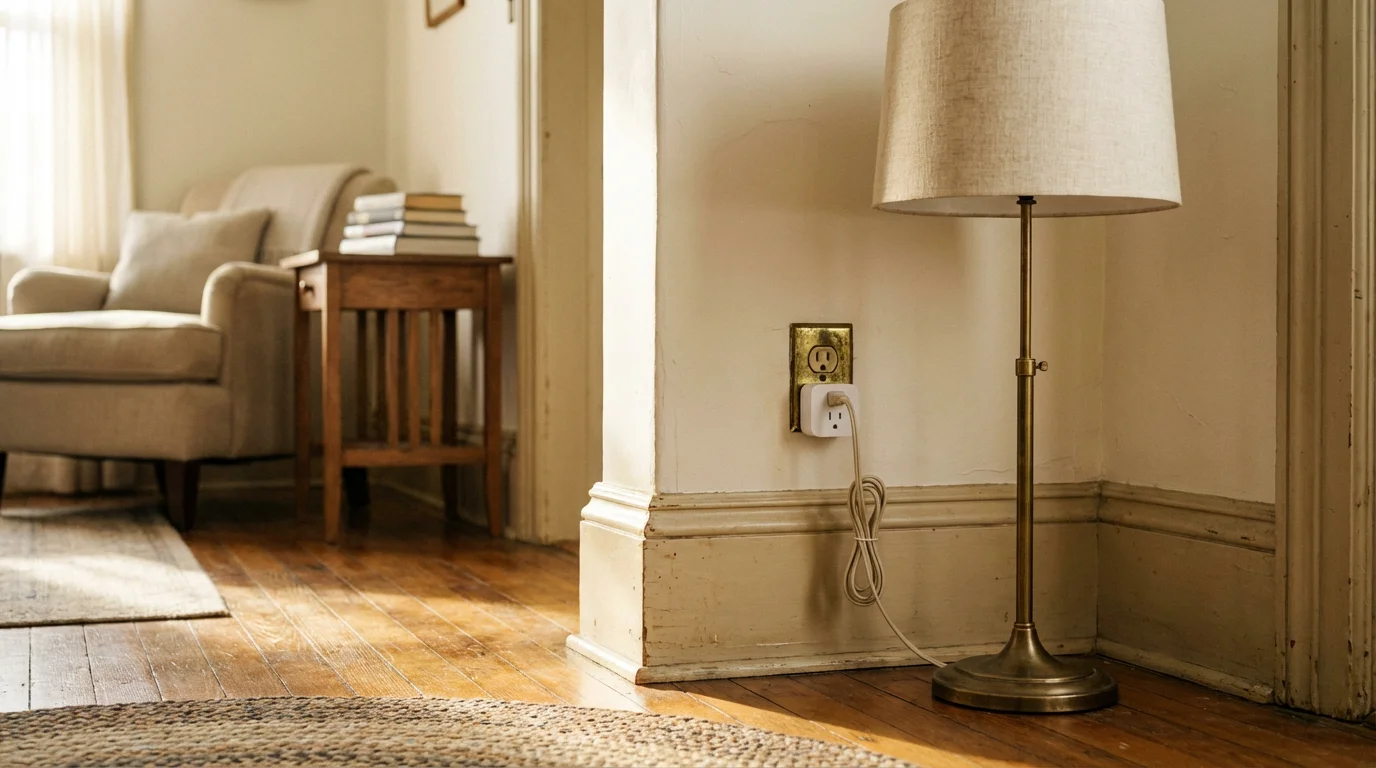
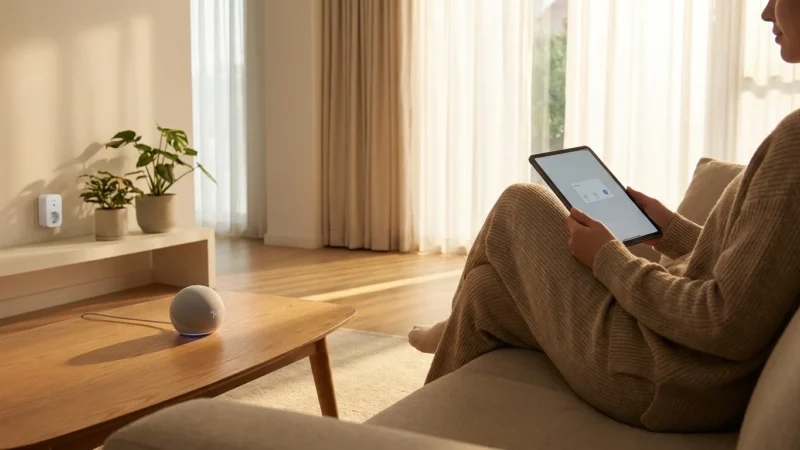
Smart plugs are one of the easiest ways to make old devices smart. You plug a smart plug into any standard wall outlet, then plug your lamp, coffee maker, or fan into the smart plug. You instantly gain remote control via your smartphone or voice assistant. You can also set schedules for automatic operation.
- Practical Use: Schedule a lamp to turn on at dusk. Turn off a curling iron remotely if you forgot. Control a window fan from your bed.
- Energy Monitoring: Some smart plugs offer energy monitoring, helping you identify energy-hungry appliances and potentially save on electricity bills.
Smart Lighting: Ambiance, Convenience, and Efficiency
Smart lighting transforms the atmosphere of any room. You have two primary options for integrating smart lighting into your older home:
- Smart Bulbs: Simply replace your existing light bulbs with smart LED bulbs. They screw into standard sockets and connect via Wi-Fi, Bluetooth, or a hub (Zigbee/Matter). You control brightness, color, and on/off status from your phone or voice. This requires no electrical wiring changes, making them ideal for older homes without neutral wires at switches.
- Smart Dimmer Switches: If your older home has compatible wiring (a neutral wire), smart dimmer switches replace your existing wall switches. They control entire lighting fixtures, making all attached bulbs smart. This offers a more traditional control experience and can be more cost-effective for rooms with multiple lights.
Smart Thermostats: Optimize Comfort and Save Energy
A smart thermostat offers significant energy savings and enhanced comfort. Devices like Nest or Ecobee learn your preferences, adjust temperatures based on occupancy, and can be controlled remotely. Many smart thermostats are compatible with older HVAC systems, but it is wise to check compatibility before purchase. You gain the ability to pre-cool your home before you arrive or lower the heat while you are away, directly impacting your utility bills.
Enhancing Security and Peace of Mind
Older homes can benefit immensely from modern smart security devices. These systems offer robust protection and remote monitoring, giving you greater control over your home’s safety, even from afar.
Smart Locks: Keyless Entry and Remote Access
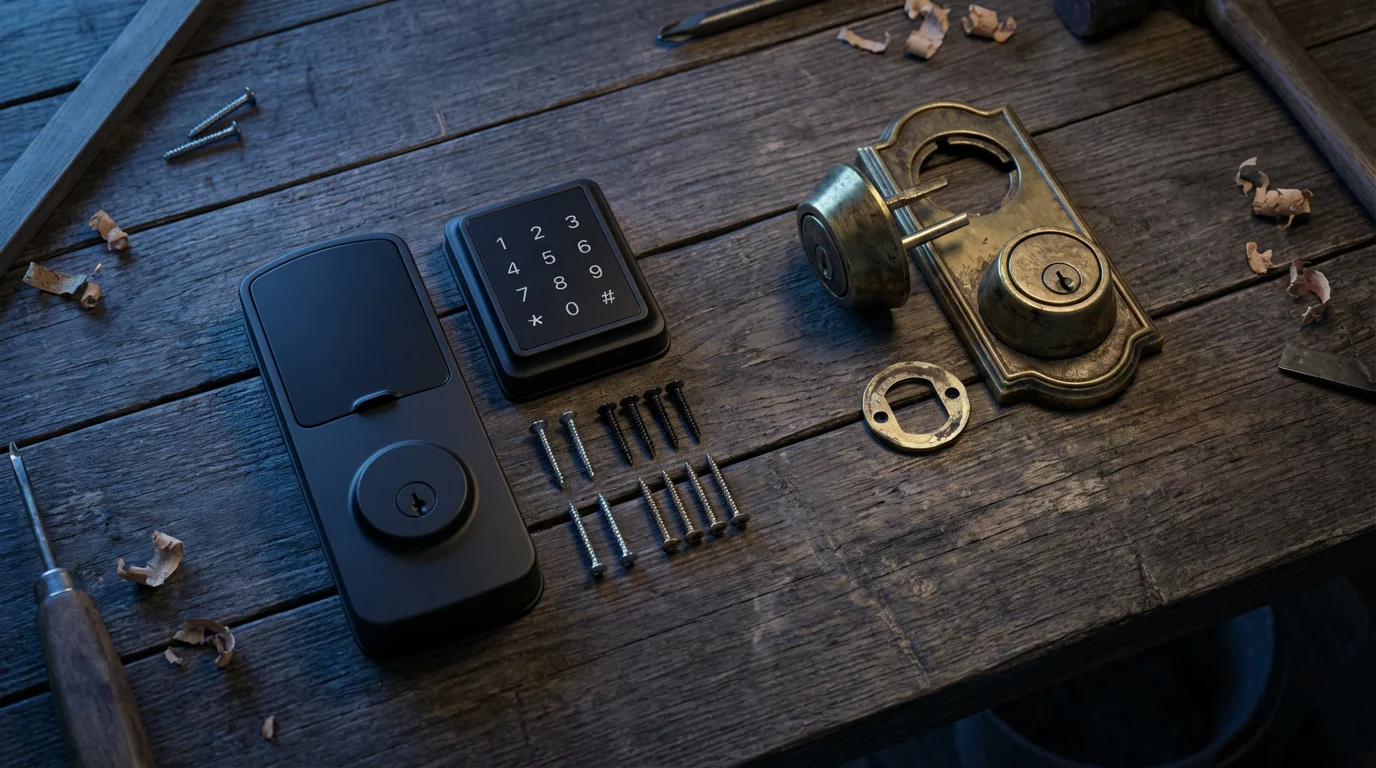
Smart locks provide keyless entry using keypads, fingerprint readers, or smartphone apps. Many smart locks install easily, replacing your existing deadbolt without altering the door’s original appearance. They are excellent for older homes because they integrate into your existing door hardware.
- Convenience: Unlock your door as you approach. Grant temporary access codes to guests or service providers.
- Security: Receive notifications if the door is left ajar. Monitor who enters and exits your home.
Video Doorbells: See Who’s There, Anywhere
A smart video doorbell replaces your traditional doorbell and provides a live video feed of your doorstep. You can see and speak to visitors from your smartphone, even when you are not home. Many models offer motion detection and night vision. For older homes, consider both wired and battery-powered options:
- Wired Doorbells: These connect to your existing doorbell wiring. They provide continuous power and typically offer more features and reliable connectivity.
- Battery-Powered Doorbells: These are easier to install as they require no wiring. You simply mount them to your doorframe. Battery life varies, and you will need to recharge them periodically.
Indoor and Outdoor Cameras: Vigilant Monitoring
Smart cameras offer peace of mind by allowing you to monitor your home’s interior and exterior remotely. For older homes, consider strategic placement and power options.
- Indoor Cameras: Place these in common areas or near entry points. Battery-powered options offer flexible placement without needing to run new wires.
- Outdoor Cameras: Focus on entry points, driveways, and vulnerable areas. Look for weather-resistant models with good night vision. Wired cameras provide continuous power, while battery options simplify installation, particularly where outdoor outlets are scarce.
Smartening Up Legacy Systems: Retrofit Solutions
You can often integrate existing, non-smart components of your older home into a modern smart ecosystem. Retrofit solutions allow you to leverage your current infrastructure while adding smart functionality.
Garage Door Openers: Remote Access and Security
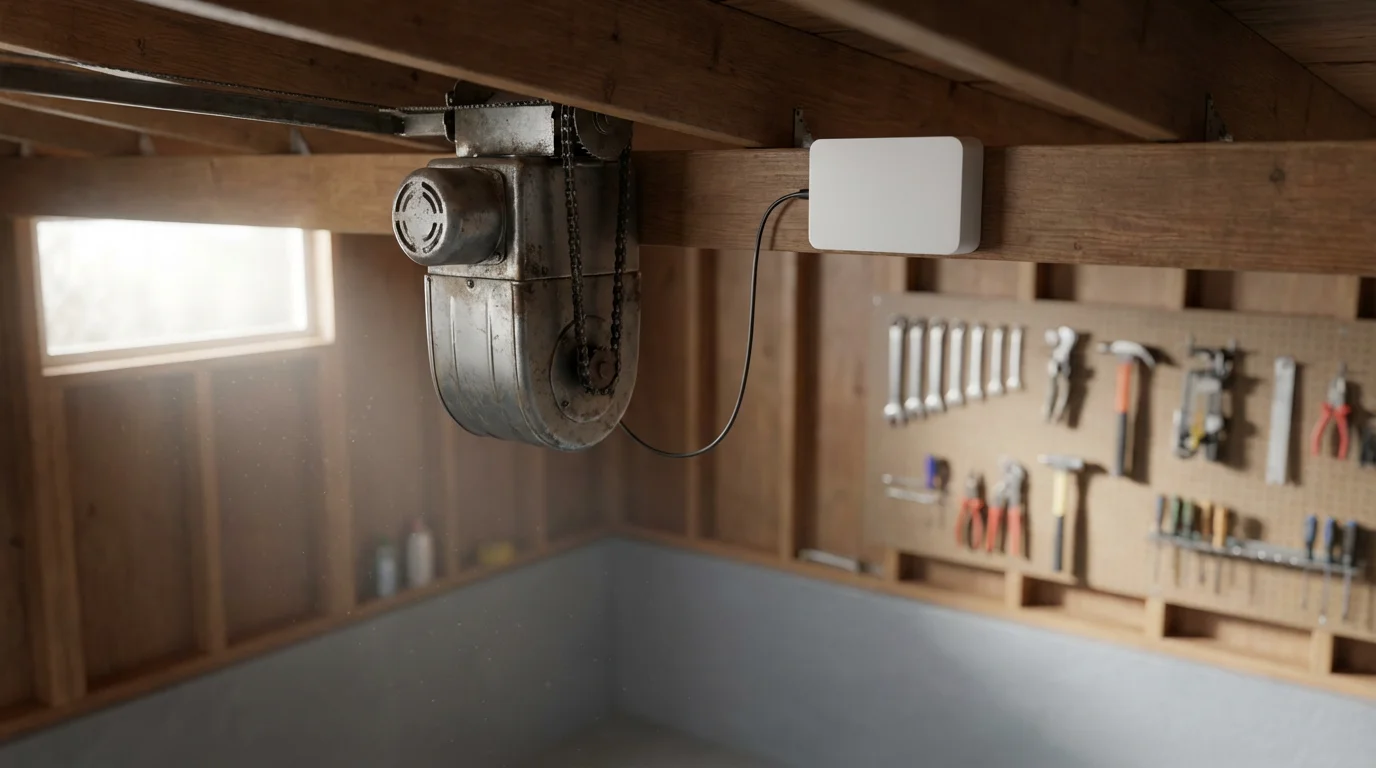
You do not need to replace your entire garage door opener. Smart garage door controllers are retrofit devices that connect to your existing opener. They allow you to open and close your garage door remotely from your smartphone. You also receive notifications if you leave it open, adding a layer of security.
Smartening Existing Light Switches: In-Wall Modules
For those who wish to keep their original light switches but add smart functionality, in-wall smart modules are an excellent solution. These small devices install behind your existing light switch, converting it into a smart switch. You retain the tactile feel and aesthetic of your original switches while gaining app and voice control. This often requires a neutral wire in the switch box.
Old Intercom Systems: Modern Communication
If your older home has an outdated intercom system, you can often replace it with modern smart alternatives. Video doorbells already serve as a primary communication point. For room-to-room communication, smart displays (like Amazon Echo Show or Google Nest Hub) offer intercom functionality. You can place these discreetly throughout your home, providing modern communication without complex wiring.
Smartening Irrigation Systems: Water Conservation
Older homes with established gardens can benefit from smart irrigation controllers. These devices connect to your existing sprinkler system. They use local weather data, soil moisture sensors, and plant type information to optimize watering schedules. This conserves water, saving you money on your utility bills, and ensures your landscaping receives appropriate hydration. Many smart controllers are DIY-friendly to install by simply replacing your old controller unit.
Choosing Your Ecosystem: Alexa, Google, or HomeKit
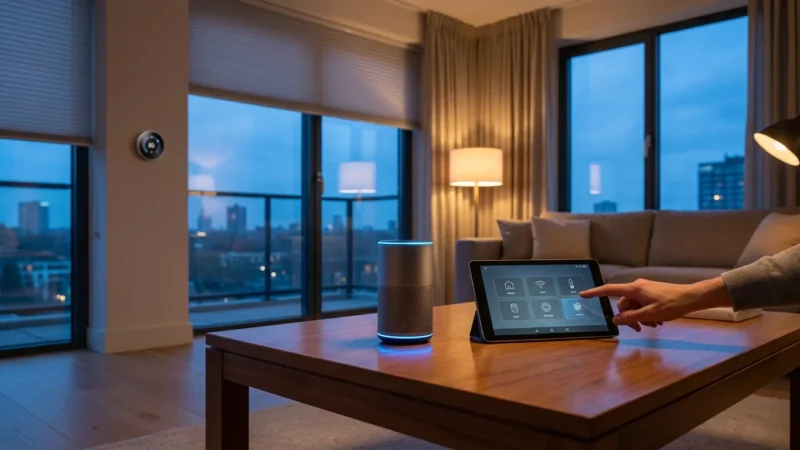
You will achieve the best smart home experience by choosing an ecosystem and sticking with it. This ensures seamless communication between devices and simplifies control. Each major ecosystem offers distinct advantages.
Amazon Alexa: Broad Compatibility and Voice Control
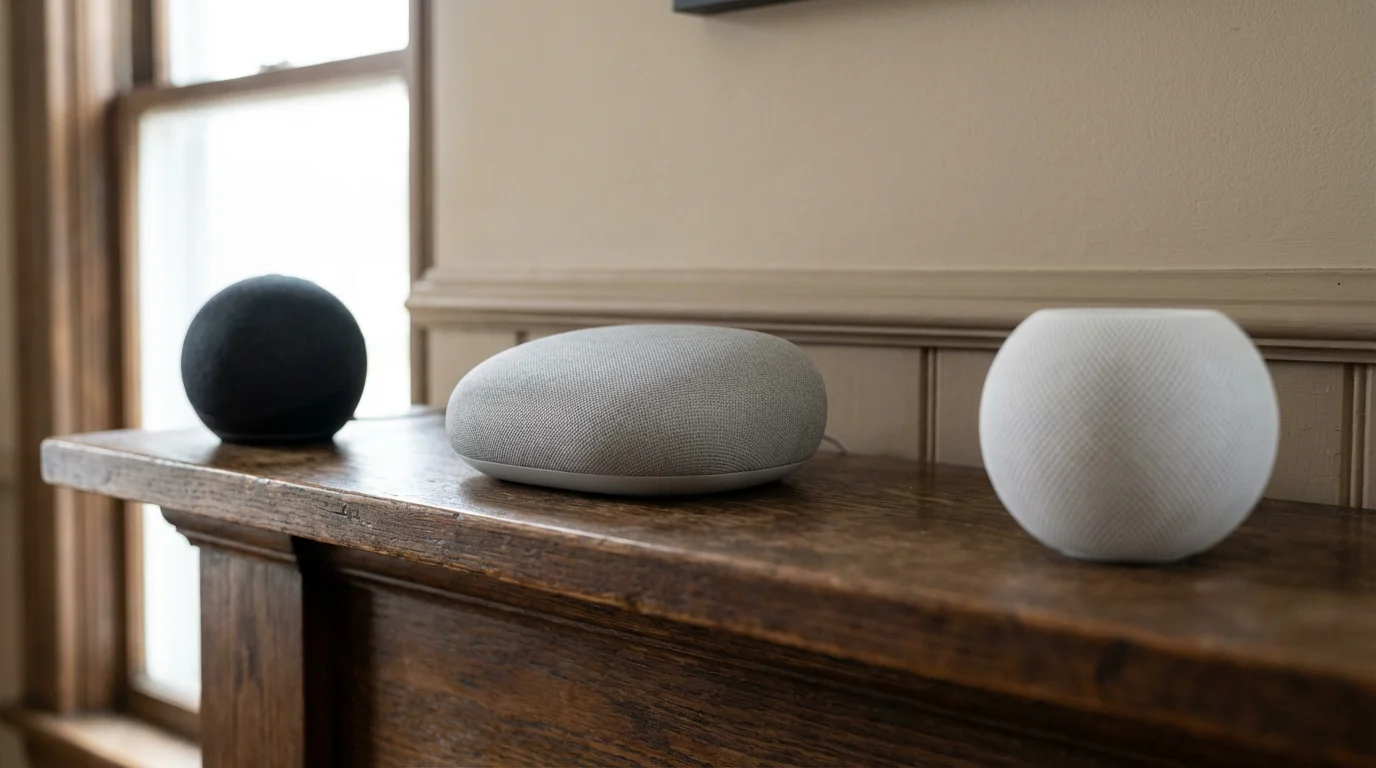
Alexa boasts the widest range of compatible devices. If you prioritize maximum device choice and powerful voice control, Alexa is an excellent option. Its extensive skill library allows integration with countless services. Amazon Echo devices, from smart speakers to smart displays, provide the interface for your Alexa ecosystem. It offers a user-friendly experience for beginners.
Google Home: Intelligent Assistance and Android Integration
Google Home excels in intelligent voice assistance, leveraging Google’s search and AI capabilities. It integrates seamlessly with Android devices and Google services like Calendar and Maps. If you are deeply embedded in the Google ecosystem, or if you prefer a smart assistant that understands complex commands and offers rich information, Google Home is a strong contender. Google Nest devices serve as its hardware interface.
Apple HomeKit: Privacy and Simplified User Experience
Apple HomeKit prioritizes privacy and security, offering end-to-end encryption for smart home data. It provides a highly streamlined user experience through the Home app on iOS devices. If you are an Apple user and value a tightly integrated, secure ecosystem with a focus on ease of use, HomeKit is a premium choice. It often has fewer compatible devices than Alexa or Google, but its strong security protocols appeal to many. Apple TV or HomePod Mini serve as HomeKit hubs.
Matter: The Bridge to Interoperability
With the advent of Matter, the choice of ecosystem becomes less restrictive. Matter-certified devices will work across all major ecosystems. This means you can buy a Matter-enabled smart plug and control it with Alexa, Google Home, or HomeKit simultaneously. This future-proofs your smart home and provides unprecedented flexibility for older homes where you might encounter specific device limitations. The Connectivity Standards Alliance provides more details on the Matter standard.
Budget-Friendly Strategies for Older Homes
You do not need to spend a fortune to make your older home smart. A strategic, phased approach allows you to enjoy the benefits of smart technology without breaking the bank. Focus on high-impact, low-cost upgrades first.
Start Small and Expand Gradually
Begin with a few key devices that solve an immediate need or offer significant convenience. This allows you to learn how smart devices work and understand your preferences. For example, start with a few smart plugs, a smart thermostat, or a video doorbell. You can then add more devices over time as your needs evolve and your budget allows.
Prioritize Energy Savings
Invest in smart devices that offer a clear return on investment through energy savings. A smart thermostat, for instance, can pay for itself within a year or two through reduced heating and cooling costs. Smart plugs with energy monitoring features help you identify and manage power-hungry appliances. Energy-efficient smart lighting also contributes to lower utility bills.
DIY Installation When Possible
Many entry-level smart devices are designed for easy, do-it-yourself installation. Smart plugs, smart bulbs, and most video doorbells offer straightforward setup processes. This saves you money on professional installation fees. Always follow manufacturer instructions carefully. If you encounter any uncertainty with electrical work, consult a professional.
Look for Sales and Bundles
Smart home devices frequently go on sale, especially during holiday periods. Keep an eye out for discounts or starter bundles, which often offer a gateway hub and a few devices at a reduced price. These bundles provide an excellent, cost-effective way to begin building your smart home ecosystem.
When to Call a Professional
While many smart home installations are DIY-friendly, certain tasks require the expertise of a licensed professional. Prioritizing safety and proper functionality is paramount, especially in older homes where wiring and infrastructure can be complex.
Electrical Wiring and Panel Upgrades
If your older home lacks neutral wires at switch boxes, requires new wiring runs, or needs an electrical panel upgrade to support increased demand, you must hire a licensed electrician. Incorrect electrical work poses significant safety risks, including fire hazards and electrical shocks. Electricians ensure compliance with local building codes and safe operation.
HVAC System Integration
While many smart thermostats are compatible with older HVAC systems, complex integrations or issues with specialized wiring might necessitate a professional HVAC technician. They can diagnose existing system quirks, ensure correct thermostat wiring, and calibrate the system for optimal performance and efficiency. This prevents potential damage to your heating or cooling units.
Complex Whole-Home Automation
If you envision a sophisticated whole-home automation system involving numerous integrated devices, custom programming, or advanced security setups, consider consulting a smart home integrator. These professionals specialize in designing and installing complex systems that work seamlessly together. They can identify potential issues specific to your older home and create a tailored solution that maximizes functionality and user experience.
Structural Modifications
Any smart home upgrade requiring drilling into load-bearing walls, altering plumbing, or making significant changes to your home’s structure should involve a qualified contractor. They ensure that modifications are safe, structurally sound, and adhere to building regulations.
Frequently Asked Questions
Can I add smart devices to an older home without rewiring?
Yes, absolutely. Many smart devices, such as smart plugs, smart light bulbs, and battery-powered video doorbells, require no special wiring. These devices simply plug into existing outlets or screw into light sockets. For smart switches, “no-neutral” options are available, or you can use smart bulbs if rewiring is not feasible.
Will thick walls in my older home block smart home signals?
Thick walls can sometimes weaken Wi-Fi signals, creating dead zones. You can overcome this challenge by installing a mesh Wi-Fi system. Mesh systems use multiple access points to create a strong, consistent network throughout your entire home. Additionally, smart home protocols like Z-Wave operate on lower frequencies that penetrate walls more effectively.
How can I preserve my older home’s aesthetic while adding smart technology?
Choose discreet devices and retrofit solutions. Smart plugs are nearly invisible, while smart bulbs fit into your existing fixtures. For switches, consider in-wall modules that install behind your current switches, maintaining their appearance. Smart locks can often replace only the internal components of your deadbolt, leaving the exterior unchanged. Prioritize hidden wiring and thoughtful placement.
Are smart home devices expensive for an older home?
Smart home technology offers options for every budget. You can start with inexpensive smart plugs or bulbs and gradually expand your system. Many devices, like smart thermostats, offer long-term energy savings that can offset their initial cost. You do not need to buy everything at once; a phased approach keeps costs manageable.
Do I need a smart home hub for an older house?
Many smart devices connect directly to your Wi-Fi router without a hub. However, for a more robust and reliable system, especially in older homes with potential connectivity challenges, a hub is beneficial. Hubs often support protocols like Zigbee and Z-Wave, which create mesh networks that improve range and signal penetration through thick walls. A hub can also centralize control and enable more complex automations.
Disclaimer: This article is for informational purposes only. Smart home devices involve electrical connections and data privacy. Always follow manufacturer instructions for installation. For complex wiring or HVAC work, consult a licensed professional.
It is also helpful to test if your home is ready for smart devices by evaluating your current electrical and internet infrastructure.


Leave a Reply