
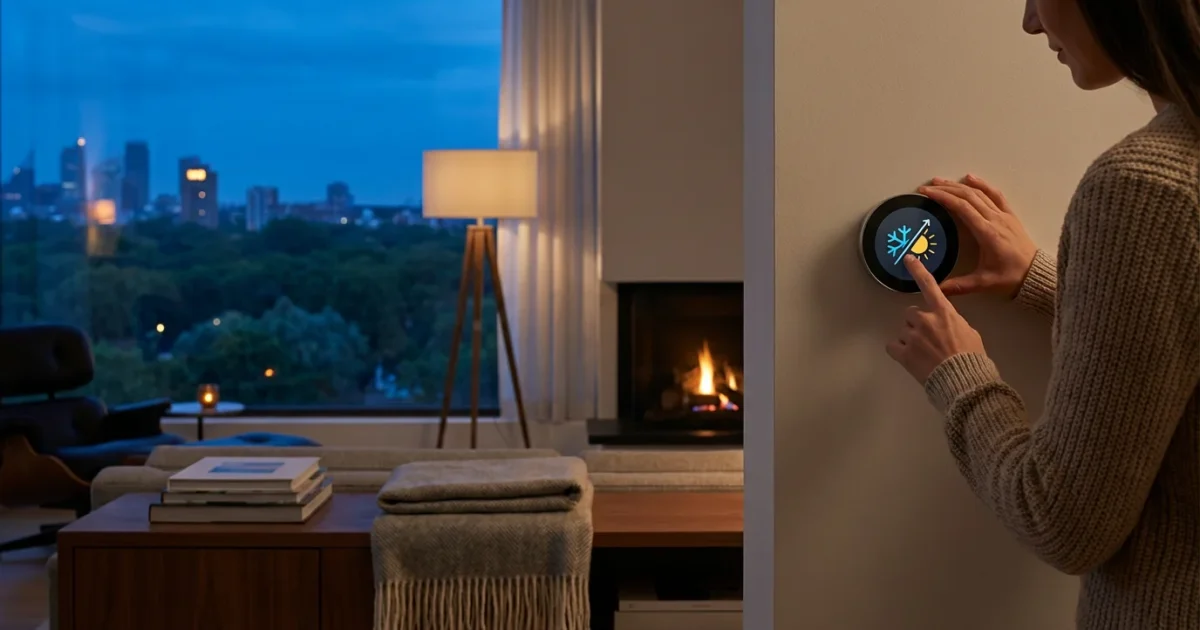
Your smart thermostat offers more than just convenient temperature control. It provides a powerful tool for energy savings and home comfort, but only when you properly prepare it for the changing seasons. As temperatures shift, your thermostat needs specific adjustments to operate efficiently, prevent energy waste, and maintain optimal indoor climate. Failing to update your seasonal settings can lead to higher utility bills and uncomfortable living spaces.
This guide helps you master your smart thermostat, ensuring it performs its best whether you face a harsh winter or a scorching summer. You will learn practical steps to configure your device, leverage its smart features, and achieve maximum energy efficiency throughout the year.
Why Seasonal Adjustments Matter for Your Smart Thermostat
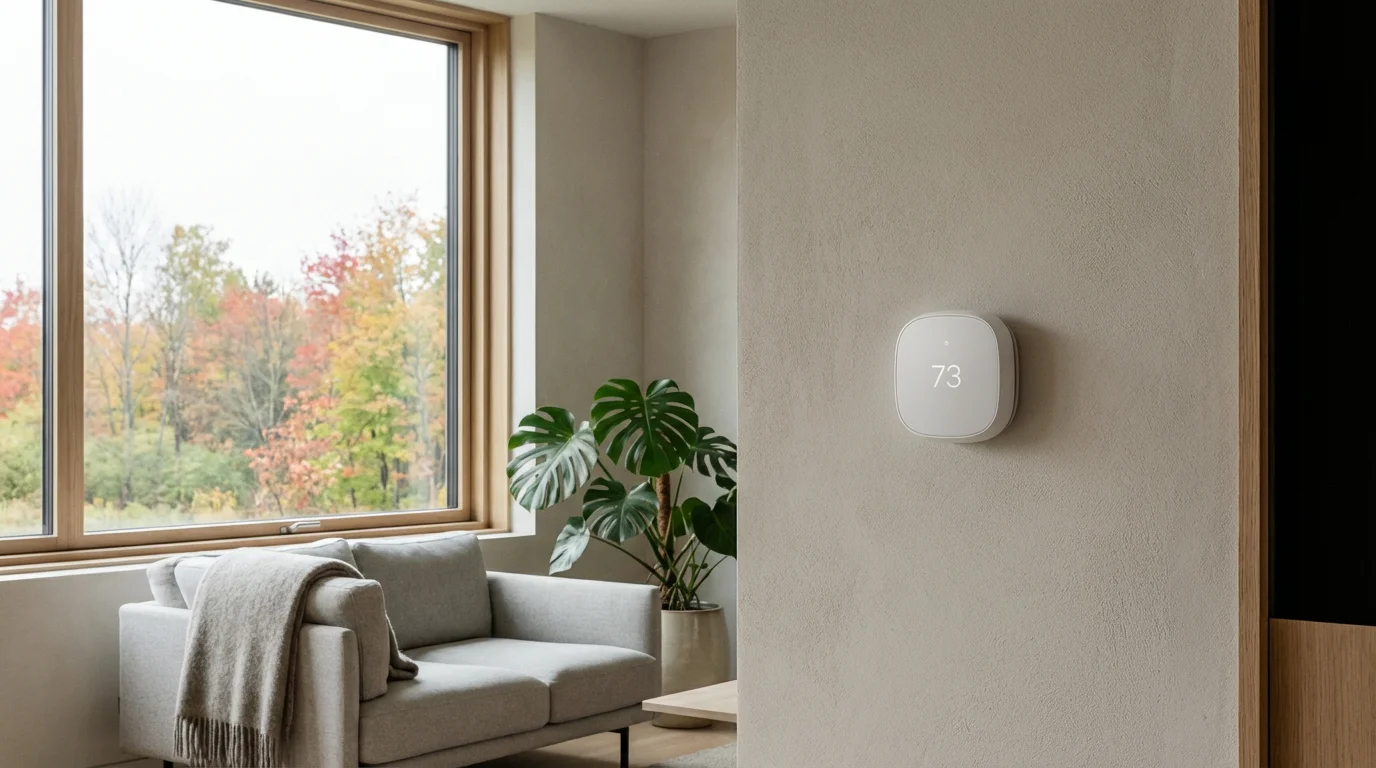
A smart thermostat brings automation and intelligence to your home’s heating and cooling. However, it is not a “set it and forget it” device in perpetuity. Seasonal changes introduce unique demands on your HVAC system. Adjusting your smart thermostat ensures your home remains comfortable and efficient as the weather shifts.
Consider the significant impact of seasonal temperature fluctuations on your energy consumption. A well-tuned thermostat responds proactively, preventing your system from overworking. This saves you money and prolongs the life of your heating and cooling equipment. According to Energy Star, smart thermostats can save homeowners an average of 8% on heating and cooling costs. Properly setting your seasonal modes significantly contributes to these savings.
When you adapt your thermostat for winter or summer, you optimize its learning algorithms. This allows the device to gather relevant data for each season, making more accurate predictions for your comfort needs. Your proactive adjustments reinforce its intelligence, leading to superior performance.
Benefits of Seasonal Smart Thermostat Adjustments
- Reduced Energy Bills: Tailored settings prevent unnecessary heating or cooling when outdoor temperatures align with indoor preferences.
- Enhanced Comfort: Your home maintains ideal temperatures, adapting to warmer days or colder nights automatically.
- Extended HVAC Lifespan: Your system works less intensely, reducing wear and tear by avoiding constant overcompensation.
- Optimized Smart Features: Geofencing and learning schedules become more accurate when calibrated for specific seasonal demands.
- Environmental Impact: Lower energy consumption directly translates to a smaller carbon footprint for your household.
Understanding Your Smart Thermostat’s Key Features for Seasonal Control
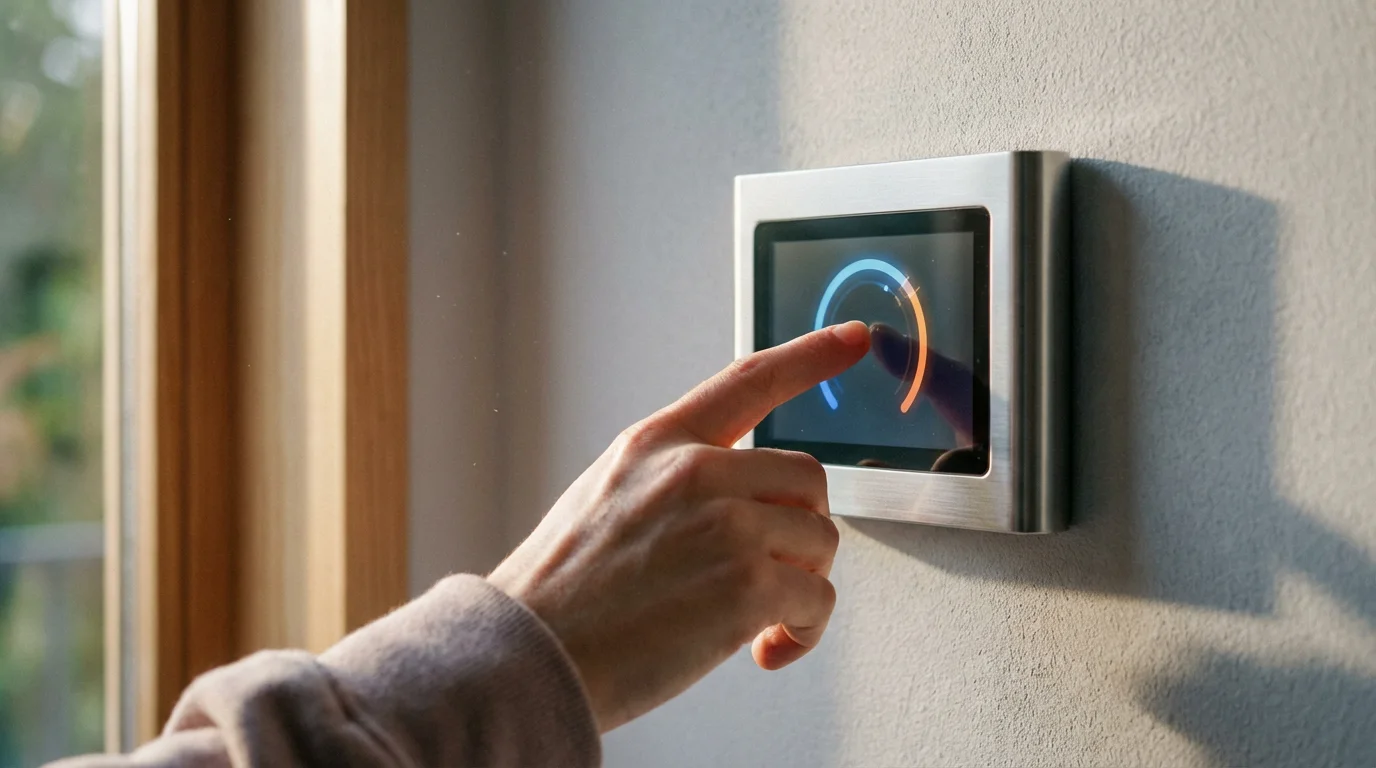
Your smart thermostat, whether it is a Nest, Ecobee, or Honeywell Home model, comes packed with features designed to enhance comfort and save energy. Understanding how to leverage these for seasonal changes is crucial. These devices move beyond simple on/off control, offering sophisticated ways to manage your home’s climate.
Learning Capabilities
Many smart thermostats, like the Nest Learning Thermostat, observe your habits. They learn your preferred temperatures at different times and then build a schedule automatically. For seasonal adjustments, you might need to “retrain” it slightly or manually override it for the first few days of a new season. This helps it understand your new seasonal preferences more quickly.
Programmable Schedules
Most smart thermostats allow you to create specific schedules for different days and times. This is your primary tool for seasonal thermostat programming tips. You can set distinct schedules for weekdays and weekends, or even for specific seasons. For instance, you will want different settings for heating in winter than for cooling in summer.
Geofencing
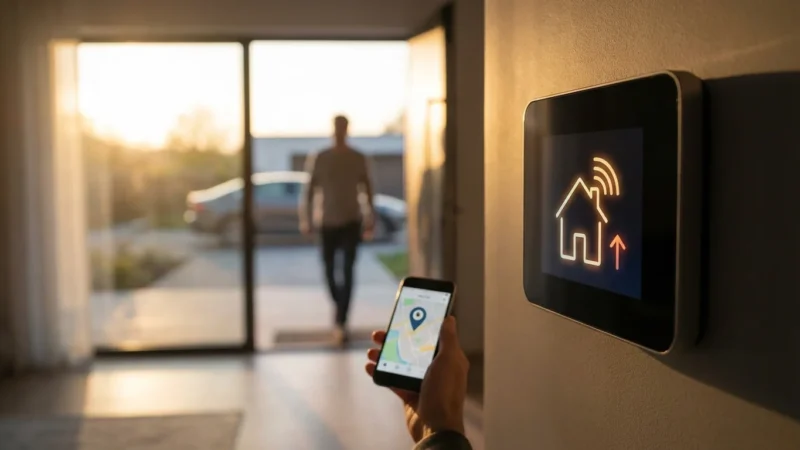
Geofencing uses your smartphone’s location to detect when you leave or return home. When you are away, your thermostat can automatically adjust to an energy-saving temperature. When you approach home, it can start bringing the house back to your comfort level. This feature is particularly useful across seasons, ensuring you do not heat or cool an empty house. Confirm your geofencing radius and setback temperatures for both heating and cooling modes.
Remote Access and Control
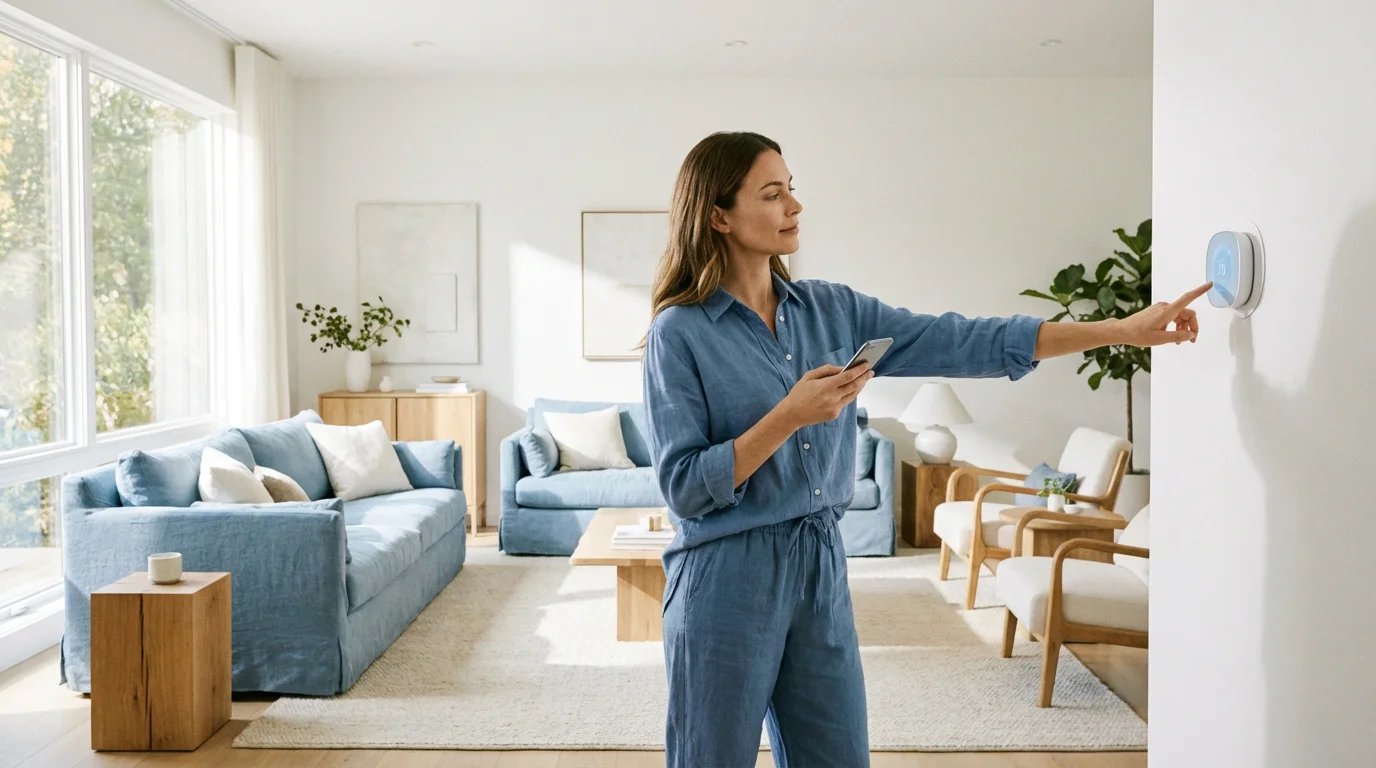
Using a smartphone app, you can adjust your thermostat from anywhere. This offers immediate control if a seasonal cold snap or heatwave arrives unexpectedly. You can pre-heat your home on your way back from a winter trip or crank up the AC before arriving on a hot summer day.
Integration with Smart Home Ecosystems
Many smart thermostats integrate with broader smart home platforms like Amazon Alexa, Google Home, or Apple HomeKit. This allows for advanced automations. For example, your lights could turn on and your thermostat could adjust when you unlock the front door. These integrations can also help manage your seasonal settings more cohesively.
Preparing for Winter: Essential Settings and Strategies
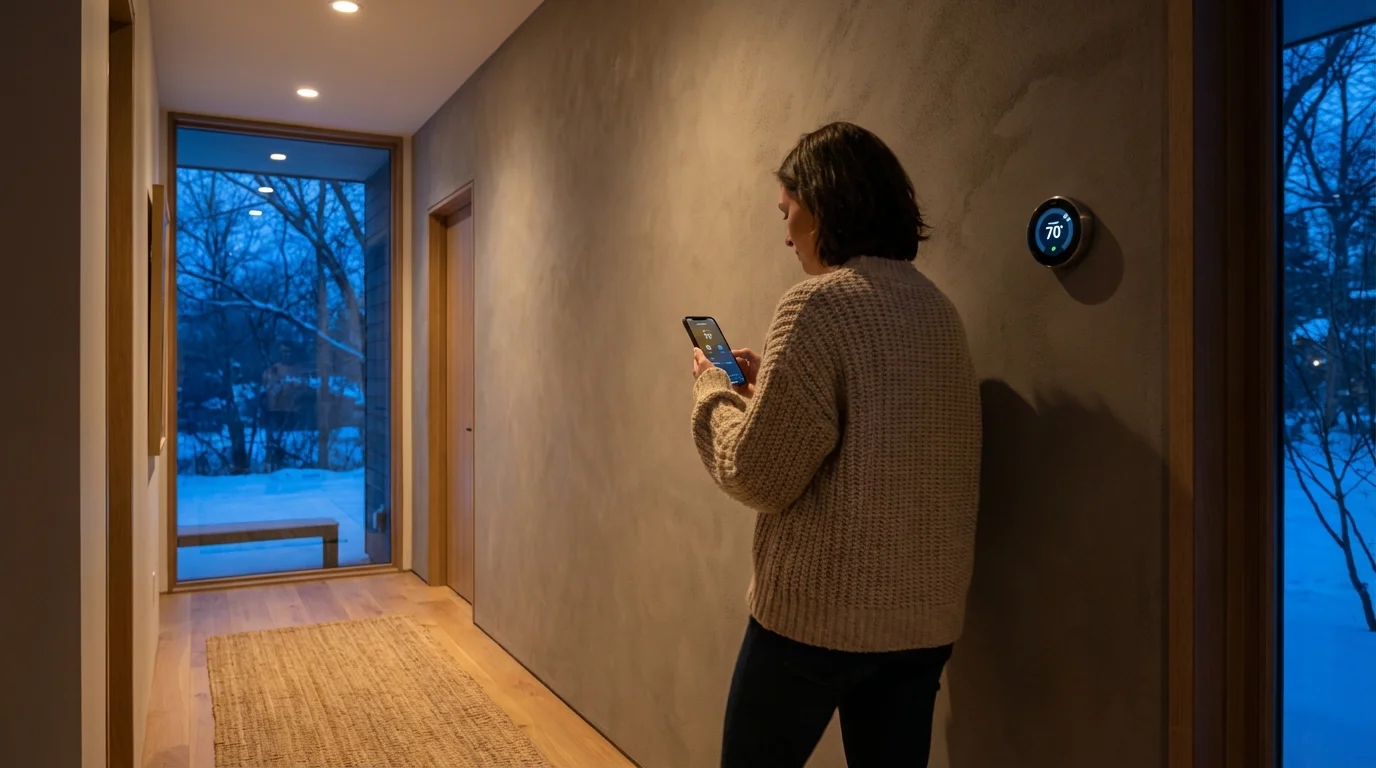
As colder weather approaches, shift your smart thermostat into winter mode. This involves more than just lowering the temperature. Strategic adjustments save energy, prevent frozen pipes, and maintain a cozy indoor environment.
Key Steps for Winter Prep
- Update Your Schedule: Create a new heating schedule or adjust your existing one to reflect colder outdoor temperatures and your indoor presence. Aim for lower temperatures when you are away or sleeping (e.g., 60-64°F) and comfortable temperatures (e.g., 68-70°F) when you are home and awake.
- Utilize Learning Mode: If your thermostat has a learning feature, consciously adjust it to your desired winter temperatures for the first week or two. This helps it “learn” your winter preferences.
- Review Geofencing Settings: Ensure your “away” temperature setback for heating is effective. For example, set it to 62°F when no one is home to prevent pipes from freezing without wasting energy.
- Check “Away” and “Vacation” Modes: If you travel during winter, activate your thermostat’s vacation mode. This maintains a safe, lower temperature, often around 50-55°F, to protect your home from freezing pipes while minimizing energy use.
- Adjust Fan Settings: Consider changing your fan setting from “Auto” to “Circulate” for a few minutes each hour. This helps distribute warm air more evenly, preventing cold spots, but monitor energy use.
- Monitor Humidity: Winter air can be very dry. If your smart thermostat supports humidity control or integrates with a humidifier, set it to maintain comfortable indoor humidity levels (typically 30-50%). This improves comfort and can even make slightly lower temperatures feel warmer.
- Check Frost Protection: Many smart thermostats have a built-in frost protection feature that automatically turns on the heat if temperatures drop below a critical threshold, even when in an “off” or “away” mode. Confirm this feature is enabled.
“The smartest thermostat is the one you set and forget, knowing it adapts to your life and the seasons. Regular seasonal reviews ensure it truly works for you.”
Practical Winter Programming Tips
* Morning Warm-up: Schedule your heat to start warming your home 30-60 minutes before you typically wake up. This ensures comfort without wasting energy by running it all night.
* Evening Setback: Program your heat to lower an hour or two before bedtime. The lingering warmth will carry you through to sleep, and the lower overnight temperature saves energy.
* Smart Vents: If you use smart vents, ensure their seasonal settings are adjusted. For winter, prioritize closing vents in unused rooms and directing more heat to frequently occupied areas.
Gearing Up for Summer: Cooling Strategies and Settings
When warmer weather arrives, your smart thermostat needs summer prep. Optimizing your settings for cooling can significantly reduce your electricity consumption and keep your home refreshingly cool.
Key Steps for Summer Prep
- Revamp Your Cooling Schedule: Create a new schedule or modify your existing one for the cooling season. Set higher temperatures when you are out of the house (e.g., 78-80°F) and comfortable levels (e.g., 72-75°F) when you are home.
- Leverage Learning Mode: Similar to winter, allow your thermostat to learn your cooling preferences by consistently adjusting it for the first few days of summer.
- Re-evaluate Geofencing: Confirm your “away” setback temperature for cooling. Raising it by a few degrees when you are out can lead to substantial savings. For instance, setting it to 80°F instead of 75°F.
- Consider “Fan Only” Mode: On milder days, using the “Fan Only” mode can circulate air and provide comfort without engaging the energy-intensive compressor of your AC unit.
- Manage Humidity: Summer often brings high humidity. Your AC naturally dehumidifies, but if your thermostat offers separate humidity control or integrates with a dehumidifier, set it to maintain 40-55% relative humidity for optimal comfort. This allows you to feel comfortable at a slightly higher temperature, saving energy.
- Smart Home Integration: Integrate your smart thermostat with smart blinds or shades. You can automate them to close during peak sun hours, reducing heat gain and lessening the load on your AC.
Practical Summer Programming Tips
* Pre-Cooling: If you are on a time-of-use electricity plan, pre-cool your home during off-peak hours. Schedule your AC to drop to your desired comfort level before peak energy rates begin.
* Overnight Warm-up: Consider letting your home’s temperature rise naturally a few degrees overnight. Many find it comfortable to sleep in slightly warmer temperatures, especially with a ceiling fan.
* Optimize Fan Speed: Adjust your AC fan speed. A lower fan speed can be quieter and sometimes more effective at dehumidifying, especially during continuous operation.

Optimizing with Smart Thermostat Integrations and Advanced Features
Your smart thermostat’s true power emerges when it integrates with other smart home devices and takes advantage of advanced features. These integrations enable sophisticated automations that respond to the seasons seamlessly.
Integration with Smart Vents
Smart vents, like those from Flair or Keen Home, work with your smart thermostat to direct airflow only where needed. For winter, you can close vents in guest rooms, sending more heat to your living areas. In summer, you can direct more cool air to bedrooms at night. This provides zone control without installing a full multi-zone HVAC system. You can even set seasonal rules for these vents, ensuring they adapt to your heating and cooling strategies.
Utilizing External Temperature Sensors
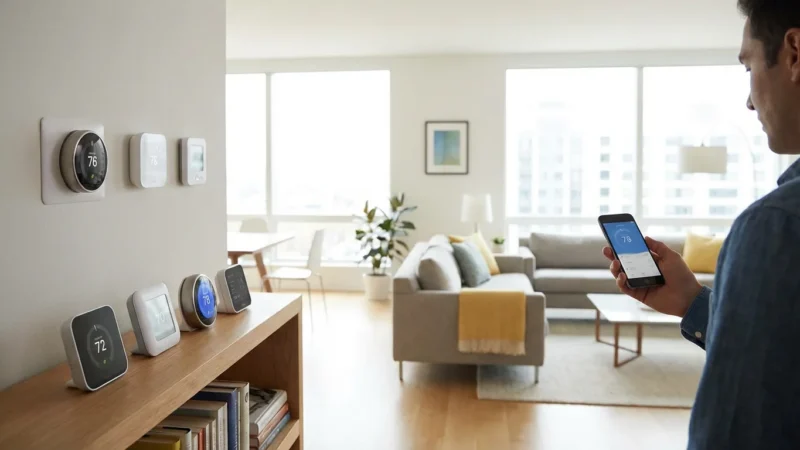
Many smart thermostats, especially Ecobee models, include or support external room sensors. These sensors provide more accurate temperature readings from different areas of your home. Place them in rooms that tend to be colder in winter or hotter in summer. Your thermostat then averages these readings or prioritizes specific sensors based on your preferences, leading to more balanced seasonal heating and cooling.
Weather-Responsive Settings
Some advanced smart thermostats use local weather forecasts to optimize their operation. They might pre-heat your home if a significant cold front is expected or begin pre-cooling on an anticipated hot day. Ensure this feature is enabled in your app settings to take advantage of it.
Utility Rebates and Programs
Many energy providers offer rebates or incentives for installing smart thermostats. They also often have “demand response” programs. These programs allow the utility to make minor adjustments to your thermostat during peak demand periods, earning you credits on your bill. Check with your local utility for available rebates and programs, as they often align with seasonal energy savings goals. Energy Star provides a list of qualified smart thermostats and potential rebates. You can find more information about these programs and eligible devices on the Energy Star Smart Thermostats website.
Smart Lighting and Blinds
Integrate your smart thermostat with smart lighting or automated blinds. In summer, program your blinds to close automatically during the hottest parts of the day, preventing solar heat gain. This reduces the load on your air conditioning. In winter, open them during sunny hours to leverage natural warmth. These subtle automations significantly impact overall home comfort and energy efficiency.
Common Pitfalls and Troubleshooting Seasonal Settings
Even with a smart thermostat, you might encounter issues during seasonal transitions. Addressing these common pitfalls helps maintain optimal comfort and efficiency.
Incorrect Sensor Placement
If you encounter technical glitches while updating your device, you can follow our guide on how to troubleshoot common smart thermostat issues to resolve them quickly.
Smart thermostats rely on accurate temperature readings. If your thermostat or its remote sensors are placed in direct sunlight, near drafts, or behind furniture, they will provide skewed data. This leads to your HVAC system overworking or underperforming.
* Solution: Relocate sensors to central, unobstructed areas away from heat sources or direct sunlight.
Ignoring Manual Overrides
While smart thermostats learn, sometimes a drastic weather change or an unusual schedule requires a temporary manual override. If you constantly find yourself adjusting the learned schedule, it means the learning needs adjustment or your preferences have changed seasonally.
* Solution: Use manual overrides when needed, but if they become frequent, consider retraining the device or creating a specific seasonal schedule.
Not Verifying C-Wire Compatibility
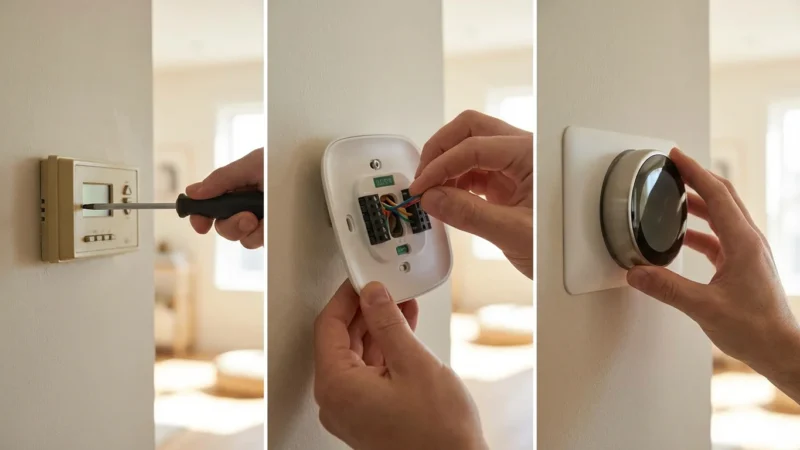
Most smart thermostats require a “C-wire” (common wire) to provide continuous power. Without it, the thermostat might “power steal,” leading to intermittent operation or draining your HVAC system’s transformer. This issue can become more apparent when the system is under increased seasonal demand.
* Solution: Before installation, always check for C-wire compatibility. If your system lacks one, consider a C-wire adapter or professional installation. For insights on smart thermostat installation, resources like Consumer Reports Smart Home offer helpful guides.
Outdated Firmware
Manufacturers frequently release firmware updates to improve performance, add features, and fix bugs. An outdated thermostat might not perform optimally, especially with new seasonal algorithms.
* Solution: Regularly check for and install firmware updates through your thermostat’s app.
Inconsistent Geofencing
If geofencing works inconsistently, your home might be heating or cooling unnecessarily when you are away. This often stems from phone settings, app permissions, or inconsistent GPS signals.
* Solution: Ensure your smart thermostat app has continuous location access on your smartphone. Check battery optimization settings, which can sometimes restrict background app activity.
Misinterpreting “Auto” Mode
The “Auto” mode on your thermostat automatically switches between heating and cooling to maintain a set temperature range. While convenient, if the range is too narrow or the setpoints are too close, your system might constantly cycle between heating and cooling, wasting energy.
* Solution: Set your heating and cooling setpoints with at least a 3-5 degree Fahrenheit gap in “Auto” mode. For example, if your desired cool setting is 75°F, your heat setting should be no higher than 70-72°F.
Maintaining Your HVAC System for Seasonal Efficiency
Your smart thermostat only controls your HVAC system, it does not maintain it. For optimal seasonal performance, your HVAC system needs regular care. This ensures your smart thermostat’s commands translate into efficient heating and cooling.
Regular Filter Replacement
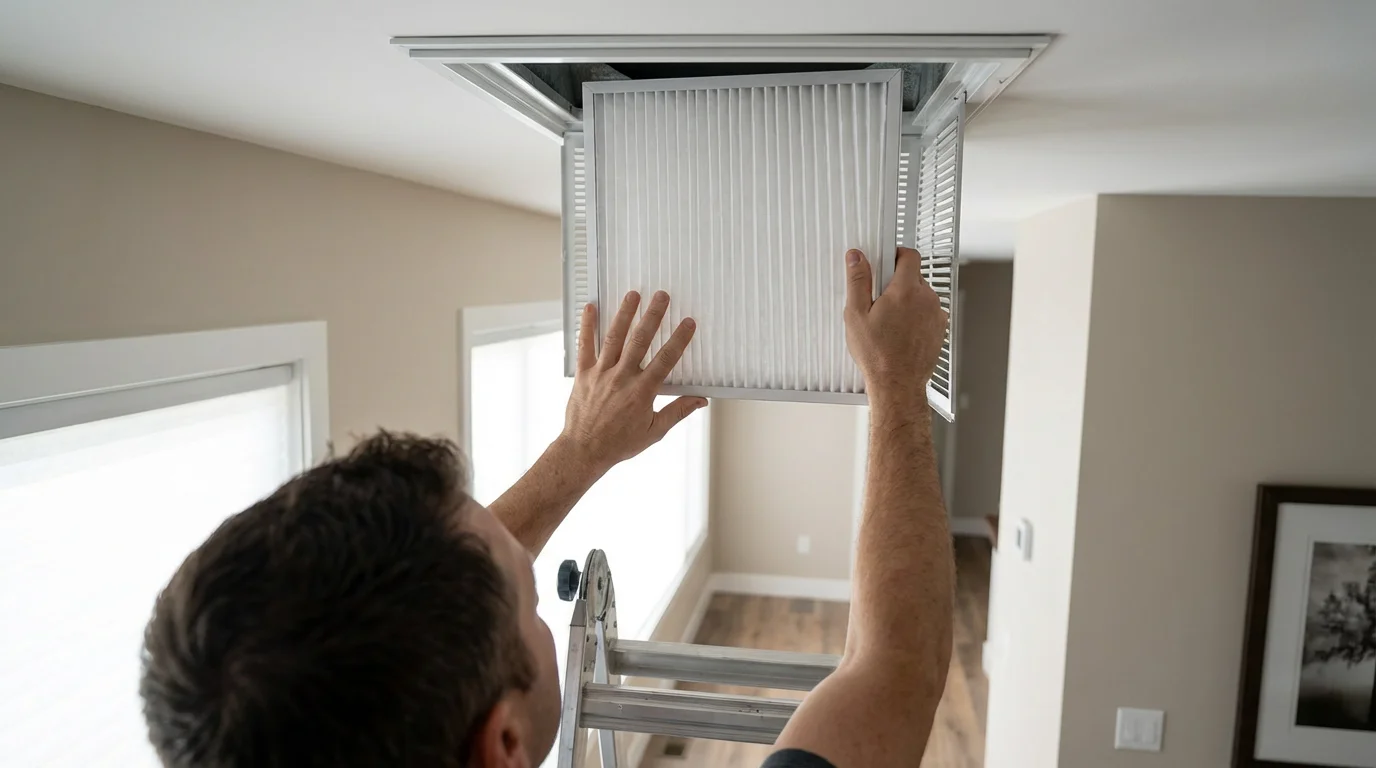
A dirty air filter restricts airflow, making your system work harder and consume more energy. It also reduces air quality. Check your filter monthly and replace it every 1-3 months, especially during peak heating or cooling seasons. This is one of the easiest and most impactful maintenance tasks you can perform.
Annual Professional Tune-Ups
Schedule professional maintenance for your furnace in the fall and your air conditioner in the spring. A technician can clean coils, check refrigerant levels, inspect electrical components, and identify potential issues before they become major problems. This annual check-up significantly improves efficiency, extends equipment life, and ensures safe operation.
Clear Around Outdoor Units
Ensure your outdoor AC unit or heat pump is clear of debris, leaves, and overgrown vegetation. Obstructions impede airflow, reducing efficiency and putting strain on the unit. Maintain at least two feet of clear space around the unit.
Seal Leaks and Insulate
Even the best smart thermostat cannot compensate for a leaky, poorly insulated home. Inspect windows, doors, and ductwork for drafts. Seal any gaps with caulk or weatherstripping. Ensure your attic and walls have adequate insulation. Addressing these structural issues dramatically reduces heating and cooling loads on your HVAC system, allowing your smart thermostat to work even more effectively.
Frequently Asked Questions
What are the ideal temperature settings for winter and summer to save energy?
For winter, set your thermostat to 68°F when you are home and awake. Lower it to 60-64°F when sleeping or away. In summer, aim for 78°F when you are home. Raise it to 80-82°F when you are away to save on cooling costs. Small adjustments make a big difference.
Should I use “Auto” mode for my smart thermostat during seasonal changes?
Using “Auto” mode can be effective, but ensure a sufficient temperature differential between heating and cooling setpoints, typically 3-5 degrees Fahrenheit. This prevents constant cycling between heating and cooling. For extreme seasonal shifts, consider manually setting to “Heat” or “Cool” to avoid unintended switching.
How often should I review my smart thermostat’s seasonal settings?
Review your settings at least twice a year, once at the start of the heating season and again for the cooling season. Also, re-evaluate after any significant changes to your household schedule or if you notice unexpected energy bills or discomfort.
Can my smart thermostat really prevent frozen pipes in winter?
Yes, many smart thermostats have a “frost protection” or minimum temperature setting that automatically turns on the heat if your home’s temperature drops below a dangerous threshold, typically 40-50°F, even if the system is technically “off” or in an “away” mode. Ensure this feature is enabled in your thermostat’s settings for peace of mind.
Is it better to constantly adjust the thermostat or use a set schedule?
A set, optimized schedule is generally more energy-efficient and comfortable. Constantly adjusting the temperature can make your HVAC system work harder to reach new setpoints. Smart thermostats excel at adhering to schedules and learning your preferences, so leverage these features for consistent savings.
Disclaimer: This article is for informational purposes only. Smart home devices involve electrical connections and data privacy. Always follow manufacturer instructions for installation. For complex wiring or HVAC work, consult a licensed professional.

Leave a Reply