
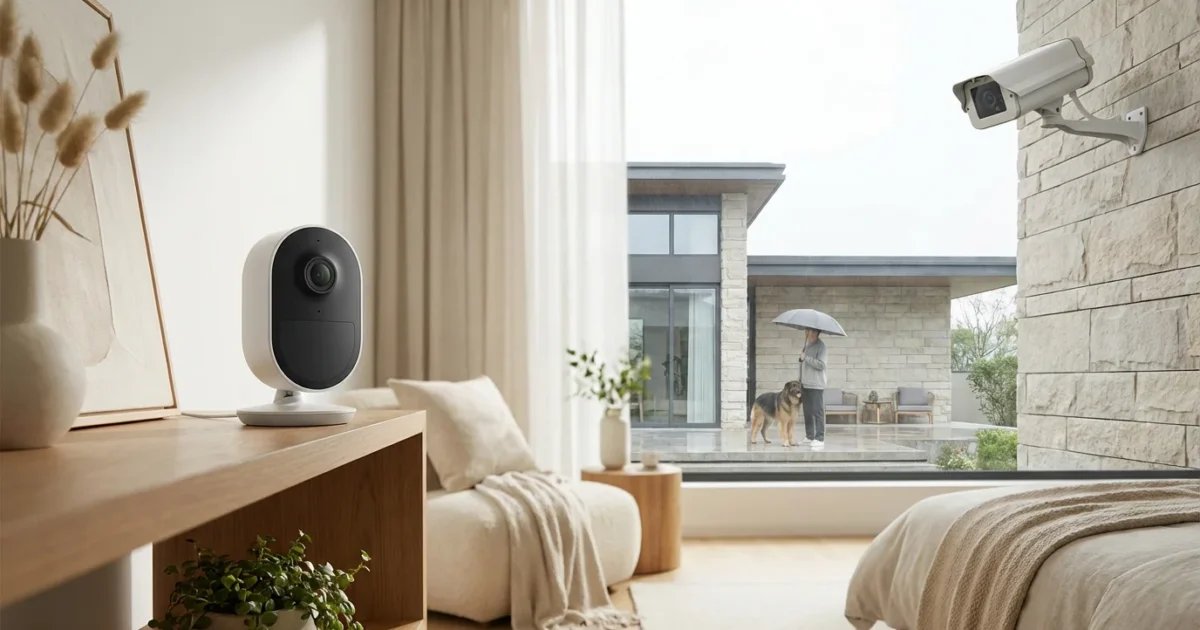
Home security is a paramount concern for homeowners and renters today. Whether you aim to deter intruders, monitor your property, or simply gain peace of mind, `security cameras` offer a powerful solution. However, the world of connected cameras presents a common question: `do I need indoor and outdoor security cameras`, and what makes them different?
Understanding the distinctions between indoor and `outdoor cameras` is crucial for building an effective security system. Each type serves specific purposes and comes equipped with features tailored to its environment. This guide helps you navigate these choices, ensuring you select the right tools for comprehensive home protection.
Understanding Your Security Needs
Before you invest in any `security cameras`, assess what you want them to achieve. Do you primarily want to deter burglars, keep an eye on your kids or pets, or verify package deliveries? Your specific goals dictate the type and number of cameras you need.
Consider the layout of your property and any existing security vulnerabilities. A comprehensive approach addresses both the perimeter and key interior spaces. Define your budget, evaluate your internet connectivity, and decide on your comfort level with ongoing subscription fees for cloud storage.
Distinct Features of Outdoor Security Cameras
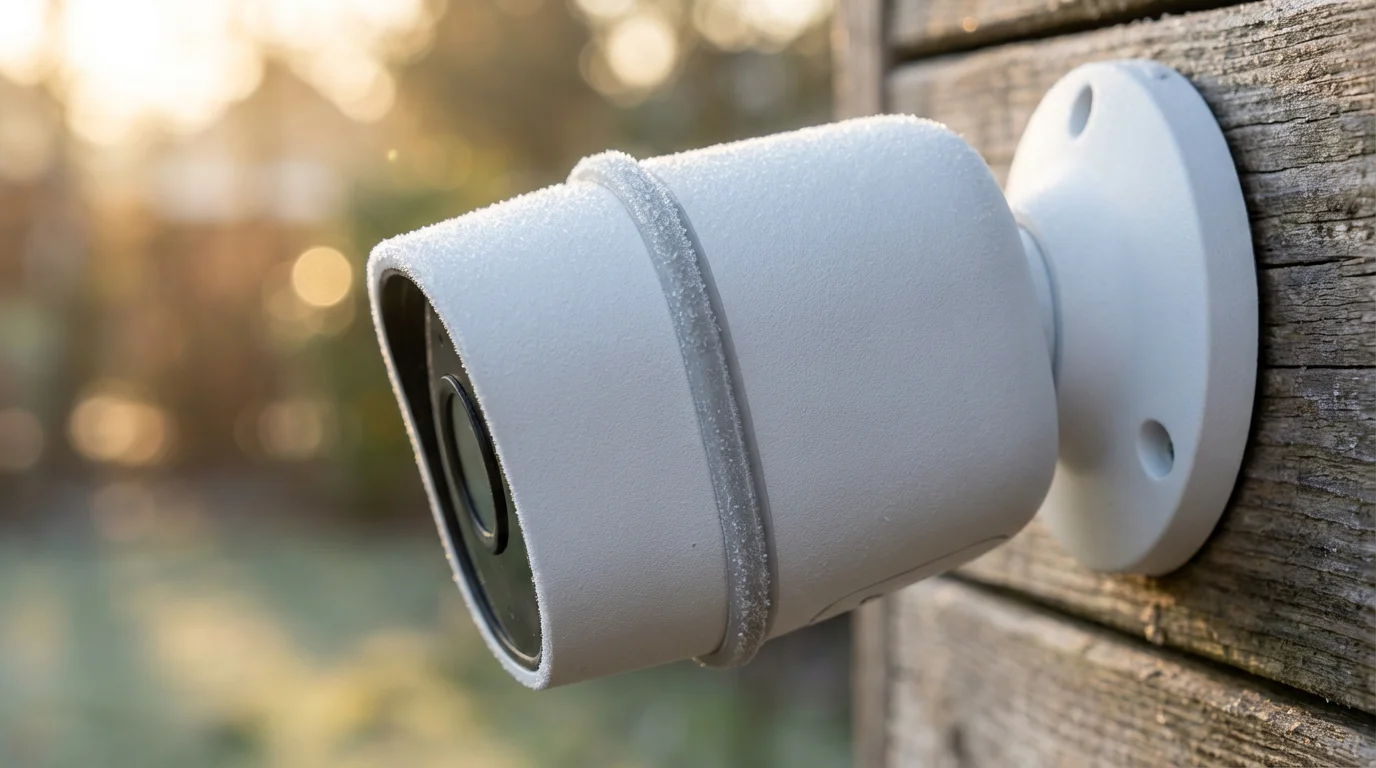
Outdoor security cameras confront harsh environmental conditions, requiring robust construction and specialized features. These devices are your first line of defense, designed to withstand weather, capture clear footage at night, and cover wide areas.
Here are the critical features that define outdoor cameras:
- Weatherproofing and Durability: Outdoor cameras feature an IP (Ingress Protection) rating, indicating resistance to dust and water. An IP65 rating means protection against dust ingress and low-pressure water jets, suitable for most outdoor use. Higher ratings, like IP67, offer more robust protection against temporary immersion.
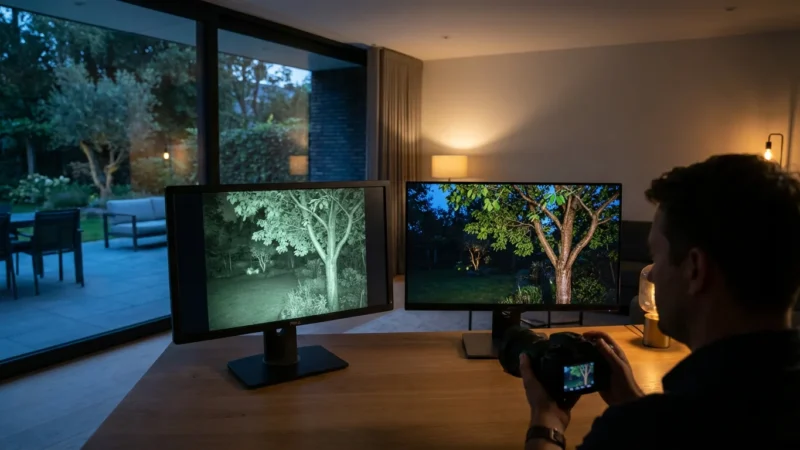
- Enhanced Night Vision: Most outdoor `security cameras` include infrared (IR) LEDs for black and white night vision. Advanced models offer color night vision, often using ambient light sensors or built-in spotlights to illuminate the scene, providing more detailed footage.
- Wider Fields of View and Resolution: Outdoor cameras typically offer wider fields of view, allowing them to monitor larger outdoor spaces. High-definition (1080p, 2K, or 4K) resolution ensures you capture clear details like faces and license plates, even from a distance.
- Advanced Motion Detection: Outdoor cameras often incorporate sophisticated motion detection, including AI-powered person, vehicle, and animal detection. This reduces false alarms from swaying branches or passing cars, ensuring you only receive relevant alerts.
- Power Options: You will find outdoor cameras that are wired, battery-powered, or solar-powered. Wired cameras offer reliable continuous power, while battery or solar options provide flexible placement without access to an outlet. However, battery cameras require periodic recharging or battery replacement.
- Tamper Resistance: Many outdoor models feature durable casings designed to resist vandalism. Some include tamper alerts that notify you if someone tries to obstruct or move the camera.
These robust capabilities make `outdoor cameras` indispensable for perimeter monitoring. They effectively deter potential intruders and provide crucial evidence if an incident occurs.
Key Characteristics of Indoor Security Cameras
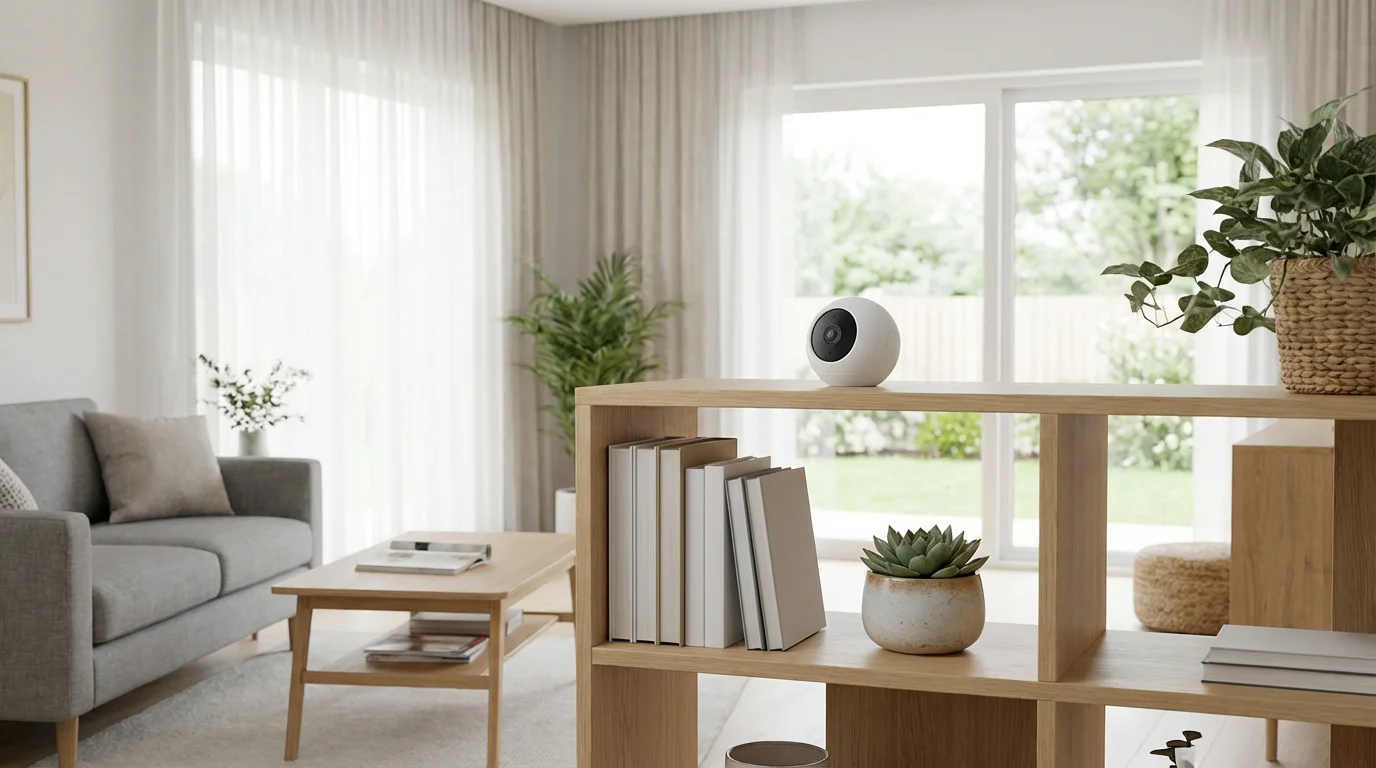
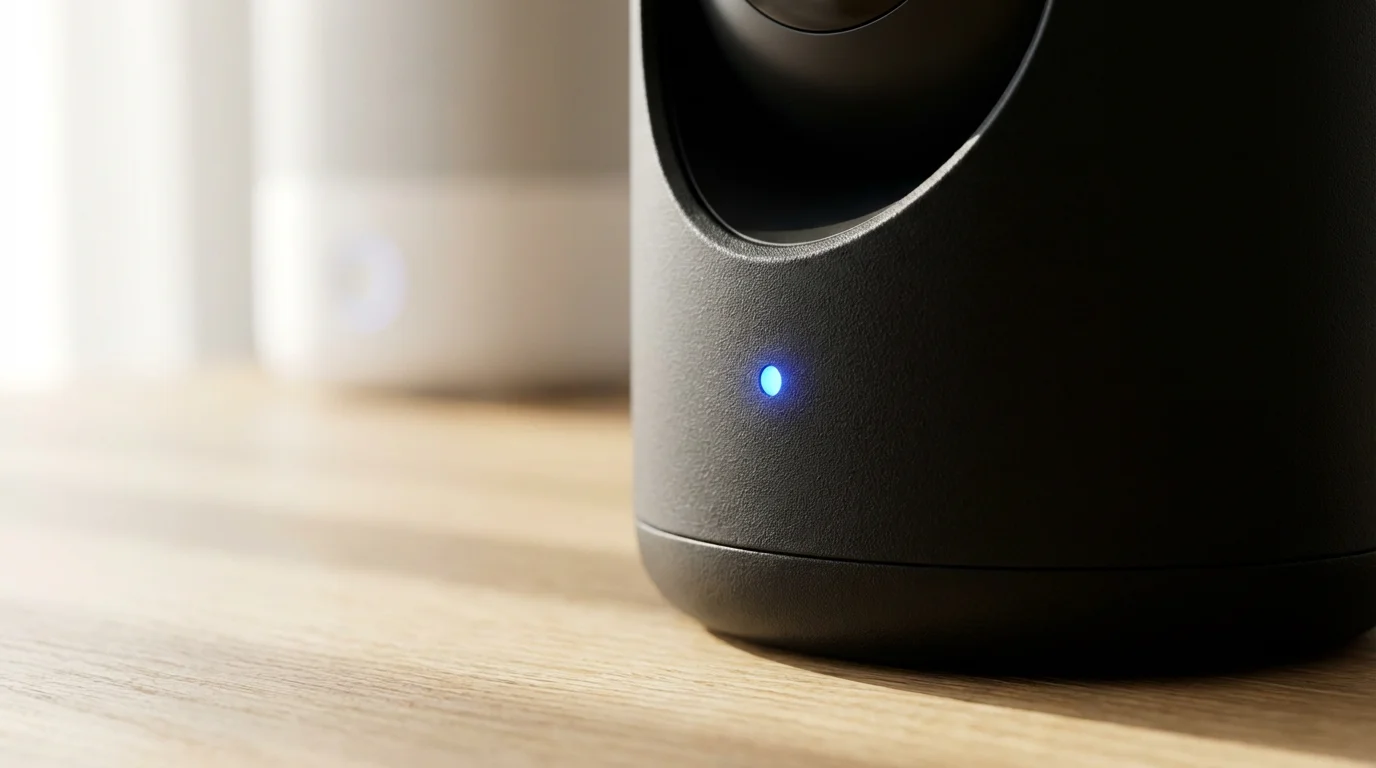
Indoor security cameras focus on monitoring your home’s interior, offering different functionalities compared to their outdoor counterparts. Their design often prioritizes discretion, advanced audio capabilities, and integration with your smart home ecosystem.
Consider these key characteristics when choosing indoor cameras:
- Discreet Design: Indoor cameras generally have a more compact and less obtrusive design, blending seamlessly into your home décor. Some models are specifically designed to be inconspicuous.
- Audio Features: Two-way audio is a standard feature, allowing you to speak to family members, pets, or even delivery people through the camera. Many also include sound detection for barking dogs or smoke alarm alerts.
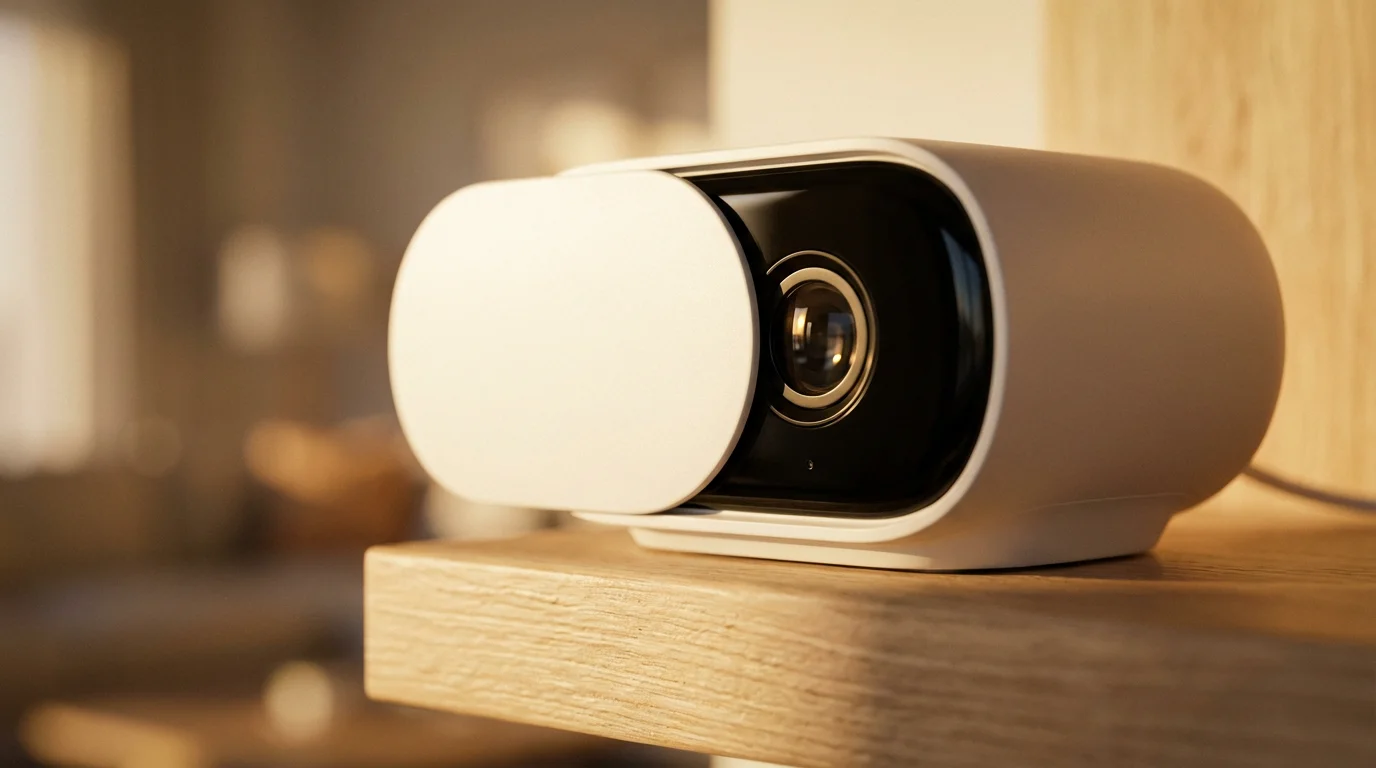
- Privacy Features: Given their placement inside your home, privacy is a significant concern. Some indoor cameras offer privacy shutters that physically block the lens, or software-based privacy zones that prevent recording in specific areas.
- Pan and Tilt Capabilities: Many indoor cameras offer remote pan, tilt, and zoom (PTZ) functionality. This allows you to adjust the camera’s view from your phone, covering a larger area from a single vantage point.
- Integration with Smart Home Devices: Indoor `security cameras` often integrate deeply with other smart home devices. For example, they can trigger smart lights when motion is detected, or work with smart locks.
- Use Cases: Indoor cameras excel at monitoring specific indoor activities. Use them for pet monitoring, checking on children or elderly relatives, or ensuring a package left inside your door is secure.
These features ensure indoor cameras provide detailed surveillance of your living spaces, offering peace of mind and convenience for various scenarios within your home.
Do You Need Both Indoor and Outdoor Security Cameras?
The question, “do I need indoor and outdoor security cameras
Combining these devices effectively is a core part of learning how to set up a complete smart security system for your property.
?” is common, and for most homeowners seeking comprehensive protection, the answer is a resounding yes. Each type serves a distinct, complementary role in a complete security strategy.
Outdoor cameras act as a deterrent and capture initial evidence of external activity. They monitor entry points, driveways, and backyards, helping identify potential threats before they reach your doors. Data shows that homes without visible security measures are significantly more vulnerable.
Indoor cameras provide a different layer of security. They monitor what happens inside if an intruder gains access, or they help you keep an eye on your home’s occupants. For instance, an `indoor camera` can confirm a package was safely delivered inside your door, or that your pets are not getting into trouble while you are out.
Consider these scenarios:
- An `outdoor camera` at your front door records a suspicious person loitering. If that person breaks in, your `indoor camera` captures their movements inside, providing vital evidence for law enforcement.
- You receive a motion alert from your `outdoor camera` in the backyard. You can then quickly check your `indoor camera` feed to ensure everything is secure inside your home.
- While on vacation, outdoor cameras deter potential thieves, and indoor cameras allow you to check on pet sitters or home maintenance workers.
Combining both types creates a robust security blanket, offering full visibility of your property. This dual approach maximizes deterrence and provides thorough documentation for any incident.
Strategic Placement for Optimal Coverage
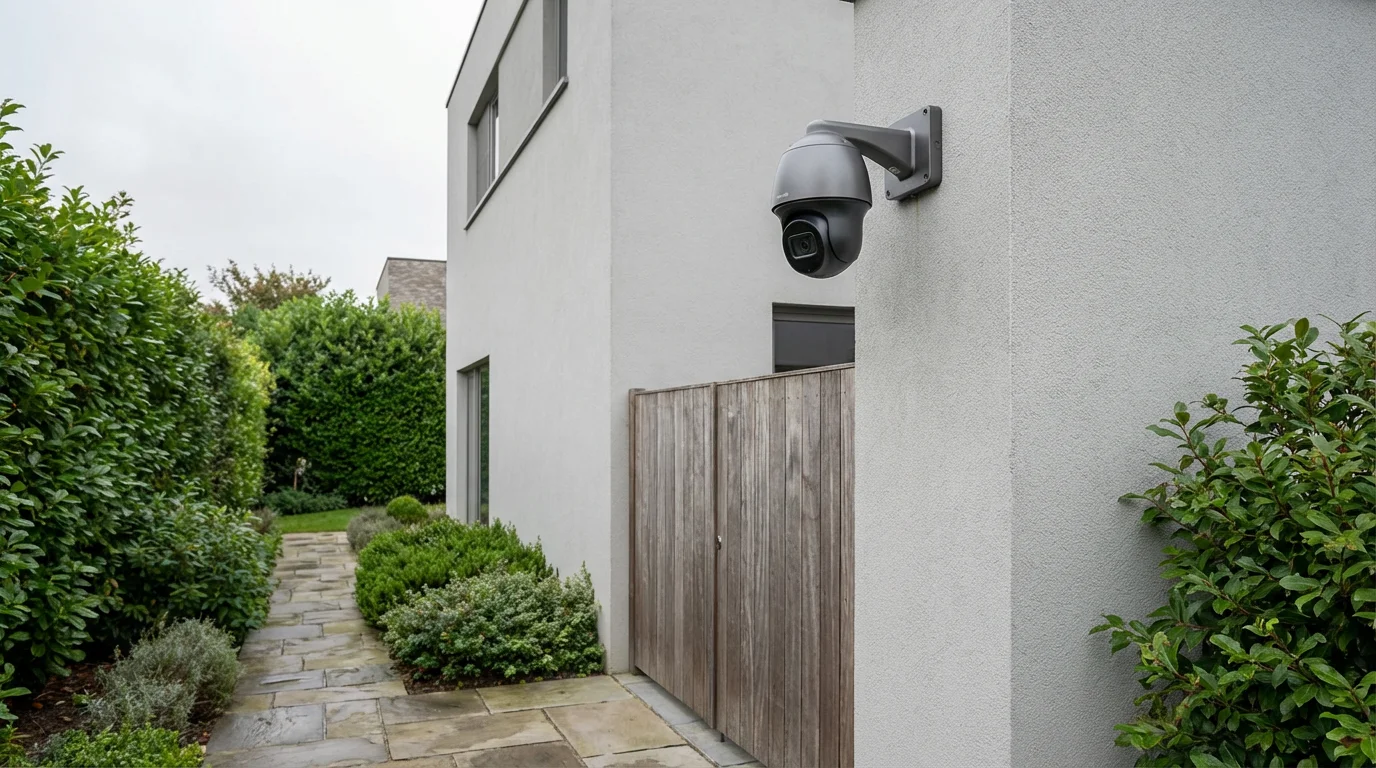
Effective camera placement maximizes surveillance and minimizes blind spots. This is where you determine the `best placement for home security cameras`, ensuring every critical area is monitored.
For outdoor cameras, focus on these high-priority areas:
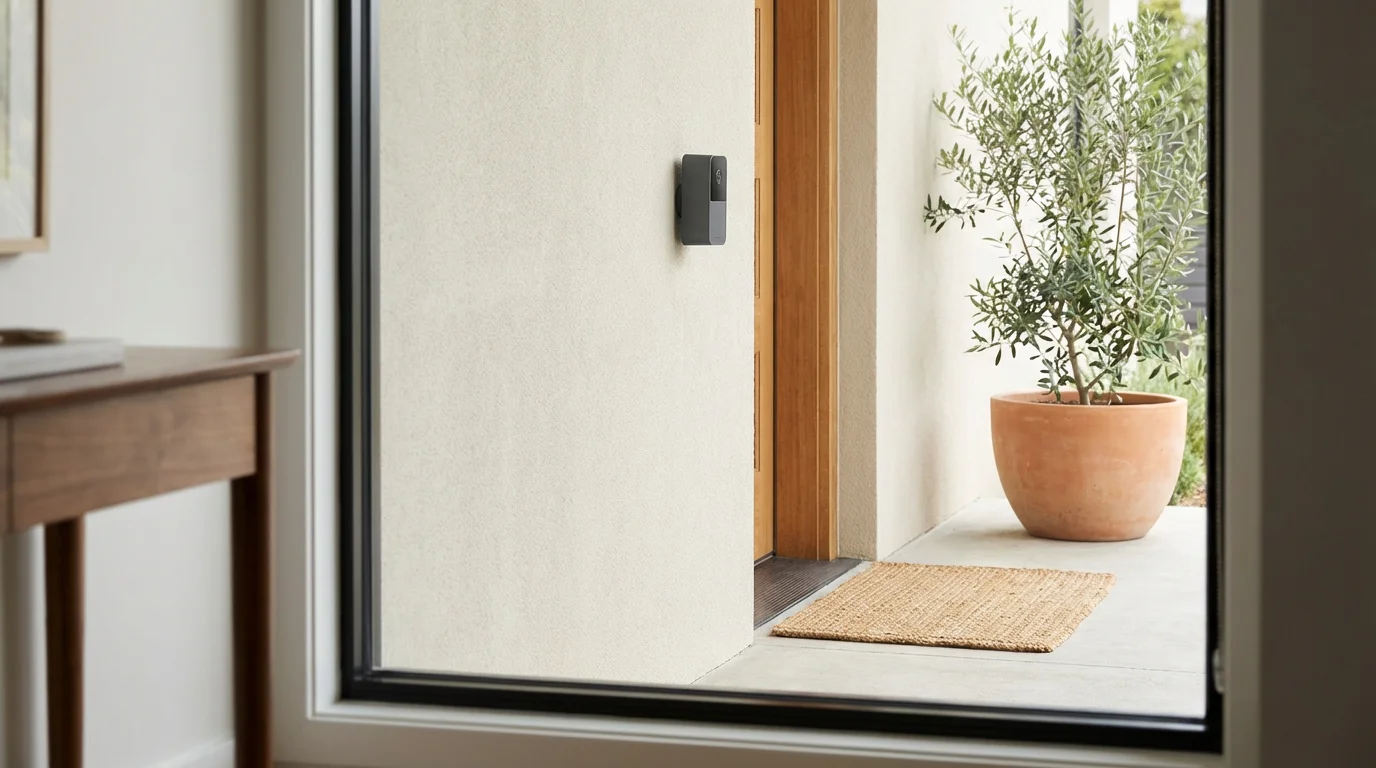
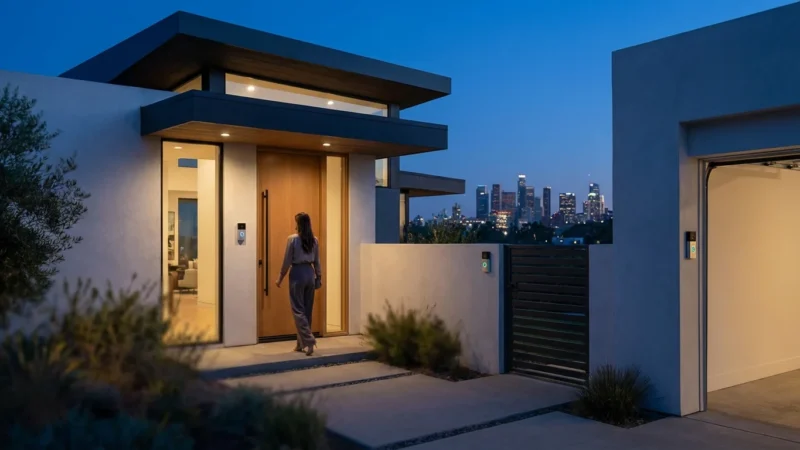
- Front Door: This is the most common entry point. Place a camera to capture faces clearly, along with anyone approaching or leaving your porch. Video doorbells effectively cover this spot.
- Back Door/Side Entrances: These often overlooked entrances are vulnerable. Ensure cameras cover the doors and surrounding pathways.
- Garage and Driveway: Monitor your garage doors, as they are common break-in points. A camera covering the driveway can track vehicles and provide evidence of trespassers.
- Ground-Floor Windows: Position cameras to monitor windows that are easily accessible, especially those not visible from the street.
- Backyard/Perimeter: Cover large open areas of your yard, especially if you have fences or shrubbery that could provide cover.
For indoor cameras, target strategic interior locations:
- Main Living Areas: Place cameras in common spaces like living rooms or family rooms. A camera with pan/tilt functionality can cover a wide area from a single point.
- Hallways/Stairwells: Monitor main thoroughfares within your home. This helps track movement between rooms and floors.
- Near Valuables: If you have specific areas where valuables are stored, consider a discreet camera there.
- Entrances: Position an `indoor camera` facing your front or back door from the inside. This provides an additional layer of evidence if someone breaches your exterior defenses.
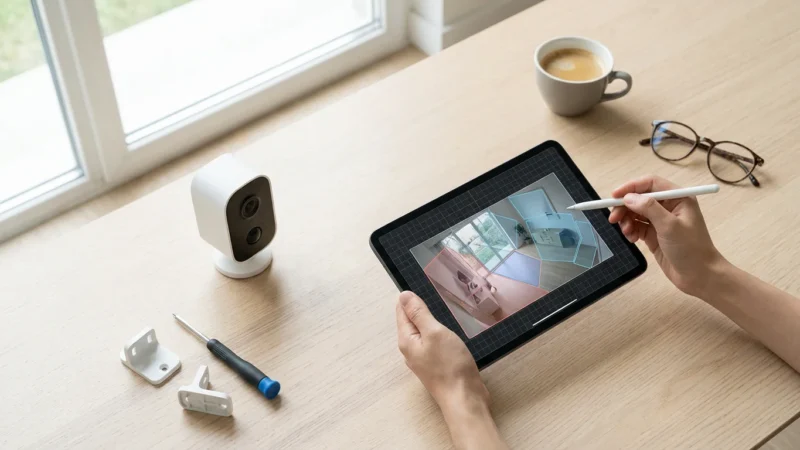
Ensure cameras are mounted securely and out of easy reach where possible. Test the field of view after installation to confirm it covers the desired area without blind spots. Adjust angles to avoid pointing directly into strong light sources, which can wash out images.
Choosing Between Cloud and Local Storage
Once your cameras are in place, you need a plan for storing the captured video footage. You primarily have two options: cloud storage or local storage, each with distinct advantages and disadvantages. Many modern `security cameras` offer a hybrid approach, combining both.
Cloud Storage:
- Pros:
- Remote Access: View footage from anywhere with an internet connection.
- Off-site Backup: Your footage remains safe even if the camera is stolen or damaged.
- Convenience: Automatic uploads, no need for manual management of storage devices.
- Cons:
- Subscription Fees: Most cloud services require monthly or annual fees.
- Internet Dependence: Requires a stable internet connection for continuous upload.
- Privacy Concerns: Your data resides on a third-party server, although reputable companies employ strong encryption.
Local Storage:
- Pros:
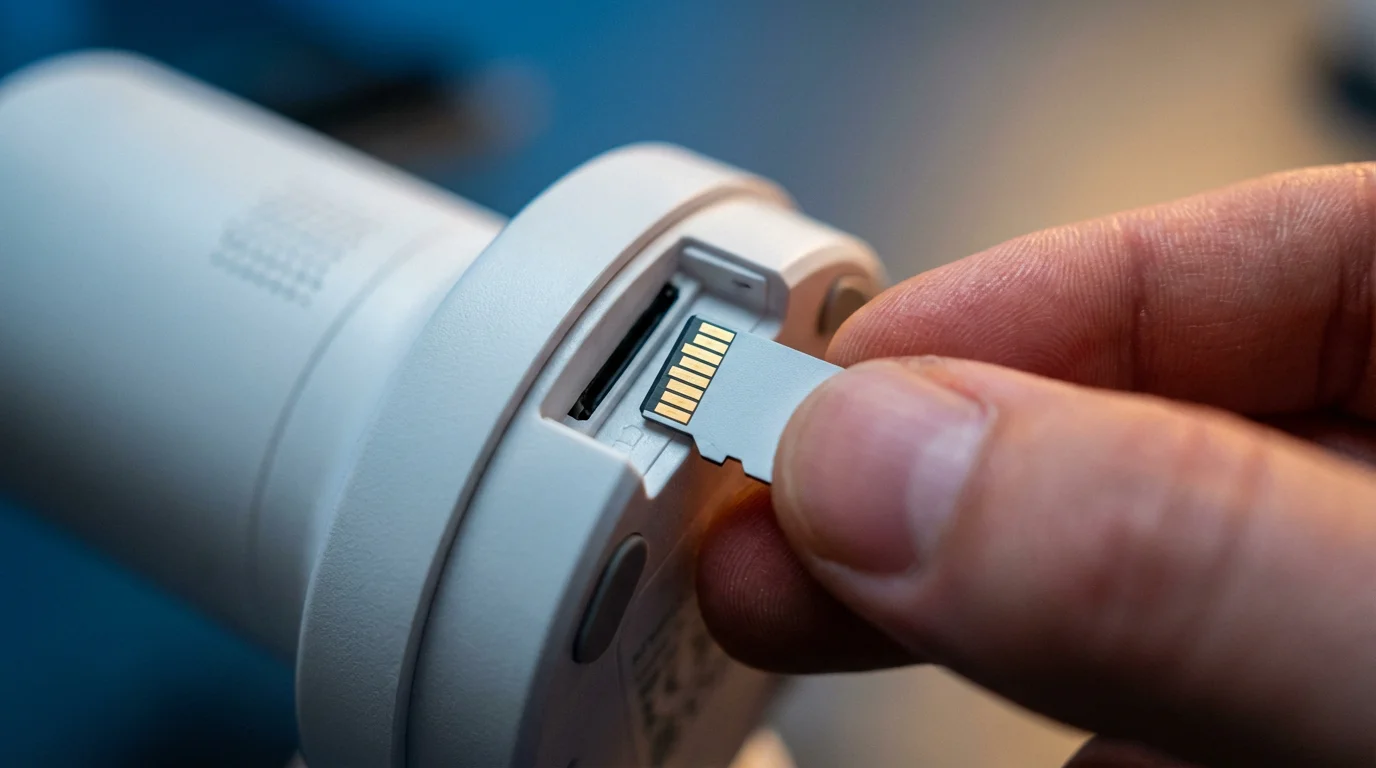
- No Subscription Fees: A one-time purchase of a storage device, like an SD card or an NVR (Network Video Recorder).
- Privacy: You retain full control over your footage, as it never leaves your property.
- Reliability: Not dependent on internet upload speeds for recording.
- Cons:
- Vulnerability: If an intruder steals or damages the camera or storage device, you lose your footage.
- Limited Remote Access: Accessing footage remotely often requires a more complex setup or a dedicated NVR/DVR with remote viewing capabilities.
- Storage Management: You may need to manually manage storage capacity by deleting old footage.
Many systems offer a hybrid model, using local storage for continuous recording and cloud storage for event-based clips or for a short-term backup. This balances cost, convenience, and security. Research a system’s storage options thoroughly to align with your needs.
Privacy and Security Best Practices for Your Camera System
Securing your home with `security cameras` also means securing your data and respecting privacy. Implementing best practices protects your information from unauthorized access and ensures you use your system ethically.
Follow these essential tips:
- Strong Passwords and Two-Factor Authentication (2FA): Create unique, complex passwords for your camera accounts and Wi-Fi network. Enable 2FA whenever available. This adds an extra layer of security, requiring a second verification method, like a code from your phone, to log in. According to PCMag, 2FA is one of the easiest ways to significantly enhance smart home security.
- Regular Firmware Updates: Keep your camera’s firmware updated. Manufacturers frequently release updates to patch security vulnerabilities and improve performance. Treat these updates as critical for maintaining system integrity.
- Secure Wi-Fi Network: Use a strong, WPA2/WPA3 encrypted Wi-Fi network. Isolate your smart home devices on a separate guest network if your router supports it. This limits potential access to your main home network if a smart device is compromised.
- Understand Data Encryption: Research cameras that offer end-to-end encryption for video feeds and cloud storage. This scrambles your data, making it unreadable to anyone without the correct decryption key.
- Mind Your Placement: Be mindful of where your outdoor cameras point. Avoid directly recording public spaces, your neighbors’ property, or areas where others have a reasonable expectation of privacy. Check local laws regarding surveillance and recording consent.
- Disable Unused Features: If your camera has features you do not use, like public sharing options, disable them. This reduces potential attack vectors.
- Review Activity Logs: Regularly check your camera app’s activity logs for unusual login attempts or settings changes.
Adopting these practices strengthens your security posture and helps ensure your `security cameras` protect your home without compromising your personal data or others’ privacy.
Integrating Your Security Cameras into a Smart Home Ecosystem
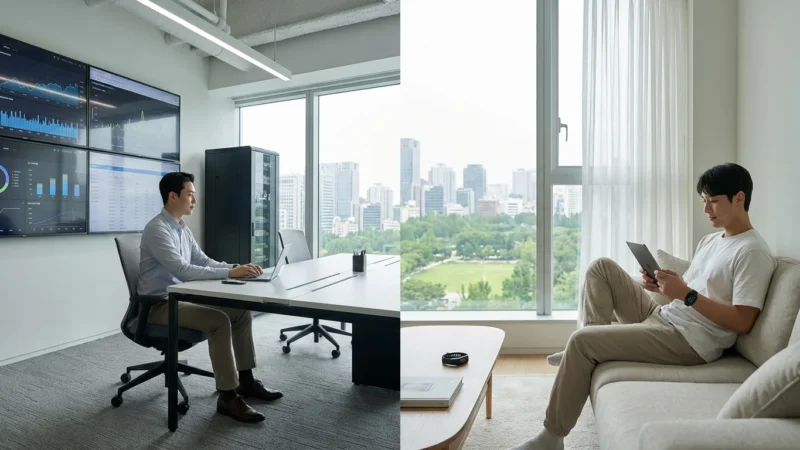
`Security cameras` become even more powerful when you integrate them into a broader smart home ecosystem. Connecting your cameras with other smart devices allows for automated responses and a more proactive security system. This creates a seamlessly connected and responsive living space.
Here are examples of powerful integrations:
- Cameras and Smart Lighting: Configure your outdoor camera to trigger exterior smart lights when it detects motion after dark. This startles potential intruders and illuminates the area for clearer video capture. Similarly, an `indoor camera` can activate lights inside if it senses movement when you are away.
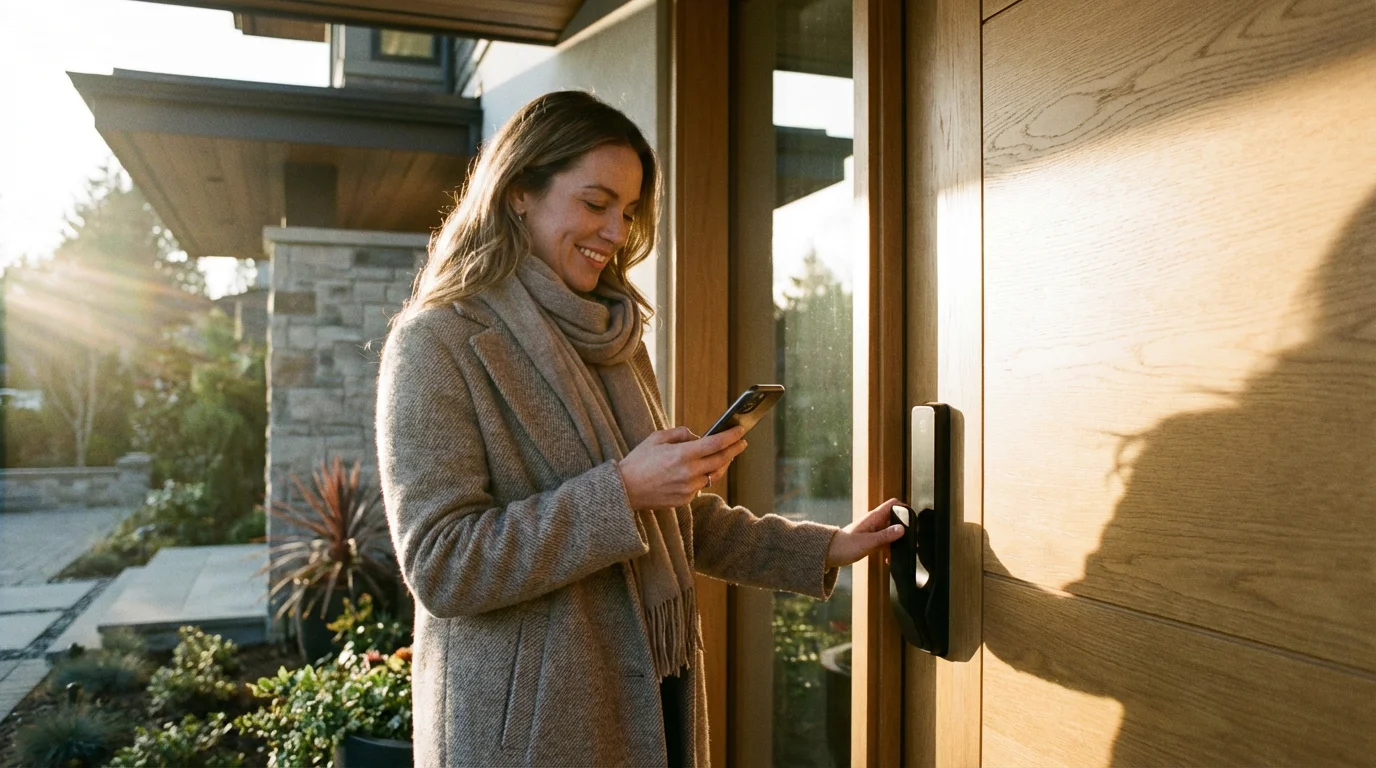
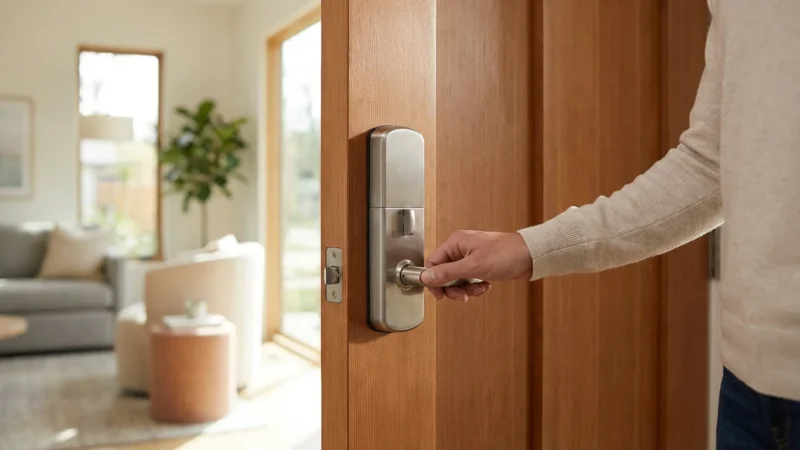
- Cameras and Smart Locks: Integrate your video doorbell with a smart lock. When a trusted visitor arrives, you can see them on camera and unlock the door remotely through the same app. This also allows you to verify someone’s identity before granting access.
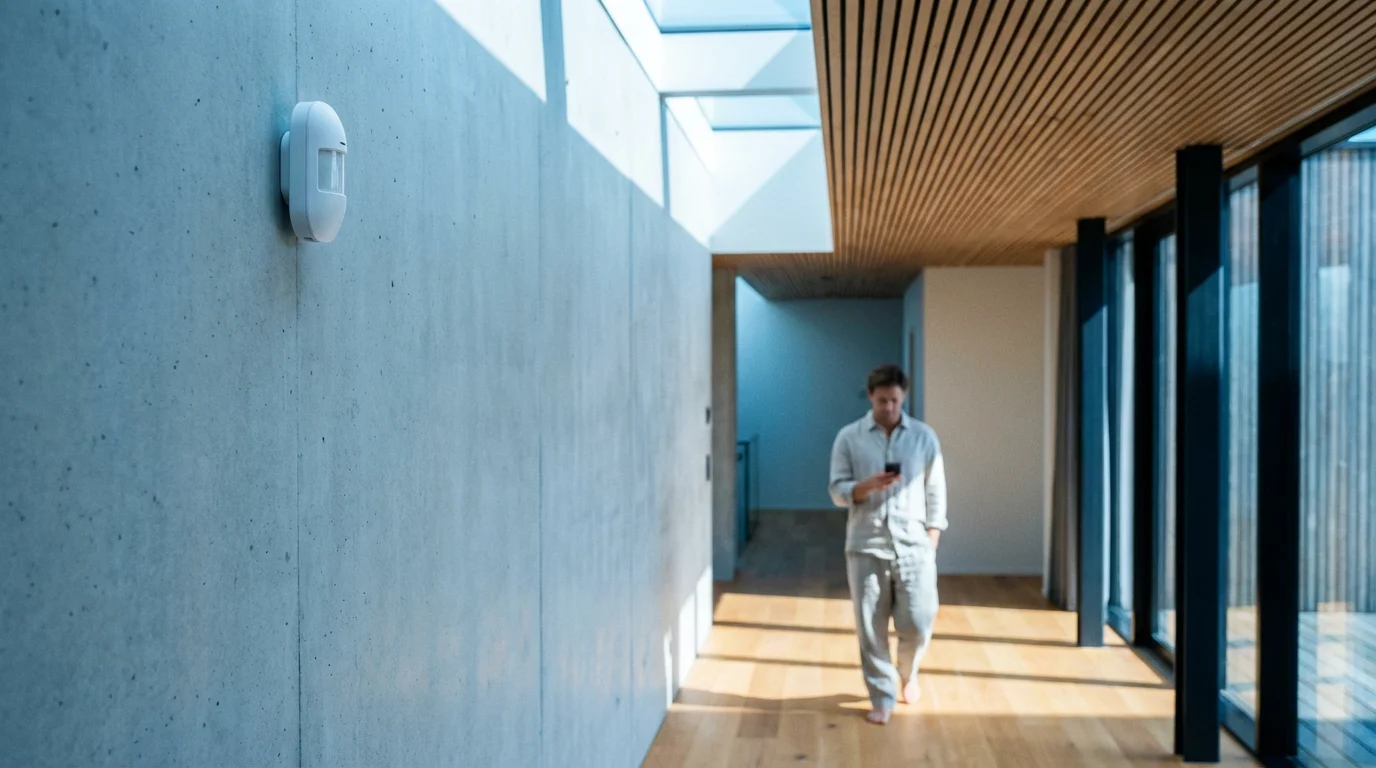
- Cameras and Door/Window Sensors: If a door or window sensor detects an unauthorized entry, your connected `indoor camera` can automatically begin recording or pan to the area of the breach. This provides immediate visual confirmation of an alarm event.
- Cameras and Smart Hubs/Voice Assistants: Connect your cameras to a central smart home hub or voice assistant like Amazon Alexa or Google Assistant. You can then ask to “show me the front door camera” on a smart display or even arm/disarm your system with voice commands.
- Matter Compatibility: The new Matter smart home standard aims to unify various devices, promising easier integration and enhanced security across different brands. As more `security cameras` become Matter-compatible, setting up complex automations will become simpler and more reliable. This standard helps ensure devices from different manufacturers communicate smoothly.
These integrations transform your cameras from isolated monitoring devices into active components of a comprehensive security and automation system. They enhance convenience, provide quicker responses to events, and offer greater control over your home environment.
Frequently Asked Questions
Are wireless security cameras truly wireless?
Most wireless `security cameras` transmit video wirelessly, but they still require a power source. Battery-powered cameras are truly wire-free for both data and power, needing periodic recharging. Wired wireless cameras use a power cable but transmit video over Wi-Fi, eliminating data cables.
Do security cameras work without Wi-Fi?
Some `security cameras` can record locally to an SD card or NVR without an internet connection. However, you will lose remote viewing capabilities, cloud storage, and smartphone alerts. For full smart features, a stable Wi-Fi connection is essential.
How much data do security cameras use?
Data usage varies significantly based on resolution, recording quality, and activity. A single 1080p camera recording continuously can use hundreds of gigabytes per month. Cameras that only record on motion detection use less data. Check your internet plan’s data cap and adjust settings as needed.
Can I install security cameras myself?
Many `security cameras` are designed for DIY installation, especially battery-powered or plug-and-play models. Wired cameras, particularly those requiring running cables through walls or connecting to existing electrical systems, may require professional installation for safety and optimal performance. Always prioritize safety and consult a professional for complex wiring.
What is the difference between an NVR and a DVR?
An NVR (Network Video Recorder) works with IP (Internet Protocol) cameras, typically connecting over a network. A DVR (Digital Video Recorder) works with analog cameras, connecting directly via coaxial cables. NVR systems generally offer higher resolution and more advanced features.
Disclaimer: This article is for informational purposes only. Smart home devices involve electrical connections and data privacy. Always follow manufacturer instructions for installation. For complex wiring or HVAC work, consult a licensed professional.


Leave a Reply