
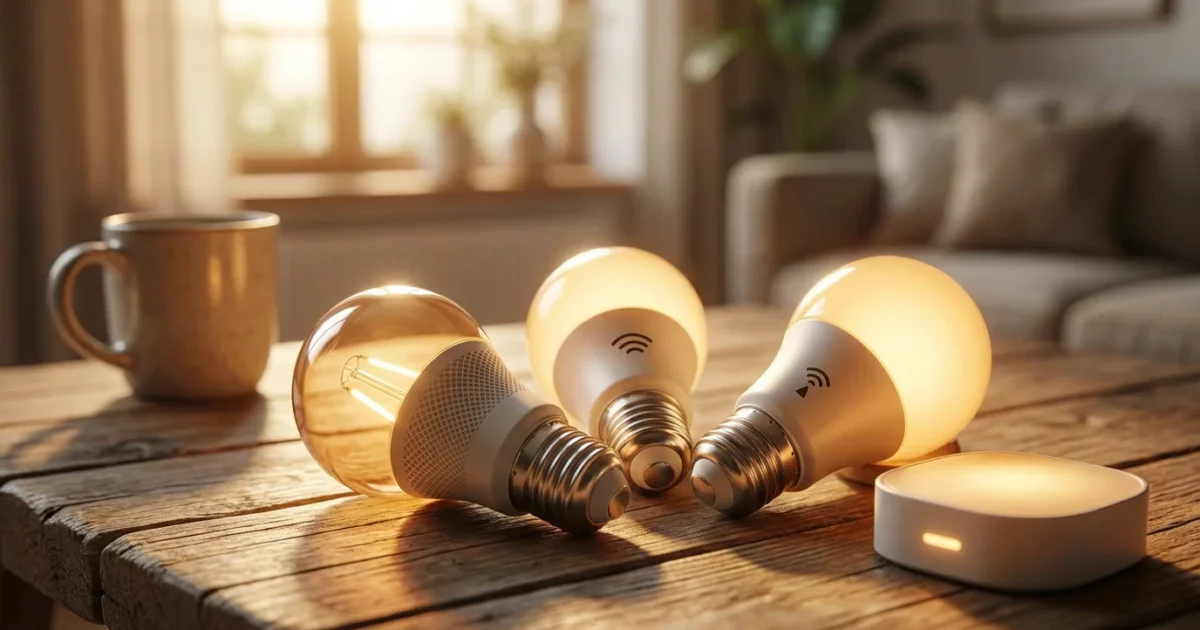
Selecting the right smart bulbs significantly impacts your home automation experience. You want lighting that responds quickly, integrates seamlessly, and enhances your daily life. The core of this functionality lies in the communication protocol your bulbs use. Understanding the differences between Zigbee, Z-Wave, and WiFi helps you make informed choices, ensuring your smart home vision becomes a reality.
Your choice influences everything from installation ease to system responsiveness and overall reliability. This guide breaks down each protocol, comparing their strengths and weaknesses so you can confidently select the best smart bulbs for your unique needs, whether you are building a new smart home or upgrading an existing setup.
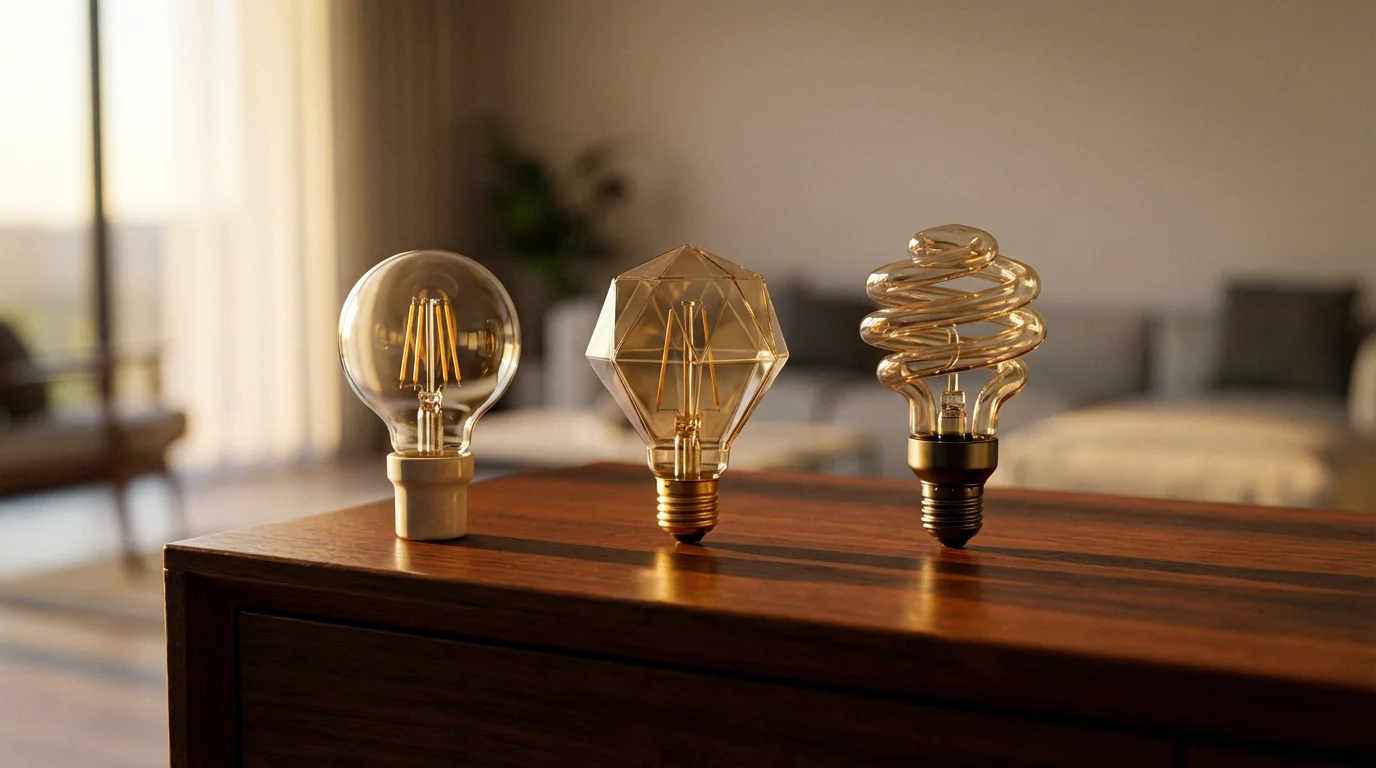
Understanding Smart Bulb Protocols
Smart home devices, including your bulbs, communicate wirelessly using specific languages called protocols. These protocols dictate how devices send and receive commands, impacting speed, range, and compatibility. Just as you choose a language to speak with friends, your smart bulbs need a compatible protocol to talk to your smart home hub or smartphone.
You encounter three primary contenders when selecting smart lighting: WiFi, Zigbee, and Z-Wave. Each offers distinct advantages and disadvantages. Evaluating these helps you build a robust and responsive smart lighting system tailored to your preferences.
WiFi Smart Bulbs: Direct Connection and Simplicity
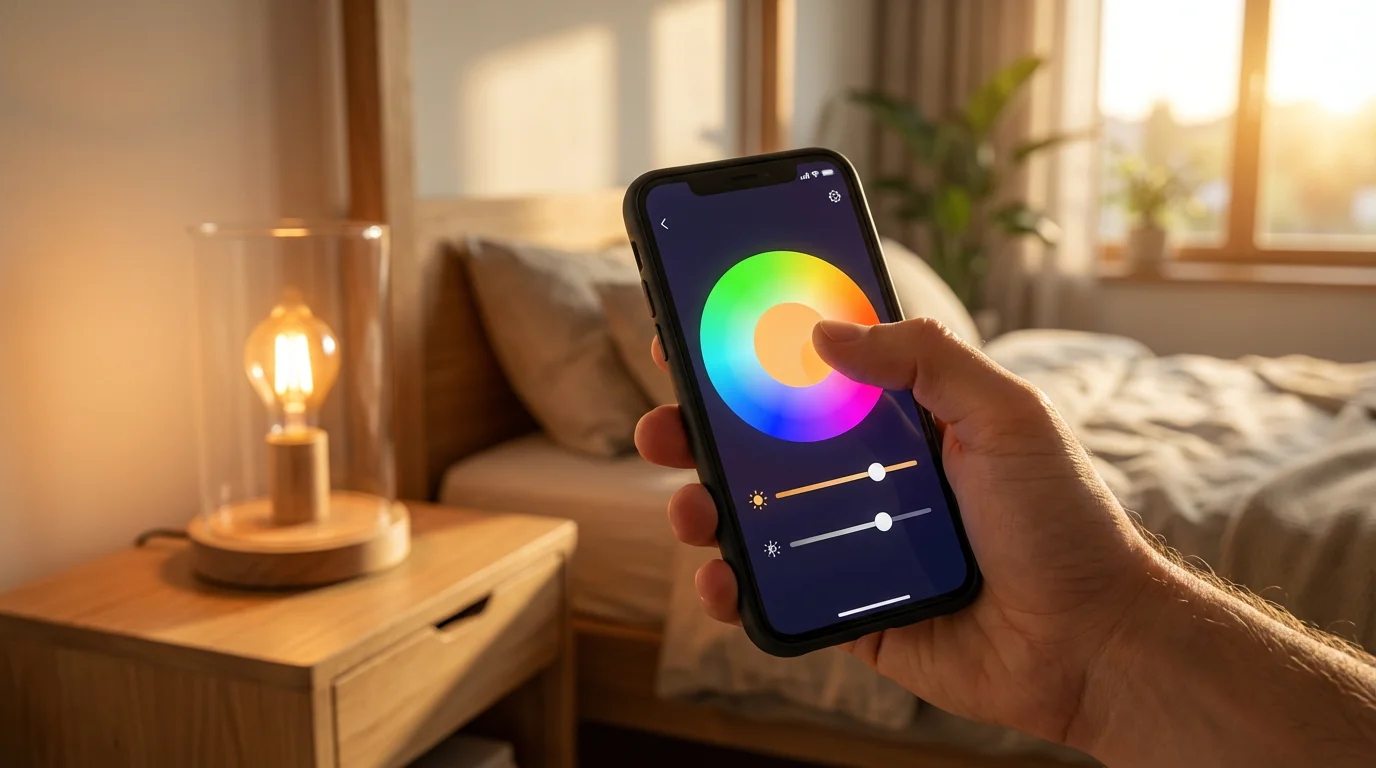
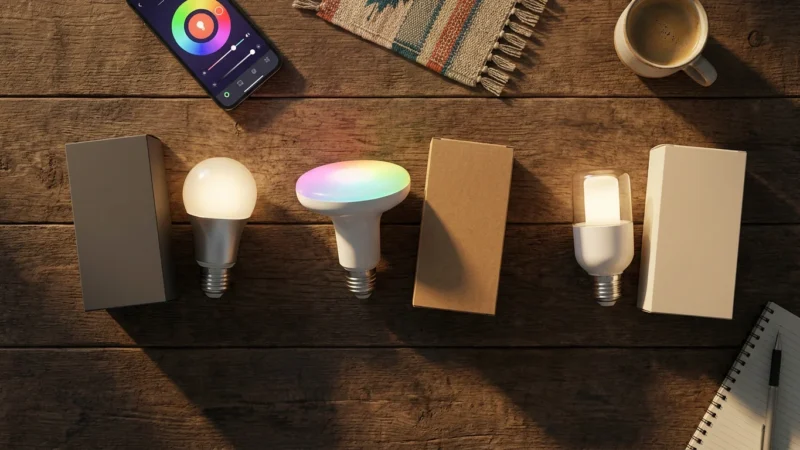
WiFi smart bulbs represent the most straightforward entry point into smart lighting for many homeowners. These bulbs connect directly to your existing home WiFi network, eliminating the need for a separate hub. You typically control them through a manufacturer’s app on your smartphone, or via voice assistants like Amazon Alexa or Google Assistant.
If you are starting small, many of the best smart bulbs under $15 utilize WiFi for an easy, budget-friendly setup.
For example, a LIFX bulb connects directly to your router. You download the LIFX app, pair the bulb, and then control it from anywhere you have internet access. This simplicity appeals greatly to beginners.
Advantages of WiFi Smart Bulbs
- Easy Setup: You generally only need your home WiFi network and the bulb’s app. No additional hardware like a hub is required, making initial setup fast and user-friendly.
- Direct Control: Your smartphone communicates directly with the bulb via your router. This can feel more immediate for simple commands.
- Wide Availability: Many popular brands, including LIFX and Wyze, offer WiFi smart bulbs, providing you with numerous options.
- Remote Access: You control your lights from outside your home without complex configurations, as long as your home internet remains active.
Disadvantages of WiFi Smart Bulbs
- Network Congestion: Each WiFi bulb consumes an IP address and bandwidth on your router. A large number of WiFi devices can slow down your network, impacting other devices like streaming services or gaming.
- Limited Range: WiFi range is inherently limited by your router’s signal strength and home layout. Bulbs located far from your router or behind thick walls might experience connectivity issues.
- Higher Power Consumption: WiFi modules generally consume more power than Zigbee or Z-Wave, though this typically matters more for battery-powered sensors than always-on bulbs.
- Cloud Dependency: Many WiFi bulbs rely heavily on cloud services for advanced features and remote control. If the internet goes down, or the manufacturer’s cloud service experiences an outage, your bulbs might lose functionality, sometimes even local control.
Consider WiFi bulbs if you plan to automate only a few lights and prioritize ease of installation. If you envision a whole-home smart lighting system with dozens of bulbs, consider the potential strain on your WiFi network.
Zigbee Smart Bulbs: The Power of Mesh Networking
Zigbee operates as a mesh network, a significant architectural difference from WiFi. In a Zigbee mesh, each powered device, like a smart bulb, acts as a repeater, extending the network’s range. This means that a command does not need to travel directly from the hub to the bulb; it can hop through other Zigbee devices to reach its destination.
For example, with Philips Hue bulbs, a popular Zigbee ecosystem, your Hue Bridge acts as the central hub. If a bulb in your living room is too far from the bridge, a nearer bulb in your hallway can relay the signal. This creates a highly robust and scalable network.
Advantages of Zigbee Smart Bulbs
- Robust Mesh Network: The mesh architecture offers superior reliability and extends the network’s range significantly. The more Zigbee devices you add, the stronger your network becomes.
- Low Power Consumption: Zigbee devices are designed for energy efficiency, leading to less power draw. This benefits battery-powered sensors in a Zigbee ecosystem, and ensures your bulbs operate efficiently.
- Reduced WiFi Congestion: Zigbee operates on a separate frequency (2.4 GHz, but with specific channels that can avoid WiFi interference), so it does not compete for bandwidth with your WiFi devices.
- Local Control: With a Zigbee hub, many commands process locally without needing internet access. This means your lights respond faster and continue working even if your internet goes down.
- Wide Device Compatibility: Zigbee is an open standard, fostering a large ecosystem of compatible devices from various manufacturers. Brands like Philips Hue, IKEA Dirigera, and many third-party sensors use Zigbee.
Disadvantages of Zigbee Smart Bulbs
- Requires a Hub: You must purchase a dedicated Zigbee hub, like the Philips Hue Bridge or Amazon Echo (which often has a built-in Zigbee hub), to use Zigbee bulbs. This adds to your initial investment and setup complexity.
- Initial Setup: Pairing devices with a hub can sometimes be less intuitive than connecting directly to WiFi, especially for new users.
- Potential Interference: Since Zigbee often uses the 2.4 GHz spectrum, it can potentially experience interference from crowded WiFi networks, though it typically uses different channels to minimize this.
Zigbee bulbs are an excellent choice for expanding your smart lighting system across an entire home. They offer reliability, responsiveness, and a broad range of compatible devices once you invest in a hub.
“A well-designed smart home prioritizes responsiveness and reliability, ensuring your devices work together seamlessly without constant intervention.”
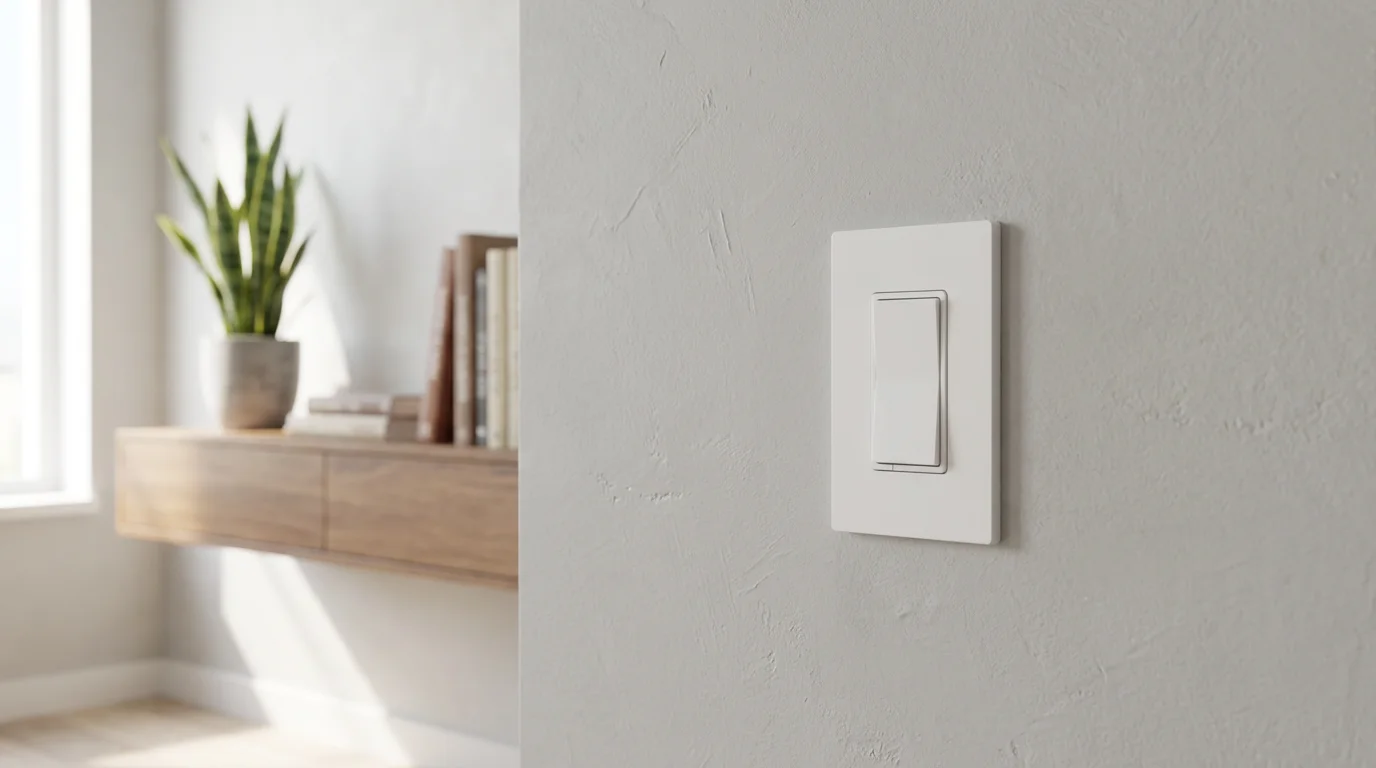
Z-Wave Smart Lighting: Reliability and Security
Z-Wave also utilizes a mesh networking topology, similar to Zigbee. However, it operates on a different, less crowded radio frequency (908.42 MHz in the US, 868.42 MHz in Europe). This dedicated frequency often results in less interference from other household wireless devices, like WiFi routers and microwaves, which typically operate on the 2.4 GHz band.
While Z-Wave offers smart bulbs, you often find Z-Wave technology more prevalent in smart switches, dimmers, and sensors. These devices integrate into a robust Z-Wave network controlled by a central hub, such as a Samsung SmartThings hub or a Hubitat Elevation hub.
Advantages of Z-Wave Smart Lighting
- Dedicated Frequency: Z-Wave’s unique frequency minimizes interference from WiFi and other 2.4 GHz devices, offering a very clear communication channel. This leads to exceptional reliability.
- Robust Mesh Network: Like Zigbee, Z-Wave creates a mesh network where powered devices extend range and improve signal integrity. This provides excellent coverage throughout your home.
- High Security: Z-Wave implements strong encryption standards, making it a preferred choice for security-critical devices like smart locks and alarm sensors, and these security benefits extend to lighting.
- Excellent Range: The lower frequency of Z-Wave signals penetrates walls and floors more effectively than 2.4 GHz signals, contributing to superior range within larger homes.
- Certified Interoperability: The Z-Wave Alliance rigorously certifies products, ensuring that devices from different manufacturers reliably work together within the same Z-Wave network.
Disadvantages of Z-Wave Smart Lighting
- Requires a Hub: Just like Zigbee, Z-Wave systems require a dedicated hub. This is an additional upfront cost and a central point of management for your network.
- Higher Cost: Z-Wave devices often carry a slightly higher price point compared to their WiFi or even Zigbee counterparts, reflecting the advanced technology and certification process.
- Fewer Smart Bulb Options: While Z-Wave smart bulbs exist, the selection is generally smaller compared to Zigbee or WiFi. You more frequently see Z-Wave in in-wall dimmer switches that control traditional bulbs, effectively making them smart.
- Region-Specific Frequencies: Z-Wave uses different frequencies in different parts of the world. You must ensure your devices and hub are compatible with your region’s frequency, which can complicate international purchases.
Choose Z-Wave for your smart lighting components, especially switches and dimmers, if you prioritize unparalleled reliability, strong security, and excellent range, particularly in larger homes or those with many WiFi devices. According to PCMag, Z-Wave devices offer “a strong, reliable signal that’s less prone to interference.”
Comparing Smart Bulb Protocols: At a Glance
Understanding the key differences helps solidify your decision. Consider these factors when evaluating Zigbee, Z-Wave, and WiFi for your smart lighting:
- Hub Requirement:
- WiFi: No dedicated hub required, connects to your existing router.
- Zigbee: Requires a Zigbee hub (e.g., Philips Hue Bridge, Echo Show).
- Z-Wave: Requires a Z-Wave hub (e.g., SmartThings, Hubitat).
- Network Type:
- WiFi: Star network (devices connect directly to router).
- Zigbee: Mesh network (devices can repeat signals).
- Z-Wave: Mesh network (devices can repeat signals).
- Frequency Band:
- WiFi: 2.4 GHz or 5 GHz.
- Zigbee: 2.4 GHz.
- Z-Wave: Sub-1 GHz (e.g., 908.42 MHz in US).
- Interference Potential:
- WiFi: High, especially with many devices.
- Zigbee: Moderate, can sometimes conflict with 2.4 GHz WiFi.
- Z-Wave: Low, due to dedicated frequency band.
- Power Consumption:
- WiFi: Higher.
- Zigbee: Low.
- Z-Wave: Low.
- Speed/Latency:
- WiFi: Generally fast for single devices, but can suffer with congestion.
- Zigbee: Very fast and responsive, especially for local commands.
- Z-Wave: Very fast and responsive.
- Range:
- WiFi: Limited by router, walls.
- Zigbee: Excellent with mesh network, extendable.
- Z-Wave: Excellent with mesh network, good wall penetration.
- Cost (Bulb Only):
- WiFi: Often the most affordable per bulb.
- Zigbee: Mid-range, but factor in hub cost.
- Z-Wave: Often higher-end, also requires hub.
Choosing the Best Protocol for Your Lighting Needs
Your ideal smart bulb protocol depends entirely on your specific circumstances, budget, and desired level of home automation. Consider your existing smart home setup and future expansion plans.
Consider These Factors
- Existing Smart Home Hub: Do you already own a hub like a Philips Hue Bridge, SmartThings, or an Amazon Echo with a built-in Zigbee radio? Aligning new bulbs with your existing hub streamlines integration.
- Number of Smart Lights: For just a few bulbs, WiFi often suffices. If you plan to automate lighting throughout your entire home, a mesh network protocol like Zigbee or Z-Wave offers greater stability.
- Budget: WiFi bulbs typically have the lowest entry cost because they do not require a separate hub. Zigbee and Z-Wave systems involve an initial hub purchase, which increases the upfront investment.
- Technical Comfort Level: WiFi setup is generally the simplest. Zigbee and Z-Wave require slightly more technical comfort for hub setup and device pairing.
- Desired Features: Do you need color-changing bulbs (e.g., Philips Hue), tunable white light for circadian rhythm support, or simple on/off functionality? Specific features might be more prevalent within certain ecosystems.
- System Responsiveness: For critical automations where speed matters (e.g., motion-activated lights in a hallway), mesh protocols often provide quicker, more reliable responses due to local control.
Recommendations for Different Users
- For Beginners or Small Apartments: Start with WiFi bulbs. They are easy to install, affordable, and give you direct control. Brands like Wyze or TP-Link Kasa offer great entry-level options.
- For Expanding Smart Homes or Dedicated Lighting Systems: Choose Zigbee bulbs, especially Philips Hue. The Hue ecosystem offers exceptional color quality, robust automation, and reliable performance with its dedicated bridge. This is ideal for whole-home ambiance.
- For High Reliability, Security, or Extensive Home Automation: Consider Z-Wave components, particularly for smart switches and dimmers controlling your existing lights. While fewer Z-Wave bulbs exist, integrating Z-Wave switches creates a highly stable lighting backbone. This works well if you already have a Z-Wave security system.
Integrating your chosen bulbs with voice assistants like Alexa or Google Assistant is straightforward across all three protocols. Most popular smart hubs and WiFi bulb manufacturers offer direct integrations, allowing you to say, “Alexa, turn on the living room lights” or “Hey Google, dim the bedroom to 50%.”

Enhancing Your Smart Lighting Experience
Beyond the fundamental protocols, you unlock a world of possibilities for convenience, energy savings, and ambiance with smart lighting. The protocol choice sets the foundation, but your automations bring the magic.
Creative Lighting Ideas
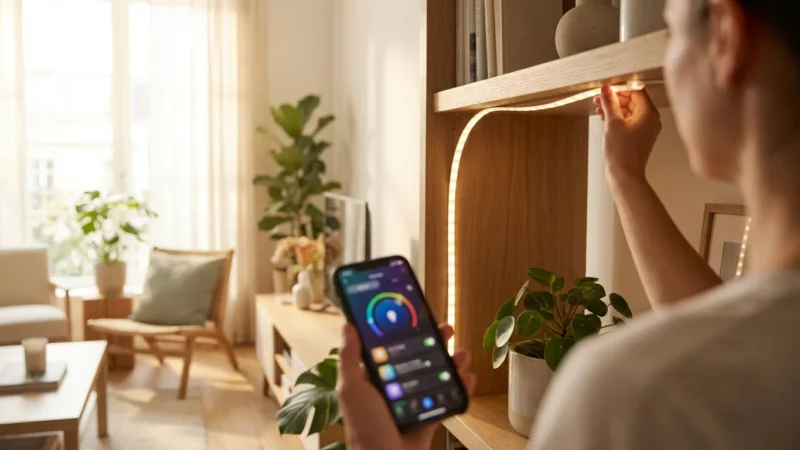
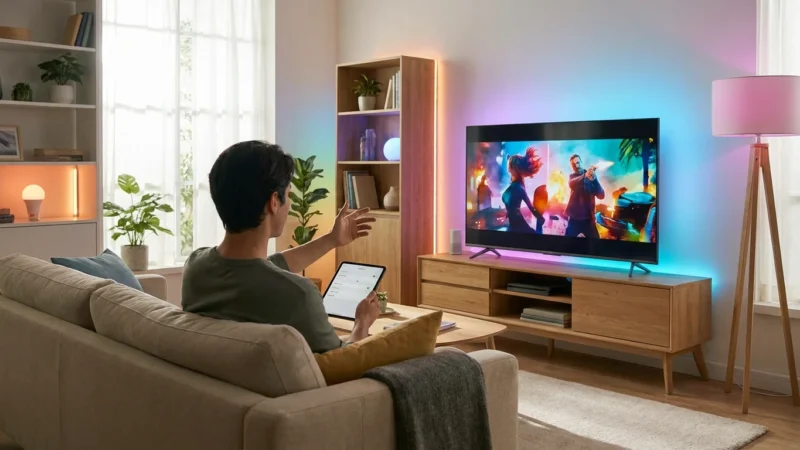
- Light Strips and Accent Lighting: Extend smart lighting beyond traditional bulbs. Light strips hidden under cabinets, behind TVs, or along coves add dynamic ambiance. Use Zigbee strips like those from Hue, or WiFi options like Govee, to create mood lighting or highlight architectural features.
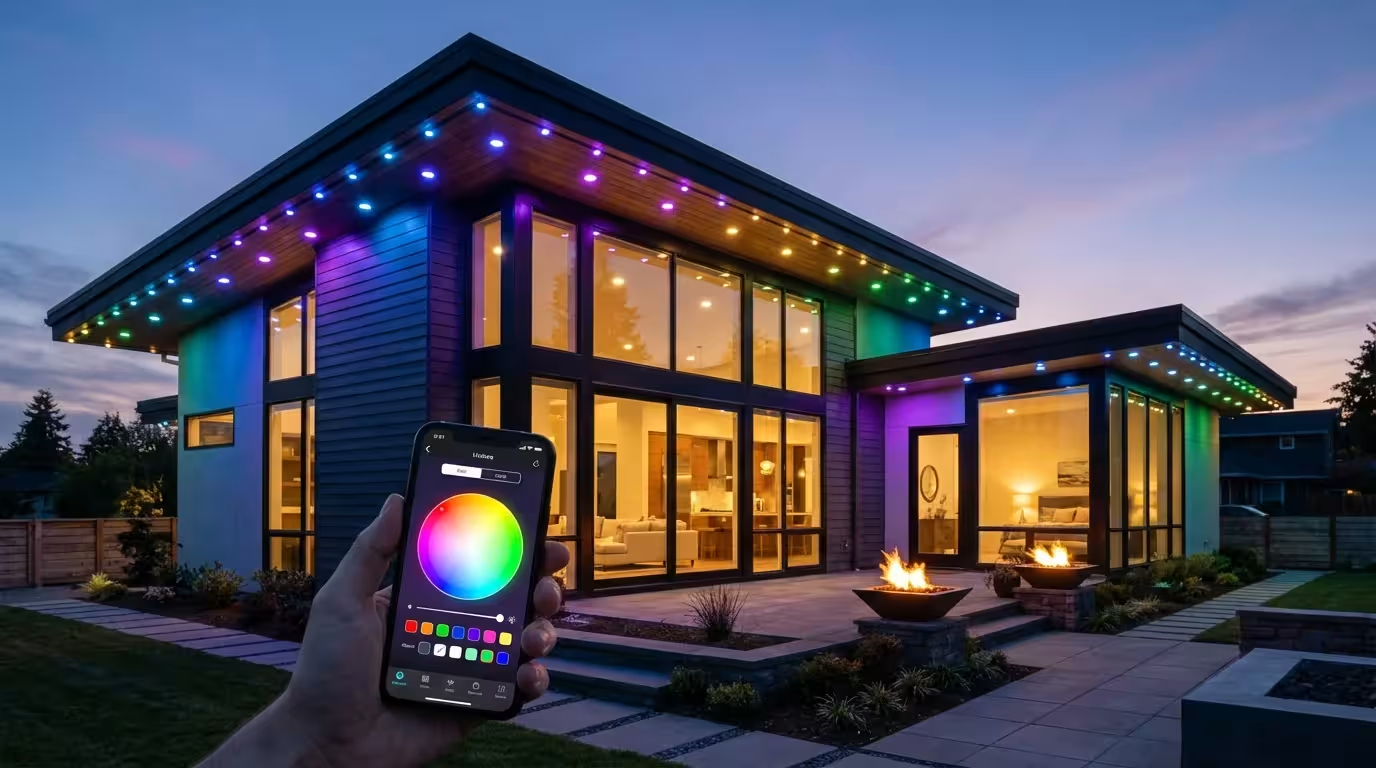
- Outdoor Lighting: Smart landscape lighting enhances curb appeal and security. Automate pathway lights to turn on at sunset or use motion sensors to illuminate your driveway. Ensure outdoor-rated bulbs and fixtures.
- Color Temperature and Circadian Rhythm: Many smart bulbs offer tunable white light, allowing you to adjust from cool, bright white to warm, inviting tones. Automate this to support your natural circadian rhythm: bright, cool light in the mornings for energy, transitioning to warm, dim light in the evenings for relaxation.
Powerful Automations
- Time-Based Scheduling: Program lights to turn on and off automatically. Set your bedroom lights to gently fade on at sunrise, simulating natural light. Have exterior lights illuminate at sunset and turn off at dawn, saving energy and providing security.
- Motion-Activated Lighting: Combine smart bulbs with motion sensors (often Zigbee or Z-Wave) for hands-free illumination. Lights turn on when you enter a room and turn off after a set period of inactivity, perfect for hallways, pantries, or bathrooms.
- Event-Triggered Scenes: Create “scenes” for different activities. A “Movie Night” scene might dim the main lights, turn on accent lighting, and even adjust your smart thermostat. A “Good Morning” scene could brighten lights, start your coffee maker, and play the news.
- Geofencing: Use your phone’s location to trigger actions. Your entryway lights can automatically turn on as you arrive home, welcoming you and ensuring you never walk into a dark house.
According to Wirecutter, smart lighting is one of the most impactful smart home upgrades because “it has an immediate, noticeable effect on your daily life.” Focusing on these practical automations significantly improves your living space.
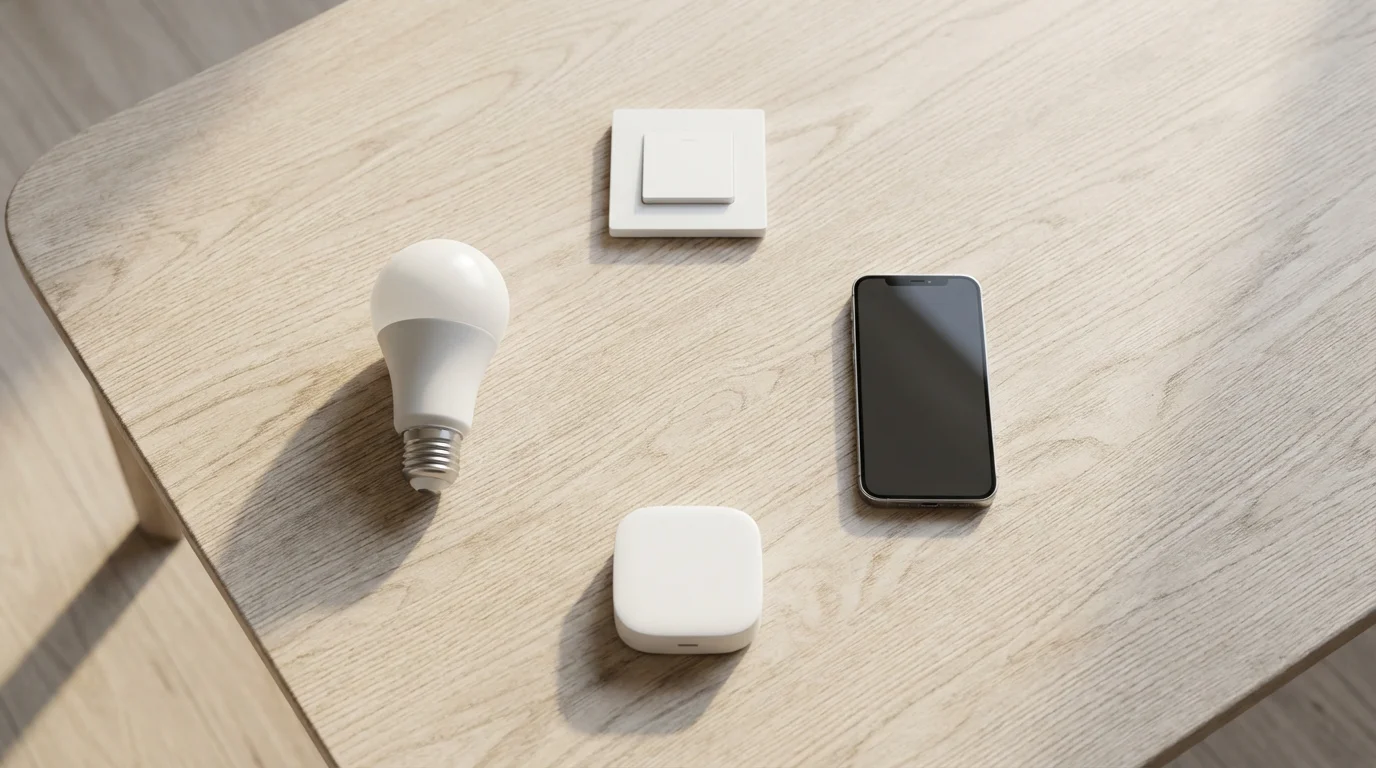
The Future of Smart Lighting: Matter and Interoperability
The smart home industry constantly evolves, and a significant development is the introduction of Matter. Matter is a new, open-source connectivity standard designed to create universal interoperability among smart home devices. It aims to simplify the smart home experience by allowing devices from different brands to communicate seamlessly, regardless of their underlying protocol.
Matter leverages existing technologies like WiFi, Ethernet, and Thread (which often runs on Zigbee hardware). This means a Matter-certified smart bulb could potentially connect to any Matter-certified controller, simplifying your choice and reducing reliance on a single brand’s ecosystem. Many major players, including Apple, Google, Amazon, and Samsung, support Matter, indicating its broad industry acceptance. As the Matter standard gains traction, you will find it even easier to mix and match your preferred smart bulbs and other devices, creating a truly unified smart home experience. While Matter currently uses Thread over 2.4GHz for low-power mesh networks, it will work with WiFi devices as well, aiming to bridge the gaps between various protocols. You can learn more about Matter’s goals at the Matter Smart Home Standard website.
Frequently Asked Questions
Do I always need a hub for smart bulbs?
You do not always need a hub for smart bulbs. WiFi smart bulbs, such as those from Wyze or LIFX, connect directly to your home’s existing WiFi network and are controllable via their respective apps or voice assistants without an additional hub. Zigbee and Z-Wave bulbs, however, require a compatible hub to function.
Can Zigbee and Z-Wave devices work together?
Zigbee and Z-Wave devices do not communicate directly with each other because they operate on different frequencies and protocols. However, you can integrate them into a single smart home system if you use a universal hub that supports both protocols, such as a SmartThings hub or Home Assistant. This hub acts as a translator, allowing you to manage all your Zigbee and Z-Wave devices from one interface.
What is the best protocol for a large house?
For a large house, Zigbee or Z-Wave mesh networks typically offer superior range and reliability compared to WiFi. Both protocols allow devices to extend the network by acting as repeaters, ensuring strong coverage even in distant rooms or across multiple floors. Z-Wave often has an advantage in penetrating walls due to its lower frequency, while Zigbee offers a wide array of bulb options.
Can I mix different brands of smart bulbs?
You can mix different brands of smart bulbs, but seamless integration depends on their underlying protocols and your smart home hub. For instance, you can integrate various Zigbee-compatible bulbs (even from different manufacturers) into a single Zigbee hub. Similarly, different WiFi bulb brands can coexist on your network and often integrate with the same voice assistants. The key is to ensure compatibility with your central control system.
Disclaimer: This article is for informational purposes only. Smart home devices involve electrical connections and data privacy. Always follow manufacturer instructions for installation. For complex wiring or HVAC work, consult a licensed professional.



Leave a Reply